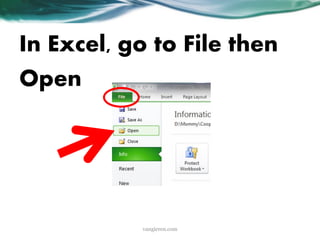
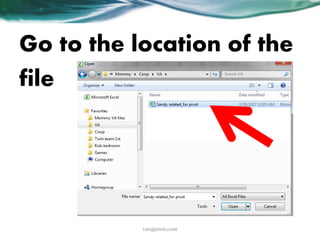
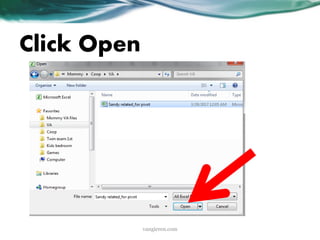
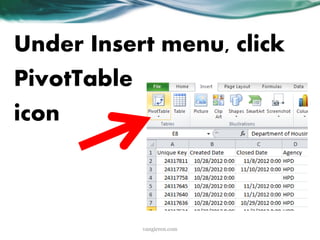
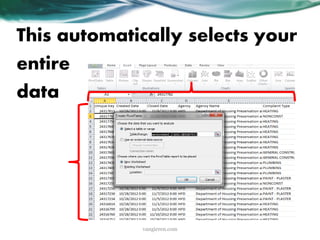
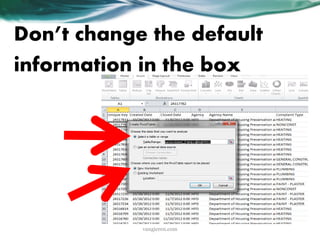
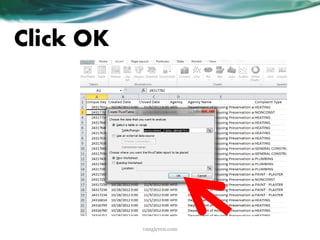
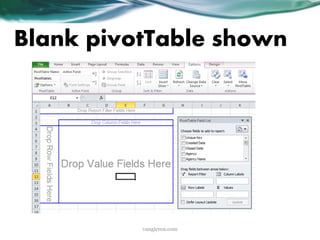
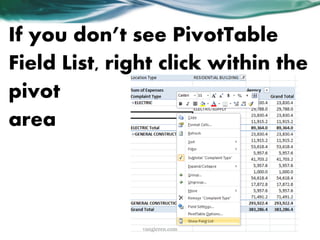
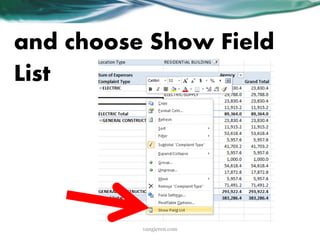
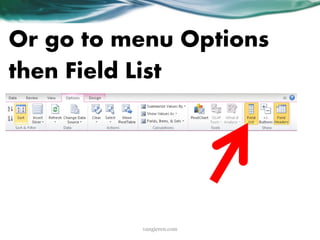
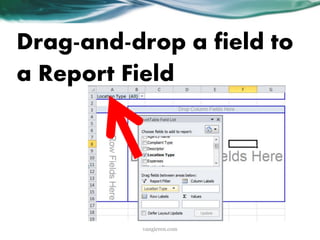
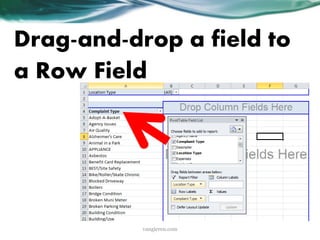
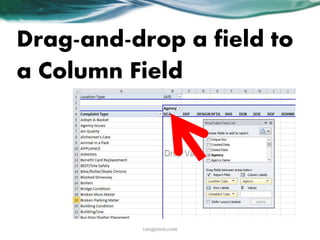
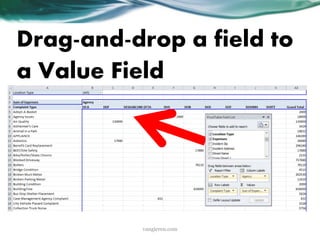
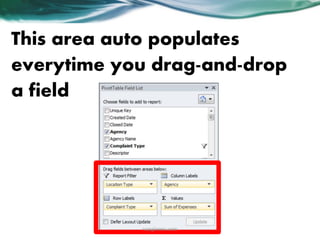
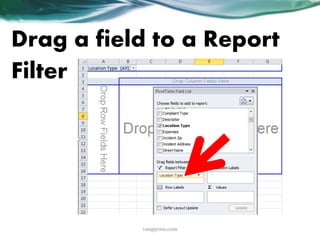
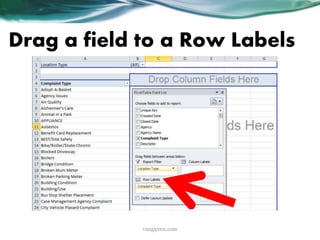
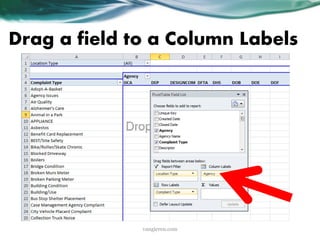
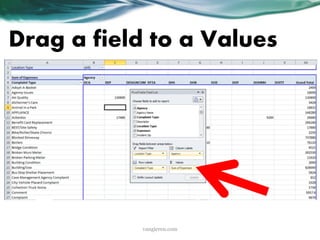
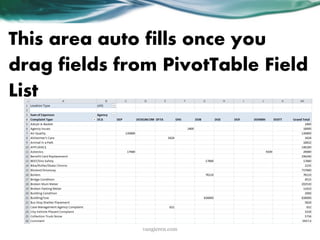
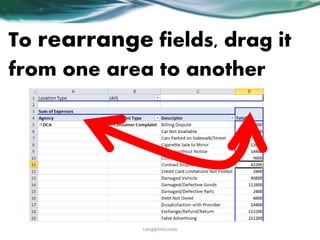
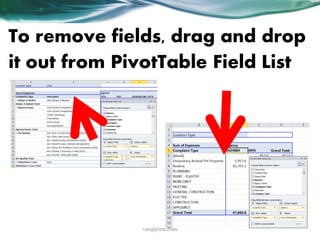
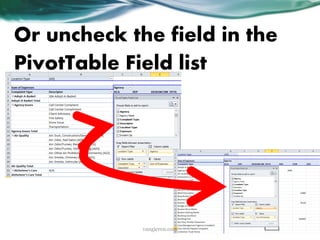
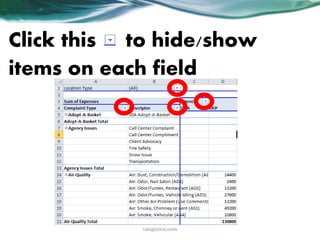
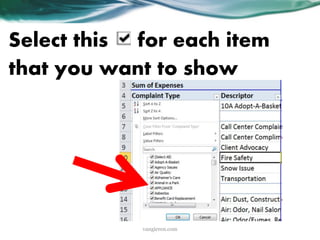
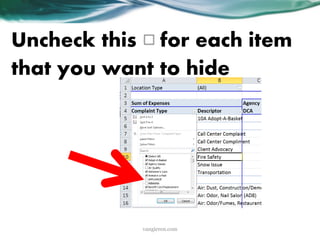
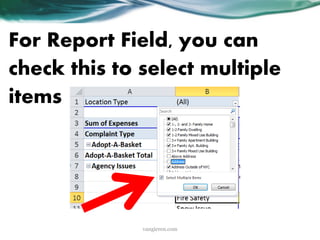
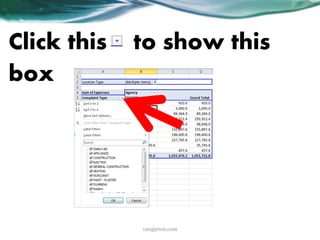
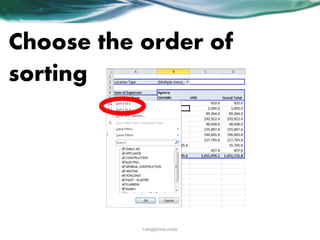
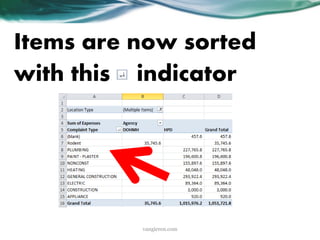
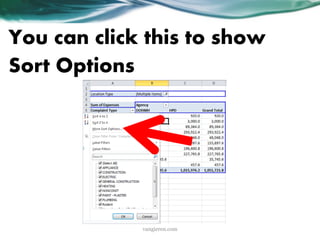
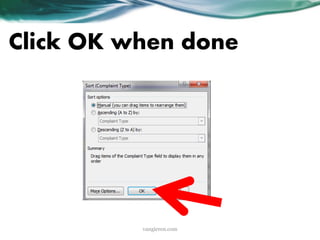
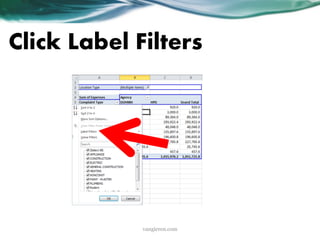
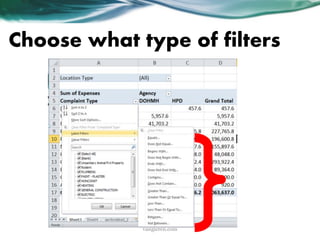
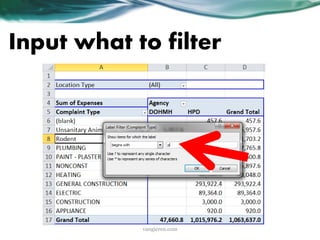
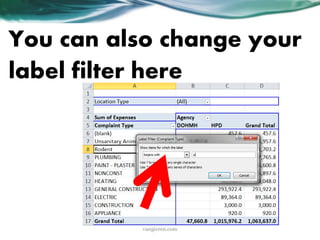
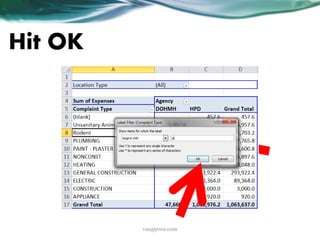
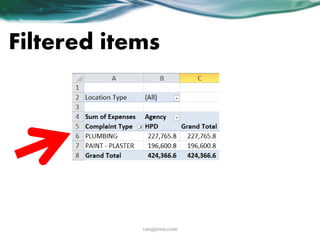
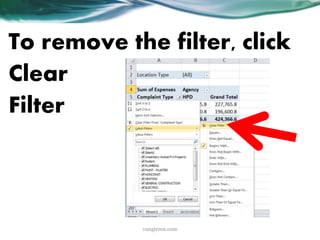
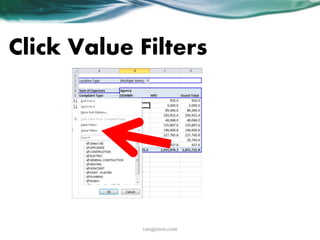
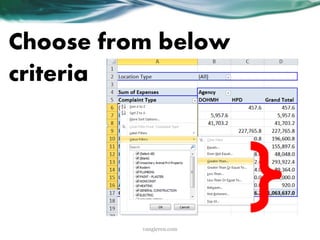
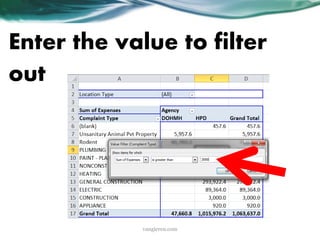
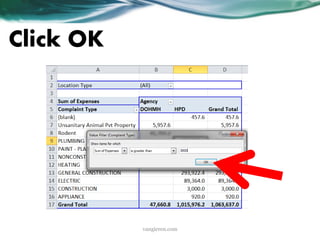
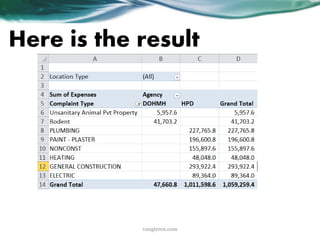
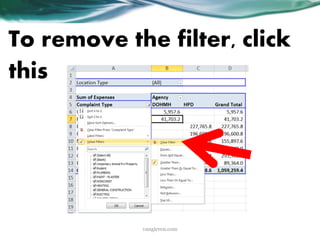
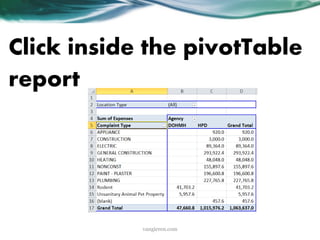
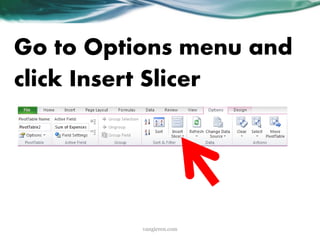
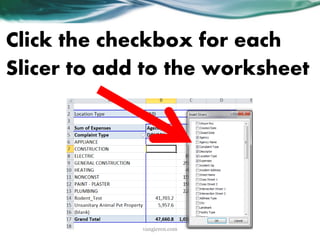
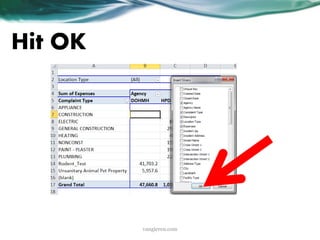
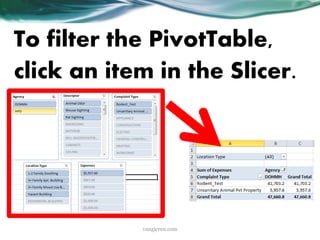
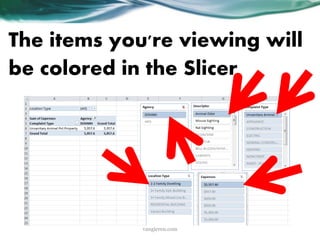
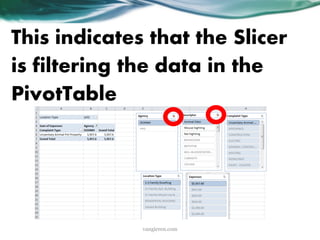
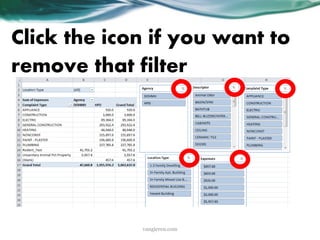
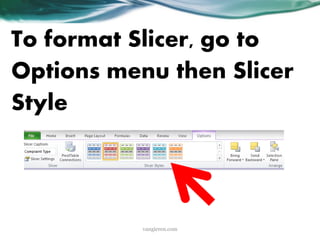
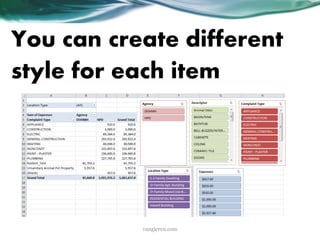
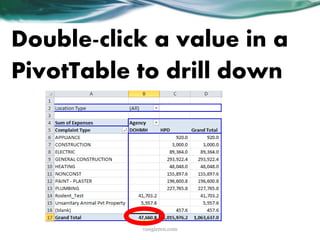
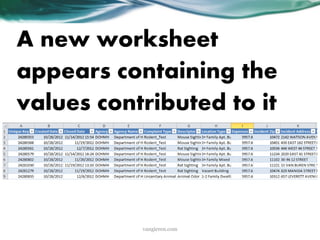
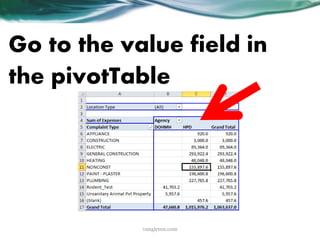
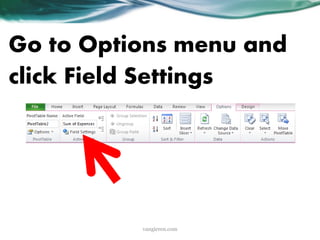
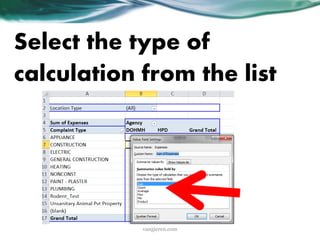
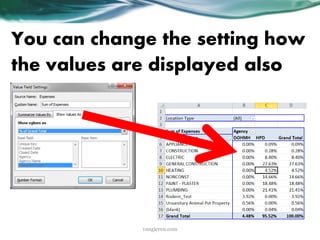
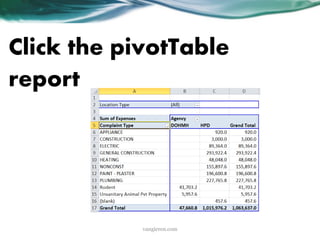
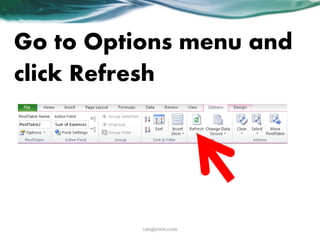
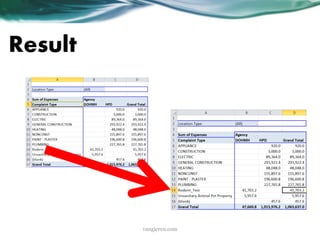
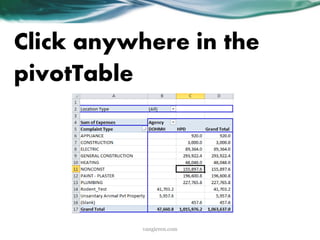
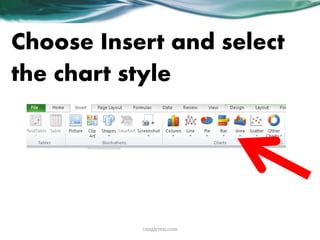
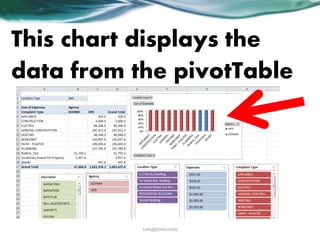
This document provides a tutorial on how to create, interpret, and use PivotTables in Microsoft Excel 2010. It explains what a PivotTable is, how to create one from existing data, how to layout and format a PivotTable by adding fields, filtering and sorting data, and how to create a PivotChart based on a PivotTable to visualize the data. The tutorial also covers refreshing PivotTables when the source data changes and using features like slicers, drill down, and different calculation types.