Educating teachers in the use of  ePortfolios for student assessment By Tanya R and Samantha S
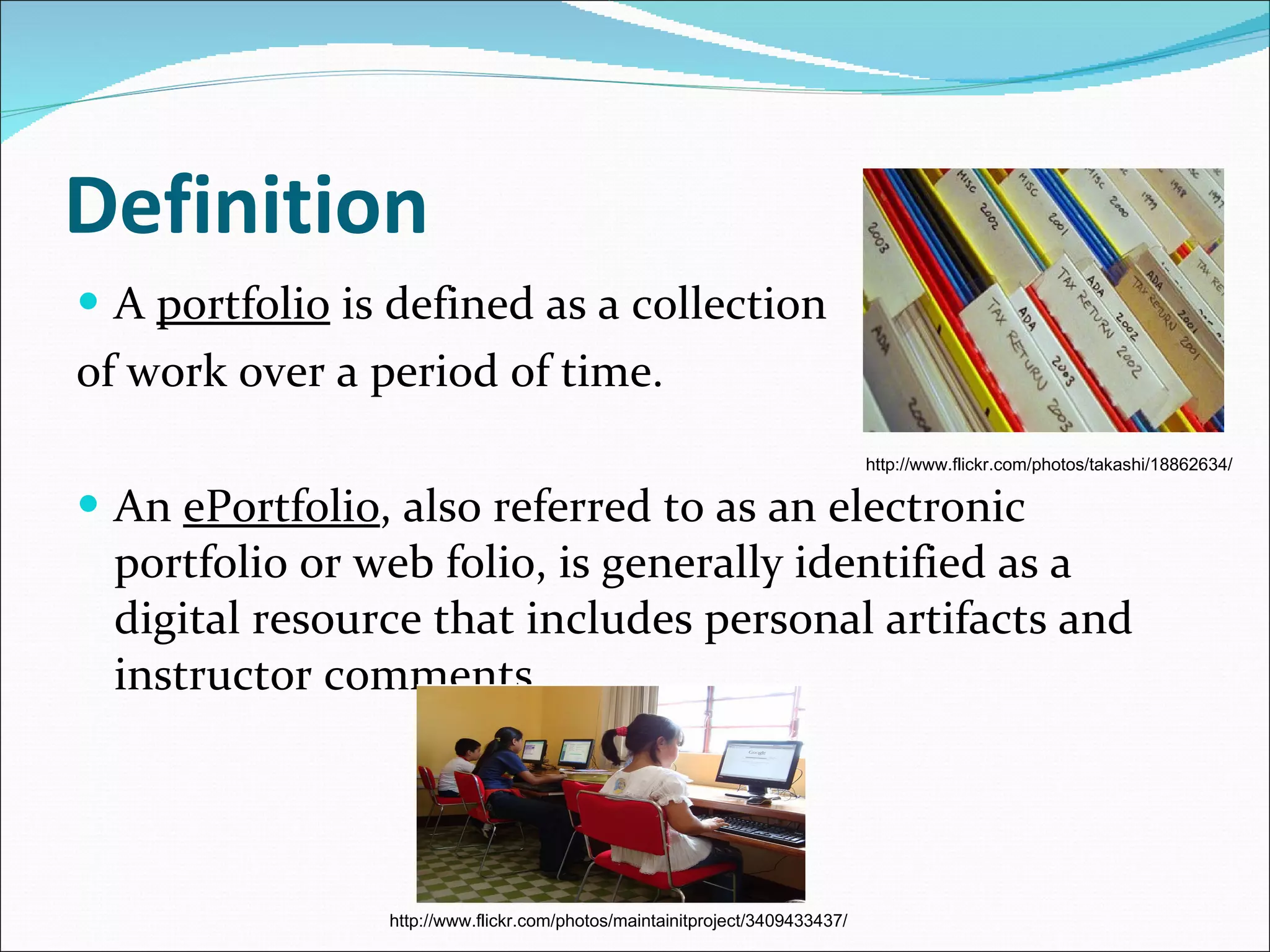
Definition A  portfolio  is defined as a collection  of work over a period of time.  An  ePortfolio , also referred to as an electronic portfolio or web folio, is  generally identified as a digital resource that includes personal artifacts and instructor comments.  http://www.flickr.com/photos/takashi/18862634/ http://www.flickr.com/photos/maintainitproject/3409433437/
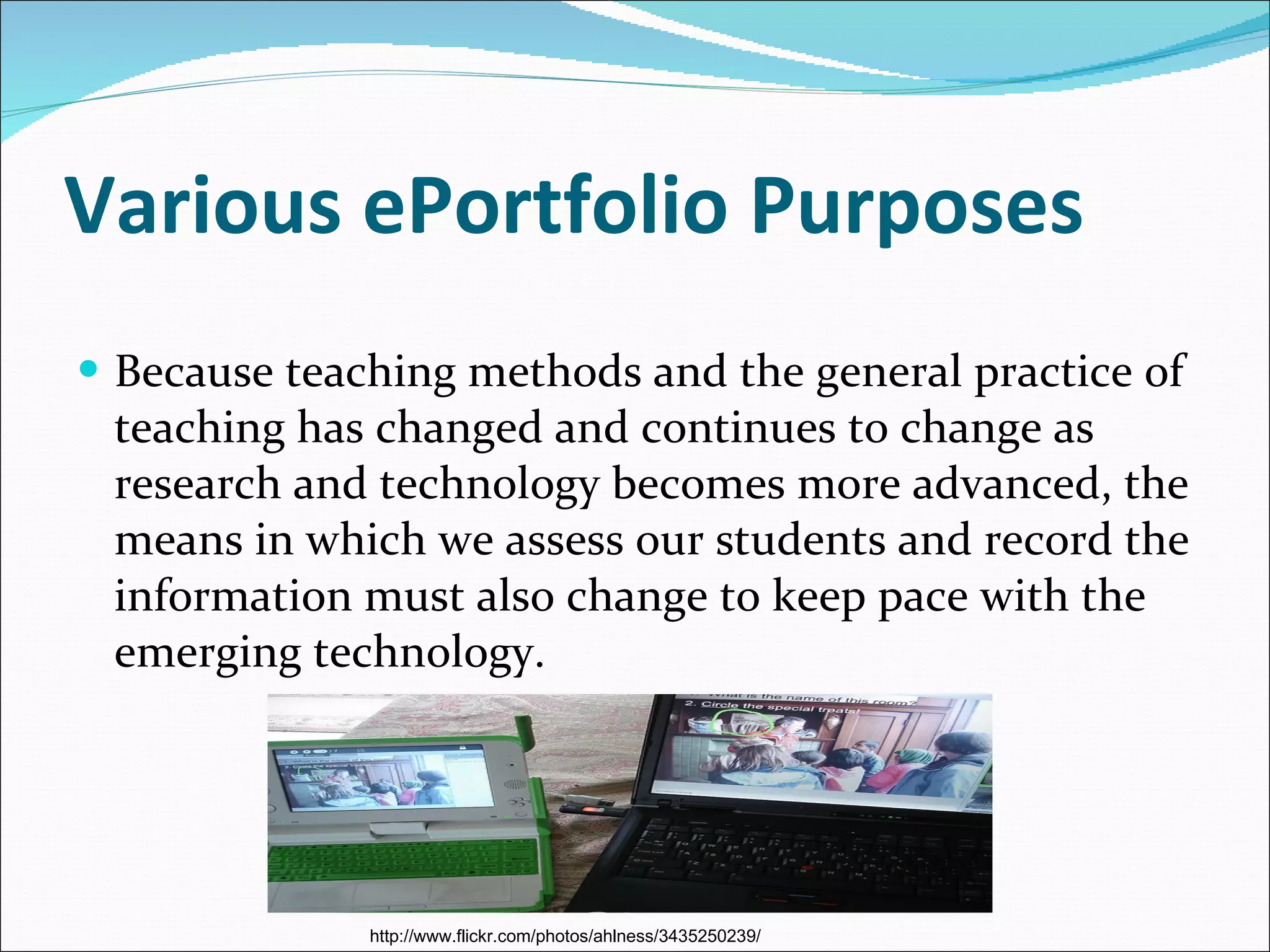
Various ePortfolio Purposes Because teaching methods and the general practice of teaching has changed and continues to change as research and technology becomes more advanced, the means in which we assess our students and record the information must also change to keep pace with the emerging technology. http://www.flickr.com/photos/ahlness/3435250239/
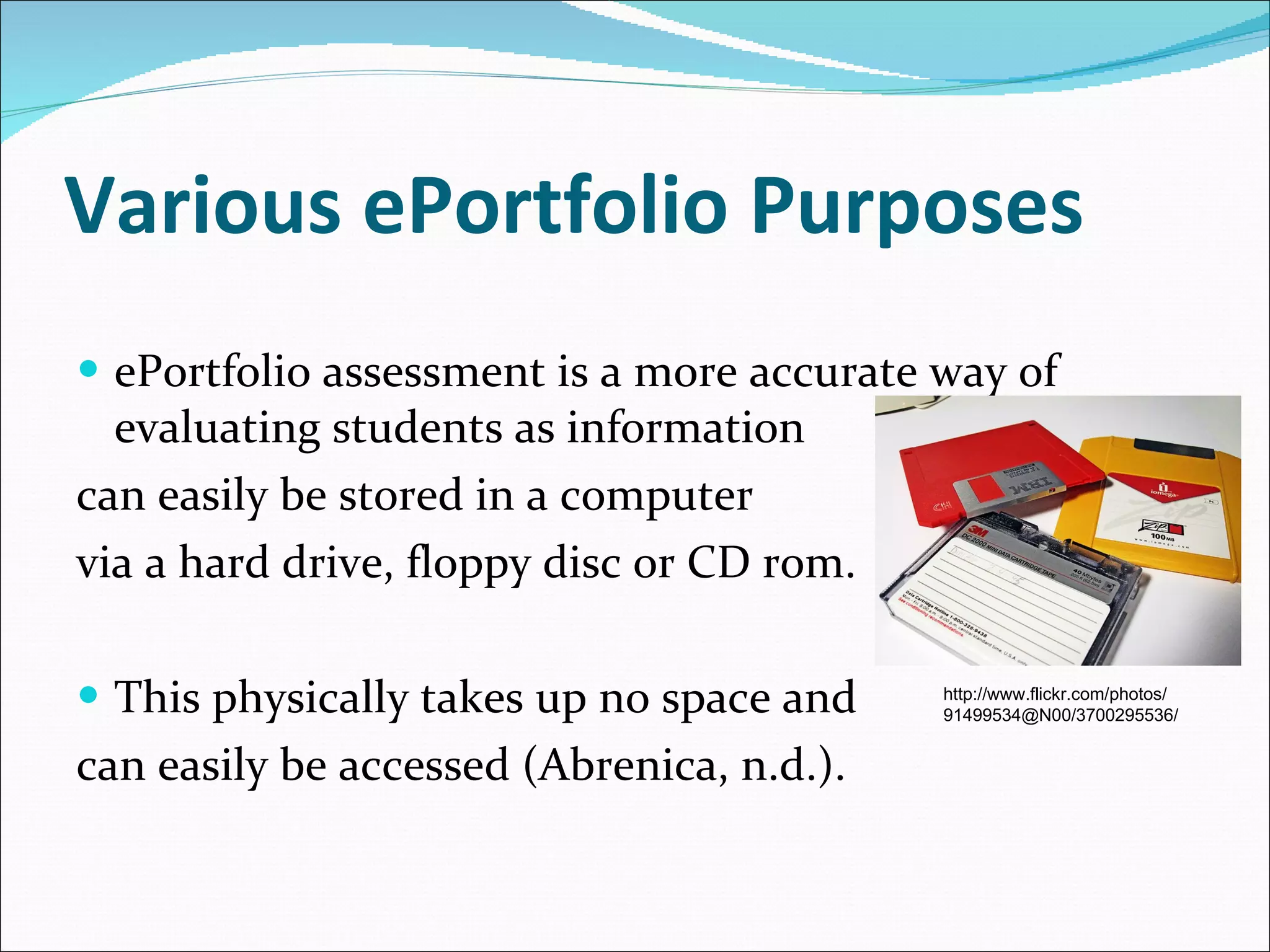
Various ePortfolio Purposes ePortfolio assessment is a more accurate way of evaluating students as information  can easily be stored in a computer  via a hard drive, floppy disc or CD rom.  This physically takes up no space and  can easily be accessed (Abrenica, n.d.). http://www.flickr.com/photos/ 91499534@N00/3700295536/
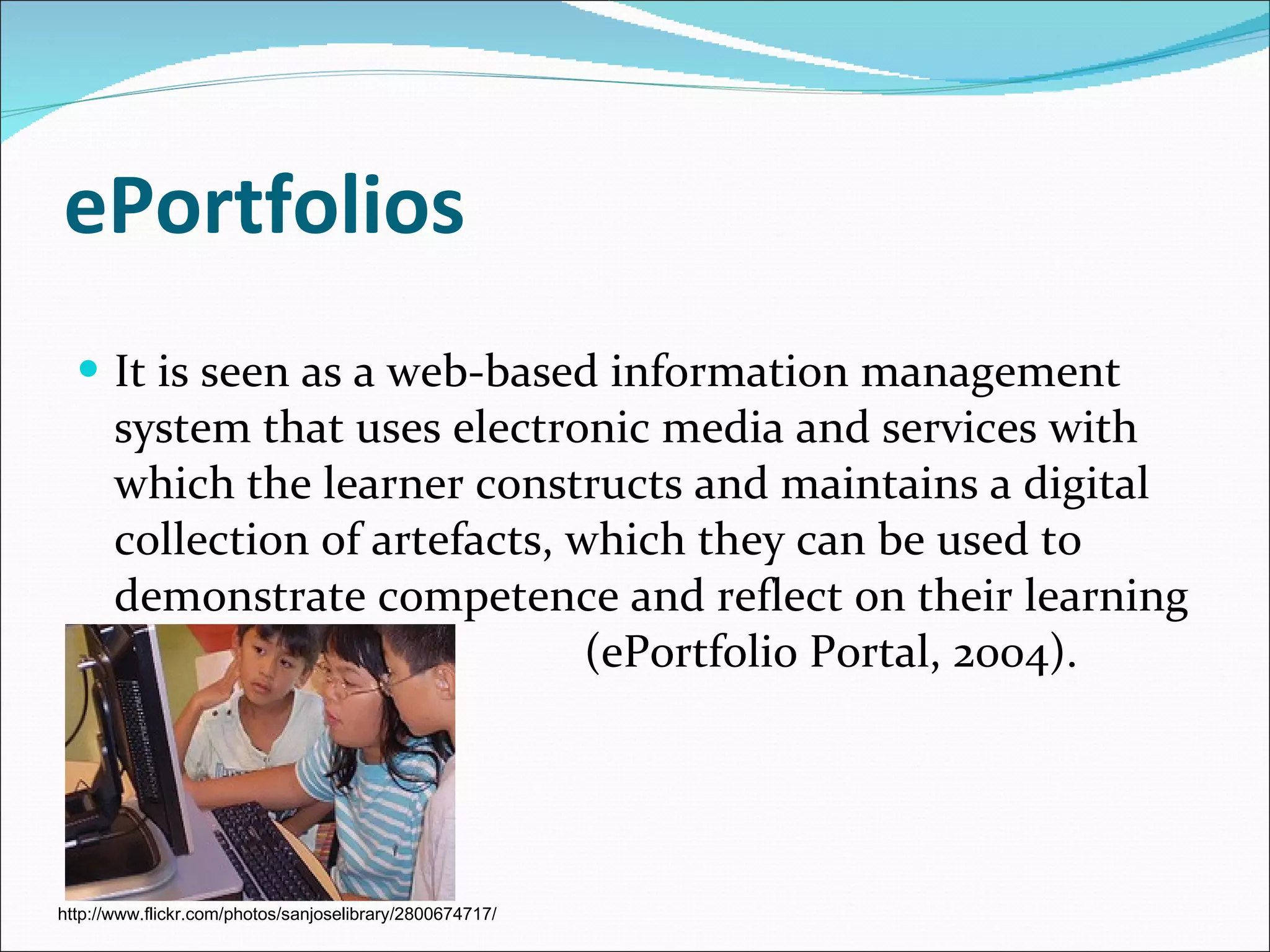
ePortfolios It is seen as a web-based information management system that uses electronic media and services with which the learner constructs and maintains a digital collection of artefacts, which they can be used to demonstrate competence and reflect on their learning  (ePortfolio Portal, 2004). http://www.flickr.com/photos/sanjoselibrary/2800674717/
ePortfolios Most ePortfolios allow for flexibility so that the teacher can measure a specific skill or concept.  Kaye Burke (1999) suggests  portfolio assessment has a focus on growth and development over time, implemented through selection, reflection and inspection of class work, along with goal-setting and self-evaluation.
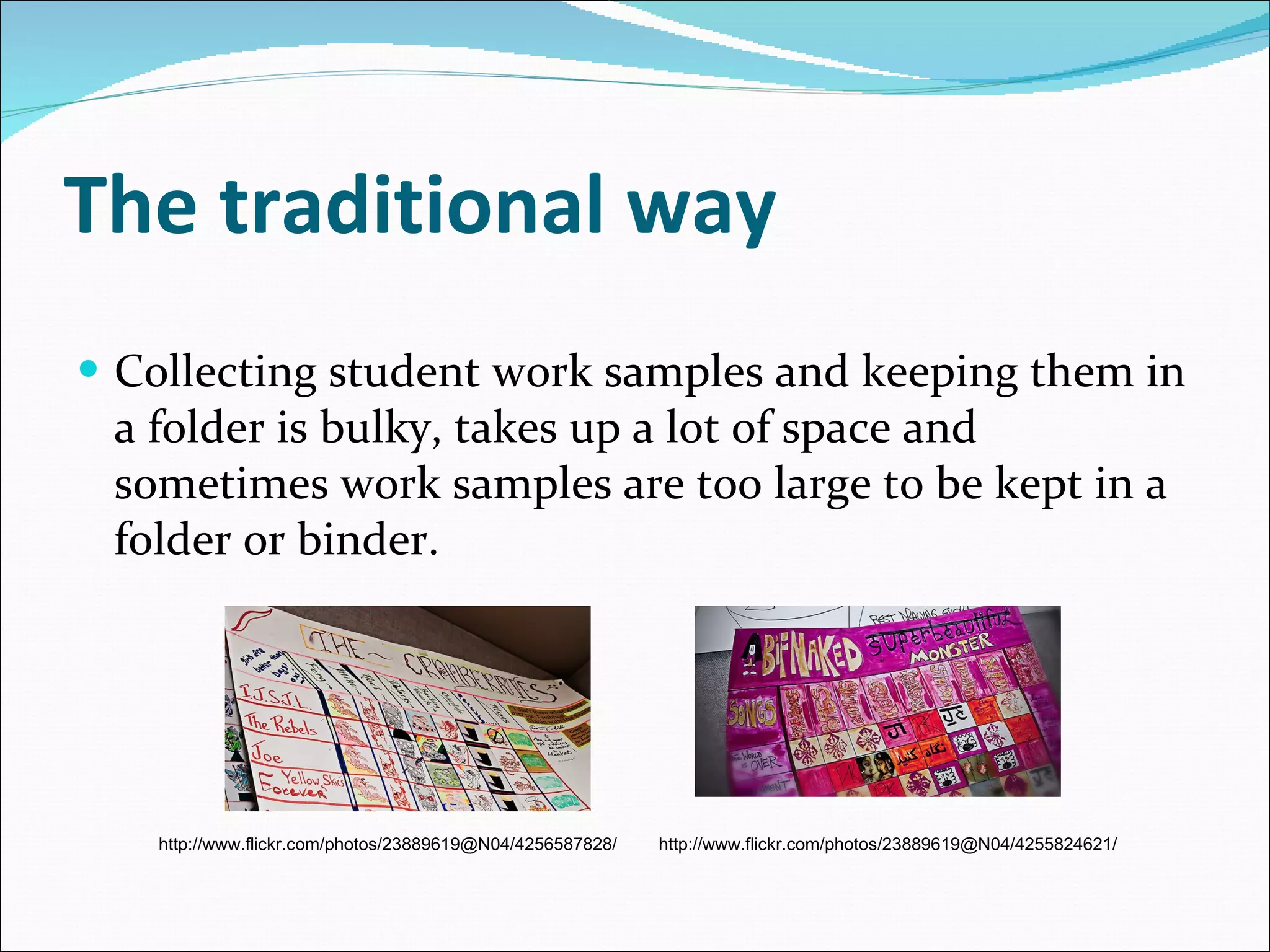
The traditional way Collecting student work samples and keeping them in a folder is bulky, takes up a lot of space and sometimes work samples are too large to be kept in a folder or binder. http://www.flickr.com/photos/23889619@N04/4256587828/ http://www.flickr.com/photos/23889619@N04/4255824621/
The modern way However ePortfolios can hold a lot of information as pictures, art work and writing samples can be scanned into the portfolio and saved, becoming easily accessible when needed.  Collaborative student work can also be included in each participating student’s portfolio; this could not be done using the traditional form of portfolio assessment (Abrenica, n.d.).
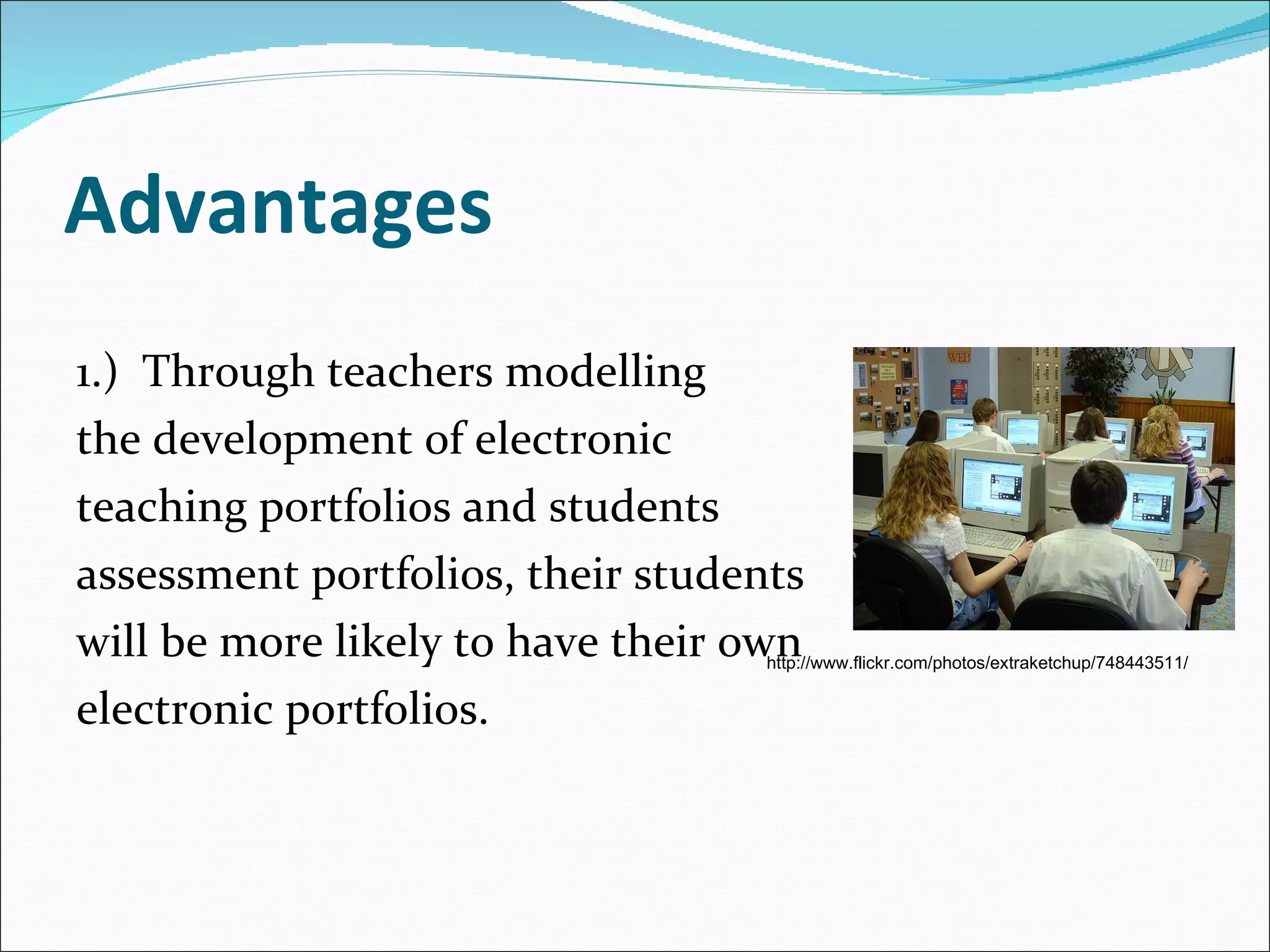
Advantages 1.)  Through teachers modelling  the development of electronic  teaching portfolios and students  assessment portfolios, their students  will be more likely to have their own  electronic portfolios. http://www.flickr.com/photos/extraketchup/748443511/
Advantages 2.) Aids students’ self- assessment: through the use of  ePortfolios students are able to self evaluate and reflect on their work throughout the year. Thus assisting learners in making connections between learning experiences (this may include formal and informal learning).
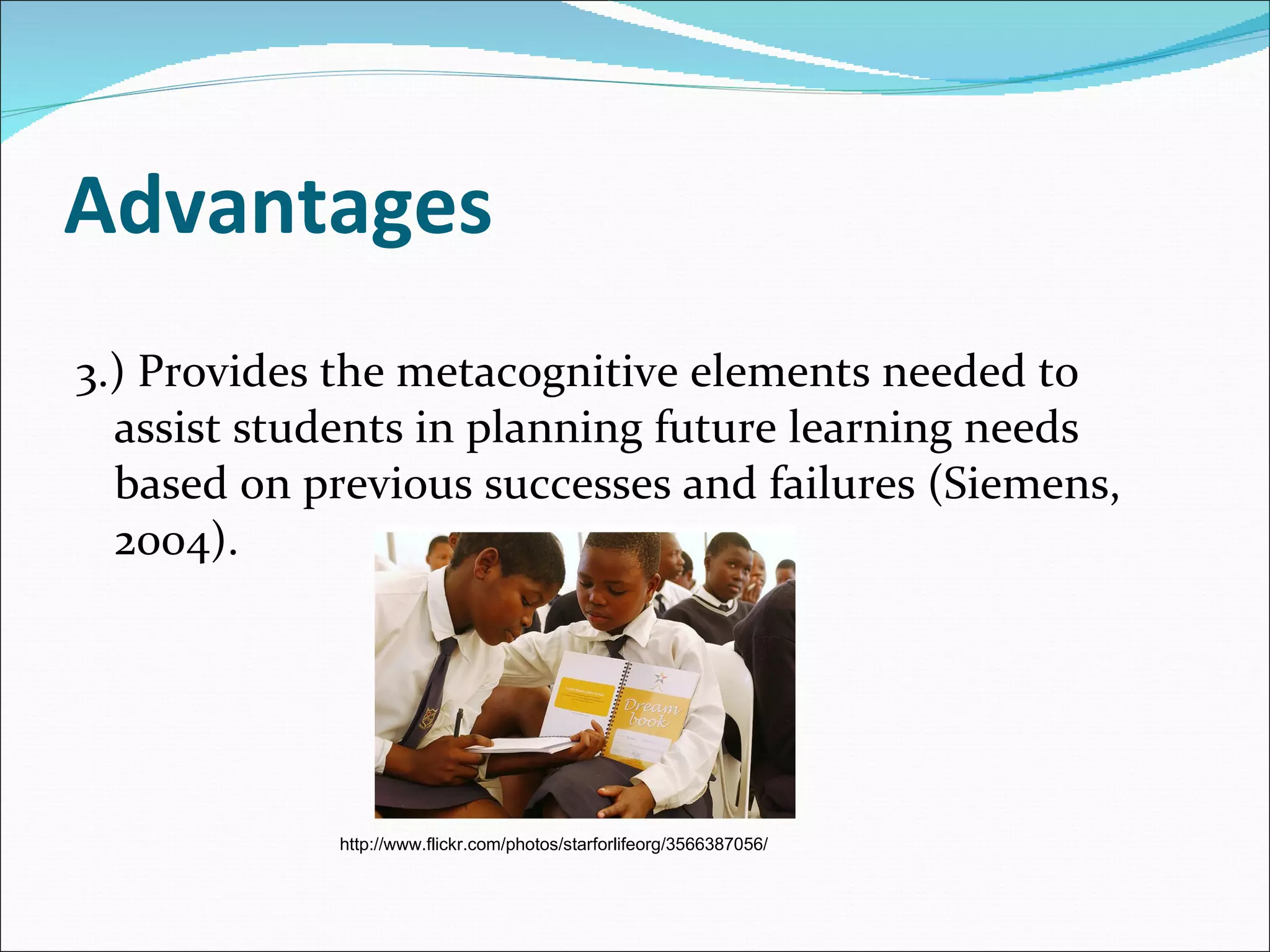
Advantages 3.) Provides the metacognitive elements needed to assist students in planning future learning needs based on previous successes and failures ( Siemens, 2004). http://www.flickr.com/photos/starforlifeorg/3566387056/
Advantages 4.) Enables teachers to track student development and growth over time by easily accessing their ePortfolios anywhere and at any time. http://www.flickr.com/photos/pinksherbet/1482848501/
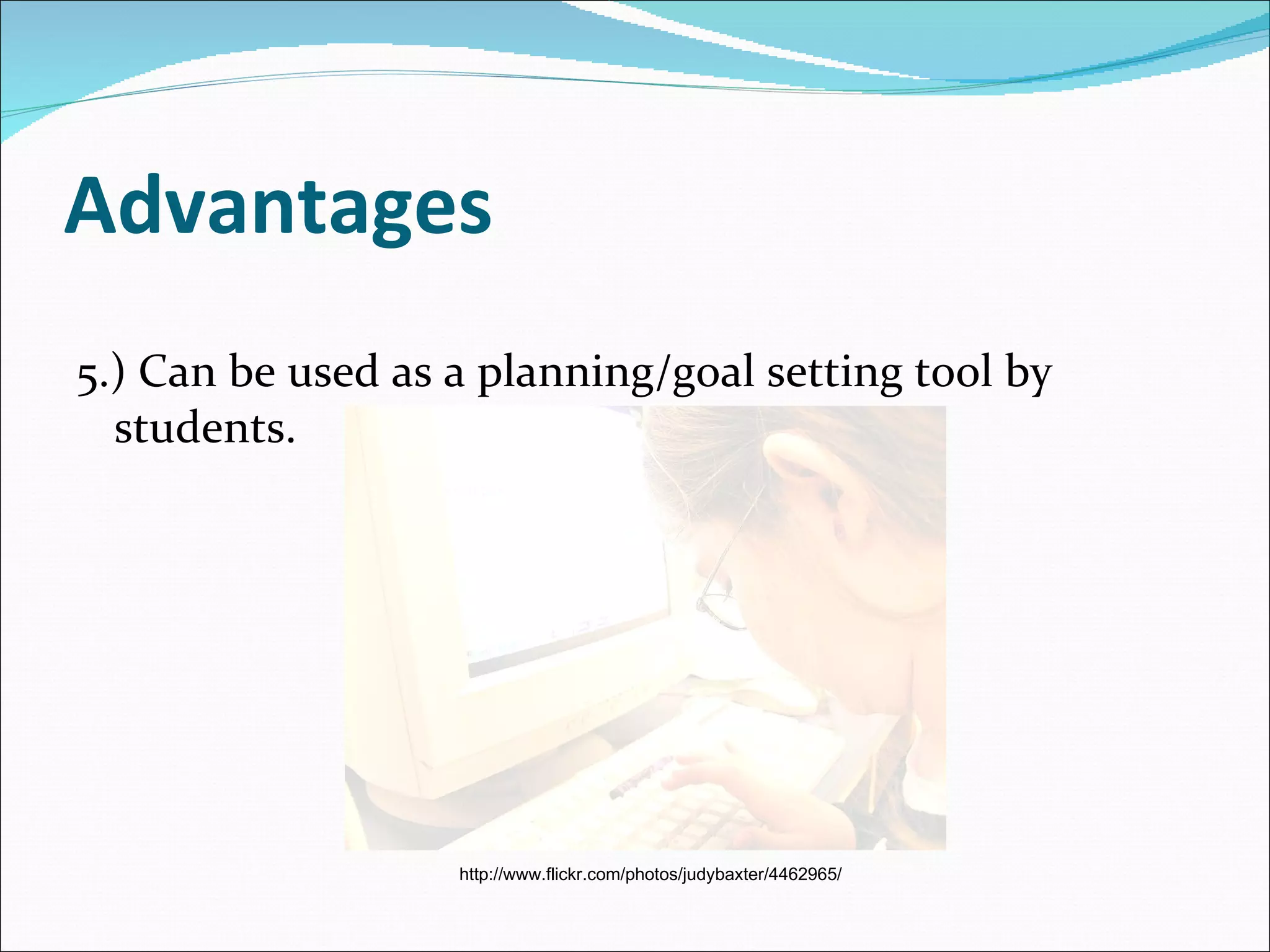
Advantages 5.) Can be used as a planning/goal setting tool by students. http://www.flickr.com/photos/judybaxter/4462965/
Advantages 6.) Flexibility: for different occasions the ePortfolio can easily by adapted or modified in regard to the specific goal (D’Haese, 2005).
Advantages 7.) Creating an ePortfolio can develop teachers' as well as students' multimedia development skills.  Multimedia project development  usually includes the following steps (Ivers & Barron, 1998): Decide/Assess  - determining needs, goals, audience for the presentation Design/Plan  - determining content, sequence of the presentation Develop  - Gather and organise multimedia materials to include in the presentation Implement  - Give the presentation Evaluate  - Evaluate the presentation's effectiveness
Advantages from  Helen Barrett’s Research (2000) It has been suggested that each stage of the portfolio development process contributes to teachers' professional development and students' lifelong learning: Collection  - teachers and students learn to save artefacts that represent the successes and growth opportunities in their day-to-day teaching and learning
Advantages from Helen Barrett’s Research (2000) continued... Selection  - teachers and students review and evaluate the artefacts they have saved, and identify those that demonstrate achievement of specific standards (this is where most electronic portfolios stop) Reflection  - teachers and students become reflective practitioners, evaluating their own growth over time and their achievement of the standards, as well as the gaps in their development
Advantages from Helen Barrett’s Research (2000) continued... Projection  - teachers and students compare their reflections to the standards and performance indicators, and set learning goals for the future. This is the stage that turns portfolio development into professional development and supports lifelong learning. Presentation  - teachers and students share their portfolios with their peers. This is the stage where appropriate "public" commitments can be made to encourage collaboration and commitment to professional development and lifelong learning.
Disadvantages Not every student and teacher will have the basic ICT skills needed to create, use and maintain an ePortfolio for assessment purposes. A large amount of a teacher’s time is consumed by planning, organising, and grading each portfolio. Penelope Valdez (2001) states that she often finds herself spending as much as ten minutes grading each portfolio entry and writing comments on how the students can improve their entries.
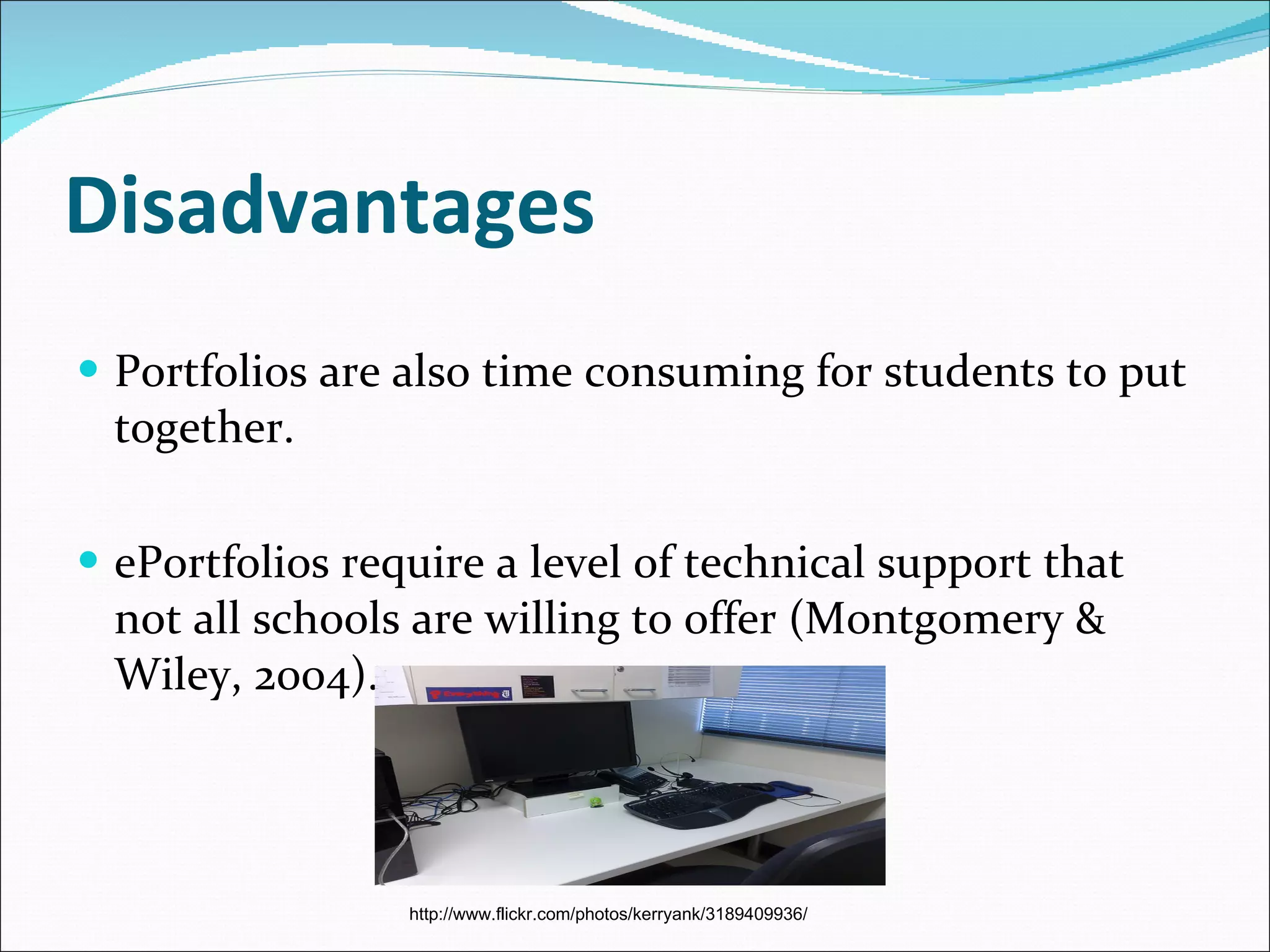
Disadvantages Portfolios are also time consuming for students to put together. ePortfolios require a level of technical support that not all schools are willing to offer ( Montgomery & Wiley, 2004). http://www.flickr.com/photos/kerryank/3189409936/
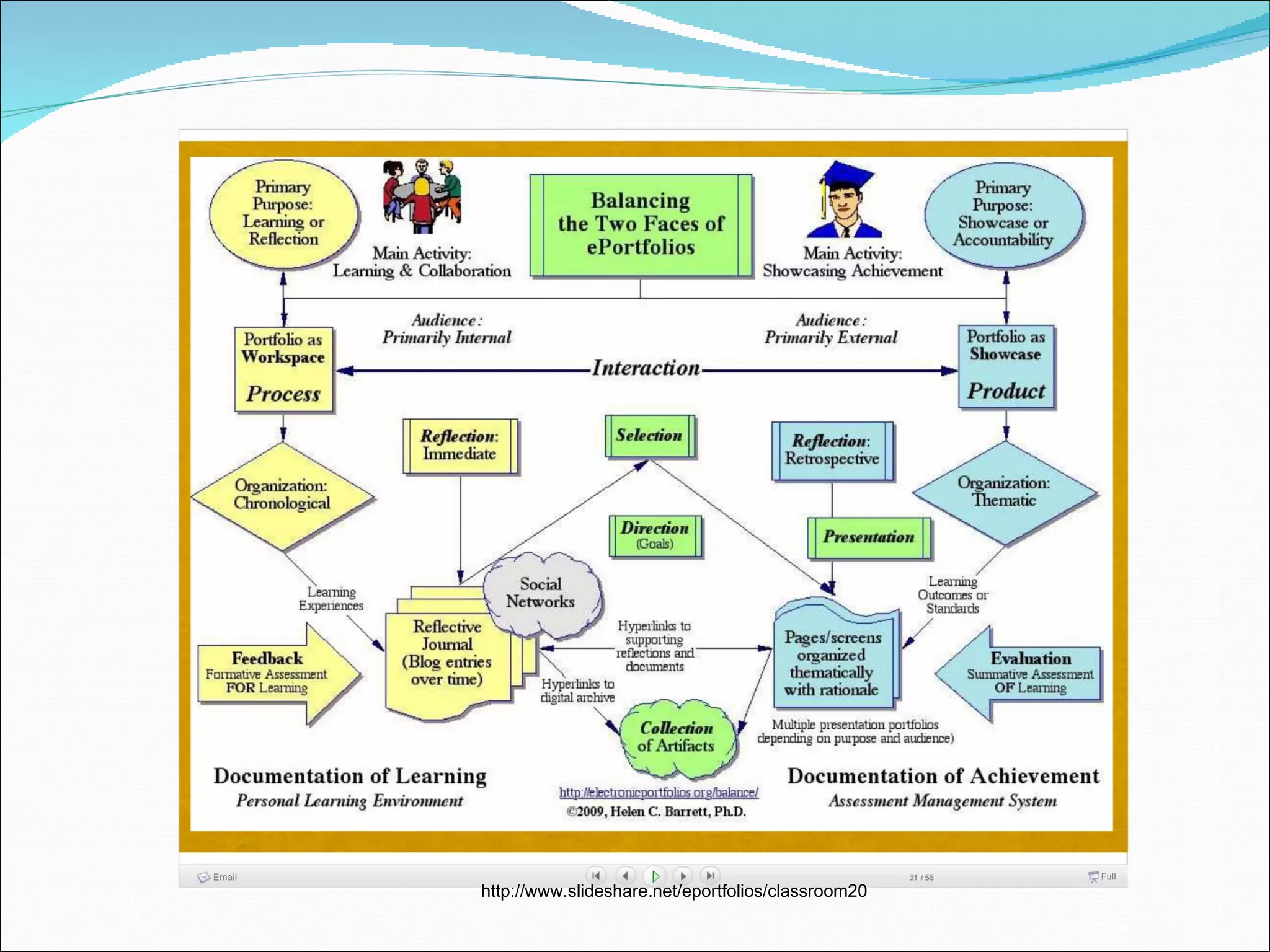
http://www.slideshare.net/eportfolios/classroom20
Options for portfolio development Burke, Fogarty & Belgrad (1994) have identified ten options for portfolio development: 1.  PROJECT  purposes and uses 2.  COLLECT  and organise 3.  SELECT  valued artefacts 4.  INTERJECT  personality 5.  REFLECT  metacognitively 6.  INSPECT  and self-assess goals 7.  PERFECT , evaluate, and grade (if you must) 8.  CONNECT  and conference 9.  INJECT AND EJECT  to update 10 .  RESPECT  accomplishments and show pride
Useful Websites www. electronicportfolios.com  This website is created by the ePortfolio guru Dr Helen Barrett. Includes blogs and great resources.   http://eduscapes.com/tap/topic82.htm  This website is a professional development resource for educators and librarians. Has links to articles and provides links to peoples ePortfolios. http://www.educause.edu/Resources/EPortfolioforAssessmentStudent/162287  This article offers perspectives from several campuses concerning ePortfolios for assessment.  http://www.elearnspace.org/Articles/eportfolios.htm  A website on the benefits on  ePortfolios, the trends, issues and examples of what tools you could use to present ePortfolios http://www.teachers.ash.org.au/jmresources/ePortfolio.htm  Offers great examples of  ePortfolios as well as articles on them. http://www.edna.edu.au/edna/go/preservice/hot_topics/pid/881  This provides a large array of links for Preservice teachers on ePortfolios.
References Abrenica, Y. (n.d).  Electronic Portfolios.  Retrieved September 20, 2010, from:  http://edweb.sdsu.edu/courses/edtec596r/students/Abrenica/Abrenica.html   Barrett, Helen (2000). Create Your Own Electronic Portfolio.  Learning & Leading with  Technology.  Vol. 27, No. 7, pp. 14-21 Burke, K., Fogarty, R., & Belgrad, S. (1994).  The Mindful School: The Portfolio Connection . Palatine: IRI/Skylight Training & Publishing.   Burke, K. (1999).  How to Assess Authentic Learning . Arlington Heights, IL: Skylight Professional Development.   D’haese, I., & Valcke, M. (2005).  Digitaal leren . pp. 137-165  ePortfolio portal (2004).  What is an ePortfolio.  Retrieved September 20, 2010, from:  http://www.danwilton.com/eportfolios/   Ivers, K., & Barron, A. E. (1998) Multimedia projects in education. Englewood, CO: Libraries Unlimited, Inc. Montgomery, K., & Wiley, A. D. (2004)  Creating e-portfolios using PowerPoint: a guide for educators , Volume 1. Sage Publications, Thousand Oaks; California.   Siemens, G. (2004). ePortfolios. Retrieved September 20, 2010, from:  http://www.elearnspace.org/Articles/eportfolios.htm Valdez, P.S. (2001).  Alternative Assessment . Retrieved September 20, 2010, from:   http://www.nsta.org/main/news/pdf/tst0111_41.pdf

ePortfolio for student assessment

  • 1.
    Educating teachers inthe use of ePortfolios for student assessment By Tanya R and Samantha S
  • 2.
    Definition A portfolio is defined as a collection of work over a period of time. An ePortfolio , also referred to as an electronic portfolio or web folio, is generally identified as a digital resource that includes personal artifacts and instructor comments. http://www.flickr.com/photos/takashi/18862634/ http://www.flickr.com/photos/maintainitproject/3409433437/
  • 3.
    Various ePortfolio PurposesBecause teaching methods and the general practice of teaching has changed and continues to change as research and technology becomes more advanced, the means in which we assess our students and record the information must also change to keep pace with the emerging technology. http://www.flickr.com/photos/ahlness/3435250239/
  • 4.
    Various ePortfolio PurposesePortfolio assessment is a more accurate way of evaluating students as information can easily be stored in a computer via a hard drive, floppy disc or CD rom. This physically takes up no space and can easily be accessed (Abrenica, n.d.). http://www.flickr.com/photos/ 91499534@N00/3700295536/
  • 5.
    ePortfolios It isseen as a web-based information management system that uses electronic media and services with which the learner constructs and maintains a digital collection of artefacts, which they can be used to demonstrate competence and reflect on their learning (ePortfolio Portal, 2004). http://www.flickr.com/photos/sanjoselibrary/2800674717/
  • 6.
    ePortfolios Most ePortfoliosallow for flexibility so that the teacher can measure a specific skill or concept. Kaye Burke (1999) suggests portfolio assessment has a focus on growth and development over time, implemented through selection, reflection and inspection of class work, along with goal-setting and self-evaluation.
  • 7.
    The traditional wayCollecting student work samples and keeping them in a folder is bulky, takes up a lot of space and sometimes work samples are too large to be kept in a folder or binder. http://www.flickr.com/photos/23889619@N04/4256587828/ http://www.flickr.com/photos/23889619@N04/4255824621/
  • 8.
    The modern wayHowever ePortfolios can hold a lot of information as pictures, art work and writing samples can be scanned into the portfolio and saved, becoming easily accessible when needed. Collaborative student work can also be included in each participating student’s portfolio; this could not be done using the traditional form of portfolio assessment (Abrenica, n.d.).
  • 9.
    Advantages 1.) Through teachers modelling the development of electronic teaching portfolios and students assessment portfolios, their students will be more likely to have their own electronic portfolios. http://www.flickr.com/photos/extraketchup/748443511/
  • 10.
    Advantages 2.) Aidsstudents’ self- assessment: through the use of ePortfolios students are able to self evaluate and reflect on their work throughout the year. Thus assisting learners in making connections between learning experiences (this may include formal and informal learning).
  • 11.
    Advantages 3.) Providesthe metacognitive elements needed to assist students in planning future learning needs based on previous successes and failures ( Siemens, 2004). http://www.flickr.com/photos/starforlifeorg/3566387056/
  • 12.
    Advantages 4.) Enablesteachers to track student development and growth over time by easily accessing their ePortfolios anywhere and at any time. http://www.flickr.com/photos/pinksherbet/1482848501/
  • 13.
    Advantages 5.) Canbe used as a planning/goal setting tool by students. http://www.flickr.com/photos/judybaxter/4462965/
  • 14.
    Advantages 6.) Flexibility:for different occasions the ePortfolio can easily by adapted or modified in regard to the specific goal (D’Haese, 2005).
  • 15.
    Advantages 7.) Creatingan ePortfolio can develop teachers' as well as students' multimedia development skills. Multimedia project development usually includes the following steps (Ivers & Barron, 1998): Decide/Assess - determining needs, goals, audience for the presentation Design/Plan - determining content, sequence of the presentation Develop - Gather and organise multimedia materials to include in the presentation Implement - Give the presentation Evaluate - Evaluate the presentation's effectiveness
  • 16.
    Advantages from Helen Barrett’s Research (2000) It has been suggested that each stage of the portfolio development process contributes to teachers' professional development and students' lifelong learning: Collection - teachers and students learn to save artefacts that represent the successes and growth opportunities in their day-to-day teaching and learning
  • 17.
    Advantages from HelenBarrett’s Research (2000) continued... Selection - teachers and students review and evaluate the artefacts they have saved, and identify those that demonstrate achievement of specific standards (this is where most electronic portfolios stop) Reflection - teachers and students become reflective practitioners, evaluating their own growth over time and their achievement of the standards, as well as the gaps in their development
  • 18.
    Advantages from HelenBarrett’s Research (2000) continued... Projection - teachers and students compare their reflections to the standards and performance indicators, and set learning goals for the future. This is the stage that turns portfolio development into professional development and supports lifelong learning. Presentation - teachers and students share their portfolios with their peers. This is the stage where appropriate "public" commitments can be made to encourage collaboration and commitment to professional development and lifelong learning.
  • 19.
    Disadvantages Not everystudent and teacher will have the basic ICT skills needed to create, use and maintain an ePortfolio for assessment purposes. A large amount of a teacher’s time is consumed by planning, organising, and grading each portfolio. Penelope Valdez (2001) states that she often finds herself spending as much as ten minutes grading each portfolio entry and writing comments on how the students can improve their entries.
  • 20.
    Disadvantages Portfolios arealso time consuming for students to put together. ePortfolios require a level of technical support that not all schools are willing to offer ( Montgomery & Wiley, 2004). http://www.flickr.com/photos/kerryank/3189409936/
  • 21.
  • 22.
    Options for portfoliodevelopment Burke, Fogarty & Belgrad (1994) have identified ten options for portfolio development: 1. PROJECT purposes and uses 2. COLLECT and organise 3. SELECT valued artefacts 4. INTERJECT personality 5. REFLECT metacognitively 6. INSPECT and self-assess goals 7. PERFECT , evaluate, and grade (if you must) 8. CONNECT and conference 9. INJECT AND EJECT to update 10 . RESPECT accomplishments and show pride
  • 23.
    Useful Websites www.electronicportfolios.com This website is created by the ePortfolio guru Dr Helen Barrett. Includes blogs and great resources.   http://eduscapes.com/tap/topic82.htm This website is a professional development resource for educators and librarians. Has links to articles and provides links to peoples ePortfolios. http://www.educause.edu/Resources/EPortfolioforAssessmentStudent/162287 This article offers perspectives from several campuses concerning ePortfolios for assessment. http://www.elearnspace.org/Articles/eportfolios.htm A website on the benefits on ePortfolios, the trends, issues and examples of what tools you could use to present ePortfolios http://www.teachers.ash.org.au/jmresources/ePortfolio.htm Offers great examples of ePortfolios as well as articles on them. http://www.edna.edu.au/edna/go/preservice/hot_topics/pid/881 This provides a large array of links for Preservice teachers on ePortfolios.
  • 24.
    References Abrenica, Y.(n.d). Electronic Portfolios. Retrieved September 20, 2010, from: http://edweb.sdsu.edu/courses/edtec596r/students/Abrenica/Abrenica.html   Barrett, Helen (2000). Create Your Own Electronic Portfolio. Learning & Leading with Technology. Vol. 27, No. 7, pp. 14-21 Burke, K., Fogarty, R., & Belgrad, S. (1994). The Mindful School: The Portfolio Connection . Palatine: IRI/Skylight Training & Publishing.   Burke, K. (1999). How to Assess Authentic Learning . Arlington Heights, IL: Skylight Professional Development.   D’haese, I., & Valcke, M. (2005). Digitaal leren . pp. 137-165 ePortfolio portal (2004). What is an ePortfolio. Retrieved September 20, 2010, from: http://www.danwilton.com/eportfolios/   Ivers, K., & Barron, A. E. (1998) Multimedia projects in education. Englewood, CO: Libraries Unlimited, Inc. Montgomery, K., & Wiley, A. D. (2004) Creating e-portfolios using PowerPoint: a guide for educators , Volume 1. Sage Publications, Thousand Oaks; California.   Siemens, G. (2004). ePortfolios. Retrieved September 20, 2010, from: http://www.elearnspace.org/Articles/eportfolios.htm Valdez, P.S. (2001). Alternative Assessment . Retrieved September 20, 2010, from: http://www.nsta.org/main/news/pdf/tst0111_41.pdf