INSIGHTS,
IDEAS
&
SUGGESTIONS.
Email Etiquettes - Basics
Overview
 What is E-mail and E-mail Etiquette
 Why and How to Make an Effective E-Mail
 Basic Rules of Email Communication
 Few common email habits that cause problems
 Structure of E-Mail
 E-Mail Do’s and Don’ts
 Some other important aspects
 Activity and Visual Information
 Discussion
What is E-mail and E-mail Etiquette
Email -
 Text-based mail electronically sent from one person to another.
 It waits for You.
 It is One-to-One and One-to-Many Communication and almost Free.
Email Etiquette –
 It refers to the principles of behaviour that one should use when
writing or answering E-mails.
 E-mail is less personal than a phone or in-person conversation but
quicker to send than a letter, it is possible for serious breaches of
manners to take place.
Why this Etiquette Di?
(Read – why this Kolaveri Di!)
 One, to remain professional in company communications.
You never know who may intercept your mail.
 Second, emails that are to the point and easy to read are
more efficient.
 Lastly, employees that understand email etiquette are less
likely to put the company at risk.
Why & How to make an effective E-Mail
Why to have good E-mail Etiquette –
 Helps you create a good impression on the receiver.
 Higher possibility of you getting the response you want!
How to make an Effective E-Mail –
 Selecting the Right Audience/ Receiver.
 Composing Your Messages Correctly.
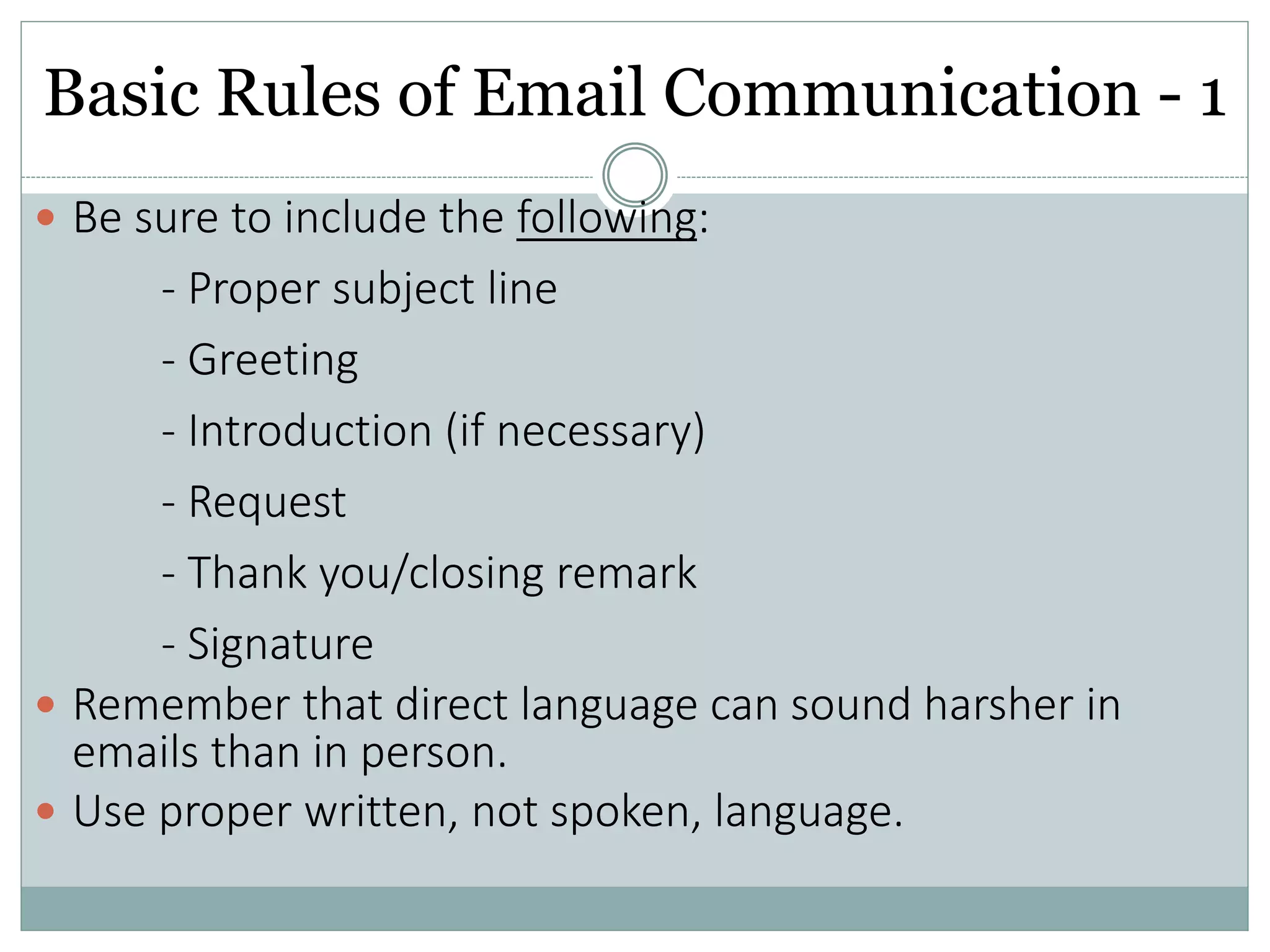
Basic Rules of Email Communication - 1
 Be sure to include the following:
- Proper subject line
- Greeting
- Introduction (if necessary)
- Request
- Thank you/closing remark
- Signature
 Remember that direct language can sound harsher in
emails than in person.
 Use proper written, not spoken, language.
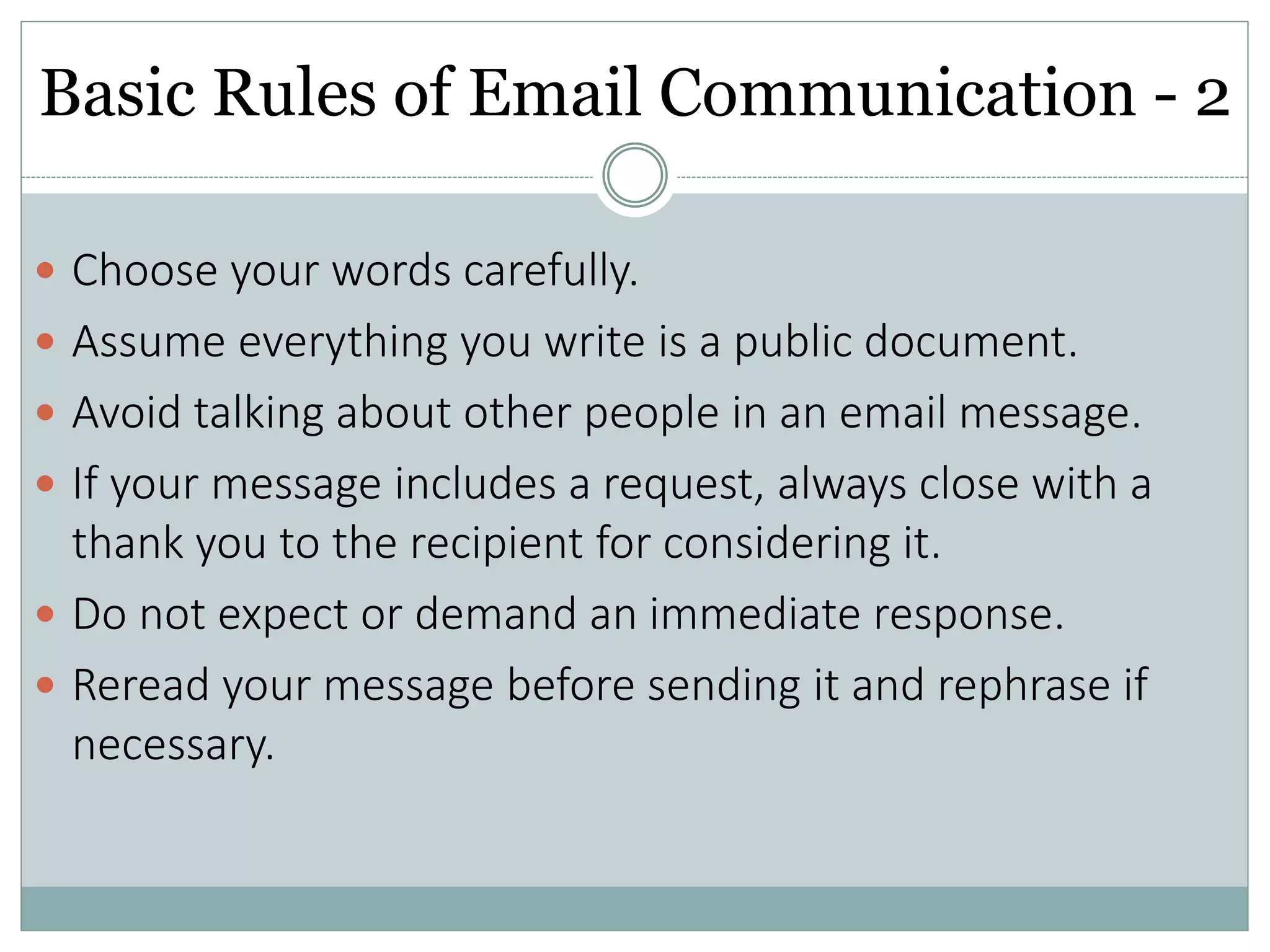
Basic Rules of Email Communication - 2
 Choose your words carefully.
 Assume everything you write is a public document.
 Avoid talking about other people in an email message.
 If your message includes a request, always close with a
thank you to the recipient for considering it.
 Do not expect or demand an immediate response.
 Reread your message before sending it and rephrase if
necessary.
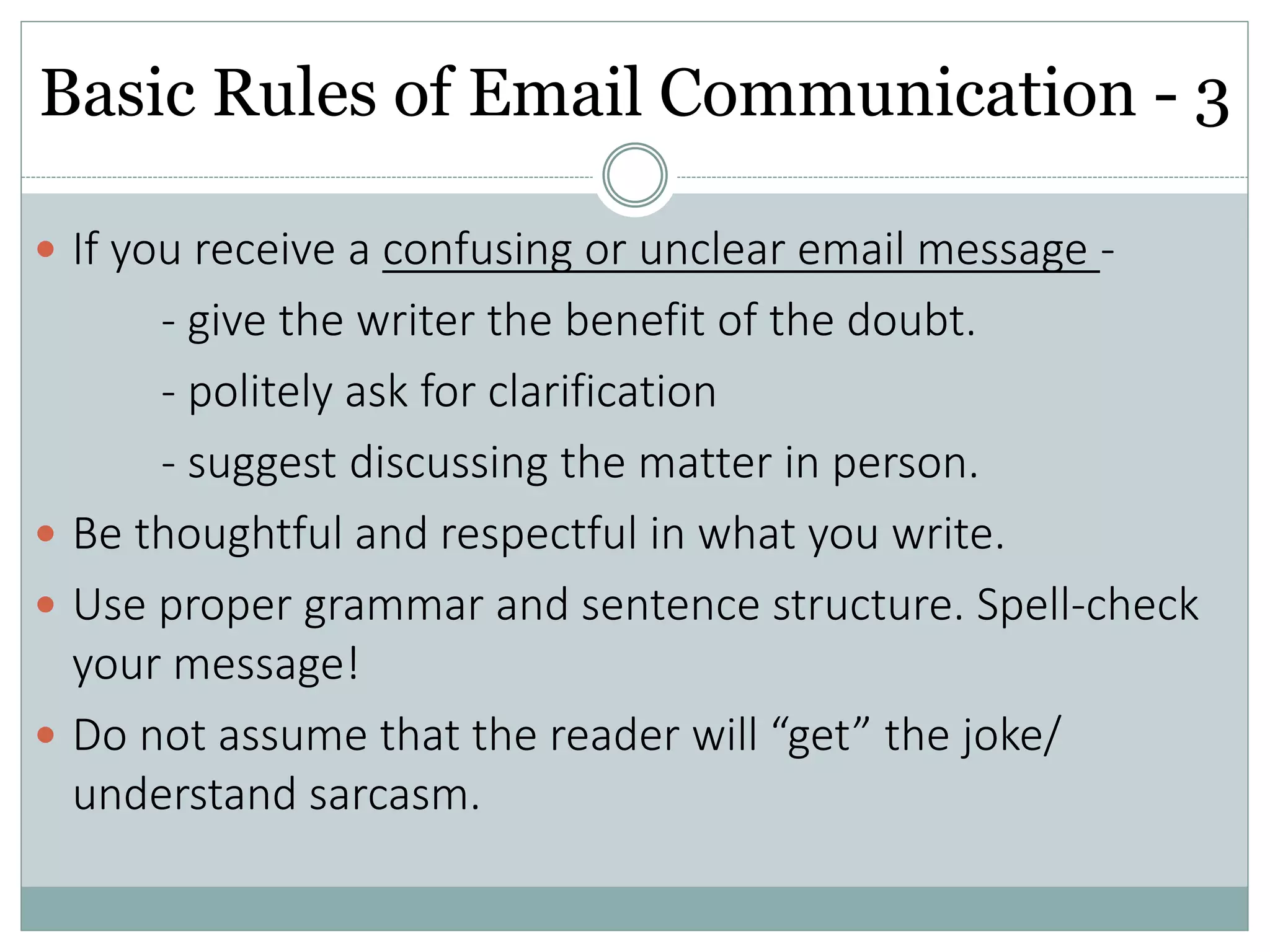
Basic Rules of Email Communication - 3
 If you receive a confusing or unclear email message -
- give the writer the benefit of the doubt.
- politely ask for clarification
- suggest discussing the matter in person.
 Be thoughtful and respectful in what you write.
 Use proper grammar and sentence structure. Spell-check
your message!
 Do not assume that the reader will “get” the joke/
understand sarcasm.
Few common E-Mail habits that cause
Problems
1. Changing the topic without changing the subject.
2. Including multiple subjects
3. Misaddressed recipients
4. Displaying addresses of recipients who are strangers to
each other.
5. Replying vs. forwarding
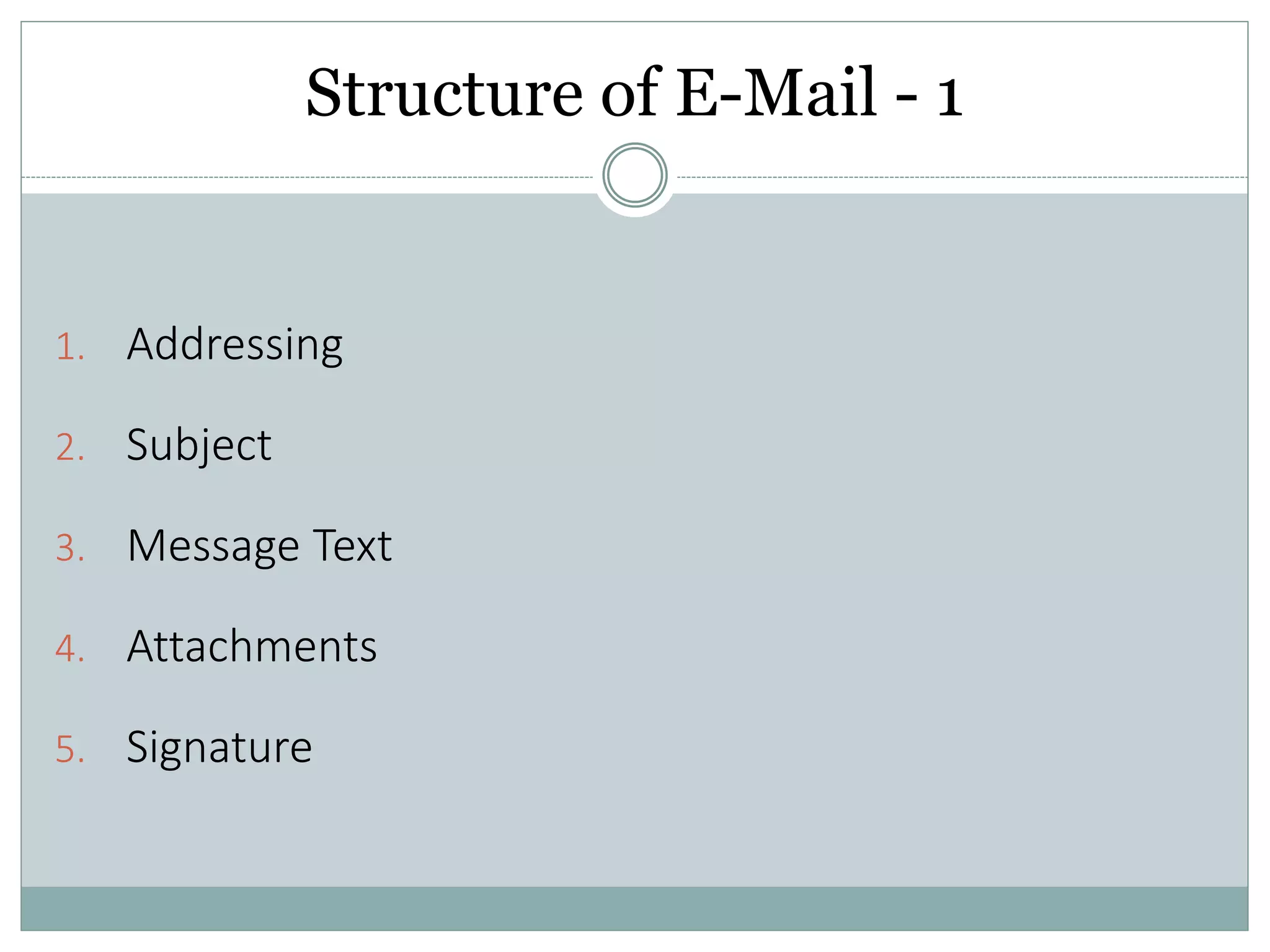
Structure of E-Mail - 1
1. Addressing
2. Subject
3. Message Text
4. Attachments
5. Signature
Structure of E-Mail - 2
1. Addressing –
 It’s the address of the recipient.
 Use BCC to protect Email addresses unless everyone
knows each other.
Structure of E-Mail – 3a
2. Subject –
• Precise headline for the message
• Makes easier to handle of E-MAIL
• Avoid sending e-mail with No subject
Structure of E-Mail – 3b
2. Subject – Ineffective subject lines:
Subject:
Hi rescheduling.
Help!!
Reminder…..
Few Questions...........
Yay Congrats…..
Structure of E-Mail - 4
 2. Subject – Effective subject lines
Subject:
Party planning - Meeting rescheduled to 3pm Tomorrow
Help: I can’t find the draft for the Mr. Smith’s Paper
Reminder: peer-review articles due tomorrow (3/30)
Questions about Sociology 210 project
Congratulations to Jennifer for winning Nobel Prize
Structure of E-Mail - 5
3. Message Text -
 Keep the message focused, readable & Short
 Use paragraphs
 Avoid fancy typefaces
 Use * * to highlight text if you must
 Write in standard professional English with Capitalization
and correct spelling
 Identify yourself clearly to cold contacts.
 Hello, I am…The reason I am writing…
 Hello, so-in-so suggested I contact you
Structure of E-Mail - 6
4. Attachments
 Use Carefully.
 Cut and paste relevant parts of attachment into text of
Email.
 Use URL links instead.
 http://www.vamaship.com/ gives the best service in
Logistics.
Structure of E-Mail - 7
5. Signature
 Use an appropriate signature
 Brief (4-5 lines)
 Informative: provide all contact information
 Professional: do not include pictures, quotes,
animations (Unless required)
E-mail Do’s and Don’ts - 1
 Threads –
Multiple replies can get out of hand. Continue them to
maintain the tread. When they start to drift start a new
thread with explanation.
 Forwarding –
 Try and Avoid chain letters it annoys most people
 Wait for the Reply.
 Take Care with Abbreviation and Emoticons
 Write, but don’t send without checking the written Details.
 Don’t reply at all and let them wonder.
E-mail Do’s and Don’ts - 2
 Offer to speak by phone or in person; Email is not a good
tool for “clearing the Confusion which is already OR will be
caused.”
 DO NOT WRITE EVERTHING IN CAPITAL LETTERS.
 Never say in Email what you wouldn’t say in person or
would not like to see in the press or defend in court
 Once you hit “Send” you have lost control of the Email
 You can never be certain that it was erased from all
locations. Think of all Email as Permanent.
Some other Important Aspects
• Never include personal or financial info in an Email
• Install a good security suite on your personal computer
• Have a separate free Email account for newsletters, white
paper registration, etc.
• Delete browser history, cache, cookies, user IDs and
passwords after using a public Internet connection
• Back up your Email.
Activity and Visual Information
 Activity – Situation based –
Sai is sending a frustrated email to Ahmed about a product
received from Ray. This product was not sent in the condition
which was promised to Sai. Write an appropriate reply to Sai,
with the details learned earlier.
 Visual information –
 Emailing in Real Life :
https://www.youtube.com/watch?v=HTgYHHKs0Zw
 Before You Hit "Send“
https://www.youtube.com/watch?v=fq5ahx7kyQI
Sources
 http://www.itbusinessedge.com/slideshows/show.as
px?c=83033
 http://www.netmanners.com/e-mail-etiquette-tips/
 https://owl.english.purdue.edu/owl/resource/636/01/
 http://www.businessinsider.com/email-etiquette-
rules-every-professional-needs-to-know-2016-
1?IR=T/#1-include-a-clear-direct-subject-line-1
Discussion
 Thank you for your Valuable Time.
 Please let the Questions Roll!

Email Etiquette - Basics

  • 1.
  • 2.
    Overview  What isE-mail and E-mail Etiquette  Why and How to Make an Effective E-Mail  Basic Rules of Email Communication  Few common email habits that cause problems  Structure of E-Mail  E-Mail Do’s and Don’ts  Some other important aspects  Activity and Visual Information  Discussion
  • 3.
    What is E-mailand E-mail Etiquette Email -  Text-based mail electronically sent from one person to another.  It waits for You.  It is One-to-One and One-to-Many Communication and almost Free. Email Etiquette –  It refers to the principles of behaviour that one should use when writing or answering E-mails.  E-mail is less personal than a phone or in-person conversation but quicker to send than a letter, it is possible for serious breaches of manners to take place.
  • 4.
    Why this EtiquetteDi? (Read – why this Kolaveri Di!)  One, to remain professional in company communications. You never know who may intercept your mail.  Second, emails that are to the point and easy to read are more efficient.  Lastly, employees that understand email etiquette are less likely to put the company at risk.
  • 5.
    Why & Howto make an effective E-Mail Why to have good E-mail Etiquette –  Helps you create a good impression on the receiver.  Higher possibility of you getting the response you want! How to make an Effective E-Mail –  Selecting the Right Audience/ Receiver.  Composing Your Messages Correctly.
  • 6.
    Basic Rules ofEmail Communication - 1  Be sure to include the following: - Proper subject line - Greeting - Introduction (if necessary) - Request - Thank you/closing remark - Signature  Remember that direct language can sound harsher in emails than in person.  Use proper written, not spoken, language.
  • 7.
    Basic Rules ofEmail Communication - 2  Choose your words carefully.  Assume everything you write is a public document.  Avoid talking about other people in an email message.  If your message includes a request, always close with a thank you to the recipient for considering it.  Do not expect or demand an immediate response.  Reread your message before sending it and rephrase if necessary.
  • 8.
    Basic Rules ofEmail Communication - 3  If you receive a confusing or unclear email message - - give the writer the benefit of the doubt. - politely ask for clarification - suggest discussing the matter in person.  Be thoughtful and respectful in what you write.  Use proper grammar and sentence structure. Spell-check your message!  Do not assume that the reader will “get” the joke/ understand sarcasm.
  • 9.
    Few common E-Mailhabits that cause Problems 1. Changing the topic without changing the subject. 2. Including multiple subjects 3. Misaddressed recipients 4. Displaying addresses of recipients who are strangers to each other. 5. Replying vs. forwarding
  • 10.
    Structure of E-Mail- 1 1. Addressing 2. Subject 3. Message Text 4. Attachments 5. Signature
  • 11.
    Structure of E-Mail- 2 1. Addressing –  It’s the address of the recipient.  Use BCC to protect Email addresses unless everyone knows each other.
  • 12.
    Structure of E-Mail– 3a 2. Subject – • Precise headline for the message • Makes easier to handle of E-MAIL • Avoid sending e-mail with No subject
  • 13.
    Structure of E-Mail– 3b 2. Subject – Ineffective subject lines: Subject: Hi rescheduling. Help!! Reminder….. Few Questions........... Yay Congrats…..
  • 14.
    Structure of E-Mail- 4  2. Subject – Effective subject lines Subject: Party planning - Meeting rescheduled to 3pm Tomorrow Help: I can’t find the draft for the Mr. Smith’s Paper Reminder: peer-review articles due tomorrow (3/30) Questions about Sociology 210 project Congratulations to Jennifer for winning Nobel Prize
  • 15.
    Structure of E-Mail- 5 3. Message Text -  Keep the message focused, readable & Short  Use paragraphs  Avoid fancy typefaces  Use * * to highlight text if you must  Write in standard professional English with Capitalization and correct spelling  Identify yourself clearly to cold contacts.  Hello, I am…The reason I am writing…  Hello, so-in-so suggested I contact you
  • 16.
    Structure of E-Mail- 6 4. Attachments  Use Carefully.  Cut and paste relevant parts of attachment into text of Email.  Use URL links instead.  http://www.vamaship.com/ gives the best service in Logistics.
  • 17.
    Structure of E-Mail- 7 5. Signature  Use an appropriate signature  Brief (4-5 lines)  Informative: provide all contact information  Professional: do not include pictures, quotes, animations (Unless required)
  • 18.
    E-mail Do’s andDon’ts - 1  Threads – Multiple replies can get out of hand. Continue them to maintain the tread. When they start to drift start a new thread with explanation.  Forwarding –  Try and Avoid chain letters it annoys most people  Wait for the Reply.  Take Care with Abbreviation and Emoticons  Write, but don’t send without checking the written Details.  Don’t reply at all and let them wonder.
  • 19.
    E-mail Do’s andDon’ts - 2  Offer to speak by phone or in person; Email is not a good tool for “clearing the Confusion which is already OR will be caused.”  DO NOT WRITE EVERTHING IN CAPITAL LETTERS.  Never say in Email what you wouldn’t say in person or would not like to see in the press or defend in court  Once you hit “Send” you have lost control of the Email  You can never be certain that it was erased from all locations. Think of all Email as Permanent.
  • 20.
    Some other ImportantAspects • Never include personal or financial info in an Email • Install a good security suite on your personal computer • Have a separate free Email account for newsletters, white paper registration, etc. • Delete browser history, cache, cookies, user IDs and passwords after using a public Internet connection • Back up your Email.
  • 21.
    Activity and VisualInformation  Activity – Situation based – Sai is sending a frustrated email to Ahmed about a product received from Ray. This product was not sent in the condition which was promised to Sai. Write an appropriate reply to Sai, with the details learned earlier.  Visual information –  Emailing in Real Life : https://www.youtube.com/watch?v=HTgYHHKs0Zw  Before You Hit "Send“ https://www.youtube.com/watch?v=fq5ahx7kyQI
  • 22.
    Sources  http://www.itbusinessedge.com/slideshows/show.as px?c=83033  http://www.netmanners.com/e-mail-etiquette-tips/ https://owl.english.purdue.edu/owl/resource/636/01/  http://www.businessinsider.com/email-etiquette- rules-every-professional-needs-to-know-2016- 1?IR=T/#1-include-a-clear-direct-subject-line-1
  • 23.
    Discussion  Thank youfor your Valuable Time.  Please let the Questions Roll!