E-learning Services
R.D.SIVAKUMAR,M.Sc.,M.Phil.,M.Tech.,
Assistant Professor of Computer Science &
Assistant Professor and Head, Department of M.Com.(CA),
Ayya Nadar Janaki Ammal College,
Sivakasi – 626 124.
Mobile: 099440-42243
e-mail : sivamsccsit@gmail.com
website: www.rdsivakumar.blogspot.in
E-learning Services
 Computer-Based Learning
 Computer-Based Training
 Computer Aided Assessment
Computer-Based Learning
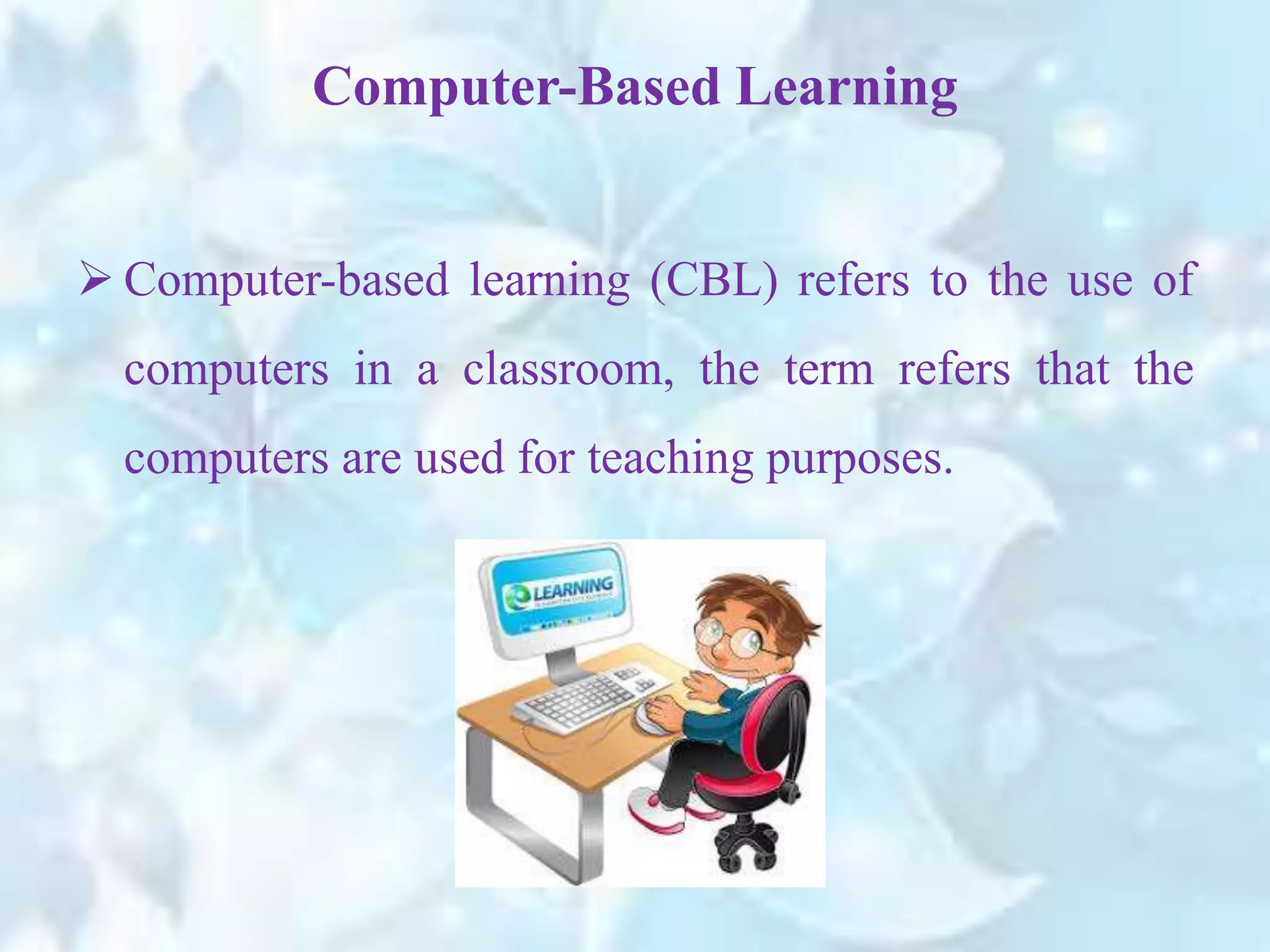
 Computer-based learning (CBL) refers to the use of
computers in a classroom, the term refers that the
computers are used for teaching purposes.
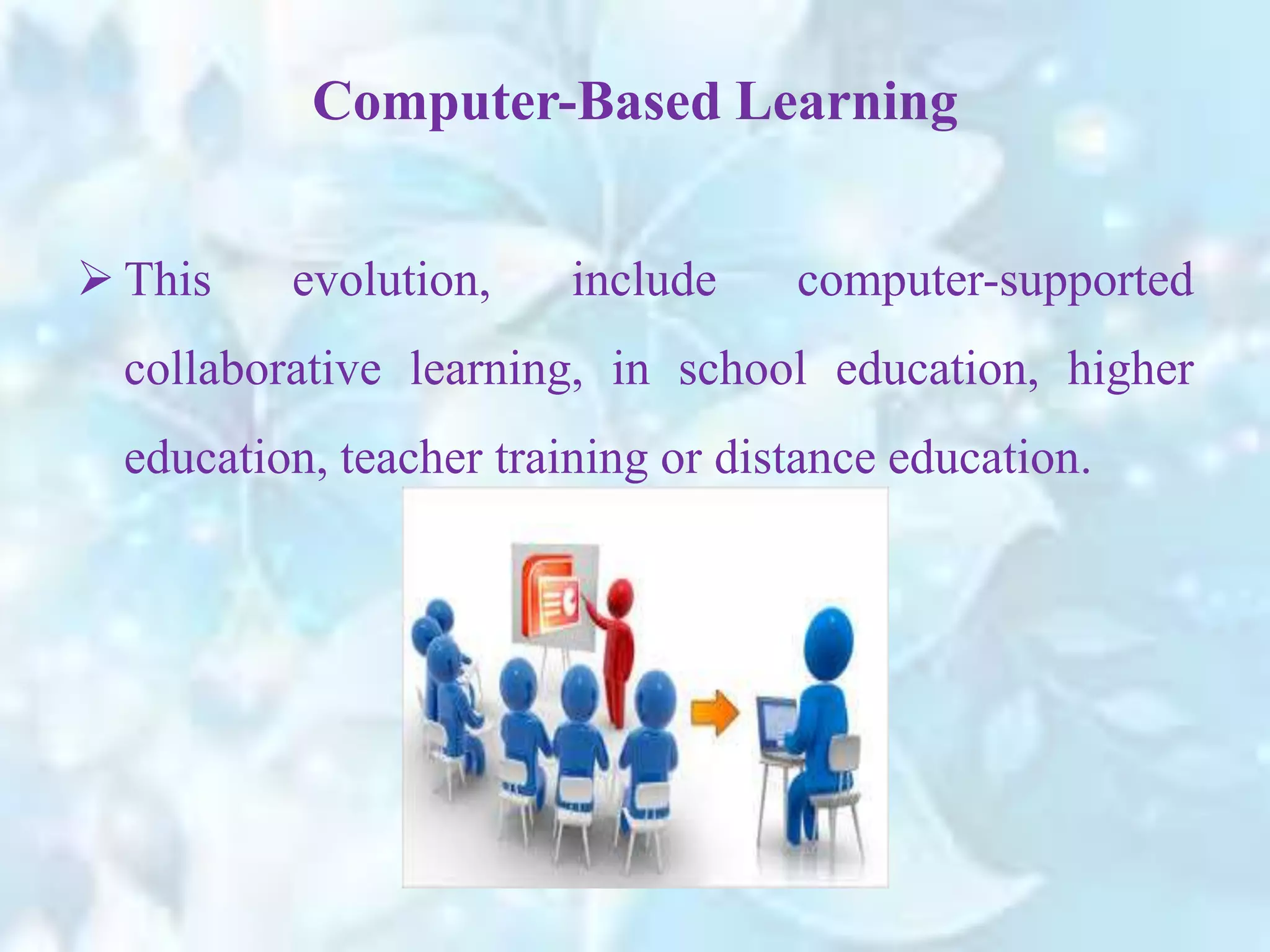
 This evolution, include computer-supported
collaborative learning, in school education, higher
education, teacher training or distance education.
Computer-Based Learning
 Content that enables active and constructive learning
focuses on exploration.
 The user interacts with the content, explores objects
in the defined environment, observes effects of the
exploration and concludes from the experience.
Active and constructive learning
 For example, to explain the shape of ‘Ellipse’, simply
making students to imagine the shape is a difficult
task.
Active and constructive learning
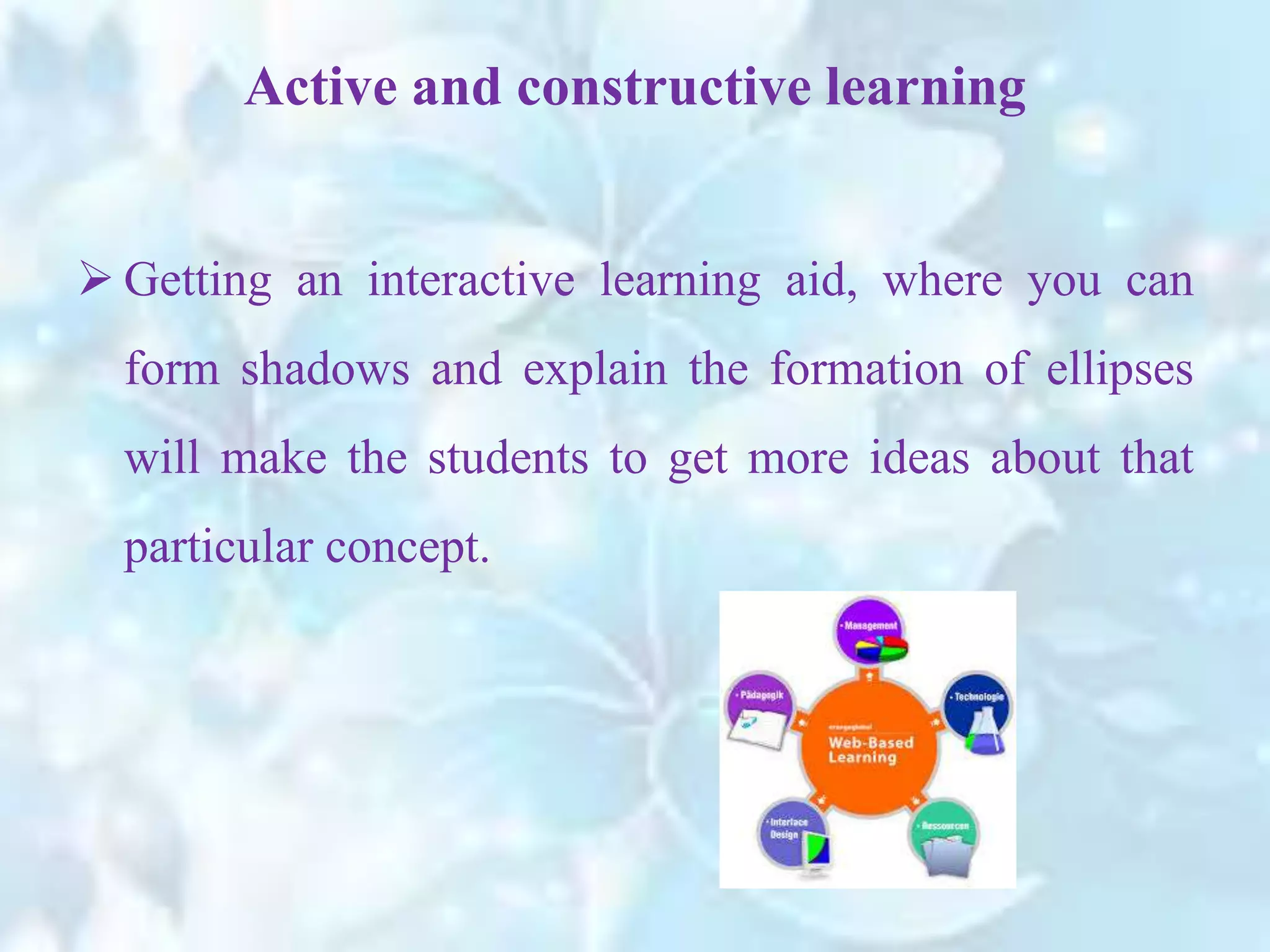
 Getting an interactive learning aid, where you can
form shadows and explain the formation of ellipses
will make the students to get more ideas about that
particular concept.
Interactivity
 Content can be opened with the help of a mouse. The
content should provided observation, correlation and
conclusion.
 The presentation and design of the content should
make students to understand the concept very easy
and it should be more interactive.
Interactivity
 For example, while teaching the concept of
‘Projectile Motion’ one could play various media
clips to generate discussion in the classroom, like a
man falling to the ground to make the concept
understand.
Interactivity
Syllabus-Mapped Content
 To develop a CBL system it should be content
mapped to their syllabus. There are two important
considerations here,
a) whether the content covers all the concepts and
b) whether the content is culture specific.
 Content covers all the concepts. There is no need to
represent the whole syllabus in computer based
learning units because not all concepts would require
technology intervention.
Syllabus-Mapped Content
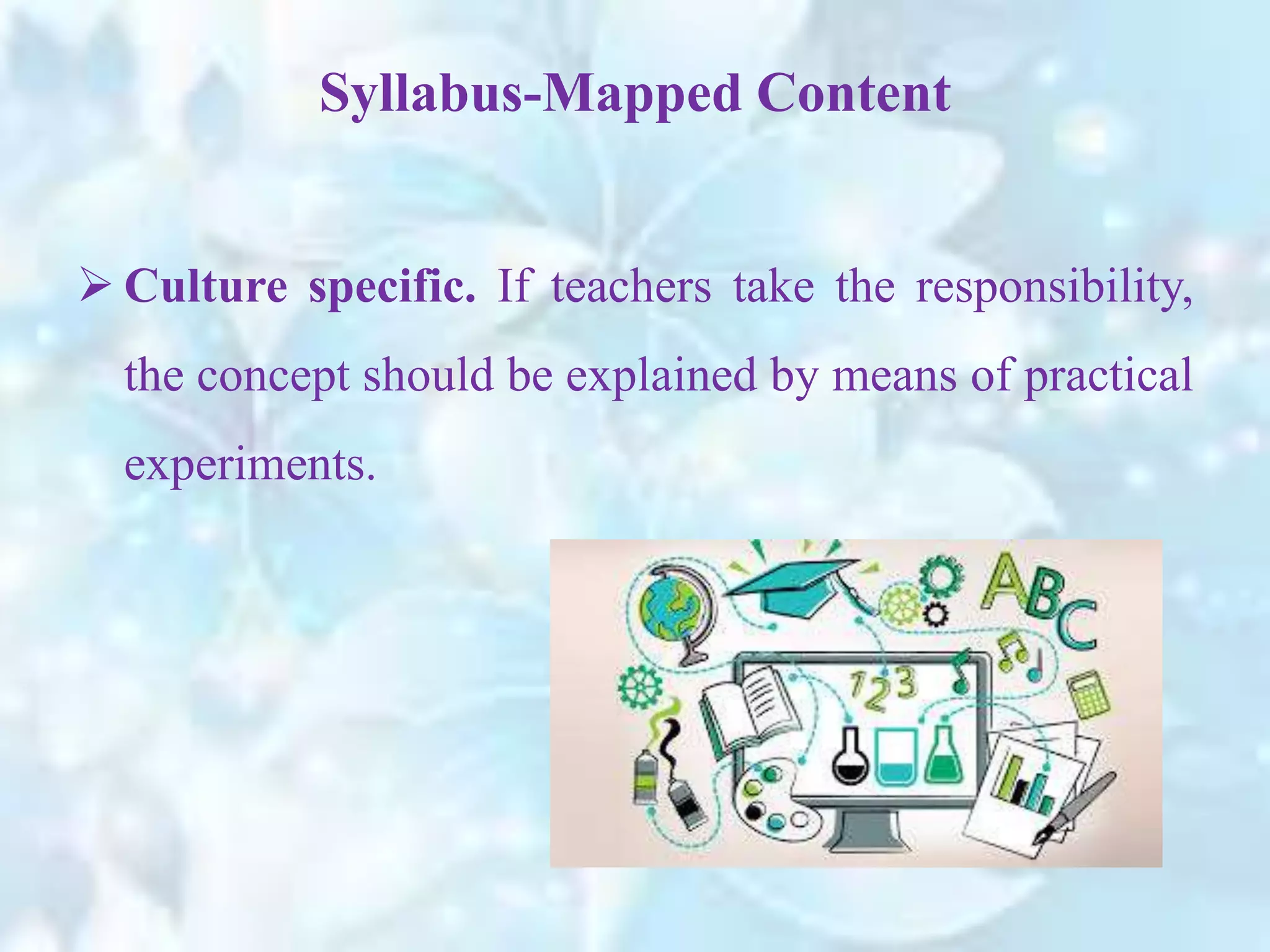
 Culture specific. If teachers take the responsibility,
the concept should be explained by means of practical
experiments.
Syllabus-Mapped Content
 For instance, while explaining the concept of sound,
practically the teacher should generate the sounds
such as by dropping stainless steel bowls and plates
on the ground to observe the different sounds.
Syllabus-Mapped Content
Interactive group learning
 Interactive Group Learning provides immense
possibilities to achieve Observing, Discussing,
Exploring, Problem Solving, Doing and Creating and
also nurtures team work and collaboration.
Designing computer-based learning aids
 A variety of learning strategies can be used while
designing content. Listed below are a few ones:
 Active Learning – These strategies focus on
exploration. Learners can explore content and
construct interpretations.
 Constructive Learning – Strategies that bring
context to learning as students begin from a point of
already existing personal experience, knowledge or
interests.
Designing computer-based learning aids
 Co-operative Learning – Strategies that take
advantage of and build upon share individual
knowledge.
Designing computer-based learning aids
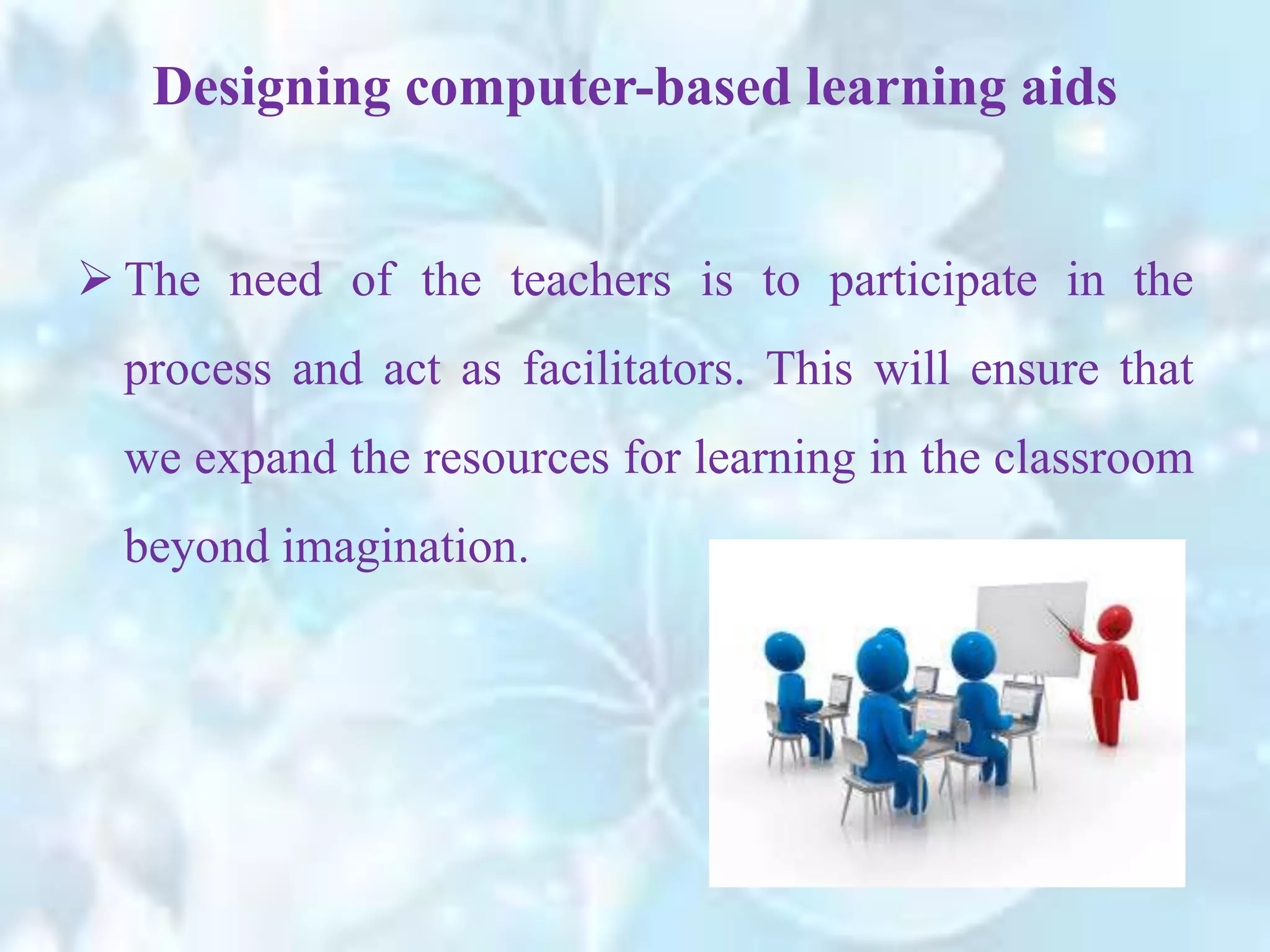
 The need of the teachers is to participate in the
process and act as facilitators. This will ensure that
we expand the resources for learning in the classroom
beyond imagination.
Designing computer-based learning aids
Computer-Based Training
 Computer –Based Trainings (CBTs) are self-paced
learning activities accessible through a computer or
handheld device such as CD or DVD-ROM. Some
other features of CBT are.
 The term Computer-Based Training is also known as
Web-based training (WBT) with the primary
difference being the delivery method.
Computer-Based Training
 WBTs are delivered through the Internet using a web
browser like Internet Explorer.
 CBT kit usually comes in the form of multiple choice
questions, or other interactive means.
Computer-Based Training
 The end-user feedback and completion status can
be easily evaluated by the assessment software.
 CBTs offer user-friendly solutions for satisfying
education requirements.
Computer-Based Training
 CBTs can be a good alternative to printed learning
materials which offer visual learning benefits through
rich media, including videos or animations, can easily
enhance the learning.
Computer-Based Training
 The main advantage of CBTs is that they can be
easily distributed to a wide audience at a relatively
low cost once the initial development is completed.
Computer-Based Training
 CBTs has the following limitations. They are,
 The creation of effective CBTs requires enormous resources.
Computer-Based Training
 The software for developing CBTs (such as flash or adobe
director etc…) is often more complex that an expert or teacher
is able to handle.
 The lack of human interaction can limit the type of content
and assessment that can be performed.
Computer-Based Training
 Many learning organizations are beginning to use
smaller CBT/WBT activities as part of a online
program which may include online discussion or
other interactive elements.
Computer-Based Training
Computer Aided Assessment
 Computer aided assessment is a term that covers all
forms of assessment delivered with the help of
computers.
 This covers both assessments delivered on computer,
either online or on a local network, and those that are
marked with the aid of computers, example : Optical
Mark Reading (OMR).
Computer Aided Assessment
 One of the most common forms of computer aided
assessment is online quizzes or exams.
 These can be implemented online, and also marked
by the computer by putting the answers in Content
Management System for online exams.
Computer Aided Assessment
 There are two types of assessments. They are,
Summative assessments
Formative assessments
Computer Aided Assessment
 Summative assessments. It is final test to assess
learning at the end of the course.
 It is excellent for giving immediate feedback, e.g. in
tests designed to measure students’ progress in
specific areas, either for self-assessment purposes or
for the teacher, e.g. as in placement tests
(Competitive exams)
Computer Aided Assessment
• Formative Assessment. It is a self-reflective process
that intends to promote student attainment, with the
increased use of banks of question items for the
construction and delivery of dynamic, on-demand
assessments.
Computer Aided Assessment
E-learning Services - R.D.Sivakumar

E-learning Services - R.D.Sivakumar

  • 1.
    E-learning Services R.D.SIVAKUMAR,M.Sc.,M.Phil.,M.Tech., Assistant Professorof Computer Science & Assistant Professor and Head, Department of M.Com.(CA), Ayya Nadar Janaki Ammal College, Sivakasi – 626 124. Mobile: 099440-42243 e-mail : sivamsccsit@gmail.com website: www.rdsivakumar.blogspot.in
  • 2.
    E-learning Services  Computer-BasedLearning  Computer-Based Training  Computer Aided Assessment
  • 3.
    Computer-Based Learning  Computer-basedlearning (CBL) refers to the use of computers in a classroom, the term refers that the computers are used for teaching purposes.
  • 4.
     This evolution,include computer-supported collaborative learning, in school education, higher education, teacher training or distance education. Computer-Based Learning
  • 5.
     Content thatenables active and constructive learning focuses on exploration.  The user interacts with the content, explores objects in the defined environment, observes effects of the exploration and concludes from the experience. Active and constructive learning
  • 6.
    Active and constructivelearning  For example, to explain the shape of ‘Ellipse’, simply making students to imagine the shape is a difficult task.
  • 7.
    Active and constructivelearning  Getting an interactive learning aid, where you can form shadows and explain the formation of ellipses will make the students to get more ideas about that particular concept.
  • 8.
    Interactivity  Content canbe opened with the help of a mouse. The content should provided observation, correlation and conclusion.
  • 9.
     The presentationand design of the content should make students to understand the concept very easy and it should be more interactive. Interactivity
  • 10.
     For example,while teaching the concept of ‘Projectile Motion’ one could play various media clips to generate discussion in the classroom, like a man falling to the ground to make the concept understand. Interactivity
  • 11.
    Syllabus-Mapped Content  Todevelop a CBL system it should be content mapped to their syllabus. There are two important considerations here, a) whether the content covers all the concepts and b) whether the content is culture specific.
  • 12.
     Content coversall the concepts. There is no need to represent the whole syllabus in computer based learning units because not all concepts would require technology intervention. Syllabus-Mapped Content
  • 13.
     Culture specific.If teachers take the responsibility, the concept should be explained by means of practical experiments. Syllabus-Mapped Content
  • 14.
     For instance,while explaining the concept of sound, practically the teacher should generate the sounds such as by dropping stainless steel bowls and plates on the ground to observe the different sounds. Syllabus-Mapped Content
  • 15.
    Interactive group learning Interactive Group Learning provides immense possibilities to achieve Observing, Discussing, Exploring, Problem Solving, Doing and Creating and also nurtures team work and collaboration.
  • 16.
    Designing computer-based learningaids  A variety of learning strategies can be used while designing content. Listed below are a few ones:  Active Learning – These strategies focus on exploration. Learners can explore content and construct interpretations.
  • 17.
     Constructive Learning– Strategies that bring context to learning as students begin from a point of already existing personal experience, knowledge or interests. Designing computer-based learning aids
  • 18.
     Co-operative Learning– Strategies that take advantage of and build upon share individual knowledge. Designing computer-based learning aids
  • 19.
     The needof the teachers is to participate in the process and act as facilitators. This will ensure that we expand the resources for learning in the classroom beyond imagination. Designing computer-based learning aids
  • 20.
    Computer-Based Training  Computer–Based Trainings (CBTs) are self-paced learning activities accessible through a computer or handheld device such as CD or DVD-ROM. Some other features of CBT are.
  • 21.
     The termComputer-Based Training is also known as Web-based training (WBT) with the primary difference being the delivery method. Computer-Based Training
  • 22.
     WBTs aredelivered through the Internet using a web browser like Internet Explorer.  CBT kit usually comes in the form of multiple choice questions, or other interactive means. Computer-Based Training
  • 23.
     The end-userfeedback and completion status can be easily evaluated by the assessment software.  CBTs offer user-friendly solutions for satisfying education requirements. Computer-Based Training
  • 24.
     CBTs canbe a good alternative to printed learning materials which offer visual learning benefits through rich media, including videos or animations, can easily enhance the learning. Computer-Based Training
  • 25.
     The mainadvantage of CBTs is that they can be easily distributed to a wide audience at a relatively low cost once the initial development is completed. Computer-Based Training
  • 26.
     CBTs hasthe following limitations. They are,  The creation of effective CBTs requires enormous resources. Computer-Based Training
  • 27.
     The softwarefor developing CBTs (such as flash or adobe director etc…) is often more complex that an expert or teacher is able to handle.  The lack of human interaction can limit the type of content and assessment that can be performed. Computer-Based Training
  • 28.
     Many learningorganizations are beginning to use smaller CBT/WBT activities as part of a online program which may include online discussion or other interactive elements. Computer-Based Training
  • 29.
    Computer Aided Assessment Computer aided assessment is a term that covers all forms of assessment delivered with the help of computers.
  • 30.
     This coversboth assessments delivered on computer, either online or on a local network, and those that are marked with the aid of computers, example : Optical Mark Reading (OMR). Computer Aided Assessment
  • 31.
     One ofthe most common forms of computer aided assessment is online quizzes or exams.  These can be implemented online, and also marked by the computer by putting the answers in Content Management System for online exams. Computer Aided Assessment
  • 32.
     There aretwo types of assessments. They are, Summative assessments Formative assessments Computer Aided Assessment
  • 33.
     Summative assessments.It is final test to assess learning at the end of the course.  It is excellent for giving immediate feedback, e.g. in tests designed to measure students’ progress in specific areas, either for self-assessment purposes or for the teacher, e.g. as in placement tests (Competitive exams) Computer Aided Assessment
  • 34.
    • Formative Assessment.It is a self-reflective process that intends to promote student attainment, with the increased use of banks of question items for the construction and delivery of dynamic, on-demand assessments. Computer Aided Assessment