











1
R.D.SIVAKUMAR
E-Content Reviewer
Website: http://sivakumarrd.blogspot.in
http://rdsivakumar.blogspot.in
E-mail : sivakumarstaff@gmail.com Mobile : 099440-42243
VIRTUAL FDP ON
ELECTRONIC PUBLISHING TOOLS FOR E-LEARNING
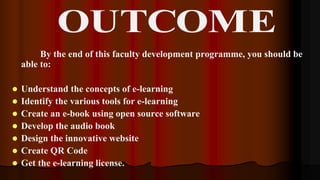
By the end of this faculty development programme, you should be
able to:
 Understand the concepts of e-learning
 Identify the various tools for e-learning
 Create an e-book using open source software
 Develop the audio book
 Design the innovative website
 Create QR Code
 Get the e-learning license.
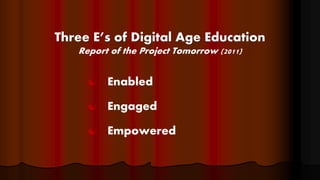
Three E’s of Digital Age Education
Report of the Project Tomorrow (2011)
 Enabled
 Engaged
 Empowered
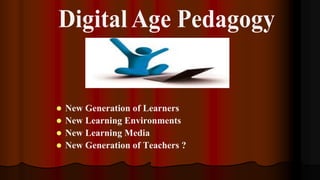
 New Generation of Learners
 New Learning Environments
 New Learning Media
 New Generation of Teachers ?
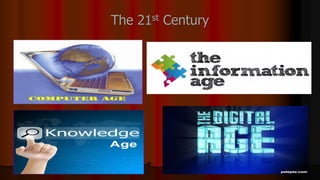
The 21st Century
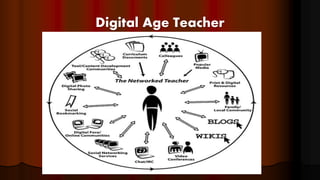
Digital Age Teacher
17
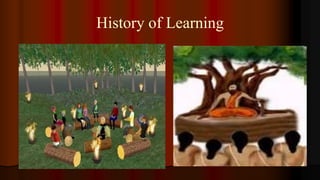
History of Learning
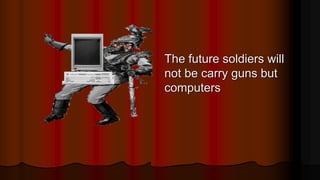
The future soldiers will
not be carry guns but
computers
e
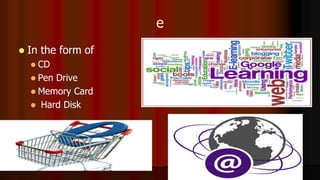
 In the form of
 CD
 Pen Drive
 Memory Card
 Hard Disk
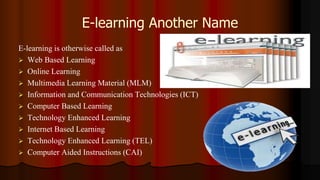
E-learning Another Name
E-learning is otherwise called as
 Web Based Learning
 Online Learning
 Multimedia Learning Material (MLM)
 Information and Communication Technologies (ICT)
 Computer Based Learning
 Technology Enhanced Learning
 Internet Based Learning
 Technology Enhanced Learning (TEL)
 Computer Aided Instructions (CAI)
Definition
 E-learning involves the use of a computer or electronic
device (e.g. a mobile phone) in some way to provide
training, educational or learning material
It is Combination of
Audio
Video
Text
Graphics
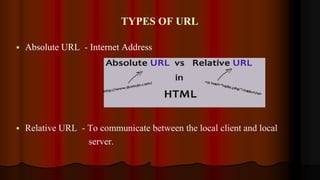
TYPES OF URL
 Absolute URL - Internet Address
 Relative URL - To communicate between the local client and local
server.
WEBSITE
 It involves using the
 Internet
 Intranet
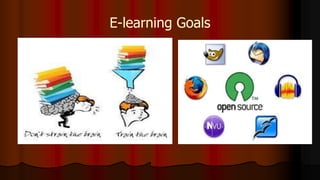
E-learning Goals
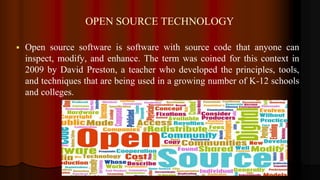
OPEN SOURCE TECHNOLOGY
 Open source software is software with source code that anyone can
inspect, modify, and enhance. The term was coined for this context in
2009 by David Preston, a teacher who developed the principles, tools,
and techniques that are being used in a growing number of K-12 schools
and colleges.
 Knowledge Explosion
 Digital Generation
Types of e- learning
Synchronous
Asynchronous
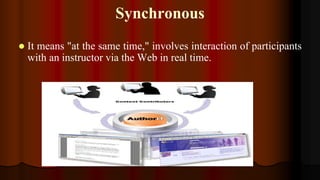
Synchronous
 It means "at the same time," involves interaction of participants
with an instructor via the Web in real time.
Asynchronous
Which means "not at the same time,"
Use
 web-based distance education,
 with no face-to-face interaction
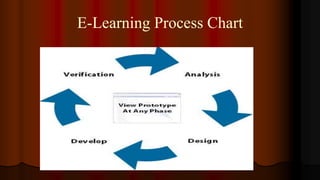
E-Learning Process Chart
Advantages of E-Learning
 Anytime Anywhere Learning
 User friendly and Flexible
 Learner Centered
 Individualized & Interactive
 Many to Many Learning
 Speed and Accuracy
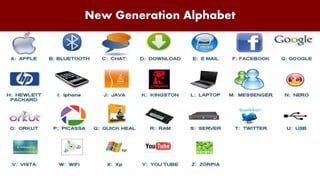
New Generation Alphabet
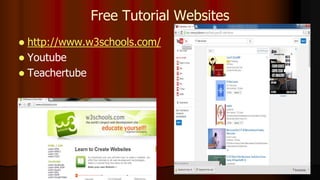
Free Tutorial Websites
 http://www.w3schools.com/
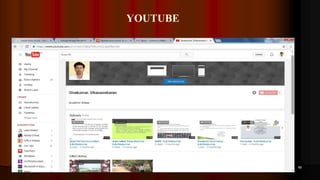
 Youtube
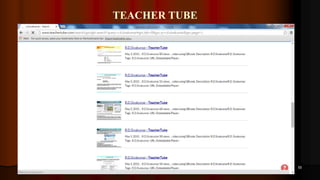
 Teachertube
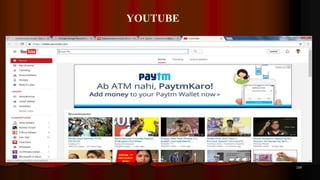
YOUTUBE
49
TEACHER TUBE
50
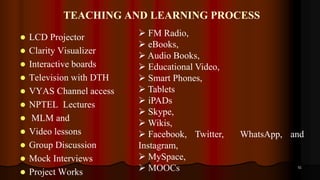
TEACHING AND LEARNING PROCESS
 LCD Projector
 Clarity Visualizer
 Interactive boards
 Television with DTH
 VYAS Channel access
 NPTEL Lectures
 MLM and
 Video lessons
 Group Discussion
 Mock Interviews
 Project Works
51
 FM Radio,
 eBooks,
 Audio Books,
 Educational Video,
 Smart Phones,
 Tablets
 iPADs
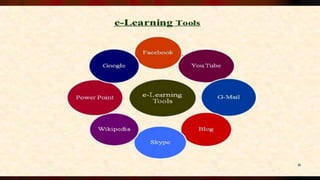
 Skype,
 Wikis,
 Facebook, Twitter, WhatsApp, and
Instagram,
 MySpace,
 MOOCs
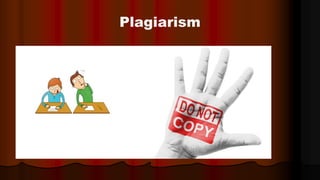
Plagiarism
 http://plagiarisma.net/
 http://plagiarism-detect.com/
 http://www.plagium.com/
 http://www.dustball.com/cs/plagiarism.checker/
Anti plagiarism software
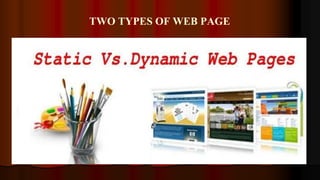
TWO TYPES OF WEB PAGE
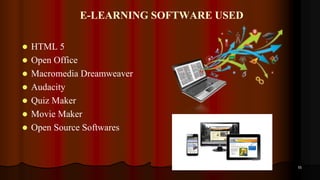
E-LEARNING SOFTWARE USED
 HTML 5
 Open Office
 Macromedia Dreamweaver
 Audacity
 Quiz Maker
 Movie Maker
 Open Source Softwares
55
SCRIPT WRITING
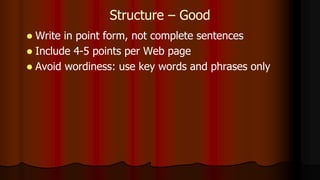
Structure – Good
 Write in point form, not complete sentences
 Include 4-5 points per Web page
 Avoid wordiness: use key words and phrases only
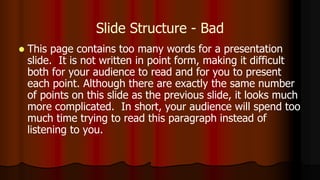
Slide Structure - Bad
 This page contains too many words for a presentation
slide. It is not written in point form, making it difficult
both for your audience to read and for you to present
each point. Although there are exactly the same number
of points on this slide as the previous slide, it looks much
more complicated. In short, your audience will spend too
much time trying to read this paragraph instead of
listening to you.
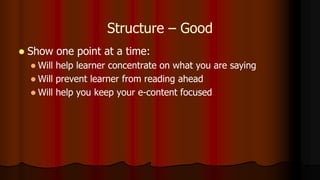
Structure – Good
 Show one point at a time:
 Will help learner concentrate on what you are saying
 Will prevent learner from reading ahead
 Will help you keep your e-content focused
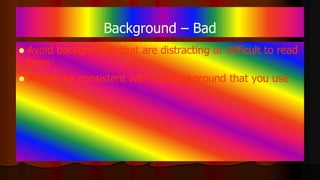
Background – Bad
 Avoid backgrounds that are distracting or difficult to read
from
 Always be consistent with the background that you use
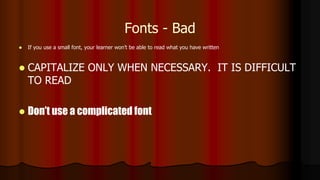
Fonts - Bad
 If you use a small font, your learner won’t be able to read what you have written
 CAPITALIZE ONLY WHEN NECESSARY. IT IS DIFFICULT
TO READ
 Don’t use a complicated font
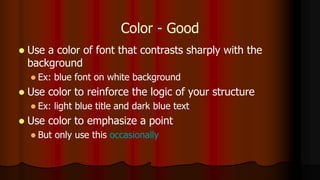
Color - Good
 Use a color of font that contrasts sharply with the
background
 Ex: blue font on white background
 Use color to reinforce the logic of your structure
 Ex: light blue title and dark blue text
 Use color to emphasize a point
 But only use this occasionally
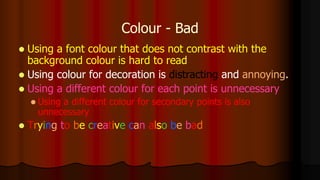
Colour - Bad
 Using a font colour that does not contrast with the
background colour is hard to read
 Using colour for decoration is distracting and annoying.
 Using a different colour for each point is unnecessary
 Using a different colour for secondary points is also
unnecessary
 Trying to be creative can also be bad
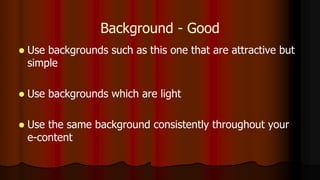
Background - Good
 Use backgrounds such as this one that are attractive but
simple
 Use backgrounds which are light
 Use the same background consistently throughout your
e-content
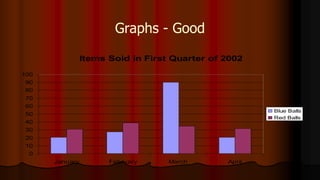
Graphs - Good
Items Sold in First Quarter of 2002
0
10
20
30
40
50
60
70
80
90
100
January February March April
Blue Balls
Red Balls
Spelling and Grammar
 Proof your e-content for:
 speling mistakes
 the use of of repeated words
 grammatical errors you might have make
 If English is not your first language, please have
someone else check your presentation!
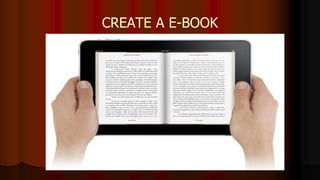
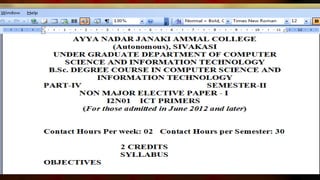
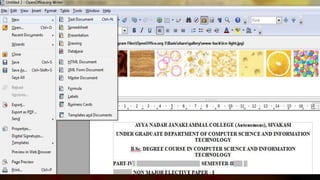
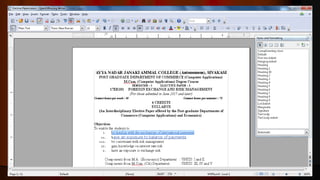
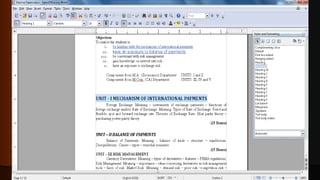
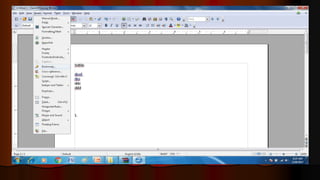
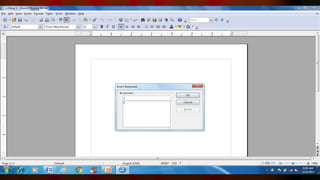
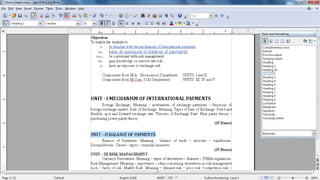
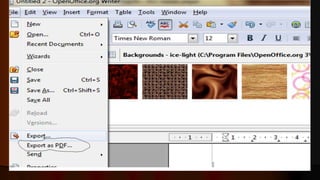
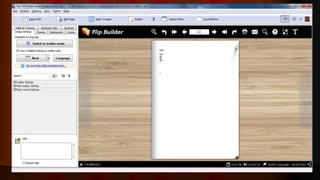
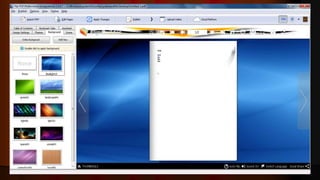
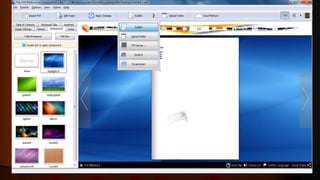
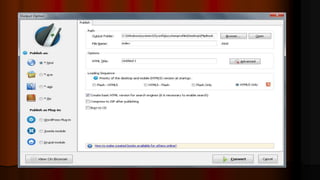
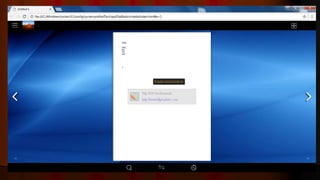
CREATE A E-BOOK
SOFTWARE REQUIREMENTS
 Open Office
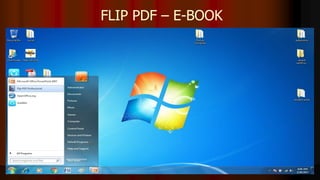
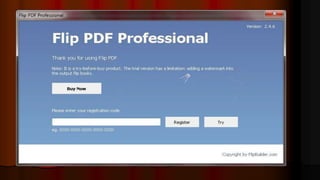
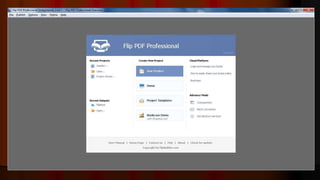
 Flip PDF
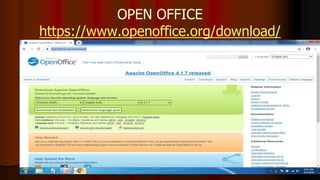
OPEN OFFICE
https://www.openoffice.org/download/
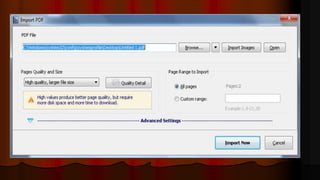
FLIP PDF – E-BOOK
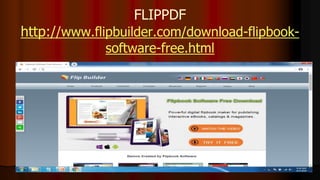
FLIPPDF
http://www.flipbuilder.com/download-flipbook-
software-free.html
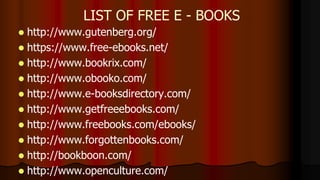
 http://www.gutenberg.org/
 https://www.free-ebooks.net/
 http://www.bookrix.com/
 http://www.obooko.com/
 http://www.e-booksdirectory.com/
 http://www.getfreeebooks.com/
 http://www.freebooks.com/ebooks/
 http://www.forgottenbooks.com/
 http://bookboon.com/
 http://www.openculture.com/
LIST OF FREE E - BOOKS
AUDIO BOOK
 An audiobook is a recorded book that can be played on a computer or
mobile device.
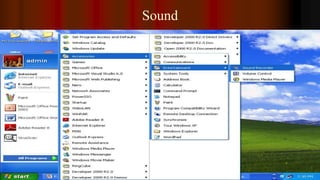
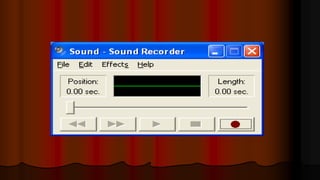
Sound
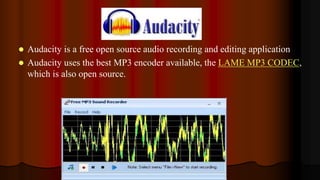
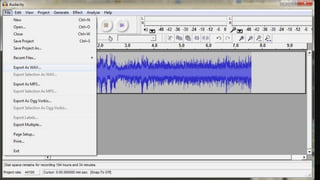
 Audacity is a free open source audio recording and editing application
 Audacity uses the best MP3 encoder available, the LAME MP3 CODEC,
which is also open source.
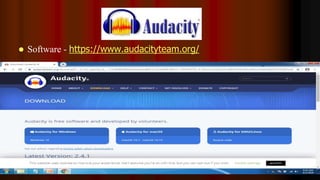
 Software - https://www.audacityteam.org/
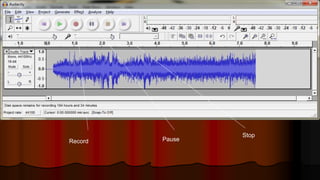
Record Pause
Stop
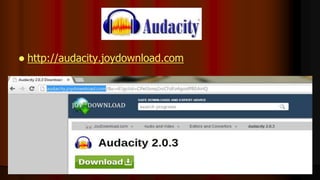
 http://audacity.joydownload.com
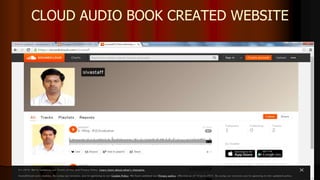
CLOUD AUDIO BOOK CREATED WEBSITE
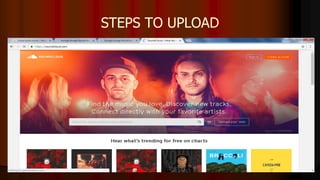
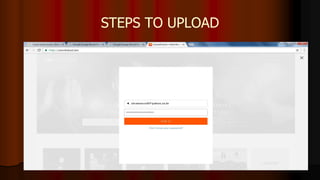
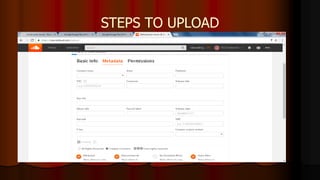
STEPS TO UPLOAD
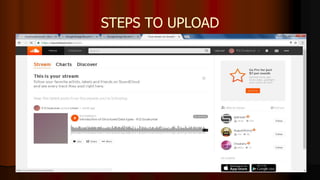
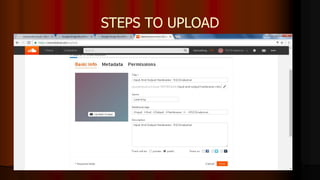
STEPS TO UPLOAD
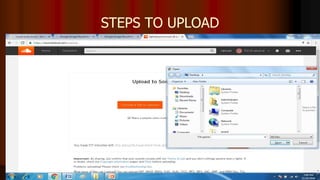
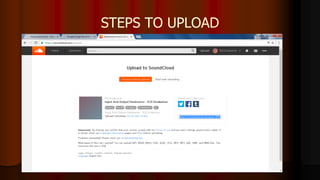
STEPS TO UPLOAD
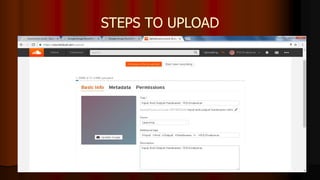
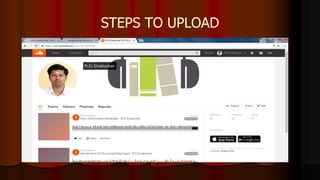
STEPS TO UPLOAD
STEPS TO UPLOAD
STEPS TO UPLOAD
STEPS TO UPLOAD
STEPS TO UPLOAD
STEPS TO UPLOAD
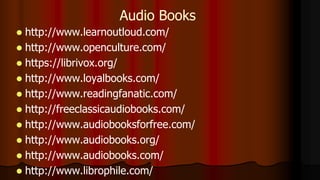
 http://www.learnoutloud.com/
 http://www.openculture.com/
 https://librivox.org/
 http://www.loyalbooks.com/
 http://www.readingfanatic.com/
 http://freeclassicaudiobooks.com/
 http://www.audiobooksforfree.com/
 http://www.audiobooks.org/
 http://www.audiobooks.com/
 http://www.librophile.com/
Audio Books
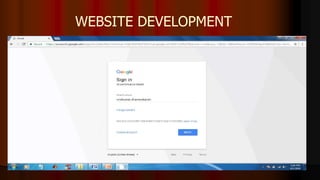
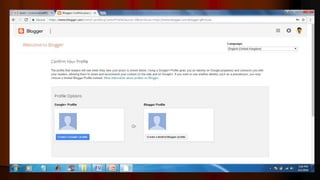
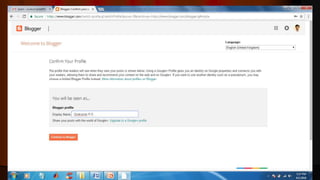
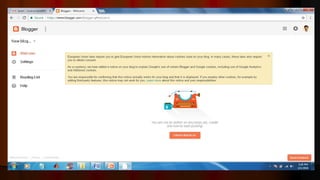
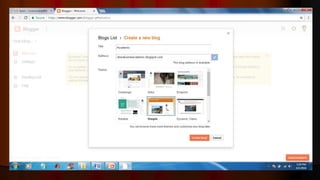
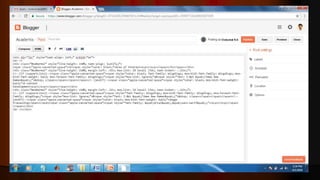
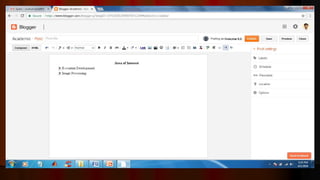
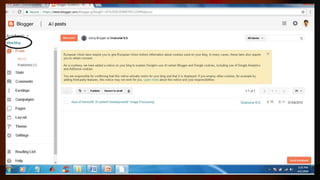
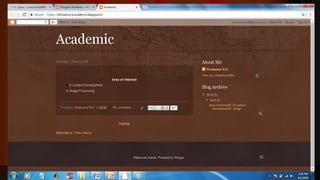
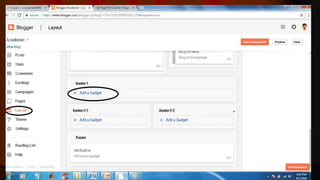
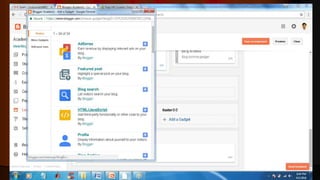
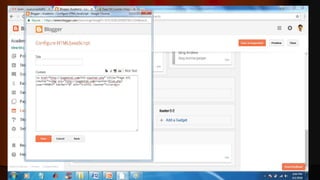
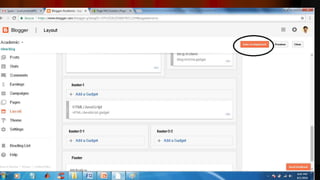
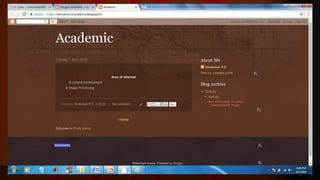
WEBSITE DEVELOPMENT
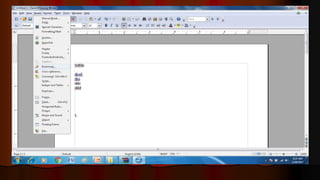
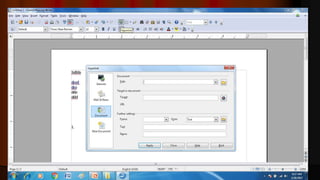
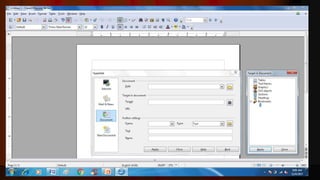
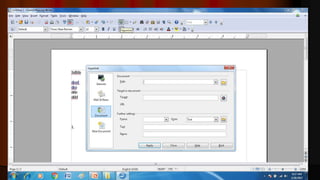
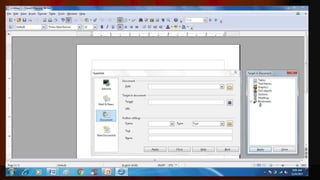
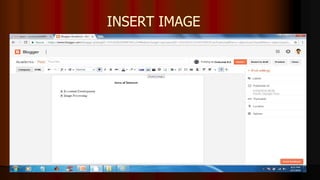
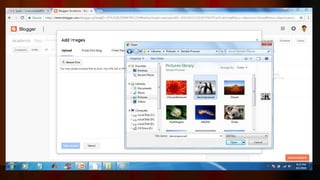
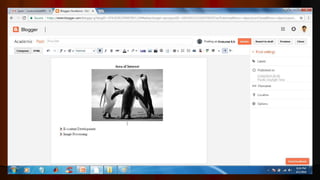
INSERT IMAGE
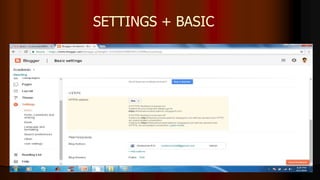
SETTINGS + BASIC
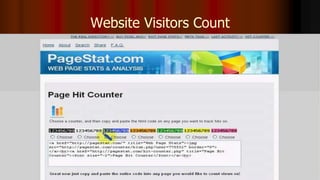
Website Visitors Count
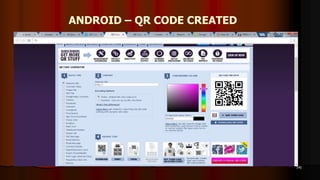
ANDROID – QR CODE CREATED
 QR codes or “quick response codes” are part of a whole new way of
connecting with learners via their smart phones. A machine-readable
code consisting of an array of black and white squares, typically used
for storing e-learning websites URLs for reading by the camera on a
smart phone. In above all the e-learning websites are converted in to
the QR Code
143
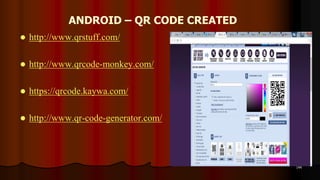
ANDROID – QR CODE CREATED
 http://www.qrstuff.com/
 http://www.qrcode-monkey.com/
 https://qrcode.kaywa.com/
 http://www.qr-code-generator.com/
144
ANDROID – QR CODE CREATED
145
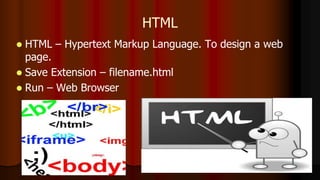
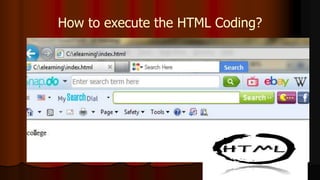
HTML
 HTML – Hypertext Markup Language. To design a web
page.
 Save Extension – filename.html
 Run – Web Browser
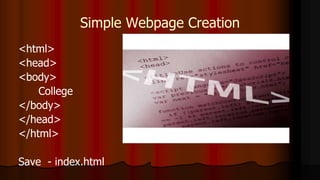
Simple Webpage Creation
<html>
<head>
<body>
College
</body>
</head>
</html>
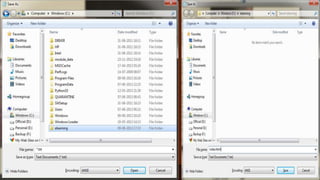
Save - index.html
How to execute the HTML Coding?
150
151
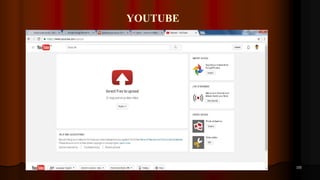
UPLOAD VIDEO TO YOUTUBE
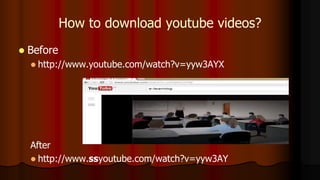
How to download youtube videos?
 Before
 http://www.youtube.com/watch?v=yyw3AYX
After
 http://www.ssyoutube.com/watch?v=yyw3AY
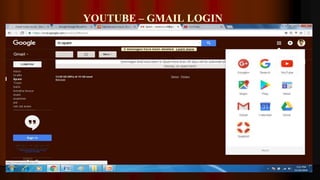
YOUTUBE – GMAIL LOGIN
153
YOUTUBE
154
YOUTUBE
155
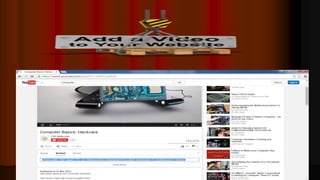
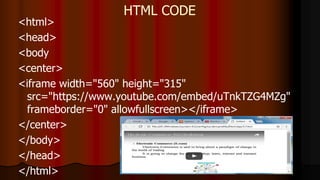
HTML CODE
<html>
<head>
<body
<center>
<iframe width="560" height="315"
src="https://www.youtube.com/embed/uTnkTZG4MZg"
frameborder="0" allowfullscreen></iframe>
</center>
</body>
</head>
</html>
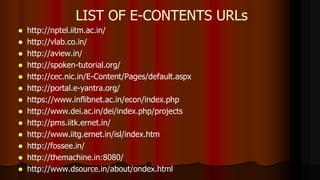
 http://nptel.iitm.ac.in/
 http://vlab.co.in/
 http://aview.in/
 http://spoken-tutorial.org/
 http://cec.nic.in/E-Content/Pages/default.aspx
 http://portal.e-yantra.org/
 https://www.inflibnet.ac.in/econ/index.php
 http://www.dei.ac.in/dei/index.php/projects
 http://pms.iitk.ernet.in/
 http://www.iitg.ernet.in/isl/index.htm
 http://fossee.in/
 http://themachine.in:8080/
 http://www.dsource.in/about/ondex.html
LIST OF E-CONTENTS URLs
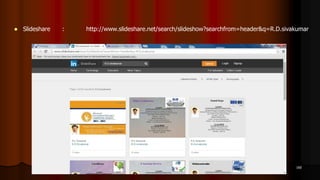
 Slideshare : http://www.slideshare.net/search/slideshow?searchfrom=header&q=R.D.sivakumar
160
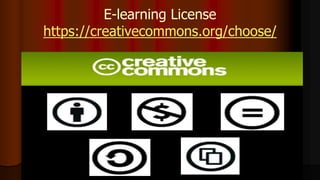
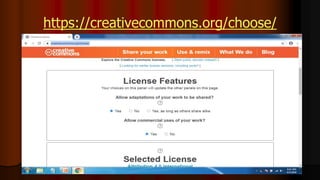
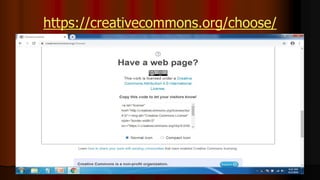
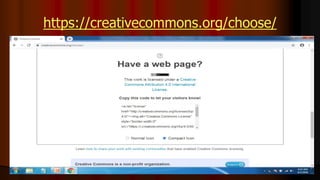
E-learning License
https://creativecommons.org/choose/
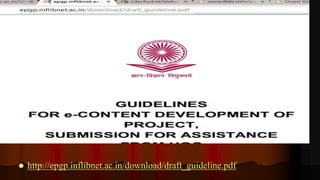
 http://epgp.inflibnet.ac.in/download/draft_guideline.pdf
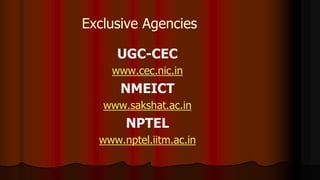
Exclusive Agencies
UGC-CEC
www.cec.nic.in
NMEICT
www.sakshat.ac.in
NPTEL
www.nptel.iitm.ac.in
Other Agencies
 Government Agencies like ICSSR, AICTE,
SSA, DST, Different Ministries, etc.,
 Non-governmental Agencies like Microsoft,
Intel, HP, Azim Premji Foundation etc.,
171
R.D.SIVAKUMAR
E-CONTENT REVIEWER
Website: http://sivakumarrd.blogspot.in
http://rdsivakumar.blogspot.in
E-mail : sivakumarstaff@gmail.com Mobile : 099440-42243

Electronic Publishing Tools for E-Learning - R.D.Sivakumar