Dr Bonala Kondal
Professionalism
Efficiency
Protection from liability
 BE CONCISE
 ANSWER ALL QUESTIONS
 USE PROPER SPELLING, GRAMMAR& PUNCTUATION
 MAKE IT PERSONAL
 USE TEMPLATES
 ANSWER SWIFTLY
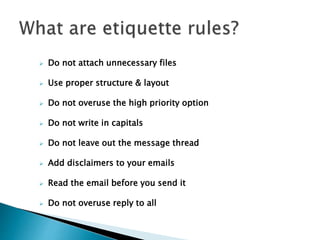
 Do not attach unnecessary files
 Use proper structure & layout
 Do not overuse the high priority option
 Do not write in capitals
 Do not leave out the message thread
 Add disclaimers to your emails
 Read the email before you send it
 Do not overuse reply to all
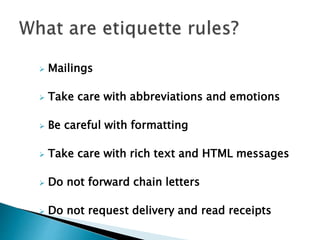
 Mailings
 Take care with abbreviations and emotions
 Be careful with formatting
 Take care with rich text and HTML messages
 Do not forward chain letters
 Do not request delivery and read receipts
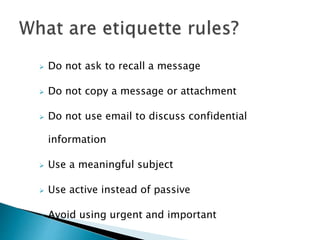
 Do not ask to recall a message
 Do not copy a message or attachment
 Do not use email to discuss confidential
information
 Use a meaningful subject
 Use active instead of passive
 Avoid using urgent and important
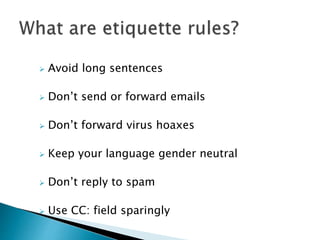
 Avoid long sentences
 Don’t send or forward emails
 Don’t forward virus hoaxes
 Keep your language gender neutral
 Don’t reply to spam
 Use CC: field sparingly
 Create a written email policy
 Proper training
 Implementation of the rules
 Write a salutation for each new subject
email.
 Attempt to keep the email brief.
 Return emails within the same time you
would a phone call.
 Attempt to keep your line length at 80
characters or less.
 Place the paper in drawer A.
 Click the green start button
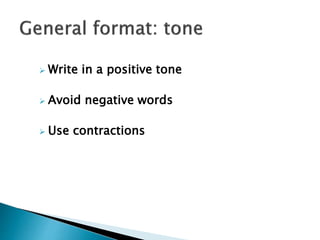
 Write in a positive tone
 Avoid negative words
 Use contractions
 Provide file name based on the
requirement
 Make a phone call
 The best way is still face-to-face
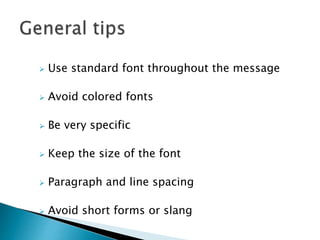
 Use standard font throughout the message
 Avoid colored fonts
 Be very specific
 Keep the size of the font
 Paragraph and line spacing
 Avoid short forms or slang
 Thank you

E mail etiquette

  • 1.
  • 2.
  • 3.
     BE CONCISE ANSWER ALL QUESTIONS  USE PROPER SPELLING, GRAMMAR& PUNCTUATION  MAKE IT PERSONAL  USE TEMPLATES  ANSWER SWIFTLY
  • 4.
     Do notattach unnecessary files  Use proper structure & layout  Do not overuse the high priority option  Do not write in capitals  Do not leave out the message thread  Add disclaimers to your emails  Read the email before you send it  Do not overuse reply to all
  • 5.
     Mailings  Takecare with abbreviations and emotions  Be careful with formatting  Take care with rich text and HTML messages  Do not forward chain letters  Do not request delivery and read receipts
  • 6.
     Do notask to recall a message  Do not copy a message or attachment  Do not use email to discuss confidential information  Use a meaningful subject  Use active instead of passive  Avoid using urgent and important
  • 7.
     Avoid longsentences  Don’t send or forward emails  Don’t forward virus hoaxes  Keep your language gender neutral  Don’t reply to spam  Use CC: field sparingly
  • 8.
     Create awritten email policy  Proper training  Implementation of the rules
  • 9.
     Write asalutation for each new subject email.  Attempt to keep the email brief.  Return emails within the same time you would a phone call.
  • 10.
     Attempt tokeep your line length at 80 characters or less.
  • 11.
     Place thepaper in drawer A.  Click the green start button
  • 12.
     Write ina positive tone  Avoid negative words  Use contractions
  • 13.
     Provide filename based on the requirement
  • 14.
     Make aphone call  The best way is still face-to-face
  • 15.
     Use standardfont throughout the message  Avoid colored fonts  Be very specific  Keep the size of the font  Paragraph and line spacing  Avoid short forms or slang
  • 16.