The document provides tips for effective email communication. It discusses how to write clear subject lines, choose an appropriate tone, write concisely, send attachments properly, and maintain a professional email address. Overall, the document emphasizes writing emails that are brief, well-written, and appropriate for the intended audience.
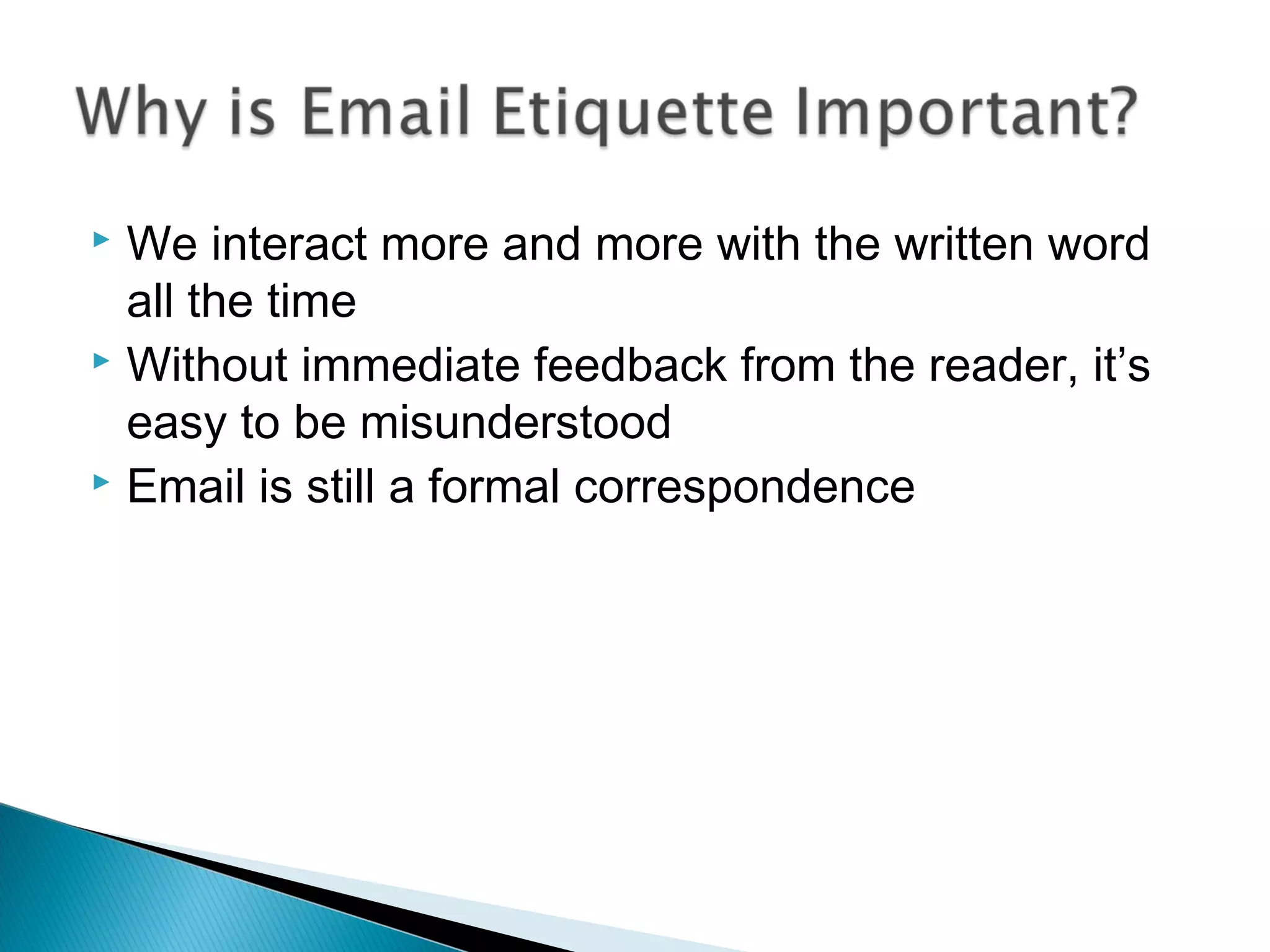
We interactmore and more with the written word
all the time
Without immediate feedback from the reader, it’s
easy to be misunderstood
Email is still a formal correspondence
3.
Think twiceabout whether or not the content of
your email is appropriate for virtual
correspondence - once you hit Send, anyone
might be able to read it
Respond to emails within the same time span you
would a phone call
Use a professional font, not decorative
Be cautious about sending personal information
4.
Should bemeaningful
Should give your reader an idea of the content of
the email
Should be appropriate, because anyone can look
at the subject, even if the recipient chooses not to
open the message
◦ For example: Confidential: Sale numbers for October
When changing the subject, start a new message
5.
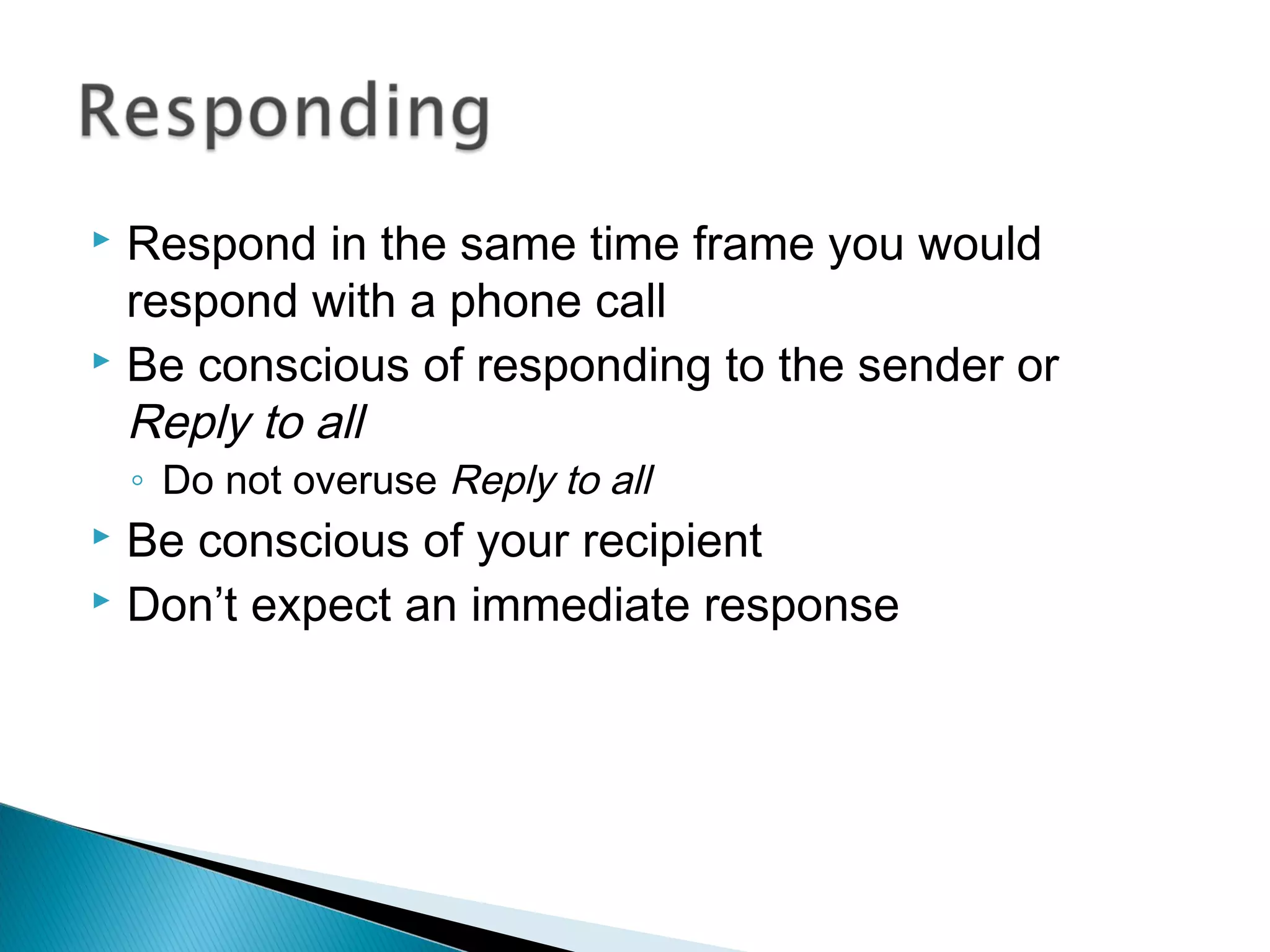
Respond inthe same time frame you would
respond with a phone call
Be conscious of responding to the sender or
Reply to all
◦ Do not overuse Reply to all
Be conscious of your recipient
Don’t expect an immediate response
6.
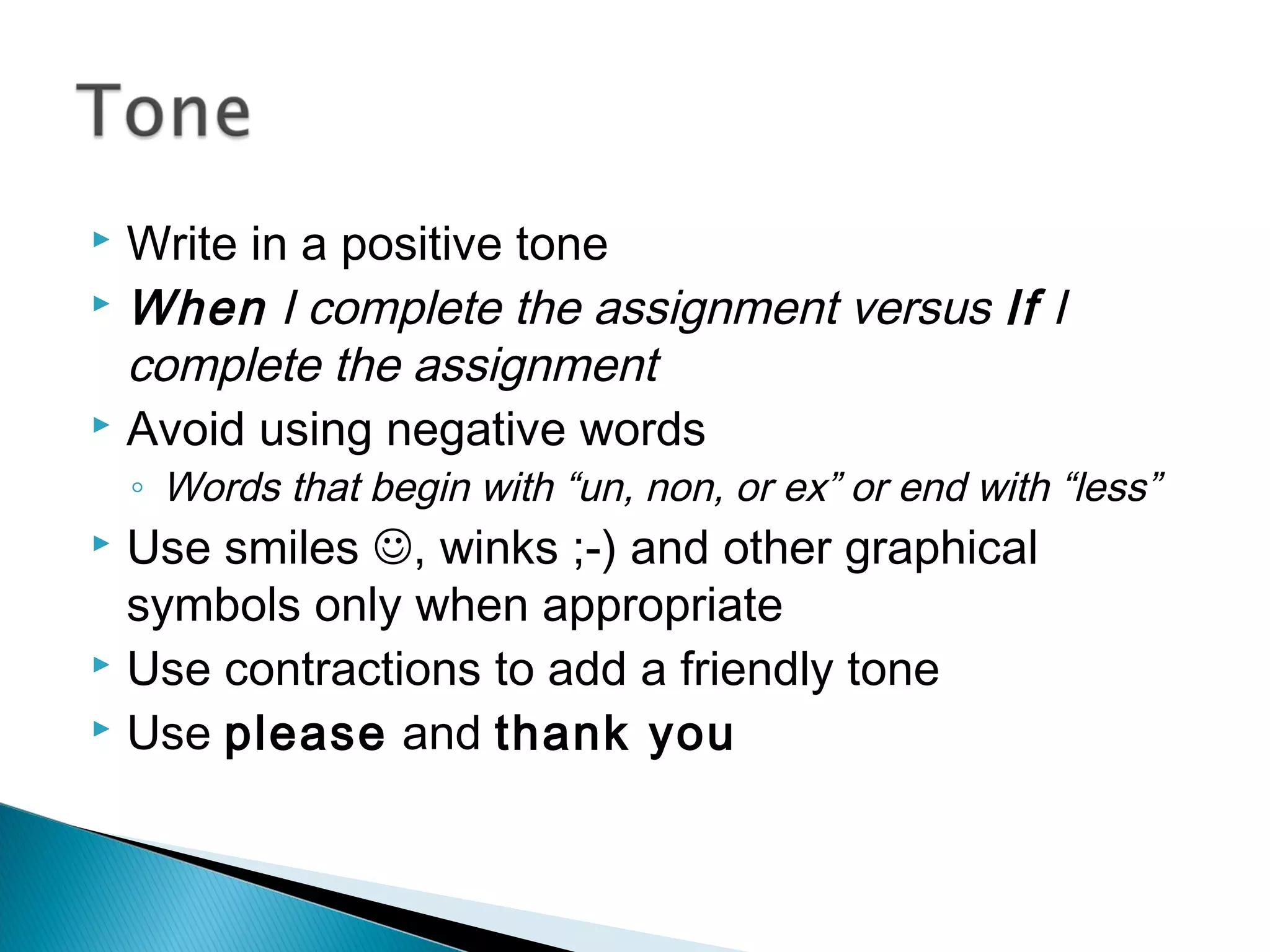
Write ina positive tone
When I complete the assignment versus If I
complete the assignment
Avoid using negative words
◦ Words that begin with “un, non, or ex” or end with “less”
Use smiles , winks ;-) and other graphical
symbols only when appropriate
Use contractions to add a friendly tone
Use please and thank you
7.
Check yourgrammar and spelling
Use proper structure and layout
Be efficient
◦ Emails that get to the point are much more effective
Address all the questions or concerns to avoid
delays
Read the email before you send it
Plz Don’t Abbrvt.
Try to keep the email brief (one screen length)
8.
Use sarcasmor rude jokes
Respond if you are upset. Take some time to cool
off and consider appropriate response.
Attach unnecessary files
Use CAPITALS
Leave out the message thread
Use long sentences
Leave irrelevant information
9.
When youare sending attachments, include in the
email the filename, and what it contains
◦ Attached: “Project3Proposal.doc” with my proposal.
Consider sending files in rich text format (rtf) or
portable document format (pdf) to ensure
compatibility
Attachments often carry viruses
10.
Identify yourself
Keep it short
Ensure a quote or tagline is appropriate for
everyone to see
11.
What doesyour email address say about you?
Should be appropriate to the audience
◦ Consider a second address for professional use
Consider your first initial and last name
12.
Don’t replyto spam
Replying confirms that the address is ‘live’





![Email etiquette [advanced level]](https://cdn.slidesharecdn.com/ss_thumbnails/emailetiquetteadvancedlevel-180705054408-thumbnail.jpg?width=640&height=640&fit=bounds)


![email_etiquette[1].ppt](https://cdn.slidesharecdn.com/ss_thumbnails/emailetiquette1-230210093352-3f215bcd-thumbnail.jpg?width=640&height=640&fit=bounds)

![Email etiquette[1] (1)](https://cdn.slidesharecdn.com/ss_thumbnails/emailetiquette11-170307180357-thumbnail.jpg?width=640&height=640&fit=bounds)


