Writing Effective E-Mails

1
Importance of Effective Email
Communication
 List down two or three points why it is important to

have effective email communication:
1.
2.
3.

2
Importance of Effective Email
Communication
Any questions about the importance? 
It is a way of life!

3
Before writing the email
 Make a plan
 Think about the purpose of the email
 Think about the person who will read the email and how
you want him or her to respond/react
 Make an outline or list of the main points and details
you want to include in the email
 Double check any facts, dates, times, or other specific
details that will be included in the email
4
The recipient and your relationship
 Whom are you writing to and what is your relationship with

the person?

If the person you are writing to is in a higher position than you,
your email should use more formal language than if the person is
someone in the same level / position as you.
 If you have never met the person receiving your email before,
you should use formal language in the first email to him or her.
 Once you have sent the first email and received a reply, you can
choose to continue using formal language or choose to use less
formal language in future emails.


5
What is the situation?
 Think about the reason you are sending the email and

decide if formal or informal language is better.

If you are requesting a service or asking for a favor, you should
use formal language.
 If you are making a complaint, you must carefully choose the
words to express your dissatisfaction or problem but you must
be polite.
 If you are introducing yourself, you should use formal language
but you can use words or phrases that let your personality show
through as well.
 If you are writing a customer relation letter, you should use
formal language.
6

What do you want to accomplish?
 Think about the reason for writing the email and what you

want the person who receives the email to do with it.
 If you want the

receiver to do something for you, make it
clear. Tell the receiver exactly what action you want done.
 If the mail is for recipient's information only and no action
needs to be taken, clearly mention that.
 If you want the receiver to respond by a certain date, write
the response date.
 If you are negotiating or rearranging a meeting, write your
requirements or available times clearly.
7
Important Elements
 Subject line
 Message body
 Address / salutation
 Purpose
 Details

/ explanation
 Closure
 Signature
 Attachment (optional)
8
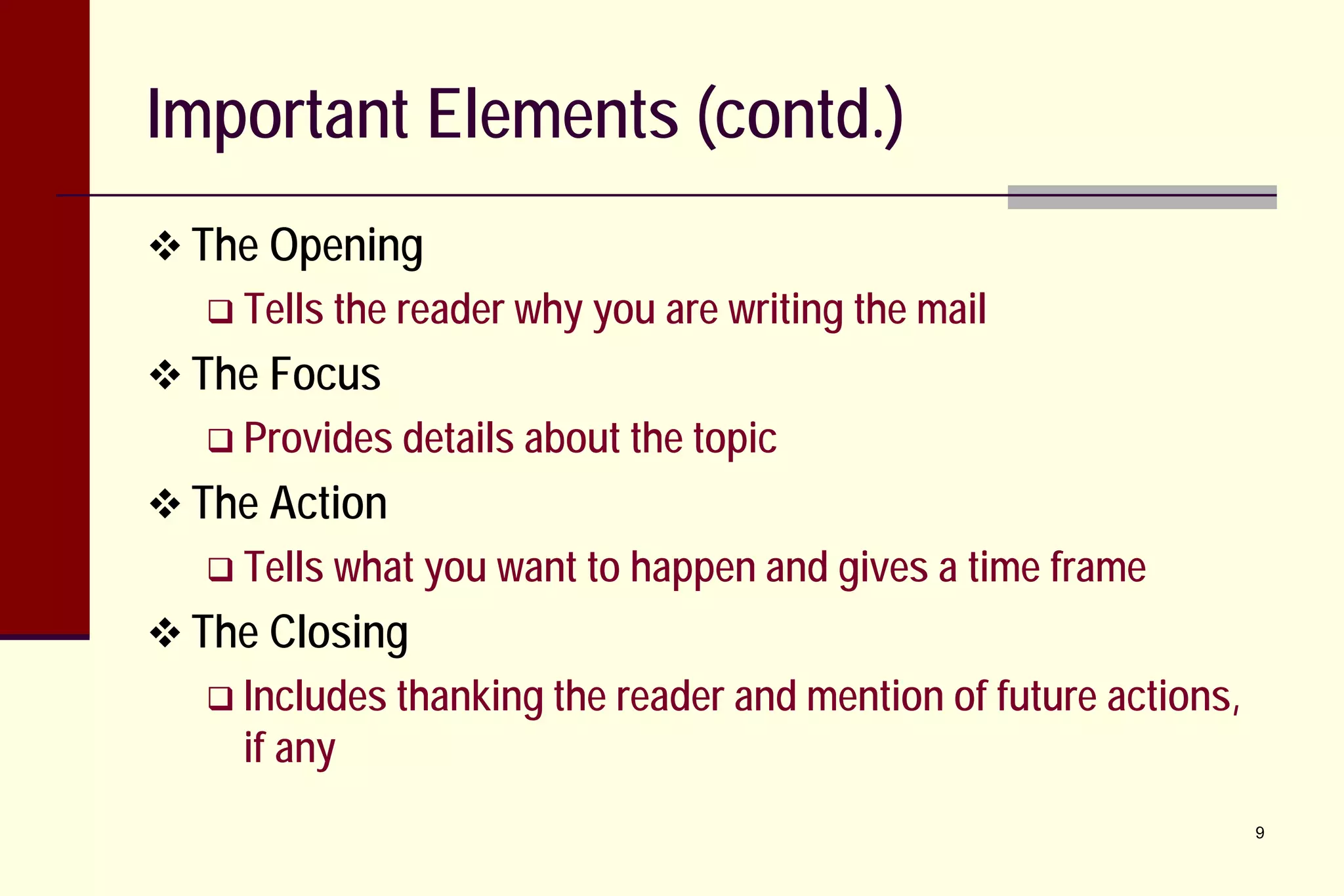
Important Elements (contd.)
 The Opening
 Tells the

reader why you are writing the mail

 The Focus
 Provides details about the topic

 The Action
 Tells what you want to

happen and gives a time frame

 The Closing
 Includes thanking the

if any

reader and mention of future actions,
9
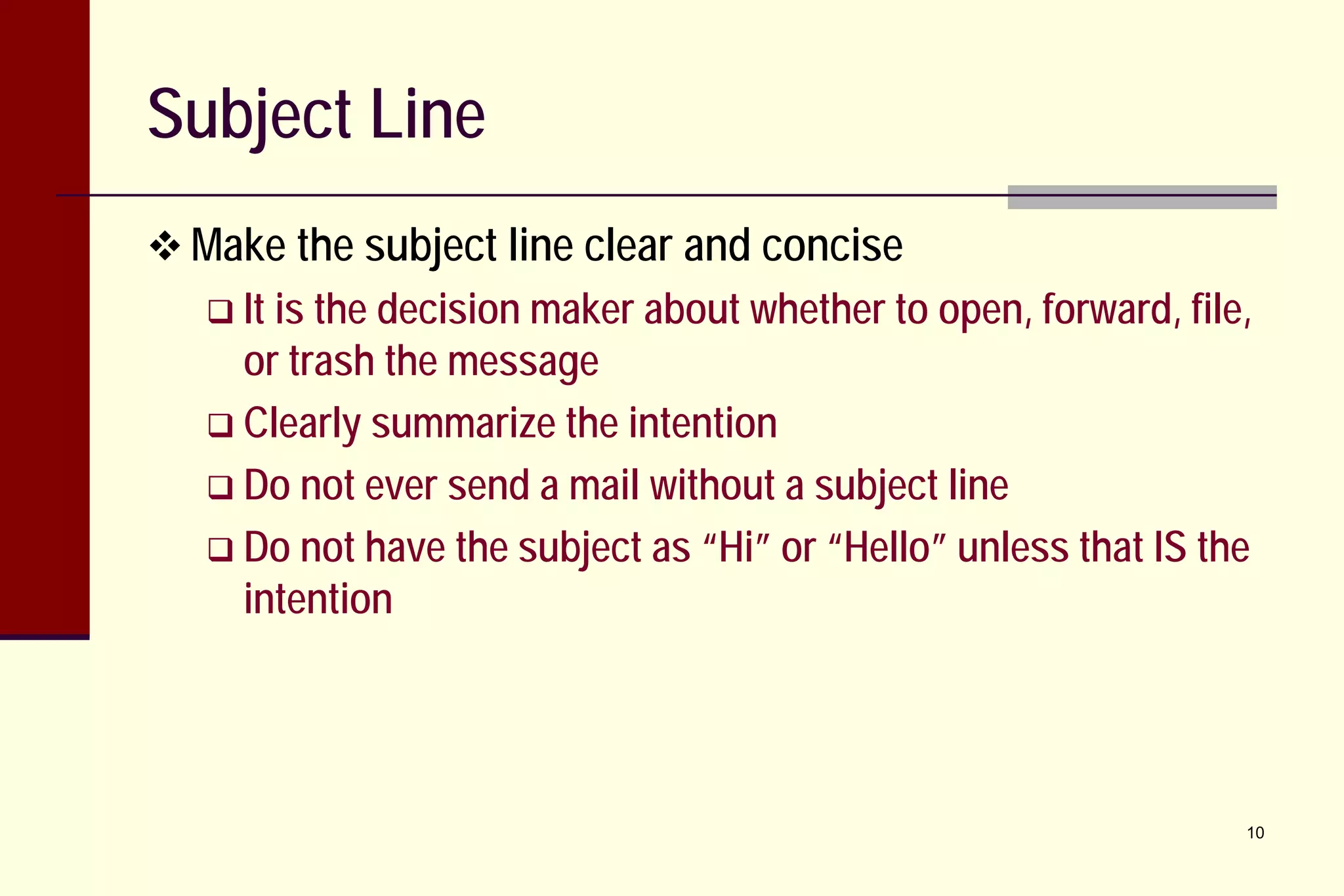
Subject Line
 Make the subject line clear and concise
 It is

the decision maker about whether to open, forward, file,
or trash the message
 Clearly summarize the intention
 Do not ever send a mail without a subject line
 Do not have the subject as “Hi” or “Hello” unless that IS the
intention

10
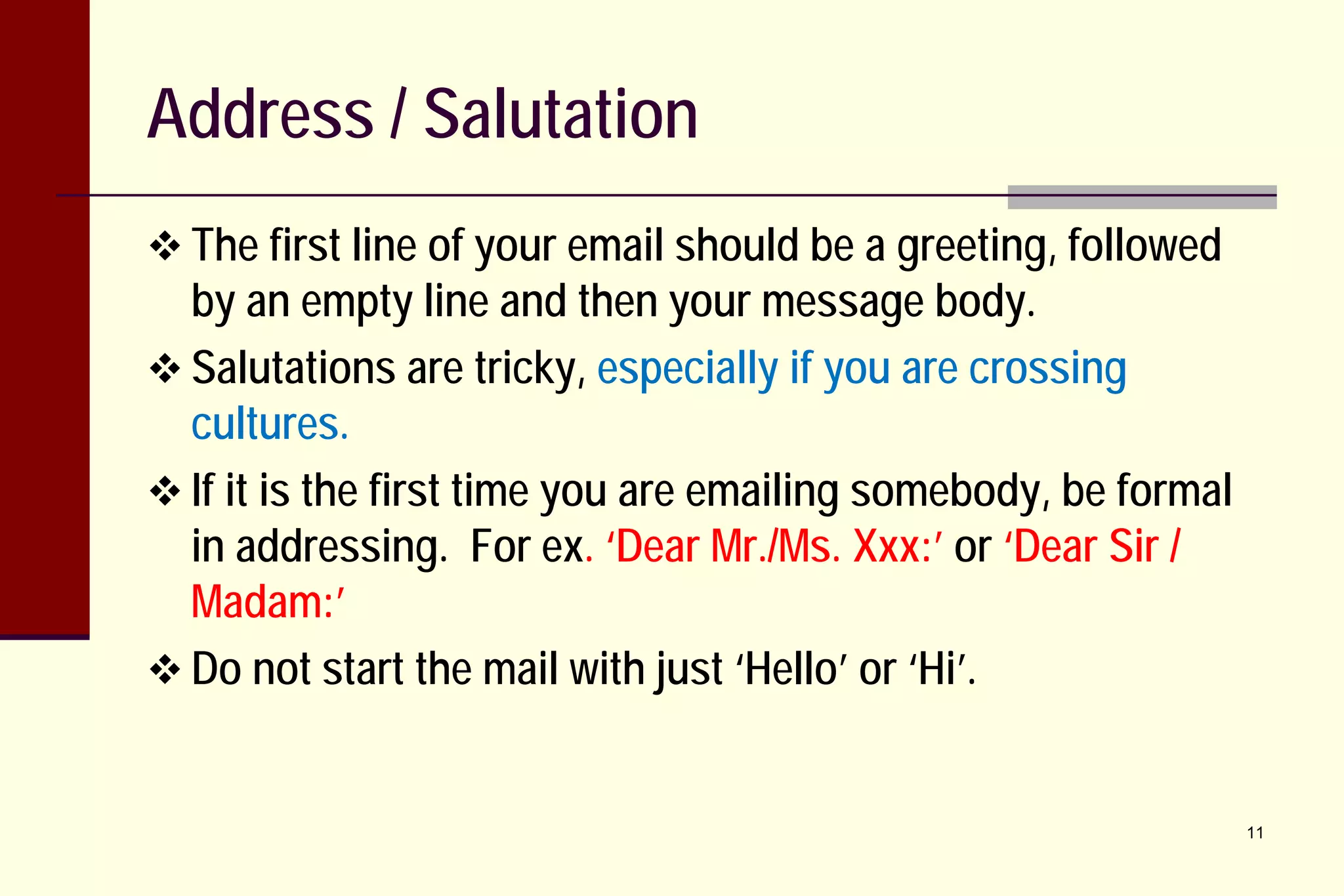
Address / Salutation
 The first line of your email should be a greeting, followed

by an empty line and then your message body.
 Salutations are tricky, especially if you are crossing
cultures.
 If it is the first time you are emailing somebody, be formal
in addressing. For ex. ‘Dear Mr./Ms. Xxx:’ or ‘Dear Sir /
Madam:’
 Do not start the mail with just ‘Hello’ or ‘Hi’.

11
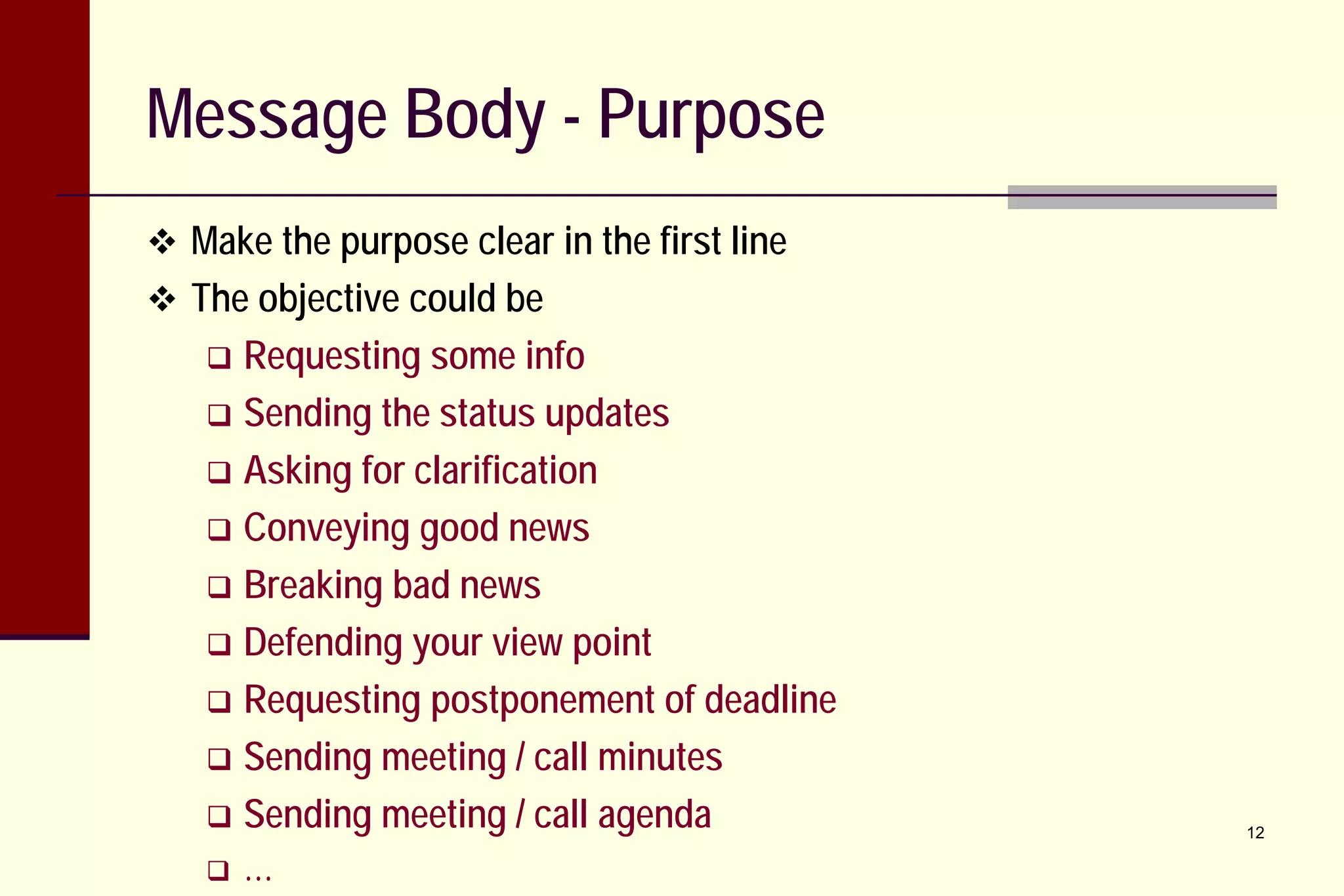
Message Body - Purpose
 Make the purpose clear in the first line
 The objective could be

Requesting some info
 Sending the status updates
 Asking for clarification
 Conveying good news
 Breaking bad news
 Defending your view point
 Requesting postponement of deadline
 Sending meeting / call minutes
 Sending meeting / call agenda




…

12
Message Body - Details
 Keep the message focused and readable
 Put all important details at

the top of the email body
 Keep the rest of the email short
 Use short paragraphs; consider breaking up paragraphs to
only a few sentences a piece.
 Don't bury a key piece of information in a large paragraph
 Keep sentences short
 Try to fit the complete message on one screen
 Provide blank lines between paragraphs
 Use a bullet list when listing out items
13
Message Body – Details (contd.)
 Get right to the point
 Don’t use unnecessary words and phrases that distract from

the main idea of the email or may confuse the reader
 The person reading your email is always pressed for time so
you must make it as direct as possible.
 Make the reason for writing the email clear at the beginning
and only add details that are directly related to the topic of
the email.

14
Message Body – Details (contd.)
 Use simple sentences
 Avoiding difficult or complex sentence structures.

This

helps you avoid grammatical mistakes.
 Simple sentences will make the email easier for your reader
to understand, especially if the person reading the email is
not a native English speaker.

15
Message Body – Details (contd.)
 Pay attention to word choice
 Remember that writing is

a form of indirect communication.
 Unlike having a conversation with someone, you do not
have a chance to clarify yourself by restating your ideas or
to use nonverbal cues to make your meaning clear.
 You have to make sure your reader understands what you
want to say and gets the right “message” the first time.
 Choose words such that there is no ambiguity in the
meaning.
16
Message Body – Details (contd.)
 Pay attention to word choice
 Think about how the

email might be perceived by the reader.
Are there any words or phrases that may make the tone
seem angry, flippant, or disrespectful?
 Avoid trying to make a joke or say something funny in an
email. Sometimes what you think is funny might be
misunderstood by the reader and create a bad relationship.

17
Message Body - Closure
 The final sentence
 Either provide something concrete to

reply to or make it

clear that a reply is not necessary.
 Ex.: "Please let me know what appointment times work best
for you." or "I look forward to seeing you tomorrow at 1pm
in my office."

18
Message Body – Additional Points
 Do not use –
 Smilies

Ex. :-), :-( etc.
 Abbreviations


Ex. IIRC for "if I recall correctly", BTW for “by the way” etc.

 Non-standard punctuation and spellings


Ex. gimme (give me), tht (that), dificlt (difficult), vil (will), etc.

 All-caps means shouting
 Use active instead of passive voice
 Ex. 'We

will take care of your request today', v/s 'Your
request will be taken care of today'.
19
Signature
 Make sure to use
 ‘With best regards’ or
 ‘With regards’ or
 ‘Thank you and regards’
…

 Do not forget to write your name and contact details,

company name etc.

20
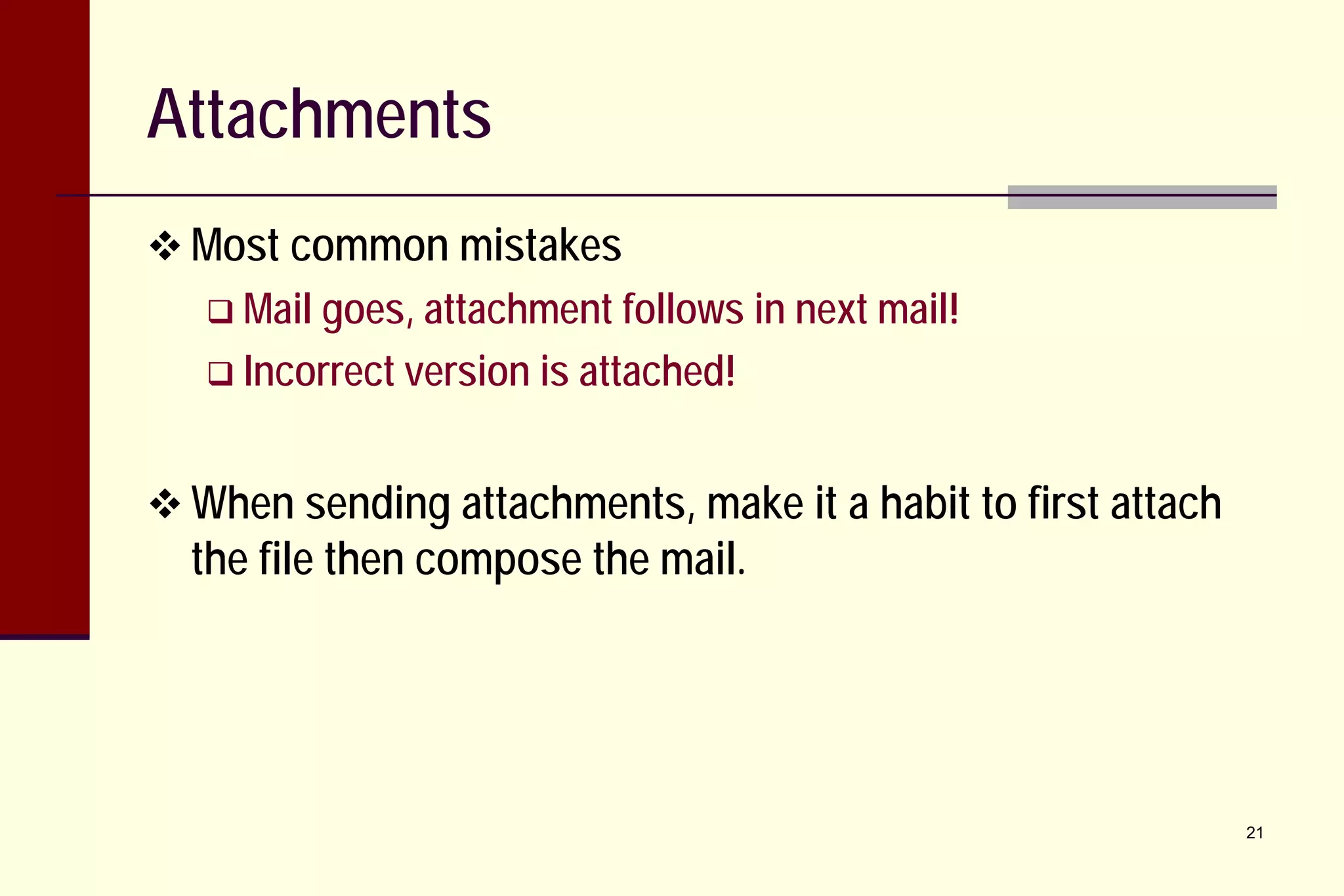
Attachments
 Most common mistakes
 Mail goes, attachment follows

in next mail!

 Incorrect version is attached!

 When sending attachments, make it a habit to first attach

the file then compose the mail.

21
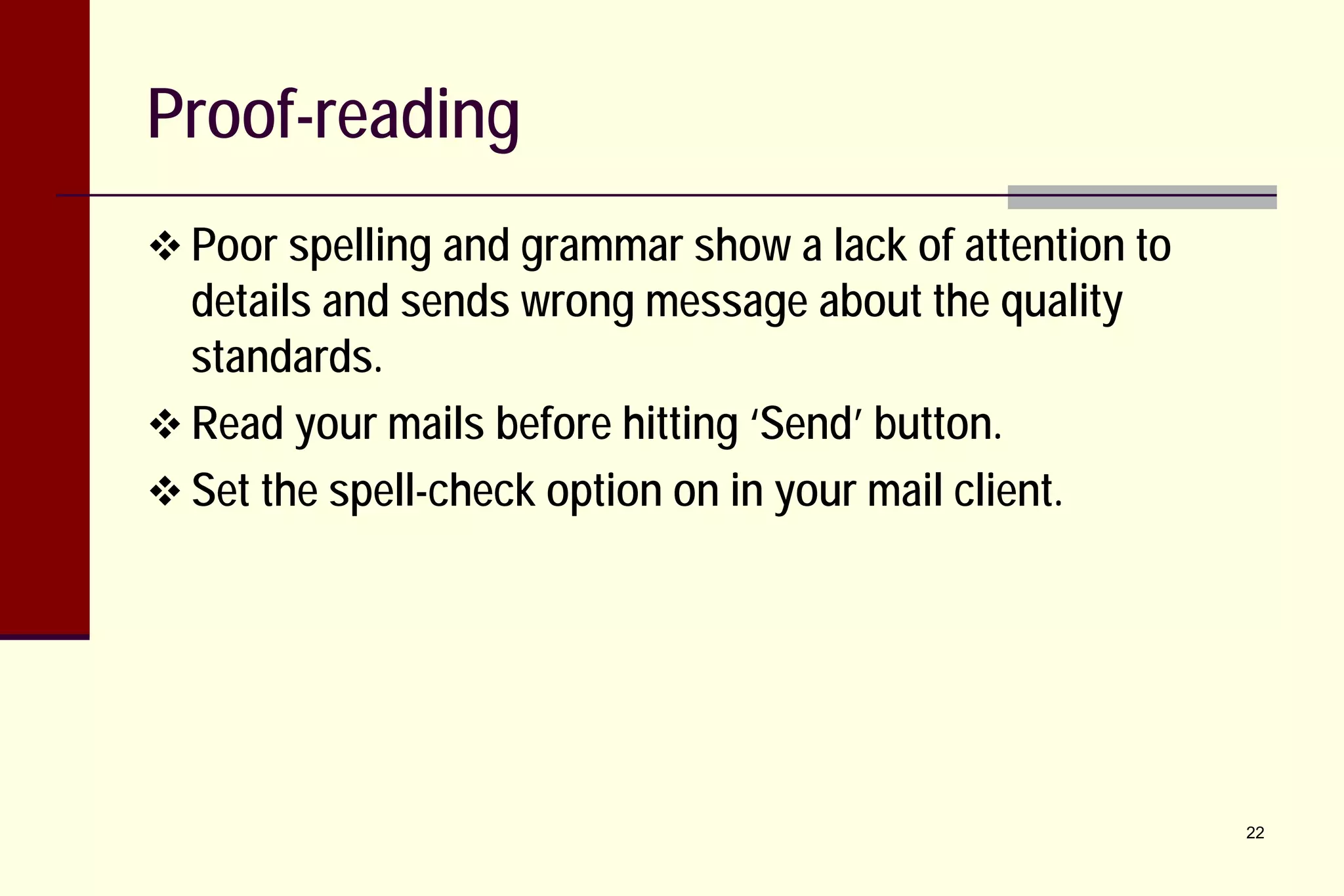
Proof-reading
 Poor spelling and grammar show a lack of attention to

details and sends wrong message about the quality
standards.
 Read your mails before hitting ‘Send’ button.
 Set the spell-check option on in your mail client.

22
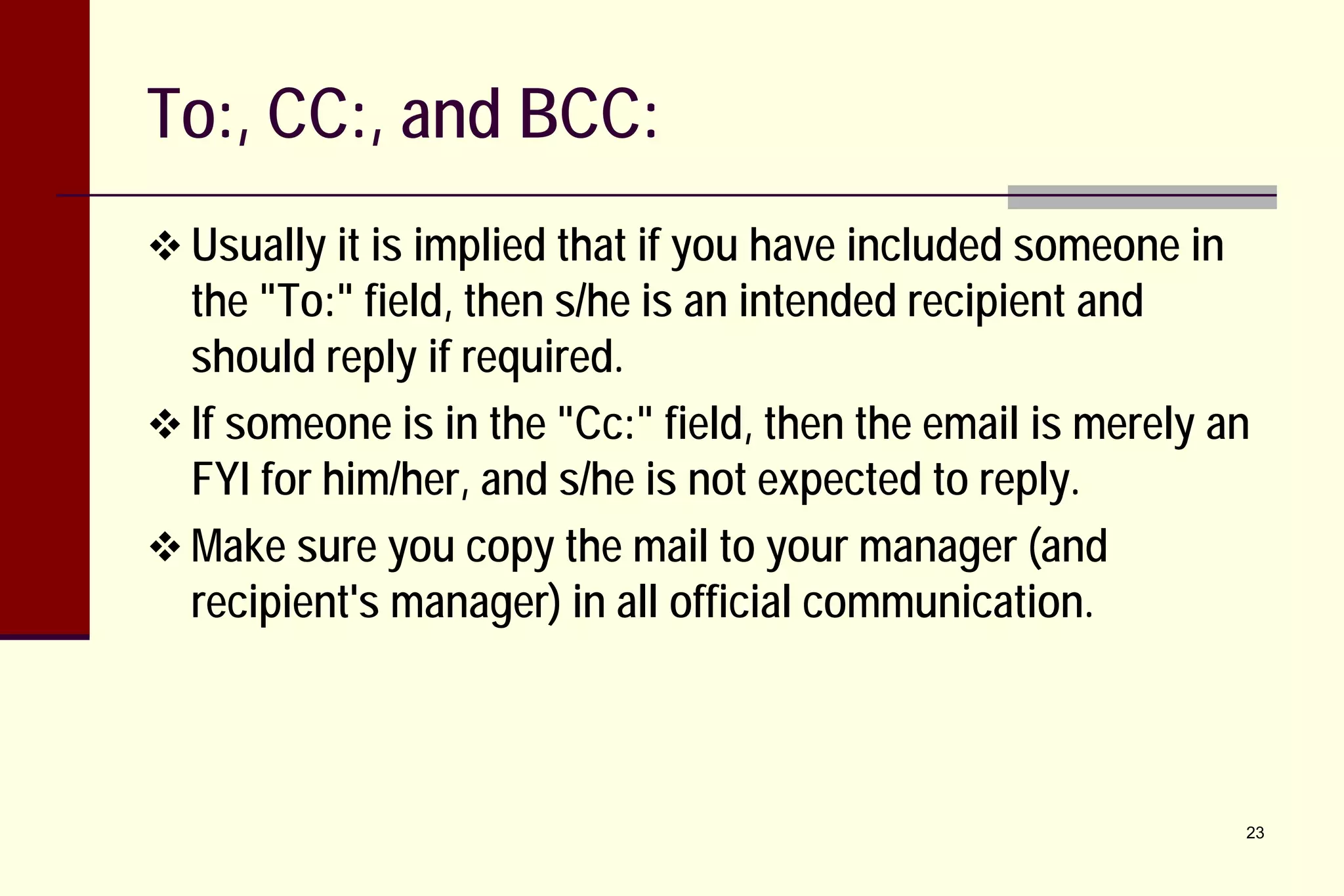
To:, CC:, and BCC:
 Usually it is implied that if you have included someone in

the "To:" field, then s/he is an intended recipient and
should reply if required.
 If someone is in the "Cc:" field, then the email is merely an
FYI for him/her, and s/he is not expected to reply.
 Make sure you copy the mail to your manager (and
recipient's manager) in all official communication.

23
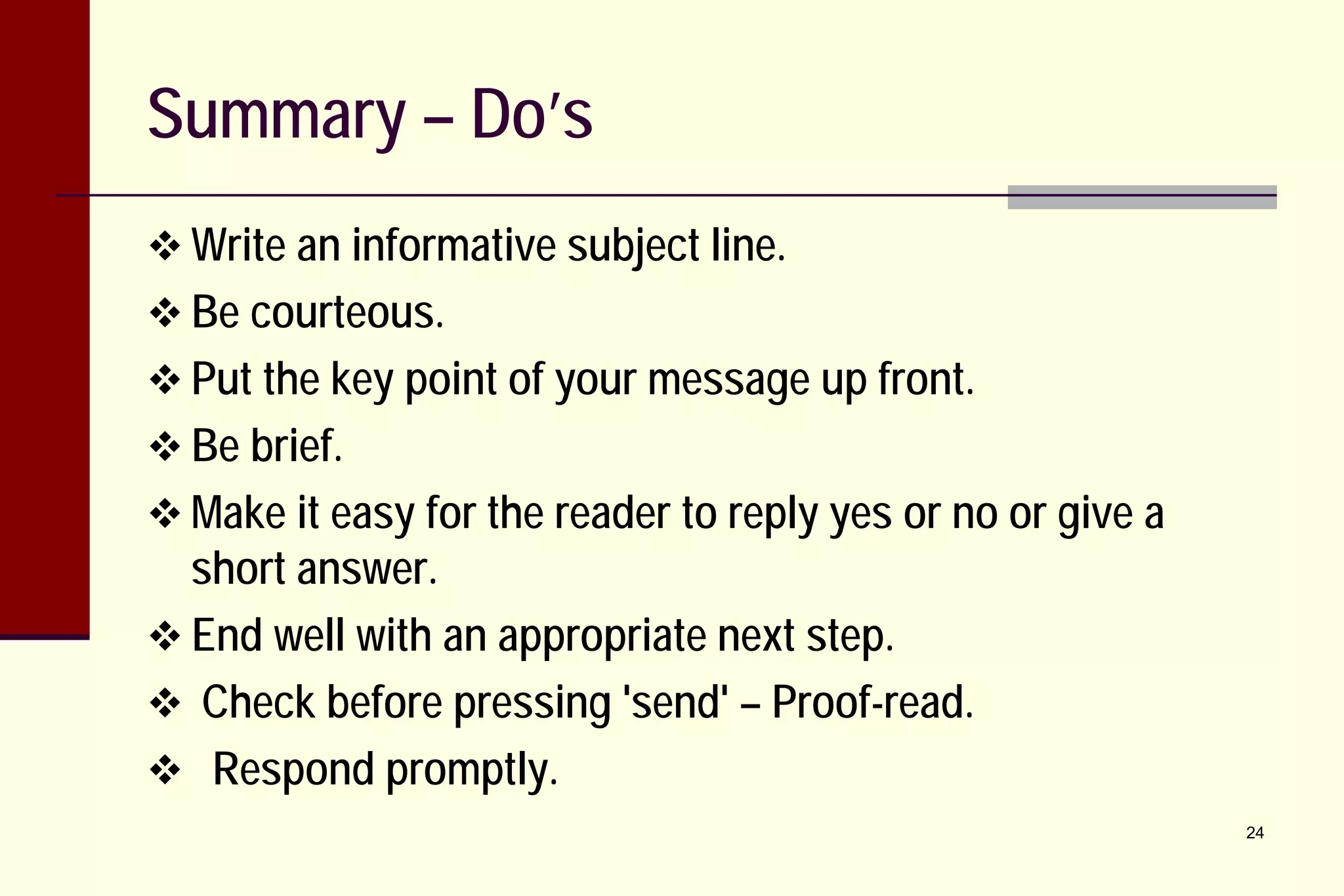
Summary – Do’s
 Write an informative subject line.
 Be courteous.
 Put the key point of your message up front.
 Be brief.
 Make it easy for the reader to reply yes or no or give a

short answer.
 End well with an appropriate next step.
 Check before pressing 'send' – Proof-read.
 Respond promptly.

24
Summary – Don’ts
 Don't leave the Subject Line blank.
 Don't use all capital letters.
 Don't use emoticons or abbreviations.
 Don't send without checking for mistakes.
 Don’t assume that people have time to read your entire

message.
 Don’t think that an e-mail is good for everything.
 Don’t write an e-mail when you are rushed.

25
THANK YOU

26

Effective Email communication

  • 1.
  • 2.
    Importance of EffectiveEmail Communication  List down two or three points why it is important to have effective email communication: 1. 2. 3. 2
  • 3.
    Importance of EffectiveEmail Communication Any questions about the importance?  It is a way of life! 3
  • 4.
    Before writing theemail  Make a plan  Think about the purpose of the email  Think about the person who will read the email and how you want him or her to respond/react  Make an outline or list of the main points and details you want to include in the email  Double check any facts, dates, times, or other specific details that will be included in the email 4
  • 5.
    The recipient andyour relationship  Whom are you writing to and what is your relationship with the person? If the person you are writing to is in a higher position than you, your email should use more formal language than if the person is someone in the same level / position as you.  If you have never met the person receiving your email before, you should use formal language in the first email to him or her.  Once you have sent the first email and received a reply, you can choose to continue using formal language or choose to use less formal language in future emails.  5
  • 6.
    What is thesituation?  Think about the reason you are sending the email and decide if formal or informal language is better. If you are requesting a service or asking for a favor, you should use formal language.  If you are making a complaint, you must carefully choose the words to express your dissatisfaction or problem but you must be polite.  If you are introducing yourself, you should use formal language but you can use words or phrases that let your personality show through as well.  If you are writing a customer relation letter, you should use formal language. 6 
  • 7.
    What do youwant to accomplish?  Think about the reason for writing the email and what you want the person who receives the email to do with it.  If you want the receiver to do something for you, make it clear. Tell the receiver exactly what action you want done.  If the mail is for recipient's information only and no action needs to be taken, clearly mention that.  If you want the receiver to respond by a certain date, write the response date.  If you are negotiating or rearranging a meeting, write your requirements or available times clearly. 7
  • 8.
    Important Elements  Subjectline  Message body  Address / salutation  Purpose  Details / explanation  Closure  Signature  Attachment (optional) 8
  • 9.
    Important Elements (contd.) The Opening  Tells the reader why you are writing the mail  The Focus  Provides details about the topic  The Action  Tells what you want to happen and gives a time frame  The Closing  Includes thanking the if any reader and mention of future actions, 9
  • 10.
    Subject Line  Makethe subject line clear and concise  It is the decision maker about whether to open, forward, file, or trash the message  Clearly summarize the intention  Do not ever send a mail without a subject line  Do not have the subject as “Hi” or “Hello” unless that IS the intention 10
  • 11.
    Address / Salutation The first line of your email should be a greeting, followed by an empty line and then your message body.  Salutations are tricky, especially if you are crossing cultures.  If it is the first time you are emailing somebody, be formal in addressing. For ex. ‘Dear Mr./Ms. Xxx:’ or ‘Dear Sir / Madam:’  Do not start the mail with just ‘Hello’ or ‘Hi’. 11
  • 12.
    Message Body -Purpose  Make the purpose clear in the first line  The objective could be Requesting some info  Sending the status updates  Asking for clarification  Conveying good news  Breaking bad news  Defending your view point  Requesting postponement of deadline  Sending meeting / call minutes  Sending meeting / call agenda   … 12
  • 13.
    Message Body -Details  Keep the message focused and readable  Put all important details at the top of the email body  Keep the rest of the email short  Use short paragraphs; consider breaking up paragraphs to only a few sentences a piece.  Don't bury a key piece of information in a large paragraph  Keep sentences short  Try to fit the complete message on one screen  Provide blank lines between paragraphs  Use a bullet list when listing out items 13
  • 14.
    Message Body –Details (contd.)  Get right to the point  Don’t use unnecessary words and phrases that distract from the main idea of the email or may confuse the reader  The person reading your email is always pressed for time so you must make it as direct as possible.  Make the reason for writing the email clear at the beginning and only add details that are directly related to the topic of the email. 14
  • 15.
    Message Body –Details (contd.)  Use simple sentences  Avoiding difficult or complex sentence structures. This helps you avoid grammatical mistakes.  Simple sentences will make the email easier for your reader to understand, especially if the person reading the email is not a native English speaker. 15
  • 16.
    Message Body –Details (contd.)  Pay attention to word choice  Remember that writing is a form of indirect communication.  Unlike having a conversation with someone, you do not have a chance to clarify yourself by restating your ideas or to use nonverbal cues to make your meaning clear.  You have to make sure your reader understands what you want to say and gets the right “message” the first time.  Choose words such that there is no ambiguity in the meaning. 16
  • 17.
    Message Body –Details (contd.)  Pay attention to word choice  Think about how the email might be perceived by the reader. Are there any words or phrases that may make the tone seem angry, flippant, or disrespectful?  Avoid trying to make a joke or say something funny in an email. Sometimes what you think is funny might be misunderstood by the reader and create a bad relationship. 17
  • 18.
    Message Body -Closure  The final sentence  Either provide something concrete to reply to or make it clear that a reply is not necessary.  Ex.: "Please let me know what appointment times work best for you." or "I look forward to seeing you tomorrow at 1pm in my office." 18
  • 19.
    Message Body –Additional Points  Do not use –  Smilies Ex. :-), :-( etc.  Abbreviations  Ex. IIRC for "if I recall correctly", BTW for “by the way” etc.  Non-standard punctuation and spellings  Ex. gimme (give me), tht (that), dificlt (difficult), vil (will), etc.  All-caps means shouting  Use active instead of passive voice  Ex. 'We will take care of your request today', v/s 'Your request will be taken care of today'. 19
  • 20.
    Signature  Make sureto use  ‘With best regards’ or  ‘With regards’ or  ‘Thank you and regards’ …  Do not forget to write your name and contact details, company name etc. 20
  • 21.
    Attachments  Most commonmistakes  Mail goes, attachment follows in next mail!  Incorrect version is attached!  When sending attachments, make it a habit to first attach the file then compose the mail. 21
  • 22.
    Proof-reading  Poor spellingand grammar show a lack of attention to details and sends wrong message about the quality standards.  Read your mails before hitting ‘Send’ button.  Set the spell-check option on in your mail client. 22
  • 23.
    To:, CC:, andBCC:  Usually it is implied that if you have included someone in the "To:" field, then s/he is an intended recipient and should reply if required.  If someone is in the "Cc:" field, then the email is merely an FYI for him/her, and s/he is not expected to reply.  Make sure you copy the mail to your manager (and recipient's manager) in all official communication. 23
  • 24.
    Summary – Do’s Write an informative subject line.  Be courteous.  Put the key point of your message up front.  Be brief.  Make it easy for the reader to reply yes or no or give a short answer.  End well with an appropriate next step.  Check before pressing 'send' – Proof-read.  Respond promptly. 24
  • 25.
    Summary – Don’ts Don't leave the Subject Line blank.  Don't use all capital letters.  Don't use emoticons or abbreviations.  Don't send without checking for mistakes.  Don’t assume that people have time to read your entire message.  Don’t think that an e-mail is good for everything.  Don’t write an e-mail when you are rushed. 25
  • 26.