Digital Media Production
Com 3340
Amani Channel, MA
Agenda
Review
Production positions
Planning a shoot
Narration/Voice over exercise
Getting Started with Final Cut Pro
Discuss next assignment
Production Positions
Executive Producer: Finances Production
Producer: Budget/overall execution
Director: Insures scenes/action is captured. Directs talent
Director of Photography: Lighting/Shooting
Soundperson: Captures audio
Production Assistant: Helps during shoot
Talent: Performs on camera
Editor: Assembles Video
Planning a Video
Preproduction
Brainstorm: Look for video examples
Determine the purpose, objectives, audience, length,
location, story
Determine the equipment, crew, resources
Write a proposal/treatment
Determine production schedule: shoot, edit
Write script/outline/shot sheet
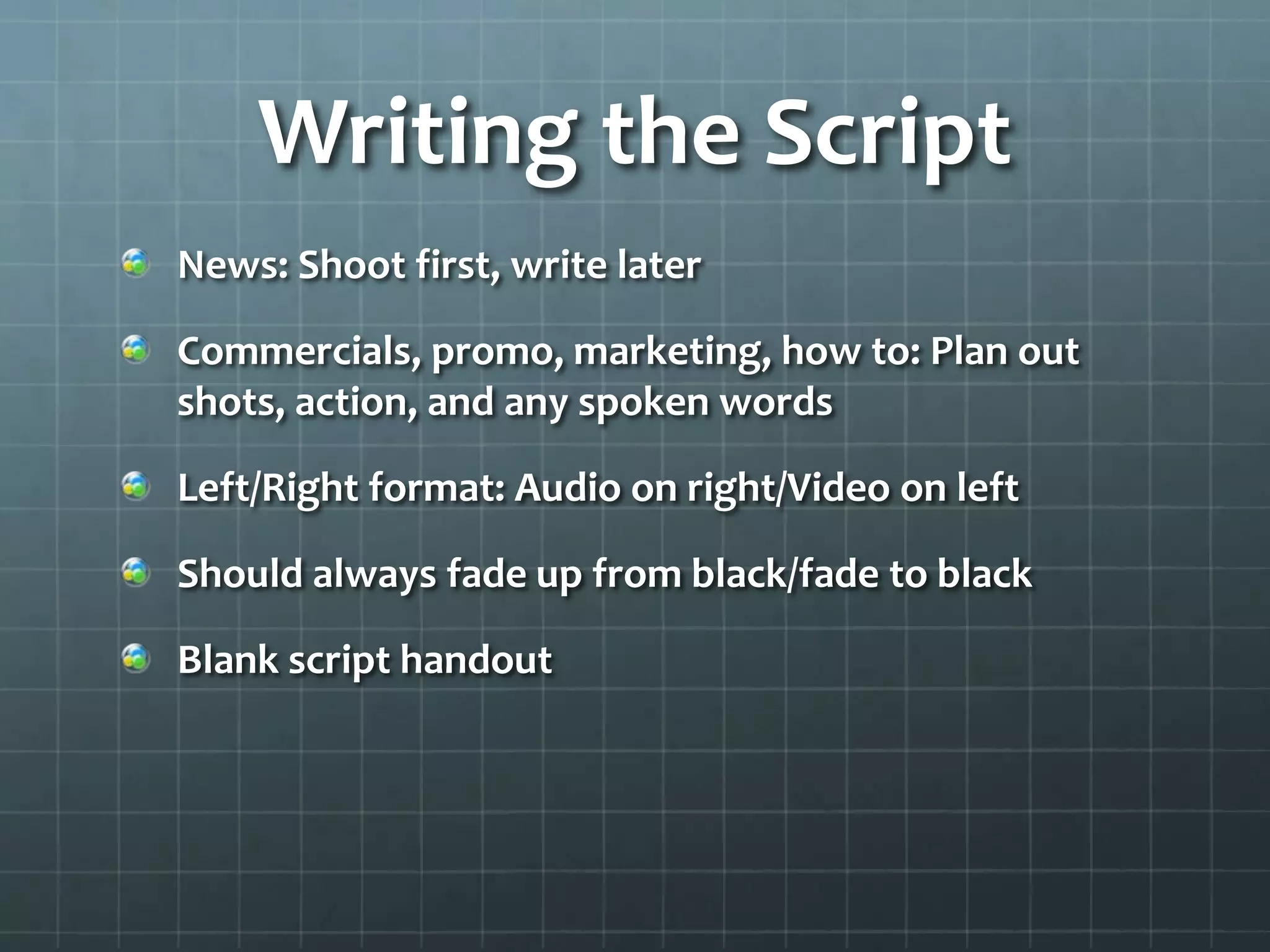
Writing the Script
News: Shoot first, write later
Commercials, promo, marketing, how to: Plan out
shots, action, and any spoken words
Left/Right format: Audio on right/Video on left
Should always fade up from black/fade to black
Blank script handout
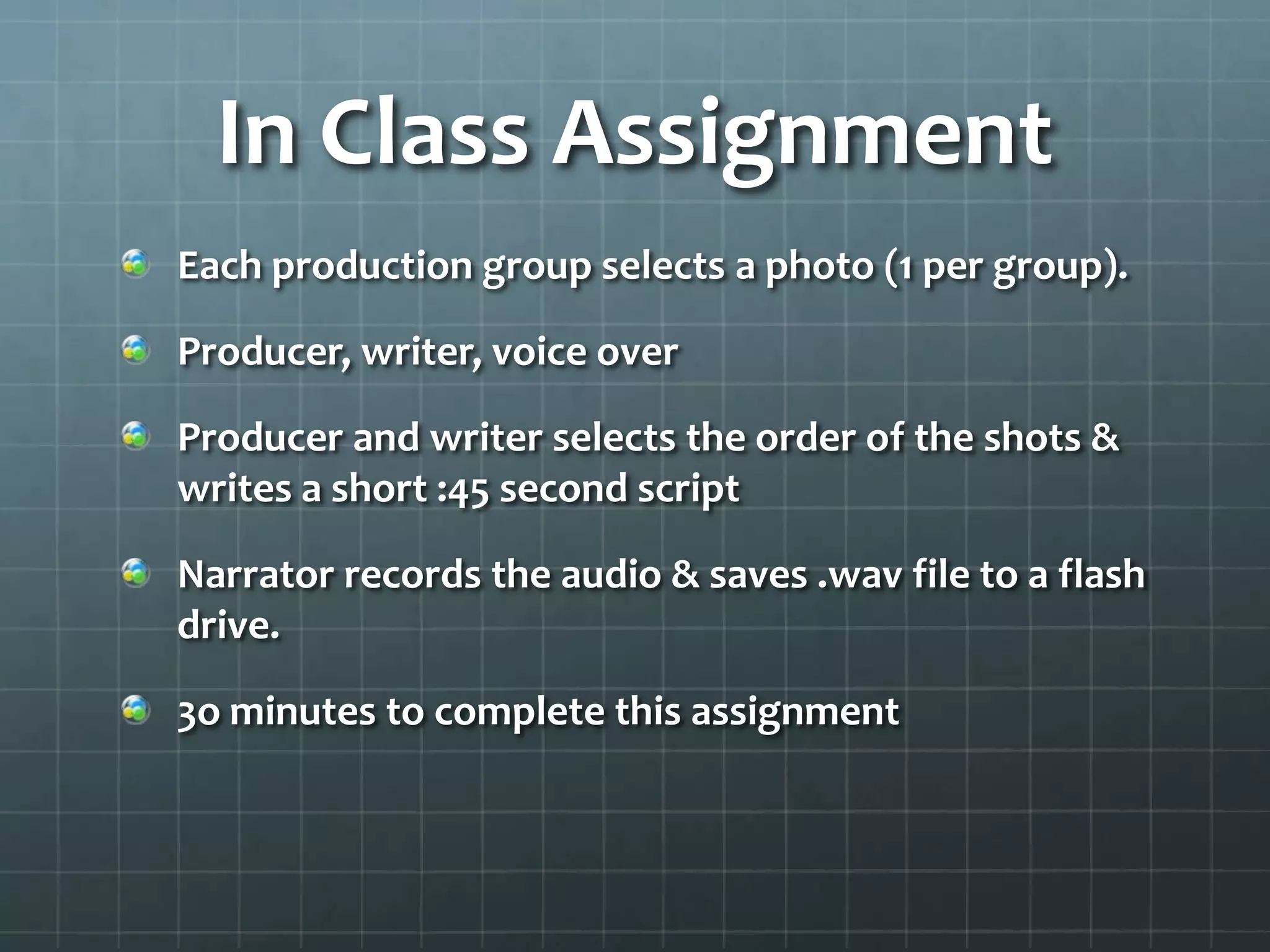
In Class Assignment
Each production group selects a photo (1 per group).
Producer, writer, voice over
Producer and writer selects the order of the shots &
writes a short :45 second script
Narrator records the audio & saves .wav file to a flash
drive.
3o minutes to complete this assignment
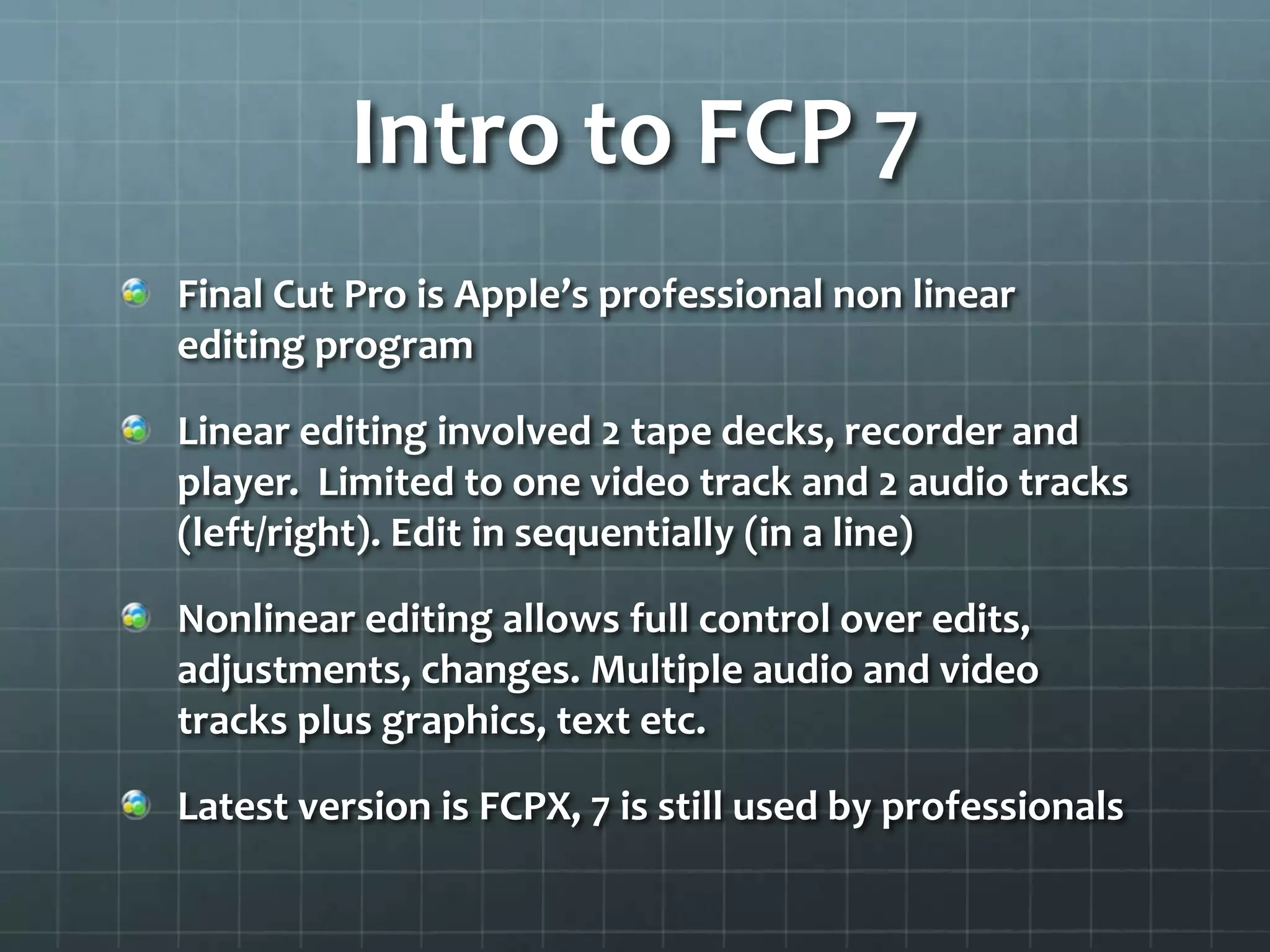
Intro to FCP 7
Final Cut Pro is Apple’s professional non linear
editing program
Linear editing involved 2 tape decks, recorder and
player. Limited to one video track and 2 audio tracks
(left/right). Edit in sequentially (in a line)
Nonlinear editing allows full control over edits,
adjustments, changes. Multiple audio and video
tracks plus graphics, text etc.
Latest version is FCPX, 7 is still used by professionals
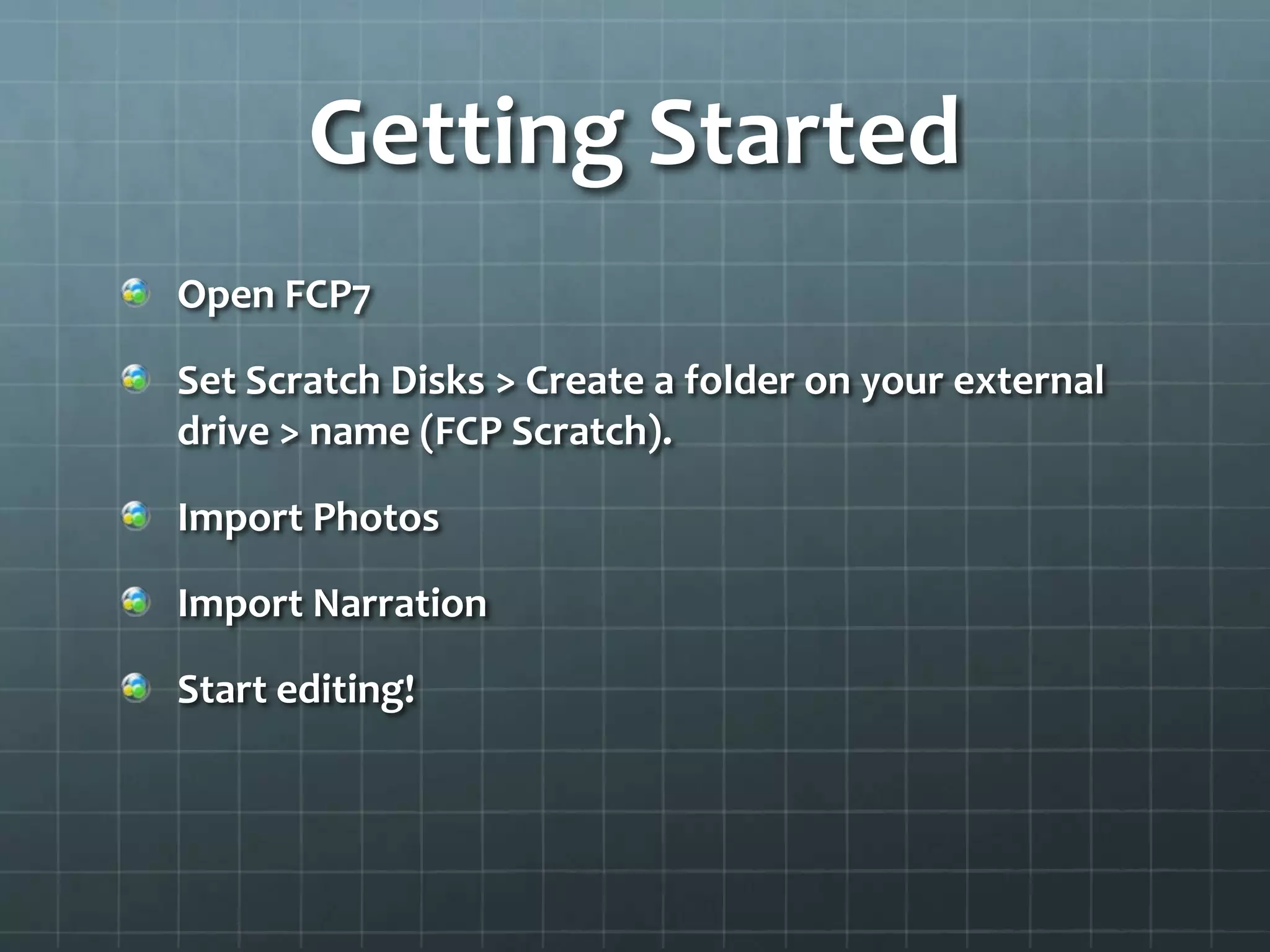
Getting Started
Open FCP7
Set Scratch Disks > Create a folder on your external
drive > name (FCP Scratch).
Import Photos
Import Narration
Start editing!
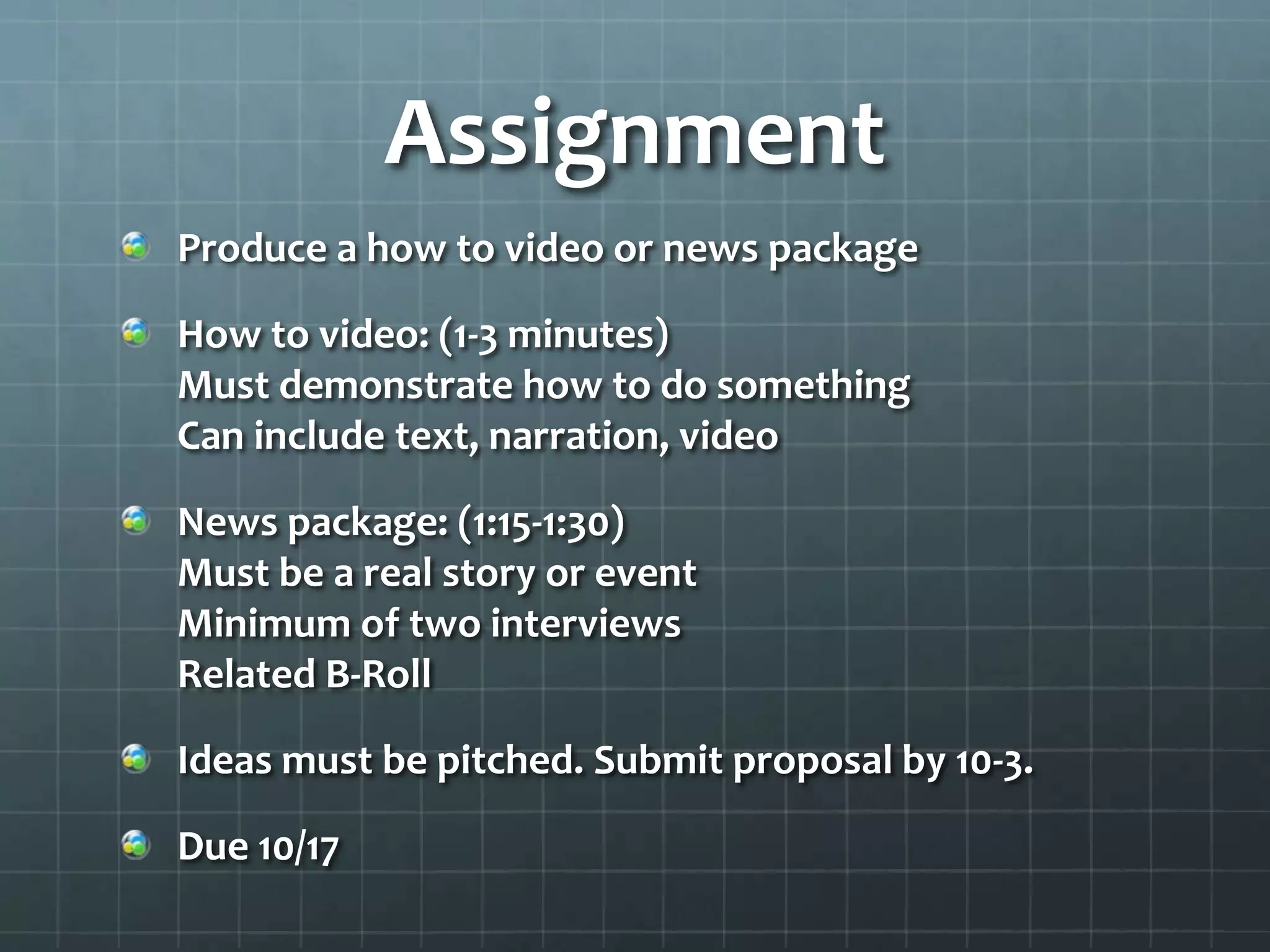
Assignment
Produce a how to video or news package
How to video: (1-3 minutes)
Must demonstrate how to do something
Can include text, narration, video
News package: (1:15-1:30)
Must be a real story or event
Minimum of two interviews
Related B-Roll
Ideas must be pitched. Submit proposal by 10-3.
Due 10/17

Digital Media Production: Planning - Narration - Intro to Editing

  • 1.
    Digital Media Production Com3340 Amani Channel, MA
  • 2.
    Agenda Review Production positions Planning ashoot Narration/Voice over exercise Getting Started with Final Cut Pro Discuss next assignment
  • 3.
    Production Positions Executive Producer:Finances Production Producer: Budget/overall execution Director: Insures scenes/action is captured. Directs talent Director of Photography: Lighting/Shooting Soundperson: Captures audio Production Assistant: Helps during shoot Talent: Performs on camera Editor: Assembles Video
  • 4.
    Planning a Video Preproduction Brainstorm:Look for video examples Determine the purpose, objectives, audience, length, location, story Determine the equipment, crew, resources Write a proposal/treatment Determine production schedule: shoot, edit Write script/outline/shot sheet
  • 5.
    Writing the Script News:Shoot first, write later Commercials, promo, marketing, how to: Plan out shots, action, and any spoken words Left/Right format: Audio on right/Video on left Should always fade up from black/fade to black Blank script handout
  • 6.
    In Class Assignment Eachproduction group selects a photo (1 per group). Producer, writer, voice over Producer and writer selects the order of the shots & writes a short :45 second script Narrator records the audio & saves .wav file to a flash drive. 3o minutes to complete this assignment
  • 7.
    Intro to FCP7 Final Cut Pro is Apple’s professional non linear editing program Linear editing involved 2 tape decks, recorder and player. Limited to one video track and 2 audio tracks (left/right). Edit in sequentially (in a line) Nonlinear editing allows full control over edits, adjustments, changes. Multiple audio and video tracks plus graphics, text etc. Latest version is FCPX, 7 is still used by professionals
  • 8.
    Getting Started Open FCP7 SetScratch Disks > Create a folder on your external drive > name (FCP Scratch). Import Photos Import Narration Start editing!
  • 9.
    Assignment Produce a howto video or news package How to video: (1-3 minutes) Must demonstrate how to do something Can include text, narration, video News package: (1:15-1:30) Must be a real story or event Minimum of two interviews Related B-Roll Ideas must be pitched. Submit proposal by 10-3. Due 10/17