Computer Forensics Tool Testing at NIST Jim Lyle  Information Technology Laboratory Phone: (301) 975-3207 E-mail:  [email_address] WWW: http://www.cftt.nist.gov
Computers &The Internet Marvelous tools Improve quality of life Enable global communication Improve productivity Makes many activities easer, faster, … … even criminal activity
A Shocking Revelation . . . Computers can be involved in crime … As a victim As a weapon As a witness As a record As contraband
Outline of an Investigation Get proper authorization Seize evidence (Hard drives, floppies …) Create duplicates for analysis Analyze the duplicates Exclude known benign files Examine obvious files Search for hidden evidence Report results
Investigators Need … Computer forensic investigators need tools that … Work as they should Produce results admissible in court
Admissible Results Software tools must meet Daubert criteria Tested: accurate, reliable & repeatable Peer reviewed Generally accepted methodology
Response to Problem Independent testing of forensic tools Public review of results  Apply black box testing theory to tools
Goals of CF at NIST Establish methodology for testing computer forensic tools (CFTT) Provide international standard reference data that tool makers and investigators can use in an investigations (NSRL)
Why NIST/ITL is involved Mission: Assist federal, state & local agencies NIST is a neutral organization – not law enforcement or vendor NIST provides an open, rigorous process
Project Sponsors NIST/OLES (Program management) NIJ (Major funding) FBI (Additional funding) DOD (Equipment and support) Homeland Security (Technical input) State & Local agencies (Technical input)
Project Tasks Identify forensics functions e.g.,  Disk imaging,  Hard drive write protect,  Deleted file recovery String searching Develop specification for each function Peer review of specification Test methodology for each function Test Tools (by function) & Report results
Current Activities Hard drive imaging tools Software hard drive write protect Hardware hard drive write protect Deleted file recovery String Searching
Challenges No standards or specifications for tools Arcane knowledge domain (e.g. DOS, Windows drivers) Reliably faulty hardware Many versions of each tool
Overview of Methodology CFTT directed by Steering Committee Functionality driven Specifications developed for specific categories of activities, e.g., disk imaging, hard drive write protect, etc. Test methodology developed for each category
Developing a Specification After tool function selected by SC … Focus group (law enforcement + NIST) develop tool function specification Spec posted to web for public comment Comments incorporated Develop test environment
Tool Test Process After SC selects a tool … Acquire tool & review documentation Select test cases Execute test cases Produce test report
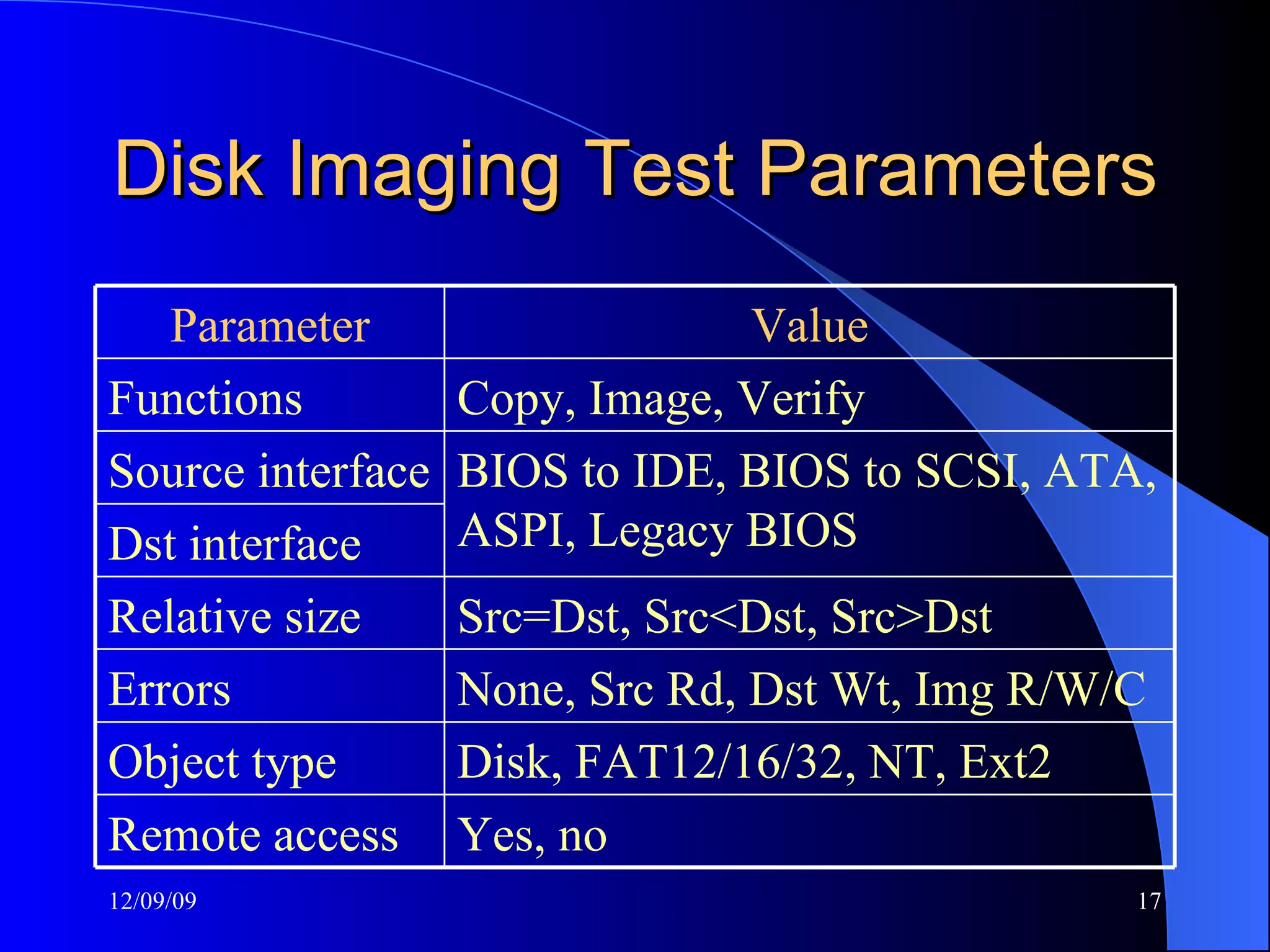
Disk Imaging Test Parameters Value Parameter Yes, no Remote access Disk, FAT12/16/32, NT, Ext2 Object type None, Src Rd, Dst Wt, Img R/W/C Errors Src=Dst, Src<Dst, Src>Dst Relative size Dst interface   BIOS to IDE, BIOS to SCSI, ATA, ASPI, Legacy BIOS Source interface   Copy, Image, Verify   Functions
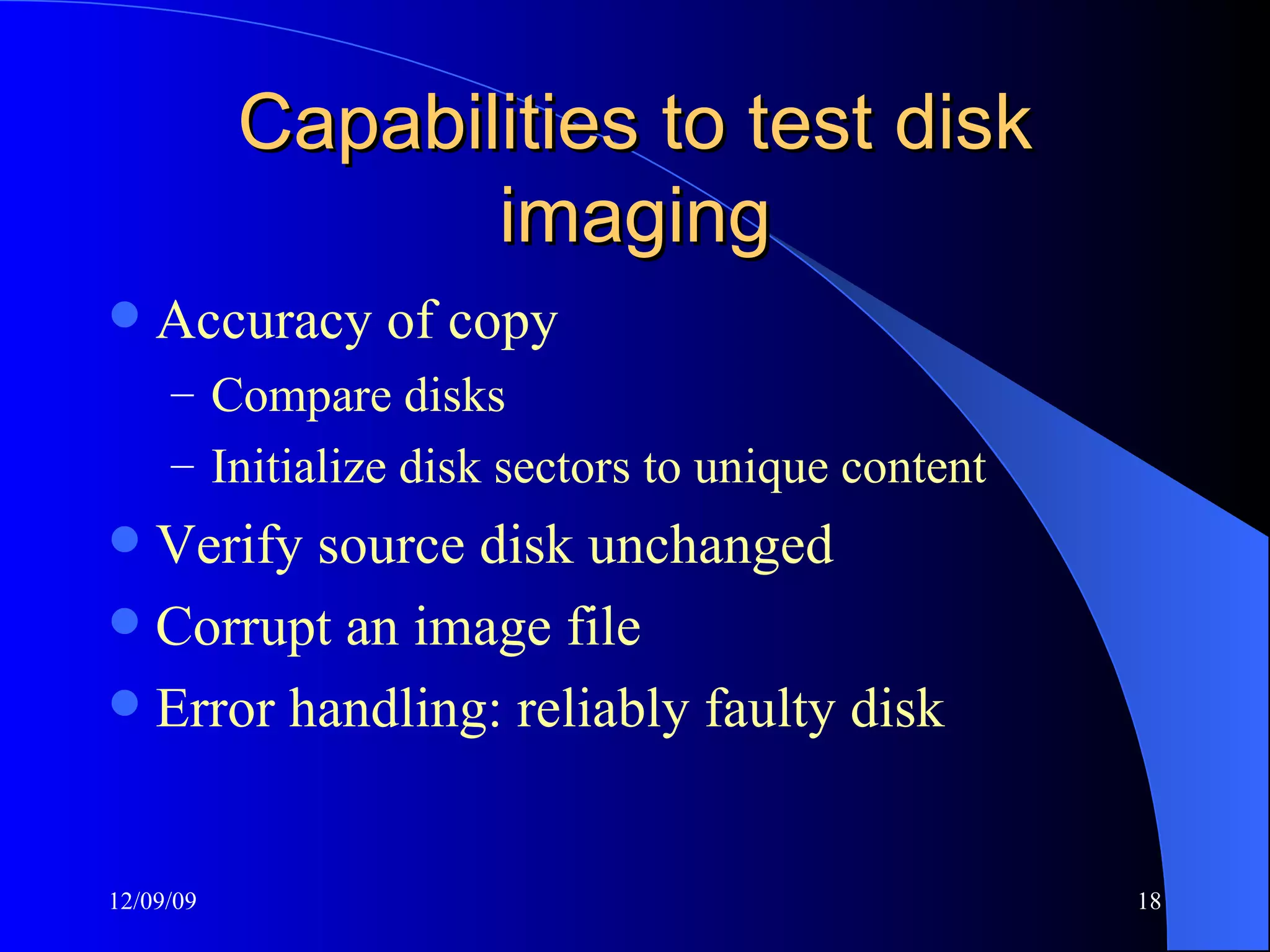
Capabilities to test disk imaging Accuracy of copy Compare disks Initialize disk sectors to unique content Verify source disk unchanged Corrupt an image file Error handling: reliably faulty disk
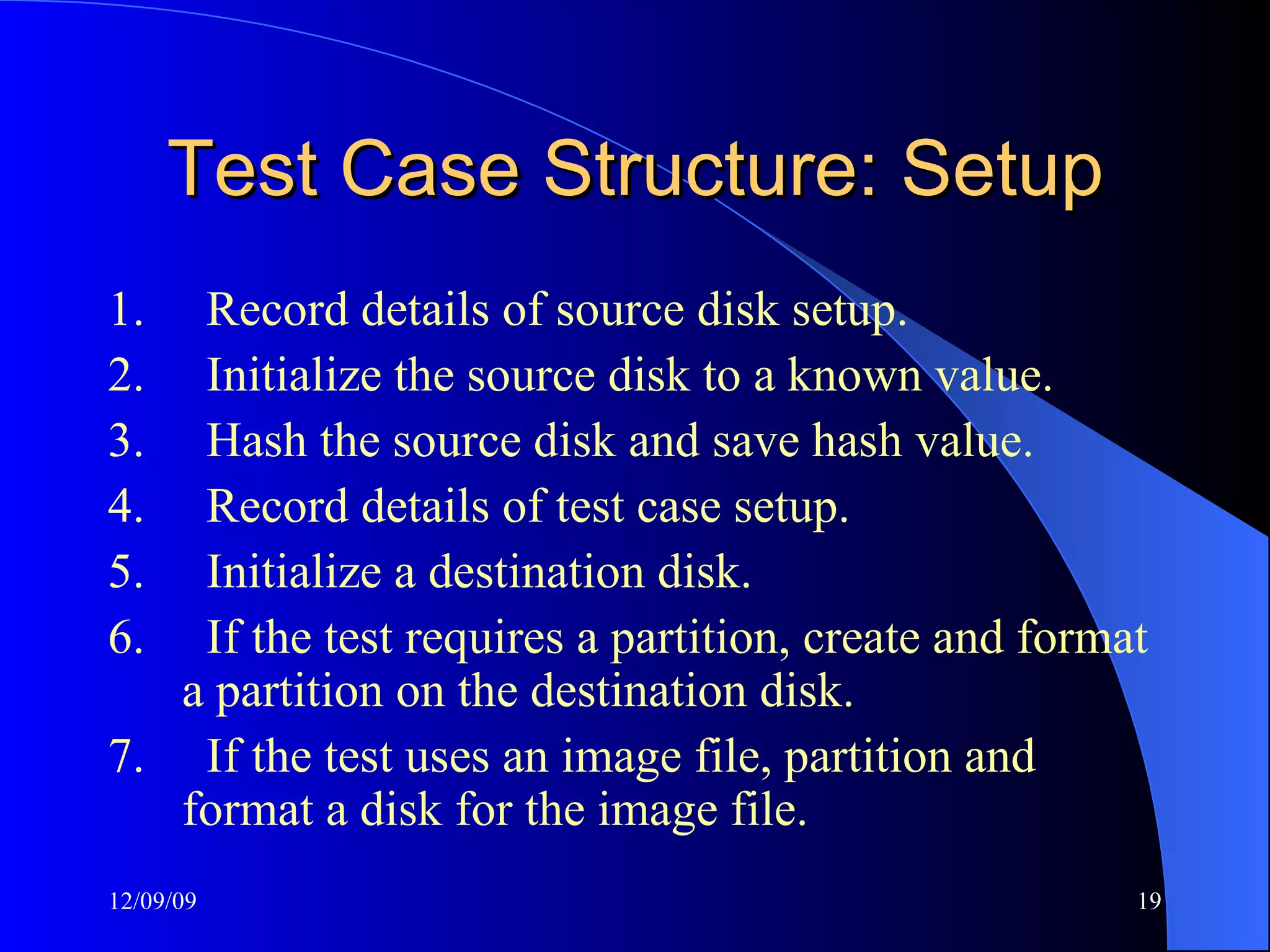
Test Case Structure: Setup 1.       Record details of source disk setup. 2.       Initialize the source disk to a known value. 3.       Hash the source disk and save hash value. 4.       Record details of test case setup. 5.       Initialize a destination disk. 6.       If the test requires a partition, create and format a partition on the destination disk. 7.       If the test uses an image file, partition and format a disk for the image file.
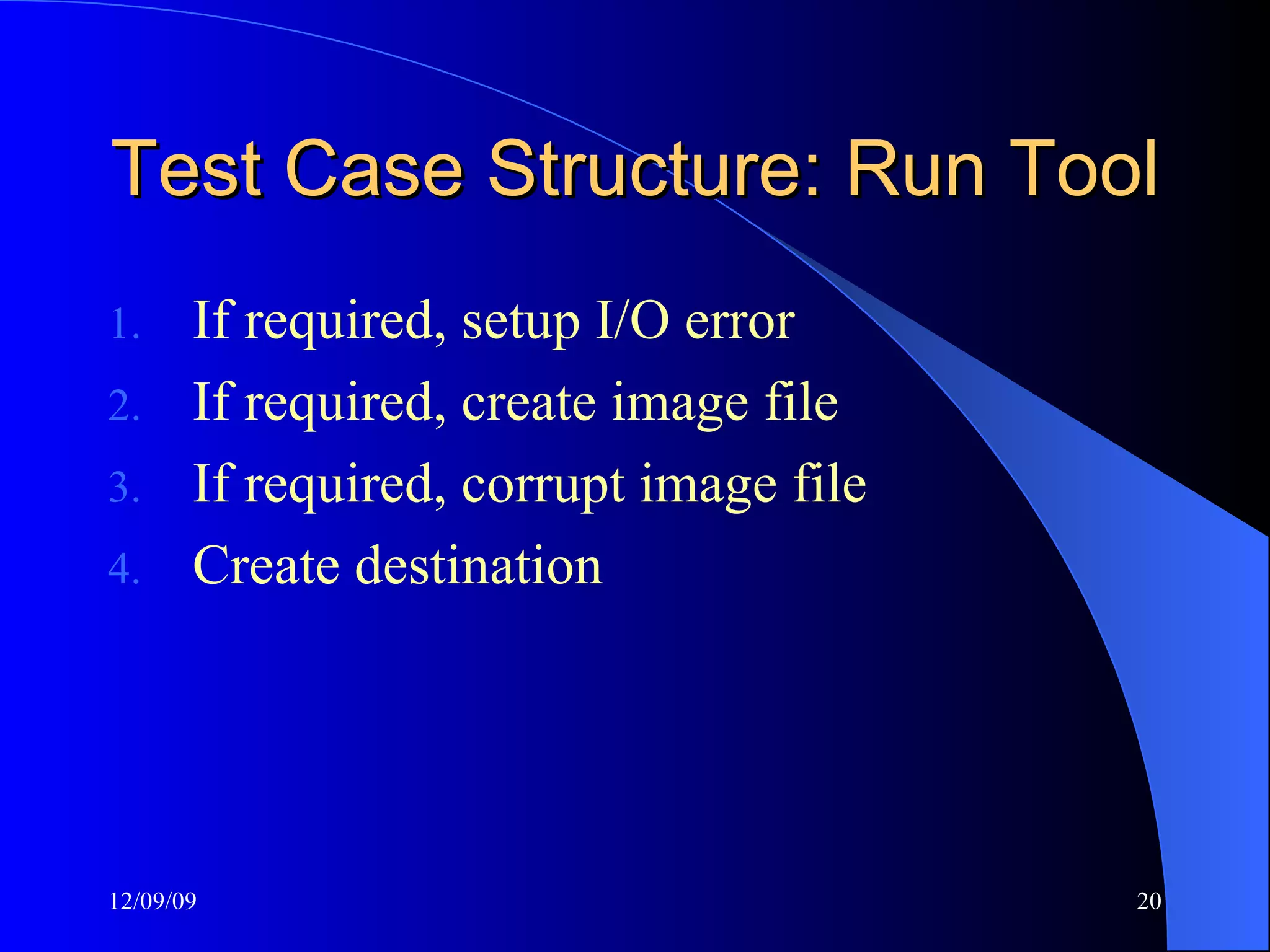
Test Case Structure: Run Tool If required, setup I/O error If required, create image file If required, corrupt image file Create destination
Test Case Structure: Measure Compare Source to Destination Rehash the Source
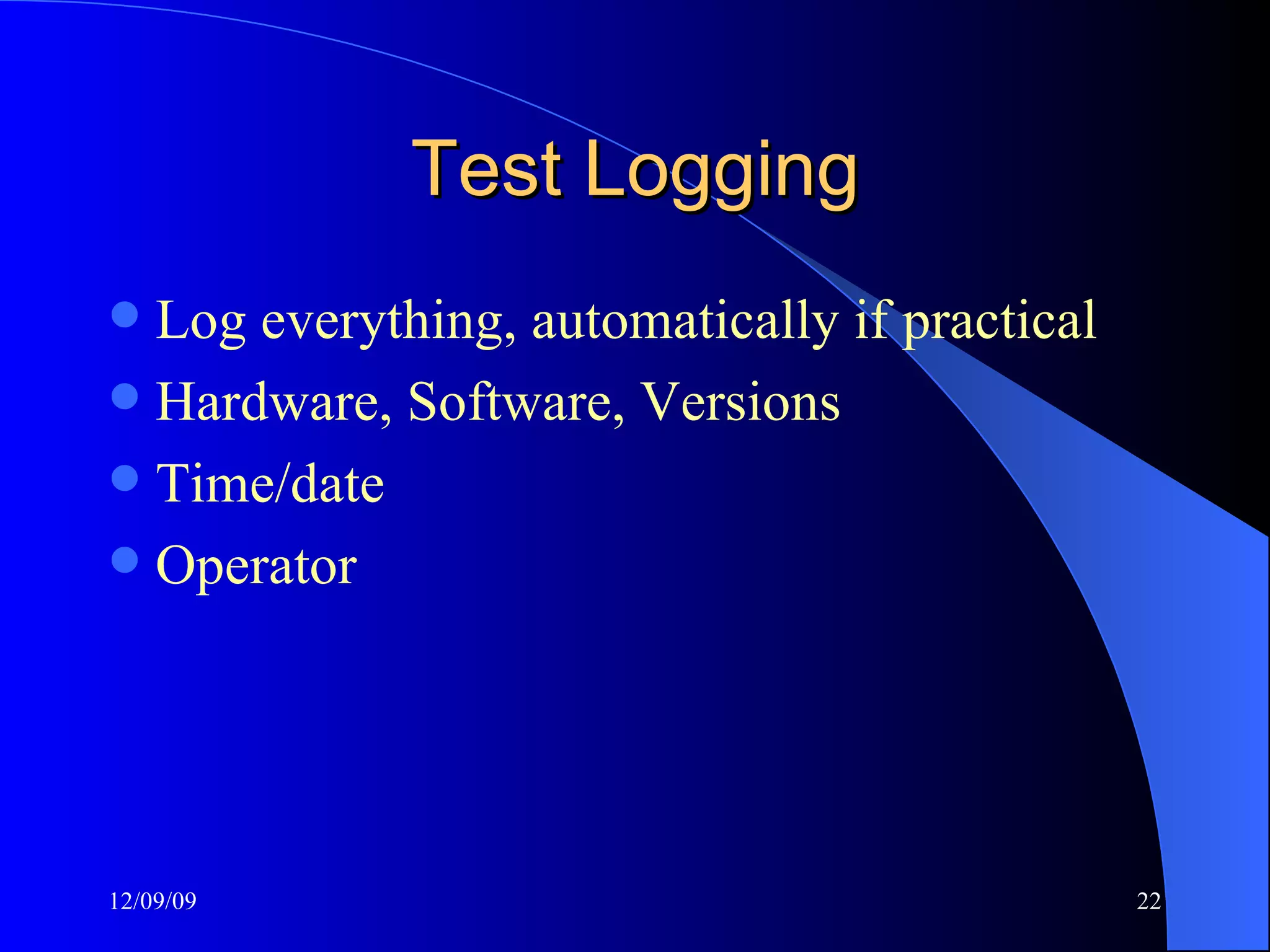
Test Logging Log everything, automatically if practical Hardware, Software, Versions Time/date Operator
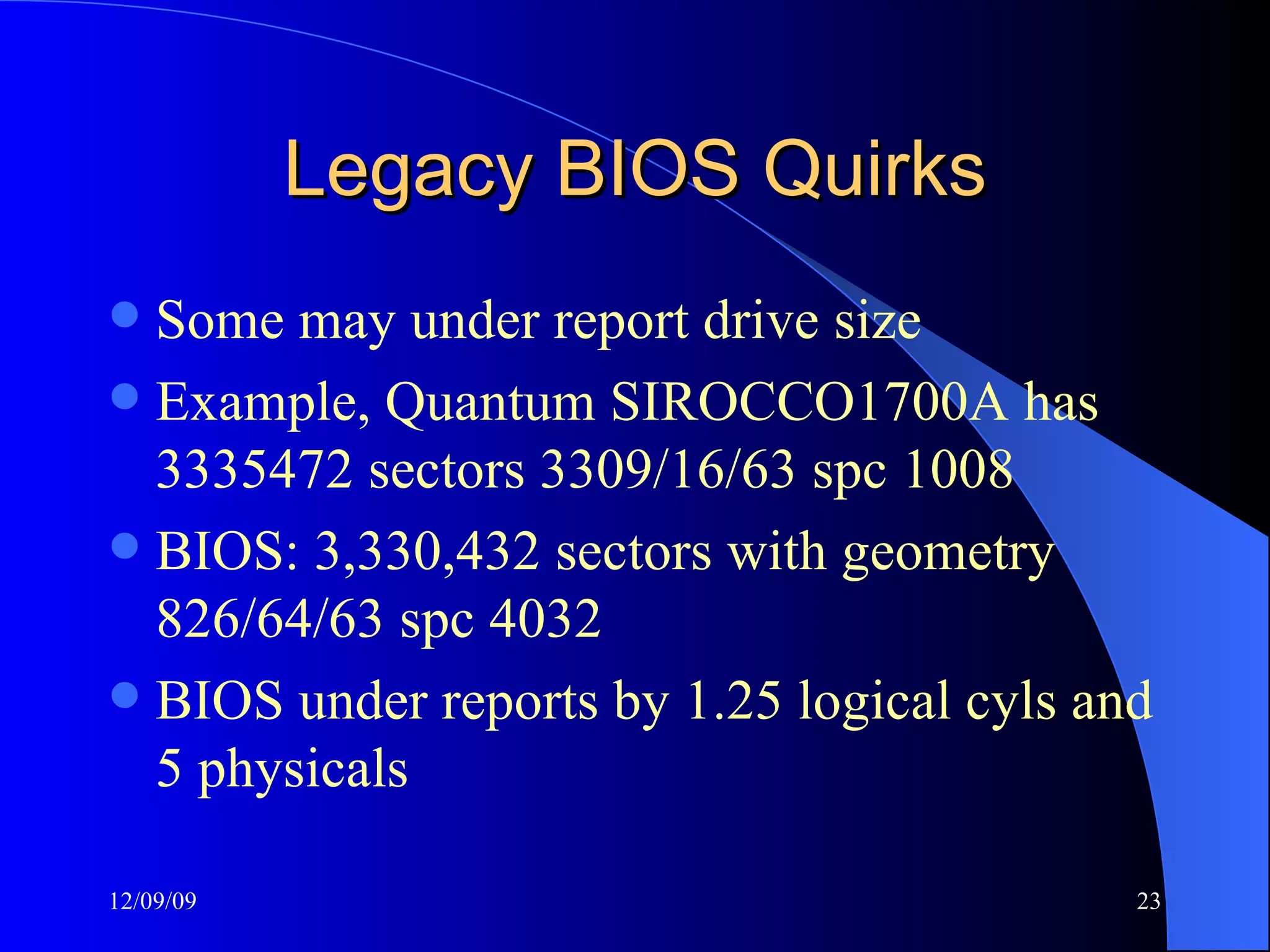
Legacy BIOS Quirks Some may under report drive size Example, Quantum SIROCCO1700A has 3335472 sectors 3309/16/63 spc 1008 BIOS:  3,330,432  sectors with geometry  826/64/63 spc 4032 BIOS under reports by 1.25 logical cyls and 5 physicals
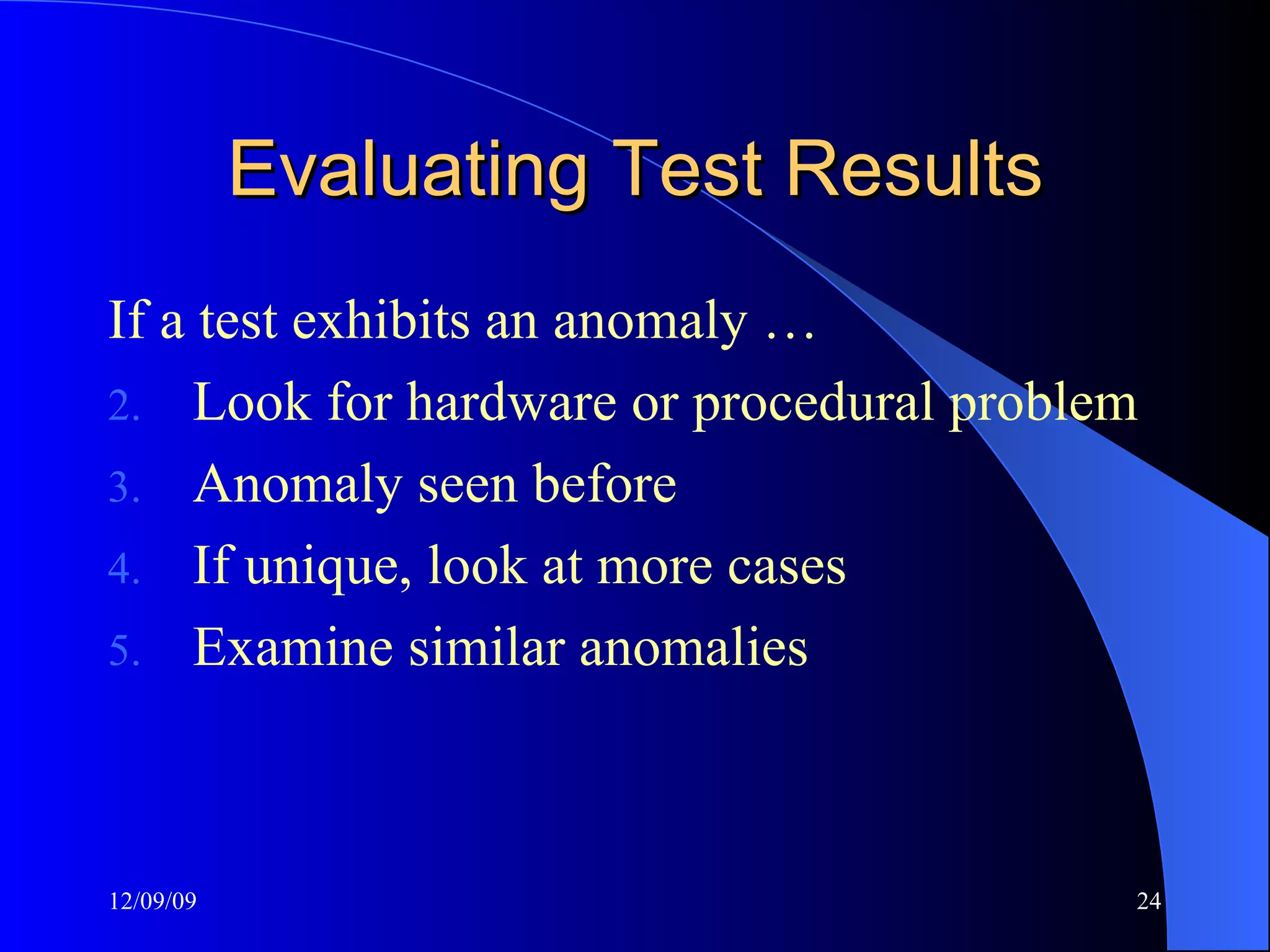
Evaluating Test Results If a test exhibits an anomaly … Look for hardware or procedural problem Anomaly seen before If unique, look at more cases Examine similar anomalies
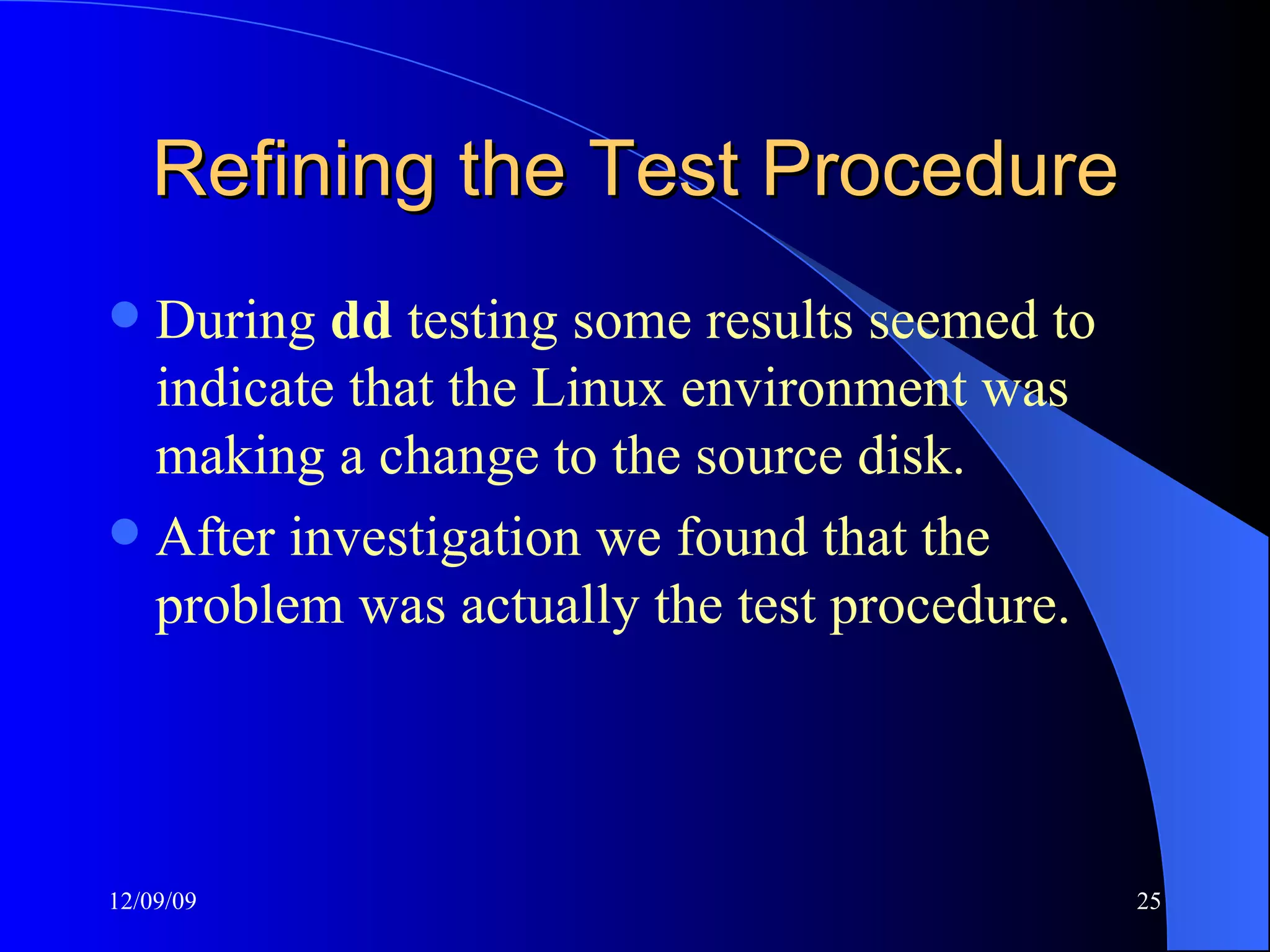
Refining the Test Procedure During  dd  testing some results seemed to indicate that the Linux environment was making a change to the source disk.  After investigation we found that the problem was actually the test procedure.
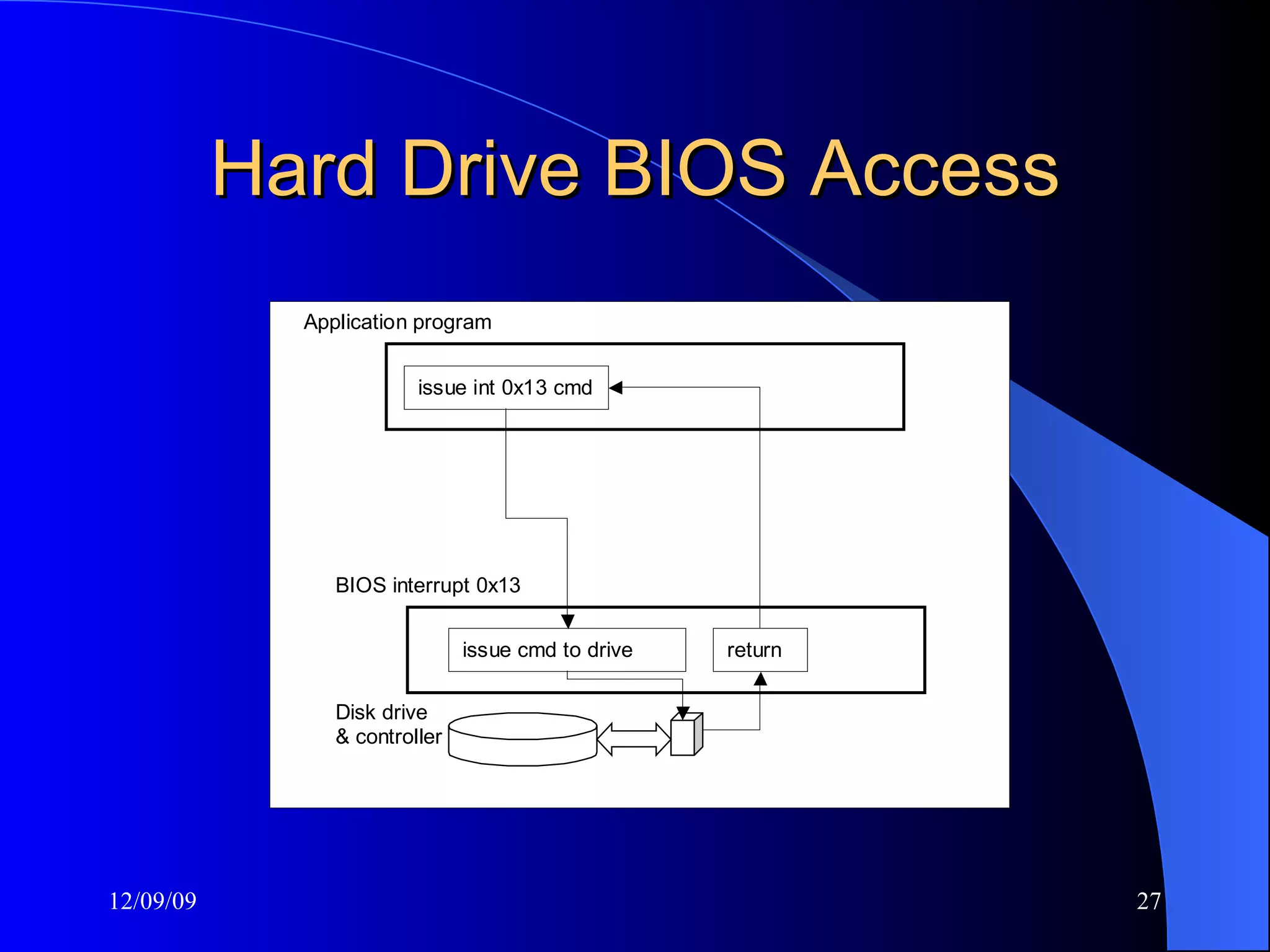
Hard Drive Write Protect Can be done either in hardware or software Software write protection limited to specific environment: BIOS access or device driver Hardware write protection more general
Hard Drive BIOS Access
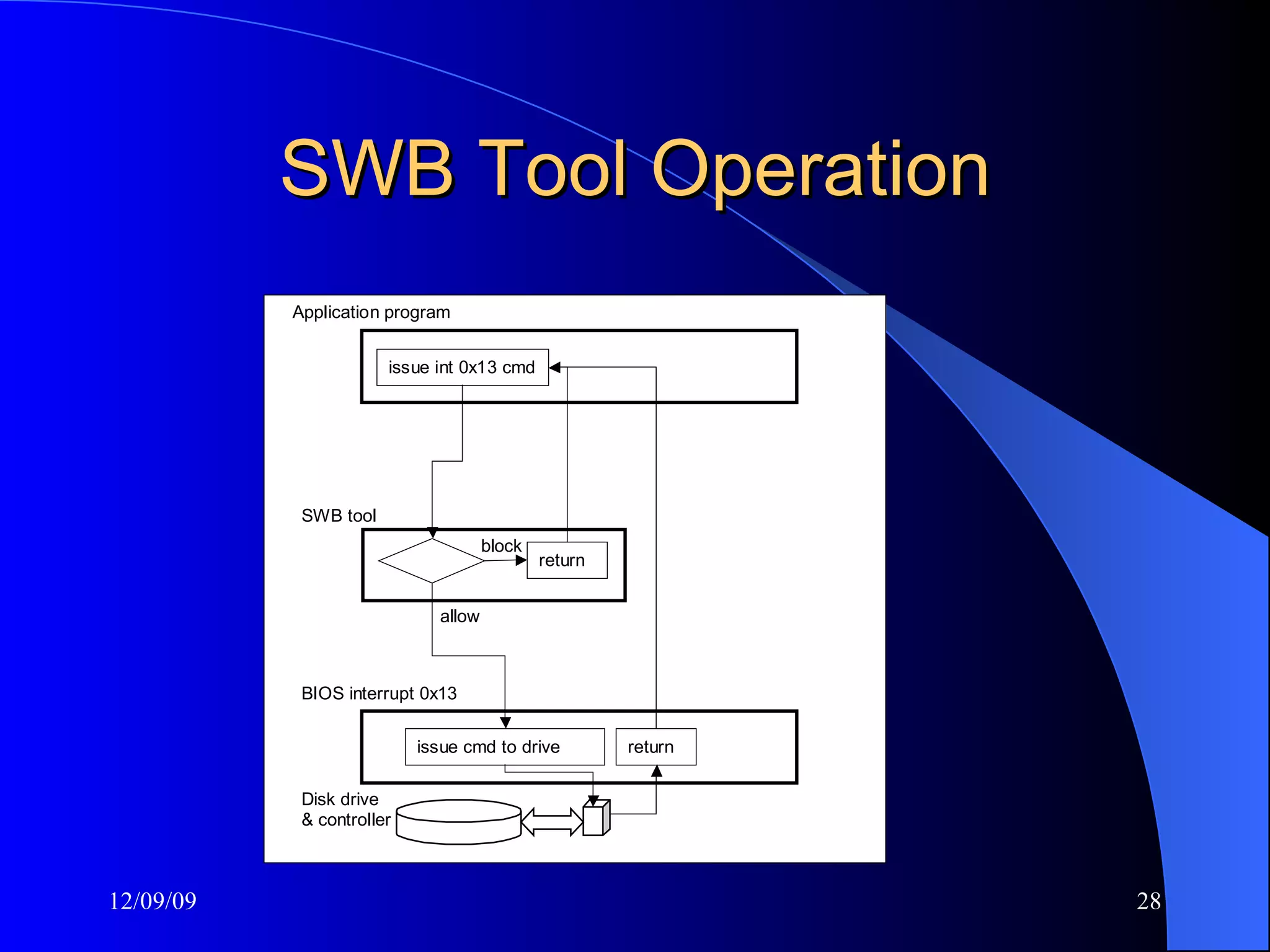
SWB Tool Operation
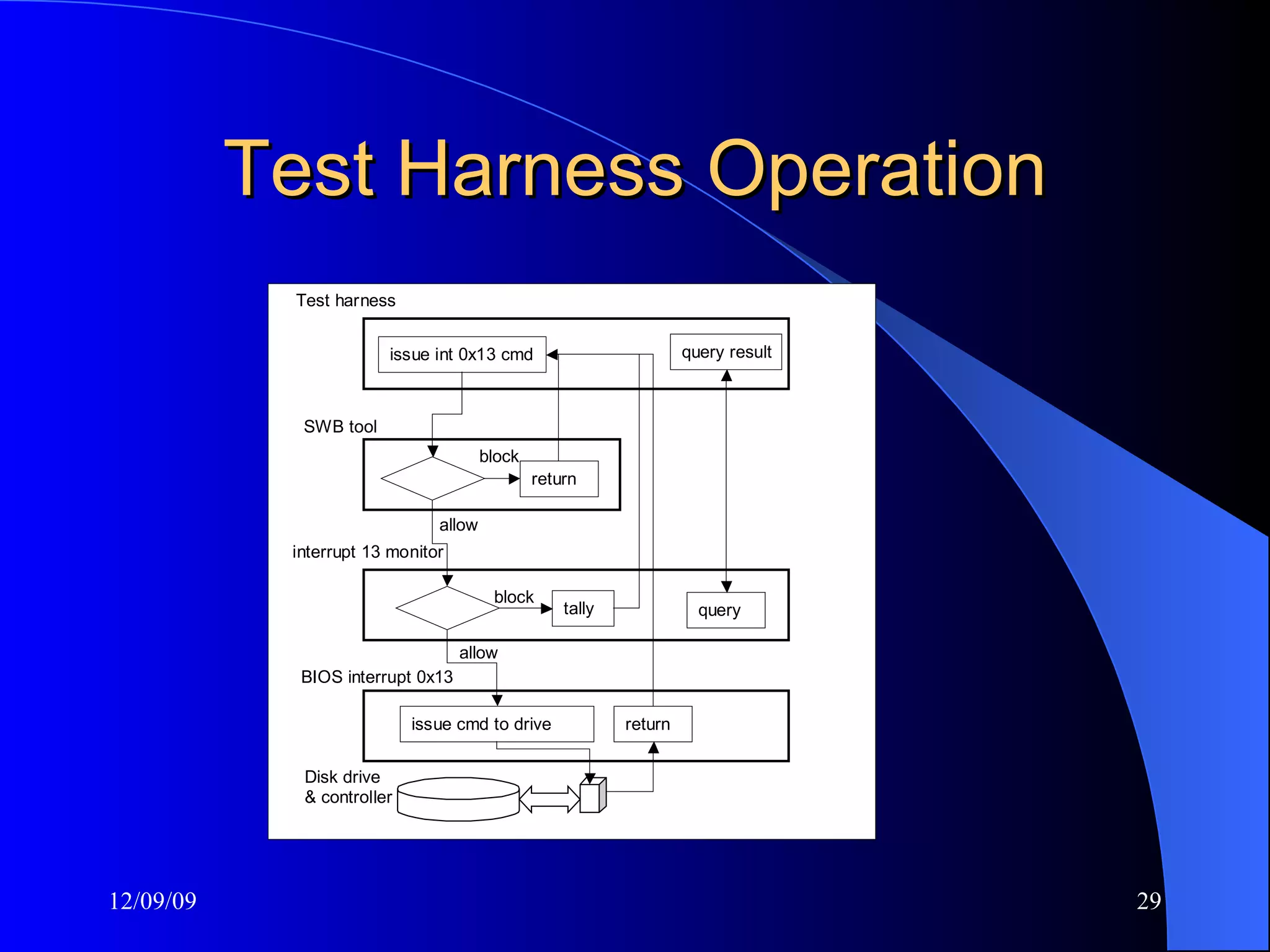
Test Harness Operation
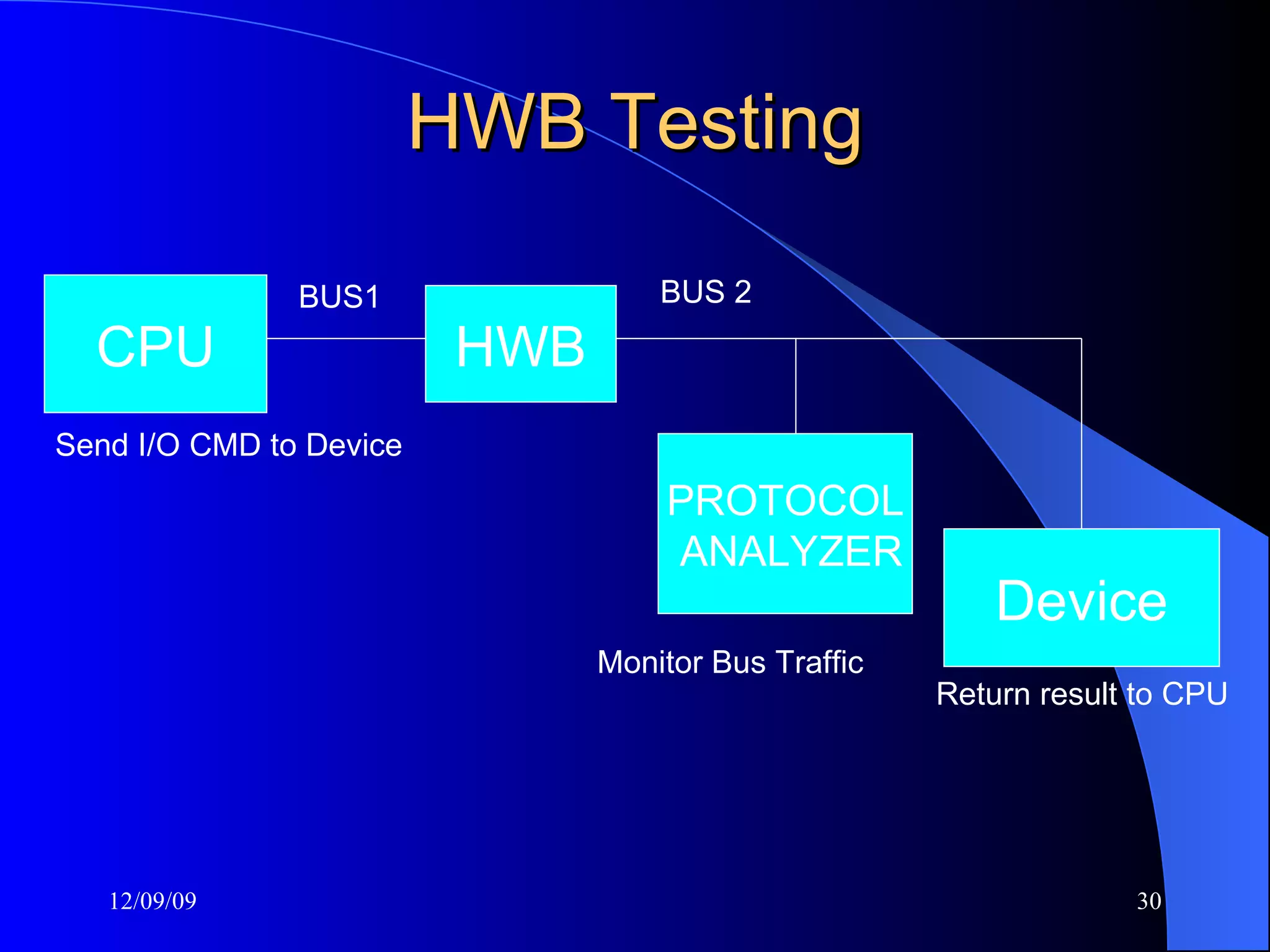
HWB Testing CPU Device Send I/O CMD to Device Return result to CPU BUS1 BUS 2 PROTOCOL ANALYZER Monitor Bus Traffic BUS HWB
Impact Release 18 (Feb 2001) - A US government organization was doing some testing and uncovered an issue under a specific set of circumstances.  Linux doesn’t use the last sector if odd Several vendors have made product or documentation changes CFTT cited in some high profile court cases
Available Specifications Hard Drive Imaging (e.g., Safeback, EnCase, Ilook, Mares imaging tool) Write Block Software Tools (e.g., RCMP HDL, Pdblock, ACES) Write Block Hardware Devices (A-Card, FastBlock, NoWrite) – not final
Specifications Under Development String Searching Deleted File Recovery Revised Disk Imaging
Available Test Reports Sydex SafeBack 2.0 NTI Safeback 2.18 EnCase 3.20 GNU dd 4.0.36 (RedHat 7.1) FreeBSD 4.4 dd  RCMP HDL V0.8
Test Reports in Production RCMP HDL V0.4 RCMP HDL V0.5 RCMP HDL V0.7
Available Testing Software FS-TST – tools to test disk imaging: drive wipe, drive compare, drive hash (SHA1), partition compare. (DCCI uses these tools) SWBT – tools to test interrupt 13 software write blockers
Benefits of CFTT Benefits of a forensic tool testing program Users can make informed choices Neutral test program (not law enforcement) Reduce challenges to admissibility of digital evidence Tool creators make better tools
Contacts Jim Lyle Doug White www.cftt.nist.gov www.nsrl.nist.gov [email_address] [email_address] Mark Skall Chief, Software Diagnostics & Conformance Testing Div. www.itl.nist.gov/div897 [email_address] Sue Ballou, Office of Law Enforcement Standards Steering Committee Rep. For State/Local Law Enforcement susan.ballou@nist.gov

Digital Forensic tools - Application Specific

  • 1.
    Computer Forensics ToolTesting at NIST Jim Lyle Information Technology Laboratory Phone: (301) 975-3207 E-mail: [email_address] WWW: http://www.cftt.nist.gov
  • 2.
    Computers &The InternetMarvelous tools Improve quality of life Enable global communication Improve productivity Makes many activities easer, faster, … … even criminal activity
  • 3.
    A Shocking Revelation. . . Computers can be involved in crime … As a victim As a weapon As a witness As a record As contraband
  • 4.
    Outline of anInvestigation Get proper authorization Seize evidence (Hard drives, floppies …) Create duplicates for analysis Analyze the duplicates Exclude known benign files Examine obvious files Search for hidden evidence Report results
  • 5.
    Investigators Need …Computer forensic investigators need tools that … Work as they should Produce results admissible in court
  • 6.
    Admissible Results Softwaretools must meet Daubert criteria Tested: accurate, reliable & repeatable Peer reviewed Generally accepted methodology
  • 7.
    Response to ProblemIndependent testing of forensic tools Public review of results Apply black box testing theory to tools
  • 8.
    Goals of CFat NIST Establish methodology for testing computer forensic tools (CFTT) Provide international standard reference data that tool makers and investigators can use in an investigations (NSRL)
  • 9.
    Why NIST/ITL isinvolved Mission: Assist federal, state & local agencies NIST is a neutral organization – not law enforcement or vendor NIST provides an open, rigorous process
  • 10.
    Project Sponsors NIST/OLES(Program management) NIJ (Major funding) FBI (Additional funding) DOD (Equipment and support) Homeland Security (Technical input) State & Local agencies (Technical input)
  • 11.
    Project Tasks Identifyforensics functions e.g., Disk imaging, Hard drive write protect, Deleted file recovery String searching Develop specification for each function Peer review of specification Test methodology for each function Test Tools (by function) & Report results
  • 12.
    Current Activities Harddrive imaging tools Software hard drive write protect Hardware hard drive write protect Deleted file recovery String Searching
  • 13.
    Challenges No standardsor specifications for tools Arcane knowledge domain (e.g. DOS, Windows drivers) Reliably faulty hardware Many versions of each tool
  • 14.
    Overview of MethodologyCFTT directed by Steering Committee Functionality driven Specifications developed for specific categories of activities, e.g., disk imaging, hard drive write protect, etc. Test methodology developed for each category
  • 15.
    Developing a SpecificationAfter tool function selected by SC … Focus group (law enforcement + NIST) develop tool function specification Spec posted to web for public comment Comments incorporated Develop test environment
  • 16.
    Tool Test ProcessAfter SC selects a tool … Acquire tool & review documentation Select test cases Execute test cases Produce test report
  • 17.
    Disk Imaging TestParameters Value Parameter Yes, no Remote access Disk, FAT12/16/32, NT, Ext2 Object type None, Src Rd, Dst Wt, Img R/W/C Errors Src=Dst, Src<Dst, Src>Dst Relative size Dst interface BIOS to IDE, BIOS to SCSI, ATA, ASPI, Legacy BIOS Source interface Copy, Image, Verify Functions
  • 18.
    Capabilities to testdisk imaging Accuracy of copy Compare disks Initialize disk sectors to unique content Verify source disk unchanged Corrupt an image file Error handling: reliably faulty disk
  • 19.
    Test Case Structure:Setup 1.      Record details of source disk setup. 2.      Initialize the source disk to a known value. 3.      Hash the source disk and save hash value. 4.      Record details of test case setup. 5.      Initialize a destination disk. 6.      If the test requires a partition, create and format a partition on the destination disk. 7.      If the test uses an image file, partition and format a disk for the image file.
  • 20.
    Test Case Structure:Run Tool If required, setup I/O error If required, create image file If required, corrupt image file Create destination
  • 21.
    Test Case Structure:Measure Compare Source to Destination Rehash the Source
  • 22.
    Test Logging Logeverything, automatically if practical Hardware, Software, Versions Time/date Operator
  • 23.
    Legacy BIOS QuirksSome may under report drive size Example, Quantum SIROCCO1700A has 3335472 sectors 3309/16/63 spc 1008 BIOS: 3,330,432 sectors with geometry 826/64/63 spc 4032 BIOS under reports by 1.25 logical cyls and 5 physicals
  • 24.
    Evaluating Test ResultsIf a test exhibits an anomaly … Look for hardware or procedural problem Anomaly seen before If unique, look at more cases Examine similar anomalies
  • 25.
    Refining the TestProcedure During dd testing some results seemed to indicate that the Linux environment was making a change to the source disk. After investigation we found that the problem was actually the test procedure.
  • 26.
    Hard Drive WriteProtect Can be done either in hardware or software Software write protection limited to specific environment: BIOS access or device driver Hardware write protection more general
  • 27.
  • 28.
  • 29.
  • 30.
    HWB Testing CPUDevice Send I/O CMD to Device Return result to CPU BUS1 BUS 2 PROTOCOL ANALYZER Monitor Bus Traffic BUS HWB
  • 31.
    Impact Release 18(Feb 2001) - A US government organization was doing some testing and uncovered an issue under a specific set of circumstances. Linux doesn’t use the last sector if odd Several vendors have made product or documentation changes CFTT cited in some high profile court cases
  • 32.
    Available Specifications HardDrive Imaging (e.g., Safeback, EnCase, Ilook, Mares imaging tool) Write Block Software Tools (e.g., RCMP HDL, Pdblock, ACES) Write Block Hardware Devices (A-Card, FastBlock, NoWrite) – not final
  • 33.
    Specifications Under DevelopmentString Searching Deleted File Recovery Revised Disk Imaging
  • 34.
    Available Test ReportsSydex SafeBack 2.0 NTI Safeback 2.18 EnCase 3.20 GNU dd 4.0.36 (RedHat 7.1) FreeBSD 4.4 dd RCMP HDL V0.8
  • 35.
    Test Reports inProduction RCMP HDL V0.4 RCMP HDL V0.5 RCMP HDL V0.7
  • 36.
    Available Testing SoftwareFS-TST – tools to test disk imaging: drive wipe, drive compare, drive hash (SHA1), partition compare. (DCCI uses these tools) SWBT – tools to test interrupt 13 software write blockers
  • 37.
    Benefits of CFTTBenefits of a forensic tool testing program Users can make informed choices Neutral test program (not law enforcement) Reduce challenges to admissibility of digital evidence Tool creators make better tools
  • 38.
    Contacts Jim LyleDoug White www.cftt.nist.gov www.nsrl.nist.gov [email_address] [email_address] Mark Skall Chief, Software Diagnostics & Conformance Testing Div. www.itl.nist.gov/div897 [email_address] Sue Ballou, Office of Law Enforcement Standards Steering Committee Rep. For State/Local Law Enforcement susan.ballou@nist.gov

Editor's Notes

  • #2 It is my pleasure to be here with you today to describe some of the significant work ongoing at NIST involving information technology and the fairly new concept of computer forensics. NIST is attempting to introduce science into the computer forensics arena by basing our work on first principles of computer science, accepted practice, peer review, and publication of results. &lt;click&gt;