sComputer Forensic Workshop - 2013
Computer Forensic Investigation
Procedure, tools, and practice
Ahmad Zaid Zam Zami
damhadiaz@gmail.com
About the speaker
sComputer Forensic Workshop - 2013

Bachelor's degree in Electronic Engineering

Digital forensic analyst

GCFA, CHFI, CEH, ENSA, ECIH, CEI
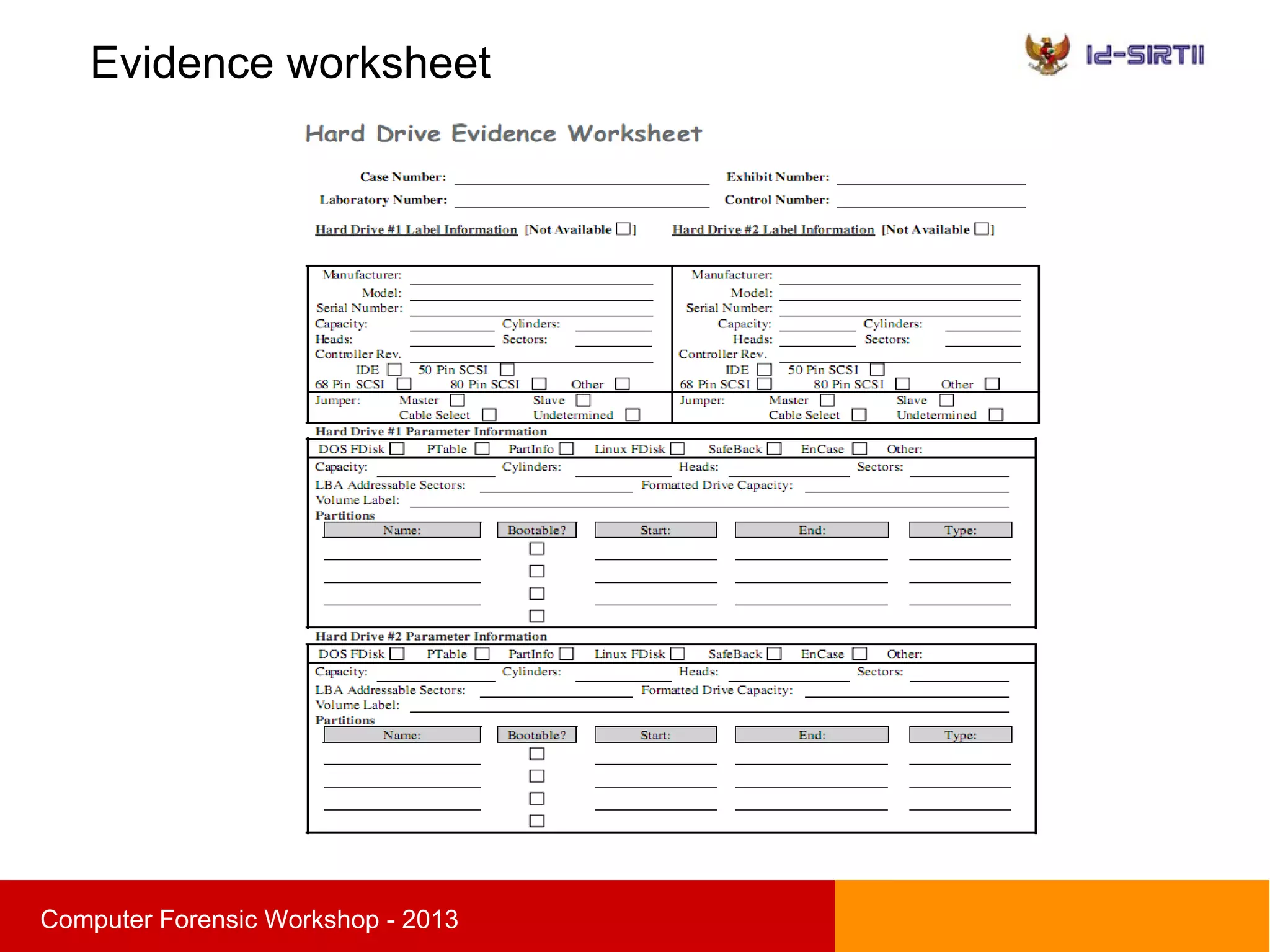

Founder Indonesia Digital Forensic Community

Case involved :
Corporate espionage, data leak, banking fraud,
cyber attack,etc
Agenda
sComputer Forensic Workshop - 2013

Digital forensic introduction

Digital evidence

Computer forensic Procedure

Evidence acquisition

Data organization

Demo
Introduction
sComputer Forensic Workshop - 2013

Today, many business and personal transactions are
conducted electronically

Business professionals regularly negotiate deals by e-mail

People store their personal address books and calendars
on desktop computers or tablet.

People regularly use the Internet for
business and pleasure
Cyber Crime
sComputer Forensic Workshop - 2013

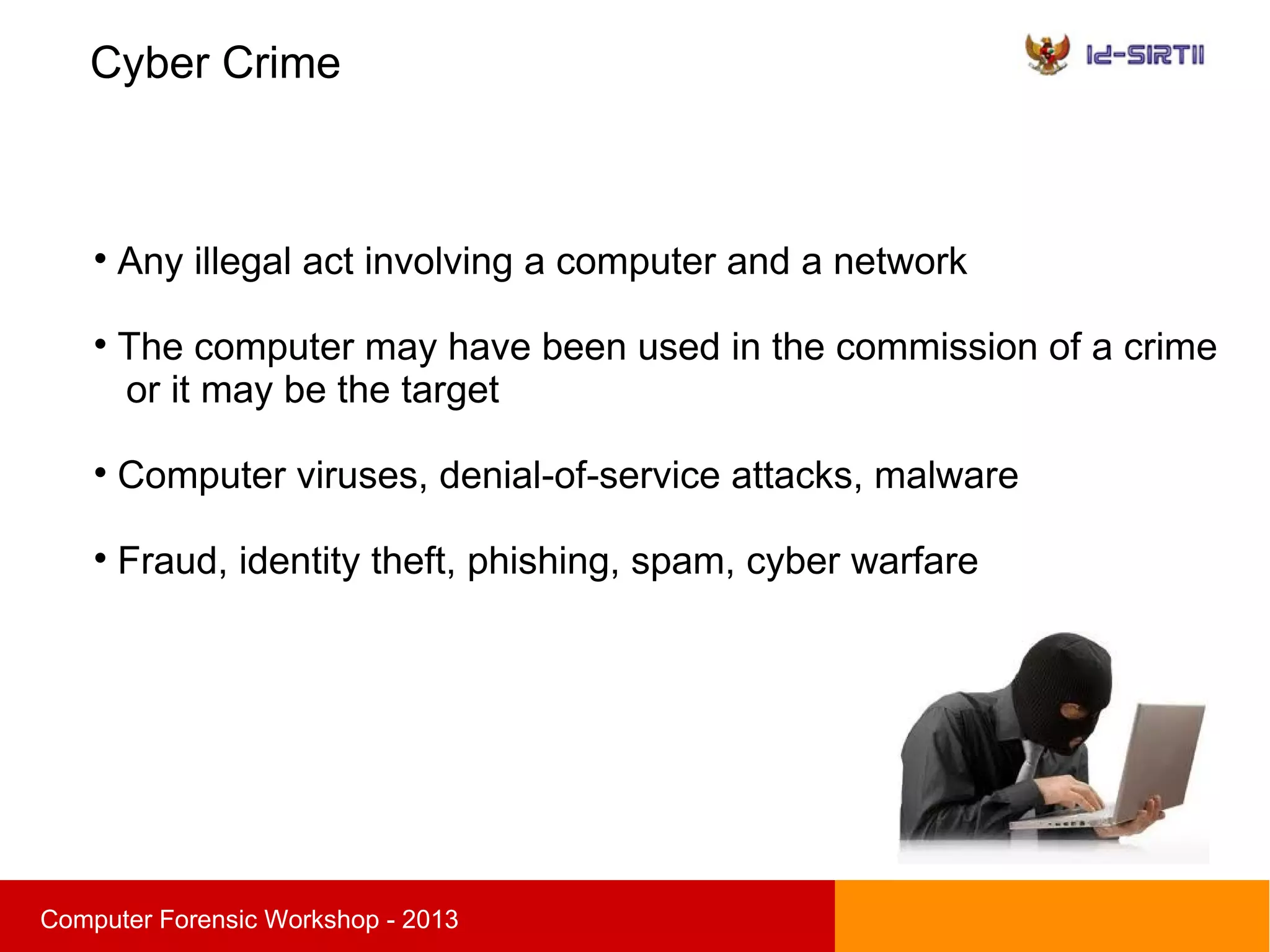
Any illegal act involving a computer and a network

The computer may have been used in the commission of a crime
or it may be the target

Computer viruses, denial-of-service attacks, malware

Fraud, identity theft, phishing, spam, cyber warfare
Introduction
sComputer Forensic Workshop - 2013
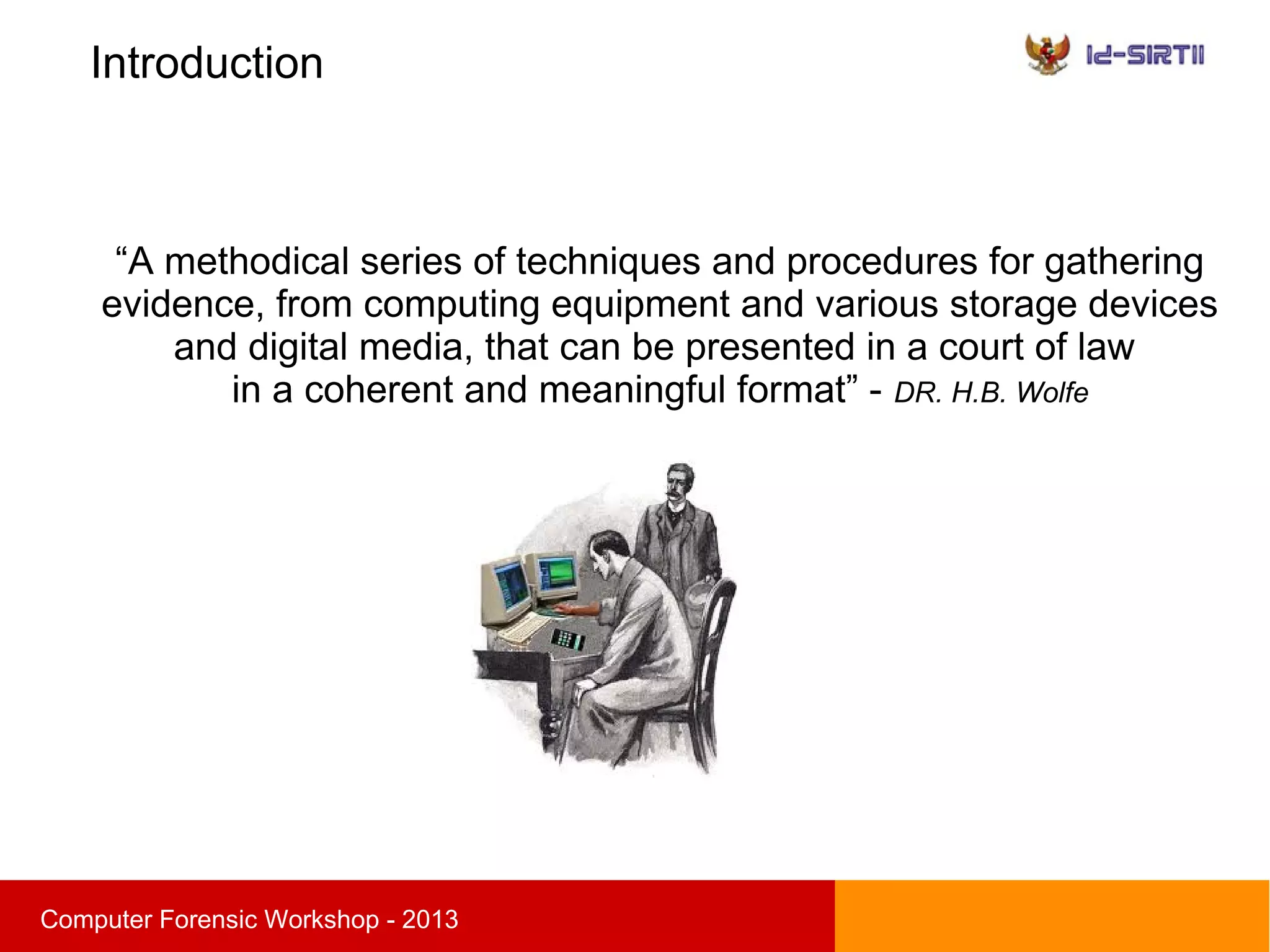
“A methodical series of techniques and procedures for gathering
evidence, from computing equipment and various storage devices
and digital media, that can be presented in a court of law
in a coherent and meaningful format” - DR. H.B. Wolfe
Introduction
sComputer Forensic Workshop - 2013

The collection, preservation, analysis and
presentation of digital evidence

Scientific procedure

Develop and test hypotheses that answer questions
about incidents that occurred

Admissible in a court of law
Why is computer forensic important ?
sComputer Forensic Workshop - 2013

Help reconstruct past event or activity

Extend the target of information security to the
wider threat from cybercrime

Show evidence of policy violation or illegal activity

Ensure the overall integrity of network infrastructure
Digital evidence
sComputer Forensic Workshop - 2013
Two basic type of evidence :

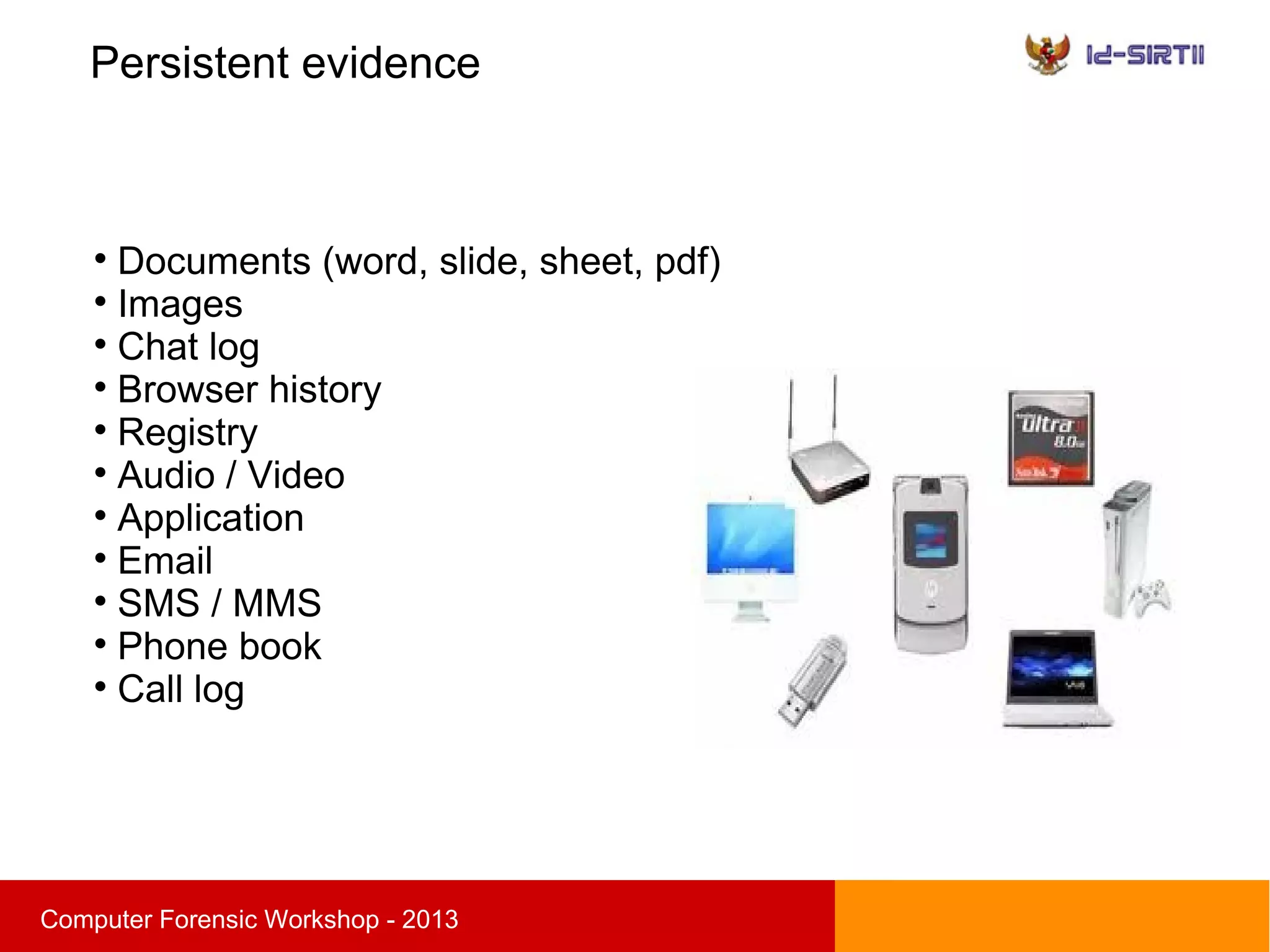
Persistent evidence
the data that is stored on a local hard drive and is preserved
when the computer is turned off

Volatile evidence
any data that is stored in memory, or exists in transit,
that will be lost when the computer loses power
or is turned off
Persistent evidence
sComputer Forensic Workshop - 2013

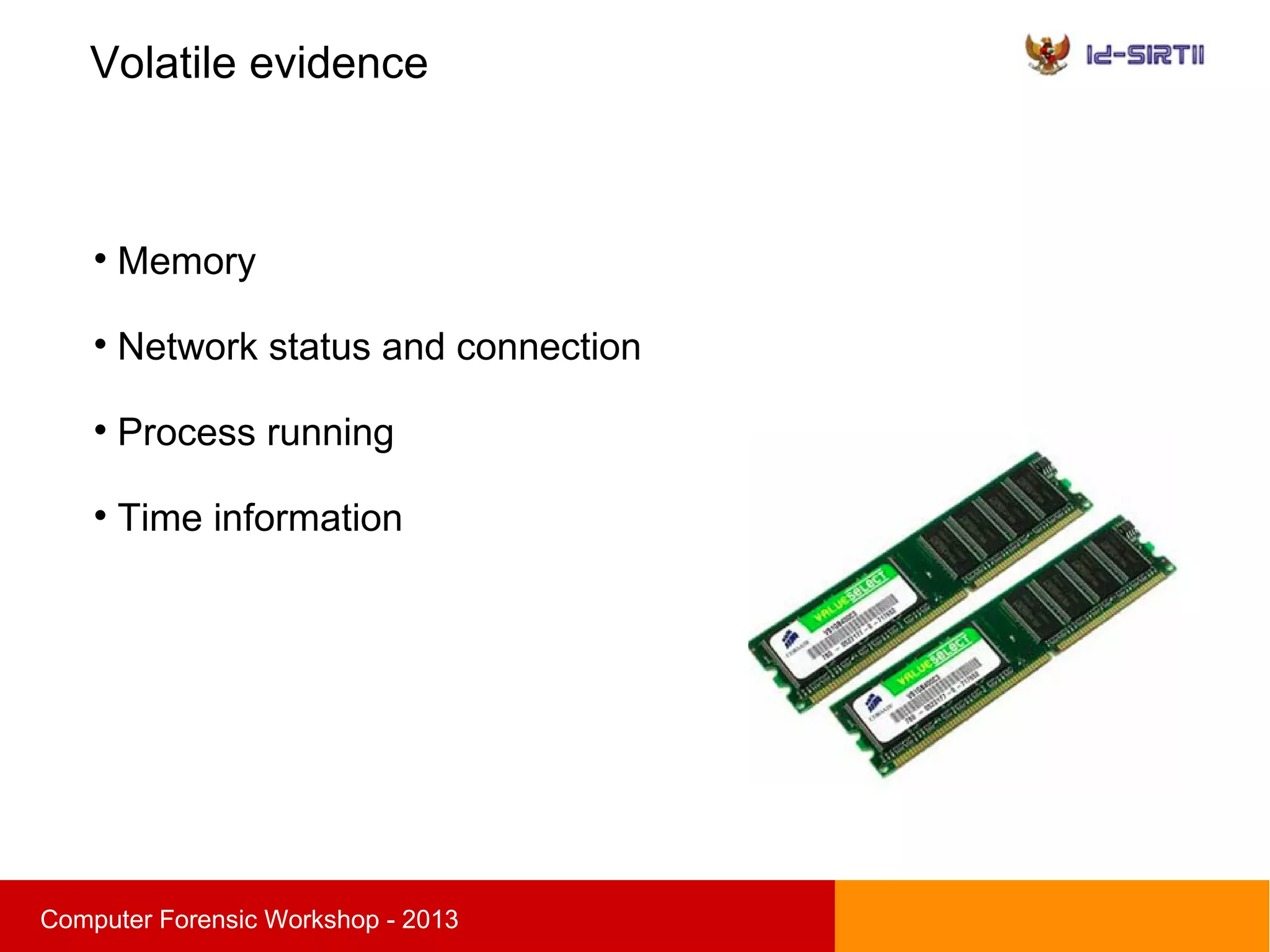
Documents (word, slide, sheet, pdf)

Images

Chat log

Browser history

Registry

Audio / Video

Application

Email

SMS / MMS

Phone book

Call log
Volatile evidence
sComputer Forensic Workshop - 2013

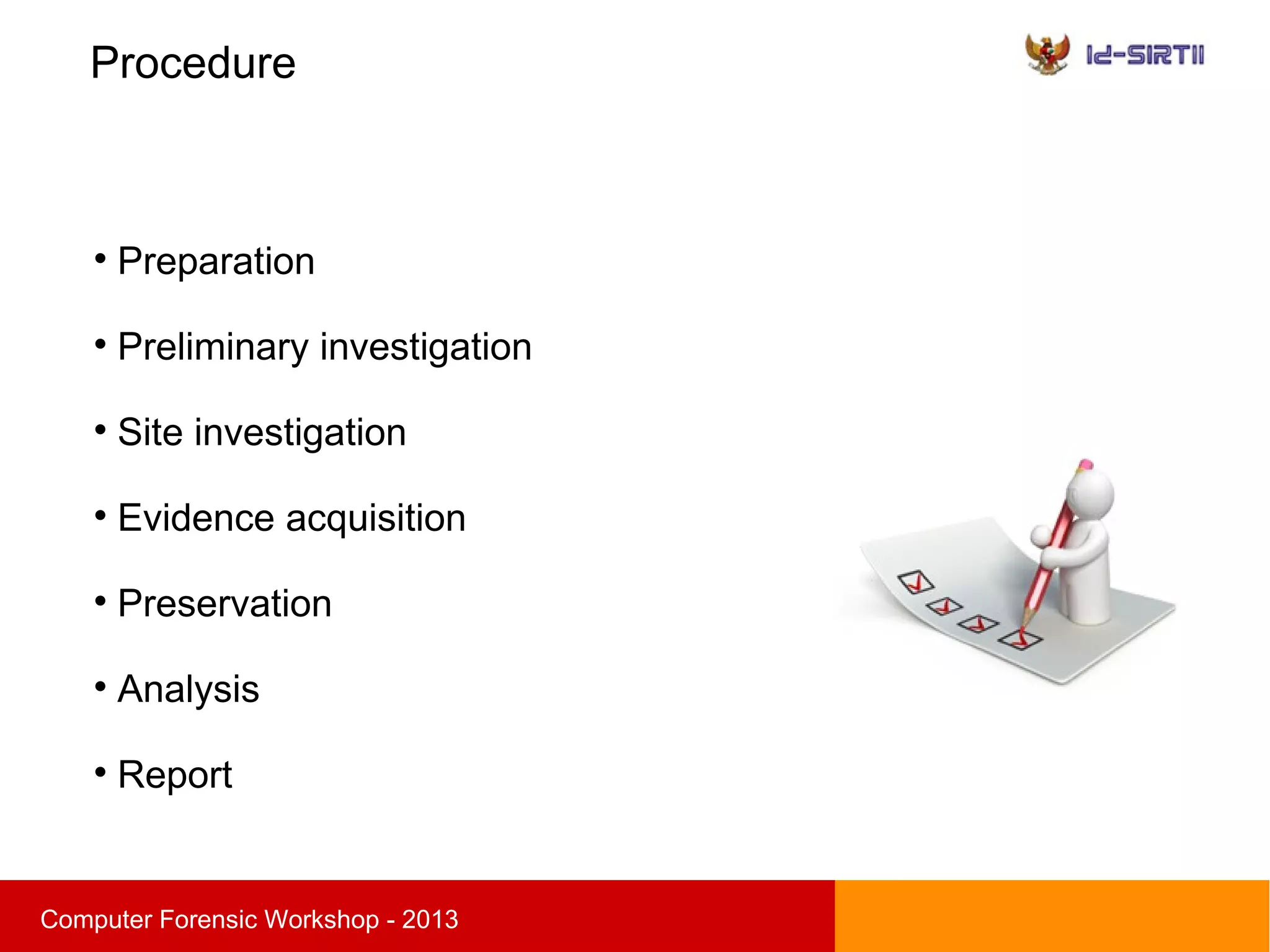
Memory

Network status and connection

Process running

Time information
Procedure
sComputer Forensic Workshop - 2013

Preparation

Preliminary investigation

Site investigation

Evidence acquisition

Preservation

Analysis

Report
Preparation
sComputer Forensic Workshop - 2013

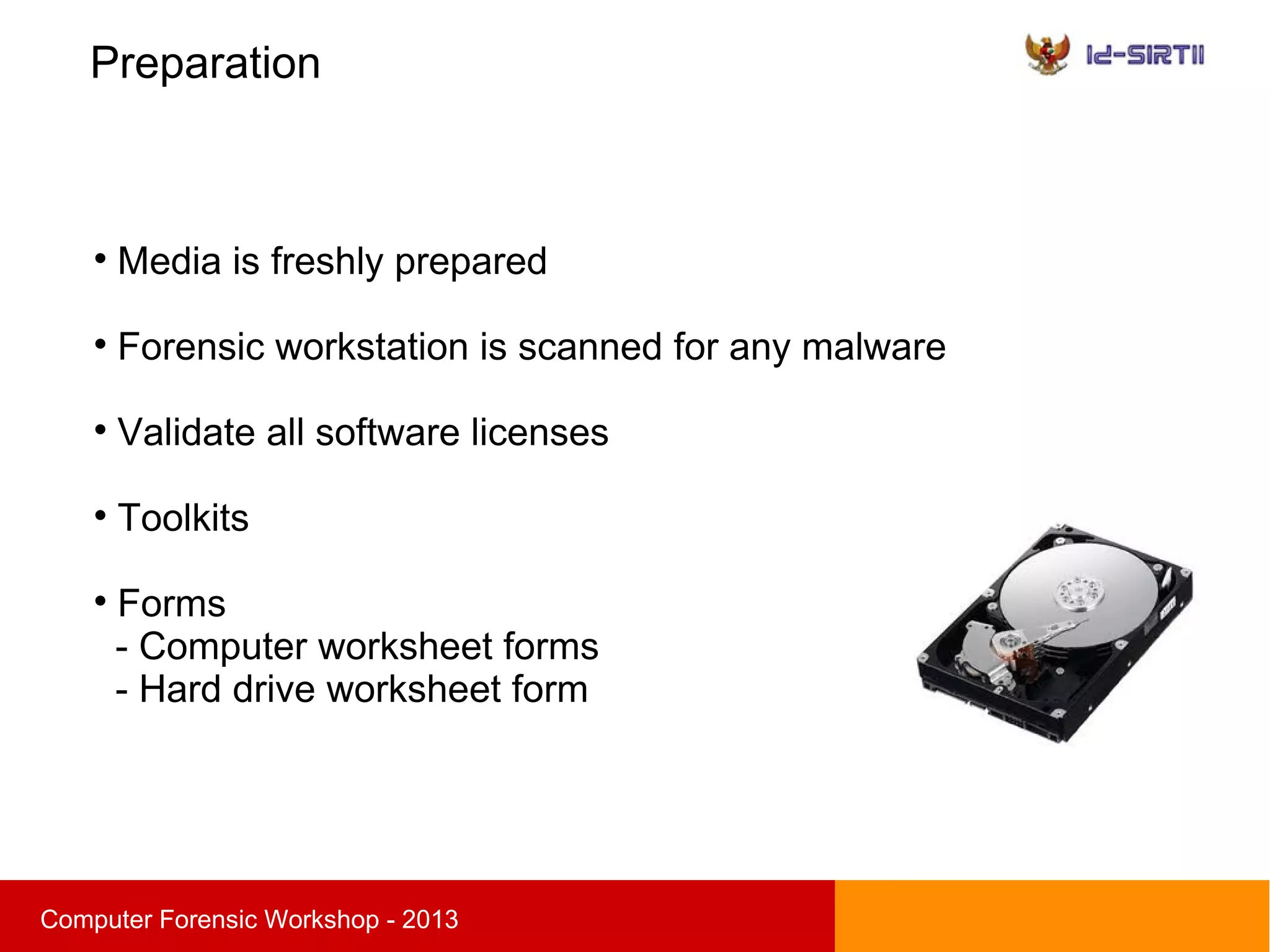
Media is freshly prepared

Forensic workstation is scanned for any malware

Validate all software licenses

Toolkits

Forms
- Computer worksheet forms
- Hard drive worksheet form
Preparation
sComputer Forensic Workshop - 2013

Establish file directories

Essential forms :
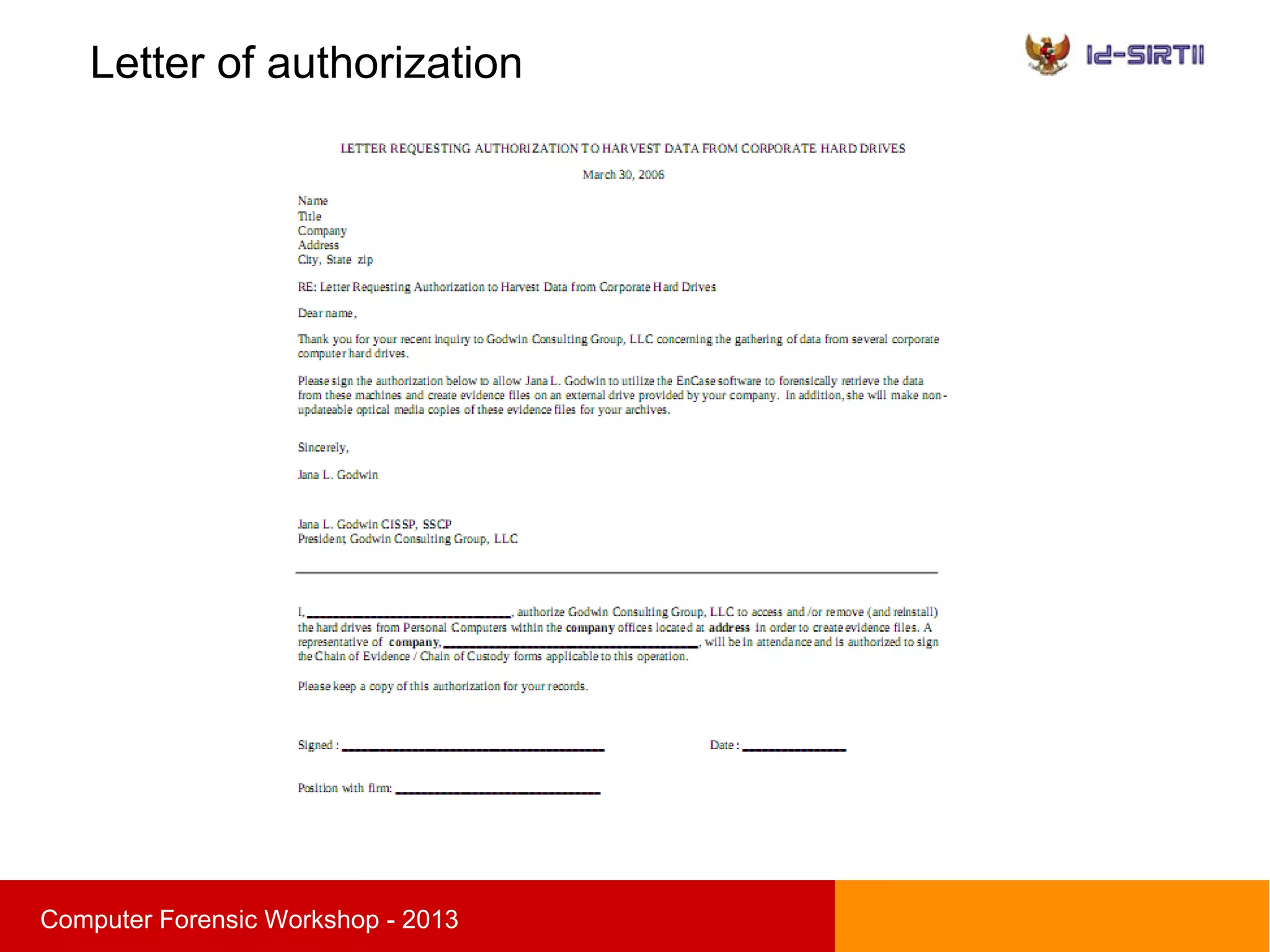
- Letter of authorization
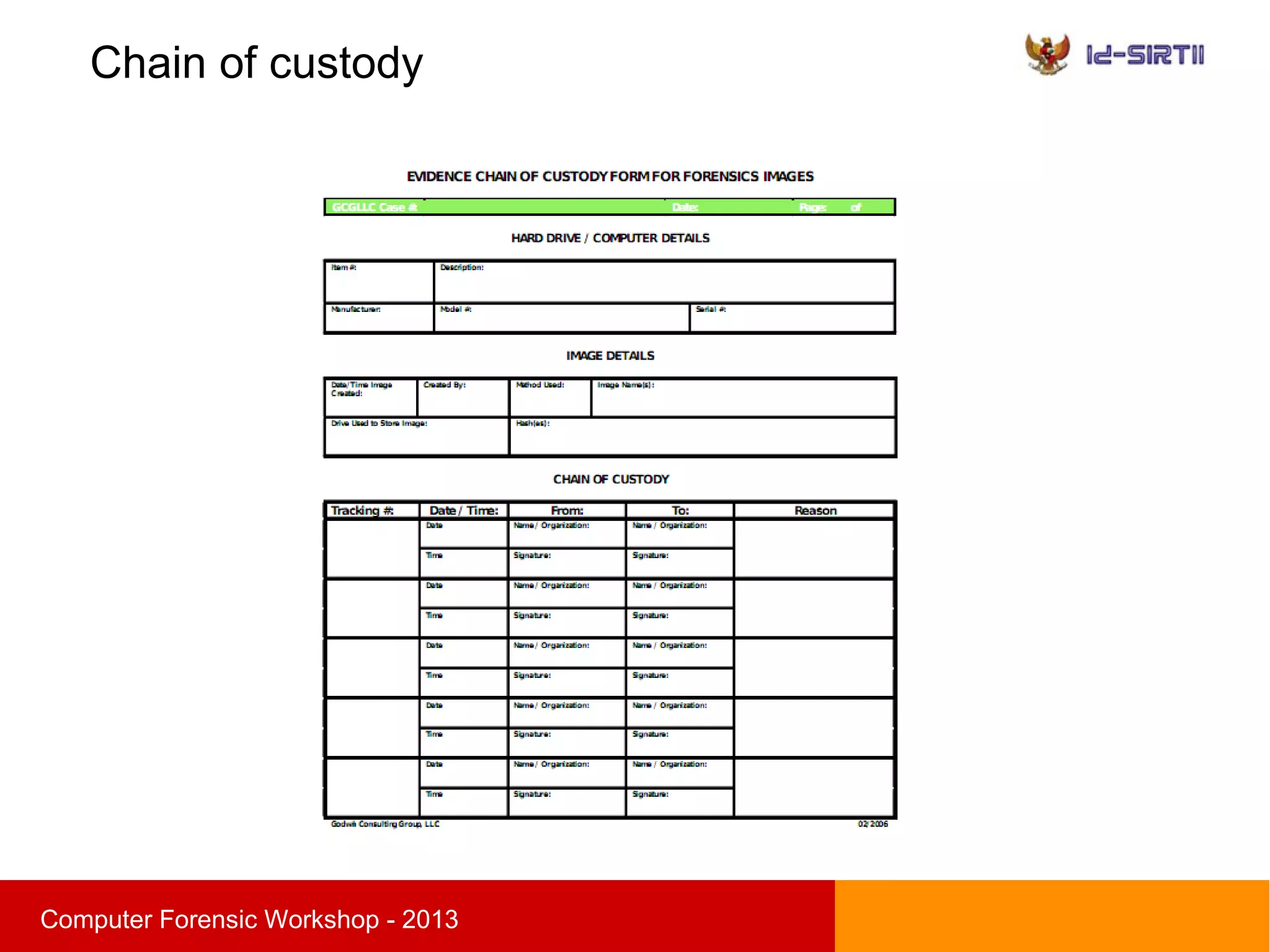
- Chain of custody
- Non-Disclosure Agreement
Letter of authorization
sComputer Forensic Workshop - 2013
Chain of custody
sComputer Forensic Workshop - 2013
Evidence worksheet
sComputer Forensic Workshop - 2013
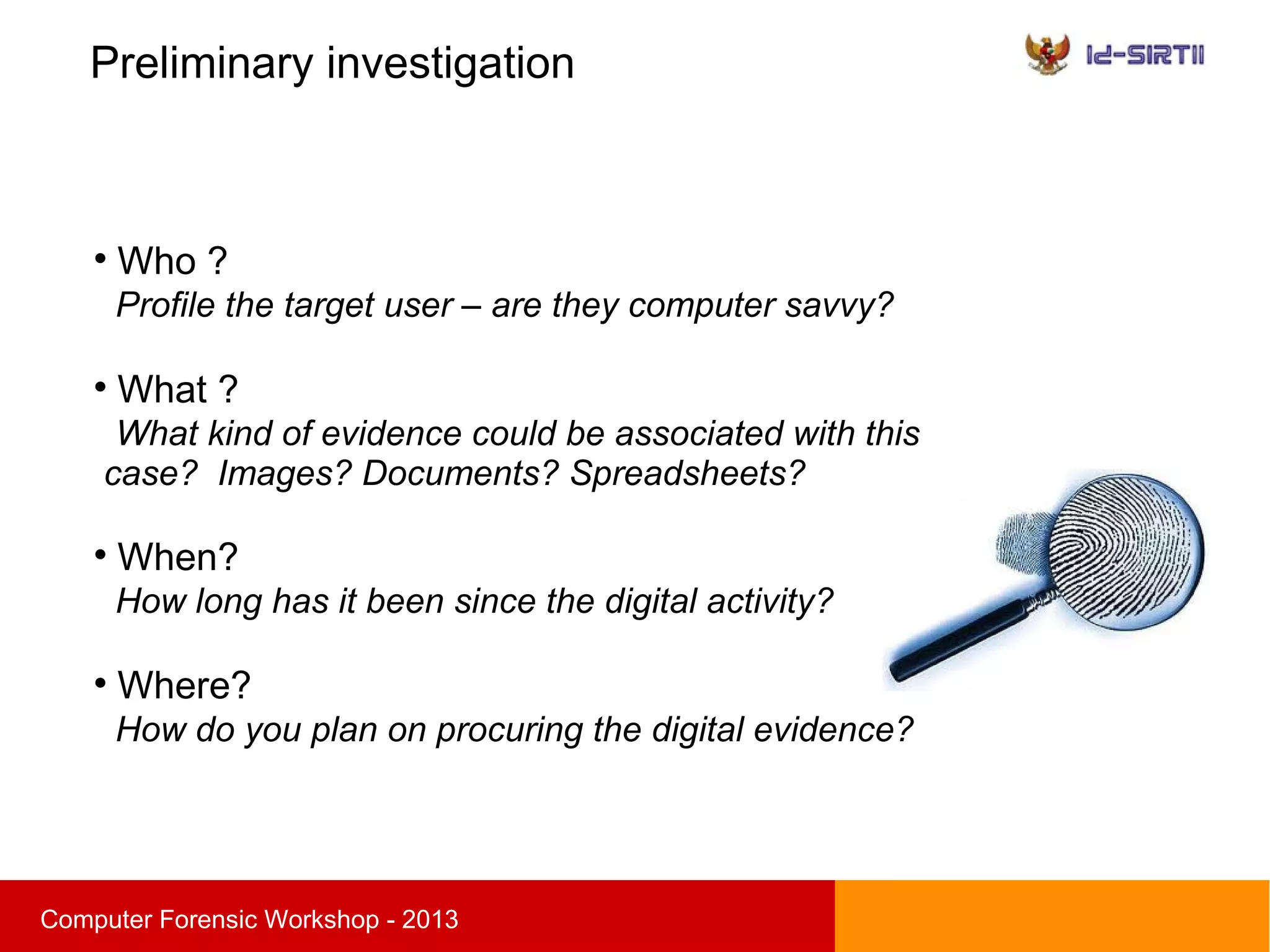
Preliminary investigation
sComputer Forensic Workshop - 2013

Who ?
Profile the target user – are they computer savvy?

What ?
What kind of evidence could be associated with this
case? Images? Documents? Spreadsheets?

When?
How long has it been since the digital activity?

Where?
How do you plan on procuring the digital evidence?
Site investigation
sComputer Forensic Workshop - 2013

Take picture of the scene

Asset tag

Inventory and describe all hardware

Identify every process or network information

Ensure chain of custody form is properly
completed
Order of Volatility
sComputer Forensic Workshop - 2013
● Memory
● Network status and connections
● Process running
● Hard disk
Evidence acquisition
sComputer Forensic Workshop - 2013
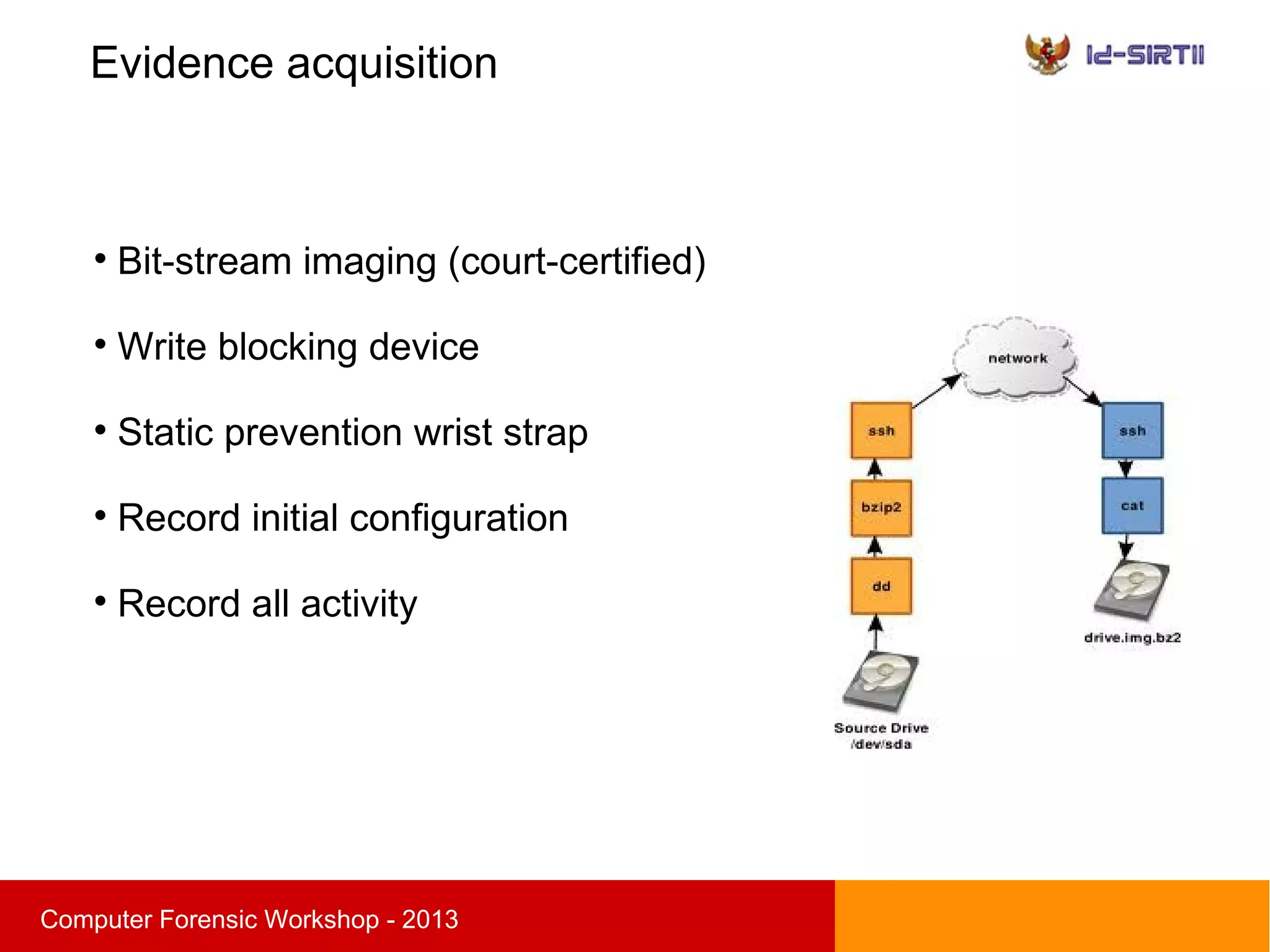

Bit-stream imaging (court-certified)

Write blocking device

Static prevention wrist strap

Record initial configuration

Record all activity
Evidence acquisition
sComputer Forensic Workshop - 2013

Physical imaging
- Grab entire drive (MBR)
- Considered best evidence
- Break out the partitions using dd

Logical imaging
- File system partition only
- Useful in obtaining backup of RAID drive
Evidence acquisition
sComputer Forensic Workshop - 2013

Three evidence acquisition method
- Hardware
- Live CD
- Live

Resultant file will be an image file in all three cases
Hardware acquisition
sComputer Forensic Workshop - 2013

Situation : Removed hard drive containing evidence
1. Attach drive adapter
2. Plug into acquisition workstation
3. Image attached drive to a image file

Evidence will be in static state

Volatile evidence not available
Live CD acquisition
sComputer Forensic Workshop - 2013

Situation : Boot into Forensic Live CD

System will be rebooted

Loss of volatile evidence

Hard drive not removed

Image system to attached drive
or file share
Live acquisition
sComputer Forensic Workshop - 2013

Situation : Live System Acquisition

Snapshot of system

System stays power on

Capability to gather volatile evidence

Evidence will be changing while imaging

Image system to a file on attached drive or file shares
Write blocker
sComputer Forensic Workshop - 2013

Prevent any accidental writes to source data

Hardware based
Adapter based placed on hard drive

Software based
Software will not allow writes to system
http://www.cftt.nist.gov/software_write_block.htm
Preservation
sComputer Forensic Workshop - 2013

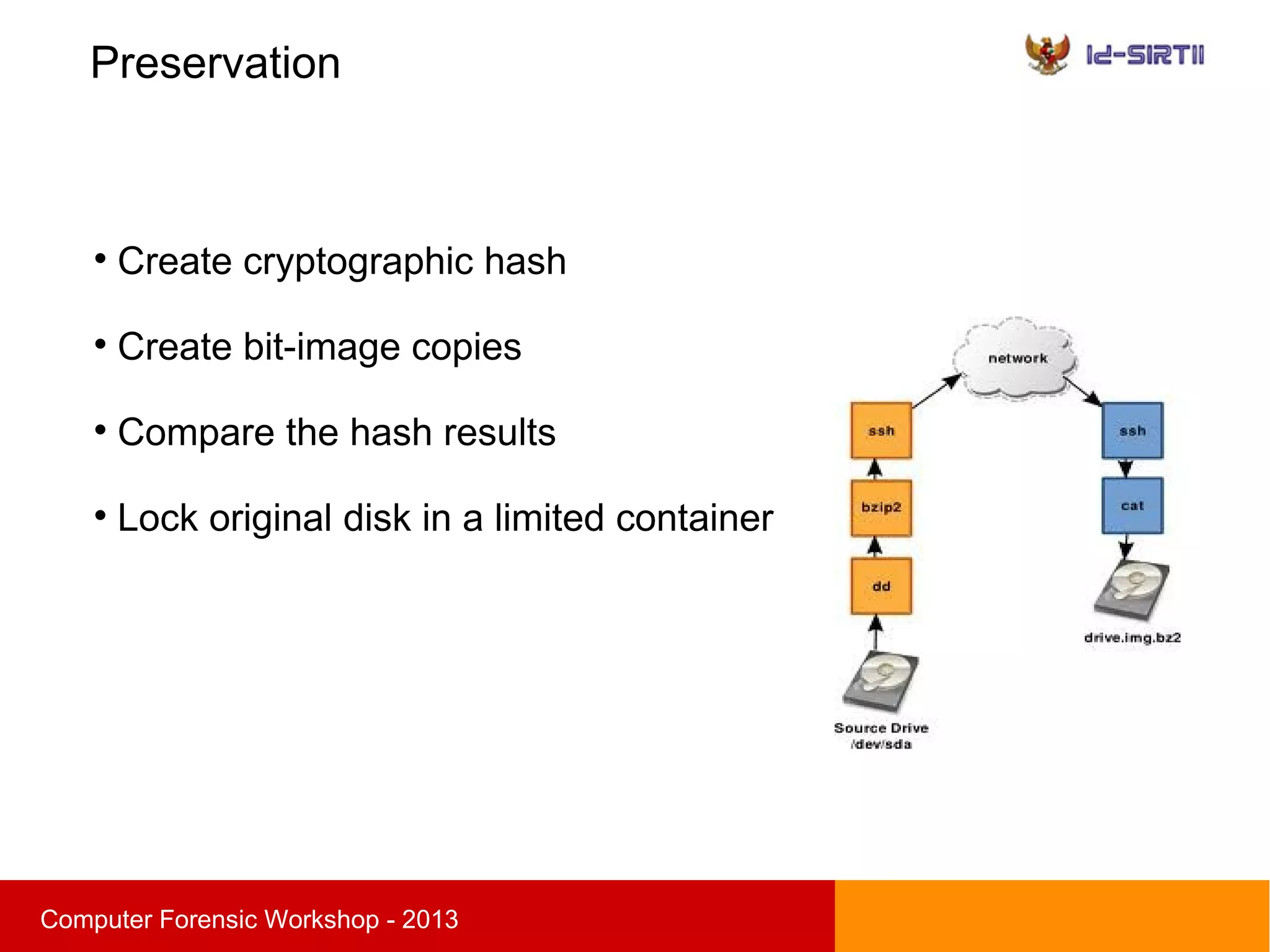
Create cryptographic hash

Create bit-image copies

Compare the hash results

Lock original disk in a limited container
Analysis of data
sComputer Forensic Workshop - 2013

Only work on the forensic copy

Stay within your scope of work

Analysis step
- Timeline analysis
- Media analysis
- String or byte search
- Data recovery
Questions ?
sComputer Forensic Workshop - 2013

Computer forensic

  • 1.
    sComputer Forensic Workshop- 2013 Computer Forensic Investigation Procedure, tools, and practice Ahmad Zaid Zam Zami damhadiaz@gmail.com
  • 2.
    About the speaker sComputerForensic Workshop - 2013  Bachelor's degree in Electronic Engineering  Digital forensic analyst  GCFA, CHFI, CEH, ENSA, ECIH, CEI  Founder Indonesia Digital Forensic Community  Case involved : Corporate espionage, data leak, banking fraud, cyber attack,etc
  • 3.
    Agenda sComputer Forensic Workshop- 2013  Digital forensic introduction  Digital evidence  Computer forensic Procedure  Evidence acquisition  Data organization  Demo
  • 4.
    Introduction sComputer Forensic Workshop- 2013  Today, many business and personal transactions are conducted electronically  Business professionals regularly negotiate deals by e-mail  People store their personal address books and calendars on desktop computers or tablet.  People regularly use the Internet for business and pleasure
  • 5.
    Cyber Crime sComputer ForensicWorkshop - 2013  Any illegal act involving a computer and a network  The computer may have been used in the commission of a crime or it may be the target  Computer viruses, denial-of-service attacks, malware  Fraud, identity theft, phishing, spam, cyber warfare
  • 6.
    Introduction sComputer Forensic Workshop- 2013 “A methodical series of techniques and procedures for gathering evidence, from computing equipment and various storage devices and digital media, that can be presented in a court of law in a coherent and meaningful format” - DR. H.B. Wolfe
  • 7.
    Introduction sComputer Forensic Workshop- 2013  The collection, preservation, analysis and presentation of digital evidence  Scientific procedure  Develop and test hypotheses that answer questions about incidents that occurred  Admissible in a court of law
  • 8.
    Why is computerforensic important ? sComputer Forensic Workshop - 2013  Help reconstruct past event or activity  Extend the target of information security to the wider threat from cybercrime  Show evidence of policy violation or illegal activity  Ensure the overall integrity of network infrastructure
  • 9.
    Digital evidence sComputer ForensicWorkshop - 2013 Two basic type of evidence :  Persistent evidence the data that is stored on a local hard drive and is preserved when the computer is turned off  Volatile evidence any data that is stored in memory, or exists in transit, that will be lost when the computer loses power or is turned off
  • 10.
    Persistent evidence sComputer ForensicWorkshop - 2013  Documents (word, slide, sheet, pdf)  Images  Chat log  Browser history  Registry  Audio / Video  Application  Email  SMS / MMS  Phone book  Call log
  • 11.
    Volatile evidence sComputer ForensicWorkshop - 2013  Memory  Network status and connection  Process running  Time information
  • 12.
    Procedure sComputer Forensic Workshop- 2013  Preparation  Preliminary investigation  Site investigation  Evidence acquisition  Preservation  Analysis  Report
  • 13.
    Preparation sComputer Forensic Workshop- 2013  Media is freshly prepared  Forensic workstation is scanned for any malware  Validate all software licenses  Toolkits  Forms - Computer worksheet forms - Hard drive worksheet form
  • 14.
    Preparation sComputer Forensic Workshop- 2013  Establish file directories  Essential forms : - Letter of authorization - Chain of custody - Non-Disclosure Agreement
  • 15.
    Letter of authorization sComputerForensic Workshop - 2013
  • 16.
    Chain of custody sComputerForensic Workshop - 2013
  • 17.
  • 18.
    Preliminary investigation sComputer ForensicWorkshop - 2013  Who ? Profile the target user – are they computer savvy?  What ? What kind of evidence could be associated with this case? Images? Documents? Spreadsheets?  When? How long has it been since the digital activity?  Where? How do you plan on procuring the digital evidence?
  • 19.
    Site investigation sComputer ForensicWorkshop - 2013  Take picture of the scene  Asset tag  Inventory and describe all hardware  Identify every process or network information  Ensure chain of custody form is properly completed
  • 20.
    Order of Volatility sComputerForensic Workshop - 2013 ● Memory ● Network status and connections ● Process running ● Hard disk
  • 21.
    Evidence acquisition sComputer ForensicWorkshop - 2013  Bit-stream imaging (court-certified)  Write blocking device  Static prevention wrist strap  Record initial configuration  Record all activity
  • 22.
    Evidence acquisition sComputer ForensicWorkshop - 2013  Physical imaging - Grab entire drive (MBR) - Considered best evidence - Break out the partitions using dd  Logical imaging - File system partition only - Useful in obtaining backup of RAID drive
  • 23.
    Evidence acquisition sComputer ForensicWorkshop - 2013  Three evidence acquisition method - Hardware - Live CD - Live  Resultant file will be an image file in all three cases
  • 24.
    Hardware acquisition sComputer ForensicWorkshop - 2013  Situation : Removed hard drive containing evidence 1. Attach drive adapter 2. Plug into acquisition workstation 3. Image attached drive to a image file  Evidence will be in static state  Volatile evidence not available
  • 25.
    Live CD acquisition sComputerForensic Workshop - 2013  Situation : Boot into Forensic Live CD  System will be rebooted  Loss of volatile evidence  Hard drive not removed  Image system to attached drive or file share
  • 26.
    Live acquisition sComputer ForensicWorkshop - 2013  Situation : Live System Acquisition  Snapshot of system  System stays power on  Capability to gather volatile evidence  Evidence will be changing while imaging  Image system to a file on attached drive or file shares
  • 27.
    Write blocker sComputer ForensicWorkshop - 2013  Prevent any accidental writes to source data  Hardware based Adapter based placed on hard drive  Software based Software will not allow writes to system http://www.cftt.nist.gov/software_write_block.htm
  • 28.
    Preservation sComputer Forensic Workshop- 2013  Create cryptographic hash  Create bit-image copies  Compare the hash results  Lock original disk in a limited container
  • 29.
    Analysis of data sComputerForensic Workshop - 2013  Only work on the forensic copy  Stay within your scope of work  Analysis step - Timeline analysis - Media analysis - String or byte search - Data recovery
  • 30.