Designing  Better  Applications, Websites & Intranets
“ We ’ re getting a lot of calls... ”
“ It looks great but... ”
“ My customers can ’ t find... ”
“ Adoption is low ”
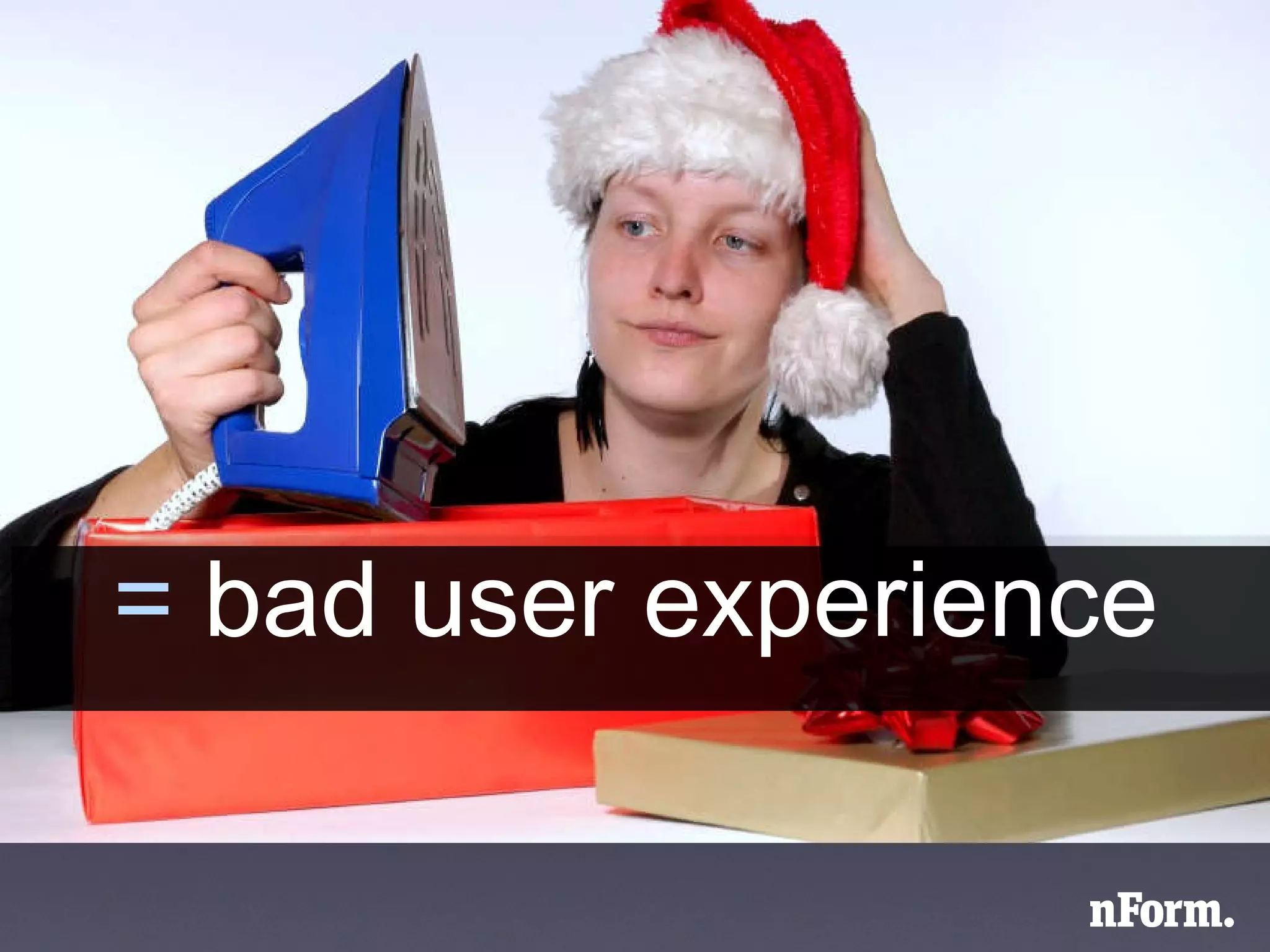
=  bad user experience
product or service = application website intranet business process in-person service multi-channel service      
* experience is the cumulative effect  all of the decisions  that go into making a product or service
“ Design is not just what it looks like and feels like.  Design is how it works.” -Steve Jobs
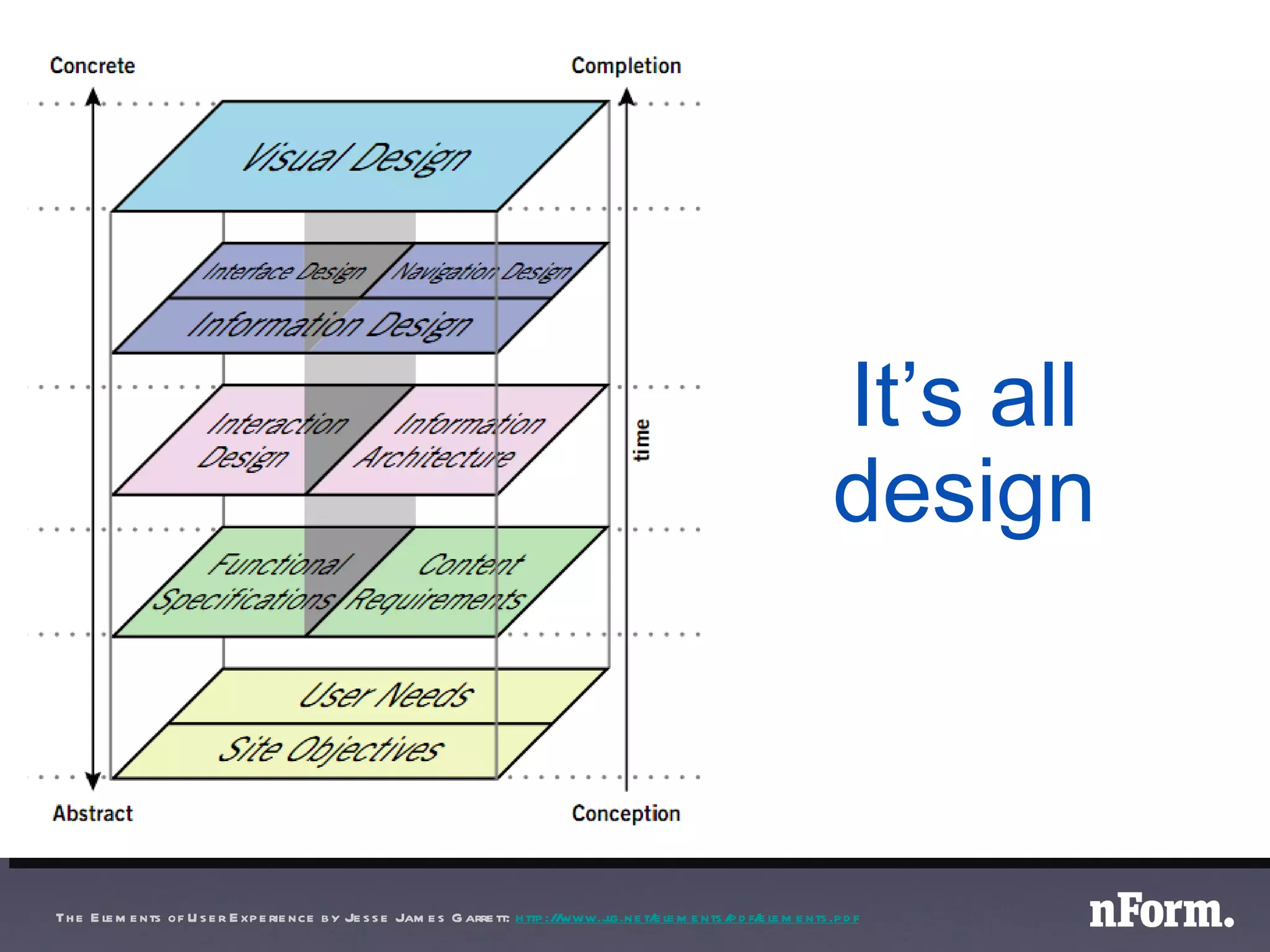
It’s all design The Elements of User Experience by Jesse James Garrett:  http://www.jjg.net/elements/pdf/elements.pdf Design }
experience can be  influenced
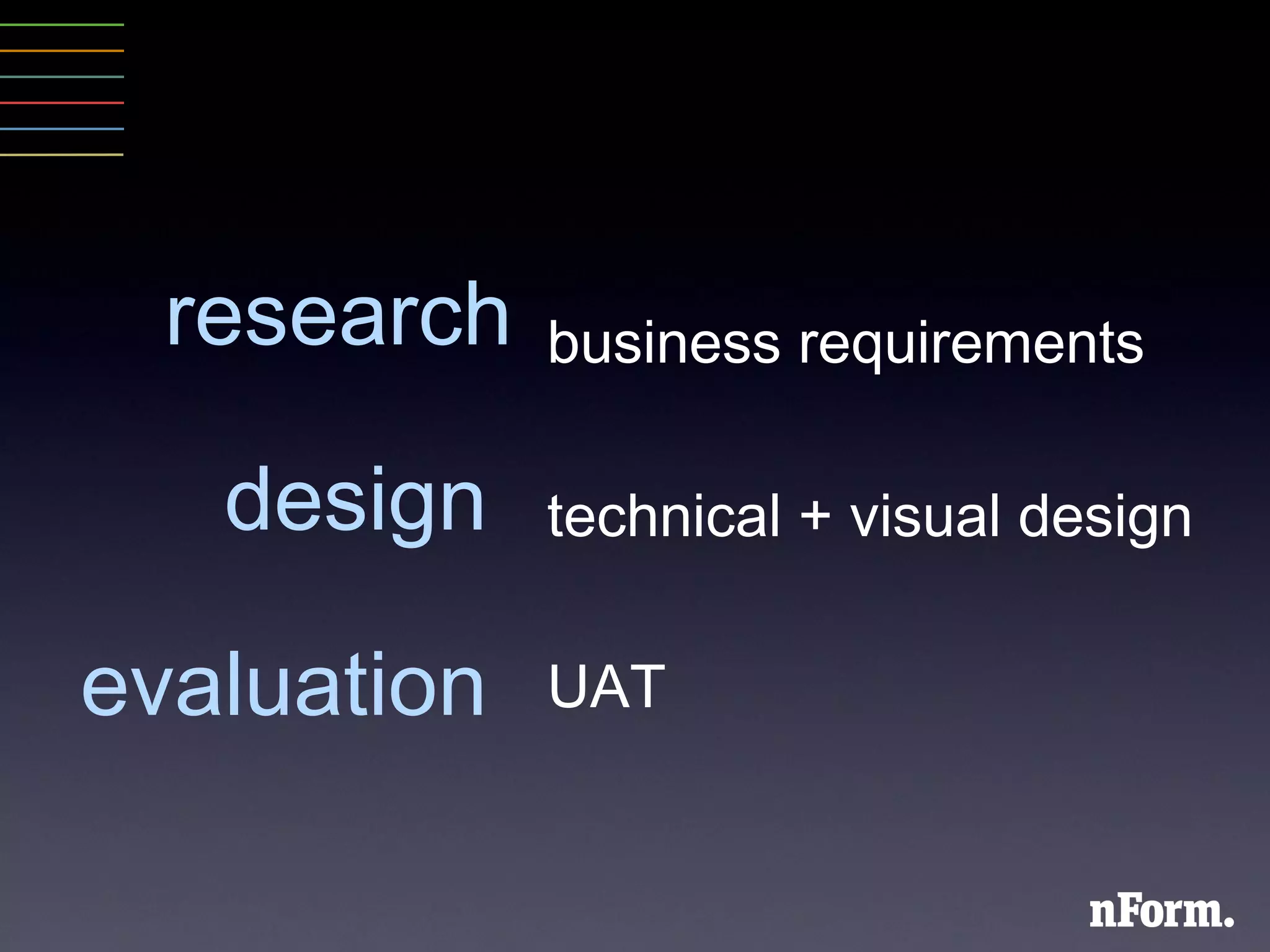
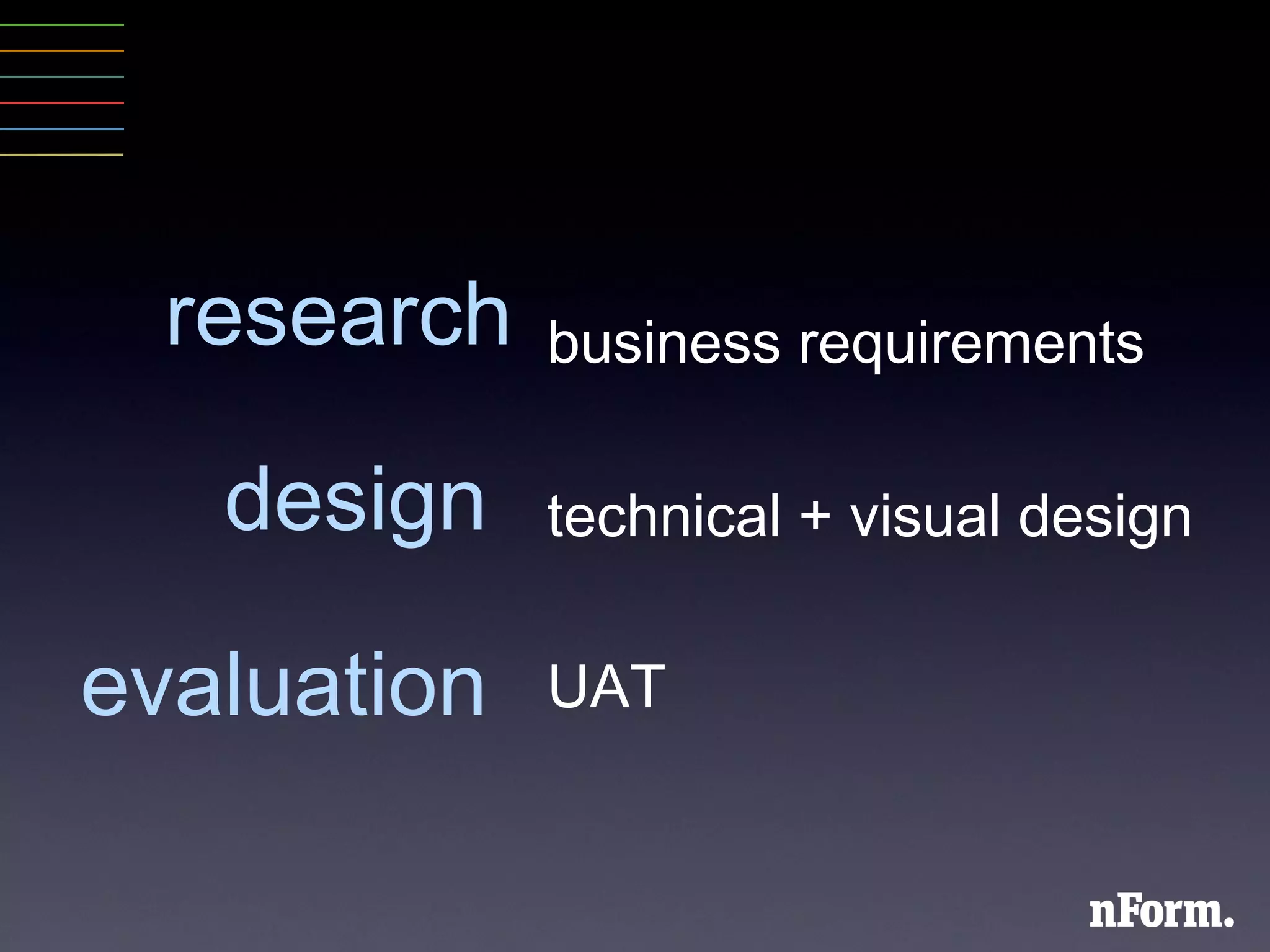
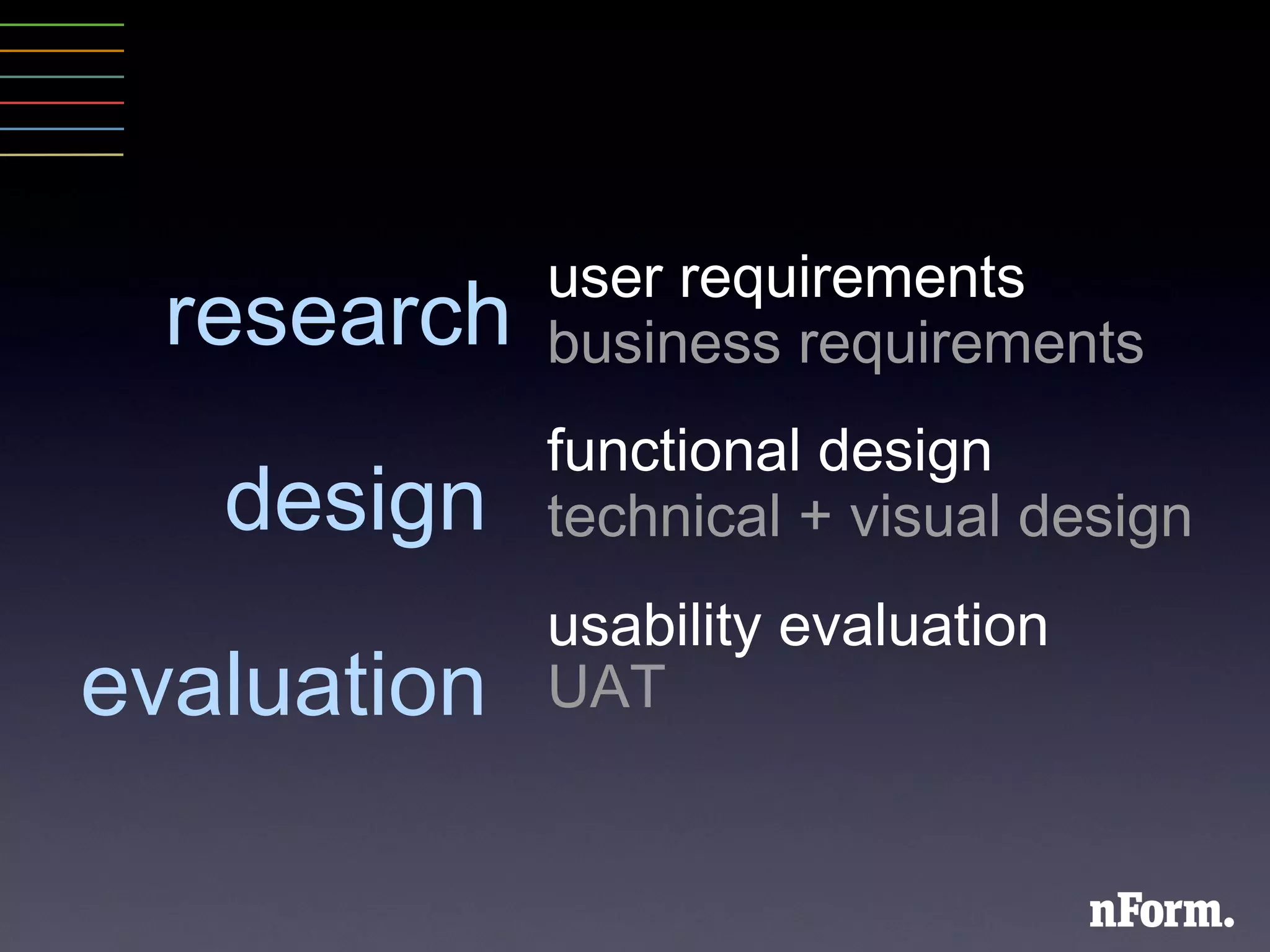
research design  evaluation  business requirements technical + visual design UAT
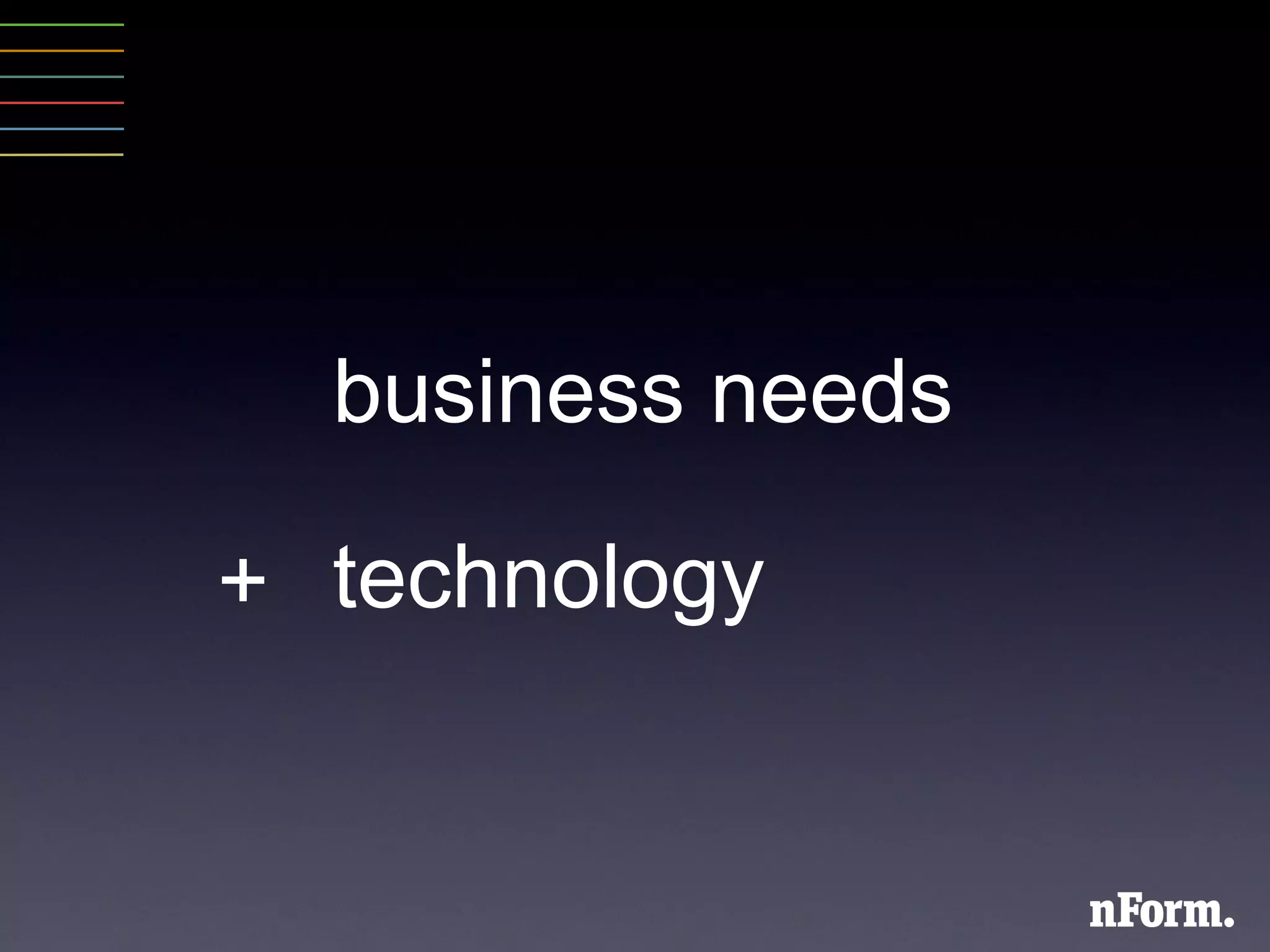
business needs technology +
 
 
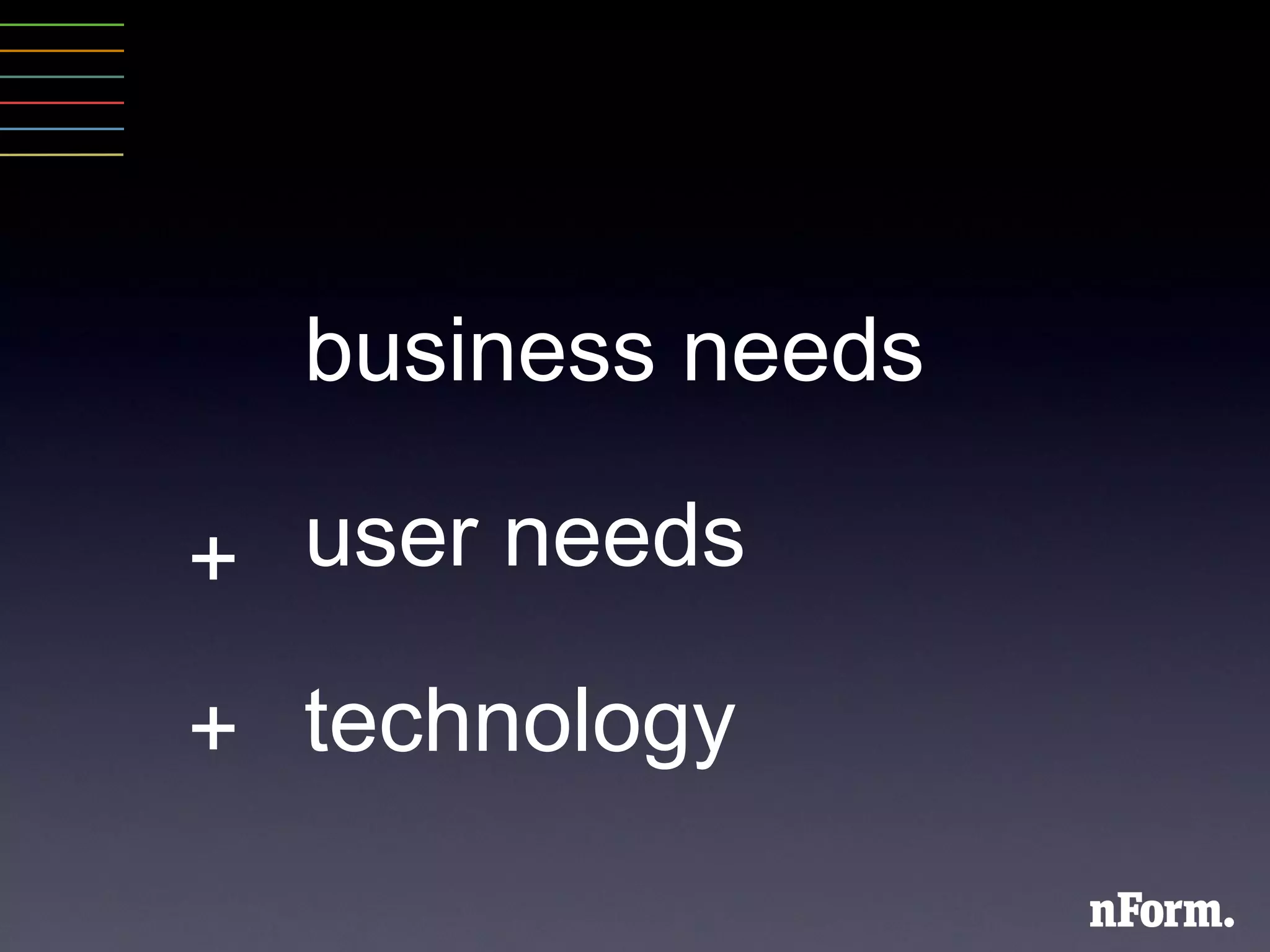
business needs user needs technology + +
Ask them what they want?
 
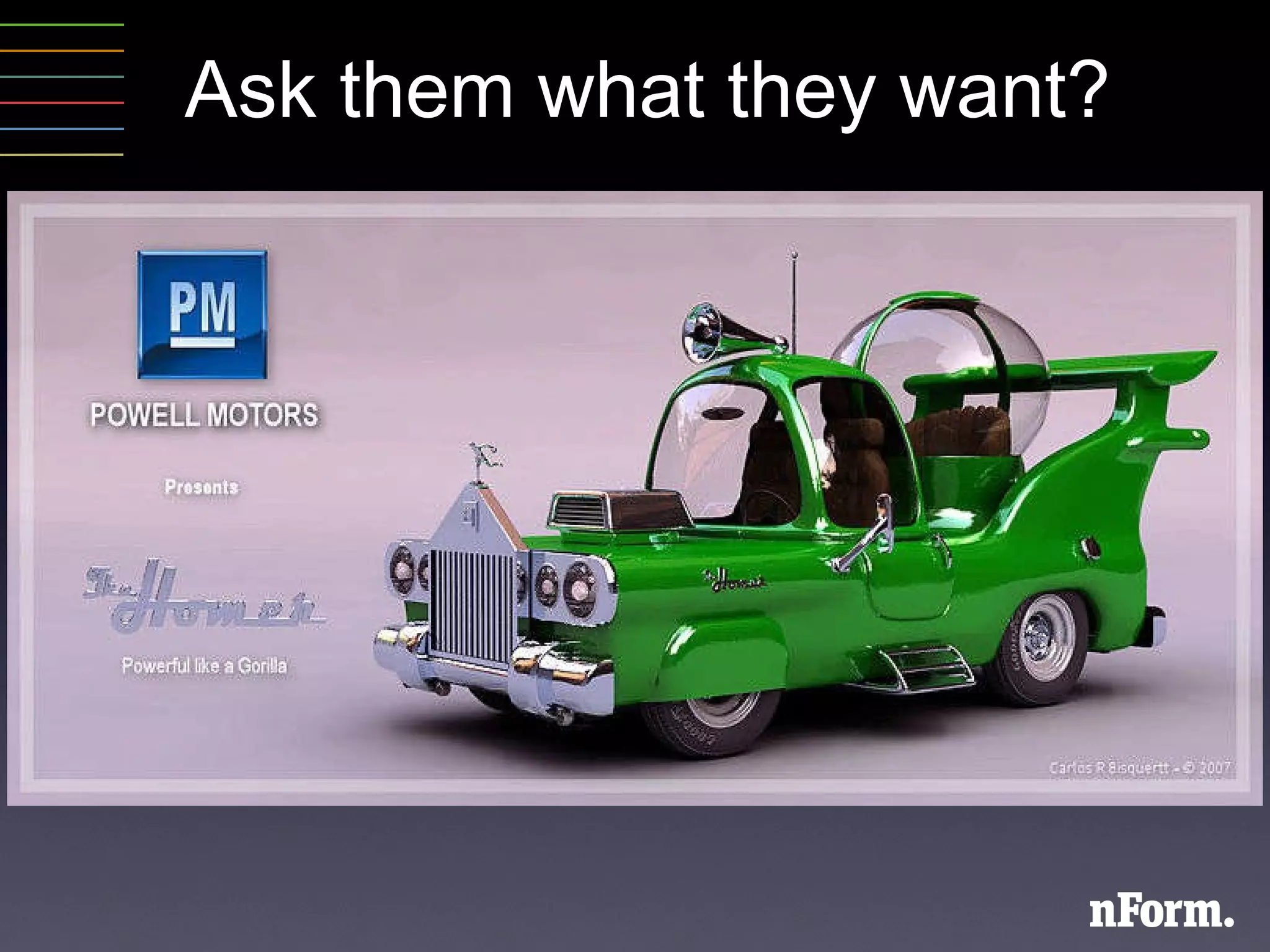
Ask them what they want?
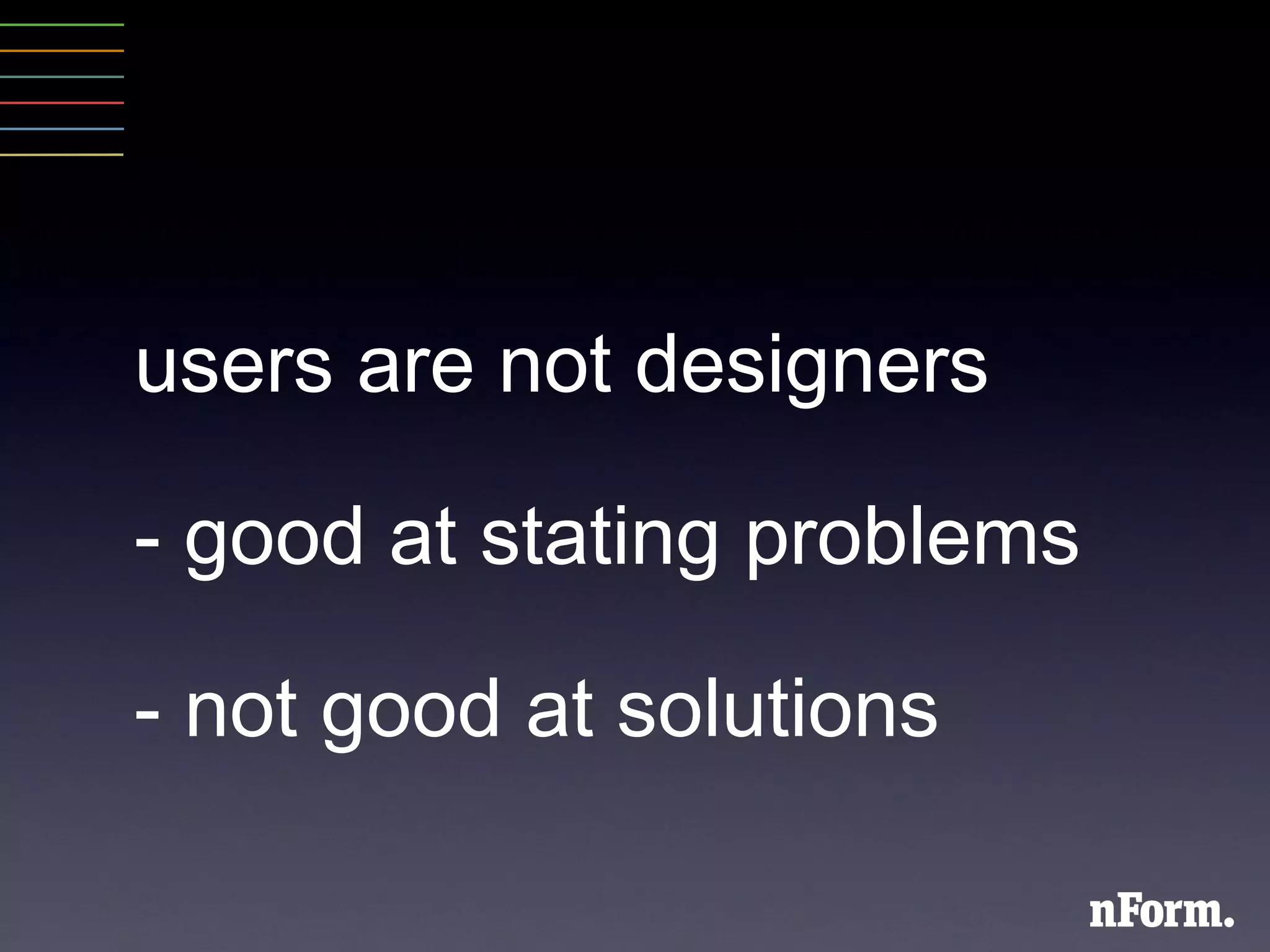
users are not designers -  good at stating problems - not good at solutions
define the users who are they?
understand the user ’ s - goals - - motivations - - knowledge -
add activities that  directly involve users
tried and true methods to: - understand users - - design & prototype - - get timely feedback -
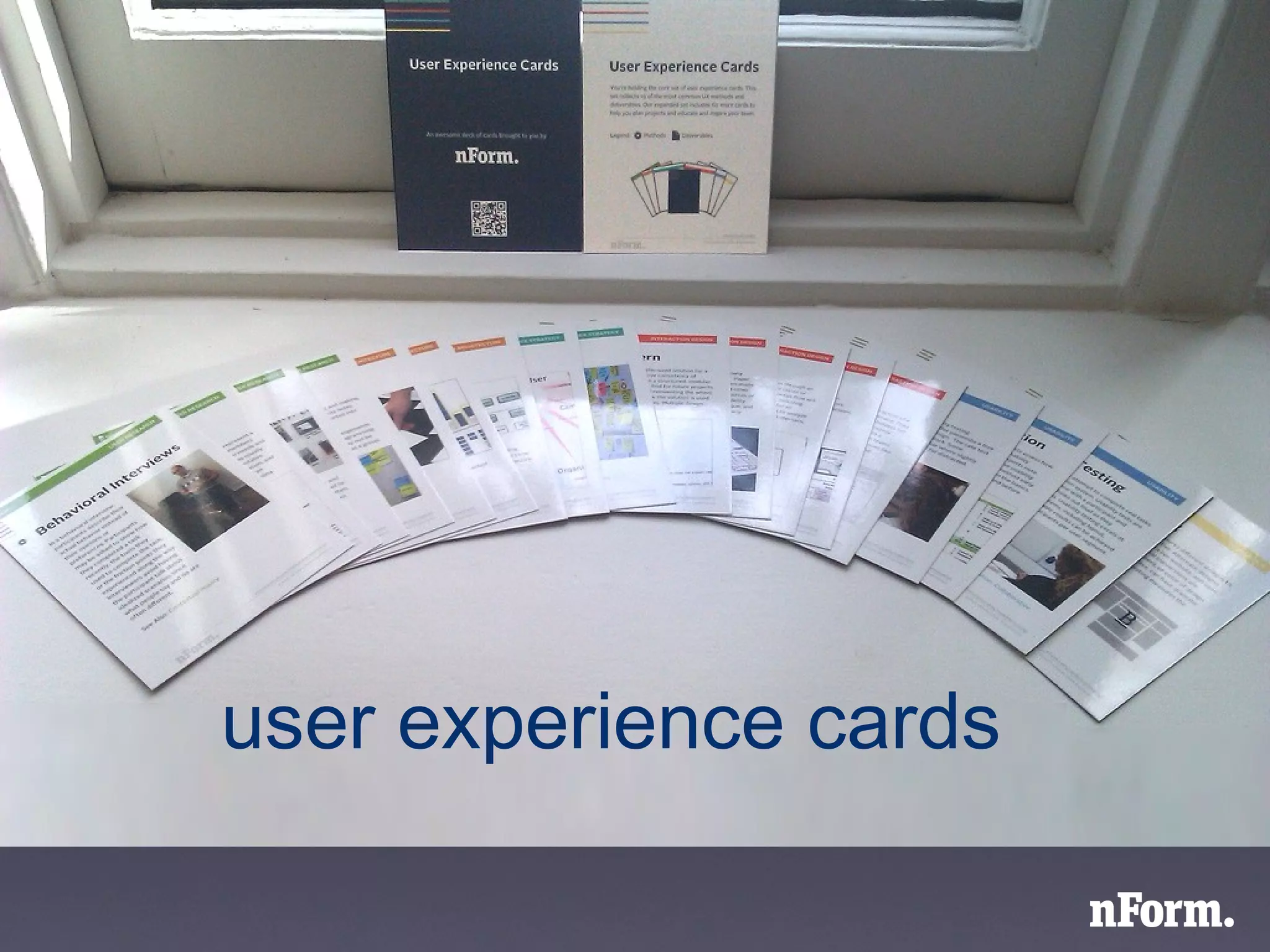
user experience cards
Why did we make these?
We want to help you be successful
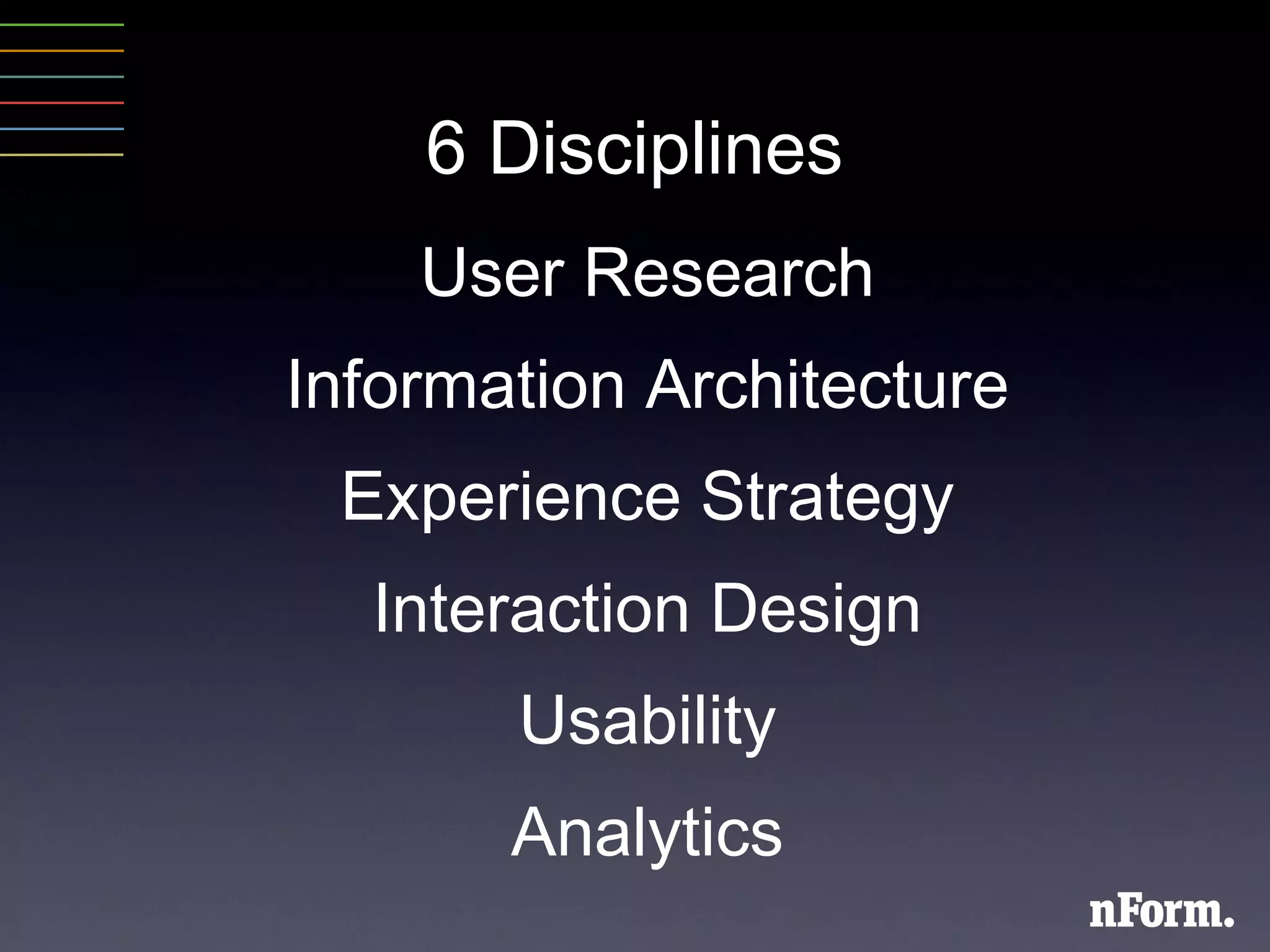
6 Disciplines User Research Information Architecture Experience Strategy Interaction Design Usability Analytics
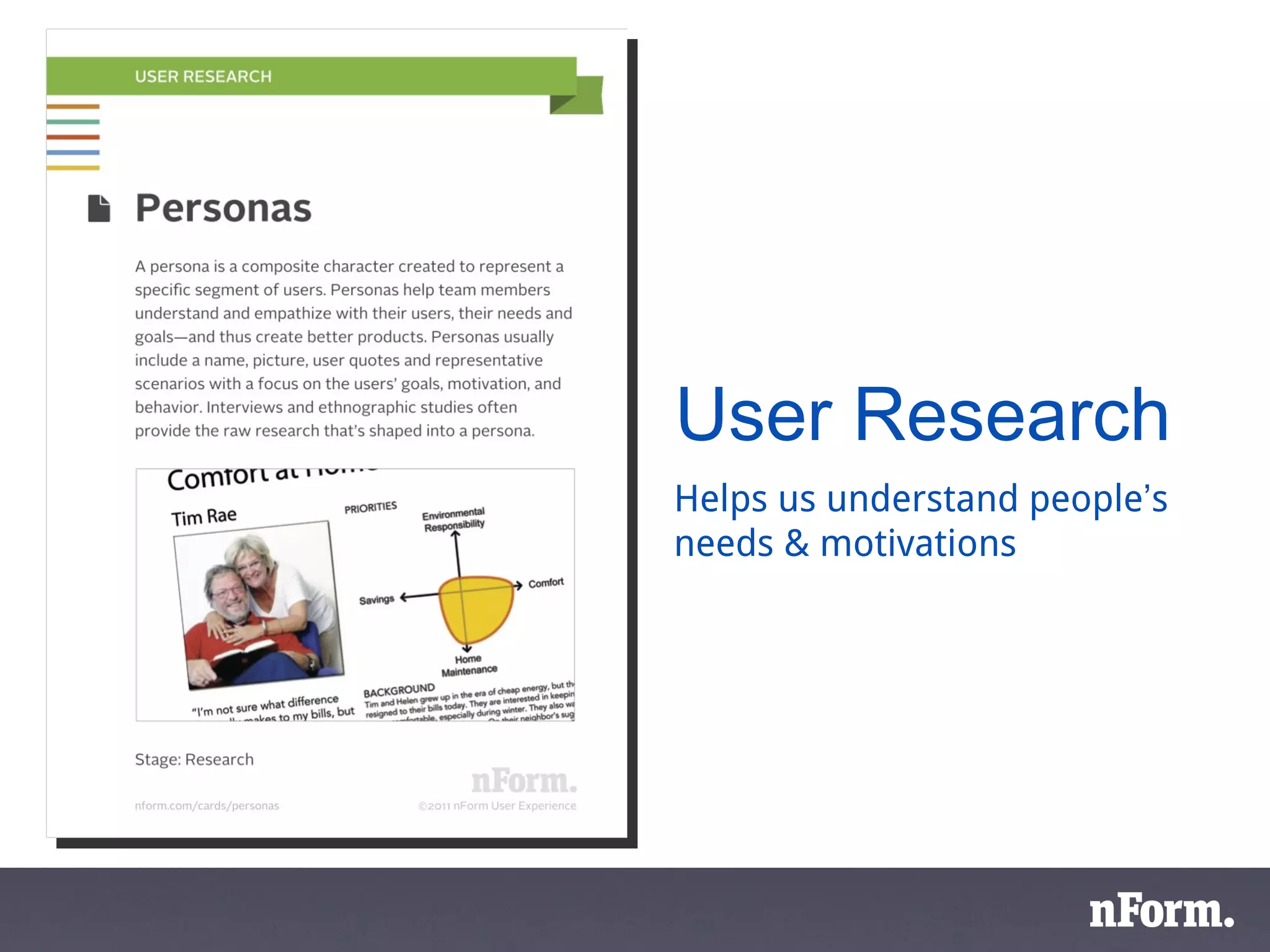
User Research Helps us understand people ’ s needs & motivations
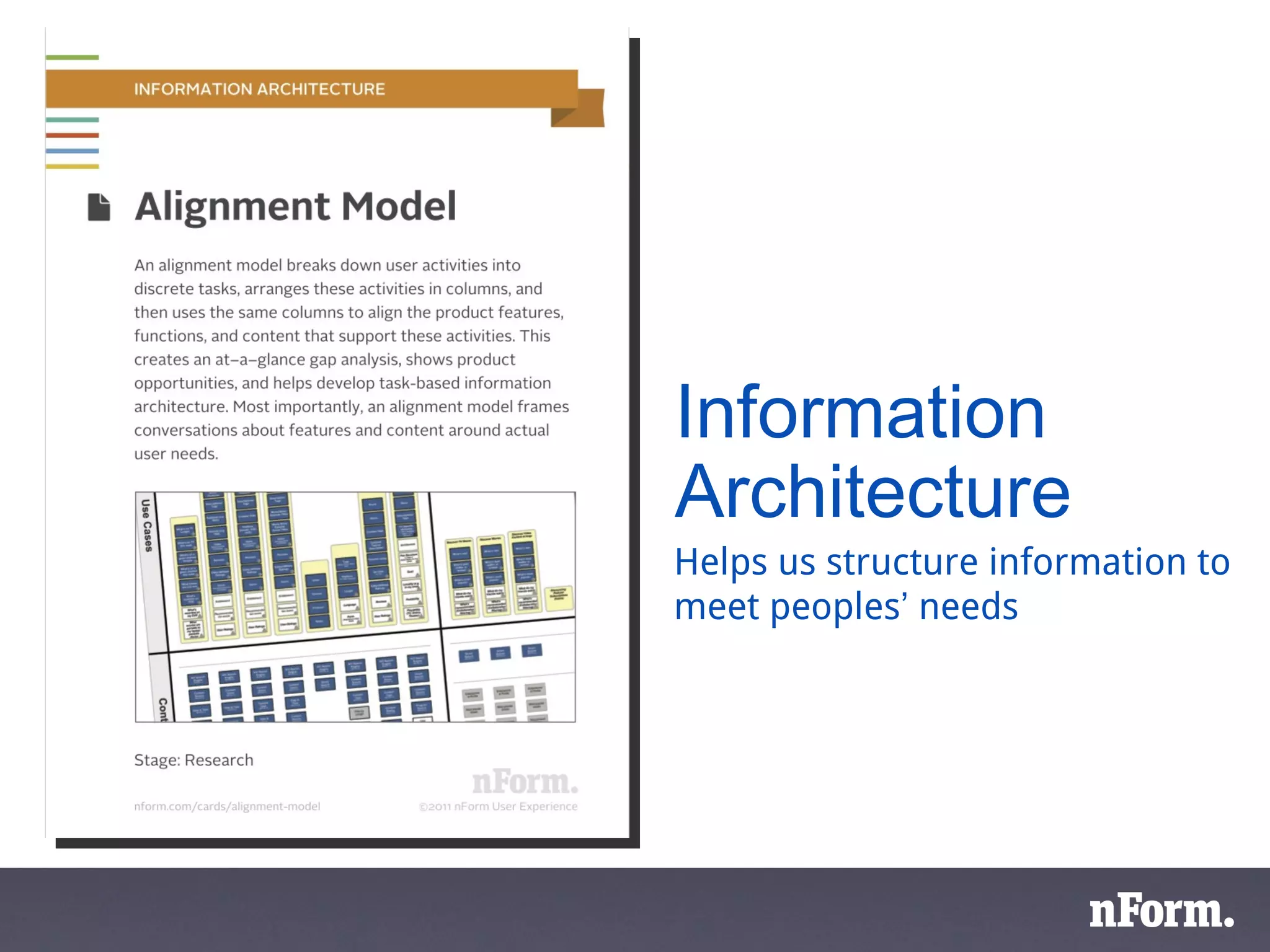
Information Architecture Helps us structure information to meet peoples ’  needs
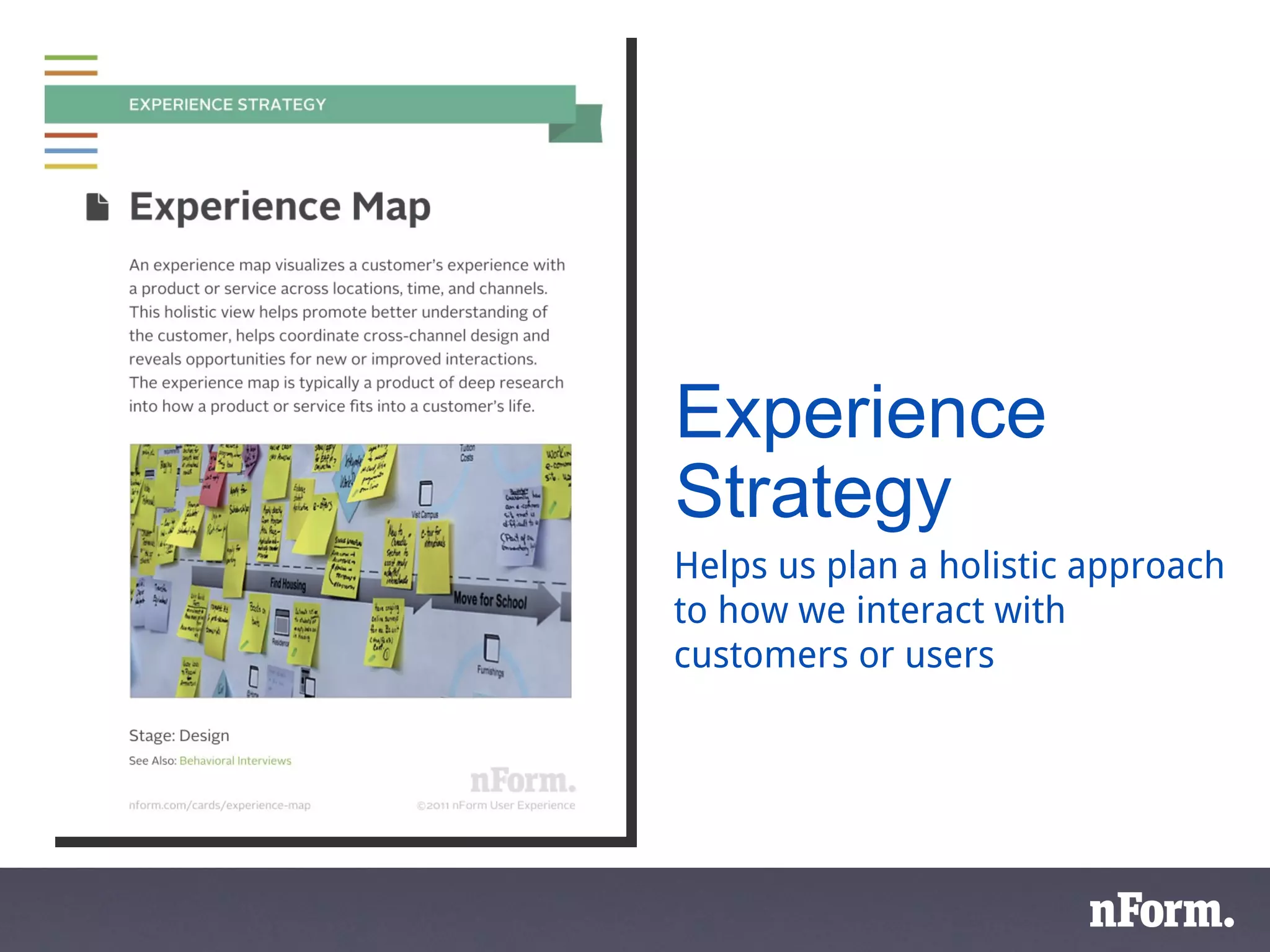
Experience Strategy Helps us plan a holistic approach to how we interact with customers or users
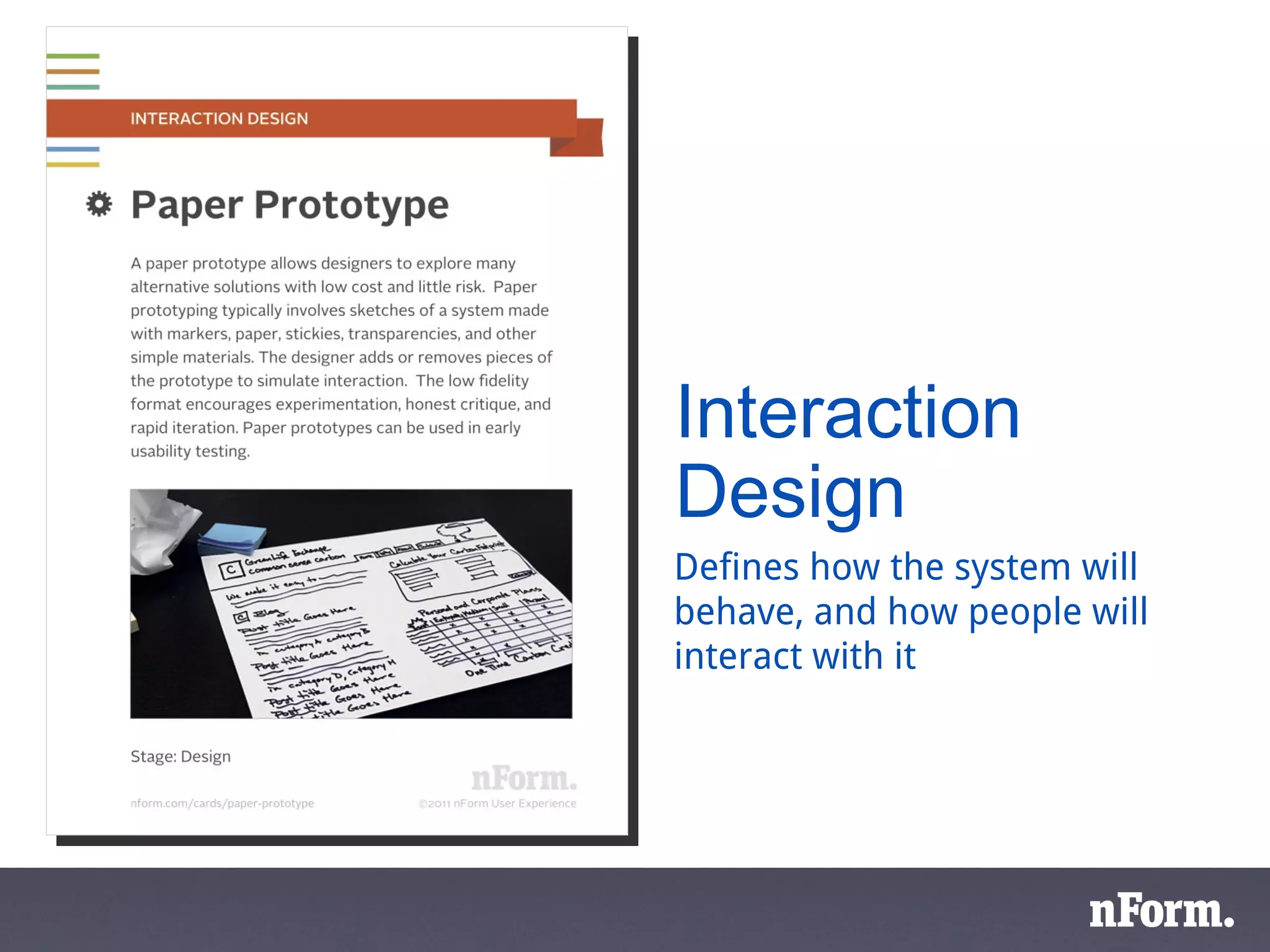
Interaction Design Defines how the system will behave, and how people will interact with it
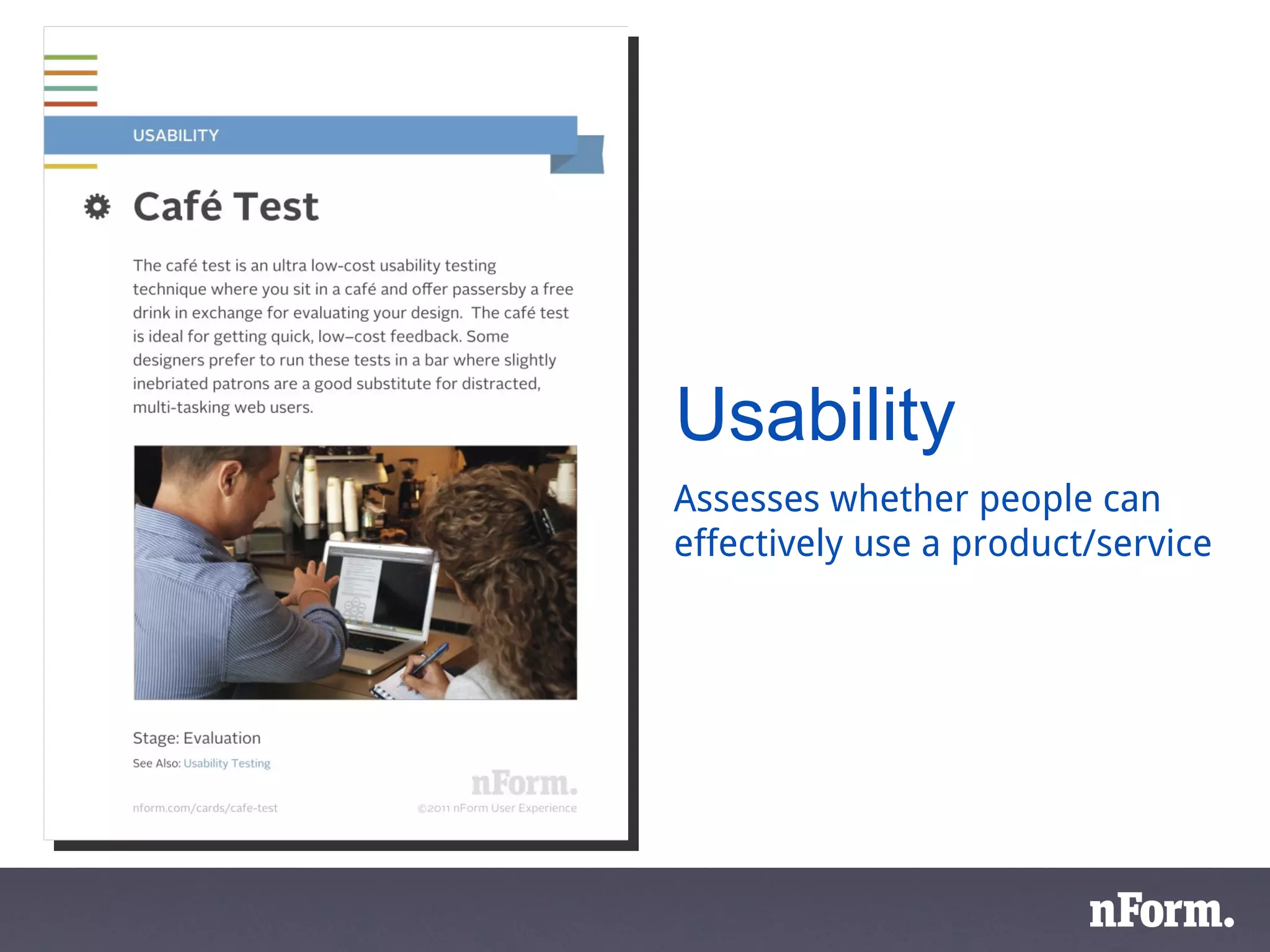
Usability Assesses whether people can effectively use a product/service
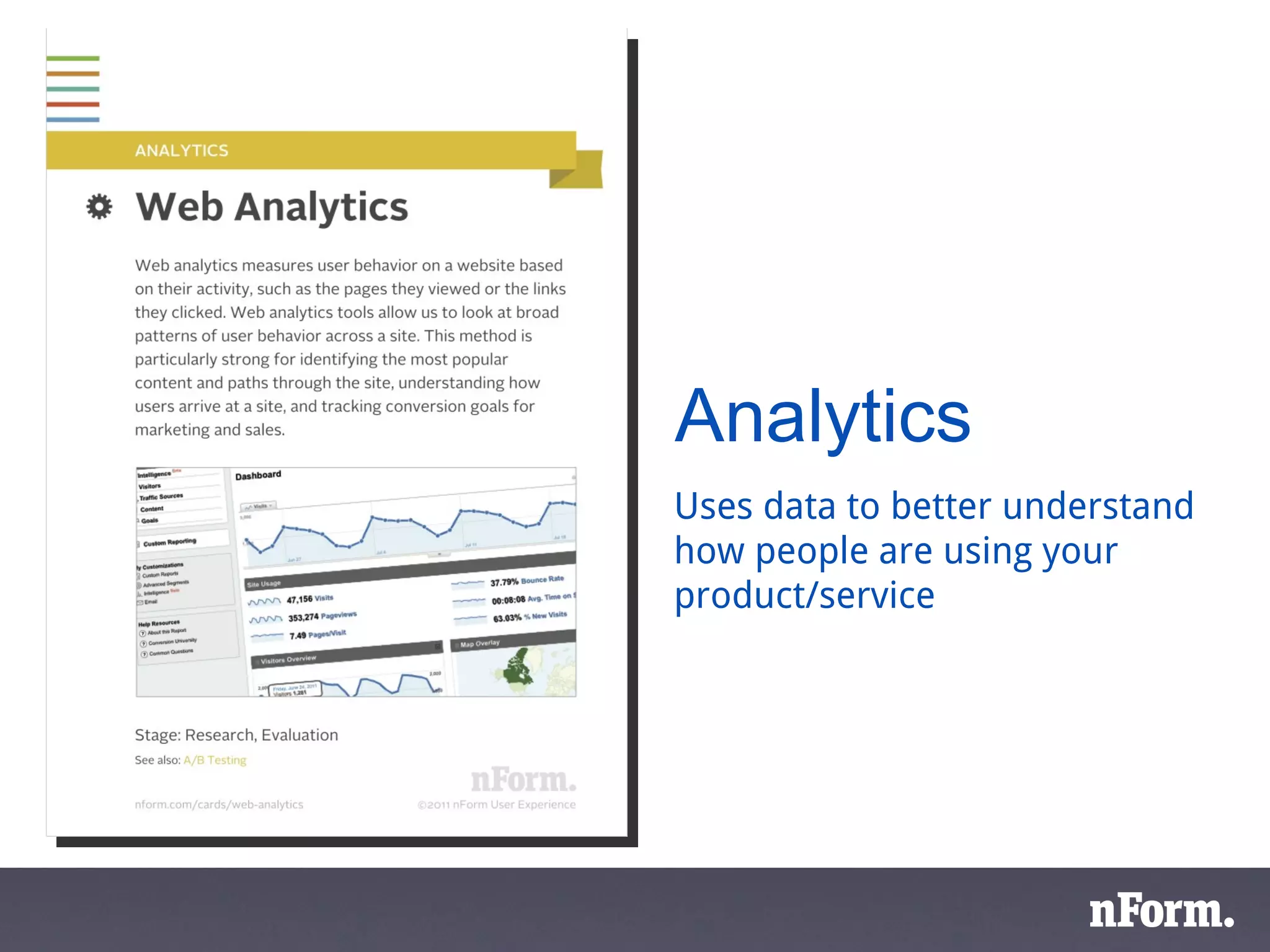
Analytics Uses data to better understand how people are using your product/service
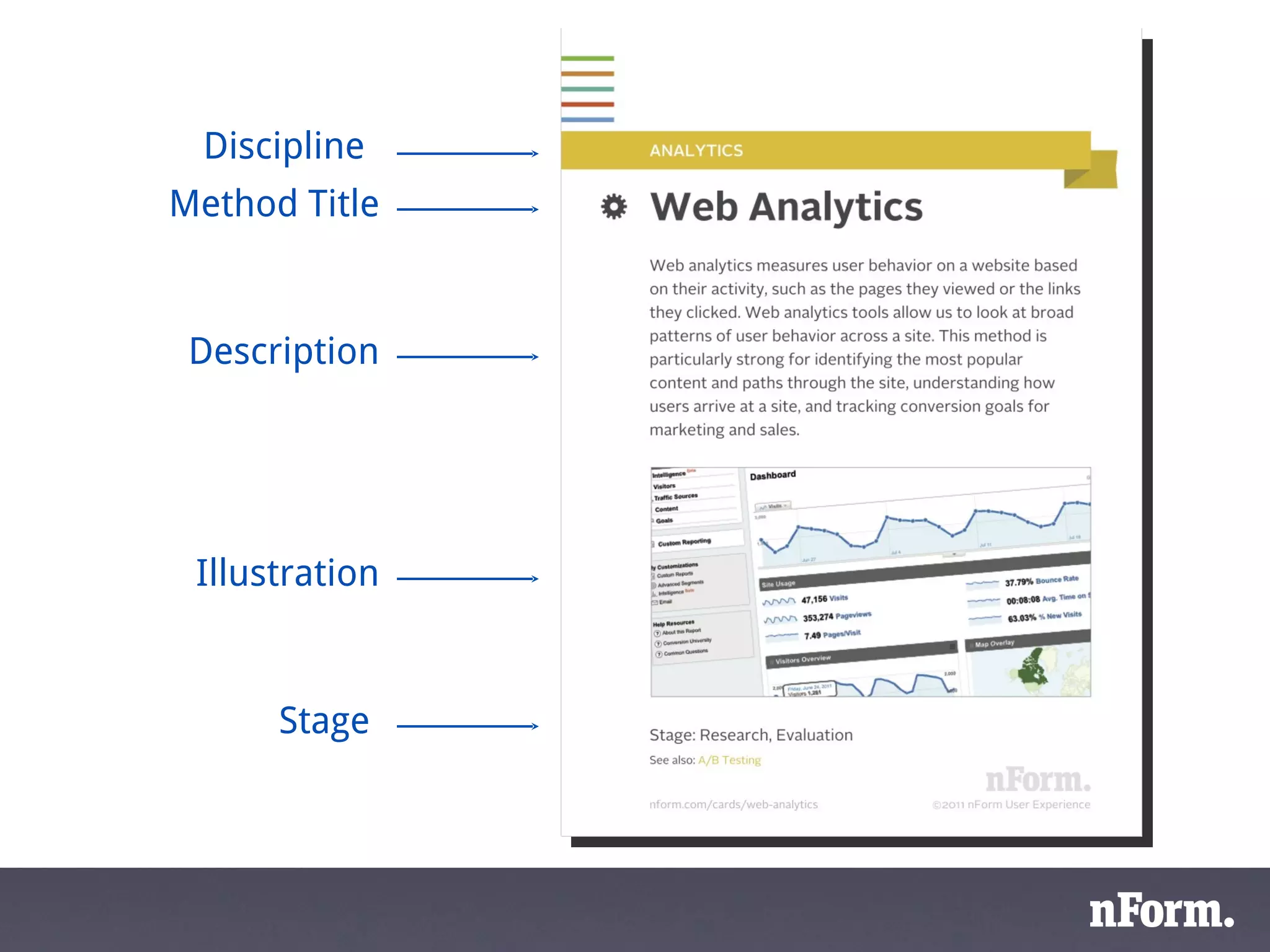
Discipline  Stage  Description Illustration Method Title
research design  evaluation  business requirements technical + visual design UAT
research design  evaluation  business requirements technical + visual design UAT user requirements functional design usability evaluation
UX toolbox
An example
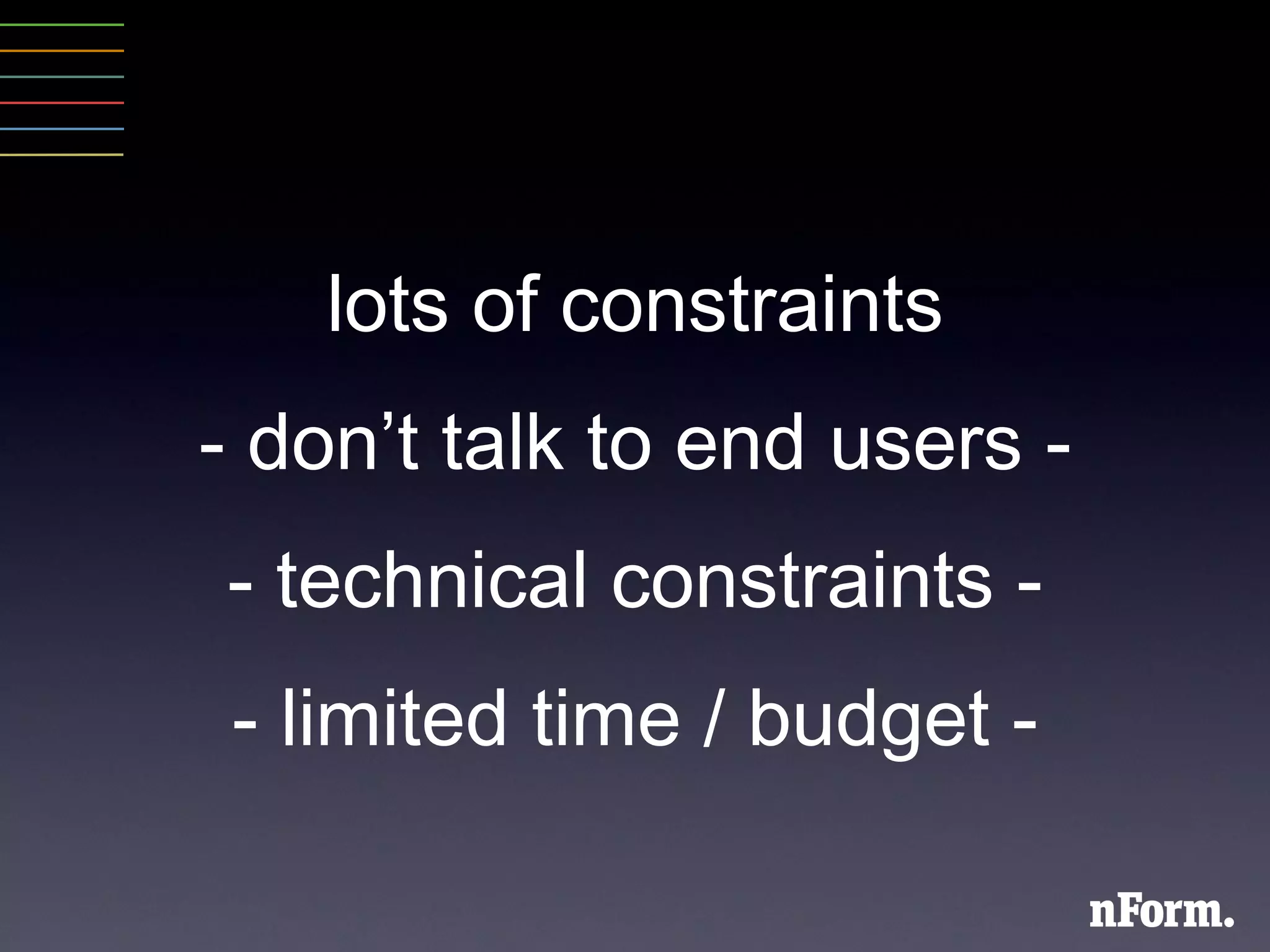
lots of constraints - don ’ t talk to end users - - technical constraints - - limited time / budget -
Where is it broken? research
 
 
How can we quickly generate a lot of ideas? design
 
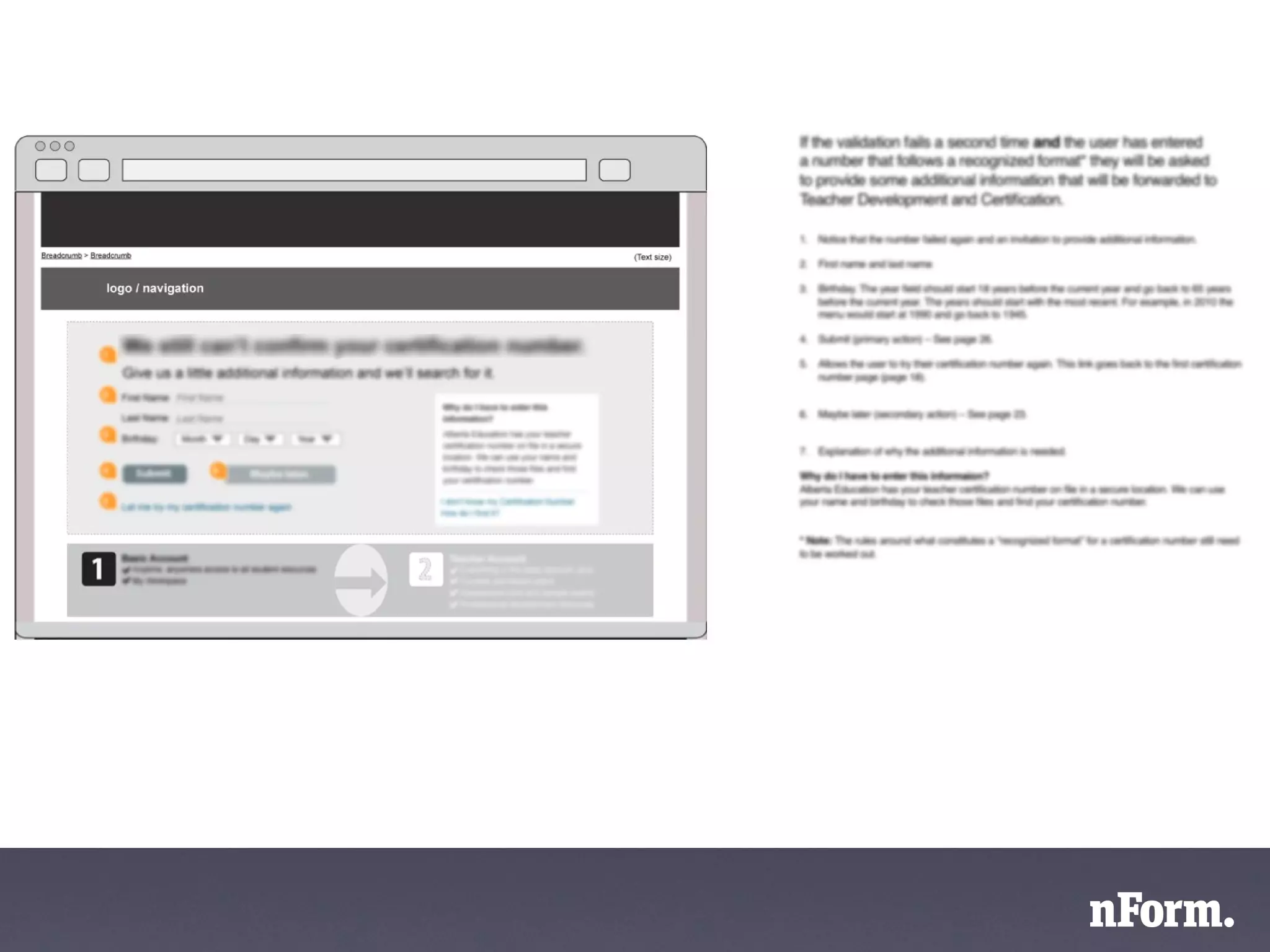
How do we document a solution? design
 
Results - bounce rate cut in half - - exit rate 1/3 lower - - 5000+ people per month - “ massive difference ”
How can the cards help you?
An introduction to UX methods
Suggest methods for solving specific problems
Suggest activities for your project plan or RFP
Why bother?
Reduce risk - lower the odds of failure
Increase adoption rates
Reduce costs
Shall we play a game?
How is the current site performing?
Why are users having problems?
What do users need/expect from the site?
How should the content be organized?
How can we know early on if our ideas are on the right track?
How can we ensure that our design is fully understood by the team before coding?
Is our proposed design usable?
We have competing ideas. How can we know which is best?
Questions?
Go make better experiences
Dennis Breen [email_address] twitter: @dennisbreen

Designing Better Applications, Websites and Intranets

Editor's Notes

  • #2 Designing = hard work. Complicated. Lots of room for error - easy to hang yourself - always more than enough rope. Likely, we ’ re all constantly thinking of ways to do it better. Better in what way? // Has anyone here ever heard comments like this about something you ’ ve worked on...
  • #7 Someone having an experience that leaves them... underwhelmed? Angry? Frustrated? When people interact with products or services, they have an experience of some kind.
  • #8 Designed interaction that results in an experience. // So if we ’ re talking about products that create better experiences, where does experience come from? What things contribute to it? What aspects of a project?
  • #9 This is important to highlight because sometimes we think that experience=artsy soft-skill people stuff. That stuff we do at the end of the project. Look and feel. The flashy stuff. Not the nitty gritty business analysis, functional requirements and technical work.
  • #11 Despite that reminder many think design (therefore UX) = activities at the end of a project. More sophisticated ppl think UX grows out of structural design activities more in the middle. But in fact, all of the decisions about a product are design decisions and have an impact on UX. Bad news: des & ux won ’ t save you at the end.
  • #12 The good news: a user ’ s experience can be influenced by the choices we make. This is the opportunity. So our project activities are building blocks for creating experience.
  • #13 When we talk about project activities, we most often encounter something like this. 3 major steps.
  • #14 The focus is on
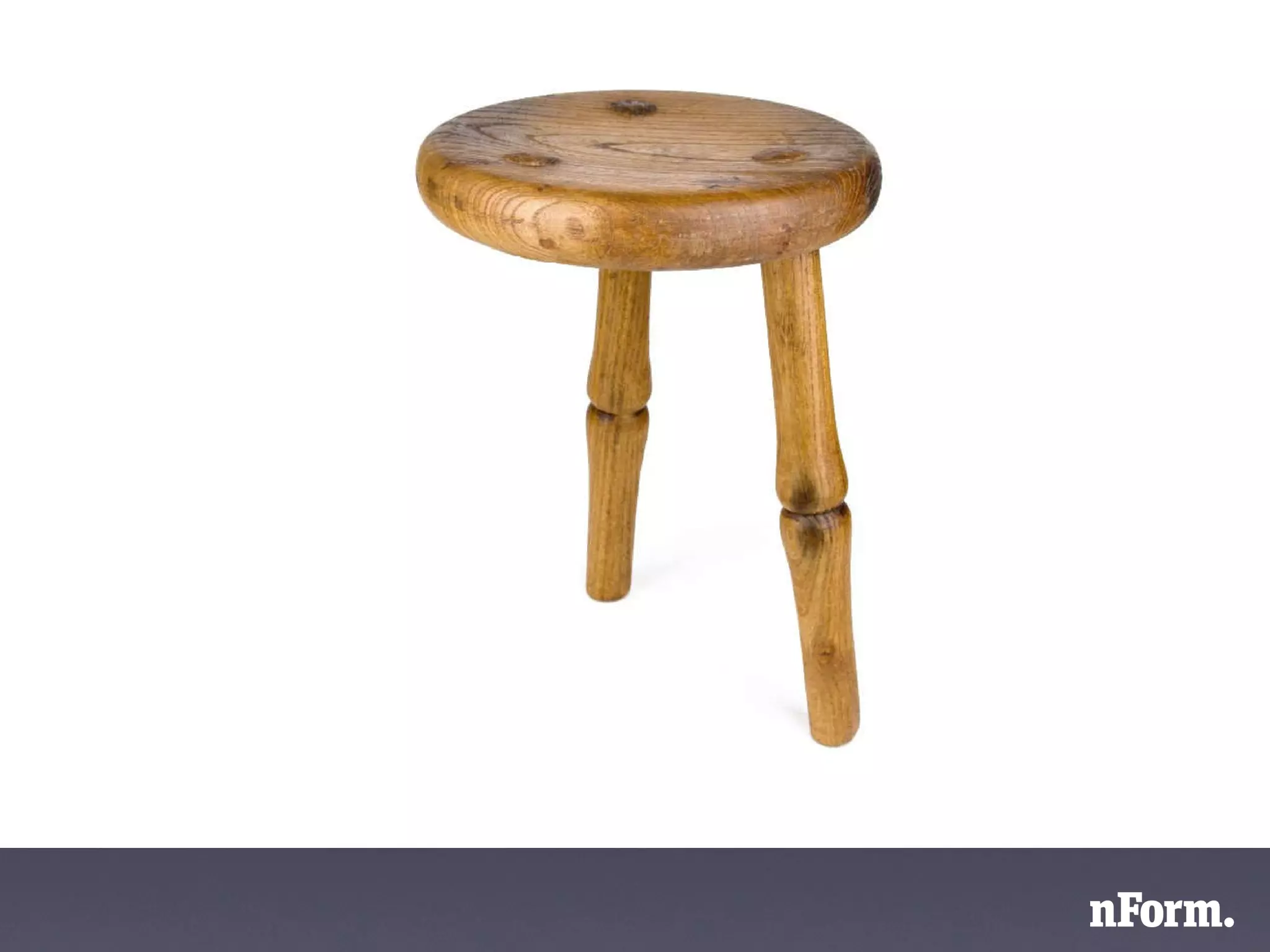
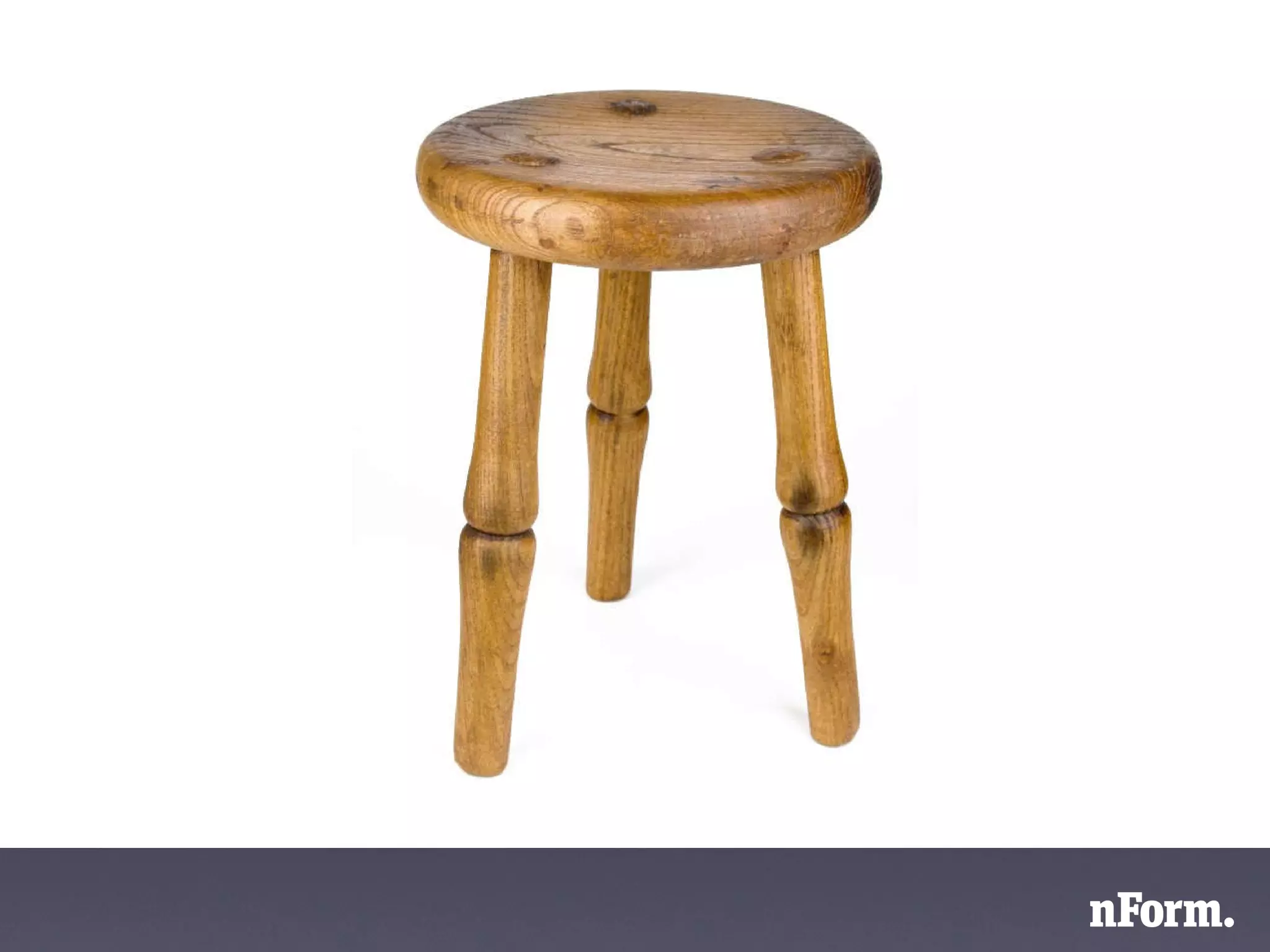
  • #15 These are just two legs of a stool. Two critical legs. You could use it, but it wouldn ’ t be great. How do we make it great?
  • #16 You add a 3rd leg. And what is that 3rd leg?
  • #17 The 3rd leg is user needs. You can ’ t create that truly great product without considering user needs. This is where we often have trouble - bringing users into the process. How do we do that?
  • #18 One approach is to ask them what they want.
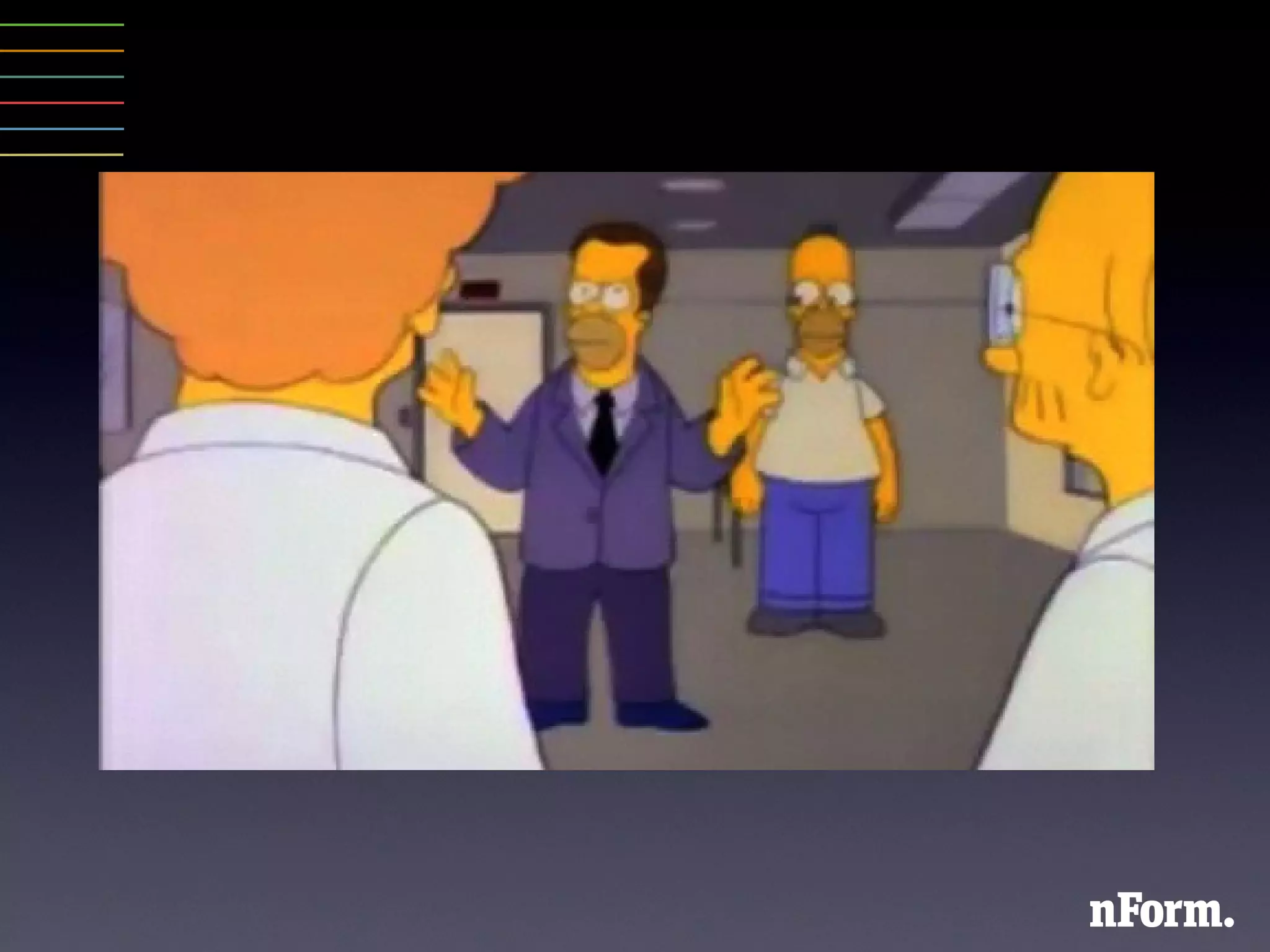
  • #22 To understand user needs - define who the users are. And a big thing to remember is that they are not you. RE: Simpsons // RE: people don ’ t care as much as you do. Fits into their world very differently than yours.
  • #23 Then you need to understand... // Why do they do what they do? How can you match the design to fit their way of thinking?
  • #24 Ideally...
  • #25 Fortunately, there are a lot of tried and true methods. We ’ ve captured some of the most popular in the UX cards.
  • #28 That ’ s our business. We want you to have the benefits of ux methods. We wanted to create a handy tool to help people like you to start to think more about UX methods and to incorporate them into projects so you can get better results.
  • #37 Before we talked about a rough process.
  • #38 To those we can start adding some user focused activities.
  • #39 Starter kit for ux toolbox
  • #40 Example of methods in action. Client had trouble with an online application process. Asked for our help to make it better.
  • #41 Don ’ t deal in pie-in-the-sky situations. Lots of constraints.
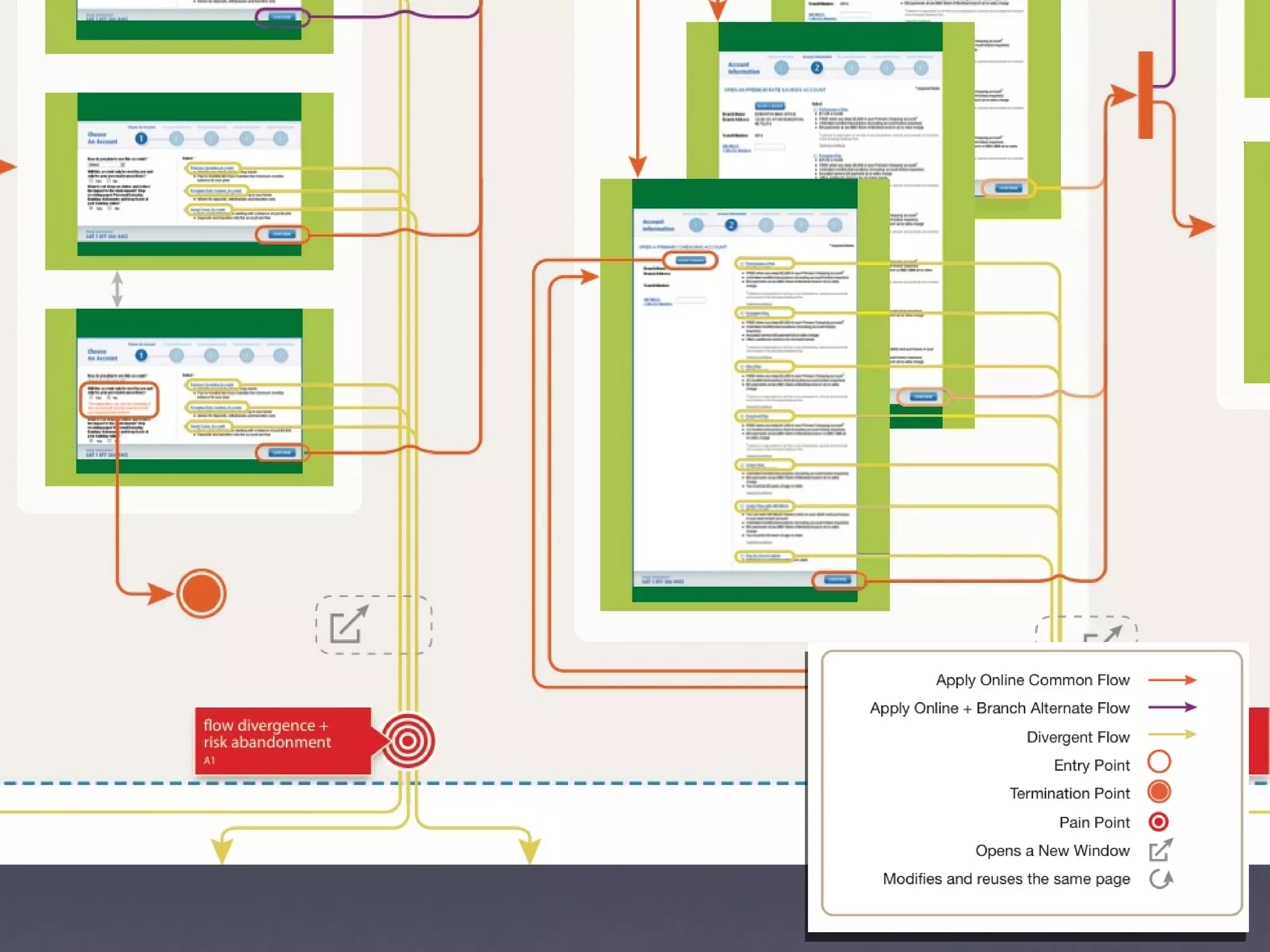
  • #42 What methods can we use to understand how it works now and where the pain points might be?
  • #44 We did detailed process flows to see how a user would move through the application process, and where they would encounter pain points.
  • #45 Saturate the design space. Not fixate on one solution. Explore options, but do it quickly.
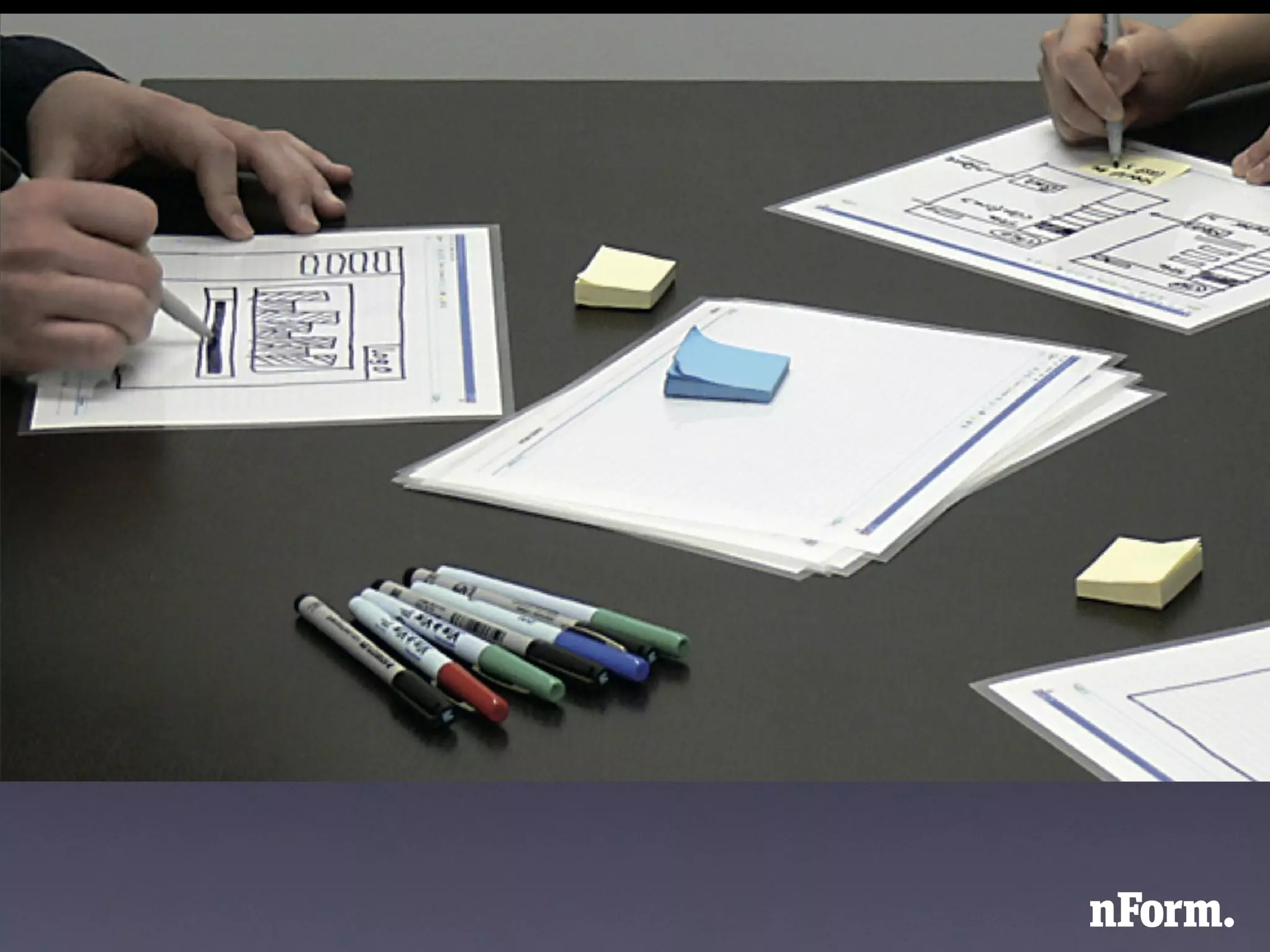
  • #46 We did a collaborative sketching workshop with the product team responsible for the application process.
  • #47 We were working with a high level team and they needed something to help them communicate decisions out to developers.
  • #48 Comprehensive annotated wireframes.