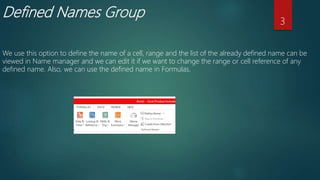
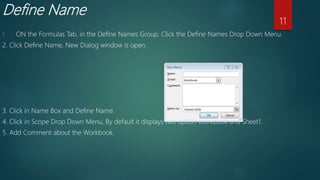
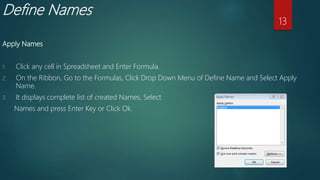
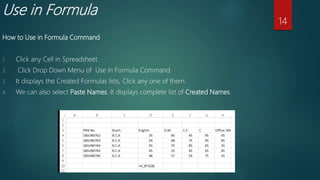
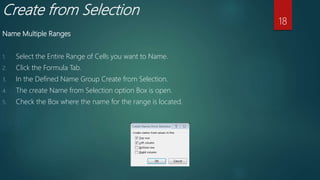
This document discusses defined names in Excel. It explains how to manage defined names using the Name Manager, define new names, edit and delete existing names, use names in formulas, and create names from cell selections. Key points covered include how to access the Name Manager, define a new name by selecting a cell range, edit an existing name's properties, delete a name, insert a defined name into a formula, and automatically generate names from selected ranges of cells.