The document summarizes DataWeave, a data transformation language used in MuleSoft. It describes:
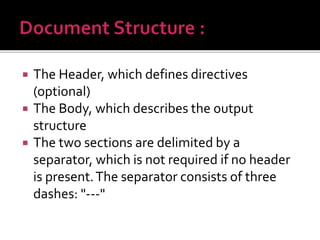
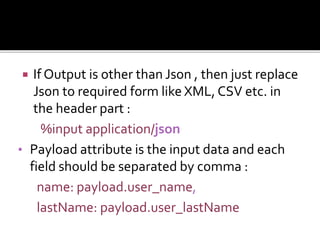
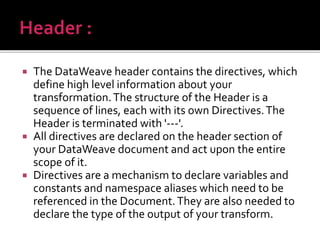
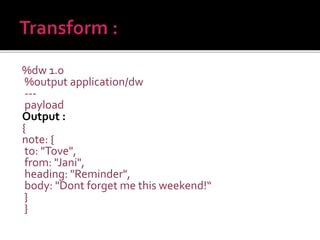
1) DataWeave uses a header and body structure, with the header containing directives to define the input, output, and version. The input and output can be formats like JSON, XML, and CSV.
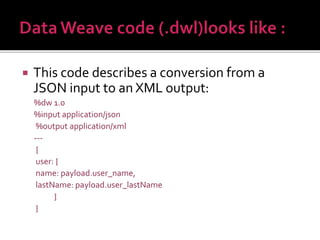
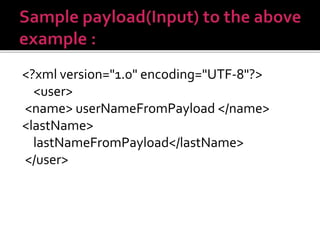
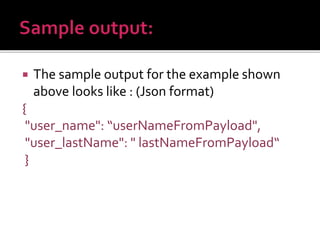
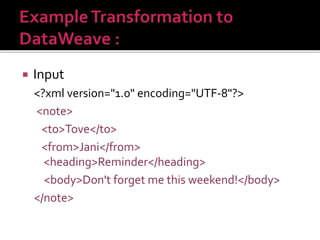
2) The body defines the output structure using the input data through mappings. An example transforms JSON input to XML output.
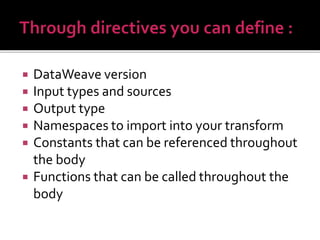
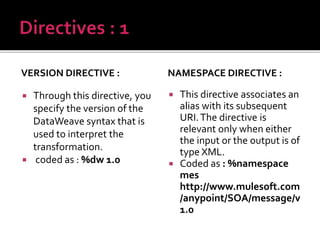
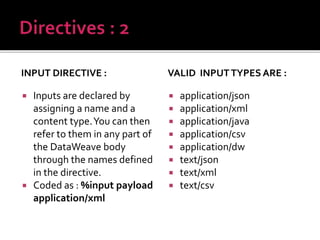
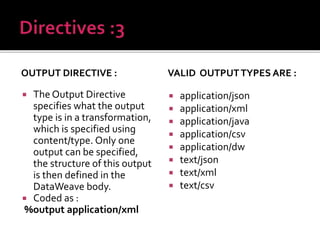
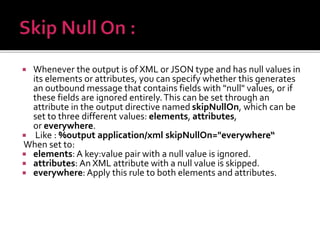
3) Directives include %input to define the input source, %output to define the output format, and %dw to define the DataWeave version. The directives act on the entire transformation scope.