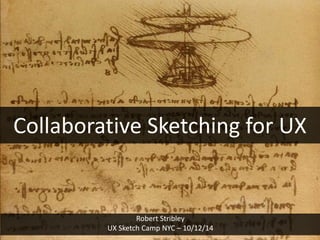
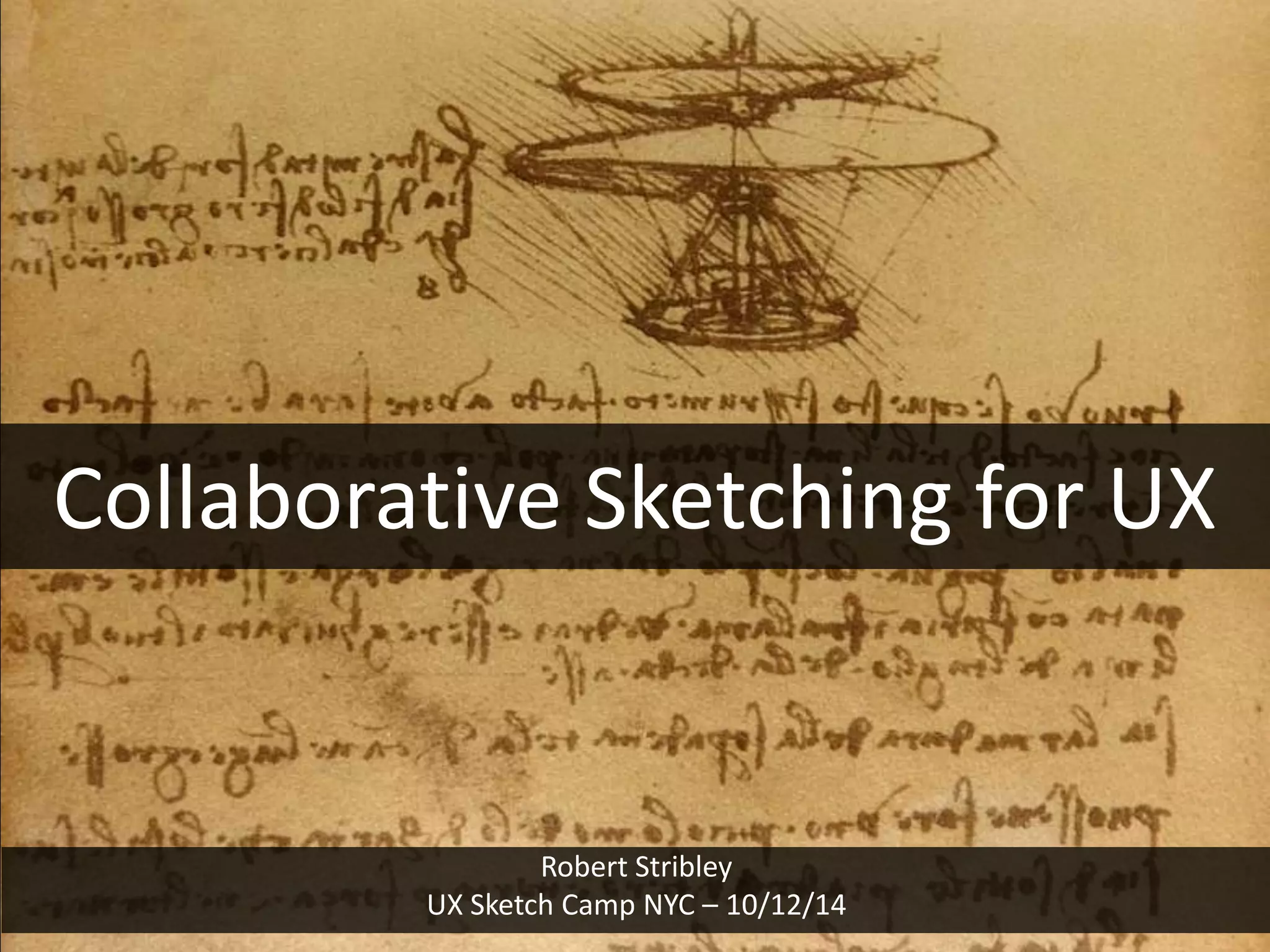
Collaborative Sketching for UX

Robert Stribley
UX Sketch Camp NYC – 10/12/14
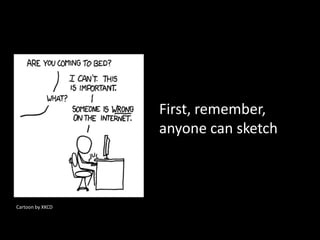
First, remember,
anyone can sketch

Cartoon by XKCD
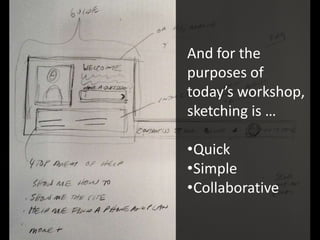
And for the
purposes of
today’s workshop,
sketching is …
•Quick
•Simple
•Collaborative
All the tools you
need:
Paper
Sharpies

Photo by JasonTank, Flickr
Some Examples
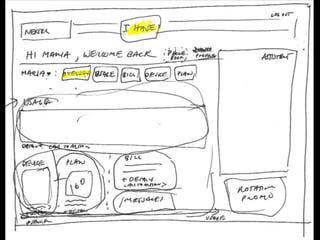
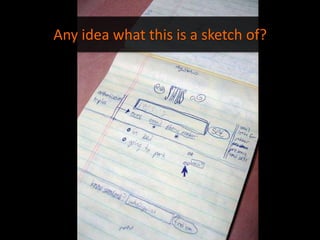
Any idea what this is a sketch of?
Twitter
[This sketch] has very special significance – it's hanging in the office somewhere
with one other page. Whenever I'm thinking about something, I really like to take
out the yellow notepad and get it down.
– Jack Dorsey, Twitter

“twttr sketch”

Twitter.com
Advice from the Experts
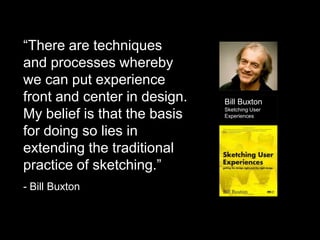
“There are techniques
and processes whereby
we can put experience
front and center in design.
My belief is that the basis
for doing so lies in
extending the traditional
practice of sketching.”
- Bill Buxton

Bill Buxton
Sketching User
Experiences
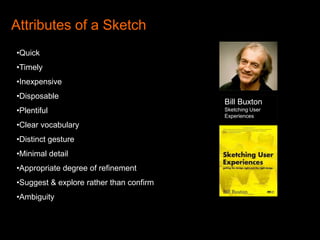
Attributes of a Sketch
•Quick
•Timely
•Inexpensive
•Disposable

•Plentiful
•Clear vocabulary
•Distinct gesture
•Minimal detail
•Appropriate degree of refinement
•Suggest & explore rather than confirm
•Ambiguity

Bill Buxton
Sketching User
Experiences
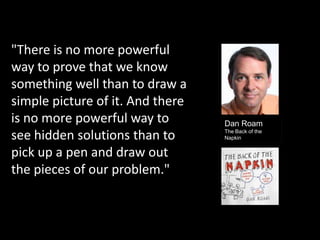
"There is no more powerful
way to prove that we know
something well than to draw a
simple picture of it. And there
is no more powerful way to
see hidden solutions than to
pick up a pen and draw out
the pieces of our problem."

Dan Roam
The Back of the
Napkin
Collaborative Sketching
Defining Collaborative Sketching
Origins
• Rooted in Design Studio Methodology
• Grew out of industrial design and architecture
• No “rockstars”
• Different versions/methods
• For example, Todd Zaki Warfel, Message First, talks
about …
• Create. Pitch. Critique.
• 6.8.5 game
Methodology
• Sketch
• Limit your time
• Don’t worry about mistakes or style
Goals
• Benefit from the participation of your colleagues
• Communicate ideas effectively by visualizing
them
• Quickly generate ideas and refine through
iterations
Process:
1. Discuss
2. Sketch
3. Share
4. Revise
Discuss
• Discuss the experience you’re sketching
• What’s its purpose?
• What features are necessary?
• How would you prioritize them?
• What’s the audience?
• However, you are not discussing layout or design
• Just the problem you’re trying to solve
• No sketching yet!
Sketch
• Sketch silently
• Limit your time – 5, 10 minutes
• Sketch as much has possible, as many different
ideas as possible
• Emphasis is on quantity of ideas not quality of
sketches
Share
• Review your work with your team
• Keep it short – 60 seconds each
• You provide feedback to others
• What you like
• Questions about didn’t work for you
• You’re not grilling your colleagues and this is
not a competition
Revise
• Now begin your wireframe with a more informed
view, more and better ideas
• And sketch again if you need to
Our Exercise
What to do?
Our Exercise:
A home page for Events.com
• A website for finding local events
– Listed by category
– Listed by date
– Listed by ???

• Who is the audience?
– Personas
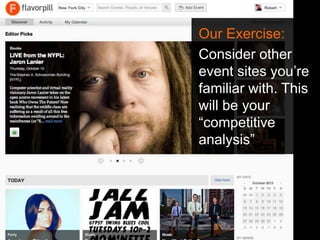
Our Exercise:
Consider other
event sites you’re
familiar with. This
will be your
“competitive
analysis”
Our Exercise:
In teams, sketch your ideas.
Events.com Home Page
1. Take 10 minutes to discuss what features
belong here
2. Sketch your ideas silently for 10 minutes
3. Share your sketches with your team
4. Sketch again, incorporating what you learned
from others
Our Exercise:

1. Take 10 minutes to discuss what features
belong here
Our Exercise:

2. Sketch your ideas silently for 10 minutes
Our Exercise:

3. Share your sketches with your team
Our Exercise:

4. Sketch again, incorporating what you
learned from others
Some Resources
Online Reading & Viewing
Introduction to Design Studio Methodology
http://uxmag.com/articles/introduction-to-design-studio-methodology

The Design Studio Method – Presentation by
Todd Zaki Warfel
https://vimeo.com/37861987
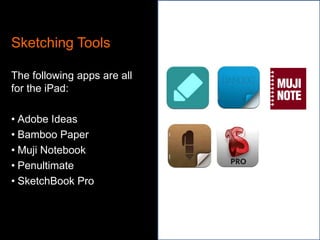
Sketching Tools
The following apps are all
for the iPad:
• Adobe Ideas
• Bamboo Paper
• Muji Notebook
• Penultimate
• SketchBook Pro
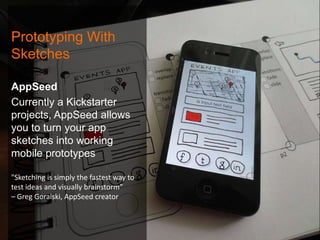
Prototyping With
Sketches
AppSeed
Currently a Kickstarter
projects, AppSeed allows
you to turn your app
sketches into working
mobile prototypes
"Sketching is simply the fastest way to
test ideas and visually brainstorm”
– Greg Goralski, AppSeed creator
thanks

www.slideshare.net/stribs
@stribs

Collaborative Sketching for UX

  • 1.
    Collaborative Sketching forUX Robert Stribley UX Sketch Camp NYC – 10/12/14
  • 2.
    First, remember, anyone cansketch Cartoon by XKCD
  • 3.
    And for the purposesof today’s workshop, sketching is … •Quick •Simple •Collaborative
  • 4.
    All the toolsyou need: Paper Sharpies Photo by JasonTank, Flickr
  • 5.
  • 9.
    Any idea whatthis is a sketch of?
  • 10.
    Twitter [This sketch] hasvery special significance – it's hanging in the office somewhere with one other page. Whenever I'm thinking about something, I really like to take out the yellow notepad and get it down. – Jack Dorsey, Twitter “twttr sketch” Twitter.com
  • 11.
  • 12.
    “There are techniques andprocesses whereby we can put experience front and center in design. My belief is that the basis for doing so lies in extending the traditional practice of sketching.” - Bill Buxton Bill Buxton Sketching User Experiences
  • 13.
    Attributes of aSketch •Quick •Timely •Inexpensive •Disposable •Plentiful •Clear vocabulary •Distinct gesture •Minimal detail •Appropriate degree of refinement •Suggest & explore rather than confirm •Ambiguity Bill Buxton Sketching User Experiences
  • 14.
    "There is nomore powerful way to prove that we know something well than to draw a simple picture of it. And there is no more powerful way to see hidden solutions than to pick up a pen and draw out the pieces of our problem." Dan Roam The Back of the Napkin
  • 16.
  • 17.
    Defining Collaborative Sketching Origins •Rooted in Design Studio Methodology • Grew out of industrial design and architecture • No “rockstars” • Different versions/methods • For example, Todd Zaki Warfel, Message First, talks about … • Create. Pitch. Critique. • 6.8.5 game
  • 18.
    Methodology • Sketch • Limityour time • Don’t worry about mistakes or style Goals • Benefit from the participation of your colleagues • Communicate ideas effectively by visualizing them • Quickly generate ideas and refine through iterations
  • 19.
  • 20.
    Discuss • Discuss theexperience you’re sketching • What’s its purpose? • What features are necessary? • How would you prioritize them? • What’s the audience? • However, you are not discussing layout or design • Just the problem you’re trying to solve • No sketching yet!
  • 21.
    Sketch • Sketch silently •Limit your time – 5, 10 minutes • Sketch as much has possible, as many different ideas as possible • Emphasis is on quantity of ideas not quality of sketches
  • 22.
    Share • Review yourwork with your team • Keep it short – 60 seconds each • You provide feedback to others • What you like • Questions about didn’t work for you • You’re not grilling your colleagues and this is not a competition
  • 23.
    Revise • Now beginyour wireframe with a more informed view, more and better ideas • And sketch again if you need to
  • 24.
  • 25.
  • 26.
    Our Exercise: A homepage for Events.com • A website for finding local events – Listed by category – Listed by date – Listed by ??? • Who is the audience? – Personas
  • 27.
    Our Exercise: Consider other eventsites you’re familiar with. This will be your “competitive analysis”
  • 28.
    Our Exercise: In teams,sketch your ideas. Events.com Home Page 1. Take 10 minutes to discuss what features belong here 2. Sketch your ideas silently for 10 minutes 3. Share your sketches with your team 4. Sketch again, incorporating what you learned from others
  • 29.
    Our Exercise: 1. Take10 minutes to discuss what features belong here
  • 30.
    Our Exercise: 2. Sketchyour ideas silently for 10 minutes
  • 31.
    Our Exercise: 3. Shareyour sketches with your team
  • 32.
    Our Exercise: 4. Sketchagain, incorporating what you learned from others
  • 33.
  • 35.
    Online Reading &Viewing Introduction to Design Studio Methodology http://uxmag.com/articles/introduction-to-design-studio-methodology The Design Studio Method – Presentation by Todd Zaki Warfel https://vimeo.com/37861987
  • 36.
    Sketching Tools The followingapps are all for the iPad: • Adobe Ideas • Bamboo Paper • Muji Notebook • Penultimate • SketchBook Pro
  • 37.
    Prototyping With Sketches AppSeed Currently aKickstarter projects, AppSeed allows you to turn your app sketches into working mobile prototypes "Sketching is simply the fastest way to test ideas and visually brainstorm” – Greg Goralski, AppSeed creator
  • 38.

Editor's Notes

  • #3 XKCD Cartoon http://xkcd.com/386/
  • #5 Photo by JasonTank, Flickr
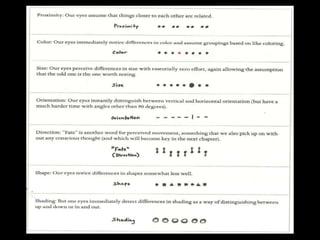
  • #16 Common precognitive visual attributes – from The Back of the Napkin – Dan Roam
  • #17 Our Exercise
  • #18 Defining Collaborative Sketching
  • #20 Our Exercise
  • #21 Our Exercise
  • #22 Our Exercise
  • #23 Our Exercise
  • #24 Our Exercise
  • #25 Our Exercise
  • #26 Photo: Flickr.com/stribs
  • #34 Resources
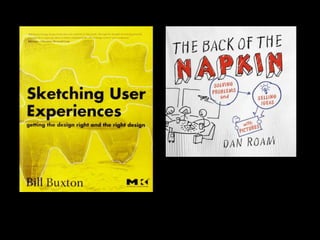
  • #35 Books: Sketching User Experiences by Bill Buxton, The Back of the Napkin by Dan Roam
  • #37 Sketching Apps
  • #38 Prototyping with sketches – source: http://www.fastcodesign.com/3017637/kickstarting-appseed-turns-your-sketches-into-apps
  • #39 thanks