Collaborative Exercises for Digital Design
Internet Freedom Festival | 7 March, 2018 Robert Stribley
Today’s workshop will be available on SlideShare:
www.slideshare.net/stribs
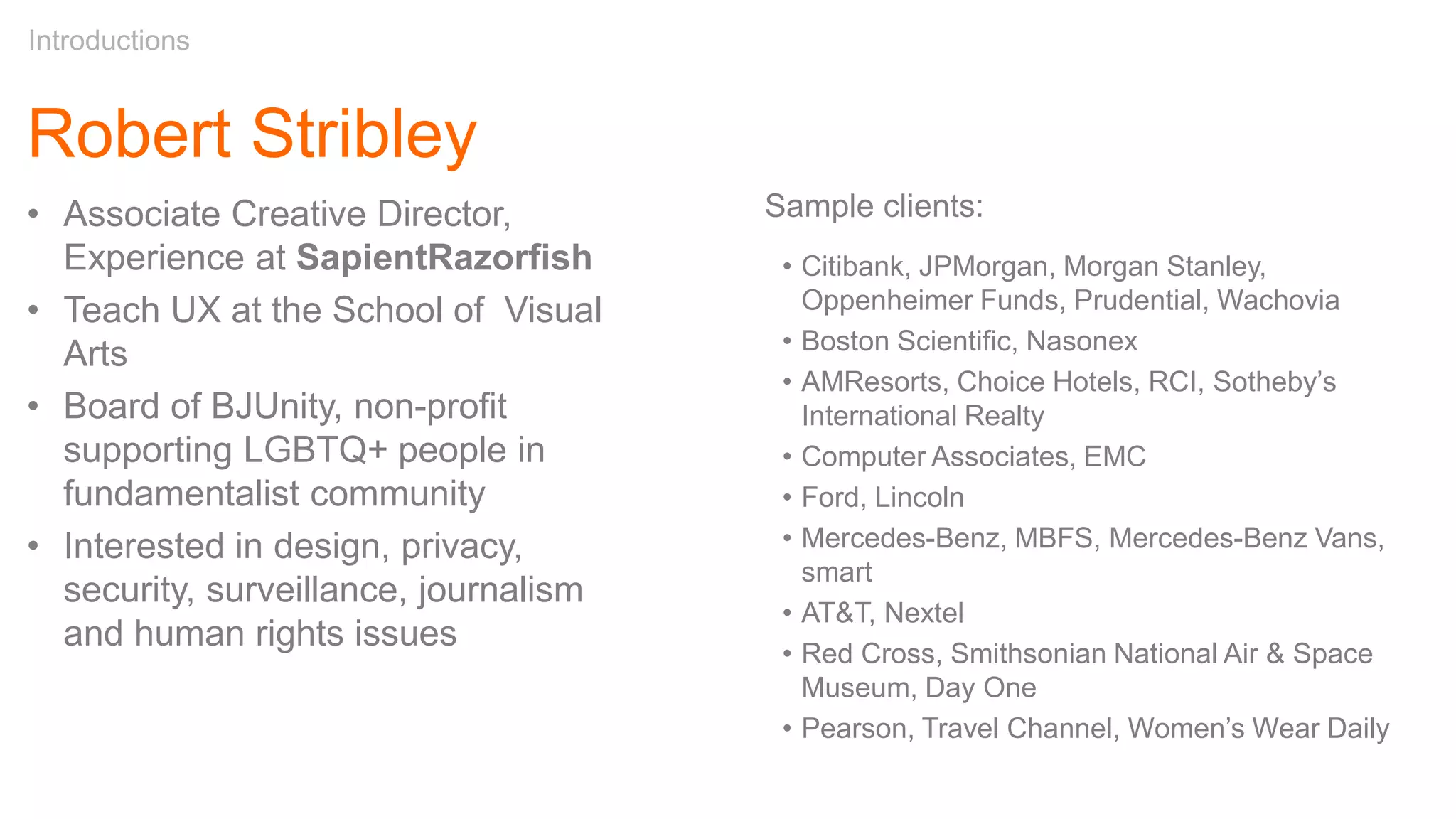
Robert Stribley
Introductions
Sample clients:
• Citibank, JPMorgan, Morgan Stanley,
Oppenheimer Funds, Prudential, Wachovia
• Boston Scientific, Nasonex
• AMResorts, Choice Hotels, RCI, Sotheby’s
International Realty
• Computer Associates, EMC
• Ford, Lincoln
• Mercedes-Benz, MBFS, Mercedes-Benz Vans,
smart
• AT&T, Nextel
• Red Cross, Smithsonian National Air & Space
Museum, Day One
• Pearson, Travel Channel, Women’s Wear Daily
• Associate Creative Director,
Experience at SapientRazorfish
• Teach UX at the School of Visual
Arts
• Board of BJUnity, non-profit
supporting LGBTQ+ people in
fundamentalist community
• Interested in design, privacy,
security, surveillance, journalism
and human rights issues
About You
• What’s your name?
• What brought you to the IFF?
Introductions
Goals of this workshop
• Consider how collaboration plays an important role in
developing experiences, which are robust, usable and
safe
• Learn about simple inexpensive tools and practices,
which enable collaboration and deeper communication
• Get some first-hand experience using these tools to
complete a relevant project
Introductions
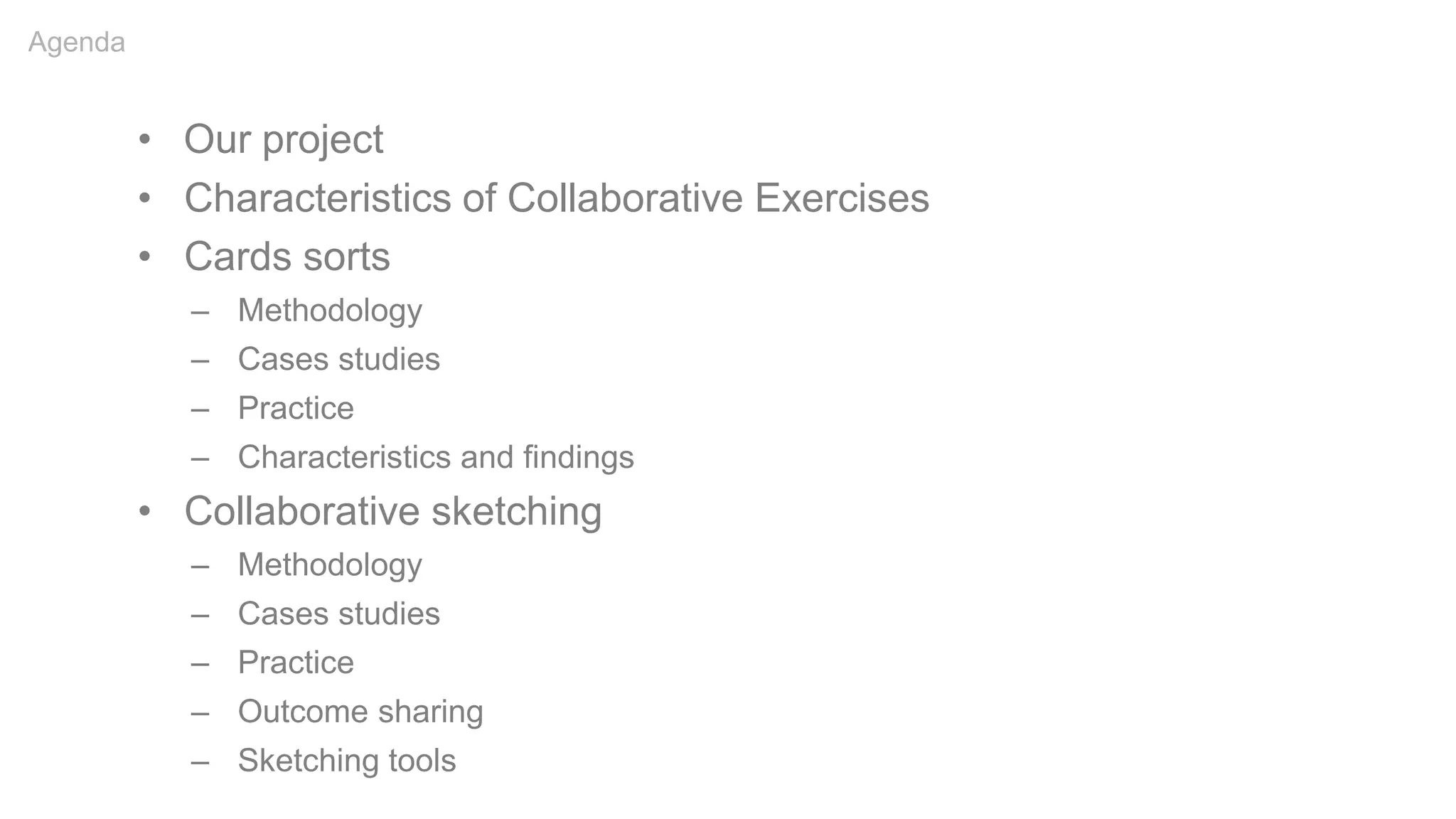
• Our project
• Characteristics of Collaborative Exercises
• Cards sorts
– Methodology
– Cases studies
– Practice
– Characteristics and findings
• Collaborative sketching
– Methodology
– Cases studies
– Practice
– Outcome sharing
– Sketching tools
Agenda
Our Project
Our Project
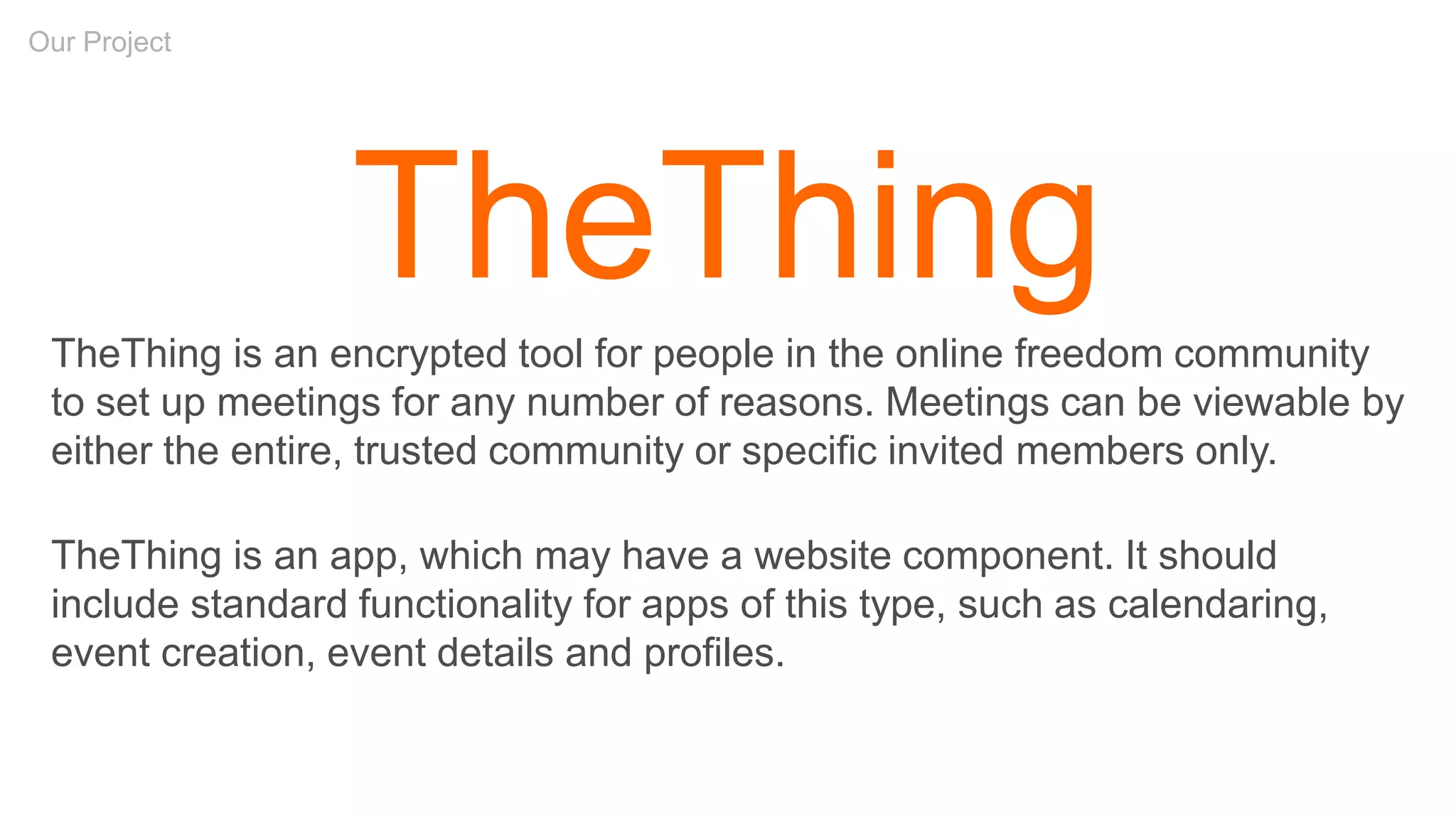
TheThing
TheThing is an encrypted tool for people in the online freedom community
to set up meetings for any number of reasons. Meetings can be viewable by
either the entire, trusted community or specific invited members only.
TheThing is an app, which may have a website component. It should
include standard functionality for apps of this type, such as calendaring,
event creation, event details and profiles.
Characteristics
of
Collaborative Exercises
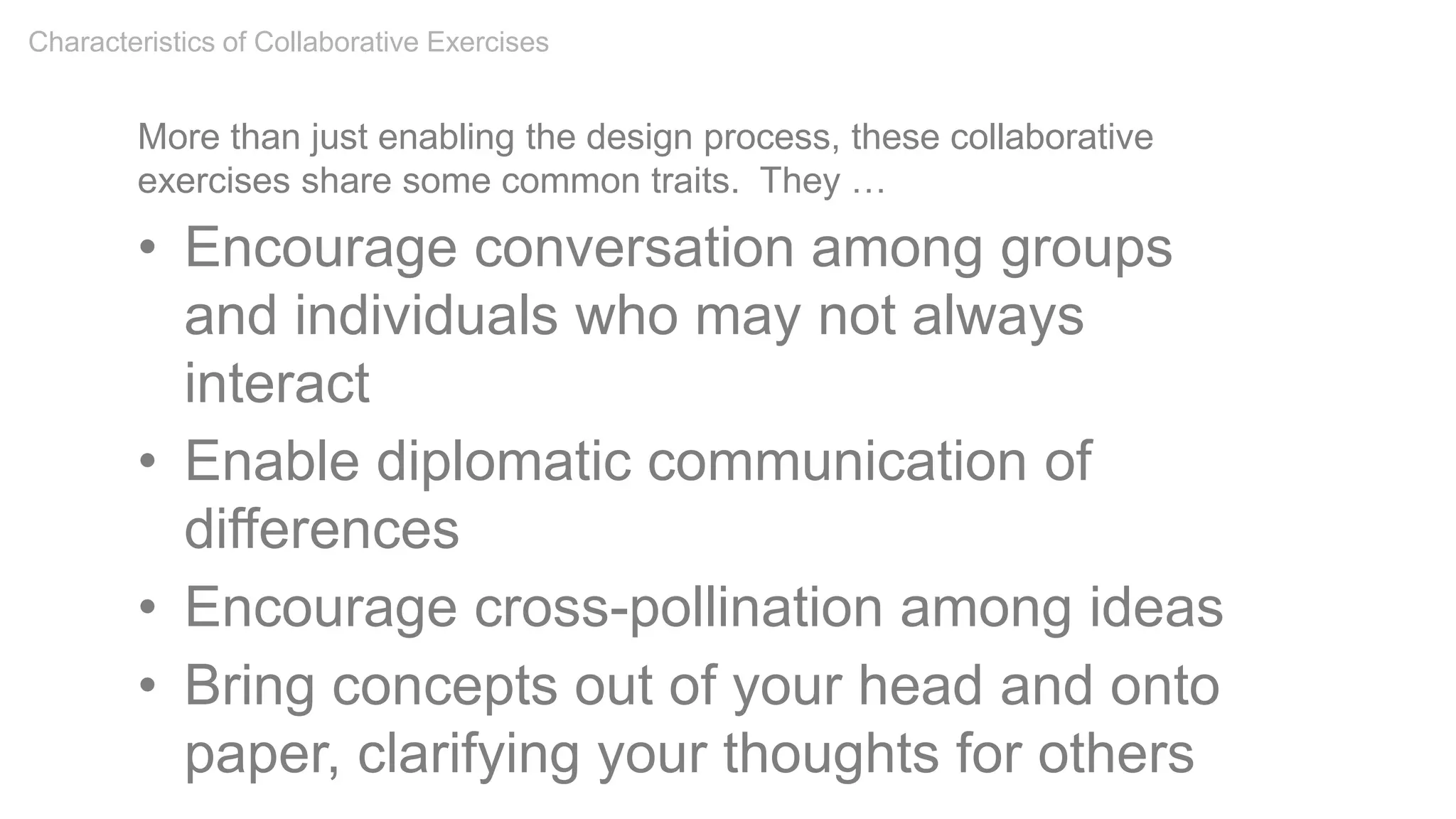
More than just enabling the design process, these collaborative
exercises share some common traits. They …
• Encourage conversation among groups
and individuals who may not always
interact
• Enable diplomatic communication of
differences
• Encourage cross-pollination among ideas
• Bring concepts out of your head and onto
paper, clarifying your thoughts for others
Characteristics of Collaborative Exercises
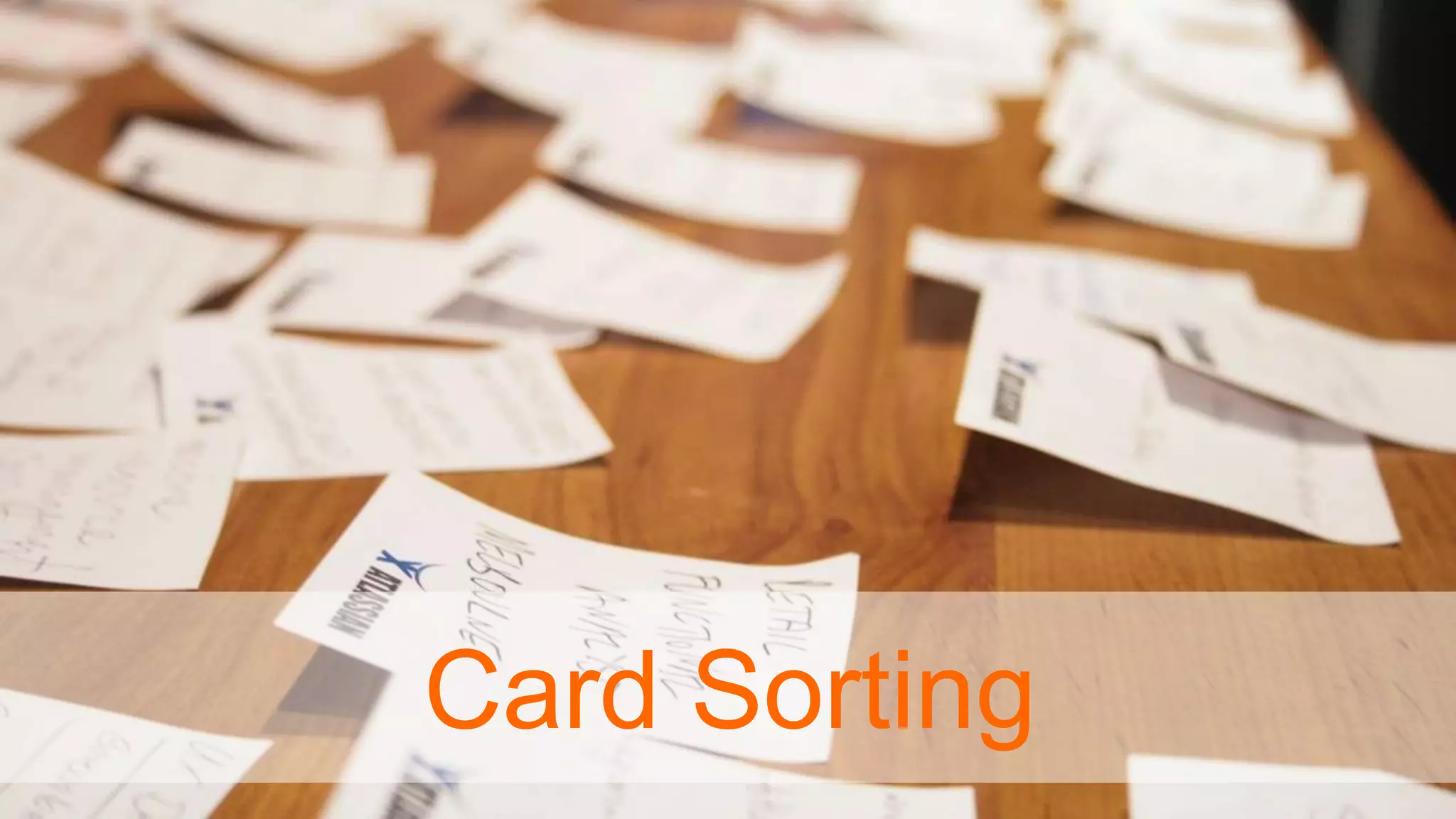
Card Sorting
“There are often better ways to organize data
than the traditional ones that first occur to us.
Each organization of the same set of data
expresses different attributes and messages.
It is also important to experiment, reflect, and
choose which organization best
communicates our messages.”
– Nathan Shedroff, Experience Strategist
Card Sorting
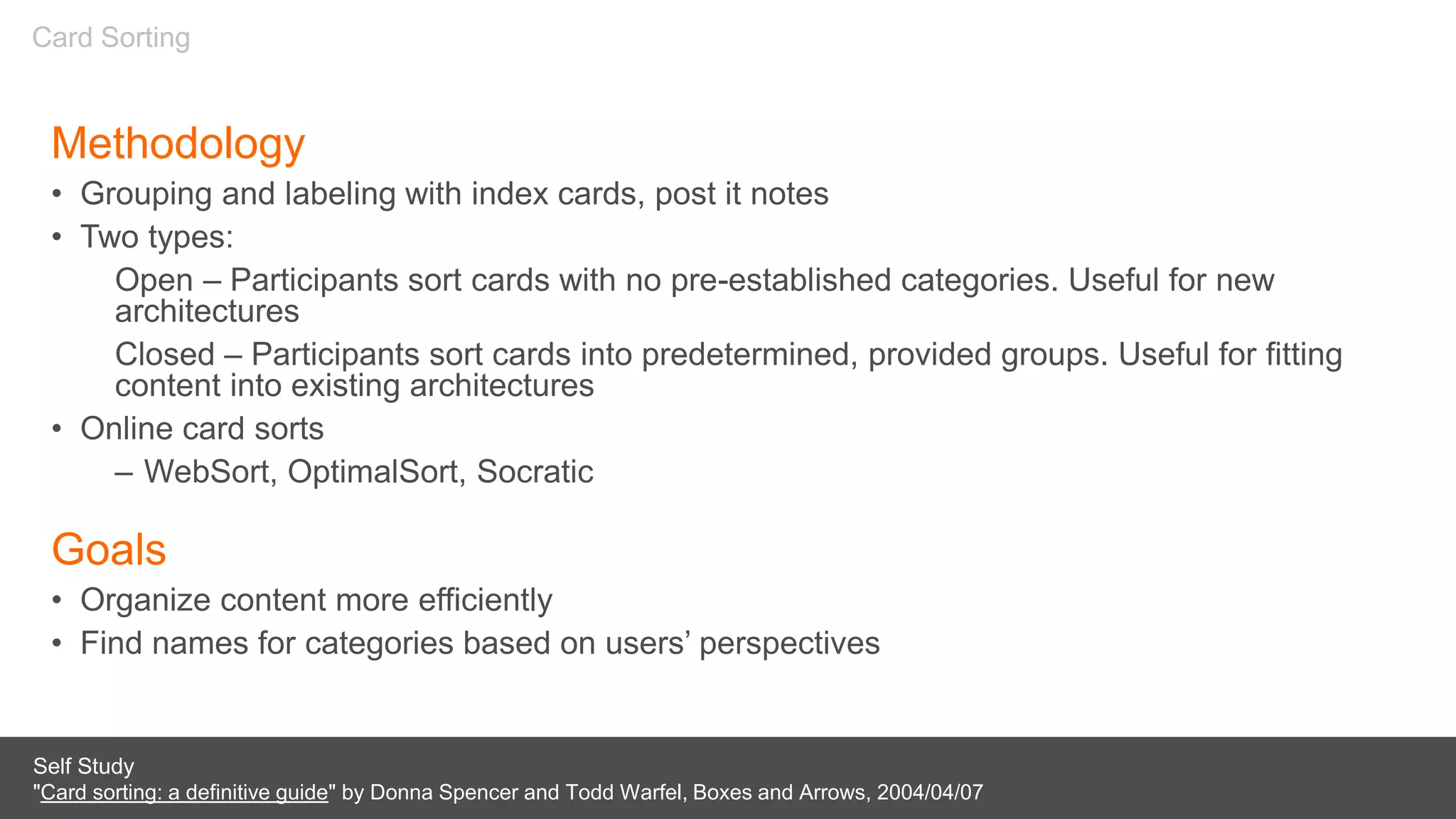
Methodology
• Grouping and labeling with index cards, post it notes
• Two types:
Open – Participants sort cards with no pre-established categories. Useful for new
architectures
Closed – Participants sort cards into predetermined, provided groups. Useful for fitting
content into existing architectures
• Online card sorts

– WebSort, OptimalSort, Socratic
Goals
• Organize content more efficiently
• Find names for categories based on users’ perspectives
Self Study
"Card sorting: a definitive guide" by Donna Spencer and Todd Warfel, Boxes and Arrows, 2004/04/07
Card Sorting
Case Studies:
• American Red Cross
• Wachovia
• Mercedes Benz
Card Sorting
Card Sort
As individuals:
• Take 5 minutes to think of all the types of events
someone in this space could attend


• Write each event you come up with on a Post-It
note
Card Sorting
5mins
Card Sort
Now, as a group:
• Take a few minutes to organize your events into
categories (group & label them)
• Then we’ll share some categories
Card Sorting
15mins
Characteristics & Findings
• Looking for redundancies
• Lumping and splitting
• Outliers and miscellaneous items
• Placing items in multiple categories
• Categories versus filters
–E.g. Free, Family, Outdoors
• Unique but intuitive labels
–E.g. Geeks, Relax
Card Sorting
Next Steps
With the results of a card sort we then can:
• Build consensus
• Refine terminology
• Create a site map
• Help define navigation
Card Sorting
Card Sort Tools
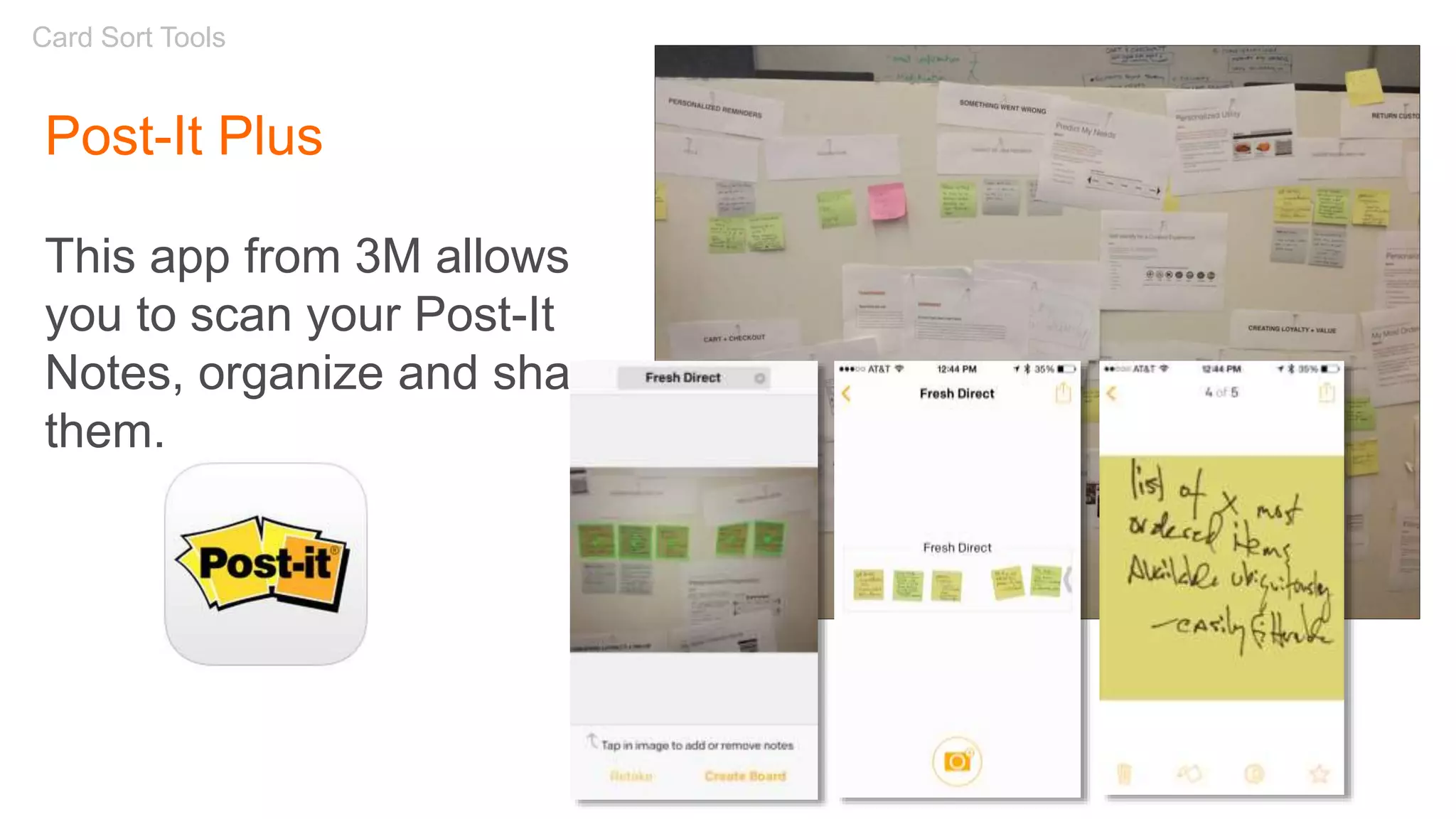
Post-It Plus
This app from 3M allows
you to scan your Post-It
Notes, organize and share
them.
Sketching
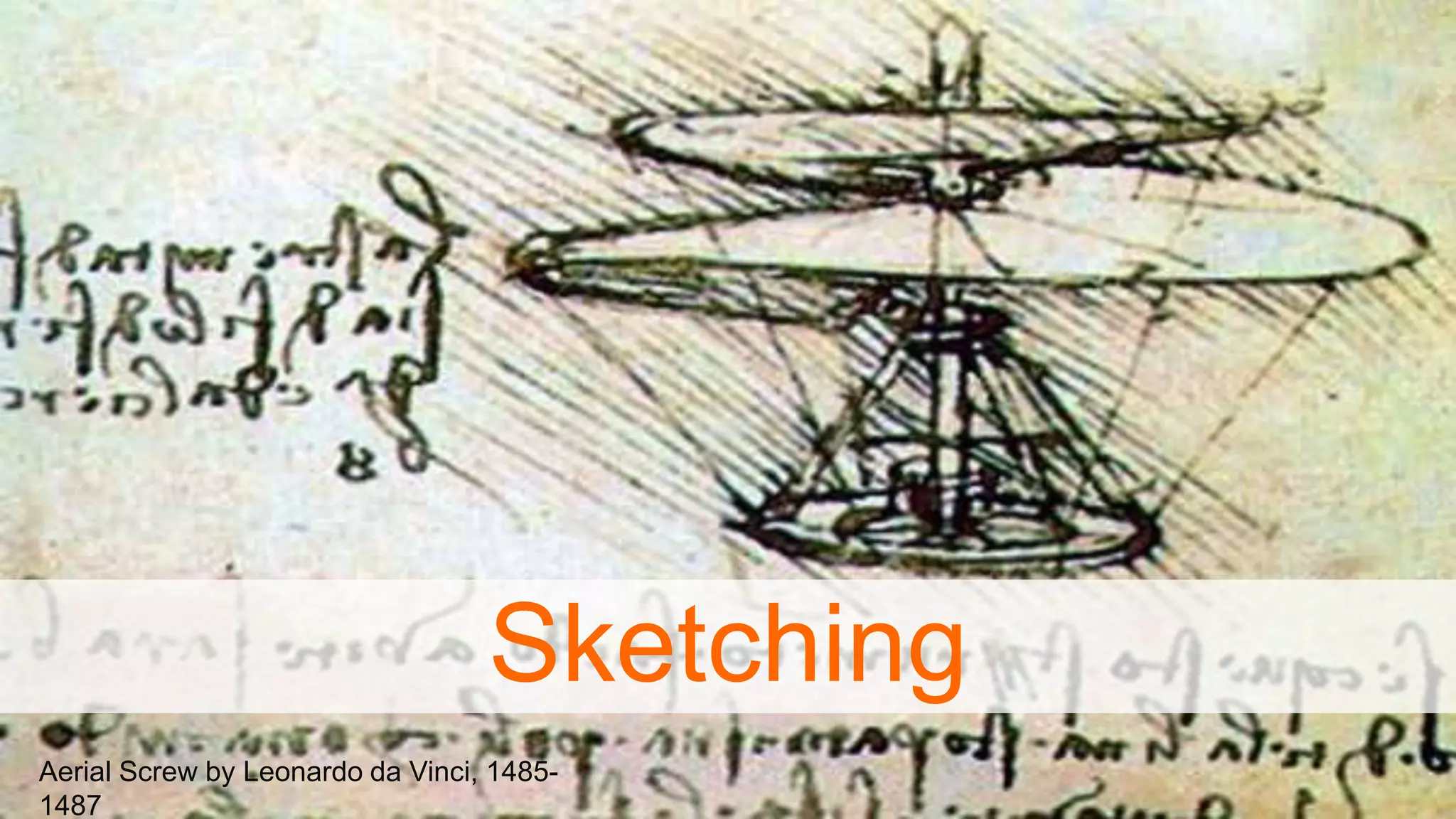
Aerial Screw by Leonardo da Vinci, 1485-
1487
Sketching
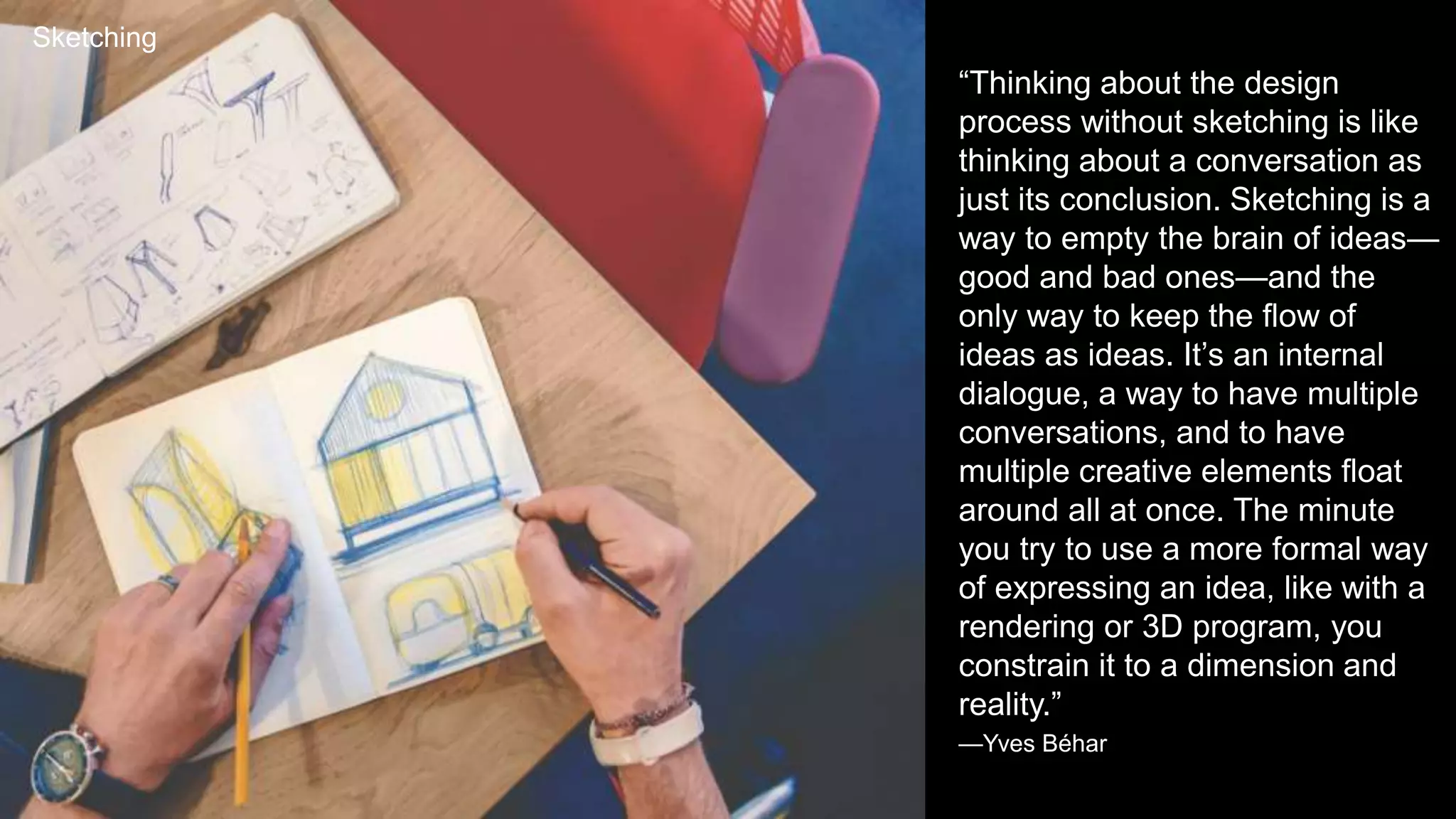
“Thinking about the design
process without sketching is like
thinking about a conversation as
just its conclusion. Sketching is a
way to empty the brain of ideas—
good and bad ones—and the
only way to keep the flow of
ideas as ideas. It’s an internal
dialogue, a way to have multiple
conversations, and to have
multiple creative elements float
around all at once. The minute
you try to use a more formal way
of expressing an idea, like with a
rendering or 3D program, you
constrain it to a dimension and
reality.”
—Yves Béhar
“There are techniques and
processes whereby we can put
experience front and center in
design. My belief is that the
basis for doing so lies in
extending the traditional
practice of sketching. ”
- Bill Buxton
Sketching
Attributes of a Sketch
• Quick
• Timely
• Inexpensive
• Disposable
• Plentiful
• Clear vocabulary
• Distinct gesture
• Minimal detail
• Appropriate degree of refinement
• Suggest & explore rather than confirm
• Ambiguity
Sketching
Goals for Collaborative Sketching
• To communicate your ideas effectively by
visualizing them
• To benefit from the participation of your
colleagues
• To quickly generate ideas and refine through
iterations
Sketching
Process
1. Discuss
2. Sketch
3. Share
4. Iterate
Sketching
• Discuss the purpose of the specific experience you’re
sketching
• What does it need to accomplish?
• What features are necessary?
• How would you prioritize them?
• Who’s the audience?
• You’re not discussing layout or design
• Just the problem you’re trying to solve
• You’re not sketching yet
Discuss
Sketching
Sketch
• Sketch silently
• Limit your time – 5,10 minutes
• Sketch as much as possible, as many different
ideas as possible
• Don’t worry about mistakes or style
• Emphasis is on the quantity of ideas, not the
quality of the sketches
Sketching
Design: Sketching
Share
• Review your work with your team
• Keep it short – couple of minutes each
• Offer your feedback to others
• What you like
• Questions about what didn’t work for you
• You’re not grilling your colleagues and this
isn’t a competition
Design: Sketching
Iterate
• Now sketch again if you need to
• Or collaborate on a high-level wireframe (e.g.
via whiteboard)
• Then begin your wireframe with a more
informed view, with more and better ideas
• Iterate on your design
Design: Sketching
Class Exercise: Collaborative Sketching
In teams, sketch your ideas.
Event Detail Page
1. Take 15 minutes first to discuss what features belong
here Remember, no sketching yet
Design: Sketching
15mins
Class Exercise: Collaborative Sketching
In teams, sketch your ideas.
Event Detail Page
1. Take 15 minutes first to discuss what features belong
here
2. Time for silent sketching
Design: Sketching
10mins
Class Exercise: Collaborative Sketching
In teams, sketch your ideas.
Event Detail Page
1. Take 15 minutes first to discuss what features belong
here
2. Time for silent sketching
3. Time for sharing your sketches
Design: Sketching
10mins
Class Exercise: Collaborative Sketching
Did you come up with any
differentiating ideas for an
event page?
Design: Sketching
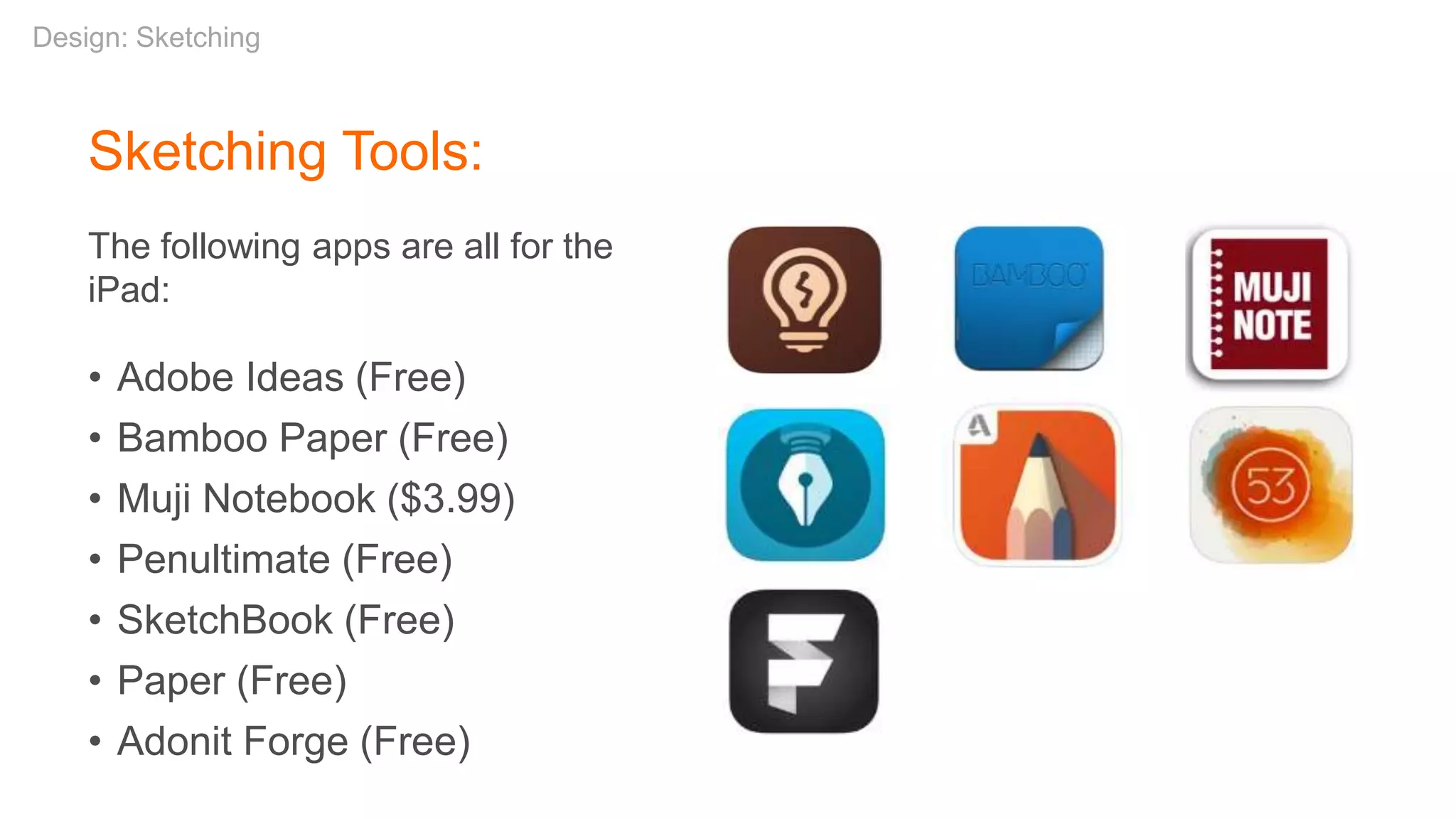
Sketching Tools:
The following apps are all for the
iPad:
• Adobe Ideas (Free)
• Bamboo Paper (Free)
• Muji Notebook ($3.99)
• Penultimate (Free)
• SketchBook (Free)
• Paper (Free)
• Adonit Forge (Free)
Design: Sketching
Q&A
join us
Slideshare address:
http://www.slideshare.net/stribs
stribley@outlook.com
@stribs
thank you

Collaborative Exercises for Digital Design 3/7/18

  • 1.
    Collaborative Exercises forDigital Design Internet Freedom Festival | 7 March, 2018 Robert Stribley
  • 2.
    Today’s workshop willbe available on SlideShare: www.slideshare.net/stribs
  • 3.
    Robert Stribley Introductions Sample clients: •Citibank, JPMorgan, Morgan Stanley, Oppenheimer Funds, Prudential, Wachovia • Boston Scientific, Nasonex • AMResorts, Choice Hotels, RCI, Sotheby’s International Realty • Computer Associates, EMC • Ford, Lincoln • Mercedes-Benz, MBFS, Mercedes-Benz Vans, smart • AT&T, Nextel • Red Cross, Smithsonian National Air & Space Museum, Day One • Pearson, Travel Channel, Women’s Wear Daily • Associate Creative Director, Experience at SapientRazorfish • Teach UX at the School of Visual Arts • Board of BJUnity, non-profit supporting LGBTQ+ people in fundamentalist community • Interested in design, privacy, security, surveillance, journalism and human rights issues
  • 4.
    About You • What’syour name? • What brought you to the IFF? Introductions
  • 5.
    Goals of thisworkshop • Consider how collaboration plays an important role in developing experiences, which are robust, usable and safe • Learn about simple inexpensive tools and practices, which enable collaboration and deeper communication • Get some first-hand experience using these tools to complete a relevant project Introductions
  • 6.
    • Our project •Characteristics of Collaborative Exercises • Cards sorts – Methodology – Cases studies – Practice – Characteristics and findings • Collaborative sketching – Methodology – Cases studies – Practice – Outcome sharing – Sketching tools Agenda
  • 7.
  • 8.
    Our Project TheThing TheThing isan encrypted tool for people in the online freedom community to set up meetings for any number of reasons. Meetings can be viewable by either the entire, trusted community or specific invited members only. TheThing is an app, which may have a website component. It should include standard functionality for apps of this type, such as calendaring, event creation, event details and profiles.
  • 9.
  • 10.
    More than justenabling the design process, these collaborative exercises share some common traits. They … • Encourage conversation among groups and individuals who may not always interact • Enable diplomatic communication of differences • Encourage cross-pollination among ideas • Bring concepts out of your head and onto paper, clarifying your thoughts for others Characteristics of Collaborative Exercises
  • 11.
  • 12.
    “There are oftenbetter ways to organize data than the traditional ones that first occur to us. Each organization of the same set of data expresses different attributes and messages. It is also important to experiment, reflect, and choose which organization best communicates our messages.” – Nathan Shedroff, Experience Strategist Card Sorting
  • 13.
    Methodology • Grouping andlabeling with index cards, post it notes • Two types: Open – Participants sort cards with no pre-established categories. Useful for new architectures Closed – Participants sort cards into predetermined, provided groups. Useful for fitting content into existing architectures • Online card sorts – WebSort, OptimalSort, Socratic Goals • Organize content more efficiently • Find names for categories based on users’ perspectives Self Study "Card sorting: a definitive guide" by Donna Spencer and Todd Warfel, Boxes and Arrows, 2004/04/07 Card Sorting
  • 14.
    Case Studies: • AmericanRed Cross • Wachovia • Mercedes Benz Card Sorting
  • 15.
    Card Sort As individuals: •Take 5 minutes to think of all the types of events someone in this space could attend • Write each event you come up with on a Post-It note Card Sorting 5mins
  • 16.
    Card Sort Now, asa group: • Take a few minutes to organize your events into categories (group & label them) • Then we’ll share some categories Card Sorting 15mins
  • 17.
    Characteristics & Findings •Looking for redundancies • Lumping and splitting • Outliers and miscellaneous items • Placing items in multiple categories • Categories versus filters –E.g. Free, Family, Outdoors • Unique but intuitive labels –E.g. Geeks, Relax Card Sorting
  • 18.
    Next Steps With theresults of a card sort we then can: • Build consensus • Refine terminology • Create a site map • Help define navigation Card Sorting
  • 19.
    Card Sort Tools Post-ItPlus This app from 3M allows you to scan your Post-It Notes, organize and share them.
  • 20.
    Sketching Aerial Screw byLeonardo da Vinci, 1485- 1487
  • 21.
    Sketching “Thinking about thedesign process without sketching is like thinking about a conversation as just its conclusion. Sketching is a way to empty the brain of ideas— good and bad ones—and the only way to keep the flow of ideas as ideas. It’s an internal dialogue, a way to have multiple conversations, and to have multiple creative elements float around all at once. The minute you try to use a more formal way of expressing an idea, like with a rendering or 3D program, you constrain it to a dimension and reality.” —Yves Béhar
  • 22.
    “There are techniquesand processes whereby we can put experience front and center in design. My belief is that the basis for doing so lies in extending the traditional practice of sketching. ” - Bill Buxton Sketching
  • 23.
    Attributes of aSketch • Quick • Timely • Inexpensive • Disposable • Plentiful • Clear vocabulary • Distinct gesture • Minimal detail • Appropriate degree of refinement • Suggest & explore rather than confirm • Ambiguity Sketching
  • 24.
    Goals for CollaborativeSketching • To communicate your ideas effectively by visualizing them • To benefit from the participation of your colleagues • To quickly generate ideas and refine through iterations Sketching
  • 25.
    Process 1. Discuss 2. Sketch 3.Share 4. Iterate Sketching
  • 26.
    • Discuss thepurpose of the specific experience you’re sketching • What does it need to accomplish? • What features are necessary? • How would you prioritize them? • Who’s the audience? • You’re not discussing layout or design • Just the problem you’re trying to solve • You’re not sketching yet Discuss Sketching
  • 28.
    Sketch • Sketch silently •Limit your time – 5,10 minutes • Sketch as much as possible, as many different ideas as possible • Don’t worry about mistakes or style • Emphasis is on the quantity of ideas, not the quality of the sketches Sketching
  • 29.
  • 30.
    Share • Review yourwork with your team • Keep it short – couple of minutes each • Offer your feedback to others • What you like • Questions about what didn’t work for you • You’re not grilling your colleagues and this isn’t a competition Design: Sketching
  • 31.
    Iterate • Now sketchagain if you need to • Or collaborate on a high-level wireframe (e.g. via whiteboard) • Then begin your wireframe with a more informed view, with more and better ideas • Iterate on your design Design: Sketching
  • 32.
    Class Exercise: CollaborativeSketching In teams, sketch your ideas. Event Detail Page 1. Take 15 minutes first to discuss what features belong here Remember, no sketching yet Design: Sketching 15mins
  • 33.
    Class Exercise: CollaborativeSketching In teams, sketch your ideas. Event Detail Page 1. Take 15 minutes first to discuss what features belong here 2. Time for silent sketching Design: Sketching 10mins
  • 34.
    Class Exercise: CollaborativeSketching In teams, sketch your ideas. Event Detail Page 1. Take 15 minutes first to discuss what features belong here 2. Time for silent sketching 3. Time for sharing your sketches Design: Sketching 10mins
  • 35.
    Class Exercise: CollaborativeSketching Did you come up with any differentiating ideas for an event page? Design: Sketching
  • 36.
    Sketching Tools: The followingapps are all for the iPad: • Adobe Ideas (Free) • Bamboo Paper (Free) • Muji Notebook ($3.99) • Penultimate (Free) • SketchBook (Free) • Paper (Free) • Adonit Forge (Free) Design: Sketching
  • 37.
  • 38.
  • 39.
  • 40.

Editor's Notes

  • #2 Collaborative Exercises for Digital Design - Robert Stribley 7 March 2018
  • #3 Preliminaries
  • #4 Introductions
  • #5 Introductions
  • #6 Workshop goals
  • #7 Agenda
  • #8 Our Project
  • #9 Our Project: The Thing
  • #10 Characteristics of Collaborative Exercises
  • #11 Characteristics of Collaborative Exercises More than just enabling the design process, these collaborative exercises share some common traits.
  • #12 Card Sorting http://www.flickr.com/photos/cannedtuna/
  • #13 Nathan Shedroff is Program Director of the MBA in Design Strategy program at the California College of the Arts. His books include Experience Design 1, Making Meaning, and contributing to Richard Saul Wurman's Information Anxiety 2. Advisor for Rosenfeld Media
  • #14 http://websort.net http://www.optimalworkshop.com/
  • #15 Case Studies: These are stories I share from my own experiences at Wachovia and Razorfish
  • #16 Card Sort – Part 1
  • #17 Card Sort – Part 2
  • #18 Characteristics & Findings
  • #19 Next Steps
  • #20 Card Sort Tools
  • #21 Sketching
  • #22 Designer Yves Béhar in Surface magazine http://www.surfacemag.com/articles/designer-yves-behar-sketchbook/
  • #23 Bill Buxton
  • #24 Attributes of a Sketch
  • #25 Sketching Methodology
  • #26 Sketching Process
  • #27 Discuss
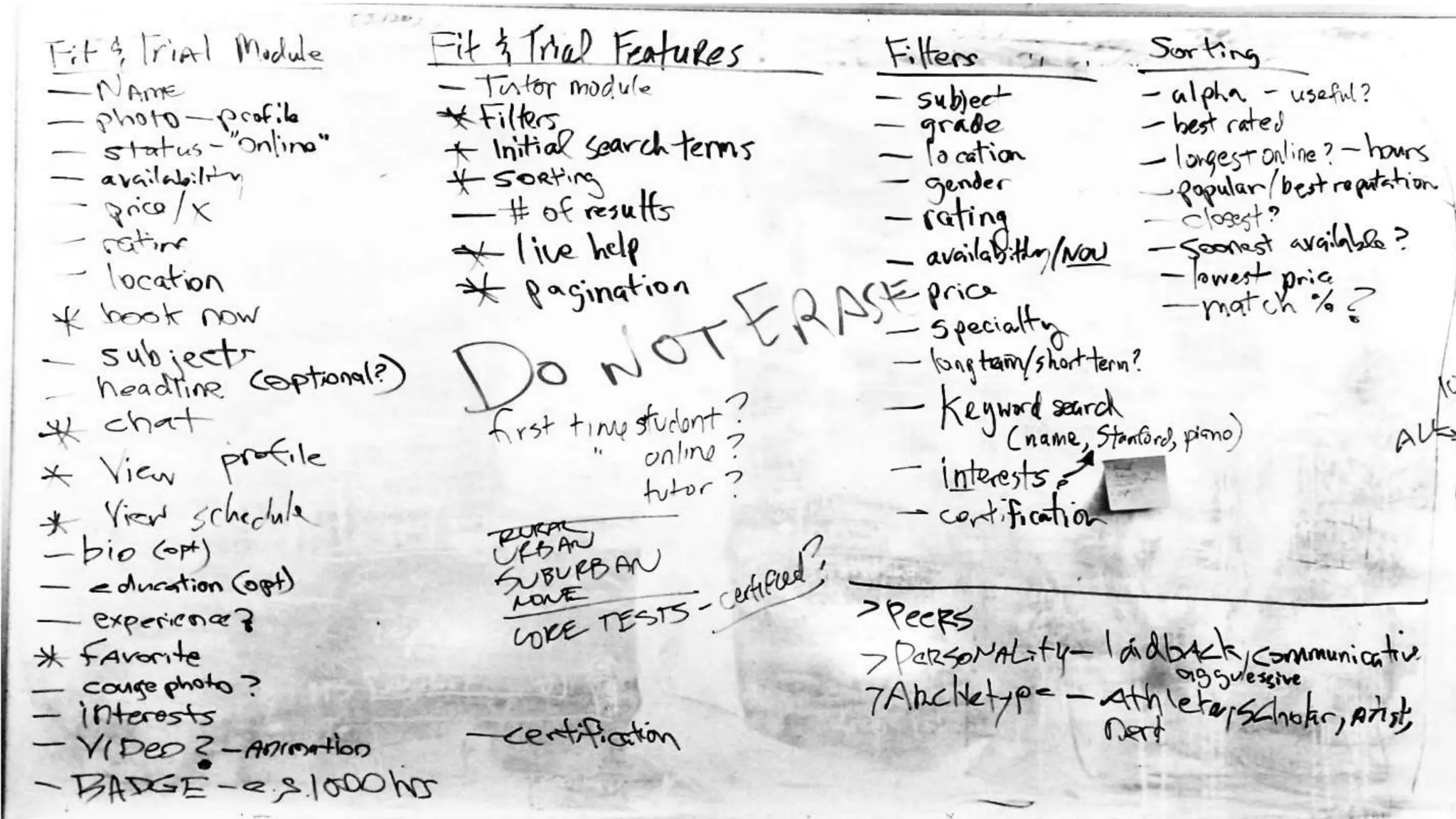
  • #28 Discuss: Example of whiteboard features and functionality
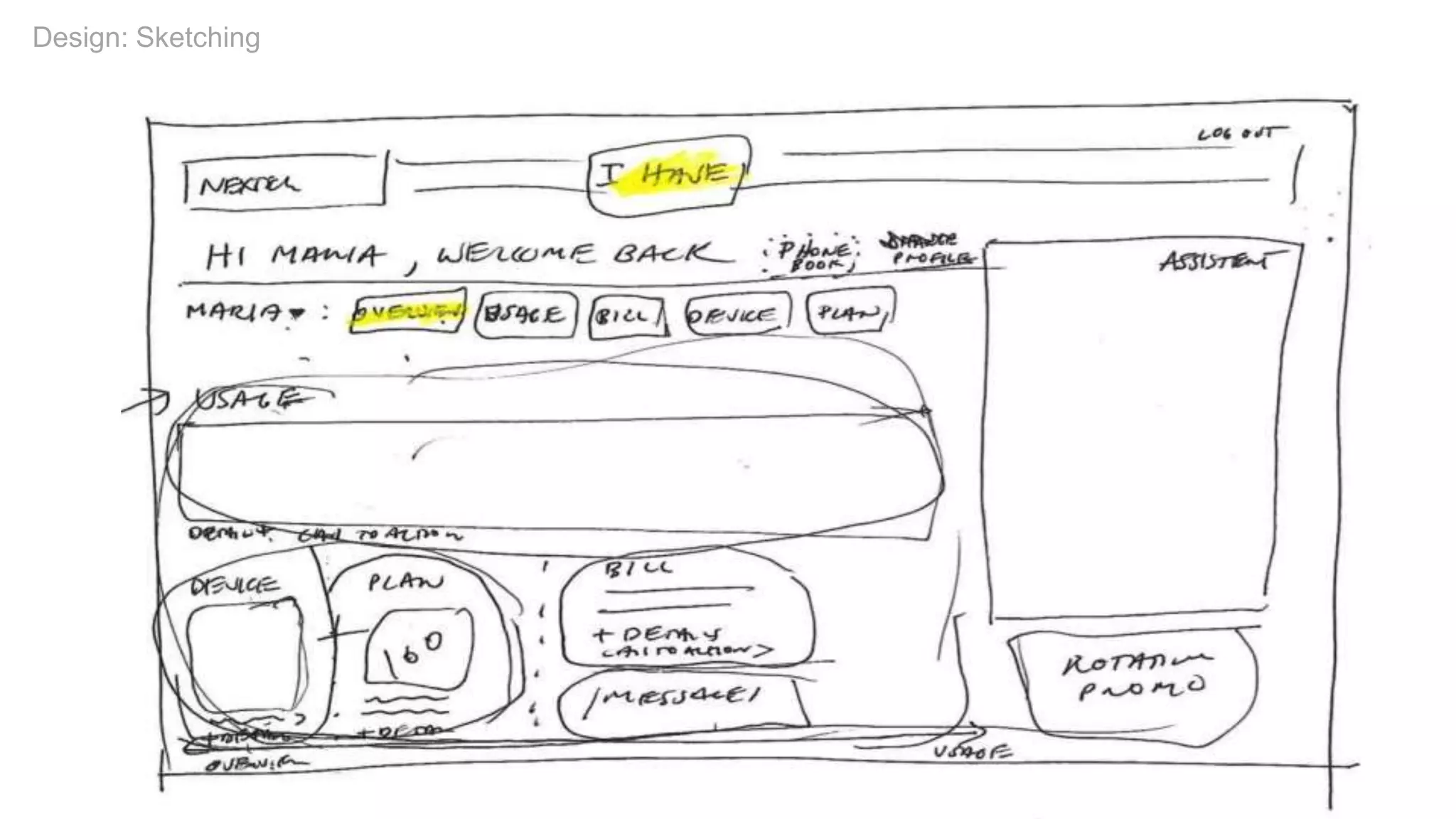
  • #29 Sketch
  • #30 Sketching Example
  • #31 Share
  • #32 Revise
  • #33 Class Exercise: Collaborative Sketching
  • #34 Class Exercise: Collaborative Sketching
  • #35 Class Exercise: Collaborative Sketching
  • #36 Class Exercise: Collaborative Sketching
  • #37 Sketching Tools
  • #38 Q&A
  • #39 UX Design & Security Meetup, Think Tank, 6:30pm Wednesday night (tonight)
  • #40 Slideshare address: http://www.slideshare.net/stribs @stribs / stribley AT outlook.com
  • #41 Thank you!