CNIT 152:
Incident
Response
12 Investigating Windows Systems
(Part 2)
Updated 11-26–18
Ch 12 Part 2
Ch 12 Part 3
The Windows Registry
Purpose
• The registry contains configuration data for the
Windows operating system and applications
• Many artifacts of great forensic value
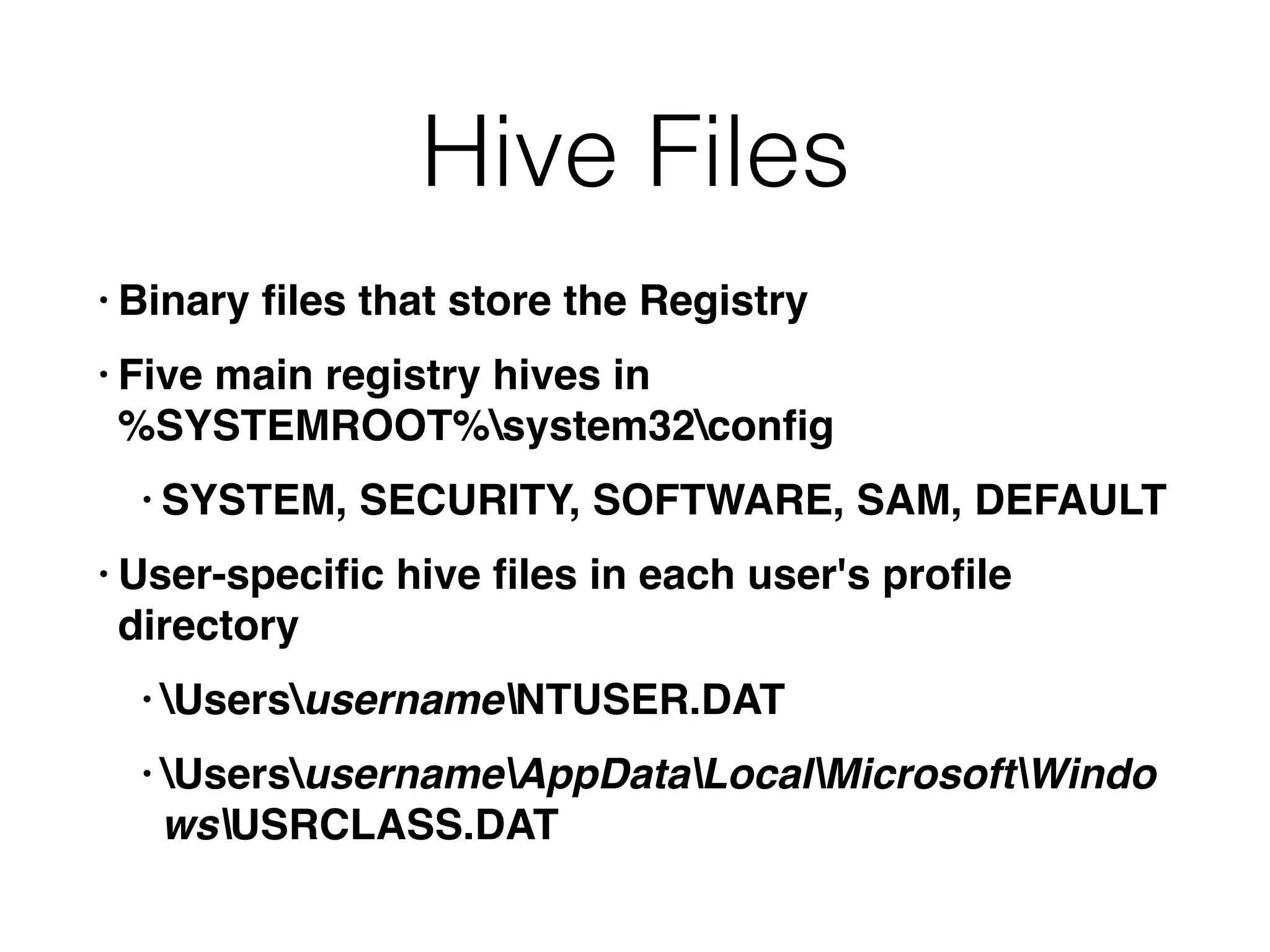
Hive Files
• Binary files that store the Registry
• Five main registry hives in 

%SYSTEMROOT%system32config
• SYSTEM, SECURITY, SOFTWARE, SAM, DEFAULT
• User-specific hive files in each user's profile
directory
• UsersusernameNTUSER.DAT
• UsersusernameAppDataLocalMicrosoftWindo
wsUSRCLASS.DAT
Windows Profiles
• Created the first time a user interactively logs
on to a system
• Users who connect over the network don't
create a profile folder
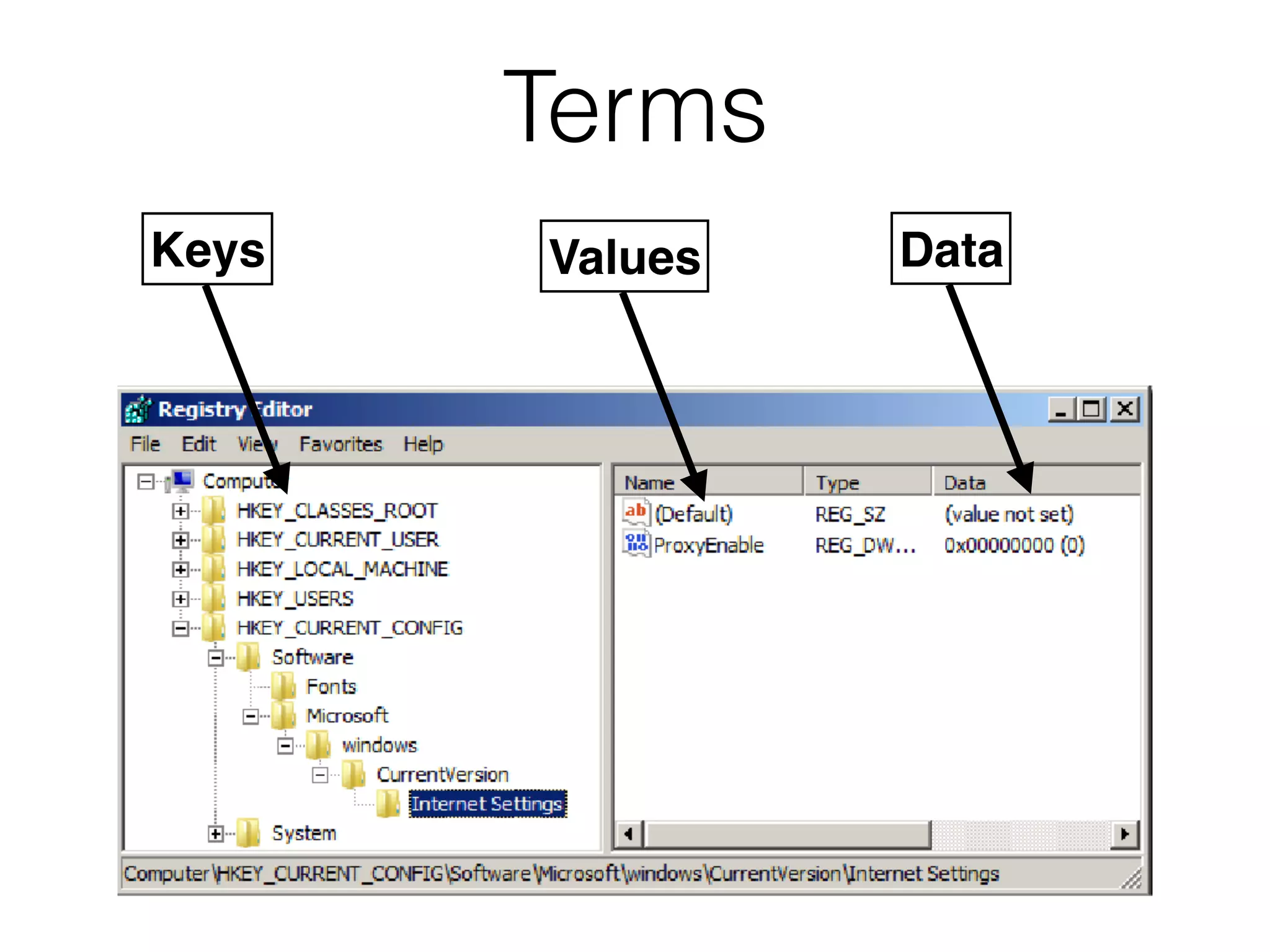
Terms
Keys Values Data
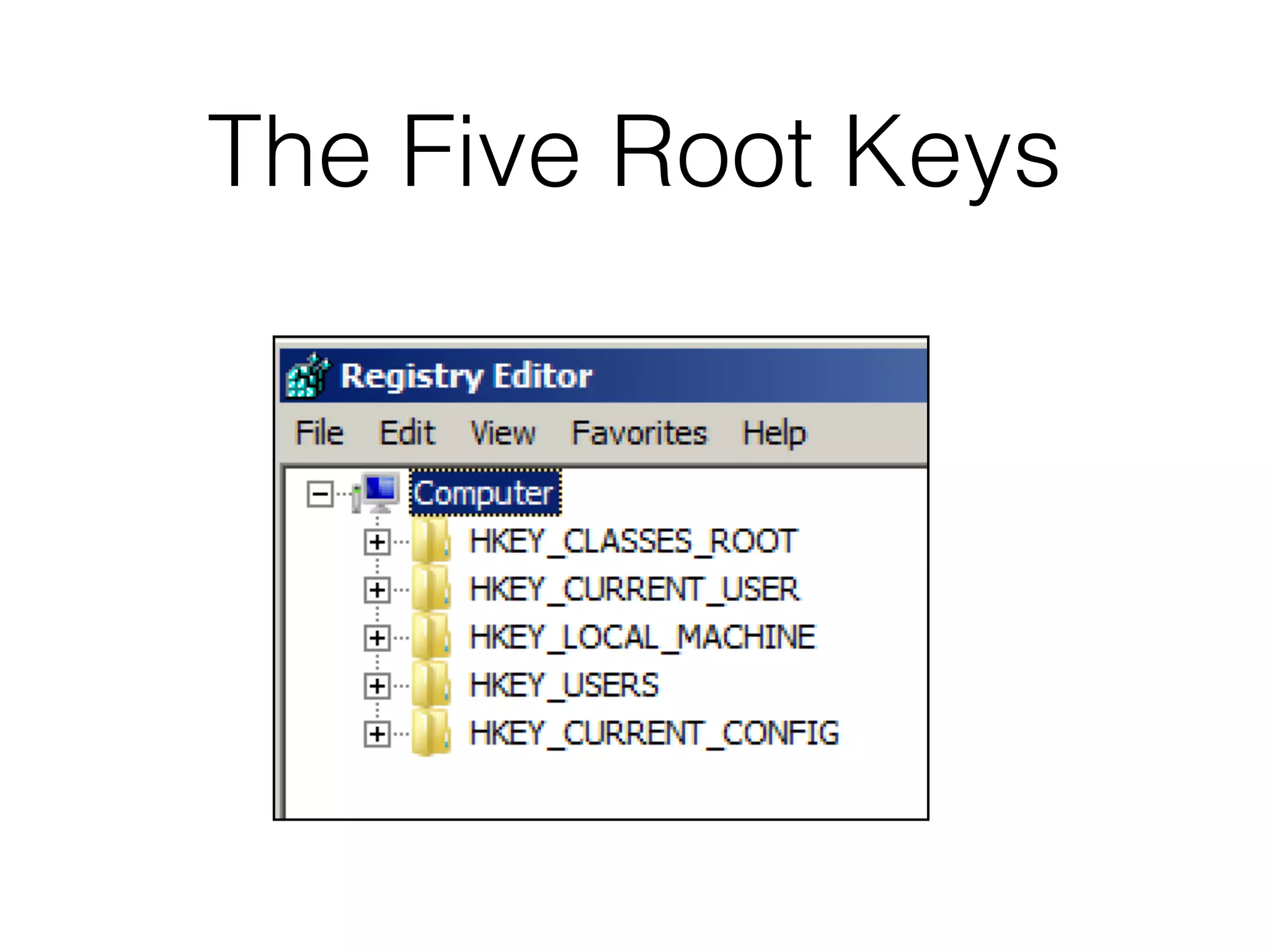
The Five Root Keys
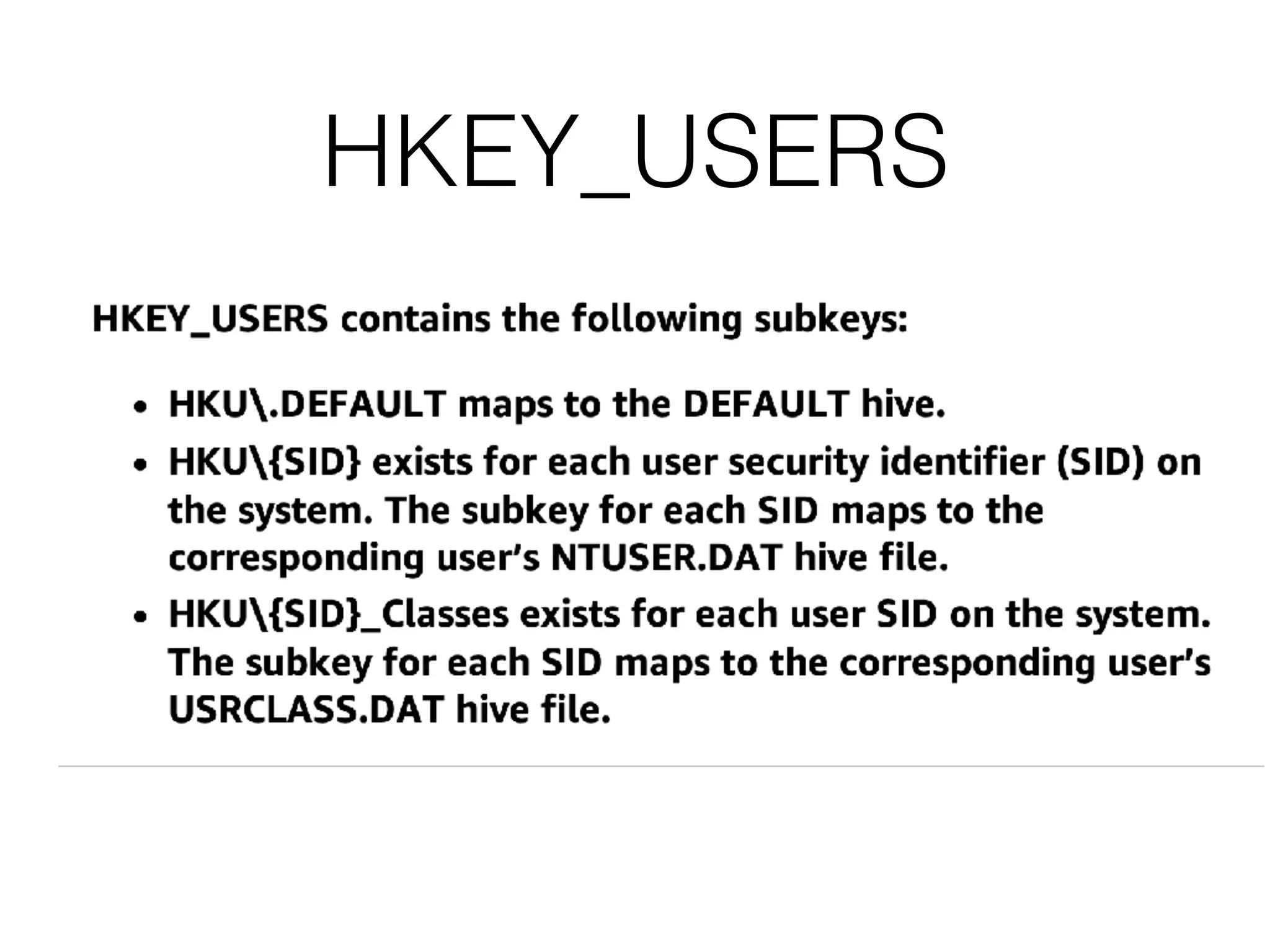
HKEY_USERS
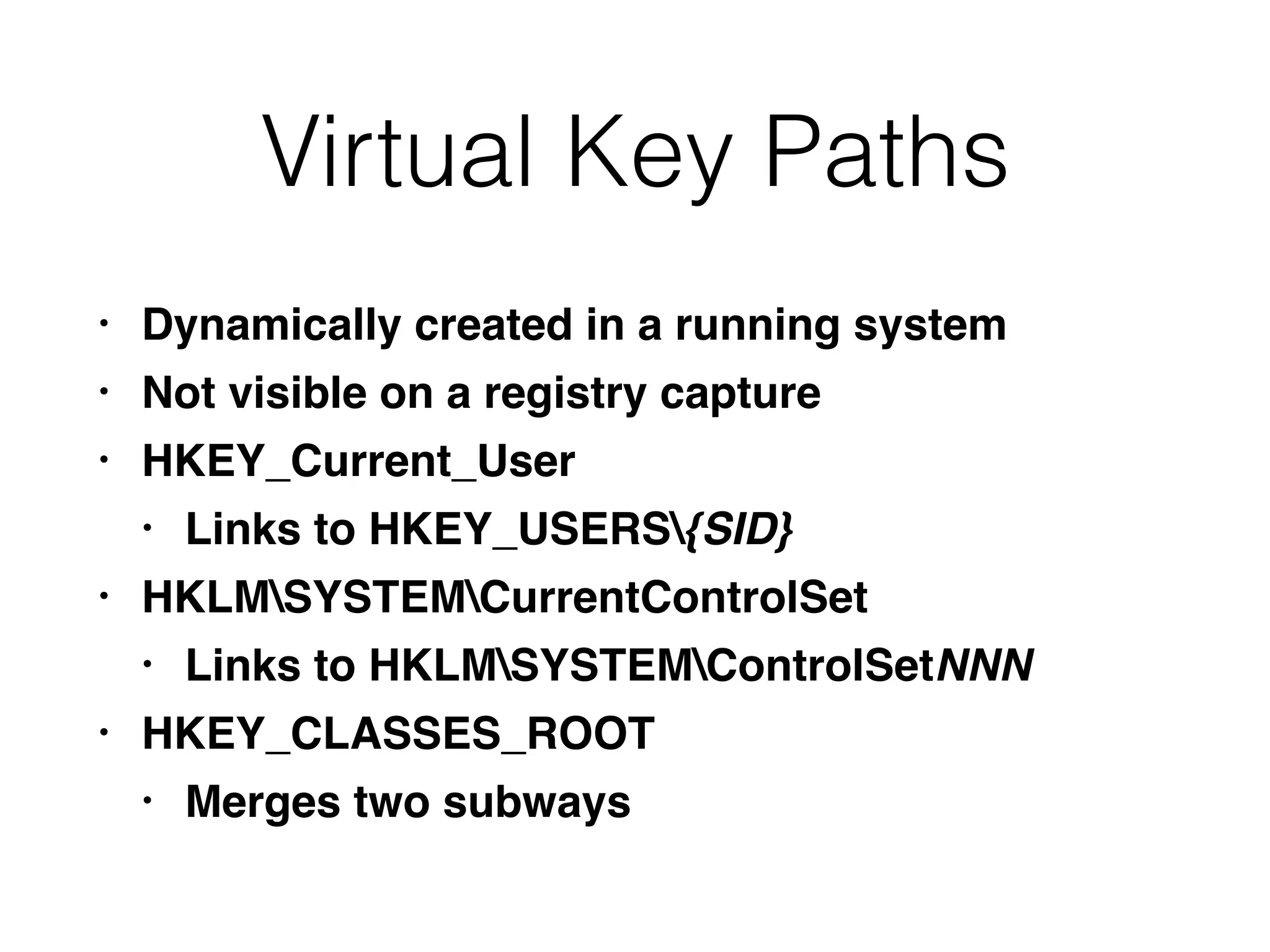
Virtual Key Paths
• Dynamically created in a running system
• Not visible on a registry capture
• HKEY_Current_User
• Links to HKEY_USERS{SID}
• HKLMSYSTEMCurrentControlSet
• Links to HKLMSYSTEMControlSetNNN
• HKEY_CLASSES_ROOT
• Merges two subways
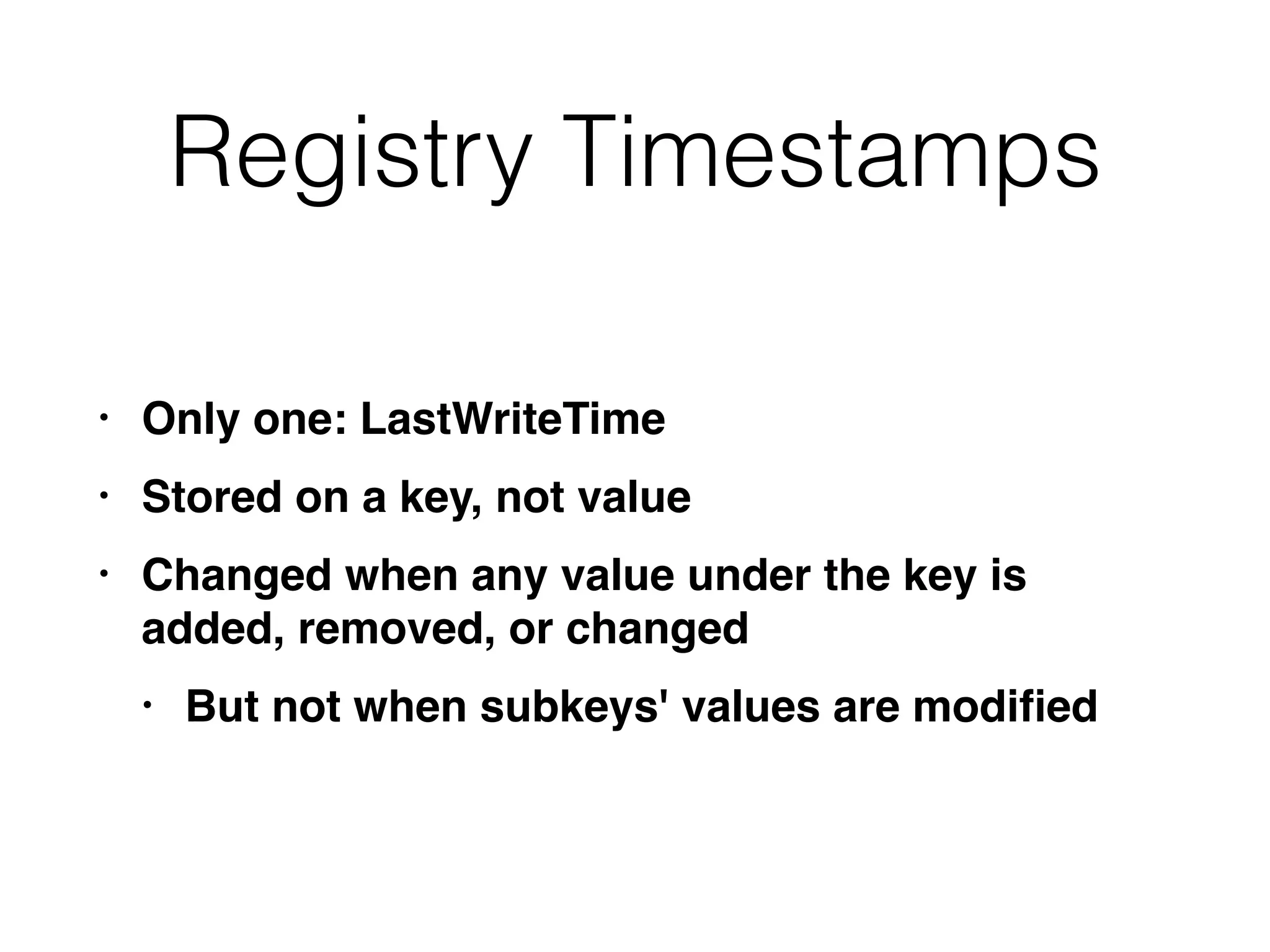
Registry Timestamps
• Only one: LastWriteTime
• Stored on a key, not value
• Changed when any value under the key is
added, removed, or changed
• But not when subkeys' values are modified
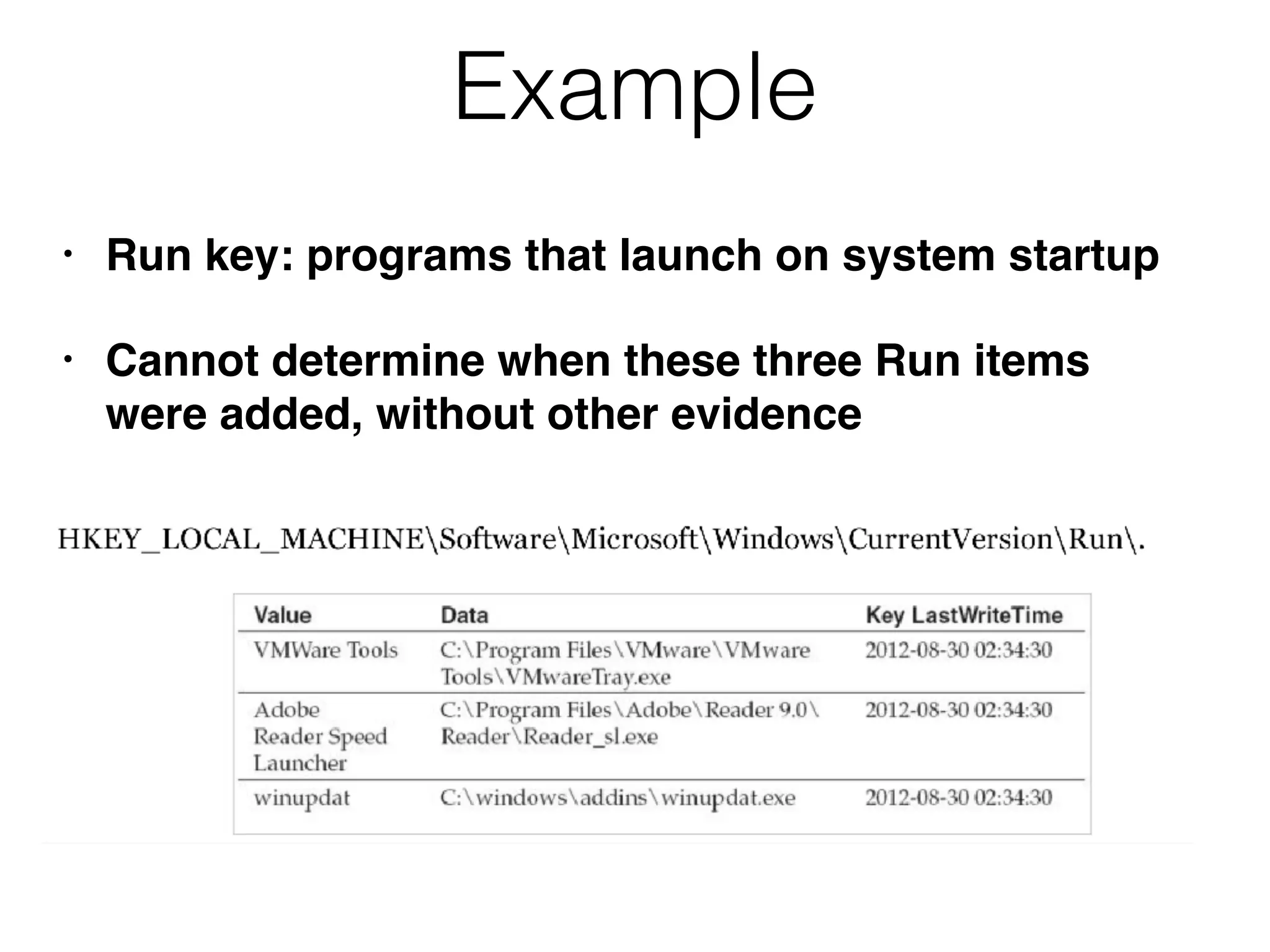
Example
• Run key: programs that launch on system startup
• Cannot determine when these three Run items
were added, without other evidence
More Limitations
• Windows frequently updates the
LastUpdateTime for large swaths of registry
keys
• During updates, and sometimes even from a
reboot
• Attackers cannot easily change registry
timestamps, although SetRegTime can do this
• Link Ch 12o
Registry Reflection and
Redirection
• 64-bit Windows allows 32-bit software to run
• 32-bit programs are redirected by the W0W64
sybsystem to alternate registry keys, like
• HKLMSOFTWAREWoW6432Node
• This means 32-bit forensic software won't see
the whole Registry
Important Registry Keys
System Configuration
Registry Keys
Basic System Information
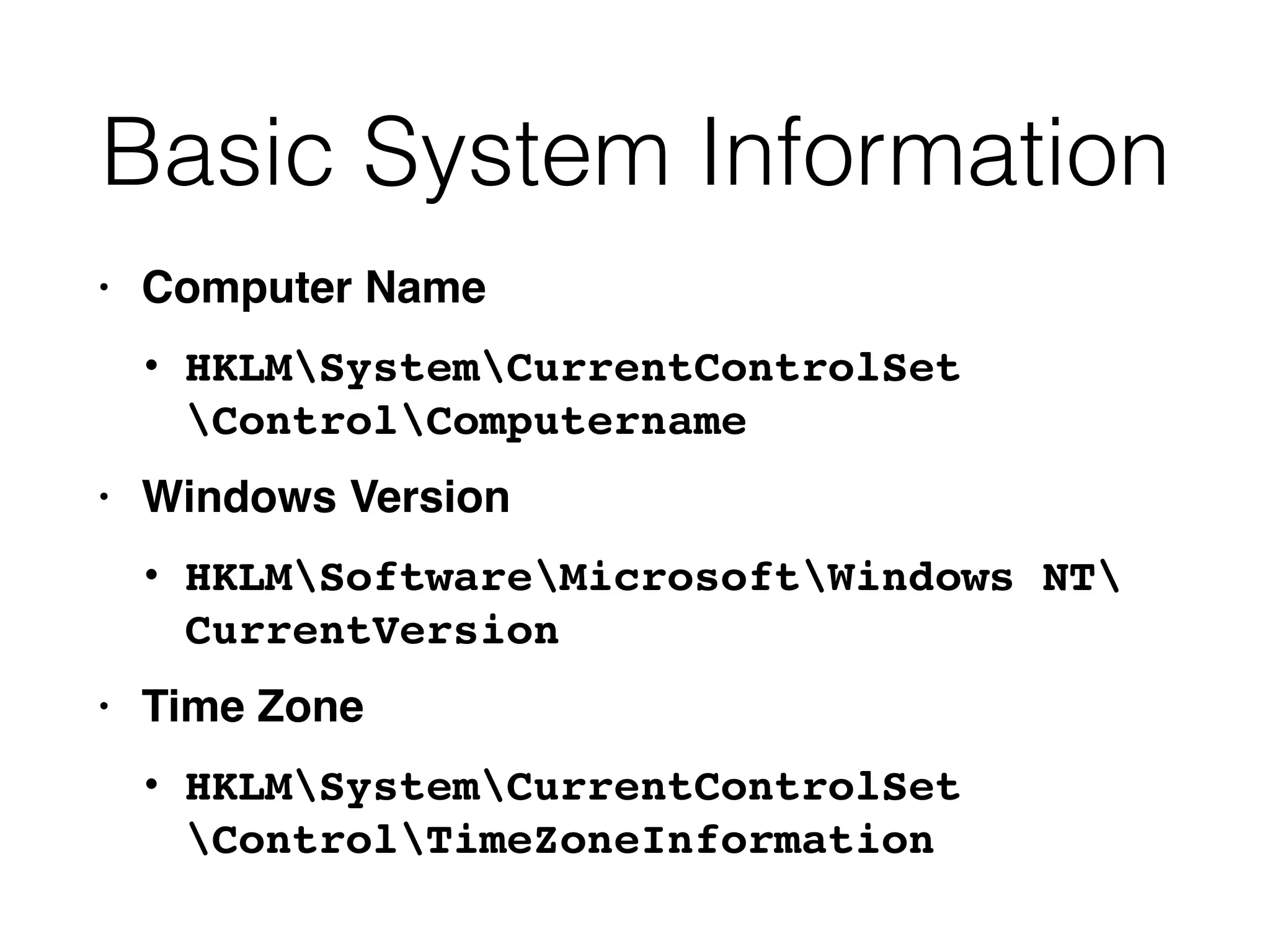
• Computer Name
• HKLMSystemCurrentControlSet

ControlComputername
• Windows Version
• HKLMSoftwareMicrosoftWindows NT

CurrentVersion
• Time Zone
• HKLMSystemCurrentControlSet

ControlTimeZoneInformation
Basic System Information
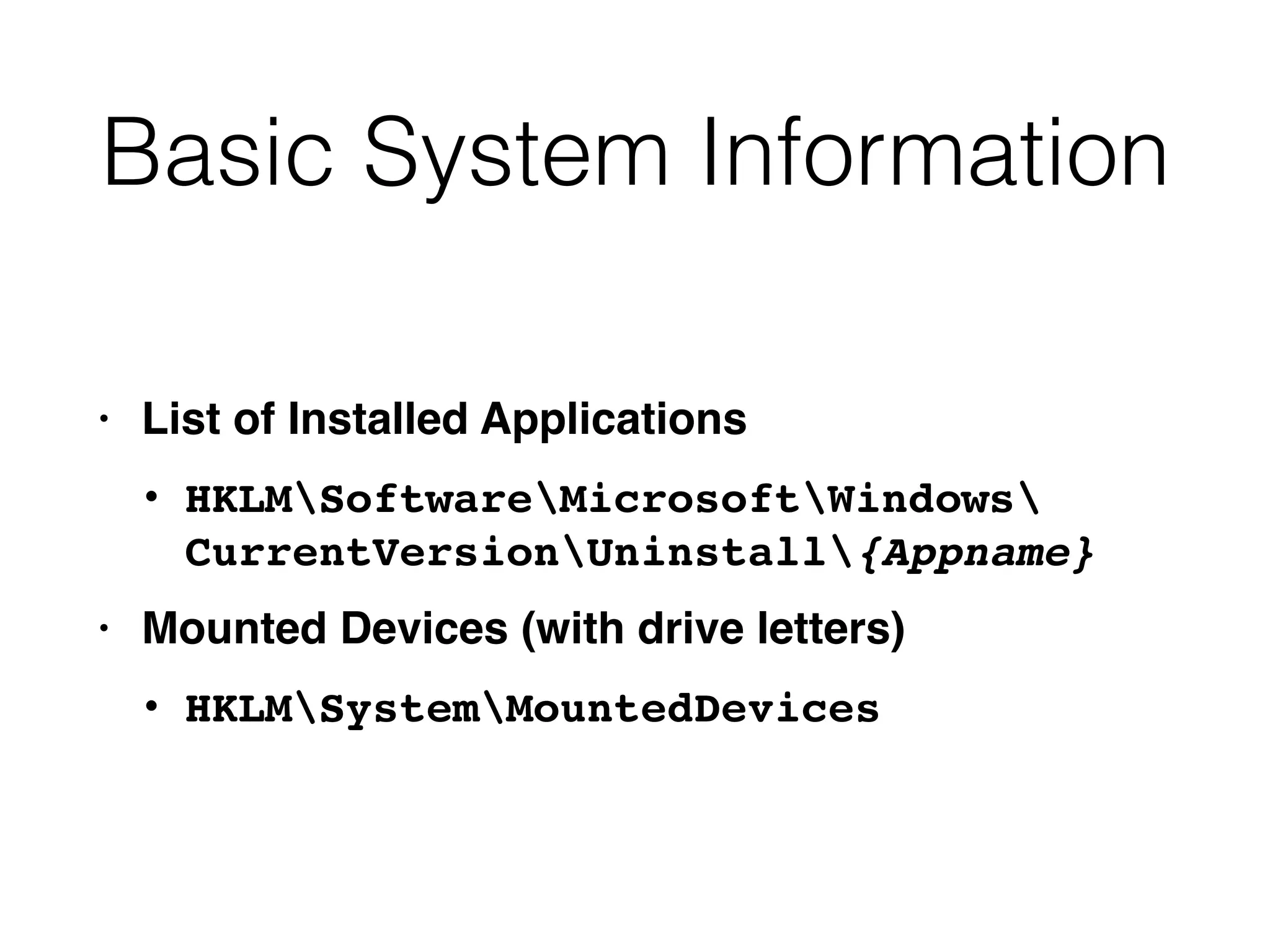
• List of Installed Applications
• HKLMSoftwareMicrosoftWindows

CurrentVersionUninstall{Appname}
• Mounted Devices (with drive letters)
• HKLMSystemMountedDevices
USBSTOR
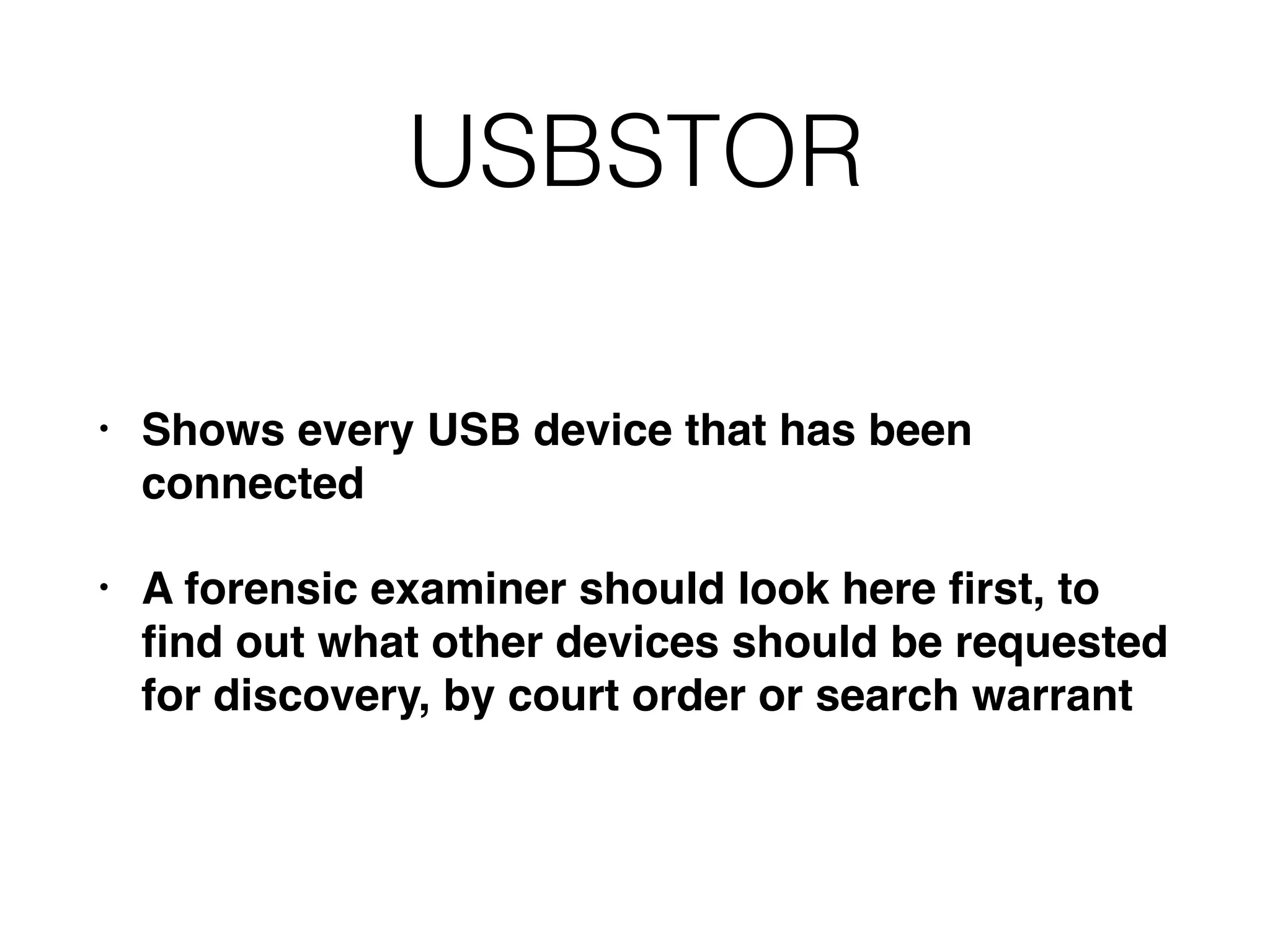
• Shows every USB device that has been
connected
• A forensic examiner should look here first, to
find out what other devices should be requested
for discovery, by court order or search warrant
Network Information
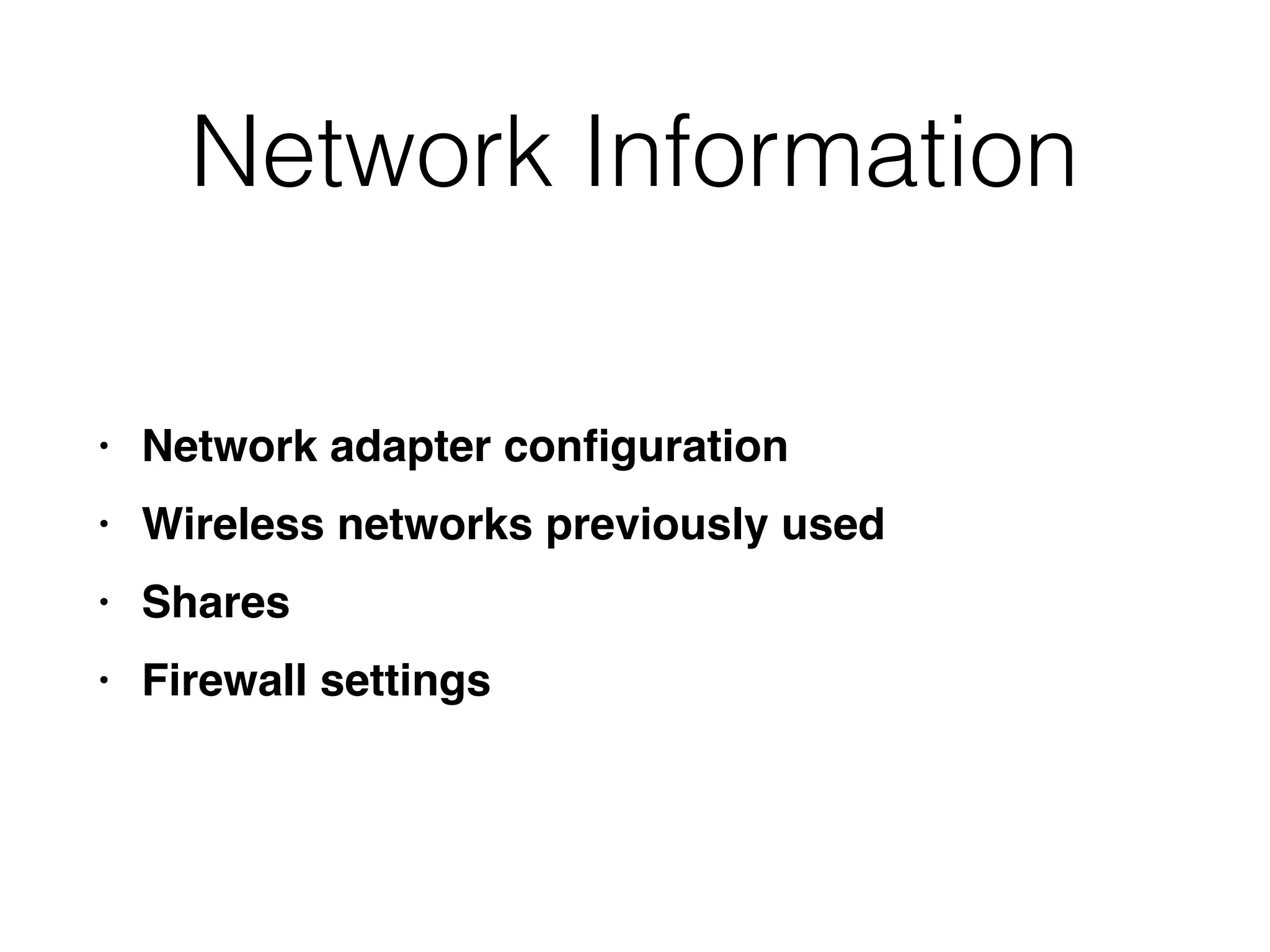
• Network adapter configuration
• Wireless networks previously used
• Shares
• Firewall settings
User and Security
Information
• Audit policy
• Profile folder path
• Group membership
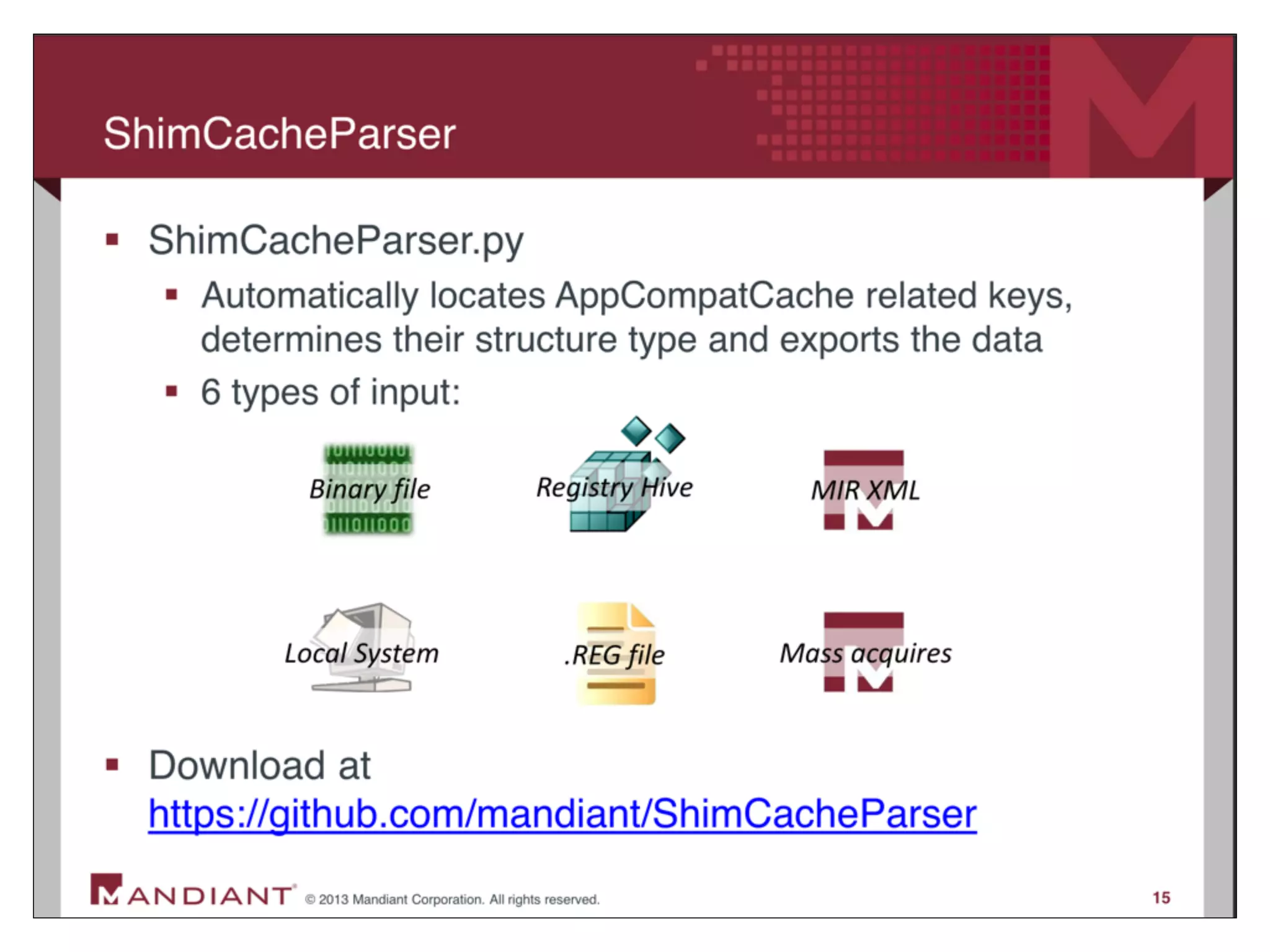
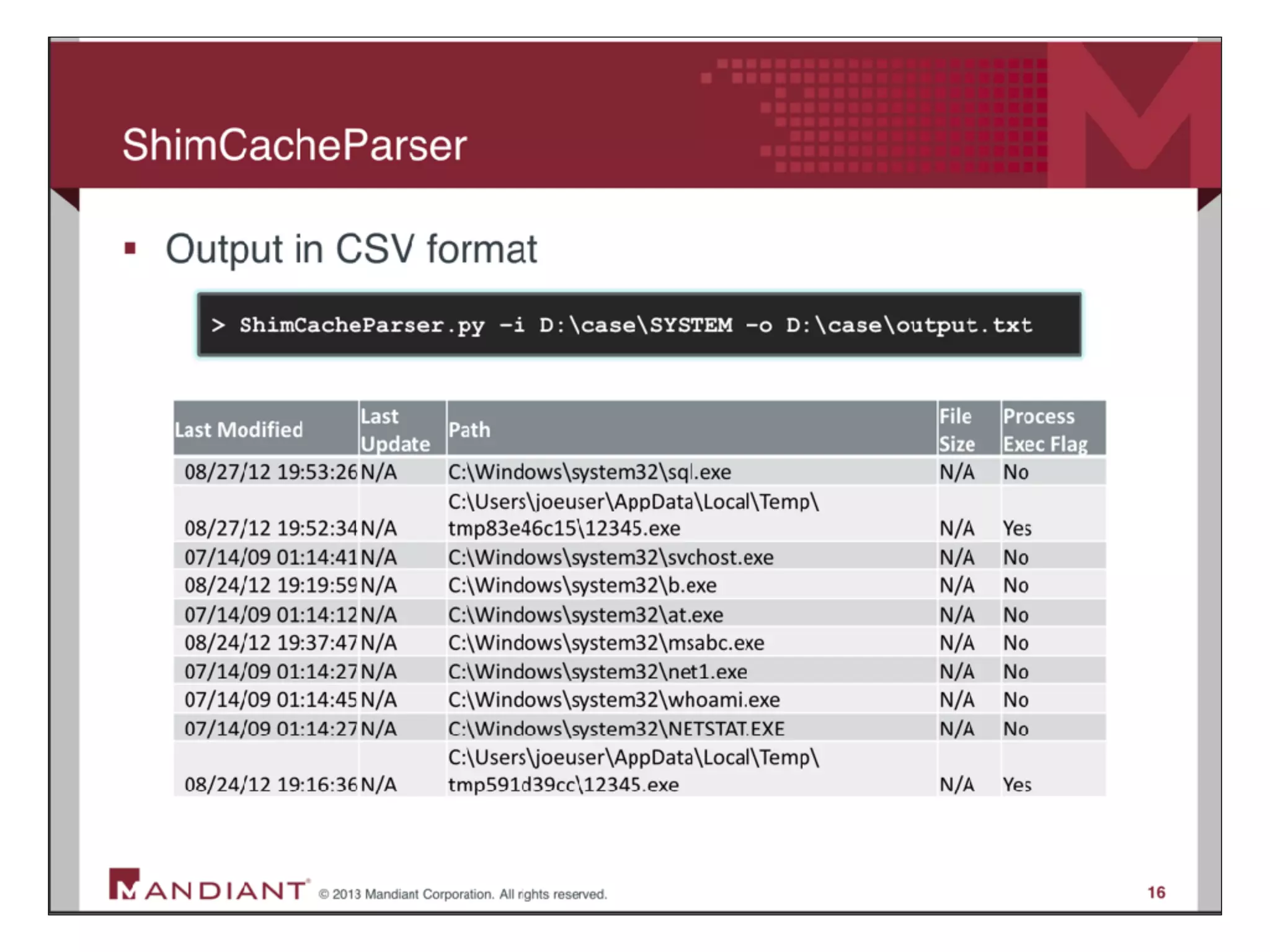
Shim Cache
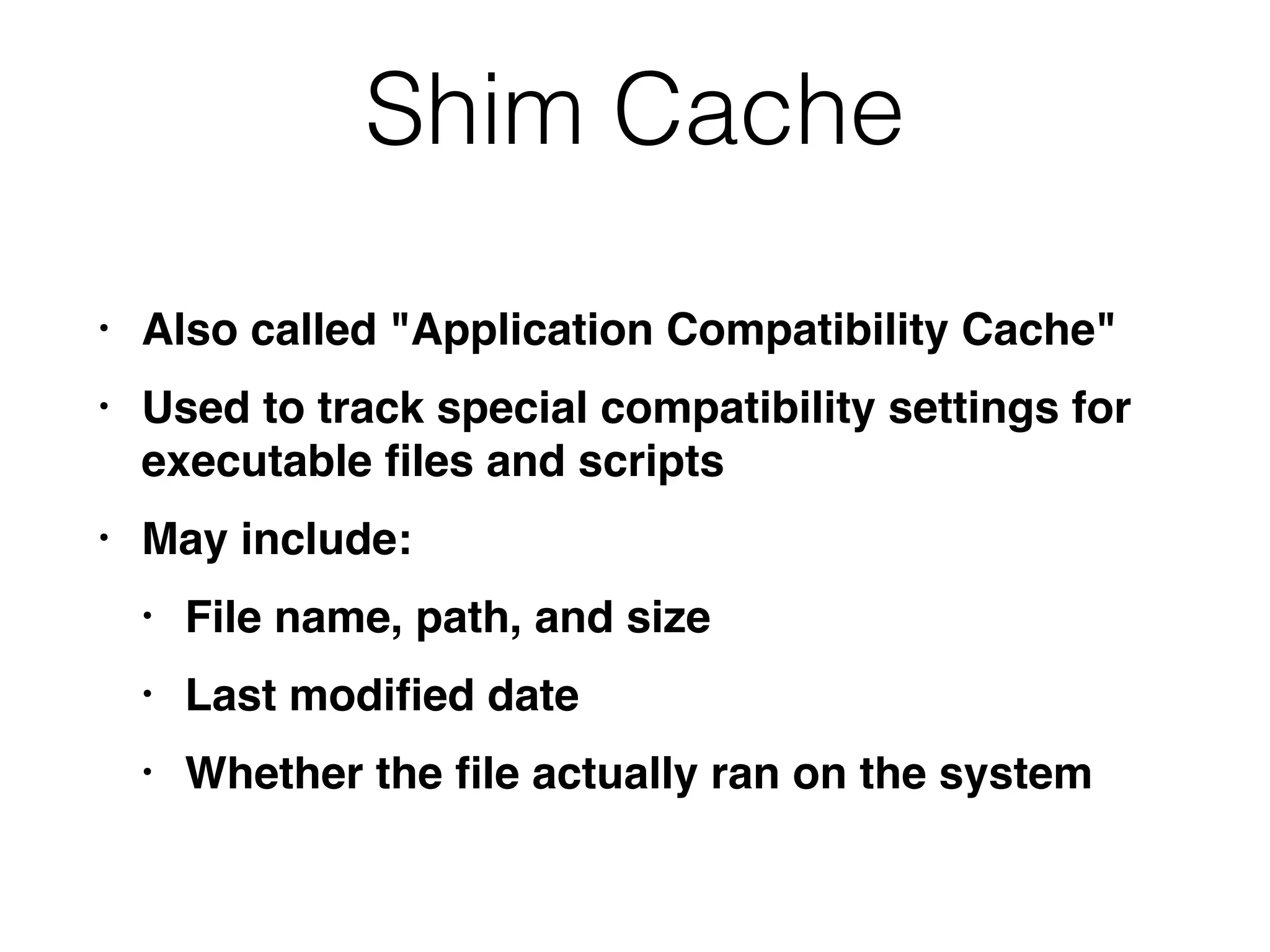
Shim Cache
• Also called "Application Compatibility Cache"
• Used to track special compatibility settings for
executable files and scripts
• May include:
• File name, path, and size
• Last modified date
• Whether the file actually ran on the system
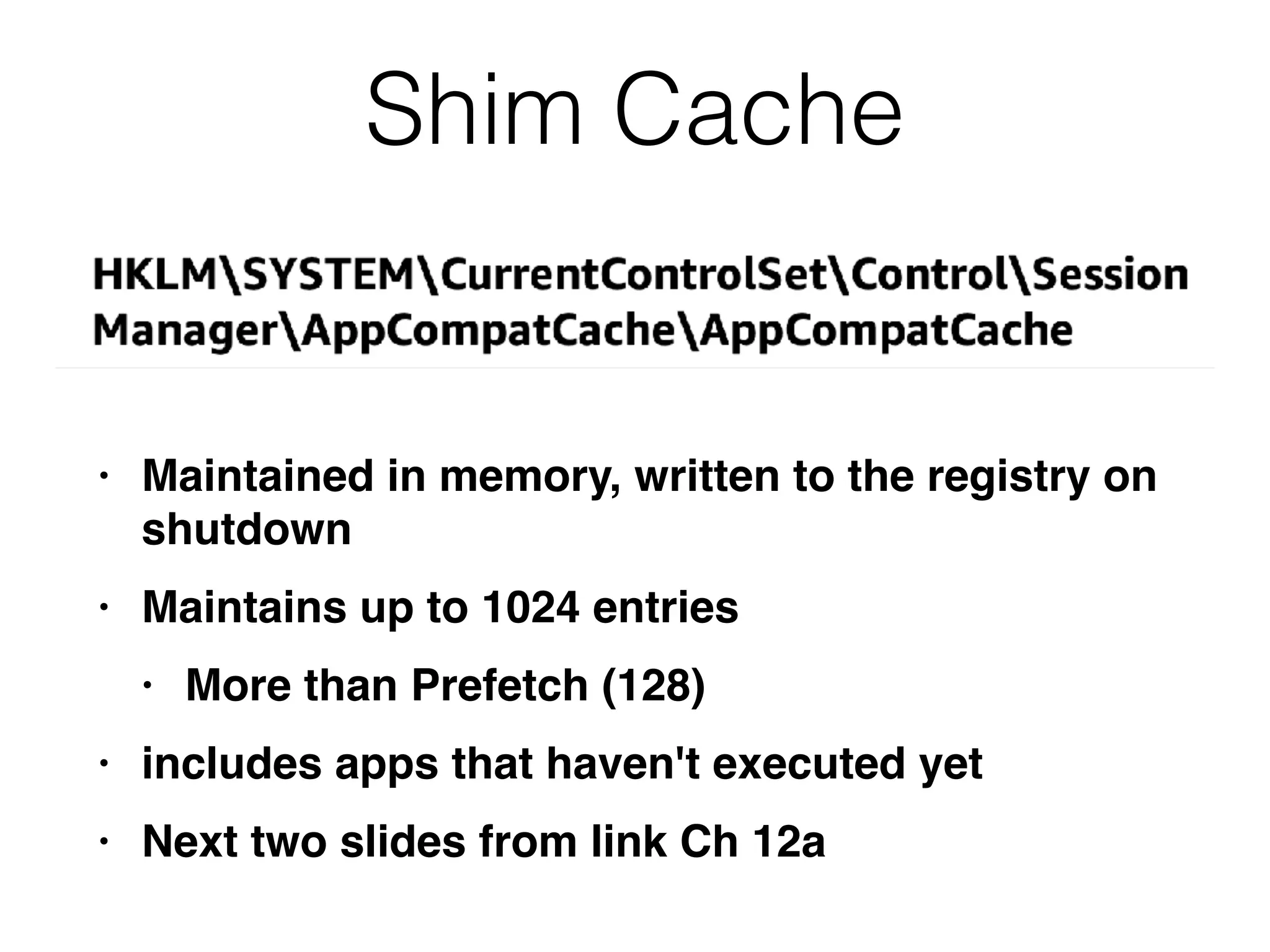
Shim Cache
• Maintained in memory, written to the registry on
shutdown
• Maintains up to 1024 entries
• More than Prefetch (128)
• includes apps that haven't executed yet
• Next two slides from link Ch 12a
Common Auto-Run Registry
Keys
Auto-Run Keys
(Auto-Start Extensibility Points)
• Load programs on system boot, user login, and
other conditions
• Commonly used by malware to attain
persistence
• Windows provides hundreds of registry-based
persistence mechanisms
• Some are still undocumented
Services
• Most common and widely used persistence
mechanism
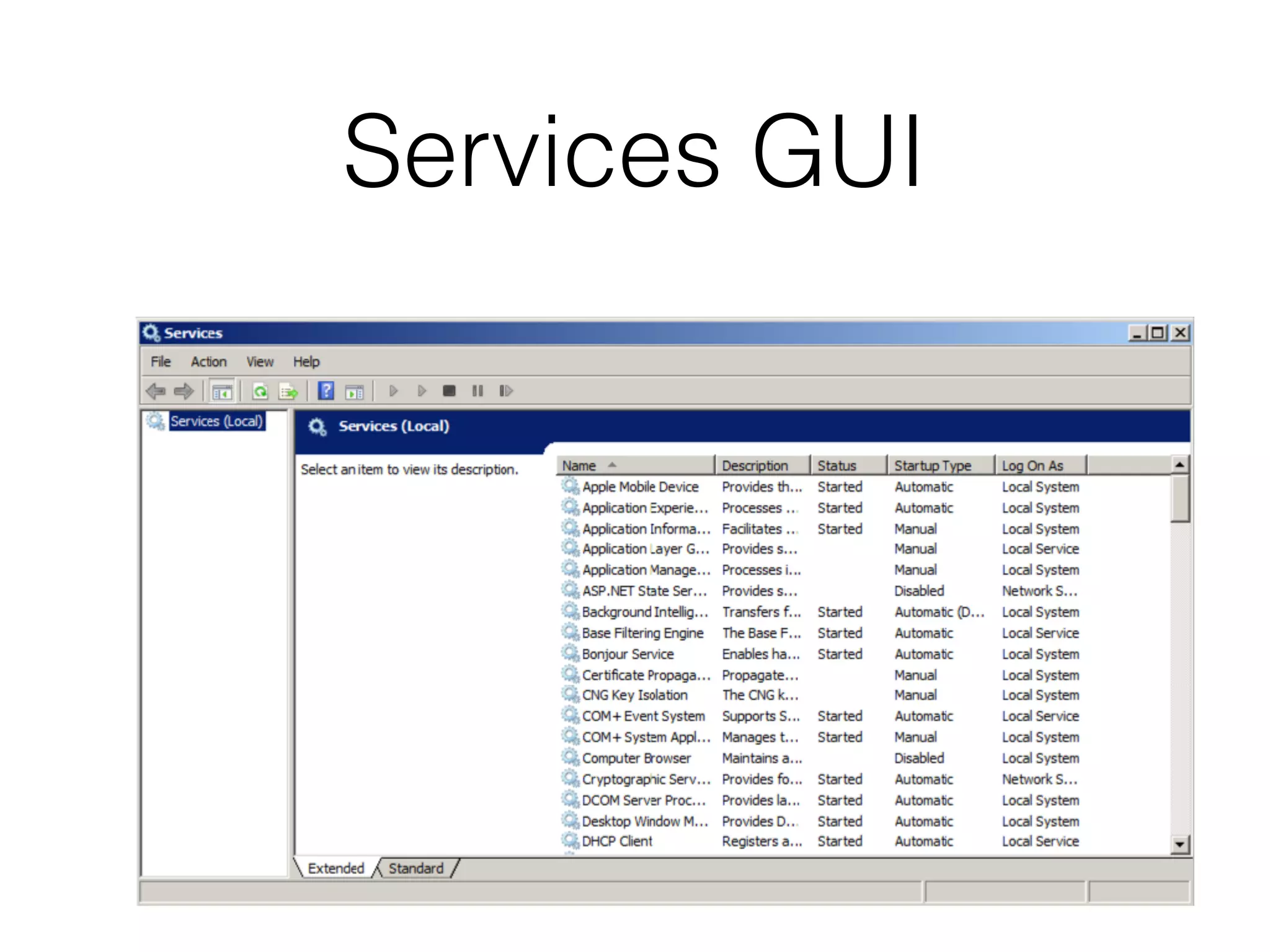
• Services run in the background
• Usually under one of these login accounts
• Local System (most powerful)
• Network System
• Local Service
Services in the Registry
• Each service has its own subkey under
• HKLMCurrentControlSetservicesservicename
• With this information:
• DisplayName and Description
• ImagePath
• How service starts
• Type off service, such as driver or process
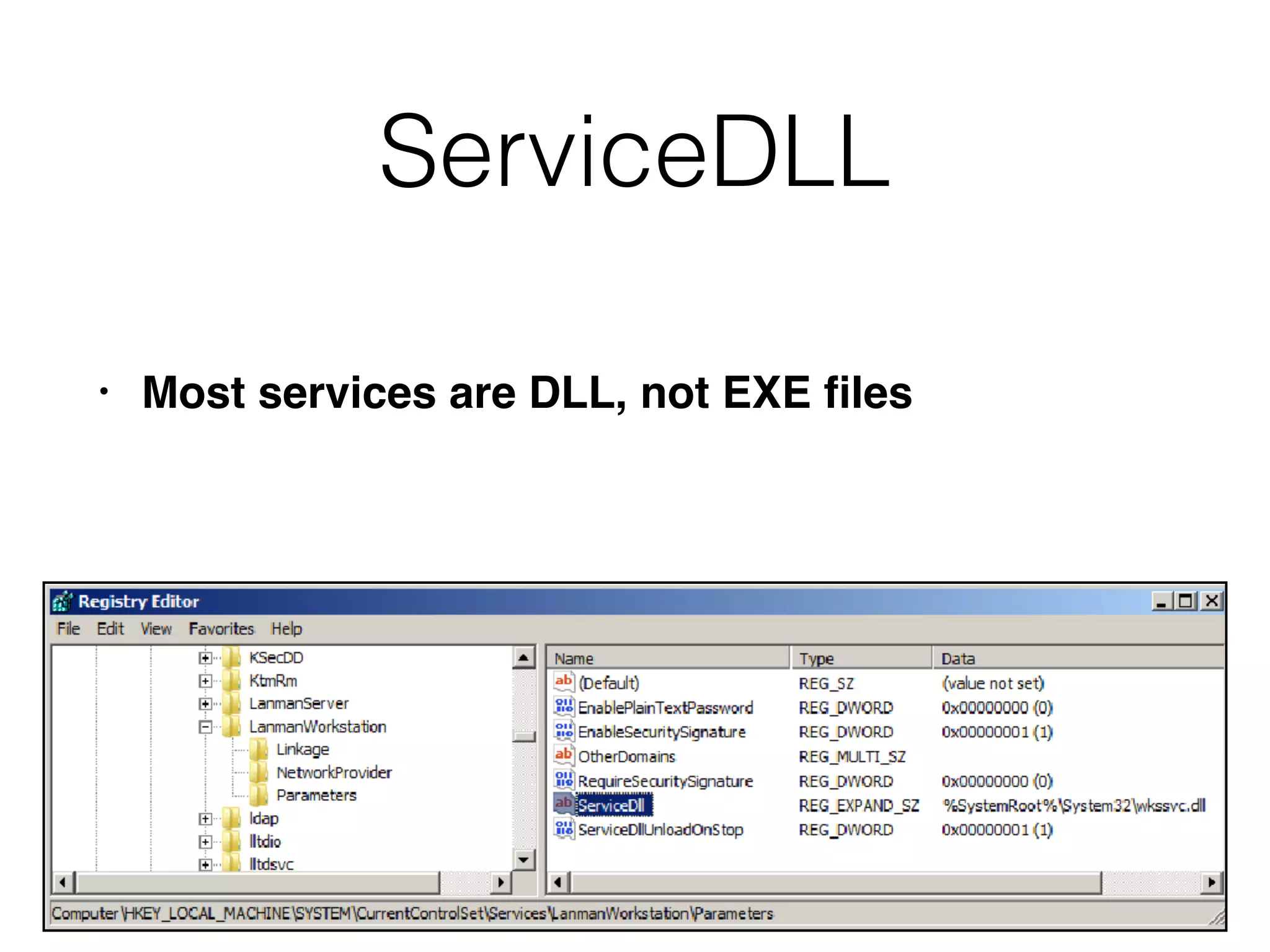
ServiceDLL
• Most services are DLL, not EXE files
Service Control Manager
• Services.exe
• Launches Windows services upon startup
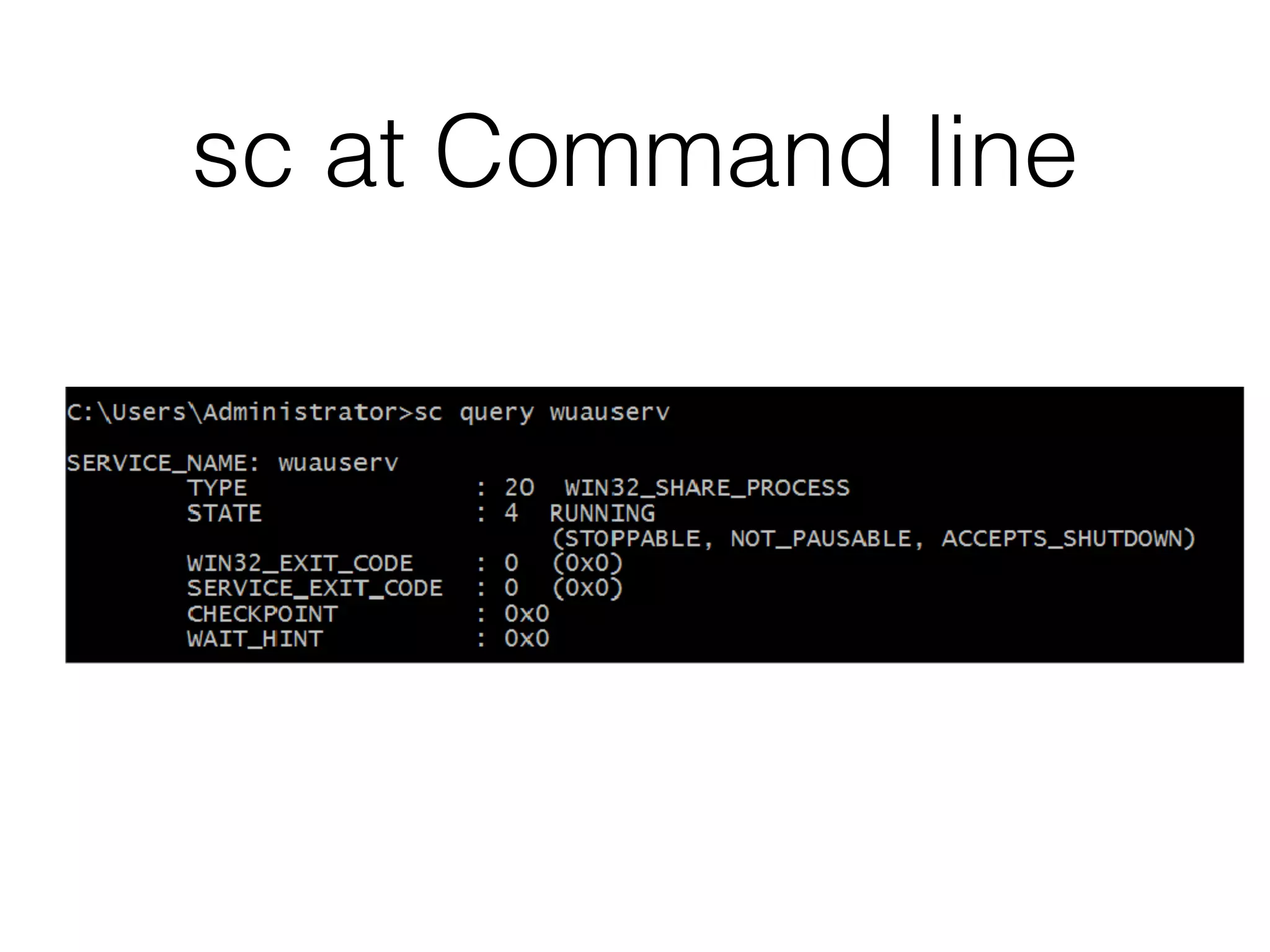
• Command-line "sc" command lets you examine,
start, stop, and create services
sc at Command line
Services GUI
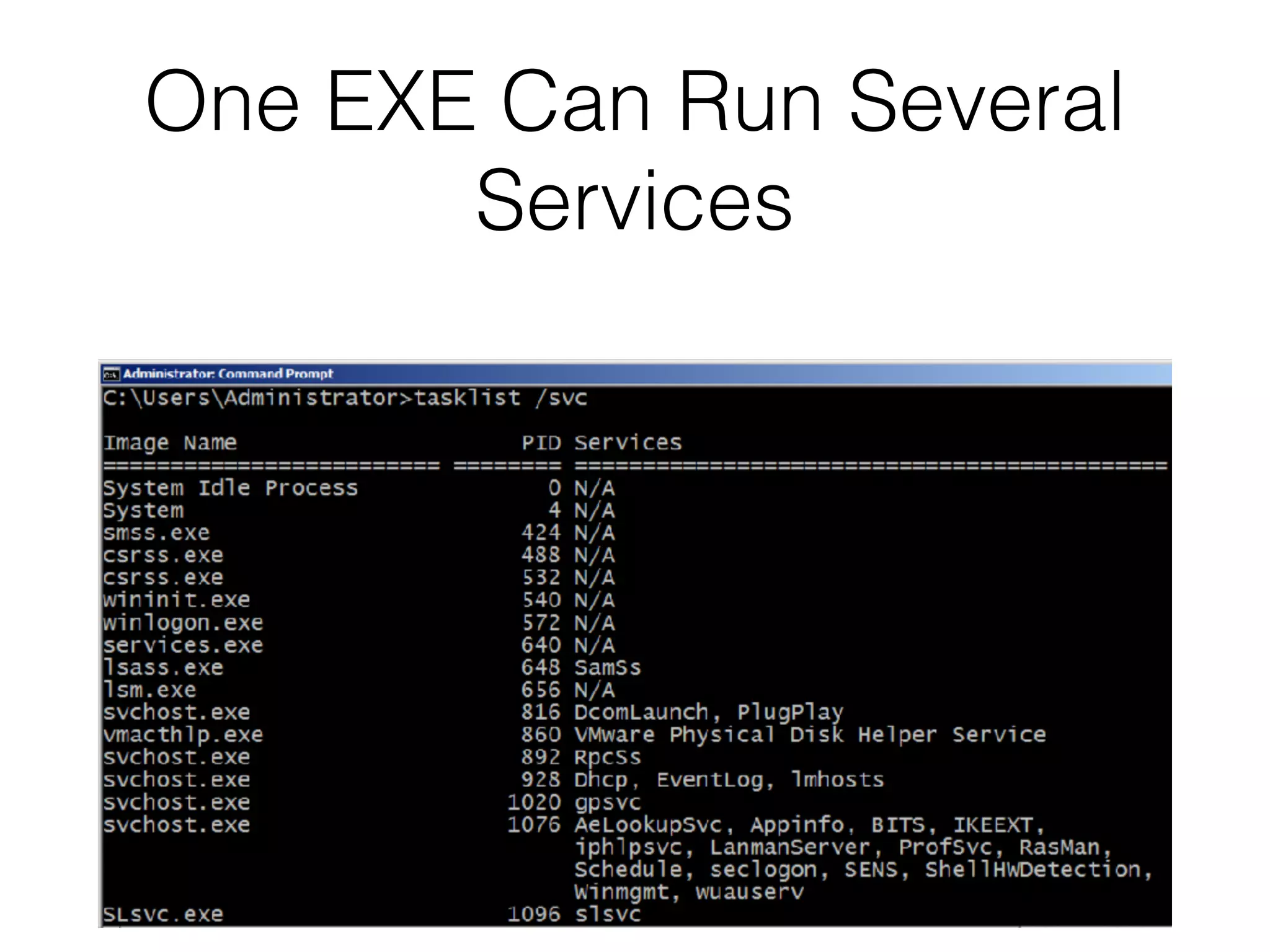
One EXE Can Run Several
Services
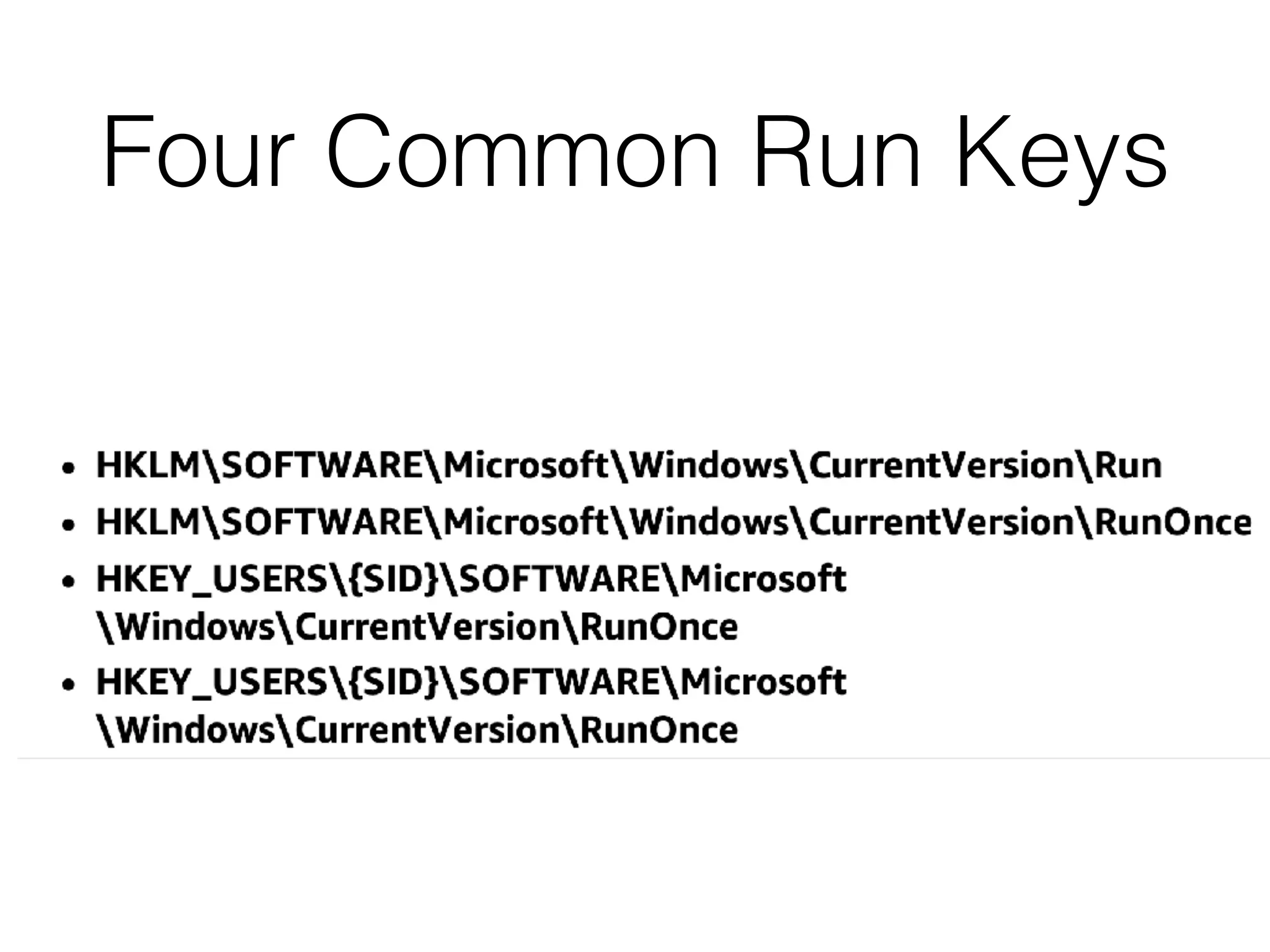
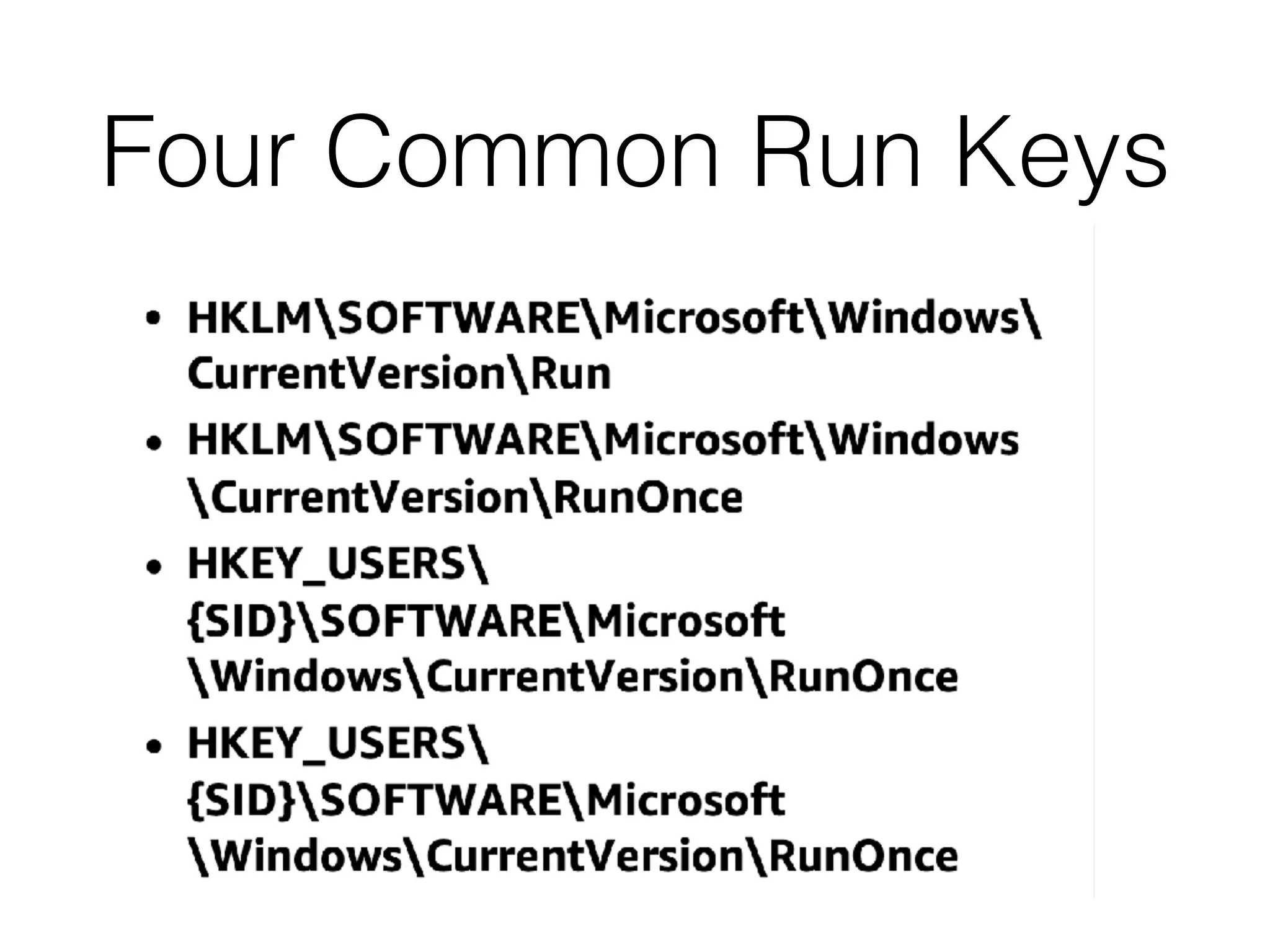
Four Common Run Keys
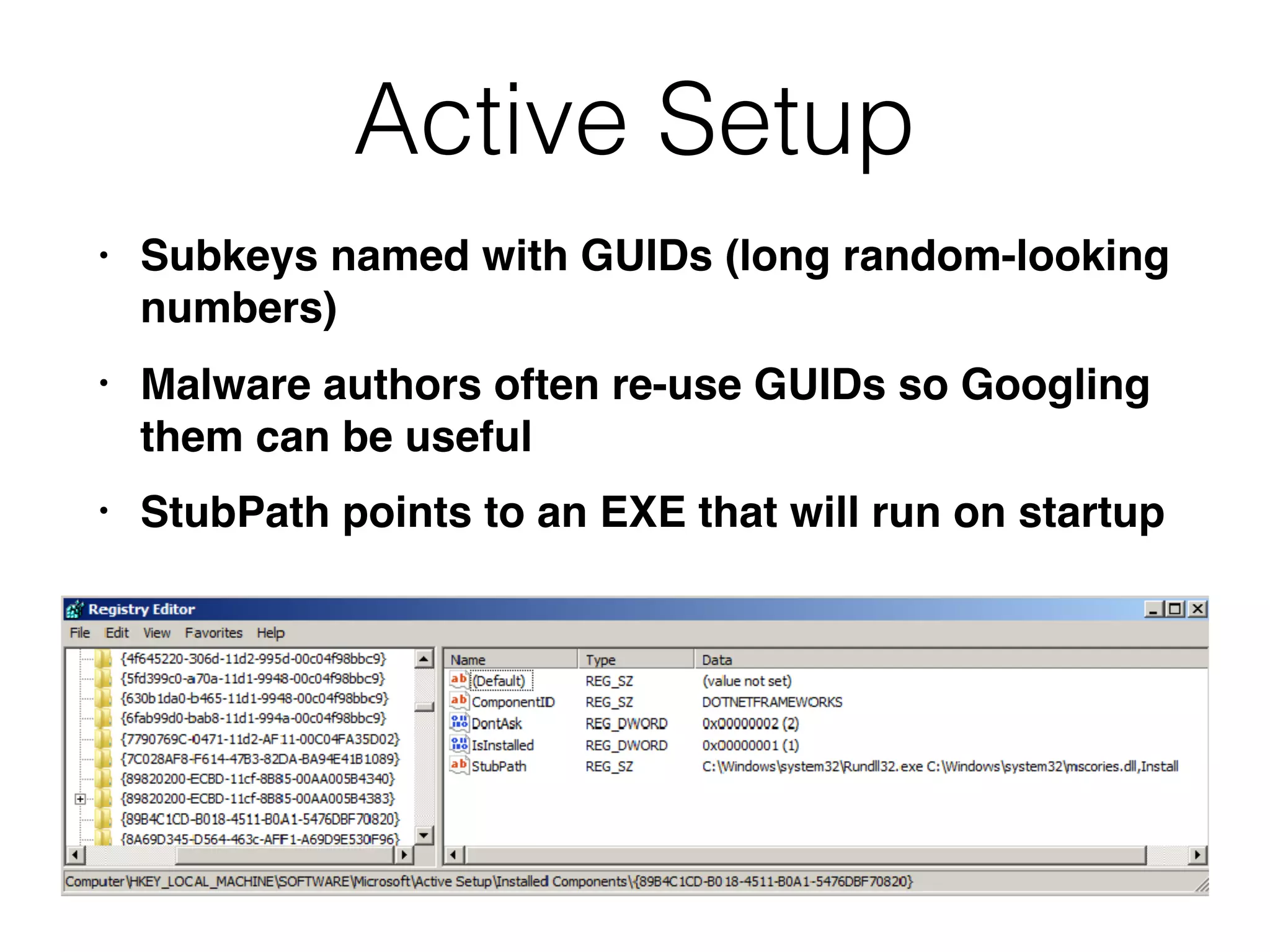
Active Setup
• Subkeys named with GUIDs (long random-looking
numbers)
• Malware authors often re-use GUIDs so Googling
them can be useful
• StubPath points to an EXE that will run on startup
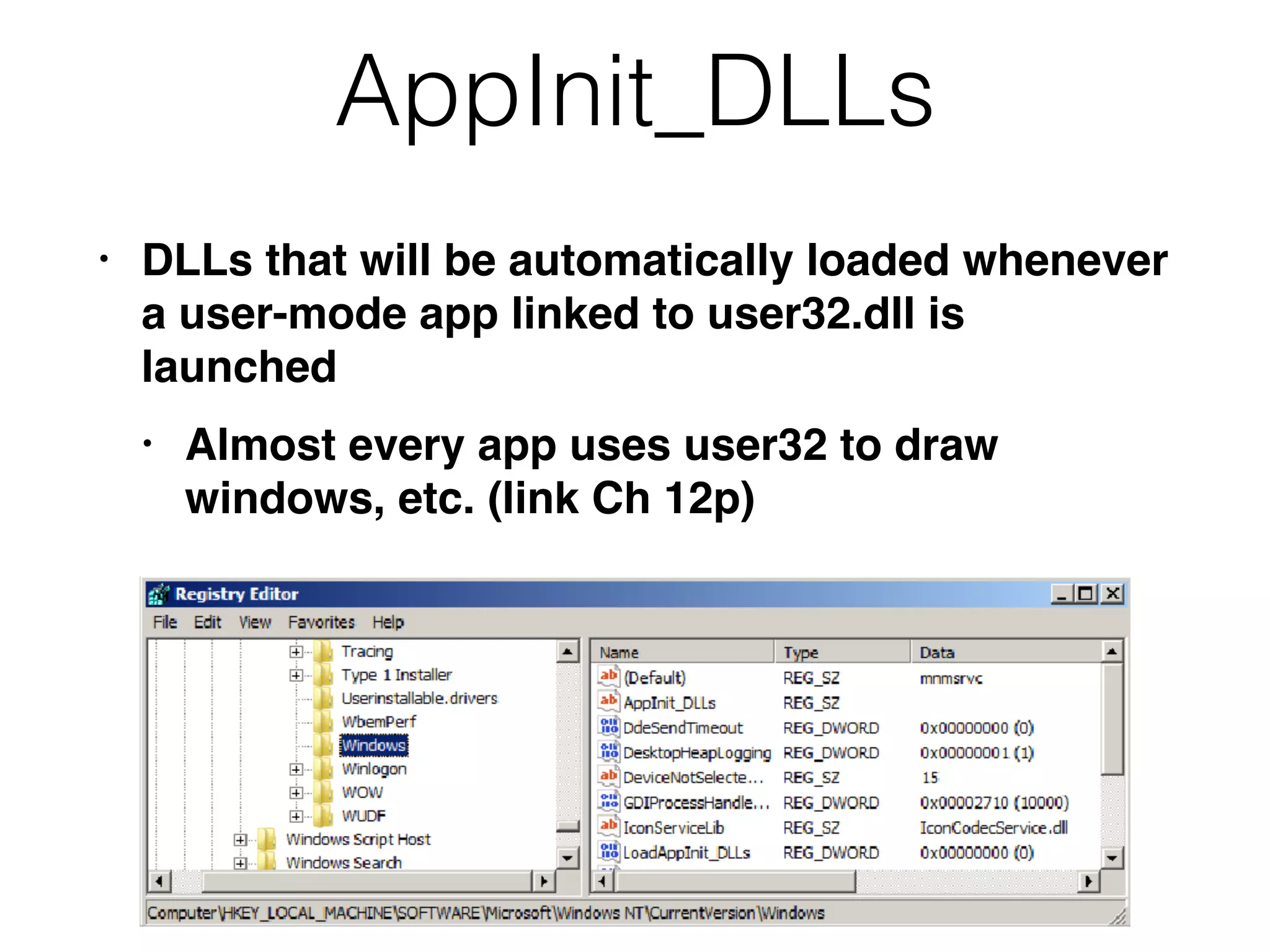
AppInit_DLLs
• DLLs that will be automatically loaded whenever
a user-mode app linked to user32.dll is
launched
• Almost every app uses user32 to draw
windows, etc. (link Ch 12p)
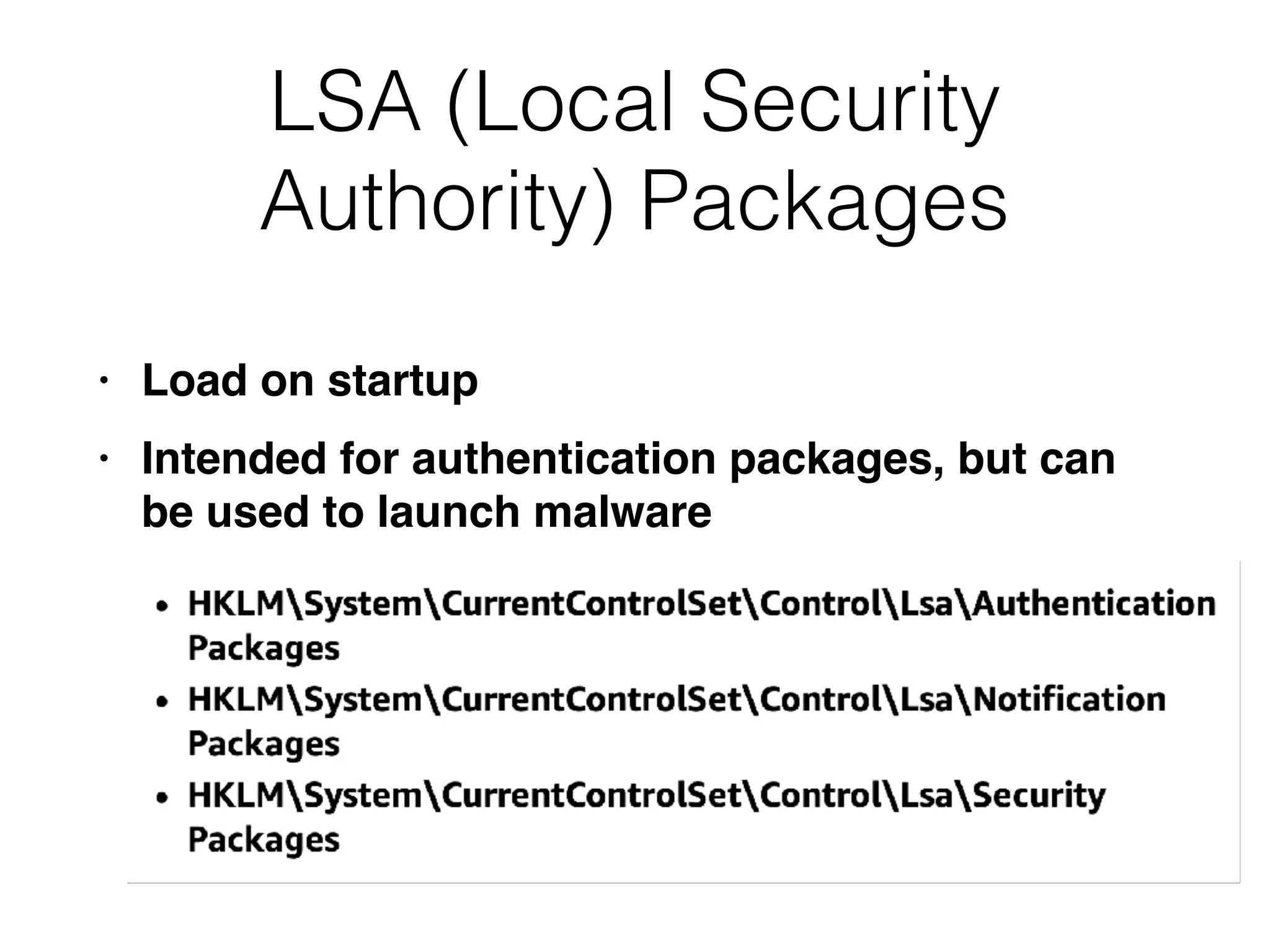
LSA (Local Security
Authority) Packages
• Load on startup
• Intended for authentication packages, but can
be used to launch malware
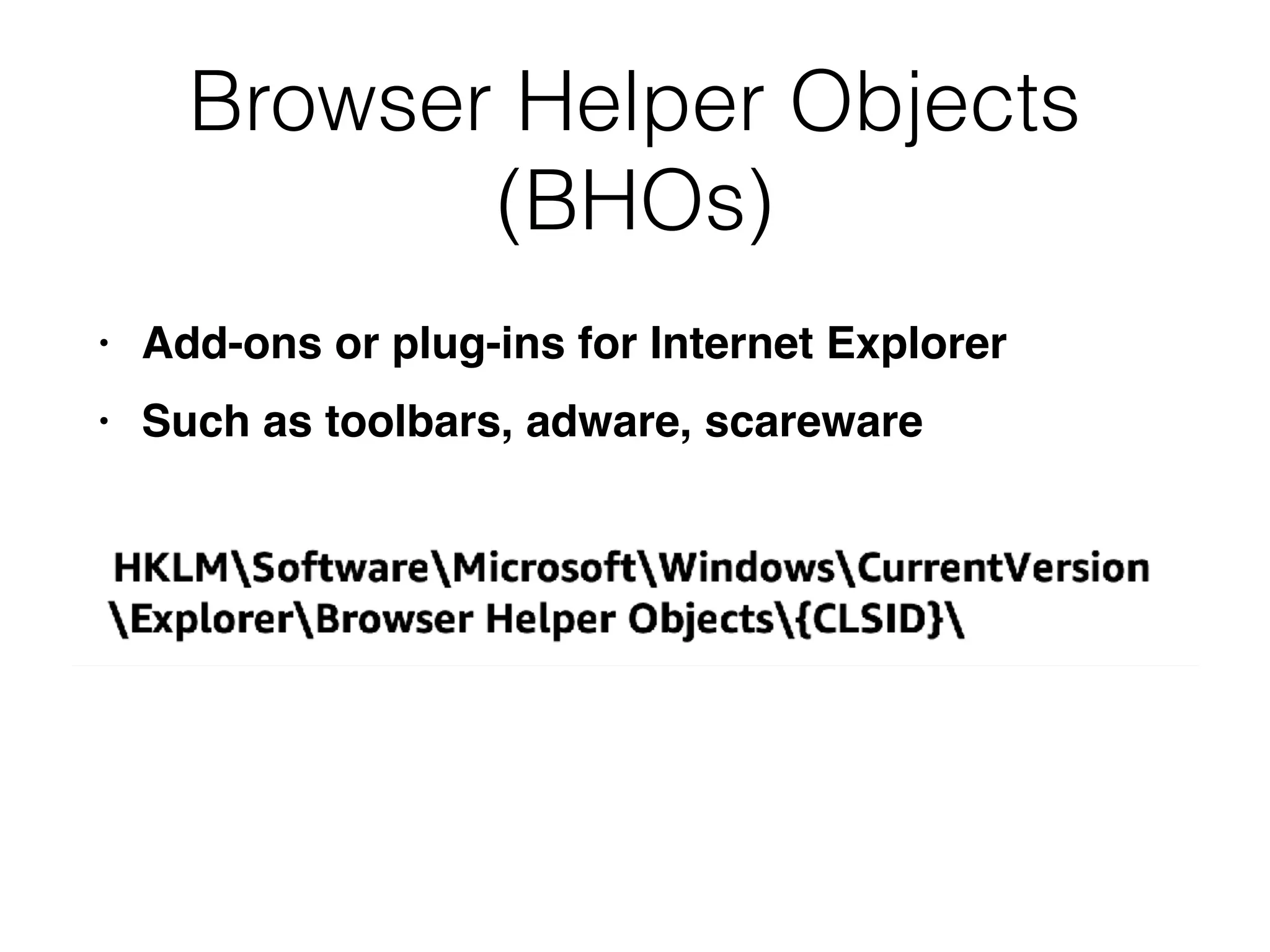
Browser Helper Objects
(BHOs)
• Add-ons or plug-ins for Internet Explorer
• Such as toolbars, adware, scareware
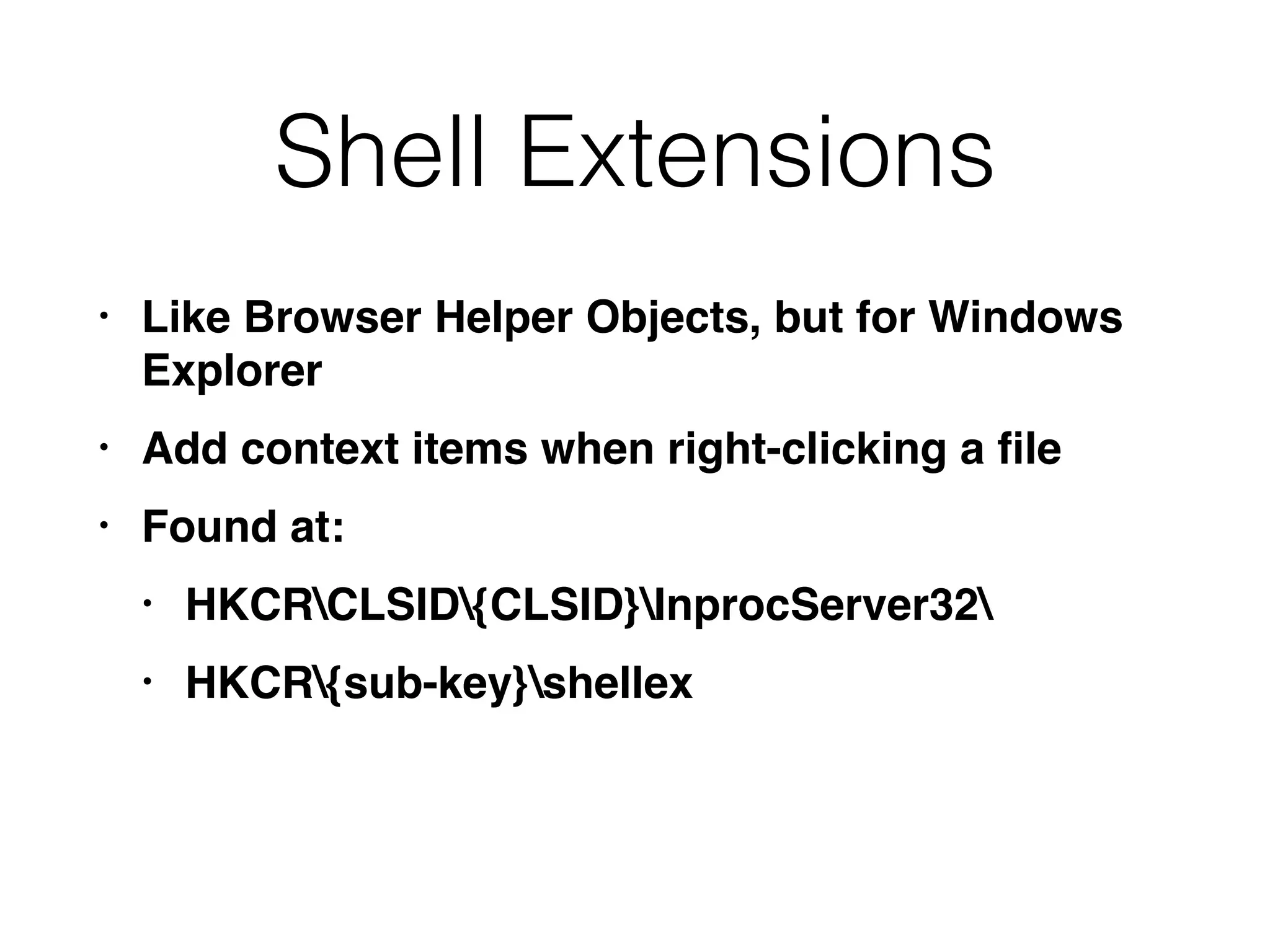
Shell Extensions
• Like Browser Helper Objects, but for Windows
Explorer
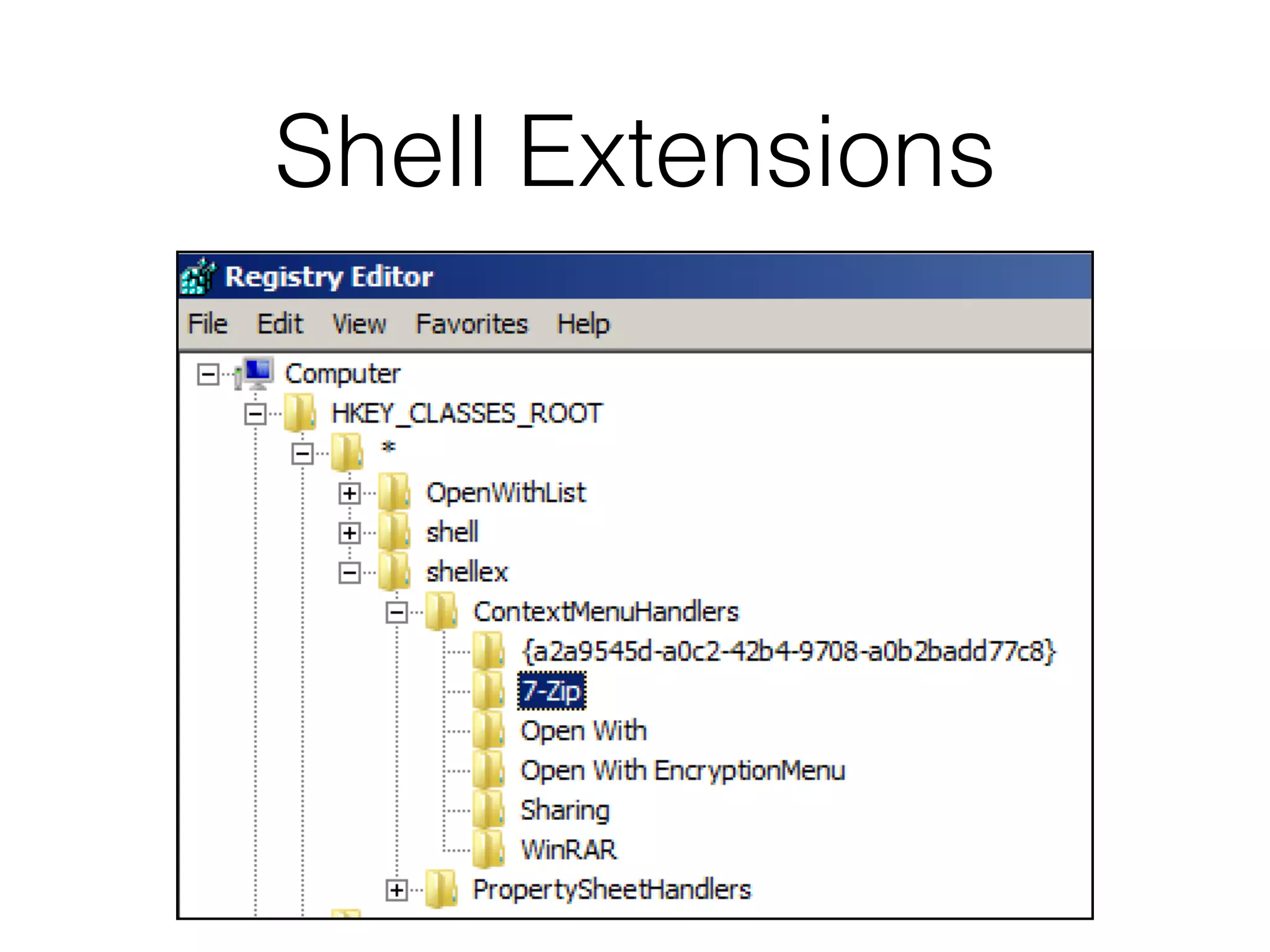
• Add context items when right-clicking a file
• Found at:
• HKCRCLSID{CLSID}InprocServer32
• HKCR{sub-key}shellex
Shell Extensions
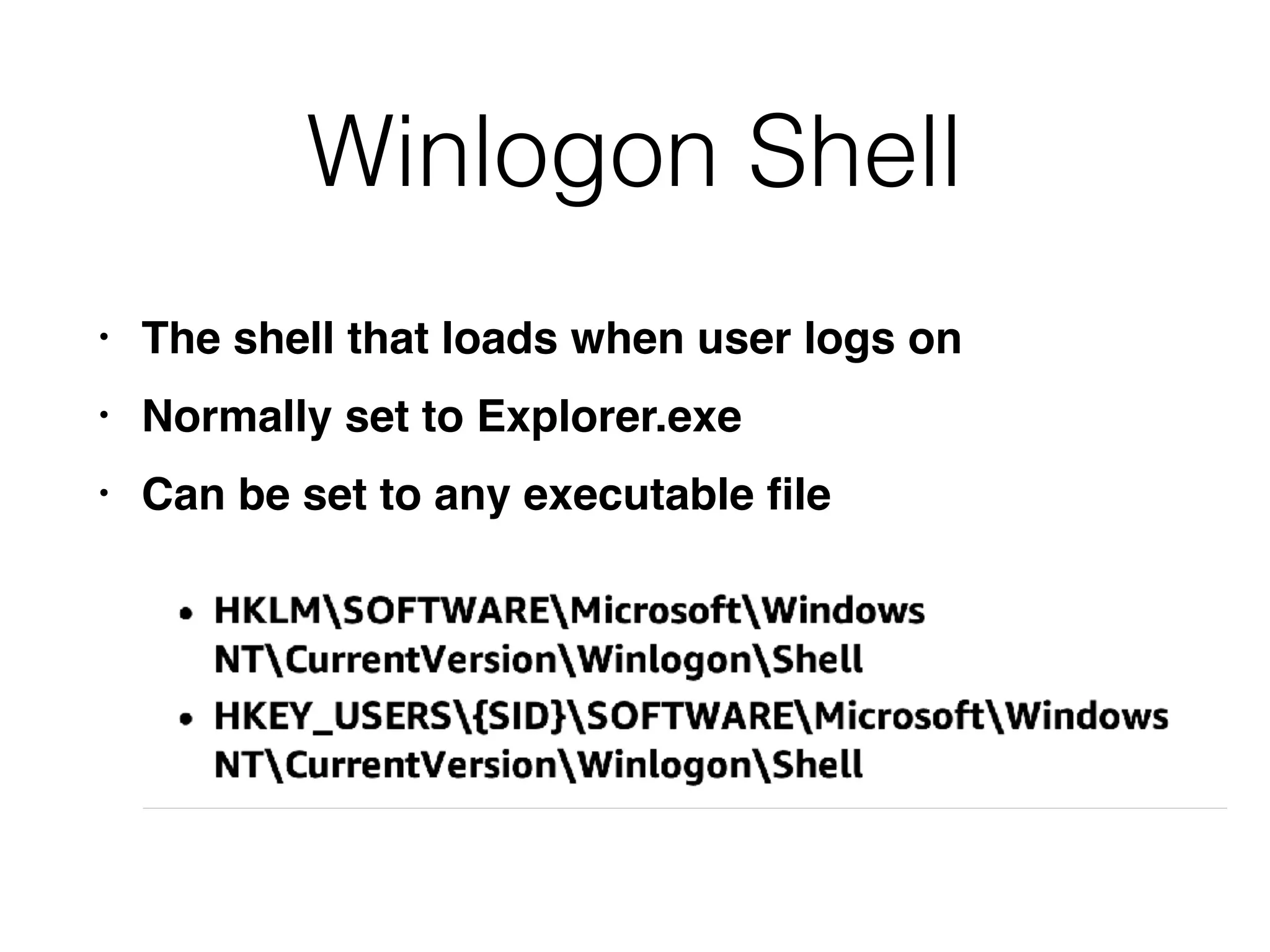
Winlogon Shell
• The shell that loads when user logs on
• Normally set to Explorer.exe
• Can be set to any executable file
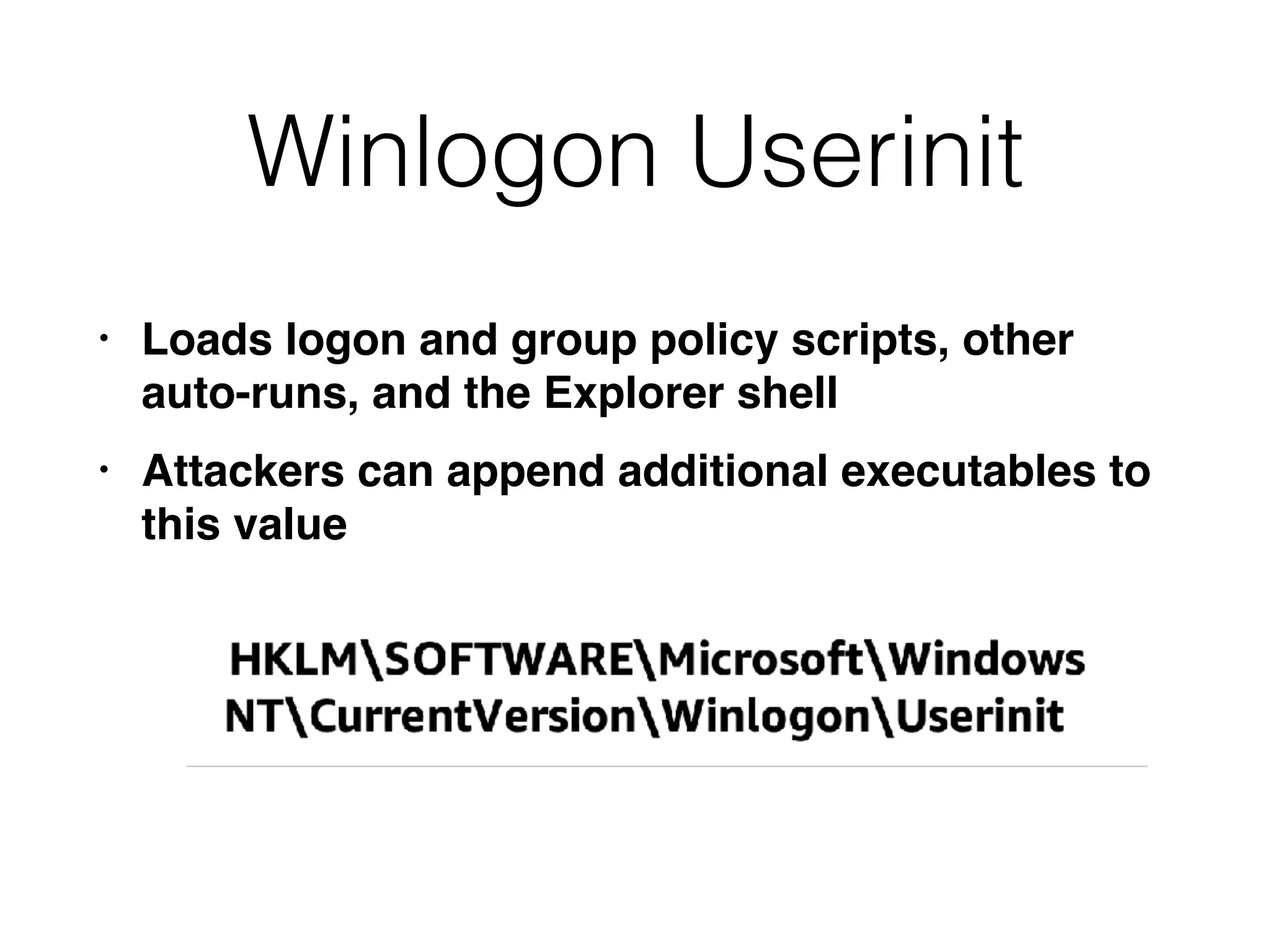
Winlogon Userinit
• Loads logon and group policy scripts, other
auto-runs, and the Explorer shell
• Attackers can append additional executables to
this value
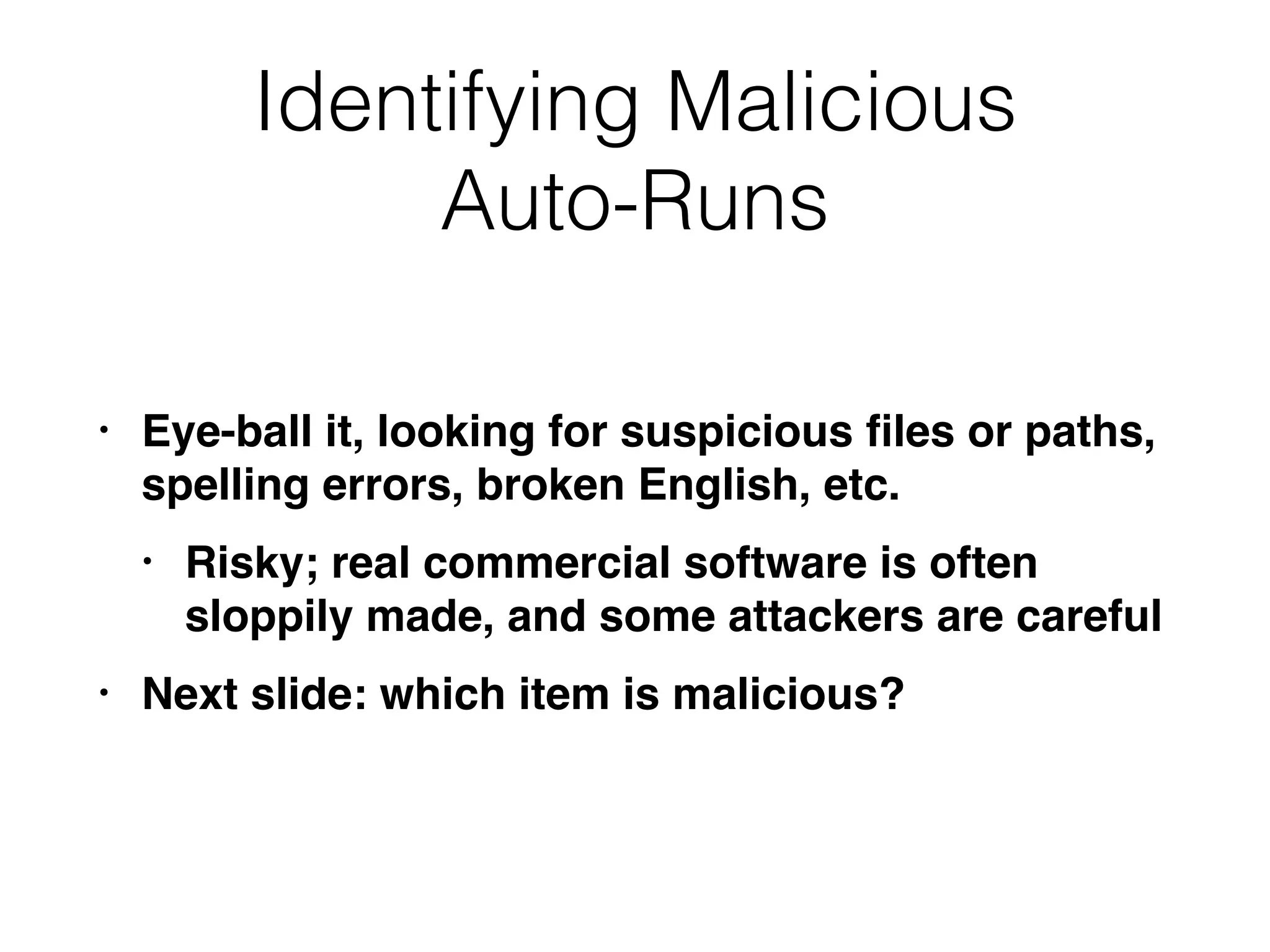
Identifying Malicious
Auto-Runs
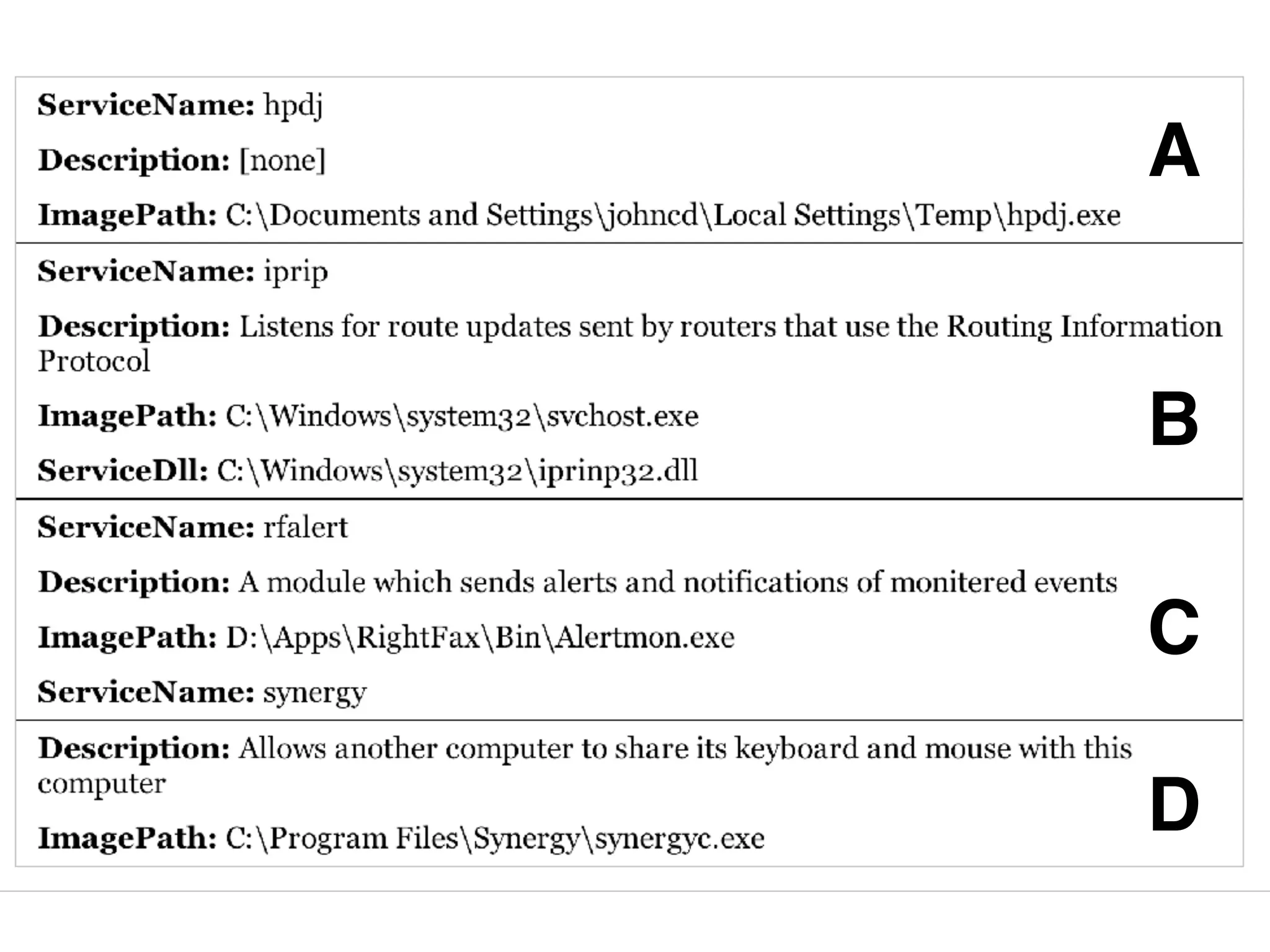
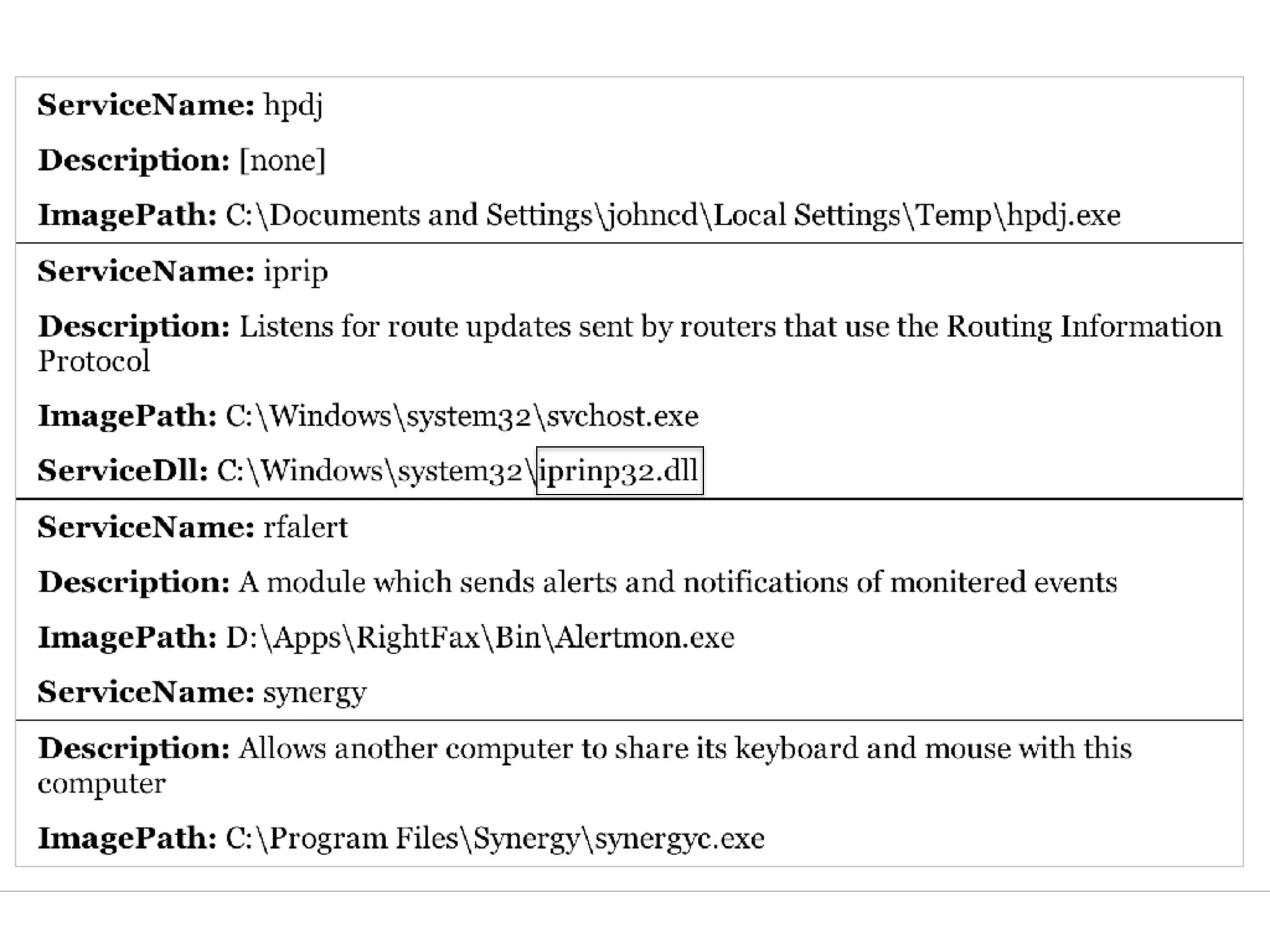
• Eye-ball it, looking for suspicious files or paths,
spelling errors, broken English, etc.
• Risky; real commercial software is often
sloppily made, and some attackers are careful
• Next slide: which item is malicious?
A
B
C
D
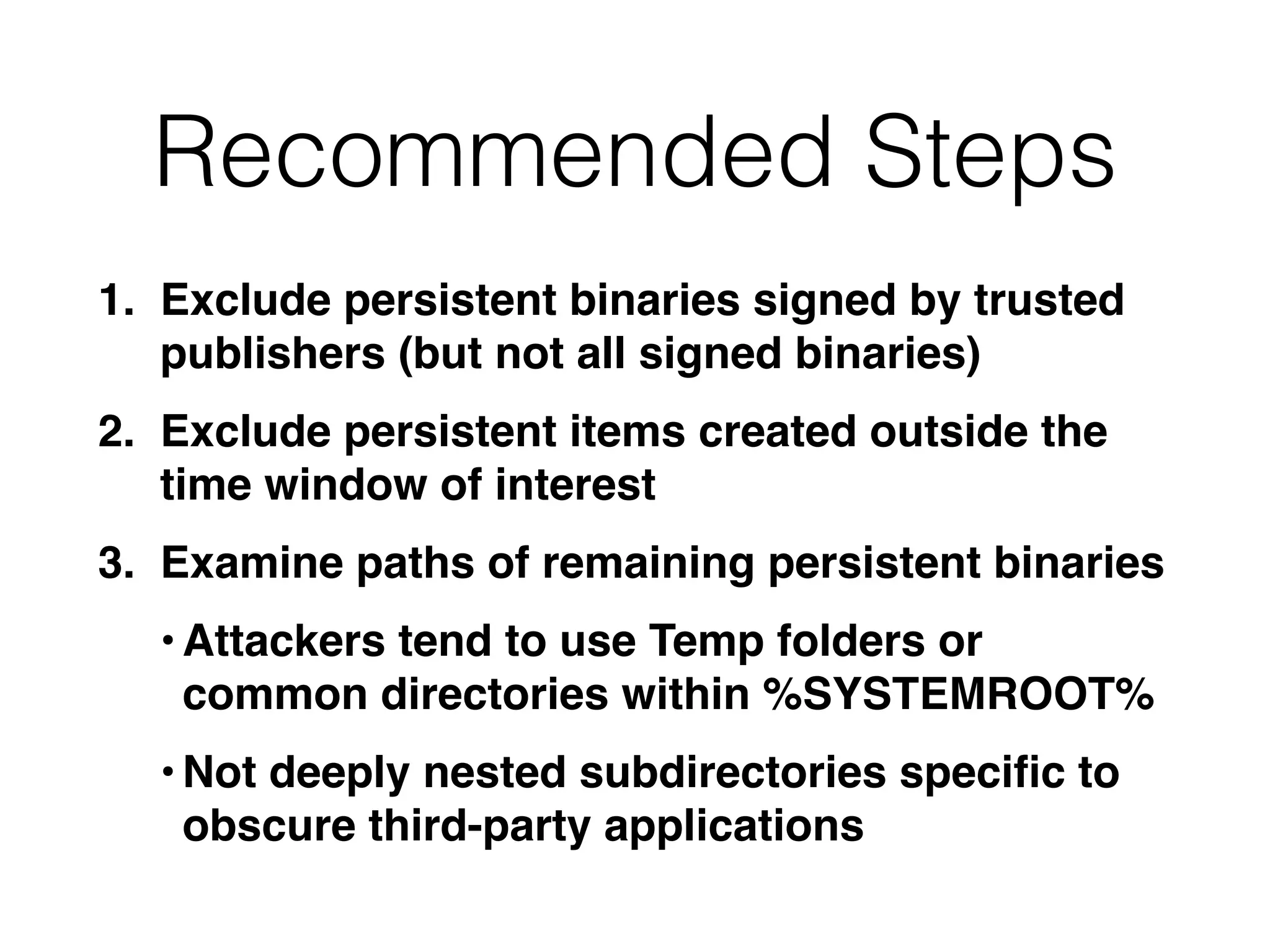
Recommended Steps
1. Exclude persistent binaries signed by trusted
publishers (but not all signed binaries)
2. Exclude persistent items created outside the
time window of interest
3. Examine paths of remaining persistent binaries
•Attackers tend to use Temp folders or
common directories within %SYSTEMROOT%
•Not deeply nested subdirectories specific to
obscure third-party applications
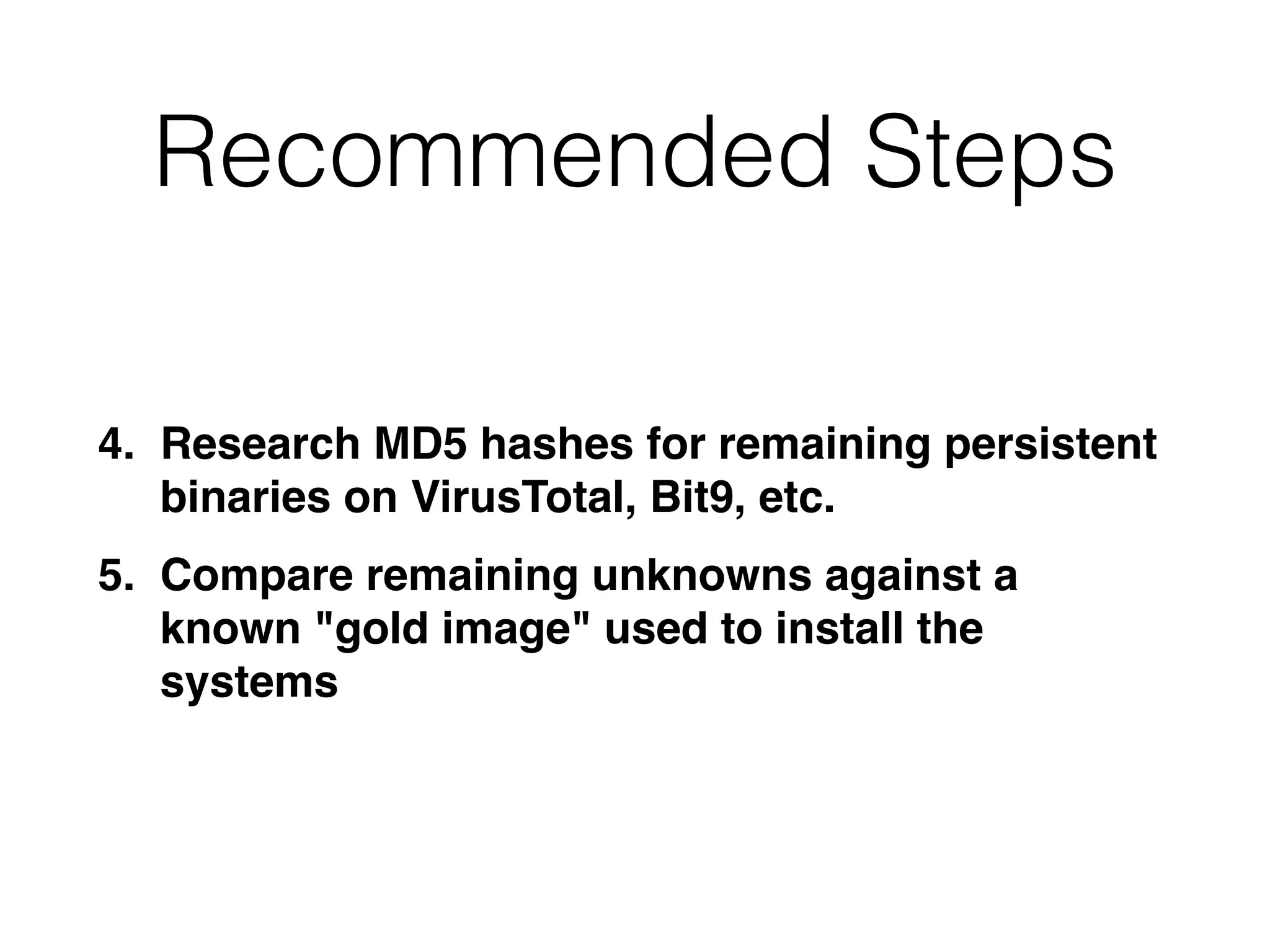
Recommended Steps
4. Research MD5 hashes for remaining persistent
binaries on VirusTotal, Bit9, etc.
5. Compare remaining unknowns against a
known "gold image" used to install the
systems
Tools
• Sysinternals AutoRuns
• Mandiant Redline
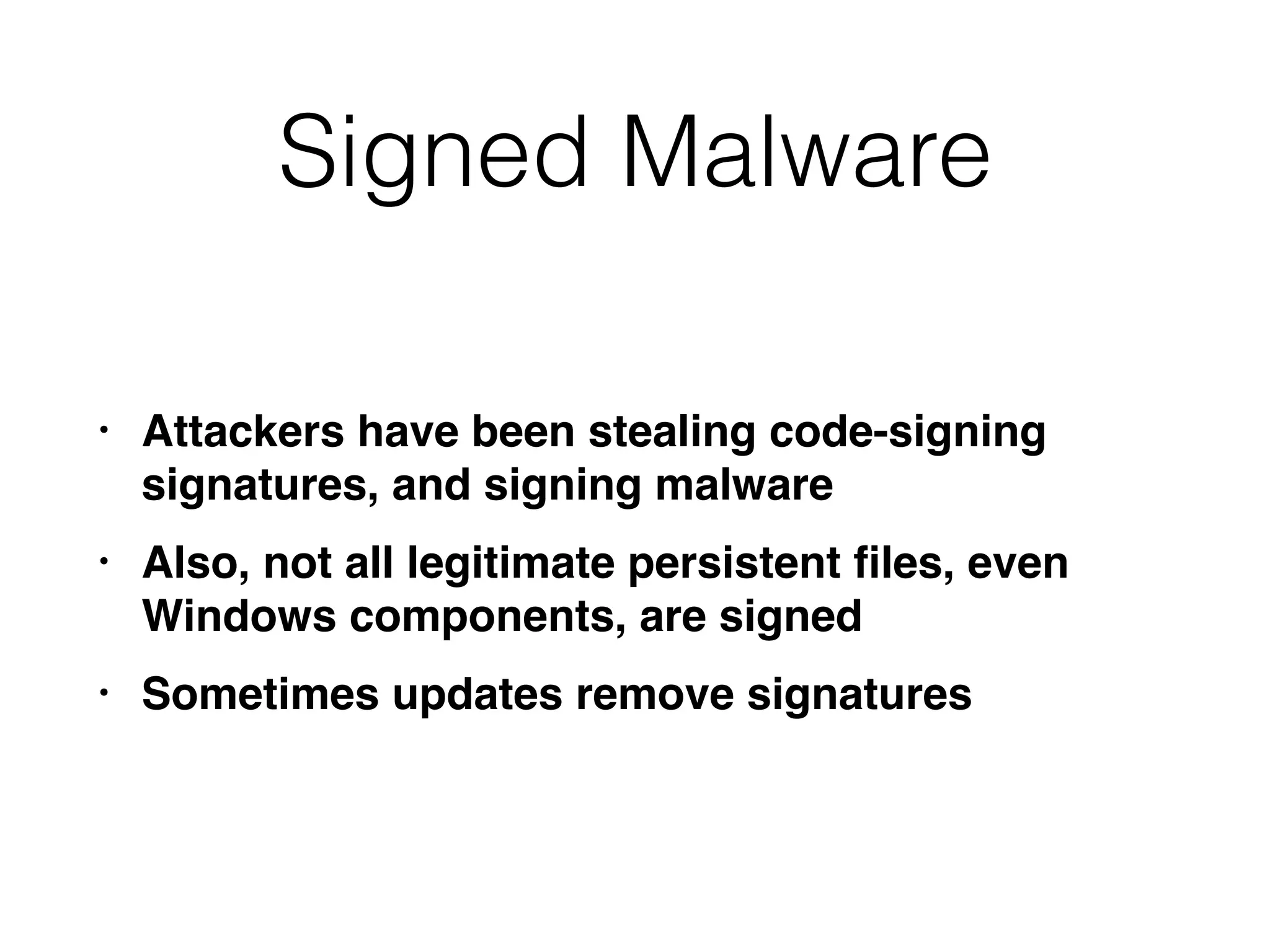
Signed Malware
• Attackers have been stealing code-signing
signatures, and signing malware
• Also, not all legitimate persistent files, even
Windows components, are signed
• Sometimes updates remove signatures
User Hive Registry Keys
Personalization
• User hive registry keys contain personalization
settings for each user
• First priority: compromised accounts
• Acquire NTUSER.DAT and USRCLASS.DAT
• Check machine accounts, such as
NetworkService and LocalSystem
• May also contain evidence
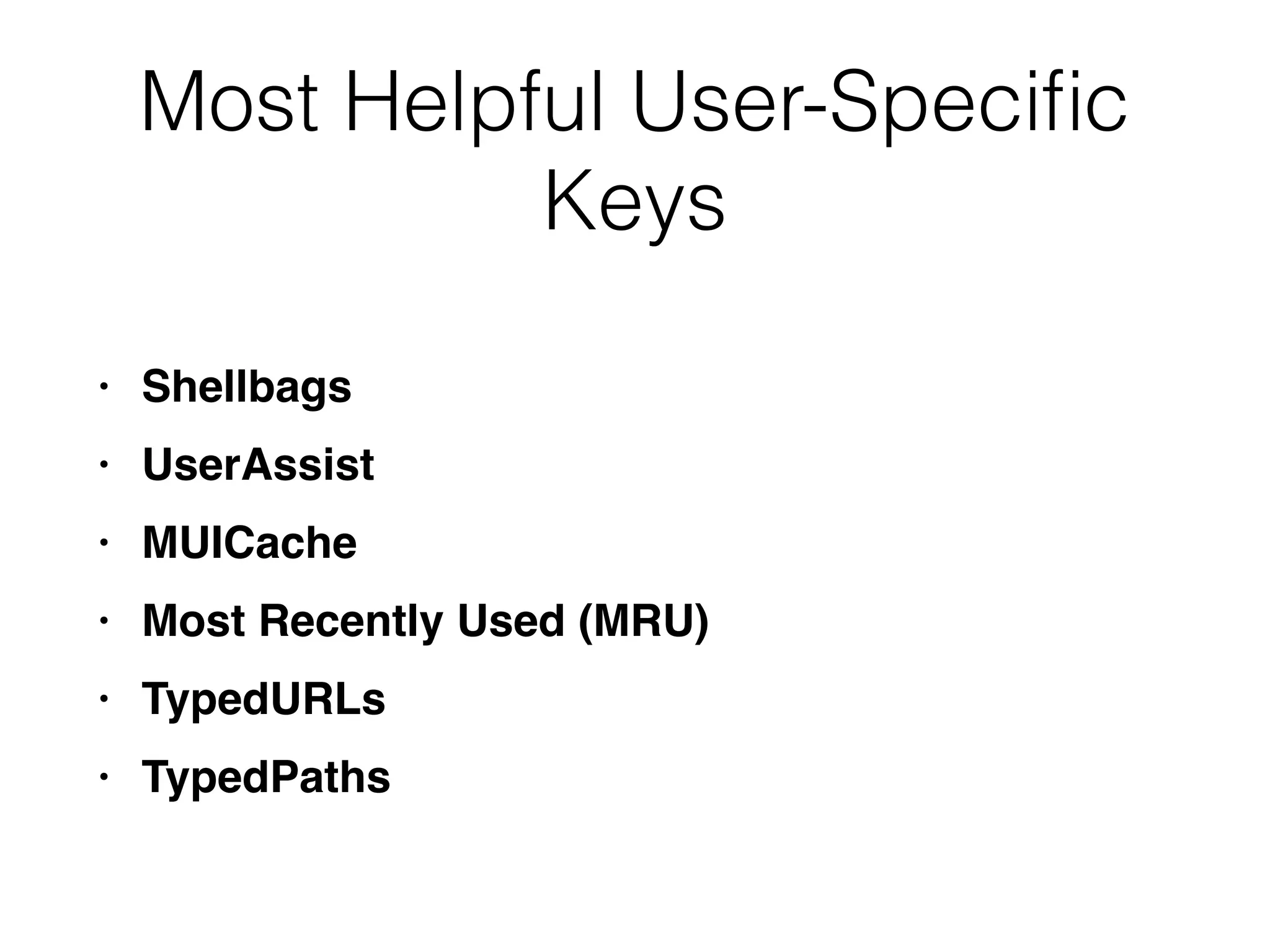
Most Helpful User-Specific
Keys
• Shellbags
• UserAssist
• MUICache
• Most Recently Used (MRU)
• TypedURLs
• TypedPaths
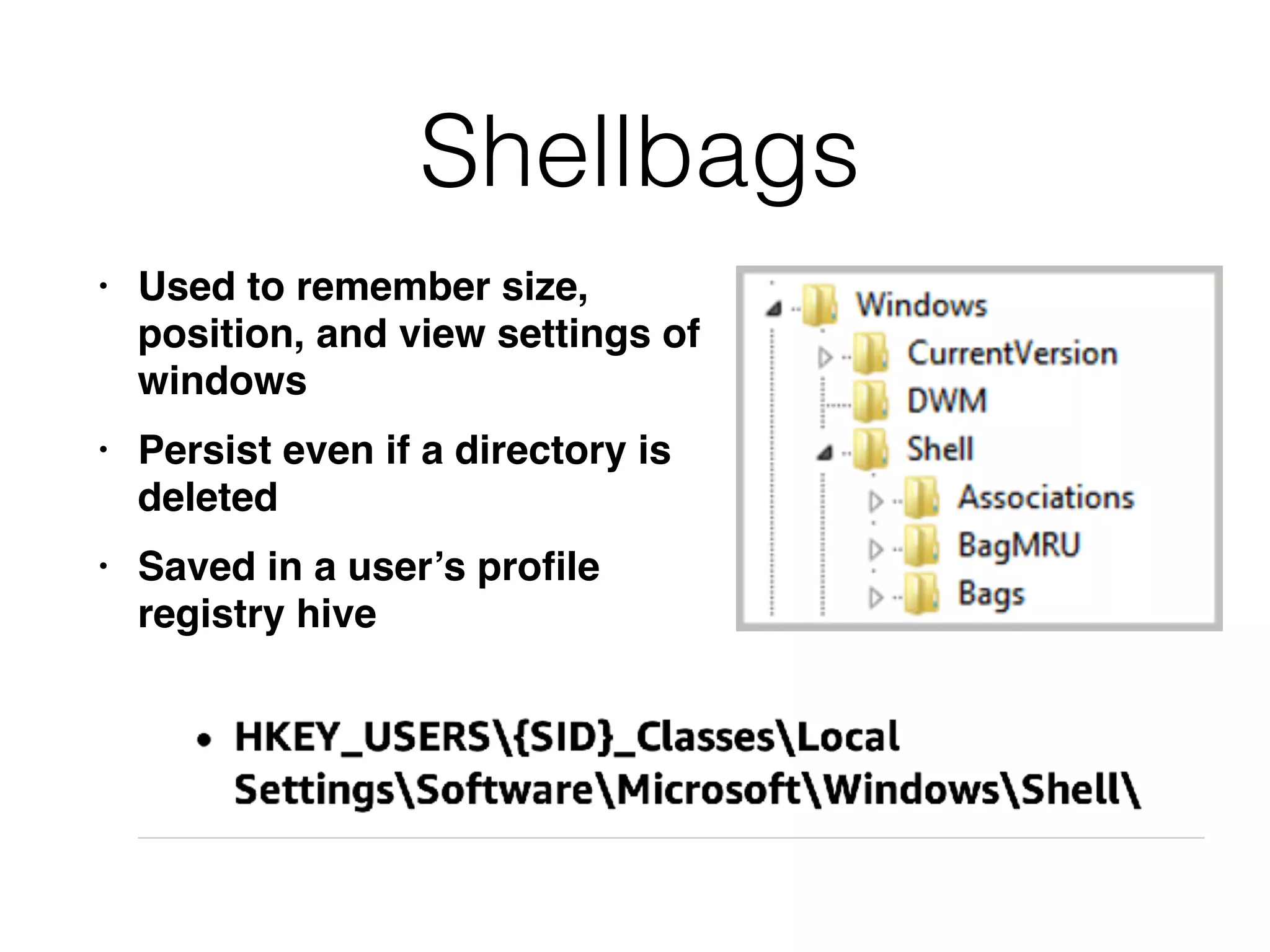
Shellbags
• Used to remember size,
position, and view settings of
windows
• Persist even if a directory is
deleted
• Saved in a user’s profile
registry hive
Shellbags Contain
• Full directory paths accessed via Explorer
• Date and time of access
• Modified, Accessed, and Created times of each
path recorded when the access occurred
• Such historical records are very useful to track
attacker actions
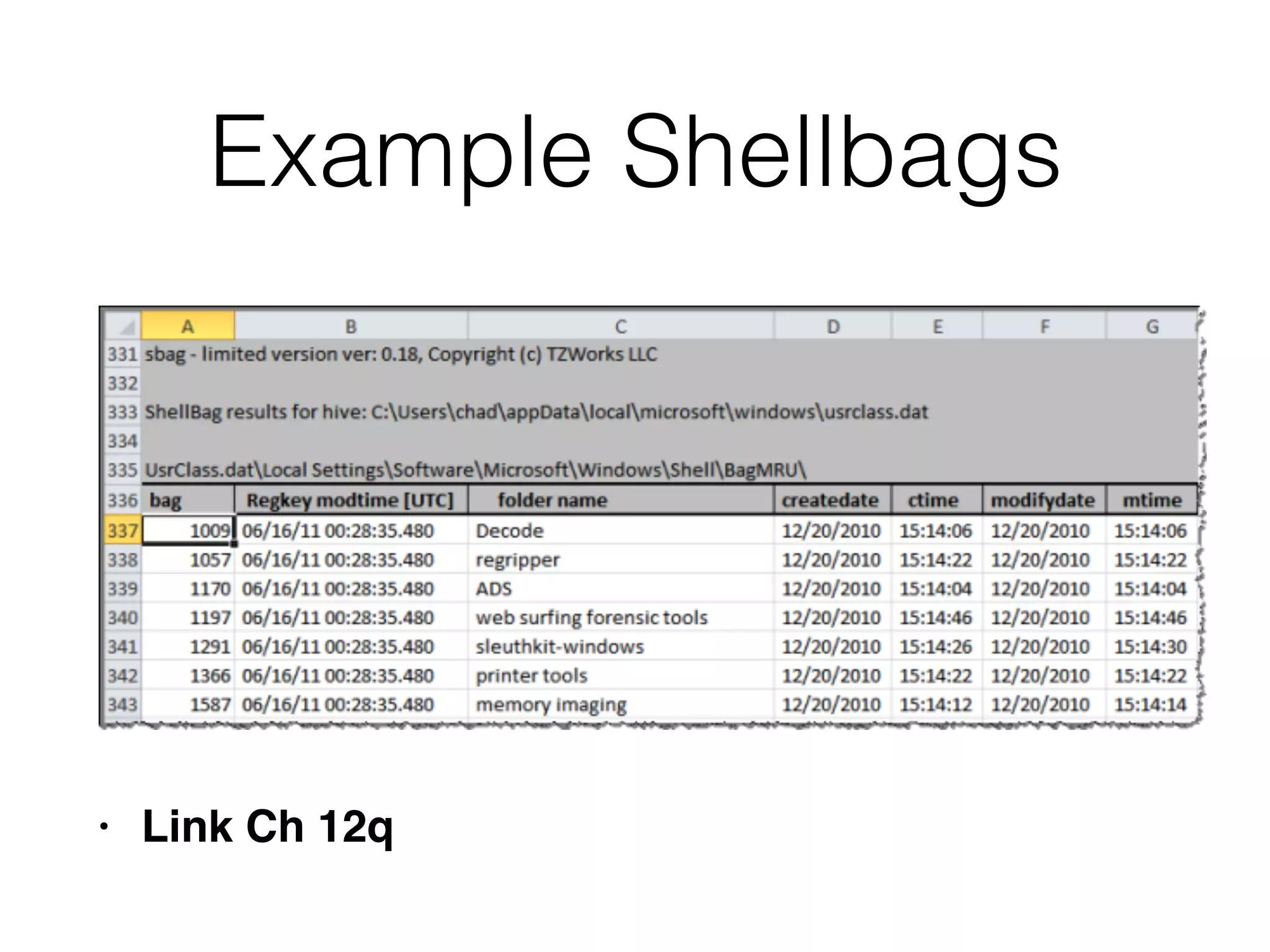
Example Shellbags
• Link Ch 12q
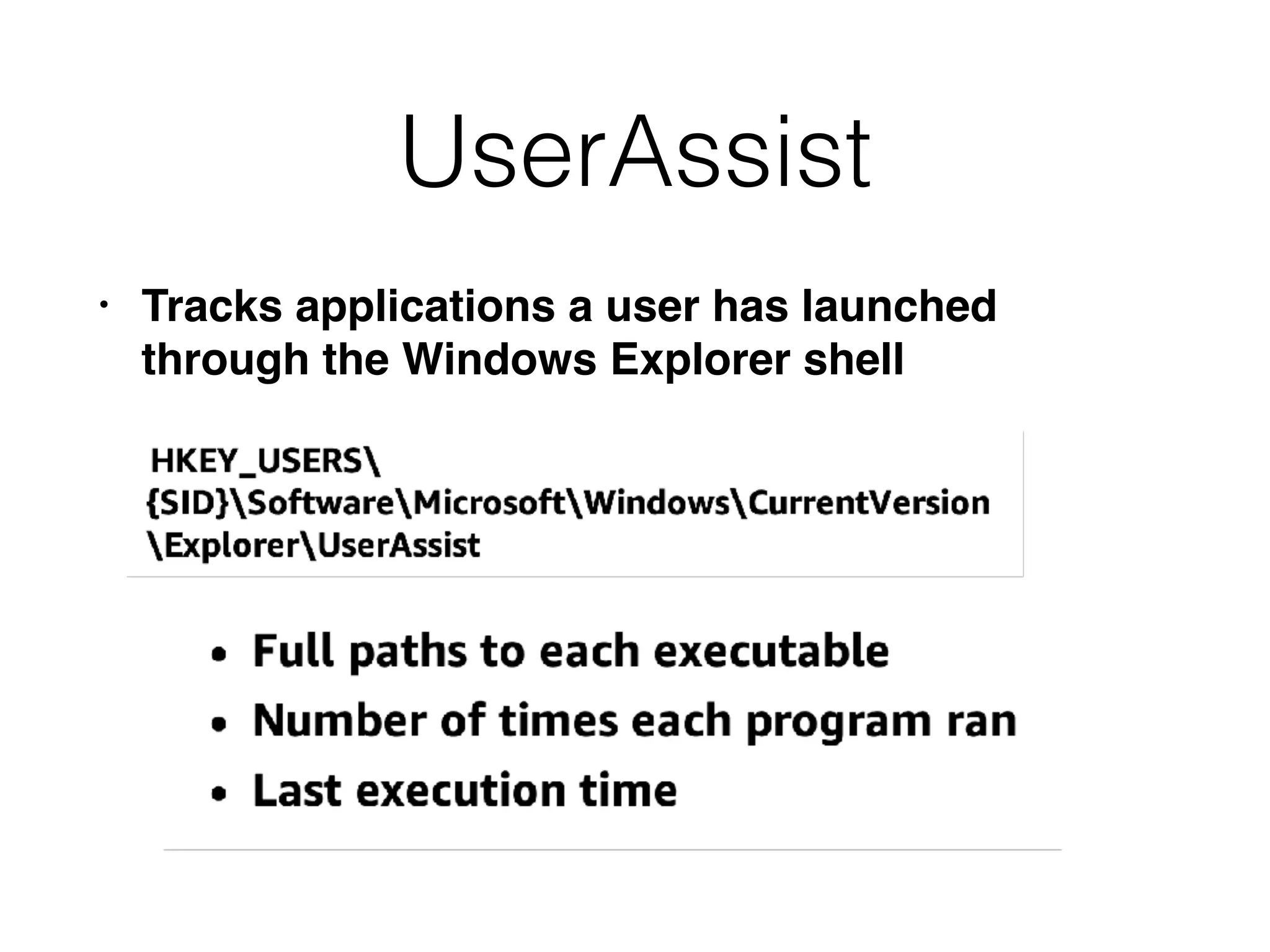
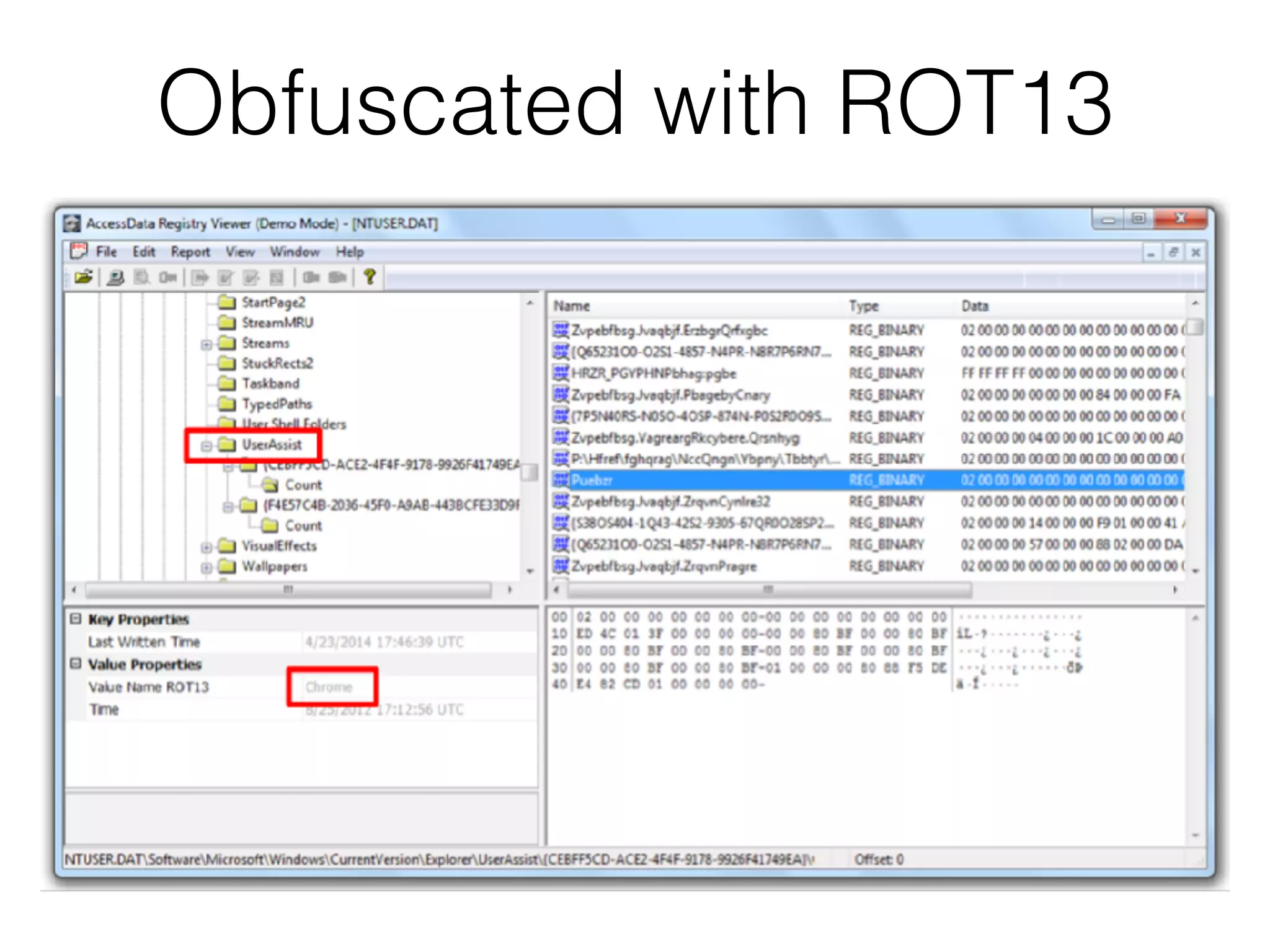
UserAssist
• Tracks applications a user has launched
through the Windows Explorer shell
UserAssist v. Prefetch
• UserAssist only tracks items opened via
Explorer
• Including from the Run box and Start menu
• But not from the command prompt
• Prefetch files don't identify which user executed
a program
Obfuscated with ROT13
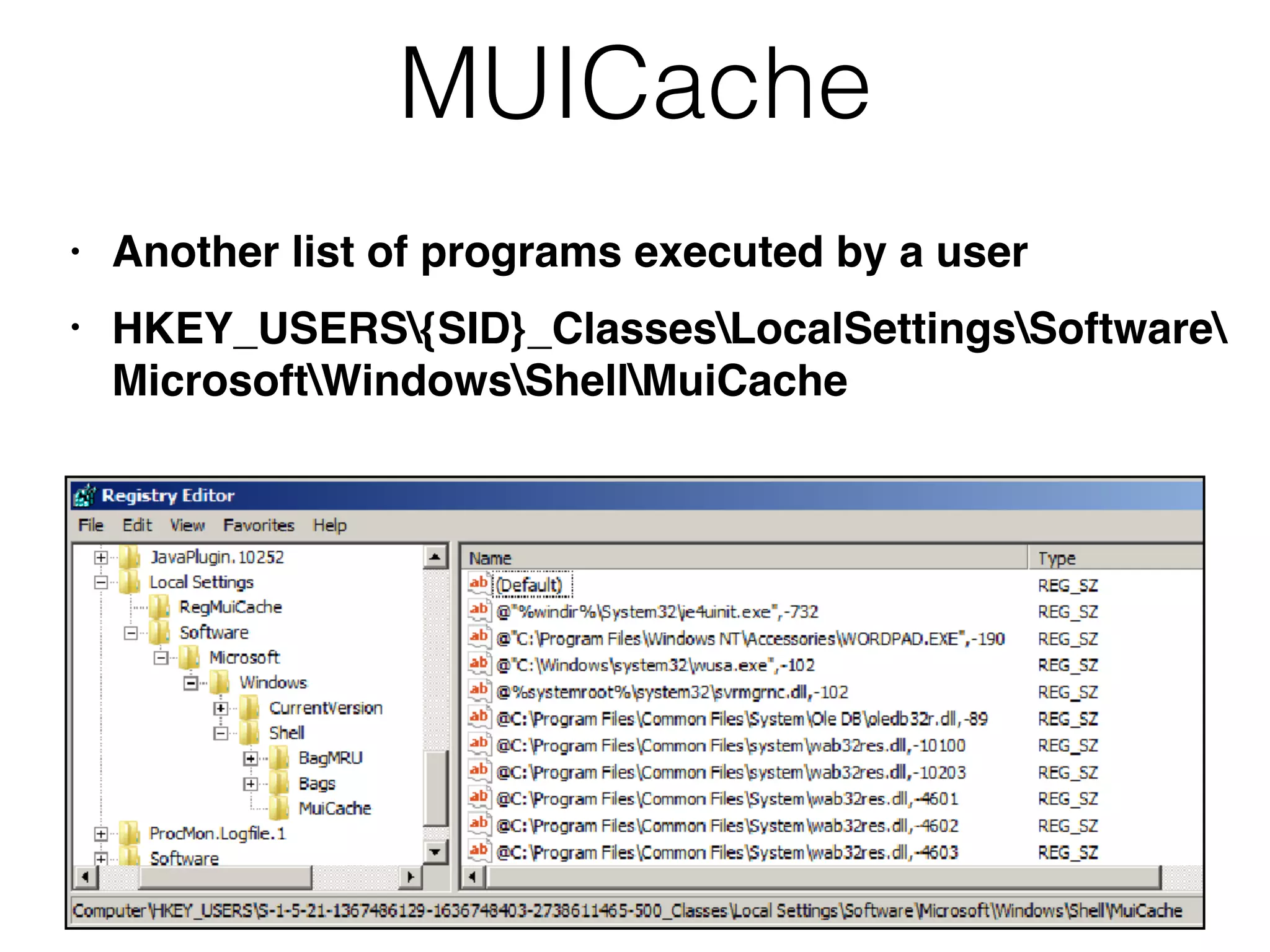
MUICache
• Another list of programs executed by a user
• HKEY_USERS{SID}_ClassesLocalSettingsSoftware

MicrosoftWindowsShellMuiCache
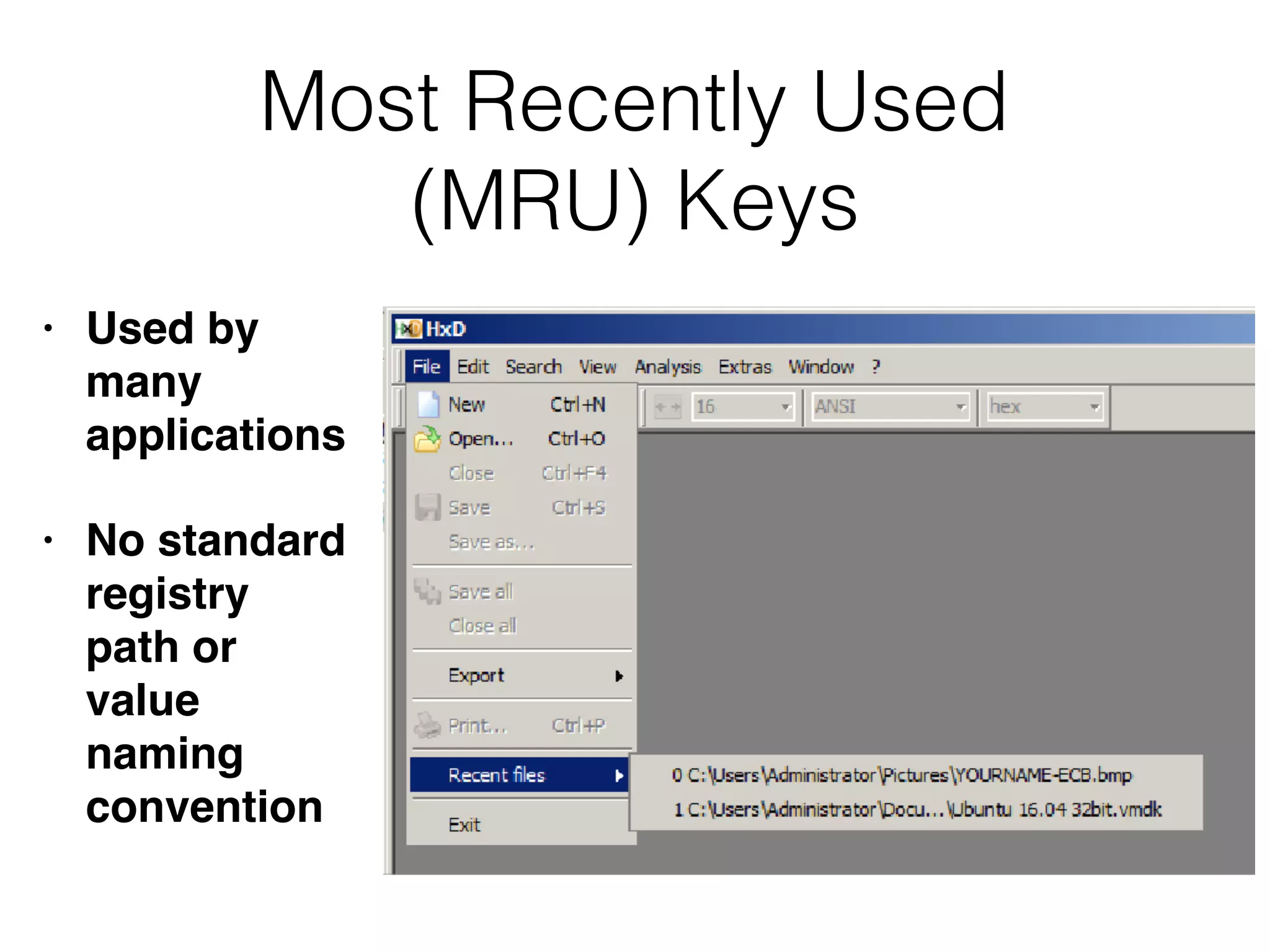
Most Recently Used
(MRU) Keys
• Used by
many
applications
• No standard
registry
path or
value
naming
convention
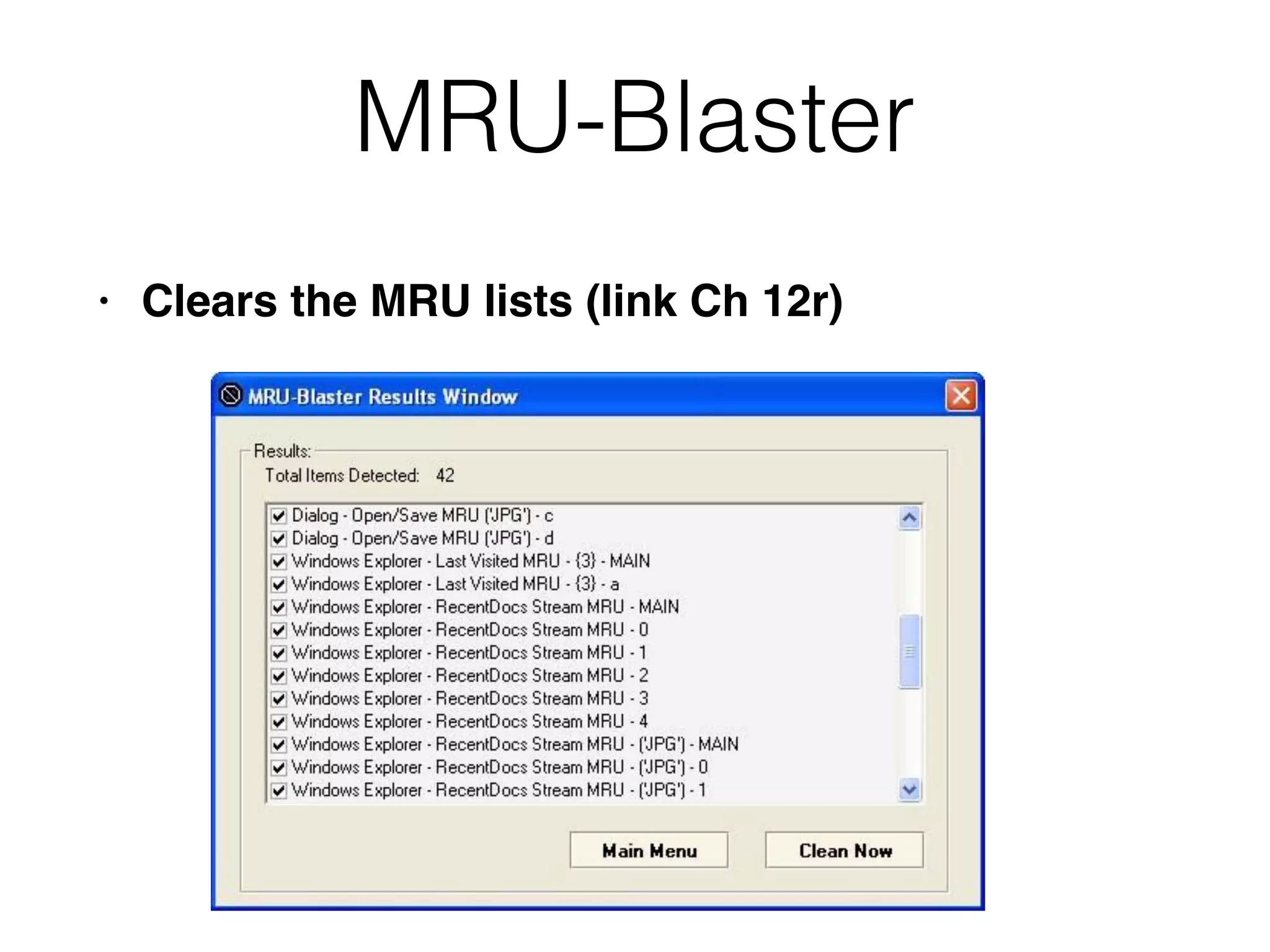
MRU-Blaster
• Clears the MRU lists (link Ch 12r)
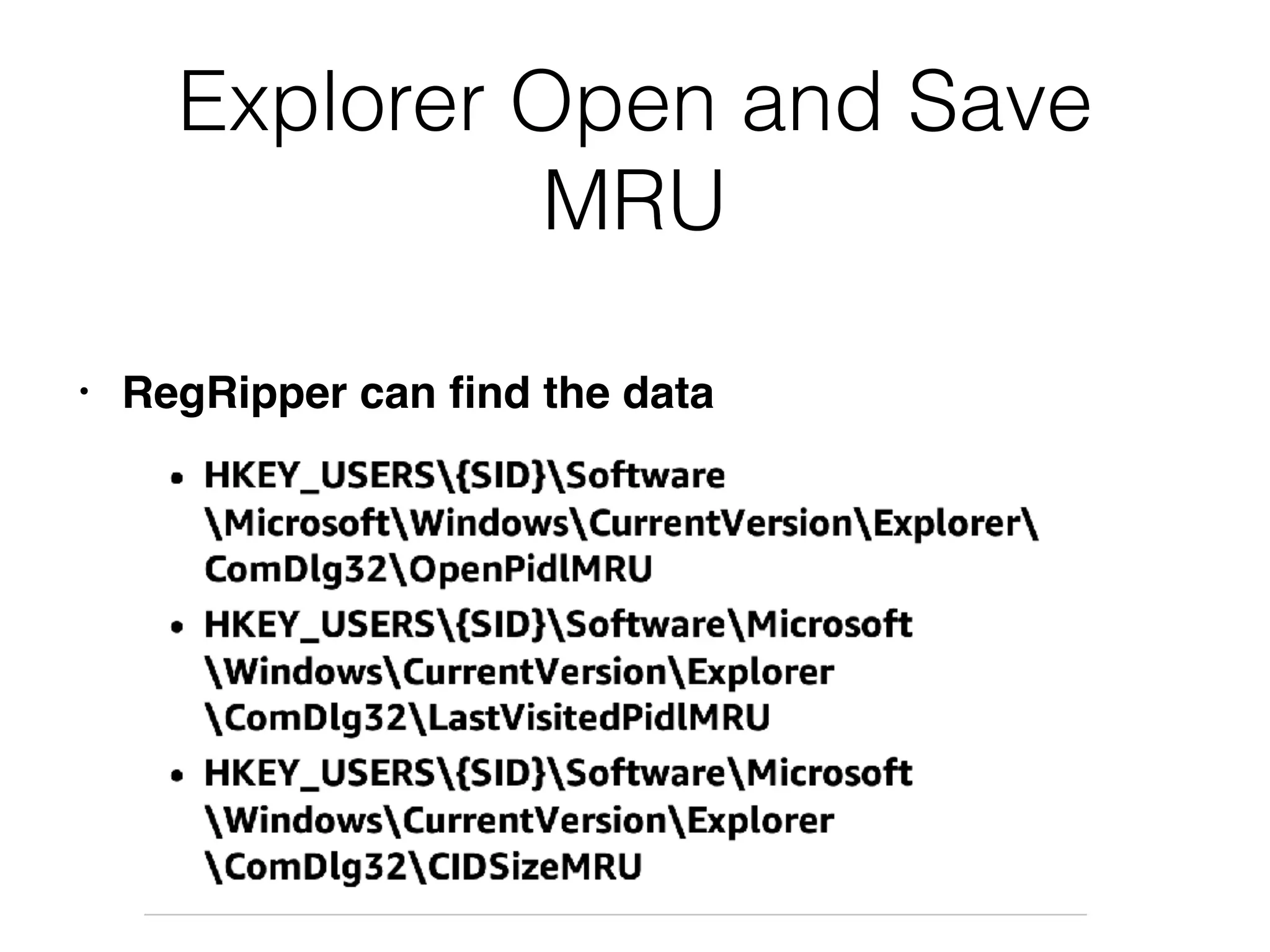
Explorer Open and Save
MRU
• RegRipper can find the data
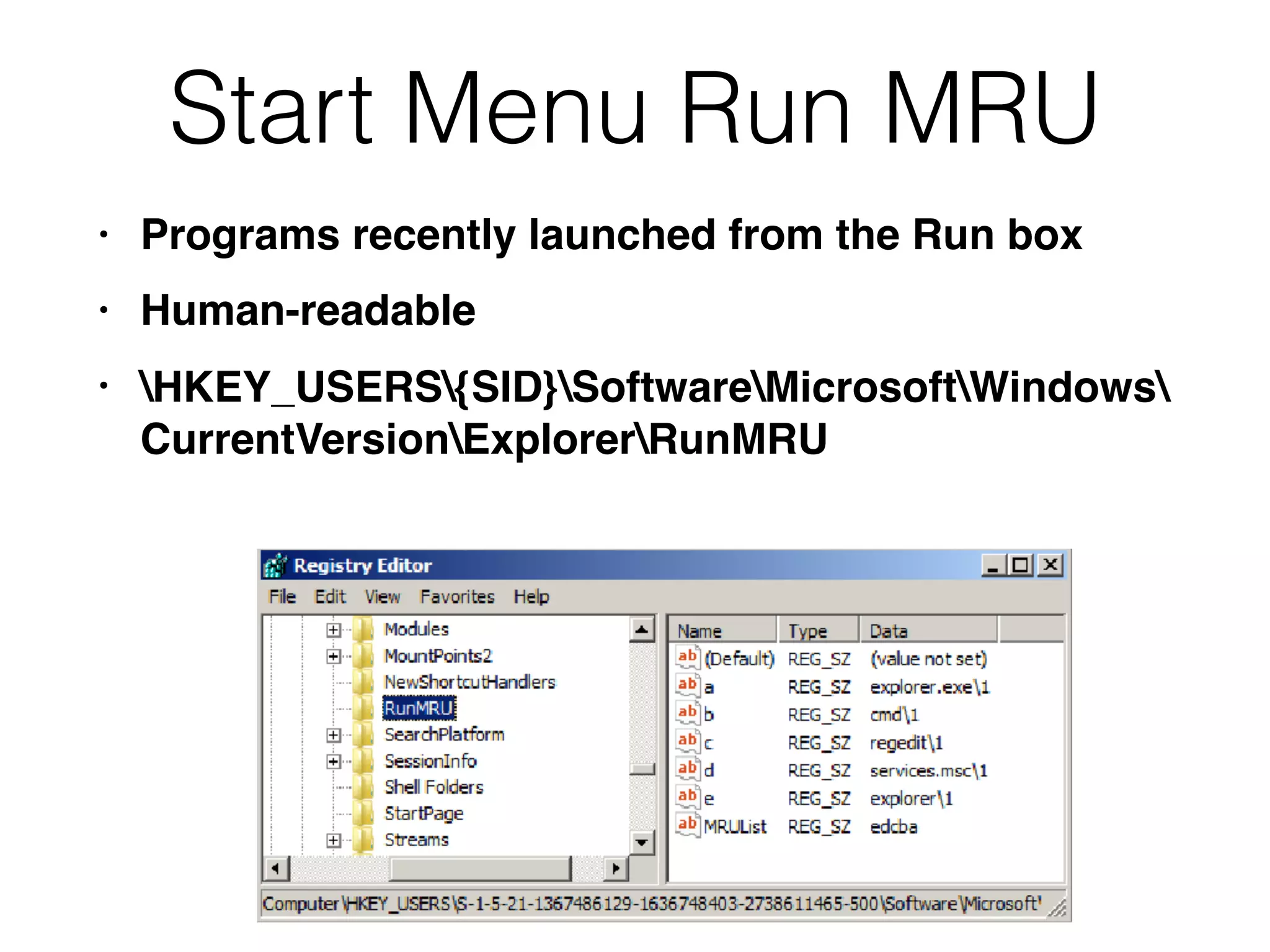
Start Menu Run MRU
• Programs recently launched from the Run box
• Human-readable
• HKEY_USERS{SID}SoftwareMicrosoftWindows

CurrentVersionExplorerRunMRU
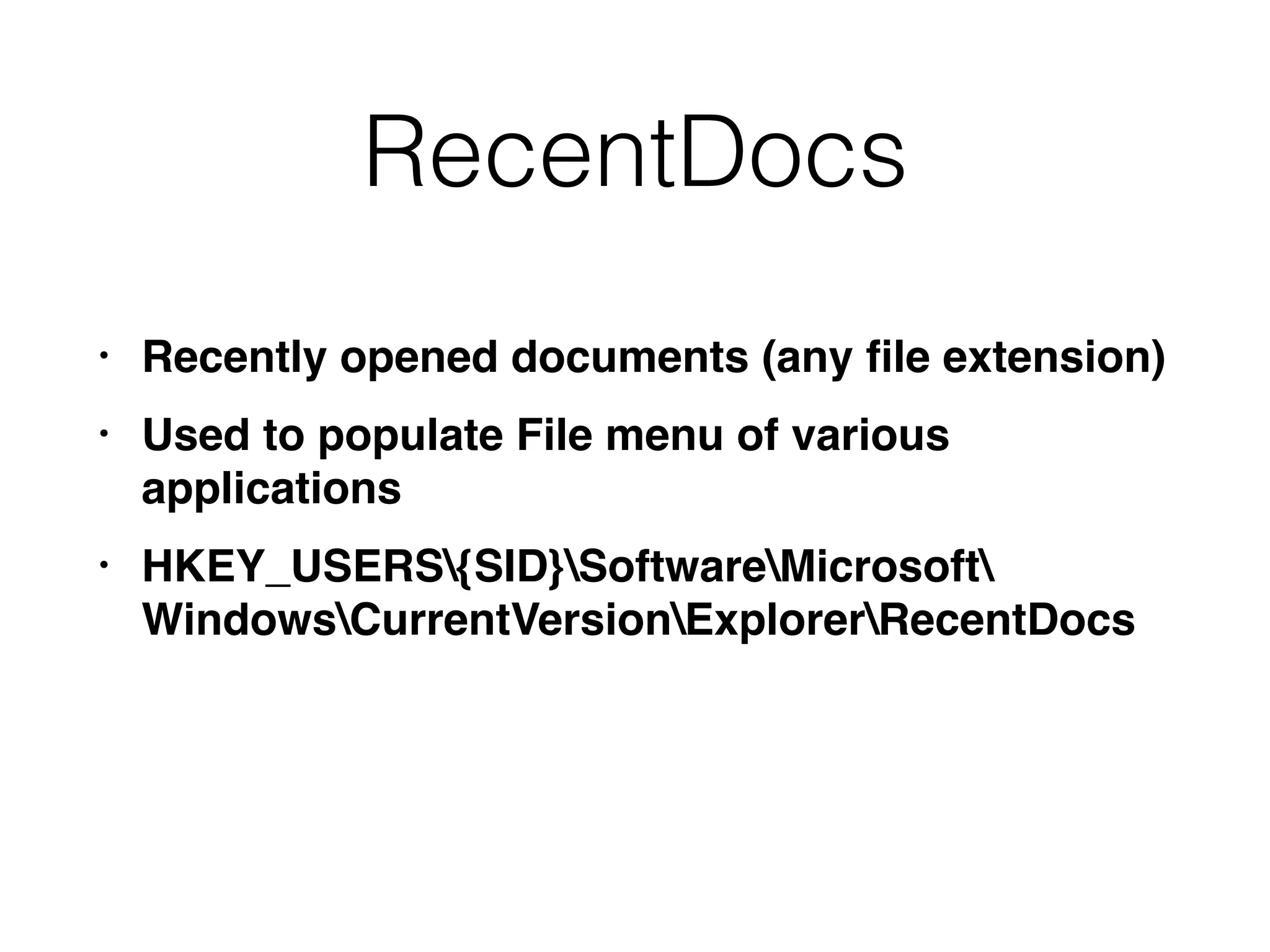
RecentDocs
• Recently opened documents (any file extension)
• Used to populate File menu of various
applications
• HKEY_USERS{SID}SoftwareMicrosoft

WindowsCurrentVersionExplorerRecentDocs
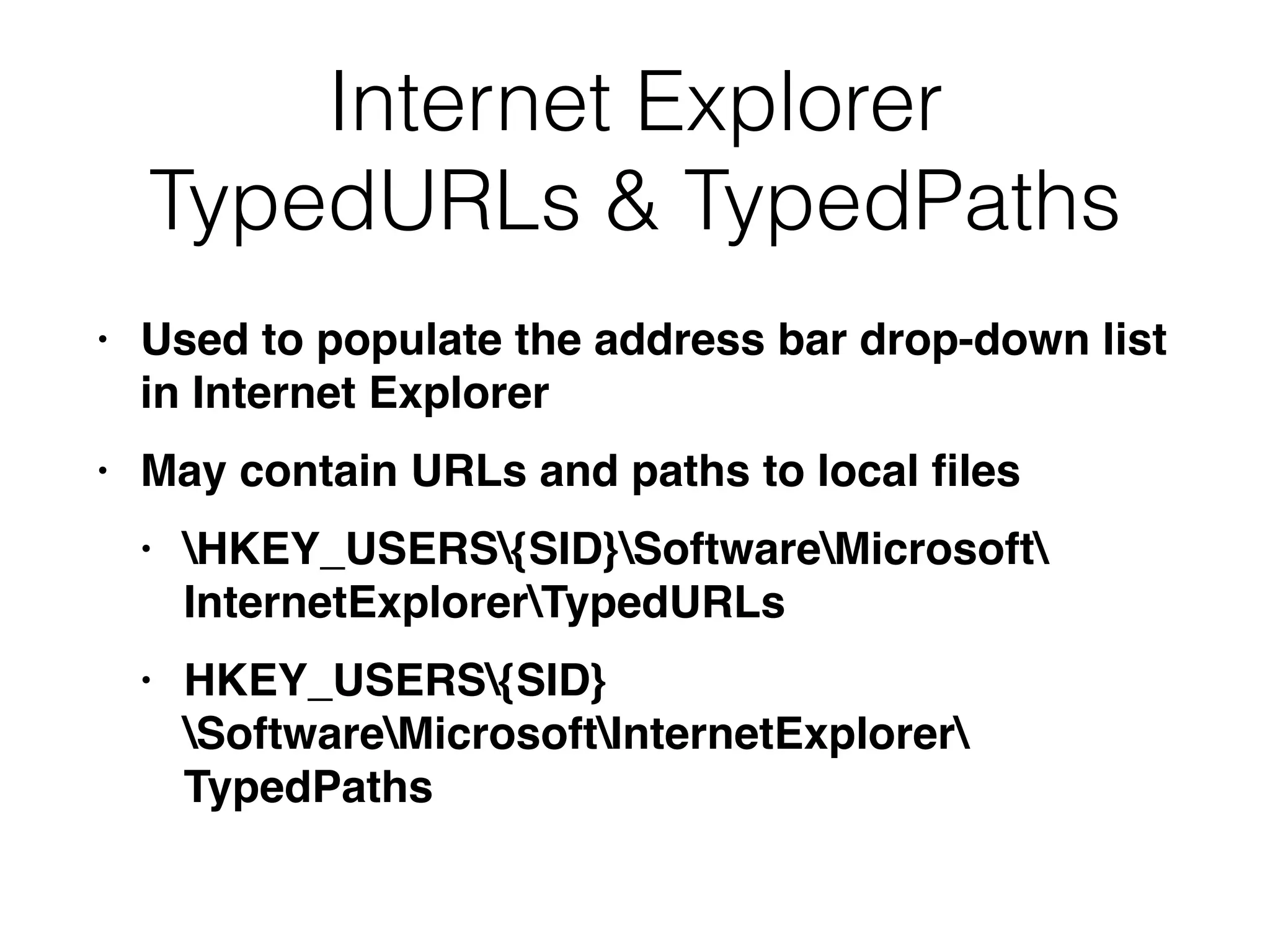
Internet Explorer
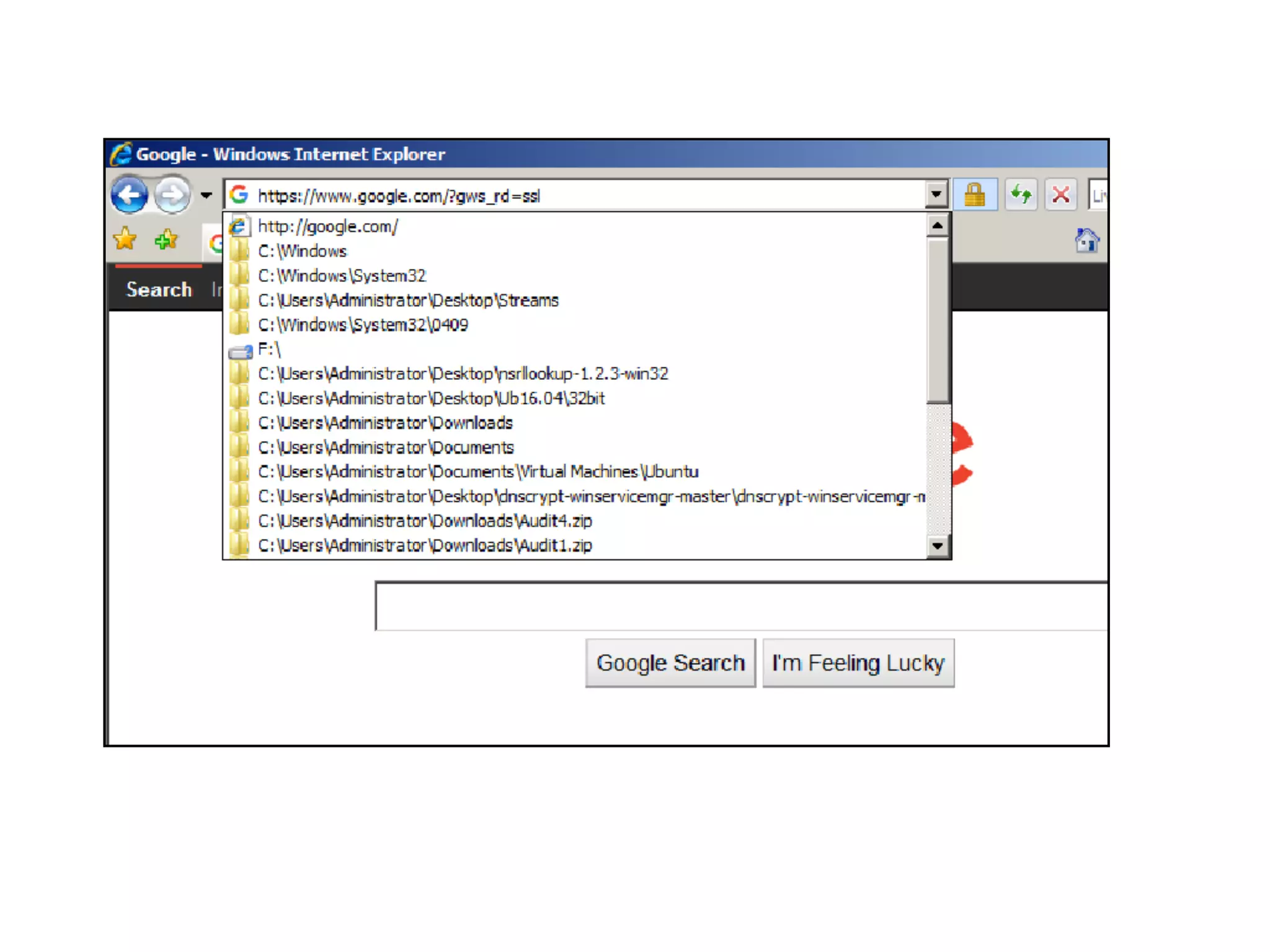
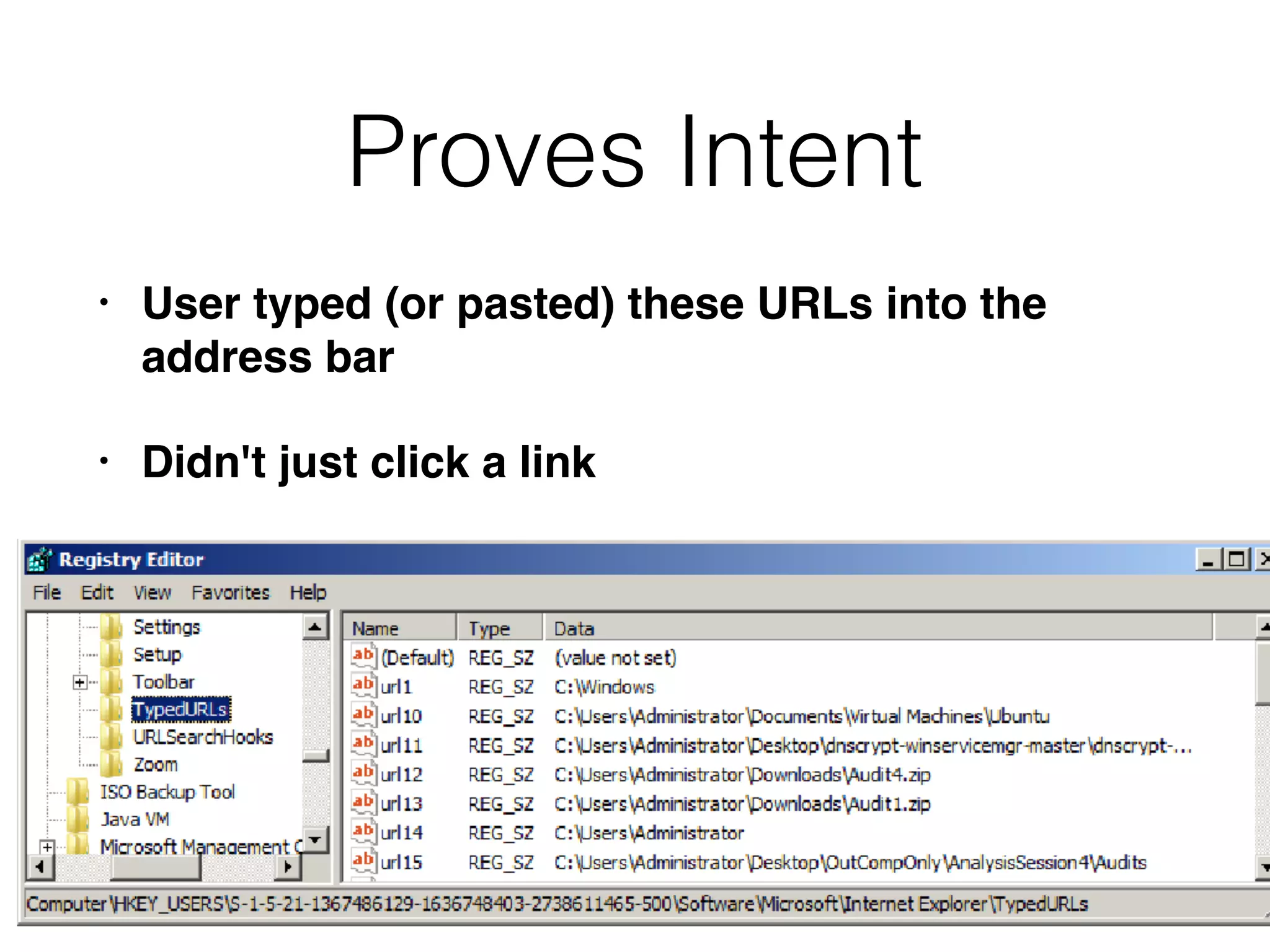
TypedURLs & TypedPaths
• Used to populate the address bar drop-down list
in Internet Explorer
• May contain URLs and paths to local files
• HKEY_USERS{SID}SoftwareMicrosoft

InternetExplorerTypedURLs
• HKEY_USERS{SID}
SoftwareMicrosoftInternetExplorer

TypedPaths
Proves Intent
• User typed (or pasted) these URLs into the
address bar
• Didn't just click a link
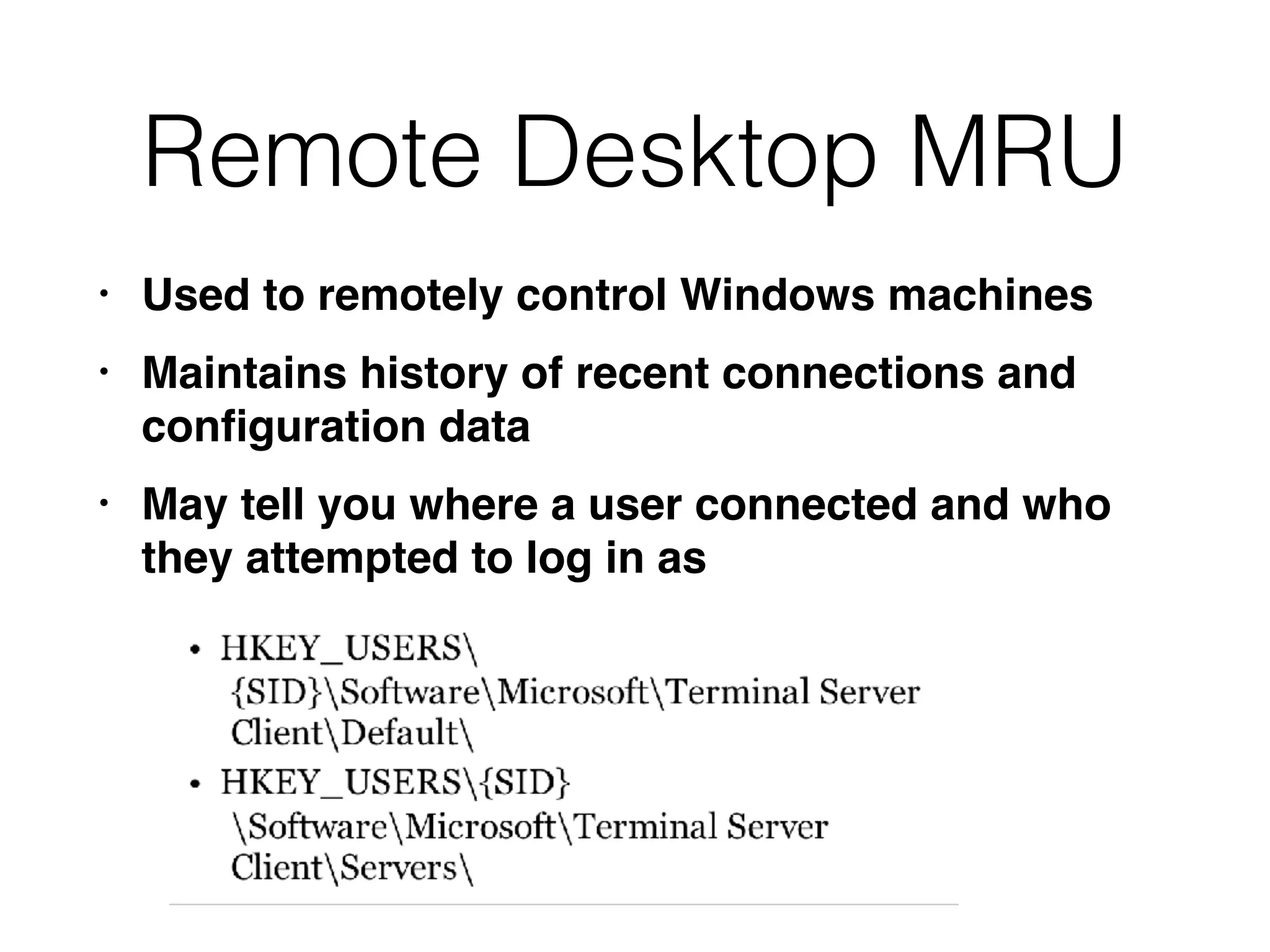
Remote Desktop MRU
• Used to remotely control Windows machines
• Maintains history of recent connections and
configuration data
• May tell you where a user connected and who
they attempted to log in as
Registry Analysis Tools
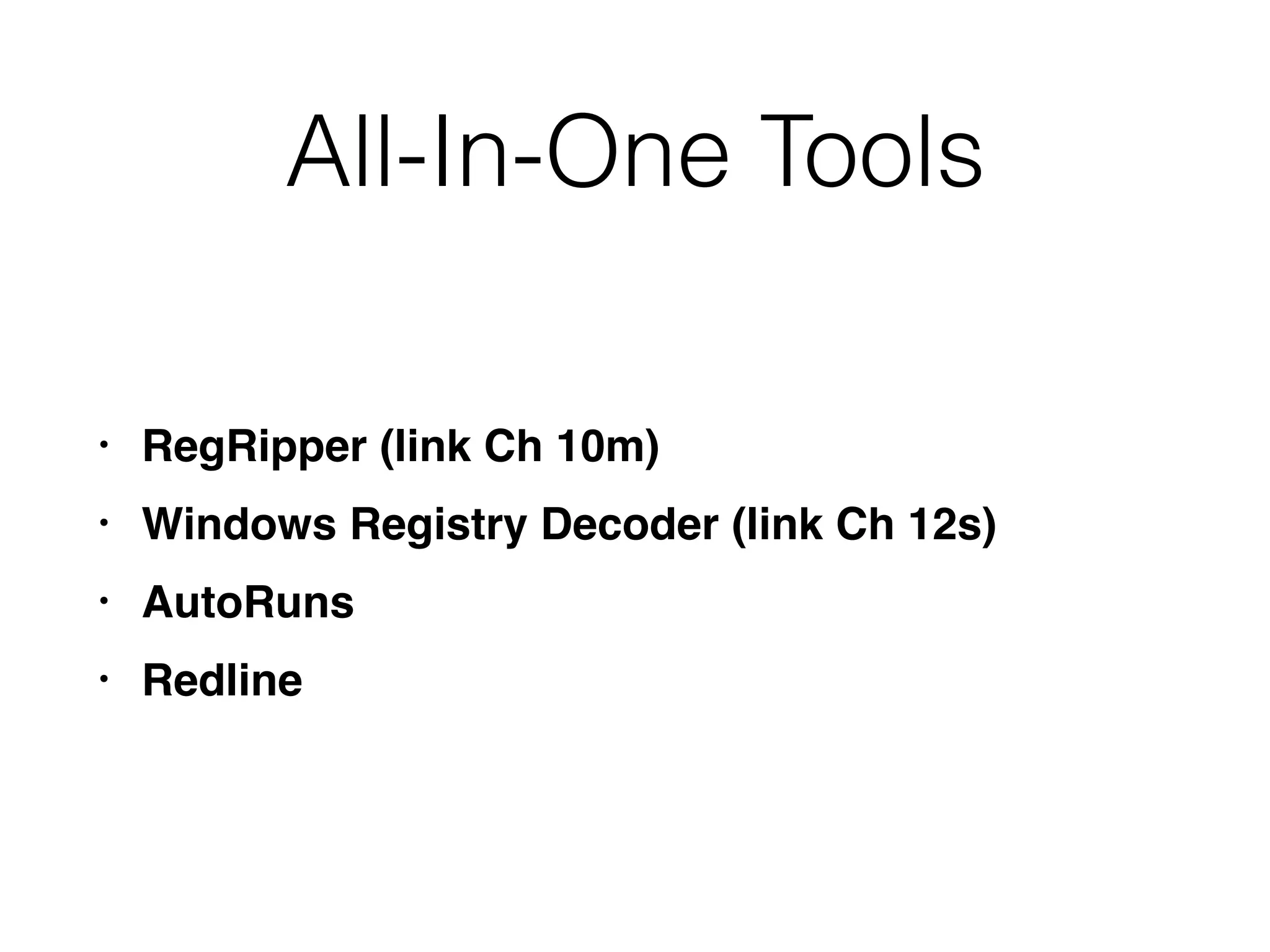
All-In-One Tools
• RegRipper (link Ch 10m)
• Windows Registry Decoder (link Ch 12s)
• AutoRuns
• Redline
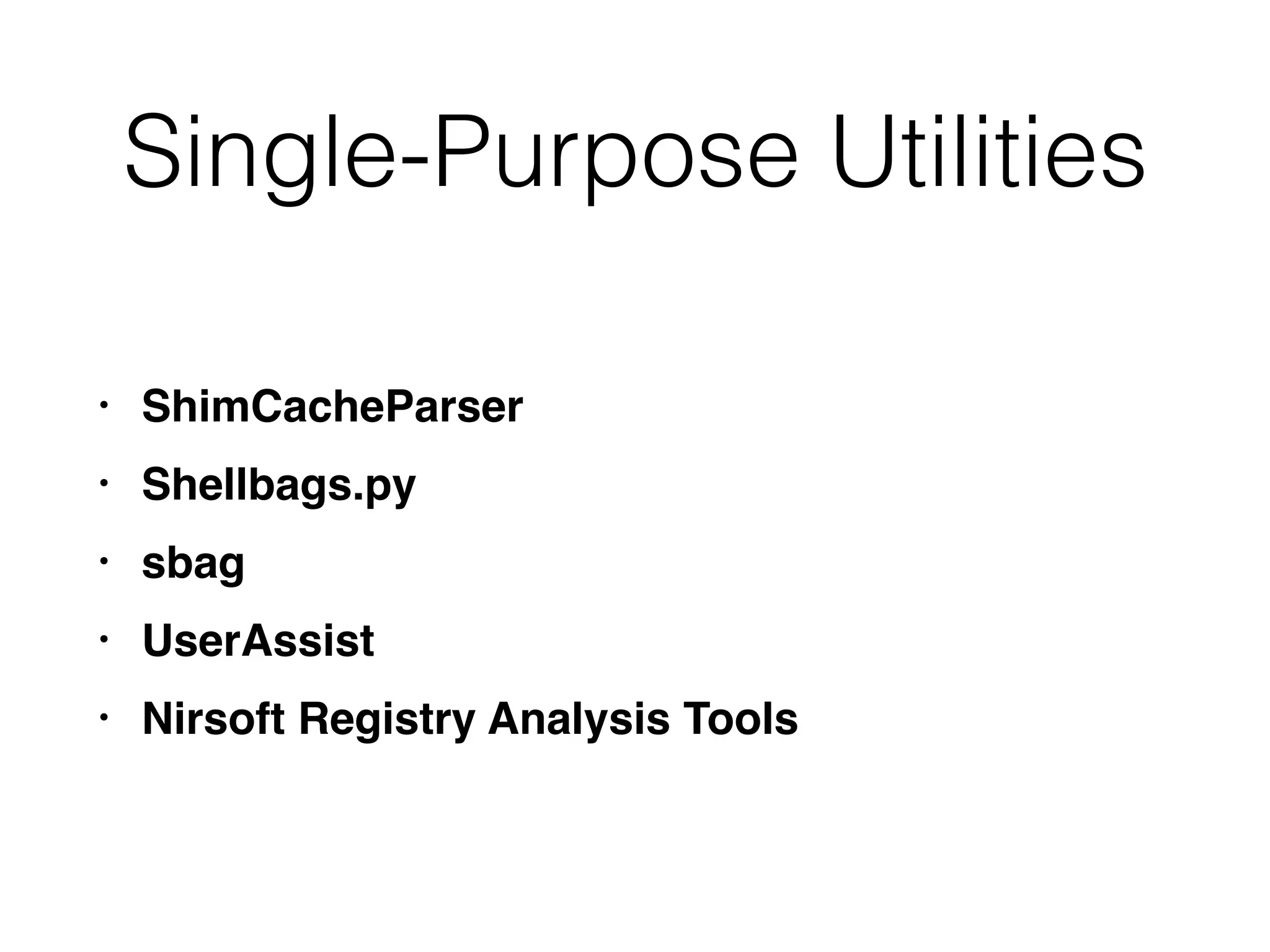
Single-Purpose Utilities
• ShimCacheParser
• Shellbags.py
• sbag
• UserAssist
• Nirsoft Registry Analysis Tools
CNIT 152: 12 Investigating Windows Systems (Part 2 of 3)

CNIT 152: 12 Investigating Windows Systems (Part 2 of 3)

  • 1.
    CNIT 152: Incident Response 12 InvestigatingWindows Systems (Part 2) Updated 11-26–18
  • 2.
    Ch 12 Part2 Ch 12 Part 3
  • 3.
  • 4.
    Purpose • The registrycontains configuration data for the Windows operating system and applications • Many artifacts of great forensic value
  • 5.
    Hive Files • Binaryfiles that store the Registry • Five main registry hives in 
 %SYSTEMROOT%system32config • SYSTEM, SECURITY, SOFTWARE, SAM, DEFAULT • User-specific hive files in each user's profile directory • UsersusernameNTUSER.DAT • UsersusernameAppDataLocalMicrosoftWindo wsUSRCLASS.DAT
  • 6.
    Windows Profiles • Createdthe first time a user interactively logs on to a system • Users who connect over the network don't create a profile folder
  • 7.
  • 8.
  • 9.
  • 10.
    Virtual Key Paths •Dynamically created in a running system • Not visible on a registry capture • HKEY_Current_User • Links to HKEY_USERS{SID} • HKLMSYSTEMCurrentControlSet • Links to HKLMSYSTEMControlSetNNN • HKEY_CLASSES_ROOT • Merges two subways
  • 11.
    Registry Timestamps • Onlyone: LastWriteTime • Stored on a key, not value • Changed when any value under the key is added, removed, or changed • But not when subkeys' values are modified
  • 12.
    Example • Run key:programs that launch on system startup • Cannot determine when these three Run items were added, without other evidence
  • 13.
    More Limitations • Windowsfrequently updates the LastUpdateTime for large swaths of registry keys • During updates, and sometimes even from a reboot • Attackers cannot easily change registry timestamps, although SetRegTime can do this • Link Ch 12o
  • 14.
    Registry Reflection and Redirection •64-bit Windows allows 32-bit software to run • 32-bit programs are redirected by the W0W64 sybsystem to alternate registry keys, like • HKLMSOFTWAREWoW6432Node • This means 32-bit forensic software won't see the whole Registry
  • 15.
  • 16.
  • 17.
    Basic System Information •Computer Name • HKLMSystemCurrentControlSet
 ControlComputername • Windows Version • HKLMSoftwareMicrosoftWindows NT
 CurrentVersion • Time Zone • HKLMSystemCurrentControlSet
 ControlTimeZoneInformation
  • 18.
    Basic System Information •List of Installed Applications • HKLMSoftwareMicrosoftWindows
 CurrentVersionUninstall{Appname} • Mounted Devices (with drive letters) • HKLMSystemMountedDevices
  • 19.
    USBSTOR • Shows everyUSB device that has been connected • A forensic examiner should look here first, to find out what other devices should be requested for discovery, by court order or search warrant
  • 20.
    Network Information • Networkadapter configuration • Wireless networks previously used • Shares • Firewall settings
  • 21.
    User and Security Information •Audit policy • Profile folder path • Group membership
  • 22.
  • 23.
    Shim Cache • Alsocalled "Application Compatibility Cache" • Used to track special compatibility settings for executable files and scripts • May include: • File name, path, and size • Last modified date • Whether the file actually ran on the system
  • 24.
    Shim Cache • Maintainedin memory, written to the registry on shutdown • Maintains up to 1024 entries • More than Prefetch (128) • includes apps that haven't executed yet • Next two slides from link Ch 12a
  • 28.
  • 29.
    Auto-Run Keys (Auto-Start ExtensibilityPoints) • Load programs on system boot, user login, and other conditions • Commonly used by malware to attain persistence • Windows provides hundreds of registry-based persistence mechanisms • Some are still undocumented
  • 30.
    Services • Most commonand widely used persistence mechanism • Services run in the background • Usually under one of these login accounts • Local System (most powerful) • Network System • Local Service
  • 31.
    Services in theRegistry • Each service has its own subkey under • HKLMCurrentControlSetservicesservicename • With this information: • DisplayName and Description • ImagePath • How service starts • Type off service, such as driver or process
  • 32.
    ServiceDLL • Most servicesare DLL, not EXE files
  • 33.
    Service Control Manager •Services.exe • Launches Windows services upon startup • Command-line "sc" command lets you examine, start, stop, and create services
  • 34.
  • 35.
  • 36.
    One EXE CanRun Several Services
  • 37.
  • 38.
  • 39.
    Active Setup • Subkeysnamed with GUIDs (long random-looking numbers) • Malware authors often re-use GUIDs so Googling them can be useful • StubPath points to an EXE that will run on startup
  • 40.
    AppInit_DLLs • DLLs thatwill be automatically loaded whenever a user-mode app linked to user32.dll is launched • Almost every app uses user32 to draw windows, etc. (link Ch 12p)
  • 41.
    LSA (Local Security Authority)Packages • Load on startup • Intended for authentication packages, but can be used to launch malware
  • 42.
    Browser Helper Objects (BHOs) •Add-ons or plug-ins for Internet Explorer • Such as toolbars, adware, scareware
  • 43.
    Shell Extensions • LikeBrowser Helper Objects, but for Windows Explorer • Add context items when right-clicking a file • Found at: • HKCRCLSID{CLSID}InprocServer32 • HKCR{sub-key}shellex
  • 44.
  • 45.
    Winlogon Shell • Theshell that loads when user logs on • Normally set to Explorer.exe • Can be set to any executable file
  • 46.
    Winlogon Userinit • Loadslogon and group policy scripts, other auto-runs, and the Explorer shell • Attackers can append additional executables to this value
  • 47.
    Identifying Malicious Auto-Runs • Eye-ballit, looking for suspicious files or paths, spelling errors, broken English, etc. • Risky; real commercial software is often sloppily made, and some attackers are careful • Next slide: which item is malicious?
  • 48.
  • 50.
    Recommended Steps 1. Excludepersistent binaries signed by trusted publishers (but not all signed binaries) 2. Exclude persistent items created outside the time window of interest 3. Examine paths of remaining persistent binaries •Attackers tend to use Temp folders or common directories within %SYSTEMROOT% •Not deeply nested subdirectories specific to obscure third-party applications
  • 51.
    Recommended Steps 4. ResearchMD5 hashes for remaining persistent binaries on VirusTotal, Bit9, etc. 5. Compare remaining unknowns against a known "gold image" used to install the systems
  • 52.
  • 53.
    Signed Malware • Attackershave been stealing code-signing signatures, and signing malware • Also, not all legitimate persistent files, even Windows components, are signed • Sometimes updates remove signatures
  • 55.
  • 56.
    Personalization • User hiveregistry keys contain personalization settings for each user • First priority: compromised accounts • Acquire NTUSER.DAT and USRCLASS.DAT • Check machine accounts, such as NetworkService and LocalSystem • May also contain evidence
  • 57.
    Most Helpful User-Specific Keys •Shellbags • UserAssist • MUICache • Most Recently Used (MRU) • TypedURLs • TypedPaths
  • 58.
    Shellbags • Used toremember size, position, and view settings of windows • Persist even if a directory is deleted • Saved in a user’s profile registry hive
  • 59.
    Shellbags Contain • Fulldirectory paths accessed via Explorer • Date and time of access • Modified, Accessed, and Created times of each path recorded when the access occurred • Such historical records are very useful to track attacker actions
  • 60.
  • 61.
    UserAssist • Tracks applicationsa user has launched through the Windows Explorer shell
  • 62.
    UserAssist v. Prefetch •UserAssist only tracks items opened via Explorer • Including from the Run box and Start menu • But not from the command prompt • Prefetch files don't identify which user executed a program
  • 63.
  • 64.
    MUICache • Another listof programs executed by a user • HKEY_USERS{SID}_ClassesLocalSettingsSoftware
 MicrosoftWindowsShellMuiCache
  • 65.
    Most Recently Used (MRU)Keys • Used by many applications • No standard registry path or value naming convention
  • 66.
    MRU-Blaster • Clears theMRU lists (link Ch 12r)
  • 67.
    Explorer Open andSave MRU • RegRipper can find the data
  • 68.
    Start Menu RunMRU • Programs recently launched from the Run box • Human-readable • HKEY_USERS{SID}SoftwareMicrosoftWindows
 CurrentVersionExplorerRunMRU
  • 69.
    RecentDocs • Recently openeddocuments (any file extension) • Used to populate File menu of various applications • HKEY_USERS{SID}SoftwareMicrosoft
 WindowsCurrentVersionExplorerRecentDocs
  • 70.
    Internet Explorer TypedURLs &TypedPaths • Used to populate the address bar drop-down list in Internet Explorer • May contain URLs and paths to local files • HKEY_USERS{SID}SoftwareMicrosoft
 InternetExplorerTypedURLs • HKEY_USERS{SID} SoftwareMicrosoftInternetExplorer
 TypedPaths
  • 72.
    Proves Intent • Usertyped (or pasted) these URLs into the address bar • Didn't just click a link
  • 73.
    Remote Desktop MRU •Used to remotely control Windows machines • Maintains history of recent connections and configuration data • May tell you where a user connected and who they attempted to log in as
  • 74.
  • 75.
    All-In-One Tools • RegRipper(link Ch 10m) • Windows Registry Decoder (link Ch 12s) • AutoRuns • Redline
  • 76.
    Single-Purpose Utilities • ShimCacheParser •Shellbags.py • sbag • UserAssist • Nirsoft Registry Analysis Tools