the cloud
COMPUTING
Outline
 Large-scale Distributed Systems
 Introduction to Cloud Computing
 Cloud Computing paradigms and models
 Introduction to MapReduce
 Alternative architectures
 Writing Application using Hadoop
Distributed Systems
 Set of discrete machines which cooperate to perform
computation
 Give the notion of a single “machine”
 Keep the distribution transparent
 Examples:
 Compute clusters
 Distributed storage systems, such as Dropbox, Google Drive, etc.
 The Web
Characteristics
 Ordering
 Time is used to ensure ordering
 In most cases, only need to know that a happened before
b, known as the happens-before relation
 Distributed Mutual Exclusion
 Concurrent access to shared resources needs to be
synchronized
 Central lock server: All lock requests are handled by a
central server
 Token passing: Arrange nodes into a ring and a token is
passed around
 Totally-ordered multicast: Clients multicast requests to
each other
Characteristics (2)
 Distributed transactions
 Distributed transactions span multiple transaction processing servers
 Actions need to be coordinated across multiple parties
 Replication
A number of distributed systems involve replication
 Data replication: Multiple copies of some object stored at different servers
 Computation replication: Multiple servers capable of providing an
operation
 Advantages
1. Load balancing: Work spread out across clients
2. Lower latency: Better performance if replica close to the client
3. Fault tolerance: Failure of some replicas can be tolerated
CAP
 CAP
 Consistency: All nodes see the same state
 Availability: All requests get a response
 Partitioning: System continues to operate even in the
face of node failure
 Brewer‟s conjecture states that in a distributed
system only 2 out of 3 possible
 In the current setup, partitioning is a given:
Hardware/software fails all the time
 Therefore, systems need to choose between
consistency and availability
Advantages
 Scalability:
 The scale of the Internet (think how many queries Google servers handle daily)
 Only a matter of adding more machines
 Cheaper than super computers
 More machines means more parallelism, hence better performance
 Sharing:
 The same resource is shared between multiple users
 Just like the Internet is shared between millions of users
 Communication:
 Communication between (potentially geographically isolated) machines and
users (via email, Facebook, etc.)
 Reliability:
 The service can remain active even if multiple machines go down
Challenges
 Concurrency:
 Concurrent execution requires some form of coordination
 Fault-tolerance:
 Any component can fail at any instant due to a software or a
hardware bug
 Security:
 One machine can compromise the entire system
 Coordination:
 No global time so non-trivial to coordinate
 Trouble shooting:
 Hard to trouble shoot because hard to reason about the
system
Introduction to Cloud
Computing
 An emerging IT development, deployment, and delivery model that enables
real-time delivery of a broad range of IT products, services and solutions over
the internet
 A realization of utility computing in which computation, storage, and services
are offered as a metered service
 Grid Computing: form of distributed computing, acting
in concert to perform very large tasks
 Utility Computing: metered service similar to a
traditional public utility
 Autonomic Computing: capable of self-management
 Cloud Computing: deployments as of 2009 depend on
grids, have autonomic characteristics and bill like
utilities
Characteristics
 On-demand self-service: allows users to obtain,
configure and deploy cloud services themselves using
cloud service catalogues, without requiring the
assistance of IT.
 Broad network access: capabilities are available over
the network and accessed through standard
mechanisms that promote use by heterogeneous thin
or thick client platforms
 Resource pooling: The provider‟s computing resources
are pooled to serve multiple consumers using a multi-
tenant model, with different physical and virtual
resources dynamically assigned and reassigned
according to consumer demand.
Characteristics (2)
 Rapid elasticity: Capabilities can be rapidly and
elastically provisioned, in some cases automatically,
to quickly scale out and rapidly released to quickly
scale in. To the consumer, the capabilities available
for provisioning often appear to be unlimited and
can be purchased in any quantity at any time.
 Measured service: Cloud systems automatically
control and optimize resource use by leveraging a
metering capability at some level of abstraction
appropriate to the type of service (e.g., storage,
processing, bandwidth, and active user accounts).
Cloud Service Models
 SaaS – Software as a Service: Network-hosted
application
 PaaS– Platform as a Service: Network-hosted software
development platform
 IaaS – Infrastructure as a Service: Provider hosts
customer VMs or provides network storage
 DaaS – Data as a Service: Customer queries against
provider’s database
 IPMaaS – Identity and Policy Management as a
Service: Provider manages identity and/or access
control policy for customer
 NaaS – Network as a Service: Provider offers virtualized
networks (e.g. VPNs)
Deployment Models
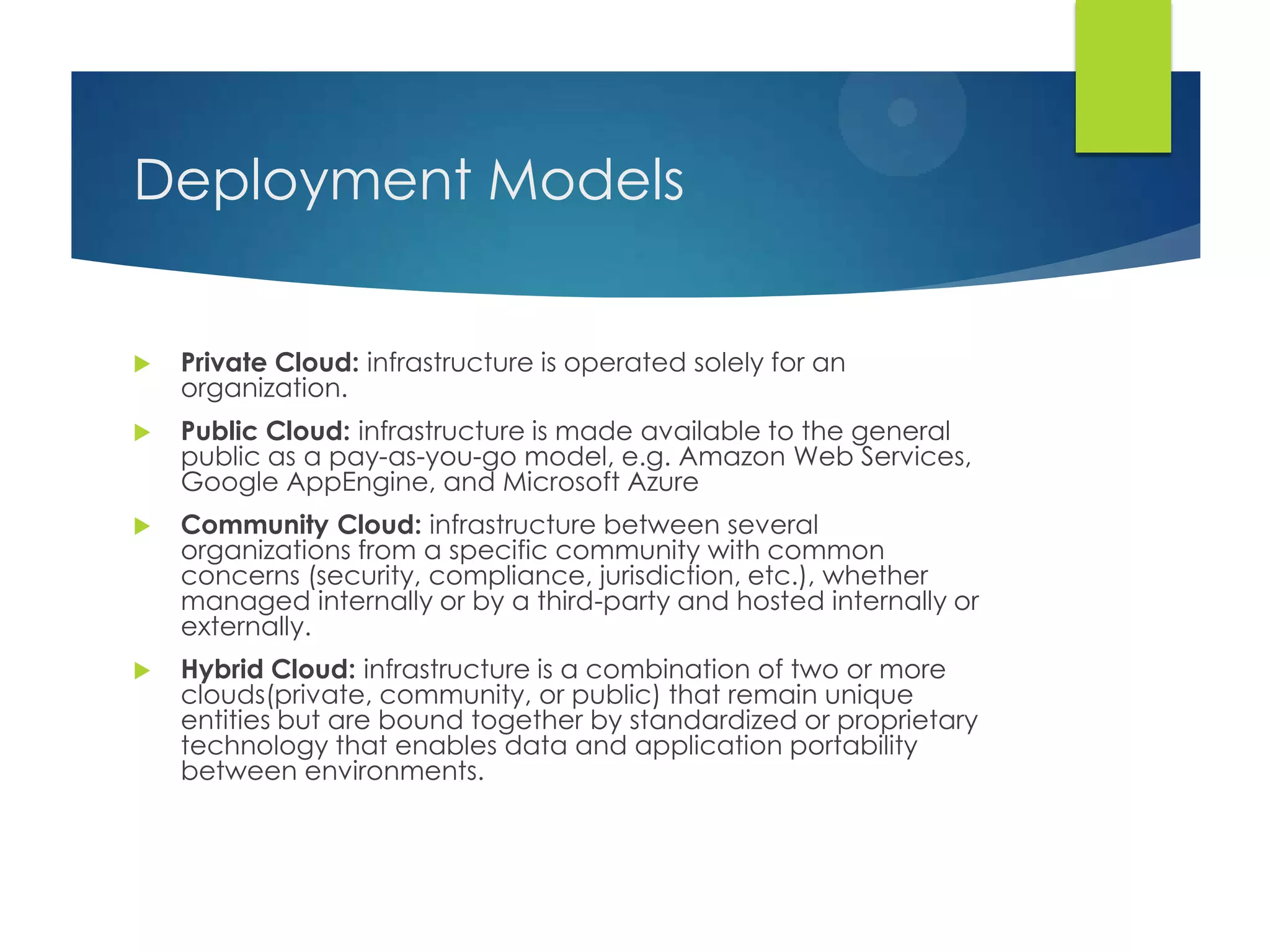
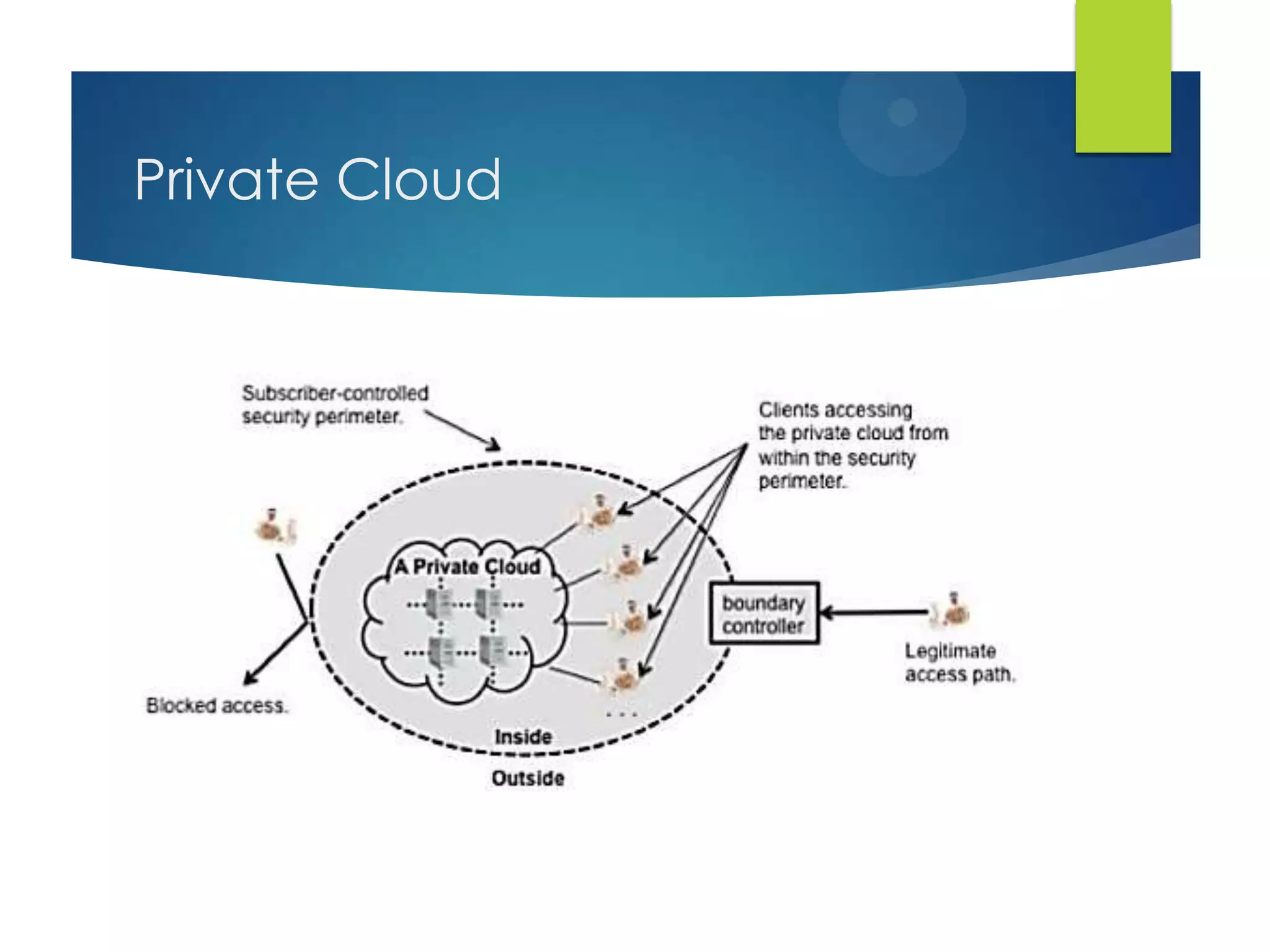
 Private Cloud: infrastructure is operated solely for an
organization.
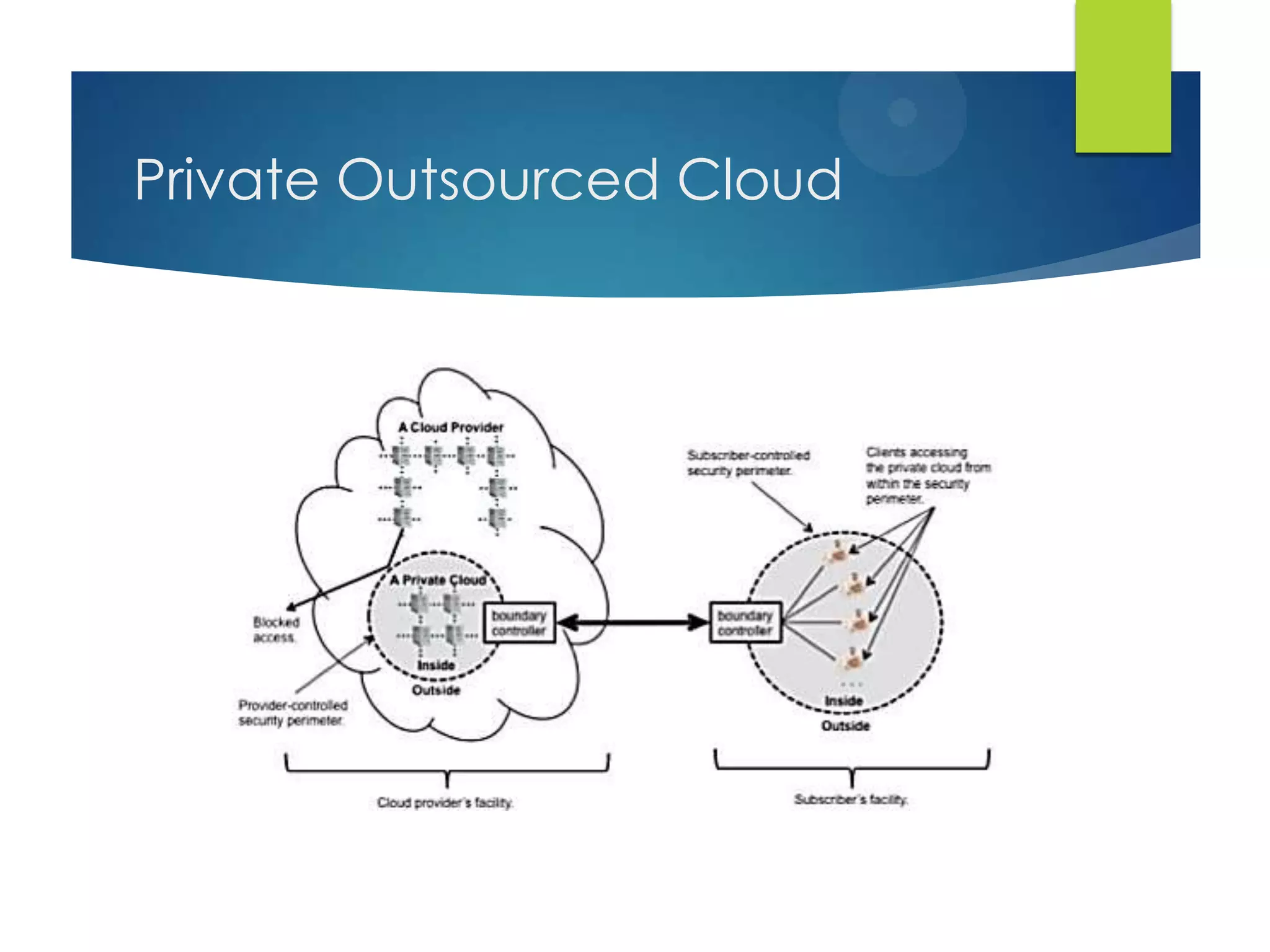
 Public Cloud: infrastructure is made available to the general
public as a pay-as-you-go model, e.g. Amazon Web Services,
Google AppEngine, and Microsoft Azure
 Community Cloud: infrastructure between several
organizations from a specific community with common
concerns (security, compliance, jurisdiction, etc.), whether
managed internally or by a third-party and hosted internally or
externally.
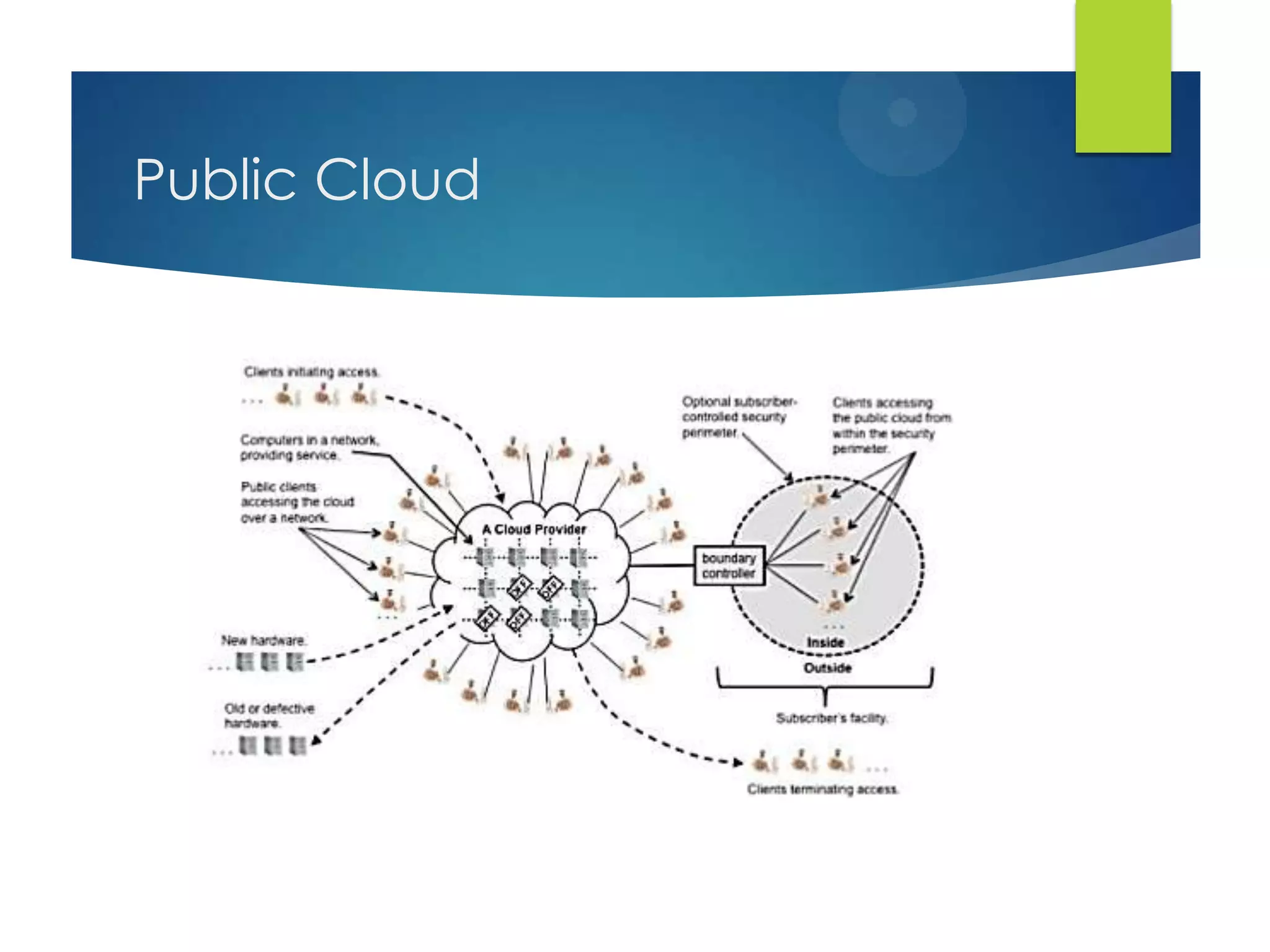
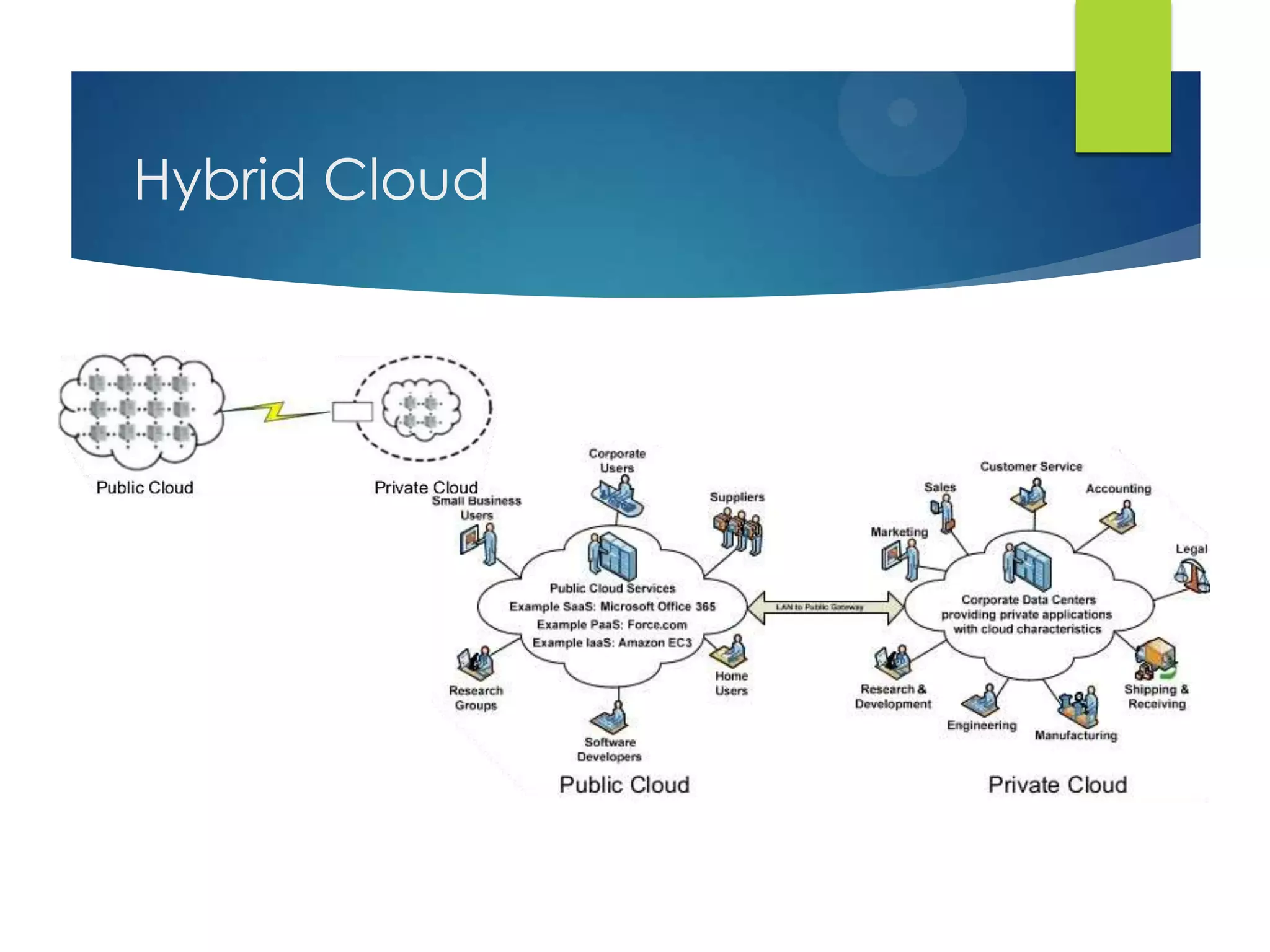
 Hybrid Cloud: infrastructure is a combination of two or more
clouds(private, community, or public) that remain unique
entities but are bound together by standardized or proprietary
technology that enables data and application portability
between environments.
Private Cloud
Private Outsourced Cloud
Public Cloud
Hybrid Cloud
Advantages
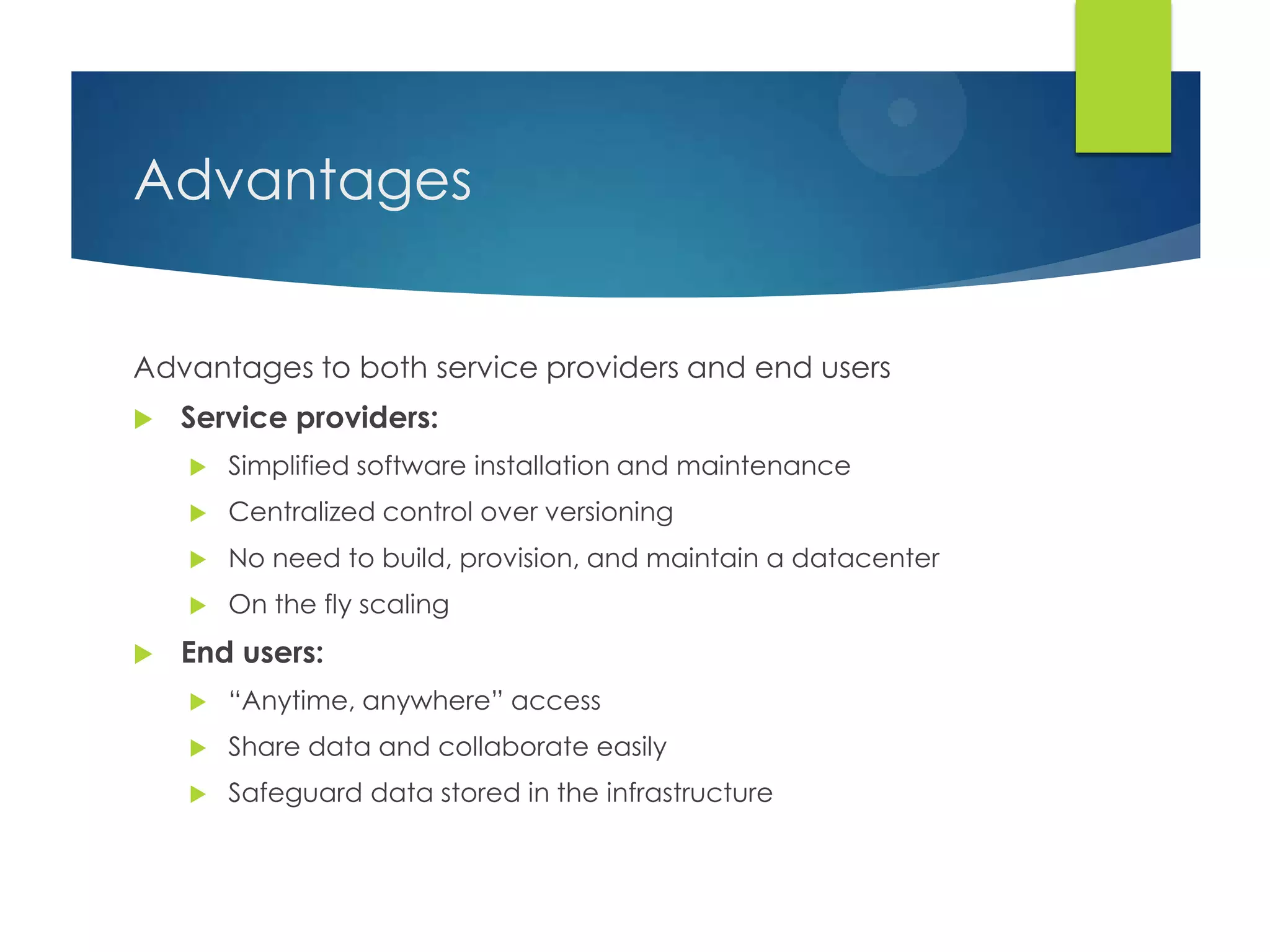
Advantages to both service providers and end users
 Service providers:
 Simplified software installation and maintenance
 Centralized control over versioning
 No need to build, provision, and maintain a datacenter
 On the fly scaling
 End users:
 “Anytime, anywhere” access
 Share data and collaborate easily
 Safeguard data stored in the infrastructure
Obstacles
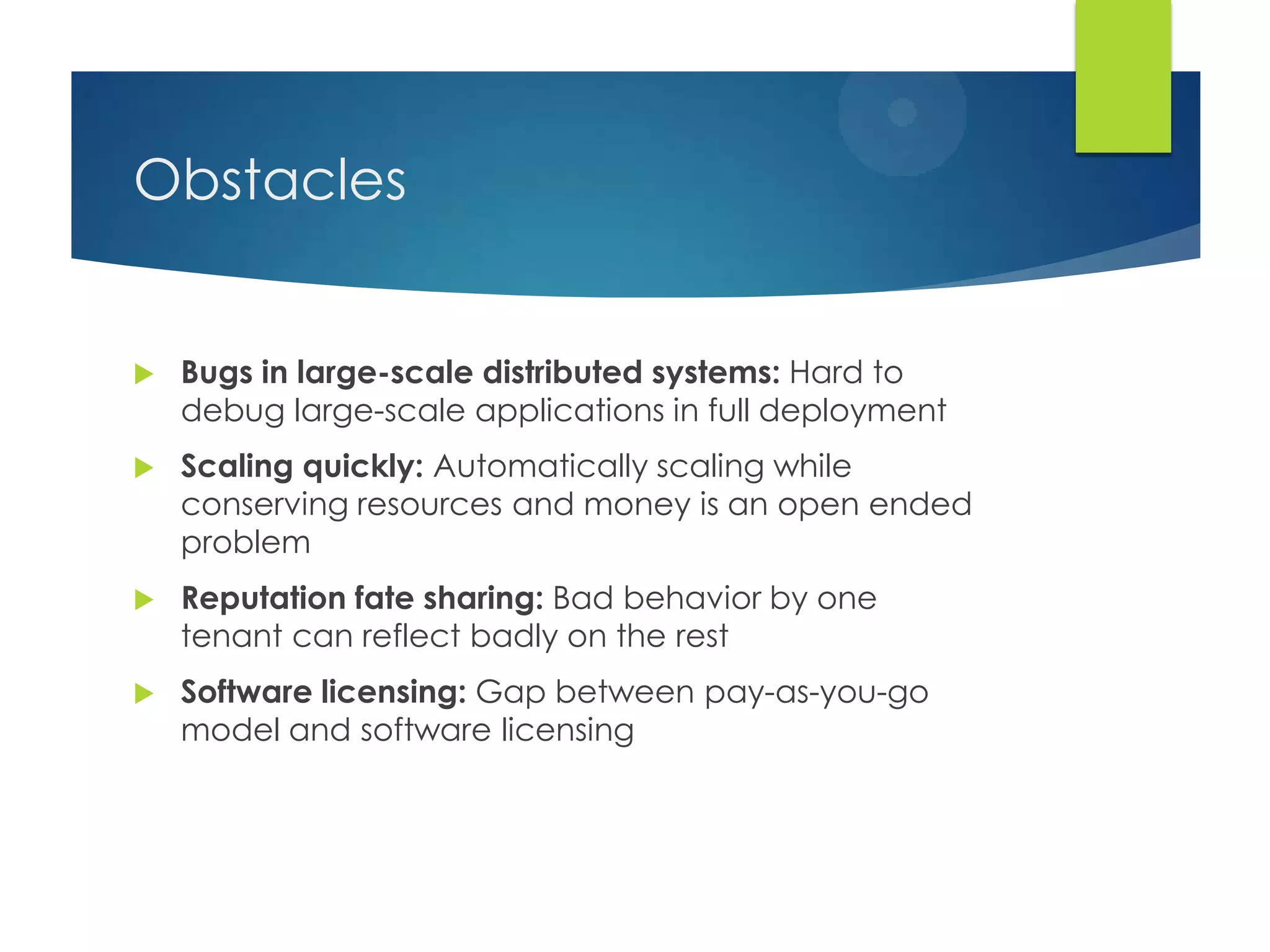
 Bugs in large-scale distributed systems: Hard to
debug large-scale applications in full deployment
 Scaling quickly: Automatically scaling while
conserving resources and money is an open ended
problem
 Reputation fate sharing: Bad behavior by one
tenant can reflect badly on the rest
 Software licensing: Gap between pay-as-you-go
model and software licensing
Obstacles (2)
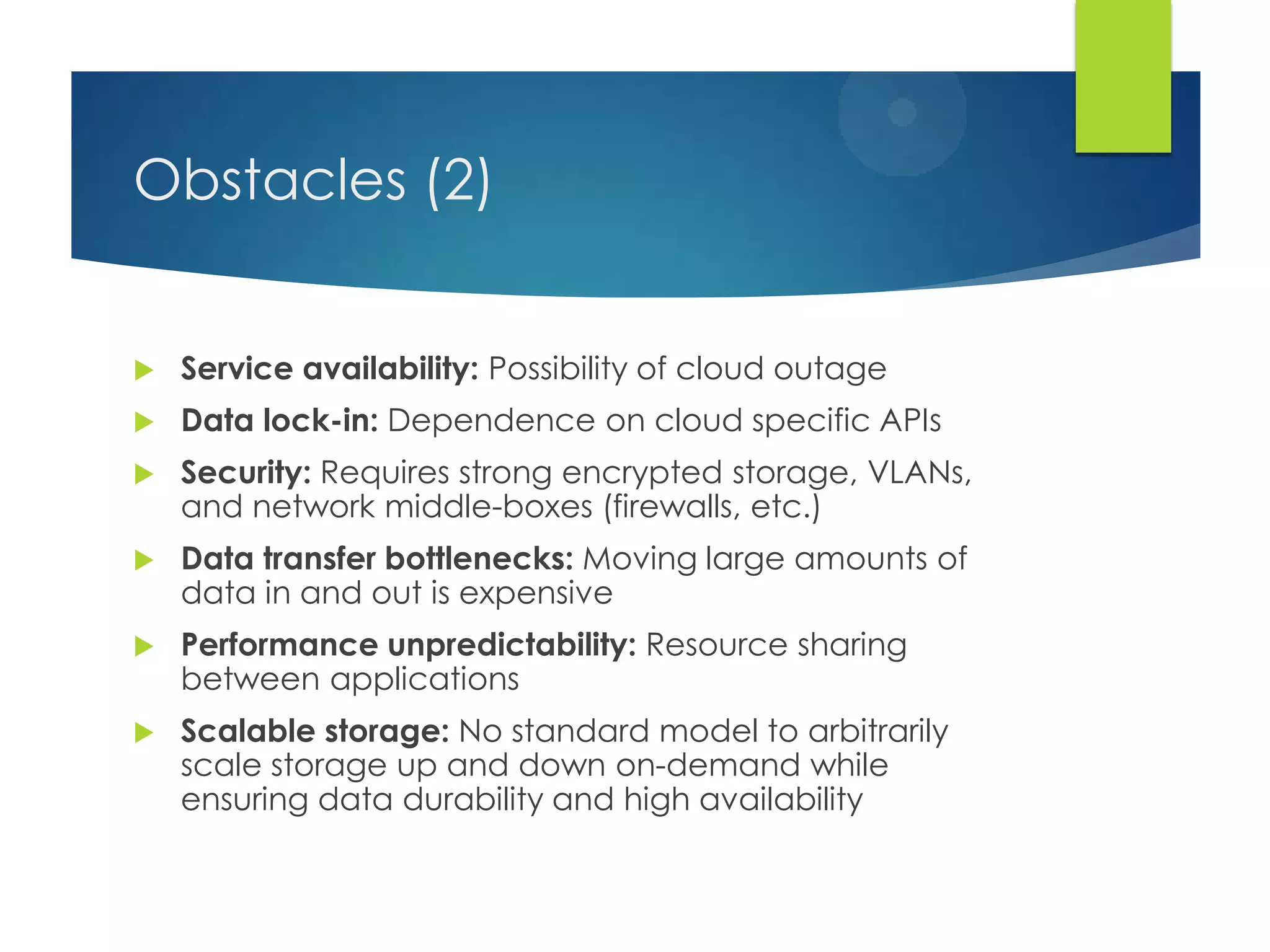
 Service availability: Possibility of cloud outage
 Data lock-in: Dependence on cloud specific APIs
 Security: Requires strong encrypted storage, VLANs,
and network middle-boxes (firewalls, etc.)
 Data transfer bottlenecks: Moving large amounts of
data in and out is expensive
 Performance unpredictability: Resource sharing
between applications
 Scalable storage: No standard model to arbitrarily
scale storage up and down on-demand while
ensuring data durability and high availability
Introduction to MapReduce
 A simple programming model that applies to many
large-scale computing problems
 Hide messy details in MR runtime library:
 Automatic parallelization
 Load balancing
 Network and disk transfer optimization
 Handling of machine failures
 Robustness
 Improvements to core library benefit all users of library
Google MapReduce – Idea
 The core idea behind MapReduce is mapping your
data set into a collection of <key, value> pairs, and
then reducing over all pairs with the same key.
 Map
 Apply function to all elements of a list
 square x = x * x;
 Map square [1, 2, 3, 4, 5];
 [1, 4, 9, 16, 25]
 Reduce
 Combine all elements of a list
 Reduce (+)[1, 2, 3, 4, 5];
 15
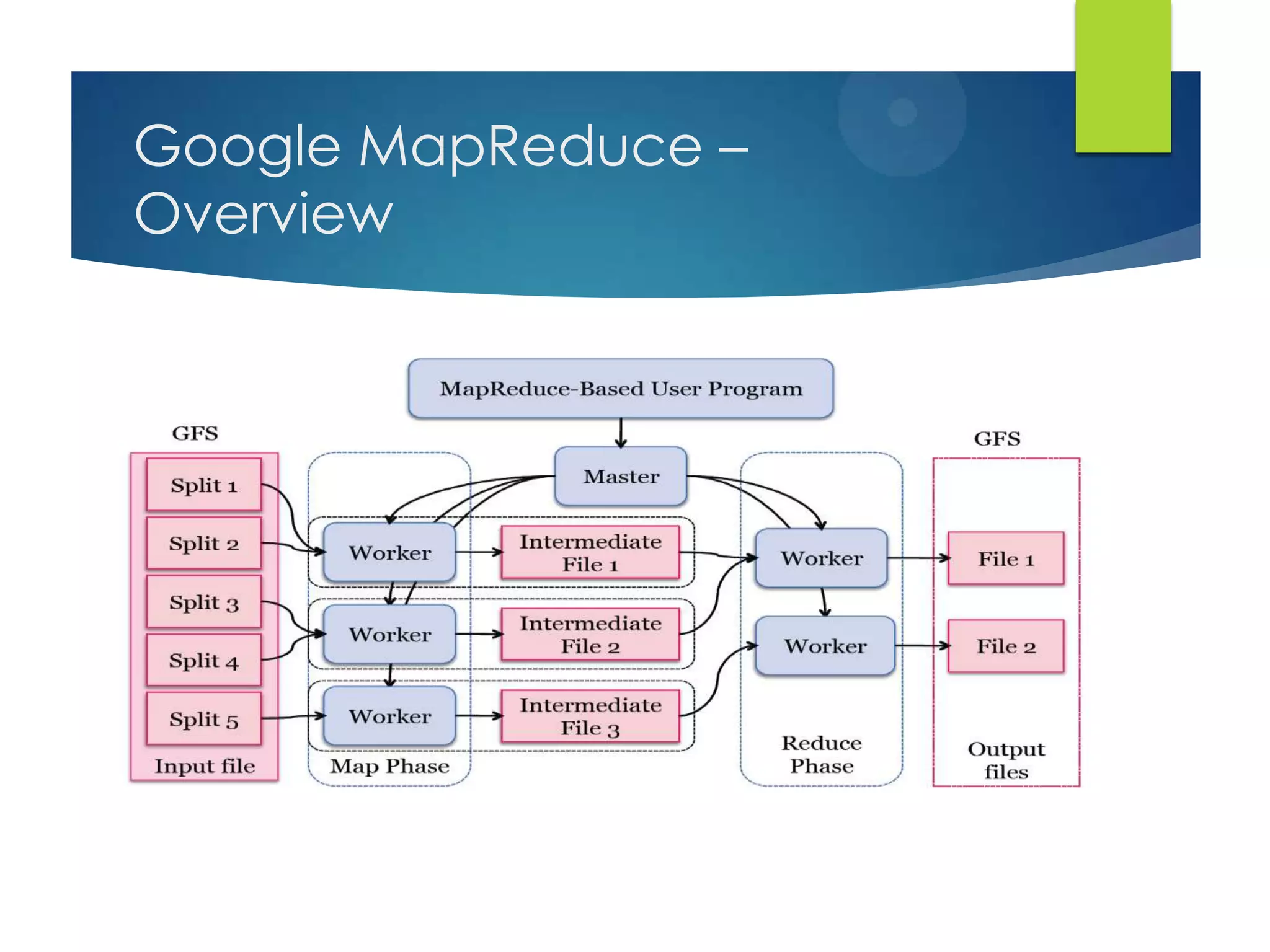
Google MapReduce –
Overview
MapReduce architecture
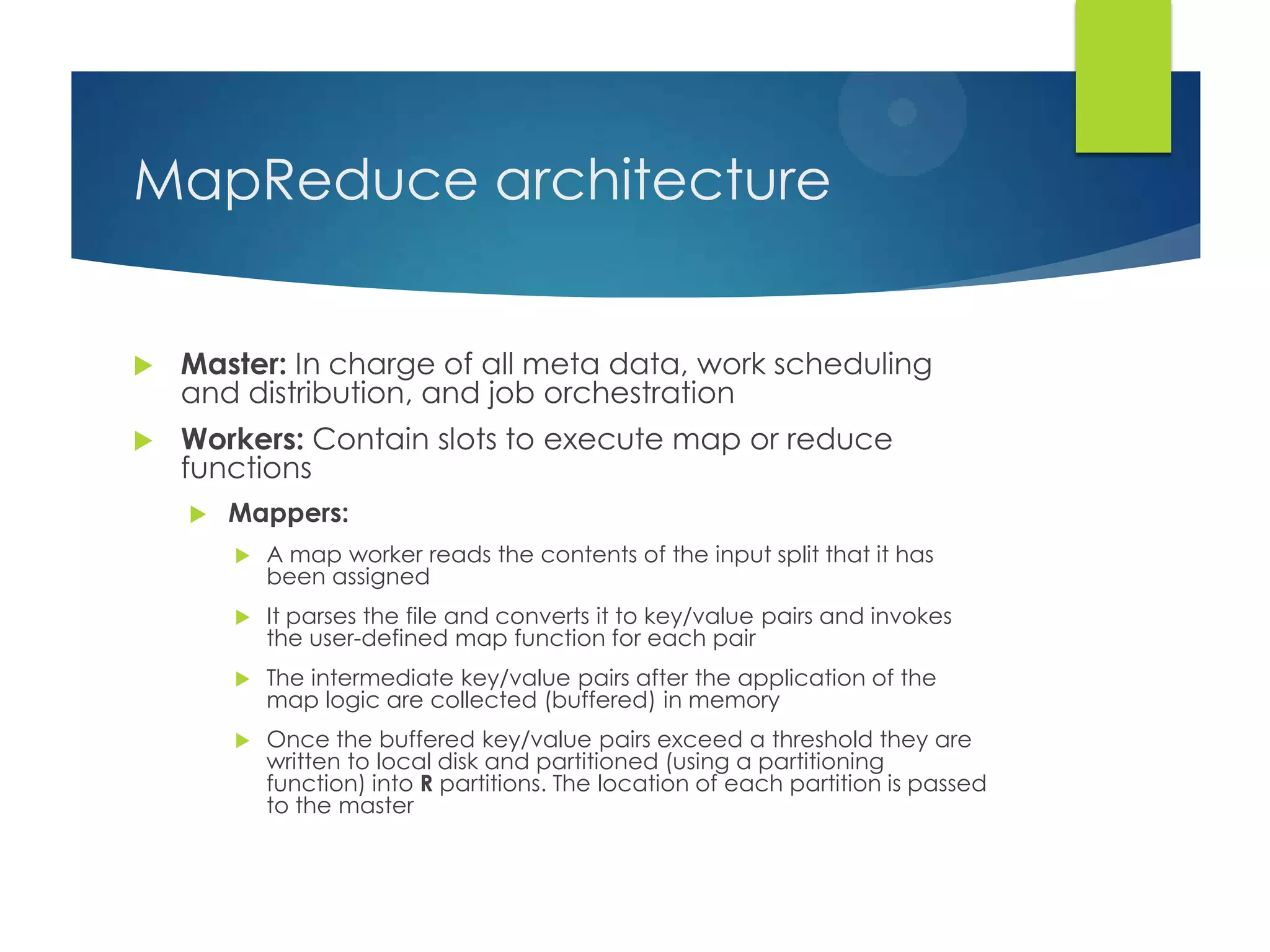
 Master: In charge of all meta data, work scheduling
and distribution, and job orchestration
 Workers: Contain slots to execute map or reduce
functions
 Mappers:
 A map worker reads the contents of the input split that it has
been assigned
 It parses the file and converts it to key/value pairs and invokes
the user-defined map function for each pair
 The intermediate key/value pairs after the application of the
map logic are collected (buffered) in memory
 Once the buffered key/value pairs exceed a threshold they are
written to local disk and partitioned (using a partitioning
function) into R partitions. The location of each partition is passed
to the master
MapReduce architecture (2)
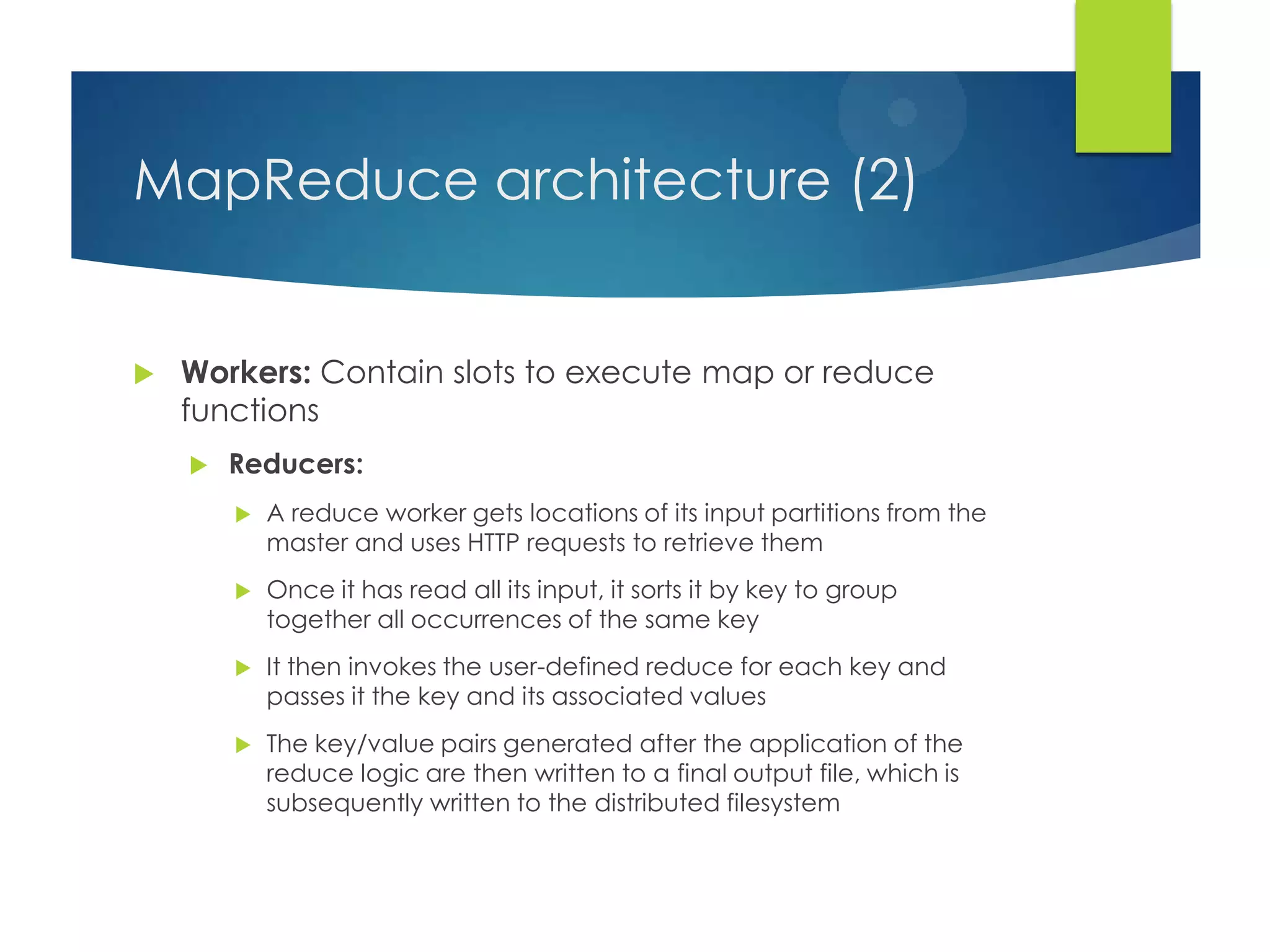
 Workers: Contain slots to execute map or reduce
functions
 Reducers:
 A reduce worker gets locations of its input partitions from the
master and uses HTTP requests to retrieve them
 Once it has read all its input, it sorts it by key to group
together all occurrences of the same key
 It then invokes the user-defined reduce for each key and
passes it the key and its associated values
 The key/value pairs generated after the application of the
reduce logic are then written to a final output file, which is
subsequently written to the distributed filesystem
Google File System - GFS
 In-house distributed file system at Google
 Stores all input an output files
 Stores files…
 divided into 64 MB blocks
 on at least 3 different machines
 Machines running GFS also run MapReduce
MapReduce job phases
A MapReduce job can be divided into 4 phases:
 Input split: The input dataset is sliced into M splits, one
per map task
 Map logic: The user-supplied map function is invoked
 In tandem a sort phase is also applied that ensures that
map output is locally sorted by key
 In addition, the key space is also partitioned amongst the
reducers
 Shuffle: Map output is relayed to all reduce tasks
 Reduce logic: The user-provided reduce function is
invoked
 Before the application of the reduce function, the input
keys are merged to get globally sorted key/value pairs
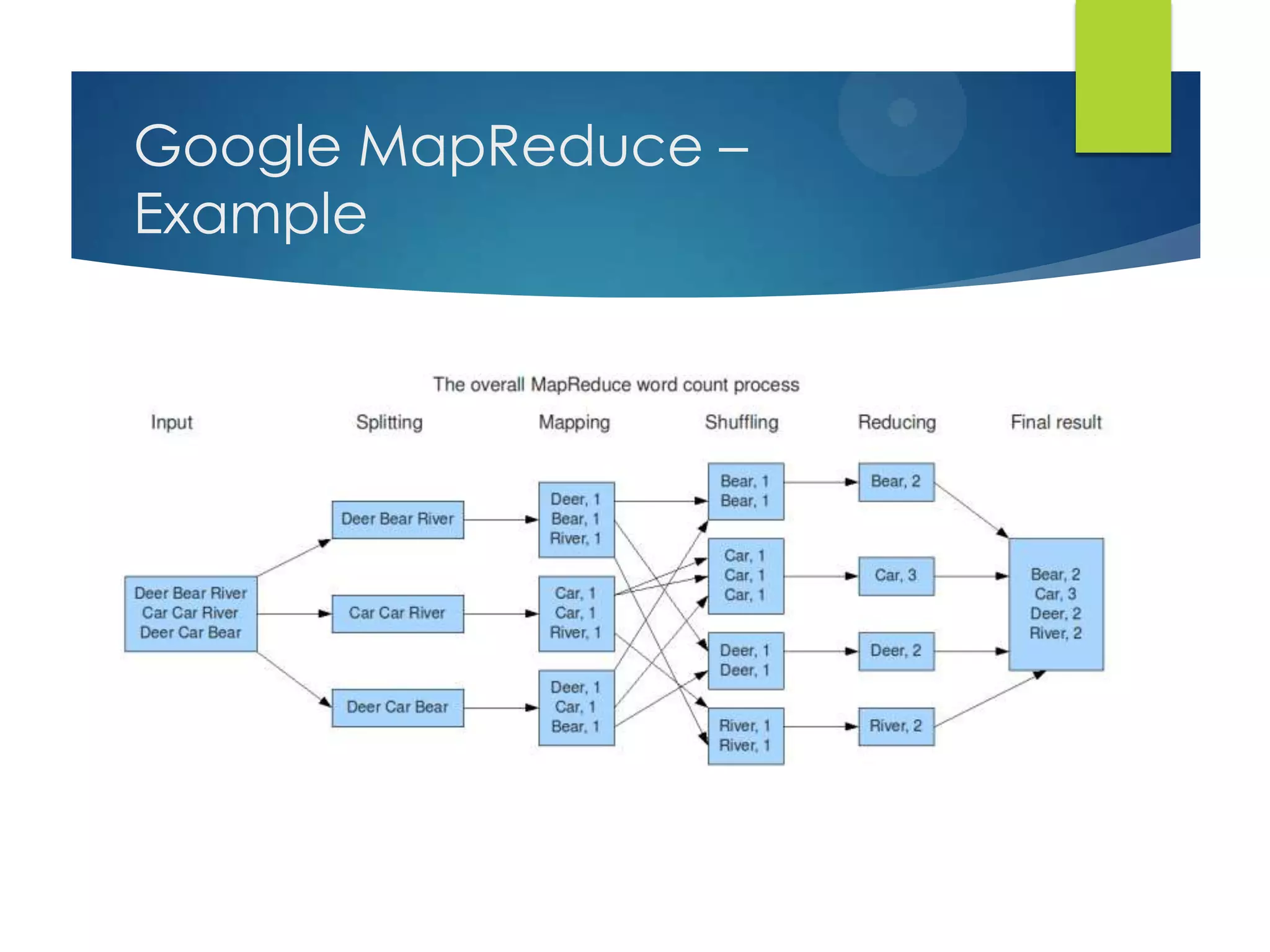
Google MapReduce –
Example
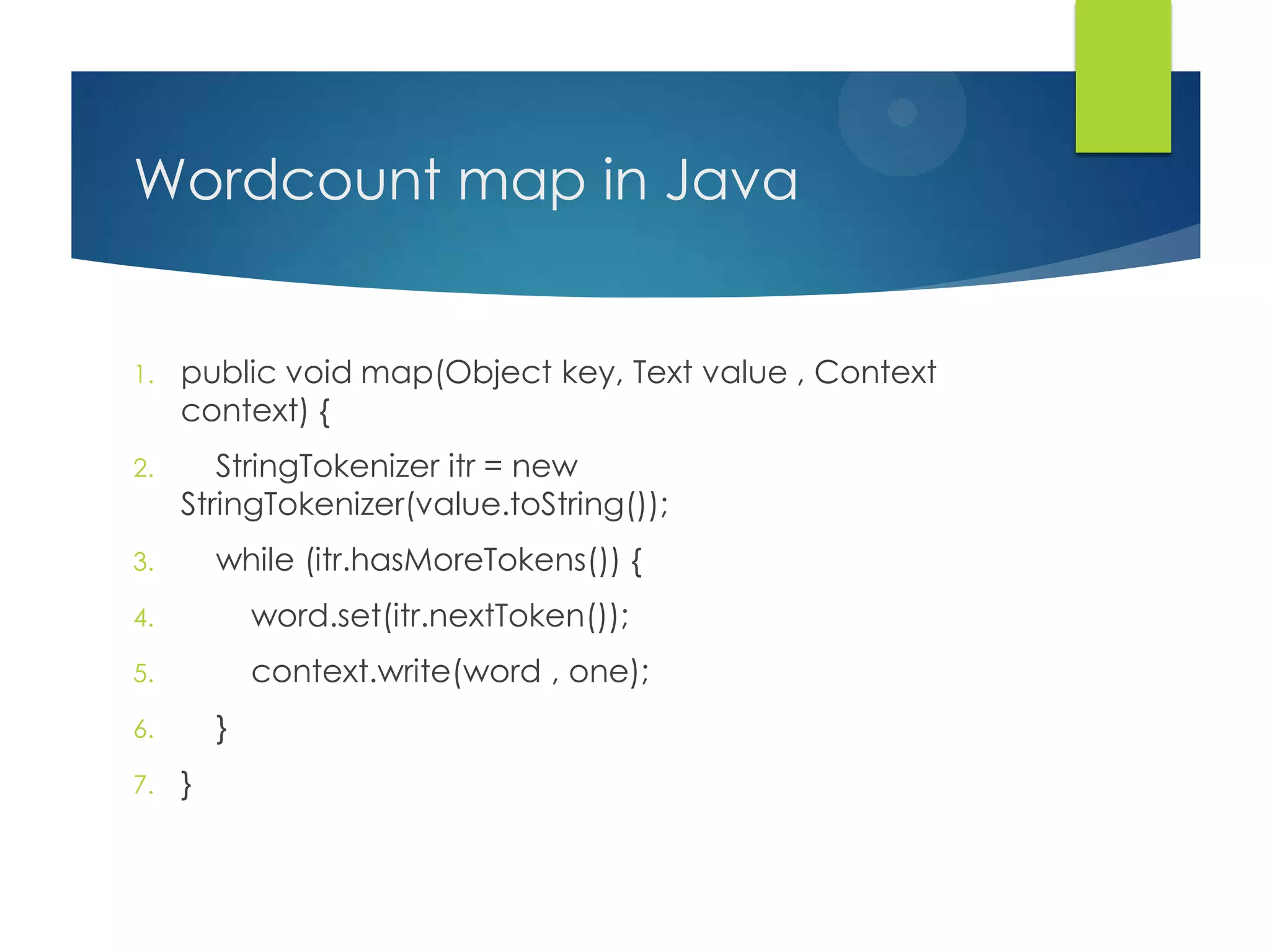
Wordcount map in Java
1. public void map(Object key, Text value , Context
context) {
2. StringTokenizer itr = new
StringTokenizer(value.toString());
3. while (itr.hasMoreTokens()) {
4. word.set(itr.nextToken());
5. context.write(word , one);
6. }
7. }
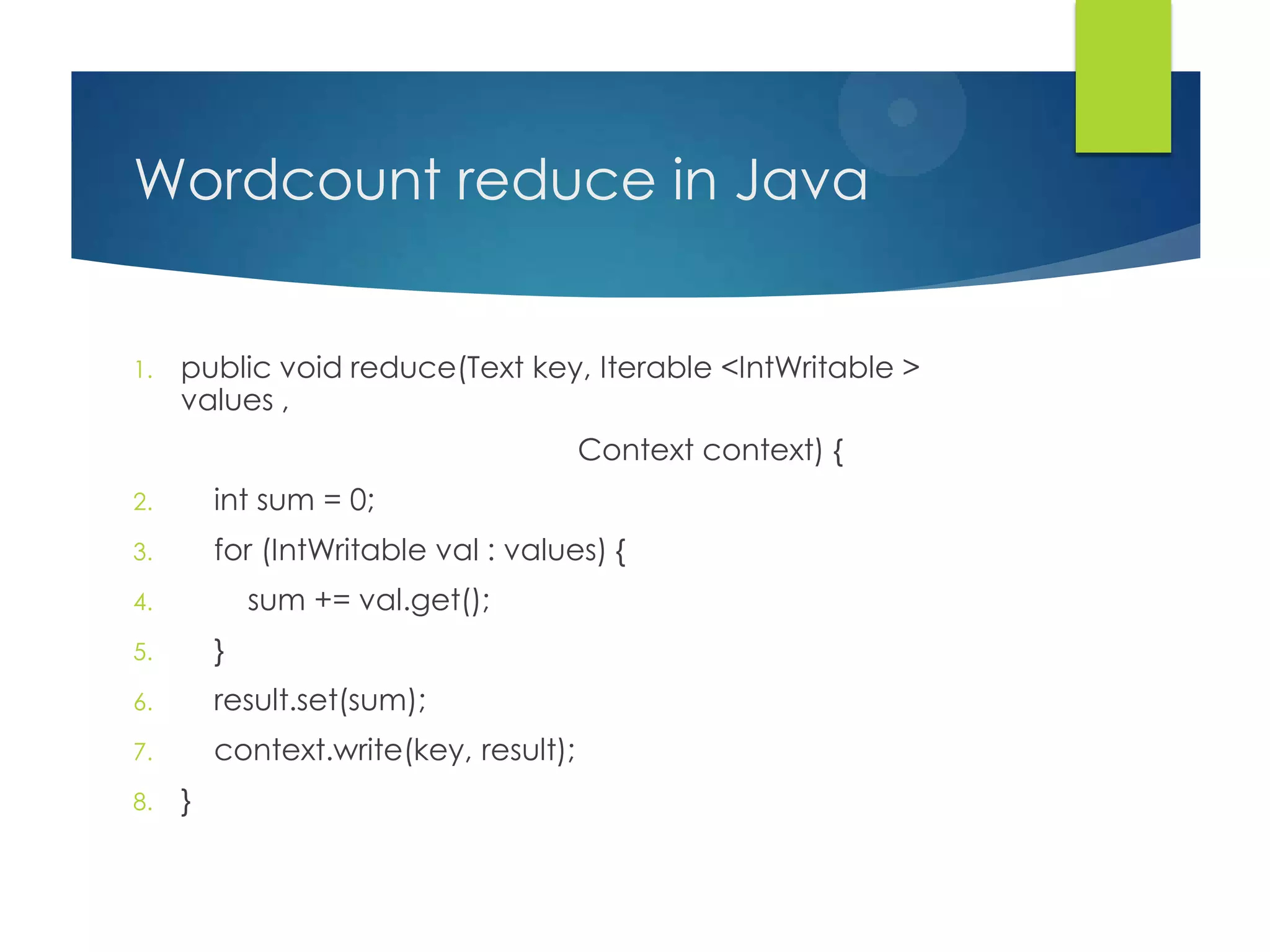
Wordcount reduce in Java
1. public void reduce(Text key, Iterable <IntWritable >
values ,
Context context) {
2. int sum = 0;
3. for (IntWritable val : values) {
4. sum += val.get();
5. }
6. result.set(sum);
7. context.write(key, result);
8. }
Hadoop
 Open-source implementation of MapReduce,
developed by Doug Cutting originally at Yahoo! in
2004
 Now a top-level Apache open-source project
 Implemented in Java (Google‟s in-house
implementation is in C++)
 Jobs can be written in C++, Java, Python, etc.
 Comes with an associated distributed filesystem,
HDFS (clone of GFS)
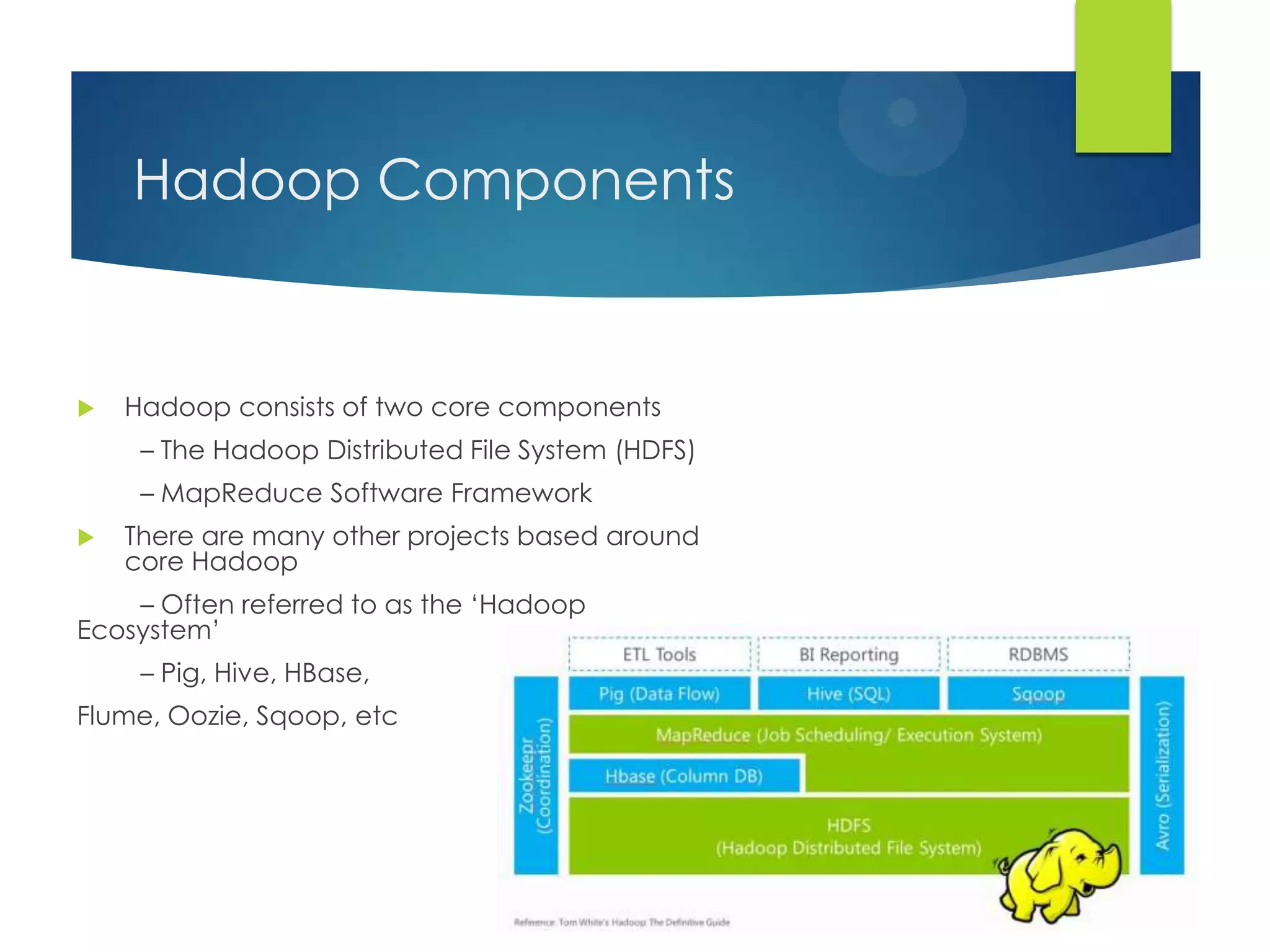
Hadoop Components
 Hadoop consists of two core components
– The Hadoop Distributed File System (HDFS)
– MapReduce Software Framework
 There are many other projects based around
core Hadoop
– Often referred to as the „Hadoop
Ecosystem‟
– Pig, Hive, HBase,
Flume, Oozie, Sqoop, etc
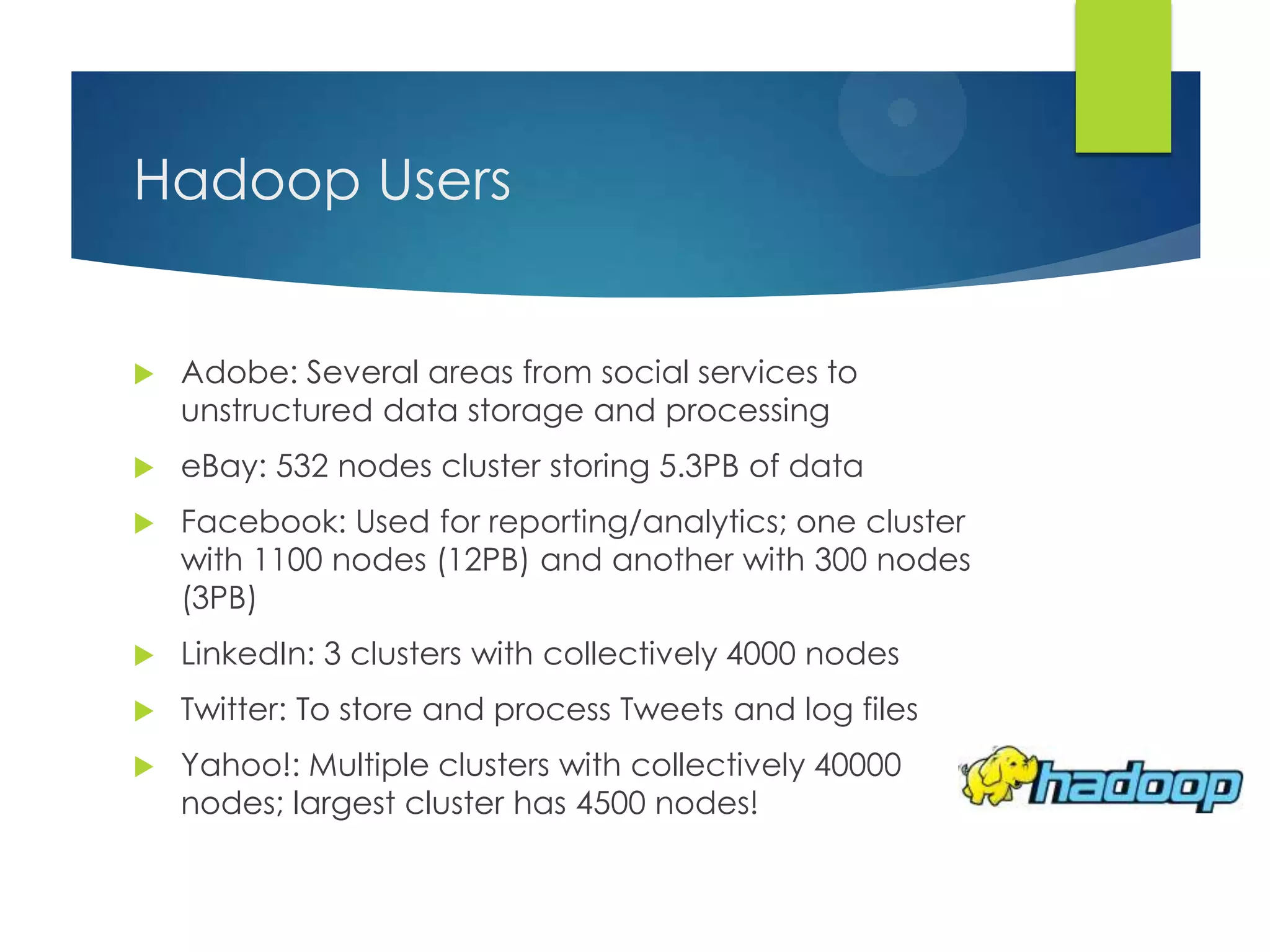
Hadoop Users
 Adobe: Several areas from social services to
unstructured data storage and processing
 eBay: 532 nodes cluster storing 5.3PB of data
 Facebook: Used for reporting/analytics; one cluster
with 1100 nodes (12PB) and another with 300 nodes
(3PB)
 LinkedIn: 3 clusters with collectively 4000 nodes
 Twitter: To store and process Tweets and log files
 Yahoo!: Multiple clusters with collectively 40000
nodes; largest cluster has 4500 nodes!
Running a Hadoop Application
 The first order of the day is to format the Hadoop
DFS
 Jump to the Hadoop directory and execute:
bin/hadoop namenode -format
 Running Hadoop
 To run Hadoop and HDFS:
bin/start-all.sh
 To terminate them:
bin/stop-all.sh
Running a Hadoop Application
 Generating a dataset
 Create a temporary directory to hold the data:
 mkdir /tmp/gutenberg
 Jump to it:
 cd /tmp/gutenberg
 Download text files:
 wget www.gutenberg.org/etext/20417
 wget www.gutenberg.org/etext/5000
 wget www.gutenberg.org/etext/4300
Running a Hadoop Application
 Copying the dataset to the HDFS
 Jump to the Hadoop directory and execute:
 bin/hadoop dfs -copyFromLocal /tmp/gutenberg
/ccw/Gutenberg
 Running Wordcount
 bin/hadoop jar hadoop-examples-1.0.4.jar wordcount
/ccw/gutenberg /ccw/gutenberg-output
 Retrieving results from the HDFS
 Copy to the local FS:
 bin/hadoop dfs –getmerge /ccw/gutenberg-output
/tmp/gutenberg-output
Running a Hadoop Application
 Accessing the web interface
 JobTracker: http://localhost:50030
 TaskTracker: http://localhost:50060
 Reference: Running Hadoop on Ubuntu Linux
(Single-Node Cluster):
 http://www.michael-noll.com/tutorials/running-
hadoop-on-ubuntu-linux-single-node-cluster/
Thanks

Cloud computing

  • 1.
  • 2.
    Outline  Large-scale DistributedSystems  Introduction to Cloud Computing  Cloud Computing paradigms and models  Introduction to MapReduce  Alternative architectures  Writing Application using Hadoop
  • 3.
    Distributed Systems  Setof discrete machines which cooperate to perform computation  Give the notion of a single “machine”  Keep the distribution transparent  Examples:  Compute clusters  Distributed storage systems, such as Dropbox, Google Drive, etc.  The Web
  • 4.
    Characteristics  Ordering  Timeis used to ensure ordering  In most cases, only need to know that a happened before b, known as the happens-before relation  Distributed Mutual Exclusion  Concurrent access to shared resources needs to be synchronized  Central lock server: All lock requests are handled by a central server  Token passing: Arrange nodes into a ring and a token is passed around  Totally-ordered multicast: Clients multicast requests to each other
  • 5.
    Characteristics (2)  Distributedtransactions  Distributed transactions span multiple transaction processing servers  Actions need to be coordinated across multiple parties  Replication A number of distributed systems involve replication  Data replication: Multiple copies of some object stored at different servers  Computation replication: Multiple servers capable of providing an operation  Advantages 1. Load balancing: Work spread out across clients 2. Lower latency: Better performance if replica close to the client 3. Fault tolerance: Failure of some replicas can be tolerated
  • 6.
    CAP  CAP  Consistency:All nodes see the same state  Availability: All requests get a response  Partitioning: System continues to operate even in the face of node failure  Brewer‟s conjecture states that in a distributed system only 2 out of 3 possible  In the current setup, partitioning is a given: Hardware/software fails all the time  Therefore, systems need to choose between consistency and availability
  • 7.
    Advantages  Scalability:  Thescale of the Internet (think how many queries Google servers handle daily)  Only a matter of adding more machines  Cheaper than super computers  More machines means more parallelism, hence better performance  Sharing:  The same resource is shared between multiple users  Just like the Internet is shared between millions of users  Communication:  Communication between (potentially geographically isolated) machines and users (via email, Facebook, etc.)  Reliability:  The service can remain active even if multiple machines go down
  • 8.
    Challenges  Concurrency:  Concurrentexecution requires some form of coordination  Fault-tolerance:  Any component can fail at any instant due to a software or a hardware bug  Security:  One machine can compromise the entire system  Coordination:  No global time so non-trivial to coordinate  Trouble shooting:  Hard to trouble shoot because hard to reason about the system
  • 9.
    Introduction to Cloud Computing An emerging IT development, deployment, and delivery model that enables real-time delivery of a broad range of IT products, services and solutions over the internet  A realization of utility computing in which computation, storage, and services are offered as a metered service  Grid Computing: form of distributed computing, acting in concert to perform very large tasks  Utility Computing: metered service similar to a traditional public utility  Autonomic Computing: capable of self-management  Cloud Computing: deployments as of 2009 depend on grids, have autonomic characteristics and bill like utilities
  • 10.
    Characteristics  On-demand self-service:allows users to obtain, configure and deploy cloud services themselves using cloud service catalogues, without requiring the assistance of IT.  Broad network access: capabilities are available over the network and accessed through standard mechanisms that promote use by heterogeneous thin or thick client platforms  Resource pooling: The provider‟s computing resources are pooled to serve multiple consumers using a multi- tenant model, with different physical and virtual resources dynamically assigned and reassigned according to consumer demand.
  • 11.
    Characteristics (2)  Rapidelasticity: Capabilities can be rapidly and elastically provisioned, in some cases automatically, to quickly scale out and rapidly released to quickly scale in. To the consumer, the capabilities available for provisioning often appear to be unlimited and can be purchased in any quantity at any time.  Measured service: Cloud systems automatically control and optimize resource use by leveraging a metering capability at some level of abstraction appropriate to the type of service (e.g., storage, processing, bandwidth, and active user accounts).
  • 12.
    Cloud Service Models SaaS – Software as a Service: Network-hosted application  PaaS– Platform as a Service: Network-hosted software development platform  IaaS – Infrastructure as a Service: Provider hosts customer VMs or provides network storage  DaaS – Data as a Service: Customer queries against provider’s database  IPMaaS – Identity and Policy Management as a Service: Provider manages identity and/or access control policy for customer  NaaS – Network as a Service: Provider offers virtualized networks (e.g. VPNs)
  • 13.
    Deployment Models  PrivateCloud: infrastructure is operated solely for an organization.  Public Cloud: infrastructure is made available to the general public as a pay-as-you-go model, e.g. Amazon Web Services, Google AppEngine, and Microsoft Azure  Community Cloud: infrastructure between several organizations from a specific community with common concerns (security, compliance, jurisdiction, etc.), whether managed internally or by a third-party and hosted internally or externally.  Hybrid Cloud: infrastructure is a combination of two or more clouds(private, community, or public) that remain unique entities but are bound together by standardized or proprietary technology that enables data and application portability between environments.
  • 14.
  • 15.
  • 16.
  • 17.
  • 18.
    Advantages Advantages to bothservice providers and end users  Service providers:  Simplified software installation and maintenance  Centralized control over versioning  No need to build, provision, and maintain a datacenter  On the fly scaling  End users:  “Anytime, anywhere” access  Share data and collaborate easily  Safeguard data stored in the infrastructure
  • 19.
    Obstacles  Bugs inlarge-scale distributed systems: Hard to debug large-scale applications in full deployment  Scaling quickly: Automatically scaling while conserving resources and money is an open ended problem  Reputation fate sharing: Bad behavior by one tenant can reflect badly on the rest  Software licensing: Gap between pay-as-you-go model and software licensing
  • 20.
    Obstacles (2)  Serviceavailability: Possibility of cloud outage  Data lock-in: Dependence on cloud specific APIs  Security: Requires strong encrypted storage, VLANs, and network middle-boxes (firewalls, etc.)  Data transfer bottlenecks: Moving large amounts of data in and out is expensive  Performance unpredictability: Resource sharing between applications  Scalable storage: No standard model to arbitrarily scale storage up and down on-demand while ensuring data durability and high availability
  • 21.
    Introduction to MapReduce A simple programming model that applies to many large-scale computing problems  Hide messy details in MR runtime library:  Automatic parallelization  Load balancing  Network and disk transfer optimization  Handling of machine failures  Robustness  Improvements to core library benefit all users of library
  • 22.
    Google MapReduce –Idea  The core idea behind MapReduce is mapping your data set into a collection of <key, value> pairs, and then reducing over all pairs with the same key.  Map  Apply function to all elements of a list  square x = x * x;  Map square [1, 2, 3, 4, 5];  [1, 4, 9, 16, 25]  Reduce  Combine all elements of a list  Reduce (+)[1, 2, 3, 4, 5];  15
  • 23.
  • 24.
    MapReduce architecture  Master:In charge of all meta data, work scheduling and distribution, and job orchestration  Workers: Contain slots to execute map or reduce functions  Mappers:  A map worker reads the contents of the input split that it has been assigned  It parses the file and converts it to key/value pairs and invokes the user-defined map function for each pair  The intermediate key/value pairs after the application of the map logic are collected (buffered) in memory  Once the buffered key/value pairs exceed a threshold they are written to local disk and partitioned (using a partitioning function) into R partitions. The location of each partition is passed to the master
  • 25.
    MapReduce architecture (2) Workers: Contain slots to execute map or reduce functions  Reducers:  A reduce worker gets locations of its input partitions from the master and uses HTTP requests to retrieve them  Once it has read all its input, it sorts it by key to group together all occurrences of the same key  It then invokes the user-defined reduce for each key and passes it the key and its associated values  The key/value pairs generated after the application of the reduce logic are then written to a final output file, which is subsequently written to the distributed filesystem
  • 26.
    Google File System- GFS  In-house distributed file system at Google  Stores all input an output files  Stores files…  divided into 64 MB blocks  on at least 3 different machines  Machines running GFS also run MapReduce
  • 27.
    MapReduce job phases AMapReduce job can be divided into 4 phases:  Input split: The input dataset is sliced into M splits, one per map task  Map logic: The user-supplied map function is invoked  In tandem a sort phase is also applied that ensures that map output is locally sorted by key  In addition, the key space is also partitioned amongst the reducers  Shuffle: Map output is relayed to all reduce tasks  Reduce logic: The user-provided reduce function is invoked  Before the application of the reduce function, the input keys are merged to get globally sorted key/value pairs
  • 28.
  • 29.
    Wordcount map inJava 1. public void map(Object key, Text value , Context context) { 2. StringTokenizer itr = new StringTokenizer(value.toString()); 3. while (itr.hasMoreTokens()) { 4. word.set(itr.nextToken()); 5. context.write(word , one); 6. } 7. }
  • 30.
    Wordcount reduce inJava 1. public void reduce(Text key, Iterable <IntWritable > values , Context context) { 2. int sum = 0; 3. for (IntWritable val : values) { 4. sum += val.get(); 5. } 6. result.set(sum); 7. context.write(key, result); 8. }
  • 31.
    Hadoop  Open-source implementationof MapReduce, developed by Doug Cutting originally at Yahoo! in 2004  Now a top-level Apache open-source project  Implemented in Java (Google‟s in-house implementation is in C++)  Jobs can be written in C++, Java, Python, etc.  Comes with an associated distributed filesystem, HDFS (clone of GFS)
  • 32.
    Hadoop Components  Hadoopconsists of two core components – The Hadoop Distributed File System (HDFS) – MapReduce Software Framework  There are many other projects based around core Hadoop – Often referred to as the „Hadoop Ecosystem‟ – Pig, Hive, HBase, Flume, Oozie, Sqoop, etc
  • 33.
    Hadoop Users  Adobe:Several areas from social services to unstructured data storage and processing  eBay: 532 nodes cluster storing 5.3PB of data  Facebook: Used for reporting/analytics; one cluster with 1100 nodes (12PB) and another with 300 nodes (3PB)  LinkedIn: 3 clusters with collectively 4000 nodes  Twitter: To store and process Tweets and log files  Yahoo!: Multiple clusters with collectively 40000 nodes; largest cluster has 4500 nodes!
  • 34.
    Running a HadoopApplication  The first order of the day is to format the Hadoop DFS  Jump to the Hadoop directory and execute: bin/hadoop namenode -format  Running Hadoop  To run Hadoop and HDFS: bin/start-all.sh  To terminate them: bin/stop-all.sh
  • 35.
    Running a HadoopApplication  Generating a dataset  Create a temporary directory to hold the data:  mkdir /tmp/gutenberg  Jump to it:  cd /tmp/gutenberg  Download text files:  wget www.gutenberg.org/etext/20417  wget www.gutenberg.org/etext/5000  wget www.gutenberg.org/etext/4300
  • 36.
    Running a HadoopApplication  Copying the dataset to the HDFS  Jump to the Hadoop directory and execute:  bin/hadoop dfs -copyFromLocal /tmp/gutenberg /ccw/Gutenberg  Running Wordcount  bin/hadoop jar hadoop-examples-1.0.4.jar wordcount /ccw/gutenberg /ccw/gutenberg-output  Retrieving results from the HDFS  Copy to the local FS:  bin/hadoop dfs –getmerge /ccw/gutenberg-output /tmp/gutenberg-output
  • 37.
    Running a HadoopApplication  Accessing the web interface  JobTracker: http://localhost:50030  TaskTracker: http://localhost:50060  Reference: Running Hadoop on Ubuntu Linux (Single-Node Cluster):  http://www.michael-noll.com/tutorials/running- hadoop-on-ubuntu-linux-single-node-cluster/
  • 38.