Page 1 of 5
Class Notes on Packages (Week - 7)
Contents:-Creationof packages,importingpackages,memberaccessforpackages.
Java package
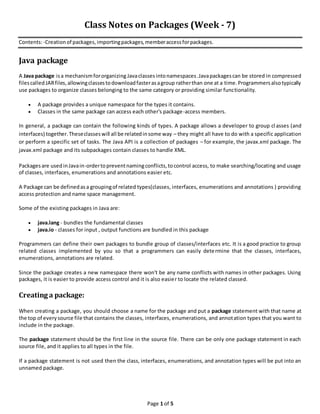
A Java package isa mechanismfororganizing Javaclassesintonamespaces .Javapackagescan be stored in compressed
filescalled JARfiles, allowingclassestodownloadfasterasagroup ratherthan one at a time.Programmersalsotypically
use packages to organize classes belonging to the same category or providing similar functionality.
 A package provides a unique namespace for the types it contains.
 Classes in the same package can access each other's package-access members.
In general, a package can contain the following kinds of types. A package allows a developer to group cl asses (and
interfaces) together.Theseclasseswill all be relatedinsome way – they might all have to do with a specific application
or perform a specific set of tasks. The Java API is a collection of packages – for example, the javax.xml package. The
javax.xml package and its subpackages contain classes to handle XML.
Packagesare usedinJavain-ordertopreventnamingconflicts,tocontrol access, to make searching/locating and usage
of classes, interfaces, enumerations and annotations easier etc.
A Package can be definedasa groupingof related types(classes, interfaces, enumerations and annotations ) providing
access protection and name space management.
Some of the existing packages in Java are:
 java.lang - bundles the fundamental classes
 java.io - classes for input , output functions are bundled in this package
Programmers can define their own packages to bundle group of classes/interfaces etc. It is a good practice to group
related classes implemented by you so that a programmers can easily determine that the classes, interfaces,
enumerations, annotations are related.
Since the package creates a new namespace there won't be any name conflicts with names in other packages. Using
packages, it is easier to provide access control and it is also easier to locate the related classed.
Creating a package:
When creating a package, you should choose a name for the package and put a package statement with that name at
the top of everysource file that contains the classes, interfaces, enumerations, and annotation types that you want to
include in the package.
The package statement should be the first line in the source file. There can be only one package statement in each
source file, and it applies to all types in the file.
If a package statement is not used then the class, interfaces, enumerations, and annotation types will be put into an
unnamed package.
Page 2 of 5
Example:
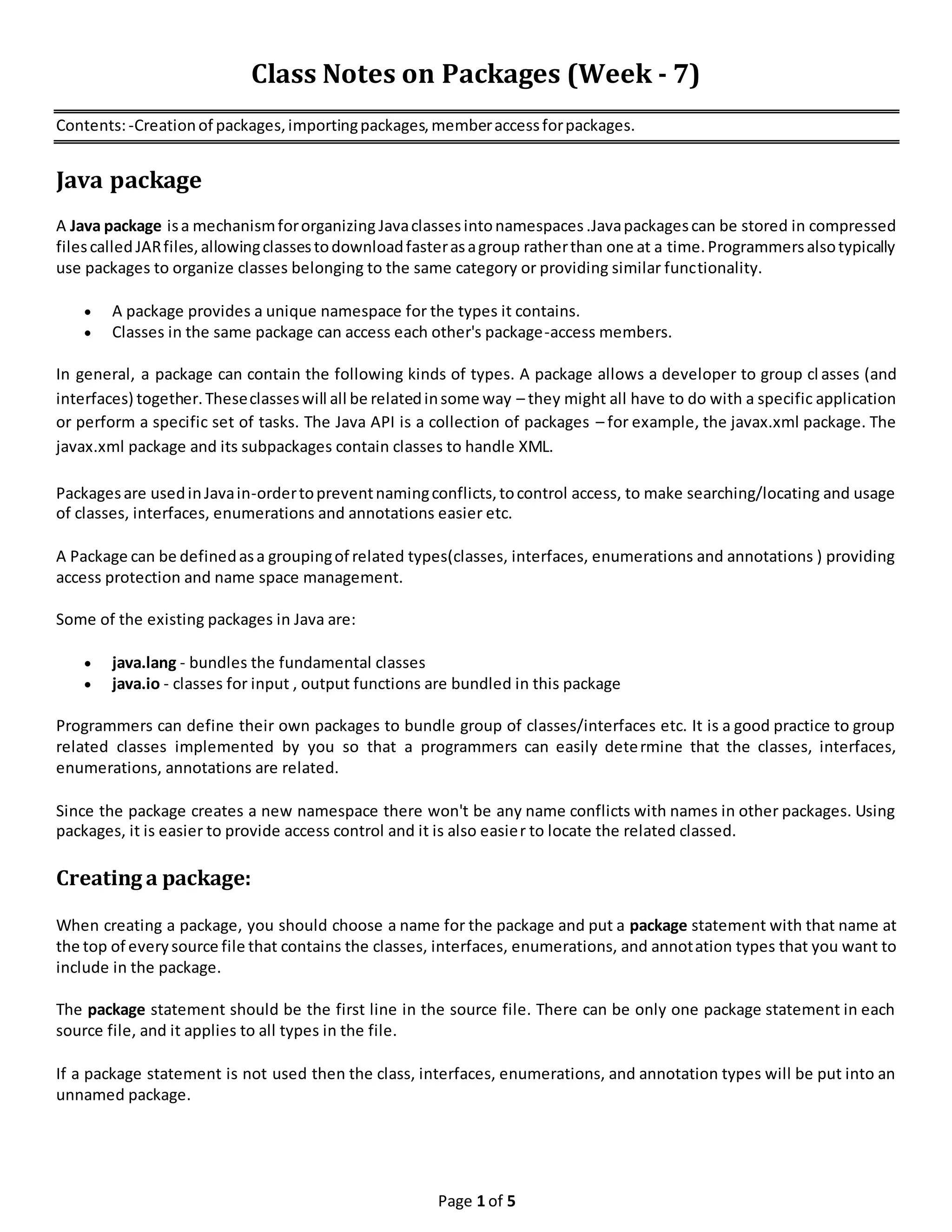
Let us look at an example that creates a package called animals. It is common practice to use lowercased names
of packages to avoid any conflicts with the names of classes, interfaces.
Put an interface in the package animals:
/* File name : Animal.java */
package animals;
interface Animal {
public void eat();
public void travel();
}
Now put an implementation in the same package animals:
package animals;
/* File name : MammalInt.java */
public class MammalInt implements Animal{
public void eat(){
System.out.println("Mammal eats");
}
public void travel(){
System.out.println("Mammal travels");
}
public int noOfLegs(){
return 0;
}
public static void main(String args[]){
MammalInt m = new MammalInt();
m.eat();
m.travel();
}
}
Nowyoucompile these twofilesandputthemina sub-directorycalled animalsandtryto run as follows:
$ mkdir animals
$ cp Animal.class MammalInt.class animals
$ java animals/MammalInt
Mammal eats
Mammal travels
The import Keyword:
If a classwantsto use anotherclass inthe same package,the package name doesnotneedto be used.Classesinthe
same package findeachother withoutanyspecial syntax.
Page 3 of 5
Example:
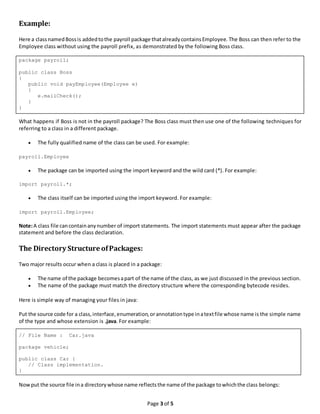
Here a classnamedBossis addedtothe payroll package thatalreadycontainsEmployee. The Boss can then refer to the
Employee class without using the payroll prefix, as demonstrated by the following Boss class.
package payroll;
public class Boss
{
public void payEmployee(Employee e)
{
e.mailCheck();
}
}
What happens if Boss is not in the payroll package? The Boss class must then use one of the following techniques for
referring to a class in a different package.
 The fully qualified name of the class can be used. For example:
payroll.Employee
 The package can be imported using the import keyword and the wild card (*). For example:
import payroll.*;
 The class itself can be imported using the import keyword. For example:
import payroll.Employee;
Note:A class file cancontainanynumber of import statements. The import statements must appear after the package
statement and before the class declaration.
The Directory Structure ofPackages:
Two major results occur when a class is placed in a package:
 The name of the package becomesapart of the name of the class, as we just discussed in the previous section.
 The name of the package must match the directory structure where the corresponding bytecode resides.
Here is simple way of managing your files in java:
Put the source code for a class,interface,enumeration,orannotationtype inatextfile whose name is the simple name
of the type and whose extension is .java. For example:
// File Name : Car.java
package vehicle;
public class Car {
// Class implementation.
}
Nowput the source file ina directorywhose name reflectsthe name of the package towhichthe class belongs:
Page 4 of 5
....vehicleCar.java
Nowthe qualifiedclassname andpathname wouldbe asbelow:
 Classname -> vehicle.Car
 Path name -> vehicleCar.java(inwindows)
In general a company uses its reversed Internet domain name for its package names. Example: A company's Internet
domain name is apple.com, then all its package names would start with com.apple. Each component of the package
name corresponds to a subdirectory.
Example:The companyhada com.apple.computerspackage thatcontainedaDell.javasource file,itwouldbe contained
in a series of subdirectories like this:
....comapplecomputersDell.java
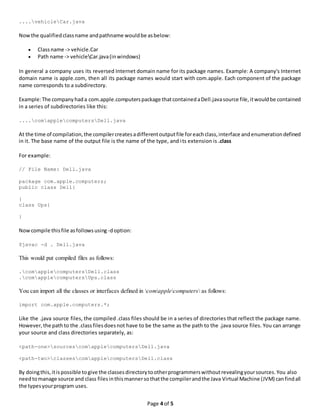
At the time of compilation,the compilercreatesadifferentoutputfile foreachclass,interface andenumerationdefined
in it. The base name of the output file is the name of the type, and its extension is .class
For example:
// File Name: Dell.java
package com.apple.computers;
public class Dell{
}
class Ups{
}
Nowcompile thisfile asfollowsusing -doption:
$javac -d . Dell.java
This would put compiled files as follows:
.comapplecomputersDell.class
.comapplecomputersUps.class
You can import all the classes or interfaces defined in comapplecomputers as follows:
import com.apple.computers.*;
Like the .java source files, the compiled .class files should be in a series of directories that reflect the package name.
However,the pathto the .classfilesdoesnot have to be the same as the path to the .java source files. You can arrange
your source and class directories separately, as:
<path-one>sourcescomapplecomputersDell.java
<path-two>classescomapplecomputersDell.class
By doingthis,itispossible togive the classesdirectorytootherprogrammerswithoutrevealingyoursources.You also
needtomanage source and class filesinthismannersothatthe compilerandthe Java Virtual Machine (JVM) canfindall
the typesyourprogram uses.
Page 5 of 5
The full pathto the classesdirectory,<path-two>classes,iscalledthe classpath,and is set with the CLASSPATH system
variable.Boththe compilerandthe JVMconstruct the path to your .class files by adding the package name to the class
path.
Say <path-two>classesisthe classpath,and the package name is com.apple.computers,thenthe compiler andJVMwill
look for .class files in <path-two>classescomapplecomptuers.
A classpath may include several paths.Multiple pathsshouldbe separatedbyasemicolon(Windows) orcolon(Unix).By
default,the compilerand the JVMsearch the current directory and the JAR file containing the Java platform classes so
that these directories are automatically in the class path.
Set CLASSPATH System Variable:
To display the current CLASSPATH variable, use the following commands in Windows and Unix (Bourne shell ):
 In Windows -> C:> set CLASSPATH
 In Unix -> % echo $CLASSPATH
To delete the current contents of the CLASSPATH variable, use :
 In Windows -> C:> set CLASSPATH=
 In Unix -> % unset CLASSPATH; export CLASSPATH
To set the CLASSPATH variable:
 In Windows -> set CLASSPATH=C:usersjackjavaclasses
 In Unix -> % CLASSPATH=/home/jack/java/classes; export CLASSPATH
Package naming conventions
Packagesare usually defined using a hierarchical naming pattern, with levels in the hierarchy separated by periods ( .,
pronounced "dot"). Although packages lower in the naming hierarchy are often referred to as "subpackages" of the
correspondingpackageshigher in the hierarchy, there is almost no semantic relationship between packages. The Java
Language Specification establishes package naming conventions to avoid the possibility of two published packages
havingthe same name. The naming conventions describe how to create unique package names, so that packages that
are widely distributed will have unique namespaces. This allows packages to be separately, easily and automatically
installed and catalogued.
In general, a package name begins with the top level domain name of the organization and then the organization's
domain and then any subdomains, listed in reverse order. The organization can then choose a specific name for its
package. Package names should be all lowercase characters whenever possible.
For example, if an organization in Canada called MySoft creates a package to deal with fractions, naming the package
ca.mysoft.fractions distinguishes the fractions package from another similar package created by another company. If a
Germancompany namedMySoftalsocreatesa fractionspackage, but names it de.mysoft.fractions, then the classes in
these two packages are defined in a unique and separate namespace.
Complete conventions for disambiguating package names and rules for naming packages when the Internet domain
name cannot be directly used as a package name are described in section 7.7 of the Java Language Specification.
Good precise tutorial on java packages: http://www.jarticles.com/package/package_eng.html

Class notes(week 7) on packages

  • 1.
    Page 1 of5 Class Notes on Packages (Week - 7) Contents:-Creationof packages,importingpackages,memberaccessforpackages. Java package A Java package isa mechanismfororganizing Javaclassesintonamespaces .Javapackagescan be stored in compressed filescalled JARfiles, allowingclassestodownloadfasterasagroup ratherthan one at a time.Programmersalsotypically use packages to organize classes belonging to the same category or providing similar functionality.  A package provides a unique namespace for the types it contains.  Classes in the same package can access each other's package-access members. In general, a package can contain the following kinds of types. A package allows a developer to group cl asses (and interfaces) together.Theseclasseswill all be relatedinsome way – they might all have to do with a specific application or perform a specific set of tasks. The Java API is a collection of packages – for example, the javax.xml package. The javax.xml package and its subpackages contain classes to handle XML. Packagesare usedinJavain-ordertopreventnamingconflicts,tocontrol access, to make searching/locating and usage of classes, interfaces, enumerations and annotations easier etc. A Package can be definedasa groupingof related types(classes, interfaces, enumerations and annotations ) providing access protection and name space management. Some of the existing packages in Java are:  java.lang - bundles the fundamental classes  java.io - classes for input , output functions are bundled in this package Programmers can define their own packages to bundle group of classes/interfaces etc. It is a good practice to group related classes implemented by you so that a programmers can easily determine that the classes, interfaces, enumerations, annotations are related. Since the package creates a new namespace there won't be any name conflicts with names in other packages. Using packages, it is easier to provide access control and it is also easier to locate the related classed. Creating a package: When creating a package, you should choose a name for the package and put a package statement with that name at the top of everysource file that contains the classes, interfaces, enumerations, and annotation types that you want to include in the package. The package statement should be the first line in the source file. There can be only one package statement in each source file, and it applies to all types in the file. If a package statement is not used then the class, interfaces, enumerations, and annotation types will be put into an unnamed package.
  • 2.
    Page 2 of5 Example: Let us look at an example that creates a package called animals. It is common practice to use lowercased names of packages to avoid any conflicts with the names of classes, interfaces. Put an interface in the package animals: /* File name : Animal.java */ package animals; interface Animal { public void eat(); public void travel(); } Now put an implementation in the same package animals: package animals; /* File name : MammalInt.java */ public class MammalInt implements Animal{ public void eat(){ System.out.println("Mammal eats"); } public void travel(){ System.out.println("Mammal travels"); } public int noOfLegs(){ return 0; } public static void main(String args[]){ MammalInt m = new MammalInt(); m.eat(); m.travel(); } } Nowyoucompile these twofilesandputthemina sub-directorycalled animalsandtryto run as follows: $ mkdir animals $ cp Animal.class MammalInt.class animals $ java animals/MammalInt Mammal eats Mammal travels The import Keyword: If a classwantsto use anotherclass inthe same package,the package name doesnotneedto be used.Classesinthe same package findeachother withoutanyspecial syntax.
  • 3.
    Page 3 of5 Example: Here a classnamedBossis addedtothe payroll package thatalreadycontainsEmployee. The Boss can then refer to the Employee class without using the payroll prefix, as demonstrated by the following Boss class. package payroll; public class Boss { public void payEmployee(Employee e) { e.mailCheck(); } } What happens if Boss is not in the payroll package? The Boss class must then use one of the following techniques for referring to a class in a different package.  The fully qualified name of the class can be used. For example: payroll.Employee  The package can be imported using the import keyword and the wild card (*). For example: import payroll.*;  The class itself can be imported using the import keyword. For example: import payroll.Employee; Note:A class file cancontainanynumber of import statements. The import statements must appear after the package statement and before the class declaration. The Directory Structure ofPackages: Two major results occur when a class is placed in a package:  The name of the package becomesapart of the name of the class, as we just discussed in the previous section.  The name of the package must match the directory structure where the corresponding bytecode resides. Here is simple way of managing your files in java: Put the source code for a class,interface,enumeration,orannotationtype inatextfile whose name is the simple name of the type and whose extension is .java. For example: // File Name : Car.java package vehicle; public class Car { // Class implementation. } Nowput the source file ina directorywhose name reflectsthe name of the package towhichthe class belongs:
  • 4.
    Page 4 of5 ....vehicleCar.java Nowthe qualifiedclassname andpathname wouldbe asbelow:  Classname -> vehicle.Car  Path name -> vehicleCar.java(inwindows) In general a company uses its reversed Internet domain name for its package names. Example: A company's Internet domain name is apple.com, then all its package names would start with com.apple. Each component of the package name corresponds to a subdirectory. Example:The companyhada com.apple.computerspackage thatcontainedaDell.javasource file,itwouldbe contained in a series of subdirectories like this: ....comapplecomputersDell.java At the time of compilation,the compilercreatesadifferentoutputfile foreachclass,interface andenumerationdefined in it. The base name of the output file is the name of the type, and its extension is .class For example: // File Name: Dell.java package com.apple.computers; public class Dell{ } class Ups{ } Nowcompile thisfile asfollowsusing -doption: $javac -d . Dell.java This would put compiled files as follows: .comapplecomputersDell.class .comapplecomputersUps.class You can import all the classes or interfaces defined in comapplecomputers as follows: import com.apple.computers.*; Like the .java source files, the compiled .class files should be in a series of directories that reflect the package name. However,the pathto the .classfilesdoesnot have to be the same as the path to the .java source files. You can arrange your source and class directories separately, as: <path-one>sourcescomapplecomputersDell.java <path-two>classescomapplecomputersDell.class By doingthis,itispossible togive the classesdirectorytootherprogrammerswithoutrevealingyoursources.You also needtomanage source and class filesinthismannersothatthe compilerandthe Java Virtual Machine (JVM) canfindall the typesyourprogram uses.
  • 5.
    Page 5 of5 The full pathto the classesdirectory,<path-two>classes,iscalledthe classpath,and is set with the CLASSPATH system variable.Boththe compilerandthe JVMconstruct the path to your .class files by adding the package name to the class path. Say <path-two>classesisthe classpath,and the package name is com.apple.computers,thenthe compiler andJVMwill look for .class files in <path-two>classescomapplecomptuers. A classpath may include several paths.Multiple pathsshouldbe separatedbyasemicolon(Windows) orcolon(Unix).By default,the compilerand the JVMsearch the current directory and the JAR file containing the Java platform classes so that these directories are automatically in the class path. Set CLASSPATH System Variable: To display the current CLASSPATH variable, use the following commands in Windows and Unix (Bourne shell ):  In Windows -> C:> set CLASSPATH  In Unix -> % echo $CLASSPATH To delete the current contents of the CLASSPATH variable, use :  In Windows -> C:> set CLASSPATH=  In Unix -> % unset CLASSPATH; export CLASSPATH To set the CLASSPATH variable:  In Windows -> set CLASSPATH=C:usersjackjavaclasses  In Unix -> % CLASSPATH=/home/jack/java/classes; export CLASSPATH Package naming conventions Packagesare usually defined using a hierarchical naming pattern, with levels in the hierarchy separated by periods ( ., pronounced "dot"). Although packages lower in the naming hierarchy are often referred to as "subpackages" of the correspondingpackageshigher in the hierarchy, there is almost no semantic relationship between packages. The Java Language Specification establishes package naming conventions to avoid the possibility of two published packages havingthe same name. The naming conventions describe how to create unique package names, so that packages that are widely distributed will have unique namespaces. This allows packages to be separately, easily and automatically installed and catalogued. In general, a package name begins with the top level domain name of the organization and then the organization's domain and then any subdomains, listed in reverse order. The organization can then choose a specific name for its package. Package names should be all lowercase characters whenever possible. For example, if an organization in Canada called MySoft creates a package to deal with fractions, naming the package ca.mysoft.fractions distinguishes the fractions package from another similar package created by another company. If a Germancompany namedMySoftalsocreatesa fractionspackage, but names it de.mysoft.fractions, then the classes in these two packages are defined in a unique and separate namespace. Complete conventions for disambiguating package names and rules for naming packages when the Internet domain name cannot be directly used as a package name are described in section 7.7 of the Java Language Specification. Good precise tutorial on java packages: http://www.jarticles.com/package/package_eng.html