By :
A.Bhuvaneshwari,M.SC(cs)
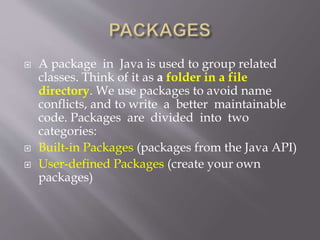
 A package in Java is used to group related
classes. Think of it as a folder in a file
directory. We use packages to avoid name
conflicts, and to write a better maintainable
code. Packages are divided into two
categories:
 Built-in Packages (packages from the Java API)
 User-defined Packages (create your own
packages)
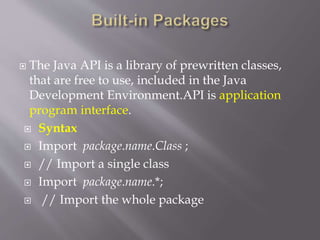
 The Java API is a library of prewritten classes,
that are free to use, included in the Java
Development Environment.API is application
program interface.
 Syntax
 Import package.name.Class ;
 // Import a single class
 Import package.name.*;
 // Import the whole package
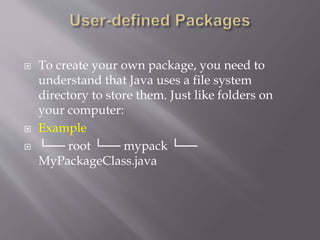
 To create your own package, you need to
understand that Java uses a file system
directory to store them. Just like folders on
your computer:
 Example
 └── root └── mypack └──
MyPackageClass.java
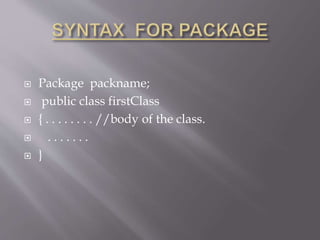
 Package packname;
 public class firstClass
 { . . . . . . . . //body of the class.
 . . . . . . .
 }
 Java package is used to categorize by the
classes and interfaces.
 It is easy to maintained.
 Java package is provide as access protection.
 It may removes naming collision.
 This packages can be provide reusability of
code.
 We can create our own package or extend
already available pack
 To compile the Java programs with package
statements, you have to use -d option as shown
below.
 javac -d Destination_folder file_name.java
 Then a folder with the given package name is
created in the specified destination, and the
compiled class files will be placed in that
folder.
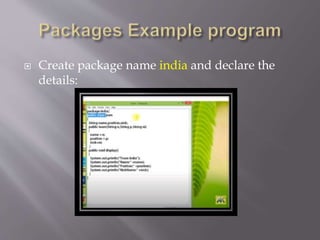
 Create package name india and declare the
details:
 Package India;
 Public class team
 {
 String name,position,nick;
 Public team(String n,String p,String ni)
 {
 Name=n;
 Position=p;
 Nick=ni;
 }
 Public void display()
 {
 System.out.println(“team India”);
 System.out.println(“name:”+name);
 System.out.println(“position:”+position);
 System.out.println(“nickname:”+nickname);
 }
 }
 Import india .team;
 Class pack
 {
 Public static void main(String args[])
 {
 Team c=new team(“dhoni”,”captain”,”cool”);
 C.display();
 }
 }
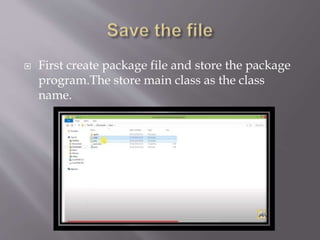
 First create package file and store the package
program.The store main class as the class
name.
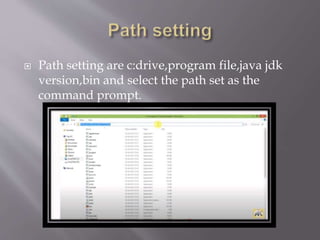
 Path setting are c:drive,program file,java jdk
version,bin and select the path set as the
command prompt.
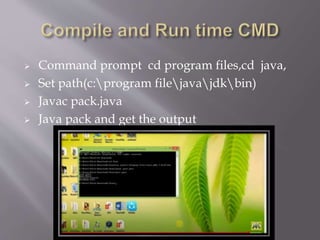
 Command prompt cd program files,cd java,
 Set path(c:program filejavajdkbin)
 Javac pack.java
 Java pack and get the output
 Output:
 Team:india
 Name:dhoni
 position:captain
 Nickname:cool
 An interface is a reference type in Java. It is
similar to class. It is a collection of abstract
methods. A class implements an interface,
thereby inheriting the abstract methods of the
interface
 The interface in Java is a mechanism to
achieve abstraction. There can be only abstract
methods in the Java interface, not method
body. It is used to achieve abstraction and
multiple inheritance in Java.
 There are mainly three reasons to use interface.
They are given below.
 It is used to achieve abstraction.
 By interface, we can support the functionality
of multiple inheritance.
 It can be used to achieve loose coupling.
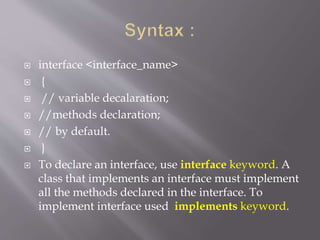
 interface <interface_name>
 {
 // variable decalaration;
 //methods declaration;
 // by default.
 }
 To declare an interface, use interface keyword. A
class that implements an interface must implement
all the methods declared in the interface. To
implement interface used implements keyword.
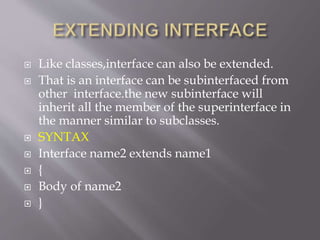
 Like classes,interface can also be extended.
 That is an interface can be subinterfaced from
other interface.the new subinterface will
inherit all the member of the superinterface in
the manner similar to subclasses.
 SYNTAX
 Interface name2 extends name1
 {
 Body of name2
 }
 A class uses the implements keyword to
implement an interface. The implements
keyword appears in the class declaration
following the extends portion of the declaration
 SYNTAX
 Class classname implements interfacename
 {
 Body of classname
 }
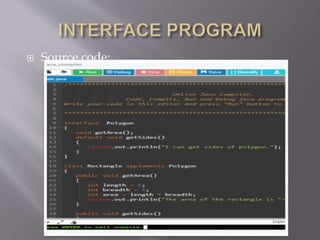
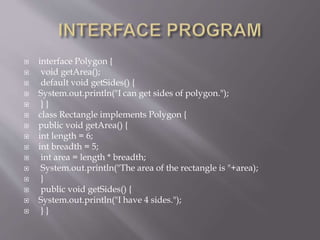
 Source code:
 interface Polygon {
 void getArea();
 default void getSides() {
 System.out.println("I can get sides of polygon.");
 } }
 class Rectangle implements Polygon {
 public void getArea() {
 int length = 6;
 int breadth = 5;
 int area = length * breadth;
 System.out.println("The area of the rectangle is "+area);
 }
 public void getSides() {
 System.out.println("I have 4 sides.");
 } }
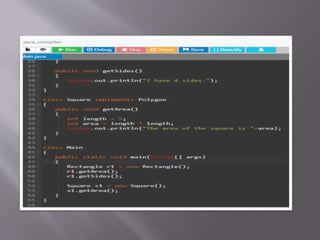
 class Square implements Polygon {
 public void getArea() {
 int length = 5;
 int area = length * length;
 System.out.println("The area of the square is "+area);
 } }
 class Main { public static void main(String[] args)
 { Rectangle r1 = new Rectangle();
 r1.getArea();
 r1.getSides();
 Square s1 = new Square();
 s1.getArea();
 } }
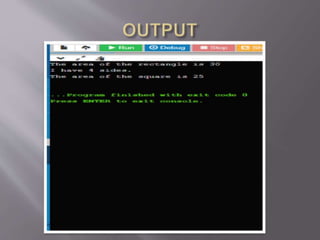
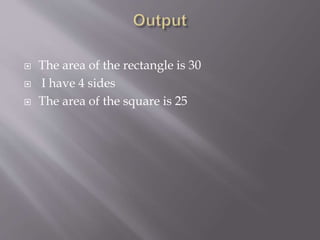
 The area of the rectangle is 30
 I have 4 sides
 The area of the square is 25
Packages and interfaces

Packages and interfaces

  • 1.
  • 2.
     A packagein Java is used to group related classes. Think of it as a folder in a file directory. We use packages to avoid name conflicts, and to write a better maintainable code. Packages are divided into two categories:  Built-in Packages (packages from the Java API)  User-defined Packages (create your own packages)
  • 3.
     The JavaAPI is a library of prewritten classes, that are free to use, included in the Java Development Environment.API is application program interface.  Syntax  Import package.name.Class ;  // Import a single class  Import package.name.*;  // Import the whole package
  • 4.
     To createyour own package, you need to understand that Java uses a file system directory to store them. Just like folders on your computer:  Example  └── root └── mypack └── MyPackageClass.java
  • 5.
     Package packname; public class firstClass  { . . . . . . . . //body of the class.  . . . . . . .  }
  • 6.
     Java packageis used to categorize by the classes and interfaces.  It is easy to maintained.  Java package is provide as access protection.  It may removes naming collision.  This packages can be provide reusability of code.  We can create our own package or extend already available pack
  • 7.
     To compilethe Java programs with package statements, you have to use -d option as shown below.  javac -d Destination_folder file_name.java  Then a folder with the given package name is created in the specified destination, and the compiled class files will be placed in that folder.
  • 8.
     Create packagename india and declare the details:
  • 9.
     Package India; Public class team  {  String name,position,nick;  Public team(String n,String p,String ni)  {  Name=n;  Position=p;  Nick=ni;  }  Public void display()  {  System.out.println(“team India”);  System.out.println(“name:”+name);  System.out.println(“position:”+position);  System.out.println(“nickname:”+nickname);  }  }
  • 10.
     Import india.team;  Class pack  {  Public static void main(String args[])  {  Team c=new team(“dhoni”,”captain”,”cool”);  C.display();  }  }
  • 12.
     First createpackage file and store the package program.The store main class as the class name.
  • 13.
     Path settingare c:drive,program file,java jdk version,bin and select the path set as the command prompt.
  • 14.
     Command promptcd program files,cd java,  Set path(c:program filejavajdkbin)  Javac pack.java  Java pack and get the output
  • 15.
     Output:  Team:india Name:dhoni  position:captain  Nickname:cool
  • 16.
     An interfaceis a reference type in Java. It is similar to class. It is a collection of abstract methods. A class implements an interface, thereby inheriting the abstract methods of the interface  The interface in Java is a mechanism to achieve abstraction. There can be only abstract methods in the Java interface, not method body. It is used to achieve abstraction and multiple inheritance in Java.
  • 17.
     There aremainly three reasons to use interface. They are given below.  It is used to achieve abstraction.  By interface, we can support the functionality of multiple inheritance.  It can be used to achieve loose coupling.
  • 18.
     interface <interface_name> {  // variable decalaration;  //methods declaration;  // by default.  }  To declare an interface, use interface keyword. A class that implements an interface must implement all the methods declared in the interface. To implement interface used implements keyword.
  • 19.
     Like classes,interfacecan also be extended.  That is an interface can be subinterfaced from other interface.the new subinterface will inherit all the member of the superinterface in the manner similar to subclasses.  SYNTAX  Interface name2 extends name1  {  Body of name2  }
  • 20.
     A classuses the implements keyword to implement an interface. The implements keyword appears in the class declaration following the extends portion of the declaration  SYNTAX  Class classname implements interfacename  {  Body of classname  }
  • 21.
  • 24.
     interface Polygon{  void getArea();  default void getSides() {  System.out.println("I can get sides of polygon.");  } }  class Rectangle implements Polygon {  public void getArea() {  int length = 6;  int breadth = 5;  int area = length * breadth;  System.out.println("The area of the rectangle is "+area);  }  public void getSides() {  System.out.println("I have 4 sides.");  } }
  • 25.
     class Squareimplements Polygon {  public void getArea() {  int length = 5;  int area = length * length;  System.out.println("The area of the square is "+area);  } }  class Main { public static void main(String[] args)  { Rectangle r1 = new Rectangle();  r1.getArea();  r1.getSides();  Square s1 = new Square();  s1.getArea();  } }
  • 26.
     The areaof the rectangle is 30  I have 4 sides  The area of the square is 25