Web 2.0 and Social
    Media for Business
Chapter 2: Blogging for Business Part B


          Roger McHaney, Kansas State University
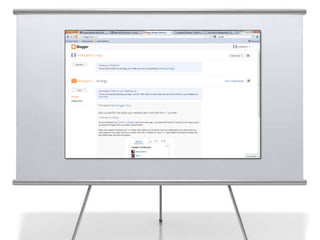
Blogger Tutorial
2
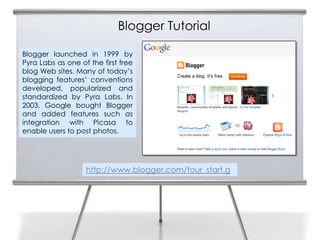
    Blogger launched in 1999 by
    Pyra Labs as one of the first free
    blog Web sites. Many of today’s
    blogging features’ conventions
    developed, popularized and
    standardized by Pyra Labs. In
    2003, Google bought Blogger
    and added features such as
    integration with Picasa to
    enable users to post photos.


                       http://www.blogger.com/tour_start.g
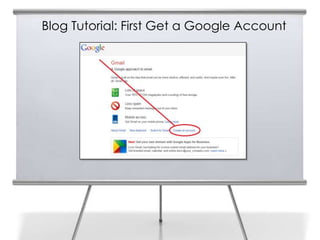
Blog Tutorial: First Get a Google Account
3
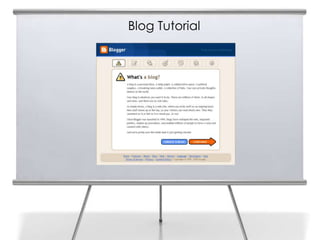
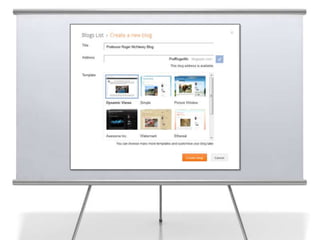
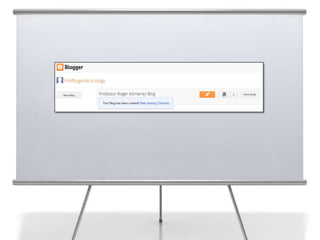
Blog Tutorial
4
5
6
7
9
10
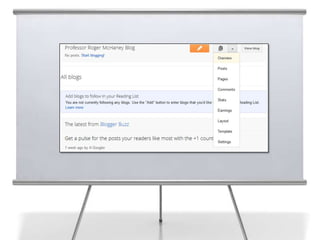
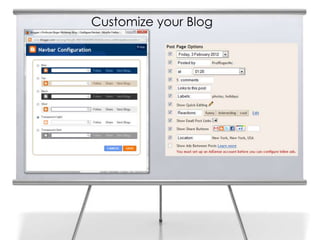
Customize your Blog

11
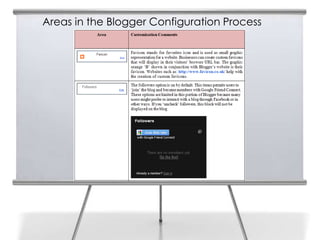
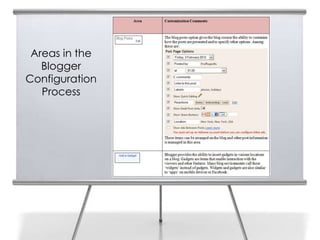
Areas in the Blogger Configuration Process

12
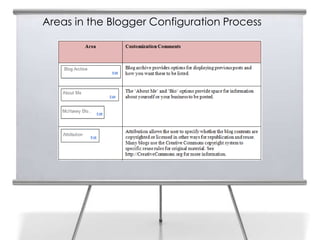
Areas in the Blogger Configuration Process

13
14
      Areas in the
        Blogger
     Configuration
        Process
15

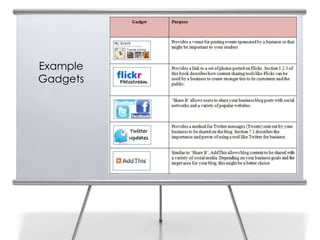
     Example
     Gadgets
16


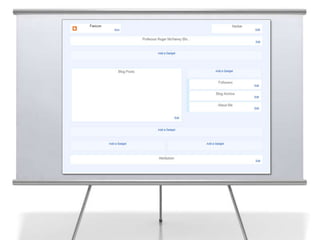
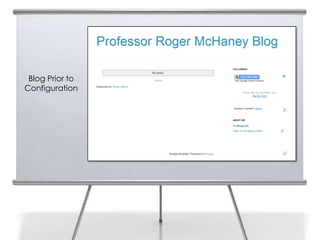
      Blog Prior to
     Configuration
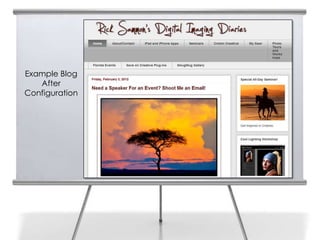
Example Blog
   After
Configuration
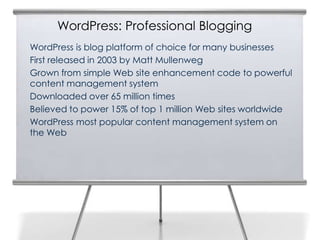
WordPress: Professional Blogging
WordPress is blog platform of choice for many businesses
First released in 2003 by Matt Mullenweg
Grown from simple Web site enhancement code to powerful
content management system
Downloaded over 65 million times
Believed to power 15% of top 1 million Web sites worldwide
WordPress most popular content management system on
the Web
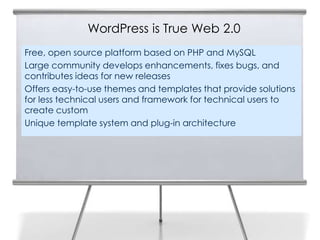
WordPress is True Web 2.0
Free, open source platform based on PHP and MySQL
Large community develops enhancements, fixes bugs, and
contributes ideas for new releases
Offers easy-to-use themes and templates that provide solutions
for less technical users and framework for technical users to
create custom
Unique template system and plug-in architecture
Open Source Philosophy of WordPress
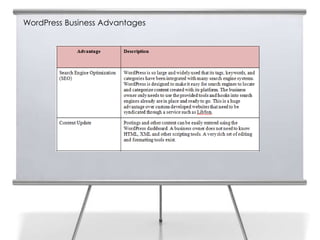
WordPress Business Advantages
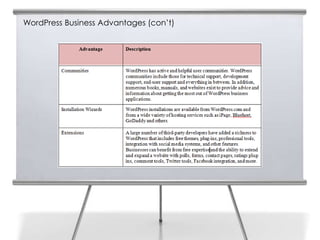
WordPress Business Advantages (con’t)
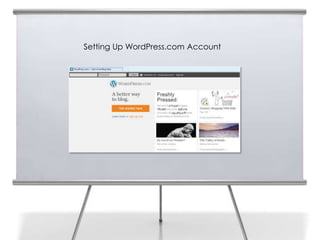
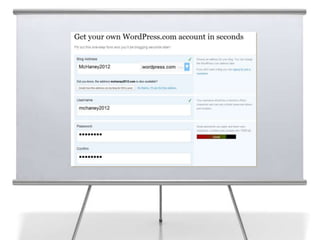
24   Setting Up WordPress.com Account
25
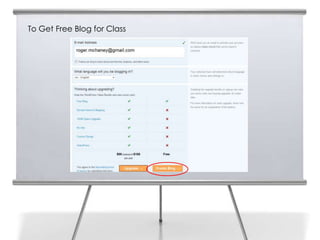
To Get Free Blog for Class

26
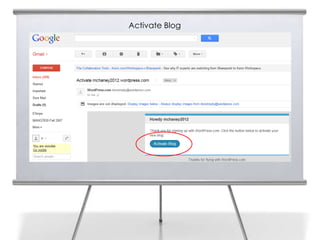
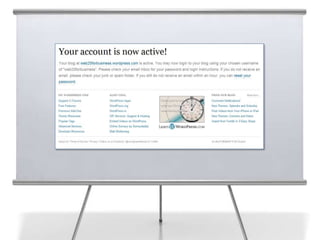
Activate Blog

27
28
29


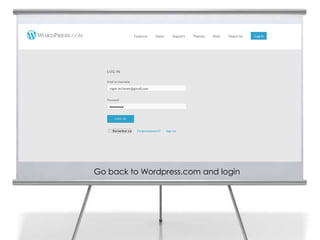
     Go back to Wordpress.com and login
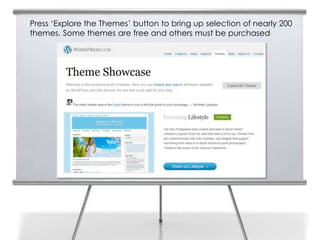
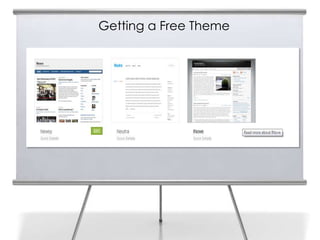
Press ‘Explore the Themes’ button to bring up selection of nearly 200
     themes. Some themes are free and others must be purchased
30
Getting a Free Theme
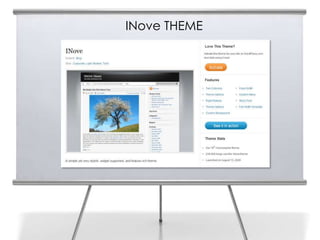
INove THEME
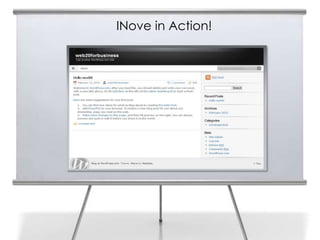
INove in Action!
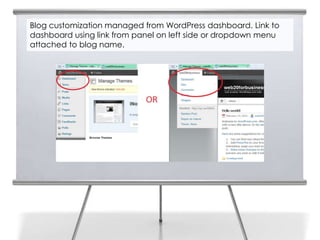
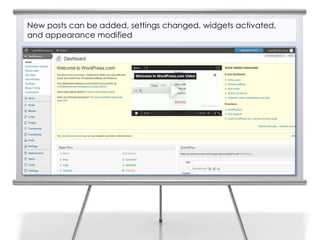
Blog customization managed from WordPress dashboard. Link to
dashboard using link from panel on left side or dropdown menu
attached to blog name.
New posts can be added, settings changed, widgets activated,
and appearance modified
Summary
Blogs are a class of applications among the first
to become associated with transition from
static Web pages to social media and Web
2.0.

Blogs have transitioned from online journals
and bulletin board systems to interactive
venues for facilitating communication and
messages

Businesses use these powerful tools to create a
community of customers, potential clients, and
employees

Blogging is a standard practice in nearly all
Fortune 500 firms as well as in many small and
medium sized businesses

Chapter 2 provided an overview of blogs and
examples of Blogger and WordPress
Slide Media from:
Slides Prepared by Professor Roger McHaney
Kansas State University                      PresenterMedia.com
Twitter: @mchaney                            support@presentermedia.com
Blog: http://mchaney.com
Email : mchaney@ksu.edu
                                             4416 S. Technology Dr
                                             Sioux Falls, SD 57106

Chapter2b McHaney

  • 1.
    Web 2.0 andSocial Media for Business Chapter 2: Blogging for Business Part B Roger McHaney, Kansas State University
  • 2.
    Blogger Tutorial 2 Blogger launched in 1999 by Pyra Labs as one of the first free blog Web sites. Many of today’s blogging features’ conventions developed, popularized and standardized by Pyra Labs. In 2003, Google bought Blogger and added features such as integration with Picasa to enable users to post photos. http://www.blogger.com/tour_start.g
  • 3.
    Blog Tutorial: FirstGet a Google Account 3
  • 4.
  • 5.
  • 6.
  • 7.
  • 9.
  • 10.
  • 11.
  • 12.
    Areas in theBlogger Configuration Process 12
  • 13.
    Areas in theBlogger Configuration Process 13
  • 14.
    14 Areas in the Blogger Configuration Process
  • 15.
    15 Example Gadgets
  • 16.
    16 Blog Prior to Configuration
  • 17.
    Example Blog After Configuration
  • 19.
    WordPress: Professional Blogging WordPressis blog platform of choice for many businesses First released in 2003 by Matt Mullenweg Grown from simple Web site enhancement code to powerful content management system Downloaded over 65 million times Believed to power 15% of top 1 million Web sites worldwide WordPress most popular content management system on the Web
  • 20.
    WordPress is TrueWeb 2.0 Free, open source platform based on PHP and MySQL Large community develops enhancements, fixes bugs, and contributes ideas for new releases Offers easy-to-use themes and templates that provide solutions for less technical users and framework for technical users to create custom Unique template system and plug-in architecture
  • 21.
  • 22.
  • 23.
  • 24.
    24 Setting Up WordPress.com Account
  • 25.
  • 26.
    To Get FreeBlog for Class 26
  • 27.
  • 28.
  • 29.
    29 Go back to Wordpress.com and login
  • 30.
    Press ‘Explore theThemes’ button to bring up selection of nearly 200 themes. Some themes are free and others must be purchased 30
  • 31.
  • 32.
  • 33.
  • 34.
    Blog customization managedfrom WordPress dashboard. Link to dashboard using link from panel on left side or dropdown menu attached to blog name.
  • 35.
    New posts canbe added, settings changed, widgets activated, and appearance modified
  • 36.
    Summary Blogs are aclass of applications among the first to become associated with transition from static Web pages to social media and Web 2.0. Blogs have transitioned from online journals and bulletin board systems to interactive venues for facilitating communication and messages Businesses use these powerful tools to create a community of customers, potential clients, and employees Blogging is a standard practice in nearly all Fortune 500 firms as well as in many small and medium sized businesses Chapter 2 provided an overview of blogs and examples of Blogger and WordPress
  • 37.
    Slide Media from: SlidesPrepared by Professor Roger McHaney Kansas State University PresenterMedia.com Twitter: @mchaney support@presentermedia.com Blog: http://mchaney.com Email : mchaney@ksu.edu 4416 S. Technology Dr Sioux Falls, SD 57106