Innovative use of Web 2.0 for  an inclusive life-long learning WP2: Intensive Case Studies Wolf Hilzensauer Salzburg Research Forschungsgesellschaft m.b.H.
Overview 24 case studies Selection criteria Different learning settings  (formal, non-formal, informal) Different learning situations (face-to-face, blended, ... ) Different learning needs  (vocational, social, up-skilling) Different types of interaction Different target groups
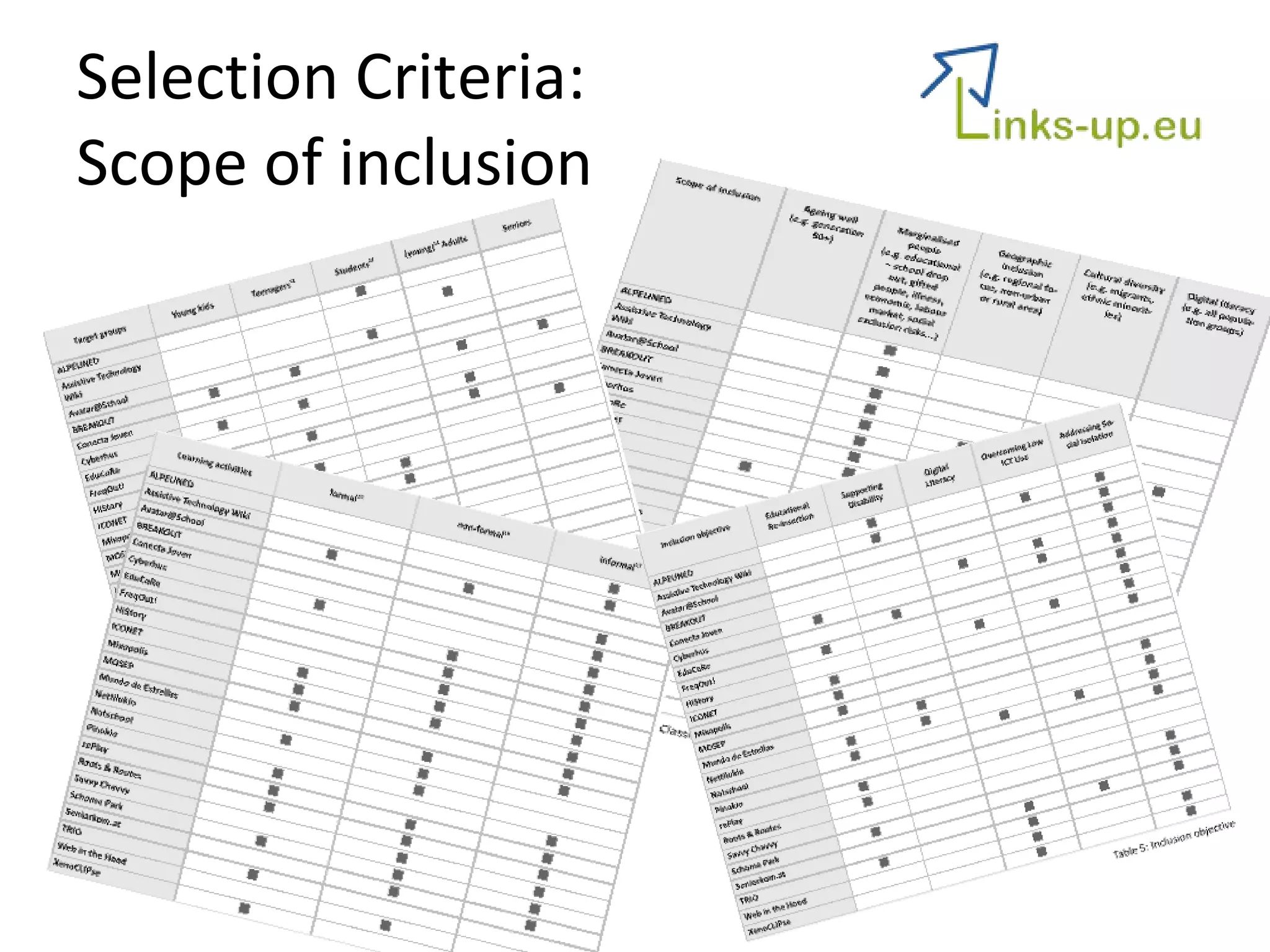
Selection Criteria:  Scope of inclusion
Background General assumption The introduction of innovative components will promote a different behaviour of the individuals and thus, provide a foundation for (social) inclusion. Intervention concepts Supporting basic e-skills Promoting activities on the web Promoting self-directed learning Facilitating a communication platform (peers and trainers) Preparing teachers/vocational counsellors for better assisting students
Tools Mostly a multi-tool approach 3 major areas:  Communication and collaboration Blogs, forum, chat, ...  Social networking Classical „e-learning“ Moodle Virtual worlds Second Life
Lessons learnt Resistant organisational cultures Web 2.0 and open educational methods challenges traditional methods, settings and teacher-student roles   Measuring learning gains and securing formal certification The certification of learning outcomes is a crucial factor and is responsible for the engagement of the users. Active participation of target groups The active engagement and participation of the target group can not per se be expected. Moderation and mentoring is required! User needs and requirements The user needs as well as organisational issues must be taken into account. Project-to-project work with hard to reach communities Without co-operations and joint activities between similar projects and activities, the sustainability of the project is hard to reach! Issues of technology access and flexibility The  appropriateness of the technology and tools is a key factor for the acceptance of the project activities and the success of the project as a whole
Tools Do similar projects use similar tools? No! But the core functionalities (esp. communication) are used in a similar ways with different tools! Low-tech with high touch! Weblogs, social bookmarking tools, Wikis
Recommendations  1/6 Overcome resistance of organisational cultures Expect facing resistance by  organisational cultures Identify additional  benefits  for the target group AND target organisation that may trigger organisational change. Secure  support  and  commitment  of organisational intermediaries (school directors, ... )
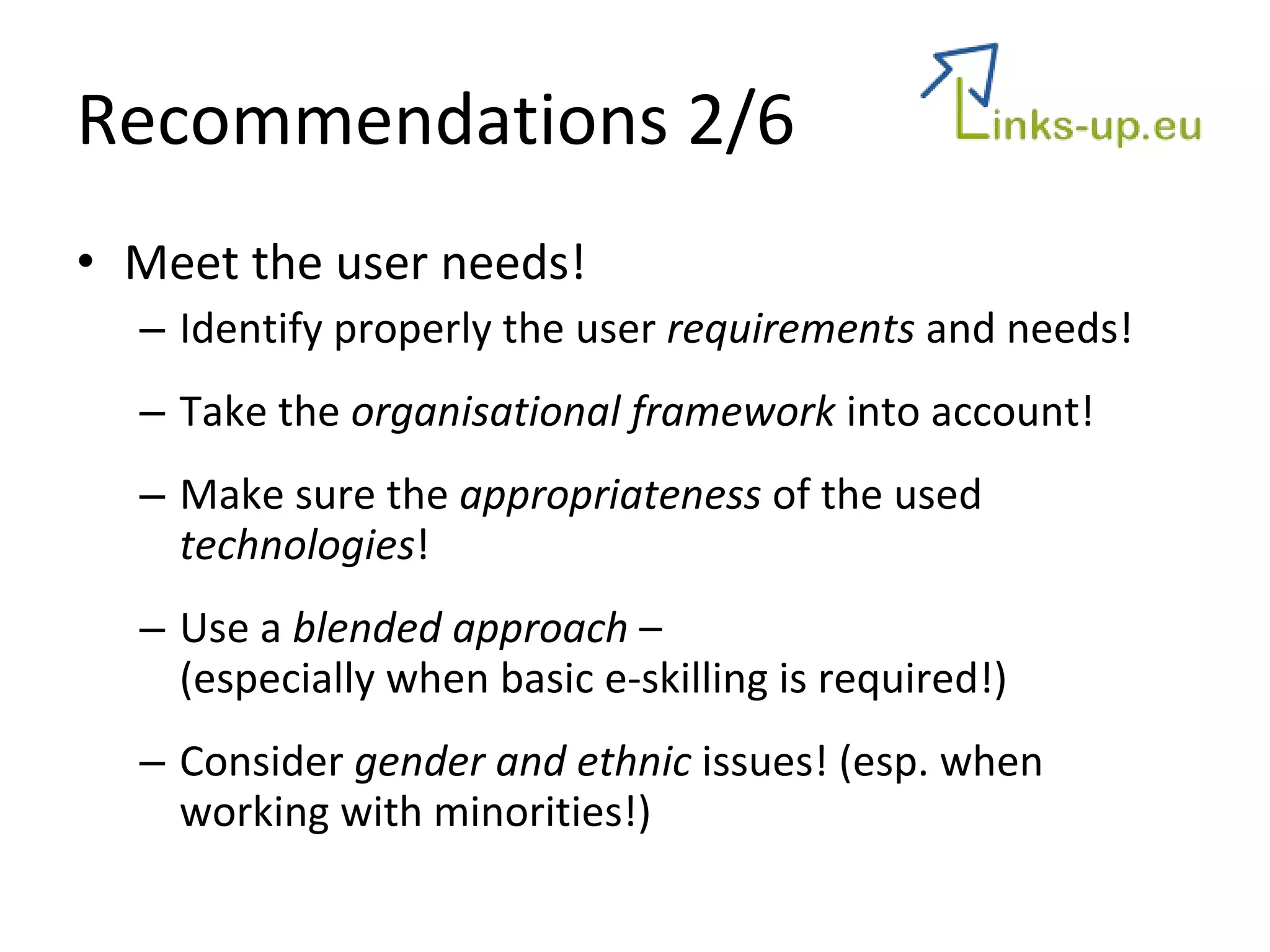
Recommendations 2/6 Meet the user needs! Identify properly the user  requirements  and needs! Take the  organisational framework  into account! Make sure the  appropriateness  of the used  technologies ! Use a  blended approach  –  (especially when basic e-skilling is required!) Consider  gender and ethnic  issues! (esp. when working with minorities!)
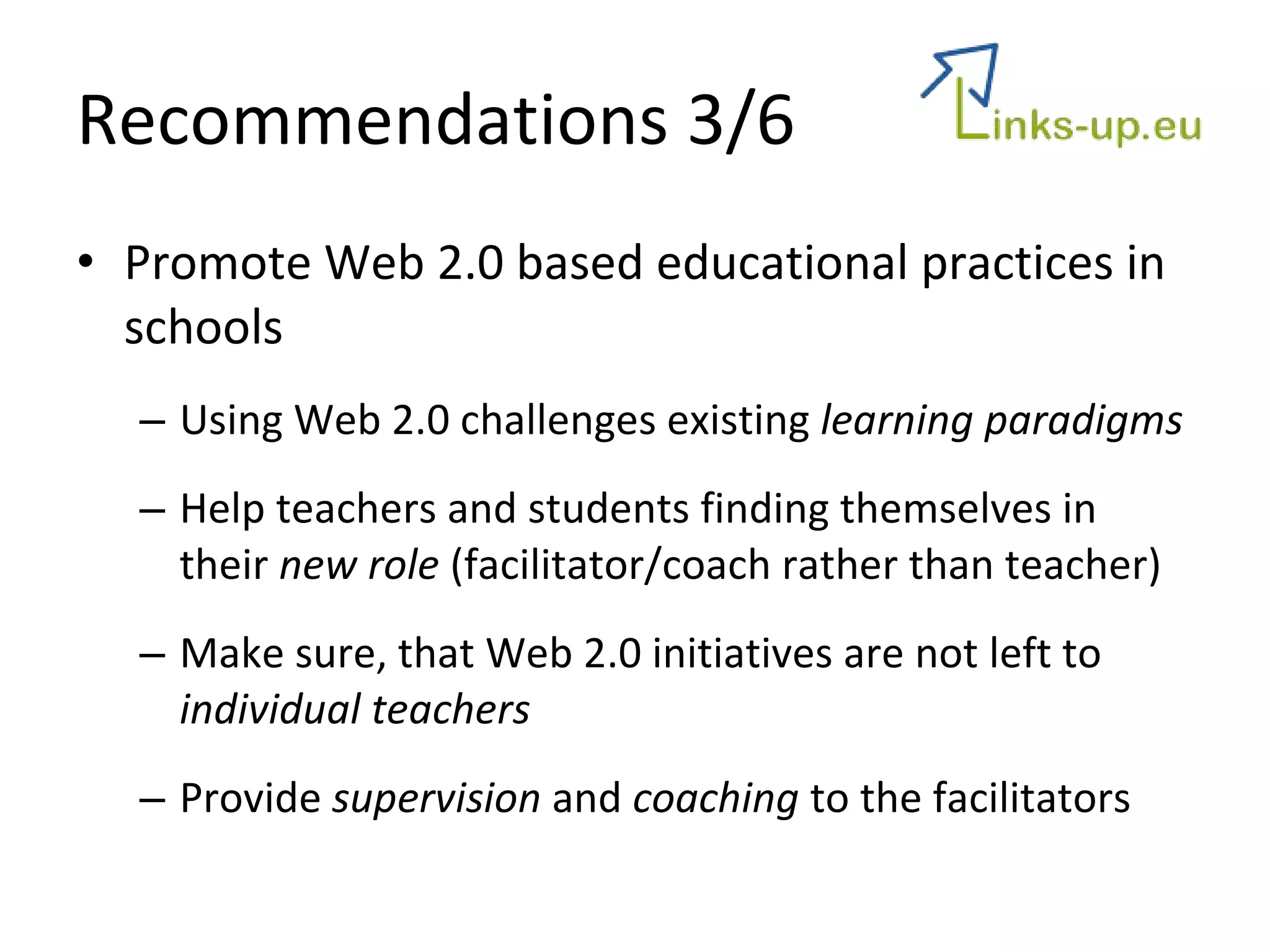
Recommendations 3/6 Promote Web 2.0 based educational practices in schools Using Web 2.0 challenges existing  learning paradigms Help teachers and students finding themselves in their  new role  (facilitator/coach rather than teacher) Make sure, that Web 2.0 initiatives are not left to  individual teachers Provide  supervision  and  coaching  to the facilitators
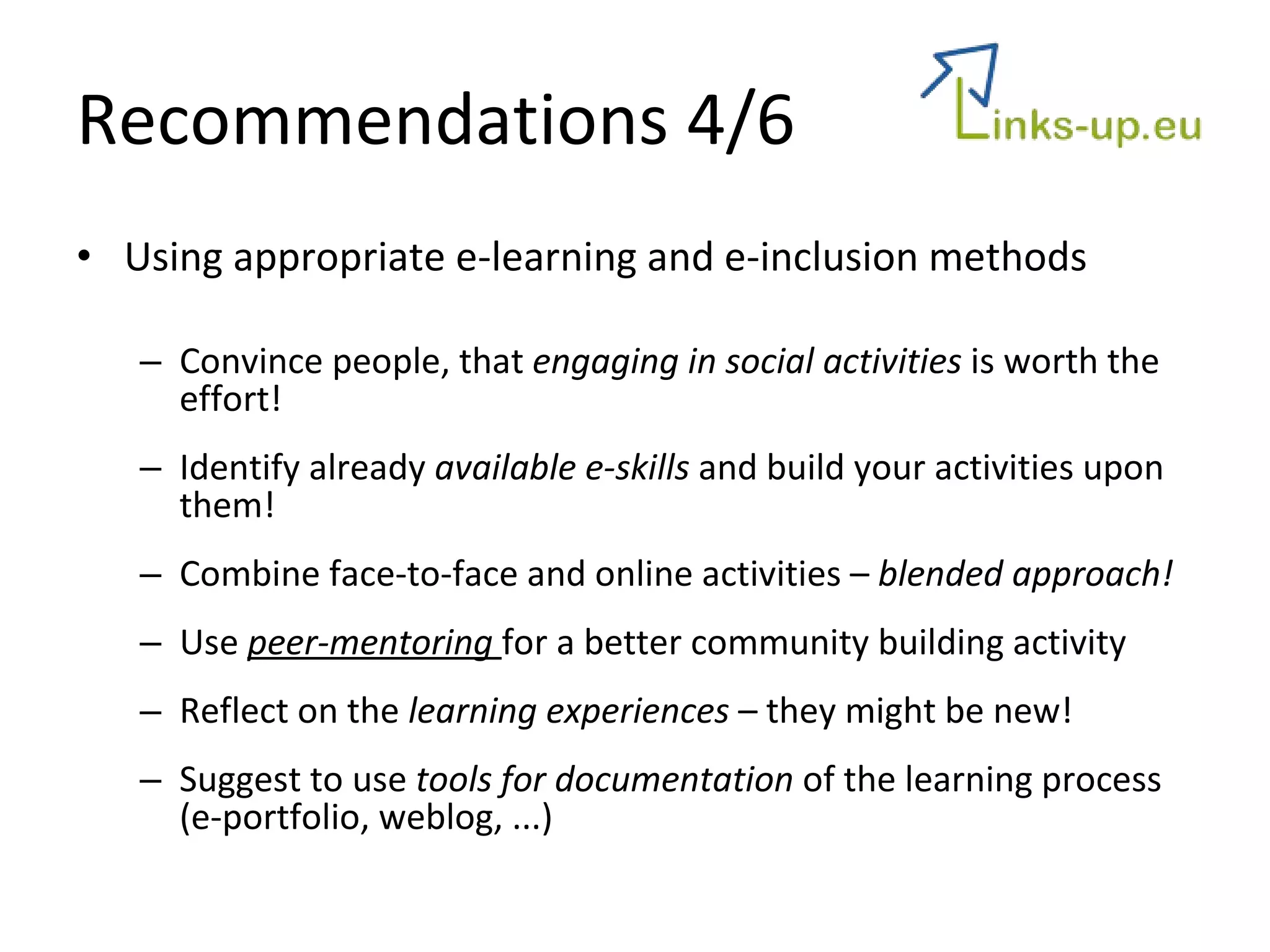
Recommendations 4/6 Using appropriate e-learning and e-inclusion methods Convince people, that  engaging in social activities  is worth the effort! Identify already  available e-skills  and build your activities upon them! Combine face-to-face and online activities –  blended approach! Use  peer-mentoring  for a better community building activity Reflect on the  learning experiences  – they might be new! Suggest to use  tools for documentation  of the learning process (e-portfolio, weblog, ...)
Recommendations 5/6 Drive actively the community website The existence of  social networking facilities  per se does not drive participation and communication Provide an online  community manager  in order to support the learners! Monitor  and  moderate  instantly the activities, taking place at the community website.  Provide a  safe place  for communication amongst the peers.
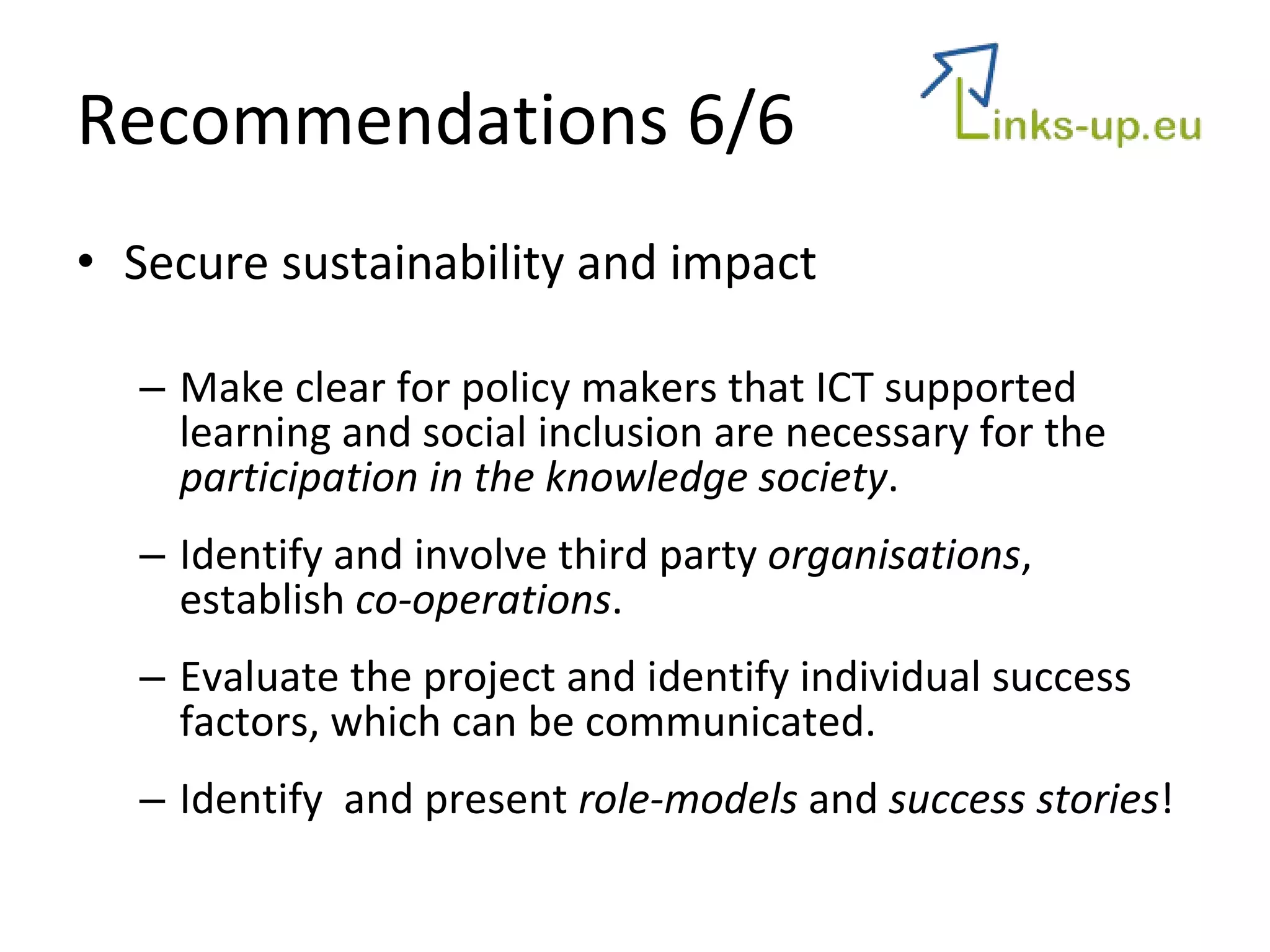
Recommendations 6/6 Secure sustainability and impact Make clear for policy makers that ICT supported learning and social inclusion are necessary for the  participation in the knowledge society .  Identify and involve third party  organisations , establish  co-operations . Evaluate the project and identify individual success factors, which can be communicated.  Identify  and present  role-models  and  success stories !
Success Story: Podcasting with elderly people
Local TV-Station
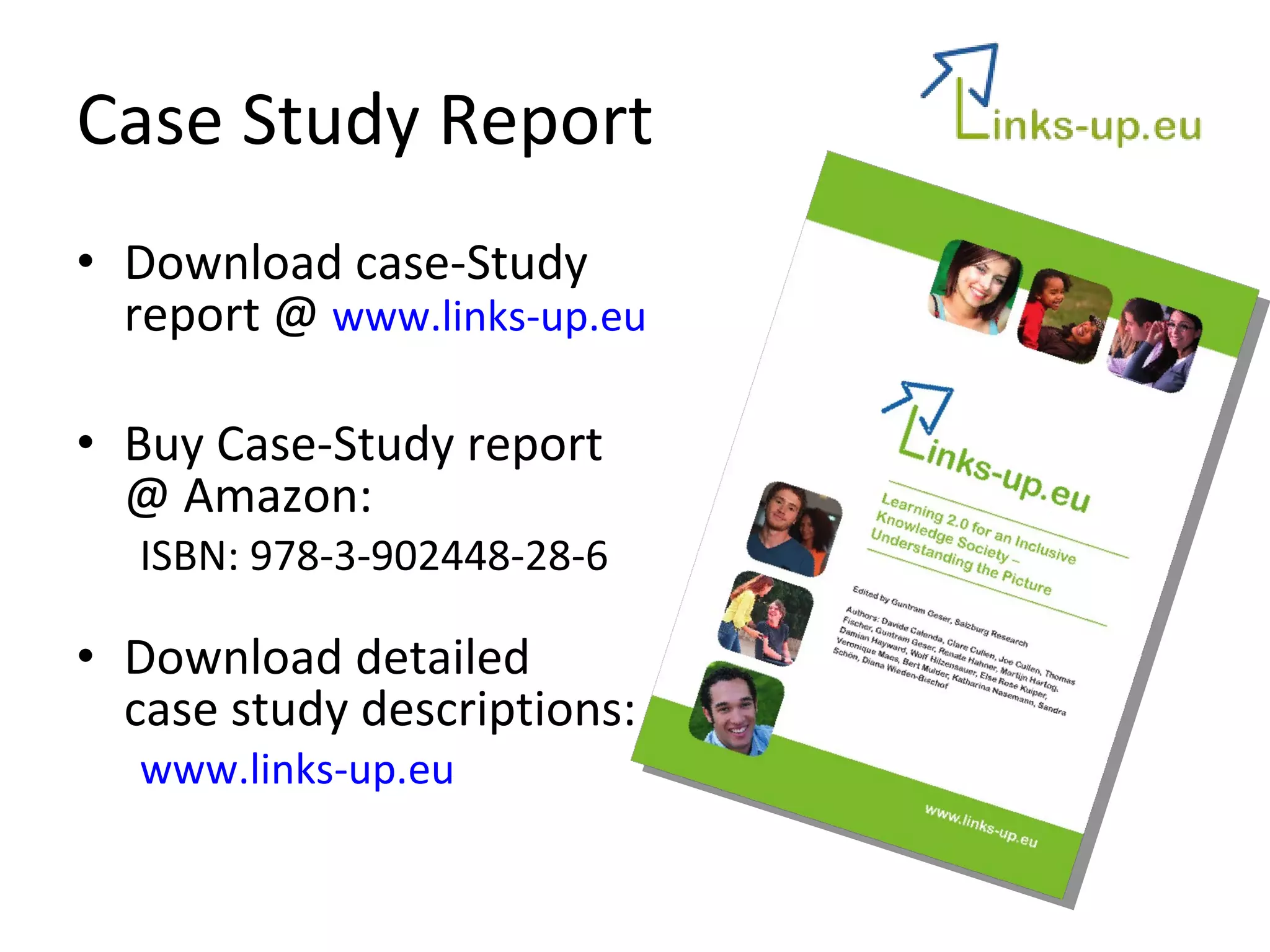
Case Study Report Download case-Study  report @  www.links-up.eu Buy Case-Study report @ Amazon: ISBN: 978-3-902448-28-6 Download detailed  case study descriptions: www.links-up.eu
Contact Dr. Guntram Geser Mag. Wolf Hilzensauer Salzburg Research Forschungsgesellschaft m.b.H. Jakob Haringer Str. 5, 5020 Salzburg | AUSTRIA {guntram.geser, wolf.hilzensauer}@salzburgresearch.at

Case Studies

  • 1.
    Innovative use ofWeb 2.0 for an inclusive life-long learning WP2: Intensive Case Studies Wolf Hilzensauer Salzburg Research Forschungsgesellschaft m.b.H.
  • 2.
    Overview 24 casestudies Selection criteria Different learning settings (formal, non-formal, informal) Different learning situations (face-to-face, blended, ... ) Different learning needs (vocational, social, up-skilling) Different types of interaction Different target groups
  • 3.
    Selection Criteria: Scope of inclusion
  • 4.
    Background General assumptionThe introduction of innovative components will promote a different behaviour of the individuals and thus, provide a foundation for (social) inclusion. Intervention concepts Supporting basic e-skills Promoting activities on the web Promoting self-directed learning Facilitating a communication platform (peers and trainers) Preparing teachers/vocational counsellors for better assisting students
  • 5.
    Tools Mostly amulti-tool approach 3 major areas: Communication and collaboration Blogs, forum, chat, ... Social networking Classical „e-learning“ Moodle Virtual worlds Second Life
  • 6.
    Lessons learnt Resistantorganisational cultures Web 2.0 and open educational methods challenges traditional methods, settings and teacher-student roles Measuring learning gains and securing formal certification The certification of learning outcomes is a crucial factor and is responsible for the engagement of the users. Active participation of target groups The active engagement and participation of the target group can not per se be expected. Moderation and mentoring is required! User needs and requirements The user needs as well as organisational issues must be taken into account. Project-to-project work with hard to reach communities Without co-operations and joint activities between similar projects and activities, the sustainability of the project is hard to reach! Issues of technology access and flexibility The appropriateness of the technology and tools is a key factor for the acceptance of the project activities and the success of the project as a whole
  • 7.
    Tools Do similarprojects use similar tools? No! But the core functionalities (esp. communication) are used in a similar ways with different tools! Low-tech with high touch! Weblogs, social bookmarking tools, Wikis
  • 8.
    Recommendations 1/6Overcome resistance of organisational cultures Expect facing resistance by organisational cultures Identify additional benefits for the target group AND target organisation that may trigger organisational change. Secure support and commitment of organisational intermediaries (school directors, ... )
  • 9.
    Recommendations 2/6 Meetthe user needs! Identify properly the user requirements and needs! Take the organisational framework into account! Make sure the appropriateness of the used technologies ! Use a blended approach – (especially when basic e-skilling is required!) Consider gender and ethnic issues! (esp. when working with minorities!)
  • 10.
    Recommendations 3/6 PromoteWeb 2.0 based educational practices in schools Using Web 2.0 challenges existing learning paradigms Help teachers and students finding themselves in their new role (facilitator/coach rather than teacher) Make sure, that Web 2.0 initiatives are not left to individual teachers Provide supervision and coaching to the facilitators
  • 11.
    Recommendations 4/6 Usingappropriate e-learning and e-inclusion methods Convince people, that engaging in social activities is worth the effort! Identify already available e-skills and build your activities upon them! Combine face-to-face and online activities – blended approach! Use peer-mentoring for a better community building activity Reflect on the learning experiences – they might be new! Suggest to use tools for documentation of the learning process (e-portfolio, weblog, ...)
  • 12.
    Recommendations 5/6 Driveactively the community website The existence of social networking facilities per se does not drive participation and communication Provide an online community manager in order to support the learners! Monitor and moderate instantly the activities, taking place at the community website. Provide a safe place for communication amongst the peers.
  • 13.
    Recommendations 6/6 Securesustainability and impact Make clear for policy makers that ICT supported learning and social inclusion are necessary for the participation in the knowledge society . Identify and involve third party organisations , establish co-operations . Evaluate the project and identify individual success factors, which can be communicated. Identify and present role-models and success stories !
  • 14.
    Success Story: Podcastingwith elderly people
  • 15.
  • 16.
    Case Study ReportDownload case-Study report @ www.links-up.eu Buy Case-Study report @ Amazon: ISBN: 978-3-902448-28-6 Download detailed case study descriptions: www.links-up.eu
  • 17.
    Contact Dr. GuntramGeser Mag. Wolf Hilzensauer Salzburg Research Forschungsgesellschaft m.b.H. Jakob Haringer Str. 5, 5020 Salzburg | AUSTRIA {guntram.geser, wolf.hilzensauer}@salzburgresearch.at