1
Building better
prototypes
What to design?
• Need to take into account:
•Who the users are
•What activities are being carried out
•Where the interaction is taking place
• Need to optimize the interactions users have with a
product
• So that they matchthe users’ activities needs
2
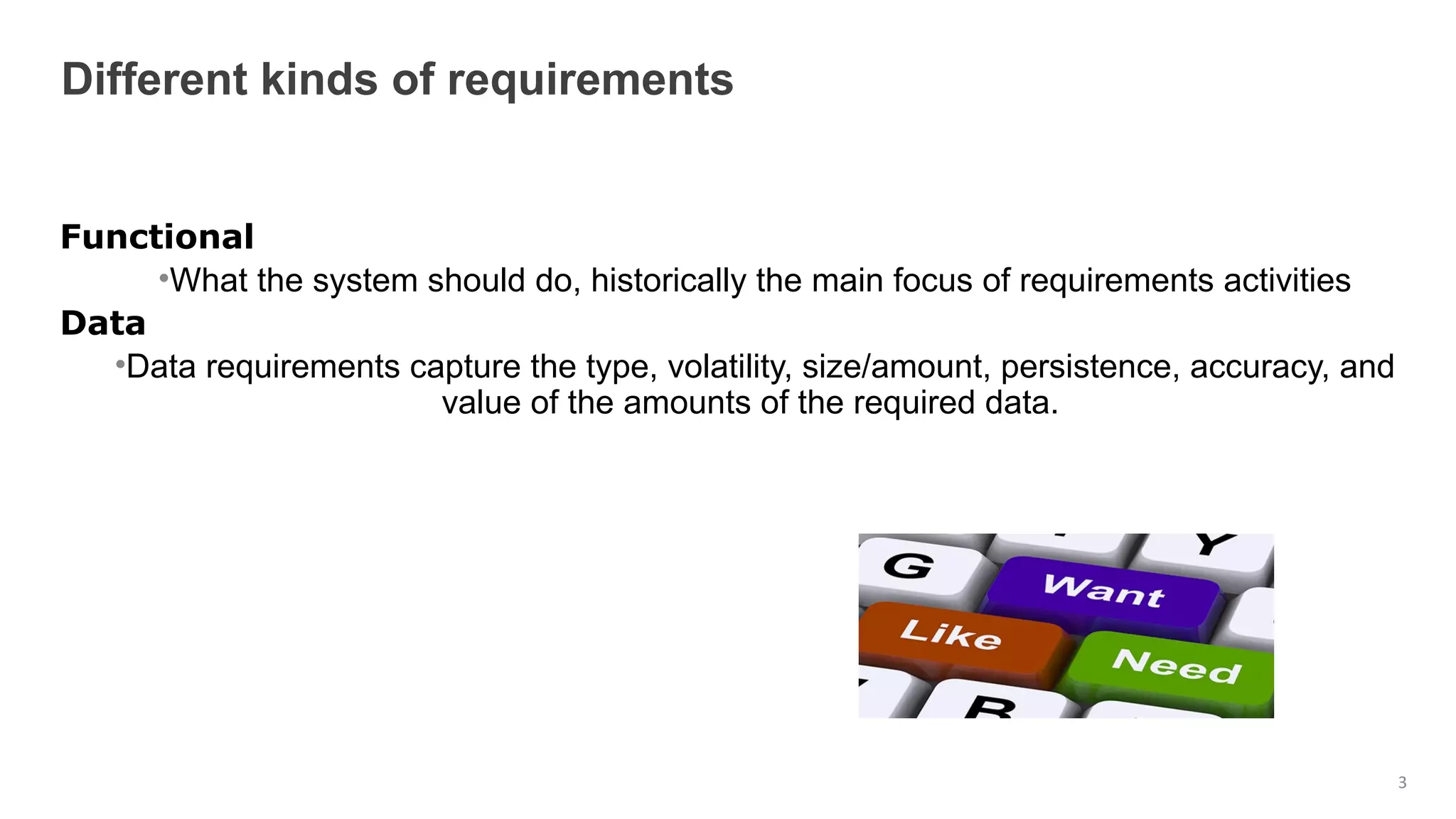
Functional
•What the system should do, historically the main focus of requirements activities
Data
•Data requirements capture the type, volatility, size/amount, persistence, accuracy, and
value of the amounts of the required data.
Different kinds of requirements
3
Environment (Context of use)
Environmental requirements or context of use refer to the circumstances
in which the interactive product will be expected to operate.
• physical: dusty? noisy? vibration? light? heat? humidity?
• social: social aspects of interaction design, such as collaboration and
coordination, need to be explored in the context of the current
development.
• organisational: how good is user support likely to be, how easily can it
be obtained, and are there facilities or resources for training?
• Technical: memory size, response time, what technologies.
User Characteristics
•capture the characteristics of the intended user group.
4
Suggest one key functional, data, environmental, user and usability requirement
for each of the following scenarios:
(a) A system for use in a university's self-service cafeteria that allows users to pay
for their food using a credit system.
(b) A system to control the functioning of a nuclear power plant.
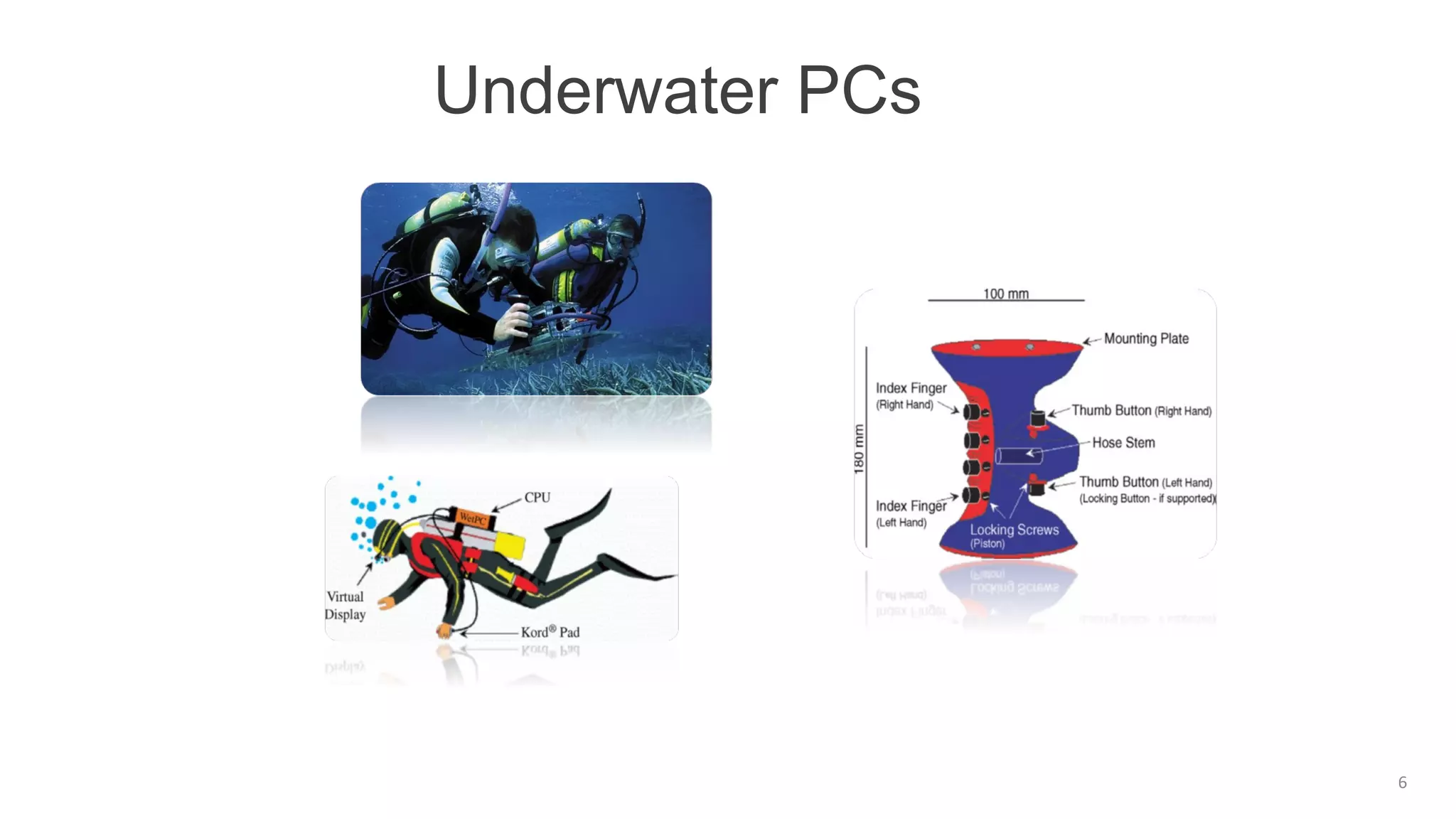
Underwater PCs
6
User
Characteristics
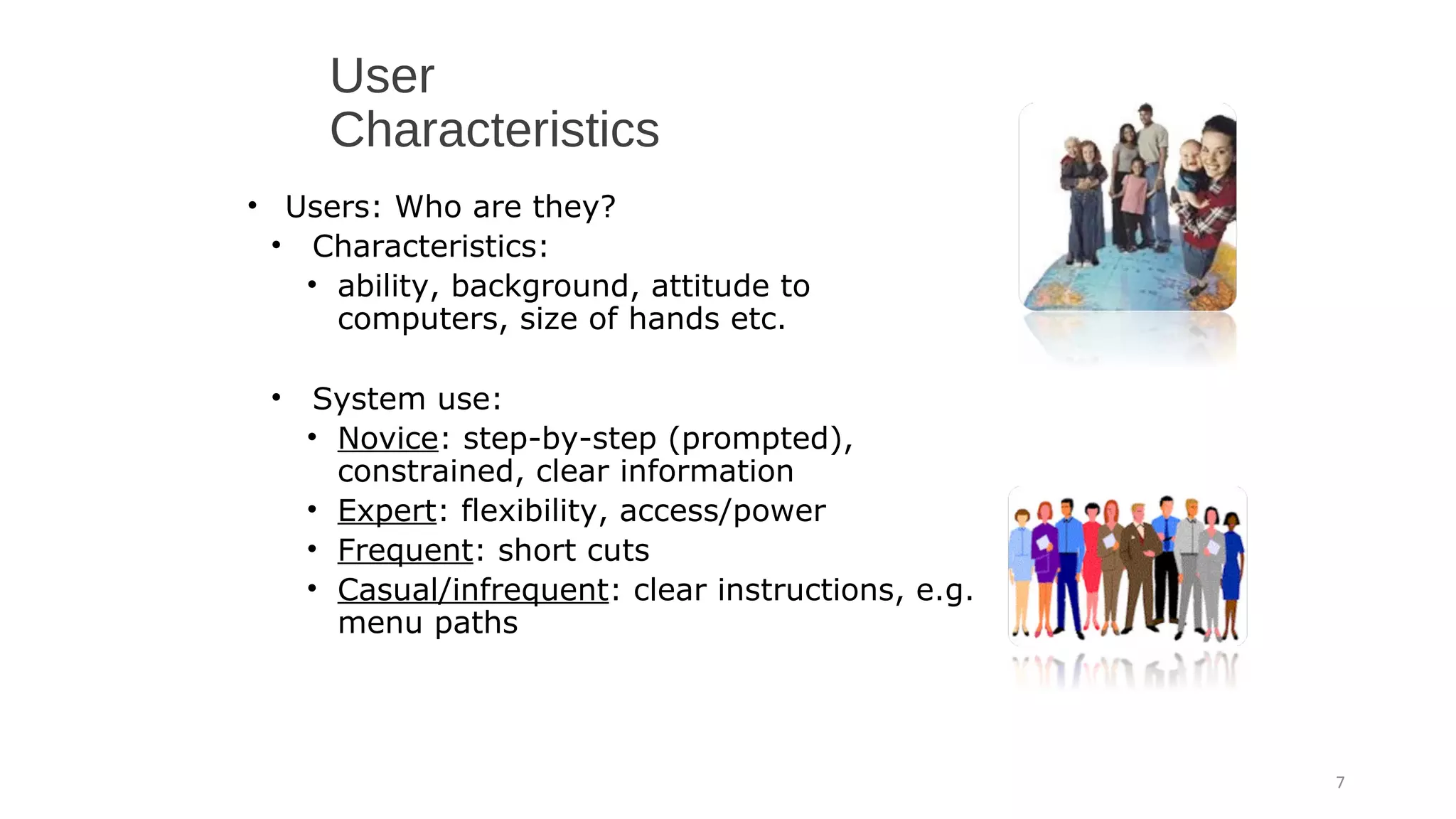
• Users: Who are they?
• Characteristics:
• ability, background, attitude to
computers, size of hands etc.
• System use:
• Novice: step-by-step (prompted),
constrained, clear information
• Expert: flexibility, access/power
• Frequent: short cuts
• Casual/infrequent: clear instructions, e.g.
menu paths
7
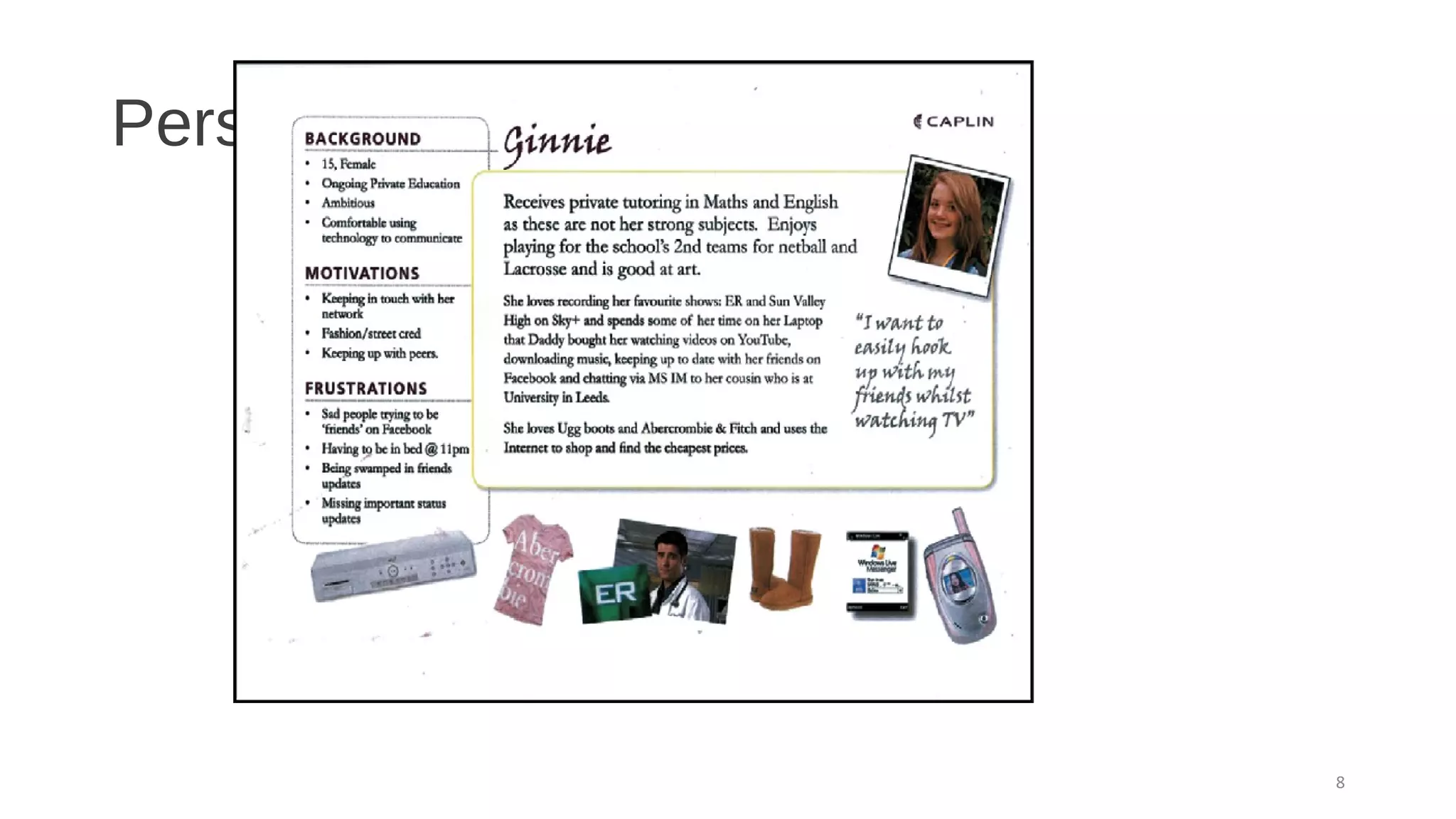
Personas
8
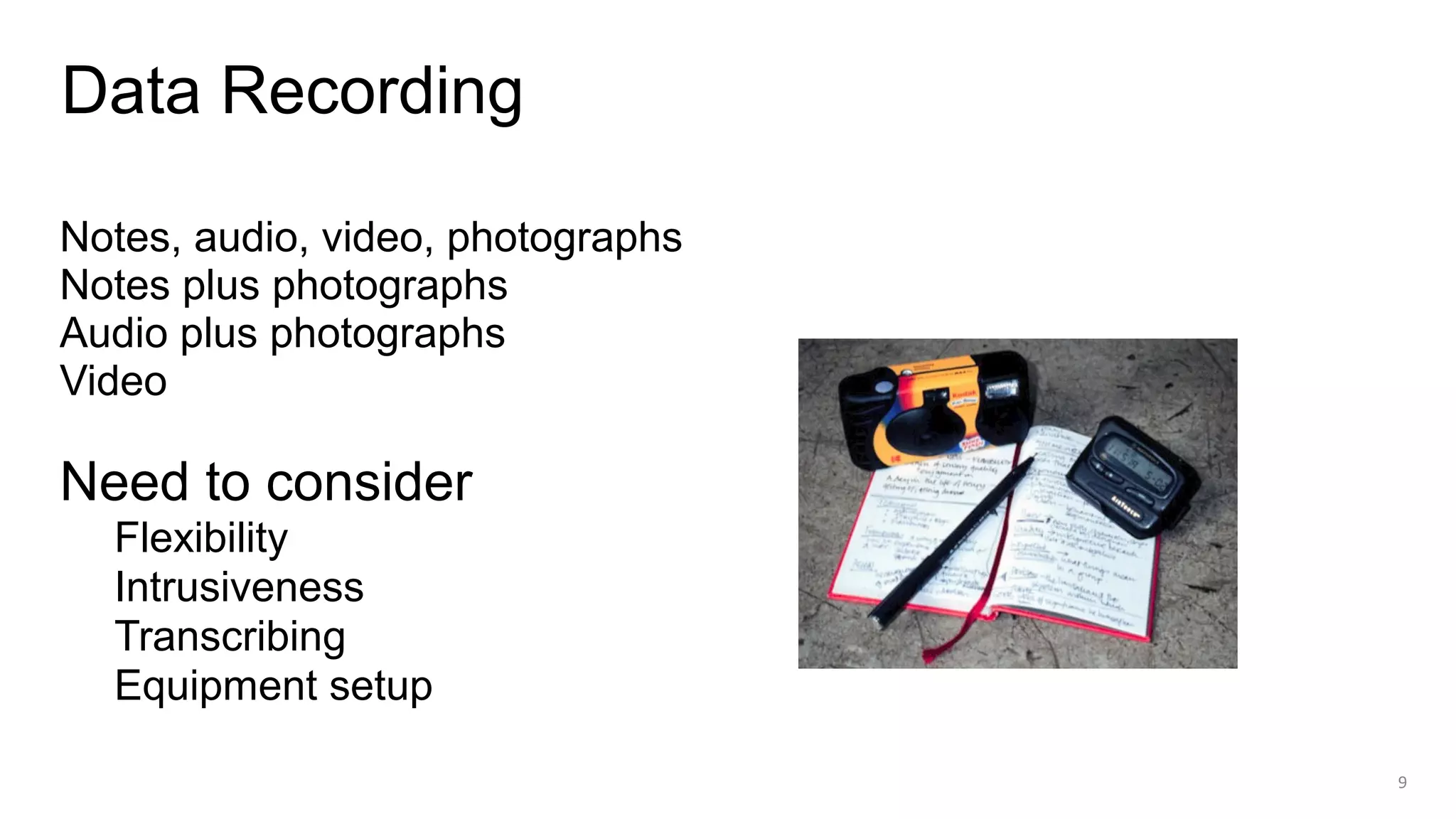
Notes, audio, video, photographs
Notes plus photographs
Audio plus photographs
Video
Need to consider
Flexibility
Intrusiveness
Transcribing
Equipment setup
Data Recording
9
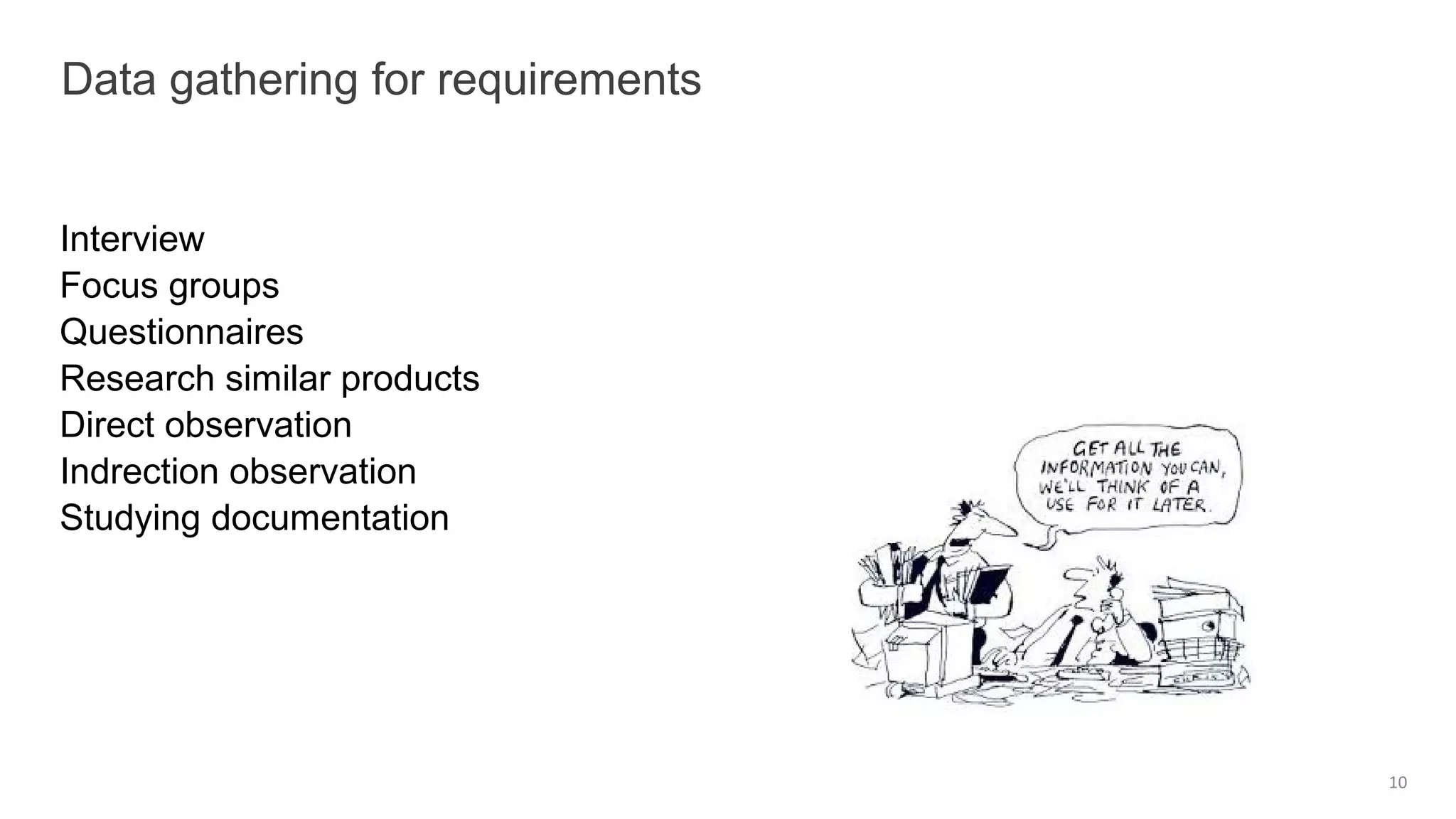
Interview
Focus groups
Questionnaires
Research similar products
Direct observation
Indrection observation
Studying documentation
Data gathering for requirements
10
Use a combination of data gathering techniques
Support the process with props such as prototypes and task descriptions
Run a pilot session like sprint
You will need to compromise on the data you collect and the analysis to
be done, but before you can make sensible compromises, you need to
know what you’d really like
Consider carefully how to record the data
Some basic guidelines
11
12
13
14
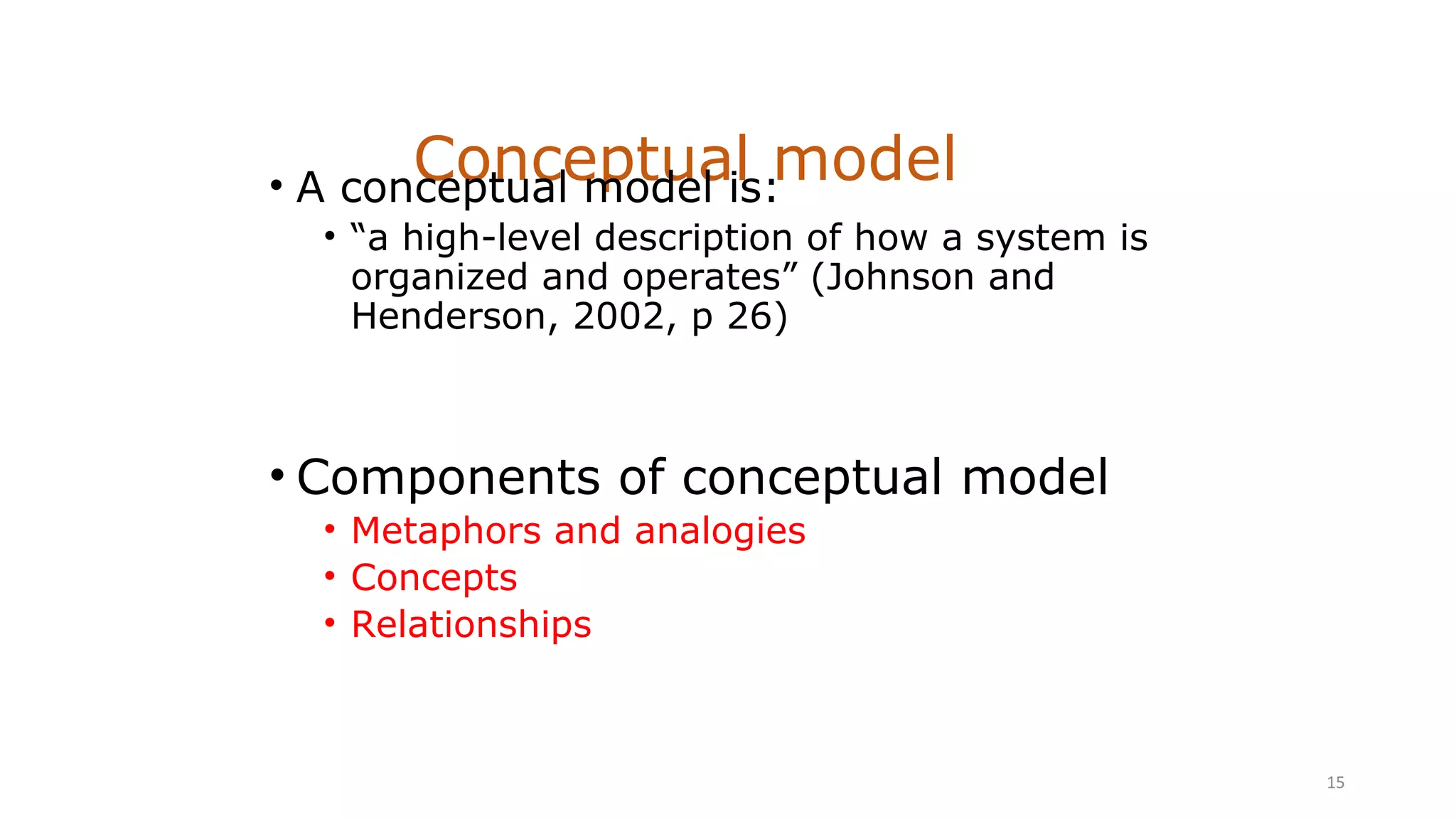
Conceptual model• A conceptual model is:
• “a high-level description of how a system is
organized and operates” (Johnson and
Henderson, 2002, p 26)
• Components of conceptual model
• Metaphors and analogies
• Concepts
• Relationships
15
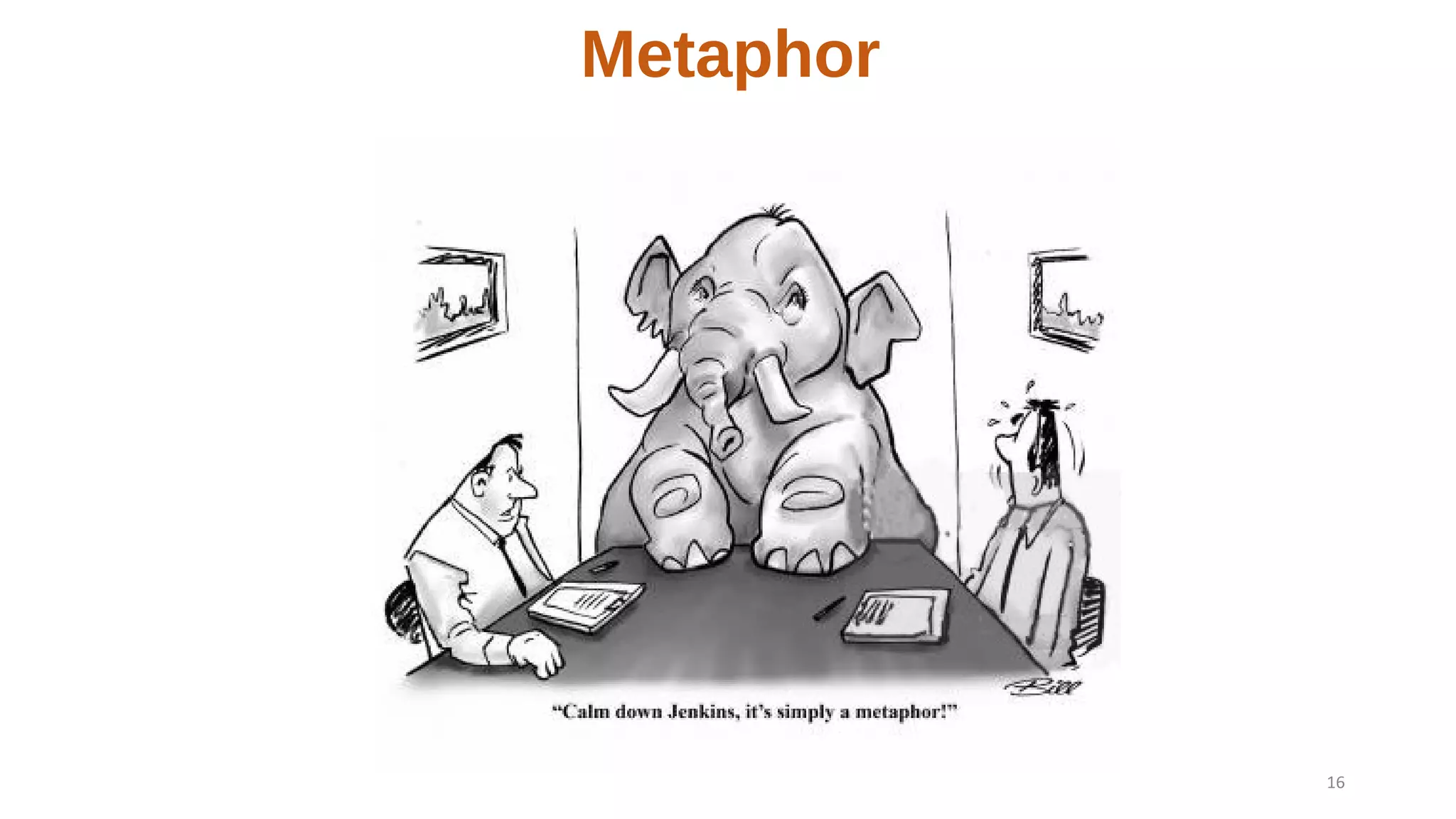
Metaphor
16
Metaphor
17
Analogy
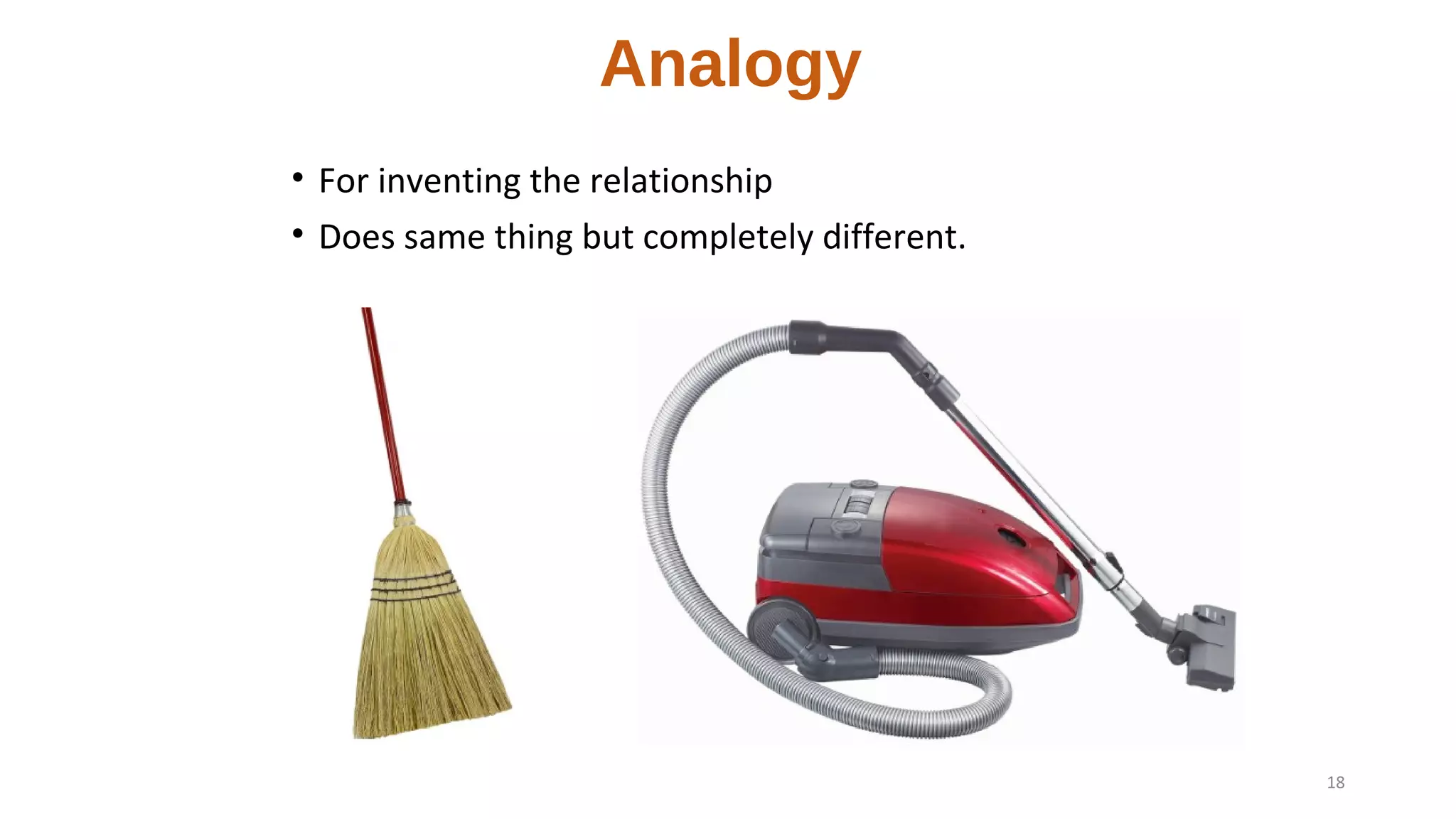
• For inventing the relationship
• Does same thing but completely different.
18
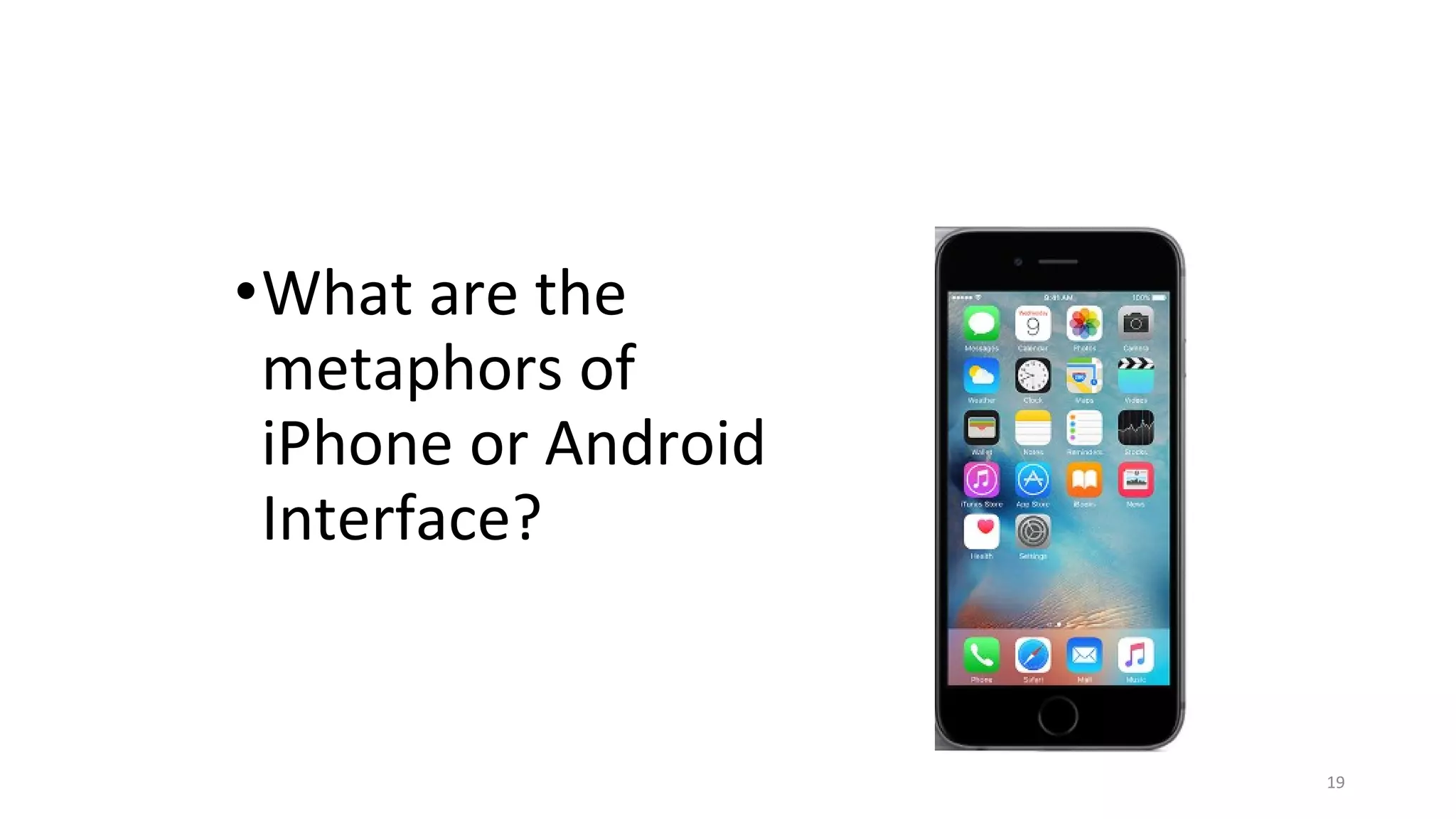
•What are the
metaphors of
iPhone or Android
Interface?
19
Steps in formulating a conceptual model
• What will the users be doing when carrying
out their tasks?
• What kind of interface metaphor, if any, will
be appropriate?
• What kinds of interaction modes and styles
to use?
20
Exploit user’s familiar knowledge, helping them to
understand ‘the unfamiliar’
Analysing the problem space
• Are there problems with an existing product
or user experience? If so, what are they?
• Why do you think there are problems?
• How do you think your proposed design
ideas might overcome these?
• If you are designing for a new user
experience how do you think your proposed
design ideas support, change, or extend
current ways of doing things?
Before Starting Interaction Design
22
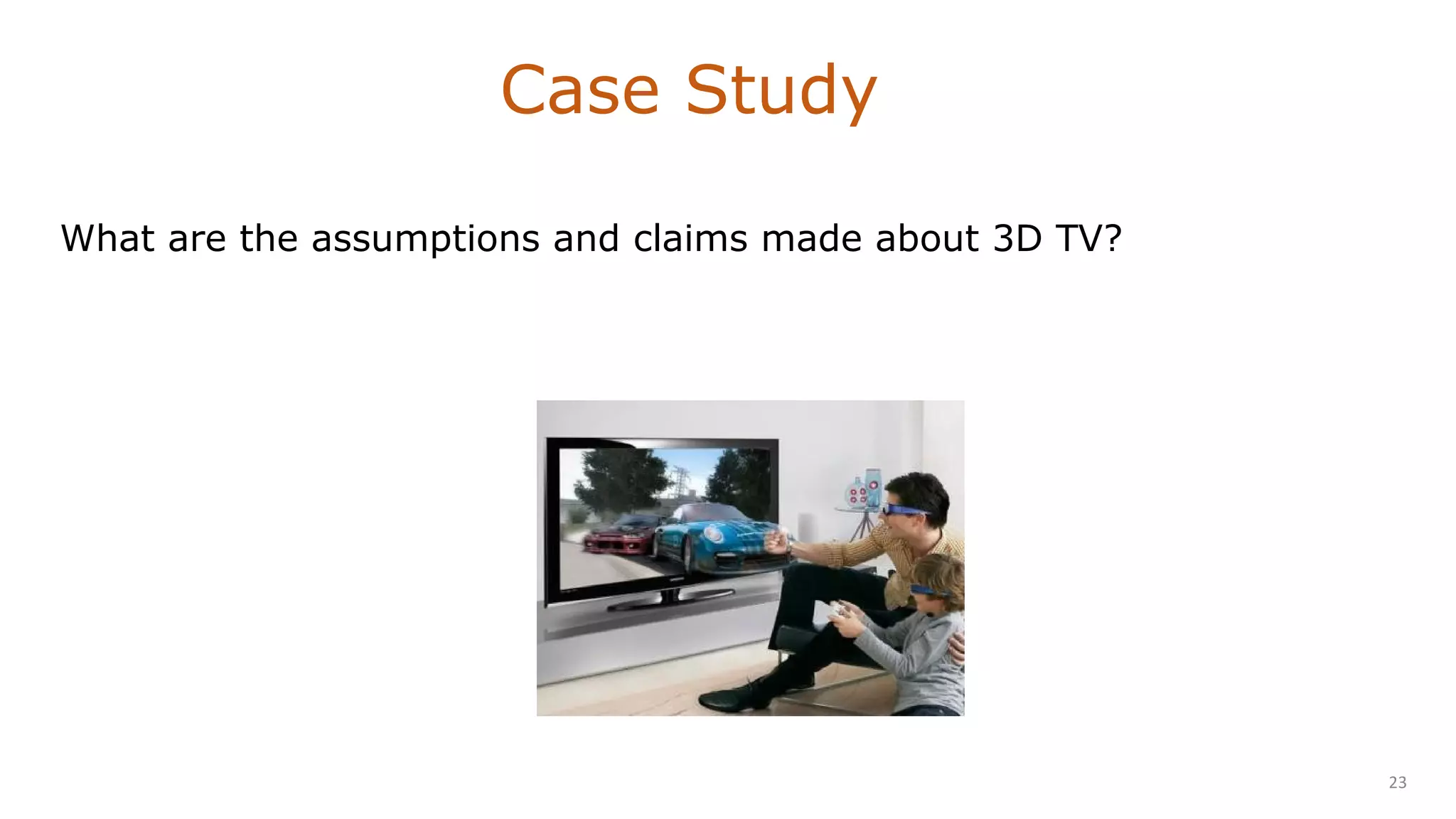
What are the assumptions and claims made about 3D TV?
Case Study
23

Building better prototype

  • 1.
  • 2.
    What to design? •Need to take into account: •Who the users are •What activities are being carried out •Where the interaction is taking place • Need to optimize the interactions users have with a product • So that they matchthe users’ activities needs 2
  • 3.
    Functional •What the systemshould do, historically the main focus of requirements activities Data •Data requirements capture the type, volatility, size/amount, persistence, accuracy, and value of the amounts of the required data. Different kinds of requirements 3
  • 4.
    Environment (Context ofuse) Environmental requirements or context of use refer to the circumstances in which the interactive product will be expected to operate. • physical: dusty? noisy? vibration? light? heat? humidity? • social: social aspects of interaction design, such as collaboration and coordination, need to be explored in the context of the current development. • organisational: how good is user support likely to be, how easily can it be obtained, and are there facilities or resources for training? • Technical: memory size, response time, what technologies. User Characteristics •capture the characteristics of the intended user group. 4
  • 5.
    Suggest one keyfunctional, data, environmental, user and usability requirement for each of the following scenarios: (a) A system for use in a university's self-service cafeteria that allows users to pay for their food using a credit system. (b) A system to control the functioning of a nuclear power plant.
  • 6.
  • 7.
    User Characteristics • Users: Whoare they? • Characteristics: • ability, background, attitude to computers, size of hands etc. • System use: • Novice: step-by-step (prompted), constrained, clear information • Expert: flexibility, access/power • Frequent: short cuts • Casual/infrequent: clear instructions, e.g. menu paths 7
  • 8.
  • 9.
    Notes, audio, video,photographs Notes plus photographs Audio plus photographs Video Need to consider Flexibility Intrusiveness Transcribing Equipment setup Data Recording 9
  • 10.
    Interview Focus groups Questionnaires Research similarproducts Direct observation Indrection observation Studying documentation Data gathering for requirements 10
  • 11.
    Use a combinationof data gathering techniques Support the process with props such as prototypes and task descriptions Run a pilot session like sprint You will need to compromise on the data you collect and the analysis to be done, but before you can make sensible compromises, you need to know what you’d really like Consider carefully how to record the data Some basic guidelines 11
  • 12.
  • 13.
  • 14.
  • 15.
    Conceptual model• Aconceptual model is: • “a high-level description of how a system is organized and operates” (Johnson and Henderson, 2002, p 26) • Components of conceptual model • Metaphors and analogies • Concepts • Relationships 15
  • 16.
  • 17.
  • 18.
    Analogy • For inventingthe relationship • Does same thing but completely different. 18
  • 19.
    •What are the metaphorsof iPhone or Android Interface? 19
  • 20.
    Steps in formulatinga conceptual model • What will the users be doing when carrying out their tasks? • What kind of interface metaphor, if any, will be appropriate? • What kinds of interaction modes and styles to use? 20 Exploit user’s familiar knowledge, helping them to understand ‘the unfamiliar’
  • 22.
    Analysing the problemspace • Are there problems with an existing product or user experience? If so, what are they? • Why do you think there are problems? • How do you think your proposed design ideas might overcome these? • If you are designing for a new user experience how do you think your proposed design ideas support, change, or extend current ways of doing things? Before Starting Interaction Design 22
  • 23.
    What are theassumptions and claims made about 3D TV? Case Study 23

Editor's Notes

  • #3 Aim of the book:how to identify users' needs, and from this understanding, move to designing usable, useful, and enjoy- able systems. Need to take into account what people are good and bad at Consider what might help people in the way they currently do things Think through what might provide quality user experiences Listen to what people want and get them involved using "tried and tested" user-based techniques during the design process
  • #4 Functional: What the system should do Historically the main focus of requirements activities Data: What kinds of data need to be stored?---if u make a medical diagnosis system, it needs a classifier which can differentiate between positive and negative case How will they be stored (e.g. database)?
  • #5 Environment or context of use: physical: dusty? noisy? vibration? light? heat? humidity? …. (e.g. OMS insects, ATM) social: sharing of files, of displays, in paper, across great distances, work individually, privacy for clients. For example, will data need to be shared? If so, does the sharing have to be synchronous, e.g., does everyone need to be viewing the data at once, or asyn- chronous, e.g., two people authoring a report take turns in editing and adding to it? Other factors include the physical location of fellow team members, e.g., do collab- orators have to communicate across great distances? organisational: hierarchy, IT department’s attitude and remit, user support, communications structure and infrastructure, availability of training. organizational environment, e.g., how good is user sup- port likely to be, how easily can it be obtained, and are there facilities or resources for training? How efficient or stable is the communications infrastructure? How hi- erarchical is the management? and so on. Technical: memory size, response time, what technology the product run on or need to be compatible with?
  • #6 A) Functional: The system will calculate the total cost of purchases. Data: The system must have access to the price of products in the cafeteria. Environmental: Cafeteria users will be carrying a tray and will most likely be in a reasonable rush. The physical environment will be noisy and busy, and users may be talking with friends and colleagues while using the system. User: The majority of users are likely to be under 25 and comfortable dealing with technology. Usability: The system needs to be simple so that new users can use the system immediately, and memorable for more frequent users. Users won't want to wait around for the system to finish processing, so it needs to be efficient and to be able to deal easily with user errors. B) Functional: The system will be able to monitor the temperature of the reactors. Data: The system will need access to temperature readings. Environmental: The physical environment is likely to be uncluttered and to impose few restrictions on the console itself unless there is a need to wear protective clothing (depending on where the console is to be located). User: The user is likely to be a well-trained engineer or scientist who is competent to handle technology. Usability: Outputs from the system, especially warning signals and gauges, must be clear and unambiguous. C) Functional: The system will be able to communicate information between remote sites. Data: The system must have access to design information that will be captured in a common file format (such as AutoCAD). Environmental: Physically distributed over a wide area. Files and other electronic media need to be shared. The system must comply with available communication protocols and be compatible with network technologies. User: Professional designers, who may be worried about technology but who are likely to be prepared to spend time learning a system that will help them perform their jobs better. The design team is likely to be multi-lingual. Usability: Keeping transmission error rate low is likely to be of high priority.
  • #7 Environment factor- Surrounded by water Usually drivers have only one hand free to operate the computer and are likely to be swimming and moving up and down in water at same time. Early prototypes used voice recognition , bubbles made too much noise and distorted the sound so failed. So Kordgrip is designed has 5 keys, can perform functions like sending messages and controlling a camera. System is also linked to GPS that tells driver where they are.
  • #8 Humans vary in many dimensions: size of hands may affect the size and positioning of input buttons ---keyboard of adult laptop or toy motor abilities may affect the suitability of certain input and output devices height if designing a physical kiosk strength - a child’s toy requires little strength to operate, but greater strength to change batteries disabilities (e.g. sight, hearing, dexterity) Novice- These users have fast response time and will require brief feedback. Expert users will look for keyboard shortcuts, abbreviated sequences. Experts can find constant confirmation screens irritating - Use these only when important.
  • #9 Personas Capture and represent user characteristics Not real people, but synthesised from real user characteristics Should not be idealised Bring them to life with a name, characteristics, goals, personal background Develop multiple personas
  • #10 Flexibility of use : notes and camera+ audio are flexible. Needs positioning and focusing camera lens. Even portable versions can be bulky, so inflexible. Intrusiveness : Not to intrude others personal space Transcribing or Analysis : Relatively easy to Critical discussions can be transcribe. Rich descriptions can be produced. Transcribing data can be useful first step in data analysis.(Notes+ camera) Audio + camera , critical discussions can be identified and permanent record can be revisited. Feedback : notes+ camera—depends on the authority of the evaluator. Material captured is more convincing again depends on the authority of the evaluator. Video: v powerful, hard to dispute material captured on video.
  • #11 The purpose of data gathering is to collect sufficient, relevant, and appropriate data so that a set of stable requirements can be produced. Studying documentation: Interviews. Interviews involve asking someone a set of questions. Often inter- views are face-to-face, but they don't have to be. Companies spend large amounts of money conducting telephone interviews with their customers finding out what they like or don't like about their service. If interviewed in their own work or home set- ting, people may find it easier to talk about their activities. Interviews can be broadly classified as structured, unstructured or semi- structured, depending on how rigorously the interviewer sticks to a prepared set of questions. As an alternative or as corroboration, it can be very re- vealing to get a group of stakeholders together to discuss issues and requirements. These sessions can be very structured with set topics for discussion, or can be un- structured. In this latter case, a facilitator is required who can keep the discussion on track and can provide the necessary focus or redirection when appropriate. Collecting multiple view points Well-designed questionnaires are good at getting answers to specific questions from a large group of people, and especially if that group of people is spread across a wide geographical area, making it infeasible to visit them all. Questionnaires are often used in conjunction with other techniques. For example, information obtained through interviews might be corroborated by sending a questionnaire to a wider group of stakeholders to confirm the conclusions. Direct observation: How u do Indirection Observation/field testing Indirect observation allows observing users without disturbing their activity; data captured is conducted automatically Studying doc: Learning about procedures, regulations and standards. In the requirements activity, studying documentation is good for understanding legislation and getting some background information on the work. Procedures and rules are often written down in manuals and these are a good source of data about the steps involved in an activity and any regulations governing a task.
  • #12 P-218 Run a pilot session if possible to ensure that your data-gathering session is likely to go as planned. In an ideal world, you would understand what you are looking for and what kinds of analysis you want to do, and design the data-capture exercise to col- lect the data you want. However, data gathering is an expensive and time- consuming activity that is often tightly constrained on resources. So may make compromises. Video and audio recording provide the most accurate record of the session, but they can generate huge amounts of data. You also need to decide on practical issues that can have profound effects on the data collected, such as where to position the camera. Note tak- ing can be harder unless this is the person's only role in the session, but note taking always involves an element of interpretation. Taking impartial, accu- rate notes is difficult but can be improved with practice. For
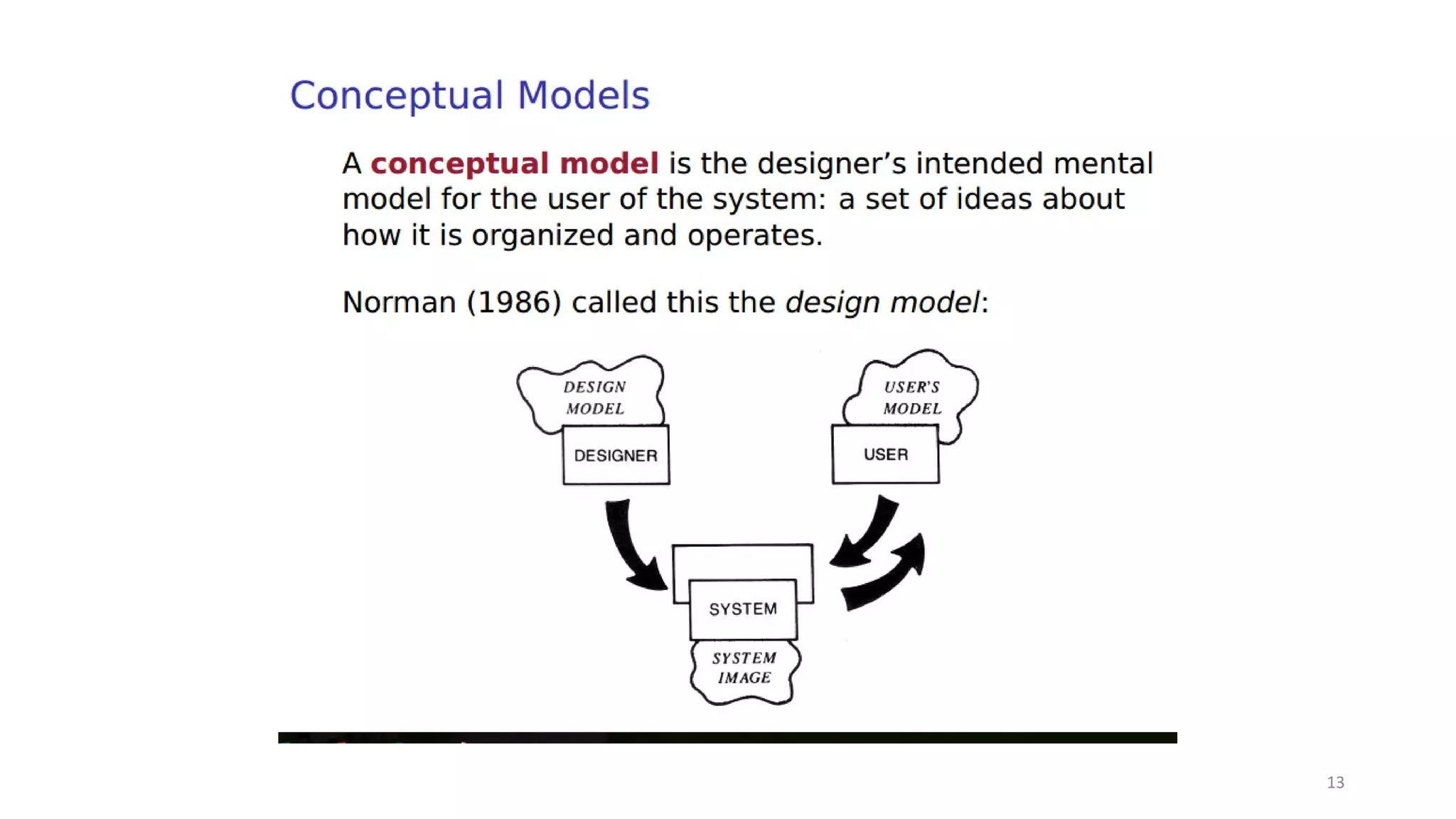
  • #14 What designer think about user
  • #16 Components of conceptual model Metaphors and analogies: understand what a product is for and how to use it for an activity Concepts that people are exposed to through the product: task–domain objects, their attributes, and operations (e.g. saving, revisiting, organizing) Relationship and mappings between these concepts
  • #20 iPhone! That electronic genie with the right answer right when I need it!“ My study desk which ha clock, notepad, my books, letters, calendar
  • #21 Benefit: Makes learning new systems easier Helps users understand the underlying conceptual model Can be very innovative and enable the realm of computers and their applications to be made more accessible to a greater diversity of users Disadvantages: Break conventional and cultural rules e.g. recycle bin placed on desktop Can constrain designers in the way they conceptualize a problem space Conflict with design principles Forces users to only understand the system in terms of the metaphor Designers can inadvertently use bad existing designs and transfer the bad parts over Limits designers’ imagination in coming up with new conceptual models
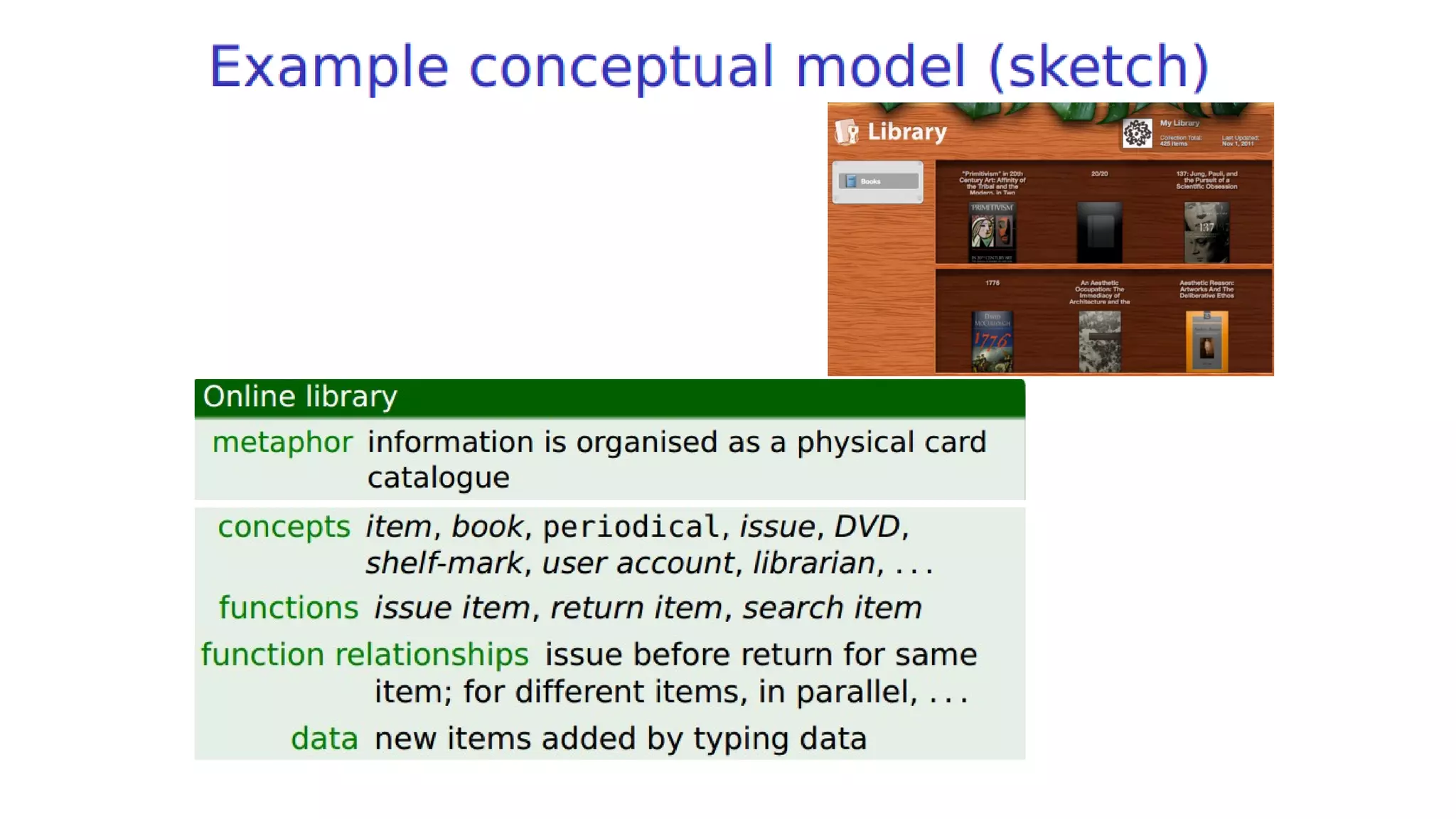
  • #22 This is what a designer think that user things of a library as a concept
  • #23 Writing down your assumptions and claims and then trying to defend and support them can highlight those that are vague or wanting. In so doing, poorly constructed design ideas can be reformulated. Explicating people’s assumptions and claims about why they think something might be a good idea (or not) enables the design team as a whole to view multiple perspectives on the problem space and in so doing reveal conflicting and problematic ones.
  • #24 3D TV first went on sale in 2010. There was much hype and fanfare about the enhanced user experience it would offer, especially when watching movies, sport’s events and dramas. An assumption was that people would not mind wearing the glasses that are needed to see in 3D, nor would they mind paying a lot more for a new 3D-enabled TV screen. A claim was that people would really enjoy the enhanced clarity and color detail provided by 3D, based on the favourable feedback received worldwide when viewing 3D films, such as Avatar, at a cinema. But the unanswered question was: could the enhanced cinema experience become a desired living room experience? There is no existing problem to overcome – what is being proposed is a new way of experiencing TV. A user experience question is how will people take to wearing the special glasses in their living room? Will it become the norm for people to carry around their own set of personalized glasses (cf to the iPod earbuds that many people wear under their clothing), and don them when watching TV at home or when visiting their family or friends? Could they even be designed to become a fashion item?