Big Just Got Bigger!
Surprises in managing large map collections
Ian Holmes
EDINA
EDINA
delivers online services
Based at Supported by
Vision: To be integral to the quality and productivity of
research and education, in the UK and beyond.
Geo-Services
Digimap
• An online mapping and data delivery service
• Originally built to provide access to Ordnance Survey
(GB) maps and data - a ‘virtual map library’
• Launched in January 2000
• Content extended to include:
– Historic OS maps
– British Geological Survey data
– Marine maps and data (UKHO via Seazone)
– Environment data (Centre for Ecology and Hydrology)
– Aerial imagery (Getmapping)
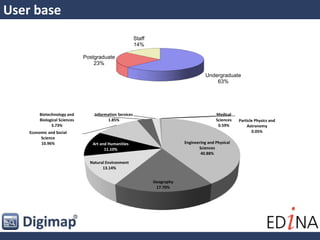
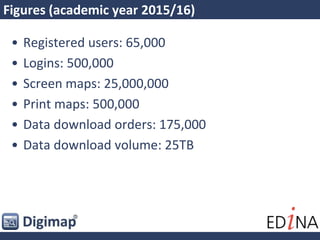
• Subscription service with around 65,000 users
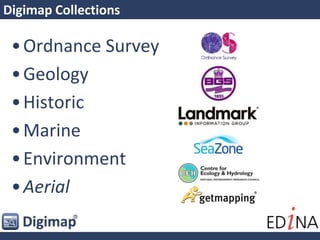
Digimap Collections
•Ordnance Survey
•Geology
•Historic
•Marine
•Environment
•Aerial
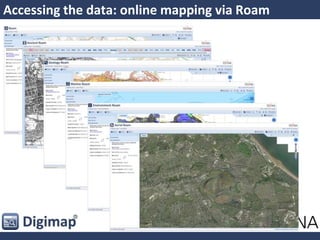
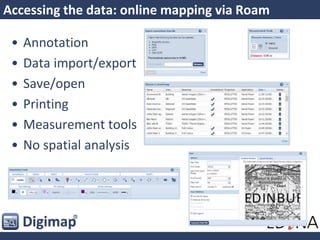
Accessing the data: online mapping via Roam
• Annotation
• Data import/export
• Save/open
• Printing
• Measurement tools
• No spatial analysis
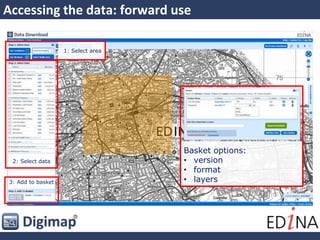
Accessing the data: forward use
Basket options:
• version
• format
• layers
1: Select area
2: Select data
3: Add to basket
Accessing the data: forward use
• Forward use: Data Download
• GIS and CAD users
• Access raw data in different formats
• Previous versions of data
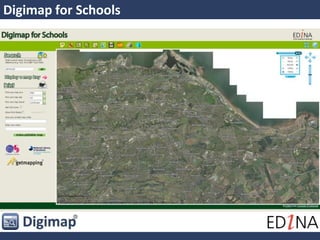
Digimap for Schools
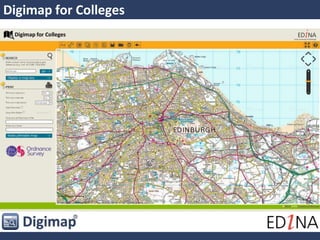
Digimap for Colleges
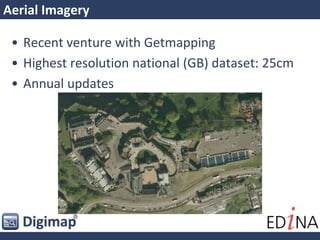
Aerial Imagery
• Recent venture with Getmapping
• Highest resolution national (GB) dataset: 25cm
• Annual updates
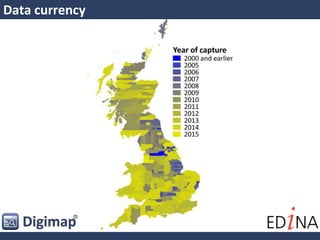
Data currency
Data currency
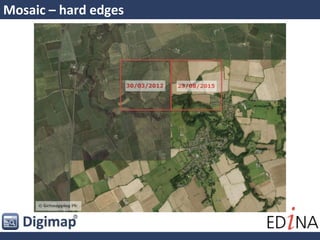
Mosaic – hard edges
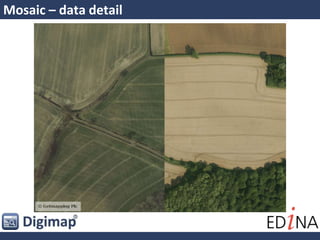
Mosaic – data detail
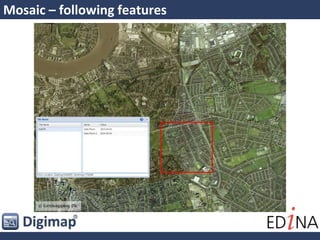
Mosaic – following features
Challenges
• User expectation: now is
good
• Sharing data across multiple
platforms
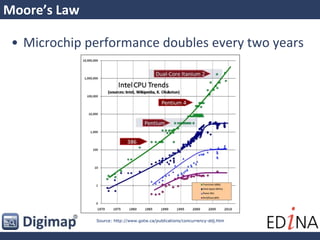
Moore’s Law
• Microchip performance doubles every two years
Source: http://www.gotw.ca/publications/concurrency-ddj.htm
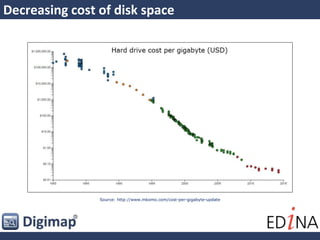
Decreasing cost of disk space
Source: http://www.mkomo.com/cost-per-gigabyte-update
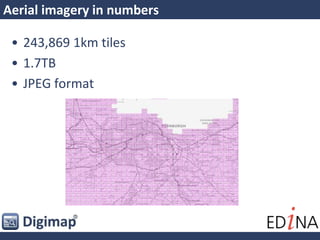
Aerial imagery in numbers
• 243,869 1km tiles
• 1.7TB
• JPEG format
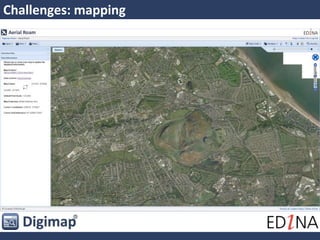
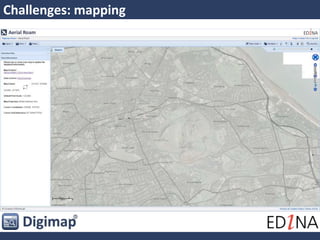
Challenges: mapping
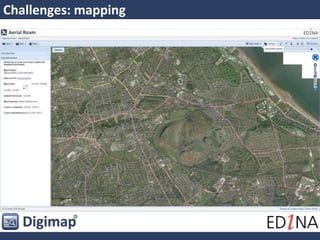
Challenges: mapping
Challenges: mapping
Challenges: printing
Challenges: downloading
Using the data in GIS
• OS MasterMap Building Height Attribute
• 25cm aerial imagery
• VectorMap Local Raster
• OS Terrain 5
Using the data in GIS
OS MasterMap Topography Layer
• Most detailed mapping
available
• Supplied in GML format
• Provided in GML, DWG and
File Geodatabase formats
Summary
• User expectation/performance
– caching
• Currency
• Disk space, backup, redundancy
Any questions?

Big data in Digimap