
TEAM # 1
#101 Mohammed Aqib Rasheed
#102 Mohammed Talha Hamid
#103 Mohammed Faizan Iftikhar
TOPIC OF
PRESENTATION
CONTENT LIST
• BASIC SECURITY CONCEPT OF
COMPUTER.
• THREATS.
• THREATS TO COMPUTER HARDWARE.
• THREATS TO COMPUTER USER.
• THREATS TO COMPUTER DATA.
• VULNERABILITY AND
COUNTERMEASURE.
• SOFTWARE SECURITY.
• QUESTIONING SESSION.
BASIC SECURITY CONCEPT
OF COMPUTER
• WHAT IS COMPUTER SECURITY?
• IMPORTANCE OF COMPUTER SECURITY.
• COMPONENTS OF COMPUTER SECURITY.
1. THREATS.
2. VULNERABILITY.
3. COUNTER MEASURE.
THREATS TO COMPUTER
SECURITY
• DEFINE THREAT?
• TYPES OF THREAT.
1. THREATS TO COMPUTER HARDWARE.
2. THREATS TO COMPUTER USER.
3. THREATS TO COMPUTER DATA.
THREATS TO COMPUTER
HARDWARE
• POWER RELATED THREATS .
• THEFTS AND VANDALISM.
• DESASTER AND AGE.
POWER RELATED
THREATS
• POWER FLUCTUATION.
• POWER FAILURE.
• ELECTRICAL SURGE.
COUNTERMEASURE
AGAINST PRP
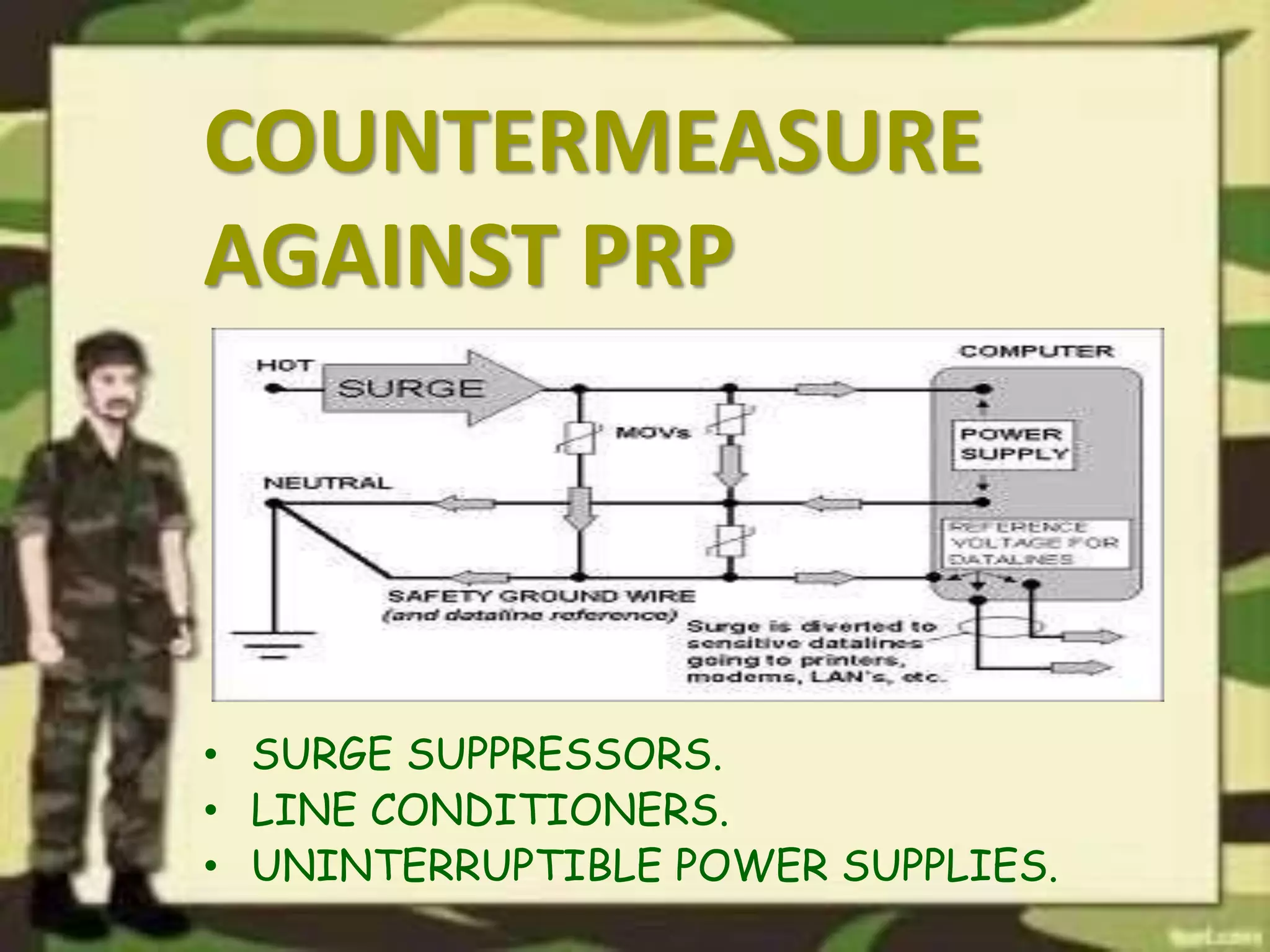
• SURGE SUPPRESSORS.
• LINE CONDITIONERS.
• UNINTERRUPTIBLE POWER SUPPLIES.
THEFT AND VANDALISM
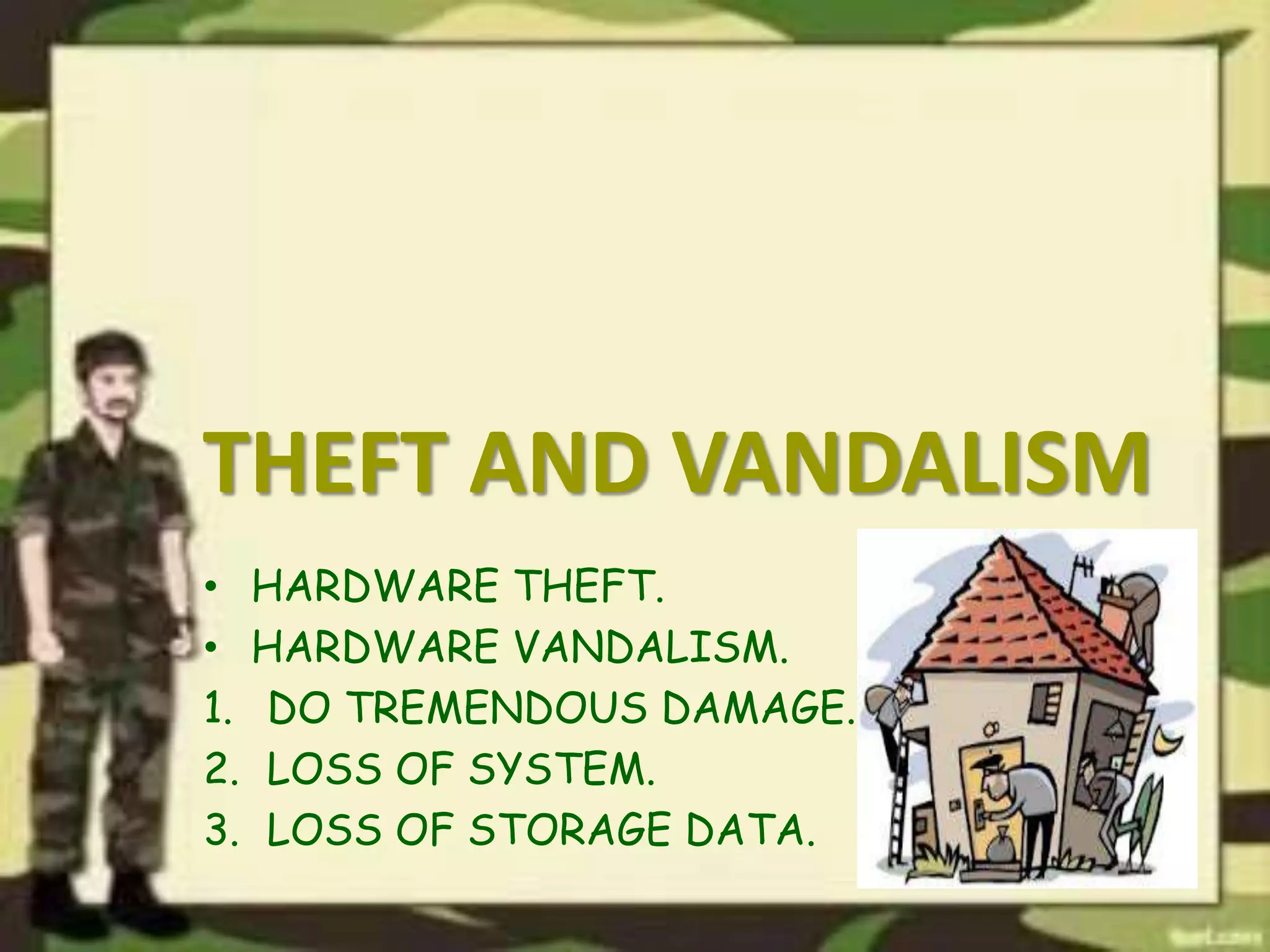
• HARDWARE THEFT.
• HARDWARE VANDALISM.
1. DO TREMENDOUS DAMAGE.
2. LOSS OF SYSTEM.
3. LOSS OF STORAGE DATA.
COUNTERMEASURE AGAINST
THEFT AND VANDALISM
• PRECAUTIONS TO PROTECT PC.
• SECURE AREA.
• SPECIAL LOCKS.
• ALARM SYSTEM.
• CABELS.
DISASTER AND AGE
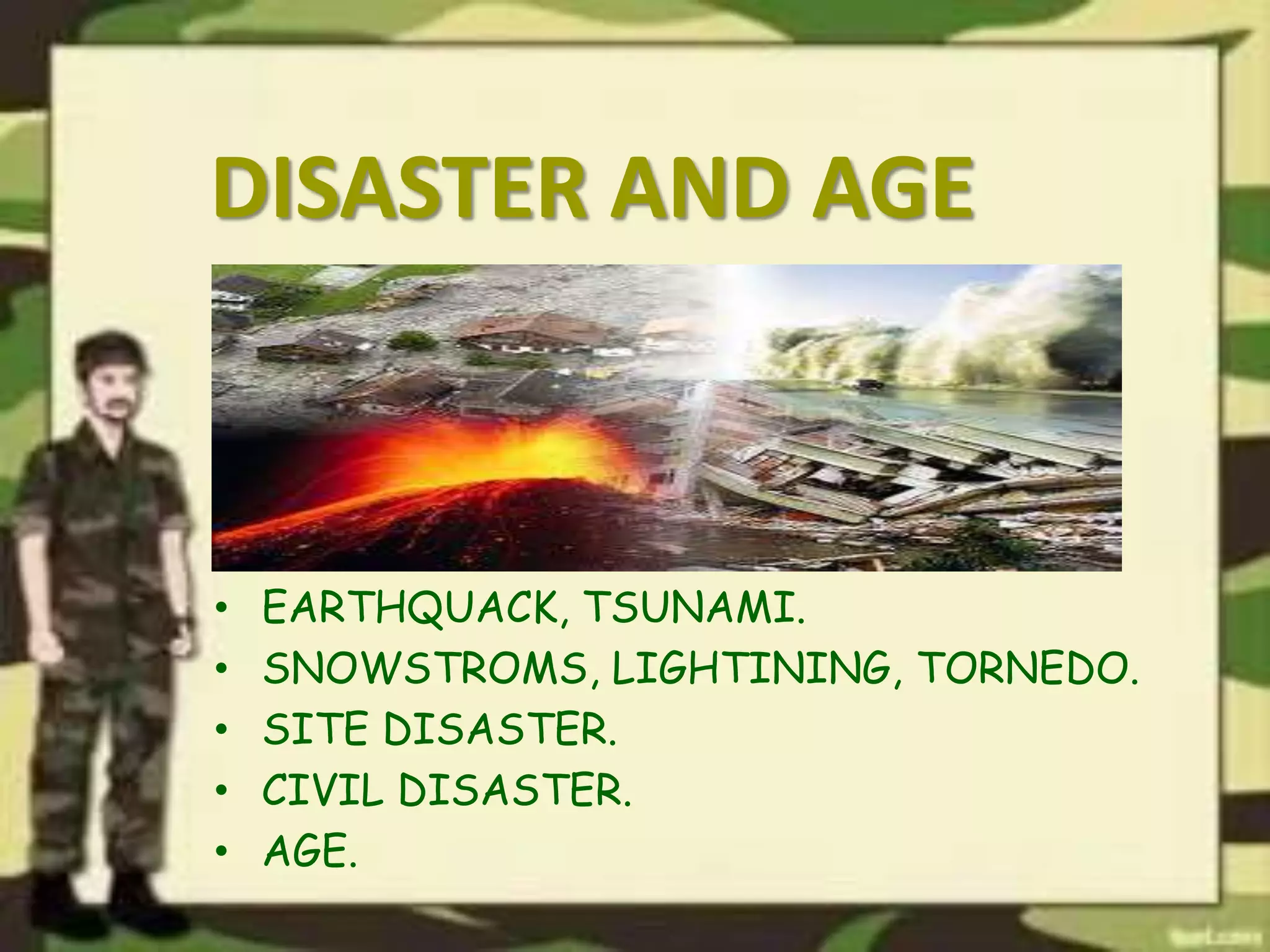
• EARTHQUACK, TSUNAMI.
• SNOWSTROMS, LIGHTINING, TORNEDO.
• SITE DISASTER.
• CIVIL DISASTER.
• AGE.
THREATS TO COMPUTER USER
• IDENTITY THEFTS.
• LOSS OF PRIVACY.
• ONLINE SPYING TOOLS.
• SPAMS.
• COMPUTER RELATED INJURIES.
IDENTITY THEFT
• USING NAME, SOCIAL SECURITY NUMBERS,
CREDIT CARD INFO.
• HACKS BANK ACCOUNTS, DRIVING LICENSE,
IMPORTANT DOCUMENTS.
• METHODS USED BY THEIVIES.
1. SHOULDER SURFING
2. SNAGGING.
3. DUMPSTER DIVING.
4. SOCIAL ENGINEERING.
5. HIGH-TECH METHODS.
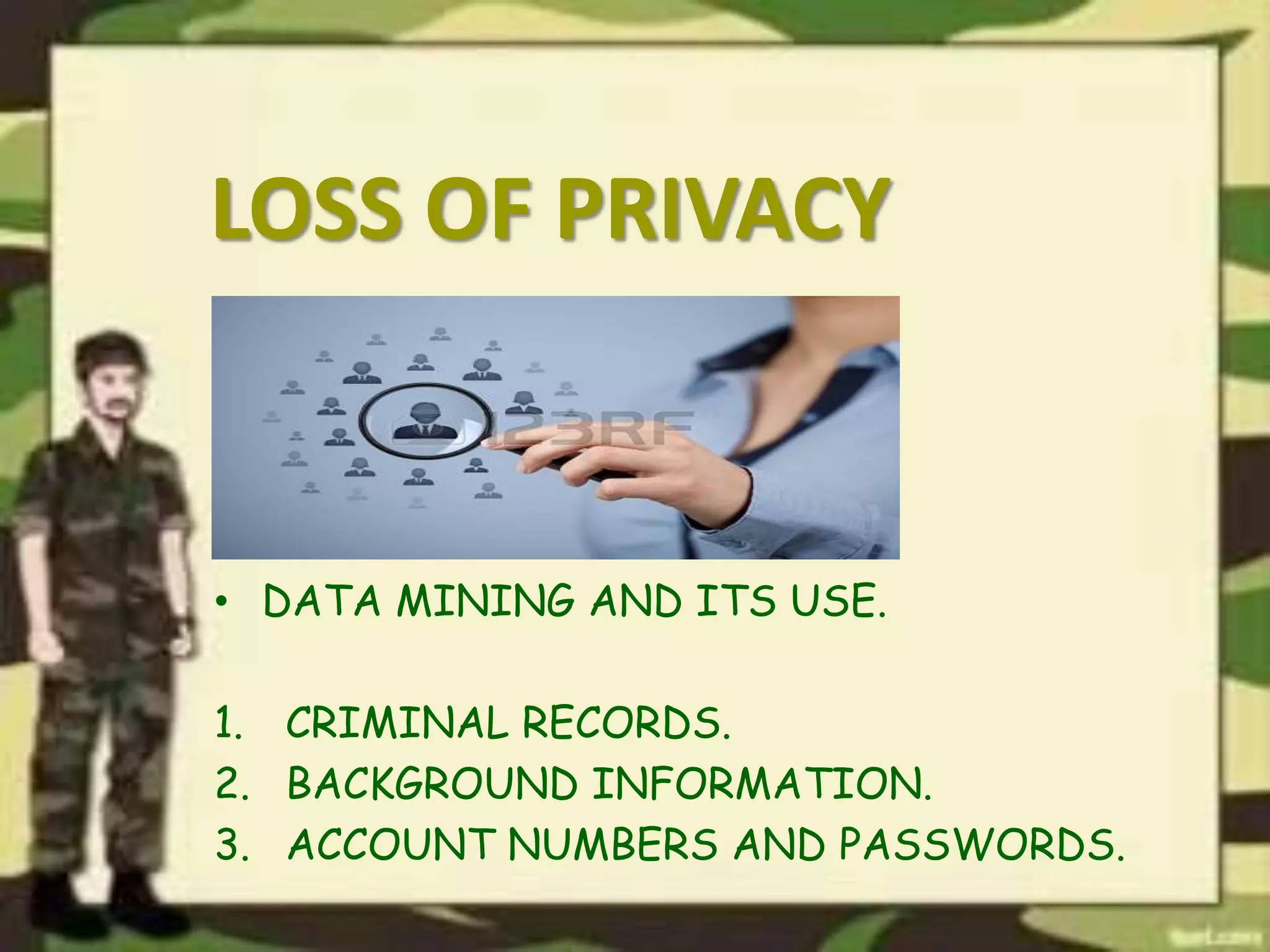
LOSS OF PRIVACY
• DATA MINING AND ITS USE.
1. CRIMINAL RECORDS.
2. BACKGROUND INFORMATION.
3. ACCOUNT NUMBERS AND PASSWORDS.
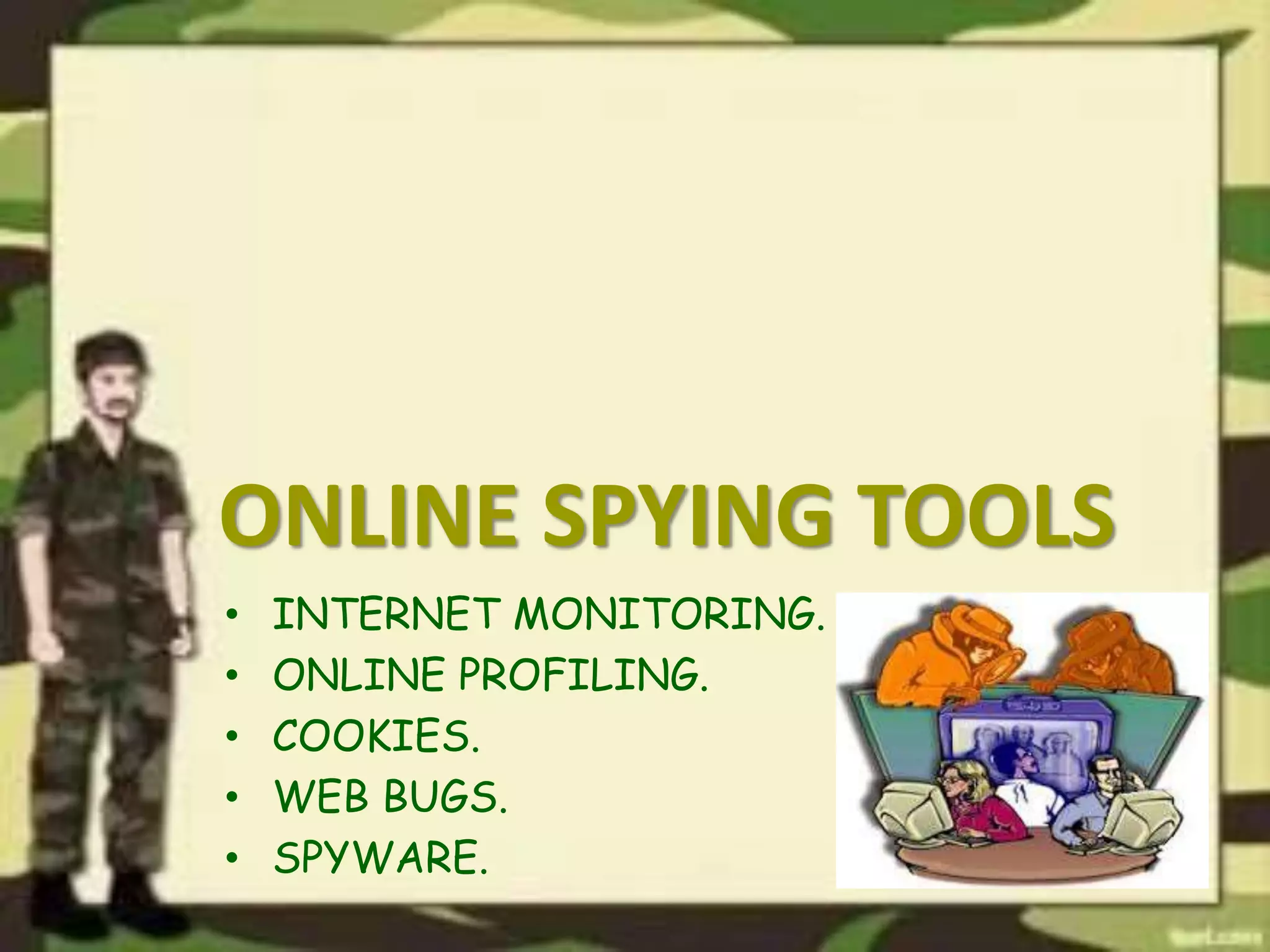
ONLINE SPYING TOOLS
• INTERNET MONITORING.
• ONLINE PROFILING.
• COOKIES.
• WEB BUGS.
• SPYWARE.
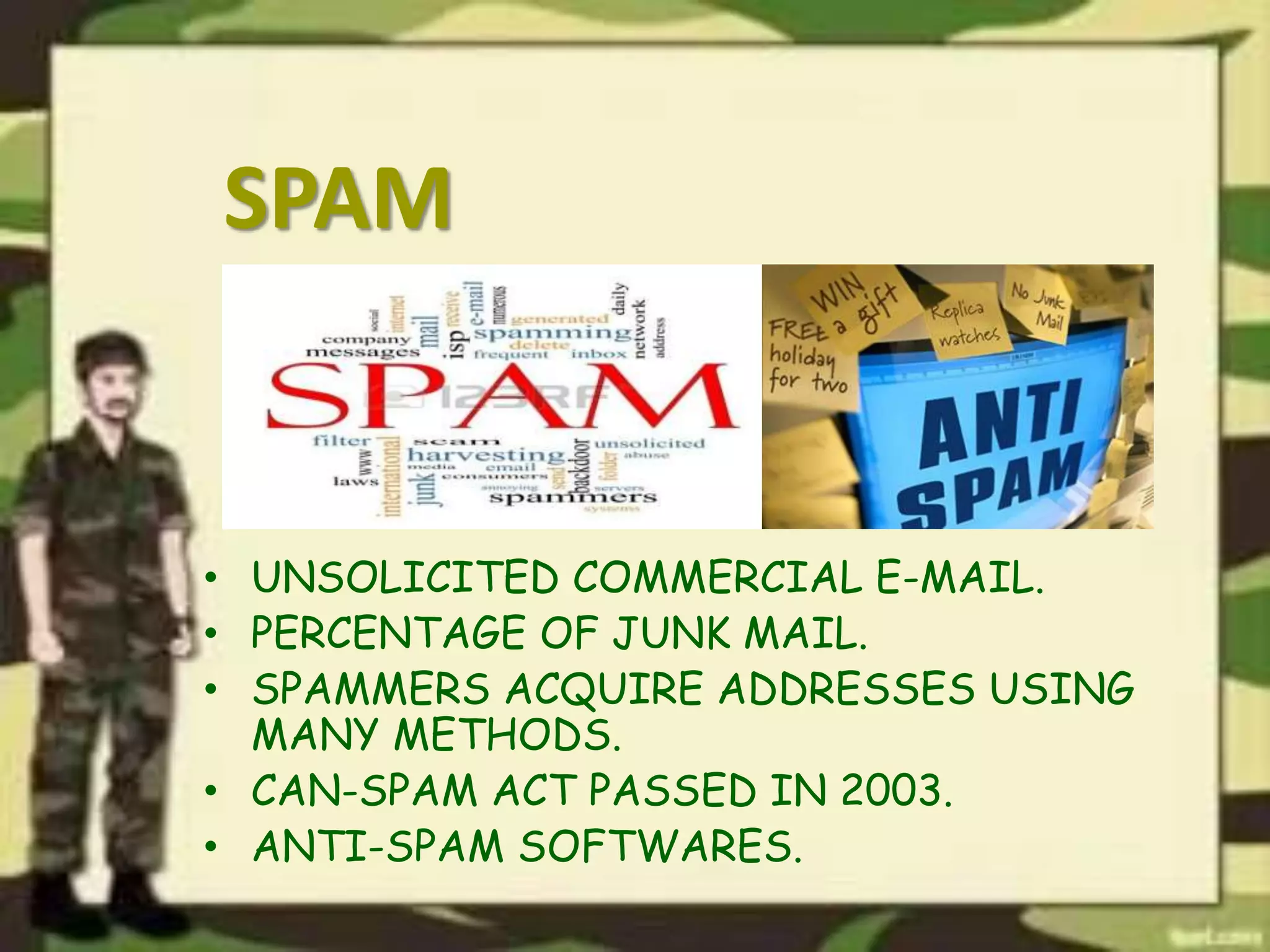
SPAM
• UNSOLICITED COMMERCIAL E-MAIL.
• PERCENTAGE OF JUNK MAIL.
• SPAMMERS ACQUIRE ADDRESSES USING
MANY METHODS.
• CAN-SPAM ACT PASSED IN 2003.
• ANTI-SPAM SOFTWARES.
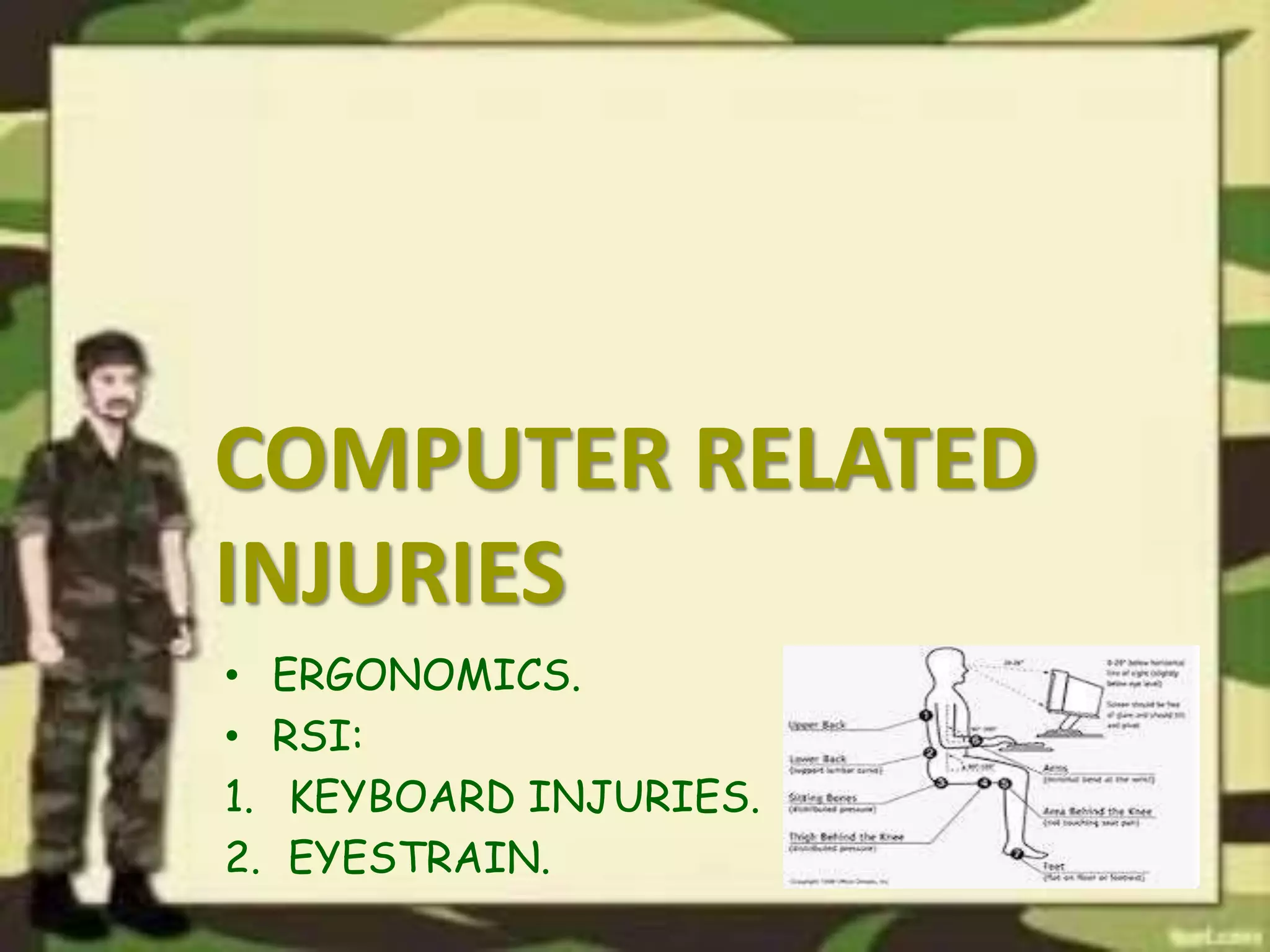
COMPUTER RELATED
INJURIES
• ERGONOMICS.
• RSI:
1. KEYBOARD INJURIES.
2. EYESTRAIN.
THREATS TO COMPUTER
DATA
IMPORTANCE OF DATA.
• TYPES OF DATA.
1. PERSONAL DATA.
2. FORMAL AND SECURITY DATA.
• THREATS TO DATA.
• PROTECTION OF DATA.
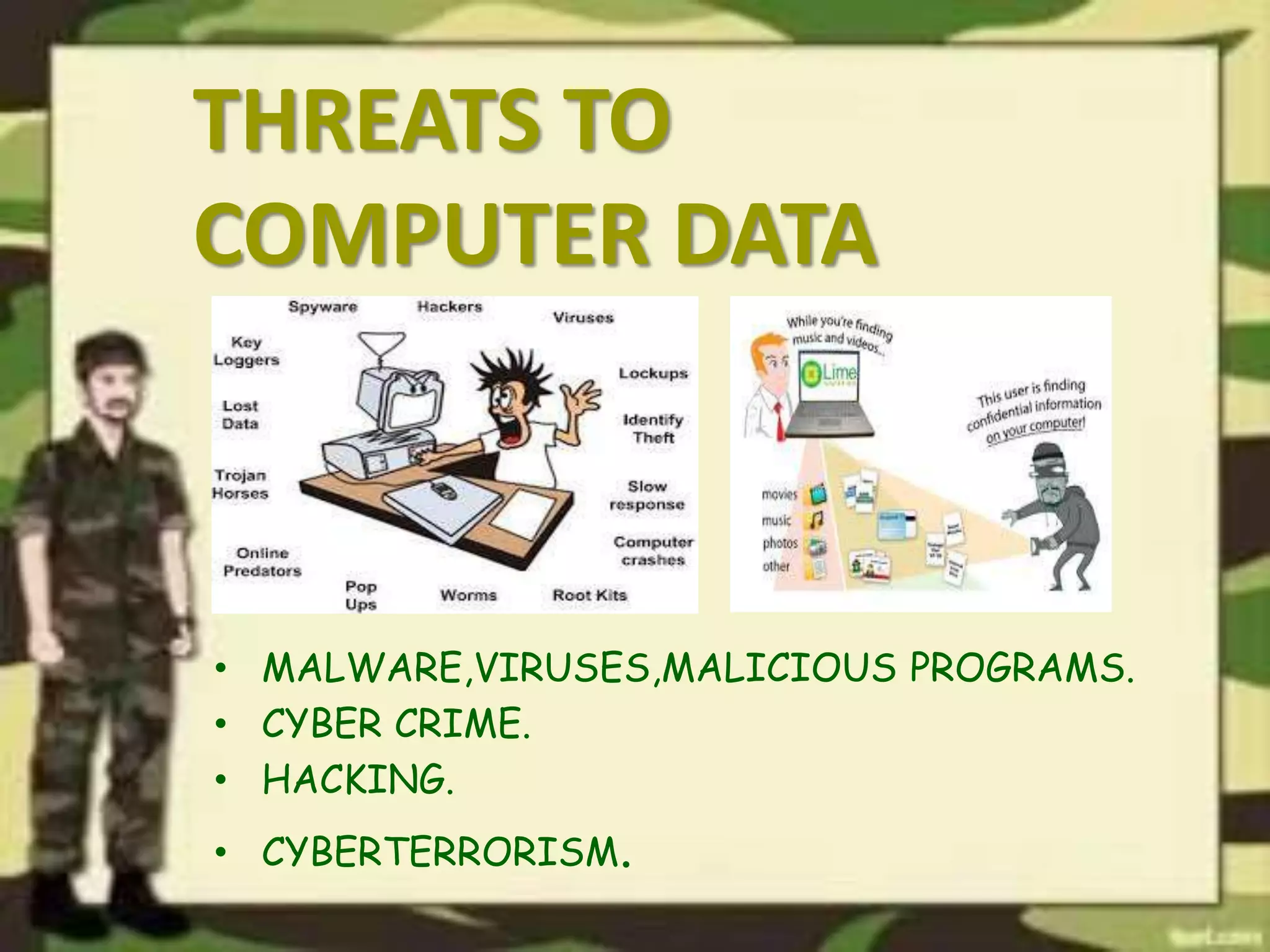
THREATS TO
COMPUTER DATA
• MALWARE,VIRUSES,MALICIOUS PROGRAMS.
• CYBER CRIME.
• HACKING.
• CYBERTERRORISM.
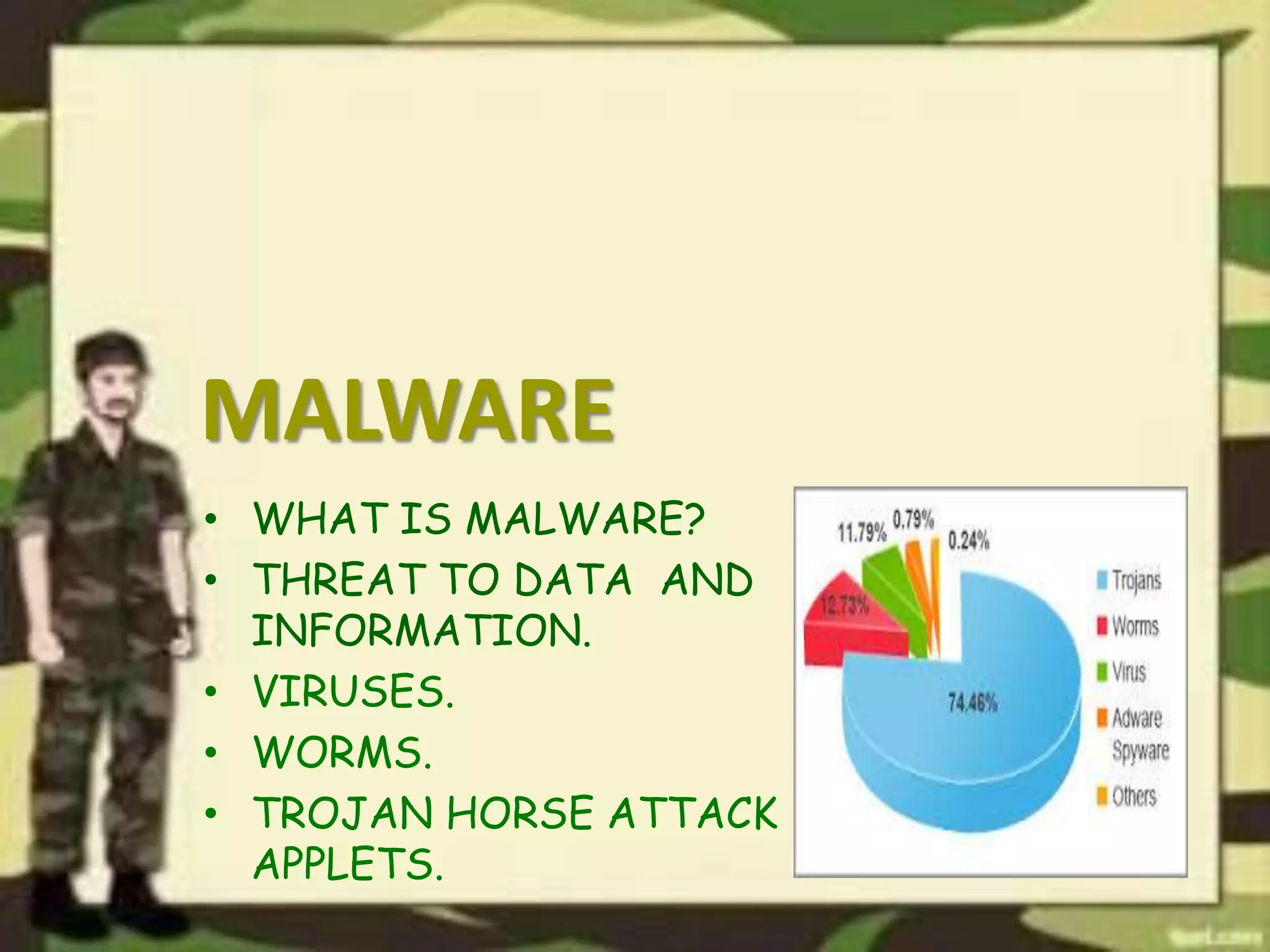
MALWARE
• WHAT IS MALWARE?
• THREAT TO DATA AND
INFORMATION.
• VIRUSES.
• WORMS.
• TROJAN HORSE ATTACK
APPLETS.
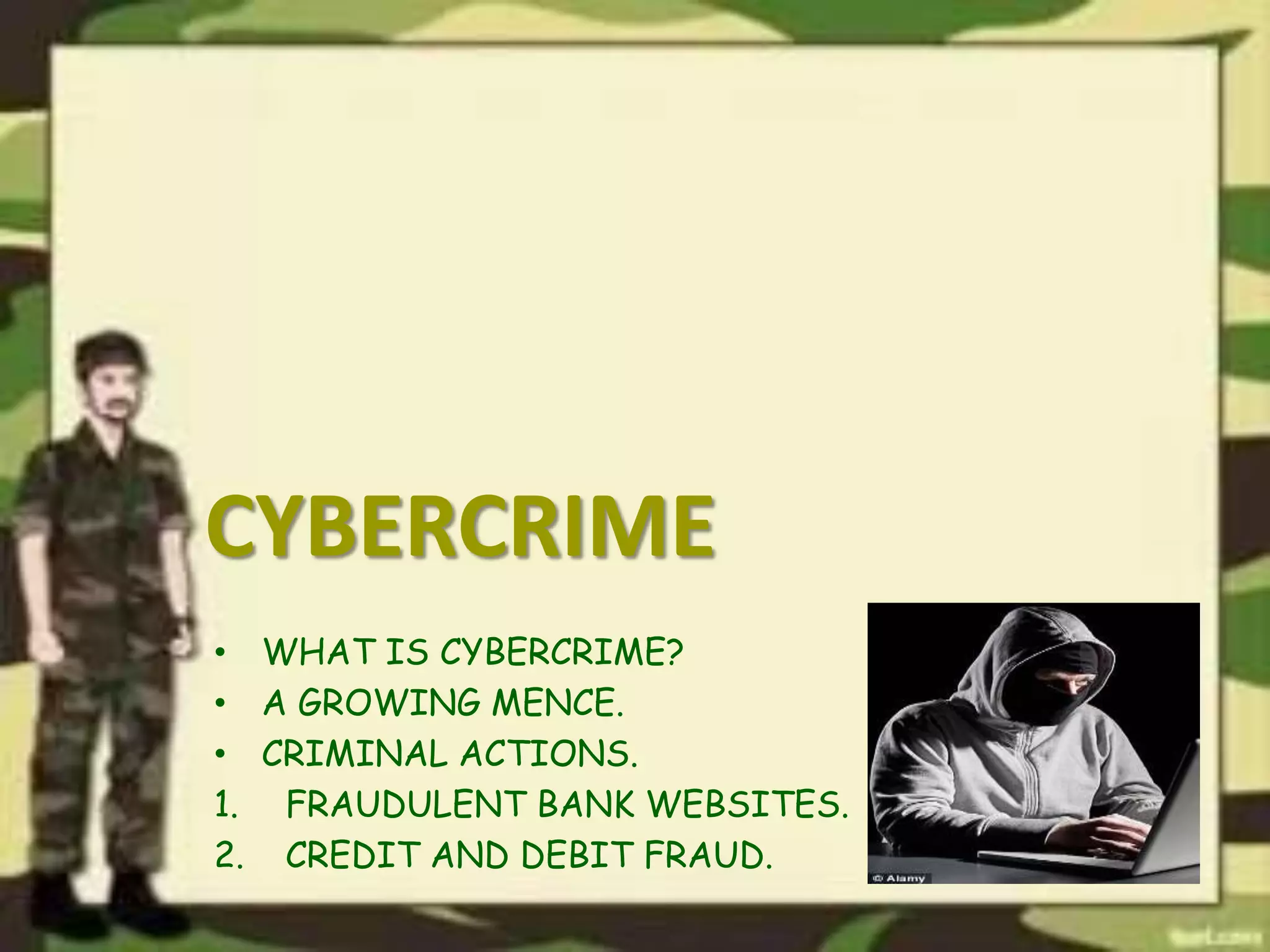
CYBERCRIME
• WHAT IS CYBERCRIME?
• A GROWING MENCE.
• CRIMINAL ACTIONS.
1. FRAUDULENT BANK WEBSITES.
2. CREDIT AND DEBIT FRAUD.
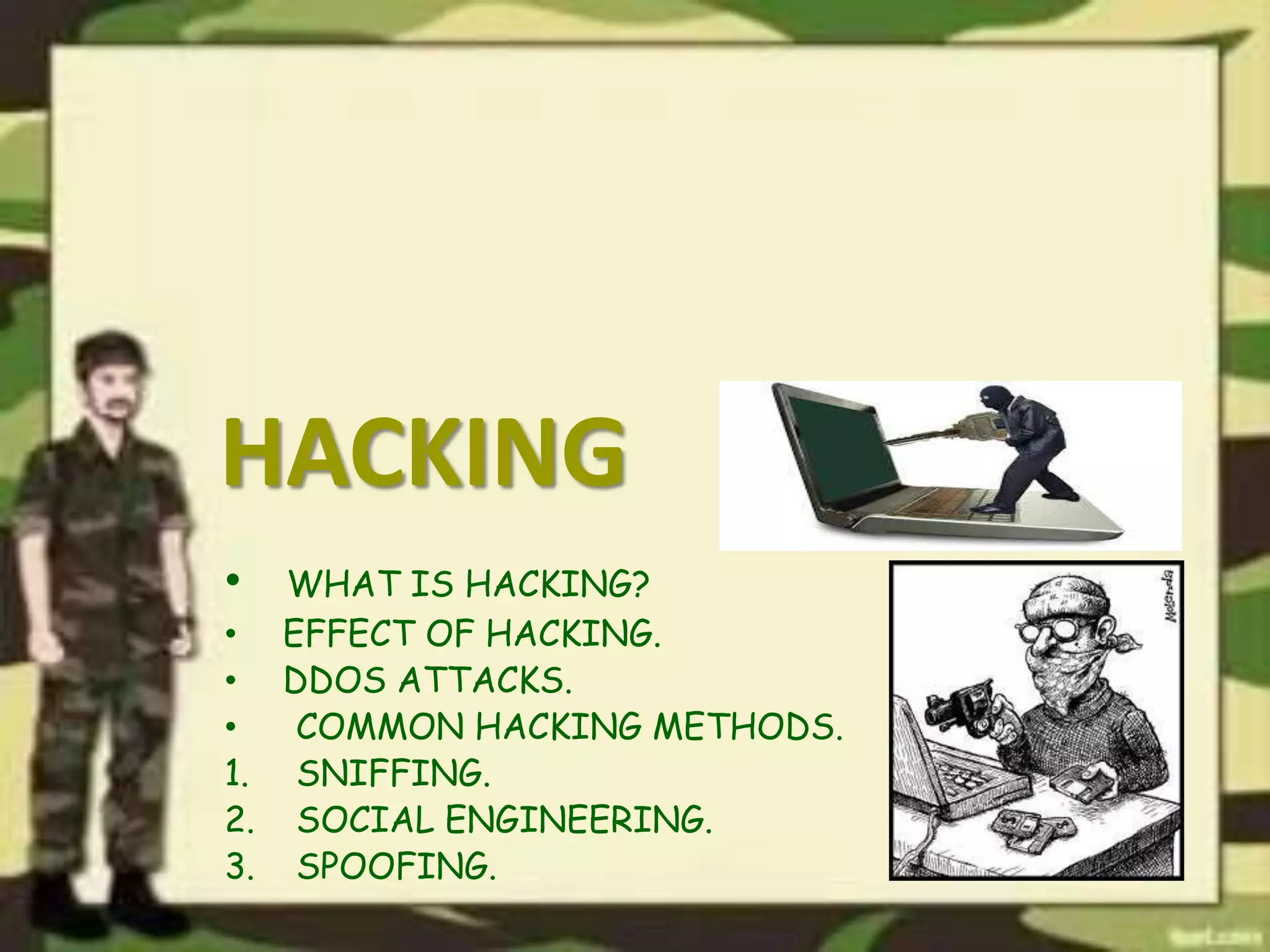
HACKING
• WHAT IS HACKING?
• EFFECT OF HACKING.
• DDOS ATTACKS.
• COMMON HACKING METHODS.
1. SNIFFING.
2. SOCIAL ENGINEERING.
3. SPOOFING.
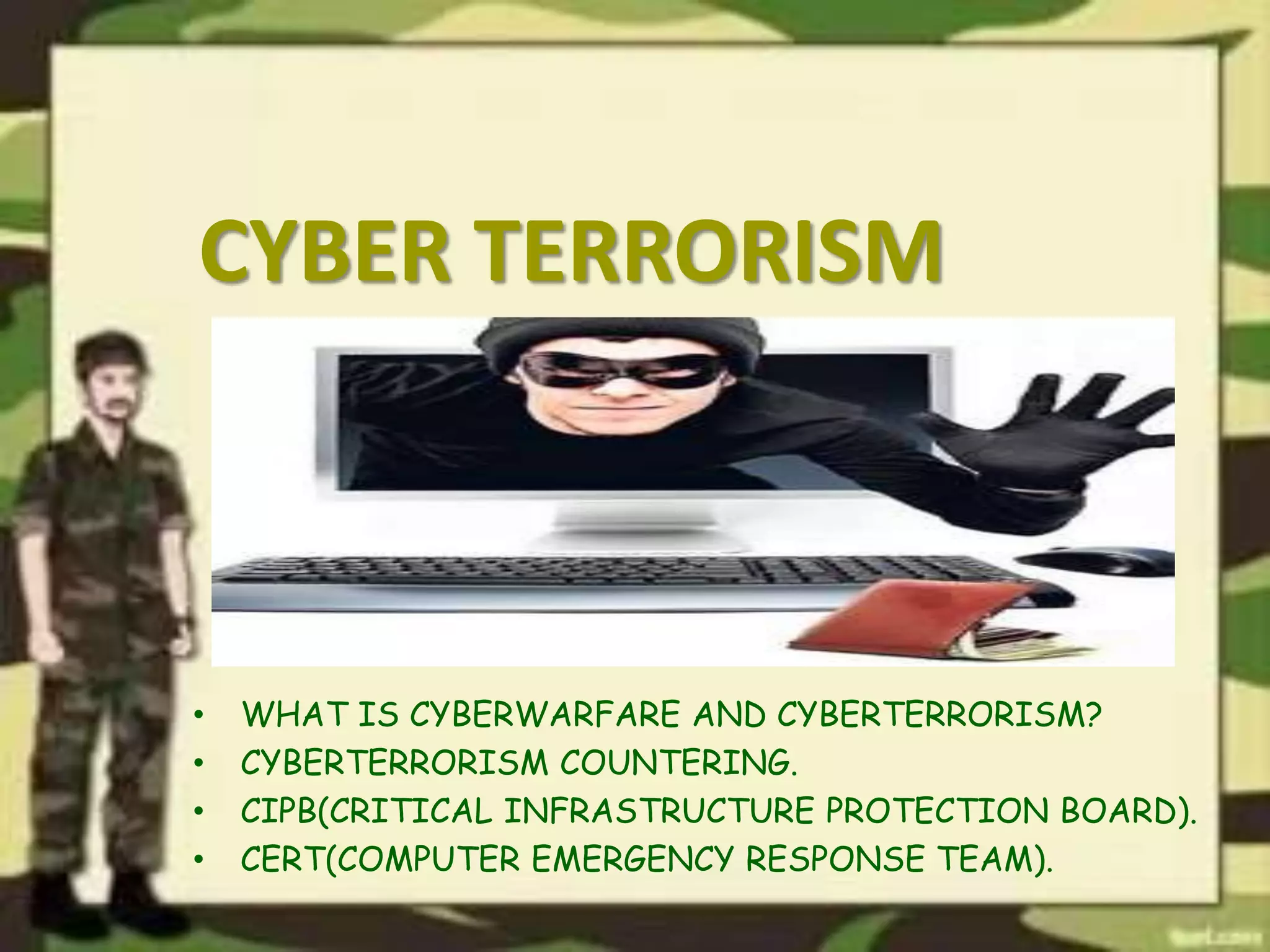
CYBER TERRORISM
• WHAT IS CYBERWARFARE AND CYBERTERRORISM?
• CYBERTERRORISM COUNTERING.
• CIPB(CRITICAL INFRASTRUCTURE PROTECTION BOARD).
• CERT(COMPUTER EMERGENCY RESPONSE TEAM).
VULERABILITY AND
COUNTERMEASURE
• WHAT IS TERM VULNERABILITY?
• WHAT IS COUNTERMEASURE FOR
COMPUTER SECURITY?
• CLASSES OF COUNTERMEASURE.
1. SHIELDING FROM PERSONAL HARMS.
2. SAFGUARDING FROM PHYSICAL HAZARDS.
Software Security
What is a Software?
• Software, in simple words, is a collection
of instructions that enable the user to interact
with a computer, its hardware, or perform tasks.
Without software, computers would be useless.
• Examples are AVG, Windows 7, Outlook, Computer
drivers etc.
Types of Software
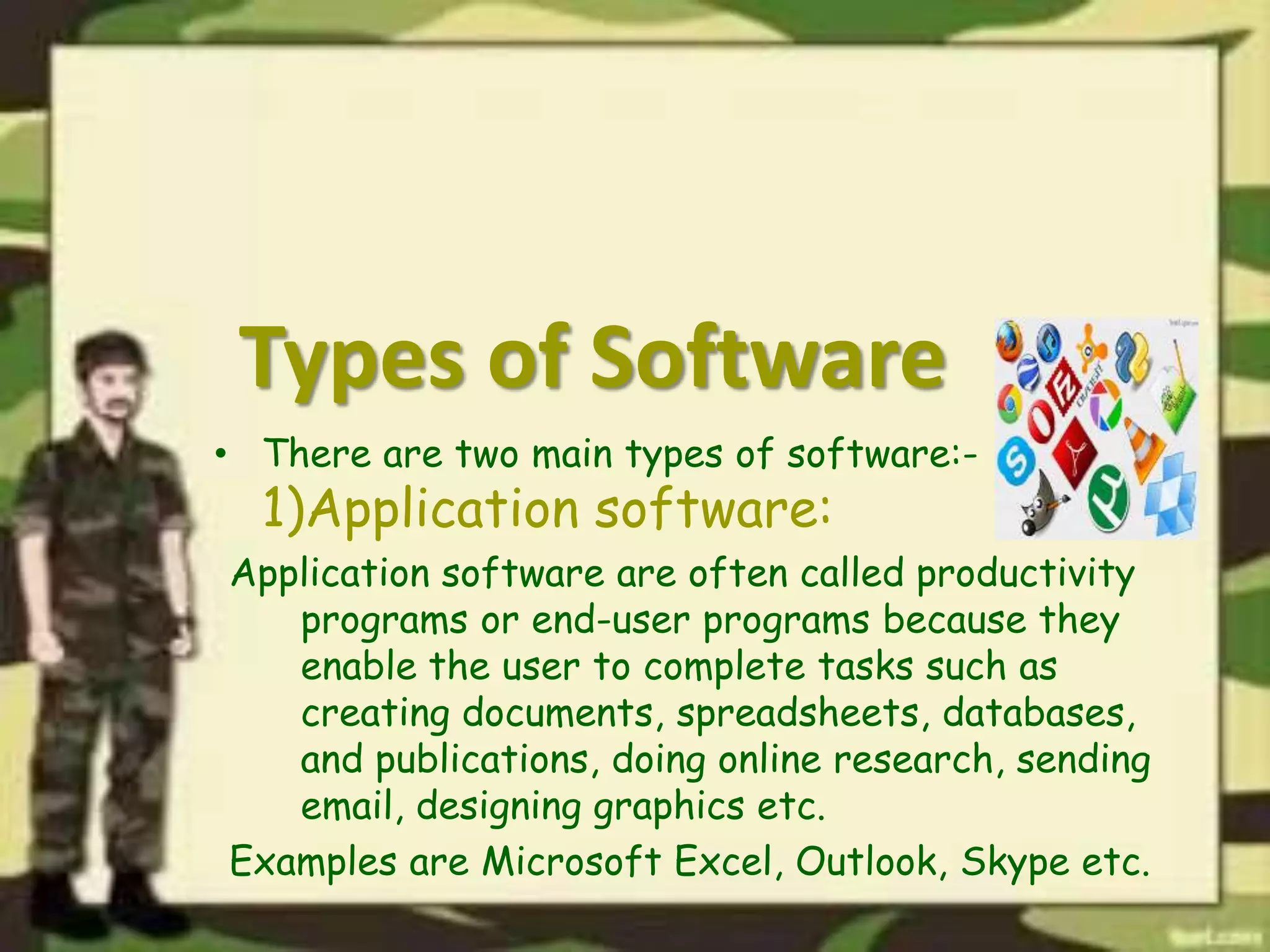
• There are two main types of software:-
1)Application software:
Application software are often called productivity
programs or end-user programs because they
enable the user to complete tasks such as
creating documents, spreadsheets, databases,
and publications, doing online research, sending
email, designing graphics etc.
Examples are Microsoft Excel, Outlook, Skype etc.
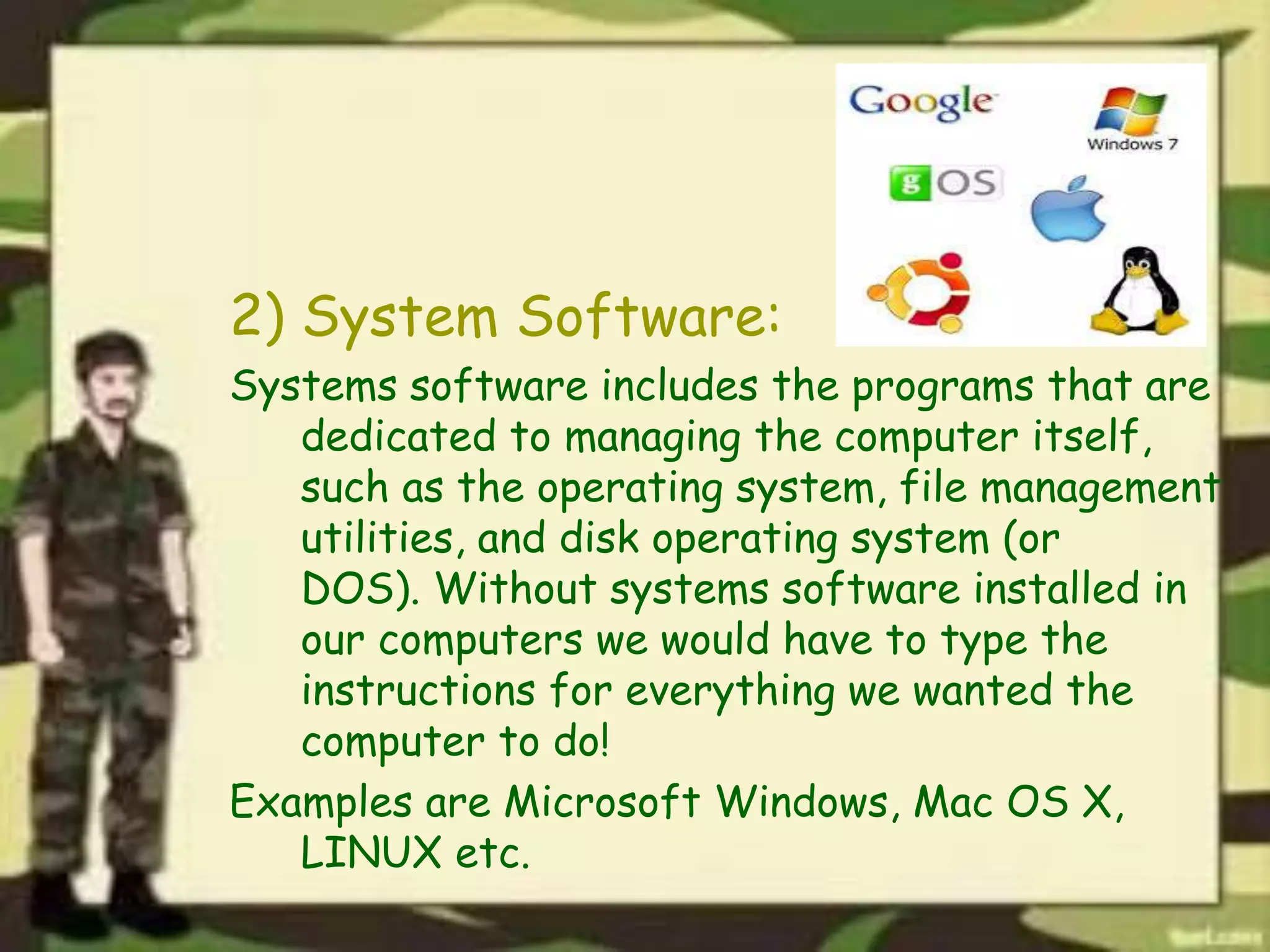
2) System Software:
Systems software includes the programs that are
dedicated to managing the computer itself,
such as the operating system, file management
utilities, and disk operating system (or
DOS). Without systems software installed in
our computers we would have to type the
instructions for everything we wanted the
computer to do!
Examples are Microsoft Windows, Mac OS X,
LINUX etc.
Software Security
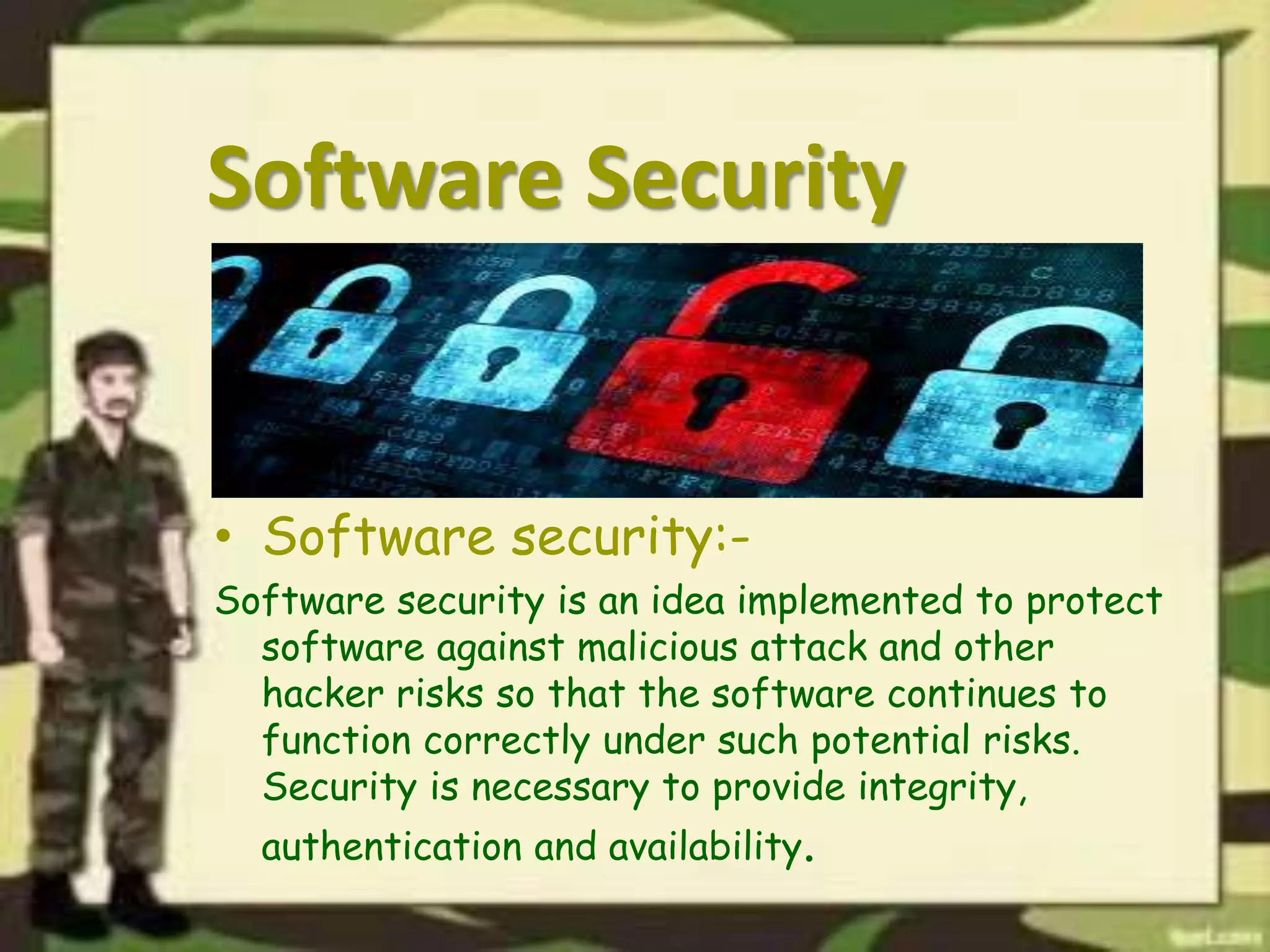
• Software security:-
Software security is an idea implemented to protect
software against malicious attack and other
hacker risks so that the software continues to
function correctly under such potential risks.
Security is necessary to provide integrity,
authentication and availability.
• Why do we need software
security?
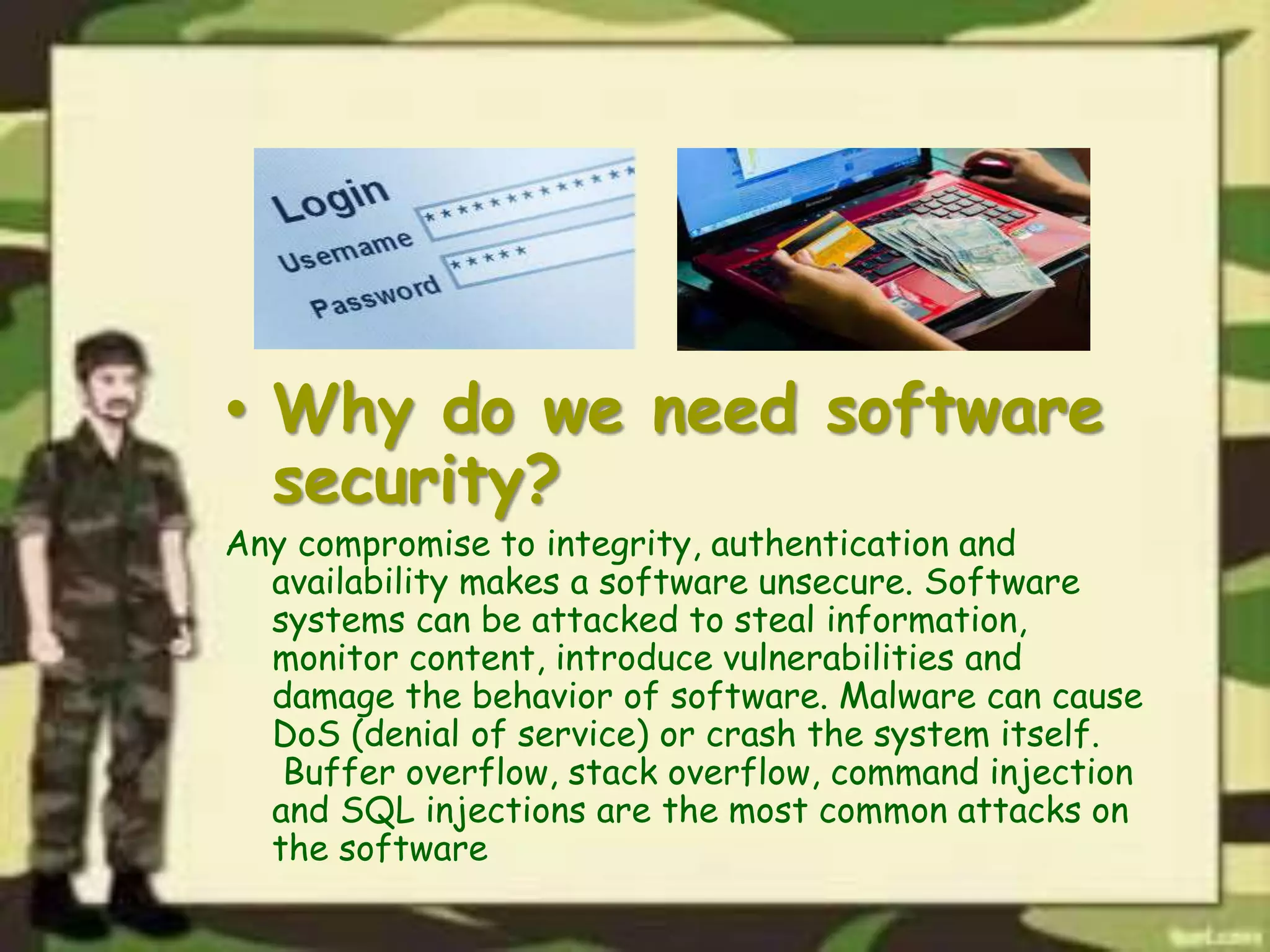
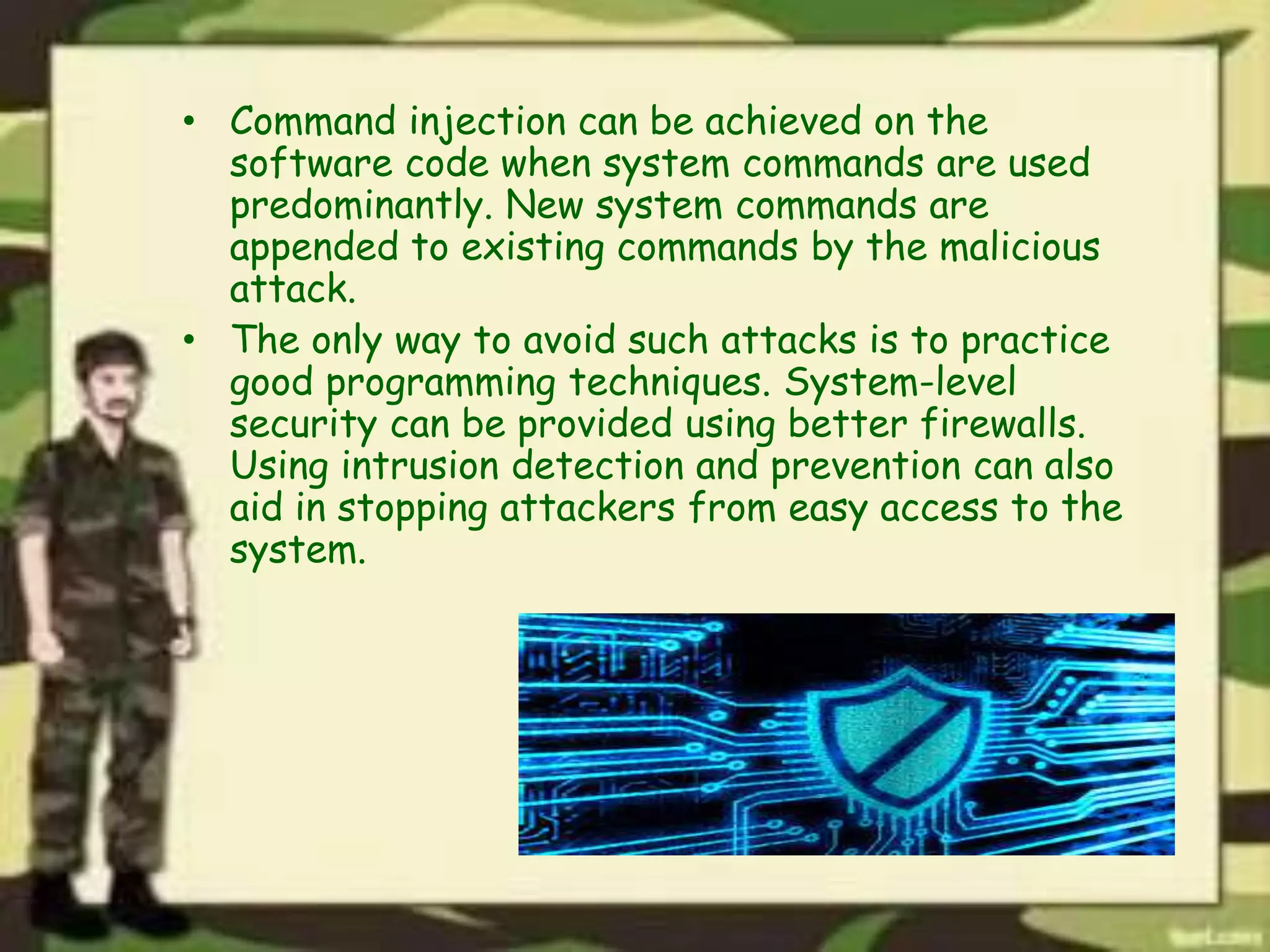
Any compromise to integrity, authentication and
availability makes a software unsecure. Software
systems can be attacked to steal information,
monitor content, introduce vulnerabilities and
damage the behavior of software. Malware can cause
DoS (denial of service) or crash the system itself.
Buffer overflow, stack overflow, command injection
and SQL injections are the most common attacks on
the software
• Command injection can be achieved on the
software code when system commands are used
predominantly. New system commands are
appended to existing commands by the malicious
attack.
• The only way to avoid such attacks is to practice
good programming techniques. System-level
security can be provided using better firewalls.
Using intrusion detection and prevention can also
aid in stopping attackers from easy access to the
system.
Pros and cons of
software security
• Advantages:
The advantages of software security are as
follows:-
1) Protects system against viruses, worms,
spyware and other unwanted programs.
2) Protection against data from theft.
3) Protects the computer from being hacked.
4) Minimizes computer freezing and crashes.
5) Gives privacy to users.
• Disadvantages:
Following are the disadvantages of software
security:-
1)Firewalls can be difficult to configure correctly.
2) Incorrectly configured firewalls may block
users from performing certain actions on the
Internet, until the firewall configured correctly.
3) Makes the system slower than before.
4) Need to keep updating the new software in
order to keep security up to date.
5) Could be costly for average user.
THANKS...

Basic Security Concepts of Computer

  • 2.
    TEAM # 1 #101Mohammed Aqib Rasheed #102 Mohammed Talha Hamid #103 Mohammed Faizan Iftikhar
  • 3.
  • 4.
    CONTENT LIST • BASICSECURITY CONCEPT OF COMPUTER. • THREATS. • THREATS TO COMPUTER HARDWARE. • THREATS TO COMPUTER USER. • THREATS TO COMPUTER DATA. • VULNERABILITY AND COUNTERMEASURE. • SOFTWARE SECURITY. • QUESTIONING SESSION.
  • 5.
    BASIC SECURITY CONCEPT OFCOMPUTER • WHAT IS COMPUTER SECURITY? • IMPORTANCE OF COMPUTER SECURITY. • COMPONENTS OF COMPUTER SECURITY. 1. THREATS. 2. VULNERABILITY. 3. COUNTER MEASURE.
  • 6.
    THREATS TO COMPUTER SECURITY •DEFINE THREAT? • TYPES OF THREAT. 1. THREATS TO COMPUTER HARDWARE. 2. THREATS TO COMPUTER USER. 3. THREATS TO COMPUTER DATA.
  • 7.
    THREATS TO COMPUTER HARDWARE •POWER RELATED THREATS . • THEFTS AND VANDALISM. • DESASTER AND AGE.
  • 8.
    POWER RELATED THREATS • POWERFLUCTUATION. • POWER FAILURE. • ELECTRICAL SURGE.
  • 9.
    COUNTERMEASURE AGAINST PRP • SURGESUPPRESSORS. • LINE CONDITIONERS. • UNINTERRUPTIBLE POWER SUPPLIES.
  • 10.
    THEFT AND VANDALISM •HARDWARE THEFT. • HARDWARE VANDALISM. 1. DO TREMENDOUS DAMAGE. 2. LOSS OF SYSTEM. 3. LOSS OF STORAGE DATA.
  • 11.
    COUNTERMEASURE AGAINST THEFT ANDVANDALISM • PRECAUTIONS TO PROTECT PC. • SECURE AREA. • SPECIAL LOCKS. • ALARM SYSTEM. • CABELS.
  • 12.
    DISASTER AND AGE •EARTHQUACK, TSUNAMI. • SNOWSTROMS, LIGHTINING, TORNEDO. • SITE DISASTER. • CIVIL DISASTER. • AGE.
  • 13.
    THREATS TO COMPUTERUSER • IDENTITY THEFTS. • LOSS OF PRIVACY. • ONLINE SPYING TOOLS. • SPAMS. • COMPUTER RELATED INJURIES.
  • 14.
    IDENTITY THEFT • USINGNAME, SOCIAL SECURITY NUMBERS, CREDIT CARD INFO. • HACKS BANK ACCOUNTS, DRIVING LICENSE, IMPORTANT DOCUMENTS. • METHODS USED BY THEIVIES. 1. SHOULDER SURFING 2. SNAGGING. 3. DUMPSTER DIVING. 4. SOCIAL ENGINEERING. 5. HIGH-TECH METHODS.
  • 15.
    LOSS OF PRIVACY •DATA MINING AND ITS USE. 1. CRIMINAL RECORDS. 2. BACKGROUND INFORMATION. 3. ACCOUNT NUMBERS AND PASSWORDS.
  • 16.
    ONLINE SPYING TOOLS •INTERNET MONITORING. • ONLINE PROFILING. • COOKIES. • WEB BUGS. • SPYWARE.
  • 17.
    SPAM • UNSOLICITED COMMERCIALE-MAIL. • PERCENTAGE OF JUNK MAIL. • SPAMMERS ACQUIRE ADDRESSES USING MANY METHODS. • CAN-SPAM ACT PASSED IN 2003. • ANTI-SPAM SOFTWARES.
  • 18.
    COMPUTER RELATED INJURIES • ERGONOMICS. •RSI: 1. KEYBOARD INJURIES. 2. EYESTRAIN.
  • 19.
    THREATS TO COMPUTER DATA IMPORTANCEOF DATA. • TYPES OF DATA. 1. PERSONAL DATA. 2. FORMAL AND SECURITY DATA. • THREATS TO DATA. • PROTECTION OF DATA.
  • 20.
    THREATS TO COMPUTER DATA •MALWARE,VIRUSES,MALICIOUS PROGRAMS. • CYBER CRIME. • HACKING. • CYBERTERRORISM.
  • 21.
    MALWARE • WHAT ISMALWARE? • THREAT TO DATA AND INFORMATION. • VIRUSES. • WORMS. • TROJAN HORSE ATTACK APPLETS.
  • 22.
    CYBERCRIME • WHAT ISCYBERCRIME? • A GROWING MENCE. • CRIMINAL ACTIONS. 1. FRAUDULENT BANK WEBSITES. 2. CREDIT AND DEBIT FRAUD.
  • 23.
    HACKING • WHAT ISHACKING? • EFFECT OF HACKING. • DDOS ATTACKS. • COMMON HACKING METHODS. 1. SNIFFING. 2. SOCIAL ENGINEERING. 3. SPOOFING.
  • 24.
    CYBER TERRORISM • WHATIS CYBERWARFARE AND CYBERTERRORISM? • CYBERTERRORISM COUNTERING. • CIPB(CRITICAL INFRASTRUCTURE PROTECTION BOARD). • CERT(COMPUTER EMERGENCY RESPONSE TEAM).
  • 25.
    VULERABILITY AND COUNTERMEASURE • WHATIS TERM VULNERABILITY? • WHAT IS COUNTERMEASURE FOR COMPUTER SECURITY? • CLASSES OF COUNTERMEASURE. 1. SHIELDING FROM PERSONAL HARMS. 2. SAFGUARDING FROM PHYSICAL HAZARDS.
  • 26.
  • 27.
    What is aSoftware? • Software, in simple words, is a collection of instructions that enable the user to interact with a computer, its hardware, or perform tasks. Without software, computers would be useless. • Examples are AVG, Windows 7, Outlook, Computer drivers etc.
  • 28.
    Types of Software •There are two main types of software:- 1)Application software: Application software are often called productivity programs or end-user programs because they enable the user to complete tasks such as creating documents, spreadsheets, databases, and publications, doing online research, sending email, designing graphics etc. Examples are Microsoft Excel, Outlook, Skype etc.
  • 29.
    2) System Software: Systemssoftware includes the programs that are dedicated to managing the computer itself, such as the operating system, file management utilities, and disk operating system (or DOS). Without systems software installed in our computers we would have to type the instructions for everything we wanted the computer to do! Examples are Microsoft Windows, Mac OS X, LINUX etc.
  • 30.
    Software Security • Softwaresecurity:- Software security is an idea implemented to protect software against malicious attack and other hacker risks so that the software continues to function correctly under such potential risks. Security is necessary to provide integrity, authentication and availability.
  • 31.
    • Why dowe need software security? Any compromise to integrity, authentication and availability makes a software unsecure. Software systems can be attacked to steal information, monitor content, introduce vulnerabilities and damage the behavior of software. Malware can cause DoS (denial of service) or crash the system itself. Buffer overflow, stack overflow, command injection and SQL injections are the most common attacks on the software
  • 32.
    • Command injectioncan be achieved on the software code when system commands are used predominantly. New system commands are appended to existing commands by the malicious attack. • The only way to avoid such attacks is to practice good programming techniques. System-level security can be provided using better firewalls. Using intrusion detection and prevention can also aid in stopping attackers from easy access to the system.
  • 33.
    Pros and consof software security • Advantages: The advantages of software security are as follows:- 1) Protects system against viruses, worms, spyware and other unwanted programs. 2) Protection against data from theft. 3) Protects the computer from being hacked. 4) Minimizes computer freezing and crashes. 5) Gives privacy to users.
  • 34.
    • Disadvantages: Following arethe disadvantages of software security:- 1)Firewalls can be difficult to configure correctly. 2) Incorrectly configured firewalls may block users from performing certain actions on the Internet, until the firewall configured correctly. 3) Makes the system slower than before. 4) Need to keep updating the new software in order to keep security up to date. 5) Could be costly for average user.
  • 36.