Flowchart  Algorithm Description
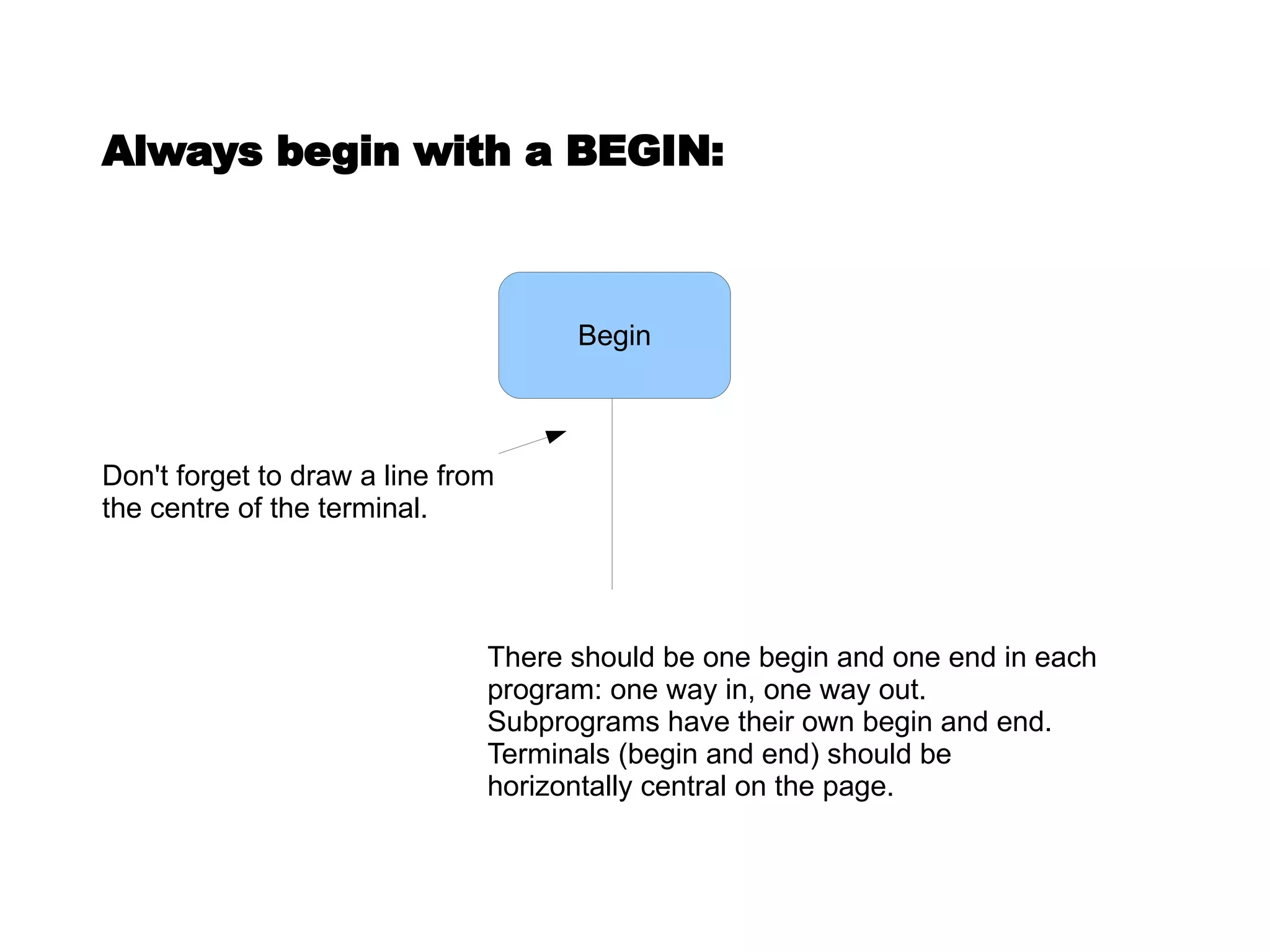
Always begin with a BEGIN: There should be one begin and one end in each program: one way in, one way out.  Subprograms have their own begin and end.  Terminals (begin and end) should be horizontally central on the page. Don't forget to draw a line from the centre of the terminal. Begin
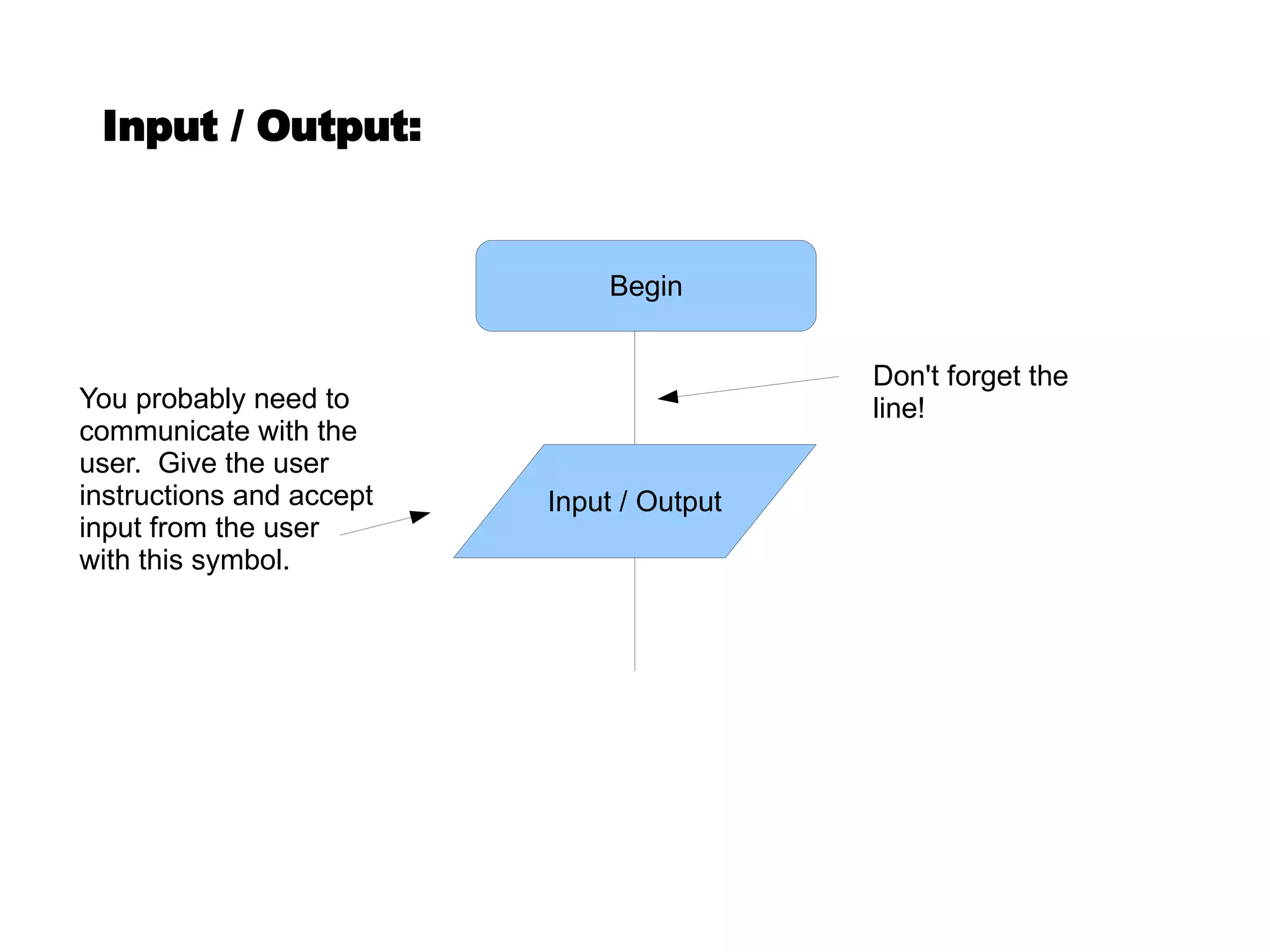
You probably need to communicate with the user.  Give the user instructions and accept input from the user with this symbol. Don't forget the line! Input / Output: Begin Input / Output
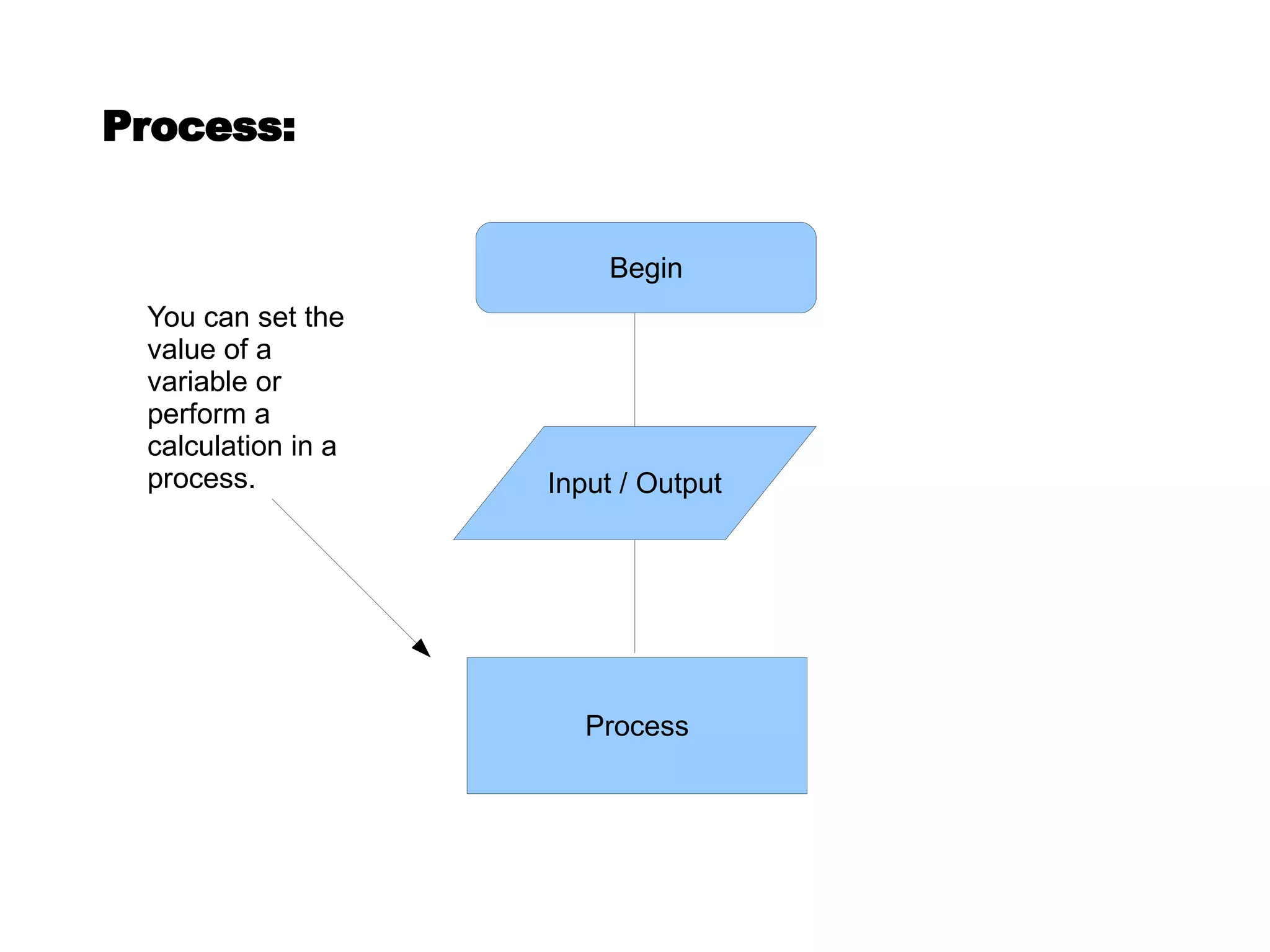
Process: You can set the value of a variable or perform a calculation in a process. Begin Input / Output Process
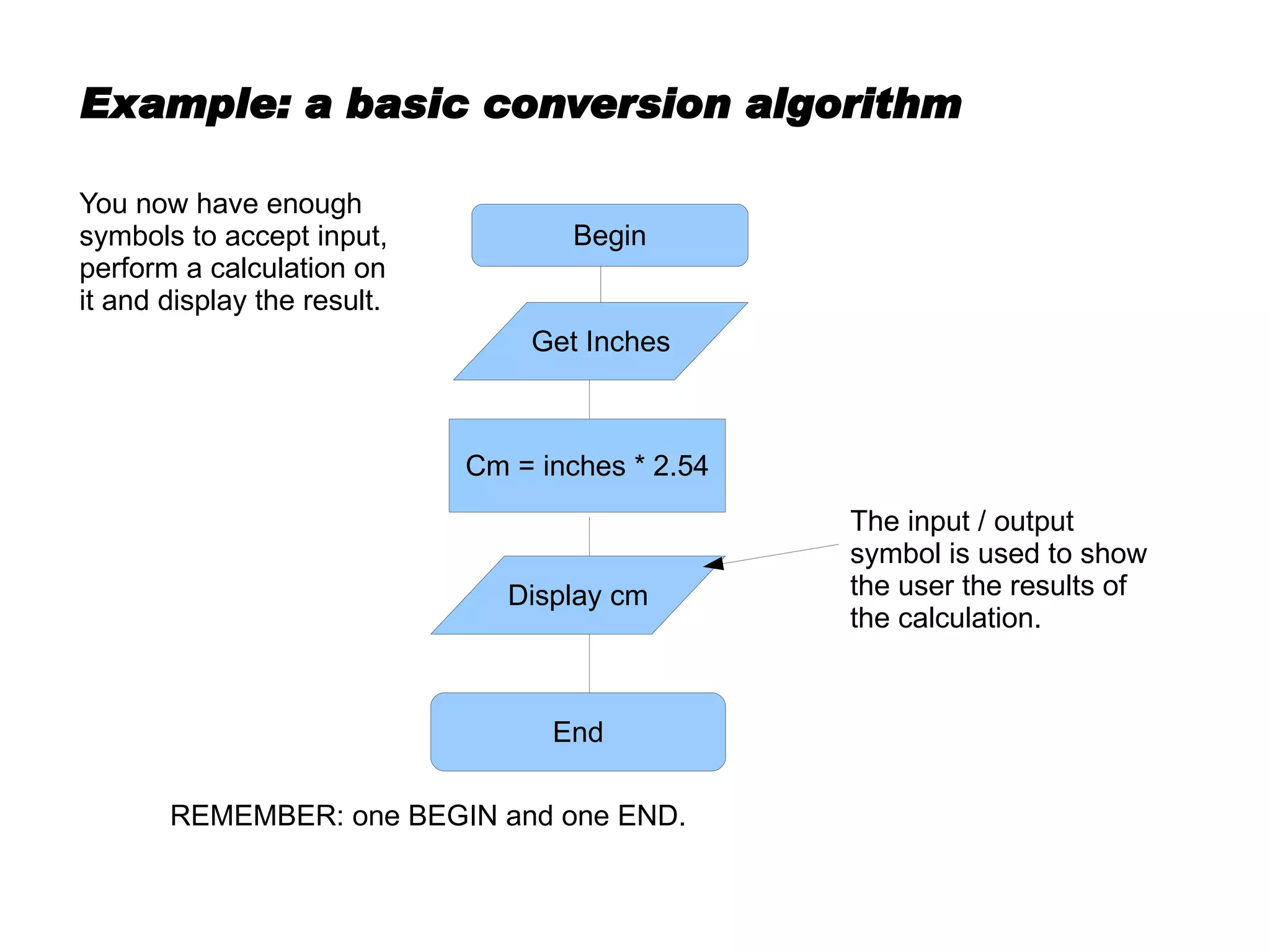
Example: a basic conversion algorithm The input / output symbol is used to show the user the results of the calculation. REMEMBER: one BEGIN and one END. You now have enough symbols to accept input, perform a calculation on it and display the result. Begin Cm = inches * 2.54 Get Inches Display cm End
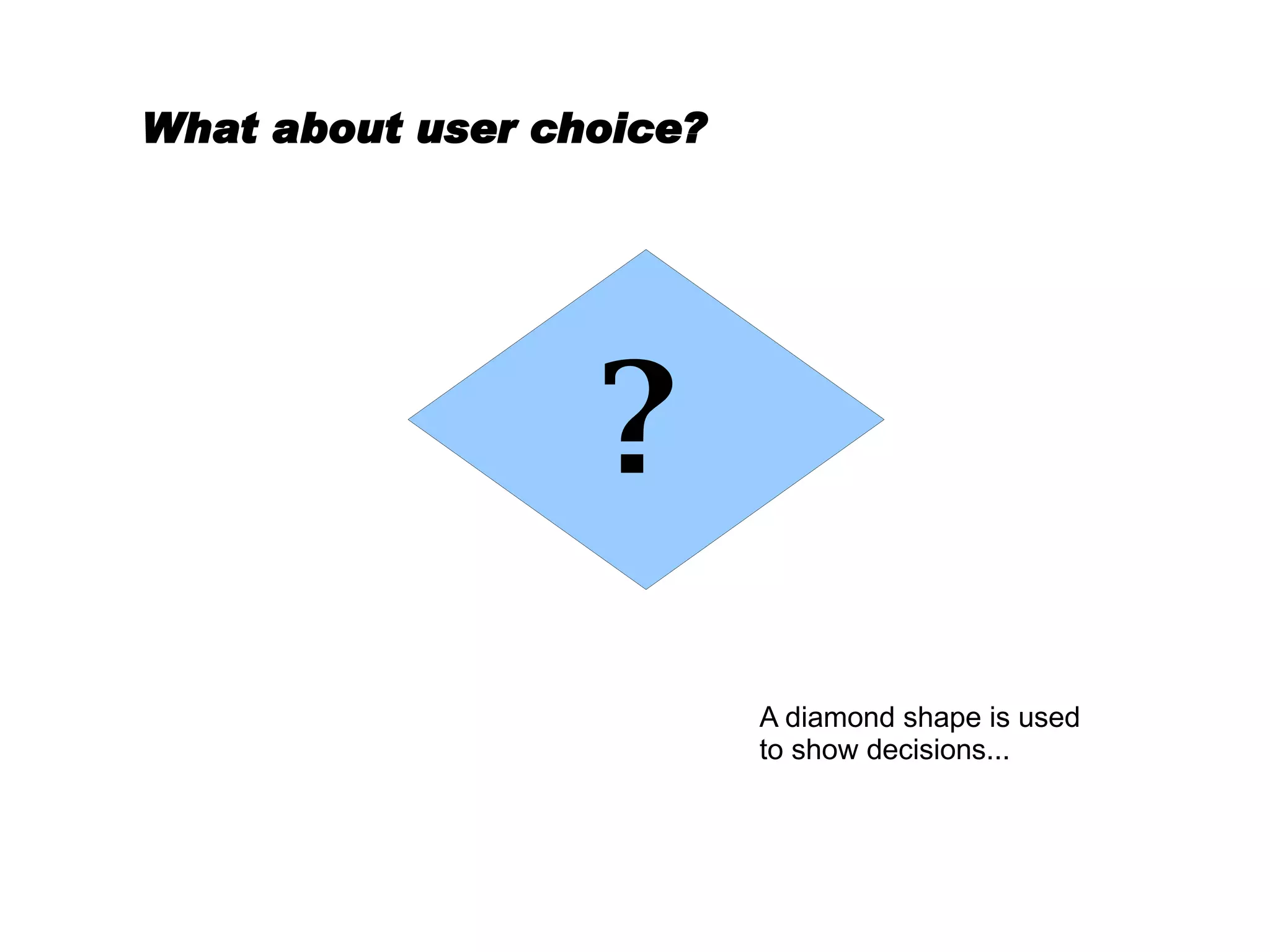
What about user choice? A diamond shape is used to show decisions... ?
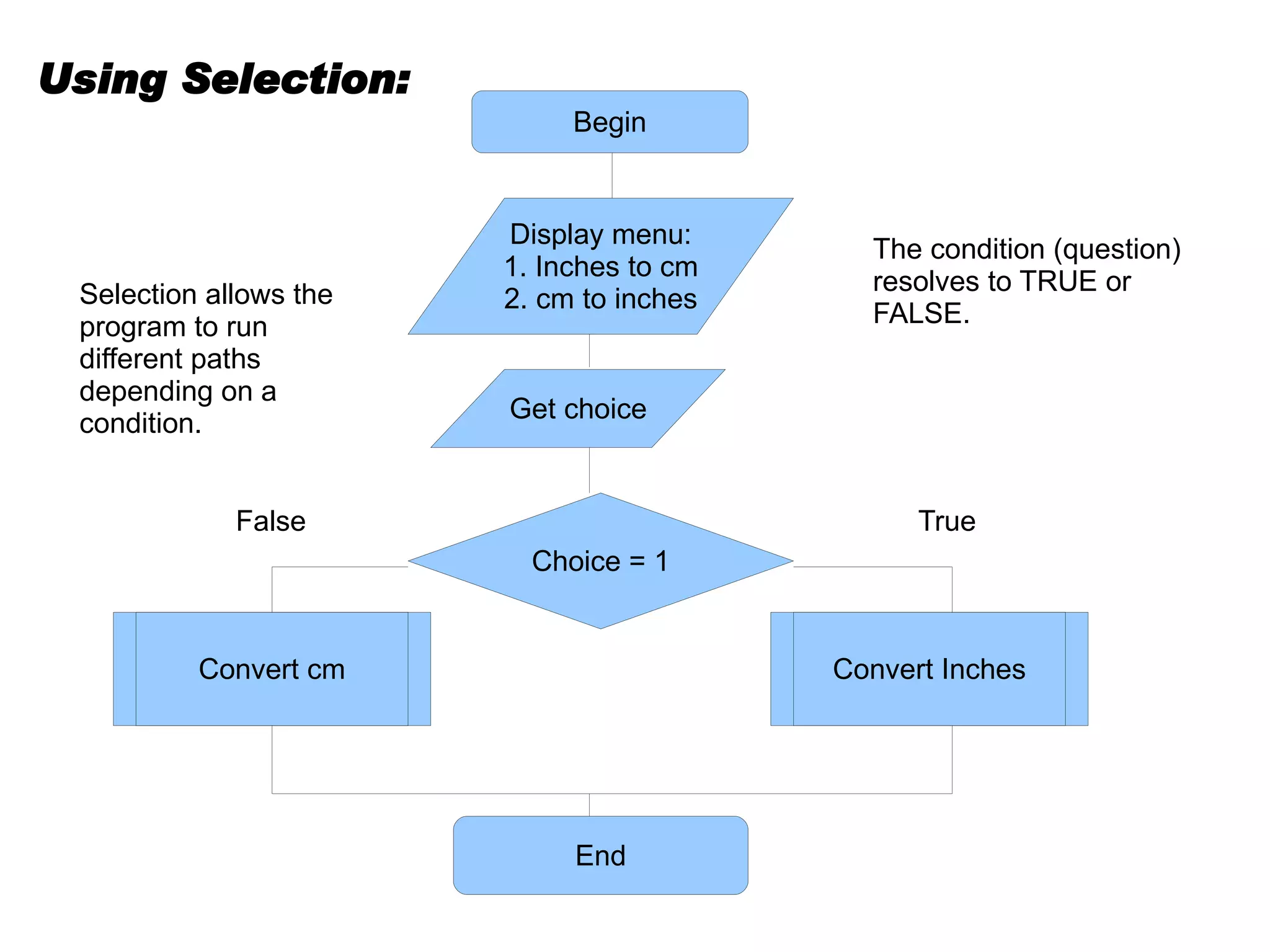
Selection allows the program to run different paths depending on a condition. The condition (question) resolves to TRUE or FALSE. True False Using Selection: Begin Display menu: 1. Inches to cm 2. cm to inches Get choice Choice = 1 End Convert cm Convert Inches
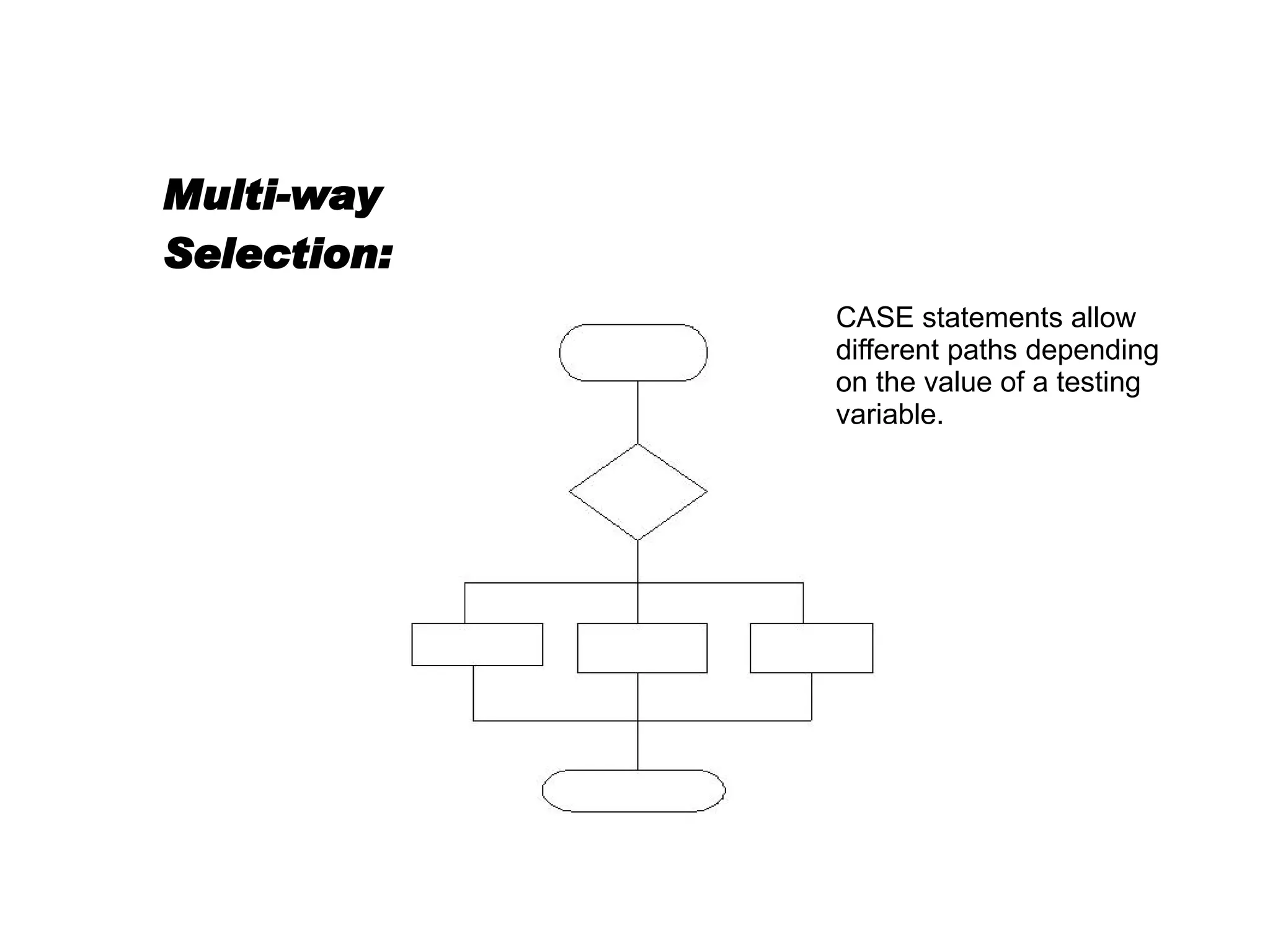
Multi-way Selection: CASE statements allow different paths depending on the value of a testing variable.
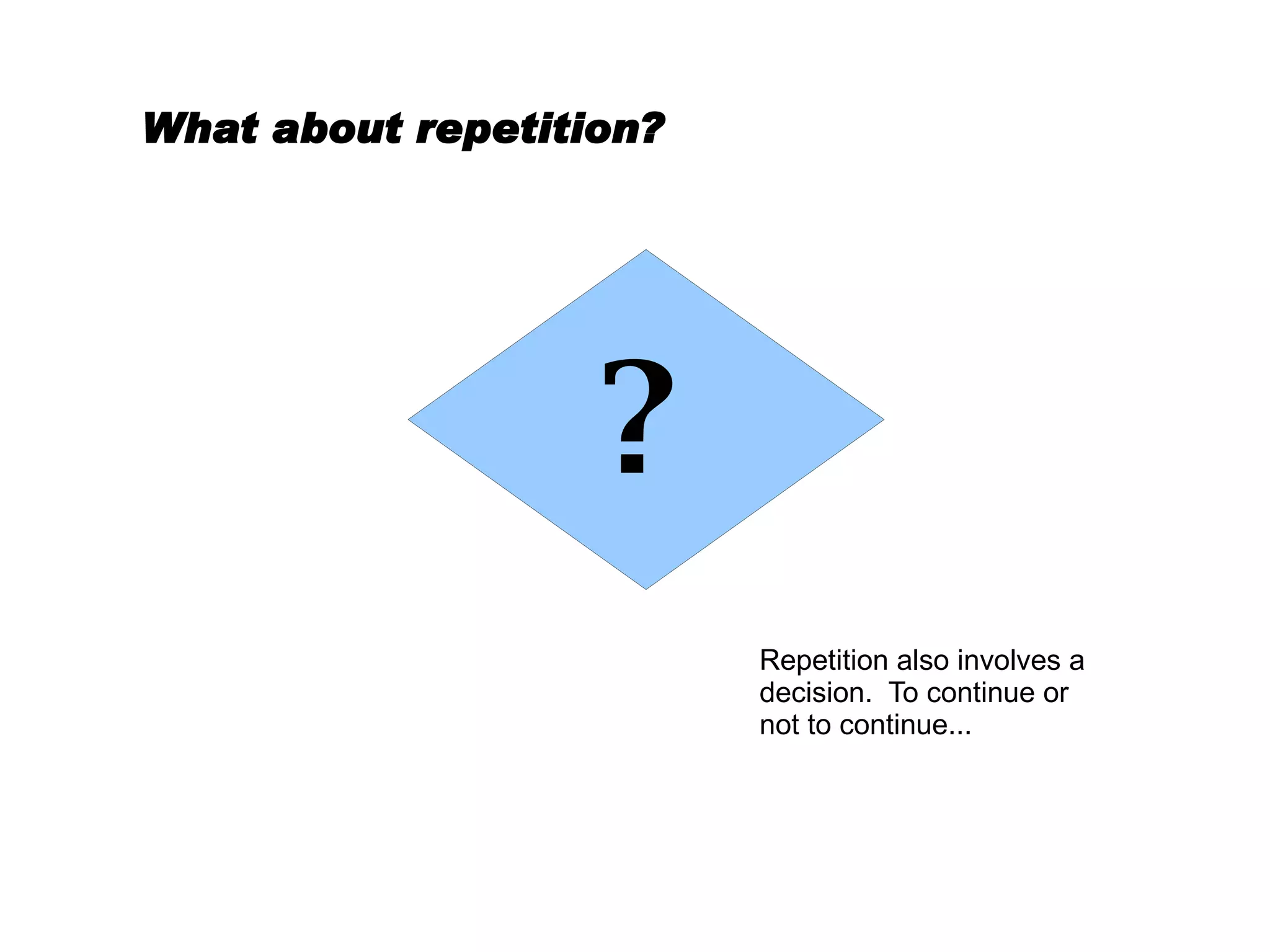
What about repetition? Repetition also involves a decision.  To continue or not to continue... ?
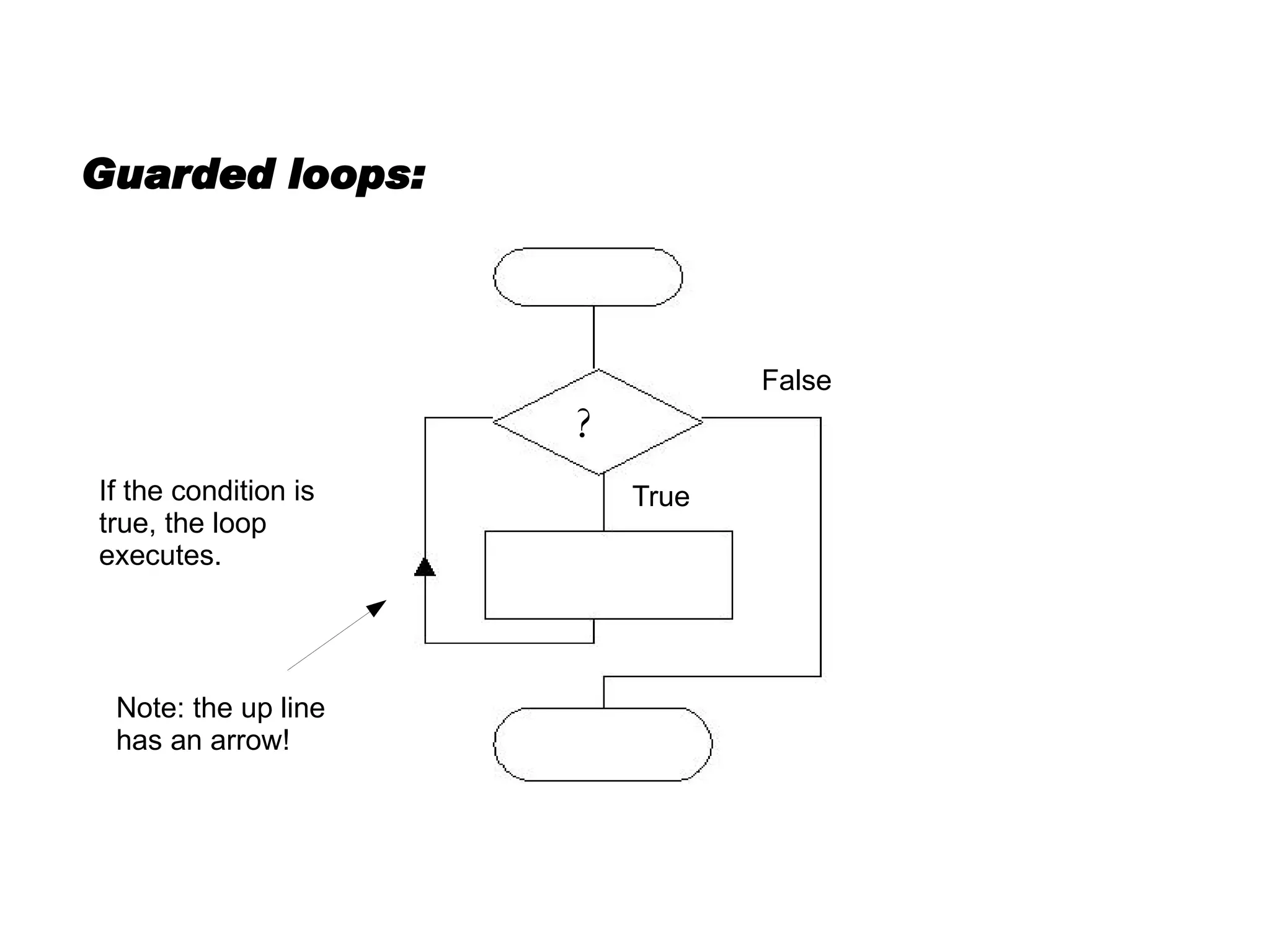
Guarded loops: If the condition is true, the loop executes. True False Note: the up line has an arrow! ?
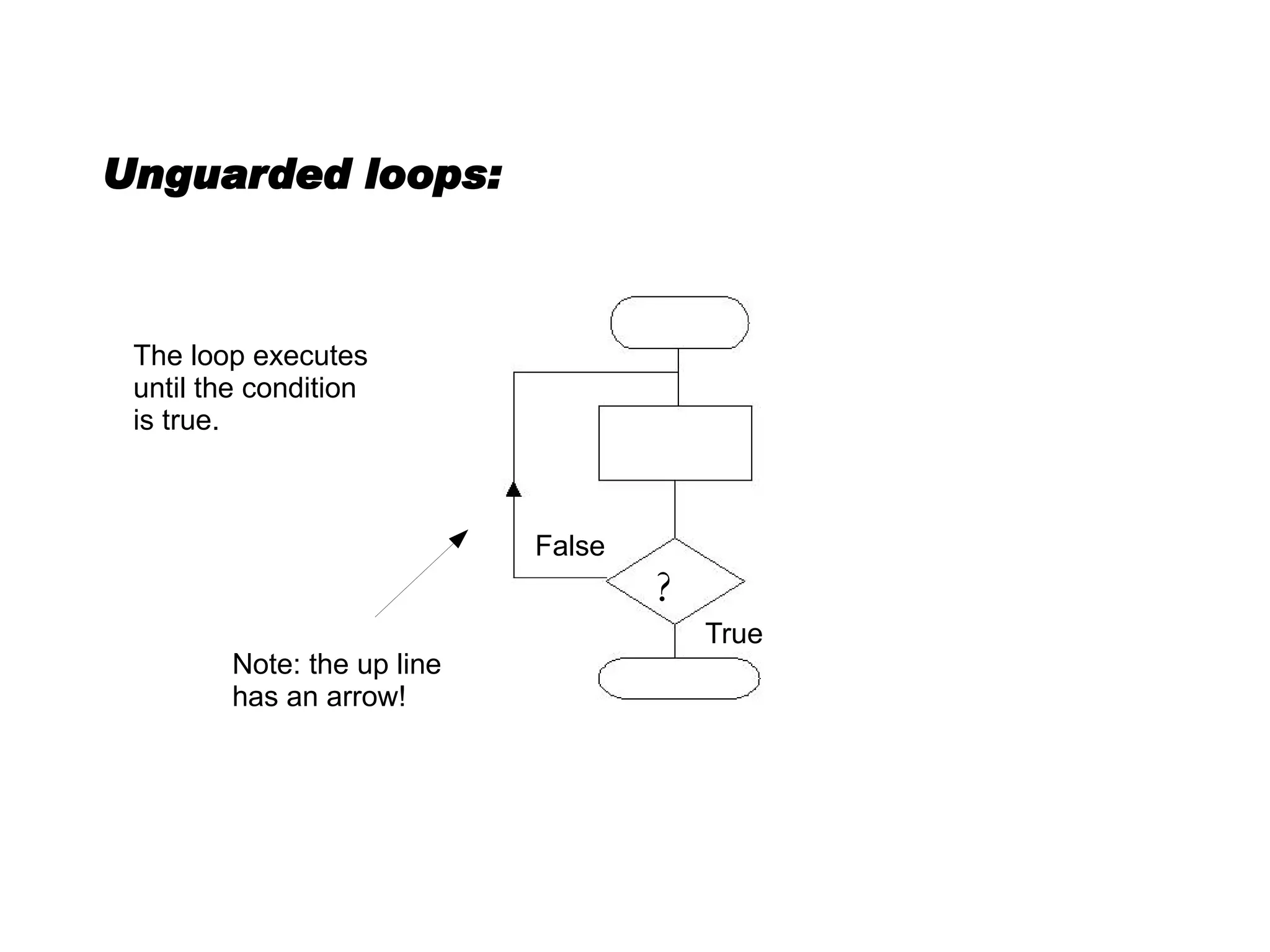
Unguarded loops: Note: the up line has an arrow! The loop executes until the condition is true. True False ?
The End

Basic Flowcharting

  • 1.
  • 2.
    Always begin witha BEGIN: There should be one begin and one end in each program: one way in, one way out. Subprograms have their own begin and end. Terminals (begin and end) should be horizontally central on the page. Don't forget to draw a line from the centre of the terminal. Begin
  • 3.
    You probably needto communicate with the user. Give the user instructions and accept input from the user with this symbol. Don't forget the line! Input / Output: Begin Input / Output
  • 4.
    Process: You canset the value of a variable or perform a calculation in a process. Begin Input / Output Process
  • 5.
    Example: a basicconversion algorithm The input / output symbol is used to show the user the results of the calculation. REMEMBER: one BEGIN and one END. You now have enough symbols to accept input, perform a calculation on it and display the result. Begin Cm = inches * 2.54 Get Inches Display cm End
  • 6.
    What about userchoice? A diamond shape is used to show decisions... ?
  • 7.
    Selection allows theprogram to run different paths depending on a condition. The condition (question) resolves to TRUE or FALSE. True False Using Selection: Begin Display menu: 1. Inches to cm 2. cm to inches Get choice Choice = 1 End Convert cm Convert Inches
  • 8.
    Multi-way Selection: CASEstatements allow different paths depending on the value of a testing variable.
  • 9.
    What about repetition?Repetition also involves a decision. To continue or not to continue... ?
  • 10.
    Guarded loops: Ifthe condition is true, the loop executes. True False Note: the up line has an arrow! ?
  • 11.
    Unguarded loops: Note:the up line has an arrow! The loop executes until the condition is true. True False ?
  • 12.