Cathode ray tubes (CRTs) are vacuum tubes that use electron beams to display images on a fluorescent screen. They contain an electron gun that emits electrons which are accelerated and deflected by magnetic coils to scan across the screen. Pixels are created as the beams excite red, green, and blue phosphor dots. CRTs were commonly used in monitors and televisions but have disadvantages like large size, potential health risks from radiation, and heavy weight. Input devices like keyboards, mice, and scanners are used to enter data into computers, while output is displayed on monitors or printed with printers.
This section explores CRT architecture, its operation, advantages, and disadvantages. Key points include electron beam mechanics, image production, and health-related issues.
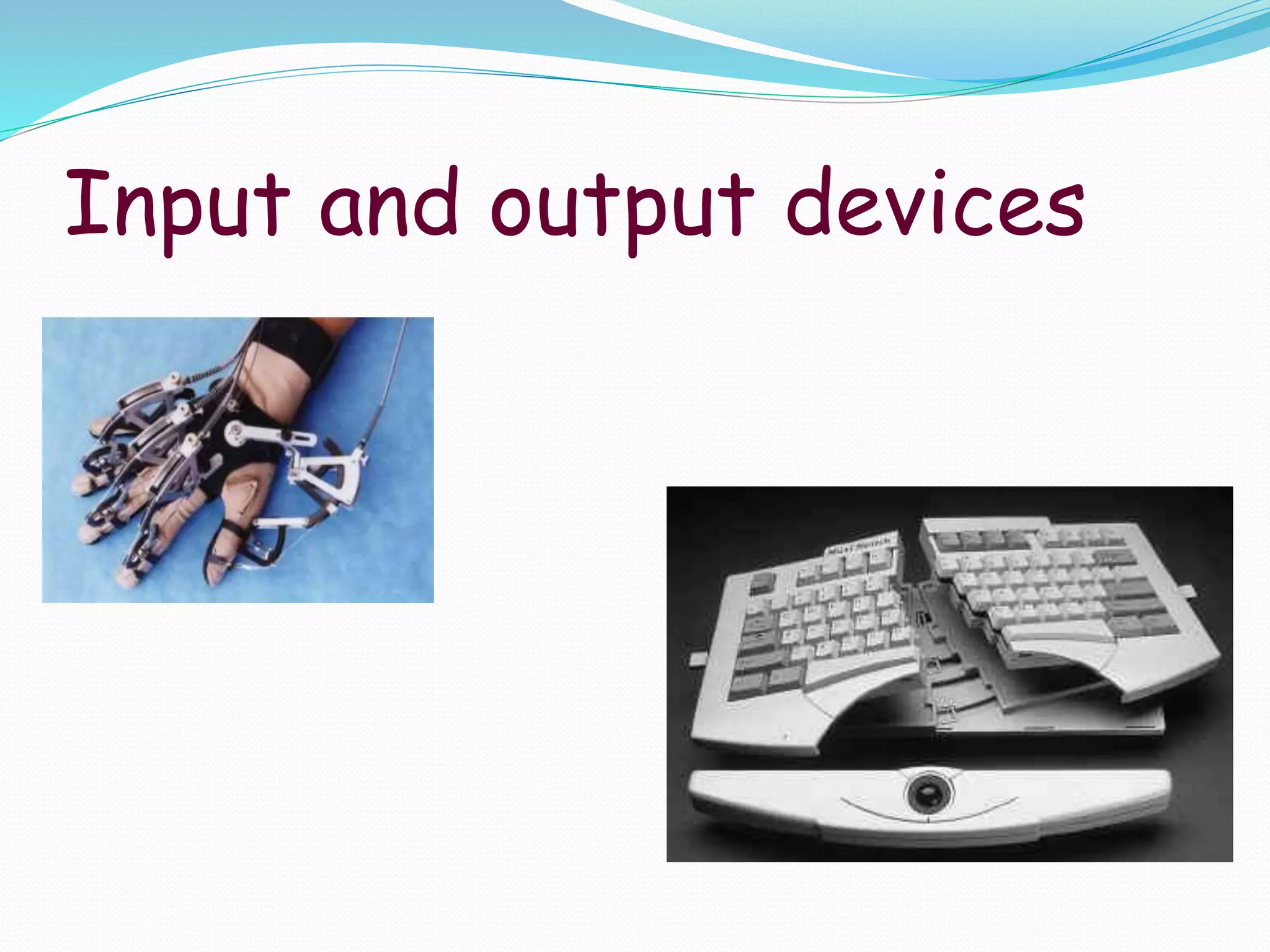
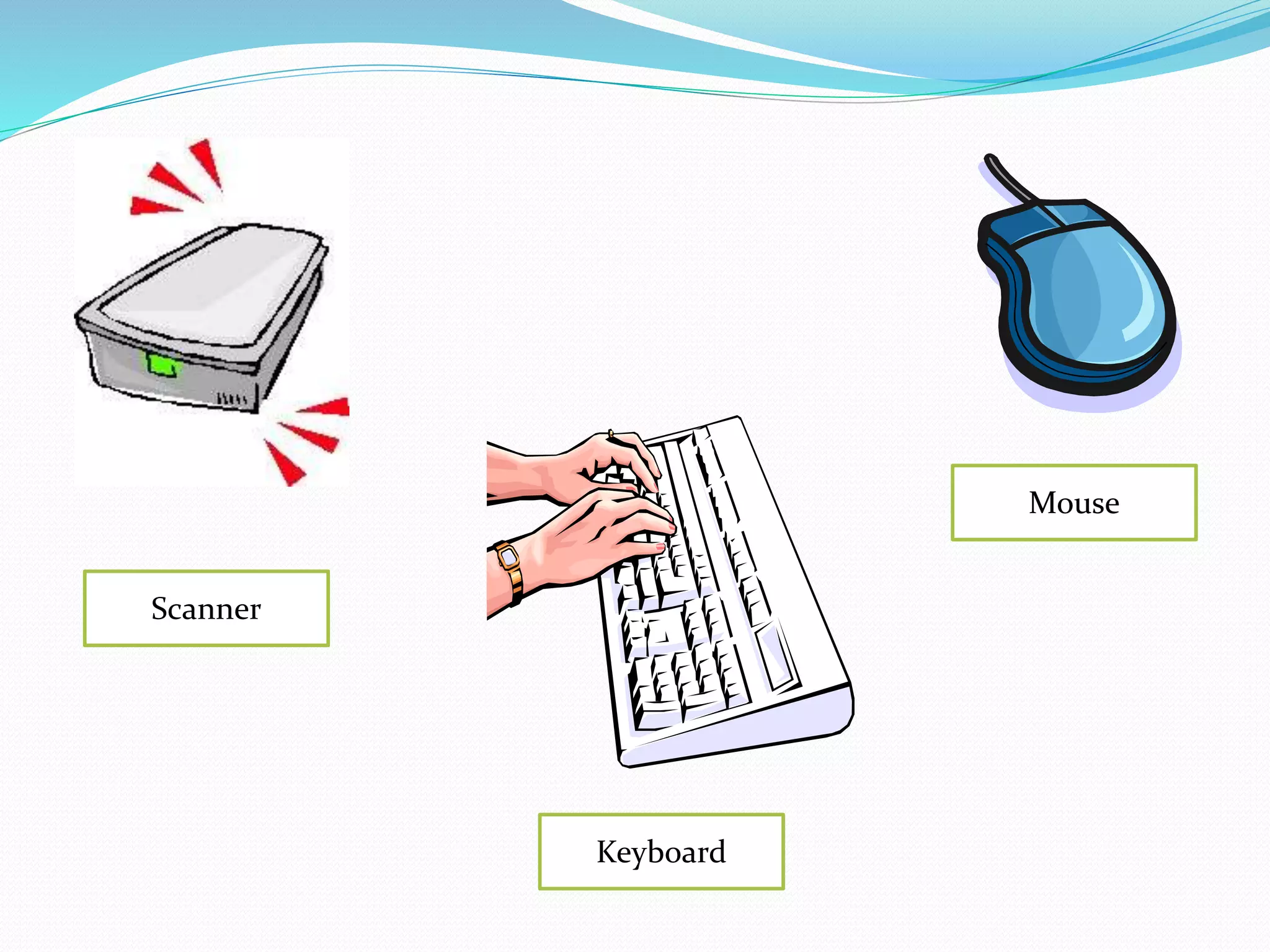
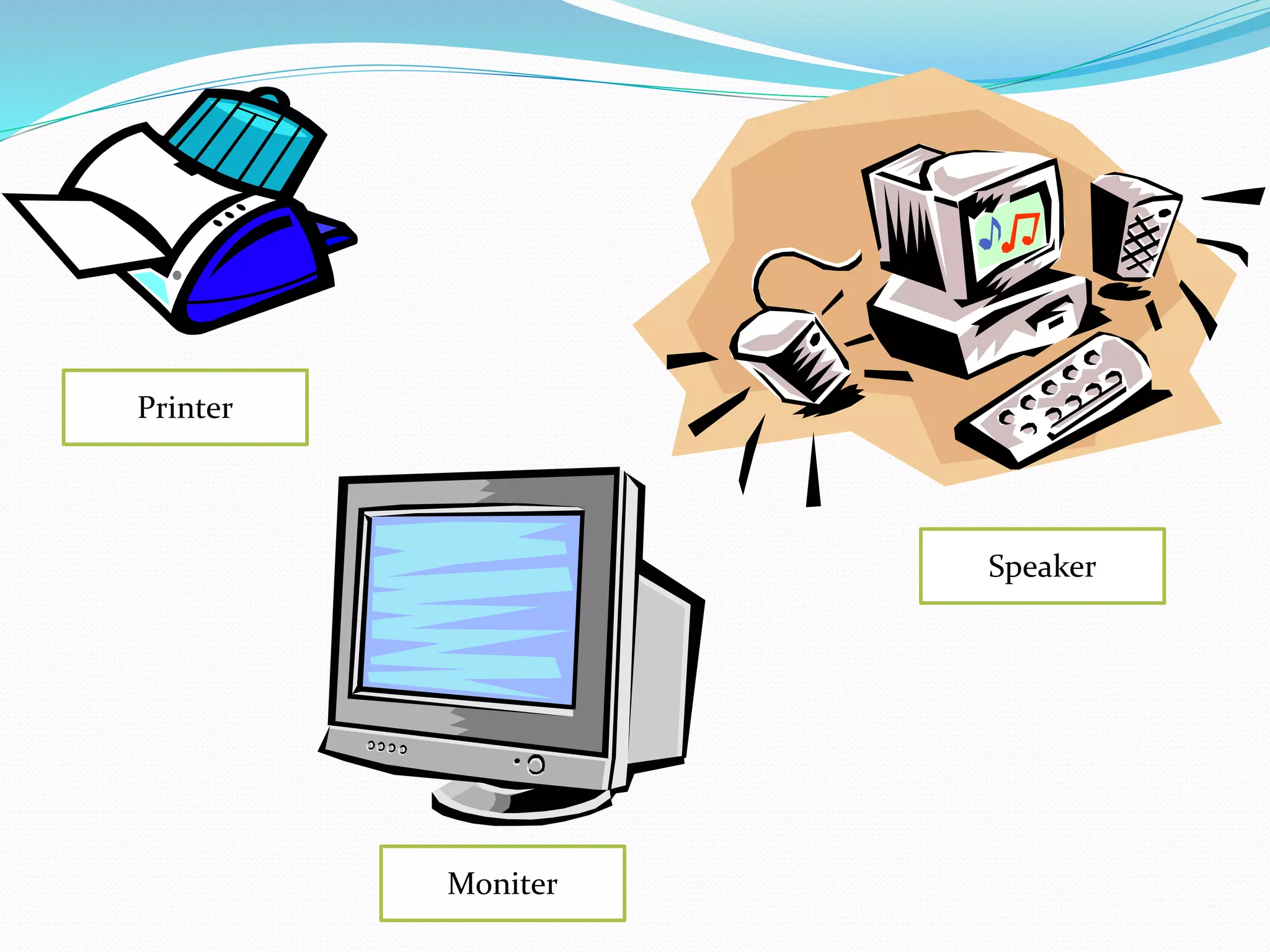
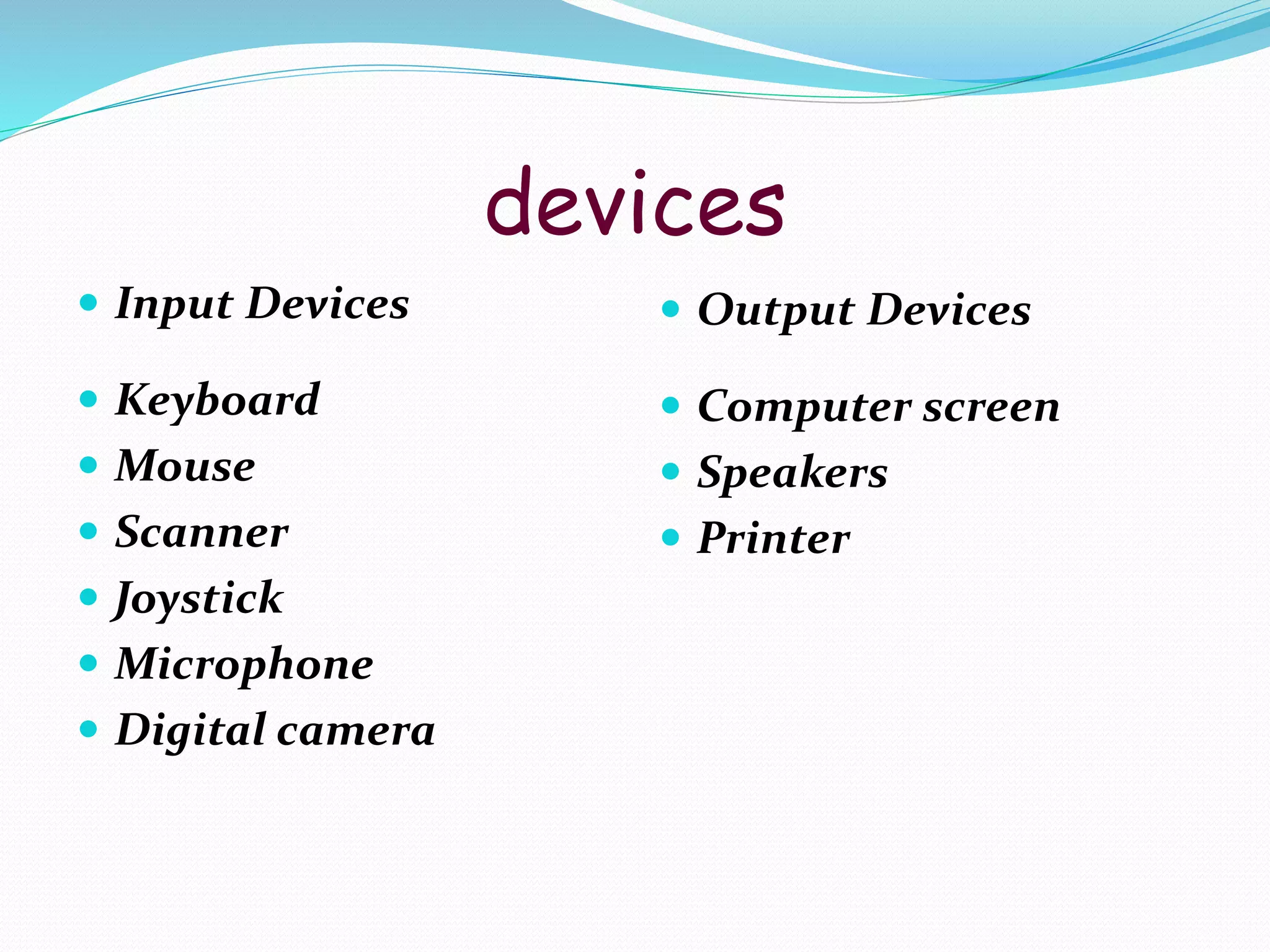
Detailed discussion on input and output devices in computing, covering types of input (keyboard, mouse, scanner) and output (monitor, printer, speaker) devices.
What is CRT?
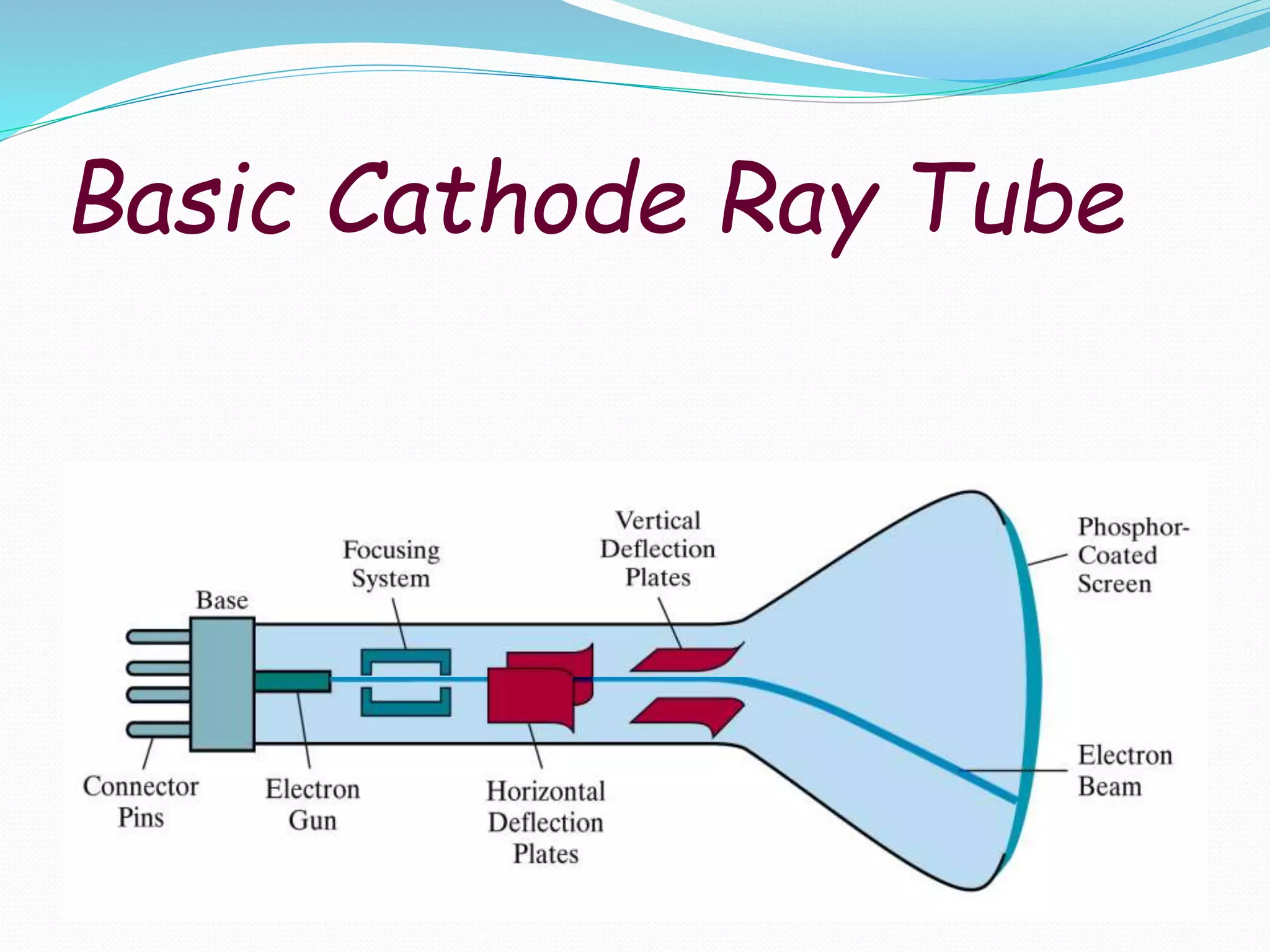
The cathode ray tube (CRT) is a vacuum
tube containing an electron gun (a source of
electrons) and a fluorescent screen, with internal or
external means to accelerate and deflect the electron
beam, used to create images in the form of light
emitted from the fluorescent screen. The image may
represent electrical waveforms.
Overview
A cathoderay tube is a vacuum tube which consists of one or
more electron guns possibly internal electrostatic deflection
plates, and a phosphor target.
In television sets and computer monitors, the entire front
area of the tube is scanned repetitively and systematically in a
fixed pattern called a raster.
An image is produced by controlling the intensity of each of
the three electron beams, one for each additive primary color
(red, green, and blue) with a video signal as a reference.
5.
In allmodern CRT monitors and televisions, the beams are
bent by magnetic deflection, a varying magnetic field
generated by coils and driven by electronic circuits around
the neck of the tube, although electrostatic deflection is
commonly used in oscilloscopes, a type of diagnostic
instrument
6.
How CRTs work& display?
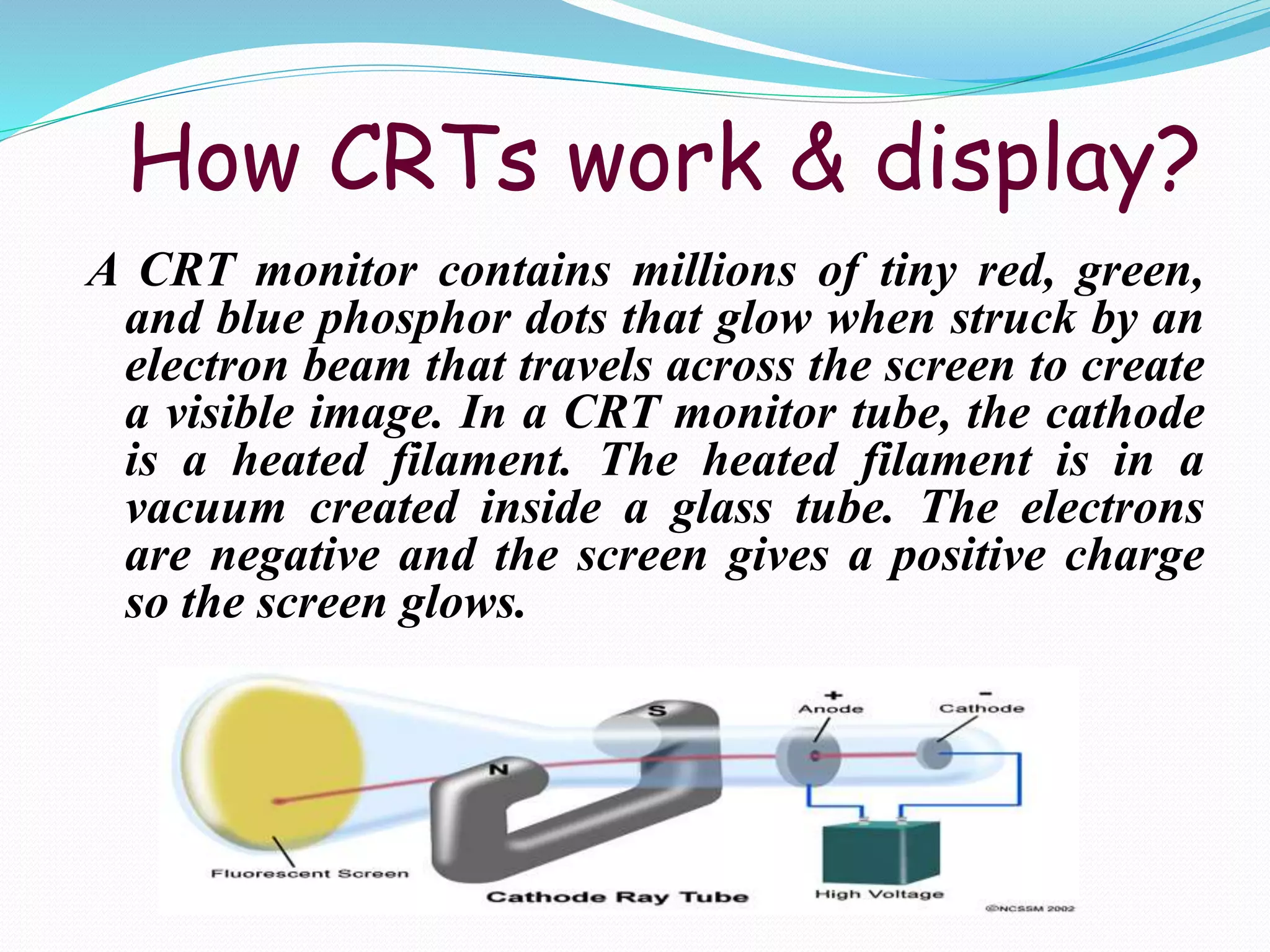
A CRT monitor contains millions of tiny red, green,
and blue phosphor dots that glow when struck by an
electron beam that travels across the screen to create
a visible image. In a CRT monitor tube, the cathode
is a heated filament. The heated filament is in a
vacuum created inside a glass tube. The electrons
are negative and the screen gives a positive charge
so the screen glows.
7.
Advantages of CRT
The cathode rayed tube can easily increase the
monitor’s brightness by reflecting the light.
They produce more colours
The Cathode Ray Tube monitors have lower price
rate than the LCD display or Plasma display.
The quality of the image displayed on a Cathode
Ray Tube is superior to the LCD and Plasma
monitors.
The contrast features of the cathode ray tube
monitor are considered highly excellent.
8.
Disadvantages of CRT
They have a big back and take up space on desk.
The electromagnetic fields emitted by CRT monitors
constitute a health hazard to the functioning of
living cells.
CRTs emit a small amount of X-ray band radiation
which can result in a health hazard.
Constant refreshing of CRT monitors can result in
headache.
CRTs operate at very high voltage which can
overheat system
They are heavy to pick up and carry around
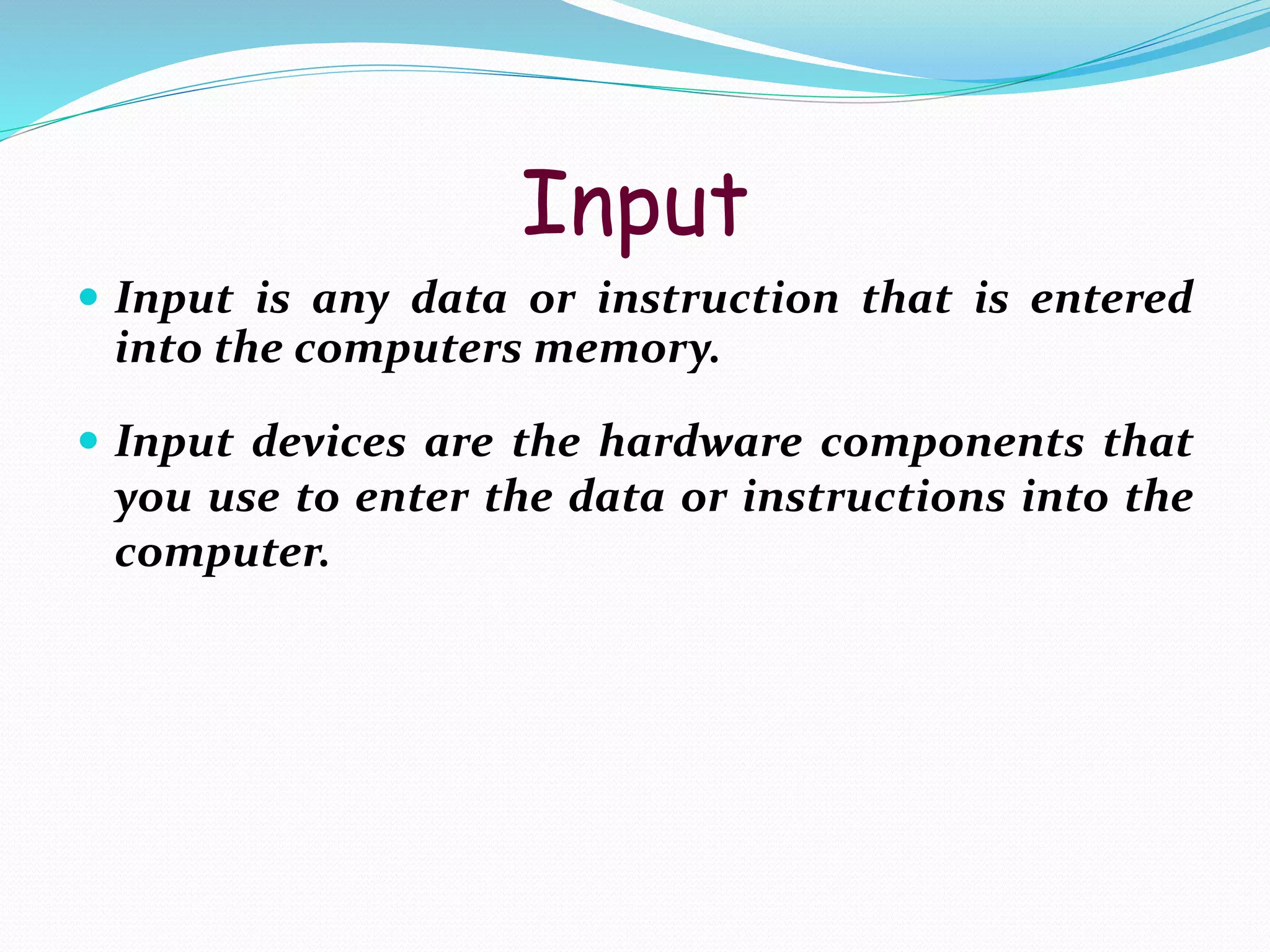
Input
Input isany data or instruction that is entered
into the computers memory.
Input devices are the hardware components that
you use to enter the data or instructions into the
computer.
output
Output isa result of:
inputting data into the computer
the computer processes the data
the computer sends out the processed information
by means of an output device
Output can be displayed:
on screen,
printed out,
in the form of graphics, or
voice or sound output