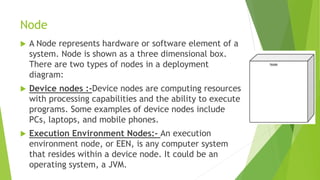
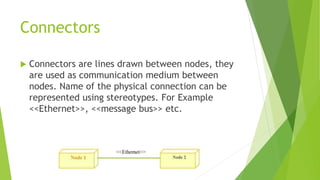
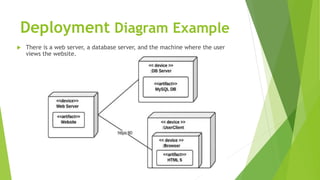
A deployment diagram shows the physical implementation and architecture of a system. It includes nodes which represent hardware or software elements, artifacts which are products of development like files, and connections which depict communication between nodes. Node types are devices and execution environments. Artifacts are denoted by boxes with the <<artifact>> stereotype. Connectors define the physical links between nodes, sometimes using stereotypes. An example deployment diagram displays a web server, database server, and user machine. Deployment diagrams visualize hardware topology, model physical elements and connections between them, and describe processing nodes at runtime.