

Computer
Viruses
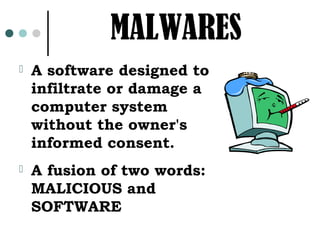
MALWARES
   A software designed to
    infiltrate or damage a
    computer system
    without the owner's
    informed consent.
   A fusion of two words:
    MALICIOUS and
    SOFTWARE
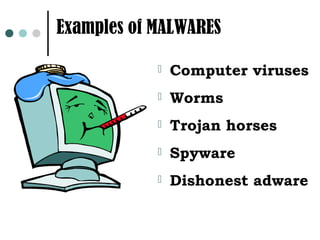
Examples of MALWARES

               Computer viruses
               Worms
               Trojan horses
               Spyware
               Dishonest adware
WHAT IS A COMPUTER VIRUS?
Computer Virus is a
computer program,
designed as a prank or
a sabotage, that
replicates itself by
attaching to other
programs and carrying
out unwanted and
sometimes damaging
operations.
Some NOTES on VIRUSES…
 Viruses are computer programs
 A virus can only spread from one
  computer to another when its host is
  taken to the uninfected computer, for
  instance by a user sending it over a
  network or the Internet, or by
  carrying it on a removable medium
  such as a floppy disk, CD, or USB
  drive.
Some NOTES on VIRUSES…
Viruses are sometimes
 confused with computer
 worms and Trojan horses.
The terms virus is
 sometimes used to refer to
 other types of Malwares.
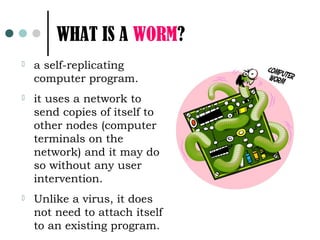
WHAT IS A WORM?
   a self-replicating
    computer program.
   it uses a network to
    send copies of itself to
    other nodes (computer
    terminals on the
    network) and it may do
    so without any user
    intervention.
   Unlike a virus, it does
    not need to attach itself
    to an existing program.
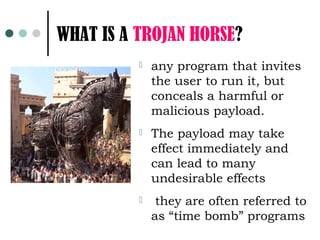
WHAT IS A TROJAN HORSE?
             any program that invites
              the user to run it, but
              conceals a harmful or
              malicious payload.
             The payload may take
              effect immediately and
              can lead to many
              undesirable effects
              they are often referred to
              as “time bomb” programs
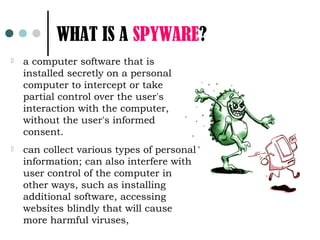
WHAT IS A SPYWARE?
   a computer software that is
    installed secretly on a personal
    computer to intercept or take
    partial control over the user's
    interaction with the computer,
    without the user's informed
    consent.
   can collect various types of personal
    information; can also interfere with
    user control of the computer in
    other ways, such as installing
    additional software, accessing
    websites blindly that will cause
    more harmful viruses,
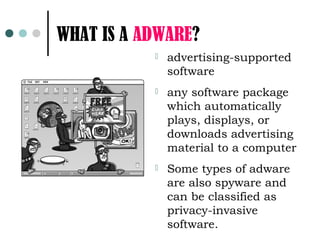
WHAT IS A ADWARE?
              advertising-supported
               software
              any software package
               which automatically
               plays, displays, or
               downloads advertising
               material to a computer
              Some types of adware
               are also spyware and
               can be classified as
               privacy-invasive
               software.
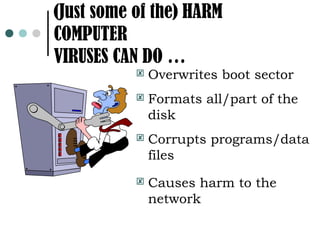
(Just some of the) HARM
COMPUTER
VIRUSES CAN DO …
              Overwrites boot sector
              Formats all/part of the
               disk
              Corrupts programs/data
               files
              Causes harm to the
               network
WHO WOULD CREATE A
      COMPUTER VIRUS
   THE WHIZ KID
   THE KSPs
   THE TERRORIST
   THE BUSINESSMAN
   THE RESEARCHER
SYMPTOMS of VIRUS INFECTION
   The computer runs slower than usual.
   The computer stops responding, or it
    locks up frequently.
   The computer crashes, and then it
    restarts every few minutes
   The computer restarts on its own.
    Additionally, the computer does not run
    as usual.
SYMPTOMS of VIRUS INFECTION

 Applications
             on the computer do
 not work correctly.
 Disksor disk drives are
 inaccessible.
 You   cannot print items correctly.
 You   see unusual error messages.
SYMPTOMS of VIRUS INFECTION
   You see distorted menus and dialog
    boxes.
   There is a double extension on an
    attachment that you recently opened,
    such as a .jpg, .vbs, .gif, or .exe. extension
   An antivirus program is disabled for no
    reason. Additionally, the antivirus
    program cannot be restarted
   An antivirus program cannot be installed
    on the computer, or the antivirus
    program will not run.
SYMPTOMS of VIRUS INFECTION
   New icons appear on the desktop that
    you did not put there, or the icons are
    not associated with any recently
    installed programs.
   Strange sounds or music plays from the
    speakers unexpectedly.
   A program disappears from the computer
    even though you did not intentionally
    remove the program.
   Some elusive viruses won’t show any
    symptoms at all
GUIDE for a VIRUS FREE
COMPUTING
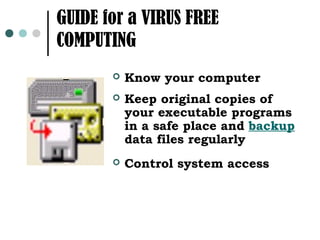
          Know your computer
          Keep original copies of
           your executable programs
           in a safe place and backup
           data files regularly
          Control system access
GUIDE for a VIRUS FREE
        COMPUTING
   Scan all foreign
    diskettes/ removable
    storage you plan to use
   Use only software from
    reliable sources
   Maintain a library of
    anti-virus tools,
    utilities, diagnostics,
    etc.
GUIDES for a VIRUS FREE
    COMPUTING
 If possible, have the file
  attributes of your important
  programs set to read-only to
  prevent accidental overwriting
 If you suspect disk virus
  infection, consult a reliable
  adviser.
Current Trends

in
Information
Technology
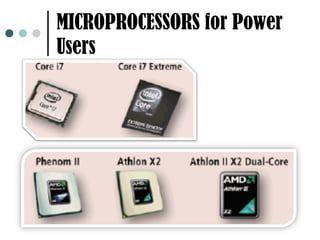
MICROPROCESSORS for Power
Users
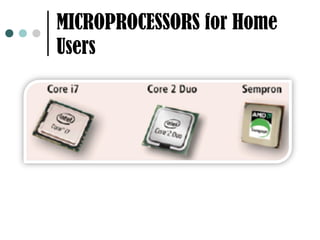
MICROPROCESSORS for Home
Users
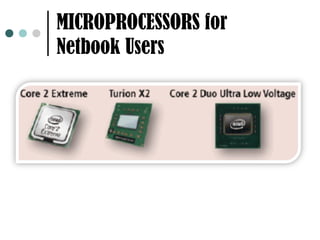
MICROPROCESSORS for
Netbook Users
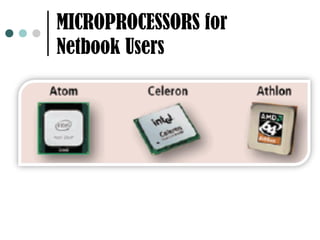
MICROPROCESSORS for
Netbook Users
HARD DRIVES
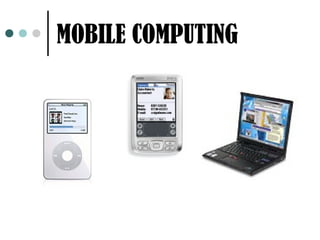
MOBILE COMPUTING
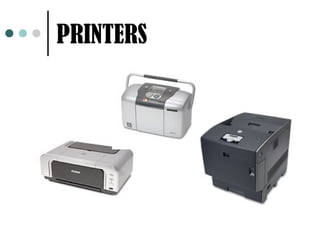
PRINTERS
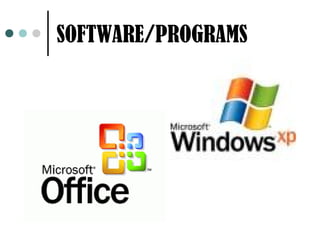
SOFTWARE/PROGRAMS
INTERNET COMPUTING

Anti virus and current trends

  • 1.
  • 2.
    MALWARES  A software designed to infiltrate or damage a computer system without the owner's informed consent.  A fusion of two words: MALICIOUS and SOFTWARE
  • 3.
    Examples of MALWARES  Computer viruses  Worms  Trojan horses  Spyware  Dishonest adware
  • 4.
    WHAT IS ACOMPUTER VIRUS? Computer Virus is a computer program, designed as a prank or a sabotage, that replicates itself by attaching to other programs and carrying out unwanted and sometimes damaging operations.
  • 5.
    Some NOTES onVIRUSES…  Viruses are computer programs  A virus can only spread from one computer to another when its host is taken to the uninfected computer, for instance by a user sending it over a network or the Internet, or by carrying it on a removable medium such as a floppy disk, CD, or USB drive.
  • 6.
    Some NOTES onVIRUSES… Viruses are sometimes confused with computer worms and Trojan horses. The terms virus is sometimes used to refer to other types of Malwares.
  • 7.
    WHAT IS AWORM?  a self-replicating computer program.  it uses a network to send copies of itself to other nodes (computer terminals on the network) and it may do so without any user intervention.  Unlike a virus, it does not need to attach itself to an existing program.
  • 8.
    WHAT IS ATROJAN HORSE?  any program that invites the user to run it, but conceals a harmful or malicious payload.  The payload may take effect immediately and can lead to many undesirable effects  they are often referred to as “time bomb” programs
  • 9.
    WHAT IS ASPYWARE?  a computer software that is installed secretly on a personal computer to intercept or take partial control over the user's interaction with the computer, without the user's informed consent.  can collect various types of personal information; can also interfere with user control of the computer in other ways, such as installing additional software, accessing websites blindly that will cause more harmful viruses,
  • 10.
    WHAT IS AADWARE?  advertising-supported software  any software package which automatically plays, displays, or downloads advertising material to a computer  Some types of adware are also spyware and can be classified as privacy-invasive software.
  • 11.
    (Just some ofthe) HARM COMPUTER VIRUSES CAN DO …  Overwrites boot sector  Formats all/part of the disk  Corrupts programs/data files  Causes harm to the network
  • 12.
    WHO WOULD CREATEA COMPUTER VIRUS  THE WHIZ KID  THE KSPs  THE TERRORIST  THE BUSINESSMAN  THE RESEARCHER
  • 13.
    SYMPTOMS of VIRUSINFECTION  The computer runs slower than usual.  The computer stops responding, or it locks up frequently.  The computer crashes, and then it restarts every few minutes  The computer restarts on its own. Additionally, the computer does not run as usual.
  • 14.
    SYMPTOMS of VIRUSINFECTION  Applications on the computer do not work correctly.  Disksor disk drives are inaccessible.  You cannot print items correctly.  You see unusual error messages.
  • 15.
    SYMPTOMS of VIRUSINFECTION  You see distorted menus and dialog boxes.  There is a double extension on an attachment that you recently opened, such as a .jpg, .vbs, .gif, or .exe. extension  An antivirus program is disabled for no reason. Additionally, the antivirus program cannot be restarted  An antivirus program cannot be installed on the computer, or the antivirus program will not run.
  • 16.
    SYMPTOMS of VIRUSINFECTION  New icons appear on the desktop that you did not put there, or the icons are not associated with any recently installed programs.  Strange sounds or music plays from the speakers unexpectedly.  A program disappears from the computer even though you did not intentionally remove the program.  Some elusive viruses won’t show any symptoms at all
  • 17.
    GUIDE for aVIRUS FREE COMPUTING  Know your computer  Keep original copies of your executable programs in a safe place and backup data files regularly  Control system access
  • 18.
    GUIDE for aVIRUS FREE COMPUTING  Scan all foreign diskettes/ removable storage you plan to use  Use only software from reliable sources  Maintain a library of anti-virus tools, utilities, diagnostics, etc.
  • 19.
    GUIDES for aVIRUS FREE COMPUTING  If possible, have the file attributes of your important programs set to read-only to prevent accidental overwriting  If you suspect disk virus infection, consult a reliable adviser.
  • 20.
  • 21.
  • 22.
  • 23.
  • 24.
  • 25.
  • 26.
  • 27.
  • 28.
  • 29.