VIRUS
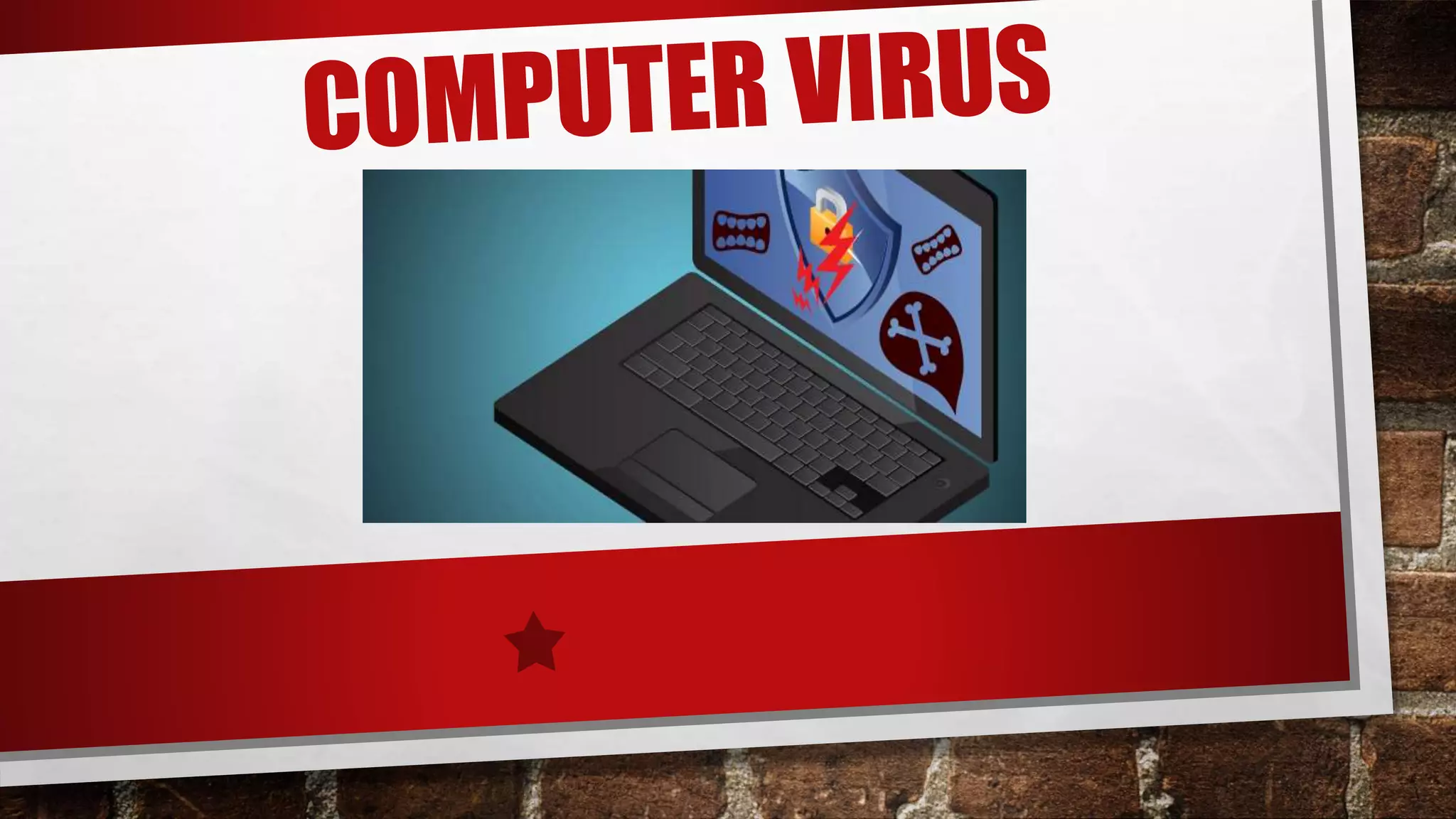
A COMPUTER VIRUS IS A PROGRAM OR A SET OF
PROGRAMS THAT DISRUPTS THE NORMAL FUNCTIONING
OF A COMPUTER . A VIRUS INFECTS OR DESTROYS THE
DATA . IT ENTERS A COMPUTER WITHOUT THE
PERMISSION OR KNOWLEDGE OF THE USER . THE FULL
FORM OF VIRUS IS VITAL- INFORMATION- RESOURCES-
UNDER- SEIZE.
TYPES OF VIRUS
THERE ARE DIFFERENT TYPES OF VIRUS :
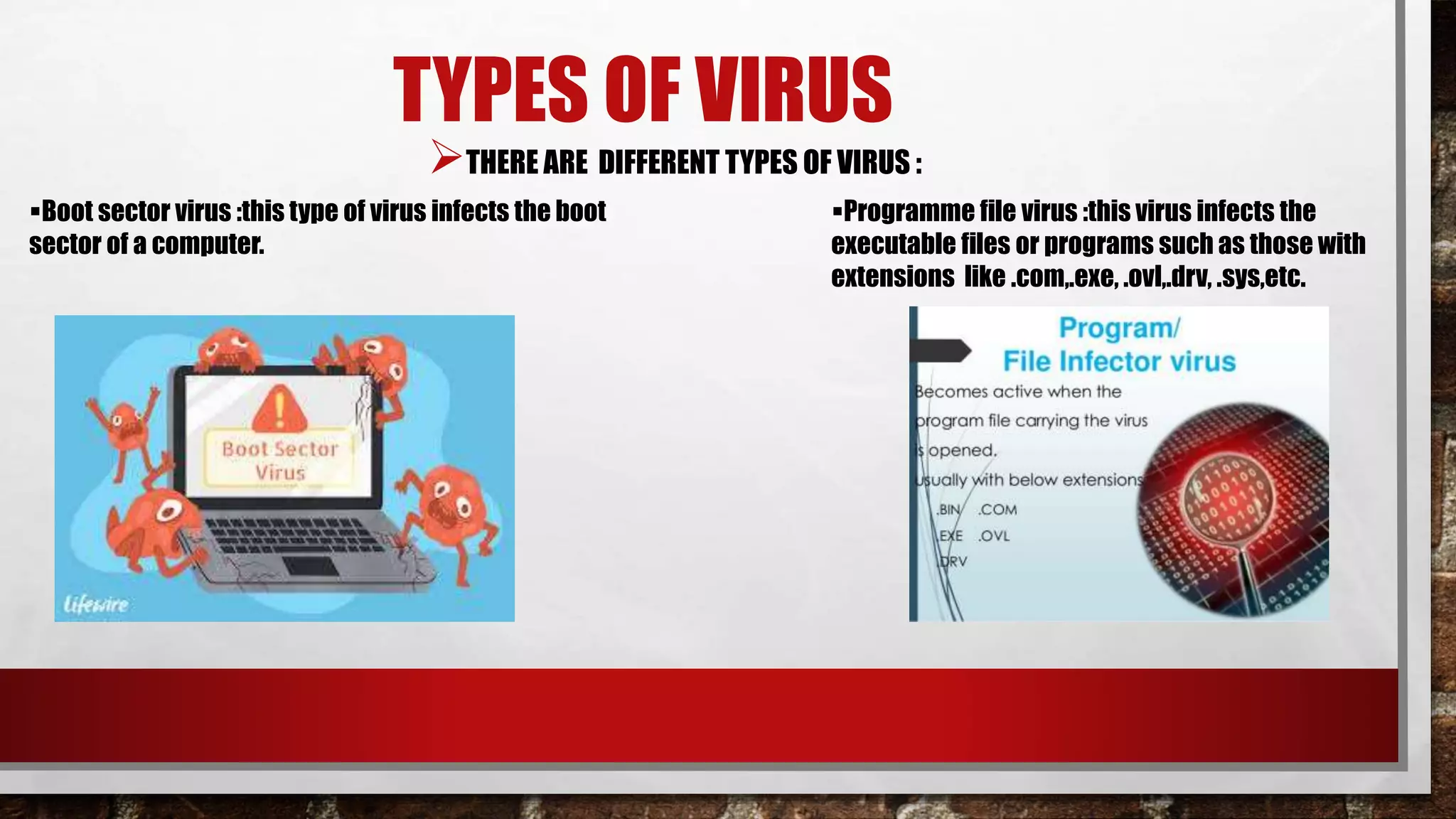
Programme file virus :this virus infects the
executable files or programs such as those with
extensions like .com,.exe, .ovl,.drv, .sys,etc.
Boot sector virus :this type of virus infects the boot
sector of a computer.
VIRUS SYMPTOMS
COMPUTER MAY SHUT DOWN AND RESTART FREQUENTLY.
MALFUNCTIONING MAY BE NOTICED IN SEVERAL APPLICATIONS.
CERTAIN DRIVES ON THE COMPUTER BECOME INACCESSIBLE.
UNEXPECTED ERROR MESSAGES POP UP.
MENUS AND DIALOG BOXES MAY APPEAR DISTORTED.
SPEED OF COMPUTER DROPS.
SPREADING OF VIRUS
VIA REMOVABLE STORAGE DEVICE : SHARING AND
TRANSFERRING FILES VIA FLASH DRIVES IS A VERY
COMMON PRACTICE TODAY .IF THIS DRIVE
CONTAINS MALICIOUS FILES IT WILL INFECT THE
COMPUTER WITH WHICH IT IS ATTACHED .
LIKEWISE , IF A FLASH DRIVE IS INSERTED IN AN
INFECTED COMPUTER IT WILL ALSO BE INFECTED
WITH THE VIRUS.
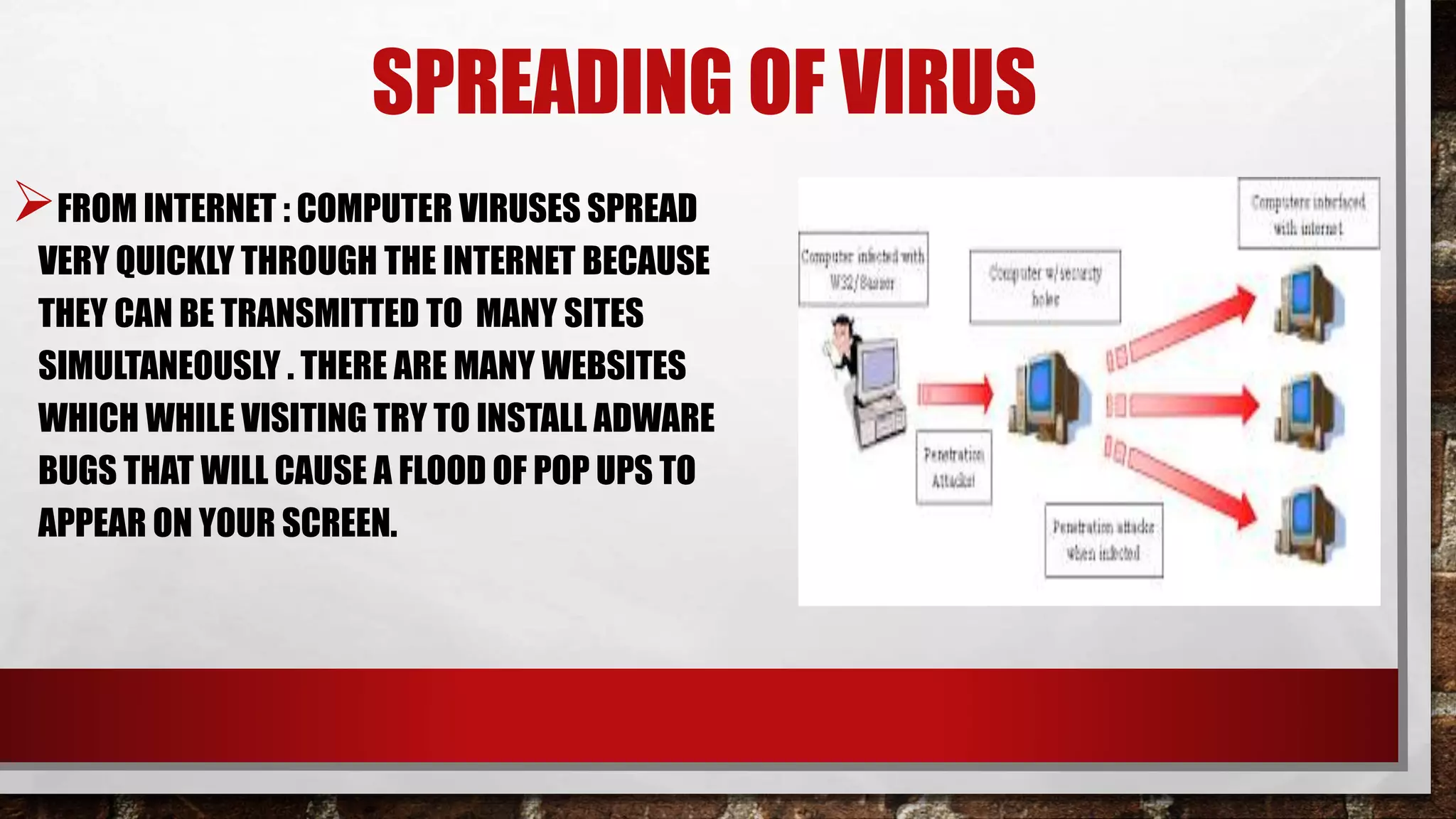
FROM INTERNET : COMPUTER VIRUSES SPREAD
VERY QUICKLY THROUGH THE INTERNET BECAUSE
THEY CAN BE TRANSMITTED TO MANY SITES
SIMULTANEOUSLY . THERE ARE MANY WEBSITES
WHICH WHILE VISITING TRY TO INSTALL ADWARE
BUGS THAT WILL CAUSE A FLOOD OF POP UPS TO
APPEAR ON YOUR SCREEN.
SPREADING OF VIRUS
THROUGH MAIL
ATTACHMENTS : VIRUSES
MAY BE SENT AS AN
EXECUTABLE FILE WITH AN
EMAIL ATTACHMENT AND
MISLEAD THE RECIPIENT
INTO CLICKING ON IT.
SPREADING OF VIRUS
SWEEPER
SWEEPER IS ANOTHER TYPE OF A VIRUS WHICH
LOOKS LIKE AN ANTIVIRUS PROGRAM AND THE USER
UNINTENTIONALLY DOWNLOADS IT .
THIS VIRUS MAKES USE OF GOOGLE SERVICES TO
INSTALL THE MALICIOUS CODE ON THE COMPUTER.
IT CONTROLS THE BROWSING ACTIVITY OF THE USER
, CHANGES SYSTEM FILES , ETC . WITHOUT THE USER’S
KNOWLEDGE .
MALWARE
THE TERM MALWARE IS MADE UP OF TWO WORDS ,
MALICIOUS SOFTWARE .
IT IS A GENERIC TERM USED FOR SUCH PROGRAM THAT
ENTERS INTO A COMPUTER AND DAMAGE IT WITHOUT THE
USER’S KNOWLEDGE .
SOME EXAMPLES OF DATA STEALING MALWARE ARE :
BANCOS AND GATOR
How To Get Rid Of Computer Virus
Never neglect to take action on a computer virus residing
in your system. There are chances that you might end up
losing important files, programs, and folders. In some
cases, the virus damages the system hardware too.
Thereby, it becomes mandatory to have an effective
anti-virus software installed on your computer to steer
clear of all such threats.
Signs of Virus Infection
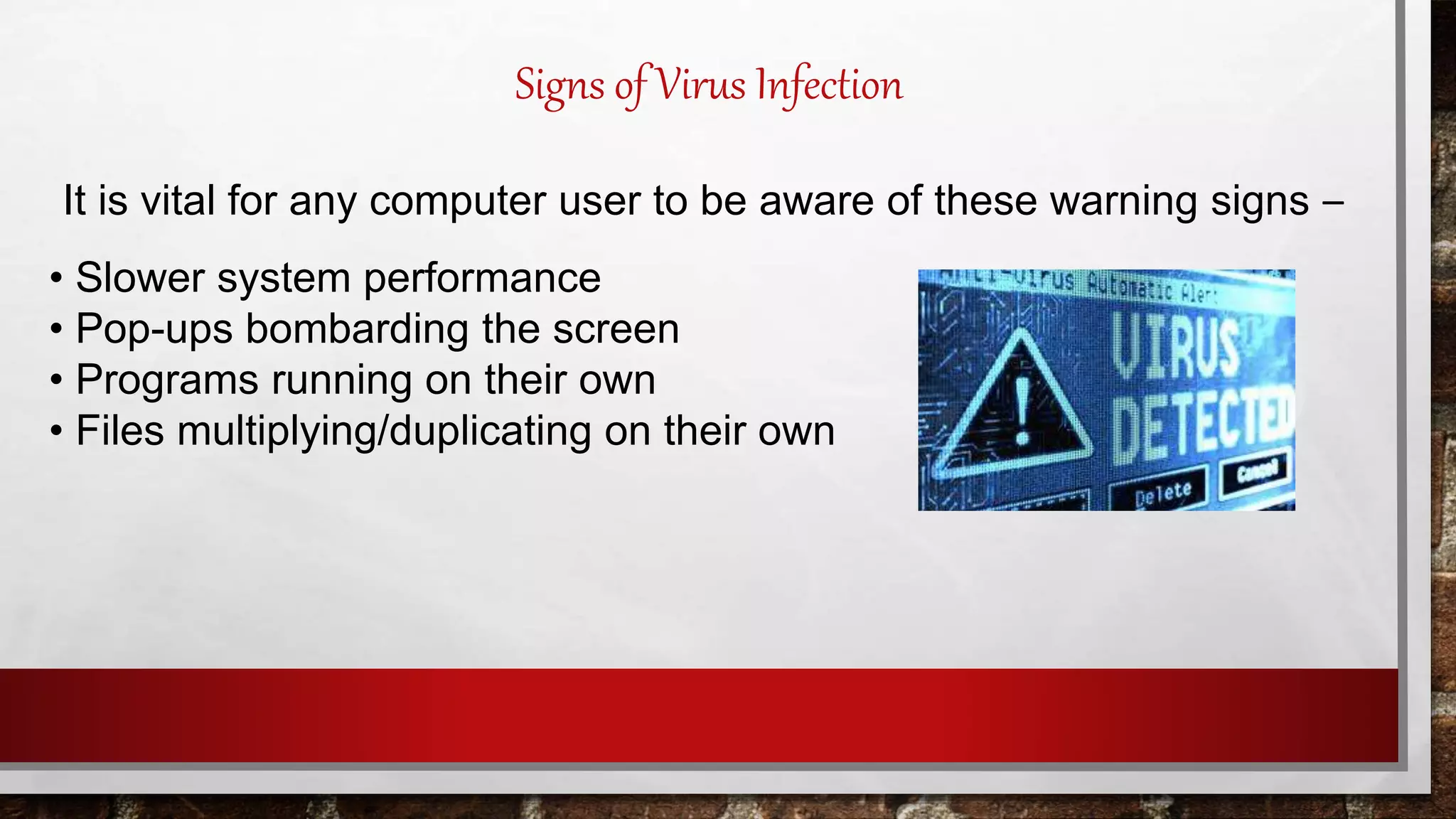
It is vital for any computer user to be aware of these warning signs –
• Slower system performance
• Pop-ups bombarding the screen
• Programs running on their own
• Files multiplying/duplicating on their own
• New files or programs in the computer
• Files, folders or programs getting deleted or corrupted
• The sound of a hard drive
If you come across any of these above-mentioned signs
get the assistance of an authorized computer personnel.
If you are confident enough, start investigating on your
own by following the below mentioned step-by-step
procedures.
Signs of Virus Infection
#Safe Mode
Boot the system. Select Safe Mode with Networking .
Since the internet spreads the infection, so disconnect it.
#Delete Temporary Files
In order to free the disk space, delete temporary files before starting to
run the virus scan.
TO PROTECT YOUR SYSTEM FROM
COMPUTER Virus
#Download Virus/Malware Scanner
If you are under the impression that a virus scanner cleanups the
bad stuff from your computer then sadly, that’s not true! It helps in
eliminating standard infections and not sufficient to remove the
latest harmful infections.
In order to better protect go for a real-time anti-virus program.
TO PROTECT YOUR SYSTEM FROM
COMPUTER Virus
P.S: Don’t install more than one real-time anti-virus
program. If you do so, your system will start to
behave weirdly.
#Run a Virus/Malware Scan
Download the virus/malware scanner using the
internet. Once you have finished disconnect it for
security and safety reasons.
TO PROTECT YOUR SYSTEM FROM
COMPUTER Virus
#Reinstall the Software or Damaged Files
Once the virus removal from your computer is
complete, go ahead and reinstall the files and
programs that were damaged by the virus or malware.
Make use of the backups for re-installation. In simple,
do the backups regularly and stay protected.
TO PROTECT YOUR SYSTEM FROM
COMPUTER Virus

Ch. 3 computer virus

  • 2.
    VIRUS A COMPUTER VIRUSIS A PROGRAM OR A SET OF PROGRAMS THAT DISRUPTS THE NORMAL FUNCTIONING OF A COMPUTER . A VIRUS INFECTS OR DESTROYS THE DATA . IT ENTERS A COMPUTER WITHOUT THE PERMISSION OR KNOWLEDGE OF THE USER . THE FULL FORM OF VIRUS IS VITAL- INFORMATION- RESOURCES- UNDER- SEIZE.
  • 3.
    TYPES OF VIRUS THEREARE DIFFERENT TYPES OF VIRUS : Programme file virus :this virus infects the executable files or programs such as those with extensions like .com,.exe, .ovl,.drv, .sys,etc. Boot sector virus :this type of virus infects the boot sector of a computer.
  • 4.
    VIRUS SYMPTOMS COMPUTER MAYSHUT DOWN AND RESTART FREQUENTLY. MALFUNCTIONING MAY BE NOTICED IN SEVERAL APPLICATIONS. CERTAIN DRIVES ON THE COMPUTER BECOME INACCESSIBLE. UNEXPECTED ERROR MESSAGES POP UP. MENUS AND DIALOG BOXES MAY APPEAR DISTORTED. SPEED OF COMPUTER DROPS.
  • 5.
    SPREADING OF VIRUS VIAREMOVABLE STORAGE DEVICE : SHARING AND TRANSFERRING FILES VIA FLASH DRIVES IS A VERY COMMON PRACTICE TODAY .IF THIS DRIVE CONTAINS MALICIOUS FILES IT WILL INFECT THE COMPUTER WITH WHICH IT IS ATTACHED . LIKEWISE , IF A FLASH DRIVE IS INSERTED IN AN INFECTED COMPUTER IT WILL ALSO BE INFECTED WITH THE VIRUS.
  • 6.
    FROM INTERNET :COMPUTER VIRUSES SPREAD VERY QUICKLY THROUGH THE INTERNET BECAUSE THEY CAN BE TRANSMITTED TO MANY SITES SIMULTANEOUSLY . THERE ARE MANY WEBSITES WHICH WHILE VISITING TRY TO INSTALL ADWARE BUGS THAT WILL CAUSE A FLOOD OF POP UPS TO APPEAR ON YOUR SCREEN. SPREADING OF VIRUS
  • 7.
    THROUGH MAIL ATTACHMENTS :VIRUSES MAY BE SENT AS AN EXECUTABLE FILE WITH AN EMAIL ATTACHMENT AND MISLEAD THE RECIPIENT INTO CLICKING ON IT. SPREADING OF VIRUS
  • 8.
    SWEEPER SWEEPER IS ANOTHERTYPE OF A VIRUS WHICH LOOKS LIKE AN ANTIVIRUS PROGRAM AND THE USER UNINTENTIONALLY DOWNLOADS IT . THIS VIRUS MAKES USE OF GOOGLE SERVICES TO INSTALL THE MALICIOUS CODE ON THE COMPUTER. IT CONTROLS THE BROWSING ACTIVITY OF THE USER , CHANGES SYSTEM FILES , ETC . WITHOUT THE USER’S KNOWLEDGE .
  • 9.
    MALWARE THE TERM MALWAREIS MADE UP OF TWO WORDS , MALICIOUS SOFTWARE . IT IS A GENERIC TERM USED FOR SUCH PROGRAM THAT ENTERS INTO A COMPUTER AND DAMAGE IT WITHOUT THE USER’S KNOWLEDGE . SOME EXAMPLES OF DATA STEALING MALWARE ARE : BANCOS AND GATOR
  • 10.
    How To GetRid Of Computer Virus Never neglect to take action on a computer virus residing in your system. There are chances that you might end up losing important files, programs, and folders. In some cases, the virus damages the system hardware too. Thereby, it becomes mandatory to have an effective anti-virus software installed on your computer to steer clear of all such threats.
  • 11.
    Signs of VirusInfection It is vital for any computer user to be aware of these warning signs – • Slower system performance • Pop-ups bombarding the screen • Programs running on their own • Files multiplying/duplicating on their own
  • 12.
    • New filesor programs in the computer • Files, folders or programs getting deleted or corrupted • The sound of a hard drive If you come across any of these above-mentioned signs get the assistance of an authorized computer personnel. If you are confident enough, start investigating on your own by following the below mentioned step-by-step procedures. Signs of Virus Infection
  • 13.
    #Safe Mode Boot thesystem. Select Safe Mode with Networking . Since the internet spreads the infection, so disconnect it. #Delete Temporary Files In order to free the disk space, delete temporary files before starting to run the virus scan. TO PROTECT YOUR SYSTEM FROM COMPUTER Virus
  • 14.
    #Download Virus/Malware Scanner Ifyou are under the impression that a virus scanner cleanups the bad stuff from your computer then sadly, that’s not true! It helps in eliminating standard infections and not sufficient to remove the latest harmful infections. In order to better protect go for a real-time anti-virus program. TO PROTECT YOUR SYSTEM FROM COMPUTER Virus
  • 15.
    P.S: Don’t installmore than one real-time anti-virus program. If you do so, your system will start to behave weirdly. #Run a Virus/Malware Scan Download the virus/malware scanner using the internet. Once you have finished disconnect it for security and safety reasons. TO PROTECT YOUR SYSTEM FROM COMPUTER Virus
  • 16.
    #Reinstall the Softwareor Damaged Files Once the virus removal from your computer is complete, go ahead and reinstall the files and programs that were damaged by the virus or malware. Make use of the backups for re-installation. In simple, do the backups regularly and stay protected. TO PROTECT YOUR SYSTEM FROM COMPUTER Virus