Downloaded 46 times

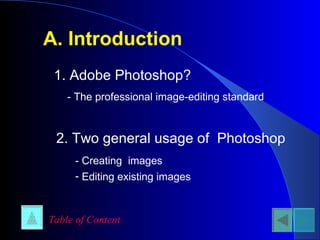


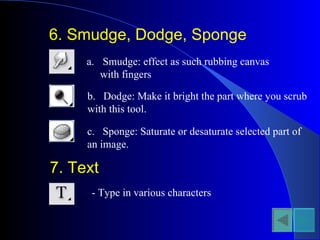
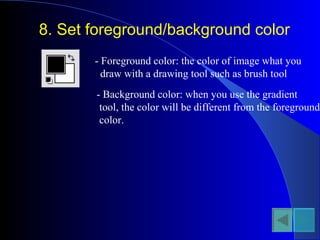


This document provides an overview of Adobe Photoshop, including how to get started, the main menu options, toolbar tools, palettes, and some recommended links for additional Photoshop resources. It outlines the basic tools and functions for creating and editing images, organizing layers, and saving work. Common tools are described like selection marquee and lasso tools, painting and erasing brushes, and filters for effects. The document also lists the color, history, and layers palettes for manipulating colors and layers.


![How to plan a page [pdf library]](https://cdn.slidesharecdn.com/ss_thumbnails/howtoplanapagepdflibrary-110607114758-phpapp01-thumbnail.jpg?width=640&height=640&fit=bounds)


![The history of email [infographic]](https://cdn.slidesharecdn.com/ss_thumbnails/thehistoryofemailinfographic-110621060949-phpapp02-thumbnail.jpg?width=640&height=640&fit=bounds)


