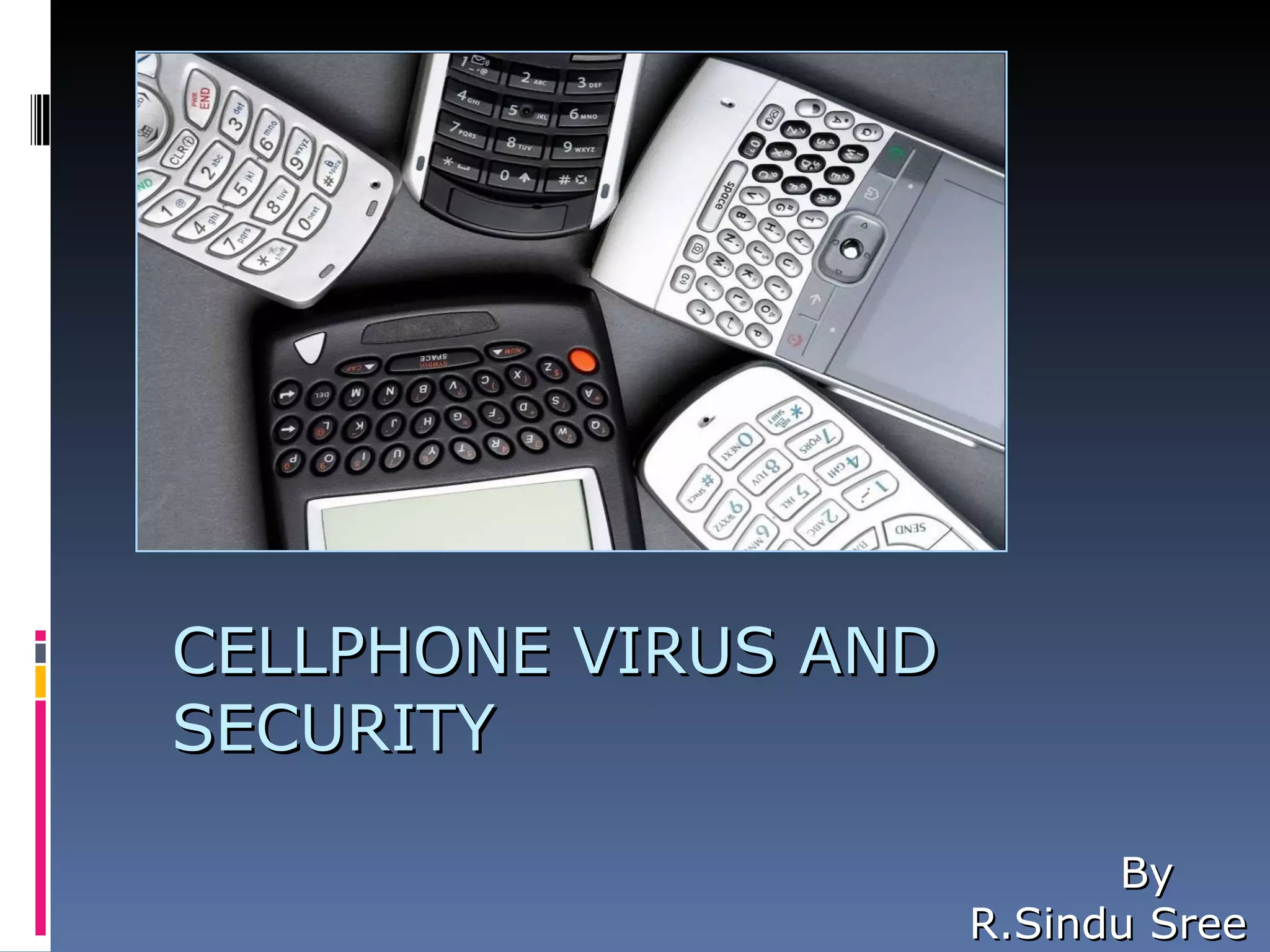
CELLPHONE VIRUS AND SECURITY By R.Sindu Sree
INTRODUCTION
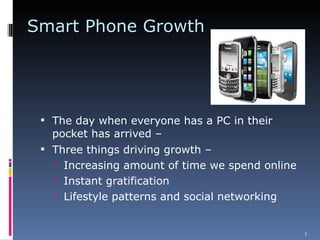
Smart Phone Growth The day when everyone has a PC in their pocket has arrived – Three things driving growth – Increasing amount of time we spend online  Instant gratification Lifestyle patterns and social networking
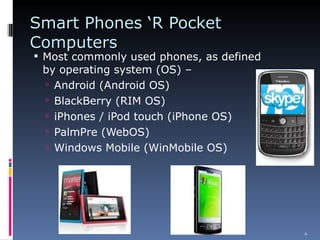
Smart Phones ‘R Pocket Computers  Most commonly used phones, as defined by operating system (OS) – Android (Android OS) BlackBerry (RIM OS) iPhones / iPod touch (iPhone OS) PalmPre (WebOS) Windows Mobile (WinMobile OS)
Current threats by mobile malware For financial gain / loss Unnecessary calls / SMS / MMS Send and sell private information Cause phones to work slowly or crash Wipe out contact books and other information on the phone Install “false” applications
Internet, Bluetooth, and MMS In all of these transfer methods, the user has to agree at least once to run the infected file But smart phone virus writters get you to open and install their product the same way computer virus writers do:  The virus is typically disguised as a game, security patch or other desirable application
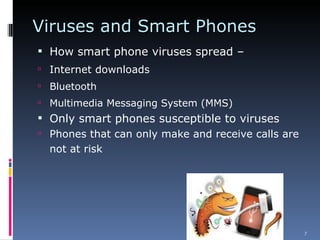
Viruses and Smart Phones How smart phone viruses spread – Internet downloads Bluetooth Multimedia Messaging System (MMS) Only smart phones susceptible to viruses Phones that can only make and receive calls are not at risk
HISTORY iPhone SMS attack first took place in July 2009  We trust smart phones & think they are safe  We have the mistaken sense they are immune to security threats Smart phones typically lack security features, like antivirus, found on other computers
Smart Phones Difficult to Protect Easily stolen: theft is single largest problem Protection options not well known Eavesdropping options are available More types of smart phones = complications
Differences with PC Although similar OSes are being used, differences exist: Mobiles are always “connected” and switched on “ Environment” keeps changing Several variants of phones exist A malware for one type of phone may not necessarily be able to infect other Mobile malware not yet causing critical harm At most they increase the user's billing, or cause the mobile phone to stop working.
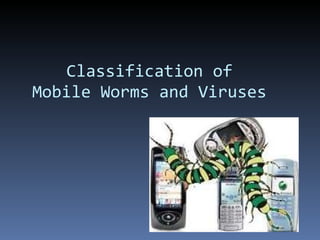
Classification of Mobile Worms and Viruses
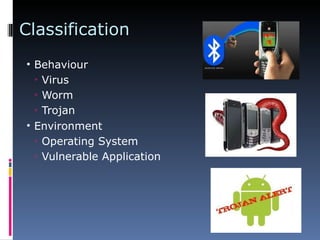
Classification Behaviour Virus Worm Trojan Environment Operating System Vulnerable Application
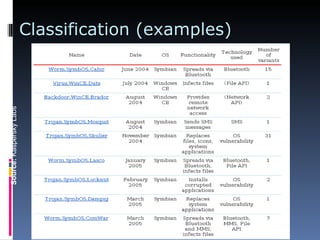
Classification (examples) 31 st  October 2006 Mobile Worms and Viruses Source:  Kaspersky Labs
Case Studies
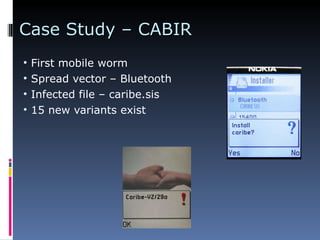
Case Study – CABIR First mobile worm Spread vector – Bluetooth Infected file – caribe.sis 15 new variants exist
Case Study - ComWar Second landmark in mobile worms Spread vector - Bluetooth and MMS Large spread area due to MMS Not as proof of concept – Intention to harm by charging the mobile user Multiple variants detected
Case Study - CardTrap First cross-over mobile virus found Can migrate from mobile to PC Propogates as infected mobile application as well as Windows worm 2 variants found
Futuristic Threats
Futuristic Developments Location Tracking Camera and Microphone Bug Leaking Sensitive Information
Protective Measures
Securing against attacks System level security MOSES Network Level Security Proactive approach
Basic Protection All Smart Phones Passcode Enable at least 4 digits but this also depends upon IT policies Exceeding the number of allowed password attempts deletes all data Auto-Lock  Locks the screen after a pre-set time period of non-use (consider 30 minutes or less) Passcode-lock enhances auto-lock By itself not exactly a security feature  but combined with passcode protection, it’s essential security
Eavesdropping  Last year Karsten Nohl, a UVa PhD graduate, cracked the secret code  used on 80% of the world’s phones  Mobile interception, as a result, is now within the reach of “any reasonable well-funded criminal organization” You and I cannot fix this problem, but it’s not likely to affect us individually
Eavesdropping Anyone can install eavesdropping software on your smart phone, as long as they have access to your phone even for a few minutes Subtle signs that could suggest someone is secretly tapping your cell phone – Cell phone battery is warm even when your phone has not been used Cell phone lights up at unexpected times, including occasions when phone is not in use Unexpected beep or click during phone conversation
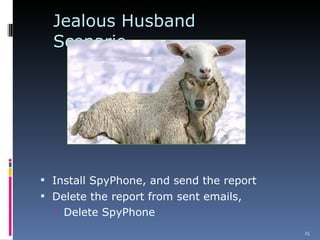
Jealous Husband Scenario Install SpyPhone, and send the report Delete the report from sent emails,  Delete SpyPhone
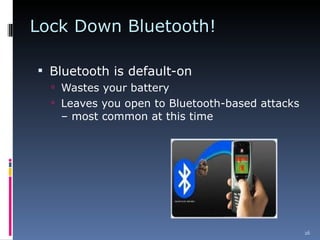
Lock Down Bluetooth! Bluetooth is default-on Wastes your battery Leaves you open to Bluetooth-based attacks – most common at this time
Defense-in-Depth Get latest firmware and software your mobile device manufacturer provides Maintain situational awareness when carrying any electronic device Watch your mobile device as you go through airport security  Known bad location for device theft Save important transmissions until you can connect to a secure environment
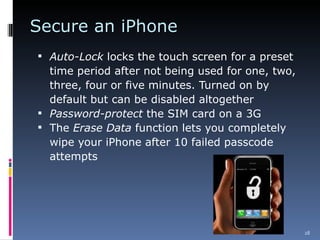
Secure an iPhone Auto-Lock  locks the touch screen for a preset time period after not being used for one, two, three, four or five minutes. Turned on by default but can be disabled altogether Password-protect  the SIM card on a 3G The  Erase Data  function lets you completely wipe your iPhone after 10 failed passcode attempts
Social Engineering Threats The best security in the world will  not  help you if –  You click on an phishing email and give your personal information You click on a SMS/text message that appears to come from your carrier You respond to a vishing phone call* Never give information via email or by phone or on the web, unless you initiate the exchange
Threats to Smart Phones  Attackers will exploit our social conditioning entering Personally Identifiable Information (PI/PII), while interacting with phone voice response to commit vishing and identity theft. 1 We demand more and better availability from phone service than we would from an ISP, “so the threat of a DoS attack might compel carriers to pay out on a blackmail scam.” 1 “ At this point,  mobile device capability is far ahead of security … We’ll start to see the botnet problem infiltrate the mobile world in 2012.” 2
Questions?

cellphone virus and security

  • 1.
    CELLPHONE VIRUS ANDSECURITY By R.Sindu Sree
  • 2.
  • 3.
    Smart Phone GrowthThe day when everyone has a PC in their pocket has arrived – Three things driving growth – Increasing amount of time we spend online Instant gratification Lifestyle patterns and social networking
  • 4.
    Smart Phones ‘RPocket Computers Most commonly used phones, as defined by operating system (OS) – Android (Android OS) BlackBerry (RIM OS) iPhones / iPod touch (iPhone OS) PalmPre (WebOS) Windows Mobile (WinMobile OS)
  • 5.
    Current threats bymobile malware For financial gain / loss Unnecessary calls / SMS / MMS Send and sell private information Cause phones to work slowly or crash Wipe out contact books and other information on the phone Install “false” applications
  • 6.
    Internet, Bluetooth, andMMS In all of these transfer methods, the user has to agree at least once to run the infected file But smart phone virus writters get you to open and install their product the same way computer virus writers do: The virus is typically disguised as a game, security patch or other desirable application
  • 7.
    Viruses and SmartPhones How smart phone viruses spread – Internet downloads Bluetooth Multimedia Messaging System (MMS) Only smart phones susceptible to viruses Phones that can only make and receive calls are not at risk
  • 8.
    HISTORY iPhone SMSattack first took place in July 2009 We trust smart phones & think they are safe We have the mistaken sense they are immune to security threats Smart phones typically lack security features, like antivirus, found on other computers
  • 9.
    Smart Phones Difficultto Protect Easily stolen: theft is single largest problem Protection options not well known Eavesdropping options are available More types of smart phones = complications
  • 10.
    Differences with PCAlthough similar OSes are being used, differences exist: Mobiles are always “connected” and switched on “ Environment” keeps changing Several variants of phones exist A malware for one type of phone may not necessarily be able to infect other Mobile malware not yet causing critical harm At most they increase the user's billing, or cause the mobile phone to stop working.
  • 11.
    Classification of MobileWorms and Viruses
  • 12.
    Classification Behaviour VirusWorm Trojan Environment Operating System Vulnerable Application
  • 13.
    Classification (examples) 31st October 2006 Mobile Worms and Viruses Source: Kaspersky Labs
  • 14.
  • 15.
    Case Study –CABIR First mobile worm Spread vector – Bluetooth Infected file – caribe.sis 15 new variants exist
  • 16.
    Case Study -ComWar Second landmark in mobile worms Spread vector - Bluetooth and MMS Large spread area due to MMS Not as proof of concept – Intention to harm by charging the mobile user Multiple variants detected
  • 17.
    Case Study -CardTrap First cross-over mobile virus found Can migrate from mobile to PC Propogates as infected mobile application as well as Windows worm 2 variants found
  • 18.
  • 19.
    Futuristic Developments LocationTracking Camera and Microphone Bug Leaking Sensitive Information
  • 20.
  • 21.
    Securing against attacksSystem level security MOSES Network Level Security Proactive approach
  • 22.
    Basic Protection AllSmart Phones Passcode Enable at least 4 digits but this also depends upon IT policies Exceeding the number of allowed password attempts deletes all data Auto-Lock Locks the screen after a pre-set time period of non-use (consider 30 minutes or less) Passcode-lock enhances auto-lock By itself not exactly a security feature but combined with passcode protection, it’s essential security
  • 23.
    Eavesdropping Lastyear Karsten Nohl, a UVa PhD graduate, cracked the secret code used on 80% of the world’s phones Mobile interception, as a result, is now within the reach of “any reasonable well-funded criminal organization” You and I cannot fix this problem, but it’s not likely to affect us individually
  • 24.
    Eavesdropping Anyone caninstall eavesdropping software on your smart phone, as long as they have access to your phone even for a few minutes Subtle signs that could suggest someone is secretly tapping your cell phone – Cell phone battery is warm even when your phone has not been used Cell phone lights up at unexpected times, including occasions when phone is not in use Unexpected beep or click during phone conversation
  • 25.
    Jealous Husband ScenarioInstall SpyPhone, and send the report Delete the report from sent emails, Delete SpyPhone
  • 26.
    Lock Down Bluetooth!Bluetooth is default-on Wastes your battery Leaves you open to Bluetooth-based attacks – most common at this time
  • 27.
    Defense-in-Depth Get latestfirmware and software your mobile device manufacturer provides Maintain situational awareness when carrying any electronic device Watch your mobile device as you go through airport security Known bad location for device theft Save important transmissions until you can connect to a secure environment
  • 28.
    Secure an iPhoneAuto-Lock locks the touch screen for a preset time period after not being used for one, two, three, four or five minutes. Turned on by default but can be disabled altogether Password-protect the SIM card on a 3G The Erase Data function lets you completely wipe your iPhone after 10 failed passcode attempts
  • 29.
    Social Engineering ThreatsThe best security in the world will not help you if – You click on an phishing email and give your personal information You click on a SMS/text message that appears to come from your carrier You respond to a vishing phone call* Never give information via email or by phone or on the web, unless you initiate the exchange
  • 30.
    Threats to SmartPhones Attackers will exploit our social conditioning entering Personally Identifiable Information (PI/PII), while interacting with phone voice response to commit vishing and identity theft. 1 We demand more and better availability from phone service than we would from an ISP, “so the threat of a DoS attack might compel carriers to pay out on a blackmail scam.” 1 “ At this point, mobile device capability is far ahead of security … We’ll start to see the botnet problem infiltrate the mobile world in 2012.” 2
  • 31.