INTRODUCTION
Cyberethics is the philosophic study of ethics pertaining to computers,
encompassing user behavior and what computers are programmed to do,
and how this affects individuals and society. For years, various governments
have enacted regulations while organizations have defined policies about
TIPS TO SAFE BROWSING
1. Install and use antivirus software.
2. Use a firewall.
3. Strong passwords are your friend.
4. Update your security software.
5. Be wary of clicking links in email or instant messages.
6. In fact, be wary of clicking links, period.
7. Bookmark important sites.
IDENTITY PROTECTION WHILE USING INTERNET
WAYS ,WEBSITES TRACK YOU
IP Addresses
The most basic way of identifying you is by your IP
address. Your IP address identifies you on the
Internet. These days, it’s likely that your computer
shares an IP address with the other networked
devices in your house or office. From your IP
address, a website can determine your rough
geographical location – not down to street level, but
generally your city or area. If you’ve ever seen a
spammy ad that tries to look legitimate by
mentioning your location, this is how the ad does it.
WAYS ,WEBSITES TRACK YOU
HTTP Referrer
When you click a link, your browser loads the web page you clicked and tells the
website where you came from. For example, if you clicked a link to an outside
website on How-To Geek, the outside website would see the address of the
How-To Geek article you came from. This information is contained in the
HTTP referrer header.
The HTTP referrer is also sent when loading content on a web page. For
example, if a web page includes an ad or tracking script, your browsers tells
the advertiser or tracking network what page you’re viewing.
“Web bugs,” which are tiny, one-by-one pixel, invisible images, take advantage of
the HTTP referrer to track you without appearing on a web page. They’re also
used to track emails you open, assuming your email client loads images.
WAYS ,WEBSITES TRACK YOU
Cookies & Tracking Scripts
Cookies are small pieces of information websites
can store in your browser. They have plenty of
legitimate uses – for example, when you sign
into your online-banking website, a cookie
remembers your login information. When you
change a setting on a website, a cookie stores
that setting so it can persist across page loads
and sessions.
WAYS ,WEBSITES TRACK YOU
Super Cookies
You can clear your browser’s cookies — in fact, we’ve got a guide to clearing
your browser’s cookies. However, clearing your cookies isn’t necessarily a
solution – “super cookies” are increasingly common. One such super cookie
is evercookie. Super cookie solutions like evercookie store cookie data in
multiple places – for example, in Flash cookies, Silverlight storage, your
browsing history, and HTML5 local storage. One particularly clever tracking
method is assigning a unique color value to a few pixels every time a new
user visits a website. The different colors are stored in each user’s browser
cache and can be loaded back – the color value of the pixels is a unique
identifier that identifies the user.
When a website notices that you’ve deleted part of the super cookie, the
information is repopulated from the other location. For example, you might
clear your browser cookies and not your Flash cookies, so the website will
copy the value of the Flash cookie to your browser cookies. Super cookies
are very resilient.
WAYS ,WEBSITES TRACK YOU
User Agent
Your browser also sends a user agent every time you
connect to a website. This tells websites your
browser and operating system, providing another
piece of data that can be stored and used to target
ads. For more information about user agents, check
out our explanation of what a browser user agent
is.
WAYS ,WEBSITES TRACK YOU
Browser Fingerprinting
Browsers are actually pretty unique. Websites
can determine your operating system,
browser version, installed plug-ins and their
versions, your operating system’s screen
resolution, your installed fonts, your time
zone, and other information. If you’ve
disabled cookies entirely, that’s another
piece of data that makes your browser
unique.
WAYS ,WEBSITES TRACK YOU
There are surely other ways that
websites can track you. There’s big
money in it, and people are
brainstorming new ways to track
every day – just see evercookie
above for evidence of that.
HOW TYPES OF COMPUTER COOKIES AFFECT
YOUR ONLINE PRIVACY
First-party cookies are created by the host domain – the
domain the user is visiting. These types of cookies are
generally considered good; they help provide a better
user experience and keep the session open. This
basically means the browser is able to remember key
pieces of information, such as which items you add to
shopping carts, your username and passwords, and
language preferences.
First-party cookies are stored by the domain (website)
you are visiting directly. ...
HOW TYPES OF COMPUTER COOKIES AFFECT
YOUR ONLINE PRIVACY
Third-Party Cookies
Third-party cookies, also referred to as tracking cookies, collect
data based on your online behavior. When you visit a
website, third-party cookies collect various types of data that
are then passed on or sold to advertisers by the website that
created the cookie. Tracking your interests, location, age, and
search trends, these cookies collect information so that
marketers can provide you with custom
advertisements. These are the ads that appear on websites
you visit and display content relevant to your interests.
By tracking your habits and providing targeted ads, third-party
cookies serve a useful purpose for marketers but can seem
pesky and intrusive to internet users. That’s why you have
the option to block them.
PRIVATE BROWSING OVERVIEW
As day by day the use of internet browsing
has been increasing, people are getting
aware about their privacy and protecting
personal information. No one wants to
disclose what sites they are browsing
and the local data associated with it,
which can be used to retrieve personal
sensitive information.
PRIVATE BROWSING
Private Browsing:
Private Browsing is a concept of disabling the browser’s history, removing
cookies and not storing the web cache.
Private Browsing doesn’t make you anonymous as your Internet Service Provider
(ISP) will still be able to track you. Also, it is a common myth that it will protect
user from keyloggers or spywares, but it will not.
3 TIPS FOR ANONYMOUS BROWSING
1. Log out from search engines and their
tools
You might not be aware of it, but every time
you log into Gmail or Google’s other free
online tools, your searches are monitored,
and a profile is built specifically for you. This
Google the opportunity to target ads directly
related to your browsing experiences.
2. Use your browser’s privacy mode
All major internet browsers feature optional privacy
modes. These restrict your browser from saving
your web history in its cache while
disabling tracking cookies. Although this is a minor
improvement, your Internet Service Provider, or
ISP, along with governments, can still track your
online activity – to be more specific, every single
website you’re visiting.
3. Use a VPN to hide your IP address and online
presence
When using a VPN, you benefit from a range of
privacy benefits. You can change IP address, route
your Internet activity through a remote third-party
server, conceal your search activity, and make
your traffic completely anonymous so hackers and
governments who’d like to snoop into your online
activities can’t know your identity
4)Proxy
Using a web Proxy server allows you to
access content that may be blocked or
restricted by local governments. You can
use one to gain access to these websites
and content. It also allows you to surf the
web more privately meaning what
your browsing (in that tab only) cannot
be tracked
PRACTICES TO ENSURE CONFIDENTIALITY OF
INFORMATION
Don't leave sensitive information lying around. Documents like credit card
statements and billing invoices, even if they redact some information, can still
be used to obtain sensitive data via social engineering.
Shred documents in a secure way. When you no longer need a document with
confidential information on it, don't throw it away. Shred it. Keep shredded
materials locked up and hire a company to securely transport them away or
use a cross shredder to make sure they cannot be reconstructed.
Use anti-virus software. Installing an anti-virus and an anti-malware solution
can prevent your computer from becoming infected and from infecting other
computers on your network.
Install a firewall. An effective firewall is a staple of business Internet security. It
prevents intrusions into your company's network and, in some cases, can
also stop a malware-infected machine from pushing data out.
Password-protect important files and systems. Any files or systems
containing sensitive information should be password protected. If possible,
each user should have his or her own username and password so if a breach
does occur, your company can pinpoint the source of the breach.
Don't reuse passwords. If a hacker is able to obtain one password, the odds are
good they'll try to use the same password to access other sensitive areas of
your company's infrastructure. Use different passwords for all files and
systems.
Don't email confidential material. Most email systems are not secure. If you
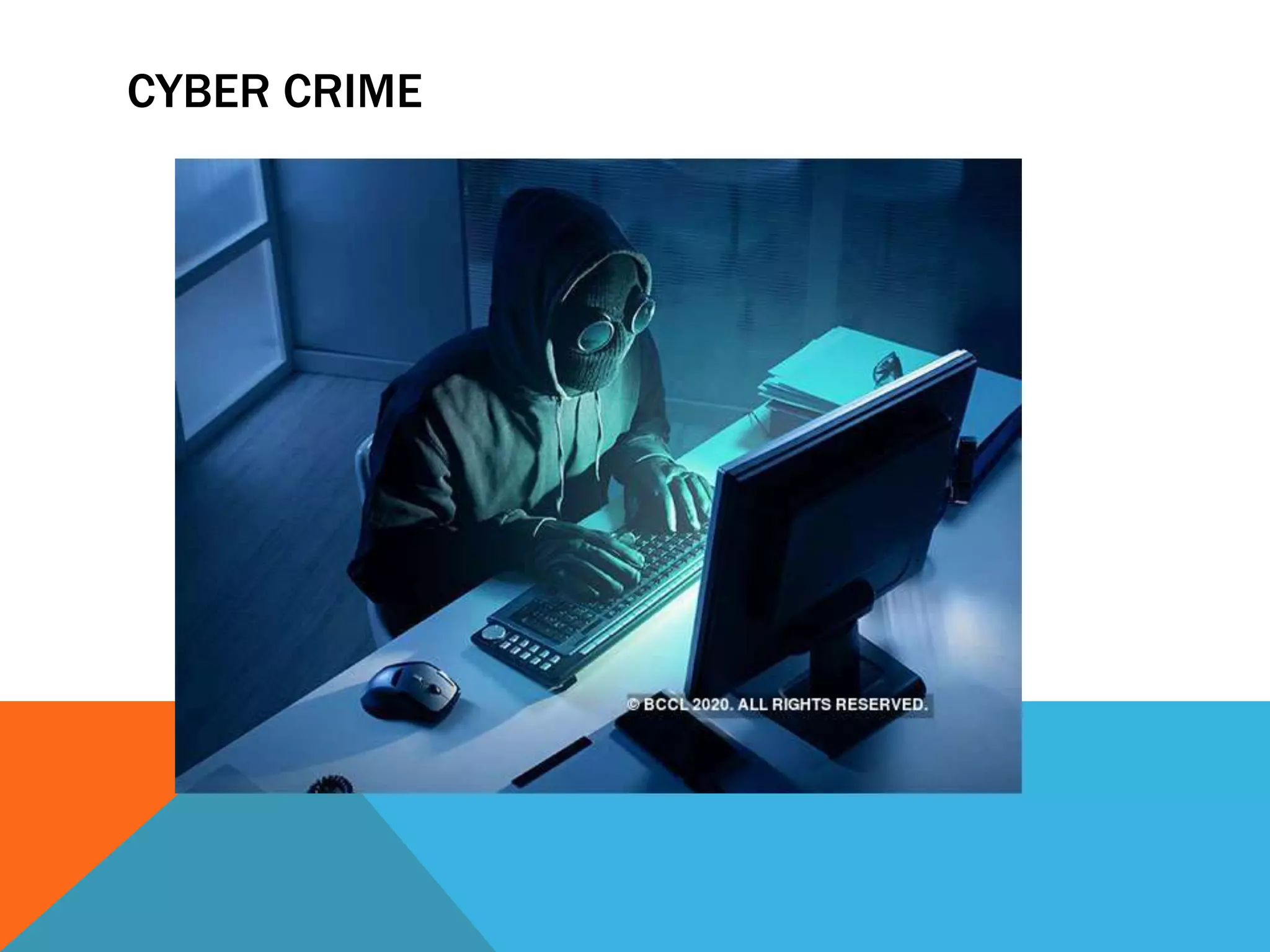
CYBER CRIME
Cybercrime, or computer-oriented
crime, is a crime that involves a
computer and a network. The
computer may have been used in
the commission of a crime, or it
may be the target.
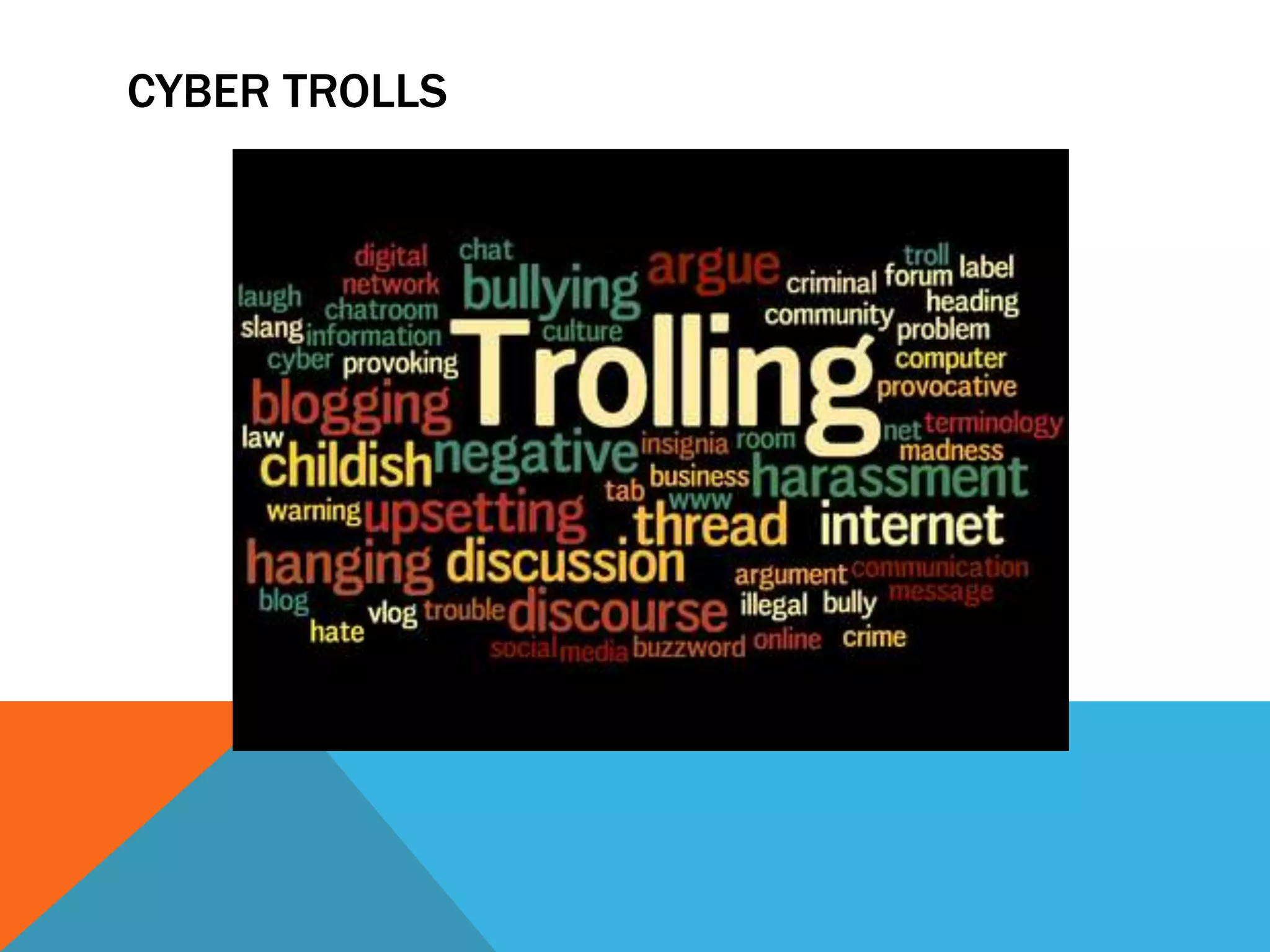
CYBER TROLLS
In Internet slang, a troll is a person
who starts quarrels or upsets
people on the Internet to distract
and sow discord by posting
inflammatory and digressive,
extraneous, or off-topic messages
in an
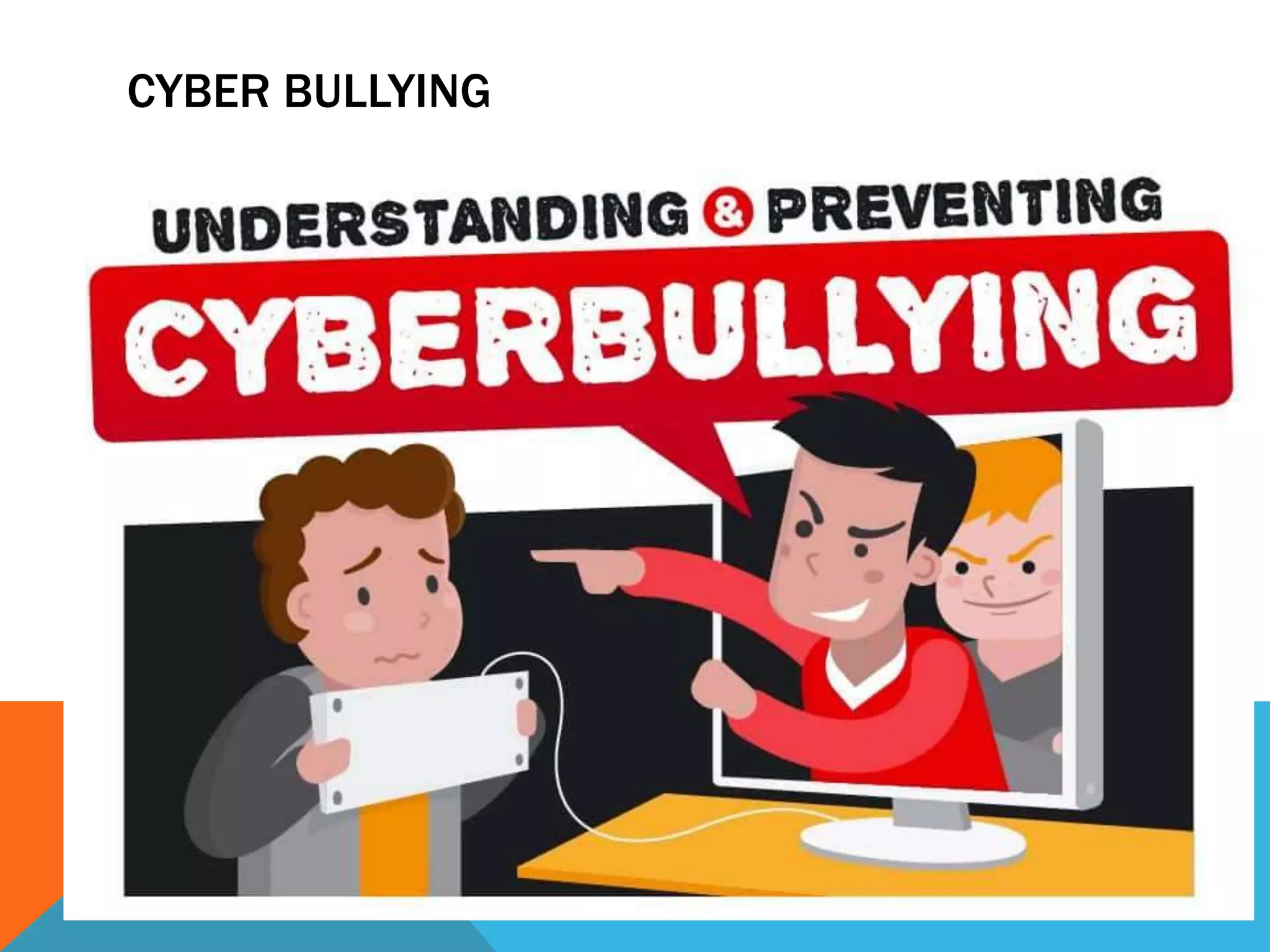
CYBER BULLYING
CYBER BULLYING
Cyberbullying or cyberharassment is a
form of bullying or harassment using
electronic means. Cyberbullying and
cyberharassment are also known as
online bullying. It has become
increasingly common, especially
among teenagers.
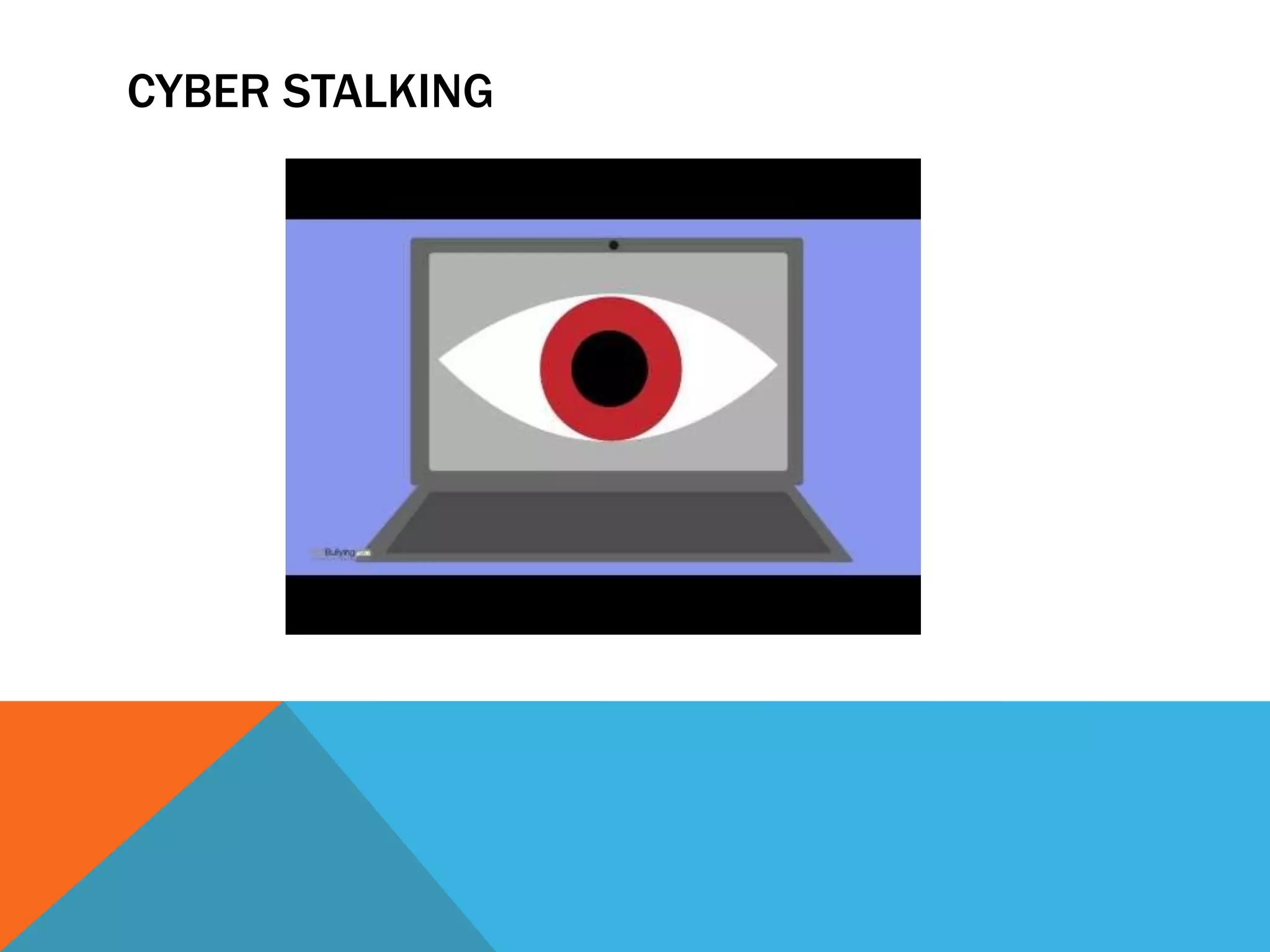
CYBER STALKING
CYBER STALKING
Cyberstalking is the use of the
Internet or other electronic means
to stalk or harass an individual,
group, or organization. It may
include false accusations,
defamation, slander and
The laws for cyber crime protects
citizens from dispensing sensitive
information to a stranger online. Ever
since the introduction to cyber laws
in India happened, IT Act 2000 was
enacted and amended in 2008
covering different types
of crimes under cyber law in India
If you want to report something other
than Cybercrime cases or in case of
an emergency please contact your
local police by dialing 100. Complaints
reported on this portal are dealt by
respective police authorities of States/
UTs based on the information in the
complaints provided by the
complainants.
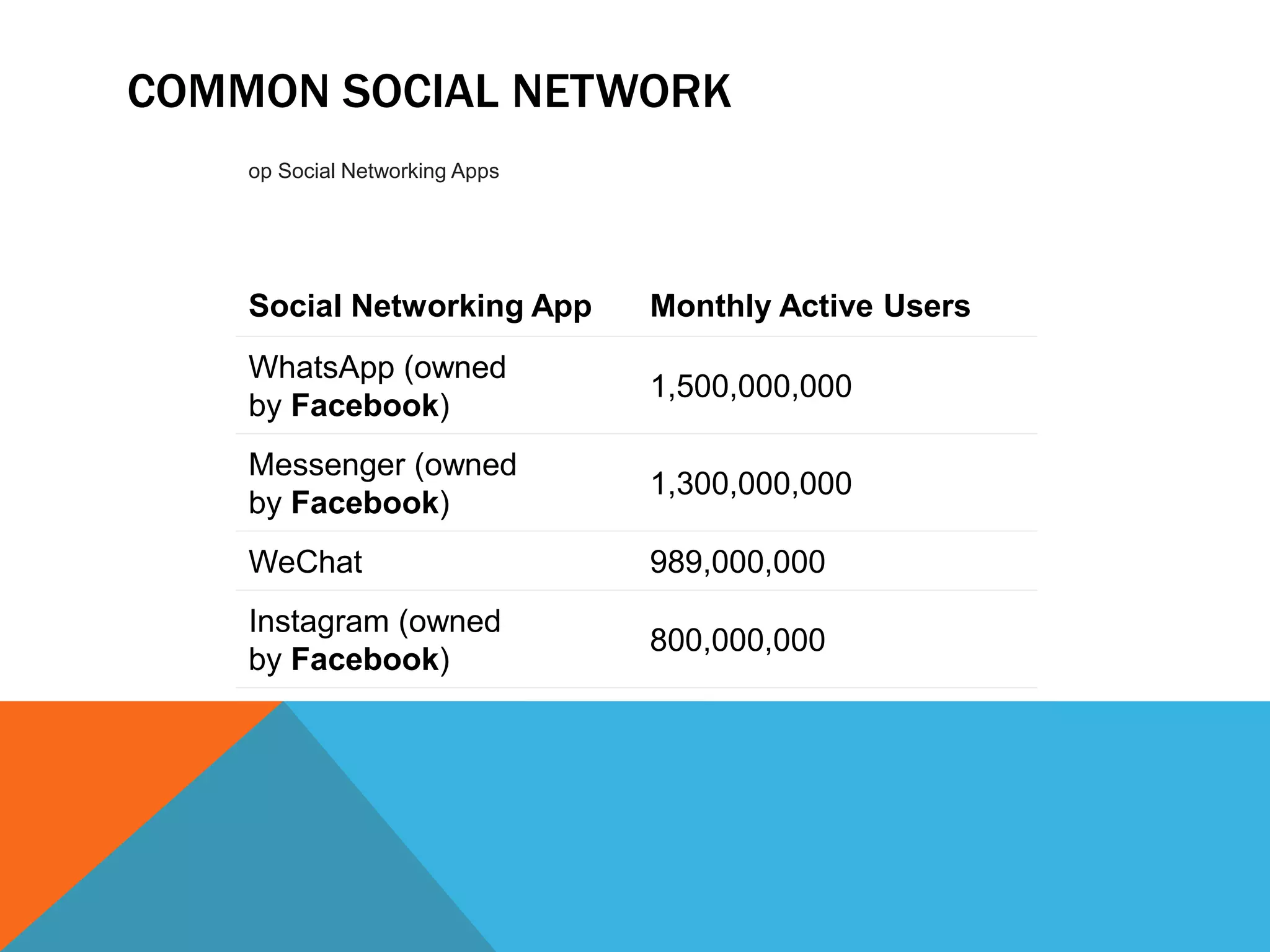
COMMON SOCIAL NETWORK
Social Networking App Monthly Active Users
WhatsApp (owned
by Facebook)
1,500,000,000
Messenger (owned
by Facebook)
1,300,000,000
WeChat 989,000,000
Instagram (owned
by Facebook)
800,000,000
op Social Networking Apps
Twitter is an online news and social networking site where
people communicate in short messages called tweets.
Tweeting is posting short messages for anyone who follows
you on Twitter, with the hope that your messages are useful
and interesting to someone in your audience
280 characters
The most common length of a tweet back
when Twitter only allowed
140 characters was 34 characters. Now
that the limit is 280 characters, the most
common length of a tweet is
33 characters. Historically, only 9%
of tweets hit Twitter's 140-character
limit, now it's 1%.
LinkedIn is an American business and
employment-oriented service that operates
via websites and mobile apps. Founded on
December 28, 2002, and launched on May
5, 2003, it is mainly used for professional
networking, including employers posting
jobs and job seekers posting their CVs.
Instagram is a social media app that
allows users to share photos and
videos from their lives, add captions,
edit filters, tweak settings, engage with
others, explore and creep, and so, so
much more — you just have to know
what you're doing so you don't get
overwhelmed!
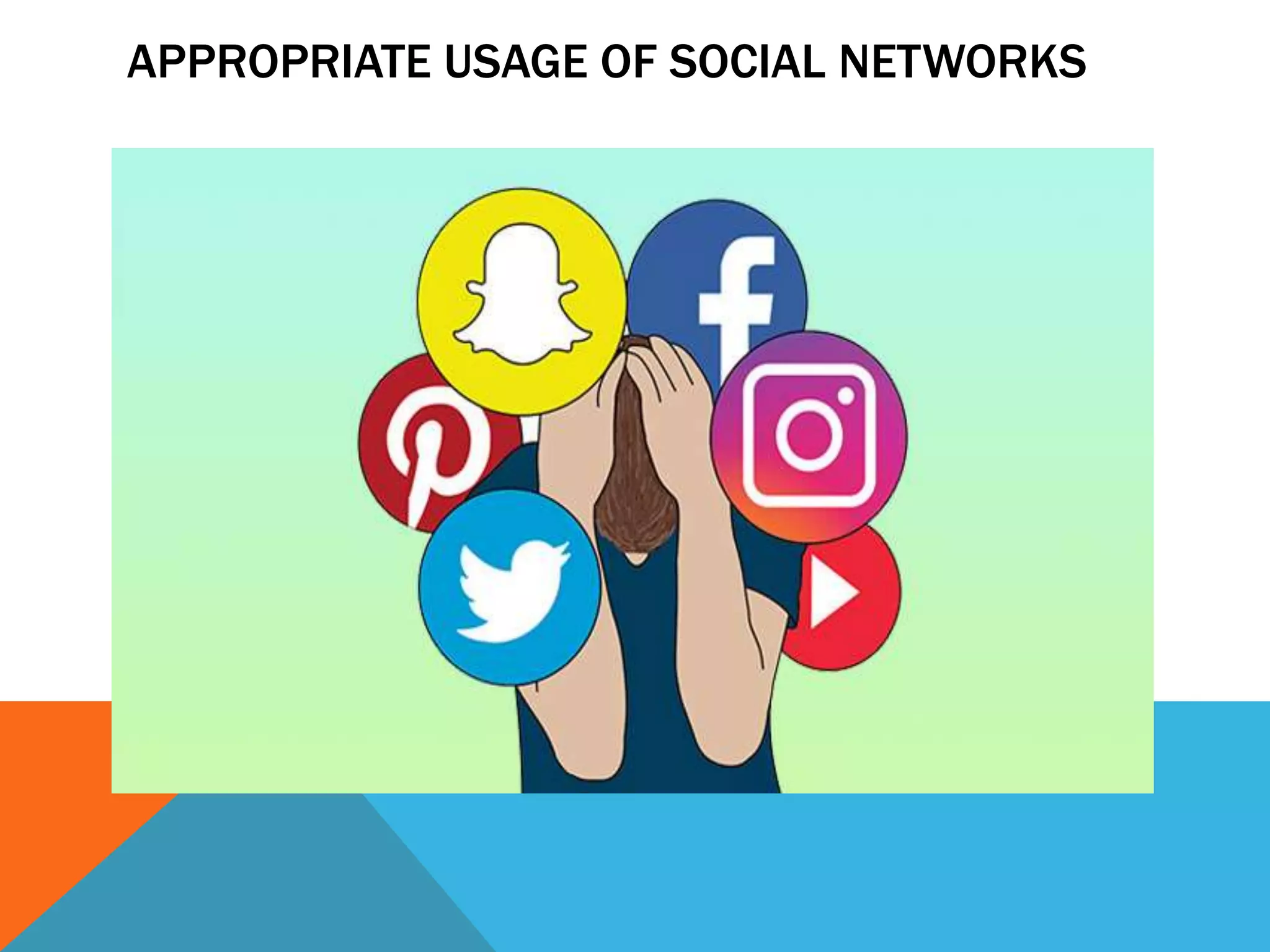
APPROPRIATE USAGE OF SOCIAL NETWORKS
Here are our top 10 tips to stay safe on social media:
Use a strong password. The longer it is, the more secure it will be.
Use a different password for each of your social media accounts.
Set up your security answers. This option is available for most social media
sites.
If you have social media apps on your phone, be sure to password protect your
device.
Be selective with friend requests. If you don’t know the person, don’t accept their
request. It could be a fake account.
Click links with caution. Social media accounts are regularly hacked. Look out
for language or content that does not sound like something your friend would
post.
Be careful about what you share. Don’t reveal sensitive personal information ie:
home address, financial information, phone number. The more you post the
easier it is to have your identity stolen.
Become familiar with the privacy policies of the social media channels you use
and customize your privacy settings to control who sees what.
Protect your computer by installing antivirus software to safeguard. Also ensure
that your browser, operating system, and software are kept up to date.
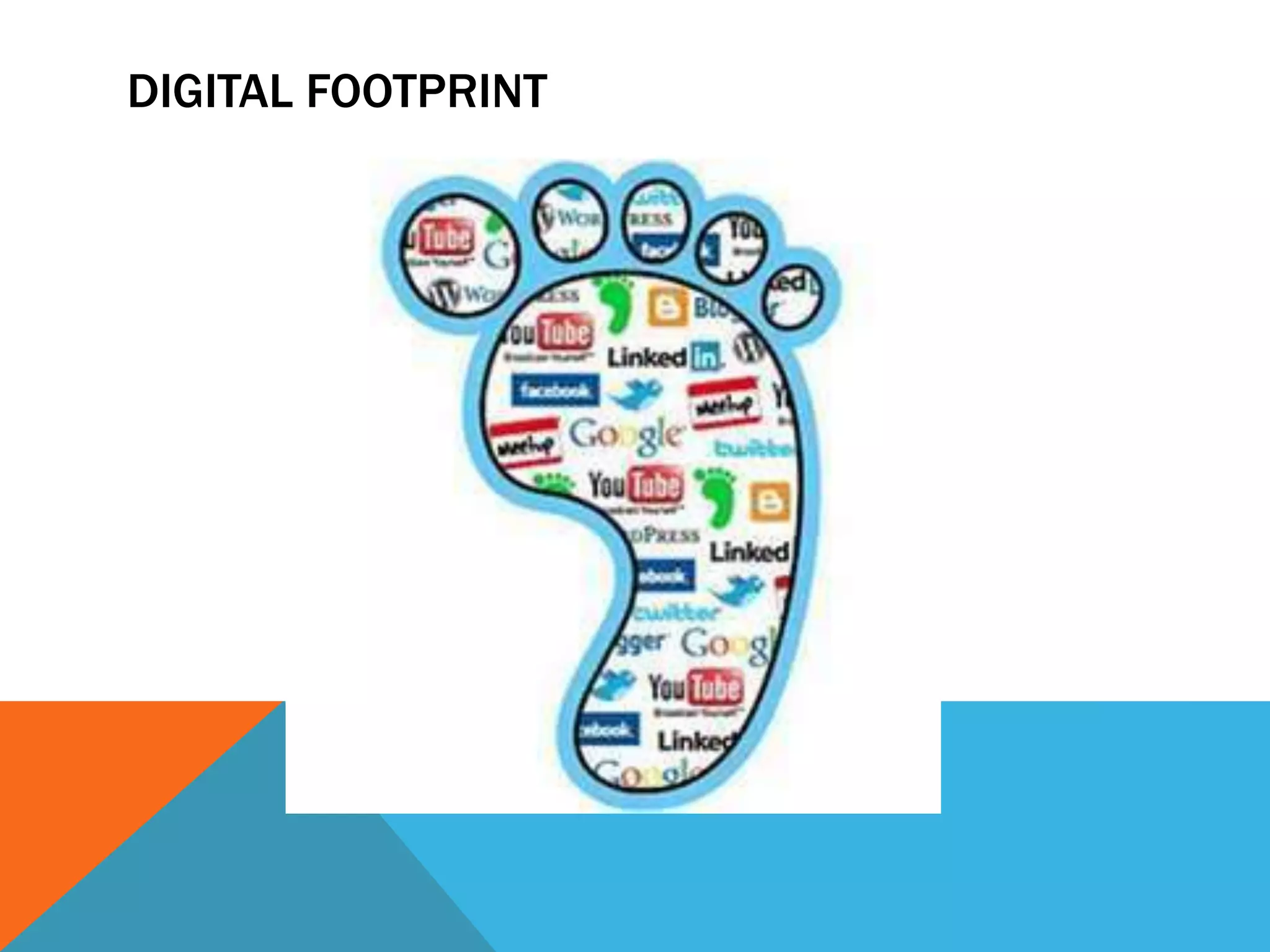
DIGITAL FOOTPRINT
DIGITAL FOOTPRINTS
A digital footprint is a trail of data
you create while using the
Internet. It includes the websites
you visit, emails you send, and
information you submit to online
services. A "passive digital
footprint" is a data trail you
unintentionally leave online
DIGITAL FOOTPRINTS
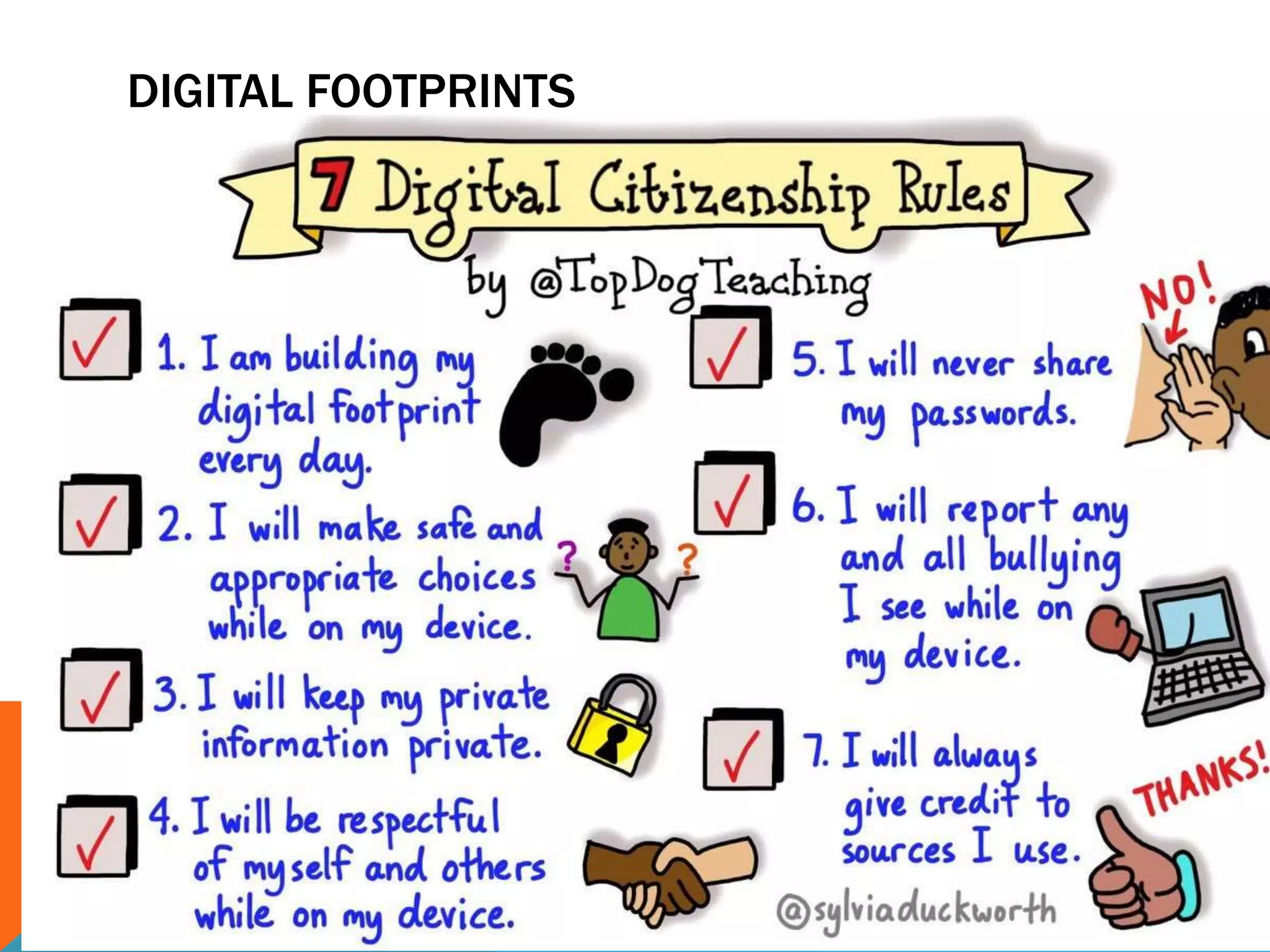
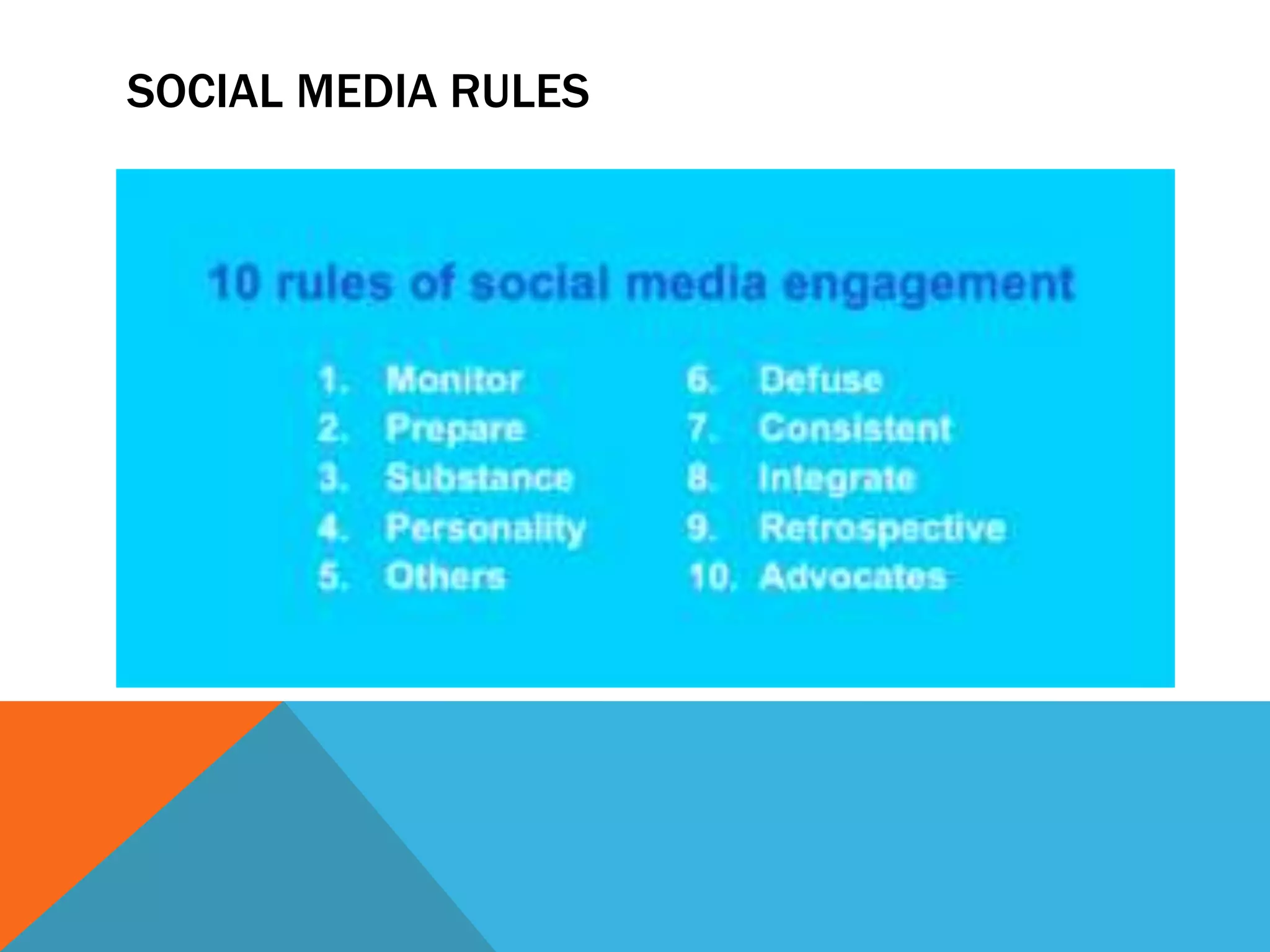
SOCIAL MEDIA RULES
THANK YOU

Cyber ethics cbse class xi

  • 2.
    INTRODUCTION Cyberethics is thephilosophic study of ethics pertaining to computers, encompassing user behavior and what computers are programmed to do, and how this affects individuals and society. For years, various governments have enacted regulations while organizations have defined policies about
  • 4.
    TIPS TO SAFEBROWSING 1. Install and use antivirus software. 2. Use a firewall. 3. Strong passwords are your friend. 4. Update your security software. 5. Be wary of clicking links in email or instant messages. 6. In fact, be wary of clicking links, period. 7. Bookmark important sites.
  • 5.
  • 8.
  • 9.
    WAYS ,WEBSITES TRACKYOU IP Addresses The most basic way of identifying you is by your IP address. Your IP address identifies you on the Internet. These days, it’s likely that your computer shares an IP address with the other networked devices in your house or office. From your IP address, a website can determine your rough geographical location – not down to street level, but generally your city or area. If you’ve ever seen a spammy ad that tries to look legitimate by mentioning your location, this is how the ad does it.
  • 10.
    WAYS ,WEBSITES TRACKYOU HTTP Referrer When you click a link, your browser loads the web page you clicked and tells the website where you came from. For example, if you clicked a link to an outside website on How-To Geek, the outside website would see the address of the How-To Geek article you came from. This information is contained in the HTTP referrer header. The HTTP referrer is also sent when loading content on a web page. For example, if a web page includes an ad or tracking script, your browsers tells the advertiser or tracking network what page you’re viewing. “Web bugs,” which are tiny, one-by-one pixel, invisible images, take advantage of the HTTP referrer to track you without appearing on a web page. They’re also used to track emails you open, assuming your email client loads images.
  • 11.
    WAYS ,WEBSITES TRACKYOU Cookies & Tracking Scripts Cookies are small pieces of information websites can store in your browser. They have plenty of legitimate uses – for example, when you sign into your online-banking website, a cookie remembers your login information. When you change a setting on a website, a cookie stores that setting so it can persist across page loads and sessions.
  • 12.
    WAYS ,WEBSITES TRACKYOU Super Cookies You can clear your browser’s cookies — in fact, we’ve got a guide to clearing your browser’s cookies. However, clearing your cookies isn’t necessarily a solution – “super cookies” are increasingly common. One such super cookie is evercookie. Super cookie solutions like evercookie store cookie data in multiple places – for example, in Flash cookies, Silverlight storage, your browsing history, and HTML5 local storage. One particularly clever tracking method is assigning a unique color value to a few pixels every time a new user visits a website. The different colors are stored in each user’s browser cache and can be loaded back – the color value of the pixels is a unique identifier that identifies the user. When a website notices that you’ve deleted part of the super cookie, the information is repopulated from the other location. For example, you might clear your browser cookies and not your Flash cookies, so the website will copy the value of the Flash cookie to your browser cookies. Super cookies are very resilient.
  • 13.
    WAYS ,WEBSITES TRACKYOU User Agent Your browser also sends a user agent every time you connect to a website. This tells websites your browser and operating system, providing another piece of data that can be stored and used to target ads. For more information about user agents, check out our explanation of what a browser user agent is.
  • 14.
    WAYS ,WEBSITES TRACKYOU Browser Fingerprinting Browsers are actually pretty unique. Websites can determine your operating system, browser version, installed plug-ins and their versions, your operating system’s screen resolution, your installed fonts, your time zone, and other information. If you’ve disabled cookies entirely, that’s another piece of data that makes your browser unique.
  • 15.
    WAYS ,WEBSITES TRACKYOU There are surely other ways that websites can track you. There’s big money in it, and people are brainstorming new ways to track every day – just see evercookie above for evidence of that.
  • 16.
    HOW TYPES OFCOMPUTER COOKIES AFFECT YOUR ONLINE PRIVACY First-party cookies are created by the host domain – the domain the user is visiting. These types of cookies are generally considered good; they help provide a better user experience and keep the session open. This basically means the browser is able to remember key pieces of information, such as which items you add to shopping carts, your username and passwords, and language preferences. First-party cookies are stored by the domain (website) you are visiting directly. ...
  • 17.
    HOW TYPES OFCOMPUTER COOKIES AFFECT YOUR ONLINE PRIVACY Third-Party Cookies Third-party cookies, also referred to as tracking cookies, collect data based on your online behavior. When you visit a website, third-party cookies collect various types of data that are then passed on or sold to advertisers by the website that created the cookie. Tracking your interests, location, age, and search trends, these cookies collect information so that marketers can provide you with custom advertisements. These are the ads that appear on websites you visit and display content relevant to your interests. By tracking your habits and providing targeted ads, third-party cookies serve a useful purpose for marketers but can seem pesky and intrusive to internet users. That’s why you have the option to block them.
  • 19.
    PRIVATE BROWSING OVERVIEW Asday by day the use of internet browsing has been increasing, people are getting aware about their privacy and protecting personal information. No one wants to disclose what sites they are browsing and the local data associated with it, which can be used to retrieve personal sensitive information.
  • 20.
    PRIVATE BROWSING Private Browsing: PrivateBrowsing is a concept of disabling the browser’s history, removing cookies and not storing the web cache. Private Browsing doesn’t make you anonymous as your Internet Service Provider (ISP) will still be able to track you. Also, it is a common myth that it will protect user from keyloggers or spywares, but it will not.
  • 21.
    3 TIPS FORANONYMOUS BROWSING 1. Log out from search engines and their tools You might not be aware of it, but every time you log into Gmail or Google’s other free online tools, your searches are monitored, and a profile is built specifically for you. This Google the opportunity to target ads directly related to your browsing experiences.
  • 22.
    2. Use yourbrowser’s privacy mode All major internet browsers feature optional privacy modes. These restrict your browser from saving your web history in its cache while disabling tracking cookies. Although this is a minor improvement, your Internet Service Provider, or ISP, along with governments, can still track your online activity – to be more specific, every single website you’re visiting.
  • 23.
    3. Use aVPN to hide your IP address and online presence When using a VPN, you benefit from a range of privacy benefits. You can change IP address, route your Internet activity through a remote third-party server, conceal your search activity, and make your traffic completely anonymous so hackers and governments who’d like to snoop into your online activities can’t know your identity
  • 24.
    4)Proxy Using a webProxy server allows you to access content that may be blocked or restricted by local governments. You can use one to gain access to these websites and content. It also allows you to surf the web more privately meaning what your browsing (in that tab only) cannot be tracked
  • 25.
    PRACTICES TO ENSURECONFIDENTIALITY OF INFORMATION Don't leave sensitive information lying around. Documents like credit card statements and billing invoices, even if they redact some information, can still be used to obtain sensitive data via social engineering. Shred documents in a secure way. When you no longer need a document with confidential information on it, don't throw it away. Shred it. Keep shredded materials locked up and hire a company to securely transport them away or use a cross shredder to make sure they cannot be reconstructed. Use anti-virus software. Installing an anti-virus and an anti-malware solution can prevent your computer from becoming infected and from infecting other computers on your network. Install a firewall. An effective firewall is a staple of business Internet security. It prevents intrusions into your company's network and, in some cases, can also stop a malware-infected machine from pushing data out. Password-protect important files and systems. Any files or systems containing sensitive information should be password protected. If possible, each user should have his or her own username and password so if a breach does occur, your company can pinpoint the source of the breach. Don't reuse passwords. If a hacker is able to obtain one password, the odds are good they'll try to use the same password to access other sensitive areas of your company's infrastructure. Use different passwords for all files and systems. Don't email confidential material. Most email systems are not secure. If you
  • 26.
  • 27.
    Cybercrime, or computer-oriented crime,is a crime that involves a computer and a network. The computer may have been used in the commission of a crime, or it may be the target.
  • 28.
  • 29.
    In Internet slang,a troll is a person who starts quarrels or upsets people on the Internet to distract and sow discord by posting inflammatory and digressive, extraneous, or off-topic messages in an
  • 30.
  • 31.
    CYBER BULLYING Cyberbullying orcyberharassment is a form of bullying or harassment using electronic means. Cyberbullying and cyberharassment are also known as online bullying. It has become increasingly common, especially among teenagers.
  • 32.
  • 33.
    CYBER STALKING Cyberstalking isthe use of the Internet or other electronic means to stalk or harass an individual, group, or organization. It may include false accusations, defamation, slander and
  • 36.
    The laws forcyber crime protects citizens from dispensing sensitive information to a stranger online. Ever since the introduction to cyber laws in India happened, IT Act 2000 was enacted and amended in 2008 covering different types of crimes under cyber law in India
  • 38.
    If you wantto report something other than Cybercrime cases or in case of an emergency please contact your local police by dialing 100. Complaints reported on this portal are dealt by respective police authorities of States/ UTs based on the information in the complaints provided by the complainants.
  • 39.
  • 40.
    COMMON SOCIAL NETWORK SocialNetworking App Monthly Active Users WhatsApp (owned by Facebook) 1,500,000,000 Messenger (owned by Facebook) 1,300,000,000 WeChat 989,000,000 Instagram (owned by Facebook) 800,000,000 op Social Networking Apps
  • 42.
    Twitter is anonline news and social networking site where people communicate in short messages called tweets. Tweeting is posting short messages for anyone who follows you on Twitter, with the hope that your messages are useful and interesting to someone in your audience
  • 43.
    280 characters The mostcommon length of a tweet back when Twitter only allowed 140 characters was 34 characters. Now that the limit is 280 characters, the most common length of a tweet is 33 characters. Historically, only 9% of tweets hit Twitter's 140-character limit, now it's 1%.
  • 46.
    LinkedIn is anAmerican business and employment-oriented service that operates via websites and mobile apps. Founded on December 28, 2002, and launched on May 5, 2003, it is mainly used for professional networking, including employers posting jobs and job seekers posting their CVs.
  • 48.
    Instagram is asocial media app that allows users to share photos and videos from their lives, add captions, edit filters, tweak settings, engage with others, explore and creep, and so, so much more — you just have to know what you're doing so you don't get overwhelmed!
  • 49.
    APPROPRIATE USAGE OFSOCIAL NETWORKS
  • 50.
    Here are ourtop 10 tips to stay safe on social media: Use a strong password. The longer it is, the more secure it will be. Use a different password for each of your social media accounts. Set up your security answers. This option is available for most social media sites. If you have social media apps on your phone, be sure to password protect your device. Be selective with friend requests. If you don’t know the person, don’t accept their request. It could be a fake account. Click links with caution. Social media accounts are regularly hacked. Look out for language or content that does not sound like something your friend would post. Be careful about what you share. Don’t reveal sensitive personal information ie: home address, financial information, phone number. The more you post the easier it is to have your identity stolen. Become familiar with the privacy policies of the social media channels you use and customize your privacy settings to control who sees what. Protect your computer by installing antivirus software to safeguard. Also ensure that your browser, operating system, and software are kept up to date.
  • 51.
  • 52.
    DIGITAL FOOTPRINTS A digitalfootprint is a trail of data you create while using the Internet. It includes the websites you visit, emails you send, and information you submit to online services. A "passive digital footprint" is a data trail you unintentionally leave online
  • 53.
  • 54.
  • 56.