Pre-Production
Interactive Project
Style sheet
Stick Figure Battles
I see most of the design of the game being made
up of bold colours, with equally as bold fonts to
match the overall aggressive themes. In relation to
how the characters handle themselves, I believe
that there should be lifelike movements and body
language in order properly convey a sense of true
realism to the way they are viewed. By
establishing the characters as relatable people, it
gives the game a greater ambience, breathing life
into the setting and concept. By doing this, it will
endear certain characters to the players, based
upon what they find relatable.
Layout 1
A basic design of one the subjects
within the game, created in Photoshop
CS6. Lacking most of the aesthetic
accessories that other stick figures
have, it is an extremely basic model
that can be adapted to other designs to
conserve the time and effort needed for
production.
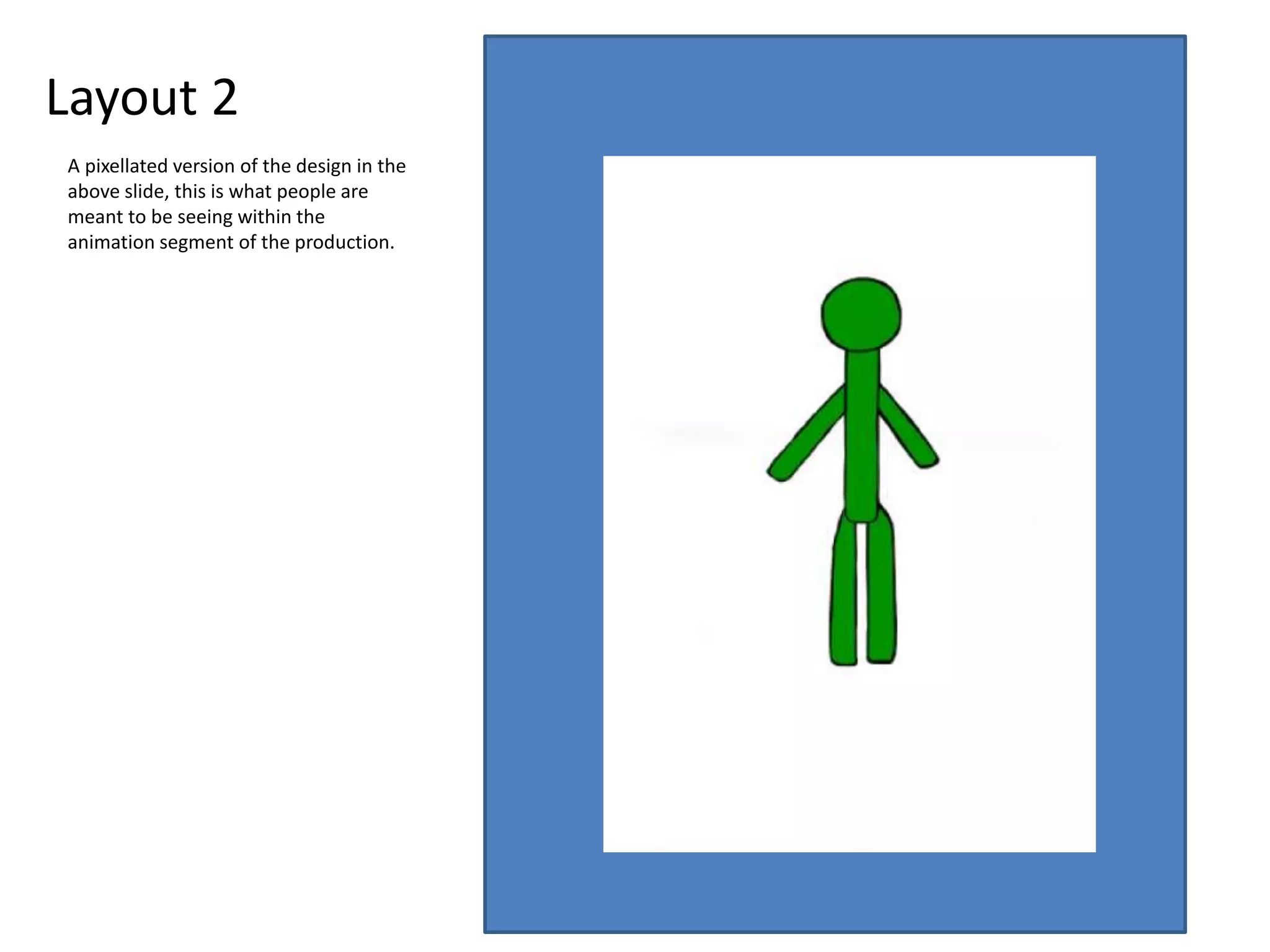
Layout 2
A pixellated version of the design in the
above slide, this is what people are
meant to be seeing within the
animation segment of the production.
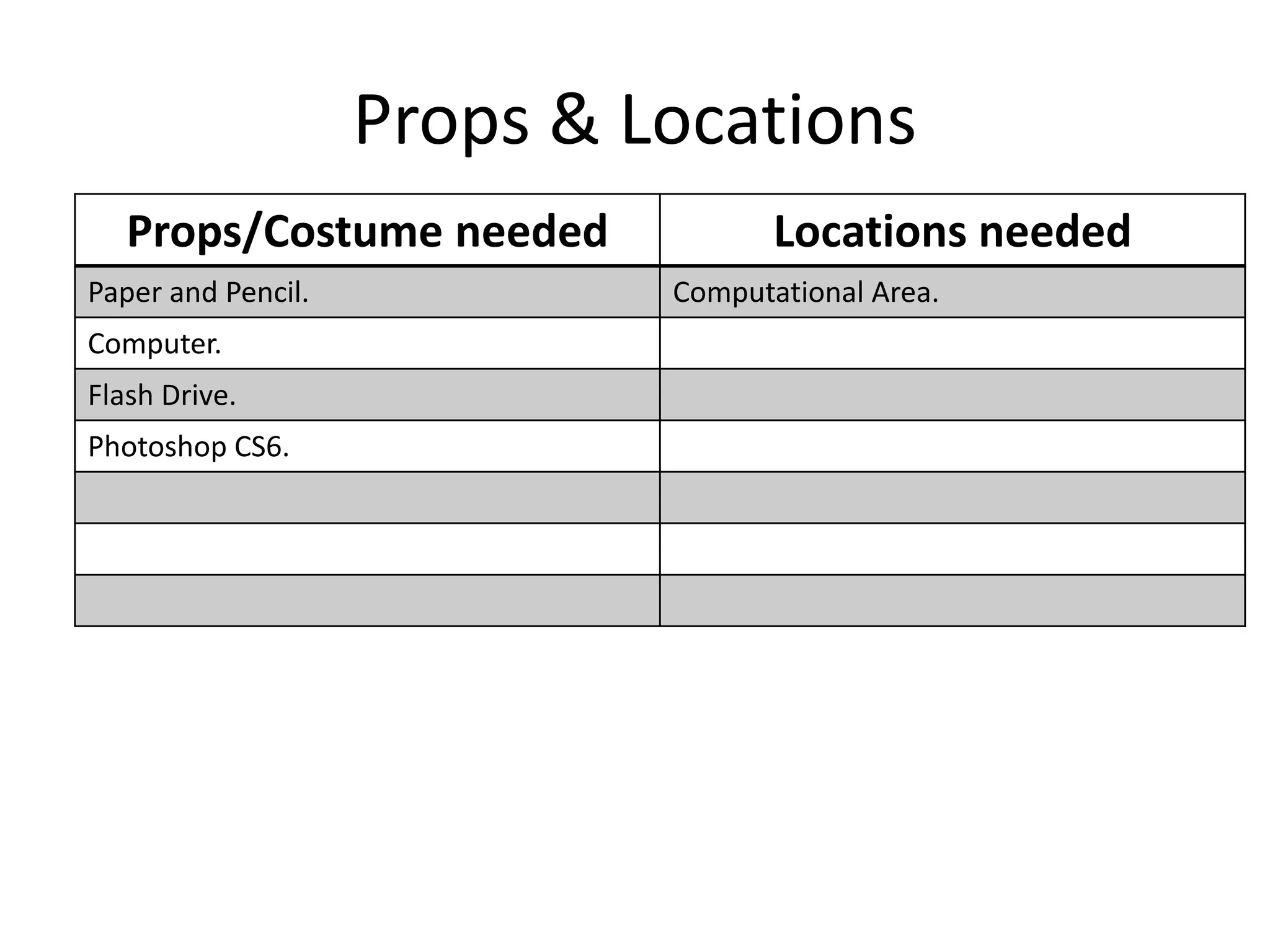
Props & Locations
Props/Costume needed Locations needed
Paper and Pencil. Computational Area.
Computer.
Flash Drive.
Photoshop CS6.
Contingency Planning
Potential Issue Solution
There are no computers available. Wait for a computer to become available, busy
yourself with the planning of the game and
possible developments or issues.
Work is lost due to a system malfunction or
other computer-related error.
ALWAYS save your work into an easily
accessible area so that it can be readily
developed and secured.
Health and Safety
Potential Issue How will the issue be
avoided?
An electrical error occurs due to liquid
exposure.
Keep all liquids away from the computer, so
that no electrocutions can occur.
Tripping hazards due to exposed wires. Make sure that all exposed equipment is
properly removed so that no accident happens.
Schedule
Day Plan of Action Resources Required
Day 1  Begin production, basic sketching and
outlines.
 Paper & Pencil.
Day 2  Complete sketching, import into Photoshop,
begin editing.
 Paper & Pencil,
Computer, Photoshop.
Day 3  Continue Photoshop editing, build up bulk of
still image.
 Computer, Photoshop,
Flash Drive.
Day 4  Finish still image, make CERTAIN that it has
been saved.
 Computer, Photoshop,
Flash Drive.
Day 5  Begin animation, create first frames of
movements.
 Computer, Photoshop,
Flash Drive.
Day 6  Continue animation.  Computer, Photoshop,
Flash Drive.
Day 7  Continue animation, nearing end of the
project.
 Computer, Photoshop,
Flash Drive.
Day 8  Complete animation and project, SAVE
EVERYTHING.
 Computer, Photoshop,
Flash Drive.

5. pre production(2)

  • 1.
  • 2.
    Style sheet Stick FigureBattles Stick Figure Battles Stick Figure Battles Stick Figure Battles Stick Figure Battles Stick Figure Battles Stick Figure Battles I see most of the design of the game being made up of bold colours, with equally as bold fonts to match the overall aggressive themes. In relation to how the characters handle themselves, I believe that there should be lifelike movements and body language in order properly convey a sense of true realism to the way they are viewed. By establishing the characters as relatable people, it gives the game a greater ambience, breathing life into the setting and concept. By doing this, it will endear certain characters to the players, based upon what they find relatable.
  • 3.
    Layout 1 A basicdesign of one the subjects within the game, created in Photoshop CS6. Lacking most of the aesthetic accessories that other stick figures have, it is an extremely basic model that can be adapted to other designs to conserve the time and effort needed for production.
  • 4.
    Layout 2 A pixellatedversion of the design in the above slide, this is what people are meant to be seeing within the animation segment of the production.
  • 5.
    Props & Locations Props/Costumeneeded Locations needed Paper and Pencil. Computational Area. Computer. Flash Drive. Photoshop CS6.
  • 6.
    Contingency Planning Potential IssueSolution There are no computers available. Wait for a computer to become available, busy yourself with the planning of the game and possible developments or issues. Work is lost due to a system malfunction or other computer-related error. ALWAYS save your work into an easily accessible area so that it can be readily developed and secured.
  • 7.
    Health and Safety PotentialIssue How will the issue be avoided? An electrical error occurs due to liquid exposure. Keep all liquids away from the computer, so that no electrocutions can occur. Tripping hazards due to exposed wires. Make sure that all exposed equipment is properly removed so that no accident happens.
  • 8.
    Schedule Day Plan ofAction Resources Required Day 1  Begin production, basic sketching and outlines.  Paper & Pencil. Day 2  Complete sketching, import into Photoshop, begin editing.  Paper & Pencil, Computer, Photoshop. Day 3  Continue Photoshop editing, build up bulk of still image.  Computer, Photoshop, Flash Drive. Day 4  Finish still image, make CERTAIN that it has been saved.  Computer, Photoshop, Flash Drive. Day 5  Begin animation, create first frames of movements.  Computer, Photoshop, Flash Drive. Day 6  Continue animation.  Computer, Photoshop, Flash Drive. Day 7  Continue animation, nearing end of the project.  Computer, Photoshop, Flash Drive. Day 8  Complete animation and project, SAVE EVERYTHING.  Computer, Photoshop, Flash Drive.

Editor's Notes

  • #3 Explore colours, fonts and image styles similar to what you want to produce. Discuss all three elements in relation to why you chose them and where you may use them in your project. Go over as many pages as you need to
  • #4 Mock up of a potential design using the colours and fonts established in your style sheet and sourced images
  • #5 Mock up of a potential design using the colours and fonts established in your style sheet and sourced images