Download as PPSX, PPTX


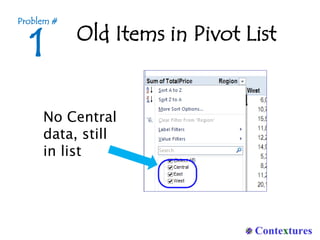
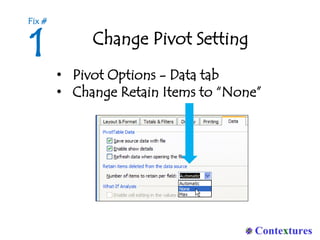
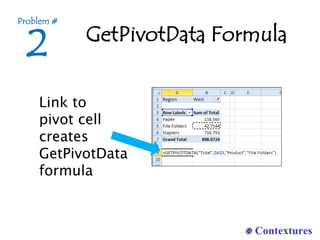
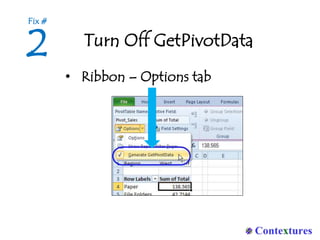
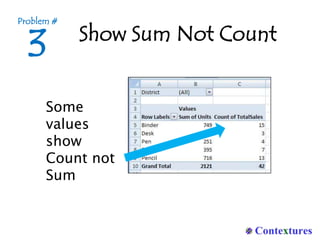
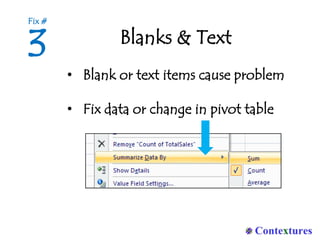
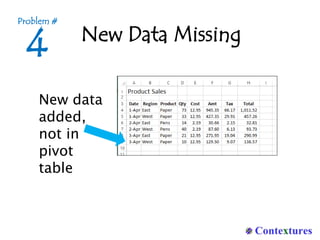
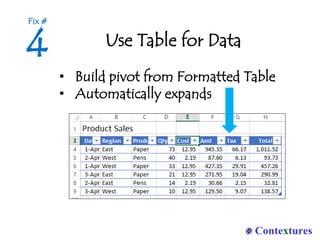
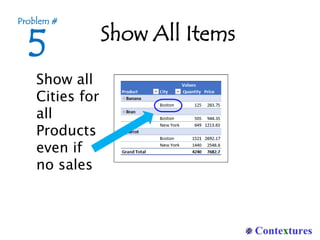
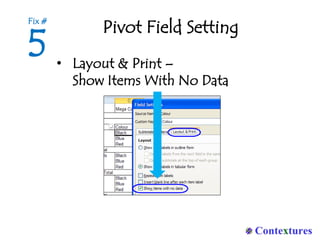
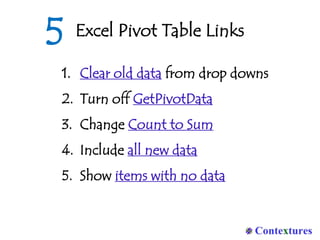
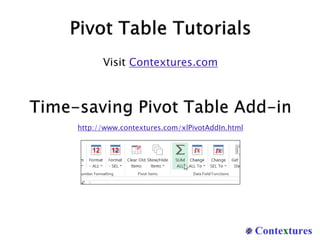

The document outlines common issues encountered with Excel pivot tables and provides solutions for each. Problems include issues with old items in the pivot list, linking to pivot cells, and missing new data, along with specific fixes for each issue. It also recommends using formatted tables for data and provides a link to additional resources.


![20260201 [FOSDEM] gomodjail - library sandboxing for Go modules.pdf](https://cdn.slidesharecdn.com/ss_thumbnails/20260201fosdemgomodjail-librarysandboxingforgomodules-260201225659-76609ec4-thumbnail.jpg?width=640&height=640&fit=bounds)


