10 Productivity Tips from
Hootsuite & Evernote
Gillian
Hamilton Rogers
Community Lead APAC
@Singapore_Gill
Angela
Cheong
Marketing Manager, Asia Pacific
@angelacfw
Vicky
Truong
Head of Social Media Coaching
@HootVicky
@HootsuiteAPAC @EvernoteSEA #SocialProductivity
Hootsuite is the most widely used platform for managing
social media, loved by over 10 million people around the
globe and trusted by 744 of the Fortune 1000.
Trusted by 744 of the Fortune 1000
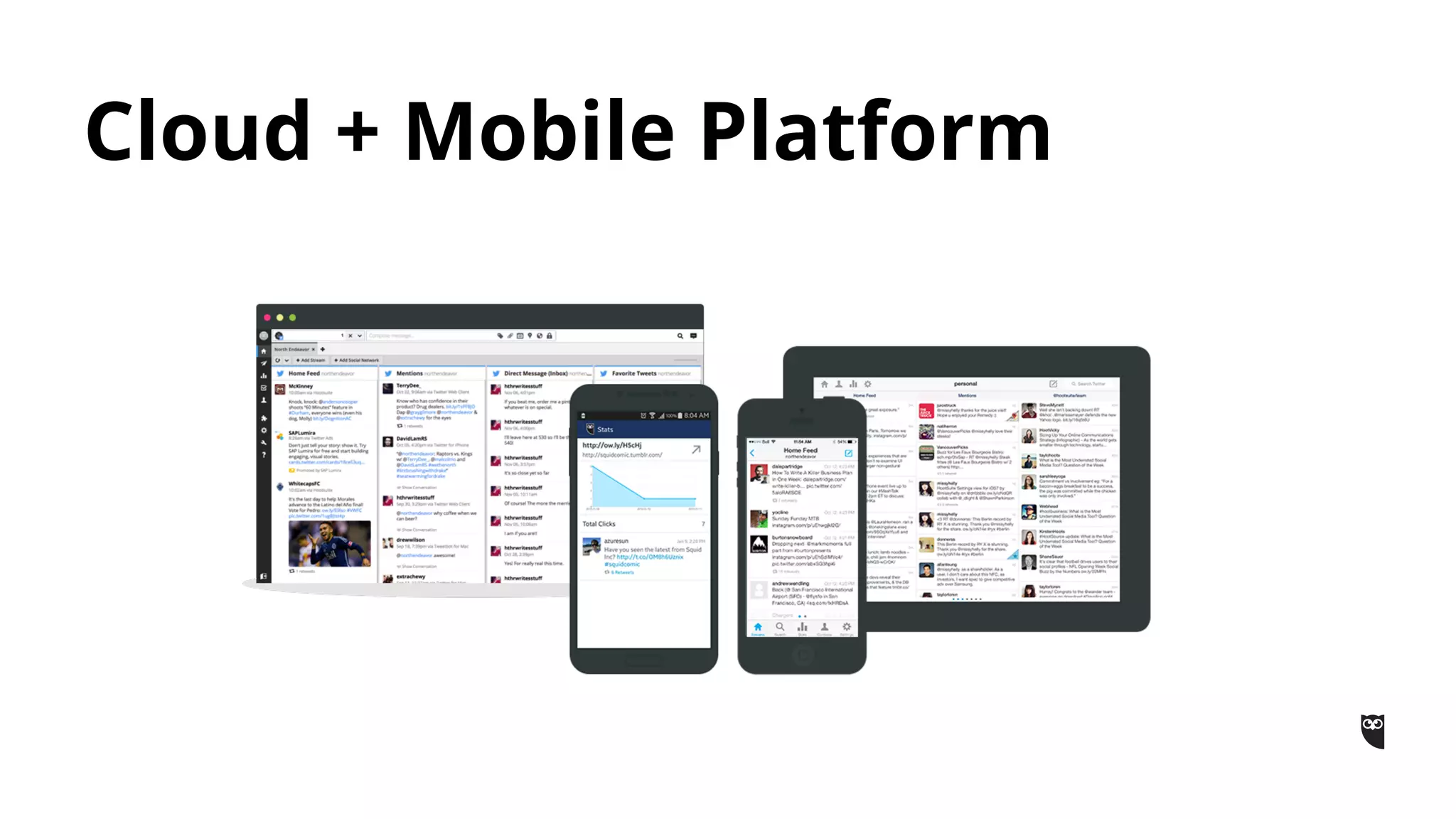
Cloud + Mobile Platform
As one workspace that lives across your phone, tablet, and computer,
Evernote is the place you write free from distraction, collect
information, find what you need, and present your ideas to the world.
Over 150 million users
Evernote is the modern workspace
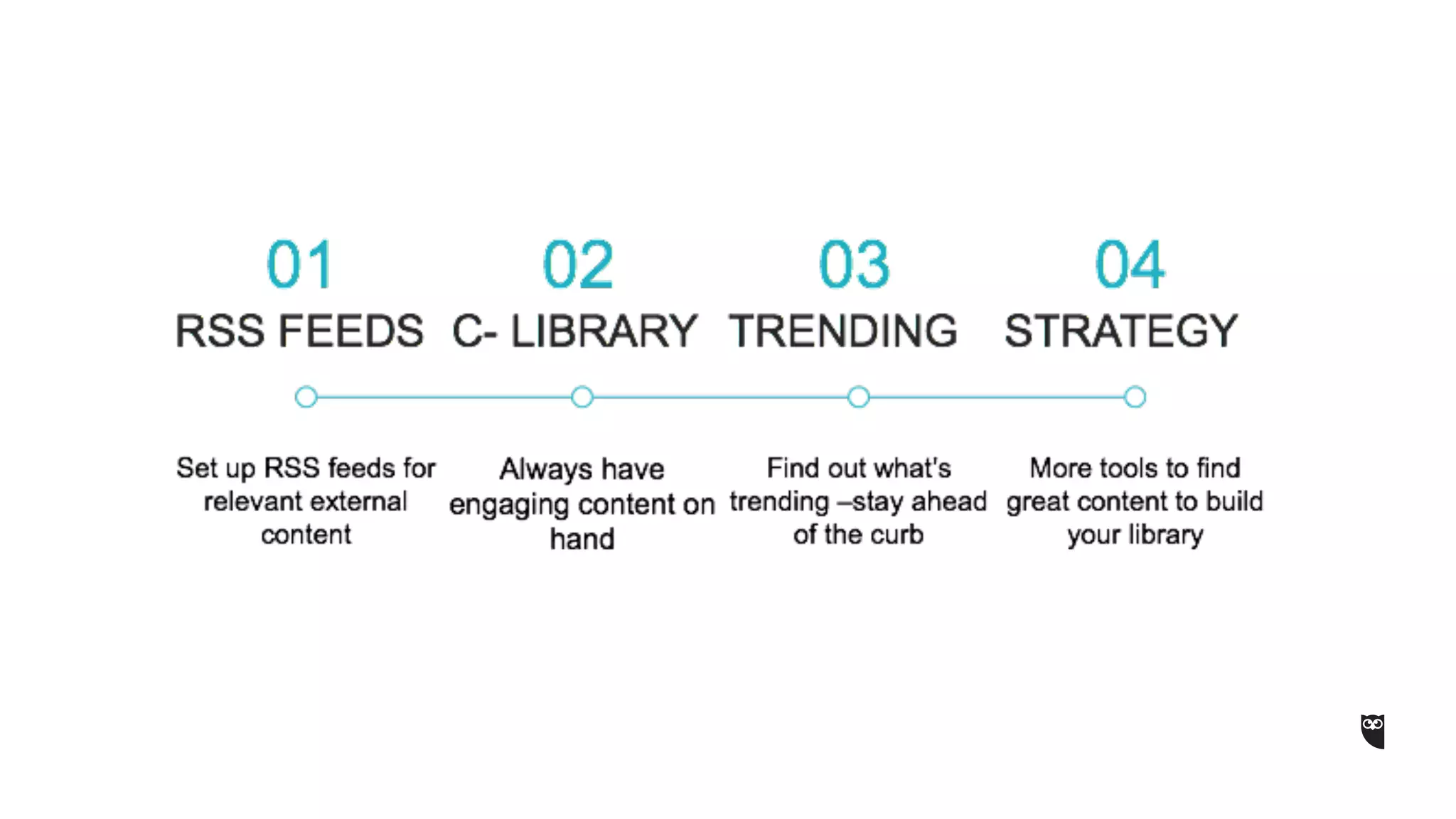
Agenda:
5 Productivity Tips From Hootsuite
5 Productivity Tips From Evernote
Hootsuite and Evernote recommends most
powerful digital tools at your disposal
Q&A
@EvernoteSEA @HootsuiteAPAC #SocialProductivity
What is it?
•It stands for (Rich Site Summary) – easily
received updates
Why should I care?
•In order to start sharing content that can
interest your audience, you need to accumulate
a list of high-quality external sources. These
can be industry news sites, expert blogs, or
other content aggregators.
•Once you have identified the sources, use the
Syndicator Pro app in your Hootsuite
dashboard to set up an RSS feed for each site.
You can do this by either adding an existing
subscription, or import your OPML/XML files
directly into the app.
Tip #1 : RSS Feeds
Tip #1 : RSS Feeds
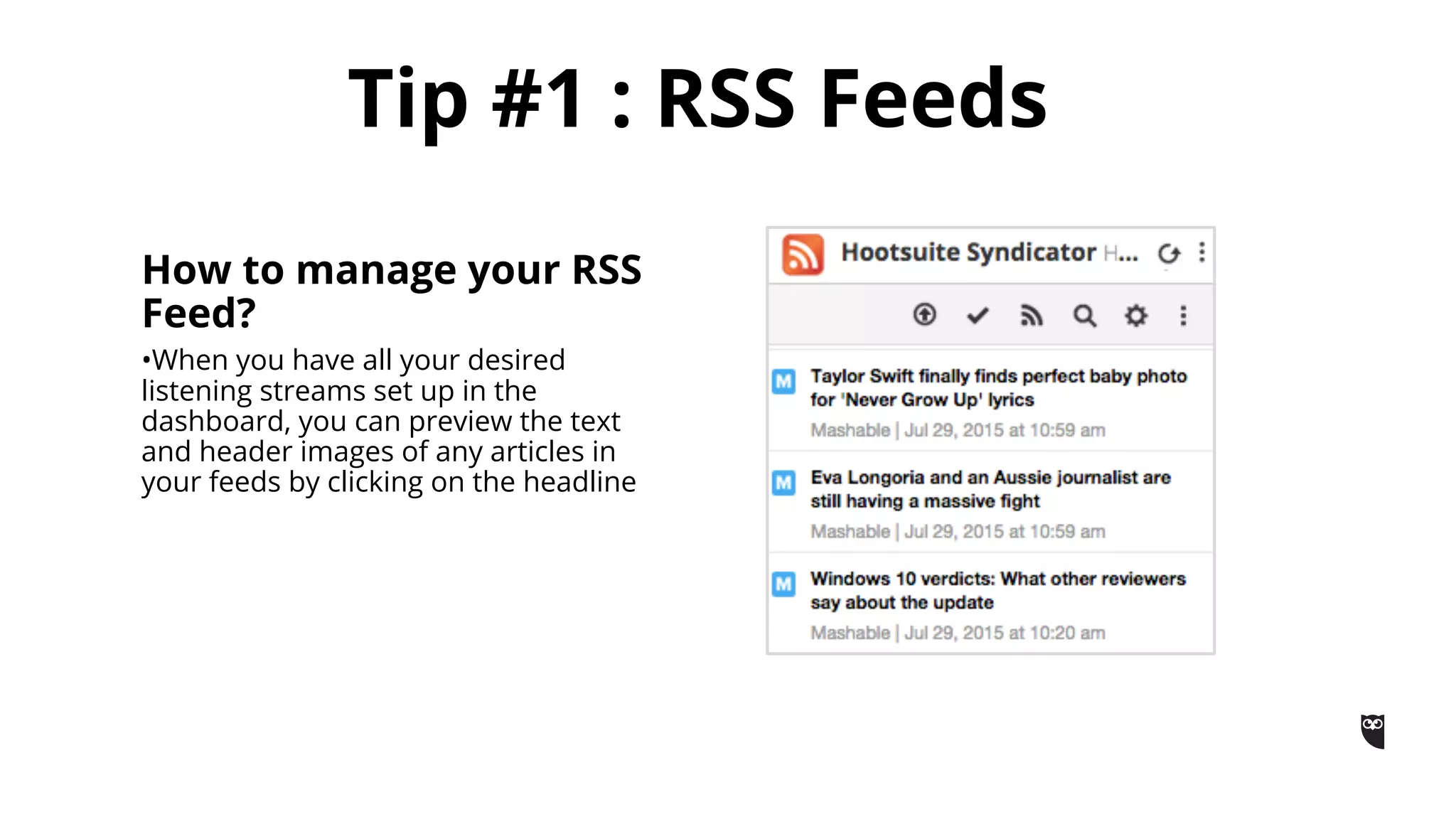
How to manage your RSS
Feed?
•When you have all your desired
listening streams set up in the
dashboard, you can preview the text
and header images of any articles in
your feeds by clicking on the headline
What is it?
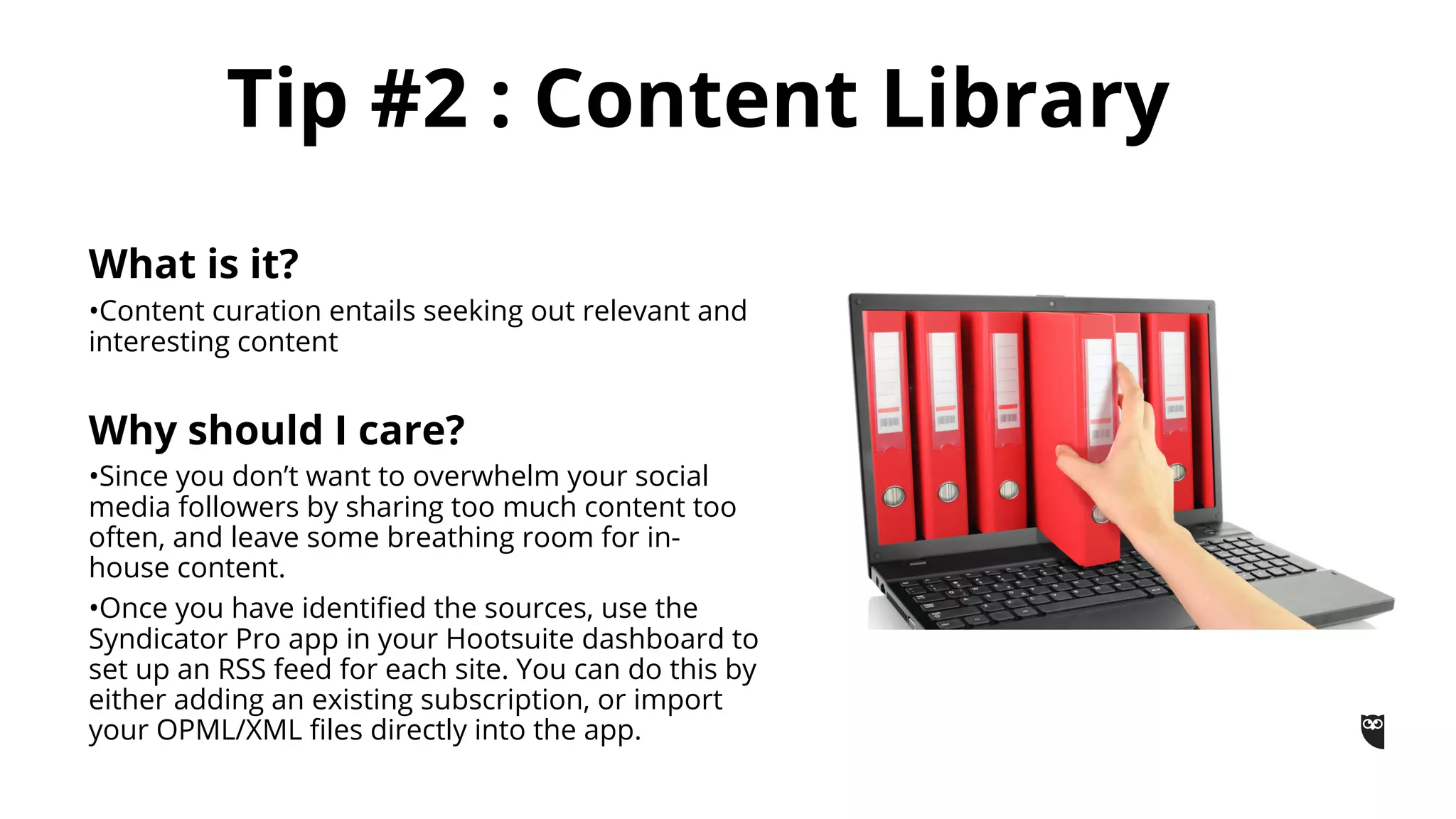
•Content curation entails seeking out relevant and
interesting content
Why should I care?
•Since you don’t want to overwhelm your social
media followers by sharing too much content too
often, and leave some breathing room for in-
house content.
•Once you have identified the sources, use the
Syndicator Pro app in your Hootsuite dashboard to
set up an RSS feed for each site. You can do this by
either adding an existing subscription, or import
your OPML/XML files directly into the app.
Tip #2 : Content Library
How to build a content
library?
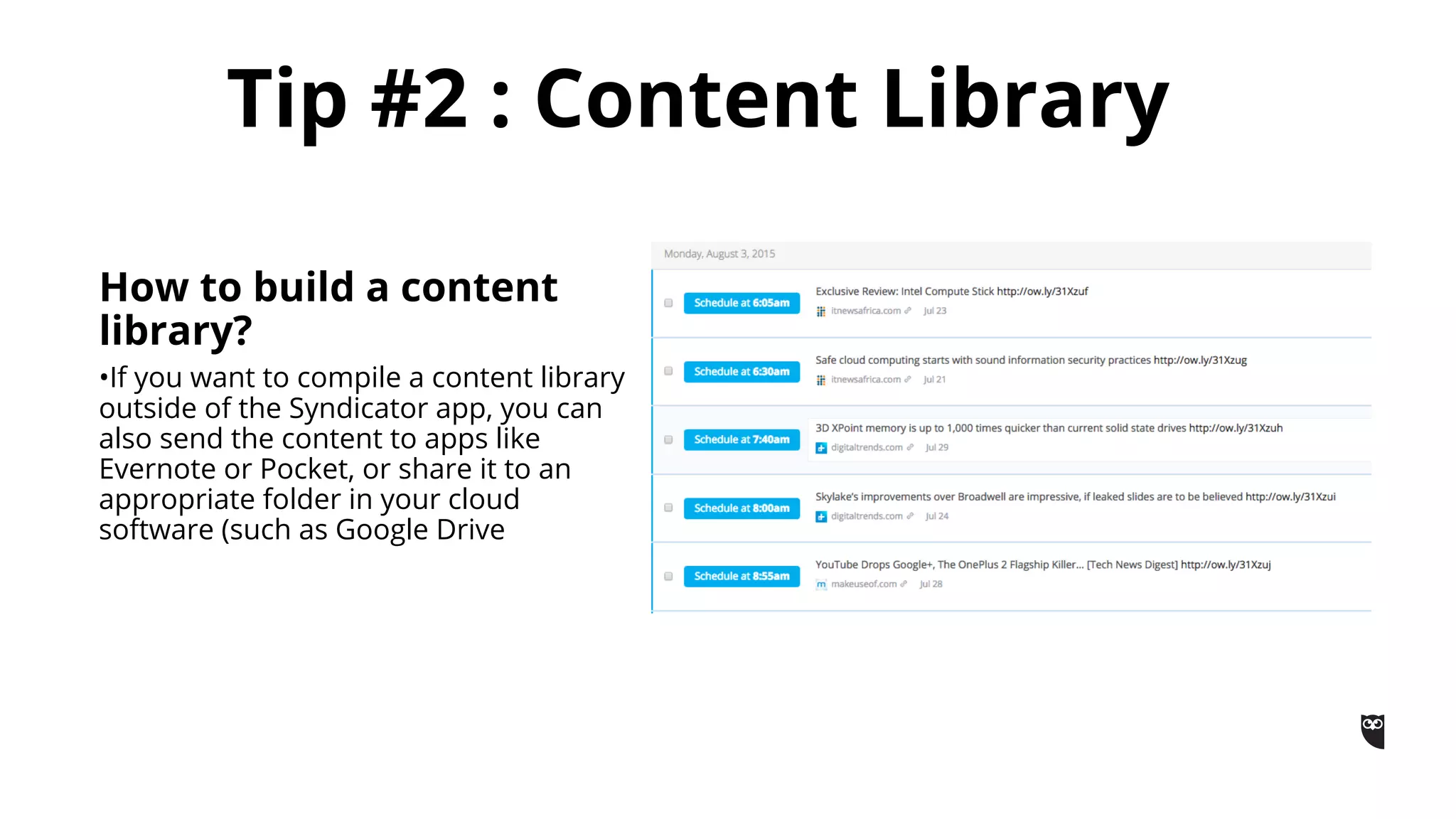
•If you want to compile a content library
outside of the Syndicator app, you can
also send the content to apps like
Evernote or Pocket, or share it to an
appropriate folder in your cloud
software (such as Google Drive
What is it?
Content that drives engagement, passion,
shares and comments. When content
trends and stories break, you need to be
part of the conversation and share your
own passion and insights as early as
possible.
Why should I care?
•Real-time trend intelligence platform that
predicts emerging content, influencers and
sentiment for any topic or search query.
Tip #3 : Trending Content
How do I use it?
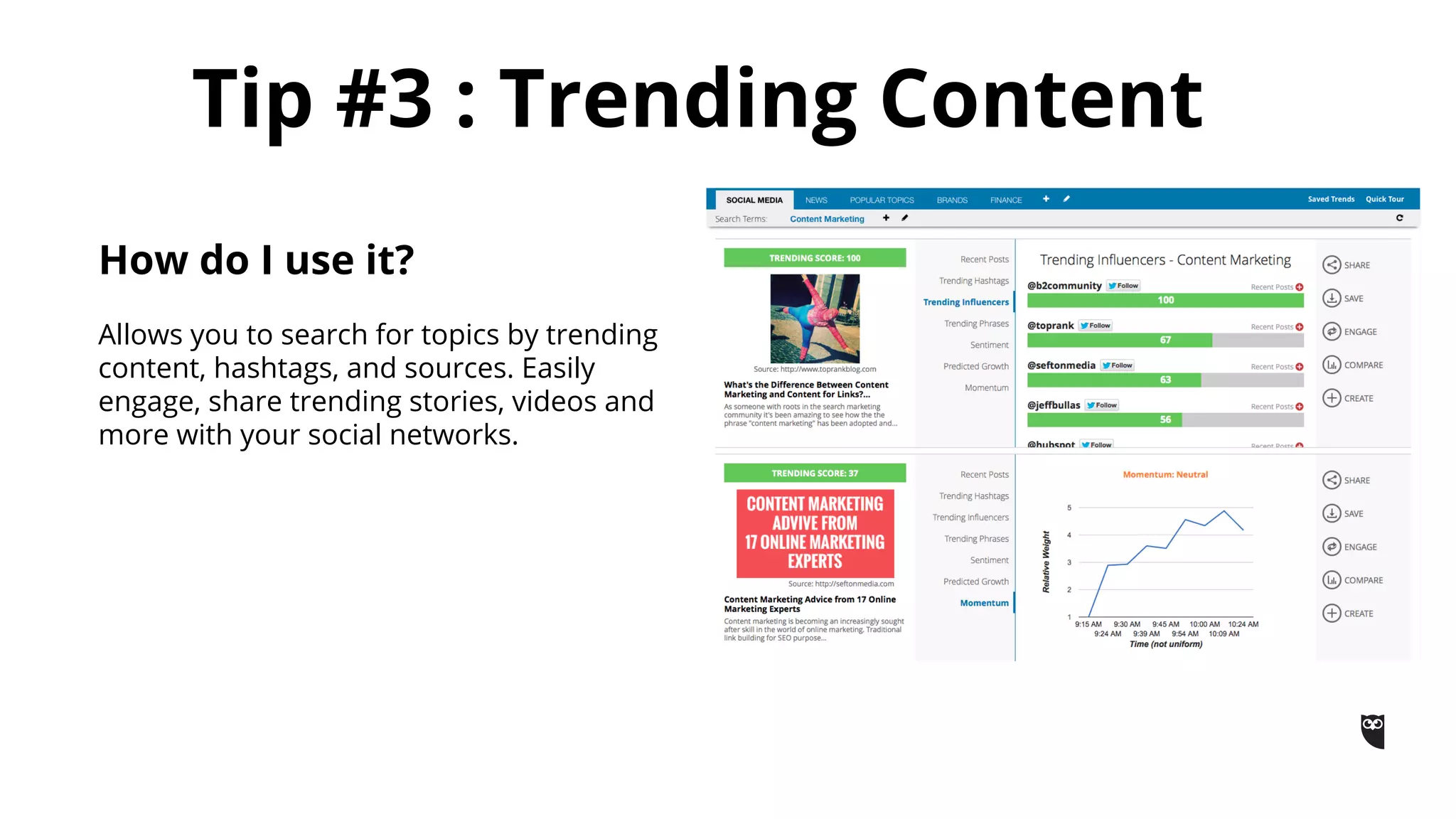
Allows you to search for topics by trending
content, hashtags, and sources. Easily
engage, share trending stories, videos and
more with your social networks.
Tip #4 : Content Strategy
What is it?
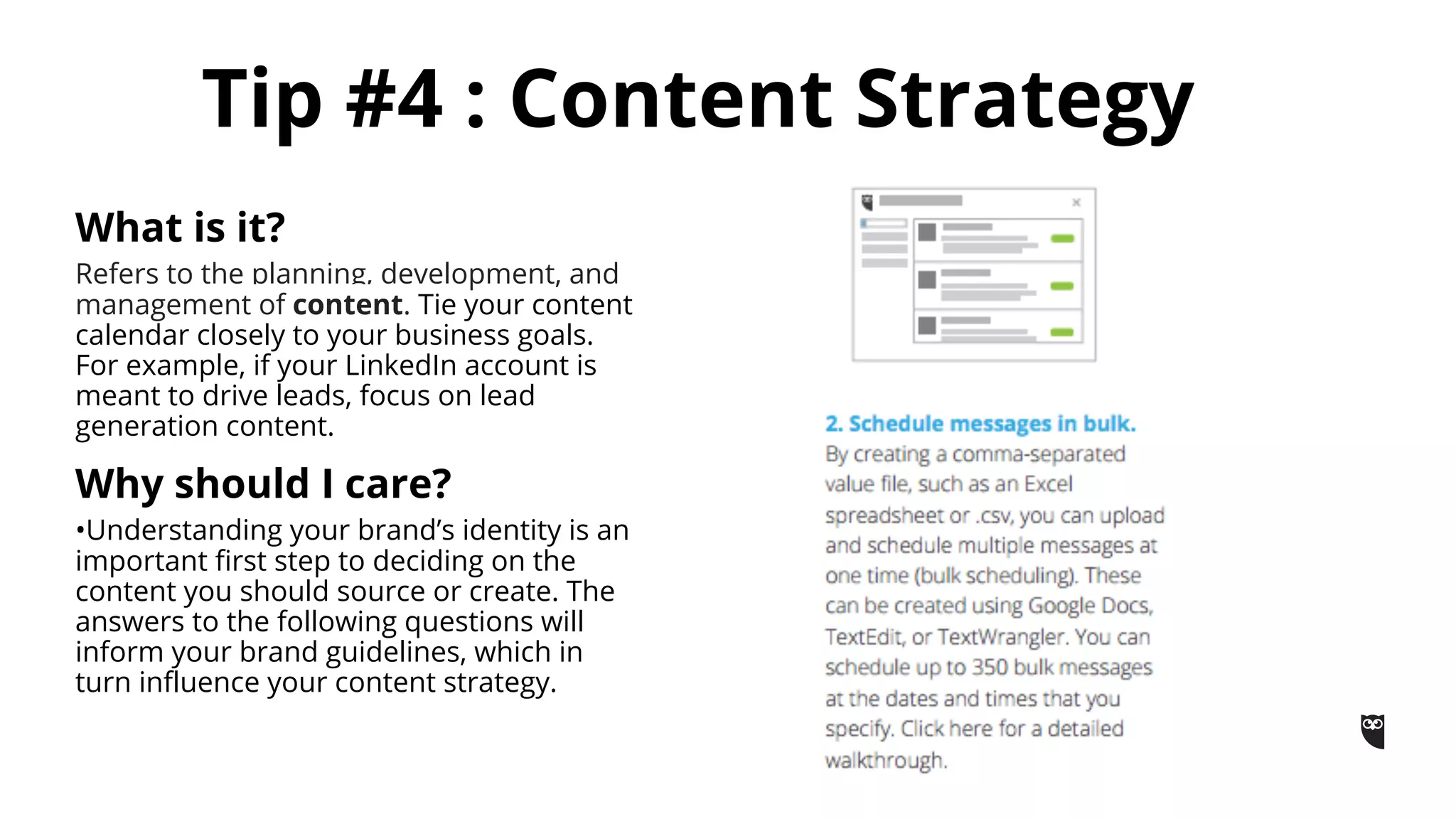
Refers to the planning, development, and
management of content. Tie your content
calendar closely to your business goals.
For example, if your LinkedIn account is
meant to drive leads, focus on lead
generation content.
Why should I care?
•Understanding your brand’s identity is an
important first step to deciding on the
content you should source or create. The
answers to the following questions will
inform your brand guidelines, which in
turn influence your content strategy.
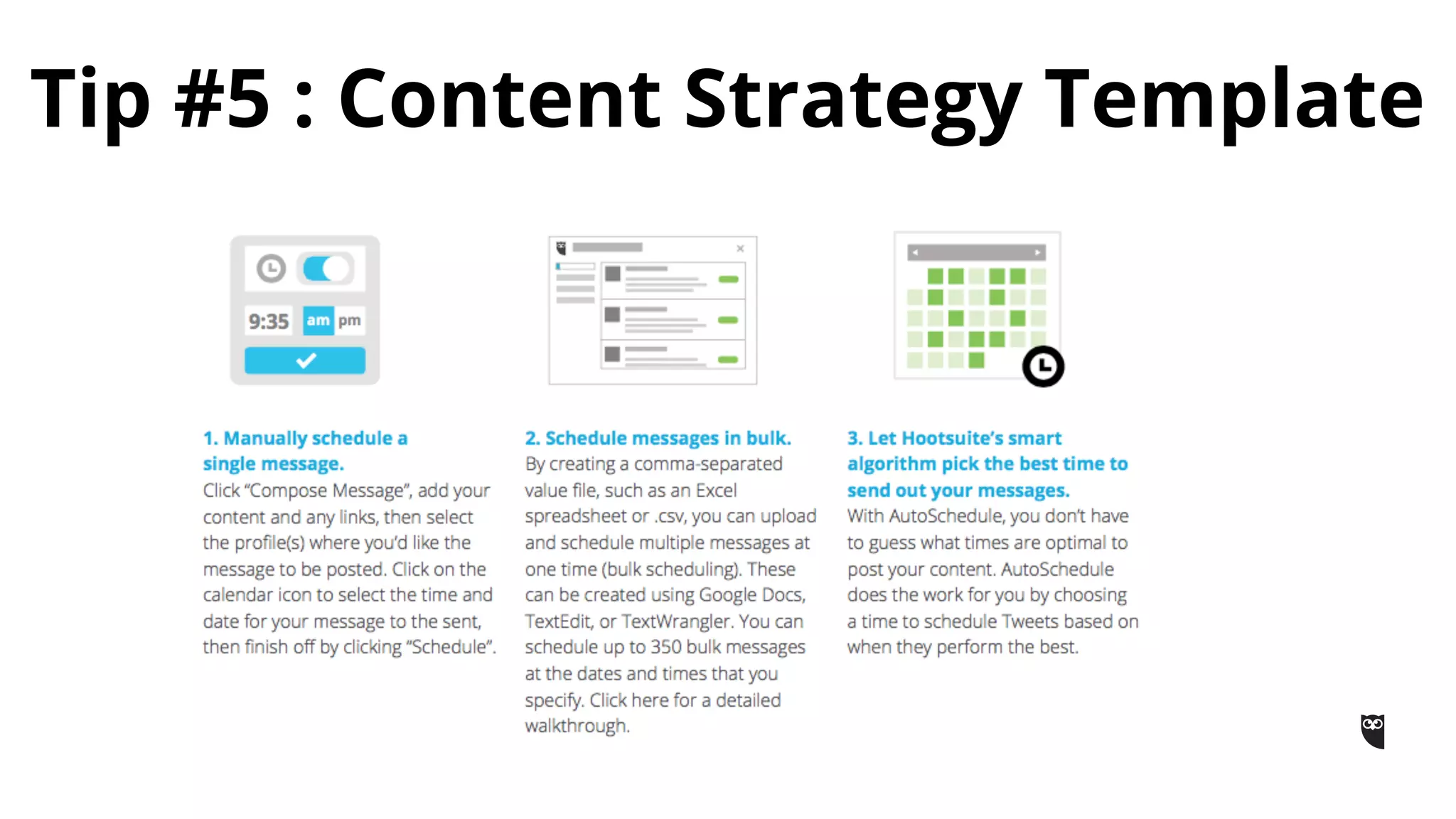
Tip #5 : Content Strategy Template
What is productivity?
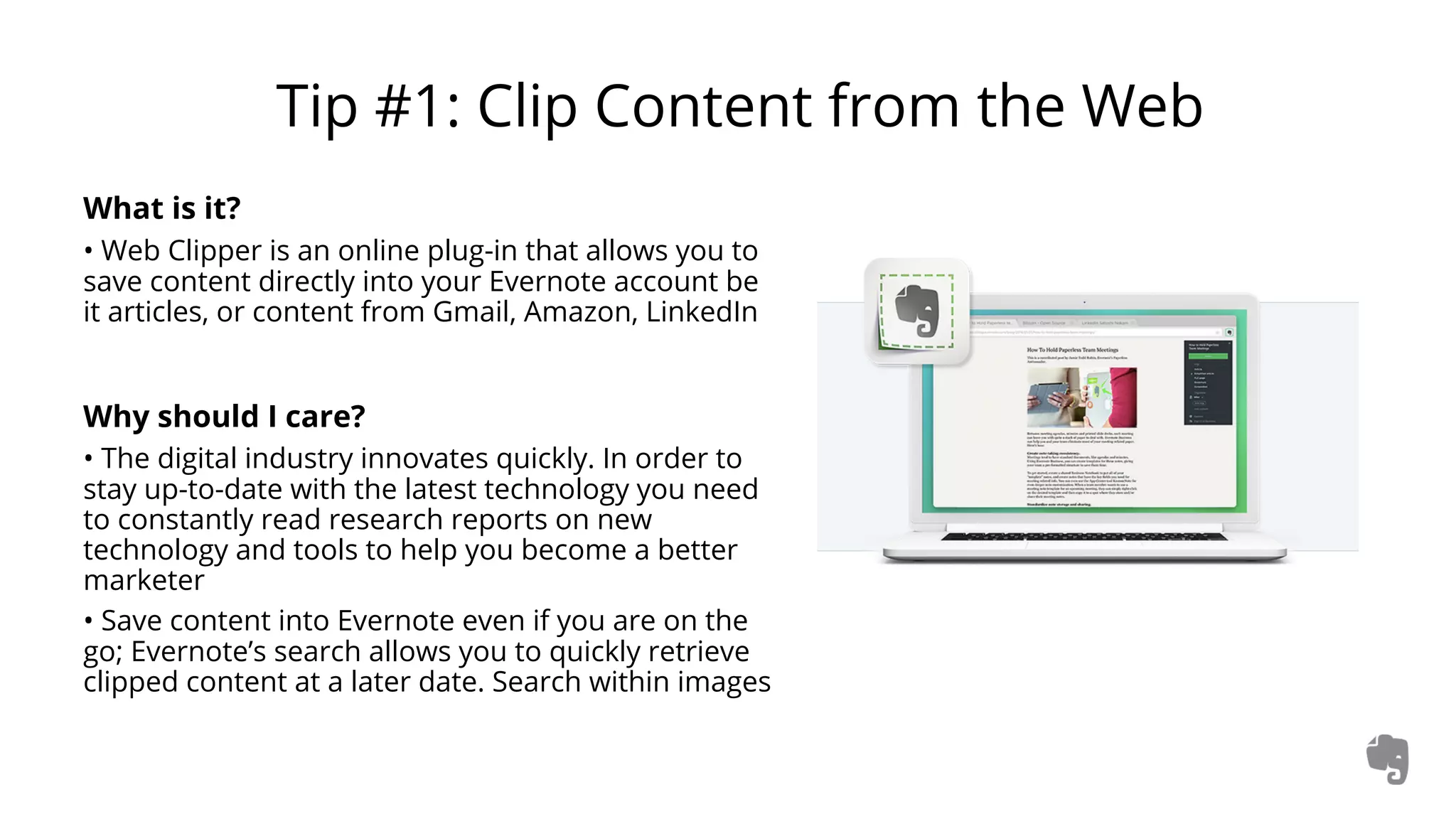
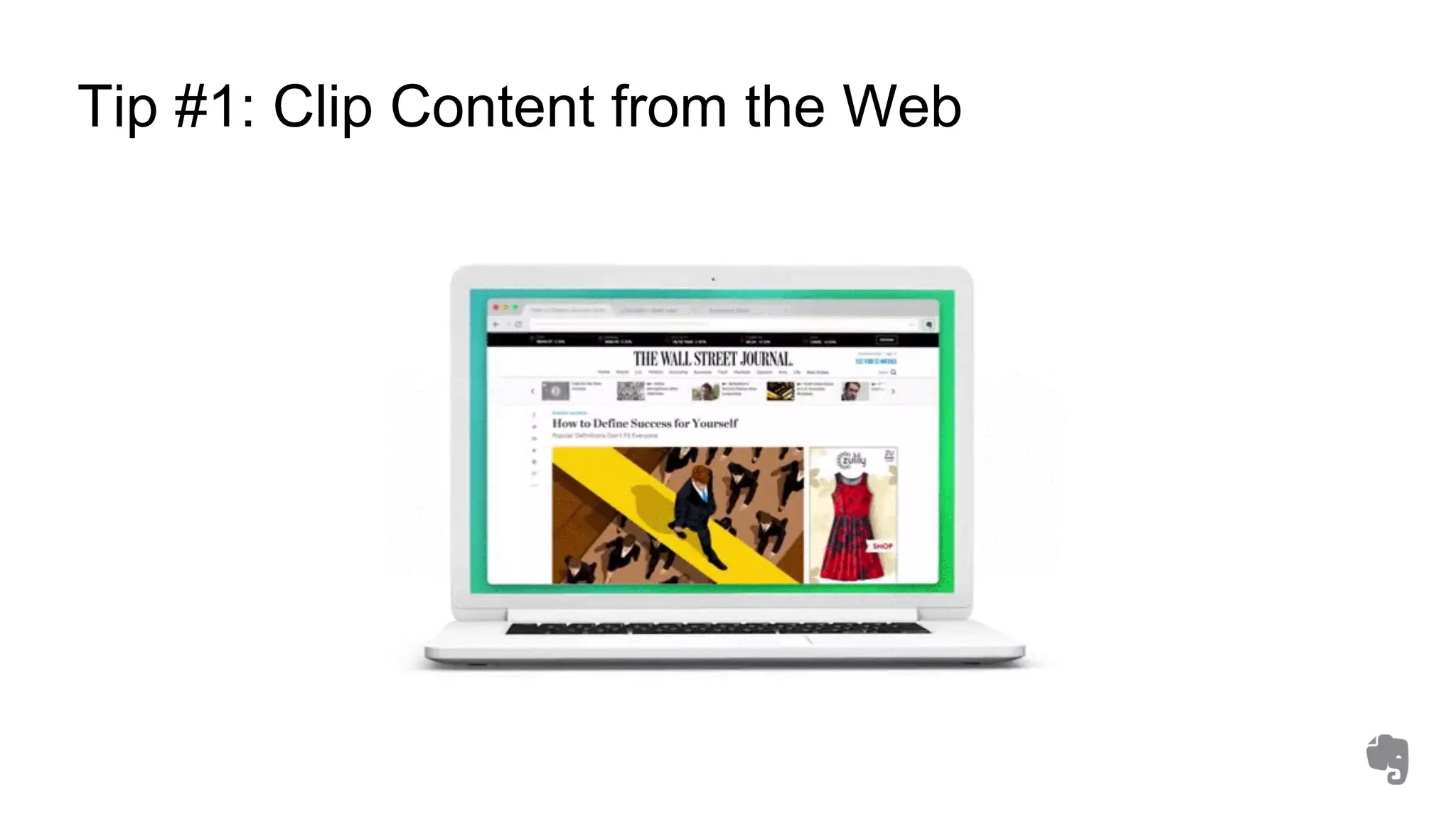
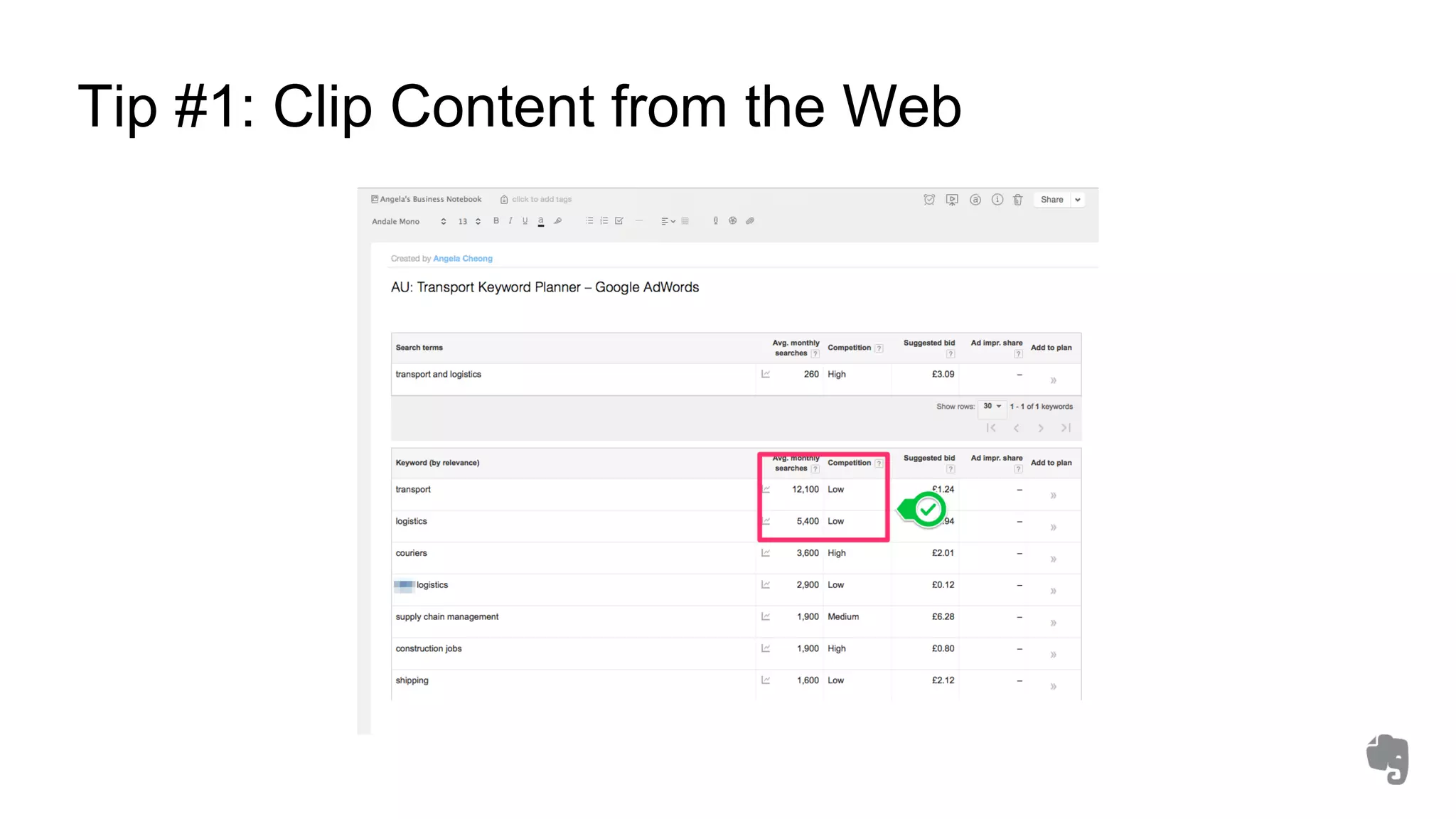
Tip #1: Clip Content from the Web
What is it?
• Web Clipper is an online plug-in that allows you to
save content directly into your Evernote account be
it articles, or content from Gmail, Amazon, LinkedIn
Why should I care?
• The digital industry innovates quickly. In order to
stay up-to-date with the latest technology you need
to constantly read research reports on new
technology and tools to help you become a better
marketer
• Save content into Evernote even if you are on the
go; Evernote’s search allows you to quickly retrieve
clipped content at a later date. Search within images
Tip #1: Clip Content from the Web
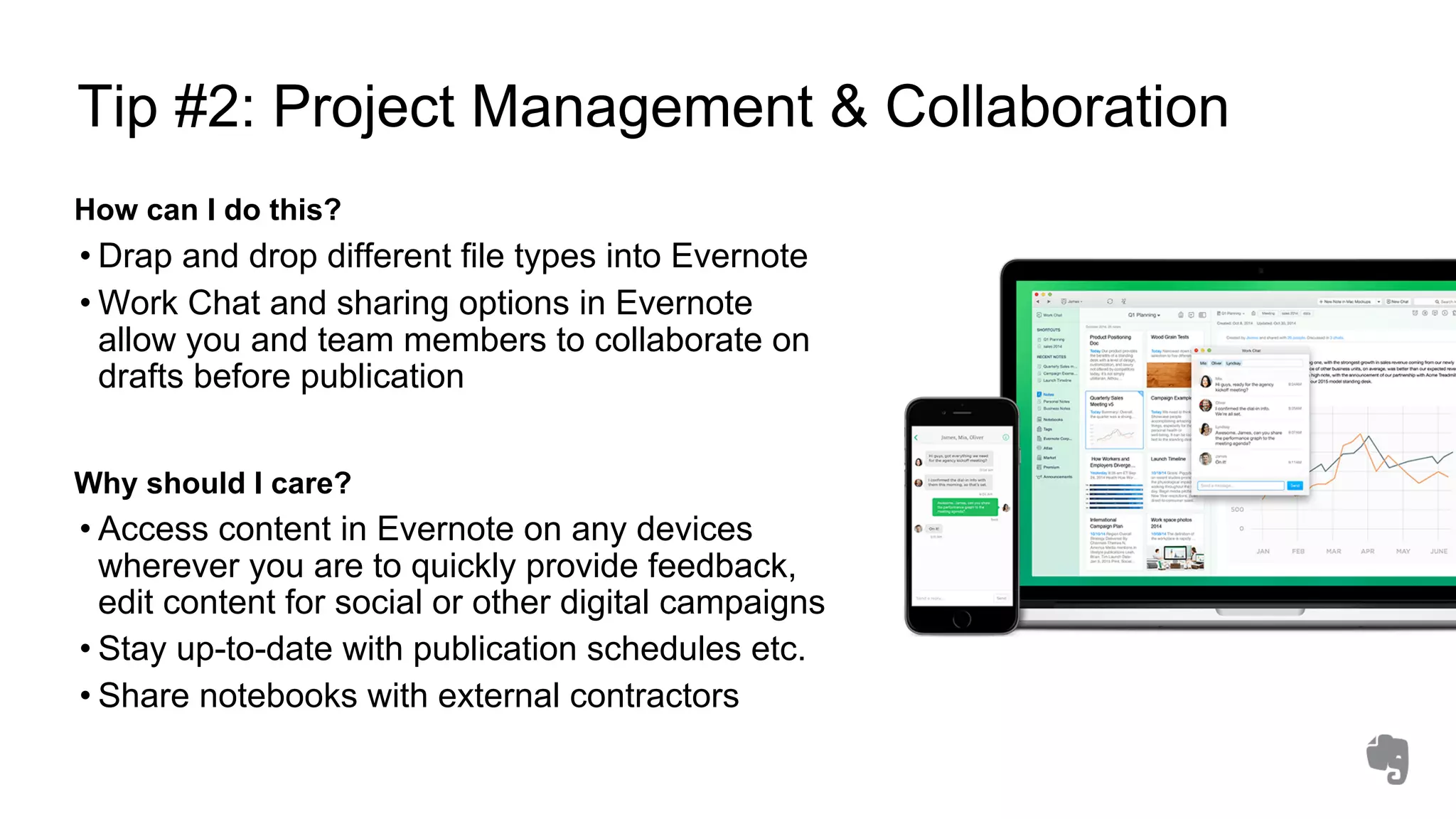
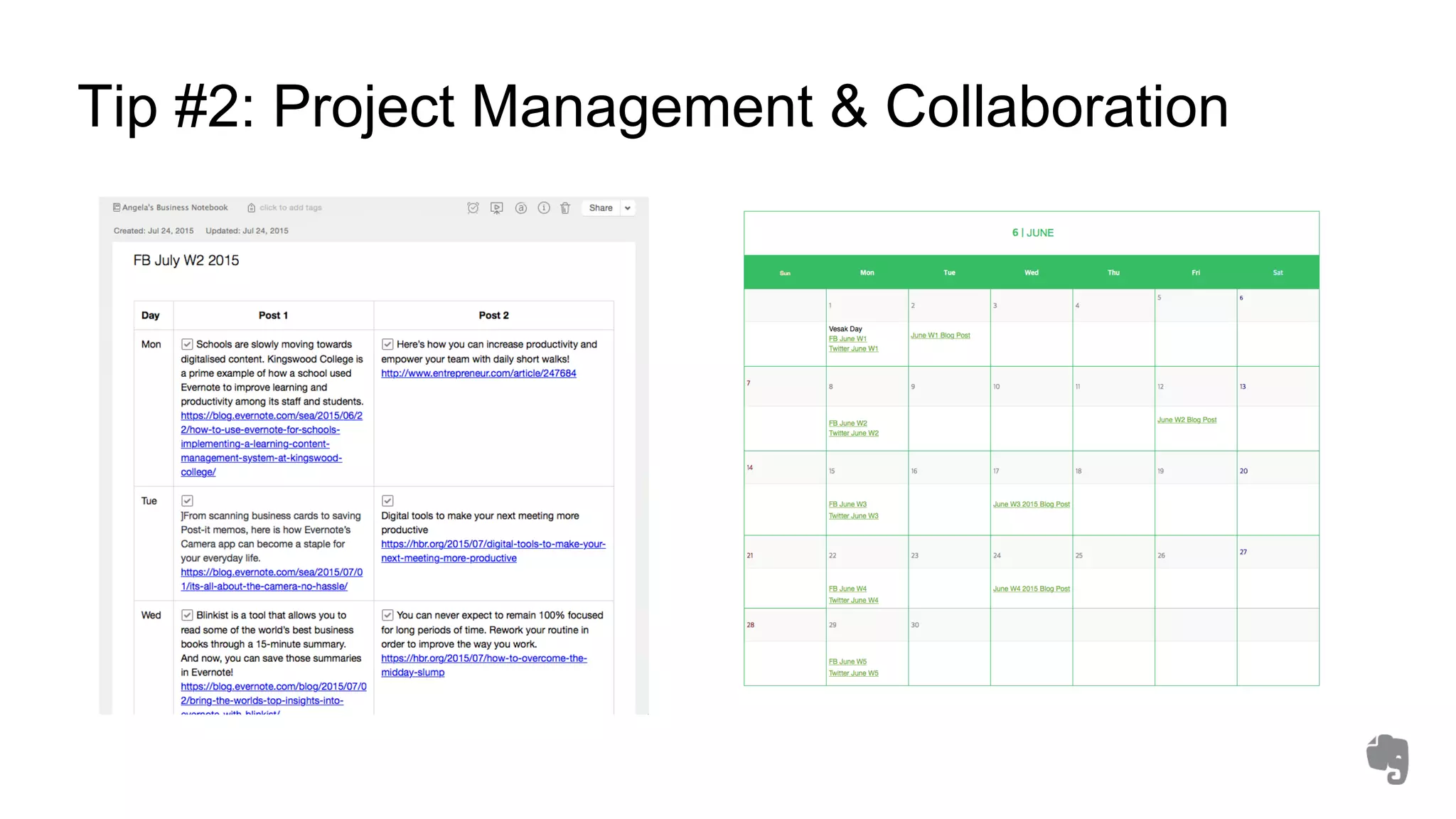
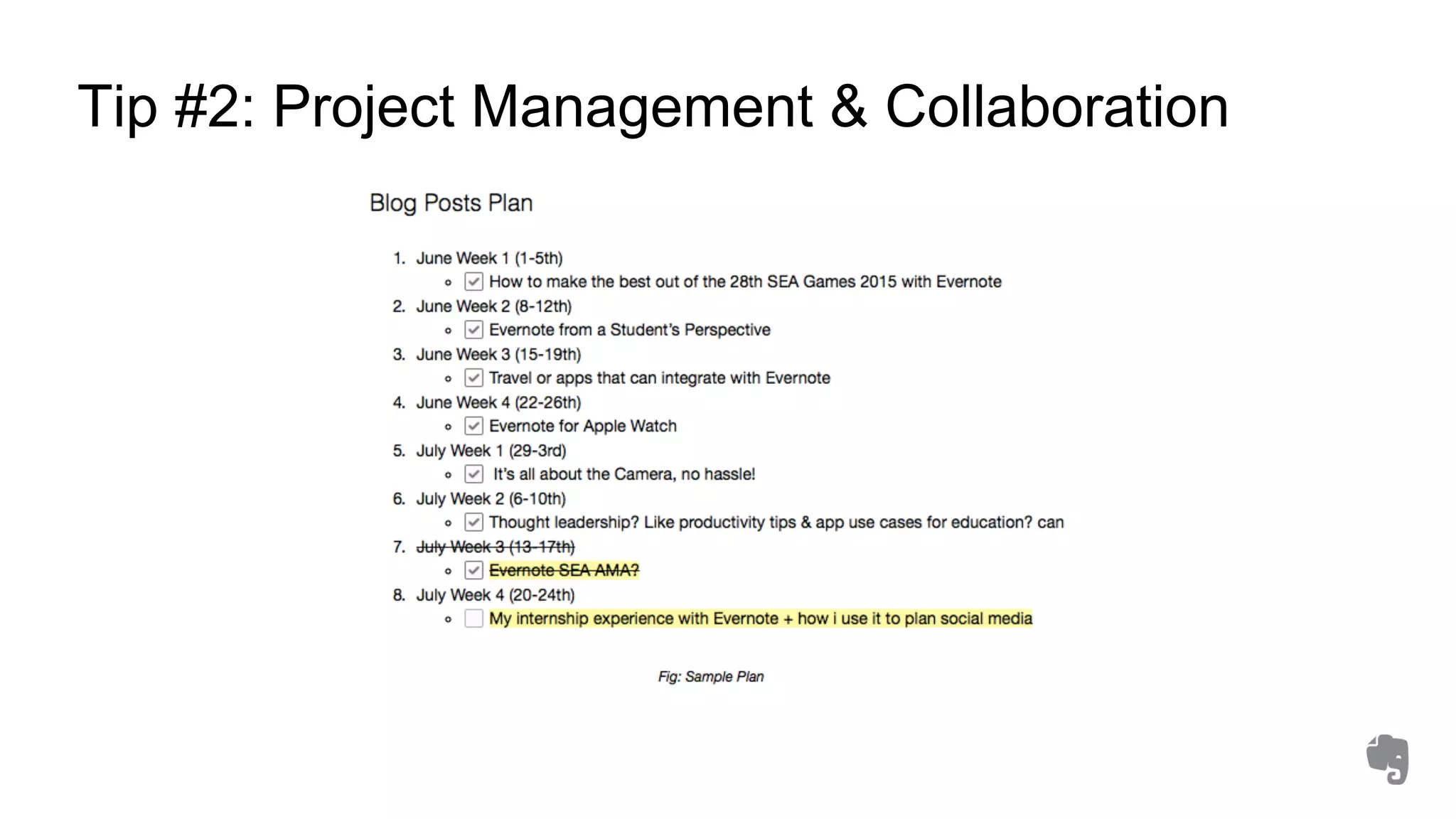
Tip #2: Project Management & Collaboration
How can I do this?
• Drap and drop different file types into Evernote
• Work Chat and sharing options in Evernote
allow you and team members to collaborate on
drafts before publication
Why should I care?
• Access content in Evernote on any devices
wherever you are to quickly provide feedback,
edit content for social or other digital campaigns
• Stay up-to-date with publication schedules etc.
• Share notebooks with external contractors
Tip #2: Project Management & Collaboration
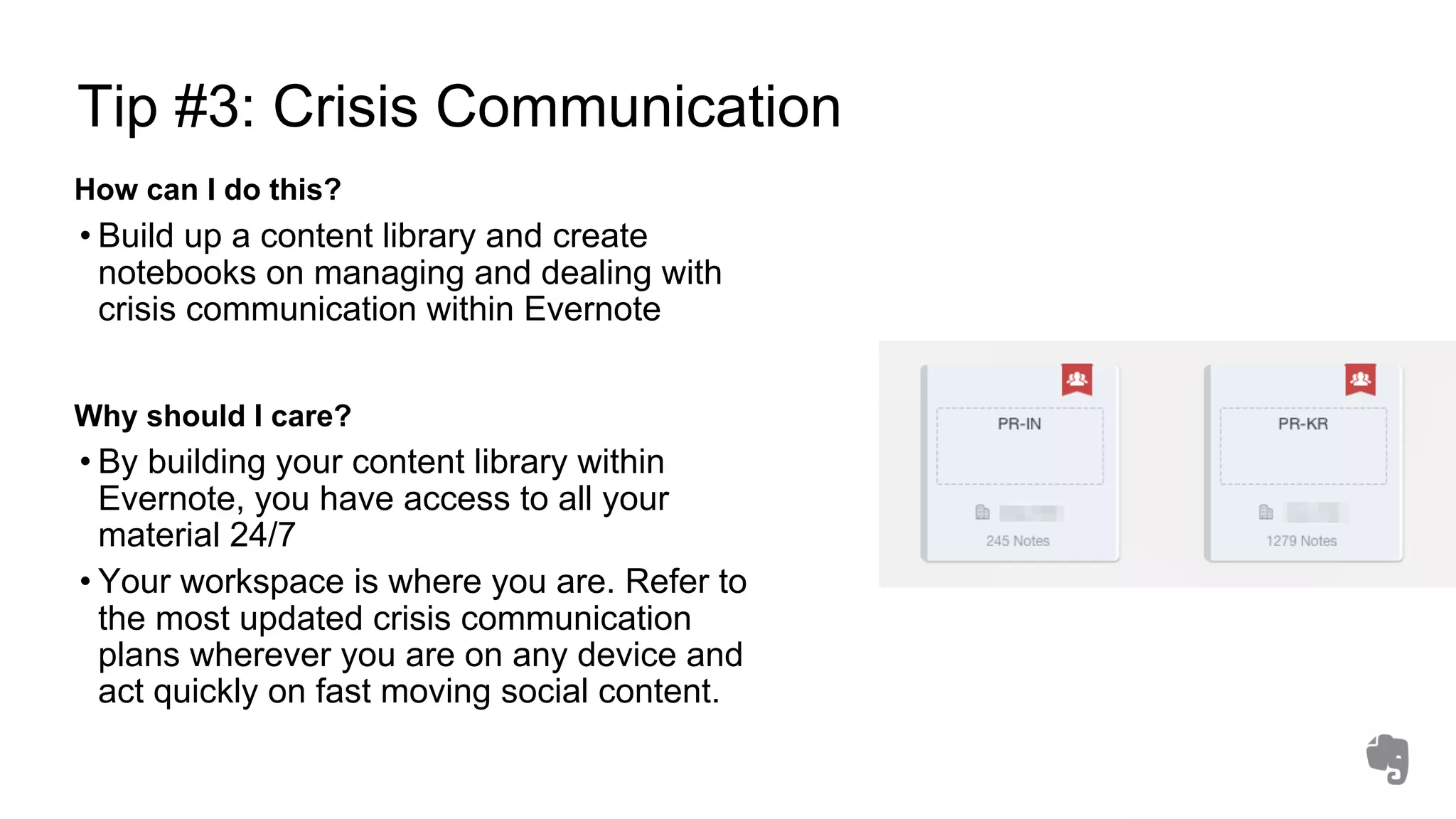
Tip #3: Crisis Communication
How can I do this?
• Build up a content library and create
notebooks on managing and dealing with
crisis communication within Evernote
Why should I care?
• By building your content library within
Evernote, you have access to all your
material 24/7
• Your workspace is where you are. Refer to
the most updated crisis communication
plans wherever you are on any device and
act quickly on fast moving social content.
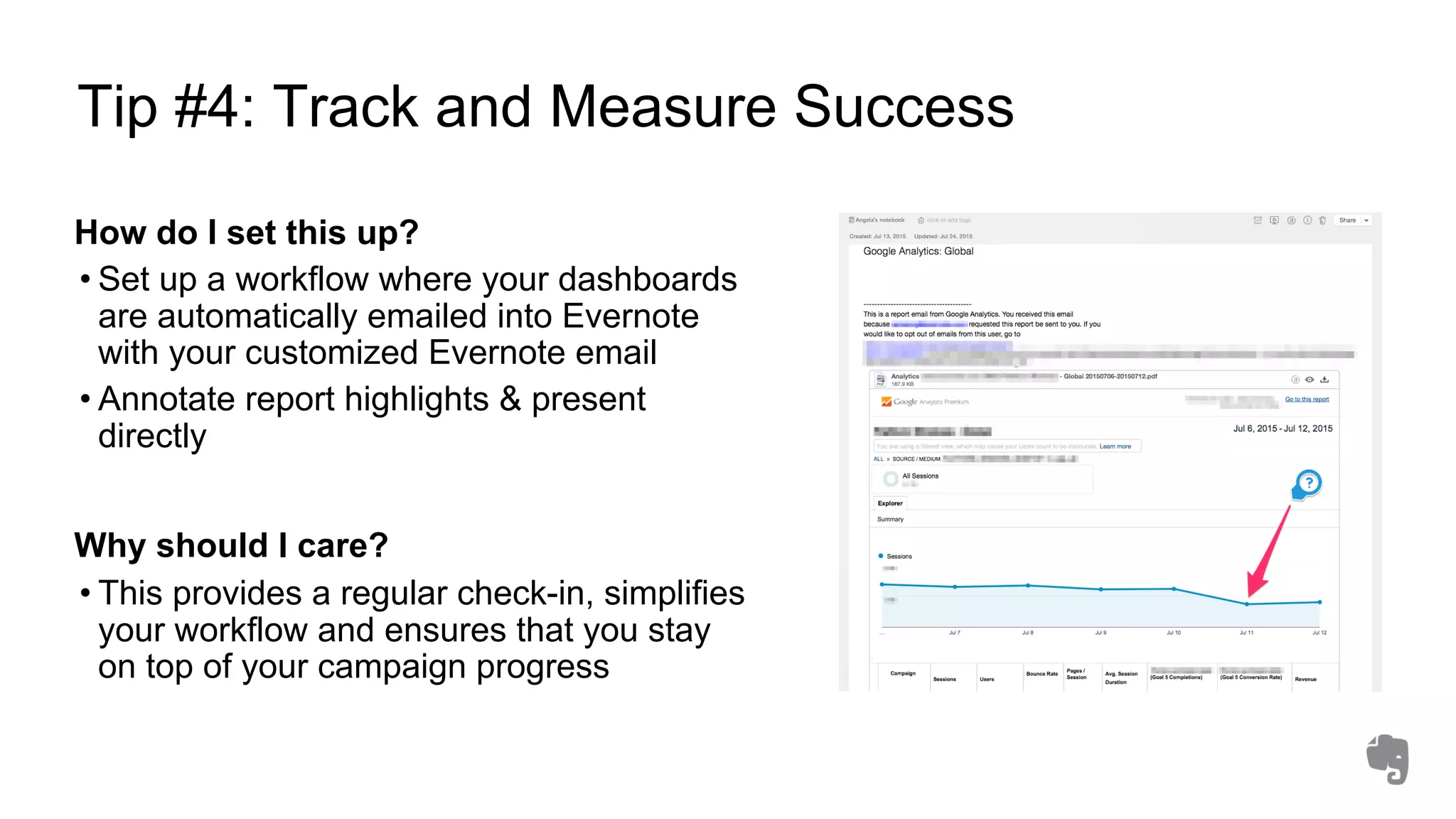
Tip #4: Track and Measure Success
How do I set this up?
• Set up a workflow where your dashboards
are automatically emailed into Evernote
with your customized Evernote email
• Annotate report highlights & present
directly
Why should I care?
• This provides a regular check-in, simplifies
your workflow and ensures that you stay
on top of your campaign progress
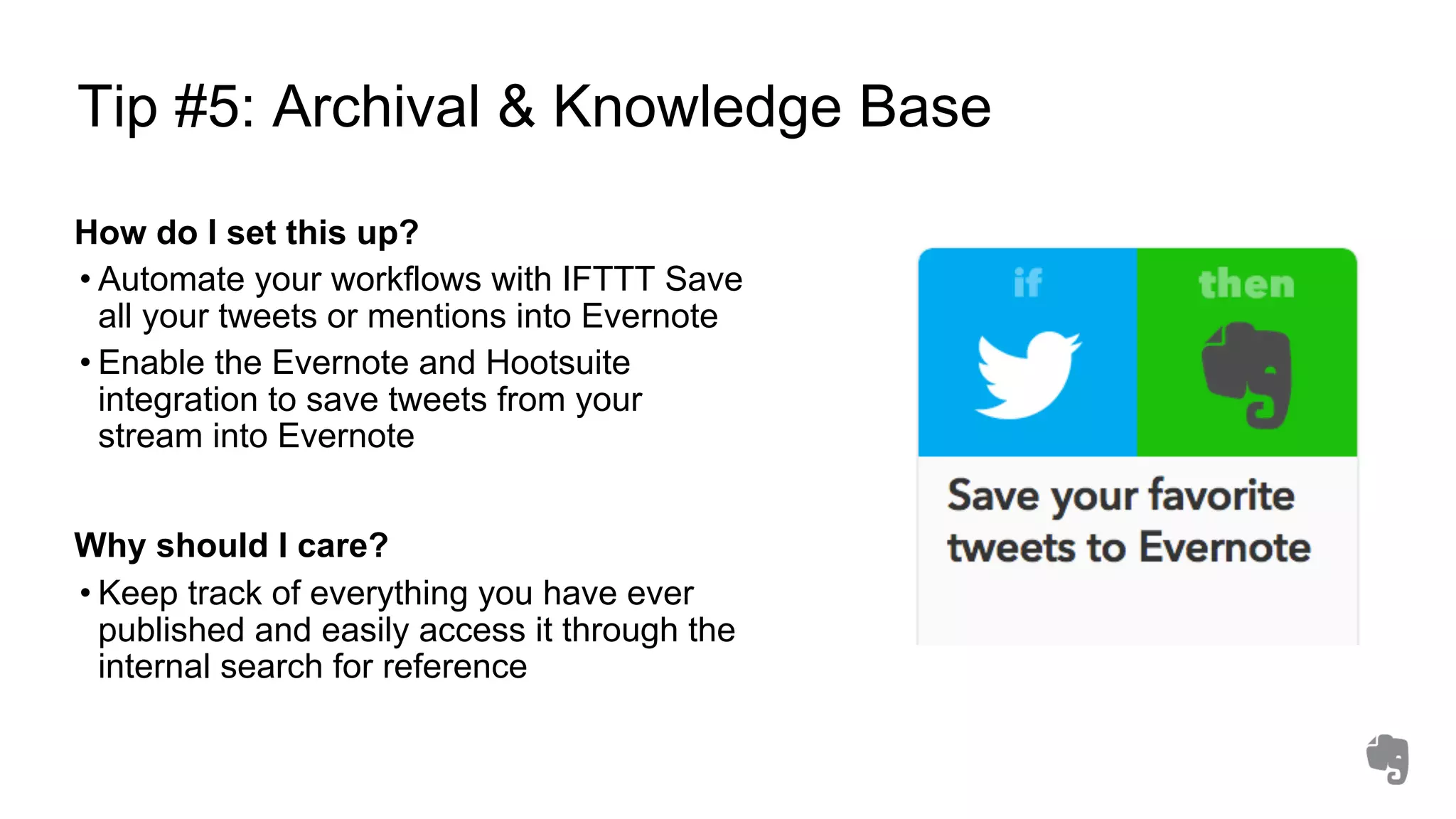
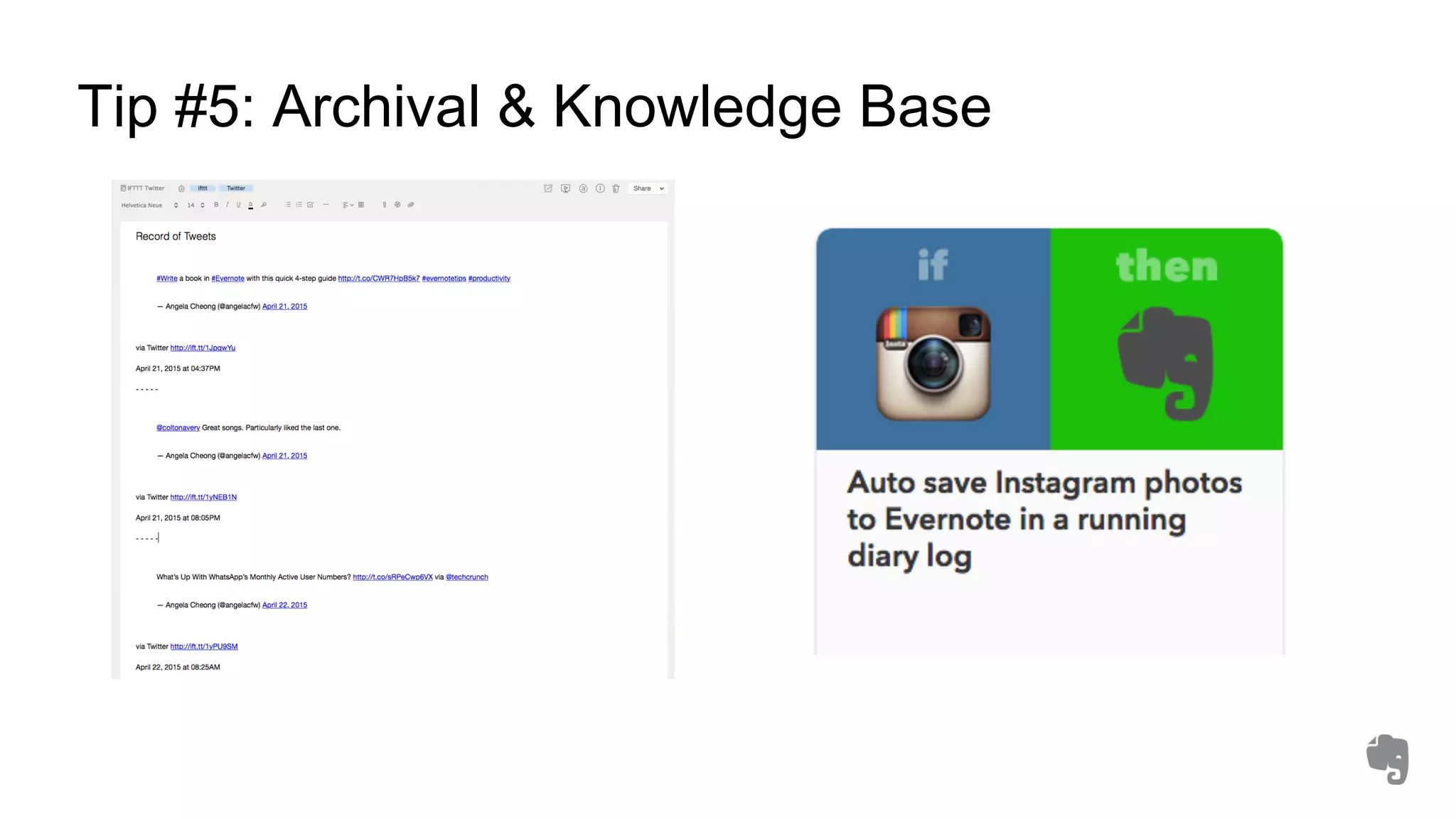
Tip #5: Archival & Knowledge Base
How do I set this up?
• Automate your workflows with IFTTT Save
all your tweets or mentions into Evernote
• Enable the Evernote and Hootsuite
integration to save tweets from your
stream into Evernote
Why should I care?
• Keep track of everything you have ever
published and easily access it through the
internal search for reference
Tip #5: Archival & Knowledge Base
More powerful tools!
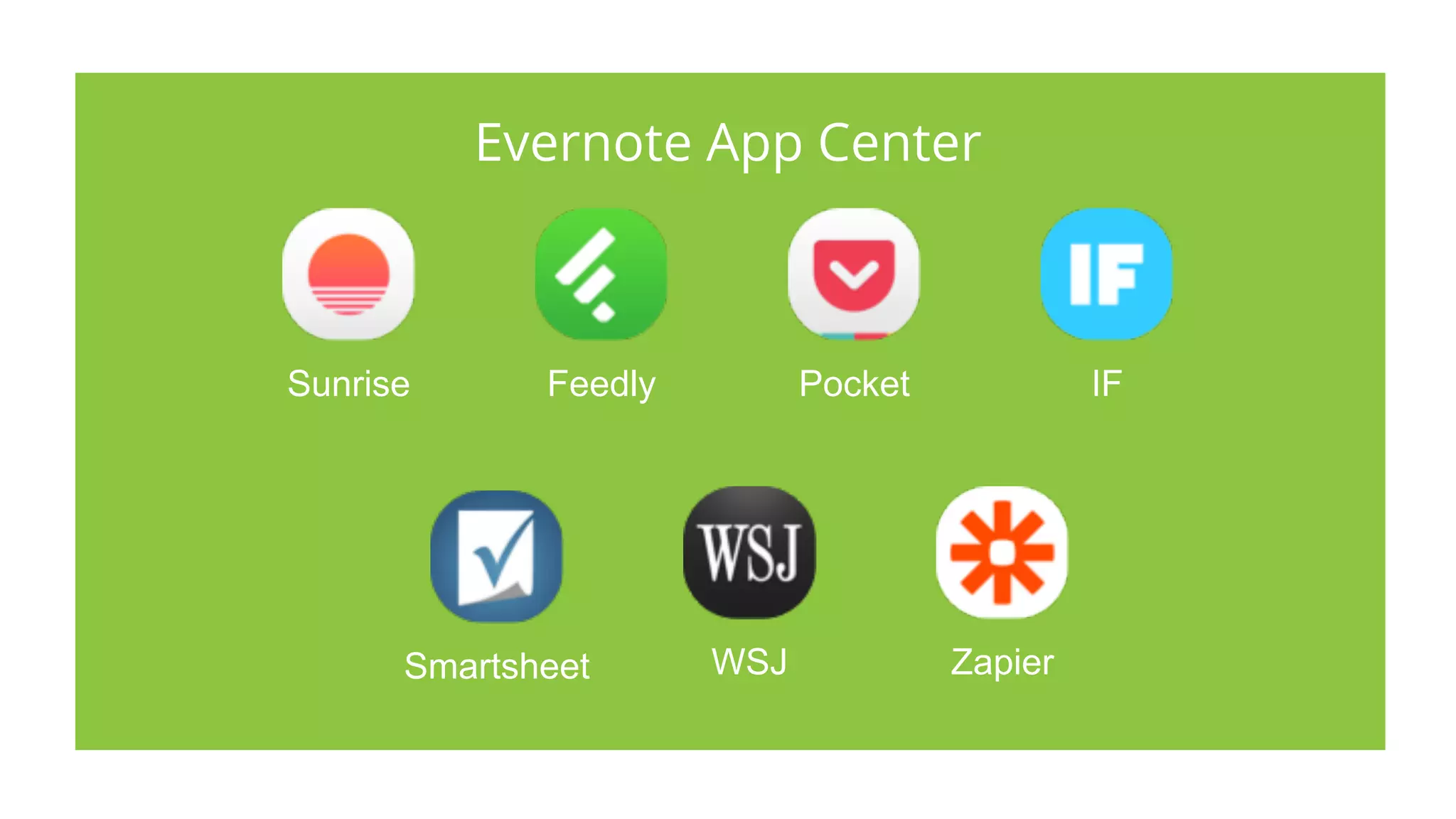
Sunrise Feedly Pocket IF
Smartsheet WSJ Zapier
Evernote App Center
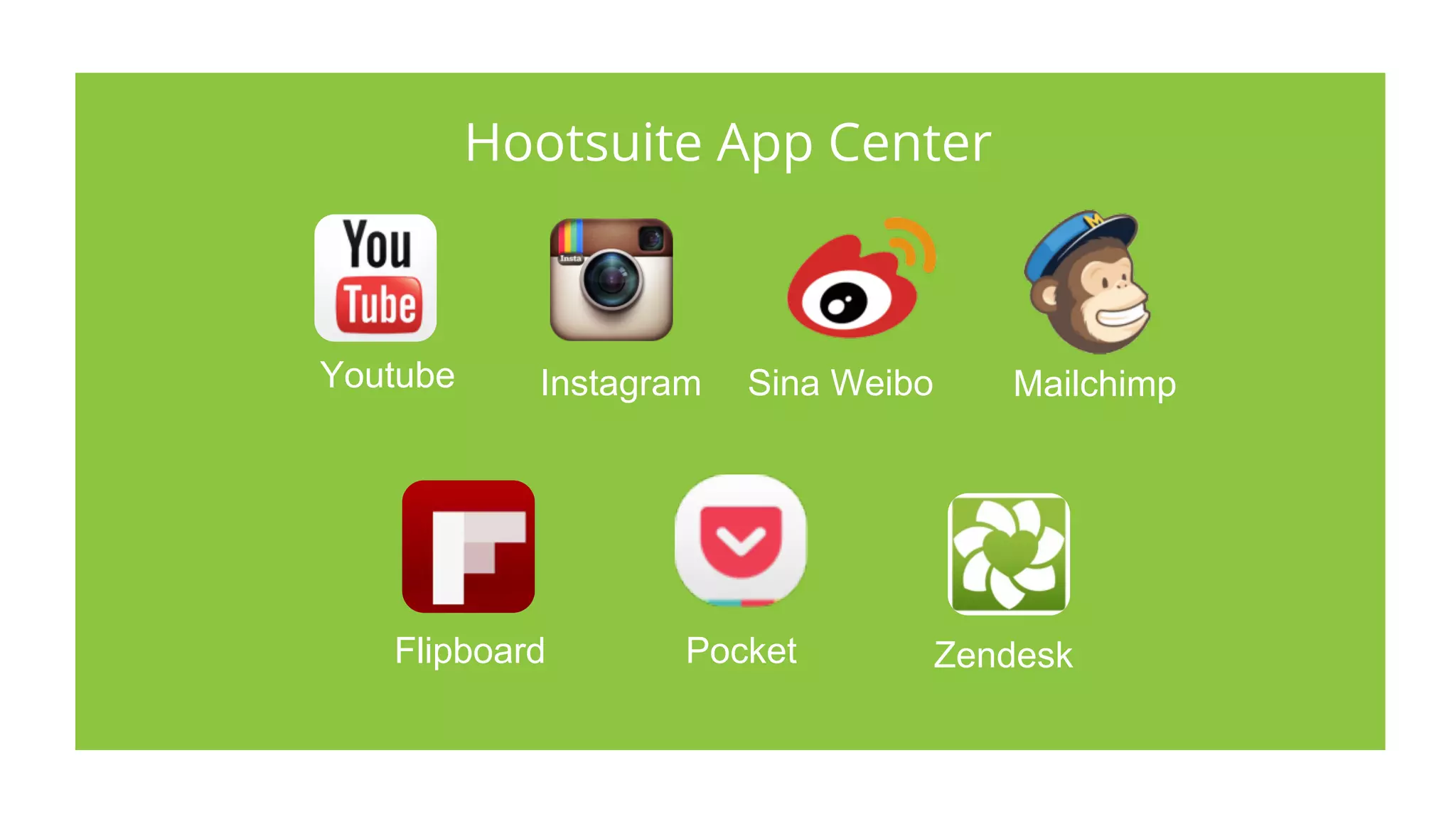
Hootsuite App Center
Flipboard ZendeskPocket
MailchimpYoutube Sina WeiboInstagram
Q&A
@EvernoteSEA
@HootsuiteAPAC
#SocialProductivity

10 Productivity Tips From Hootsuite & Evernote

  • 1.
    10 Productivity Tipsfrom Hootsuite & Evernote
  • 2.
    Gillian Hamilton Rogers Community LeadAPAC @Singapore_Gill Angela Cheong Marketing Manager, Asia Pacific @angelacfw Vicky Truong Head of Social Media Coaching @HootVicky @HootsuiteAPAC @EvernoteSEA #SocialProductivity
  • 3.
    Hootsuite is themost widely used platform for managing social media, loved by over 10 million people around the globe and trusted by 744 of the Fortune 1000.
  • 4.
    Trusted by 744of the Fortune 1000
  • 5.
  • 6.
    As one workspacethat lives across your phone, tablet, and computer, Evernote is the place you write free from distraction, collect information, find what you need, and present your ideas to the world.
  • 7.
  • 8.
    Evernote is themodern workspace
  • 9.
    Agenda: 5 Productivity TipsFrom Hootsuite 5 Productivity Tips From Evernote Hootsuite and Evernote recommends most powerful digital tools at your disposal Q&A @EvernoteSEA @HootsuiteAPAC #SocialProductivity
  • 12.
    What is it? •Itstands for (Rich Site Summary) – easily received updates Why should I care? •In order to start sharing content that can interest your audience, you need to accumulate a list of high-quality external sources. These can be industry news sites, expert blogs, or other content aggregators. •Once you have identified the sources, use the Syndicator Pro app in your Hootsuite dashboard to set up an RSS feed for each site. You can do this by either adding an existing subscription, or import your OPML/XML files directly into the app. Tip #1 : RSS Feeds
  • 13.
    Tip #1 :RSS Feeds How to manage your RSS Feed? •When you have all your desired listening streams set up in the dashboard, you can preview the text and header images of any articles in your feeds by clicking on the headline
  • 14.
    What is it? •Contentcuration entails seeking out relevant and interesting content Why should I care? •Since you don’t want to overwhelm your social media followers by sharing too much content too often, and leave some breathing room for in- house content. •Once you have identified the sources, use the Syndicator Pro app in your Hootsuite dashboard to set up an RSS feed for each site. You can do this by either adding an existing subscription, or import your OPML/XML files directly into the app. Tip #2 : Content Library
  • 15.
    Tip #2 :Content Library How to build a content library? •If you want to compile a content library outside of the Syndicator app, you can also send the content to apps like Evernote or Pocket, or share it to an appropriate folder in your cloud software (such as Google Drive
  • 16.
    What is it? Contentthat drives engagement, passion, shares and comments. When content trends and stories break, you need to be part of the conversation and share your own passion and insights as early as possible. Why should I care? •Real-time trend intelligence platform that predicts emerging content, influencers and sentiment for any topic or search query. Tip #3 : Trending Content
  • 17.
    Tip #3 :Trending Content How do I use it? Allows you to search for topics by trending content, hashtags, and sources. Easily engage, share trending stories, videos and more with your social networks.
  • 18.
    Tip #4 :Content Strategy What is it? Refers to the planning, development, and management of content. Tie your content calendar closely to your business goals. For example, if your LinkedIn account is meant to drive leads, focus on lead generation content. Why should I care? •Understanding your brand’s identity is an important first step to deciding on the content you should source or create. The answers to the following questions will inform your brand guidelines, which in turn influence your content strategy.
  • 19.
    Tip #5 :Content Strategy Template
  • 20.
  • 21.
    Tip #1: ClipContent from the Web What is it? • Web Clipper is an online plug-in that allows you to save content directly into your Evernote account be it articles, or content from Gmail, Amazon, LinkedIn Why should I care? • The digital industry innovates quickly. In order to stay up-to-date with the latest technology you need to constantly read research reports on new technology and tools to help you become a better marketer • Save content into Evernote even if you are on the go; Evernote’s search allows you to quickly retrieve clipped content at a later date. Search within images
  • 22.
    Tip #1: ClipContent from the Web
  • 23.
    Tip #1: ClipContent from the Web
  • 24.
    Tip #2: ProjectManagement & Collaboration How can I do this? • Drap and drop different file types into Evernote • Work Chat and sharing options in Evernote allow you and team members to collaborate on drafts before publication Why should I care? • Access content in Evernote on any devices wherever you are to quickly provide feedback, edit content for social or other digital campaigns • Stay up-to-date with publication schedules etc. • Share notebooks with external contractors
  • 25.
    Tip #2: ProjectManagement & Collaboration
  • 26.
    Tip #2: ProjectManagement & Collaboration
  • 27.
    Tip #3: CrisisCommunication How can I do this? • Build up a content library and create notebooks on managing and dealing with crisis communication within Evernote Why should I care? • By building your content library within Evernote, you have access to all your material 24/7 • Your workspace is where you are. Refer to the most updated crisis communication plans wherever you are on any device and act quickly on fast moving social content.
  • 28.
    Tip #4: Trackand Measure Success How do I set this up? • Set up a workflow where your dashboards are automatically emailed into Evernote with your customized Evernote email • Annotate report highlights & present directly Why should I care? • This provides a regular check-in, simplifies your workflow and ensures that you stay on top of your campaign progress
  • 30.
    Tip #5: Archival& Knowledge Base How do I set this up? • Automate your workflows with IFTTT Save all your tweets or mentions into Evernote • Enable the Evernote and Hootsuite integration to save tweets from your stream into Evernote Why should I care? • Keep track of everything you have ever published and easily access it through the internal search for reference
  • 31.
    Tip #5: Archival& Knowledge Base
  • 32.
  • 33.
    Sunrise Feedly PocketIF Smartsheet WSJ Zapier Evernote App Center
  • 34.
    Hootsuite App Center FlipboardZendeskPocket MailchimpYoutube Sina WeiboInstagram
  • 35.