Building a
Social Media Plan
           June 17, 2009


         For audio, turn on your speakers,
     or Call 516-453-0014, code 116-21-4367
Reminders
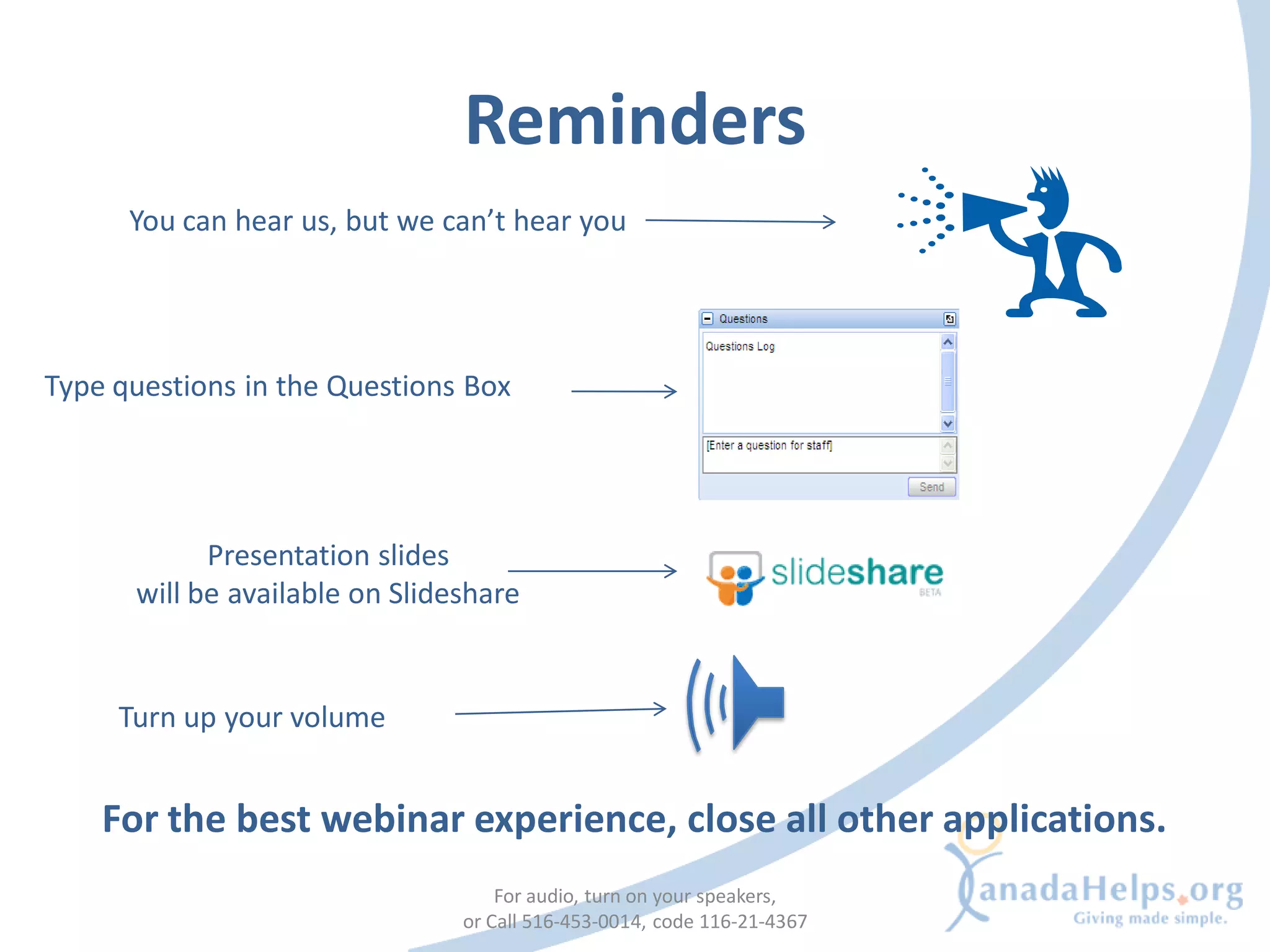
      You can hear us, but we can’t hear you


Type questions in the Questions Box


            Presentation slides
      will be available on Slideshare


     Turn up your volume


    For the best webinar experience, close all other applications.
                                    For audio, turn on your speakers,
                                or Call 516-453-0014, code 116-21-4367
Today’s presenter


• Kirstin Beardsley
  Communications and Marketing Coordinator


                     For audio, turn on your speakers,
                 or Call 516-453-0014, code 116-21-4367
CanadaHelps.org
What is CanadaHelps?
 A public charitable foundation that provides accessible and
 affordable online technology to both donors and charities.

For Charities
  A cost-effective means of raising funds online.

For Donors
  A one-stop-shop for giving.

           CanadaHelps is a charity helping charities.

                          For audio, turn on your speakers,
                      or Call 516-453-0014, code 116-21-4367
Webinar agenda
1.   Overview of Social Media
2.   Social Media Planning
3.   Build Your Strategy
4.   Tell Your Story
5.   The Plan
6.   Let’s Get Started
     •   Setup, Create, Confidence, Integration, Promote, Assess
7. Tips
8. Q & A
                           For audio, turn on your speakers,
                       or Call 516-453-0014, code 116-21-4367
OVERVIEW OF SOCIAL MEDIA


             For audio, turn on your speakers,
         or Call 516-453-0014, code 116-21-4367
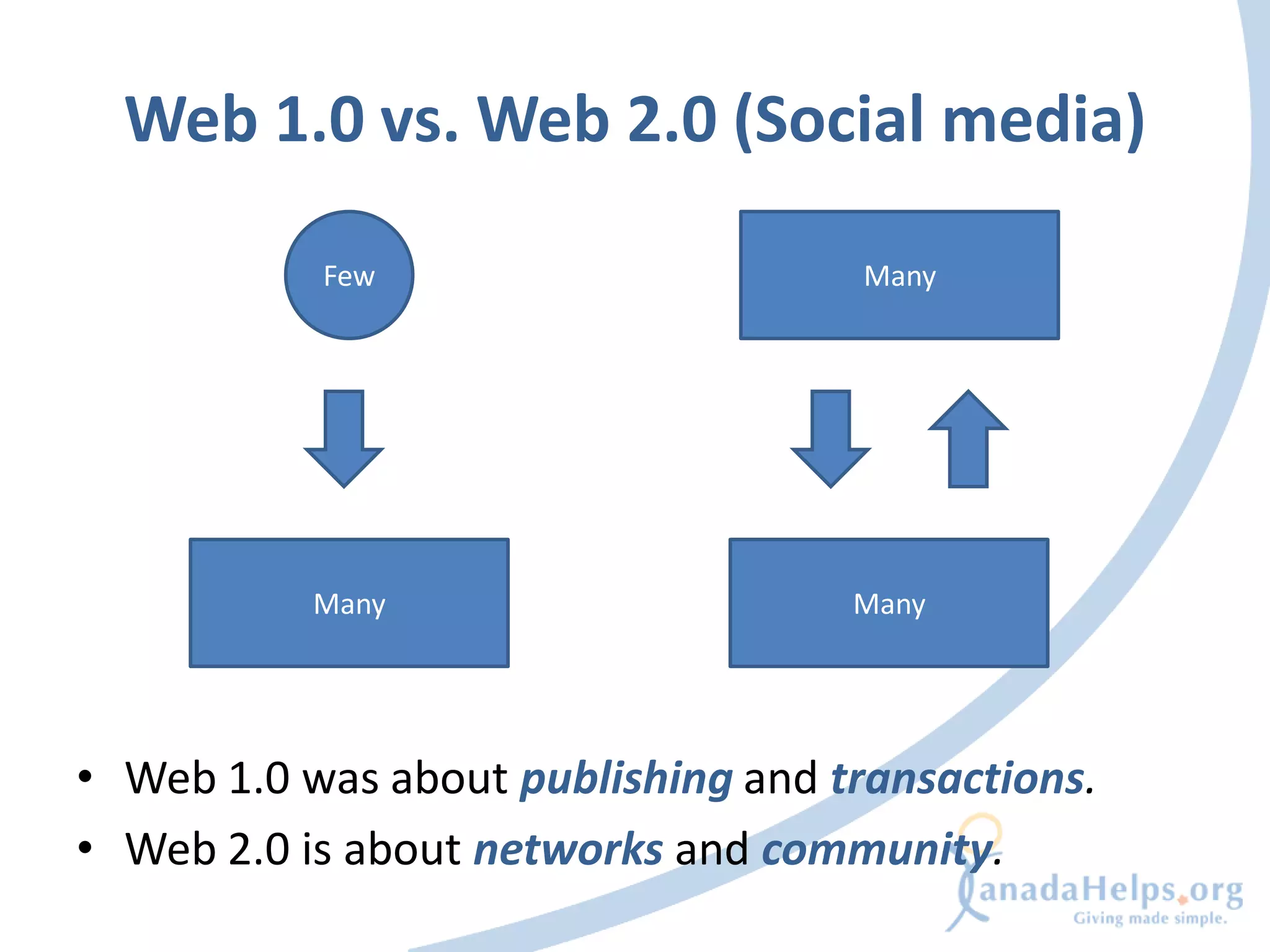
Web 1.0 vs. Web 2.0 (Social media)

           Few                       Many


           Many                     Many


• Web 1.0 was about publishing and transactions.
• Web 2.0 is about networks and community.
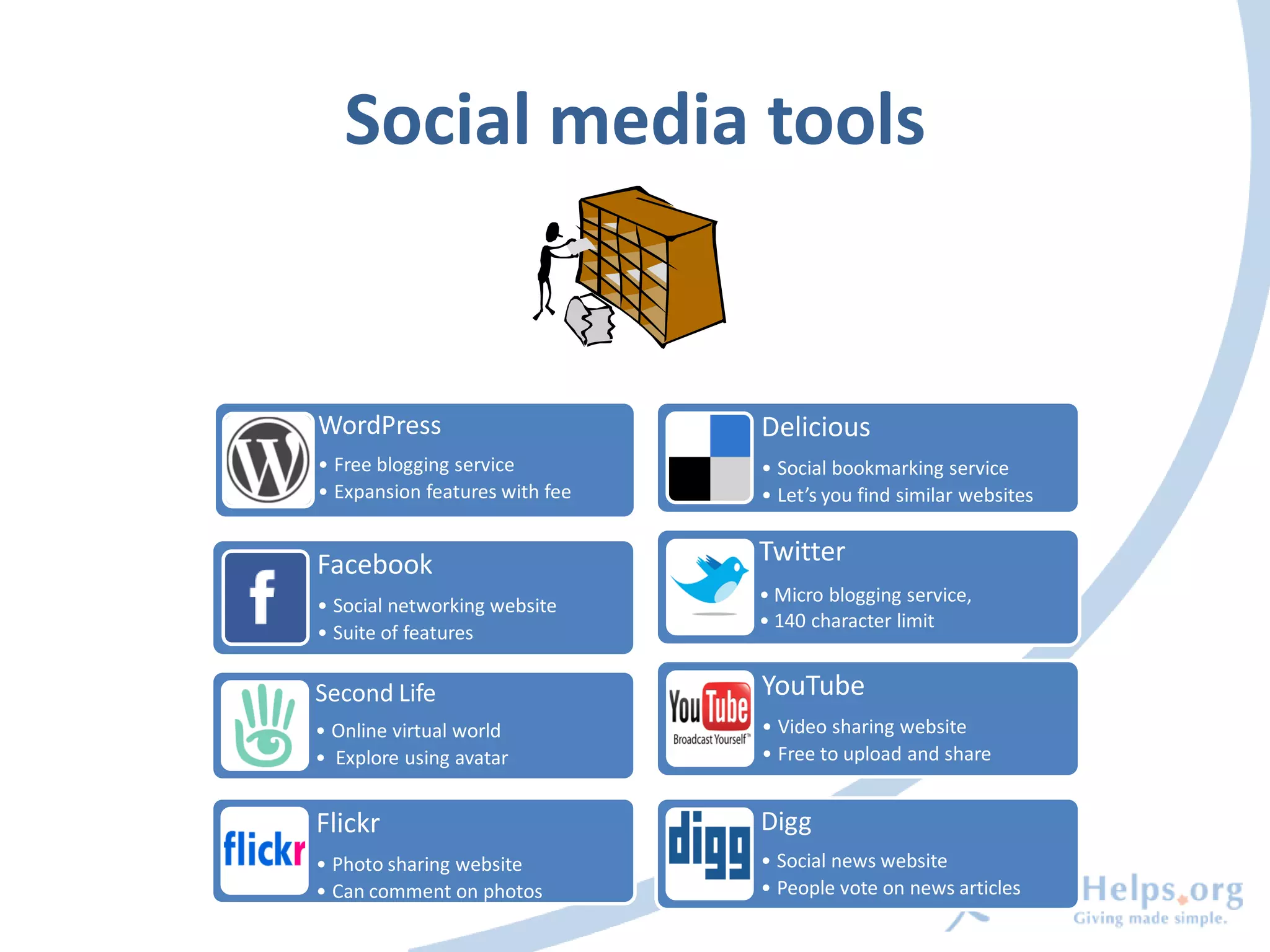
Social media tools


WordPress                       Delicious
• Free blogging service         • Social bookmarking service
• Expansion features with fee   • Let’s you find similar websites


Facebook                        Twitter
                                • Micro blogging service,
• Social networking website
                                • 140 character limit
• Suite of features

Second Life                     YouTube
• Online virtual world          • Video sharing website
• Explore using avatar          • Free to upload and share


Flickr                          Digg
• Photo sharing website         • Social news website
• Can comment on photos         • People vote on news articles
SOCIAL MEDIA PLANNING


             For audio, turn on your speakers,
         or Call 516-453-0014, code 116-21-4367
What is social media planning?


• A plan to use social media appropriately to fulfill
  a specific goal
• Integrating social media into your current
  marketing, fundraising, and programming
  initiatives
                      For audio, turn on your speakers,
                  or Call 516-453-0014, code 116-21-4367
Do I need one?


• Social media can be confusing and time
  consuming without a plan
• Risk losing sight of your strategic goals and
  objectives if you don’t plan
                     For audio, turn on your speakers,
                 or Call 516-453-0014, code 116-21-4367
Social media isn’t a strategy


• Social media is a tool for accomplishing your
  goals
• Start with the question “what are my
  goals?” NOT “I want to build a social media
  presence”
                      For audio, turn on your speakers,
                  or Call 516-453-0014, code 116-21-4367
STEP 1: BUILD YOUR STRATEGY


              For audio, turn on your speakers,
          or Call 516-453-0014, code 116-21-4367
Define your goals and desired outcomes


•   What are your current marketing, fundraising or
    programming goals?
•   What desired outcomes do you wish to achieve?
•   Can social media tools be used to accomplish
    these?
                       For audio, turn on your speakers,
                   or Call 516-453-0014, code 116-21-4367
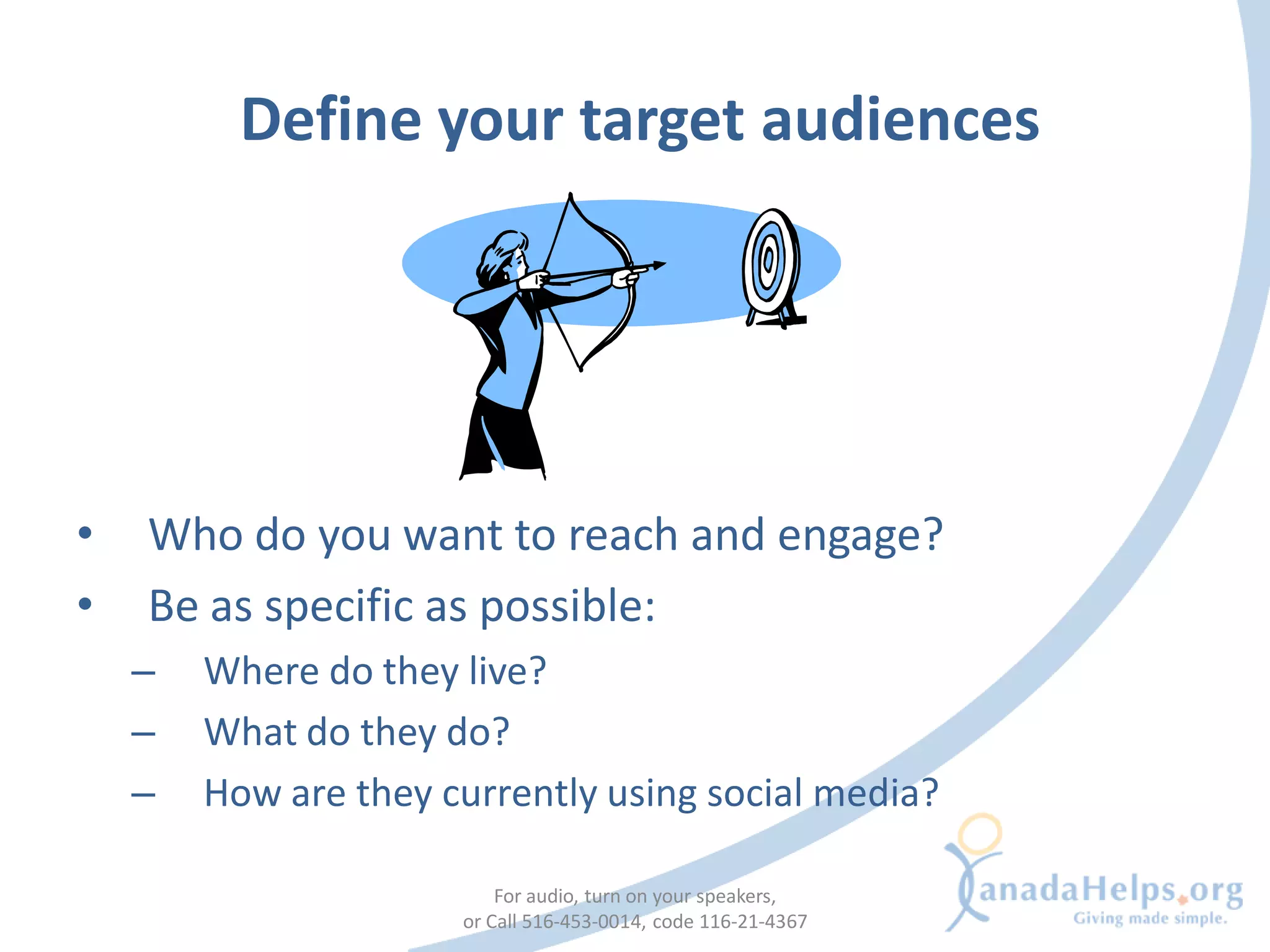
Define your target audiences


•   Who do you want to reach and engage?
•   Be as specific as possible:
    –   Where do they live?
    –   What do they do?
    –   How are they currently using social media?

                          For audio, turn on your speakers,
                      or Call 516-453-0014, code 116-21-4367
Examples
• Goal: Attract young professionals as
  volunteers and grow their engagement in our
  organization.
  – Social media tools are likely to help with this goal


• Goal: Build stronger, personal relationships
  with our older annual donor base and talk to
  them about estate planning
  – Social media will likely not be helpful
                       For audio, turn on your speakers,
                   or Call 516-453-0014, code 116-21-4367
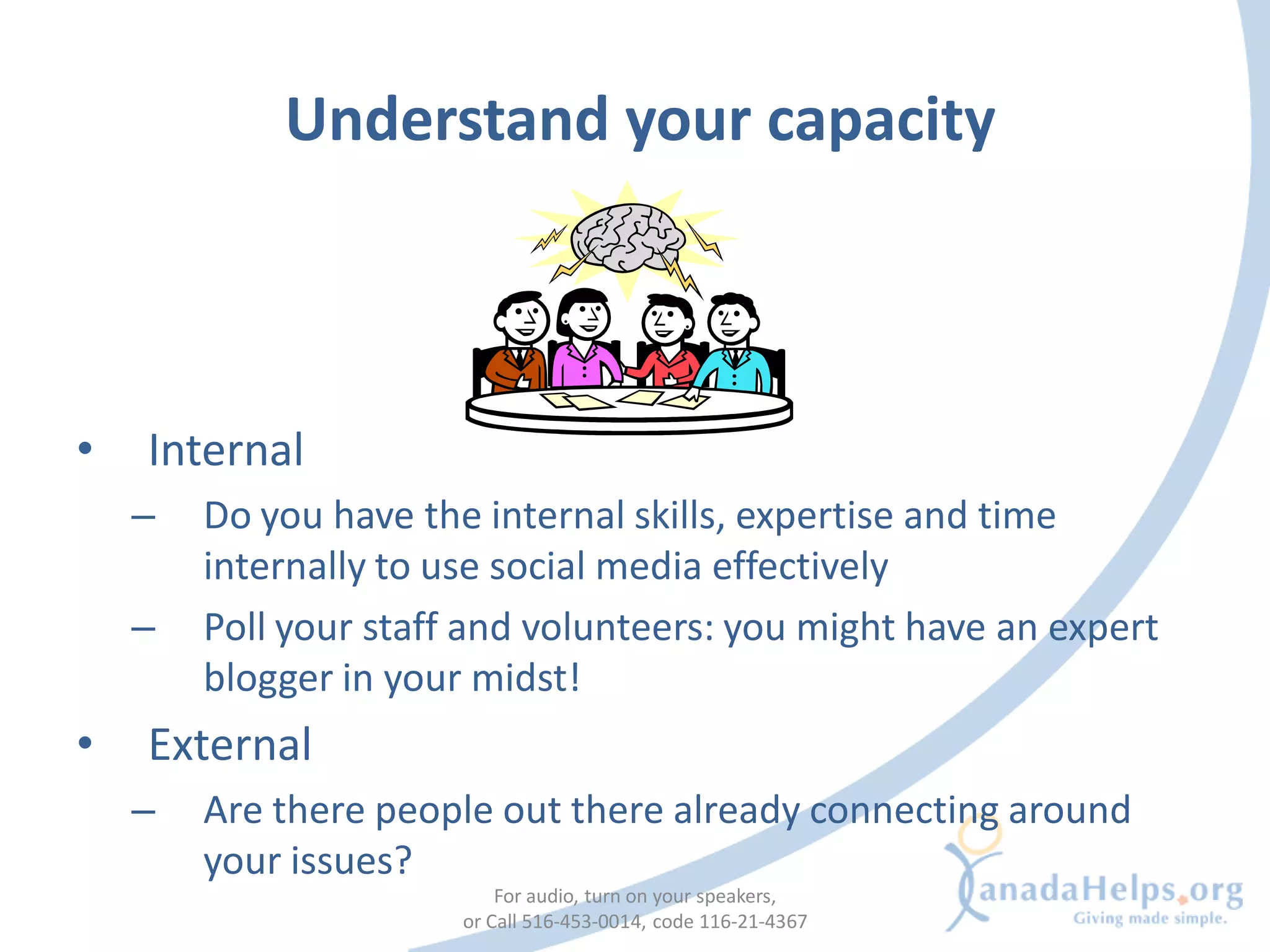
Understand your capacity


•   Internal
    –   Do you have the internal skills, expertise and time
        internally to use social media effectively
    –   Poll your staff and volunteers: you might have an expert
        blogger in your midst!
•   External
    –   Are there people out there already connecting around
        your issues?
                           For audio, turn on your speakers,
                       or Call 516-453-0014, code 116-21-4367
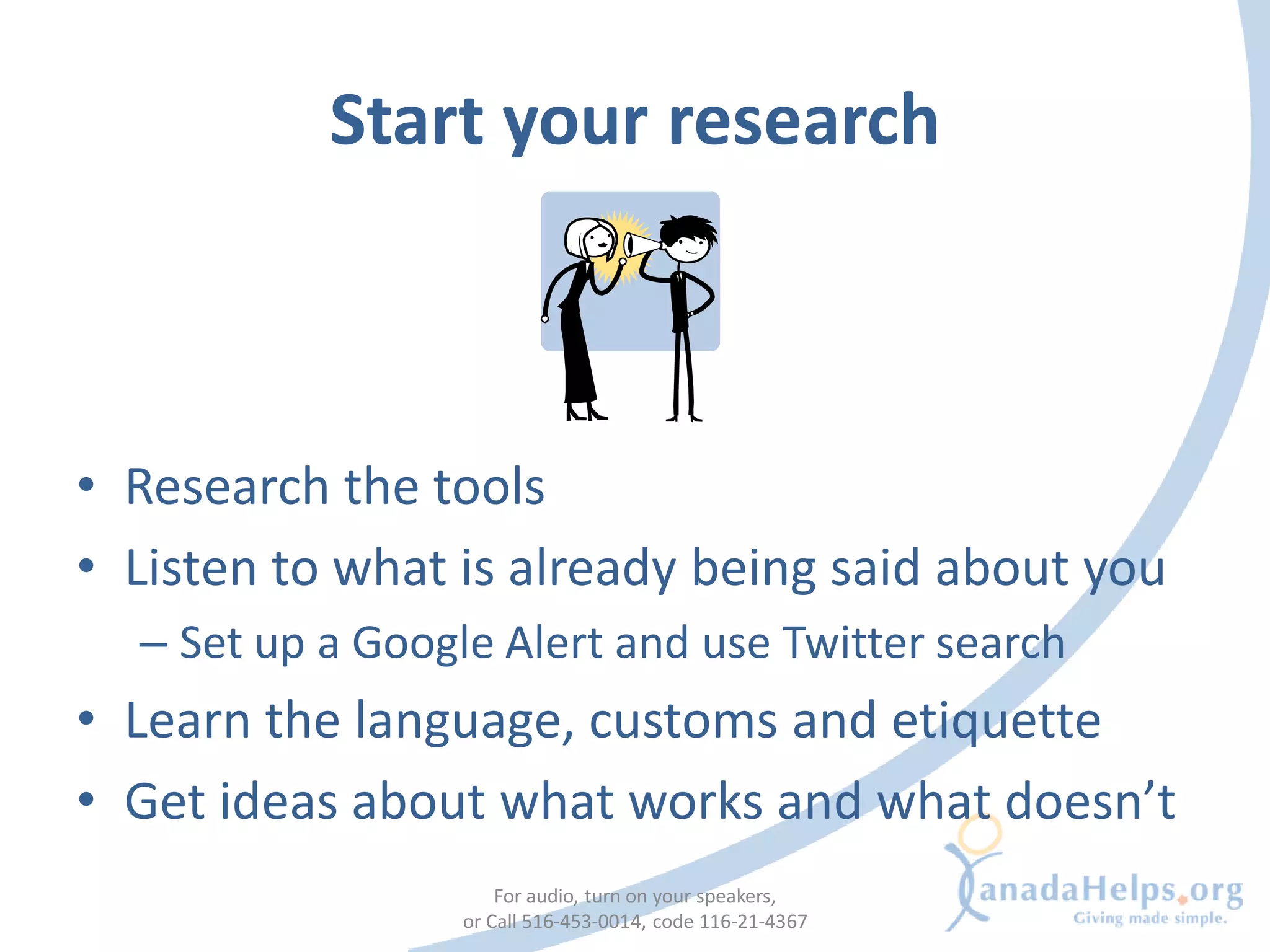
Start your research


• Research the tools
• Listen to what is already being said about you
  – Set up a Google Alert and use Twitter search
• Learn the language, customs and etiquette
• Get ideas about what works and what doesn’t
                      For audio, turn on your speakers,
                  or Call 516-453-0014, code 116-21-4367
STEP 2: TELL YOUR STORY


              For audio, turn on your speakers,
          or Call 516-453-0014, code 116-21-4367
Streamline your story


• Adapt your story to an online platform:
  – Keep it simple
  – Easy to remember
  – Easy to retell
• Adapt your story to your desired audience
                    For audio, turn on your speakers,
                or Call 516-453-0014, code 116-21-4367
Starting conversations


• Remember: social media is about engaging
  and building community
• Don’t just talk at your supporters
• Think of the conversations you want to start
                    For audio, turn on your speakers,
                or Call 516-453-0014, code 116-21-4367
Tips


• Don’t just write about your latest fundraising
  campaign
  – ask your donors to tell their story.
• Don’t just publish a news release about
  government cutbacks hurting your cause
  – give your supporters the tools and platform to
    take action and share their passion with others
STEP 3: THE PLAN


              For audio, turn on your speakers,
          or Call 516-453-0014, code 116-21-4367
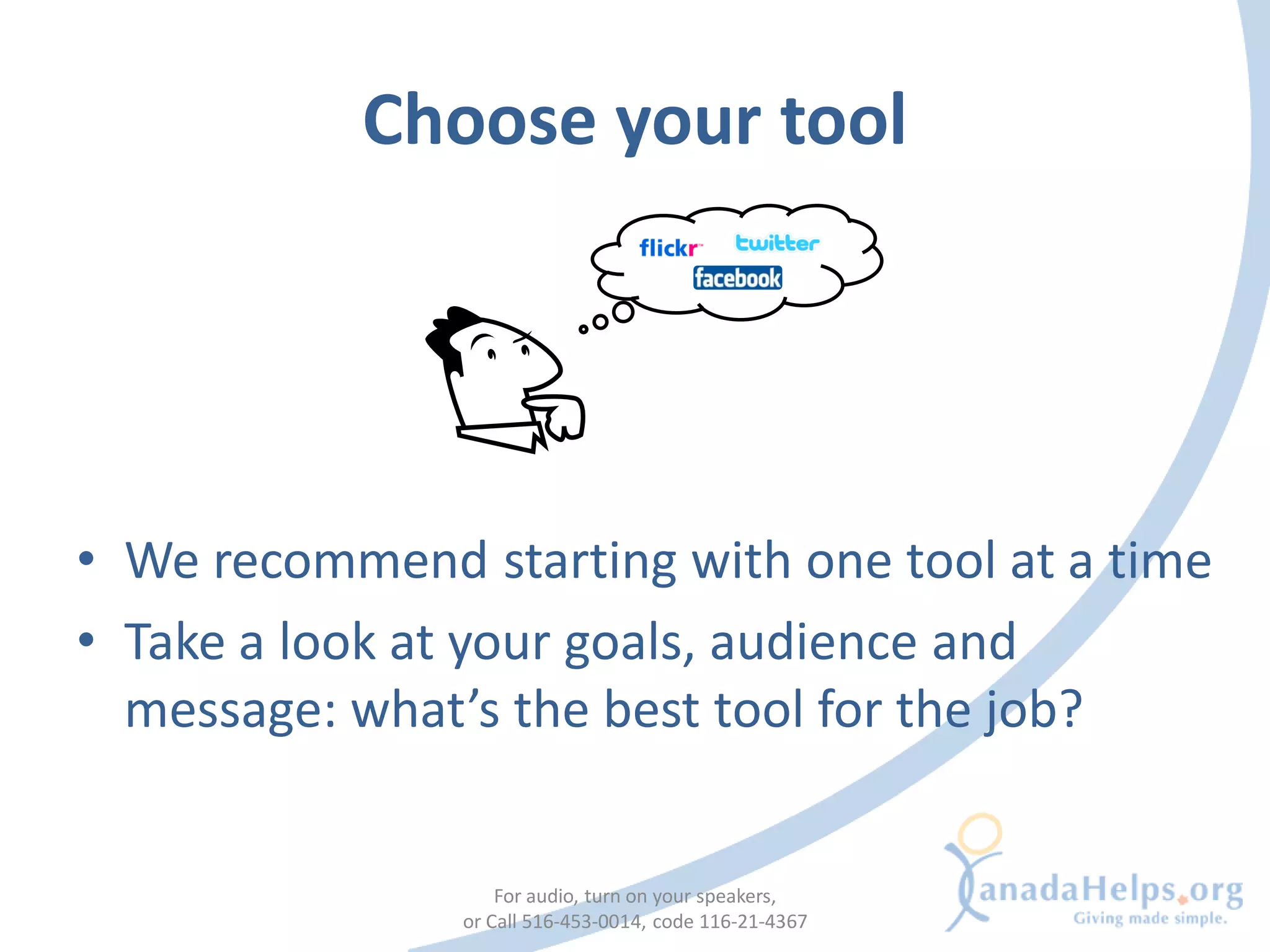
Choose your tool


• We recommend starting with one tool at a time
• Take a look at your goals, audience and
  message: what’s the best tool for the job?


                   For audio, turn on your speakers,
               or Call 516-453-0014, code 116-21-4367
Choose your tool
                Tool                                                 Uses

Blogs                                   • News outlet
• Blogger                               • Highlighting donors and partners
• WordPress

Media Sharing                           • Enhance visual storytelling
• YouTube
• flickr

News & Social Bookmarking               • Sharing online resources
• digg                                  • Finding like-minded people and organizations
• delicious

Social Networking                       • Expanding supporter base
• Facebook                              • Another channel for calls to action
• Twitter

                                For audio, turn on your speakers,
                            or Call 516-453-0014, code 116-21-4367
Still not sure? Try a blog!


• A good first step into social media:
   –   Use existing content
   –   Start conversations
   –   Get used to comments
   –   Integrate other tools into your blog
• Caution: Blogs do take time to create content
  and engage readers
                          For audio, turn on your speakers,
                      or Call 516-453-0014, code 116-21-4367
Adapt your story to the tool


• Use the tool to its fullest
• Show what you do with pictures and videos
                   For audio, turn on your speakers,
               or Call 516-453-0014, code 116-21-4367
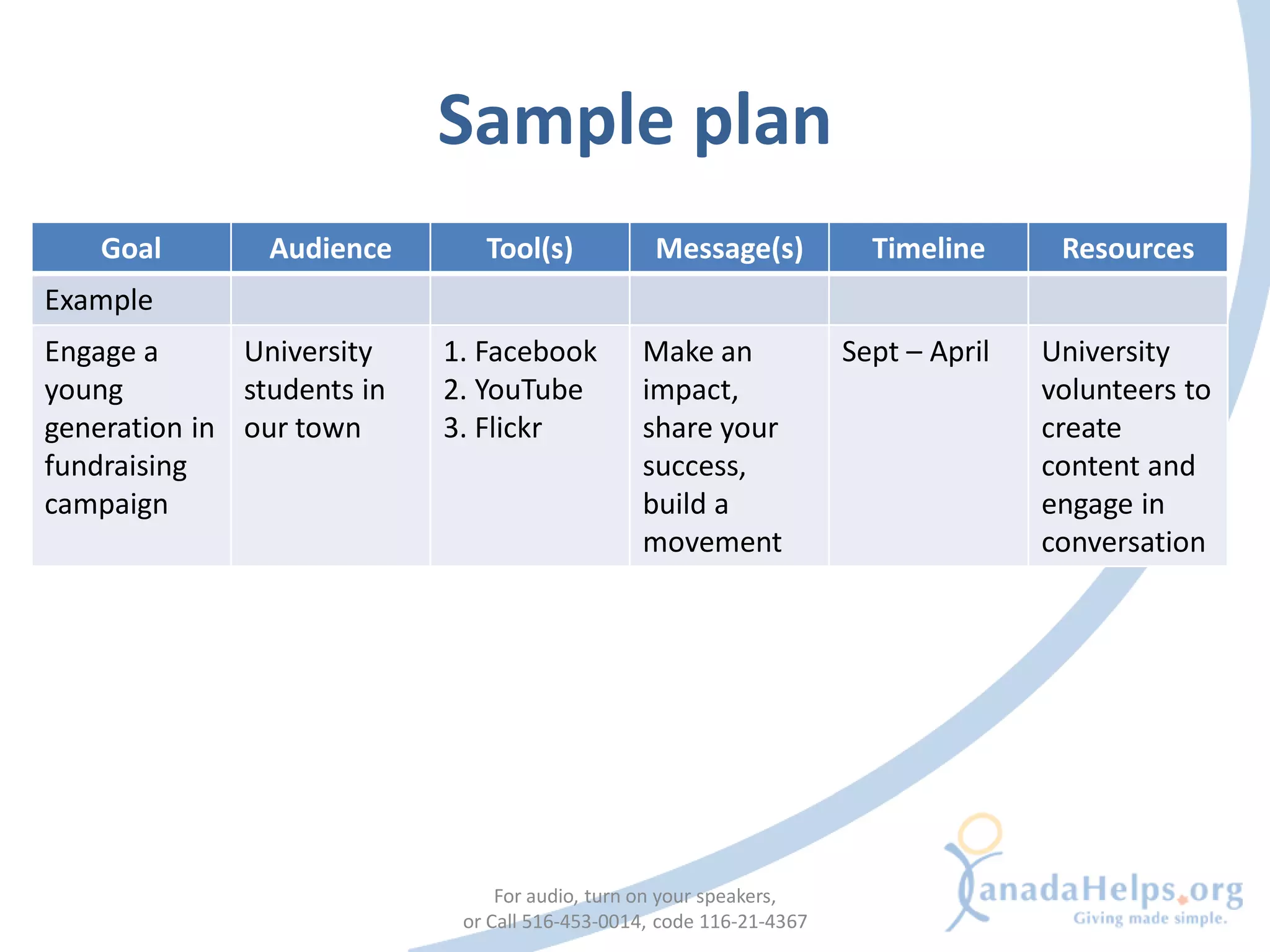
Sample plan
    Goal        Audience       Tool(s)            Message(s)            Timeline      Resources
Example
Engage a      University    1. Facebook         Make an               Sept – April   University
young         students in   2. YouTube          impact,                              volunteers to
generation in our town      3. Flickr           share your                           create
fundraising                                     success,                             content and
campaign                                        build a                              engage in
                                                movement                             conversation


                                 For audio, turn on your speakers,
                             or Call 516-453-0014, code 116-21-4367
STEP 4: GET STARTED!


              For audio, turn on your speakers,
          or Call 516-453-0014, code 116-21-4367
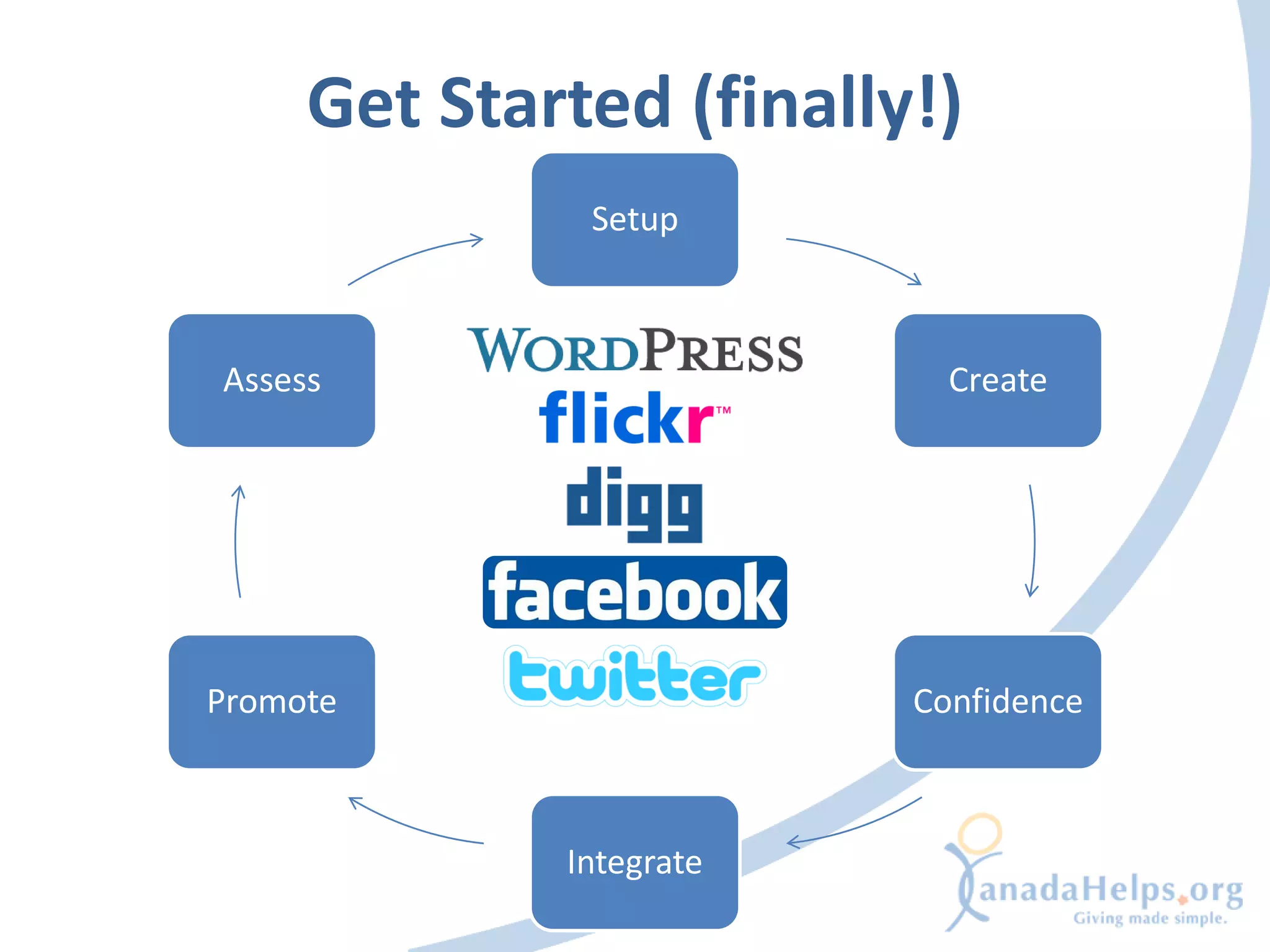
Get Started (finally!)
              Setup


Assess                     Create


Promote                  Confidence


             Integrate
Setting up
What do I need?

• The tool
  – Signing up, learning the
    ropes
• The people
  – Assigning responsibility
• The timelines
  – Planning updates

                      For audio, turn on your speakers,
                  or Call 516-453-0014, code 116-21-4367
Creating Content
Turn your story into compelling content
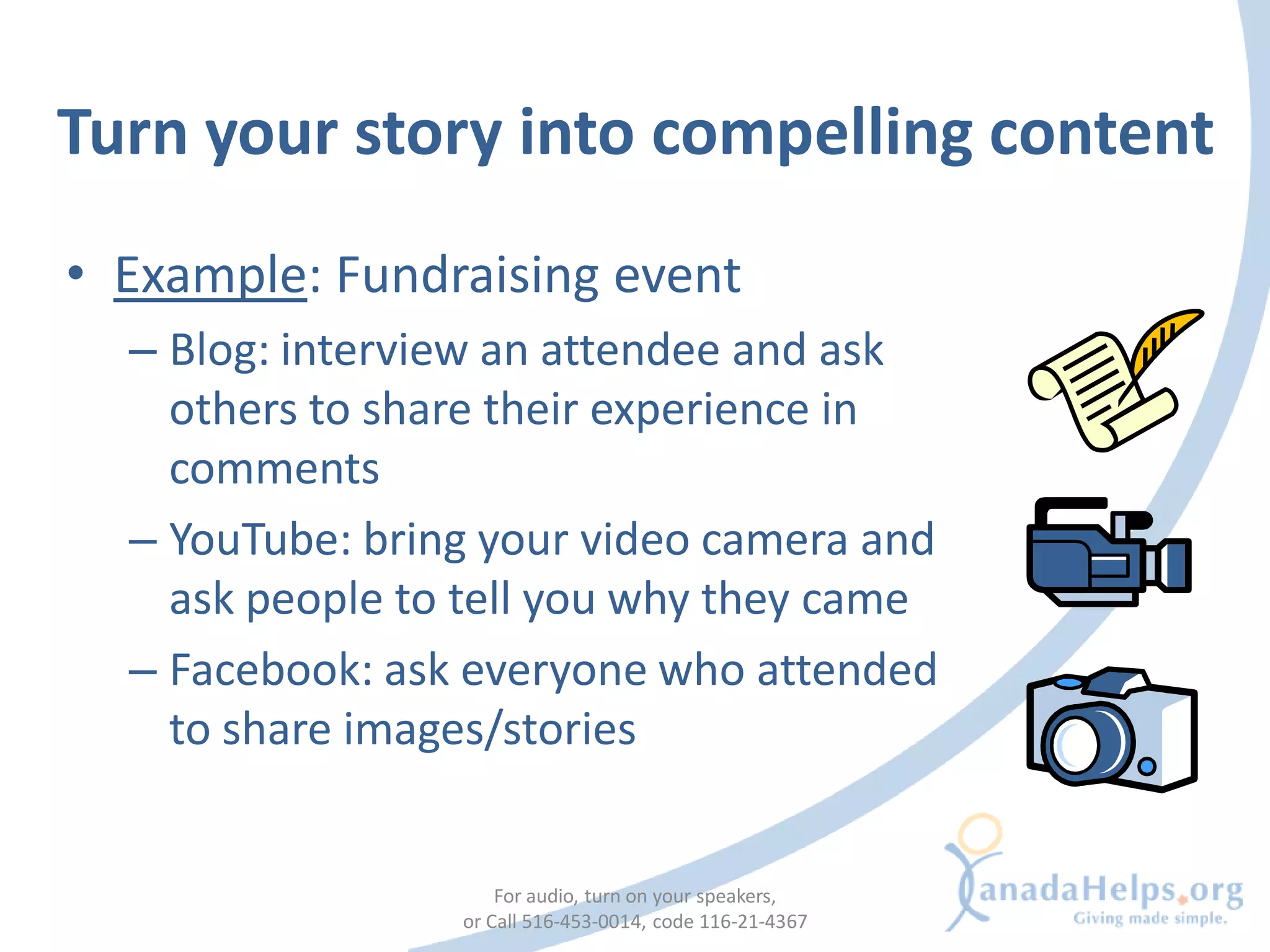
• Example: Fundraising event
  – Blog: interview an attendee and ask
    others to share their experience in
    comments
  – YouTube: bring your video camera and
    ask people to tell you why they came
  – Facebook: ask everyone who attended
    to share images/stories


                     For audio, turn on your speakers,
                 or Call 516-453-0014, code 116-21-4367
Turn your story into compelling content

• Example: Capital campaign
  – Flickr: show people the direct impact they
    can have through images
  – Twitter: Tweet regular updates on success
    and how much support is still needed
  – Blog: weekly blog post during campaign
    about the impact of your organization
    (get various perspectives: Board,
    community, volunteer etc…)
                      For audio, turn on your speakers,
                  or Call 516-453-0014, code 116-21-4367
Gaining Confidence
• Get used to the tool and the conversations
  happening
• Be trustworthy & consistent
• Create distinctive content that fits with your
  organization’s identity and mission
                     For audio, turn on your speakers,
                 or Call 516-453-0014, code 116-21-4367
Integrating
Integration Into Your Workflow


• Allocate appropriate time and funds
• Make it part of your work routine
  – Creating content
  – Responding & engaging
• Create guidelines
                    For audio, turn on your speakers,
                or Call 516-453-0014, code 116-21-4367
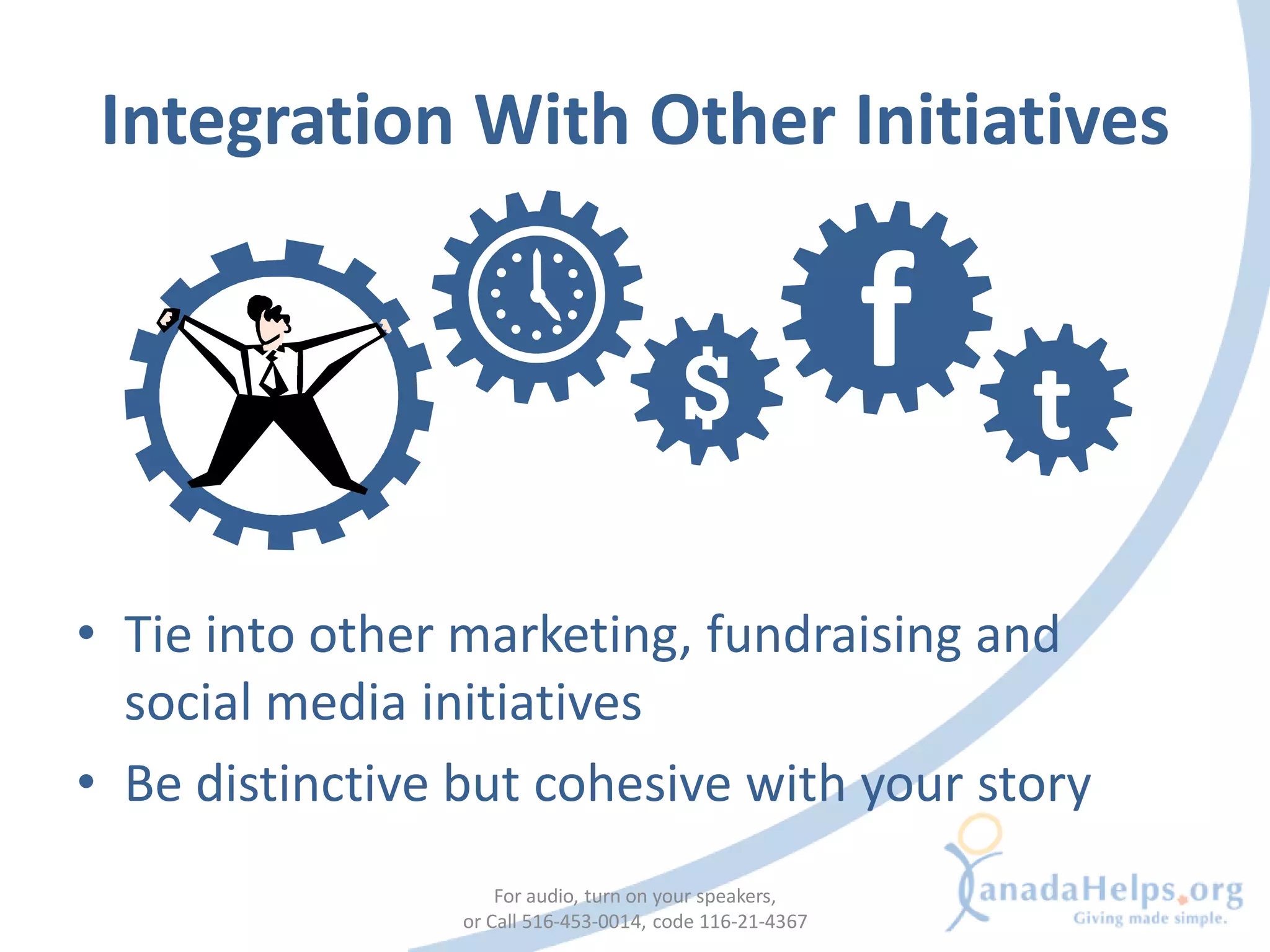
Integration With Other Initiatives

                                                          f   t
• Tie into other marketing, fundraising and
  social media initiatives
• Be distinctive but cohesive with your story
                     For audio, turn on your speakers,
                 or Call 516-453-0014, code 116-21-4367
Promoting
Promote In Your Network


• Use other outlets to promote a new initiative
• Leverage your following and promote to
  whoever you can
                    For audio, turn on your speakers,
                or Call 516-453-0014, code 116-21-4367
Assessing
• Is this tool helping to fulfill your goals?
• Determine the return on investment
• Think about the project’s sustainability


                      For audio, turn on your speakers,
                  or Call 516-453-0014, code 116-21-4367
Listen, Learn and Adapt


• Get feedback! Ask:
  – What is working, what isn’t?
  – What else would you like to see?
• Implement changes and keep trying

                     For audio, turn on your speakers,
                 or Call 516-453-0014, code 116-21-4367
Start again with tool #2!
                         Setup


 Assess                                              Create


Promote                                            Confidence


                       Integrate

              For audio, turn on your speakers,
          or Call 516-453-0014, code 116-21-4367
CANADAHELPS


            For audio, turn on your speakers,
        or Call 516-453-0014, code 116-21-4367
@CanadaHelps on Twitter


• Every step implementation step is visible
  – Set up, creating content, gaining confidence,
    integration, promotion and assessment


                   For audio, turn on your speakers,
               or Call 516-453-0014, code 116-21-4367
Lessons

•   Archive your content
•   Go at your own pace
•   Try your best to respond to everyone
•   People like to talk to people
•   Most of the content is shared!
•   Take it offline – remember to build face-to-
    face connections as well
                       For audio, turn on your speakers,
                   or Call 516-453-0014, code 116-21-4367
Things to Keep In Mind


TIPS


                             For audio, turn on your speakers,
                         or Call 516-453-0014, code 116-21-4367
Have a great website


•   Good usability
•   Easy to find information
•   Relevant content
•   Clear calls to action
                      For audio, turn on your speakers,
                  or Call 516-453-0014, code 116-21-4367
Learn from others

                          Flickr + Facebook


• See how other organizations started and see
  what they have done
• Recreate their success

                   For audio, turn on your speakers,
               or Call 516-453-0014, code 116-21-4367
Start With One Tool at a Time


• Important if you’re starting out
• You can integrate tools later

                    For audio, turn on your speakers,
                or Call 516-453-0014, code 116-21-4367
Enlist help from interns/volunteers


• To help with creating content or managing
  the tools

                    For audio, turn on your speakers,
                or Call 516-453-0014, code 116-21-4367
Keep expectations realistic


• Success takes time and effort
• Starting up is easy, maintenance is the real work
Make it part of your routine


• Making your social media plan part of your
  routine helps spread the work out
Remember: It’s a conversation


• Listening is as important as talking
• Don’t talk at your supporters, engage them
  and listen to what they have to say
Have fun!


• Interact with different people
• Make it personal
• These are fun tools!
ABOUT MYCHARITYCONNECTS

            For audio, turn on your speakers,
        or Call 516-453-0014, code 116-21-4367
www.mycharityconnects.org

• Free online resources
   • Information about         Next Webinar
     technology
                                “All About
   • Demos
                            TechSoup Canada”
   • More webinars!
   • Conference materials       July 15, 2009
                               2PM – 3PM (ET)
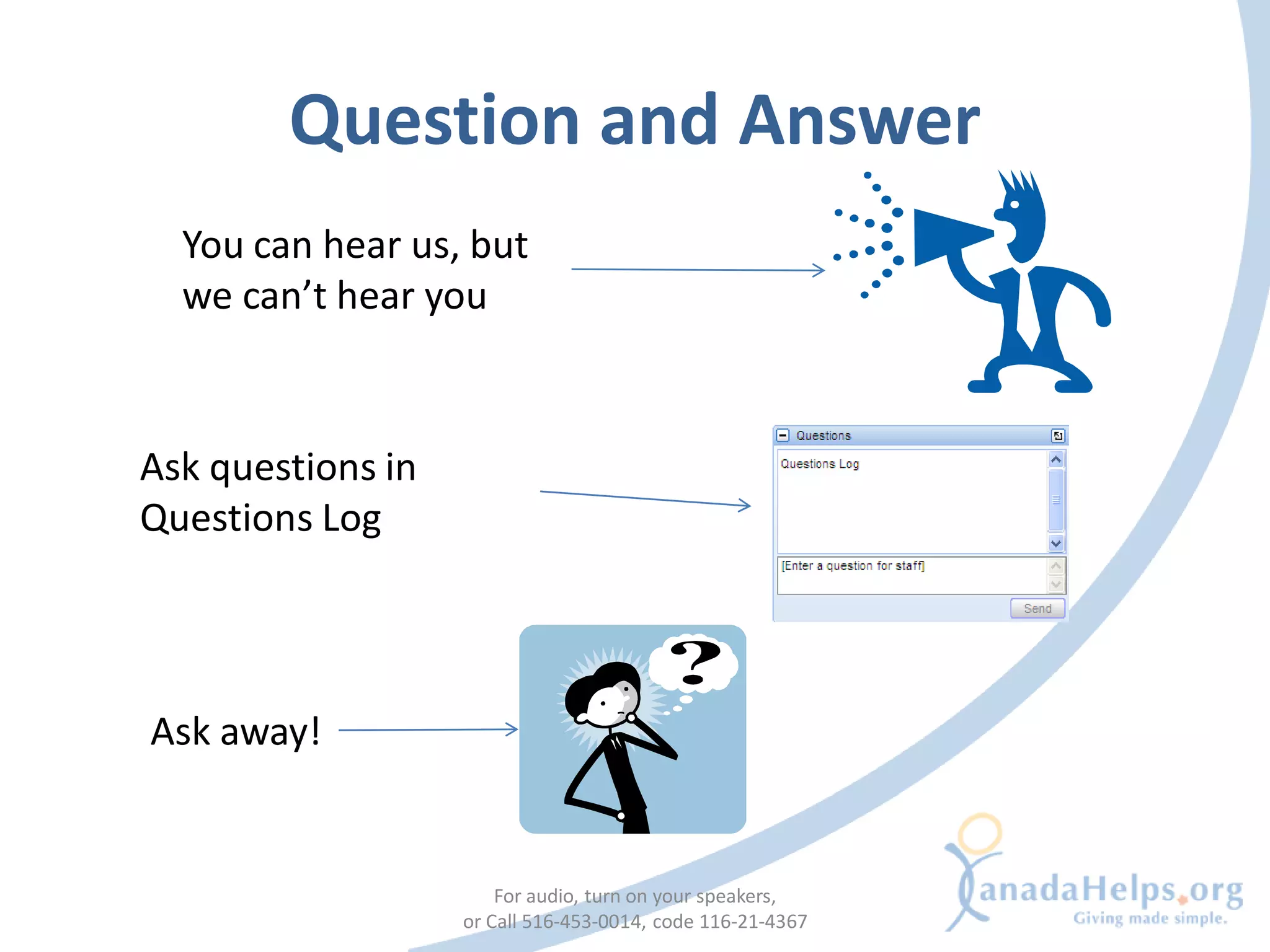
Question and Answer
  You can hear us, but
  we can’t hear you


Ask questions in
Questions Log


Ask away!


                       For audio, turn on your speakers,
                   or Call 516-453-0014, code 116-21-4367
Thank you for attending!

     Slides will be up on: www.slideshare.net/MyCharityConnects

        Check out www.mycharityconnects.org for resources!

Questions, feedback, comments? Email Amy at: amyh@canadahelps.org


                 Thanks to:

Building A Social Media Plan

  • 1.
    Building a Social MediaPlan June 17, 2009 For audio, turn on your speakers, or Call 516-453-0014, code 116-21-4367
  • 2.
    Reminders You can hear us, but we can’t hear you Type questions in the Questions Box Presentation slides will be available on Slideshare Turn up your volume For the best webinar experience, close all other applications. For audio, turn on your speakers, or Call 516-453-0014, code 116-21-4367
  • 3.
    Today’s presenter • KirstinBeardsley Communications and Marketing Coordinator For audio, turn on your speakers, or Call 516-453-0014, code 116-21-4367
  • 4.
    CanadaHelps.org What is CanadaHelps? A public charitable foundation that provides accessible and affordable online technology to both donors and charities. For Charities A cost-effective means of raising funds online. For Donors A one-stop-shop for giving. CanadaHelps is a charity helping charities. For audio, turn on your speakers, or Call 516-453-0014, code 116-21-4367
  • 5.
    Webinar agenda 1. Overview of Social Media 2. Social Media Planning 3. Build Your Strategy 4. Tell Your Story 5. The Plan 6. Let’s Get Started • Setup, Create, Confidence, Integration, Promote, Assess 7. Tips 8. Q & A For audio, turn on your speakers, or Call 516-453-0014, code 116-21-4367
  • 6.
    OVERVIEW OF SOCIALMEDIA For audio, turn on your speakers, or Call 516-453-0014, code 116-21-4367
  • 7.
    Web 1.0 vs.Web 2.0 (Social media) Few Many Many Many • Web 1.0 was about publishing and transactions. • Web 2.0 is about networks and community.
  • 8.
    Social media tools WordPress Delicious • Free blogging service • Social bookmarking service • Expansion features with fee • Let’s you find similar websites Facebook Twitter • Micro blogging service, • Social networking website • 140 character limit • Suite of features Second Life YouTube • Online virtual world • Video sharing website • Explore using avatar • Free to upload and share Flickr Digg • Photo sharing website • Social news website • Can comment on photos • People vote on news articles
  • 9.
    SOCIAL MEDIA PLANNING For audio, turn on your speakers, or Call 516-453-0014, code 116-21-4367
  • 10.
    What is socialmedia planning? • A plan to use social media appropriately to fulfill a specific goal • Integrating social media into your current marketing, fundraising, and programming initiatives For audio, turn on your speakers, or Call 516-453-0014, code 116-21-4367
  • 11.
    Do I needone? • Social media can be confusing and time consuming without a plan • Risk losing sight of your strategic goals and objectives if you don’t plan For audio, turn on your speakers, or Call 516-453-0014, code 116-21-4367
  • 12.
    Social media isn’ta strategy • Social media is a tool for accomplishing your goals • Start with the question “what are my goals?” NOT “I want to build a social media presence” For audio, turn on your speakers, or Call 516-453-0014, code 116-21-4367
  • 13.
    STEP 1: BUILDYOUR STRATEGY For audio, turn on your speakers, or Call 516-453-0014, code 116-21-4367
  • 14.
    Define your goalsand desired outcomes • What are your current marketing, fundraising or programming goals? • What desired outcomes do you wish to achieve? • Can social media tools be used to accomplish these? For audio, turn on your speakers, or Call 516-453-0014, code 116-21-4367
  • 15.
    Define your targetaudiences • Who do you want to reach and engage? • Be as specific as possible: – Where do they live? – What do they do? – How are they currently using social media? For audio, turn on your speakers, or Call 516-453-0014, code 116-21-4367
  • 16.
    Examples • Goal: Attractyoung professionals as volunteers and grow their engagement in our organization. – Social media tools are likely to help with this goal • Goal: Build stronger, personal relationships with our older annual donor base and talk to them about estate planning – Social media will likely not be helpful For audio, turn on your speakers, or Call 516-453-0014, code 116-21-4367
  • 17.
    Understand your capacity • Internal – Do you have the internal skills, expertise and time internally to use social media effectively – Poll your staff and volunteers: you might have an expert blogger in your midst! • External – Are there people out there already connecting around your issues? For audio, turn on your speakers, or Call 516-453-0014, code 116-21-4367
  • 18.
    Start your research •Research the tools • Listen to what is already being said about you – Set up a Google Alert and use Twitter search • Learn the language, customs and etiquette • Get ideas about what works and what doesn’t For audio, turn on your speakers, or Call 516-453-0014, code 116-21-4367
  • 19.
    STEP 2: TELLYOUR STORY For audio, turn on your speakers, or Call 516-453-0014, code 116-21-4367
  • 20.
    Streamline your story •Adapt your story to an online platform: – Keep it simple – Easy to remember – Easy to retell • Adapt your story to your desired audience For audio, turn on your speakers, or Call 516-453-0014, code 116-21-4367
  • 21.
    Starting conversations • Remember:social media is about engaging and building community • Don’t just talk at your supporters • Think of the conversations you want to start For audio, turn on your speakers, or Call 516-453-0014, code 116-21-4367
  • 22.
    Tips • Don’t justwrite about your latest fundraising campaign – ask your donors to tell their story. • Don’t just publish a news release about government cutbacks hurting your cause – give your supporters the tools and platform to take action and share their passion with others
  • 23.
    STEP 3: THEPLAN For audio, turn on your speakers, or Call 516-453-0014, code 116-21-4367
  • 24.
    Choose your tool •We recommend starting with one tool at a time • Take a look at your goals, audience and message: what’s the best tool for the job? For audio, turn on your speakers, or Call 516-453-0014, code 116-21-4367
  • 25.
    Choose your tool Tool Uses Blogs • News outlet • Blogger • Highlighting donors and partners • WordPress Media Sharing • Enhance visual storytelling • YouTube • flickr News & Social Bookmarking • Sharing online resources • digg • Finding like-minded people and organizations • delicious Social Networking • Expanding supporter base • Facebook • Another channel for calls to action • Twitter For audio, turn on your speakers, or Call 516-453-0014, code 116-21-4367
  • 26.
    Still not sure?Try a blog! • A good first step into social media: – Use existing content – Start conversations – Get used to comments – Integrate other tools into your blog • Caution: Blogs do take time to create content and engage readers For audio, turn on your speakers, or Call 516-453-0014, code 116-21-4367
  • 27.
    Adapt your storyto the tool • Use the tool to its fullest • Show what you do with pictures and videos For audio, turn on your speakers, or Call 516-453-0014, code 116-21-4367
  • 28.
    Sample plan Goal Audience Tool(s) Message(s) Timeline Resources Example Engage a University 1. Facebook Make an Sept – April University young students in 2. YouTube impact, volunteers to generation in our town 3. Flickr share your create fundraising success, content and campaign build a engage in movement conversation For audio, turn on your speakers, or Call 516-453-0014, code 116-21-4367
  • 29.
    STEP 4: GETSTARTED! For audio, turn on your speakers, or Call 516-453-0014, code 116-21-4367
  • 30.
    Get Started (finally!) Setup Assess Create Promote Confidence Integrate
  • 31.
  • 32.
    What do Ineed? • The tool – Signing up, learning the ropes • The people – Assigning responsibility • The timelines – Planning updates For audio, turn on your speakers, or Call 516-453-0014, code 116-21-4367
  • 33.
  • 34.
    Turn your storyinto compelling content • Example: Fundraising event – Blog: interview an attendee and ask others to share their experience in comments – YouTube: bring your video camera and ask people to tell you why they came – Facebook: ask everyone who attended to share images/stories For audio, turn on your speakers, or Call 516-453-0014, code 116-21-4367
  • 35.
    Turn your storyinto compelling content • Example: Capital campaign – Flickr: show people the direct impact they can have through images – Twitter: Tweet regular updates on success and how much support is still needed – Blog: weekly blog post during campaign about the impact of your organization (get various perspectives: Board, community, volunteer etc…) For audio, turn on your speakers, or Call 516-453-0014, code 116-21-4367
  • 36.
  • 37.
    • Get usedto the tool and the conversations happening • Be trustworthy & consistent • Create distinctive content that fits with your organization’s identity and mission For audio, turn on your speakers, or Call 516-453-0014, code 116-21-4367
  • 38.
  • 39.
    Integration Into YourWorkflow • Allocate appropriate time and funds • Make it part of your work routine – Creating content – Responding & engaging • Create guidelines For audio, turn on your speakers, or Call 516-453-0014, code 116-21-4367
  • 40.
    Integration With OtherInitiatives f t • Tie into other marketing, fundraising and social media initiatives • Be distinctive but cohesive with your story For audio, turn on your speakers, or Call 516-453-0014, code 116-21-4367
  • 41.
  • 42.
    Promote In YourNetwork • Use other outlets to promote a new initiative • Leverage your following and promote to whoever you can For audio, turn on your speakers, or Call 516-453-0014, code 116-21-4367
  • 43.
  • 44.
    • Is thistool helping to fulfill your goals? • Determine the return on investment • Think about the project’s sustainability For audio, turn on your speakers, or Call 516-453-0014, code 116-21-4367
  • 45.
    Listen, Learn andAdapt • Get feedback! Ask: – What is working, what isn’t? – What else would you like to see? • Implement changes and keep trying For audio, turn on your speakers, or Call 516-453-0014, code 116-21-4367
  • 46.
    Start again withtool #2! Setup Assess Create Promote Confidence Integrate For audio, turn on your speakers, or Call 516-453-0014, code 116-21-4367
  • 47.
    CANADAHELPS For audio, turn on your speakers, or Call 516-453-0014, code 116-21-4367
  • 48.
    @CanadaHelps on Twitter •Every step implementation step is visible – Set up, creating content, gaining confidence, integration, promotion and assessment For audio, turn on your speakers, or Call 516-453-0014, code 116-21-4367
  • 49.
    Lessons • Archive your content • Go at your own pace • Try your best to respond to everyone • People like to talk to people • Most of the content is shared! • Take it offline – remember to build face-to- face connections as well For audio, turn on your speakers, or Call 516-453-0014, code 116-21-4367
  • 50.
    Things to KeepIn Mind TIPS For audio, turn on your speakers, or Call 516-453-0014, code 116-21-4367
  • 51.
    Have a greatwebsite • Good usability • Easy to find information • Relevant content • Clear calls to action For audio, turn on your speakers, or Call 516-453-0014, code 116-21-4367
  • 52.
    Learn from others Flickr + Facebook • See how other organizations started and see what they have done • Recreate their success For audio, turn on your speakers, or Call 516-453-0014, code 116-21-4367
  • 53.
    Start With OneTool at a Time • Important if you’re starting out • You can integrate tools later For audio, turn on your speakers, or Call 516-453-0014, code 116-21-4367
  • 54.
    Enlist help frominterns/volunteers • To help with creating content or managing the tools For audio, turn on your speakers, or Call 516-453-0014, code 116-21-4367
  • 55.
    Keep expectations realistic •Success takes time and effort • Starting up is easy, maintenance is the real work
  • 56.
    Make it partof your routine • Making your social media plan part of your routine helps spread the work out
  • 57.
    Remember: It’s aconversation • Listening is as important as talking • Don’t talk at your supporters, engage them and listen to what they have to say
  • 58.
    Have fun! • Interactwith different people • Make it personal • These are fun tools!
  • 59.
    ABOUT MYCHARITYCONNECTS For audio, turn on your speakers, or Call 516-453-0014, code 116-21-4367
  • 60.
    www.mycharityconnects.org • Free onlineresources • Information about Next Webinar technology “All About • Demos TechSoup Canada” • More webinars! • Conference materials July 15, 2009 2PM – 3PM (ET)
  • 61.
    Question and Answer You can hear us, but we can’t hear you Ask questions in Questions Log Ask away! For audio, turn on your speakers, or Call 516-453-0014, code 116-21-4367
  • 62.
    Thank you forattending! Slides will be up on: www.slideshare.net/MyCharityConnects Check out www.mycharityconnects.org for resources! Questions, feedback, comments? Email Amy at: amyh@canadahelps.org Thanks to: