


TOOL SCHOOL: 
PR SUCCESS IN 2015! 
Kellye Crane 
Founder, Solo PR Pro
Let’s Talk Tools for 2015 
@KellyeCrane | #VocusWebinar | soloprpro.com
Shoot the Messenger – Me! 
 Sharing my personal thoughts and experiences 
with these tools, not those of Cision/Vocus. 
@KellyeCrane | #VocusWebinar | soloprpro.com
We’re here to learn 
from each other! 
Share your own 
experiences on Twitter- 
#vocuswebinar 
@KellyeCrane | #VocusWebinar | soloprpro.com
Avoid “Shiny Object Syndrome”” 
@KellyeCrane | #VocusWebinar | soloprpro.com
Strategy 
@KellyeCrane | #VocusWebinar | soloprpro.com
When to Invest 
 What is your time worth? 
 How much time will the tool save you? 
 How much does the tool cost? 
Mathematical! 
@KellyeCrane | #VocusWebinar | soloprpro.com
Not the answer
Productivity Power!
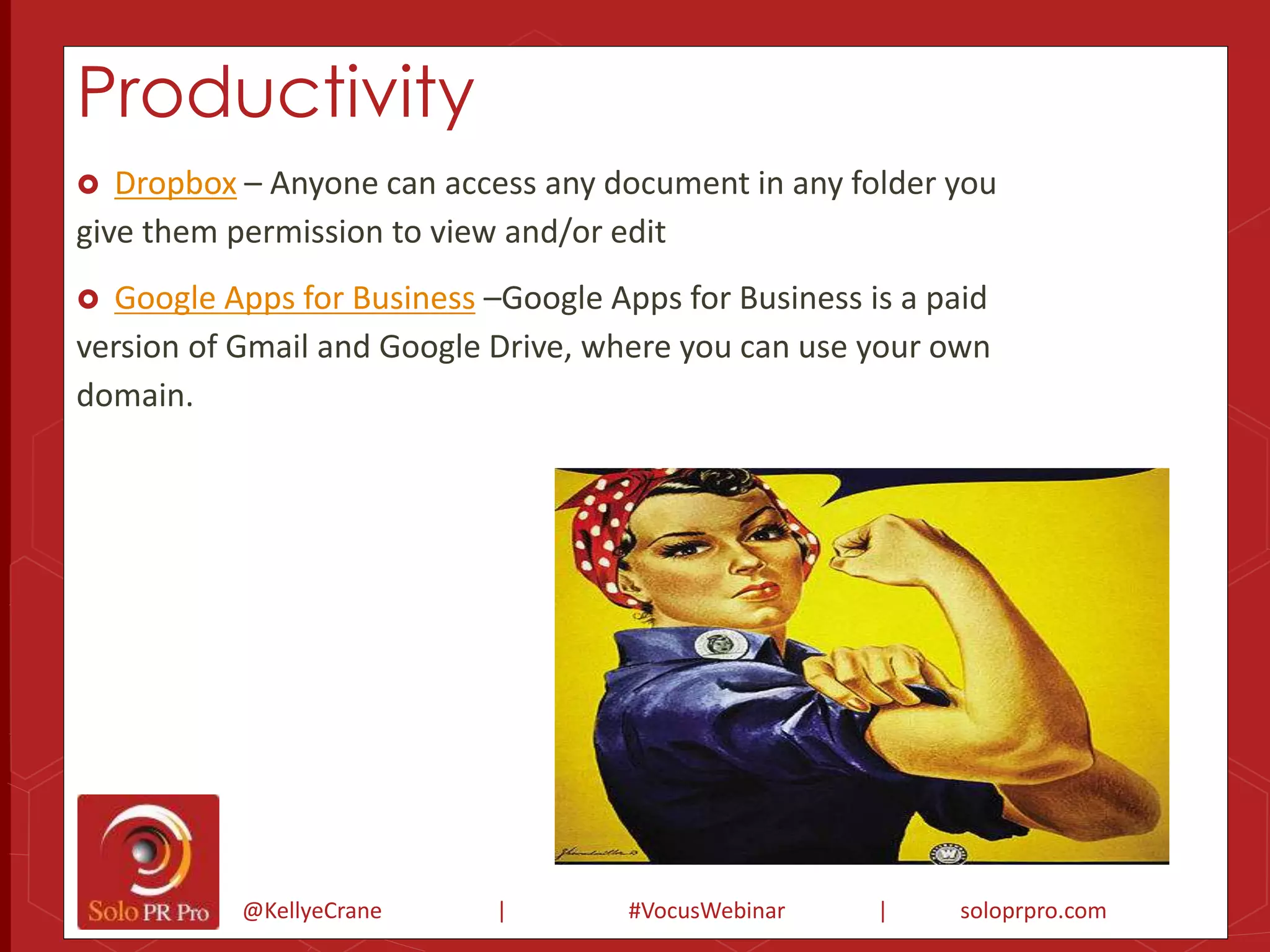
Productivity 
 Dropbox – Anyone can access any document in any folder you 
give them permission to view and/or edit 
 Google Apps for Business –Google Apps for Business is a paid 
version of Gmail and Google Drive, where you can use your own 
domain. 
@KellyeCrane | #VocusWebinar | soloprpro.com
Productivity 
 Microsoft Office 365 - Online version of Microsoft suite. 
Gmail add-ons 
 Rapportive- Amazingly useful, this tool pulls in the LinkedIn profile 
highlights of those you’re emailing, and displays them in the sidebar. 
 Boomerang for Gmail- Another Gmail add-on, Boomerang enables you to 
pre-schedule emails for later delivery, and also schedule reminders to 
follow-up on emails. 
 Wisestamp – Makes it easy to include a graphically rich email signature, 
with links and icons. 
 Yesware – Find out when someone opens your email and clicks on the 
links. Especially useful for media relations! 
@KellyeCrane | #VocusWebinar | soloprpro.com
Productivity 
Evernote –It’s a notes app + clipper on steroids, allowing you to easily capture and sync 
information across platforms. 
Pocket- A browser extension that allows you to save a website for future reference with 
one click. 
Newsle – Find out when your friends and colleagues make the news - sends you an email 
once a day with links to all the articles/blogs where they appear. 
Blogtrotter- If you like to subscribe to blogs by email, this tool allows you to easily signup 
for multiples at a time. 
Diigo- Free social bookmarking tool that makes it easy to save and share content. 
@KellyeCrane | #VocusWebinar | soloprpro.com
Traditional PR
Traditional PR 
 Cision/Vocus – Powerful online media database, with expanding portfolio of capabilities 
 Help a reporter out (HARO) – Most PR pros know about HARO - just sign up and you’ll receive 
emails of press queries, organized by industry/interest for easy scanning. 
 Mention.net and Talk Walker – When Google Alerts went kaput, these two services became 
the most widely-used free tools for monitoring alerts via email. 
 Who Shared my Link- Enter a URL and see how many times it was shared on social media, and 
by which journalists and bloggers. 
@KellyeCrane | #VocusWebinar | soloprpro.com
Traditional PR 
 SumAll- Connect and compare data from your social media, e-mail, ads, Google analytics 
and more, all in one dashboard. 
 Cyfe- Another all-in-one data-monitoring dashboard that allows you to collect and analyze 
data across popular online services (many features are free). 
 SocialCrawlytics- A free tool that lets you identify your competitor's most shared content. 
 Tagboard- A page that lets you track hashtags across all major platforms, including 
Facebook, Twitter, Instagram, Vine, and Google+. 
 AP Stylebook Ask the Editor – Can’t find your Stylebook? This online Q&A is searchable, and 
you can often find the answers to your style questions here. 
@KellyeCrane | #VocusWebinar | soloprpro.com
Visuals 
@KellyeCrane | #VocusWebinar | soloprpro.com
Visuals 
 PicMonkey- By far the easiest and most powerful image editing tool out there for 
non-experts 
 Canva- This is an amazing service to help the design-challenged among us create 
stunning designs 
@KellyeCrane | #VocusWebinar | soloprpro.com
Visuals 
 FreeDigitalPhotos.net- My favorite source of free 
@KellyeCrane | #VocusWebinar | soloprpro.com 
images. 
 Compfight - Use this Flickr search tool and turn 
the “Creative Commons: Commercial” qualifier 
on. 
 Wordswag- Easily add text to iPhone photos for 
modern-looking graphics. 
 Photo Peach- Use this digital tool to create a 
slideshow with photos, music and captions that 
can be shared on Facebook, Twitter or a blog. 
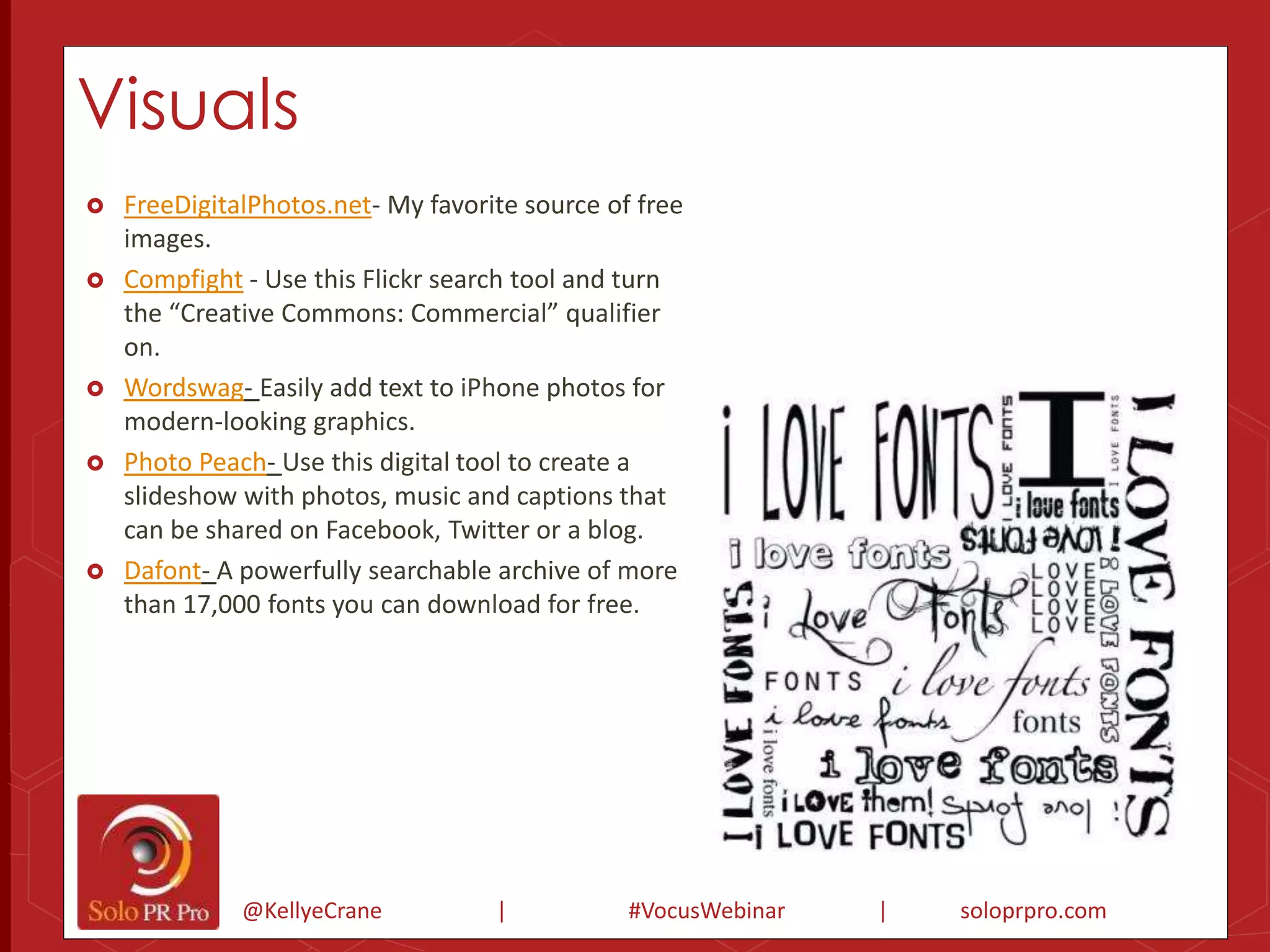
 Dafont- A powerfully searchable archive of more 
than 17,000 fonts you can download for free.
Visuals 
 Powtoon- Online presentation tool that lets you create animated 
videos or explainers. 
 Animoto- A web-based service that provides a quick and visually 
appealing way to share photos and create videos. 
 gifboom- Express yourself in motion with animated GIFs made with 
your iPhone or Android. 
 Swipe- A web application that allows you to create web-powered 
slideshows and share them. 
 Piktochart- DIY infographic creator that offers a number of tools and 
templates to make the process easier. 
 Infogr.am- Another well-known DIY infographic app. 
@KellyeCrane | #VocusWebinar | soloprpro.com
Social Media 
@KellyeCrane | #VocusWebinar | soloprpro.com
Social Media 
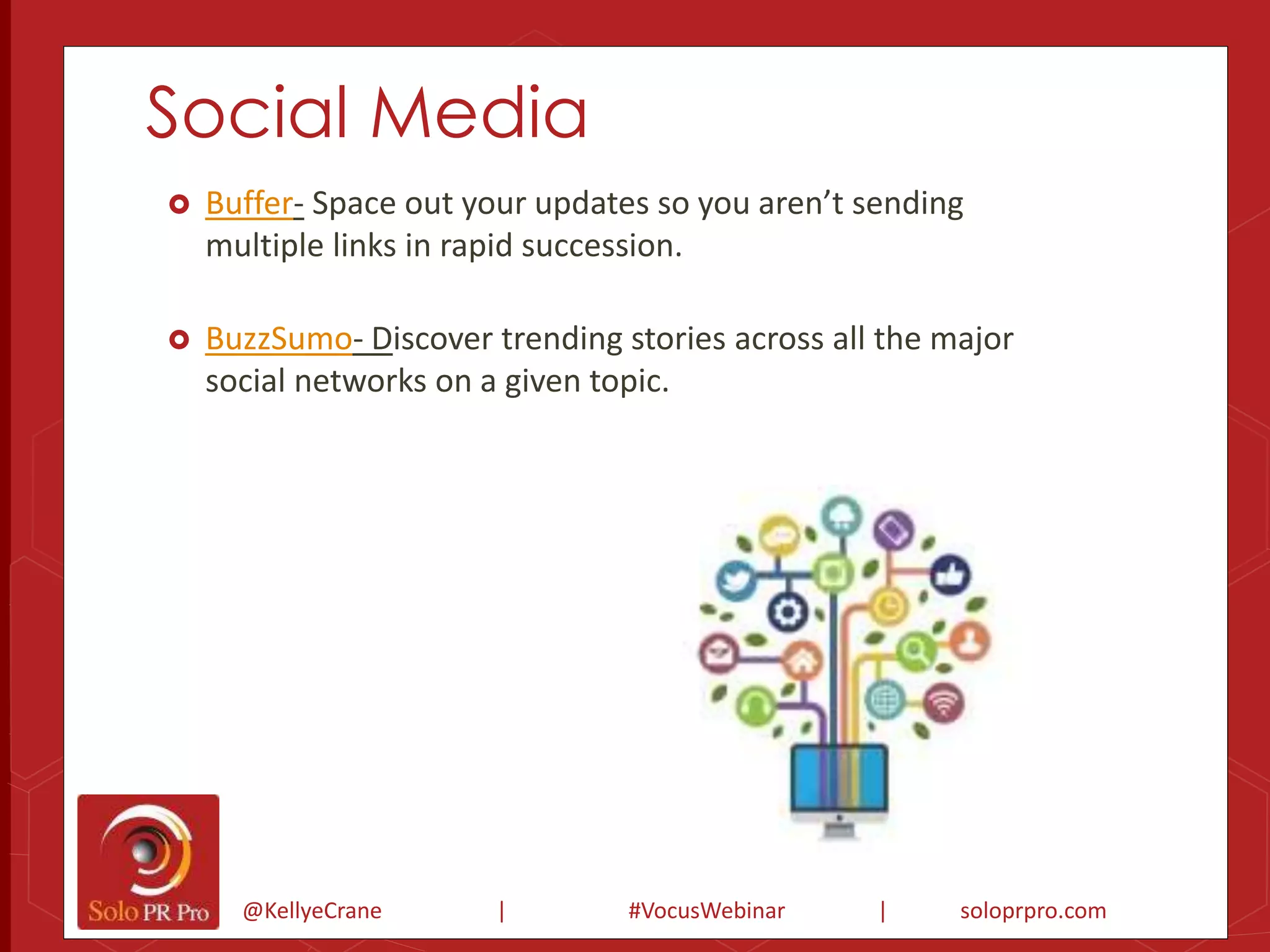
 Buffer- Space out your updates so you aren’t sending 
multiple links in rapid succession. 
 BuzzSumo- Discover trending stories across all the major 
social networks on a given topic. 
@KellyeCrane | #VocusWebinar | soloprpro.com
Social Media 
 ManageFlitter – My favorite tool for managing Twitter 
followers/following. 
 Rebelmouse- Allows you to connect multiple social networks and 
profiles, hashtags, etc., onto one unified dashboard that can be 
branded and shared. 
 GroupTweet- Transparently combine the voices of multiple 
contributors into a single Twitter account (pricing based on number 
of followers). 
 RoundTeam- Another tool that allows multiple users to contribute to 
a single Twitter account, this time with a different subscription plan. 
@KellyeCrane | #VocusWebinar | soloprpro.com
Social Media 
 Facebook Debugger- If your link is not expanding properly to include 
details and thumbnails on Facebook, this tool can help. 
 GramFeed- This photo search platform shows images and accounts 
that are trending on Instagram. 
 OneLoad- A video distribution tool with both free and paid plans that 
allows users to quickly upload video content to a multitude of sites at one 
time. 
 YouTube Capture- An app that lets you record, edit, and upload videos on 
your phone to YouTube, and post to Google+, Facebook, and Twitter 
simultaneously. 
 Feedly – Quickly scan the RSS feeds of your favorite blogs and websites. 
@KellyeCrane | #VocusWebinar | soloprpro.com
Still with me?
Collaboration 
@KellyeCrane | #VocusWebinar | soloprpro.com
Collaboration 
 FreeConference.com – I use this service, though there’s also the comparable 
FreeConferenceCall.com. 
 Skype - Make free calls with audio and/or video over the internet to other 
people on Skype. 
 AnyMeeting- Provides free web conferencing and webinar software for up to 
200 attendees (ad-free versions available for a fee). 
@KellyeCrane | #VocusWebinar | soloprpro.com
Collaboration 
 Box.net- Allows you to store up to 5GB for free, so you can access 
your files from anywhere, and easily collaborate and share. 
 MindMeister- Online mind mapping and brainstorming tool. 
 Screencast tools 
 Screencast-o-Matic 
@KellyeCrane | #VocusWebinar | soloprpro.com 
 Jing 
 Screenr
Project Management 
@KellyeCrane | #VocusWebinar | soloprpro.com
Project Management 
 Toodledo – Simple ToDo app with excellent mobile capabilities. 
 WorkFlowy- A minimalistic-style task management tool. 
 Asana- A favorite of many, Asana is one of the most full-featured free tools 
for project management. 
 Backpack – One of the original cloud-based management solutions. 
 Trello- This free tool uses “cards,” which you can group and organize to stay 
@KellyeCrane | #VocusWebinar | soloprpro.com 
on track.
Time Savers 
@KellyeCrane | #VocusWebinar | soloprpro.com
Time Savers 
 Rescue Time- Tracks the time you spend on applications and 
websites and gives you a detailed report of your activity. 
 theSkimm- Quick-hit overview of the day’s news, every morning in 
your inbox. 
 SoundGecko- Turn your favorite websites, blogs and documents into 
audio. 
@KellyeCrane | #VocusWebinar | soloprpro.com
Time Savers 
 gTrax- A Google application that allows for simple time-tracking with the 
integration of Google Calendar. 
 Lastpass – Not only does Lastpass make your passwords more secure, but it 
remembers them for you so you save time. 
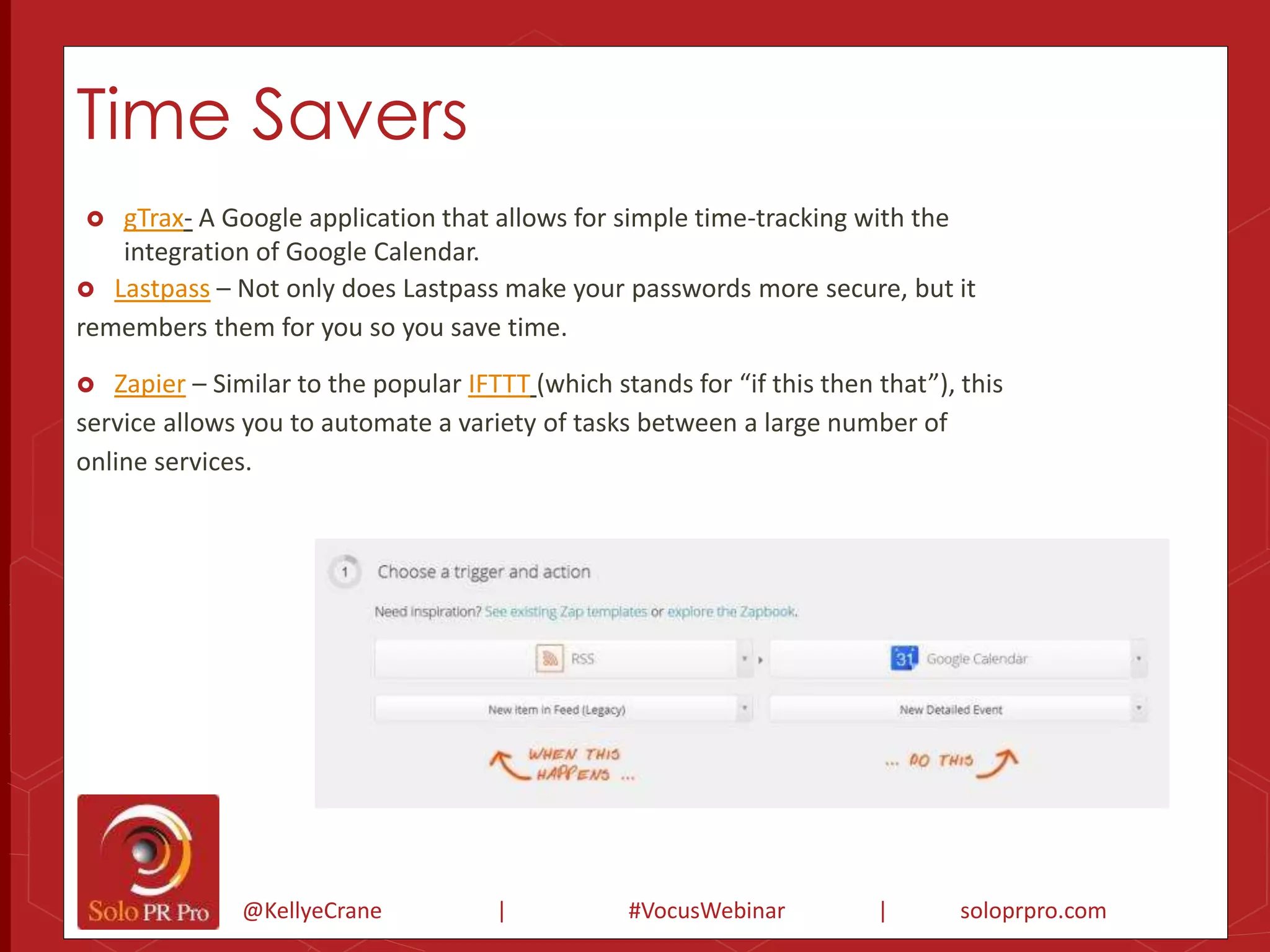
 Zapier – Similar to the popular IFTTT (which stands for “if this then that”), this 
service allows you to automate a variety of tasks between a large number of 
online services. 
@KellyeCrane | #VocusWebinar | soloprpro.com
Cool Tools 
@KellyeCrane | #VocusWebinar | soloprpro.com
Cool Tools 
 Visible Tweets- Animate tweets for public display. 
 Clickto Tweet- The easiest way to add ‘Tweet This’ 
for specific pieces of text. 
 Embed Code Generator- Quickly create embed 
codes so others can easily repost your images, 
infographics, etc. 
 Wordle- Create word clouds based on the content of 
any website. 
 Get It In Writing! Ebook- Not a tool per se, but if 
you’re looking for examples of commonly used 
contracts, download this free 45-page guide from 
Solo PR Pro. 
@KellyeCrane | #VocusWebinar | soloprpro.com
Cool Tools 
 Kayak- Crawls multiple travel sites and returns all the results on one 
@KellyeCrane | #VocusWebinar | soloprpro.com 
screen. 
 MilelQ- MileIQ automatically remembers your drives for mileage 
reimbursement or taxes. 
 Bust A Name- The easiest way to find a domain name. 
 Wufoo- Create forms online that can be embedded in a web page or 
blog. 
 Audacity- Audacity is the go-to audio editor for recording and mixing 
digital tracks. 
 Pingdom- A free website monitoring tool.
Cool Tools 
 Doodle- Find a good meeting time for multiple people across 
organizations, no registrations needed. 
 InternetSlang.com- Search for the meanings of abbreviations, 
acronyms and other slang. 
 HighTail – Circumvent email when sending very large files - just send 
a link to the downloadable version instead. 
 7-Zip- Easy-to-use, no-cost alternative to WinZip. 
 PrimoPDF- Create PDF documents using your computer’s print 
function – no Adobe Acrobat required. 
 JotNot- Turn your smartphone camera into a high-resolution scanner. 
@KellyeCrane | #VocusWebinar | soloprpro.com
Cool Tools 
 SurveyMonkey – Create and share your own online 
surveys quickly and easily. 
 Wedgies- Create a question and share it via text-sharing 
and social platforms. 
 FaxZero – Free faxes include the FaxZero logo on the 
cover page; logo-free versions cost just $1.99. 
 Zamzar – Easy online file conversion between a 
multitude of formats. 
@KellyeCrane | #VocusWebinar | soloprpro.com
My New Fave - CoSchedule 
@KellyeCrane | #VocusWebinar | soloprpro.com
Thank You! 
Solo PR Pro Free Resources: 
Sign-up for our free bi-weekly newsletter with PR tips, tools and news: 
http://soloprpro.com/newsletter 
Blog: soloprpro.com 
Twitter: @SoloPR 
@Kellye Crane 
Facebook: https://www.facebook.com/SoloPRpro 
LinkedIn Group: http://linkd.in/SoloPR 
Learn more about Solo PR PRO Premium: 
http://soloprpro.com/join 
@KellyeCrane | #VocusWebinar | soloprpro.com

Kellye crane tool school webinar

  • 1.
    TOOL SCHOOL: PRSUCCESS IN 2015! Kellye Crane Founder, Solo PR Pro
  • 2.
    Let’s Talk Toolsfor 2015 @KellyeCrane | #VocusWebinar | soloprpro.com
  • 3.
    Shoot the Messenger– Me!  Sharing my personal thoughts and experiences with these tools, not those of Cision/Vocus. @KellyeCrane | #VocusWebinar | soloprpro.com
  • 4.
    We’re here tolearn from each other! Share your own experiences on Twitter- #vocuswebinar @KellyeCrane | #VocusWebinar | soloprpro.com
  • 5.
    Avoid “Shiny ObjectSyndrome”” @KellyeCrane | #VocusWebinar | soloprpro.com
  • 6.
    Strategy @KellyeCrane |#VocusWebinar | soloprpro.com
  • 7.
    When to Invest  What is your time worth?  How much time will the tool save you?  How much does the tool cost? Mathematical! @KellyeCrane | #VocusWebinar | soloprpro.com
  • 8.
  • 9.
  • 10.
  • 11.
    Productivity  Dropbox– Anyone can access any document in any folder you give them permission to view and/or edit  Google Apps for Business –Google Apps for Business is a paid version of Gmail and Google Drive, where you can use your own domain. @KellyeCrane | #VocusWebinar | soloprpro.com
  • 12.
    Productivity  MicrosoftOffice 365 - Online version of Microsoft suite. Gmail add-ons  Rapportive- Amazingly useful, this tool pulls in the LinkedIn profile highlights of those you’re emailing, and displays them in the sidebar.  Boomerang for Gmail- Another Gmail add-on, Boomerang enables you to pre-schedule emails for later delivery, and also schedule reminders to follow-up on emails.  Wisestamp – Makes it easy to include a graphically rich email signature, with links and icons.  Yesware – Find out when someone opens your email and clicks on the links. Especially useful for media relations! @KellyeCrane | #VocusWebinar | soloprpro.com
  • 13.
    Productivity Evernote –It’sa notes app + clipper on steroids, allowing you to easily capture and sync information across platforms. Pocket- A browser extension that allows you to save a website for future reference with one click. Newsle – Find out when your friends and colleagues make the news - sends you an email once a day with links to all the articles/blogs where they appear. Blogtrotter- If you like to subscribe to blogs by email, this tool allows you to easily signup for multiples at a time. Diigo- Free social bookmarking tool that makes it easy to save and share content. @KellyeCrane | #VocusWebinar | soloprpro.com
  • 14.
  • 15.
    Traditional PR Cision/Vocus – Powerful online media database, with expanding portfolio of capabilities  Help a reporter out (HARO) – Most PR pros know about HARO - just sign up and you’ll receive emails of press queries, organized by industry/interest for easy scanning.  Mention.net and Talk Walker – When Google Alerts went kaput, these two services became the most widely-used free tools for monitoring alerts via email.  Who Shared my Link- Enter a URL and see how many times it was shared on social media, and by which journalists and bloggers. @KellyeCrane | #VocusWebinar | soloprpro.com
  • 16.
    Traditional PR SumAll- Connect and compare data from your social media, e-mail, ads, Google analytics and more, all in one dashboard.  Cyfe- Another all-in-one data-monitoring dashboard that allows you to collect and analyze data across popular online services (many features are free).  SocialCrawlytics- A free tool that lets you identify your competitor's most shared content.  Tagboard- A page that lets you track hashtags across all major platforms, including Facebook, Twitter, Instagram, Vine, and Google+.  AP Stylebook Ask the Editor – Can’t find your Stylebook? This online Q&A is searchable, and you can often find the answers to your style questions here. @KellyeCrane | #VocusWebinar | soloprpro.com
  • 17.
    Visuals @KellyeCrane |#VocusWebinar | soloprpro.com
  • 18.
    Visuals  PicMonkey-By far the easiest and most powerful image editing tool out there for non-experts  Canva- This is an amazing service to help the design-challenged among us create stunning designs @KellyeCrane | #VocusWebinar | soloprpro.com
  • 19.
    Visuals  FreeDigitalPhotos.net-My favorite source of free @KellyeCrane | #VocusWebinar | soloprpro.com images.  Compfight - Use this Flickr search tool and turn the “Creative Commons: Commercial” qualifier on.  Wordswag- Easily add text to iPhone photos for modern-looking graphics.  Photo Peach- Use this digital tool to create a slideshow with photos, music and captions that can be shared on Facebook, Twitter or a blog.  Dafont- A powerfully searchable archive of more than 17,000 fonts you can download for free.
  • 20.
    Visuals  Powtoon-Online presentation tool that lets you create animated videos or explainers.  Animoto- A web-based service that provides a quick and visually appealing way to share photos and create videos.  gifboom- Express yourself in motion with animated GIFs made with your iPhone or Android.  Swipe- A web application that allows you to create web-powered slideshows and share them.  Piktochart- DIY infographic creator that offers a number of tools and templates to make the process easier.  Infogr.am- Another well-known DIY infographic app. @KellyeCrane | #VocusWebinar | soloprpro.com
  • 21.
    Social Media @KellyeCrane| #VocusWebinar | soloprpro.com
  • 22.
    Social Media Buffer- Space out your updates so you aren’t sending multiple links in rapid succession.  BuzzSumo- Discover trending stories across all the major social networks on a given topic. @KellyeCrane | #VocusWebinar | soloprpro.com
  • 23.
    Social Media ManageFlitter – My favorite tool for managing Twitter followers/following.  Rebelmouse- Allows you to connect multiple social networks and profiles, hashtags, etc., onto one unified dashboard that can be branded and shared.  GroupTweet- Transparently combine the voices of multiple contributors into a single Twitter account (pricing based on number of followers).  RoundTeam- Another tool that allows multiple users to contribute to a single Twitter account, this time with a different subscription plan. @KellyeCrane | #VocusWebinar | soloprpro.com
  • 24.
    Social Media Facebook Debugger- If your link is not expanding properly to include details and thumbnails on Facebook, this tool can help.  GramFeed- This photo search platform shows images and accounts that are trending on Instagram.  OneLoad- A video distribution tool with both free and paid plans that allows users to quickly upload video content to a multitude of sites at one time.  YouTube Capture- An app that lets you record, edit, and upload videos on your phone to YouTube, and post to Google+, Facebook, and Twitter simultaneously.  Feedly – Quickly scan the RSS feeds of your favorite blogs and websites. @KellyeCrane | #VocusWebinar | soloprpro.com
  • 25.
  • 26.
    Collaboration @KellyeCrane |#VocusWebinar | soloprpro.com
  • 27.
    Collaboration  FreeConference.com– I use this service, though there’s also the comparable FreeConferenceCall.com.  Skype - Make free calls with audio and/or video over the internet to other people on Skype.  AnyMeeting- Provides free web conferencing and webinar software for up to 200 attendees (ad-free versions available for a fee). @KellyeCrane | #VocusWebinar | soloprpro.com
  • 28.
    Collaboration  Box.net-Allows you to store up to 5GB for free, so you can access your files from anywhere, and easily collaborate and share.  MindMeister- Online mind mapping and brainstorming tool.  Screencast tools  Screencast-o-Matic @KellyeCrane | #VocusWebinar | soloprpro.com  Jing  Screenr
  • 29.
    Project Management @KellyeCrane| #VocusWebinar | soloprpro.com
  • 30.
    Project Management Toodledo – Simple ToDo app with excellent mobile capabilities.  WorkFlowy- A minimalistic-style task management tool.  Asana- A favorite of many, Asana is one of the most full-featured free tools for project management.  Backpack – One of the original cloud-based management solutions.  Trello- This free tool uses “cards,” which you can group and organize to stay @KellyeCrane | #VocusWebinar | soloprpro.com on track.
  • 31.
    Time Savers @KellyeCrane| #VocusWebinar | soloprpro.com
  • 32.
    Time Savers Rescue Time- Tracks the time you spend on applications and websites and gives you a detailed report of your activity.  theSkimm- Quick-hit overview of the day’s news, every morning in your inbox.  SoundGecko- Turn your favorite websites, blogs and documents into audio. @KellyeCrane | #VocusWebinar | soloprpro.com
  • 33.
    Time Savers gTrax- A Google application that allows for simple time-tracking with the integration of Google Calendar.  Lastpass – Not only does Lastpass make your passwords more secure, but it remembers them for you so you save time.  Zapier – Similar to the popular IFTTT (which stands for “if this then that”), this service allows you to automate a variety of tasks between a large number of online services. @KellyeCrane | #VocusWebinar | soloprpro.com
  • 34.
    Cool Tools @KellyeCrane| #VocusWebinar | soloprpro.com
  • 35.
    Cool Tools Visible Tweets- Animate tweets for public display.  Clickto Tweet- The easiest way to add ‘Tweet This’ for specific pieces of text.  Embed Code Generator- Quickly create embed codes so others can easily repost your images, infographics, etc.  Wordle- Create word clouds based on the content of any website.  Get It In Writing! Ebook- Not a tool per se, but if you’re looking for examples of commonly used contracts, download this free 45-page guide from Solo PR Pro. @KellyeCrane | #VocusWebinar | soloprpro.com
  • 36.
    Cool Tools Kayak- Crawls multiple travel sites and returns all the results on one @KellyeCrane | #VocusWebinar | soloprpro.com screen.  MilelQ- MileIQ automatically remembers your drives for mileage reimbursement or taxes.  Bust A Name- The easiest way to find a domain name.  Wufoo- Create forms online that can be embedded in a web page or blog.  Audacity- Audacity is the go-to audio editor for recording and mixing digital tracks.  Pingdom- A free website monitoring tool.
  • 37.
    Cool Tools Doodle- Find a good meeting time for multiple people across organizations, no registrations needed.  InternetSlang.com- Search for the meanings of abbreviations, acronyms and other slang.  HighTail – Circumvent email when sending very large files - just send a link to the downloadable version instead.  7-Zip- Easy-to-use, no-cost alternative to WinZip.  PrimoPDF- Create PDF documents using your computer’s print function – no Adobe Acrobat required.  JotNot- Turn your smartphone camera into a high-resolution scanner. @KellyeCrane | #VocusWebinar | soloprpro.com
  • 38.
    Cool Tools SurveyMonkey – Create and share your own online surveys quickly and easily.  Wedgies- Create a question and share it via text-sharing and social platforms.  FaxZero – Free faxes include the FaxZero logo on the cover page; logo-free versions cost just $1.99.  Zamzar – Easy online file conversion between a multitude of formats. @KellyeCrane | #VocusWebinar | soloprpro.com
  • 39.
    My New Fave- CoSchedule @KellyeCrane | #VocusWebinar | soloprpro.com
  • 40.
    Thank You! SoloPR Pro Free Resources: Sign-up for our free bi-weekly newsletter with PR tips, tools and news: http://soloprpro.com/newsletter Blog: soloprpro.com Twitter: @SoloPR @Kellye Crane Facebook: https://www.facebook.com/SoloPRpro LinkedIn Group: http://linkd.in/SoloPR Learn more about Solo PR PRO Premium: http://soloprpro.com/join @KellyeCrane | #VocusWebinar | soloprpro.com