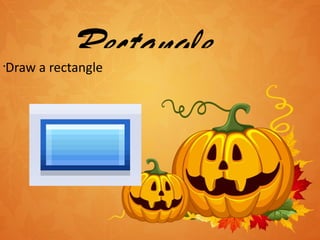
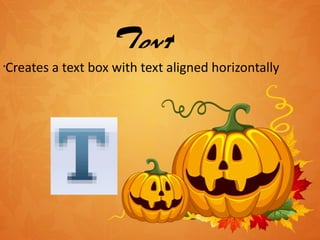
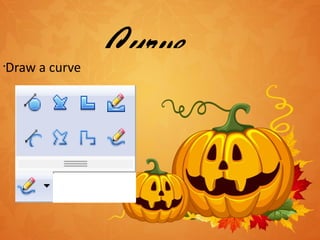
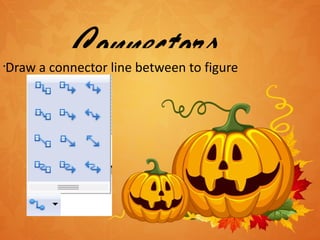
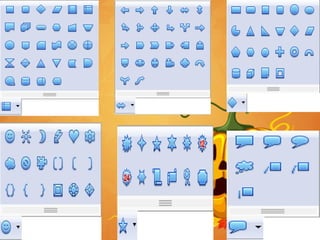
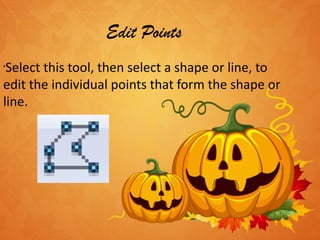

The document describes tools in the drawing toolbar that allow adding basic shapes, lines, arrows, and text boxes to slides. It lists tools for drawing rectangles, curves, connectors between figures, basic shapes, and straight lines. Other tools allow editing points of shapes and lines, working with font, selecting multiple objects, drawing arrows, rotating objects, and switching 3D effects on or off.


