Downloaded 33 times
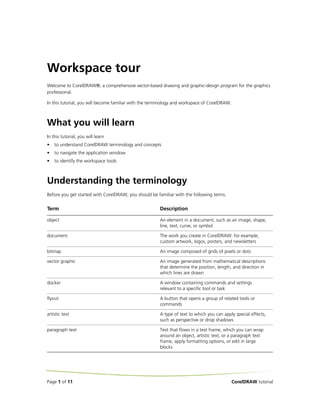
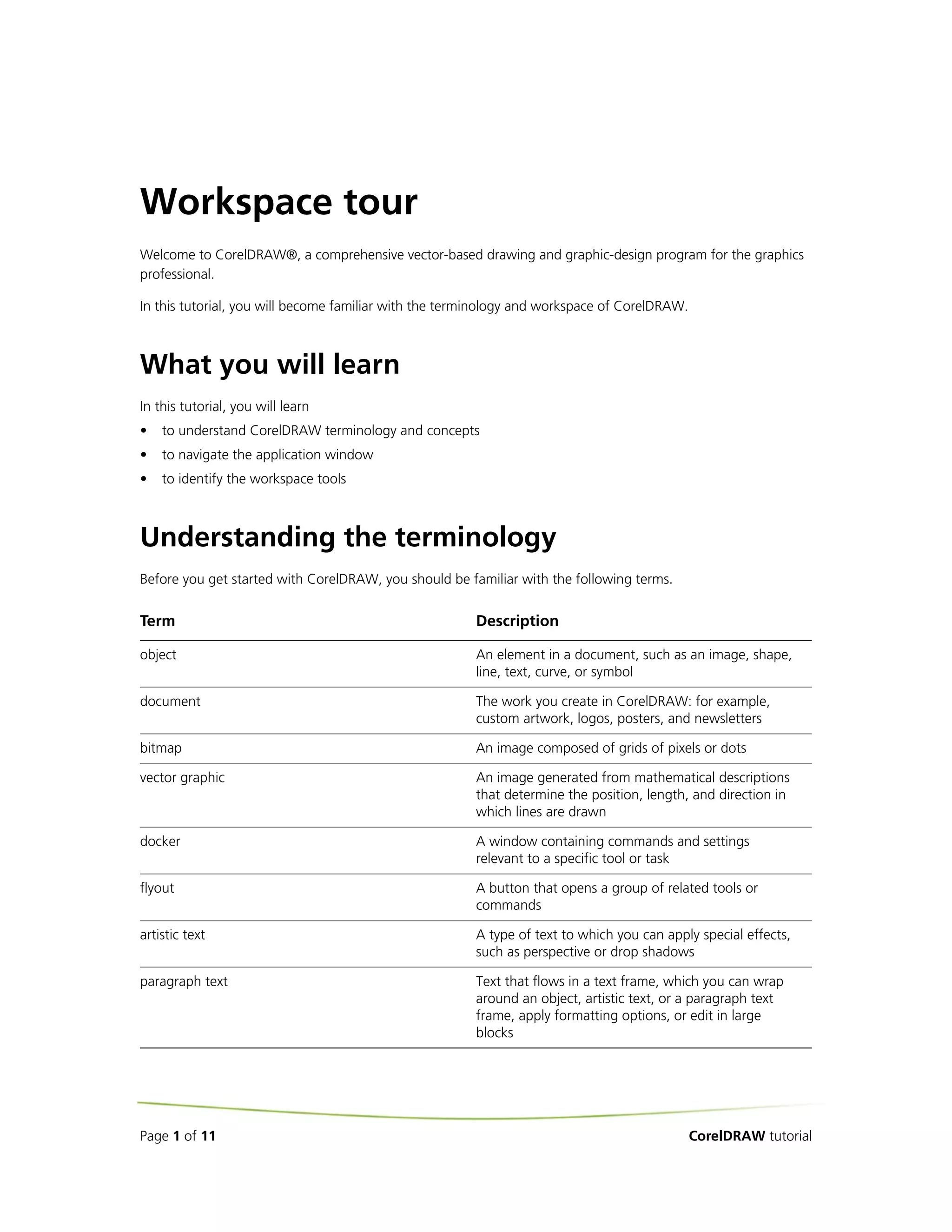
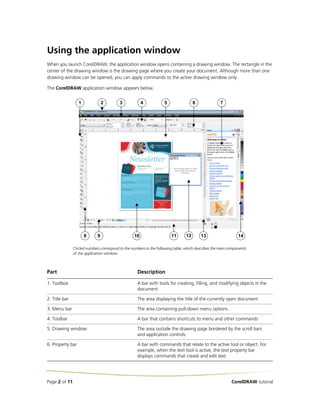
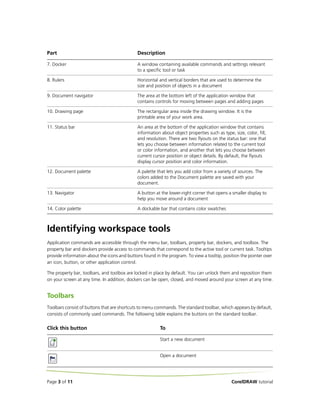
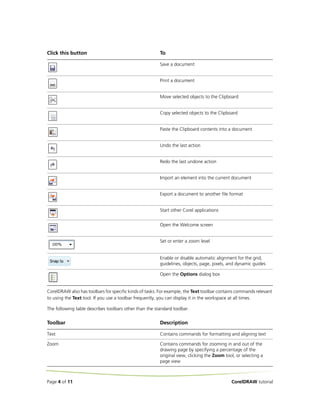
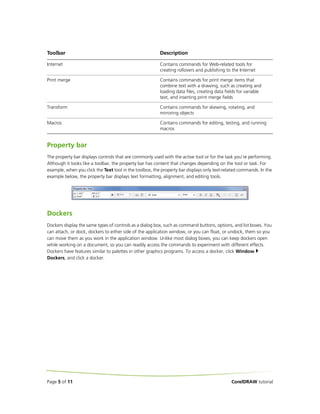
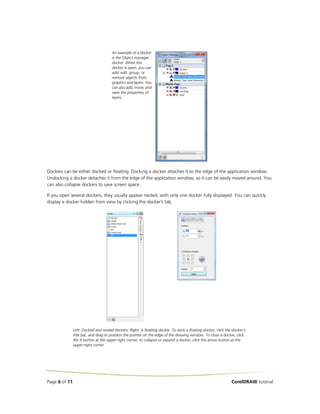
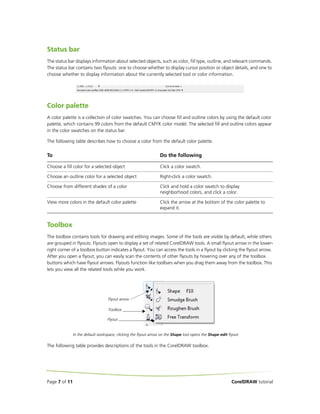
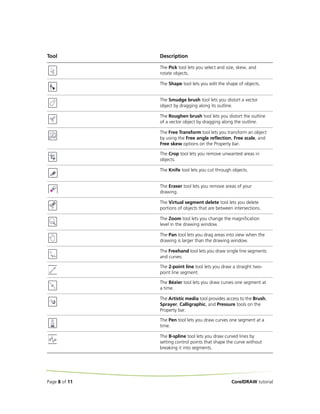
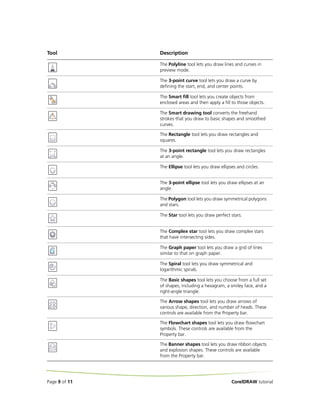
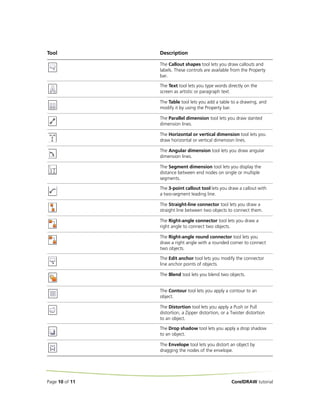
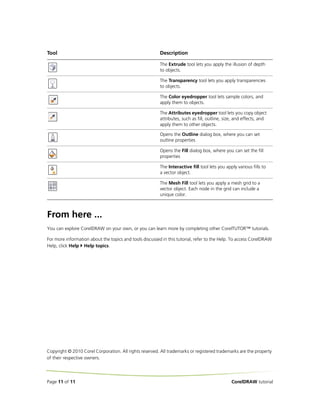

This document provides an overview of the CorelDRAW workspace, including its key components and tools. It describes the application window, toolbars, property bar, dockers, status bar, color palette, and toolbox. The tutorial explains how to navigate the workspace, select tools, and understand CorelDRAW concepts and terminology to get started using the vector graphics software.


