Designing Interface

Core Principles And Considerations
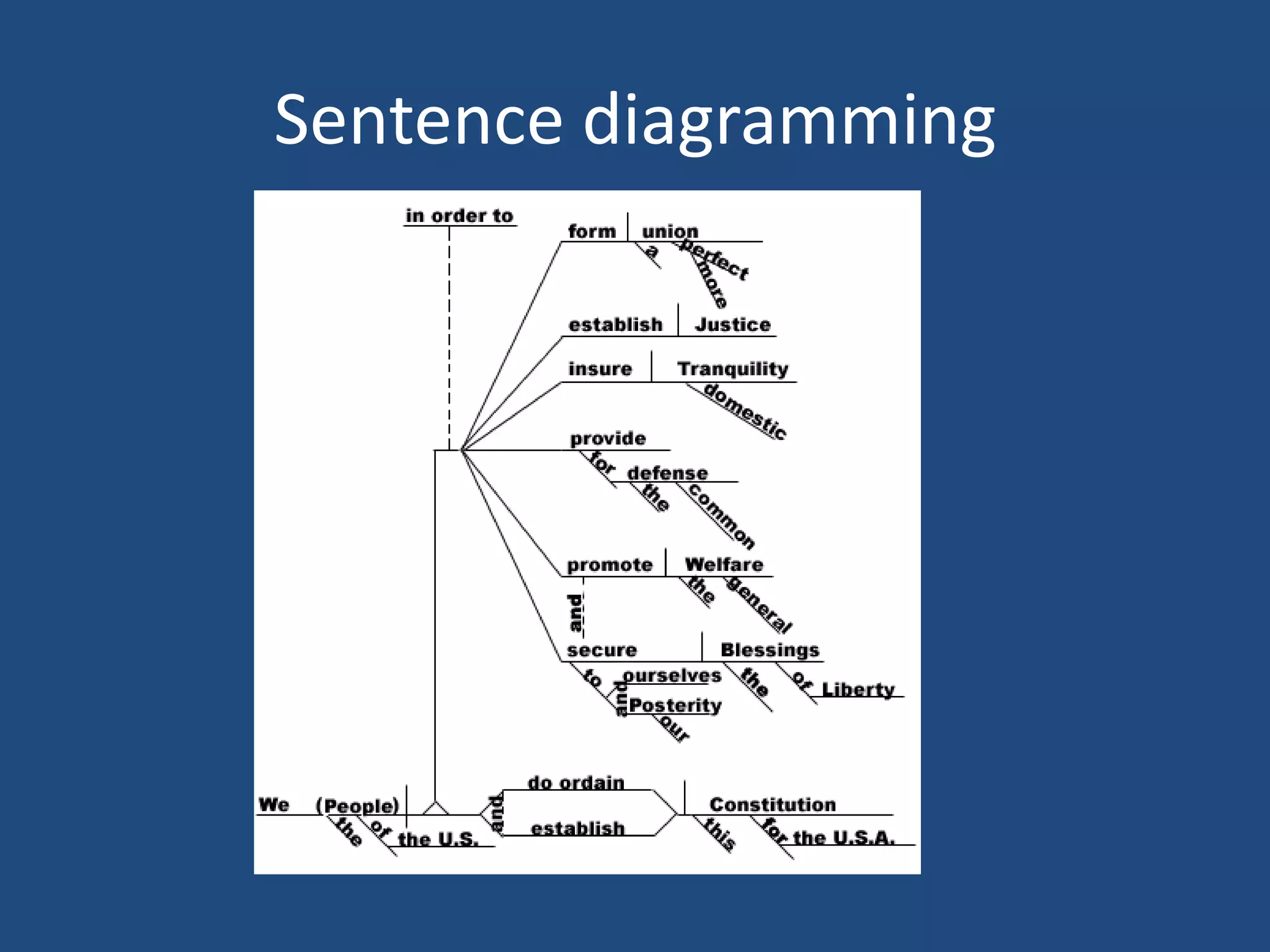
Sentence diagramming
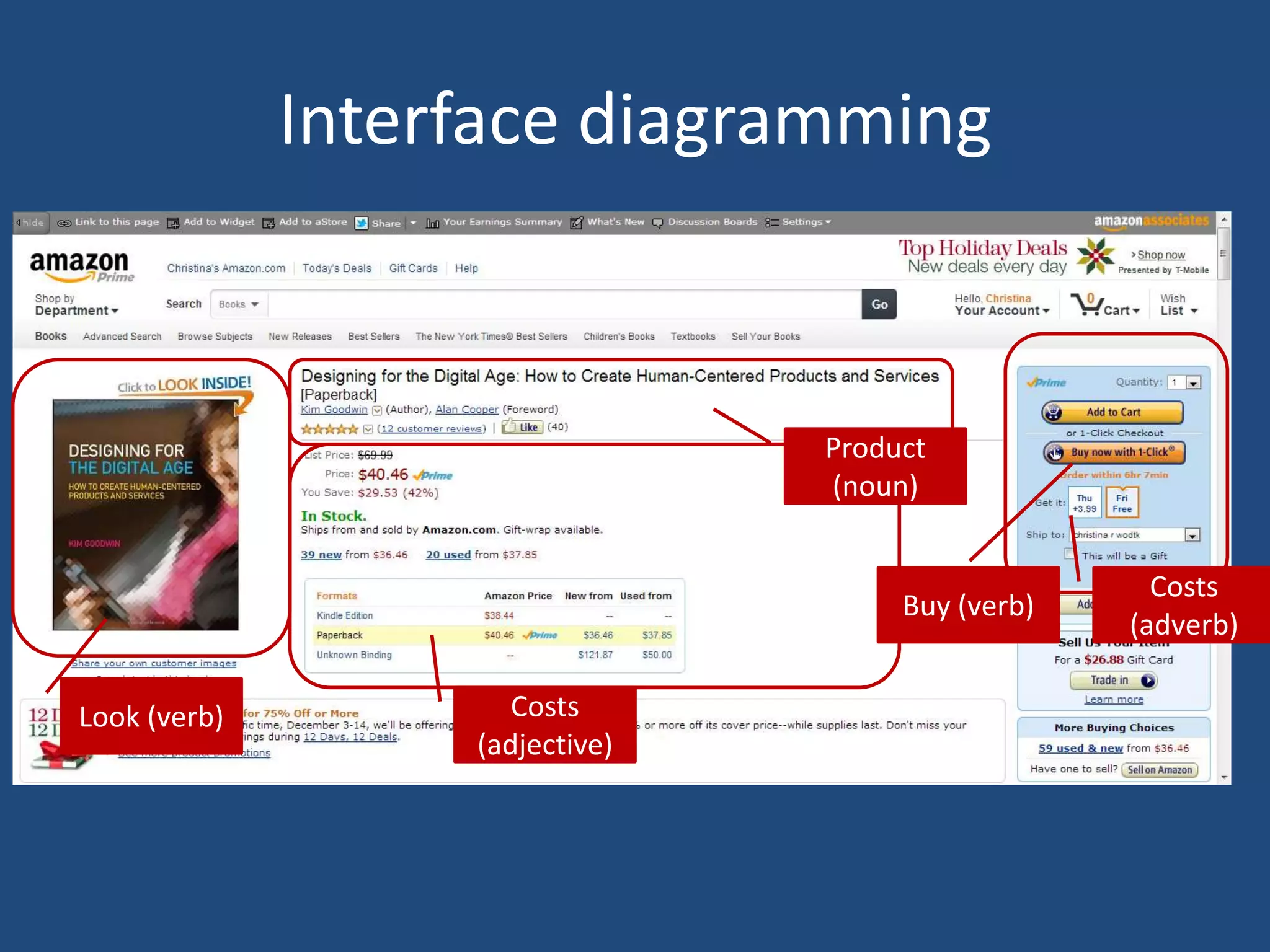
Interface diagramming


                                 Product
                                 (noun)


                                                     Costs
                                      Buy (verb)
                                                   (adverb)

Look (verb)           Costs
                   (adjective)
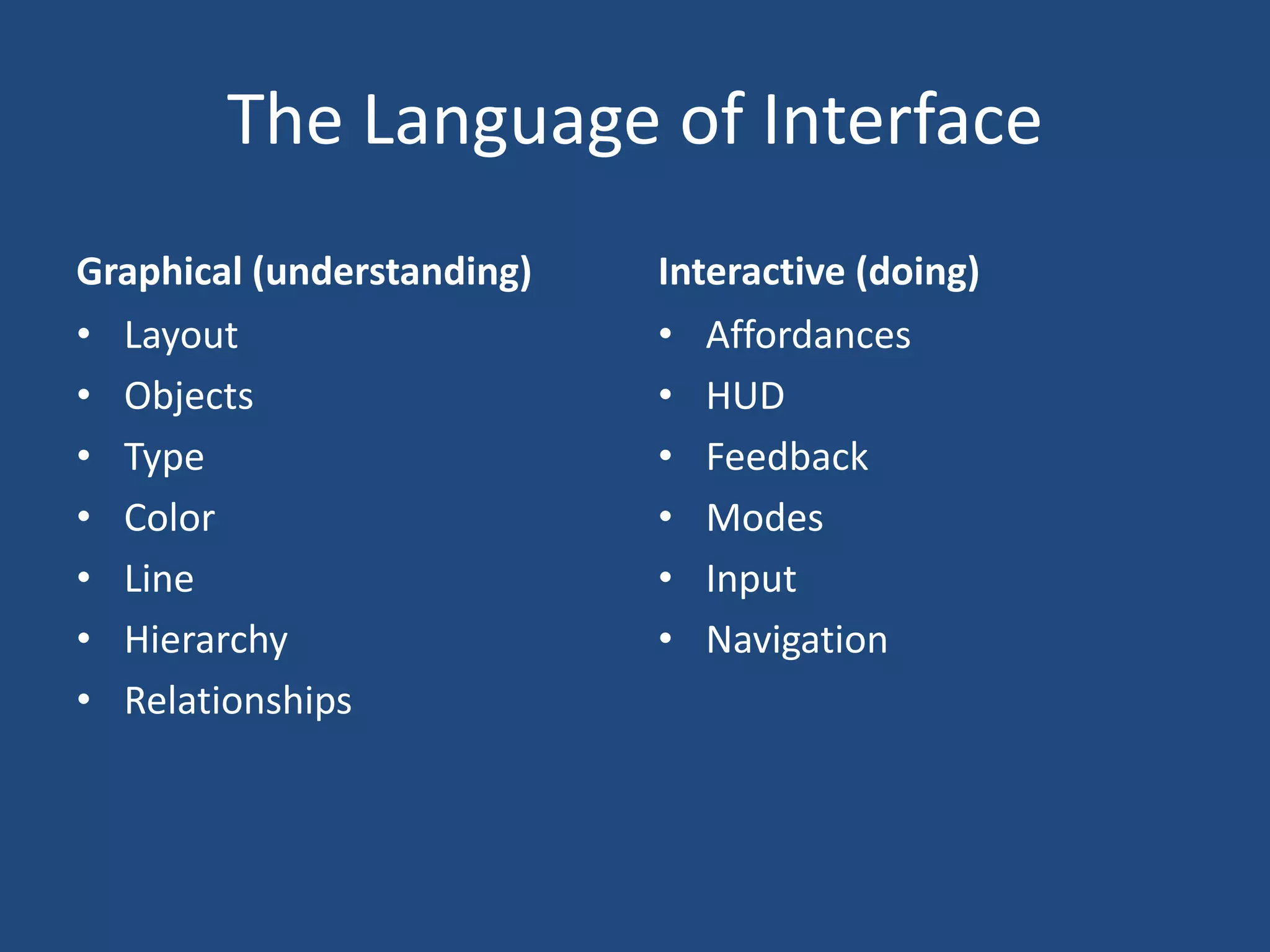
The Language of Interface
Graphical (understanding)   Interactive (doing)
• Layout                    • Affordances
• Objects                   • HUD
• Type                      • Feedback
• Color                     • Modes
• Line                      • Input
• Hierarchy                 • Navigation
• Relationships
Interactive Interface Design

DOING
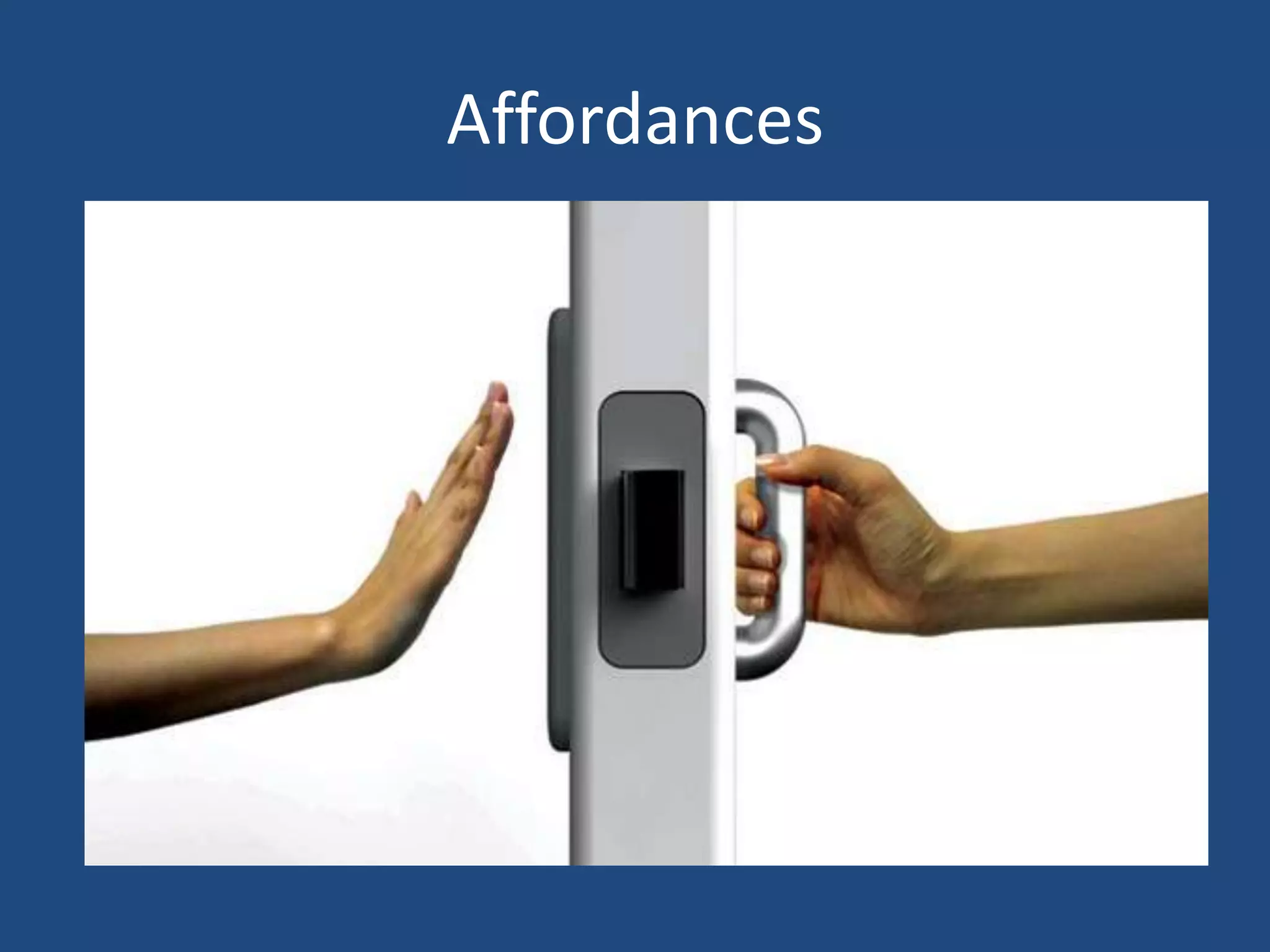
Affordances
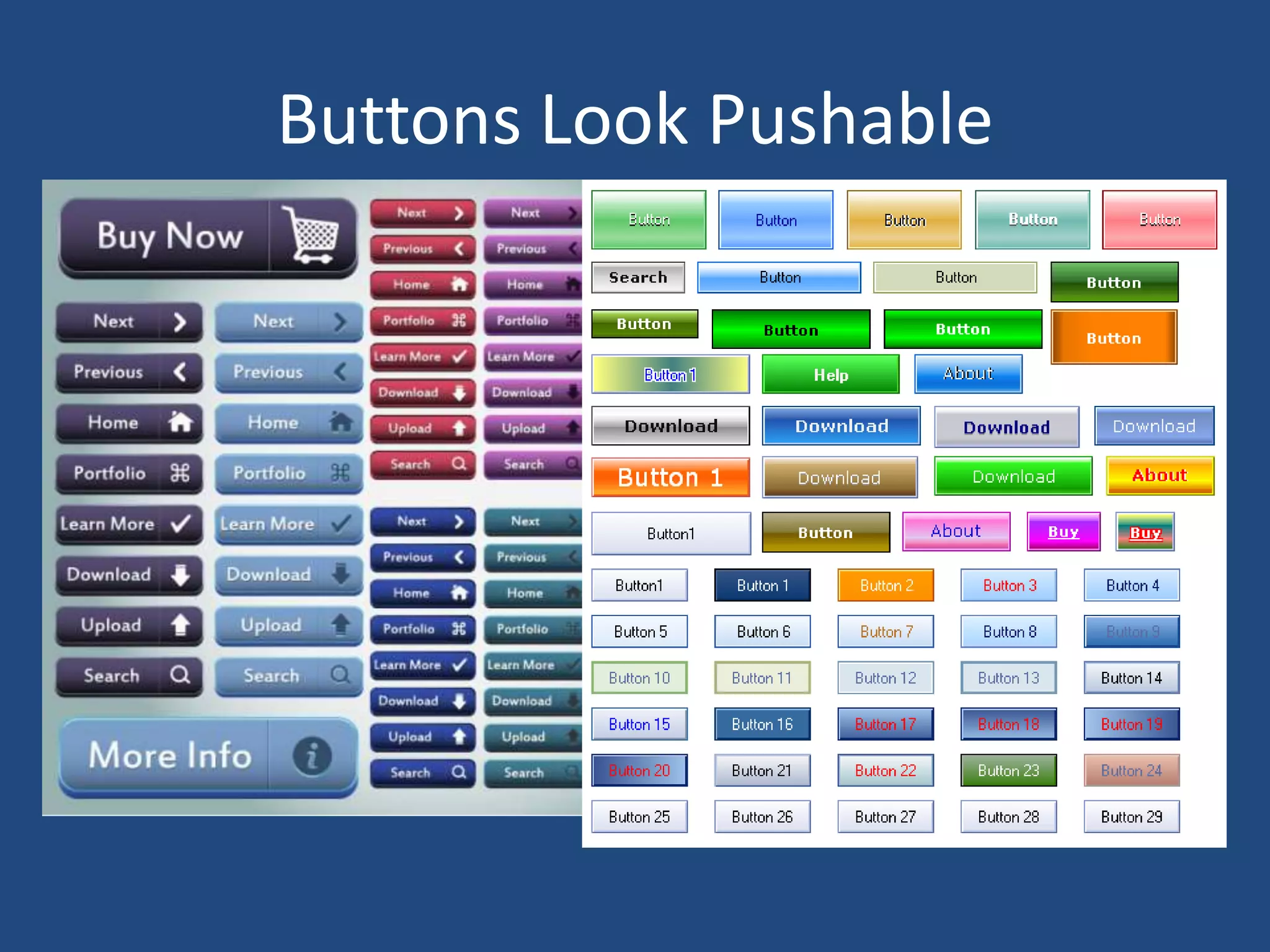
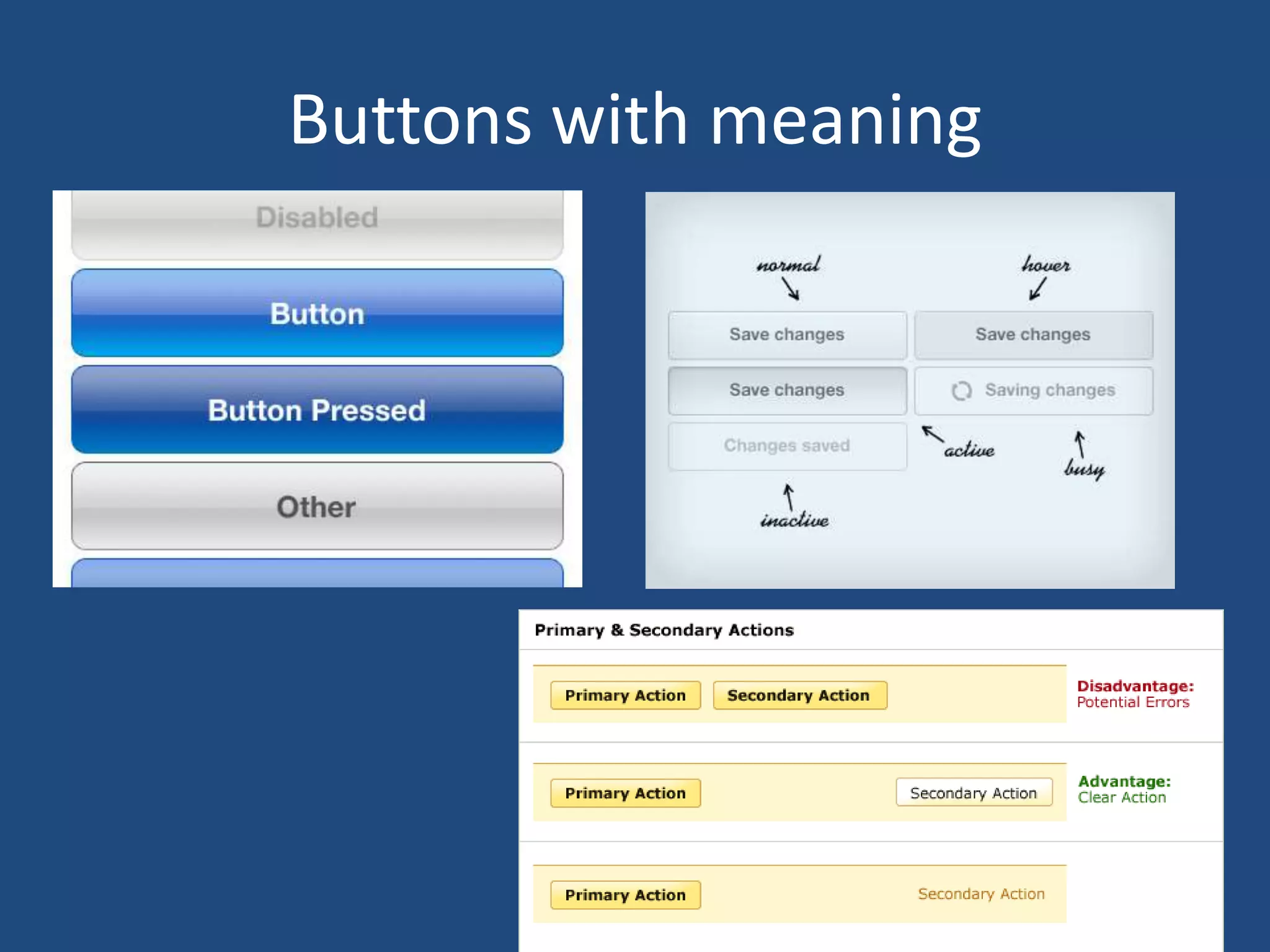
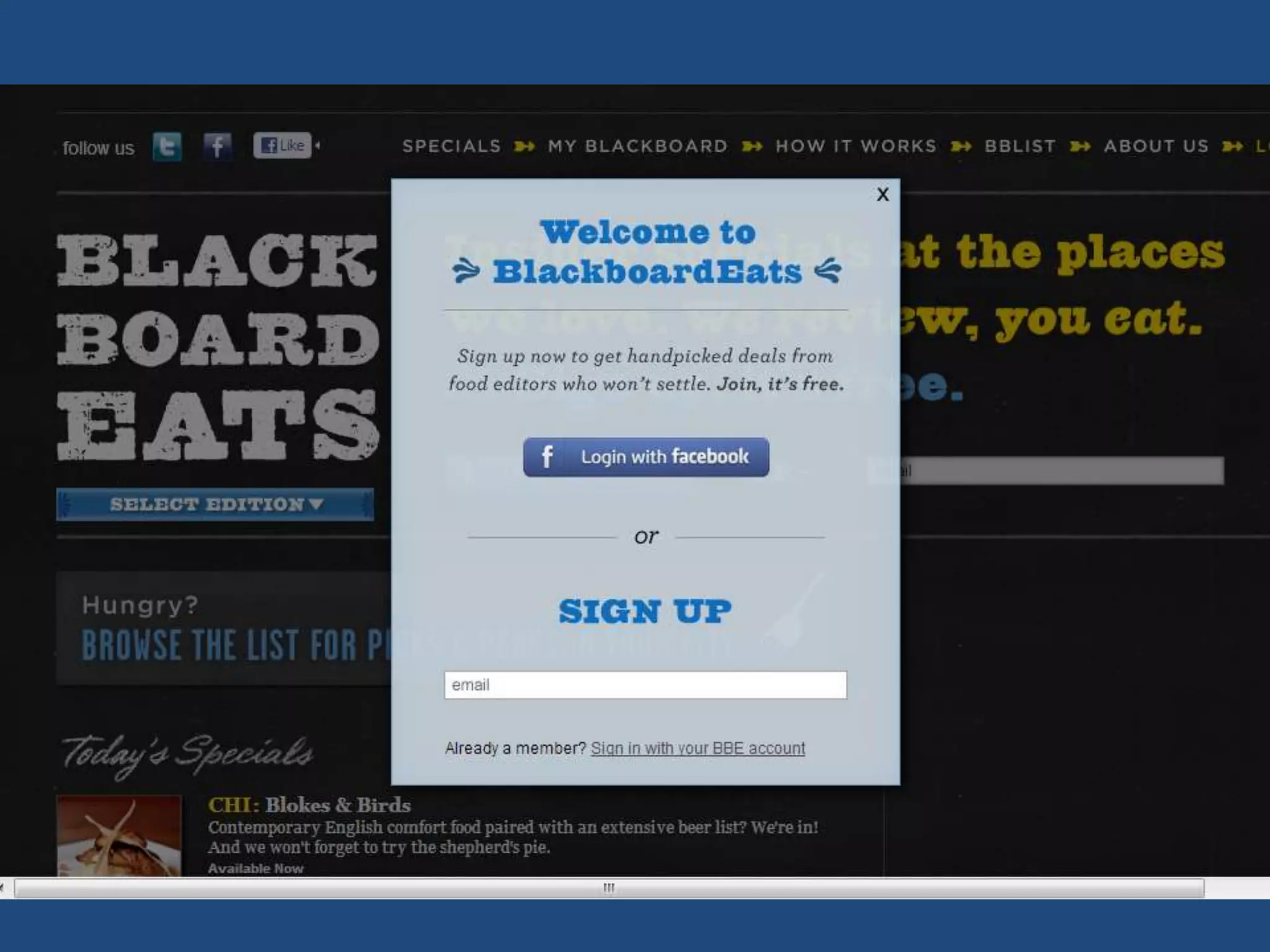
Buttons Look Pushable
Buttons with meaning
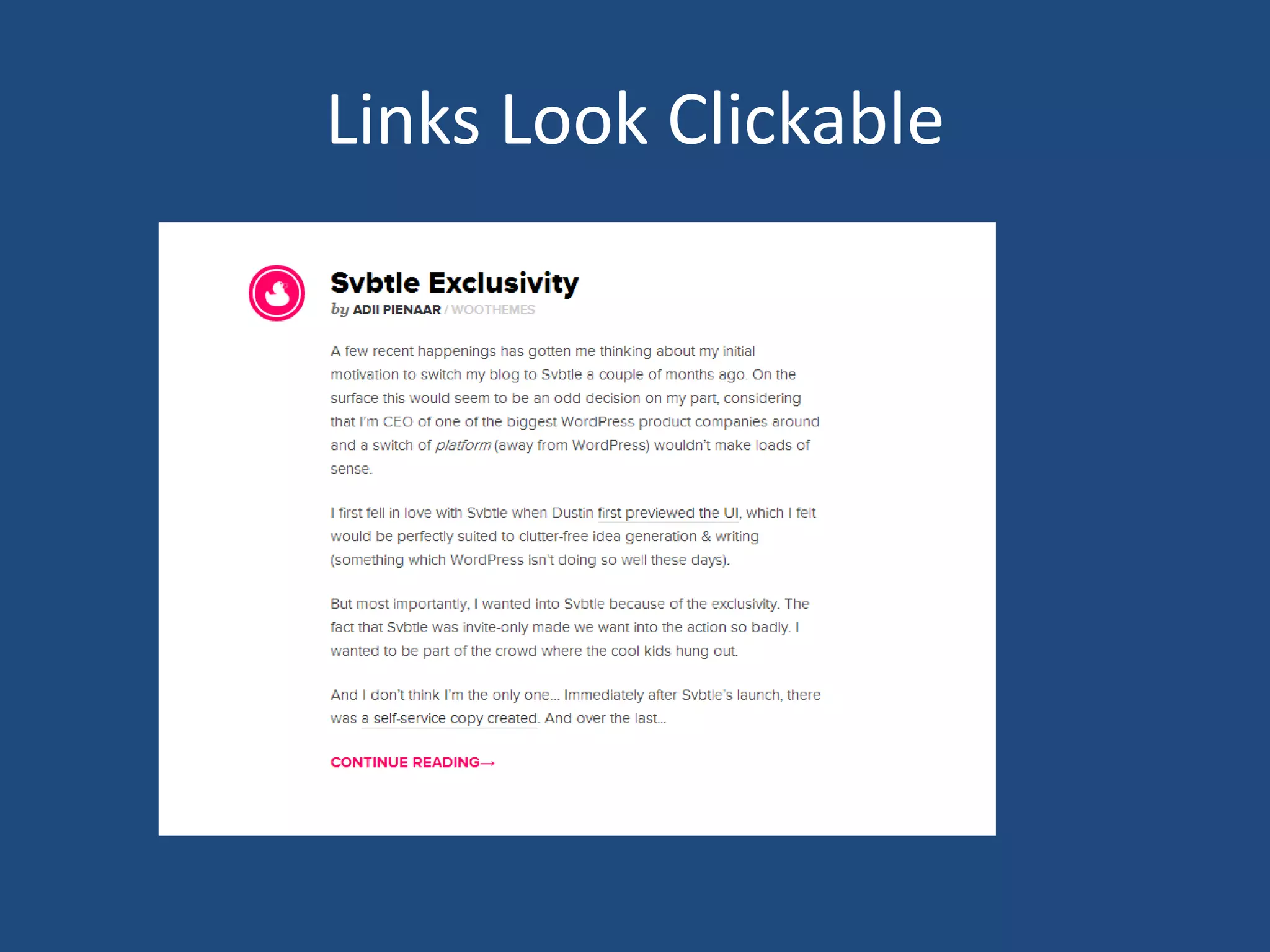
Links Look Clickable
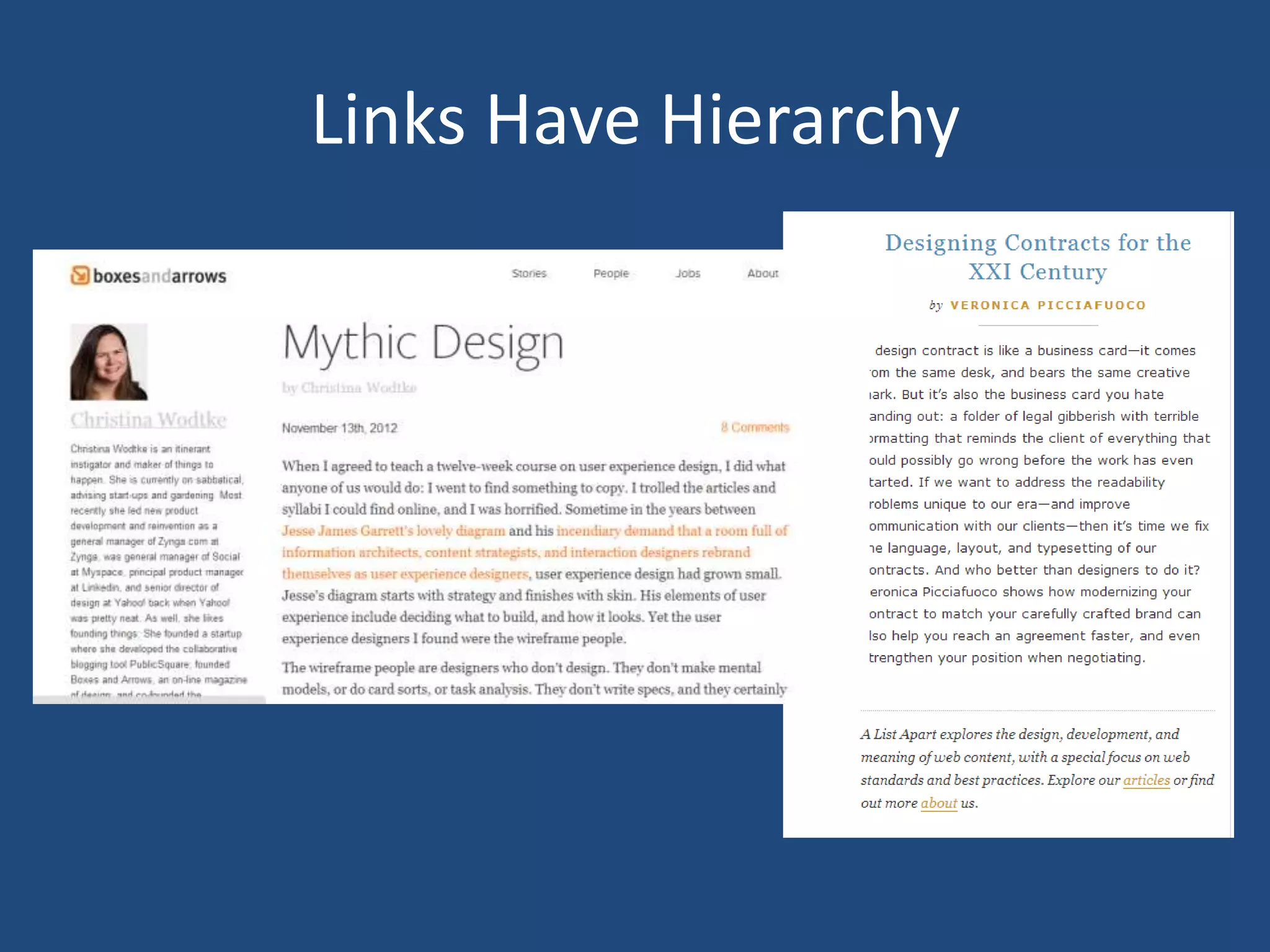
Links Have Hierarchy
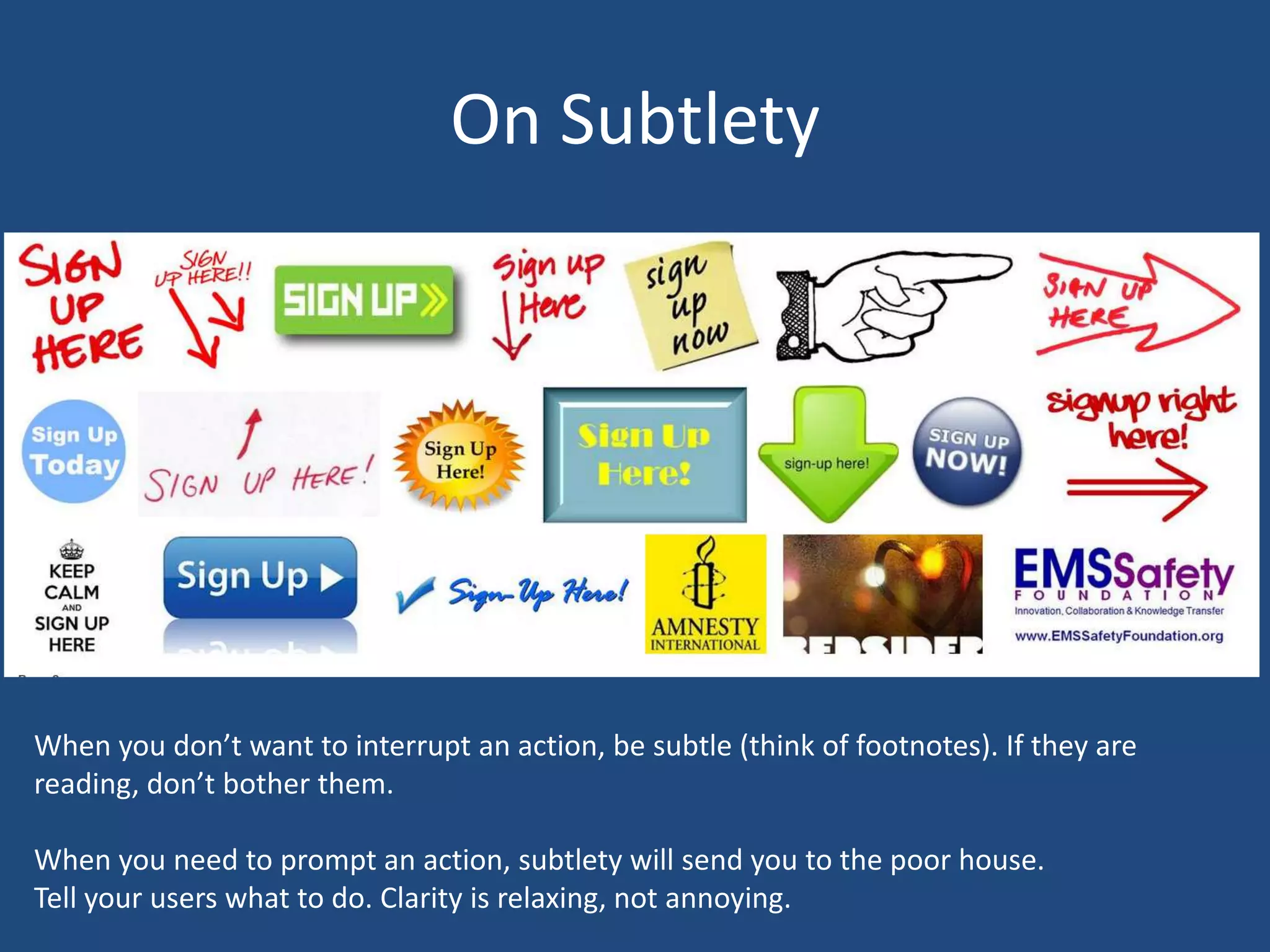
On Subtlety


When you don’t want to interrupt an action, be subtle (think of footnotes). If they are
reading, don’t bother them.

When you need to prompt an action, subtlety will send you to the poor house.
Tell your users what to do. Clarity is relaxing, not annoying.
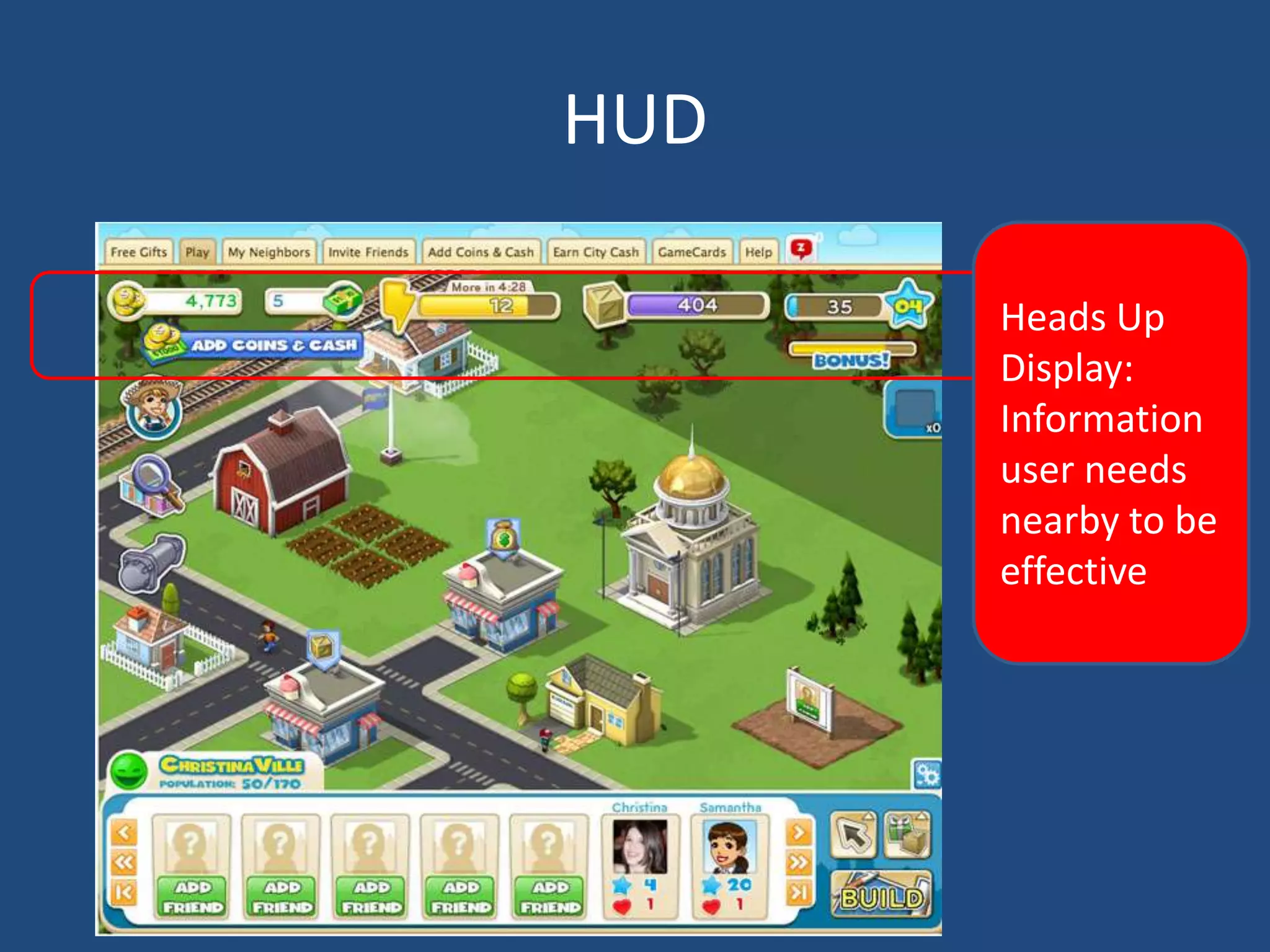
HUD

      Heads Up
      Display:
      Information
      user needs
      nearby to be
      effective
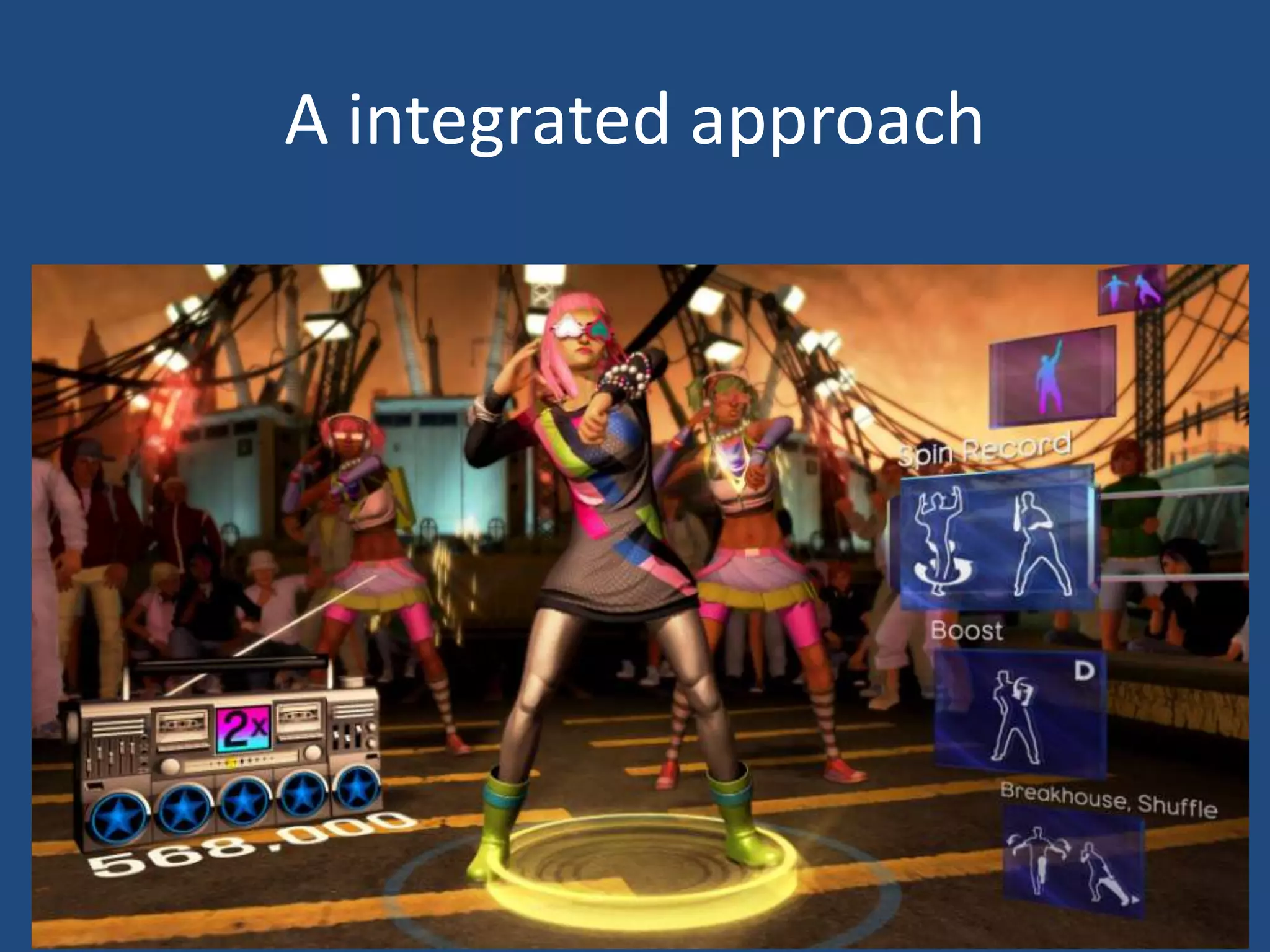
A integrated approach
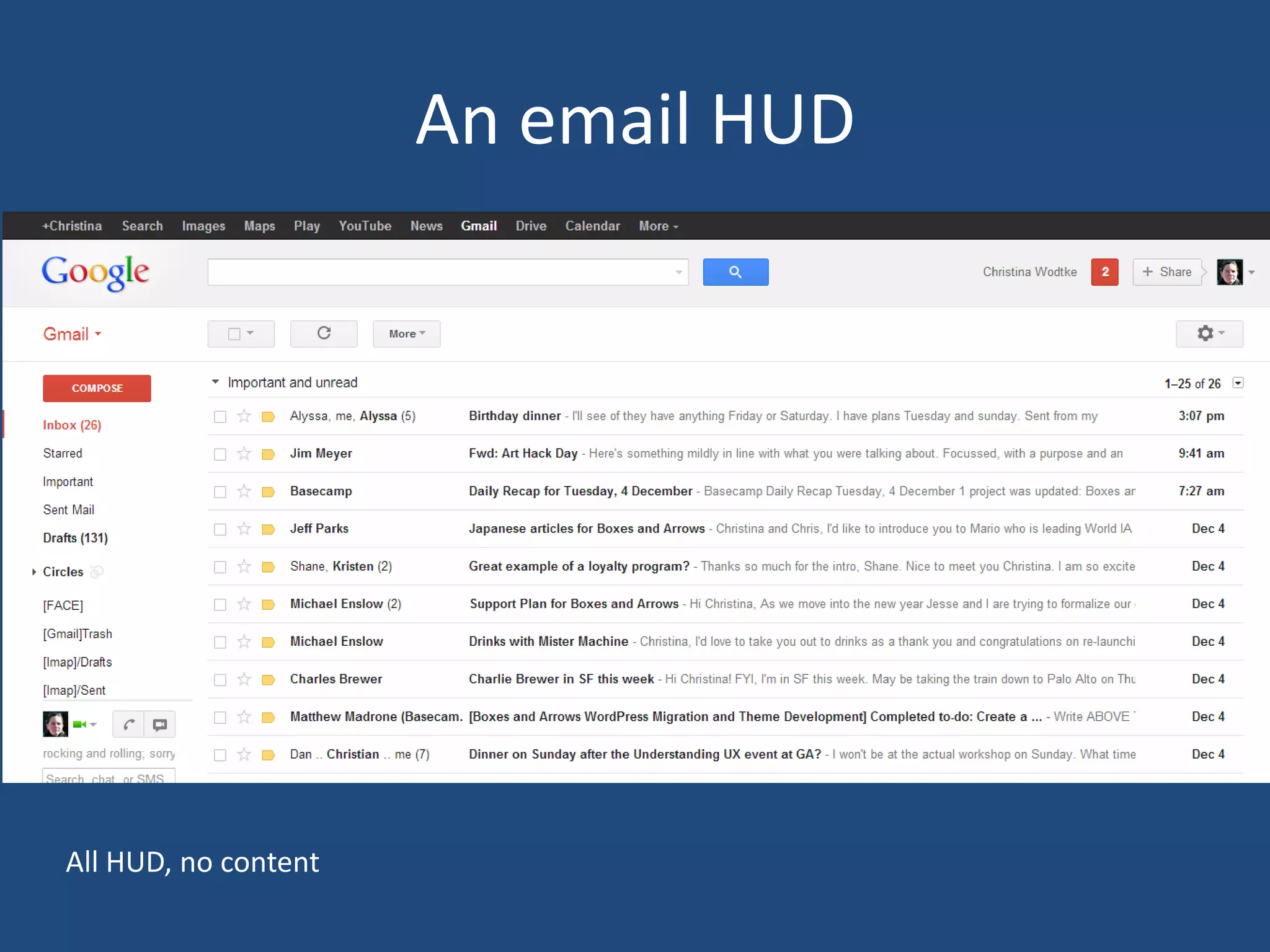
An email HUD


All HUD, no content
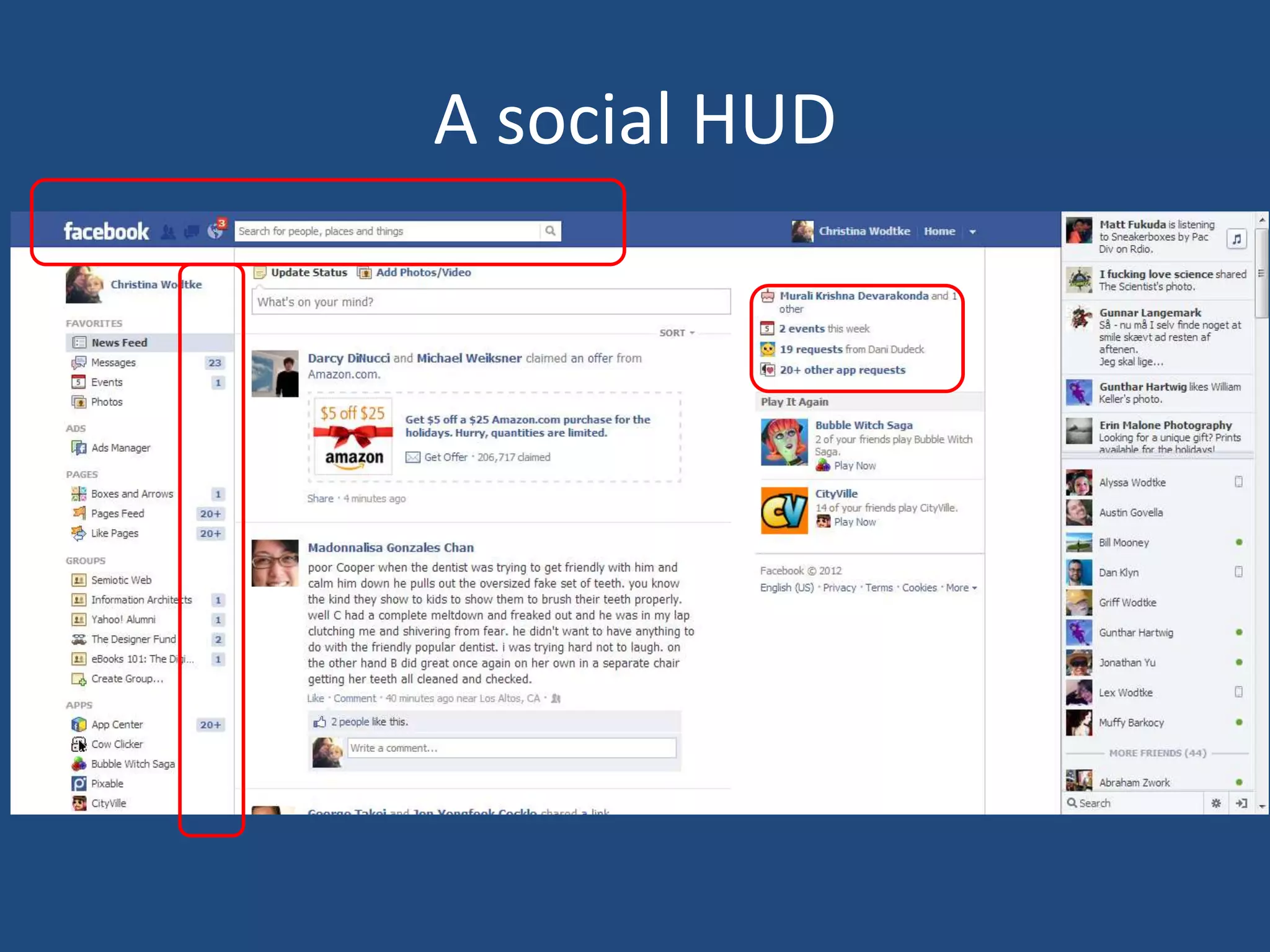
A social HUD
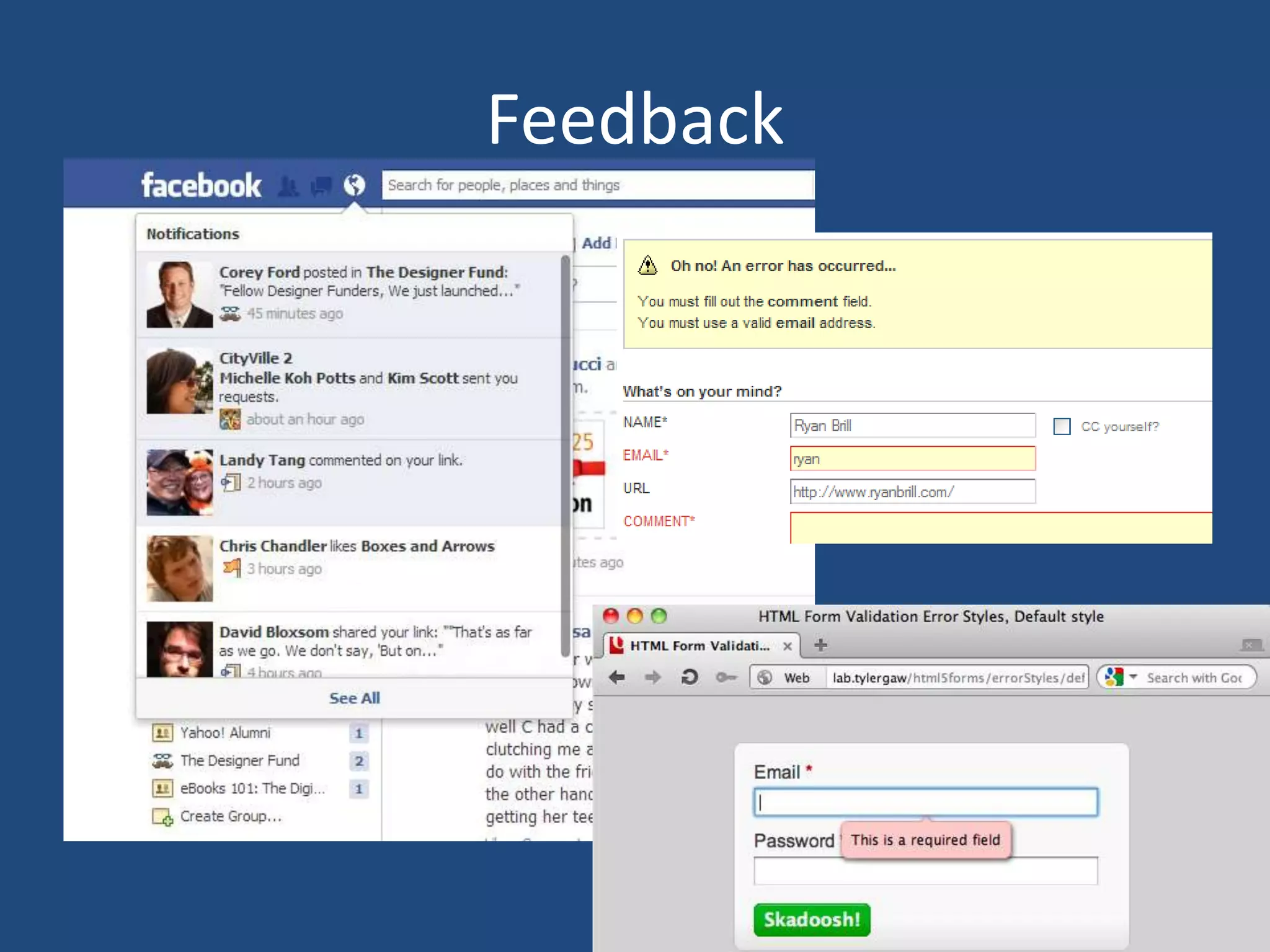
Feedback
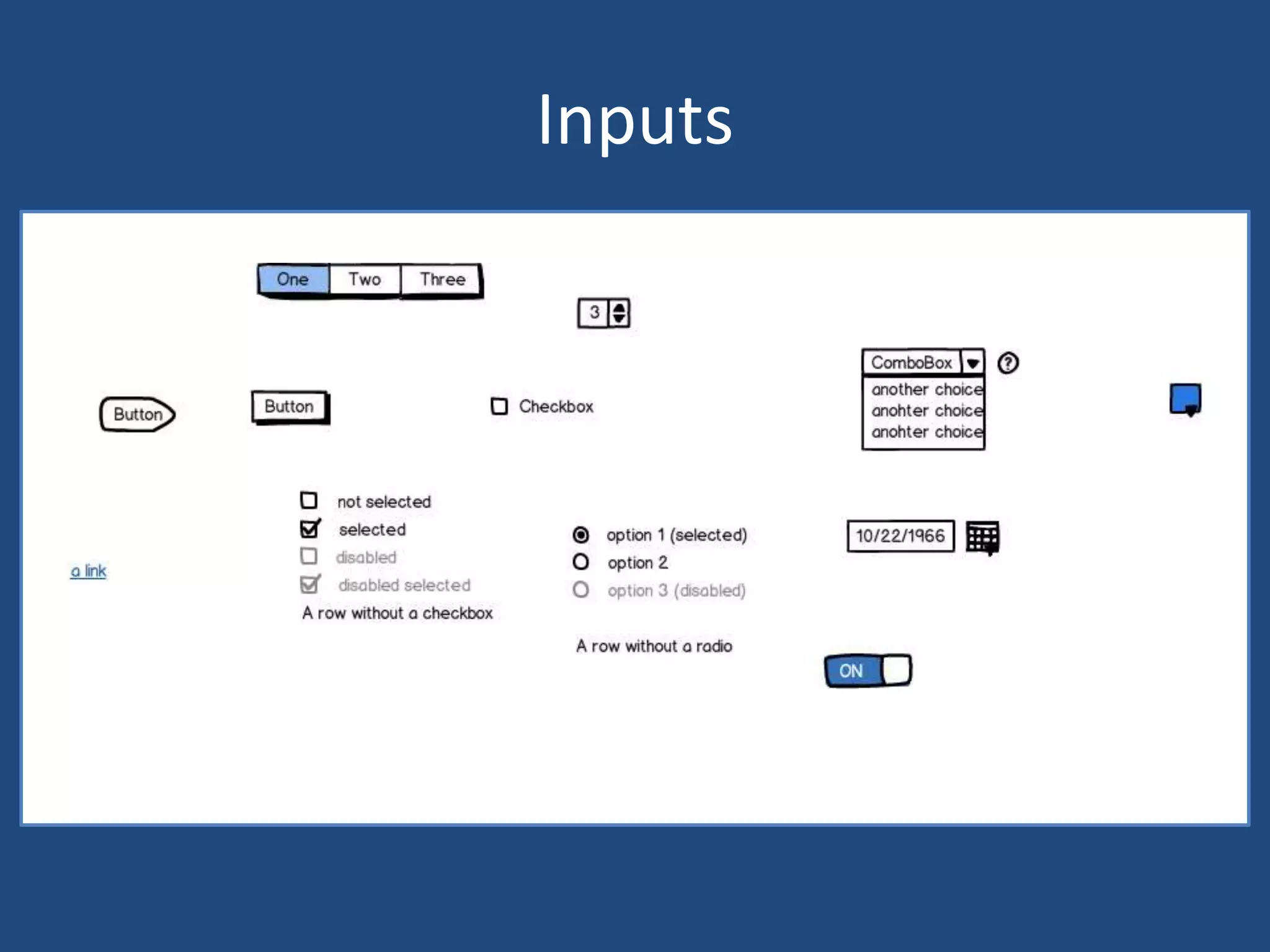
Inputs
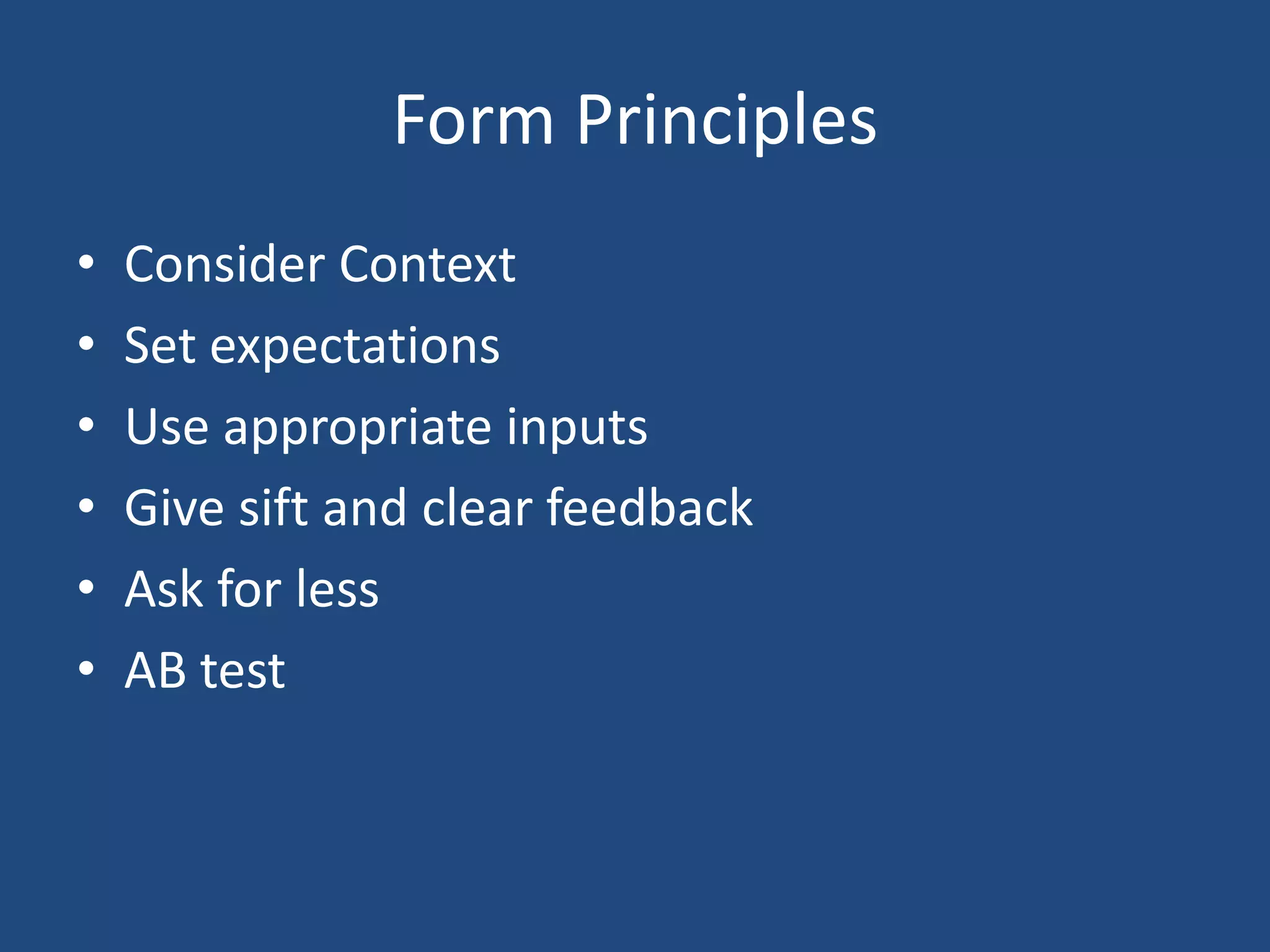
Form Principles
•   Consider Context
•   Set expectations
•   Use appropriate inputs
•   Give sift and clear feedback
•   Ask for less
•   AB test
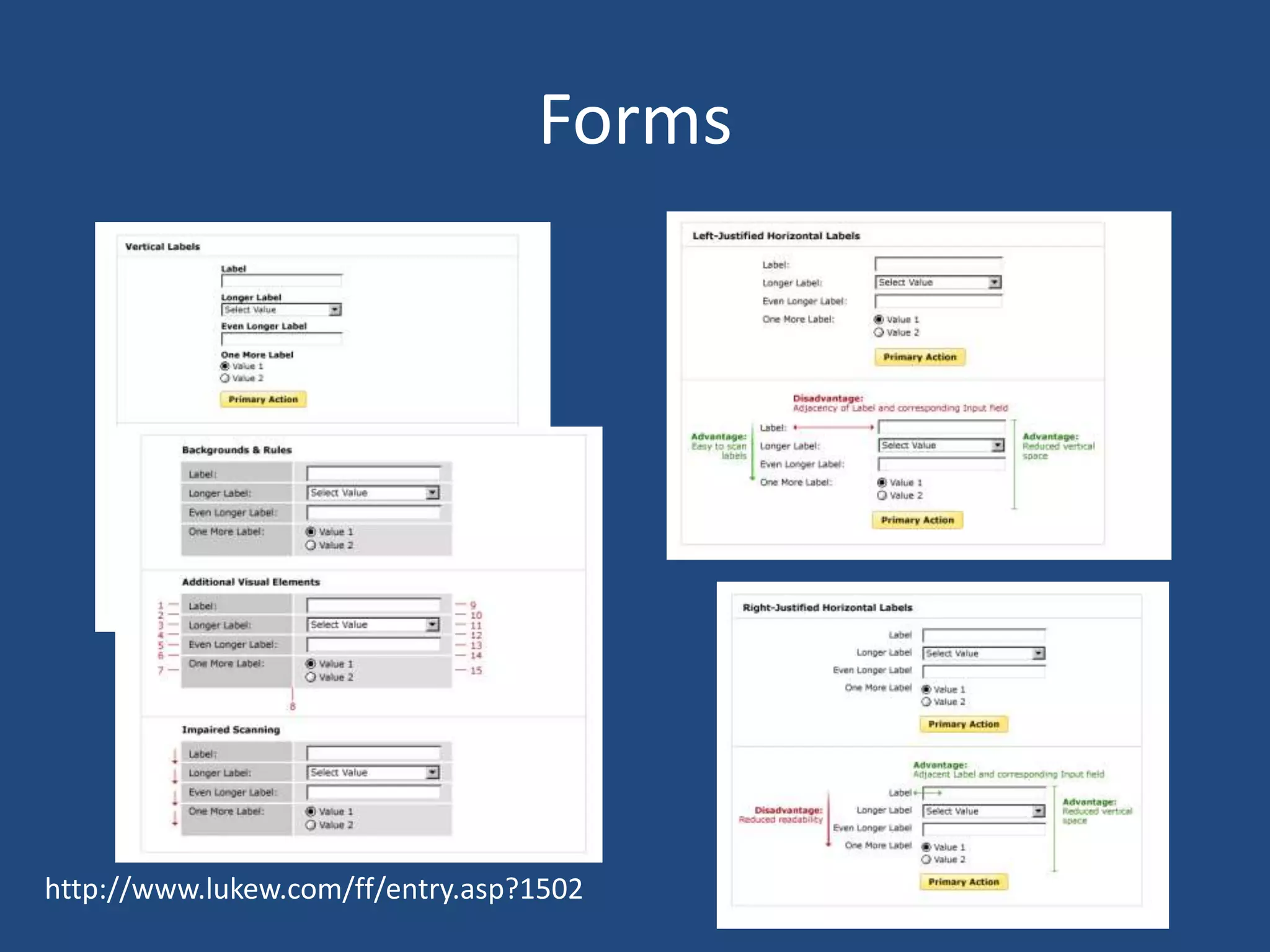
Forms


http://www.lukew.com/ff/entry.asp?1502
Navigation

                            IA made visible


 “Like putting an Armani suit on Attila the Hun, interface design only tells how to
 dress up an existing behavior.” – Alan Cooper
21
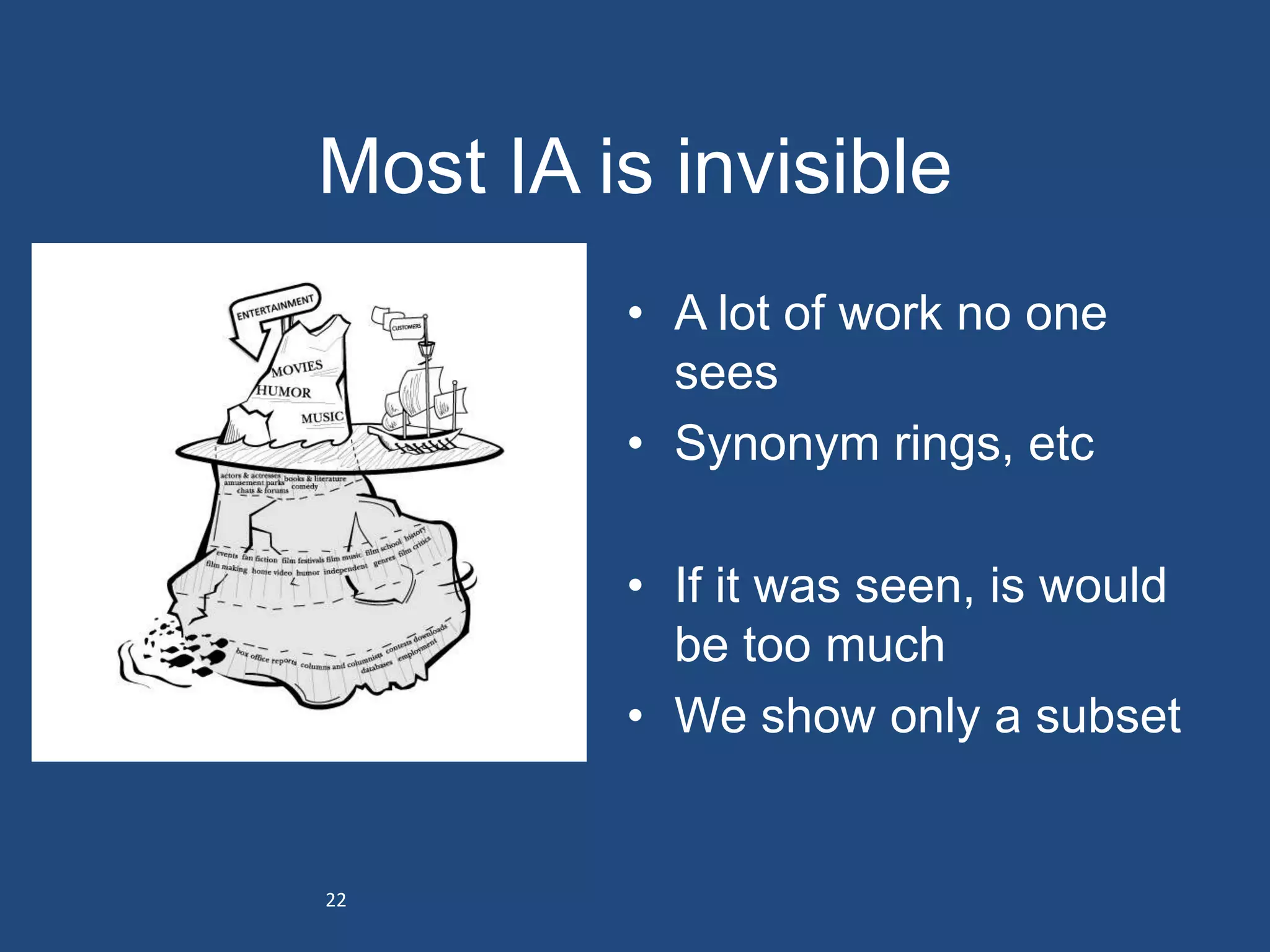
Most IA is invisible
         • A lot of work no one
           sees
         • Synonym rings, etc

         • If it was seen, is would
           be too much
         • We show only a subset


22
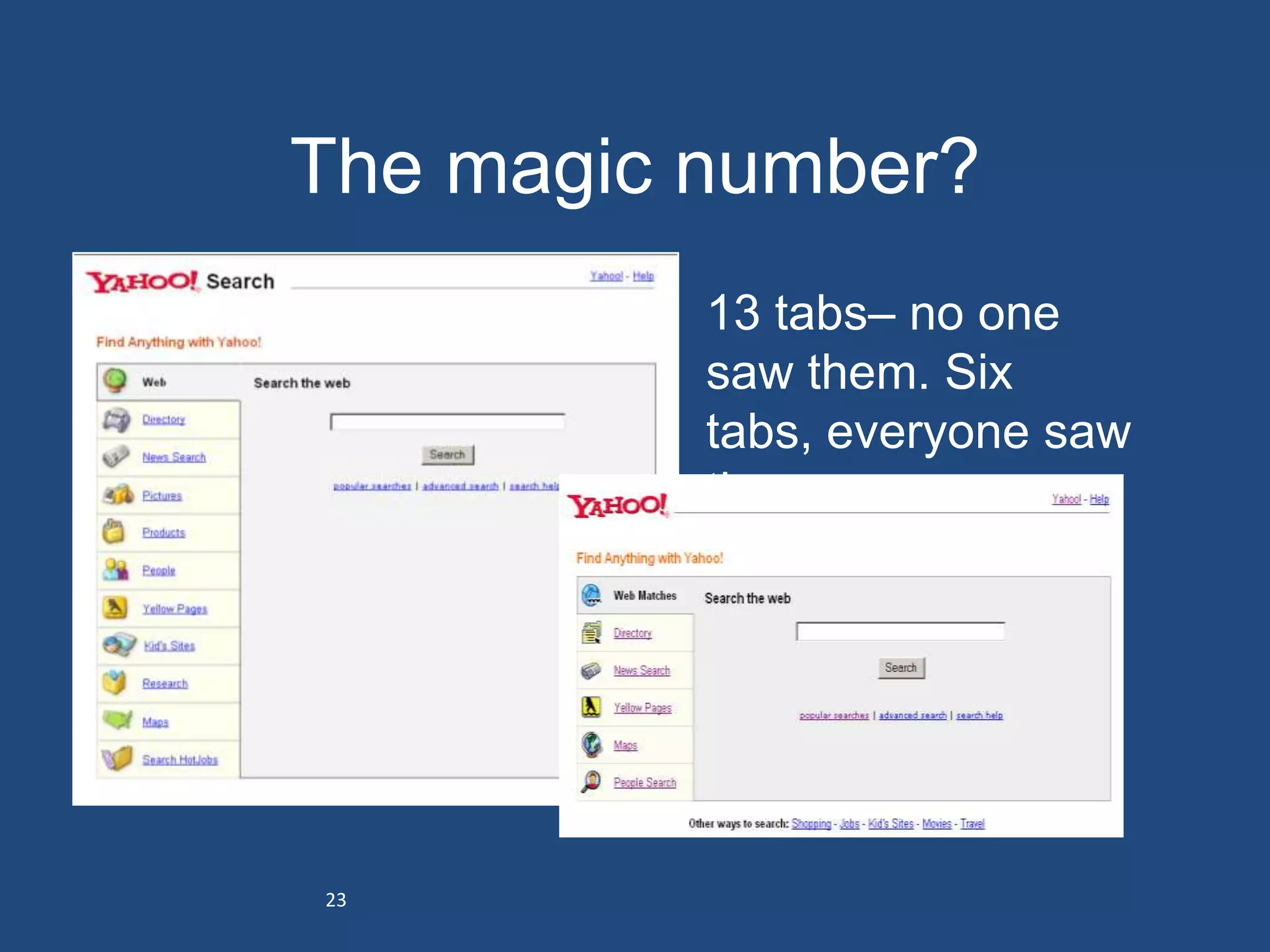
The magic number?
         • 13 tabs– no one
           saw them. Six
           tabs, everyone saw
           them


23
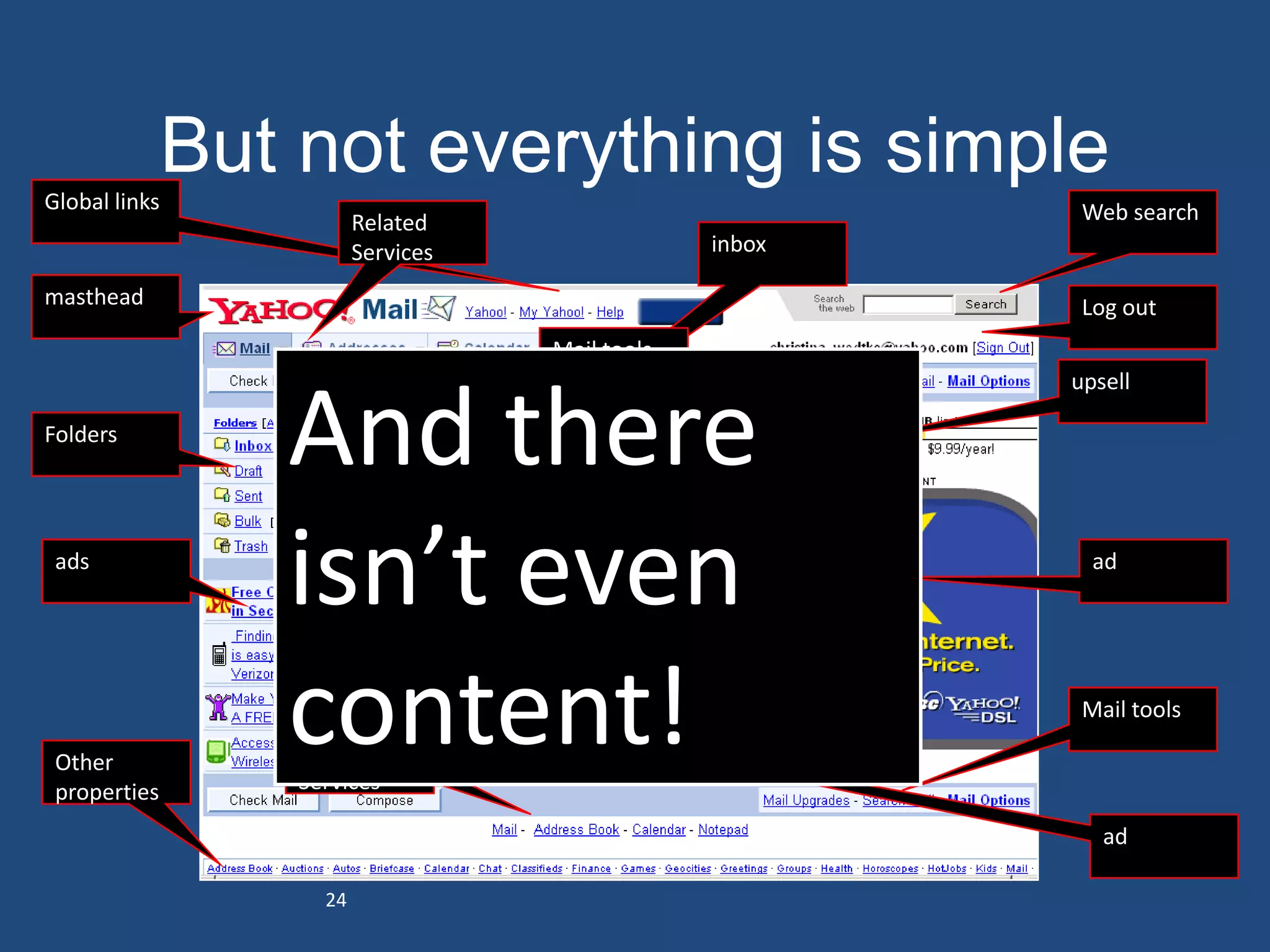
Global links
               But not everything is simple
                          Related                                       Web search
                          Services                    inbox

masthead                                                                Log out
                                        Mail tools
                                                                       upsell

Folders
                  And there
                  inbox              Write mail
                                                     tip


 ads
                  isn’t even                                  upsell     ad


 Other
 properties
                  content!
                   Related
                   Services
                                                                        Mail tools


                                                                          ad

                     24
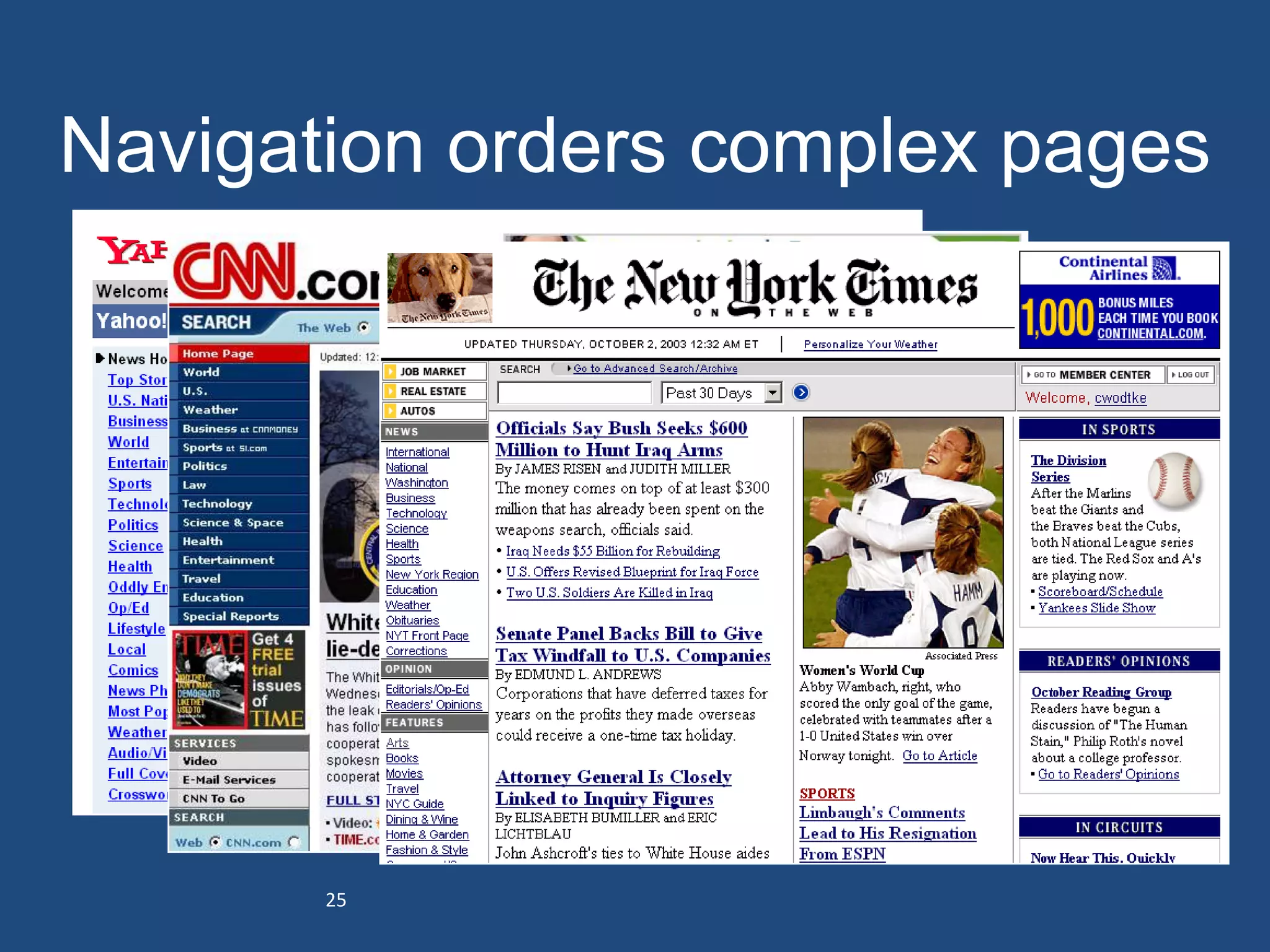
Navigation orders complex pages


       25
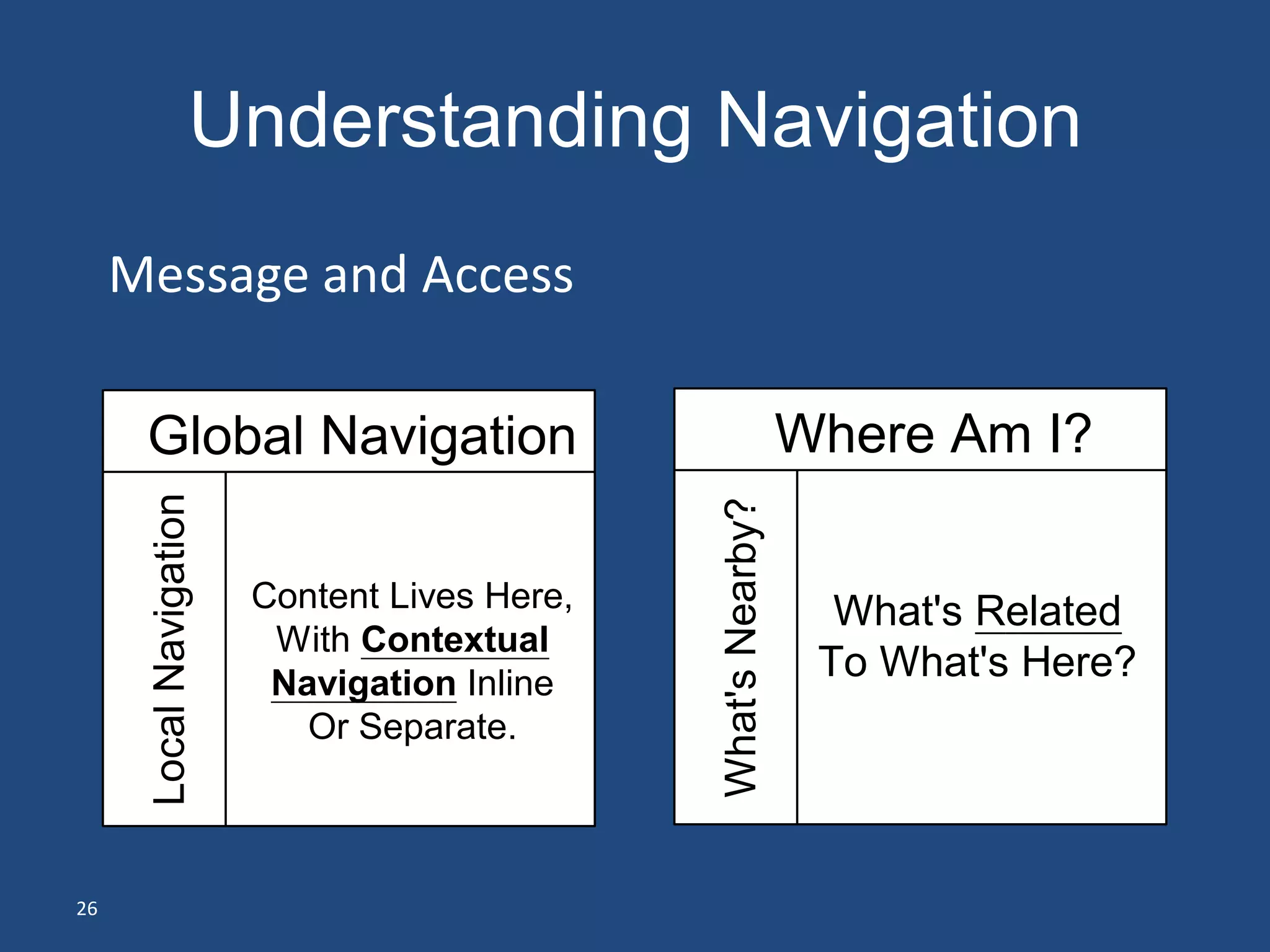
Understanding Navigation
     Message and Access

      Global Navigation                                         Where Am I?
      Local Navigation


                                               What's Nearby?
                         Content Lives Here,                      What's Related
                          With Contextual
                          Navigation Inline
                                                                 To What's Here?
                            Or Separate.


26
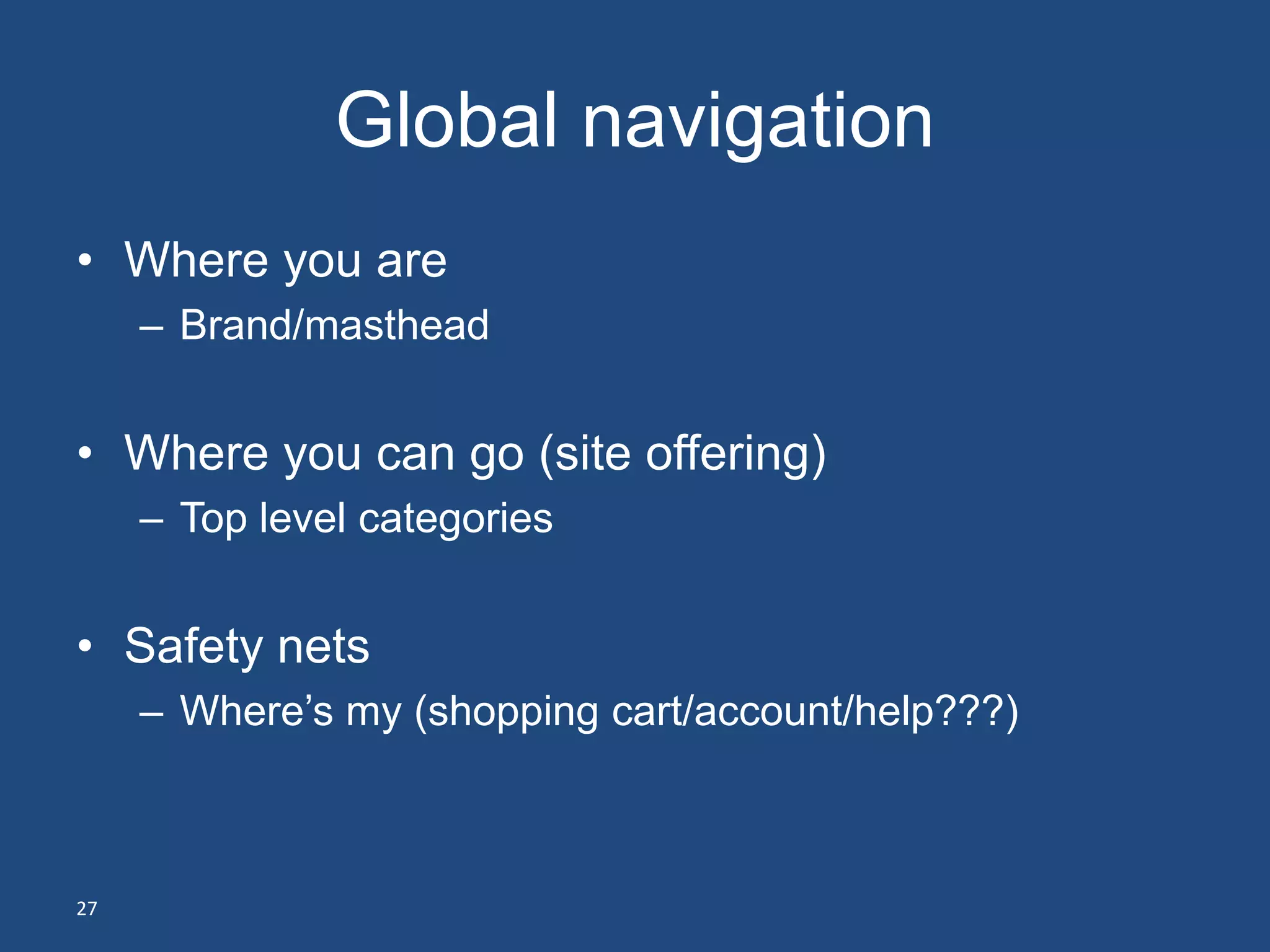
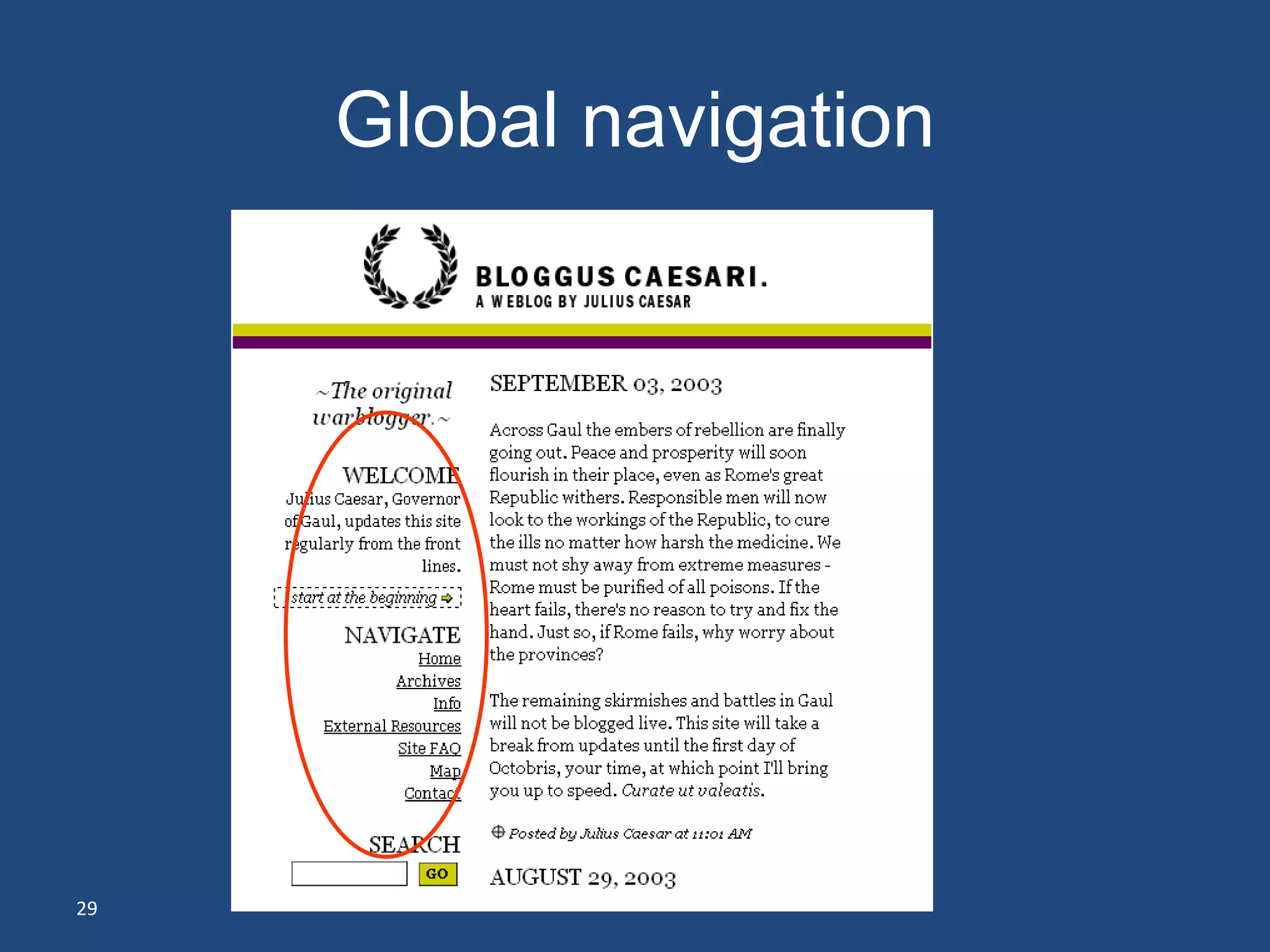
Global navigation
• Where you are
     – Brand/masthead


• Where you can go (site offering)
     – Top level categories


• Safety nets
     – Where’s my (shopping cart/account/help???)


27
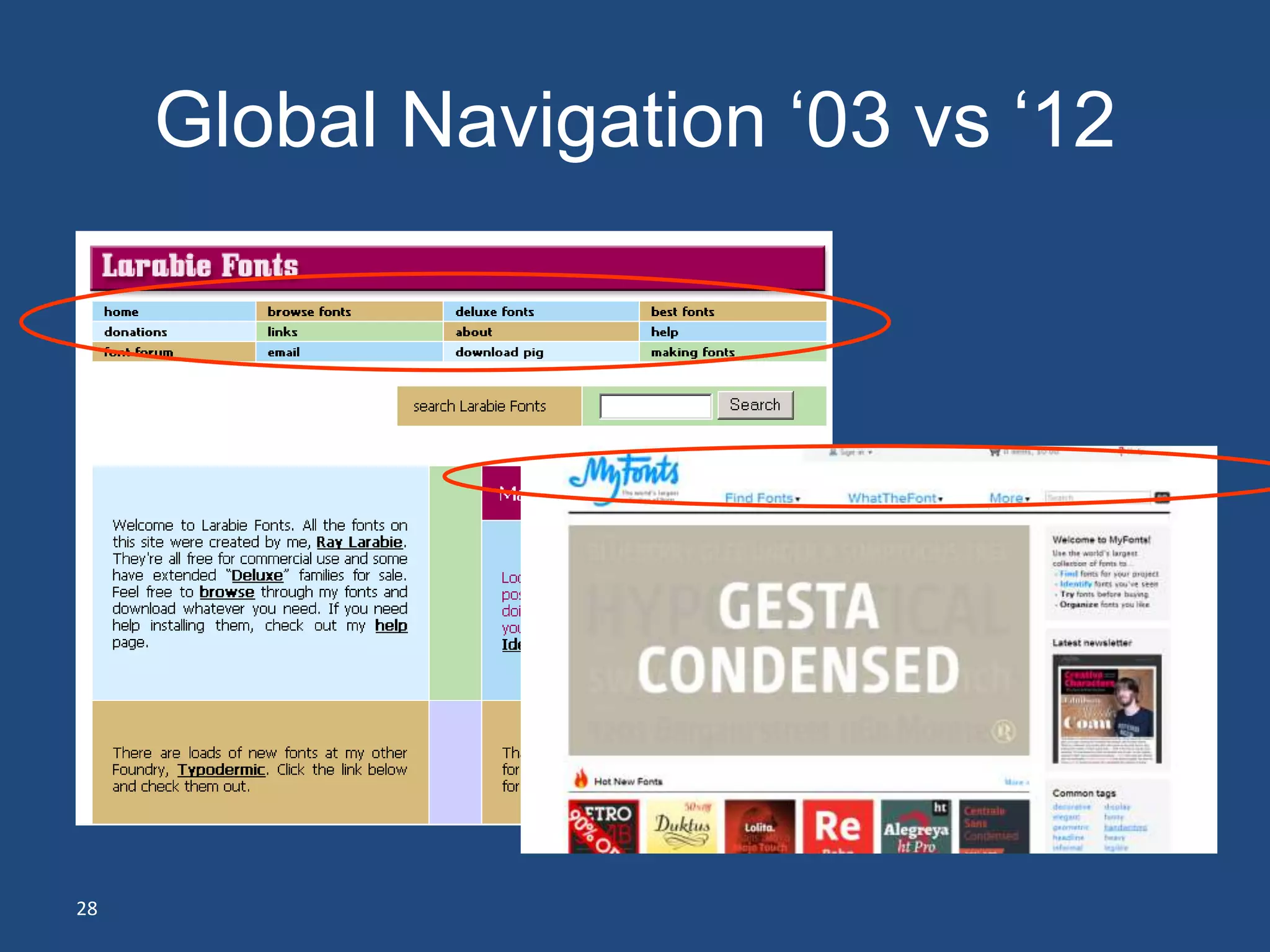
Global Navigation ‘03 vs ‘12


28
Global navigation


29
Global navigation ‘03 vs ‘12


30
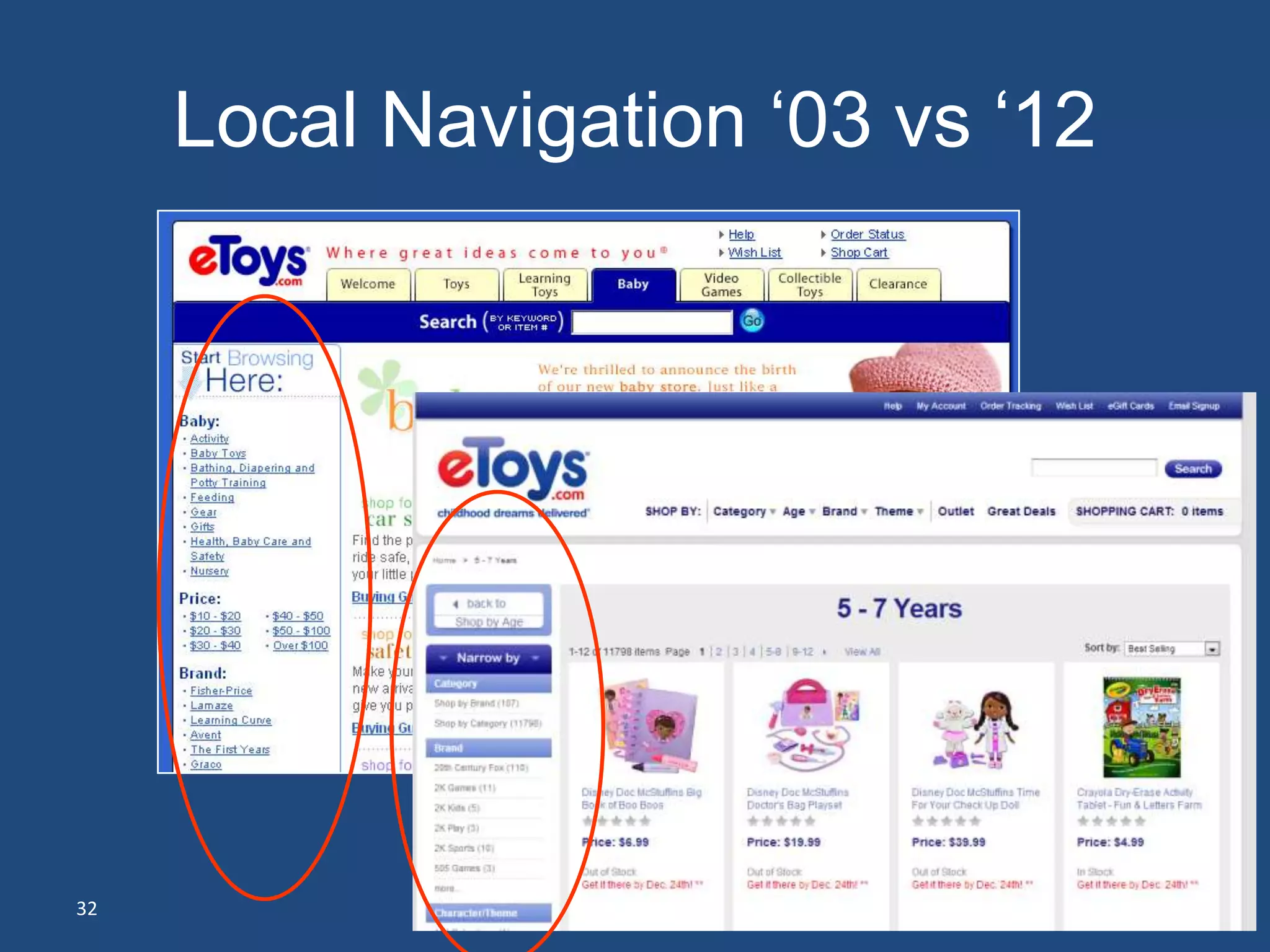
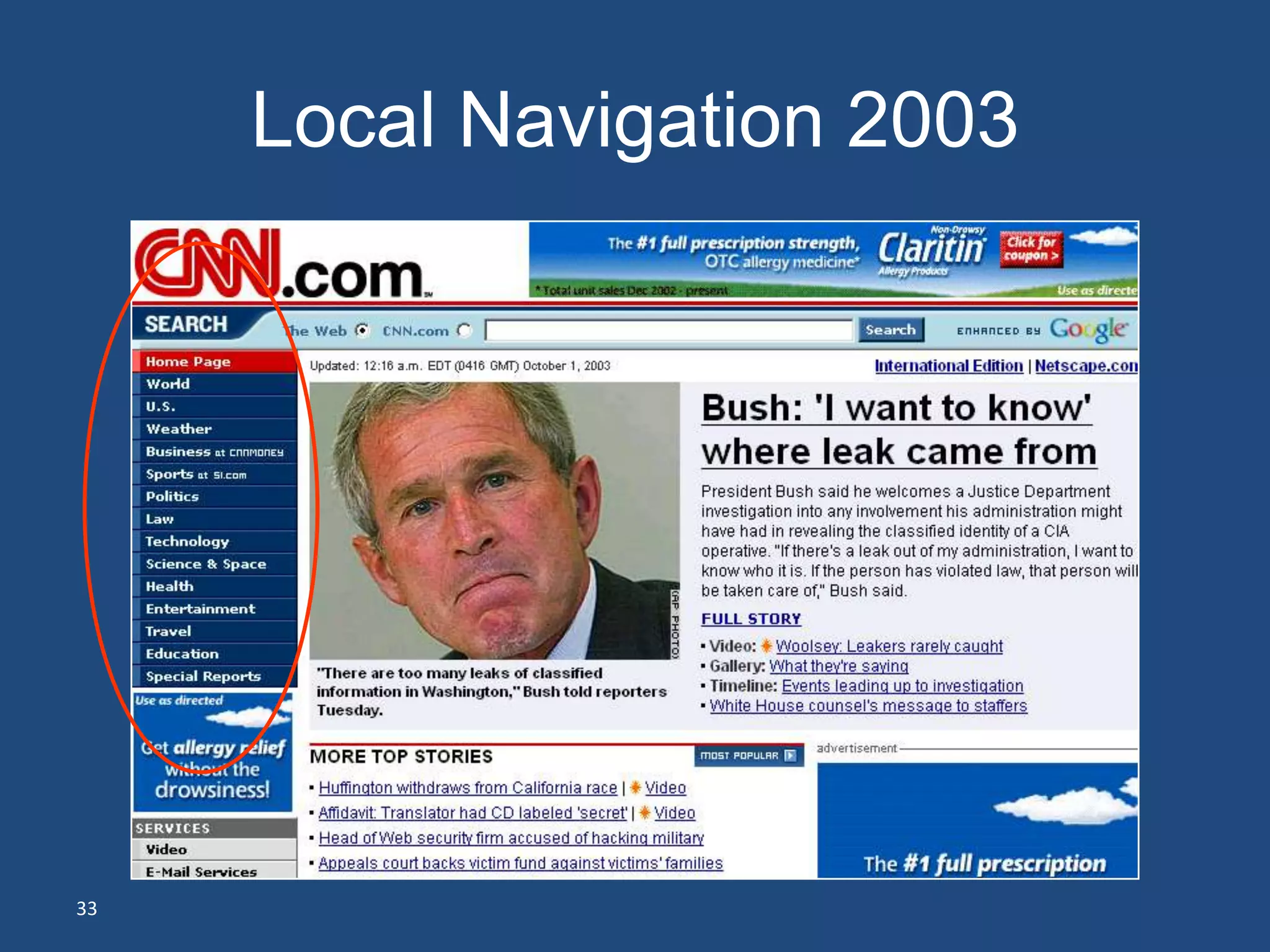
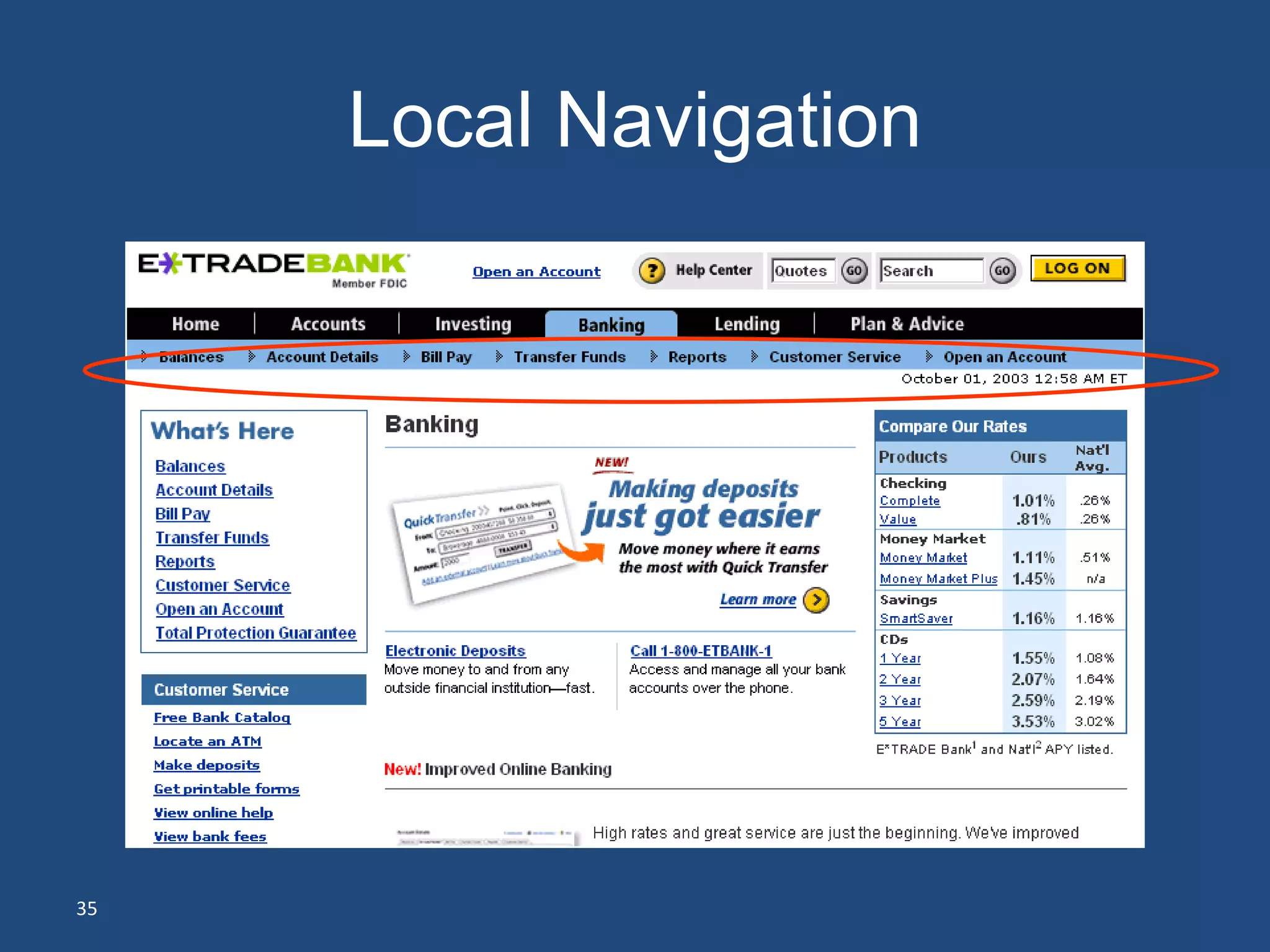
Local Navigation
• I’ve started down the path
• Now what?
     – What are the categories of items?
     – What are the siblings of what I see?
     – What are the subcategories?


31
Local Navigation ‘03 vs ‘12


32
Local Navigation 2003


33
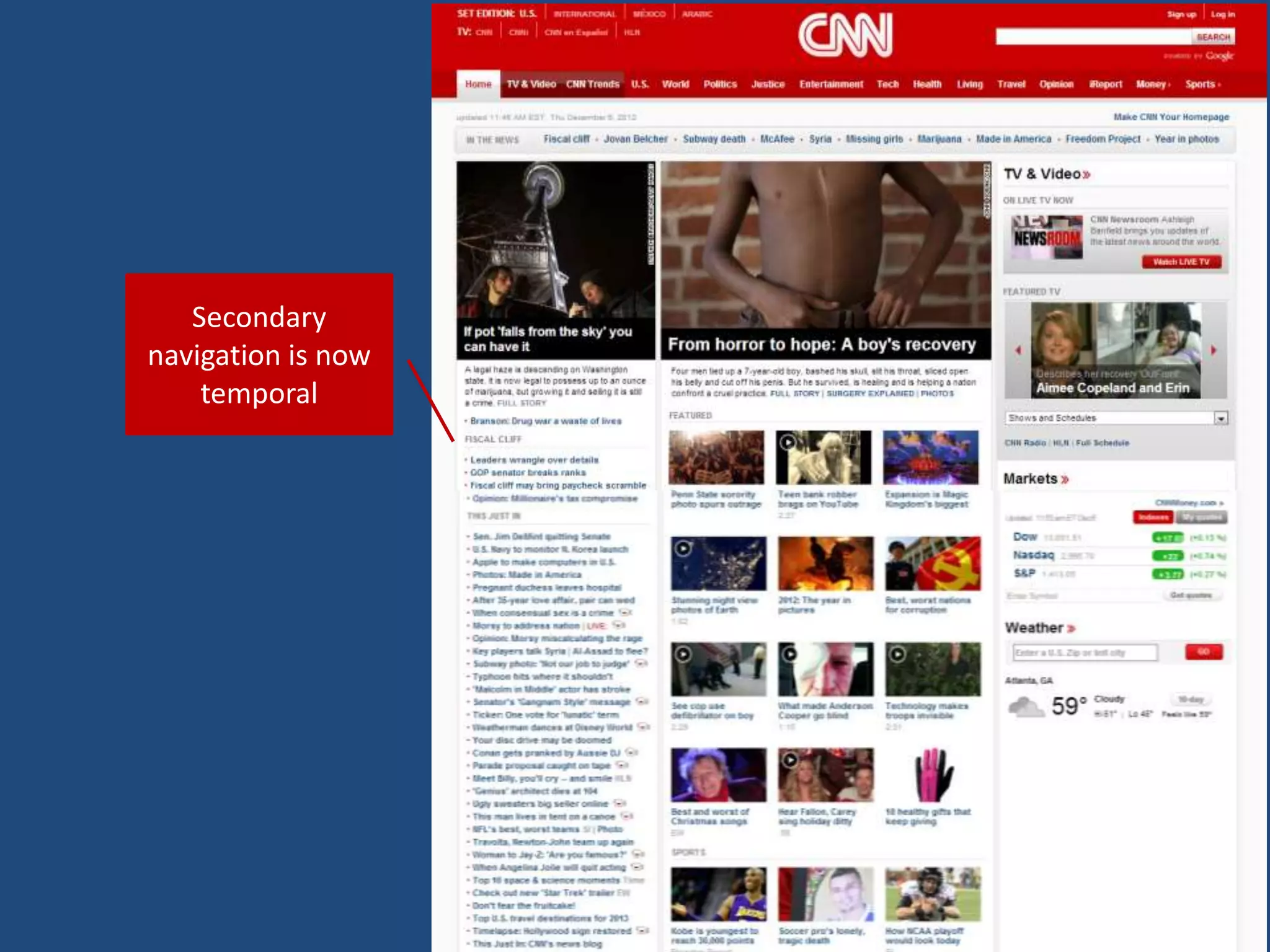
Secondary
navigation is now
    temporal
Local Navigation


35
Contextual navigation
• Inline links
• Related items
• Document management


36
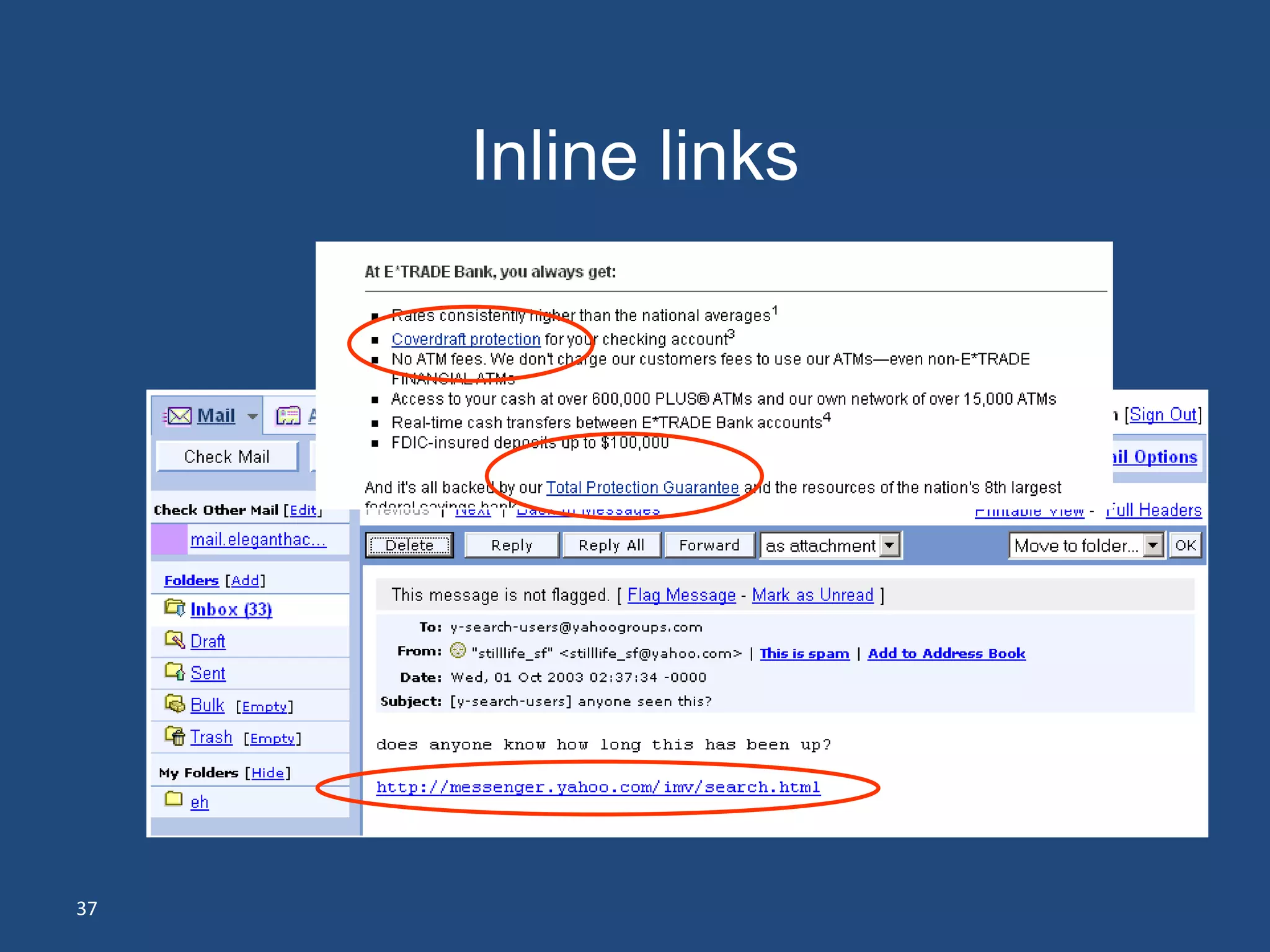
Inline links


37
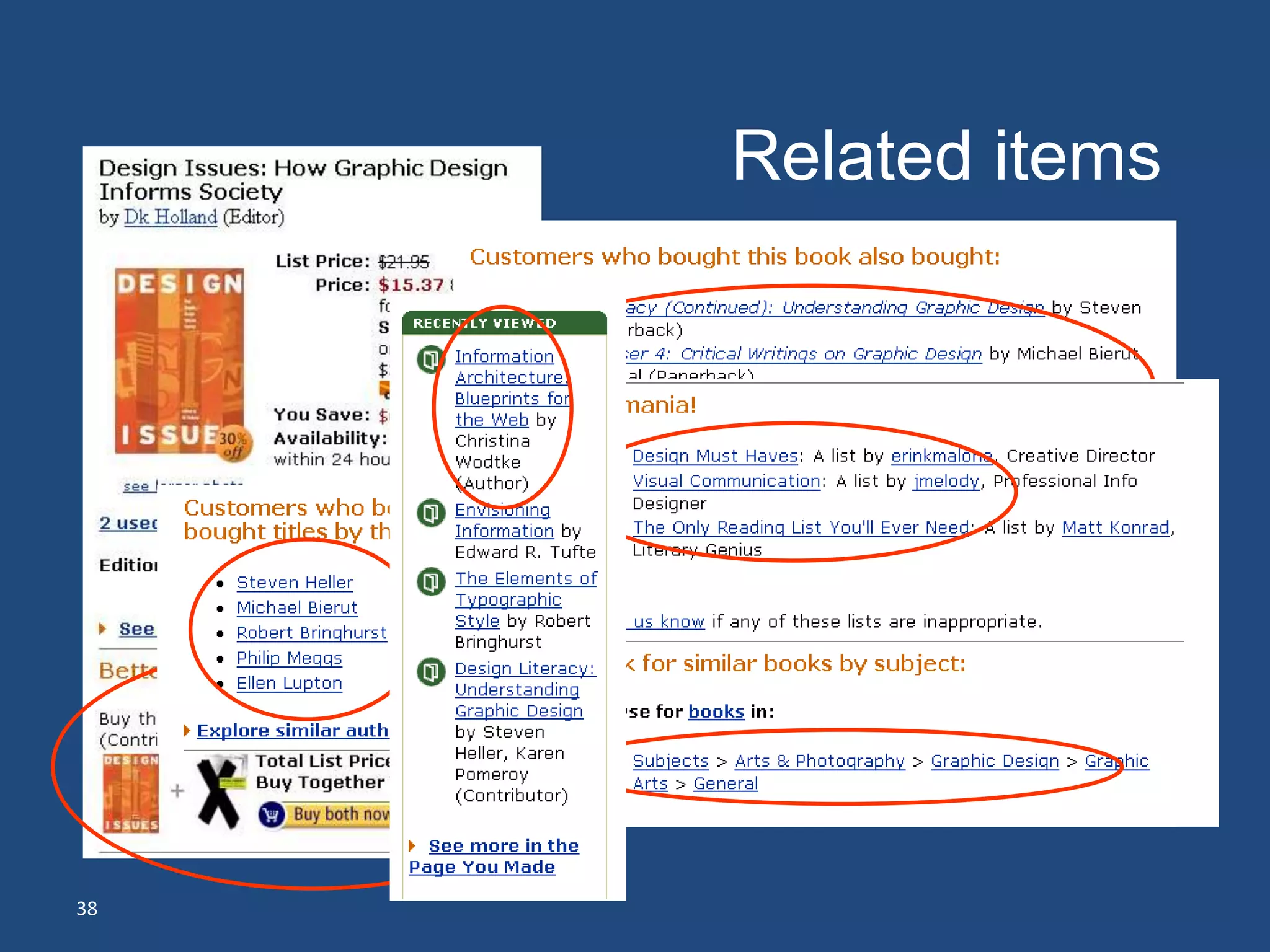
Related items


38
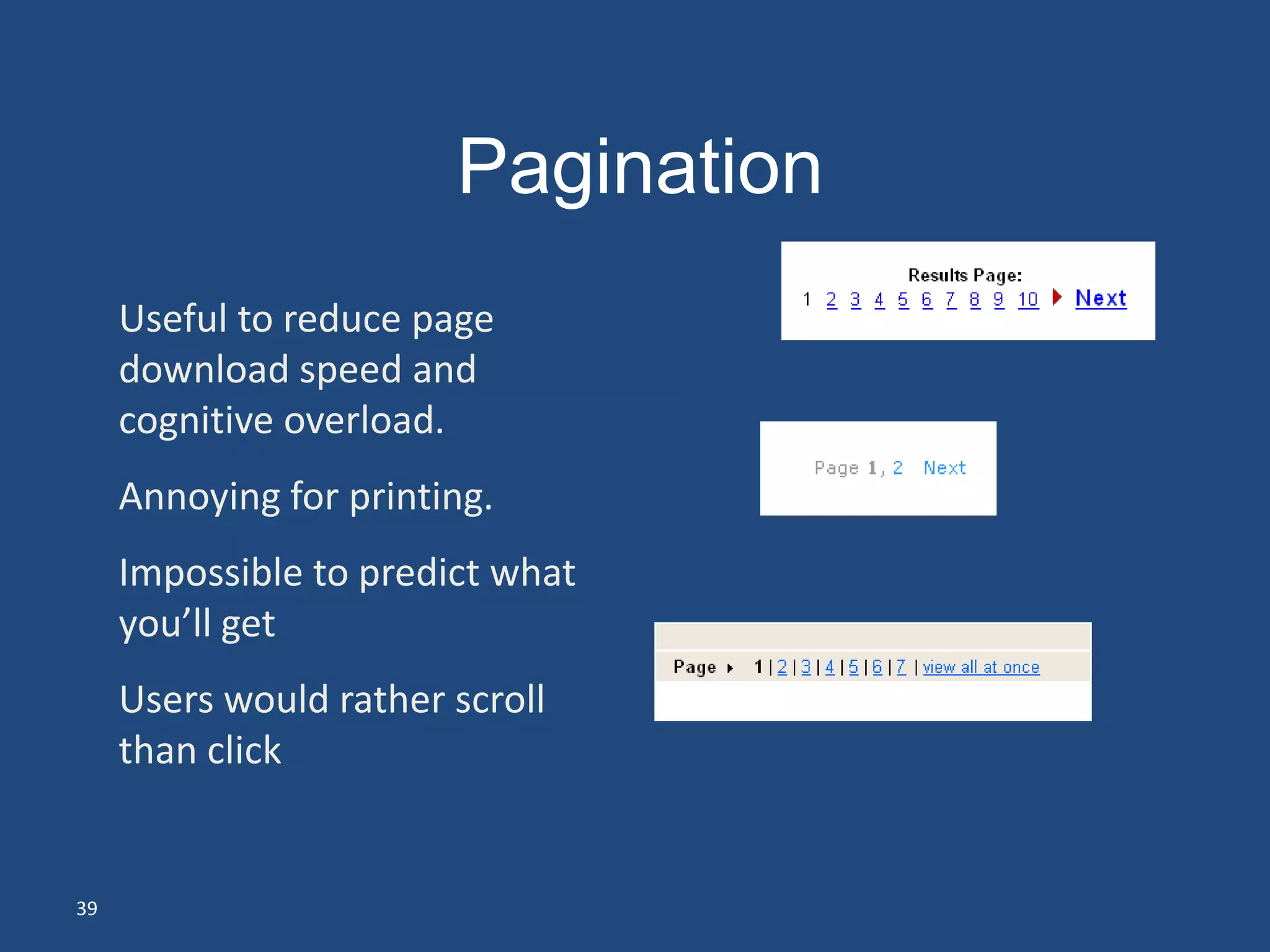
Pagination
     Useful to reduce page
     download speed and
     cognitive overload.
     Annoying for printing.
     Impossible to predict what
     you’ll get
     Users would rather scroll
     than click


39
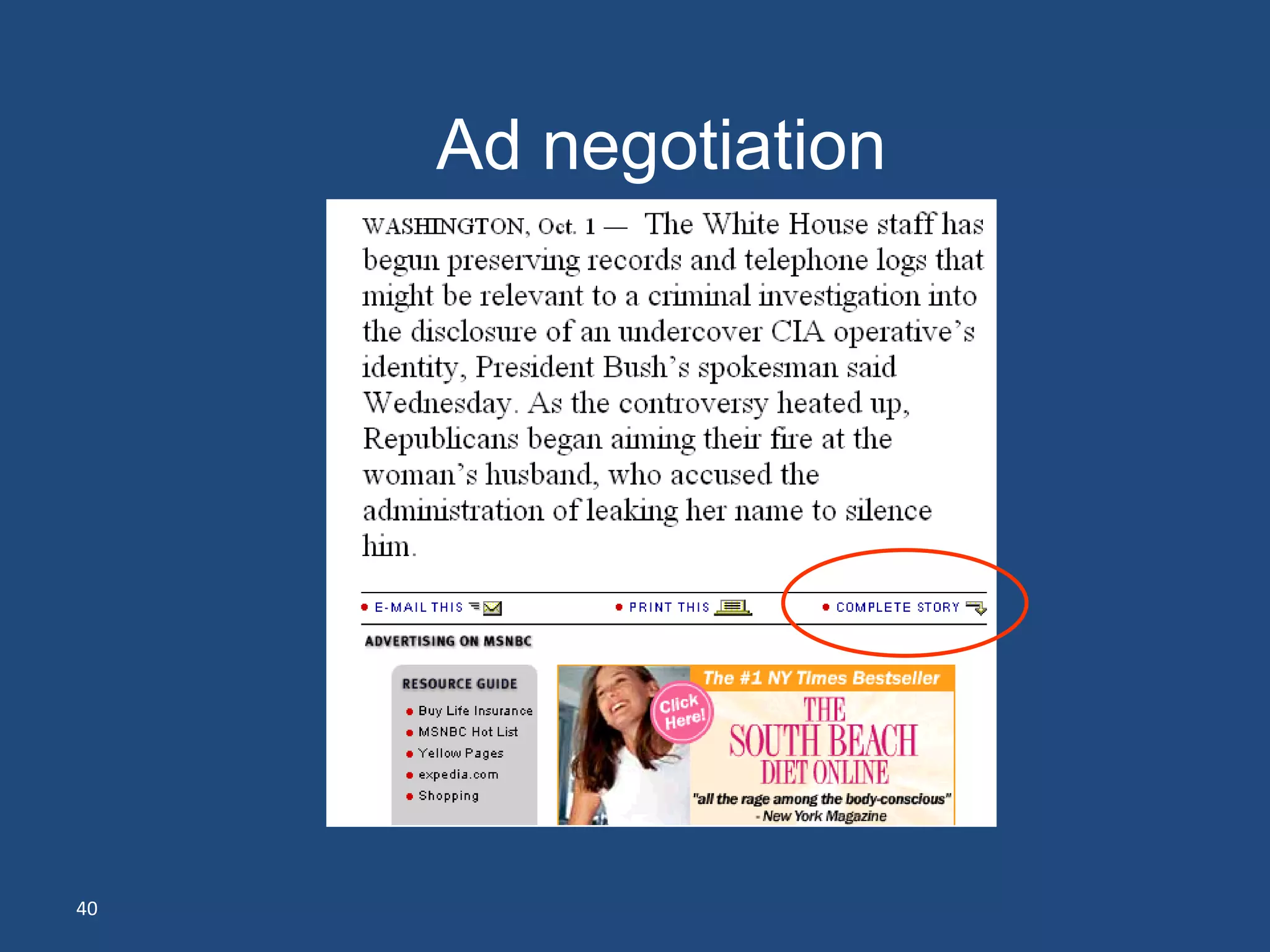
Ad negotiation


40
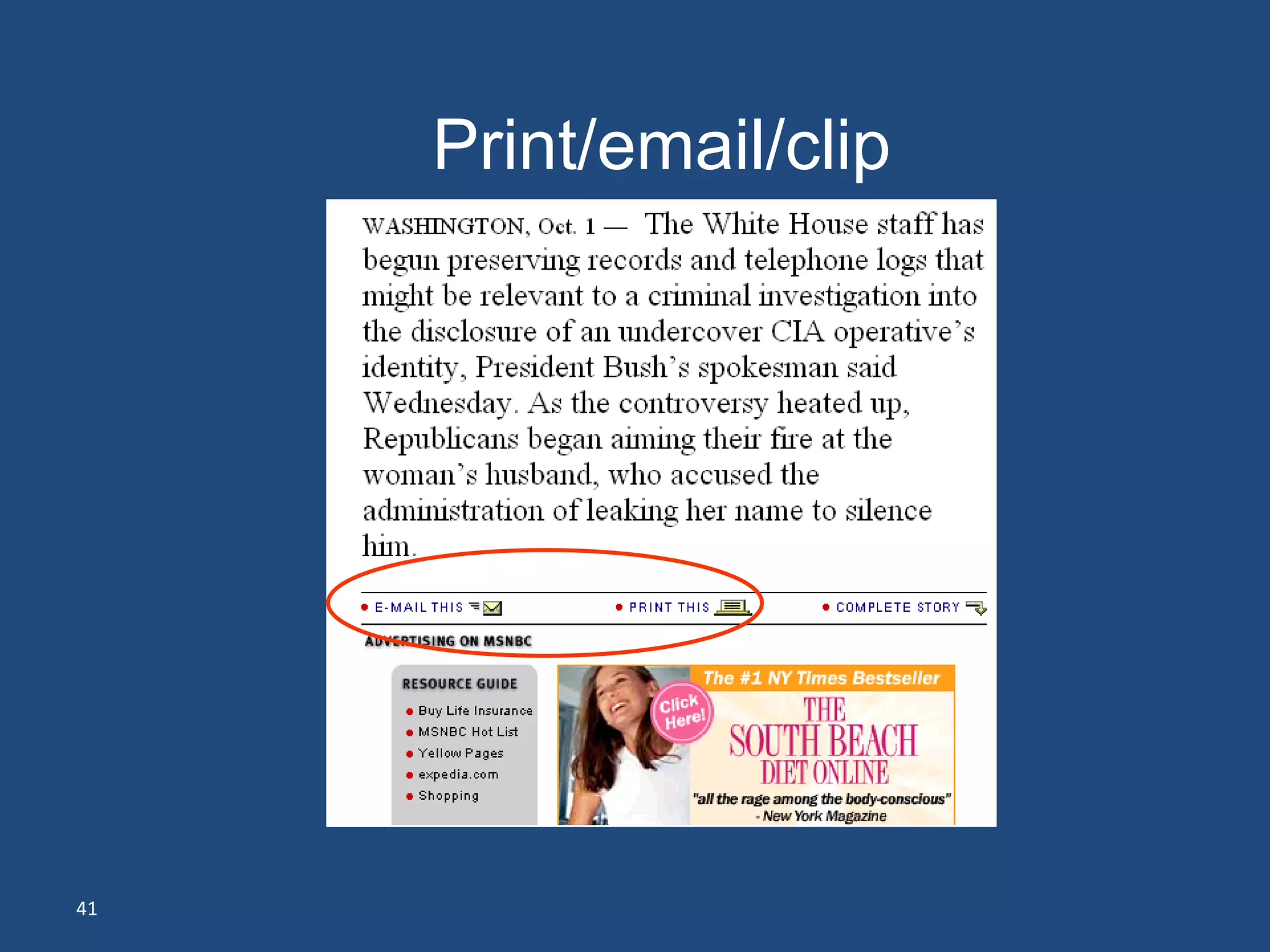
Print/email/clip


41
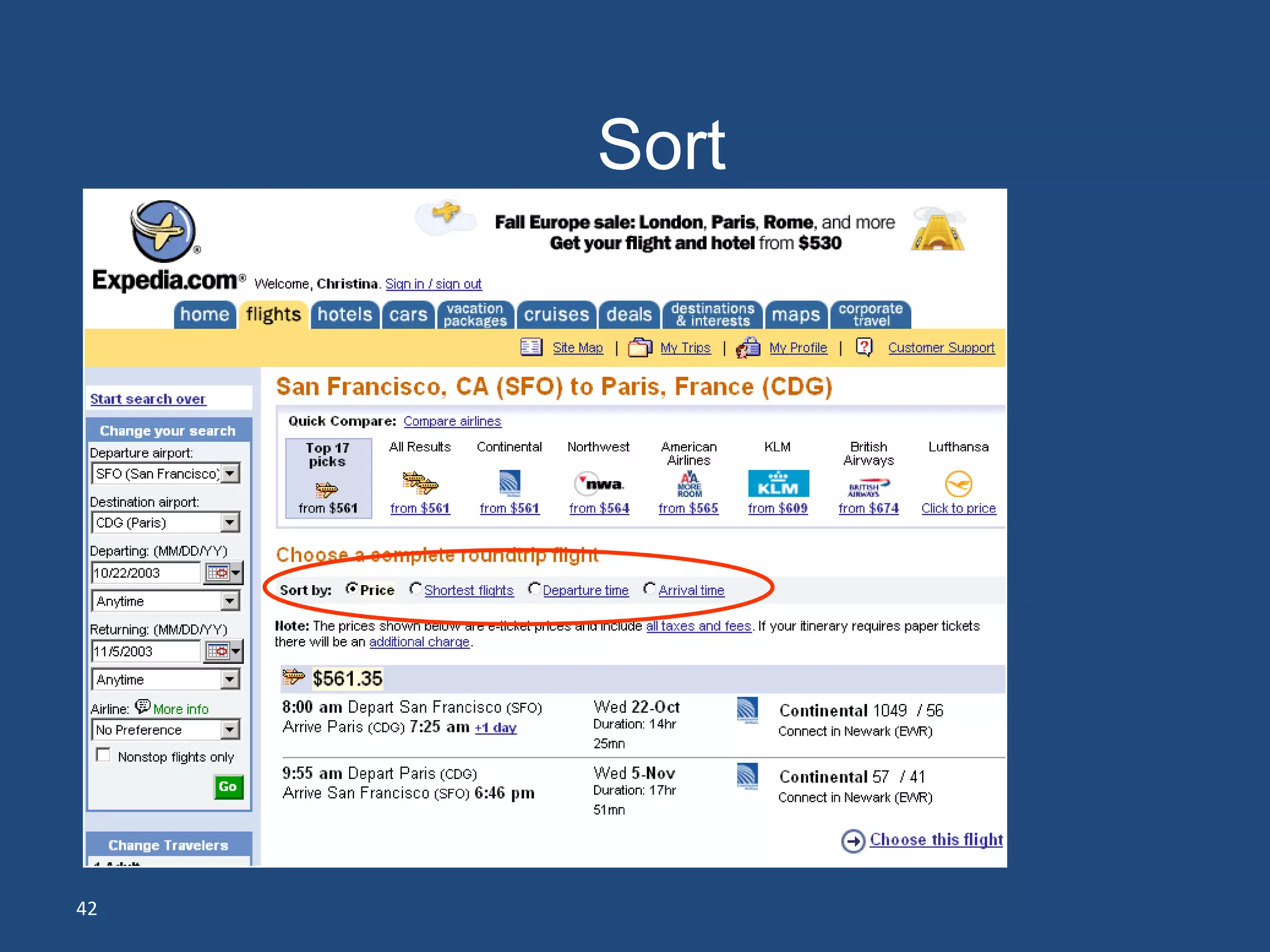
Sort


42
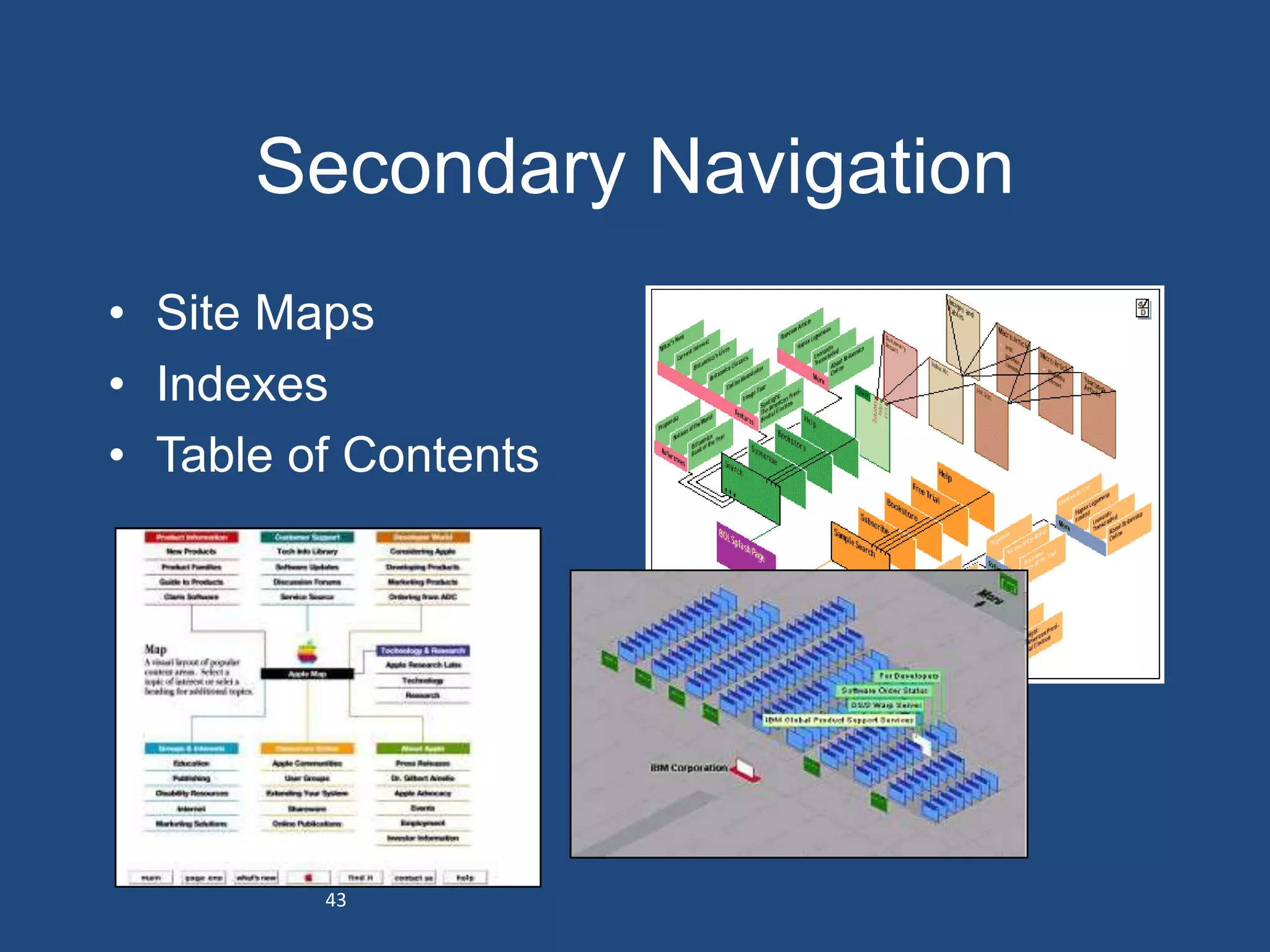
Secondary Navigation
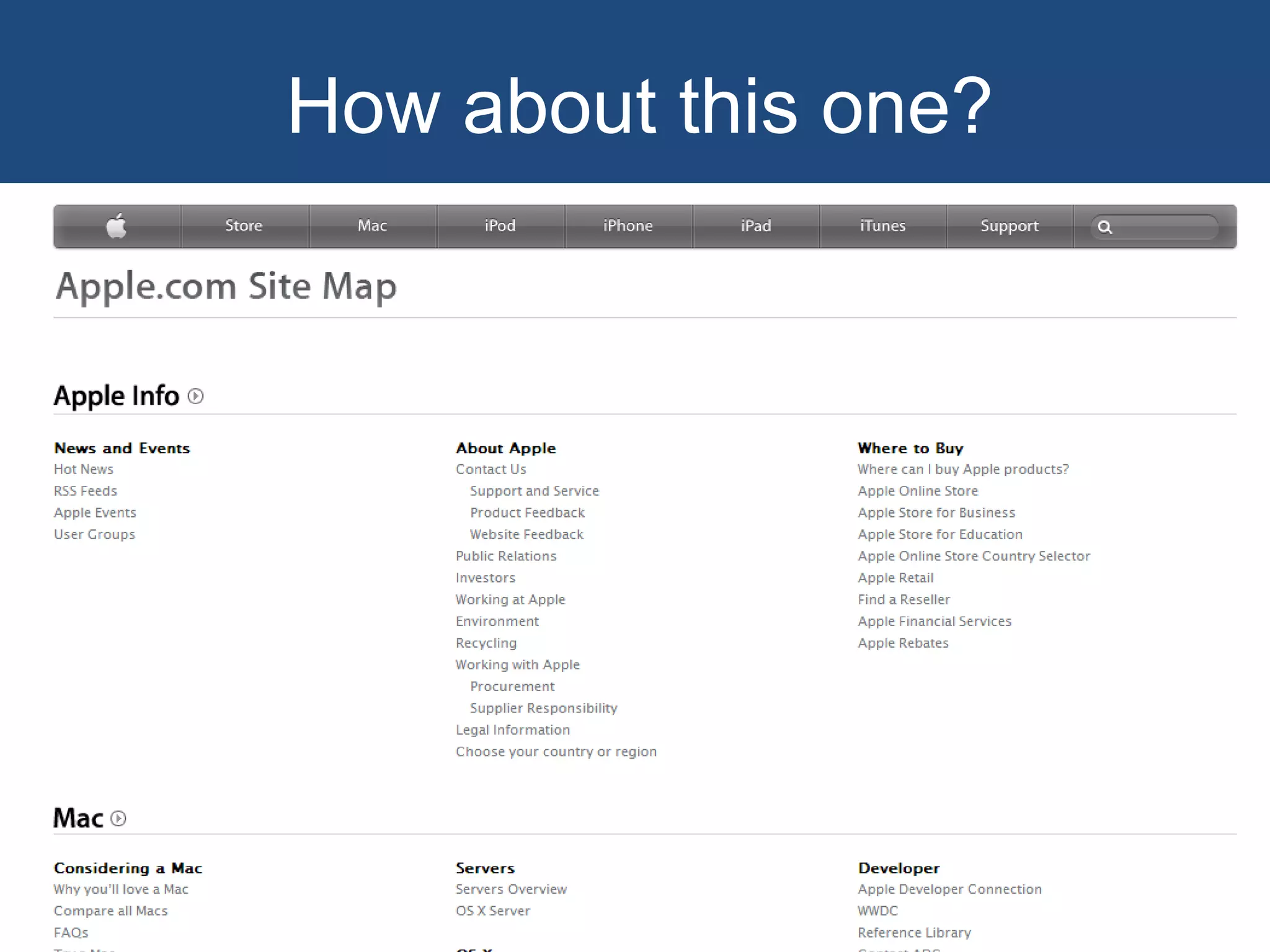
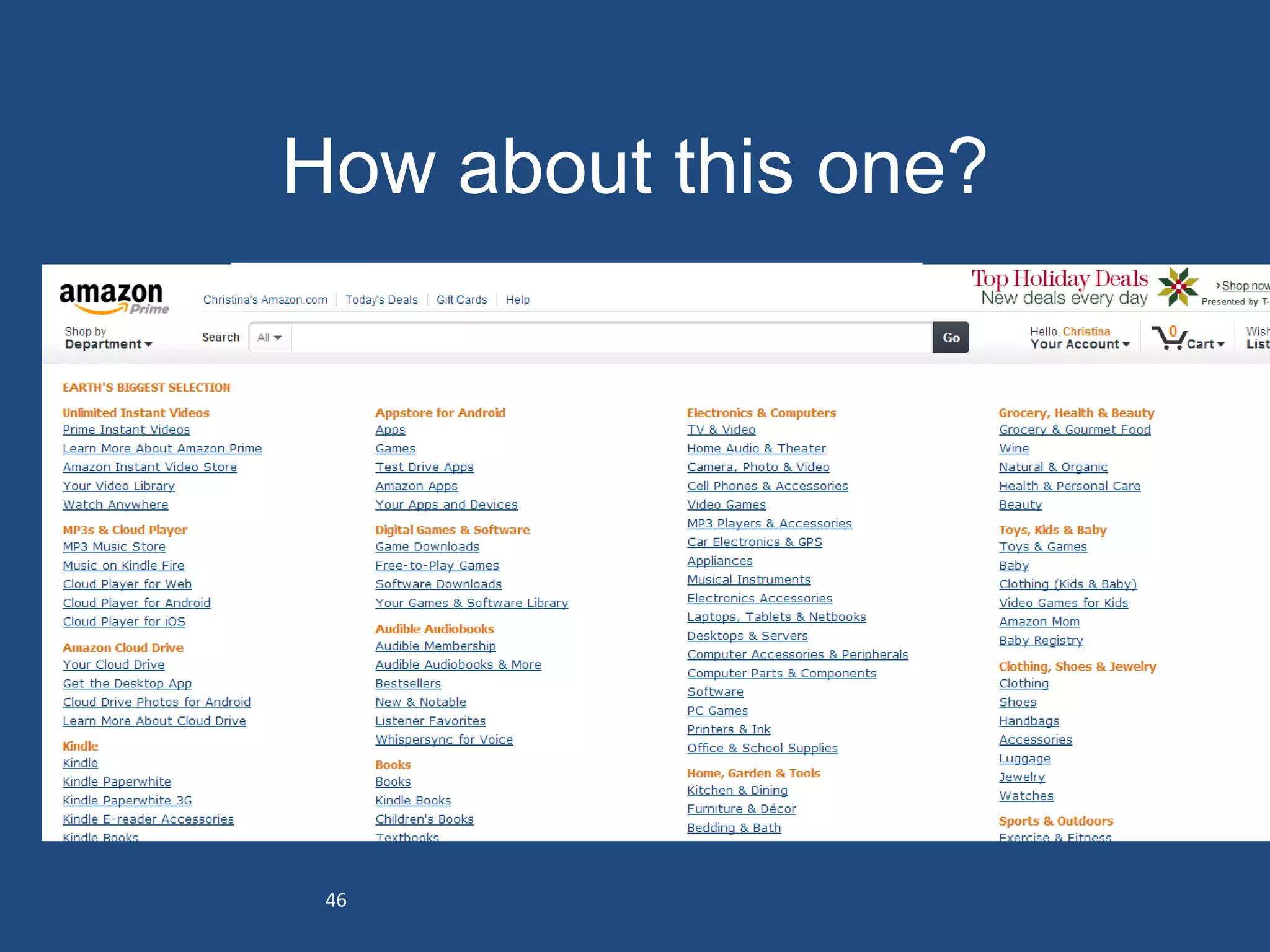
• Site Maps
• Indexes
• Table of Contents


         43
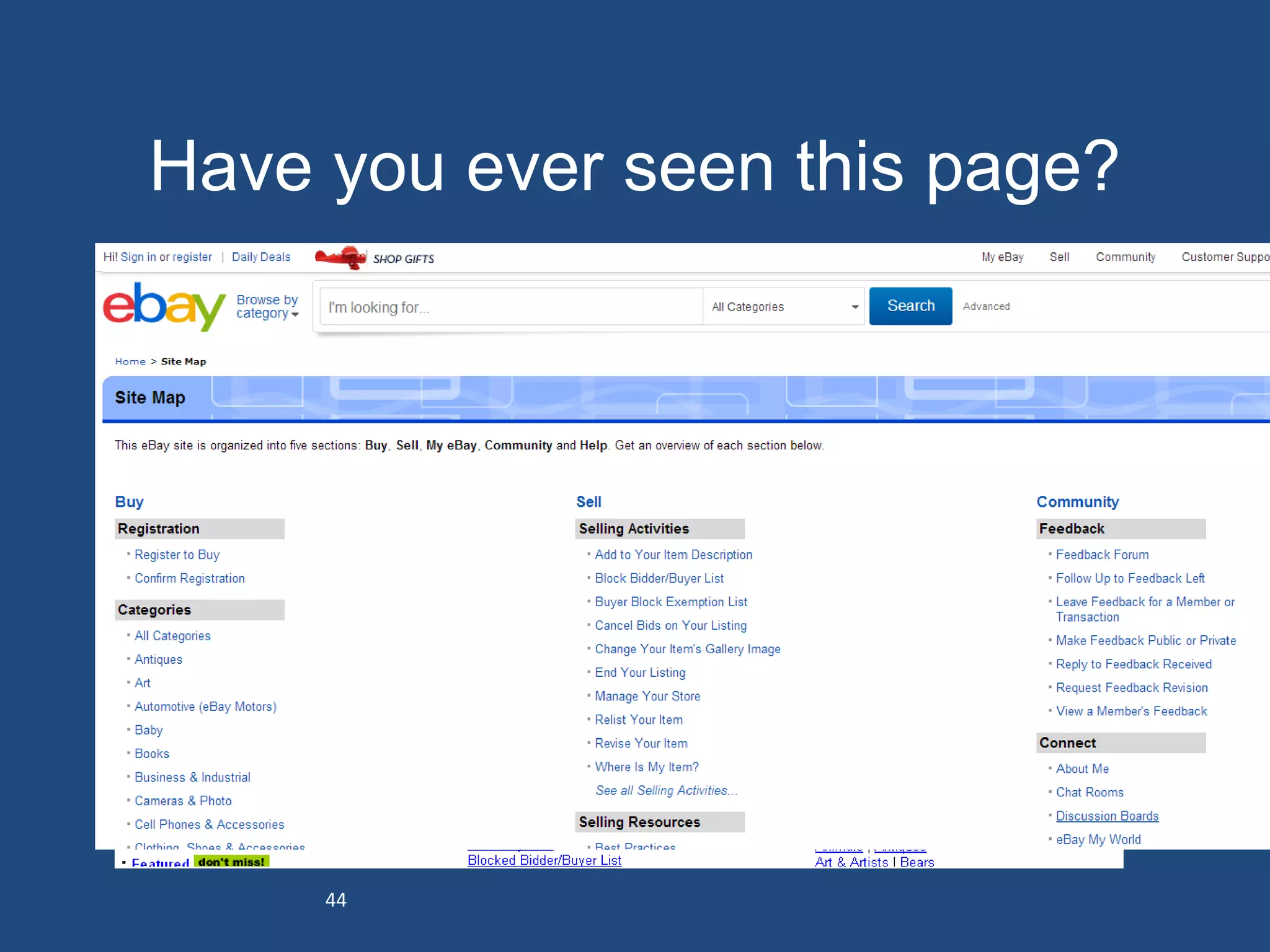
Have you ever seen this page?


     44
How about this one?


 45
How about this one?


 46
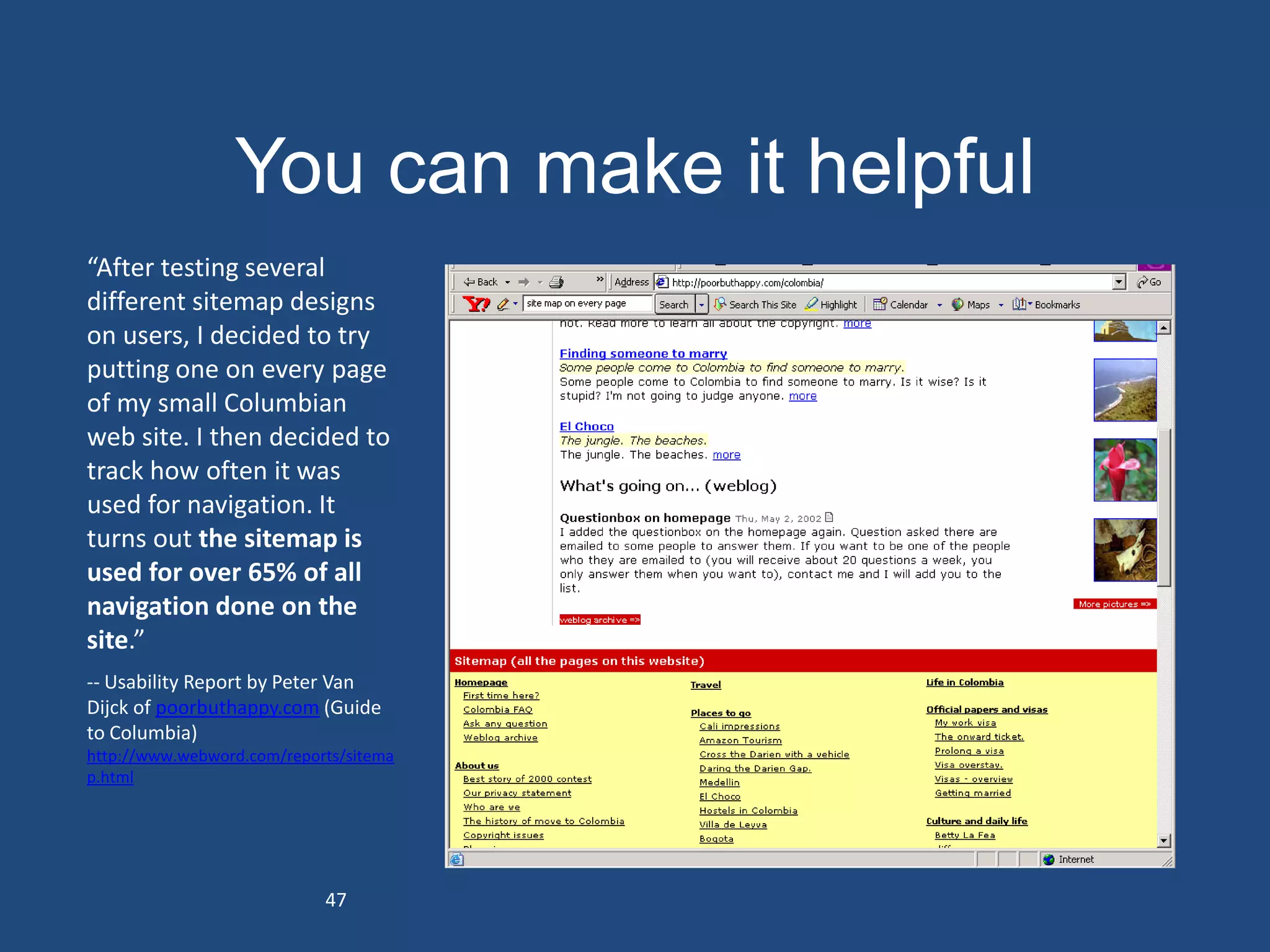
You can make it helpful
“After testing several
different sitemap designs
on users, I decided to try
putting one on every page
of my small Columbian
web site. I then decided to
track how often it was
used for navigation. It
turns out the sitemap is
used for over 65% of all
navigation done on the
site.”
-- Usability Report by Peter Van
Dijck of poorbuthappy.com (Guide
to Columbia)
http://www.webword.com/reports/sitema
p.html


                            47
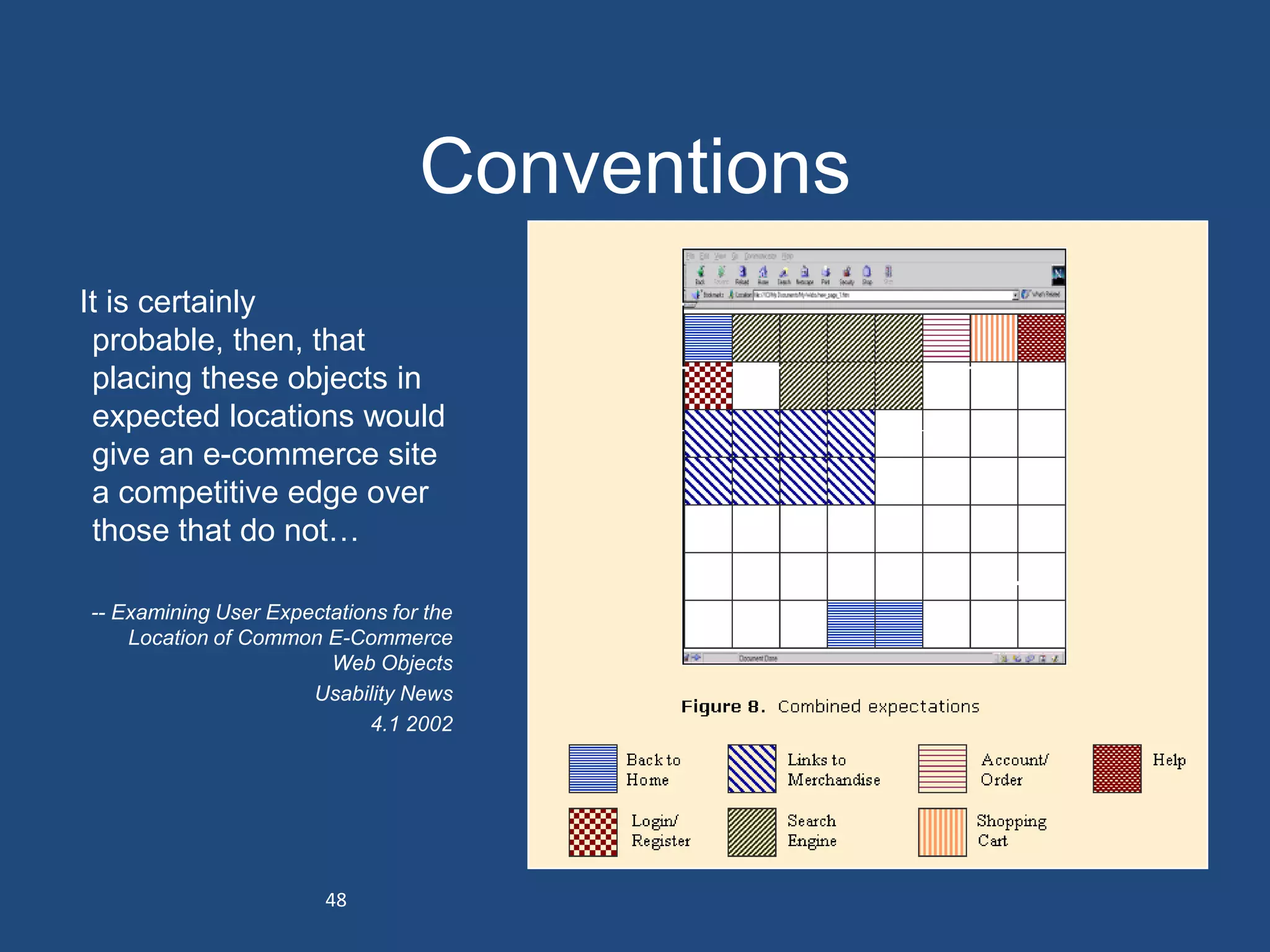
Conventions
It is certainly
 probable, then, that
 placing these objects in
 expected locations would
 give an e-commerce site
 a competitive edge over
 those that do not…

-- Examining User Expectations for the
    Location of Common E-Commerce
                        Web Objects
                      Usability News
                            4.1 2002


                        48
Conventions
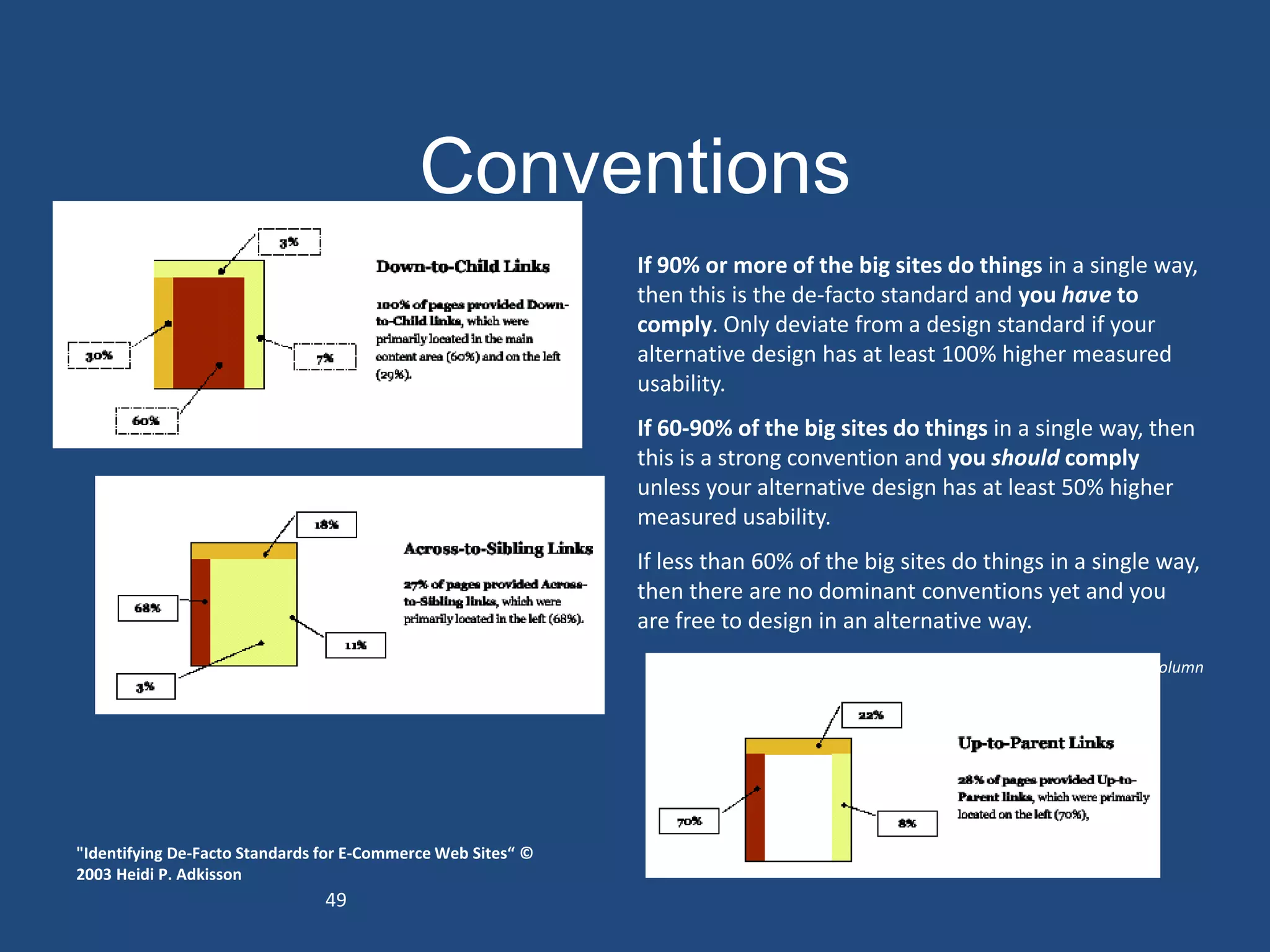
                                                              If 90% or more of the big sites do things in a single way,
                                                              then this is the de-facto standard and you have to
                                                              comply. Only deviate from a design standard if your
                                                              alternative design has at least 100% higher measured
                                                              usability.
                                                              If 60-90% of the big sites do things in a single way, then
                                                              this is a strong convention and you should comply
                                                              unless your alternative design has at least 50% higher
                                                              measured usability.
                                                              If less than 60% of the big sites do things in a single way,
                                                              then there are no dominant conventions yet and you
                                                              are free to design in an alternative way.
                                                                                 -- Jakob Nielsen, November 14, 1999 Alertbox column


"Identifying De-Facto Standards for E-Commerce Web Sites“ ©
2003 Heidi P. Adkisson
                                49
Conventions
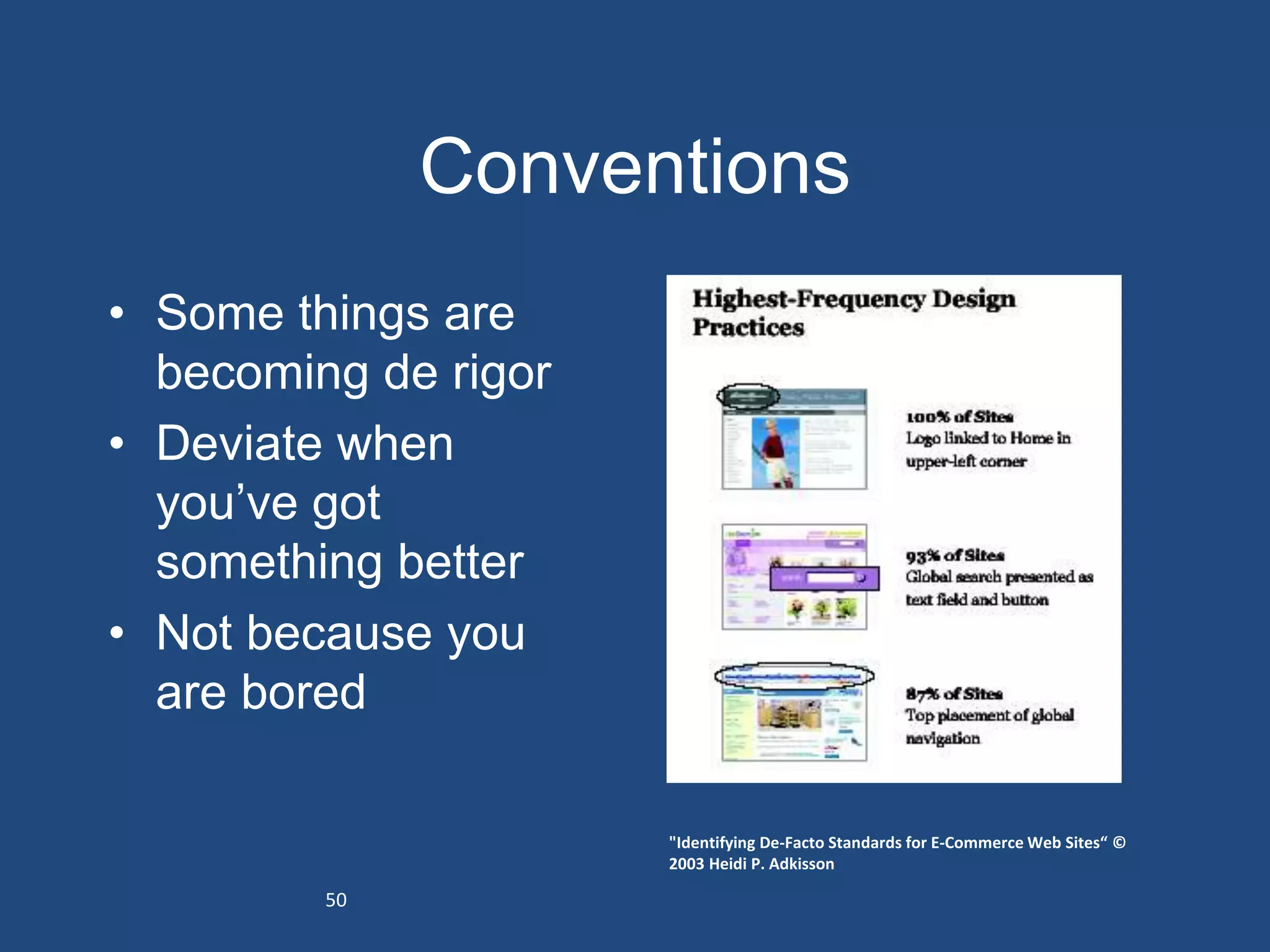
• Some things are
  becoming de rigor
• Deviate when
  you’ve got
  something better
• Not because you
  are bored

                      "Identifying De-Facto Standards for E-Commerce Web Sites“ ©
                      2003 Heidi P. Adkisson

         50
Now combine
• Follow expectations based on conventions
• Design a hierarchy based on task
  importance
• Err on the side of simplicity


51
Homework
• Analyze two competitors, one complementor
  – Layout
  – Inputs/functionality
  – Groupings
  – Hierarchy
                                                  Product

  – Trust/reassurance                             (noun)


                                                                       Costs
                                                        Buy (verb)
                                                                     (adverb)


                            Look      Costs
                           (verb)   (adjective)
Graphic Design

UNDERSTANDING
Designing to Understand
Use                  For
• Hierarchy          • Importance
• Layout             • Sequence
• Images             • Location
• Type               • Reassurance
• Color              • Motivation
• Line               • Involvement
• Relationships      • Seduction
• Progression
WHAT IS THE SINGLE MOST
IMPORTANT THING?
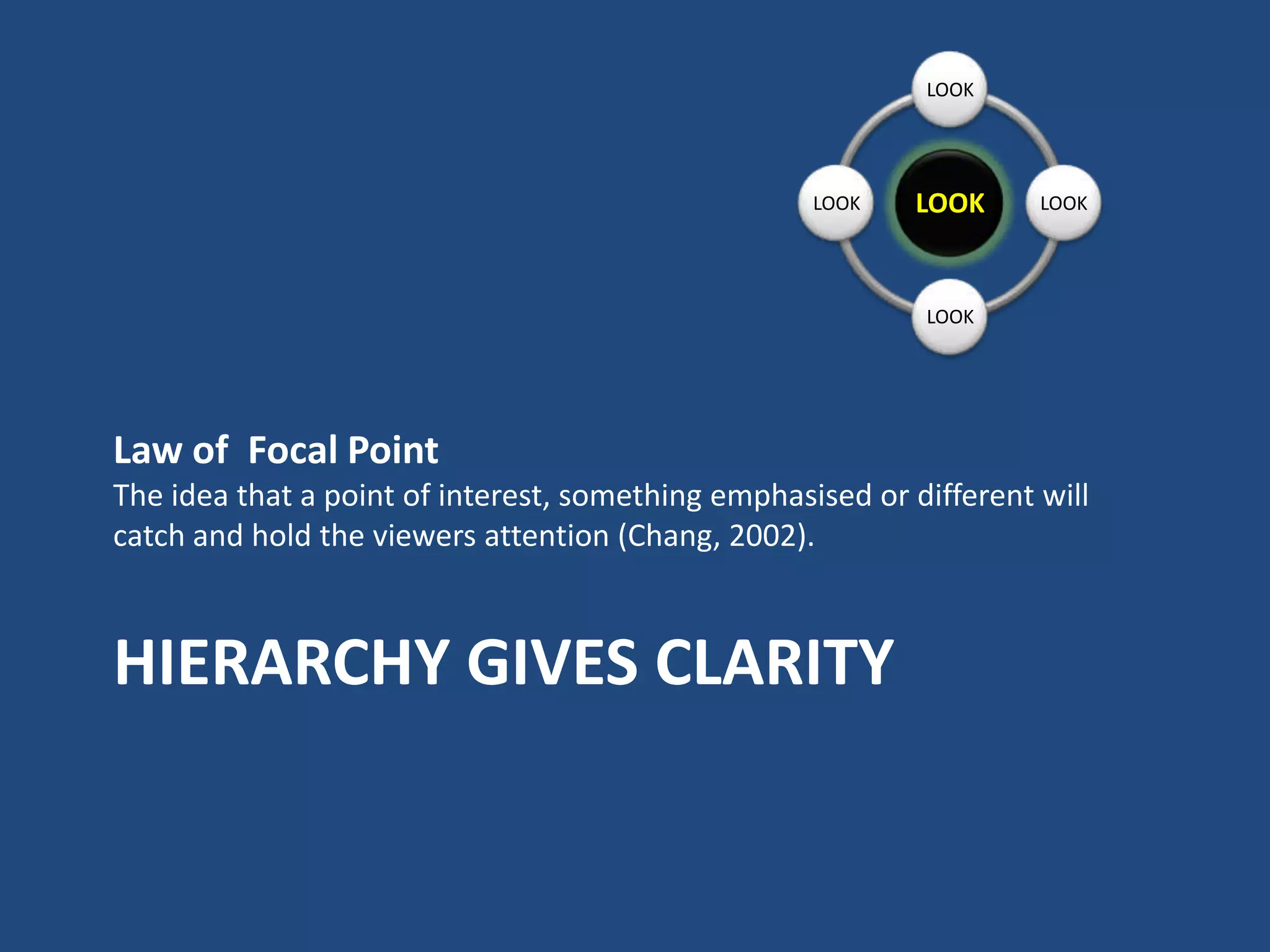
LOOK


                                                    LOOK    LOOK     LOOK


                                                            LOOK


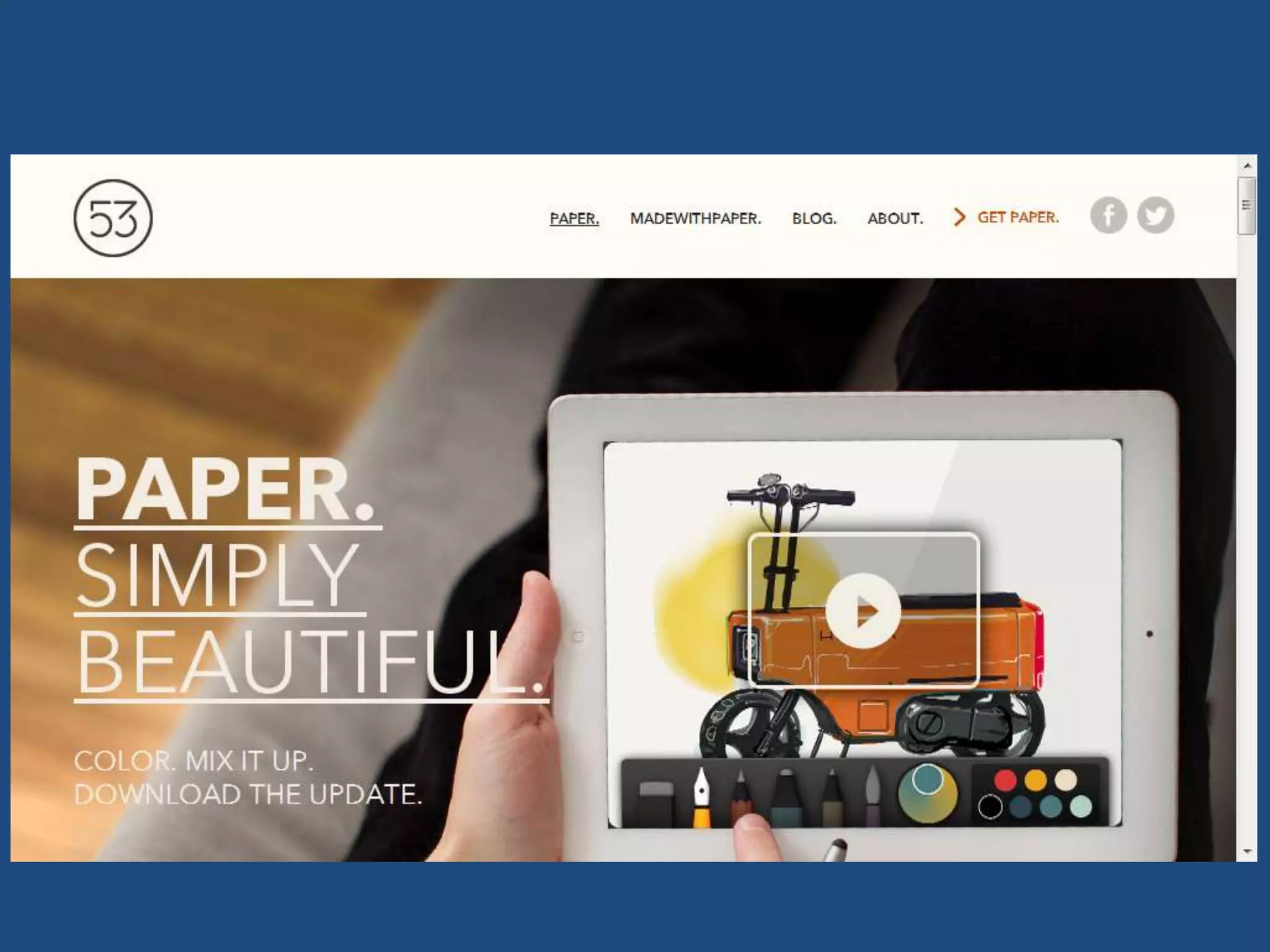
Law of Focal Point
The idea that a point of interest, something emphasised or different will
catch and hold the viewers attention (Chang, 2002).


HIERARCHY GIVES CLARITY
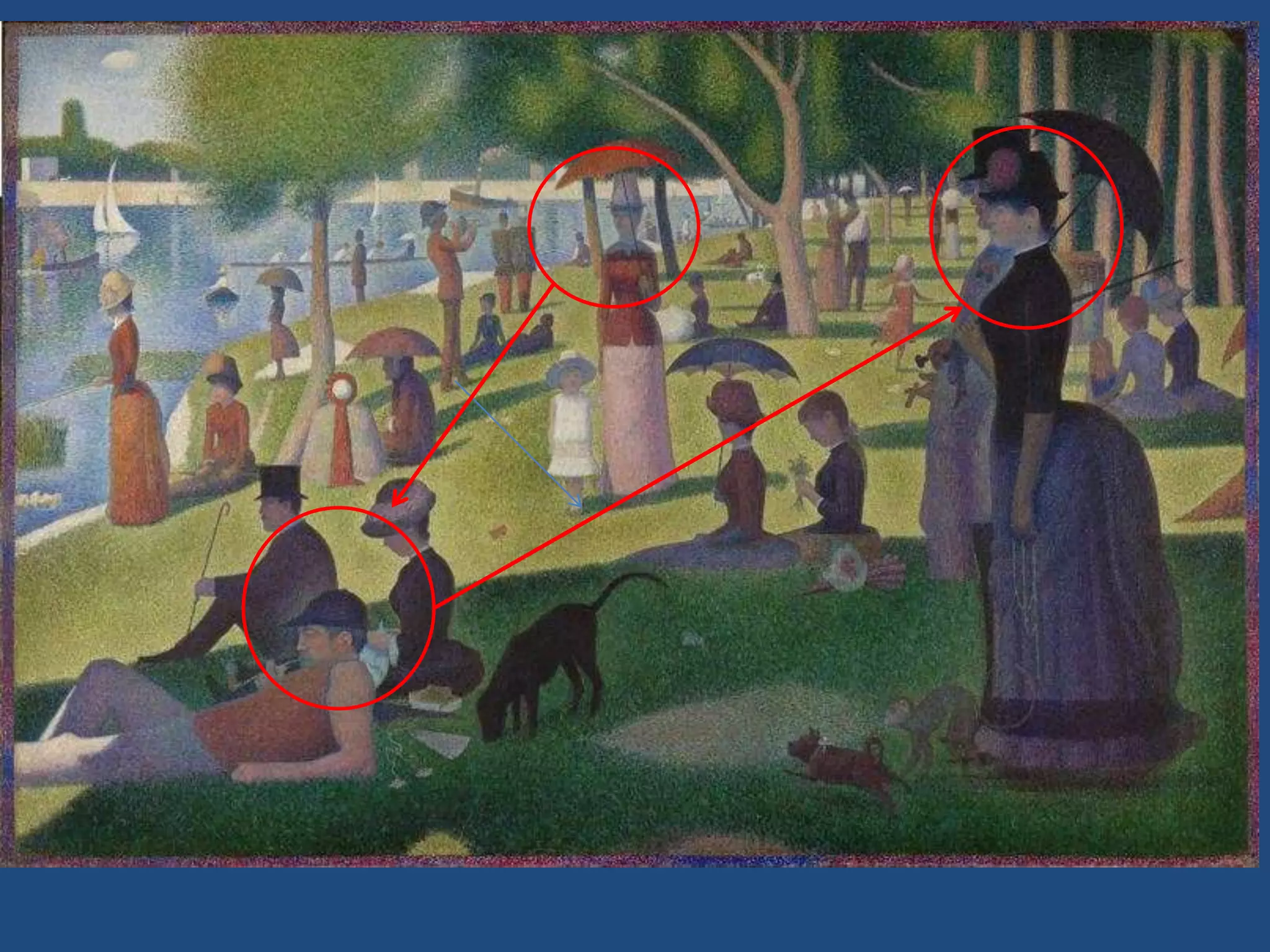
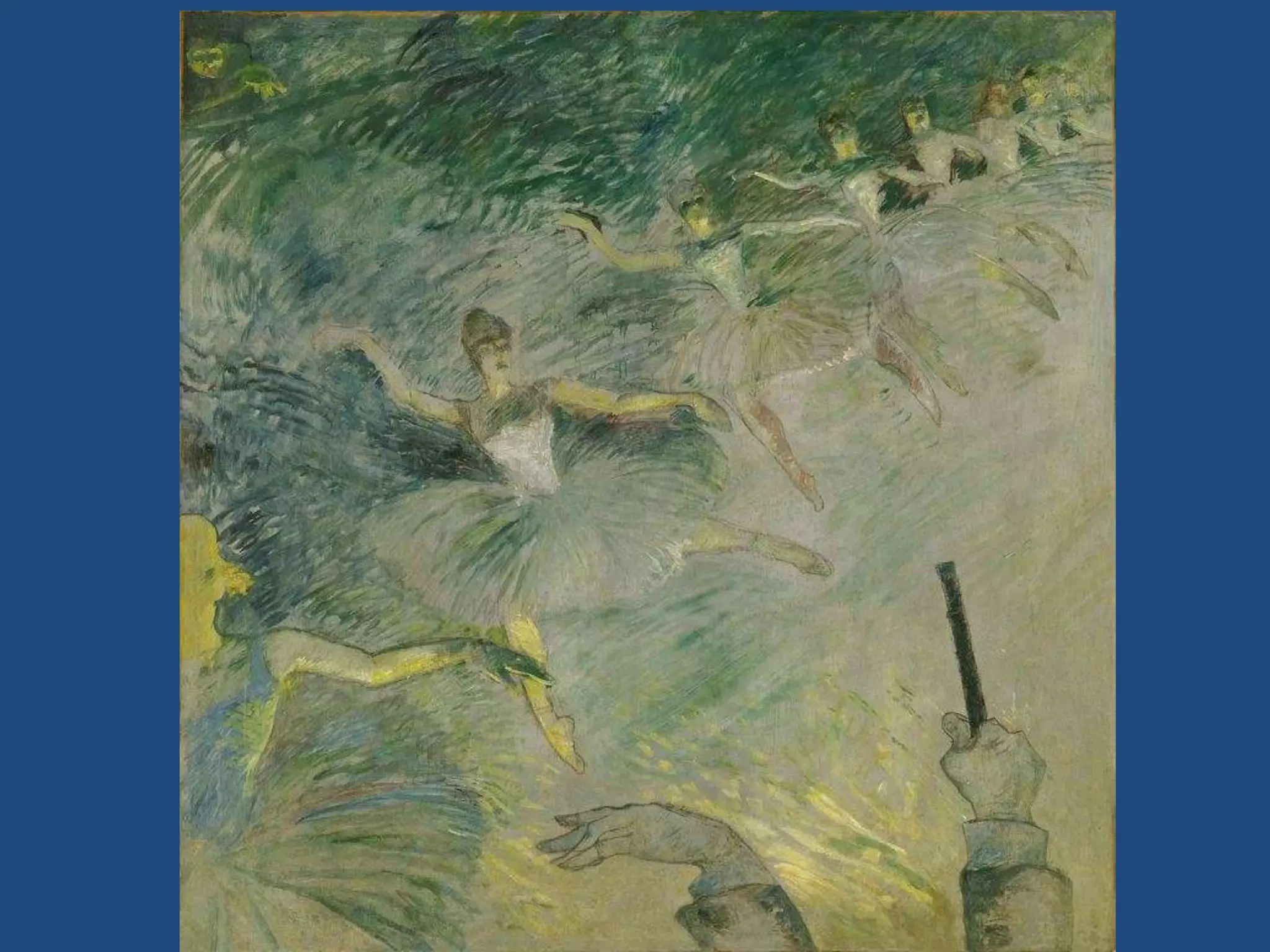
WHAT ORDER SHOULD I LOOK?
Order and Composition

LAYOUT
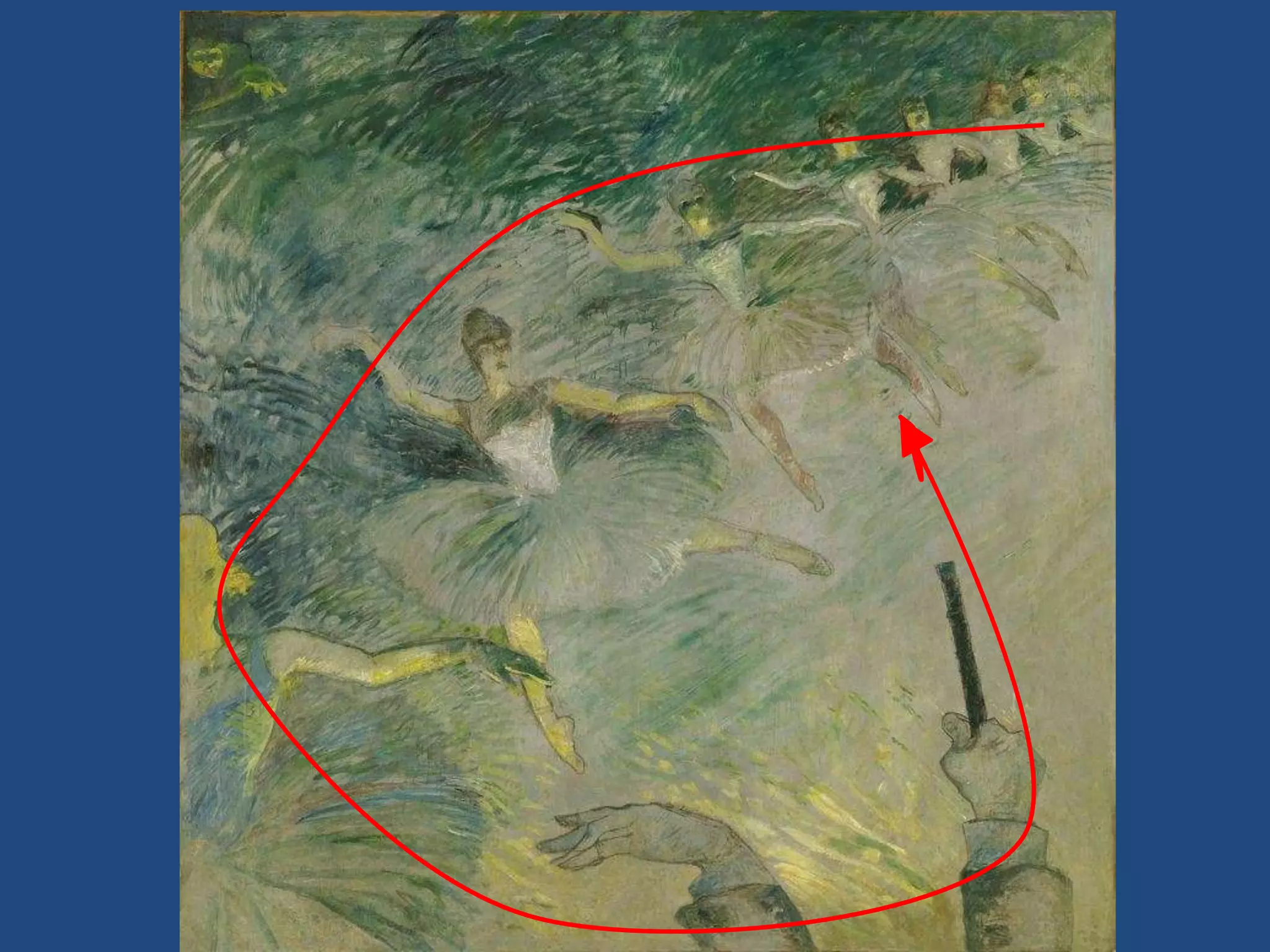
PAINTING
PAINTING
Comics are read in
    the west left to
   right, like a page.
    However, good
   artists add visual
   elements to help
       you flow.


http://samkieth.blogs
pot.com/
TYPE
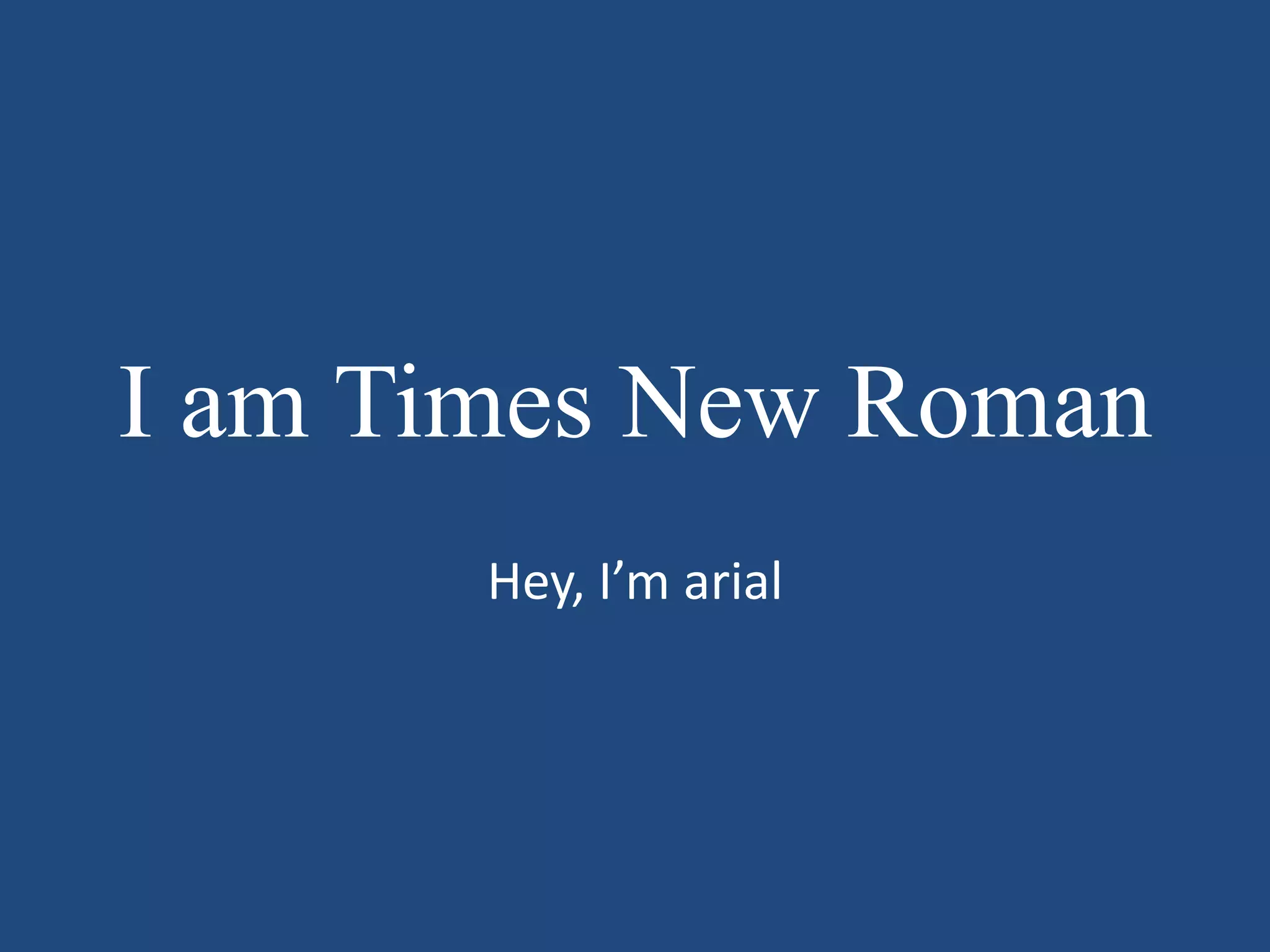
I am a serifed font

     I am sans-serif
I am Times New Roman
       Hey, I’m arial
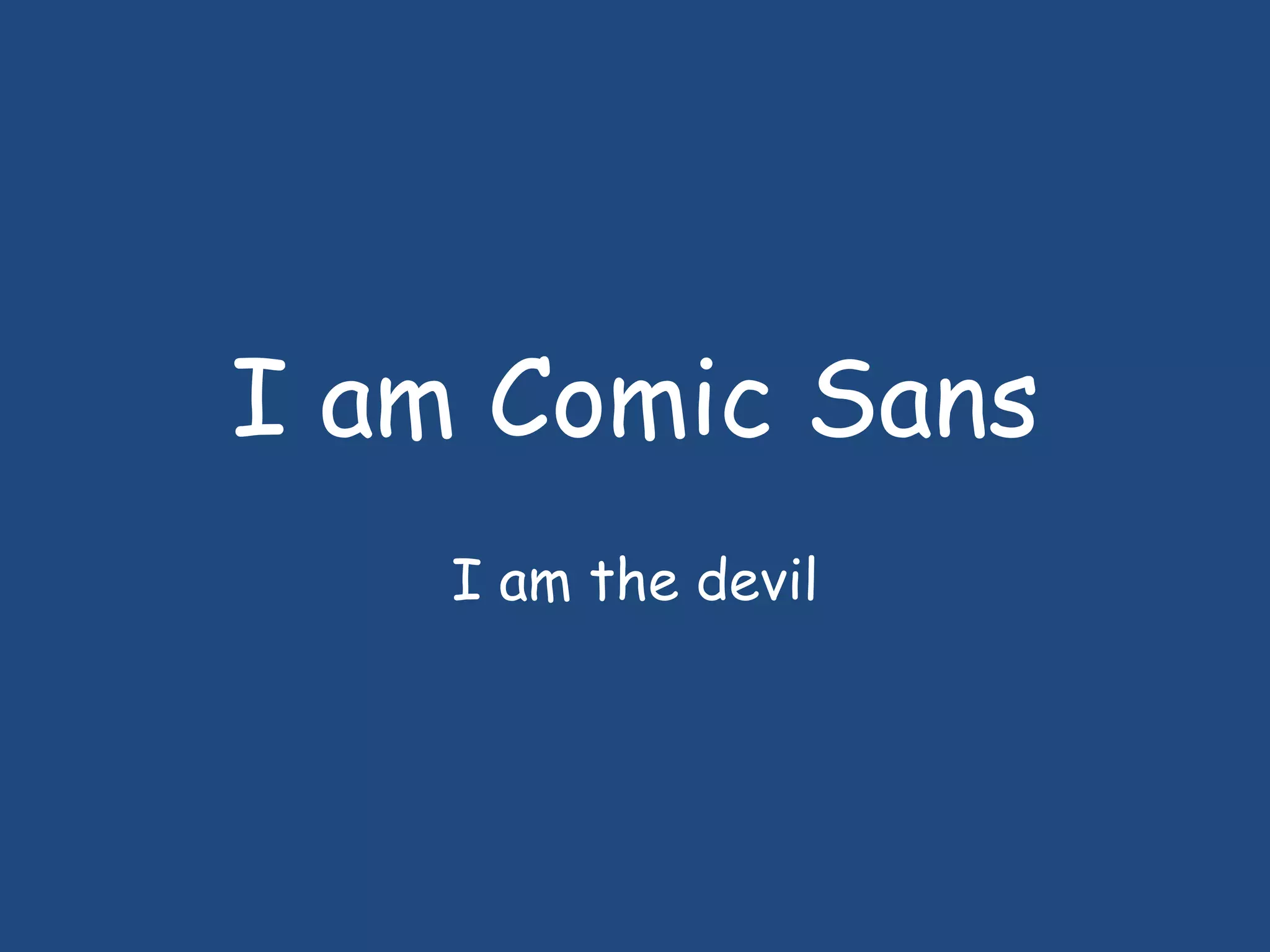
I am Comic Sans
    I am the devil
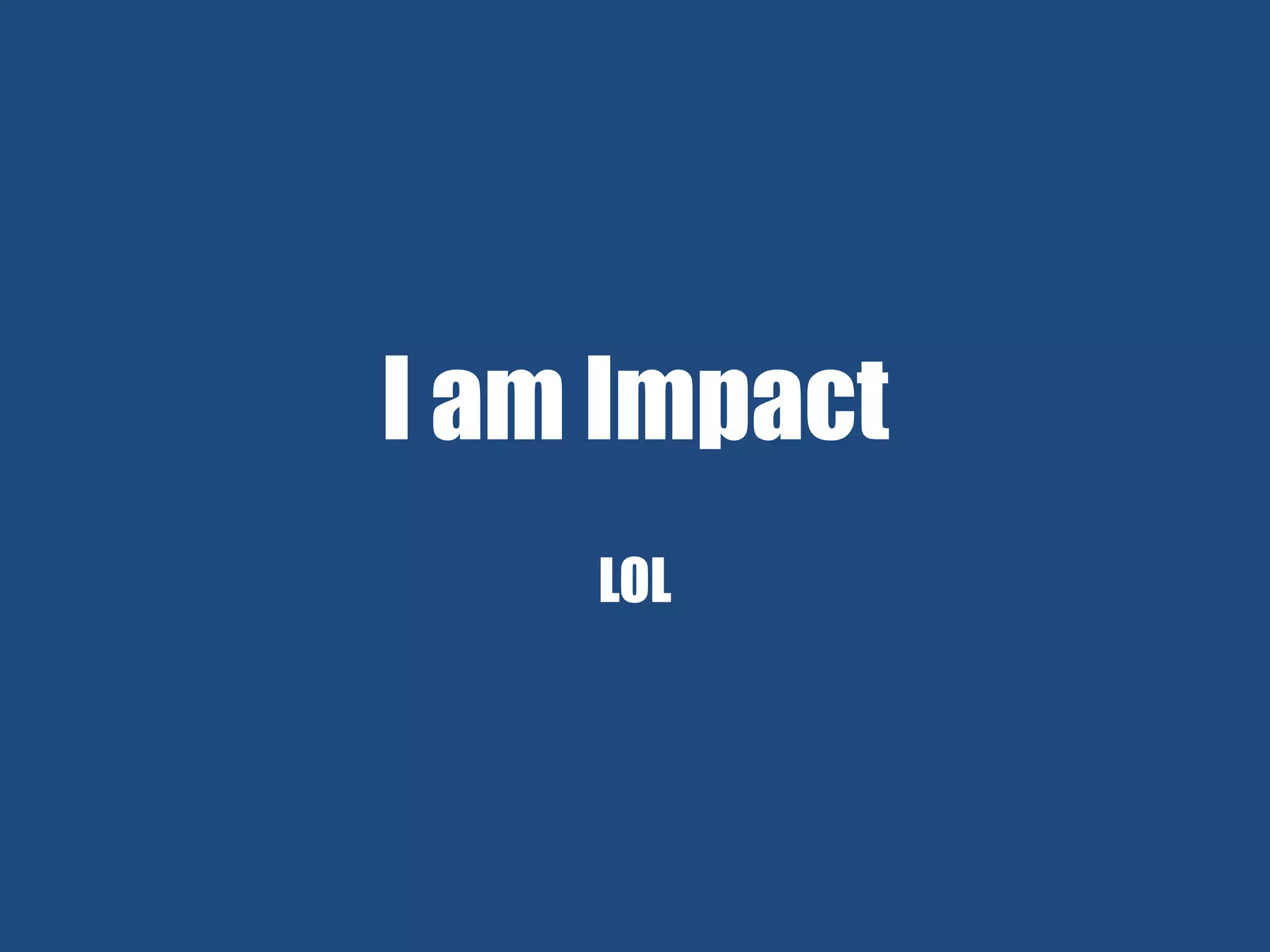
I am Impact
    LOL
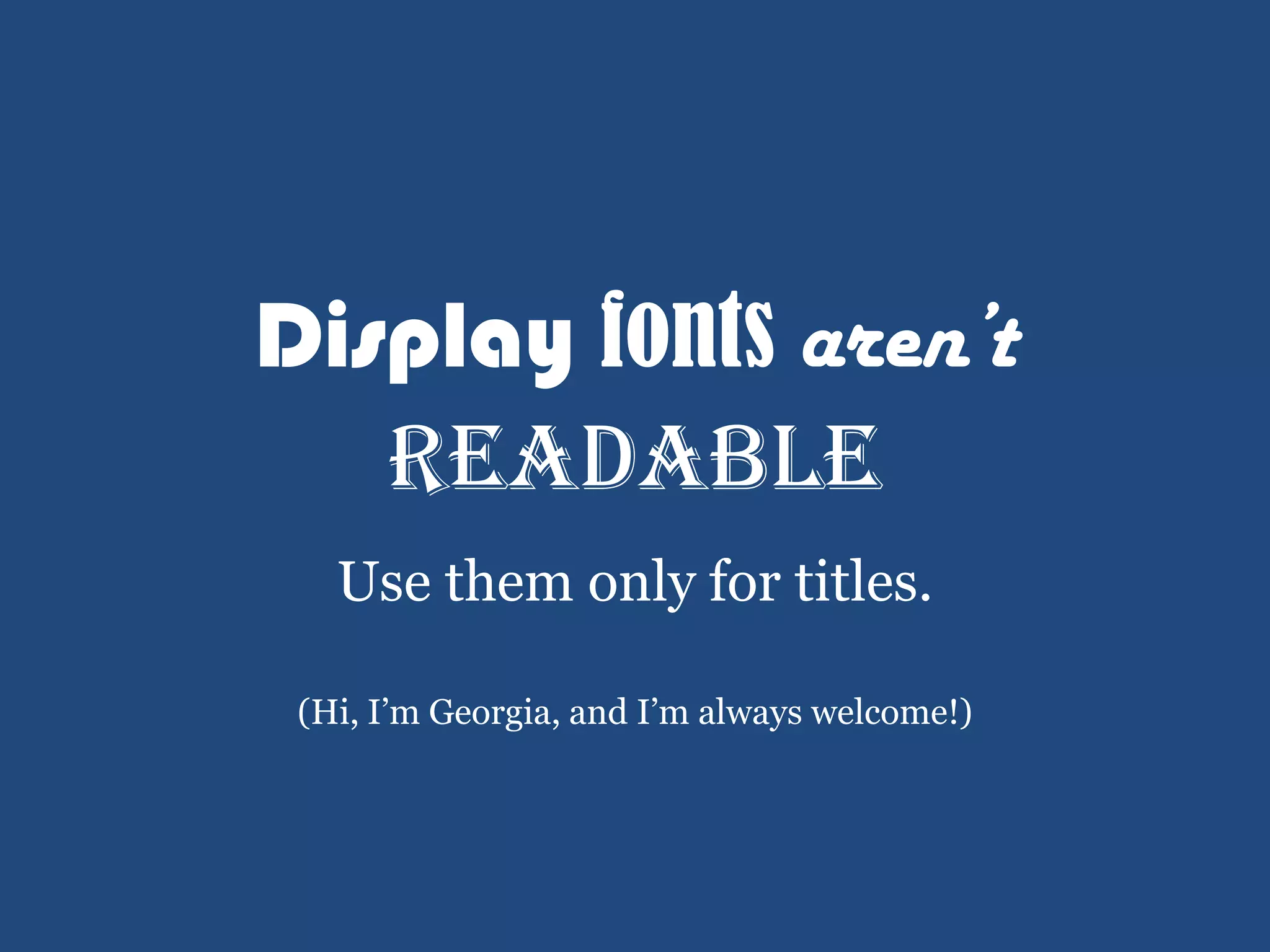
Display fonts aren’t
   readable
   Use them only for titles.

 (Hi, I’m Georgia, and I’m always welcome!)
COLOR
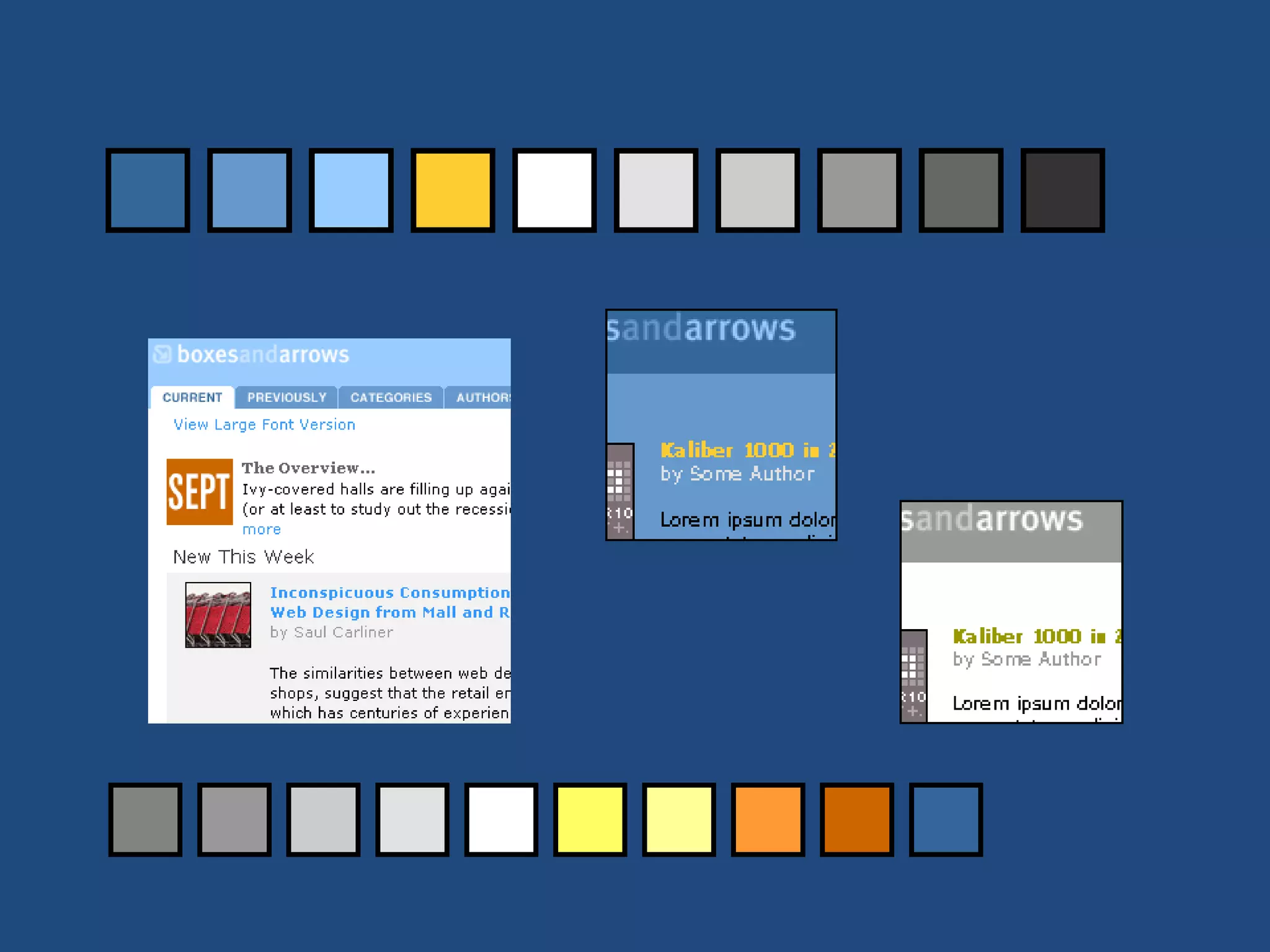
Cheaters Tricks
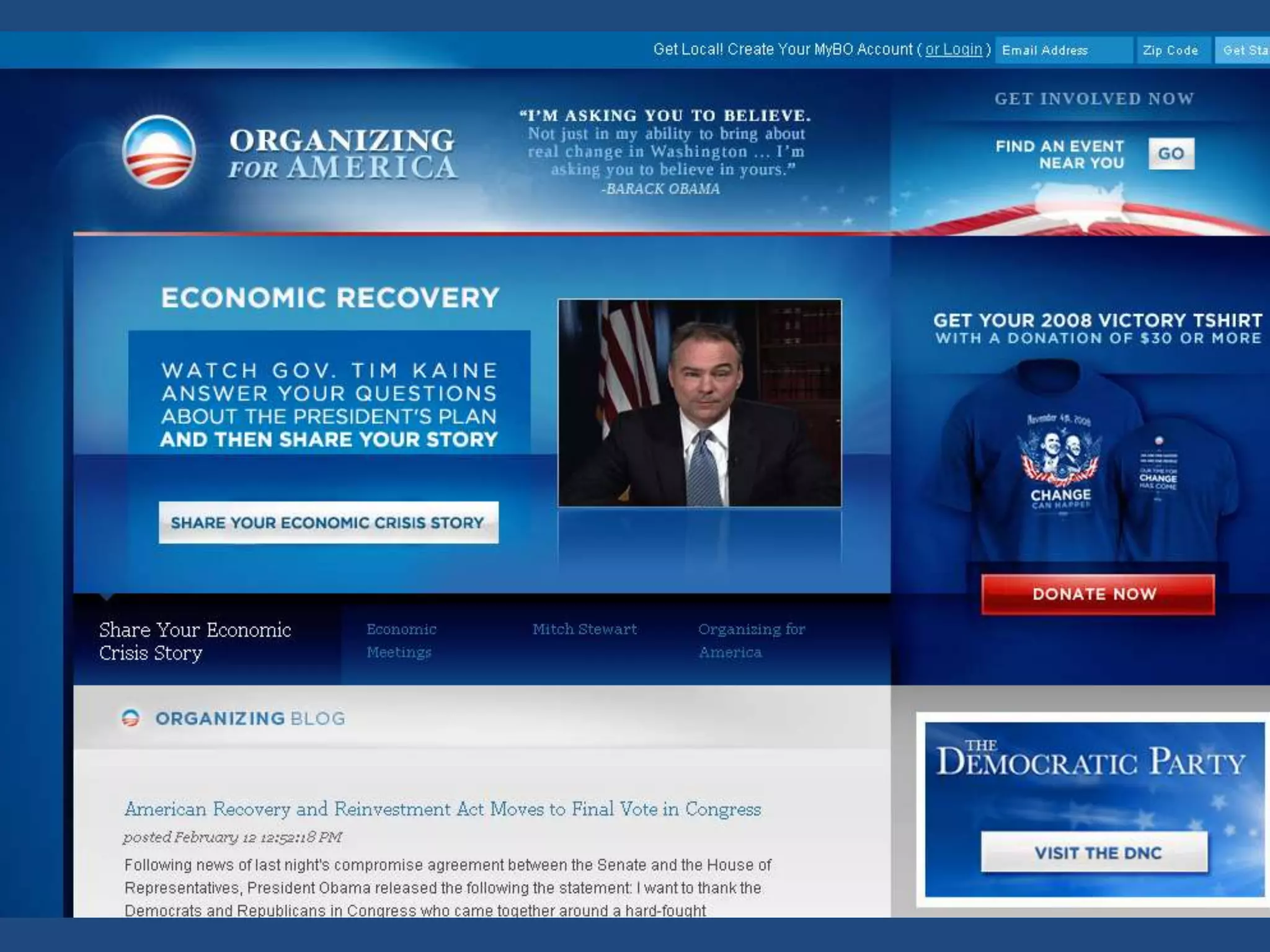
• One color, with variations. One accent. Period
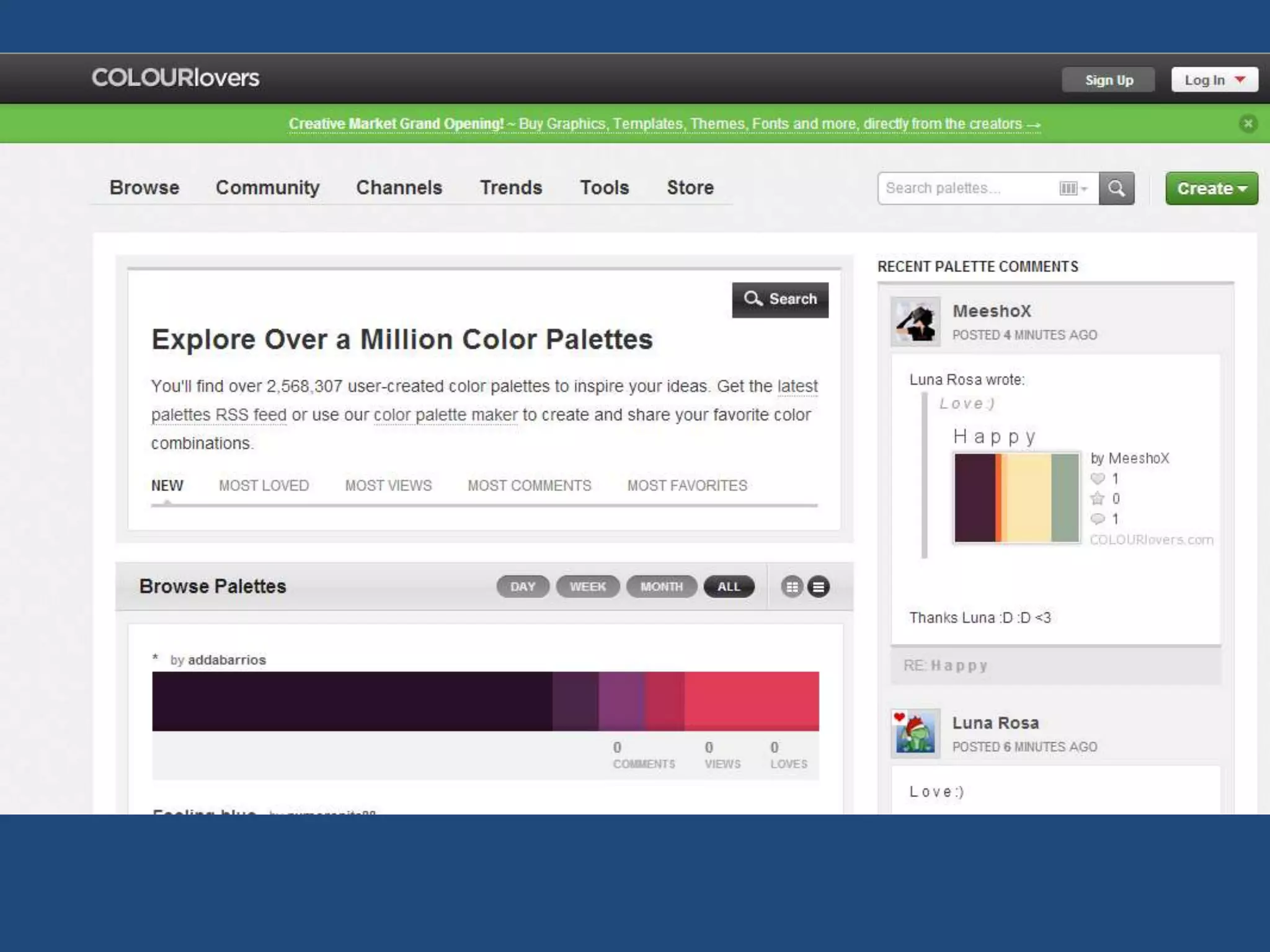
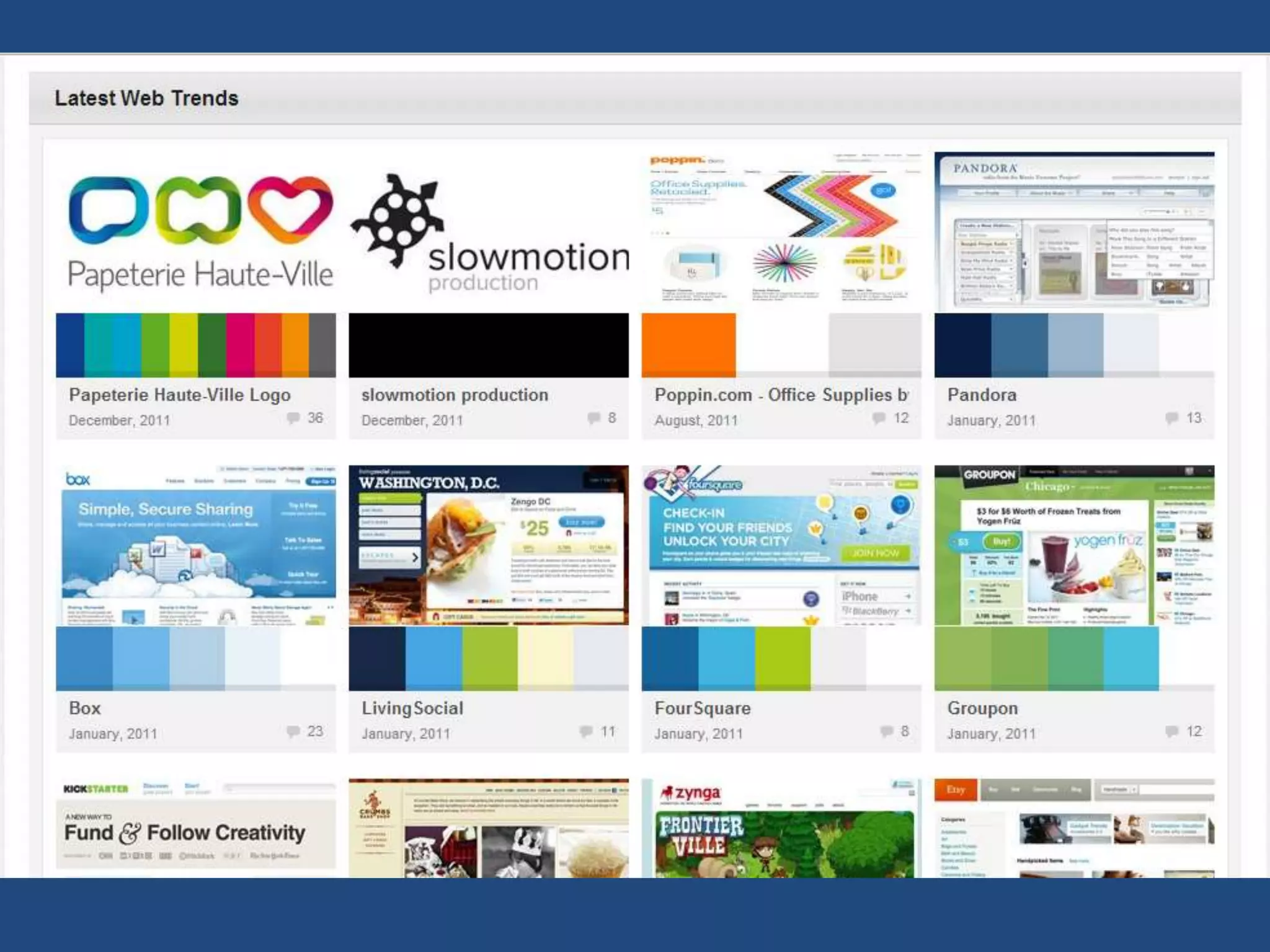
• Use a generator site
  http://www.colourlovers.com/
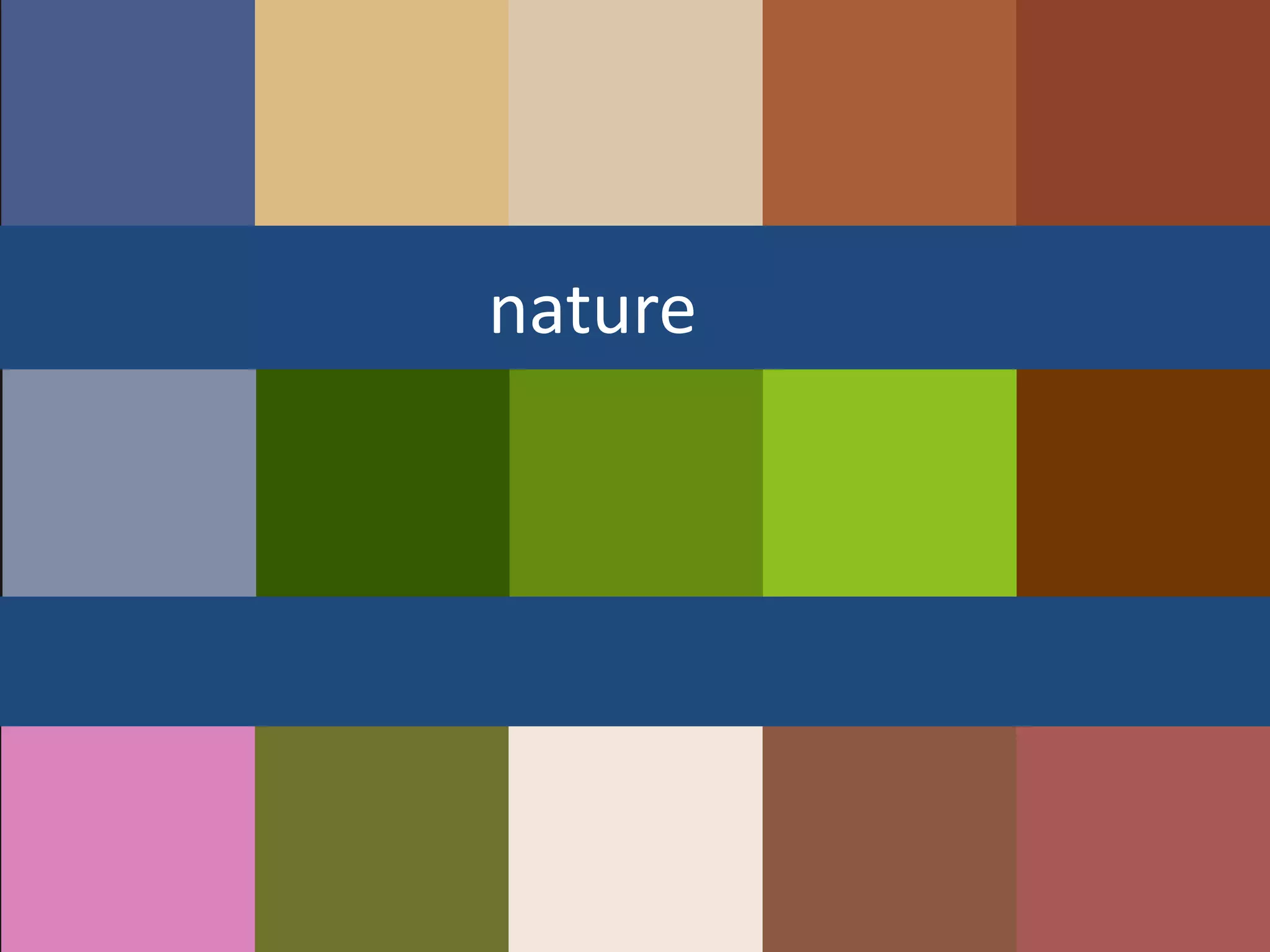
• Use nature
  http://boxesandarrows.com/natural-
  selections-colors-found-in-nature-and-
  interface-design/
nature
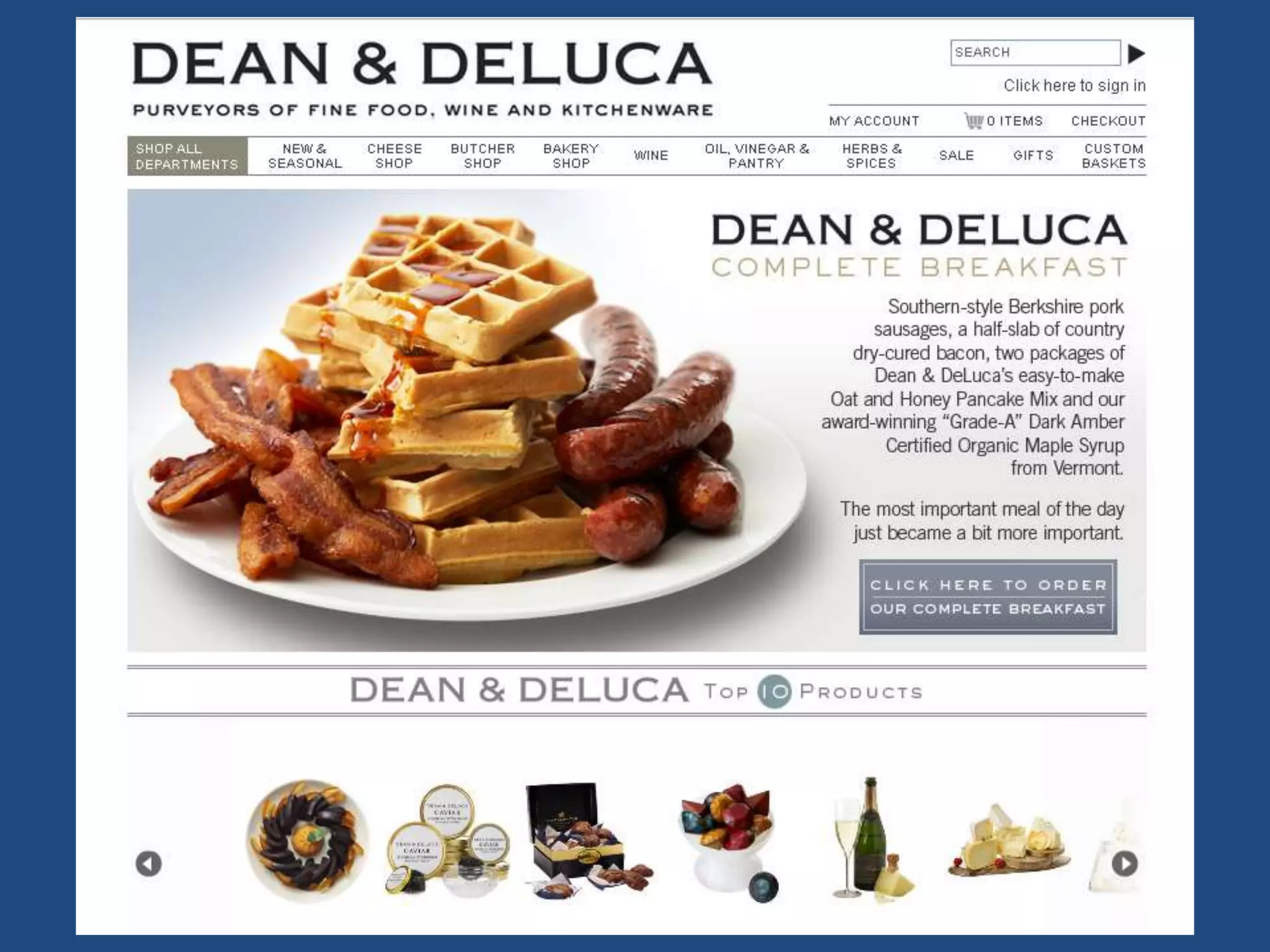
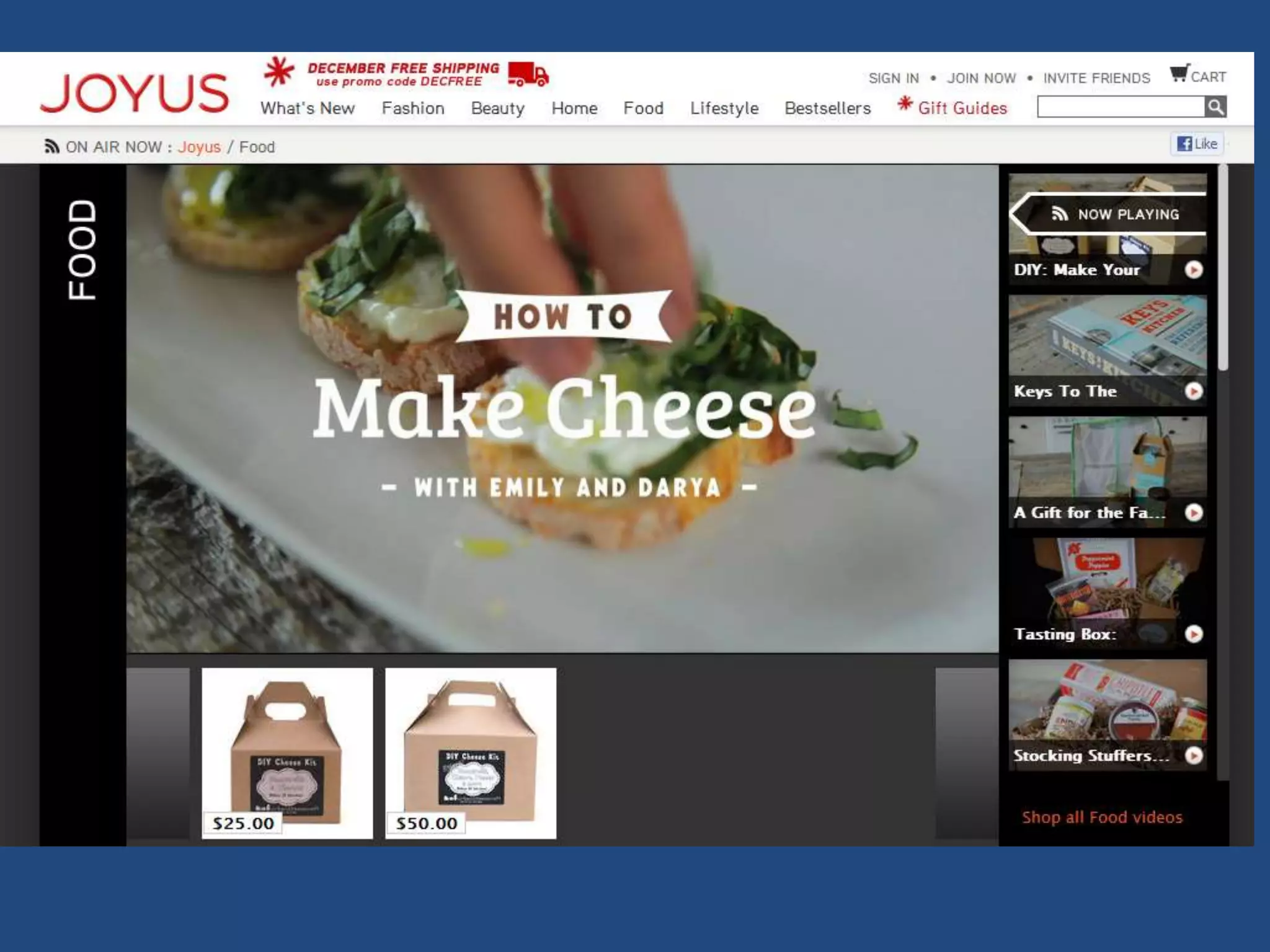
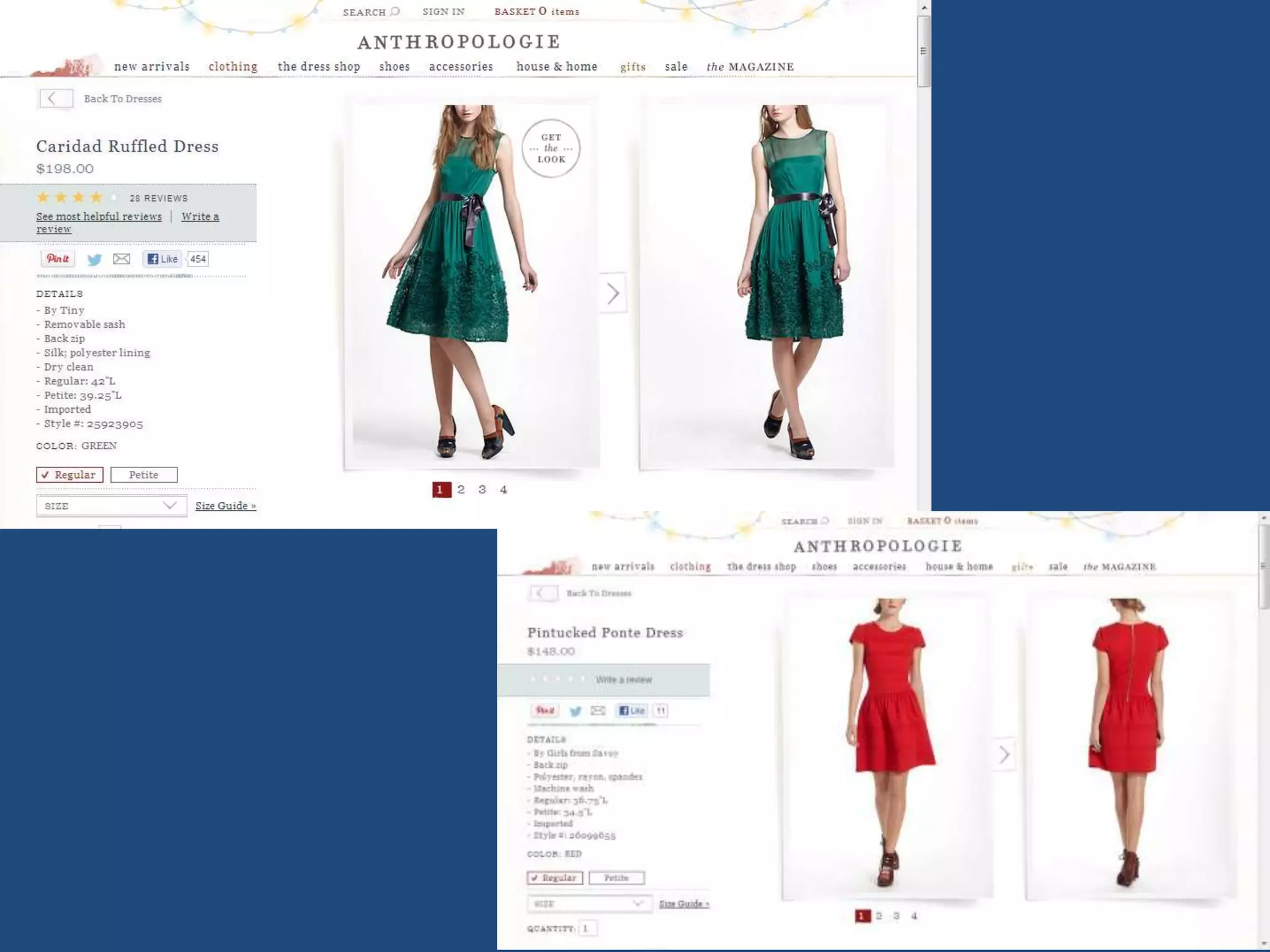
IF PHOTO-HEAVY, USE LITTLE COLOR
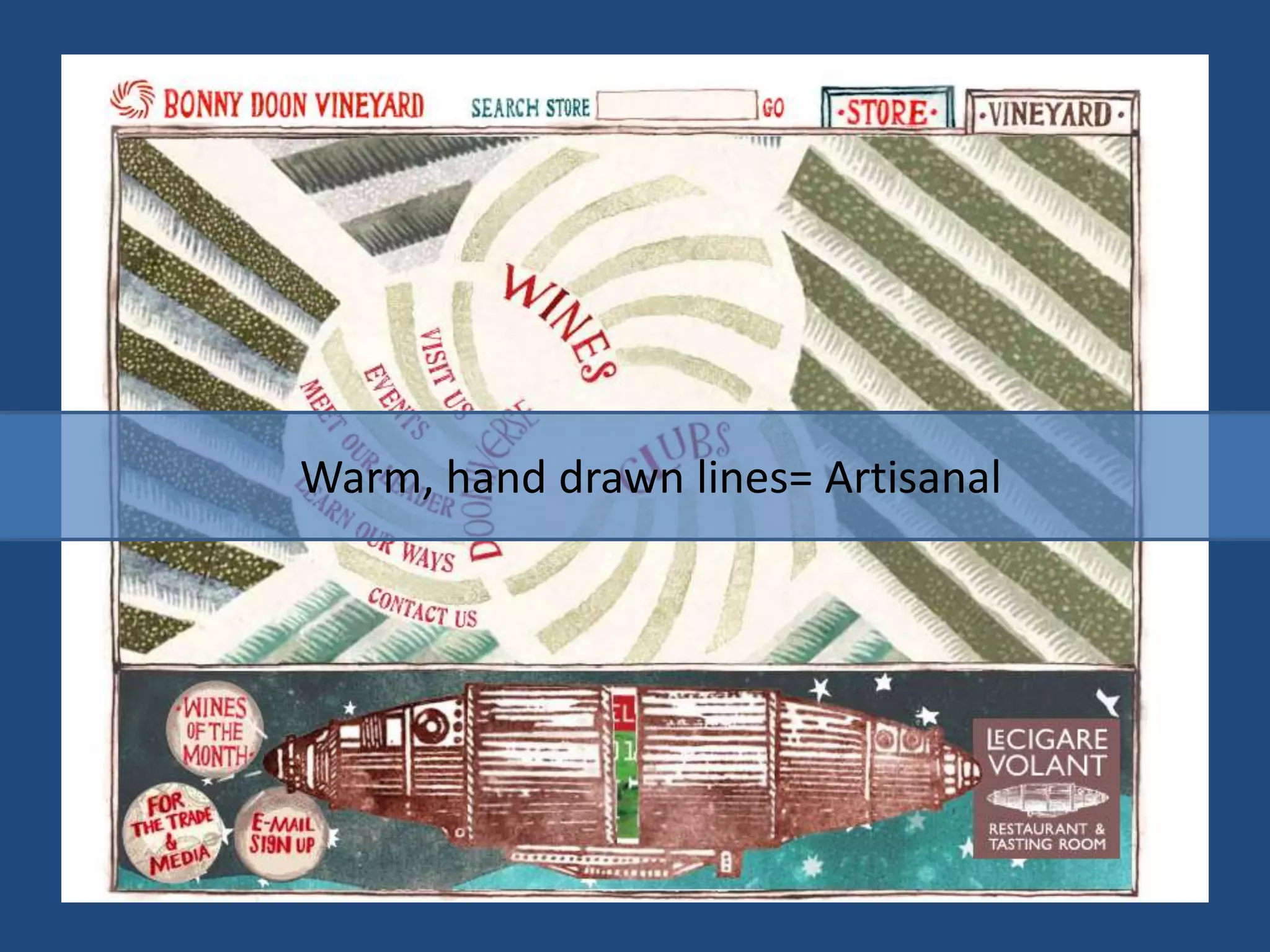
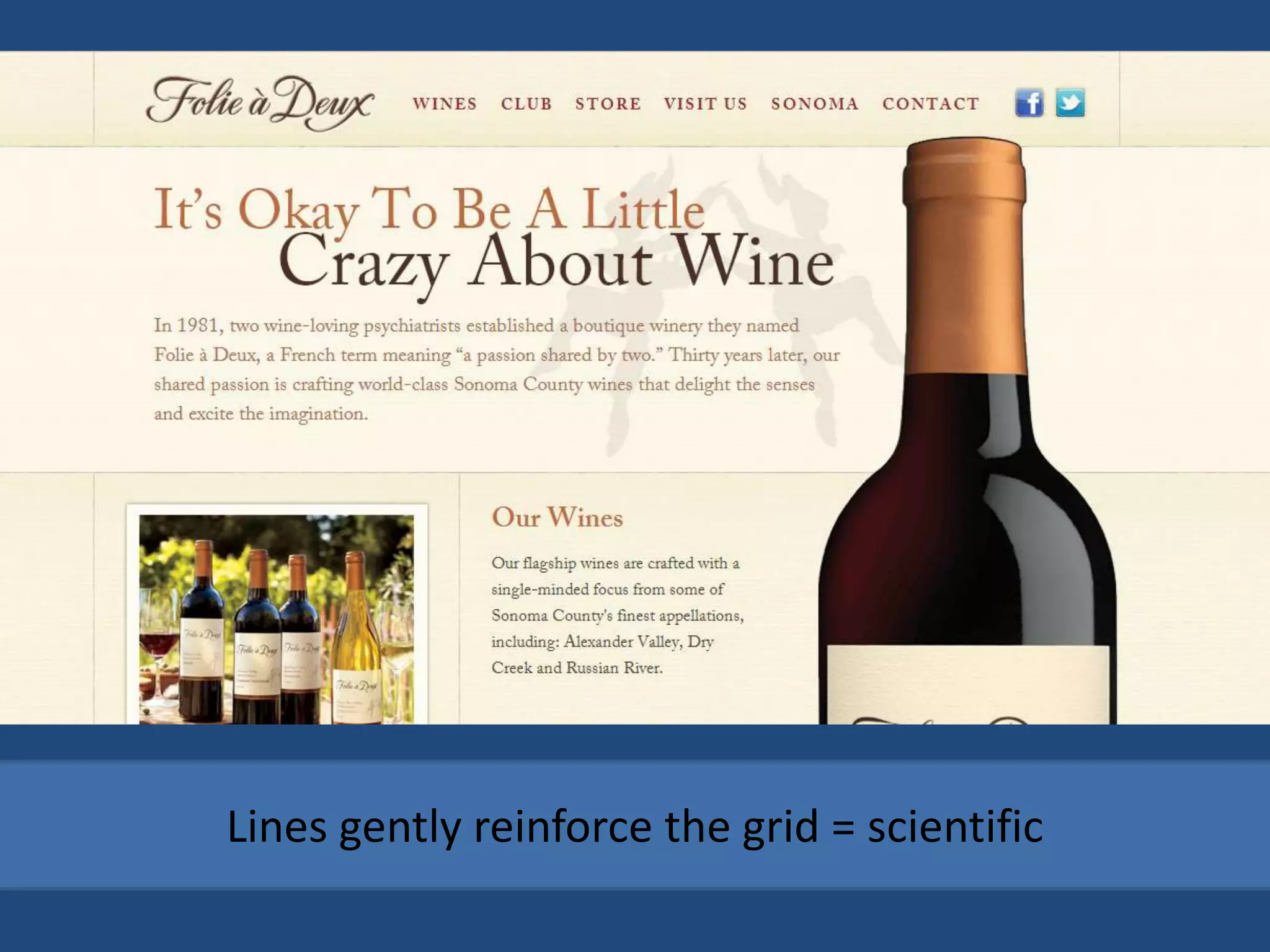
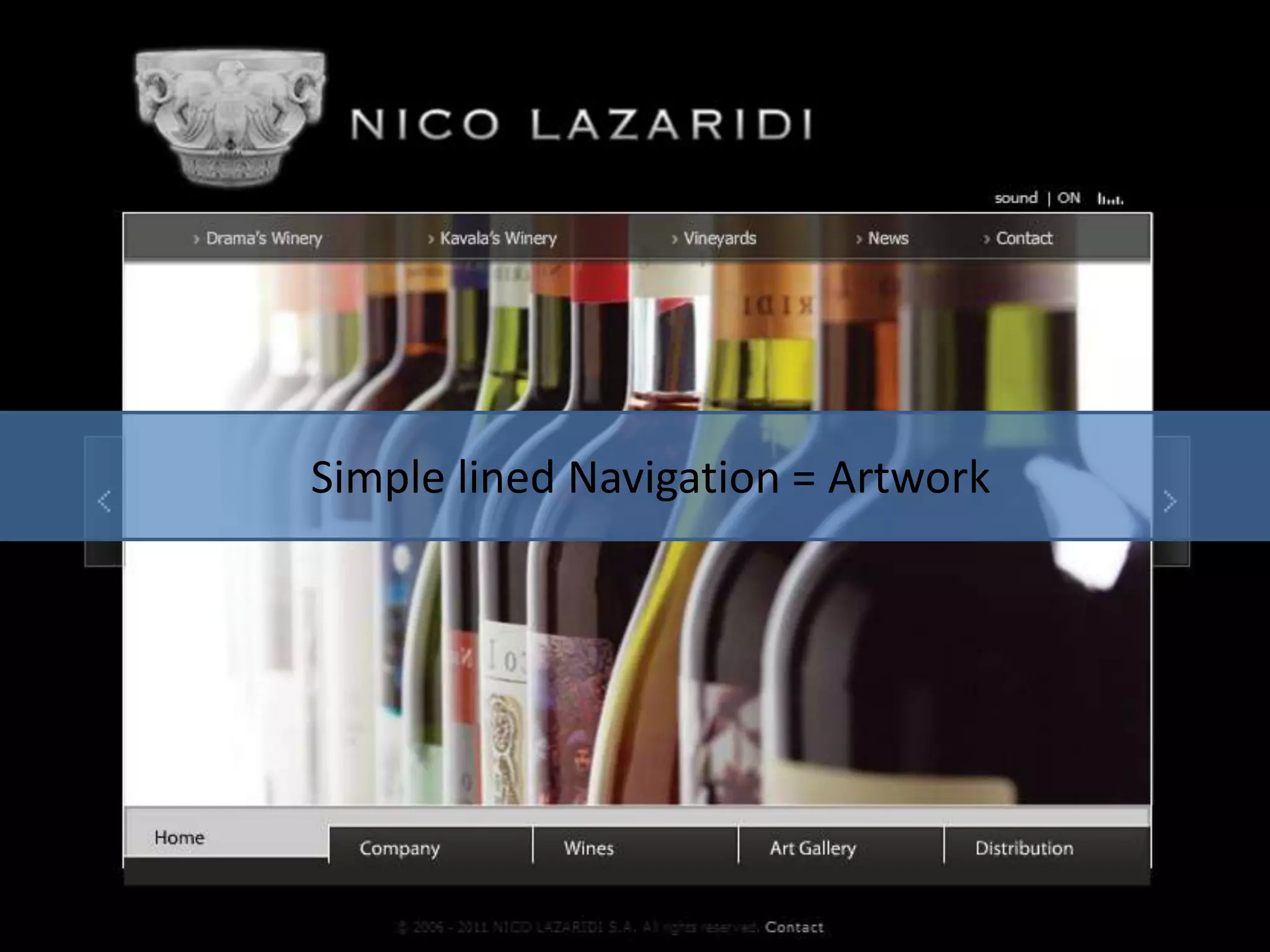
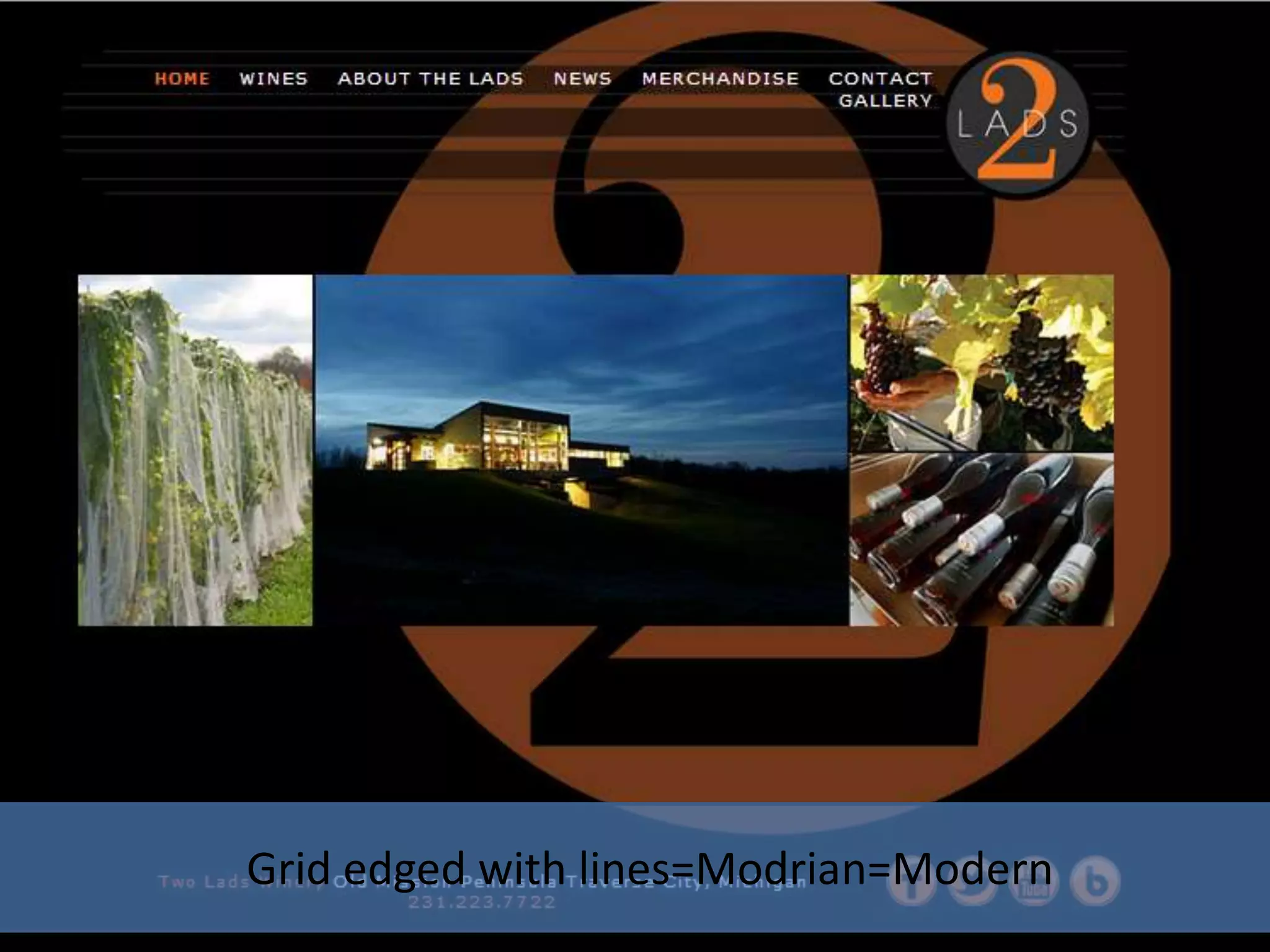
LINE
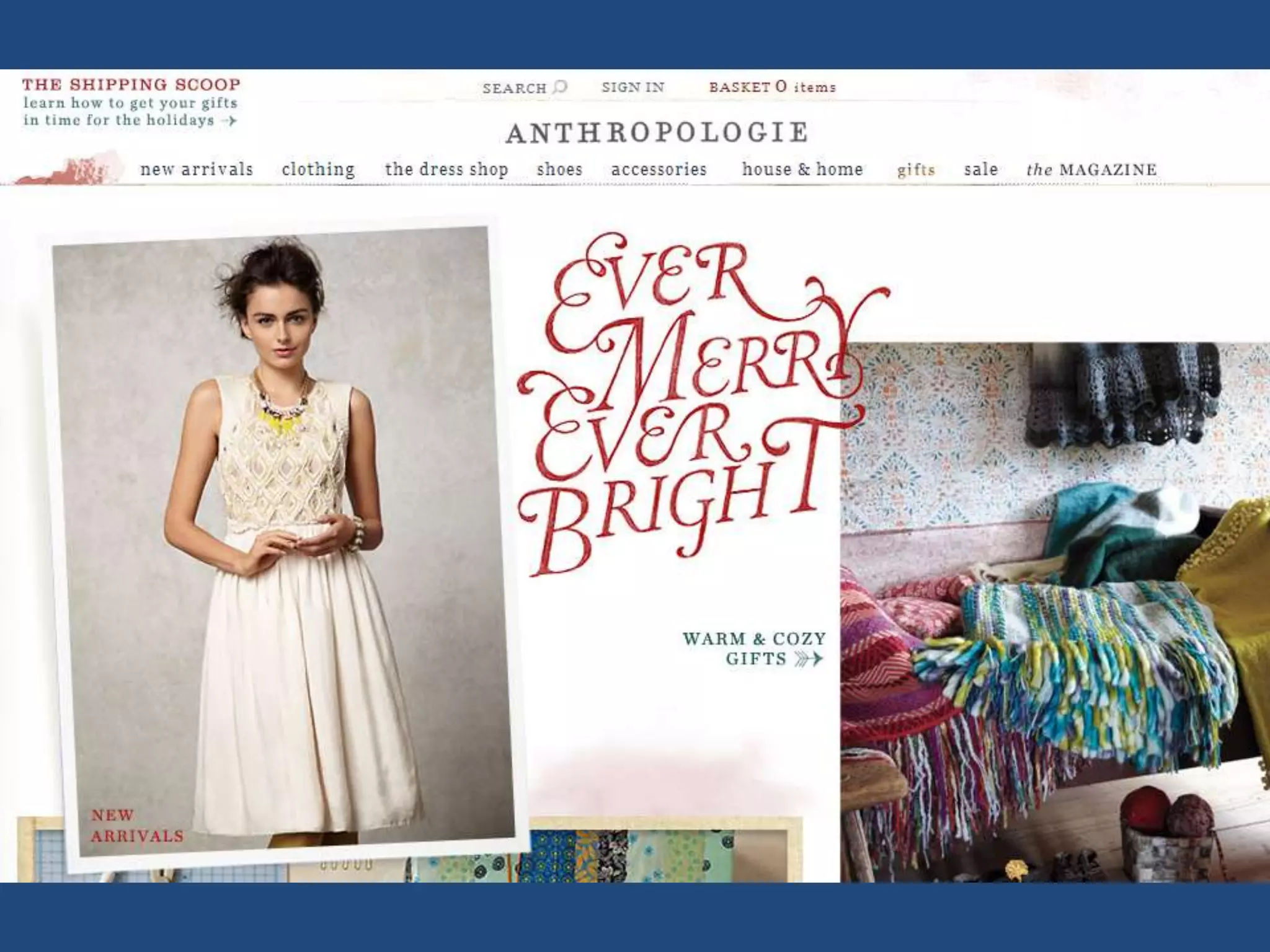
Warm, hand drawn lines= Artisanal
Lines gently reinforce the grid = scientific
Simple lined Navigation = Artwork
Grid edged with lines=Modrian=Modern
RELATIONSHIPS
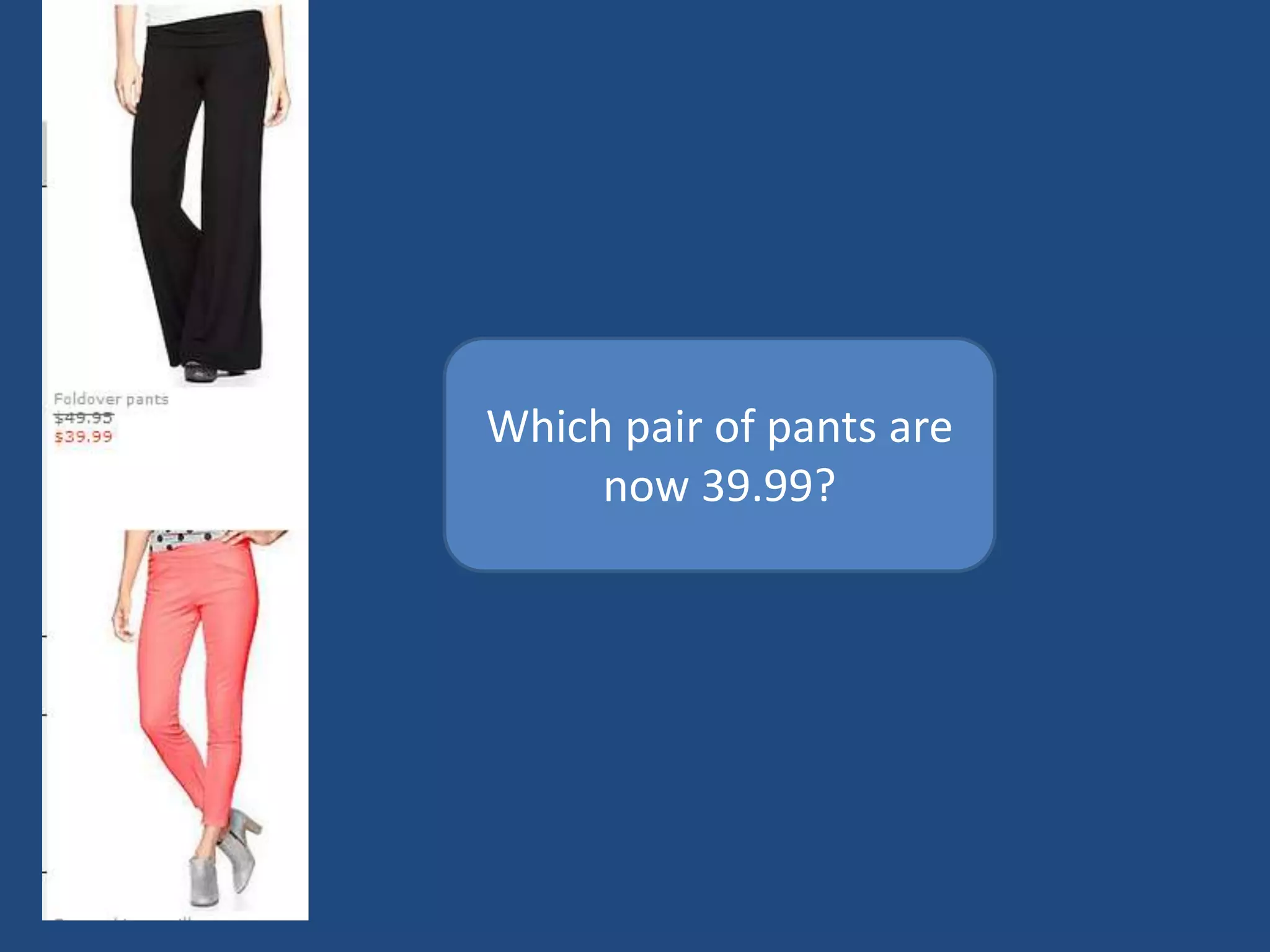
Which pair of pants are
     now 39.99?
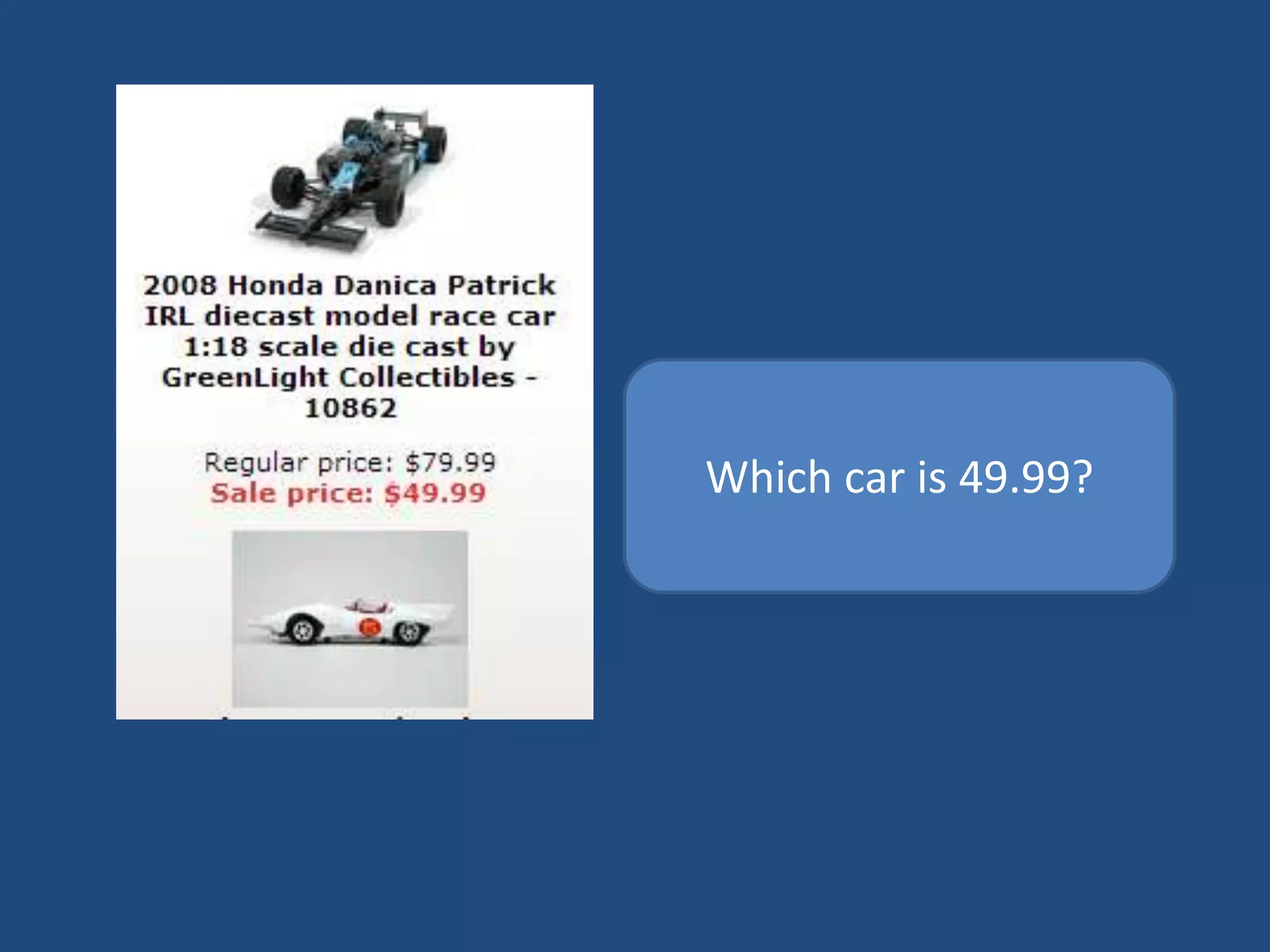
Which car is 49.99?
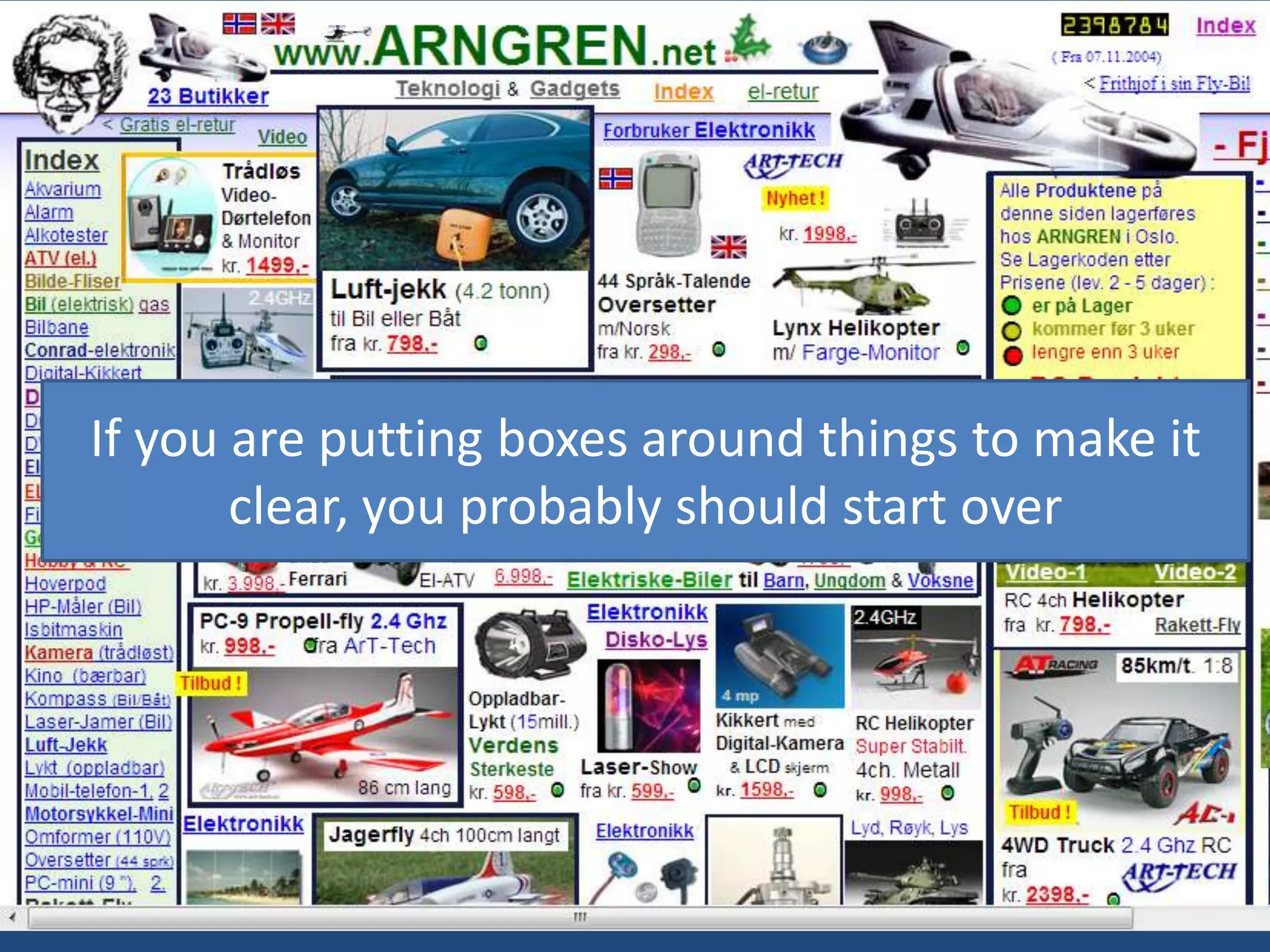
If you are putting boxes around things to make it
       clear, you probably should start over
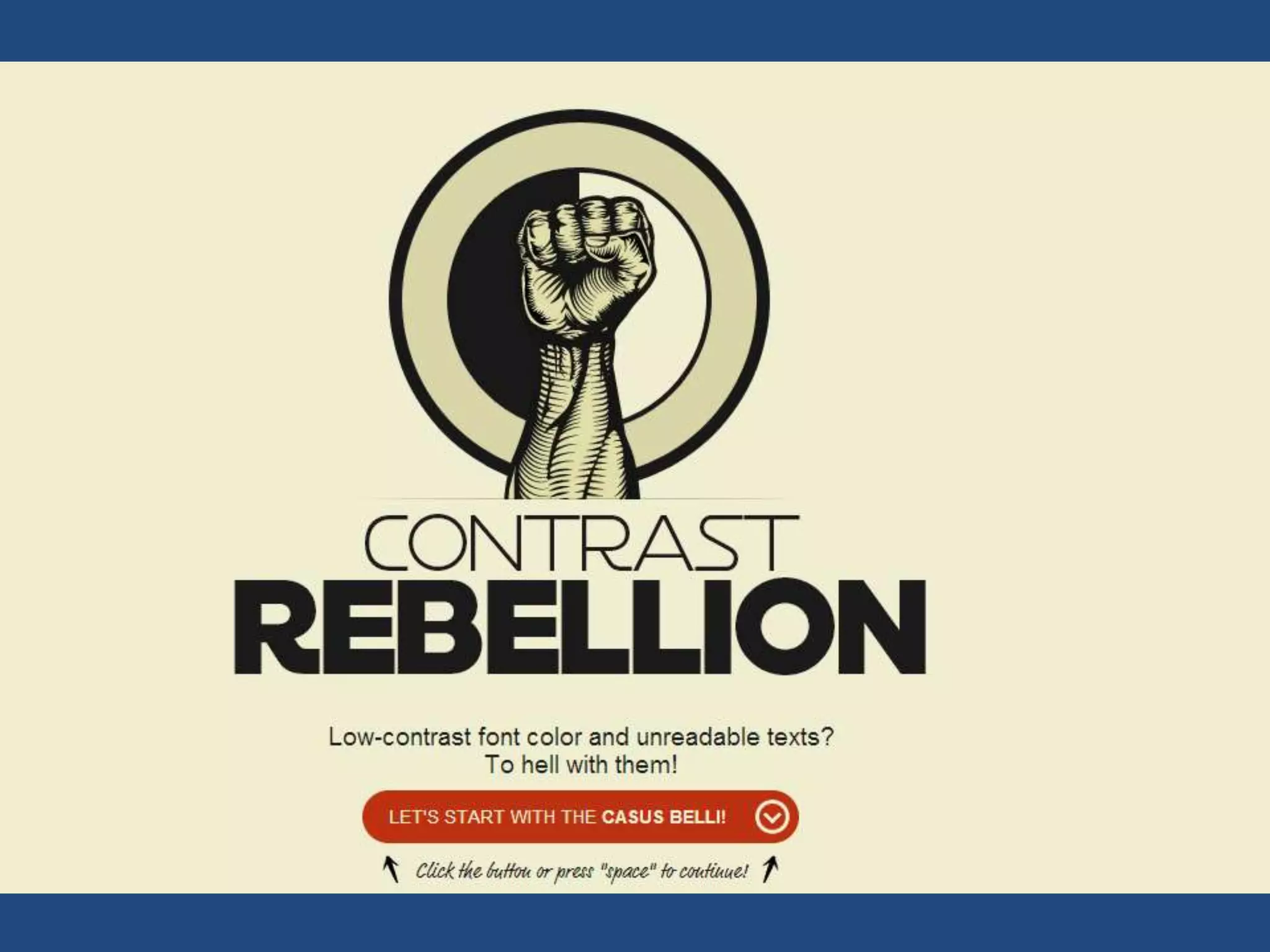
See http://contrastrebellion.com/

DIFFERENCE & CONTRAST
Take advantage of the medium

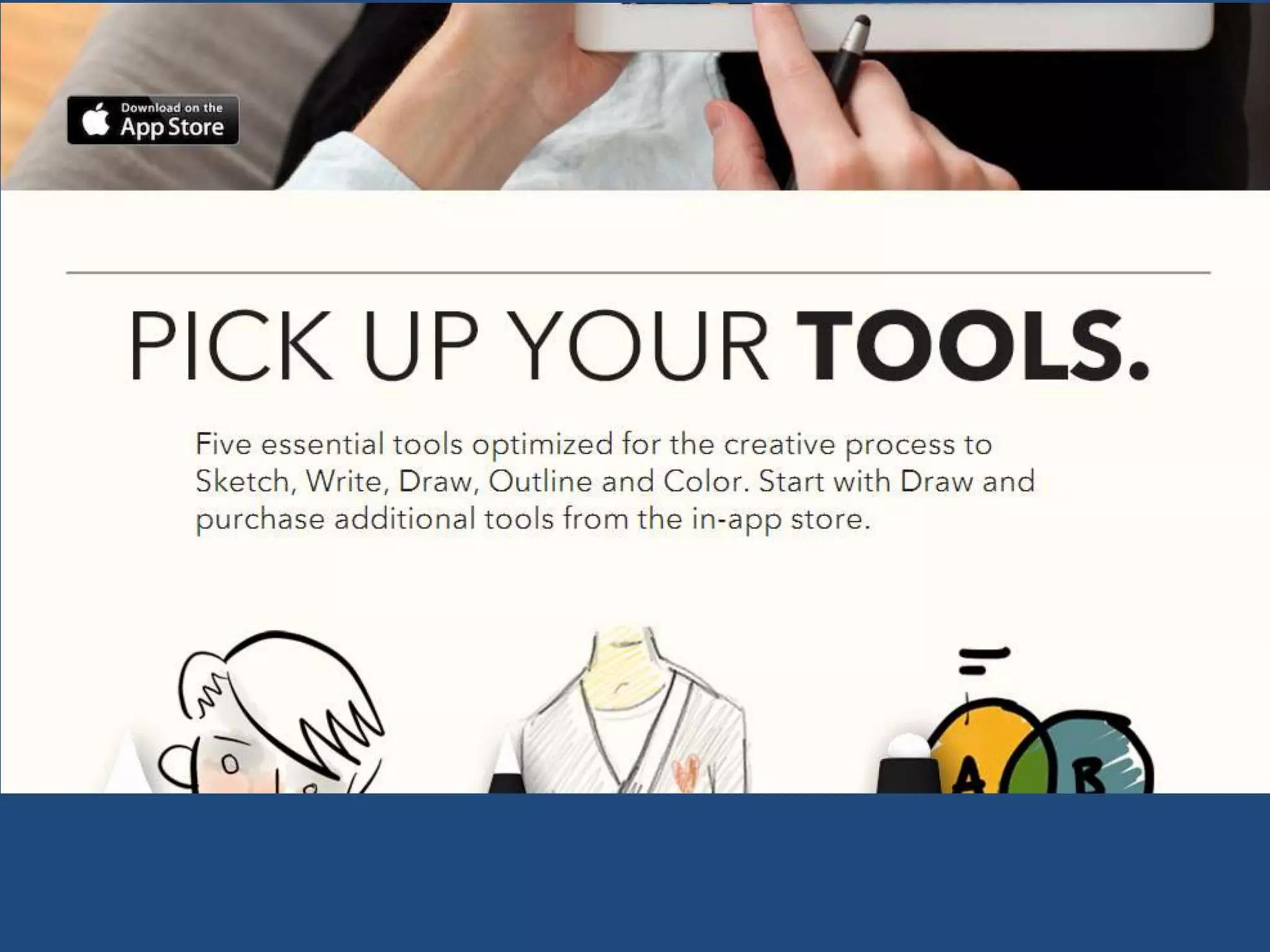
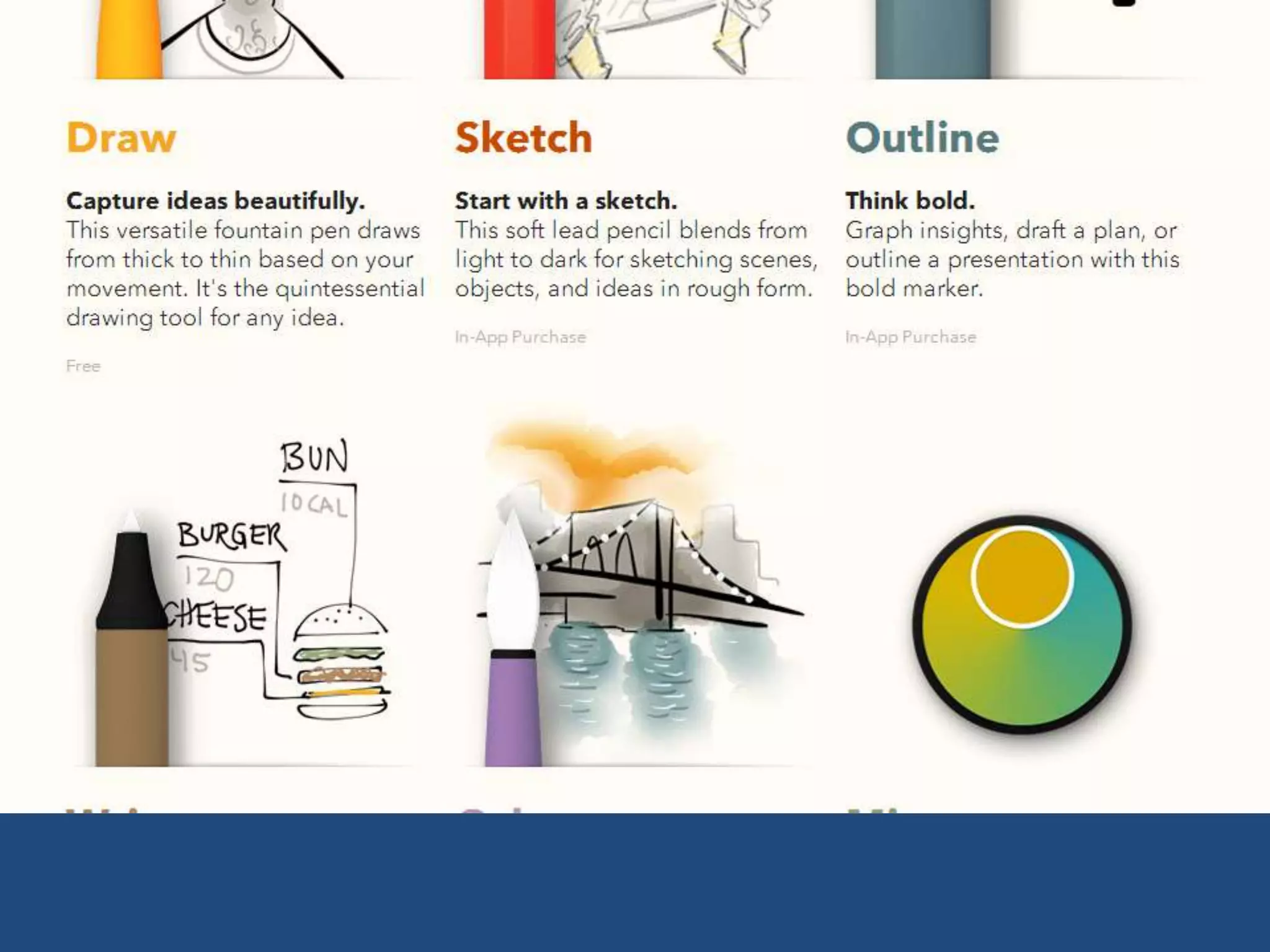
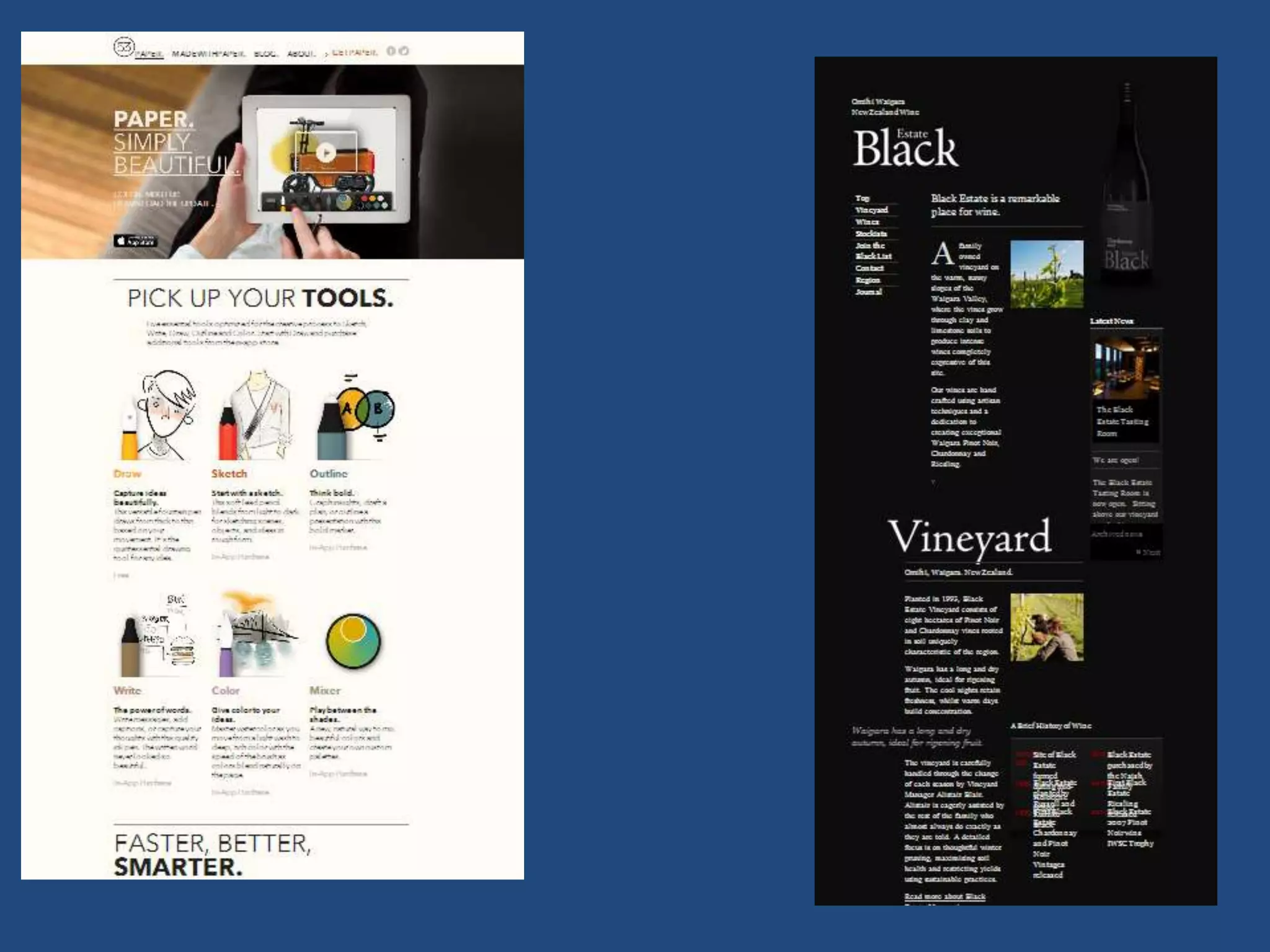
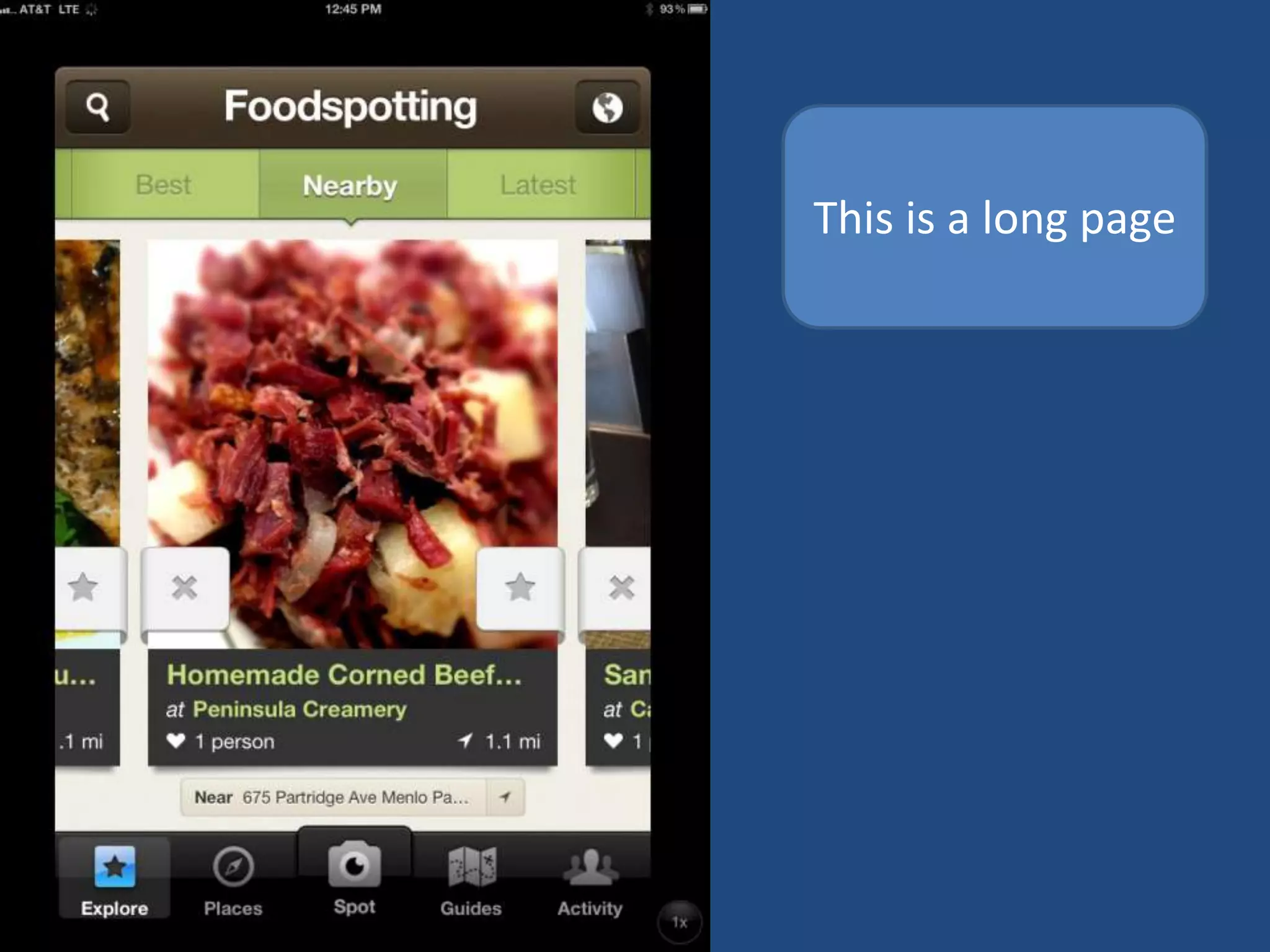
PROGRESSION
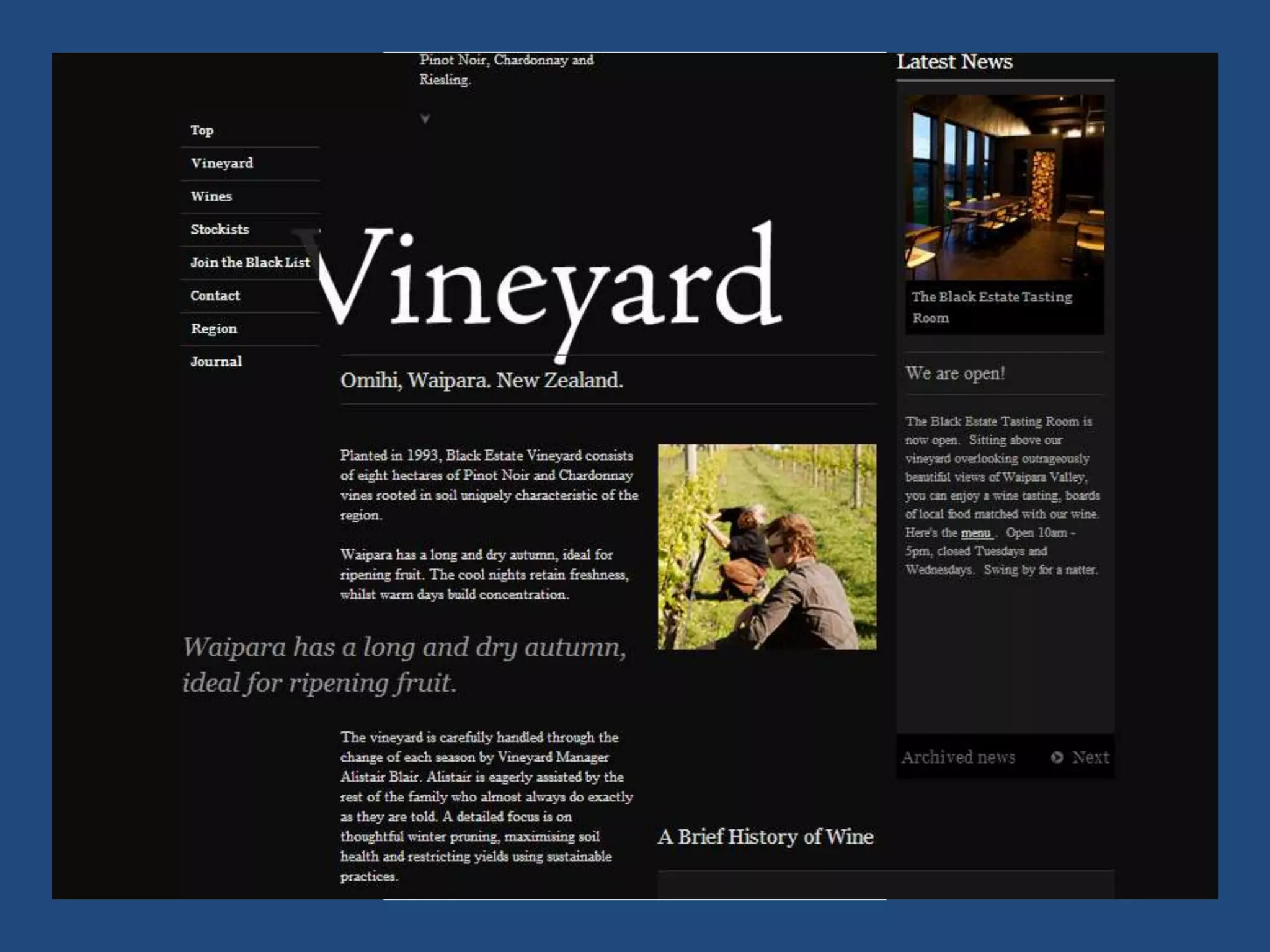
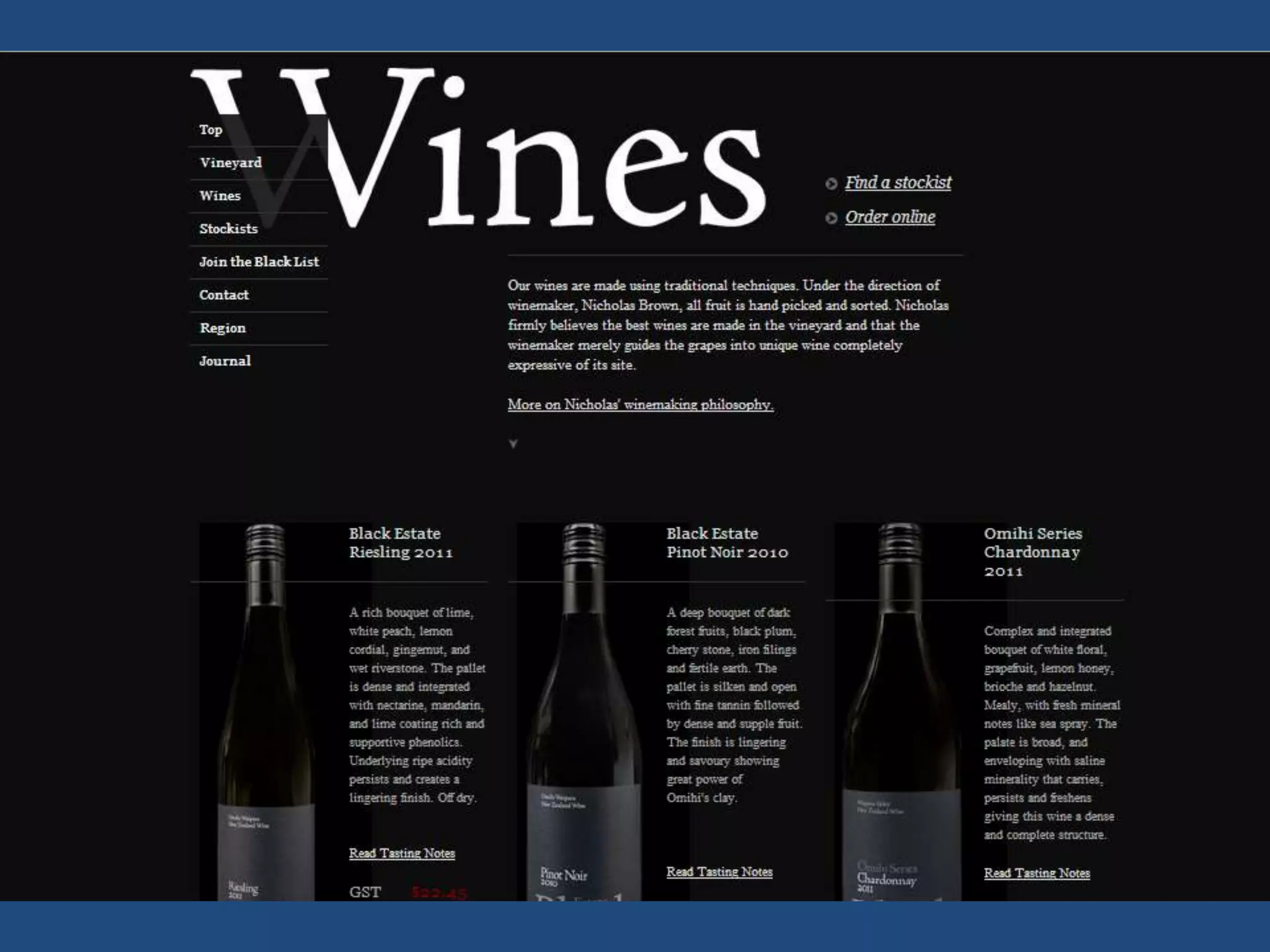
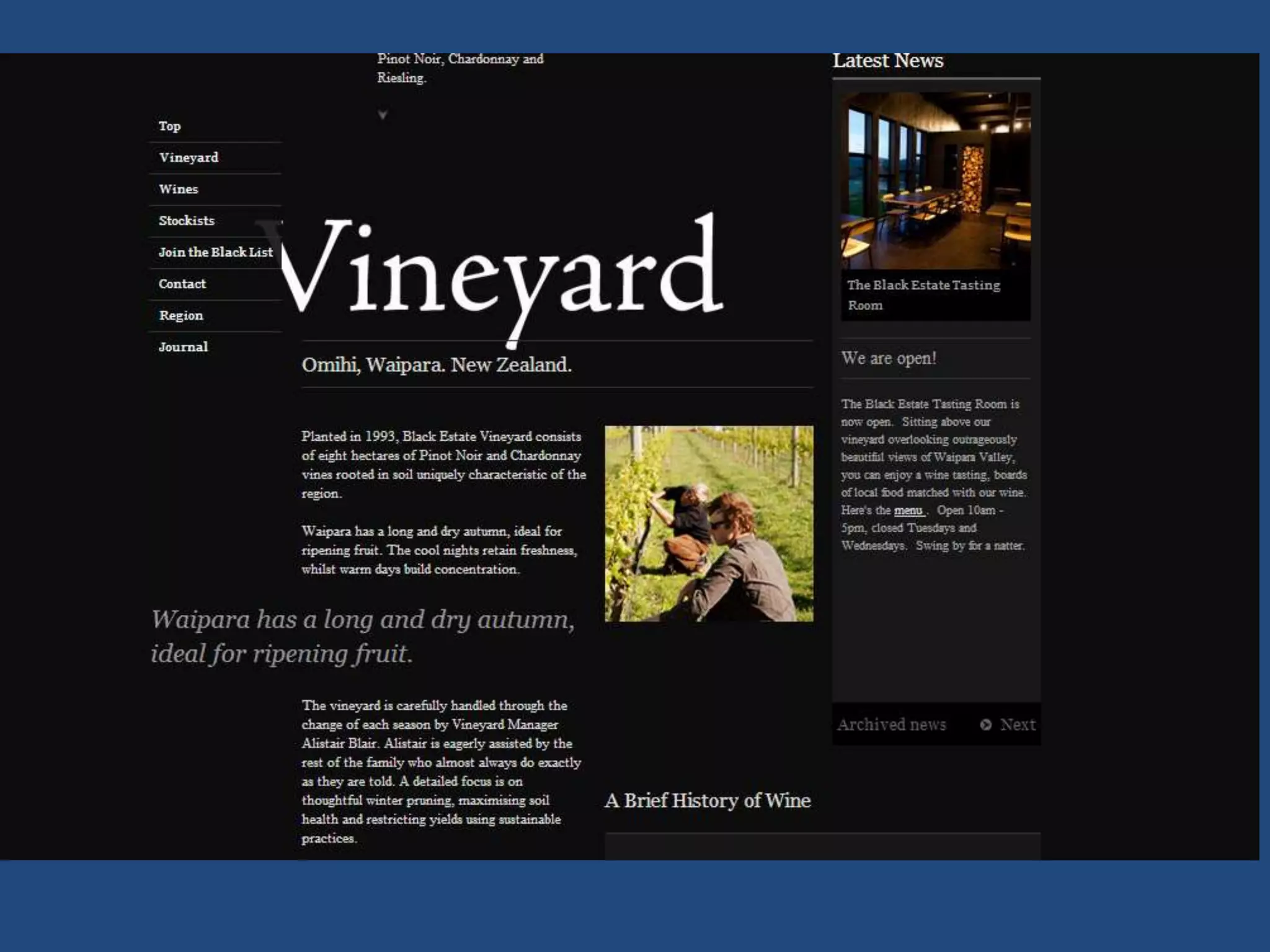
This is a very tall page
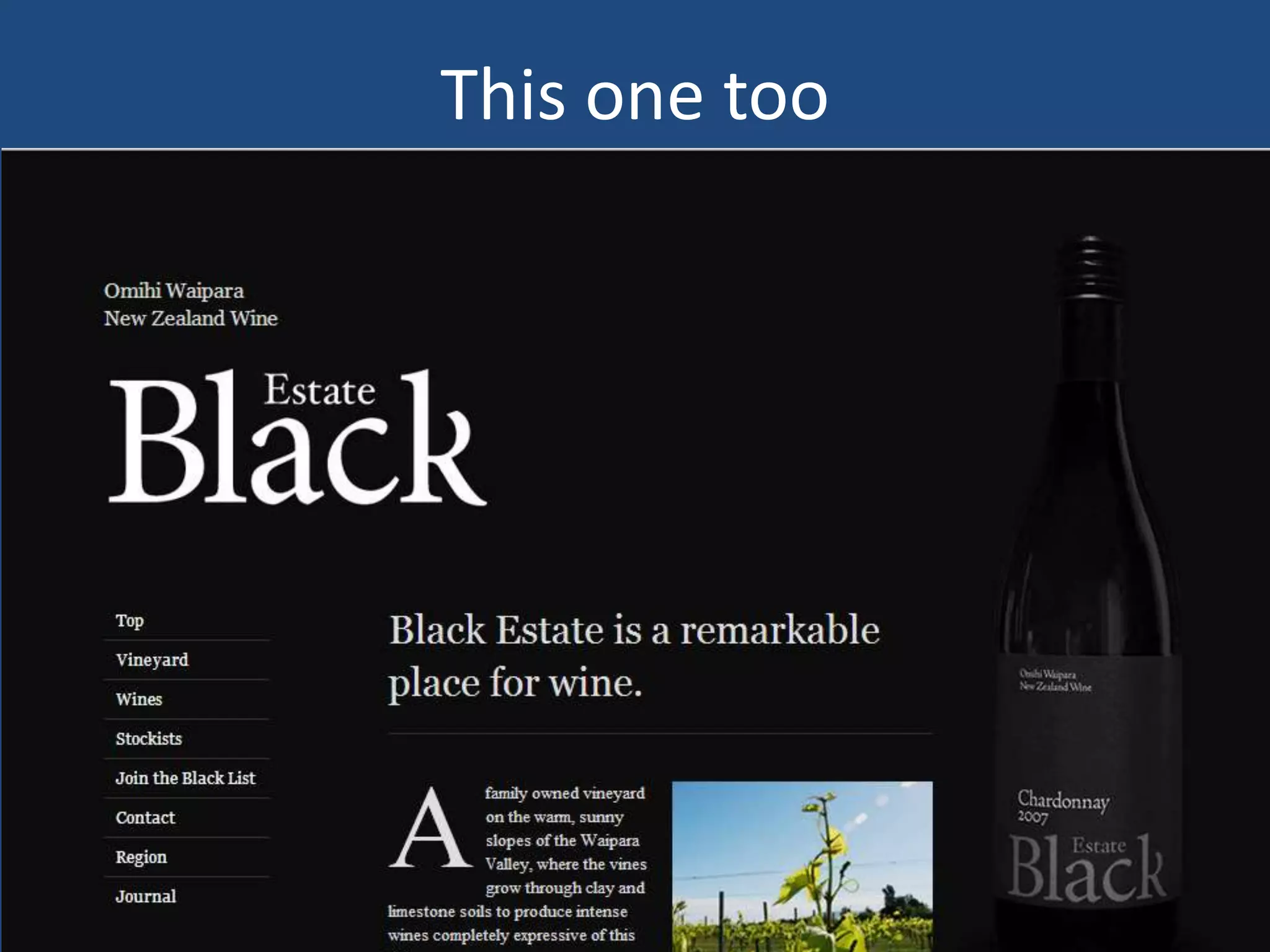
This one too
This is a long page
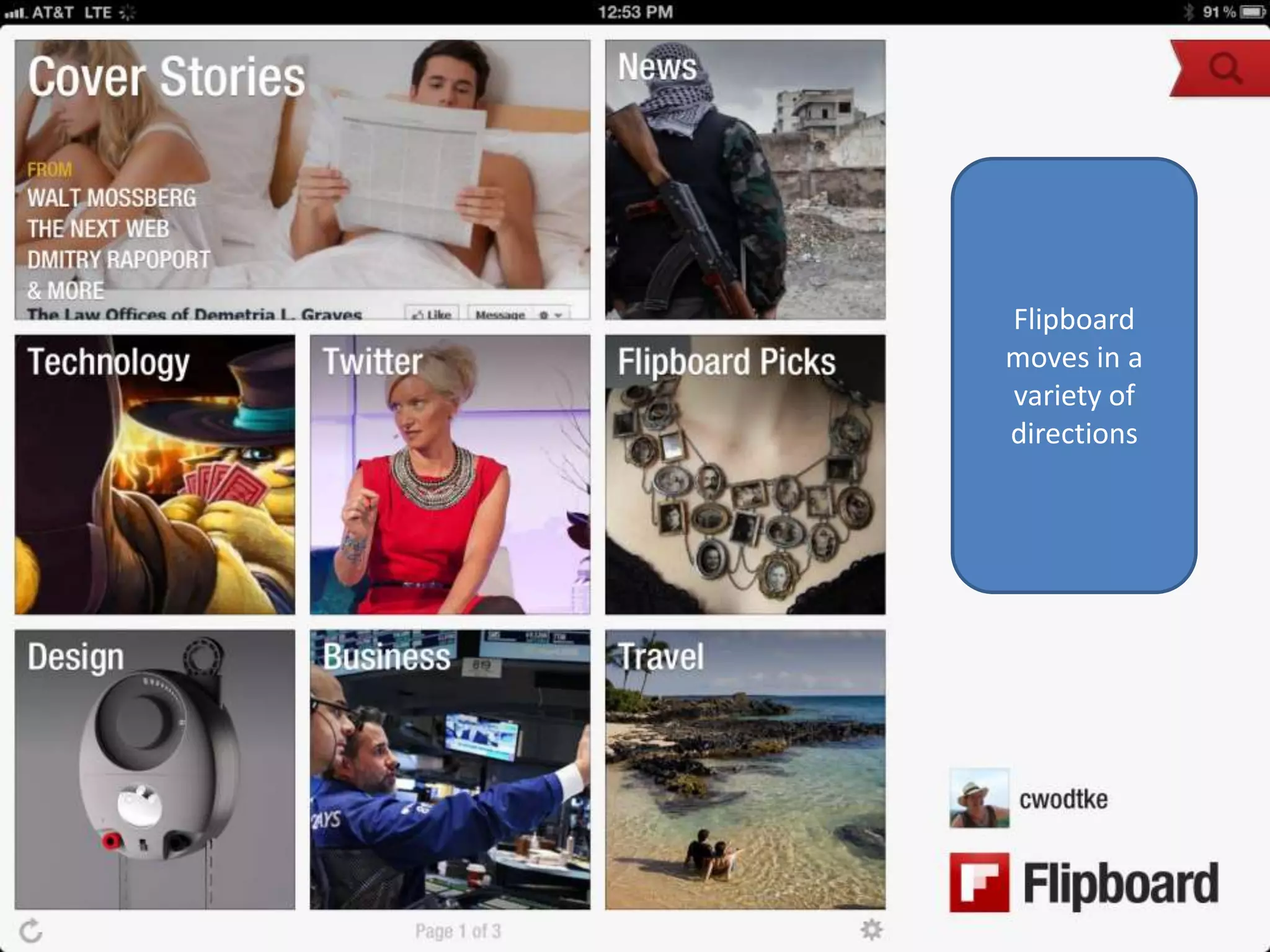
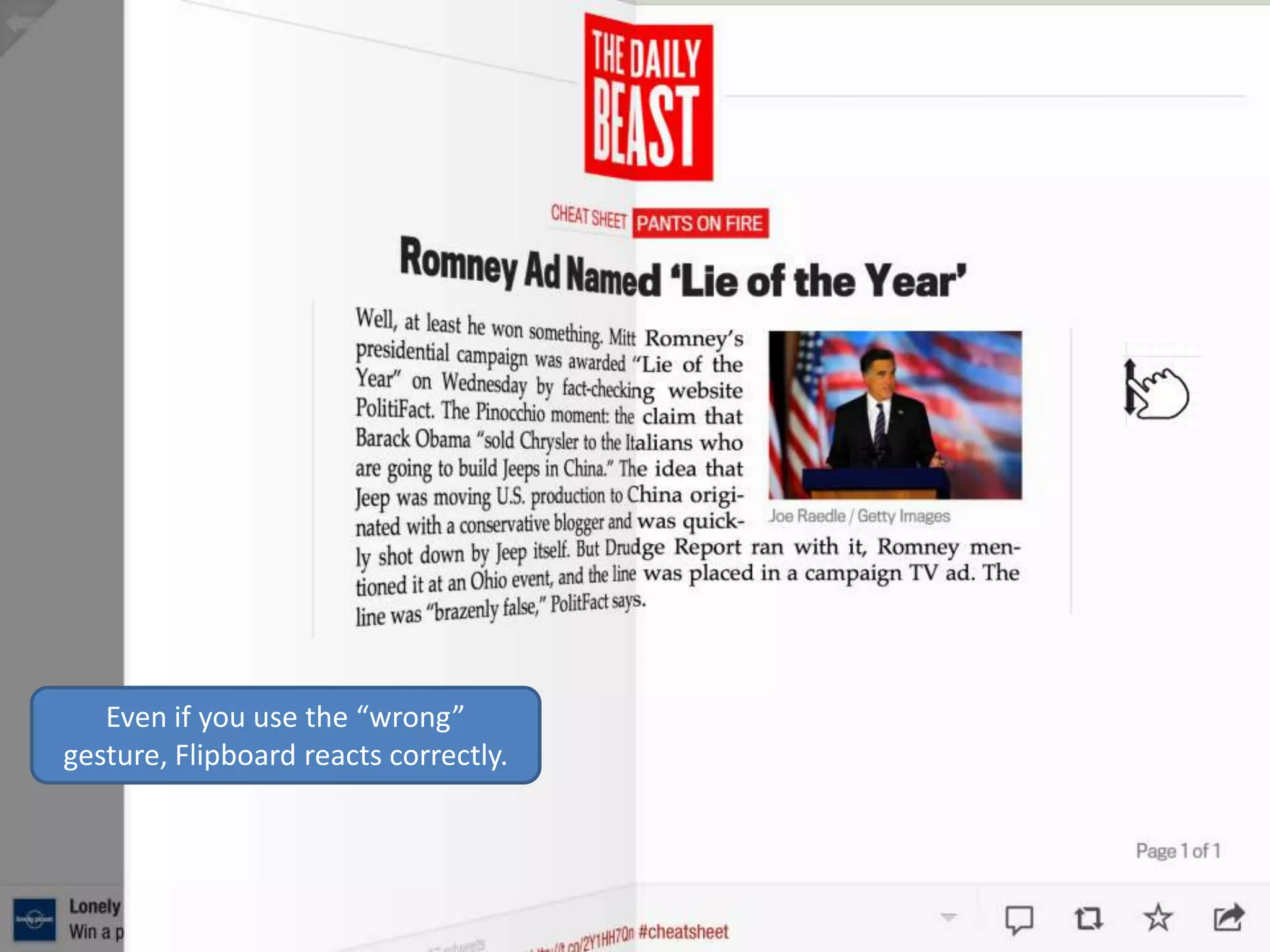
Flipboard
moves in a
variety of
directions
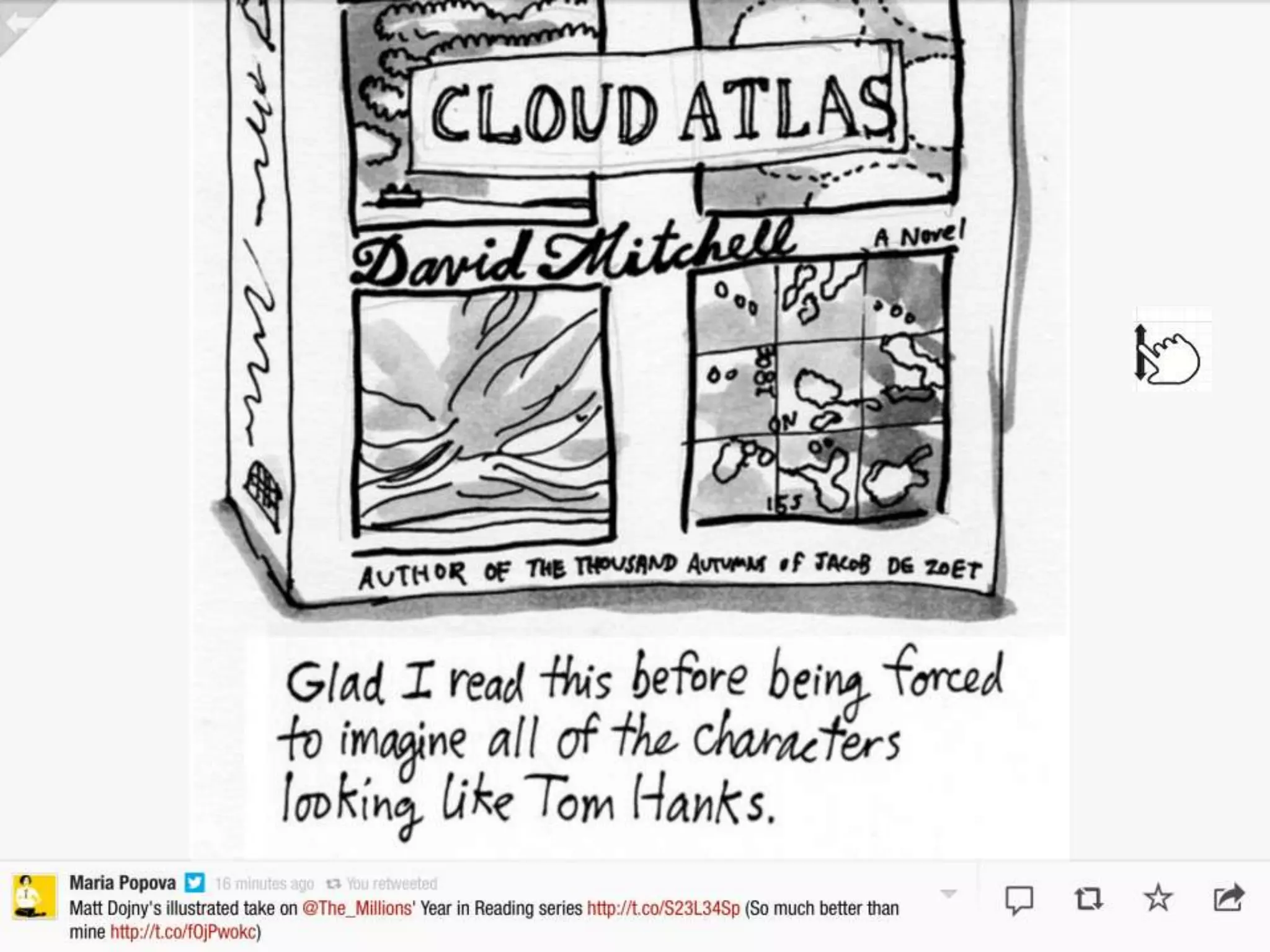
Even if you use the “wrong”
gesture, Flipboard reacts correctly.
Fake it til you make it

GRAPHIC DESIGN HACKS
Minimalist Design
• Only use one font. Preferably helvetica.
• Only use three, all very very different. Perhaps a
  fourth for footer text.
• Only use one color, with variations, and one “accent”
  color.
• Turn on the grid (if you are using photoshop, etc)
• Never align center.
• Don’t use stock photography, unless you have
  awesome taste. It has no soul.
• Have a hierarchy
Cheats
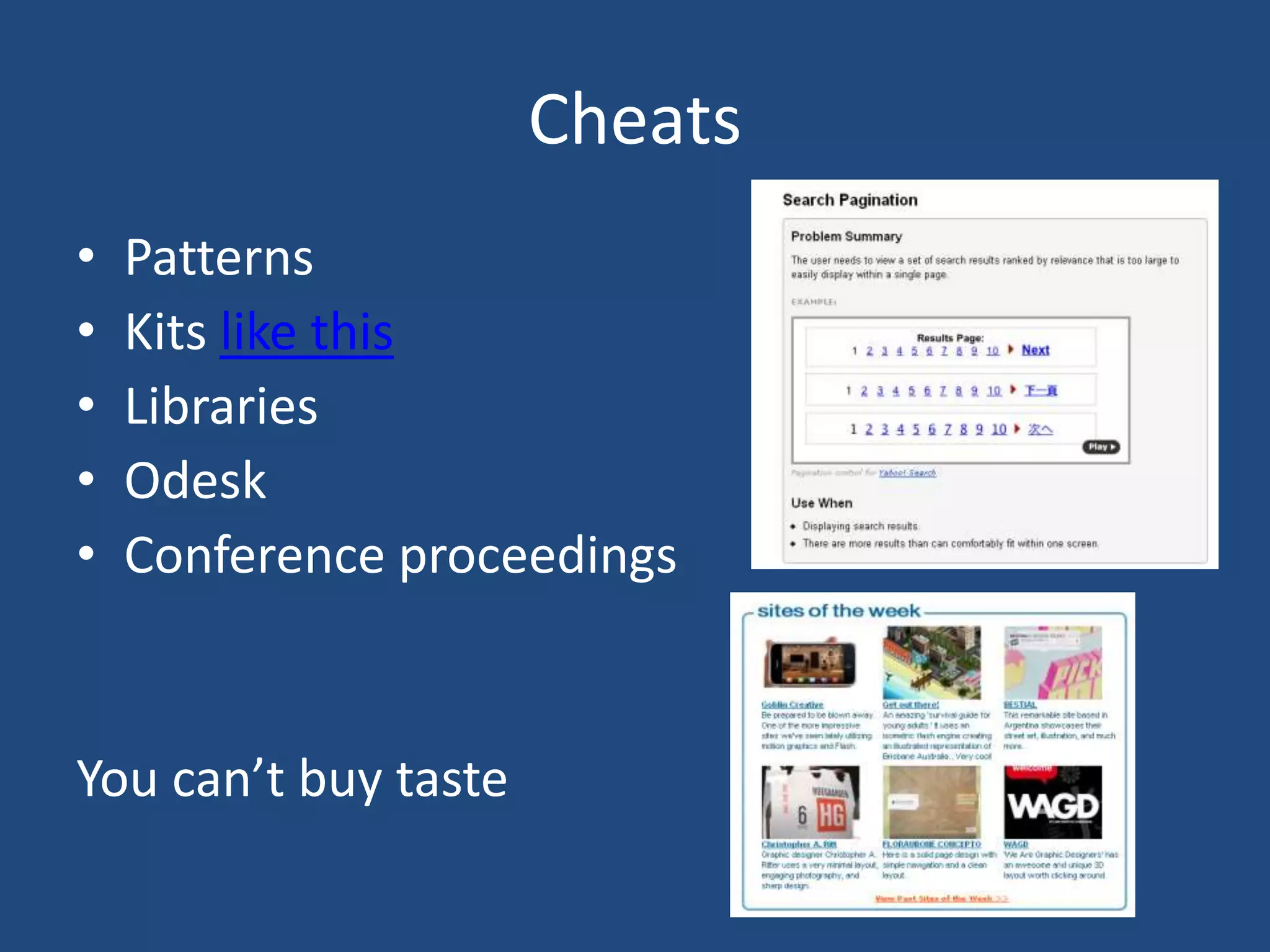
•   Patterns
•   Kits like this
•   Libraries
•   Odesk
•   Conference proceedings


You can’t buy taste
Homework
• Analyze two competitors, one complementor
• Do wire frames for three key screens
• Optional: begin interfaces
The Principles of Interface