Small Smart Design
  for Small Business

   • Know what fits you
• Know what fits your user
     • Know the Rules
         (Yes there are rules)
Your business builds a website
     to offer something.
     What do you offer?


         A product?
        Information?
         A function?
Your business builds a website
      to offer something.
      What do you offer?


          A product?
         Information?
          A function?

Something your customer wants!
Three things that will make
      your customer
     take your offer:


           1?
           2?
           3?
Three things that will make
      your customer
     take your offer:


1. Your offer is believable?
             2?
             3?
Three things that will make
      your customer
     take your offer:


 1. Your offer is believable.
2. Your offer is trustworthy.
              3?
Three things that will make
      your customer
     take your offer:


 1. Your offer is believable.
2. Your offer is trustworthy.
   3. Your offer is exciting.
Three things that will make
         your customer
        take your offer:


    1. Your offer is believable.
   2. Your offer is trustworthy.
      3. Your offer is exciting.


What does your design say?
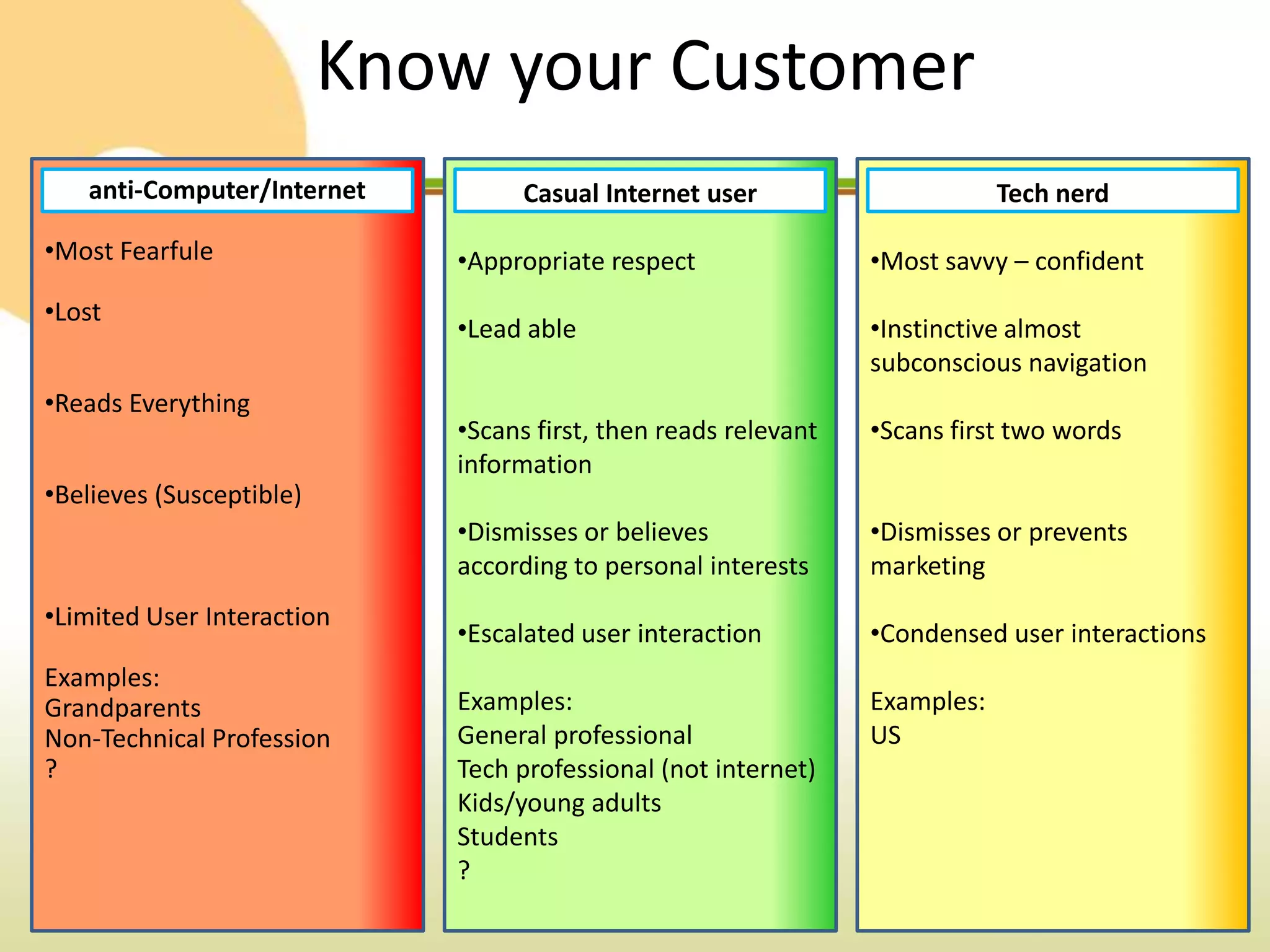
Know your Customer
   anti-Computer/Internet          Casual Internet user                      Tech nerd

•Most Fearfule               •Appropriate respect                •Most savvy – confident
•Lost
                             •Lead able                          •Instinctive almost
                                                                 subconscious navigation
•Reads Everything
                             •Scans first, then reads relevant   •Scans first two words
                             information
•Believes (Susceptible)
                             •Dismisses or believes              •Dismisses or prevents
                             according to personal interests     marketing
•Limited User Interaction
                             •Escalated user interaction         •Condensed user interactions
Examples:
Grandparents                 Examples:                           Examples:
Non-Technical Profession     General professional                US
?                            Tech professional (not internet)
                             Kids/young adults
                             Students
                             ?
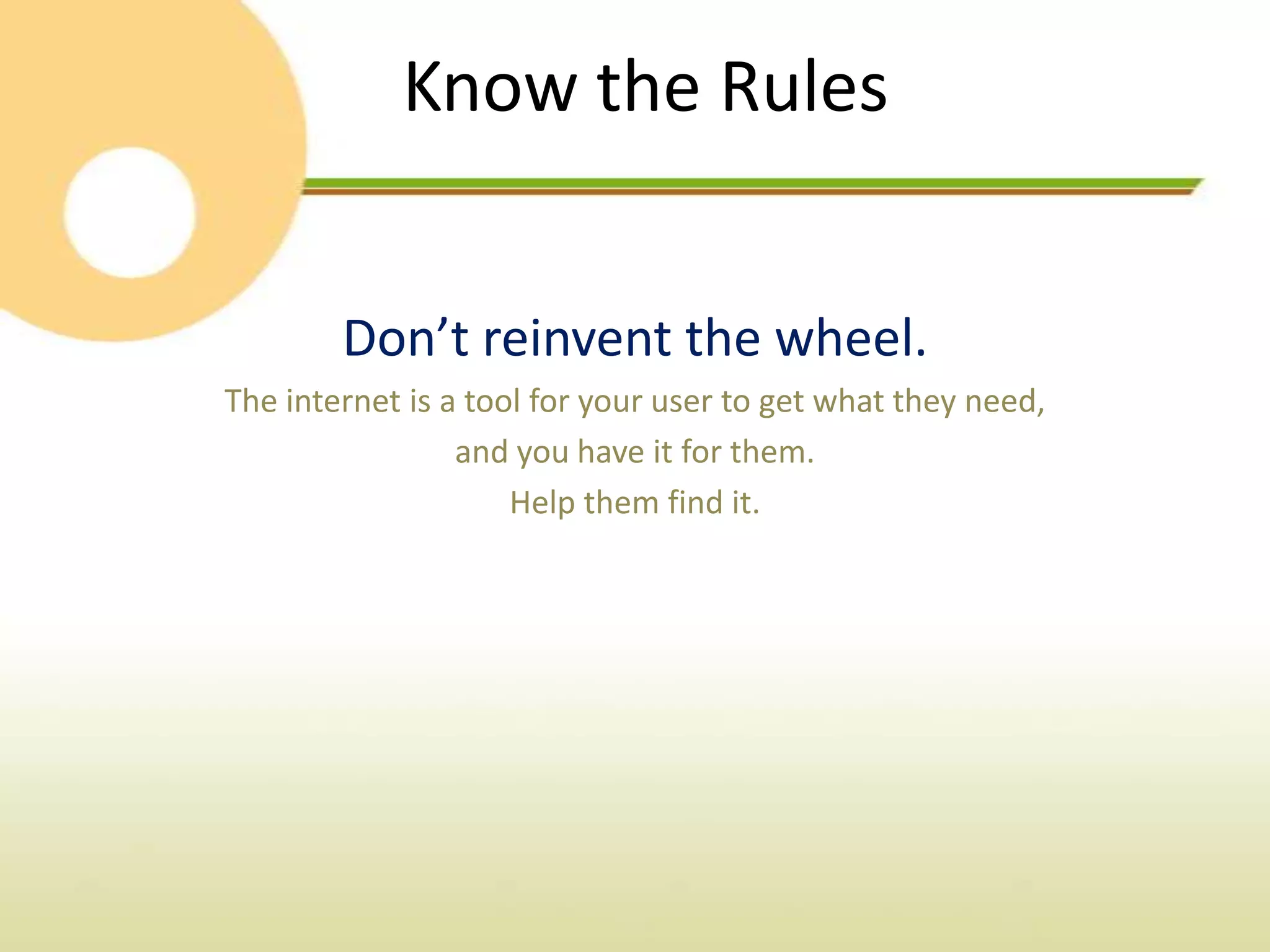
Know the Rules


        Don’t reinvent the wheel.
The internet is a tool for your user to get what they need,
                 and you have it for them.
                     Help them find it.
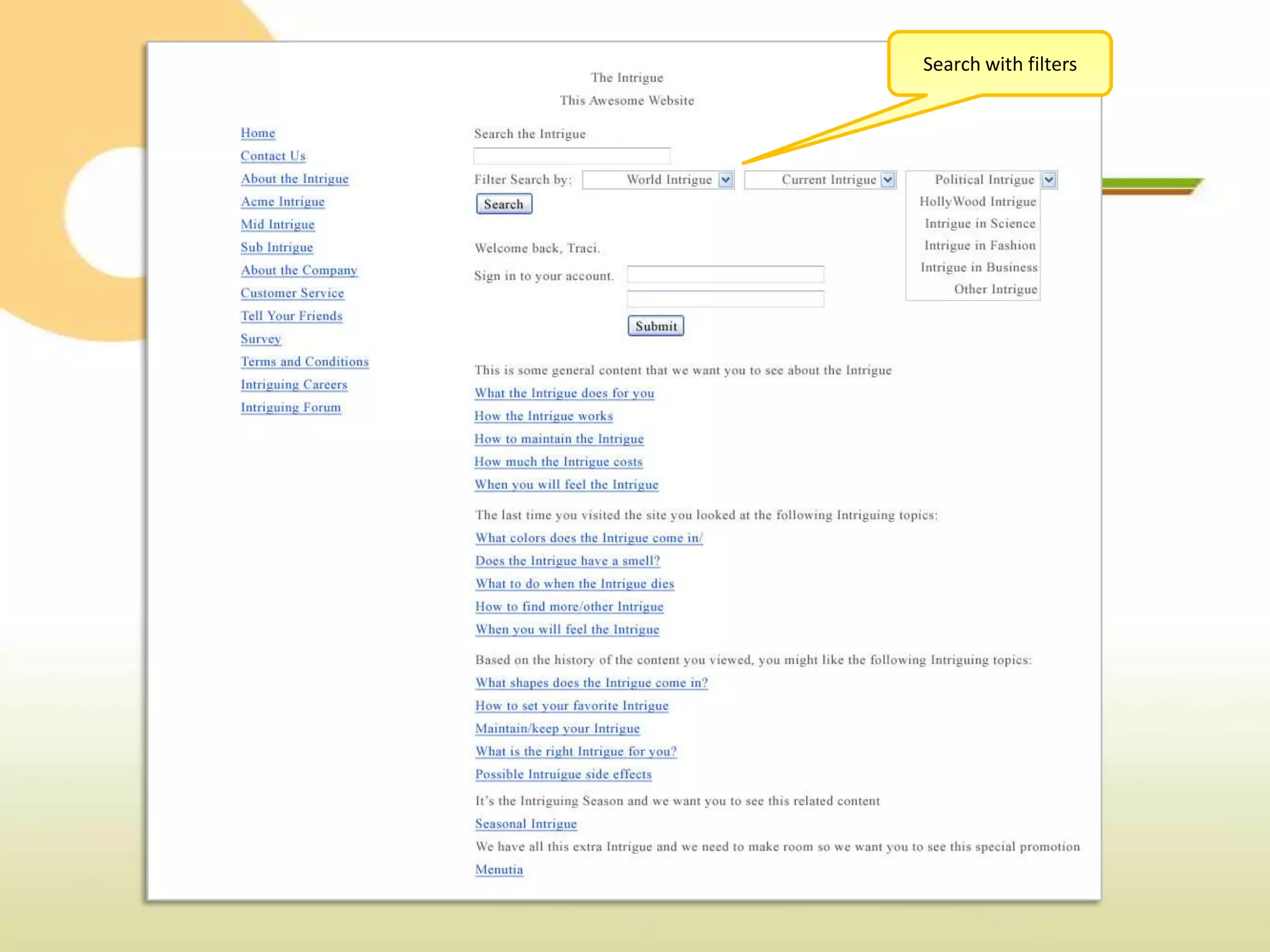
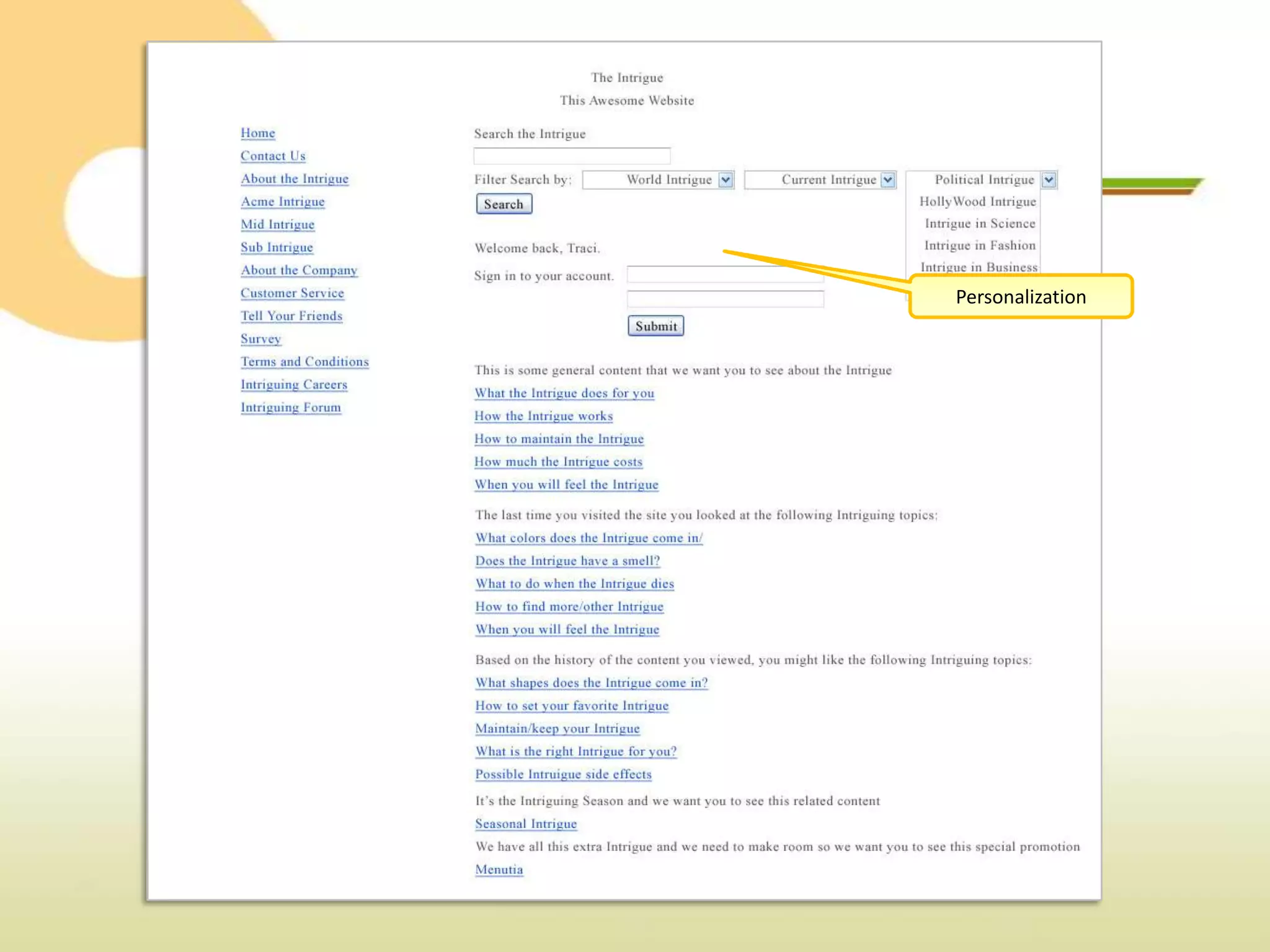
Search with filters
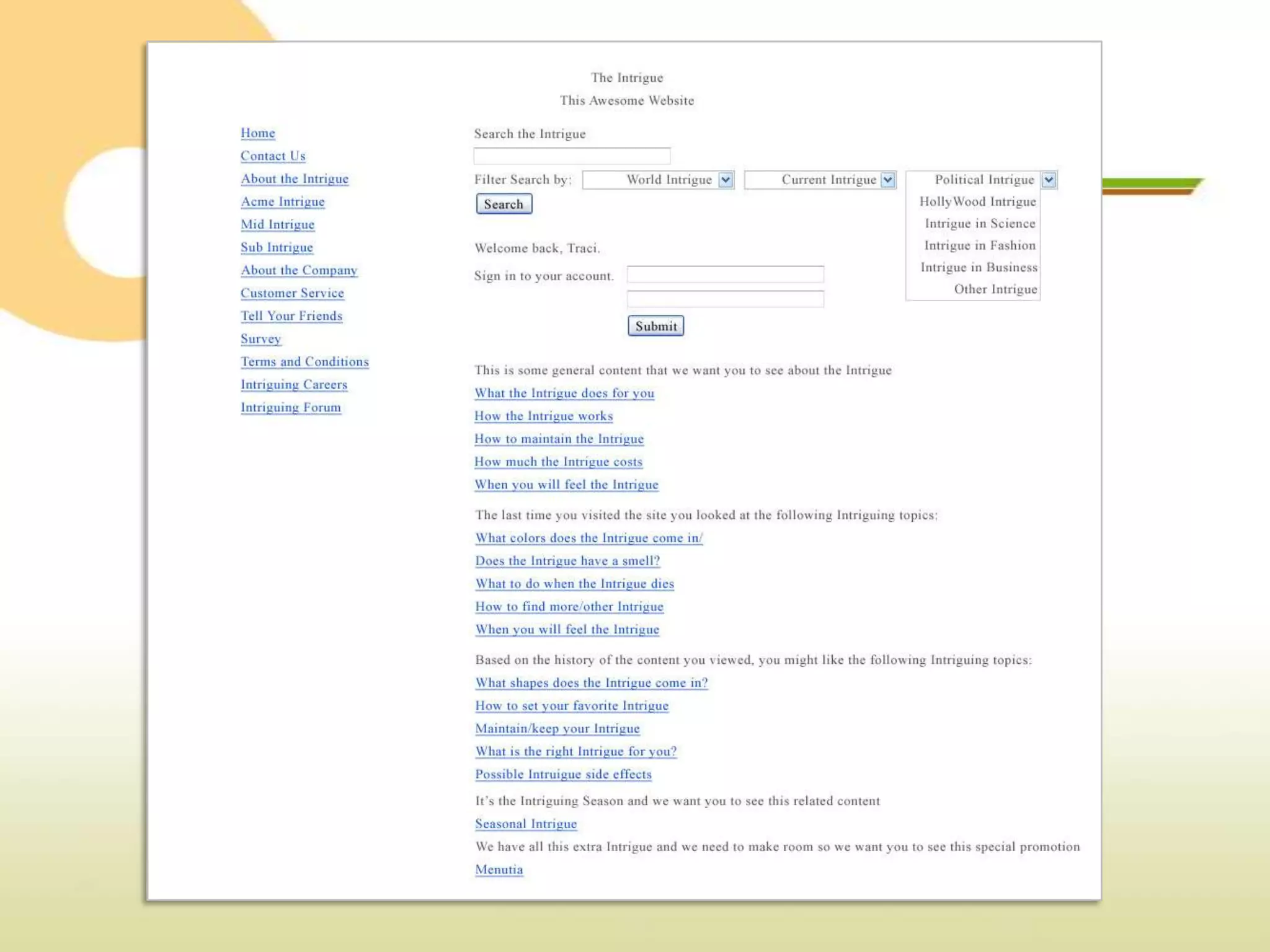
Personalization
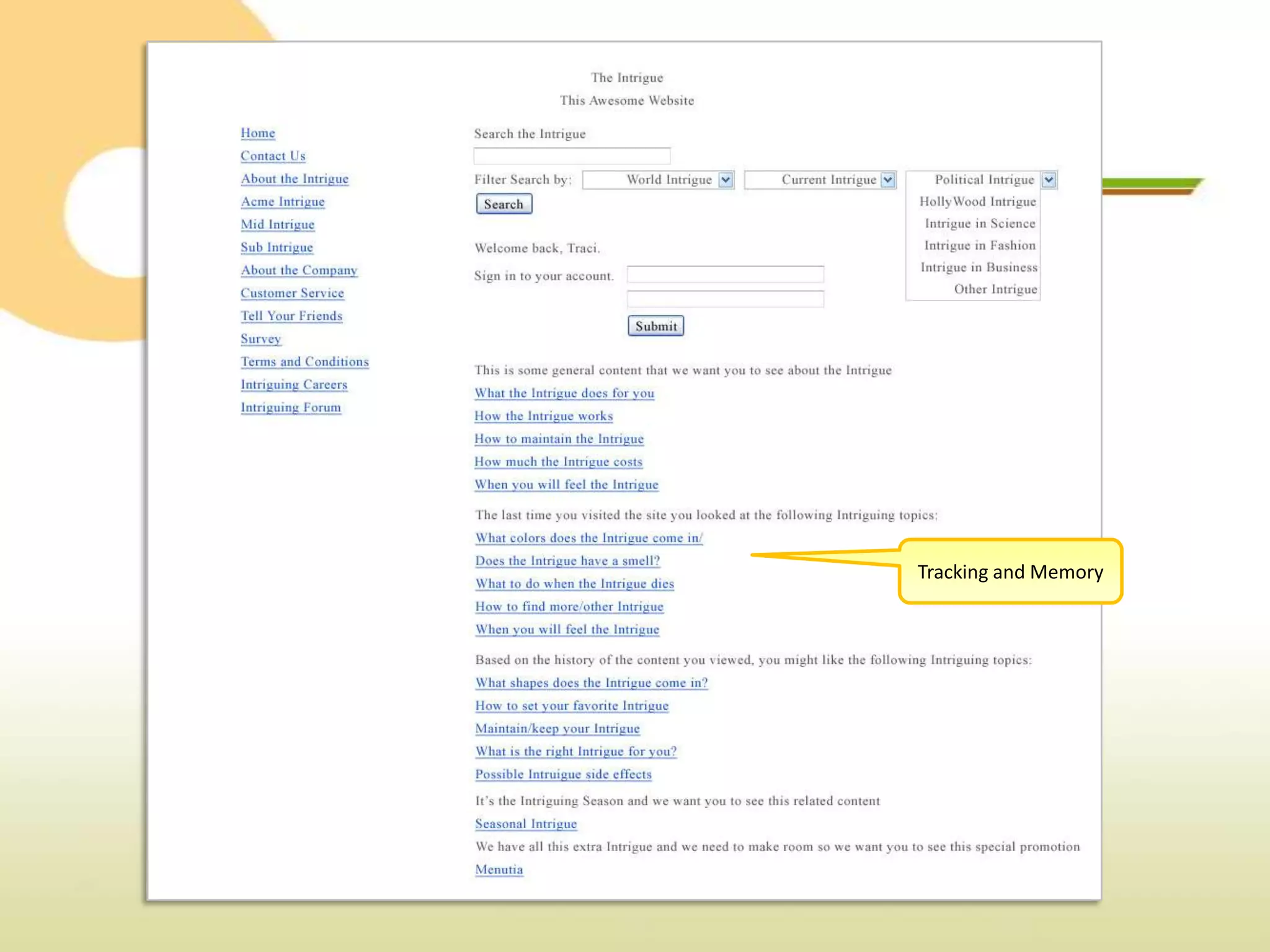
Tracking and Memory
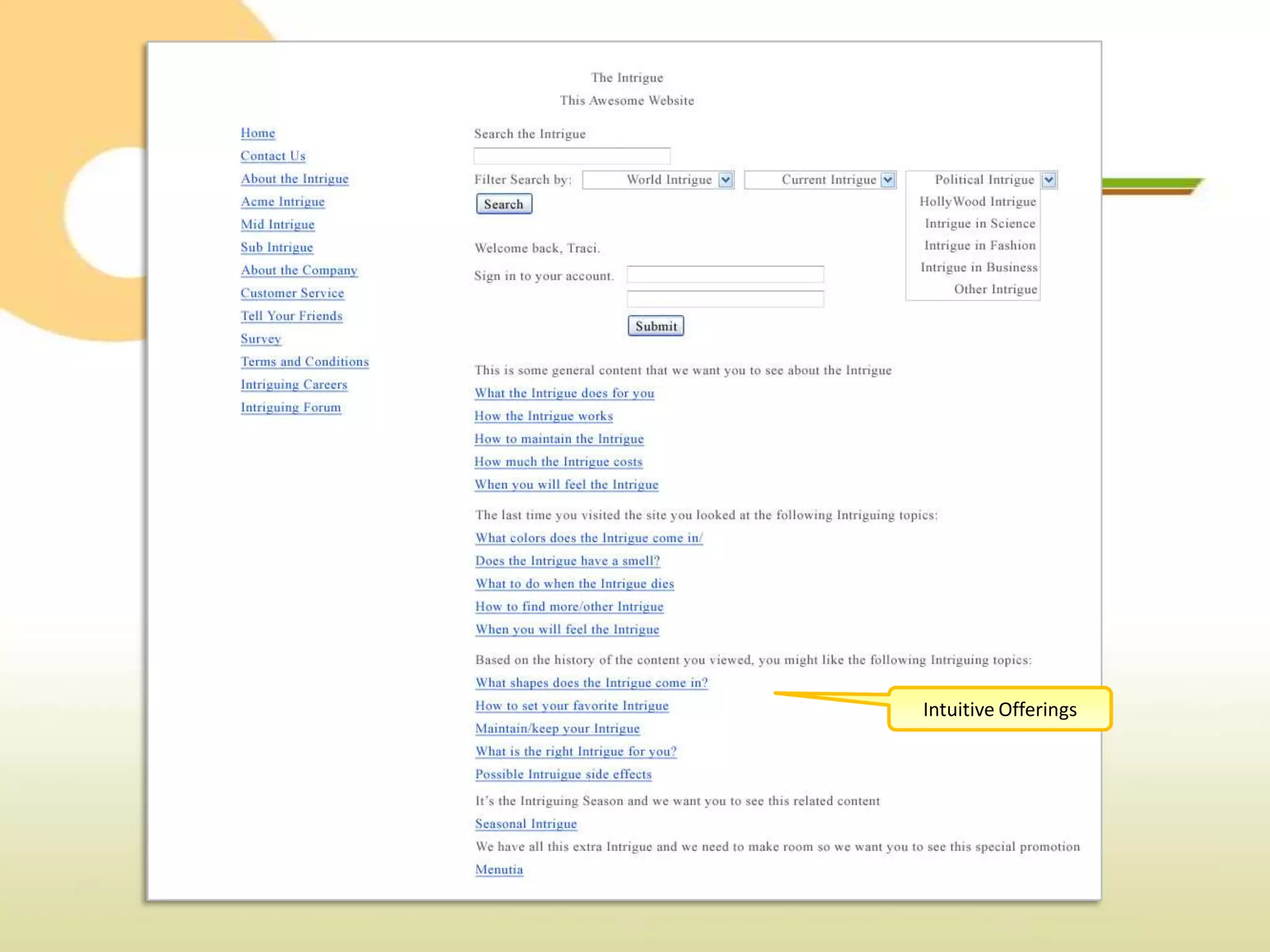
Intuitive Offerings
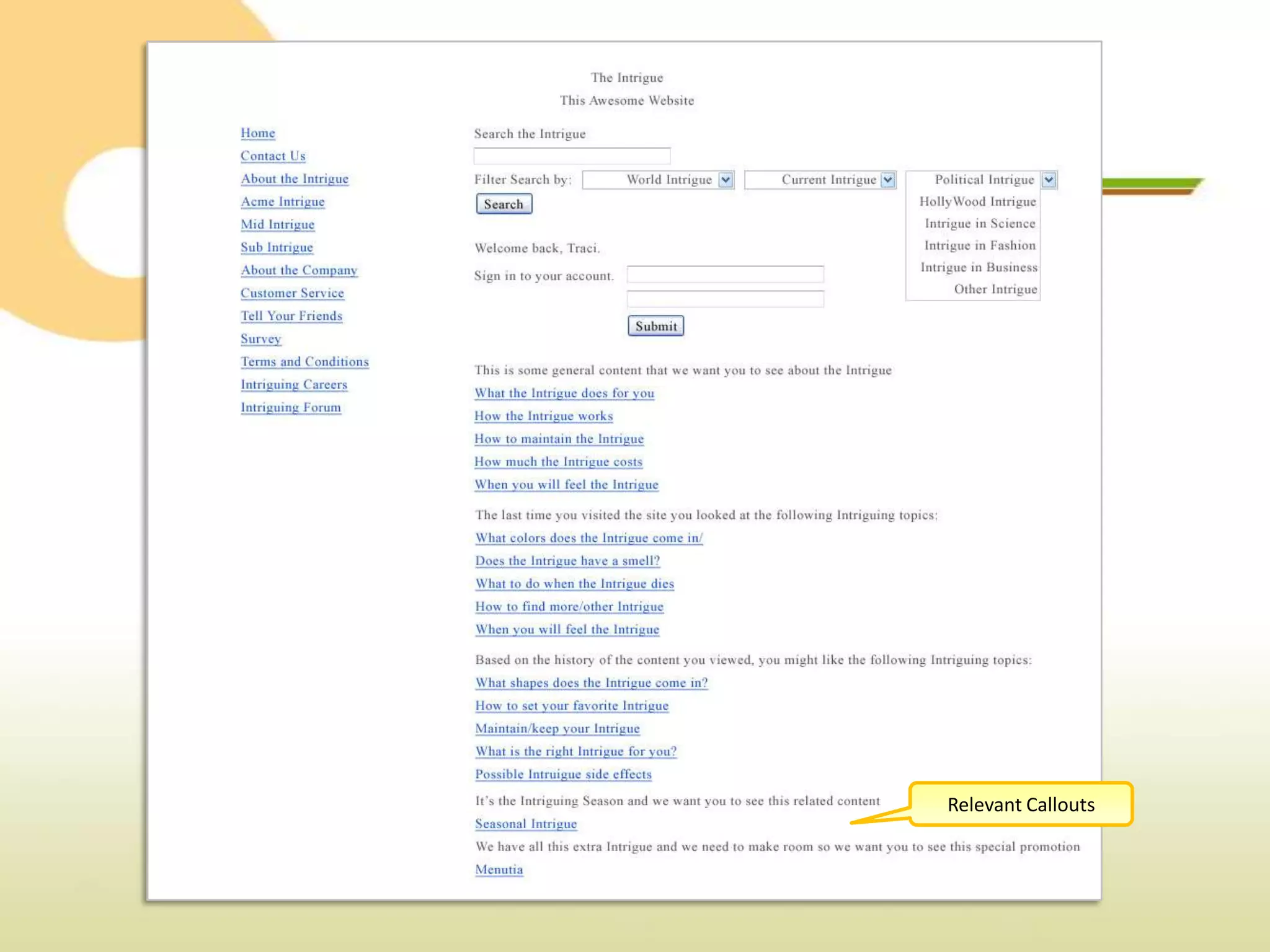
Relevant Callouts
Know the Rules


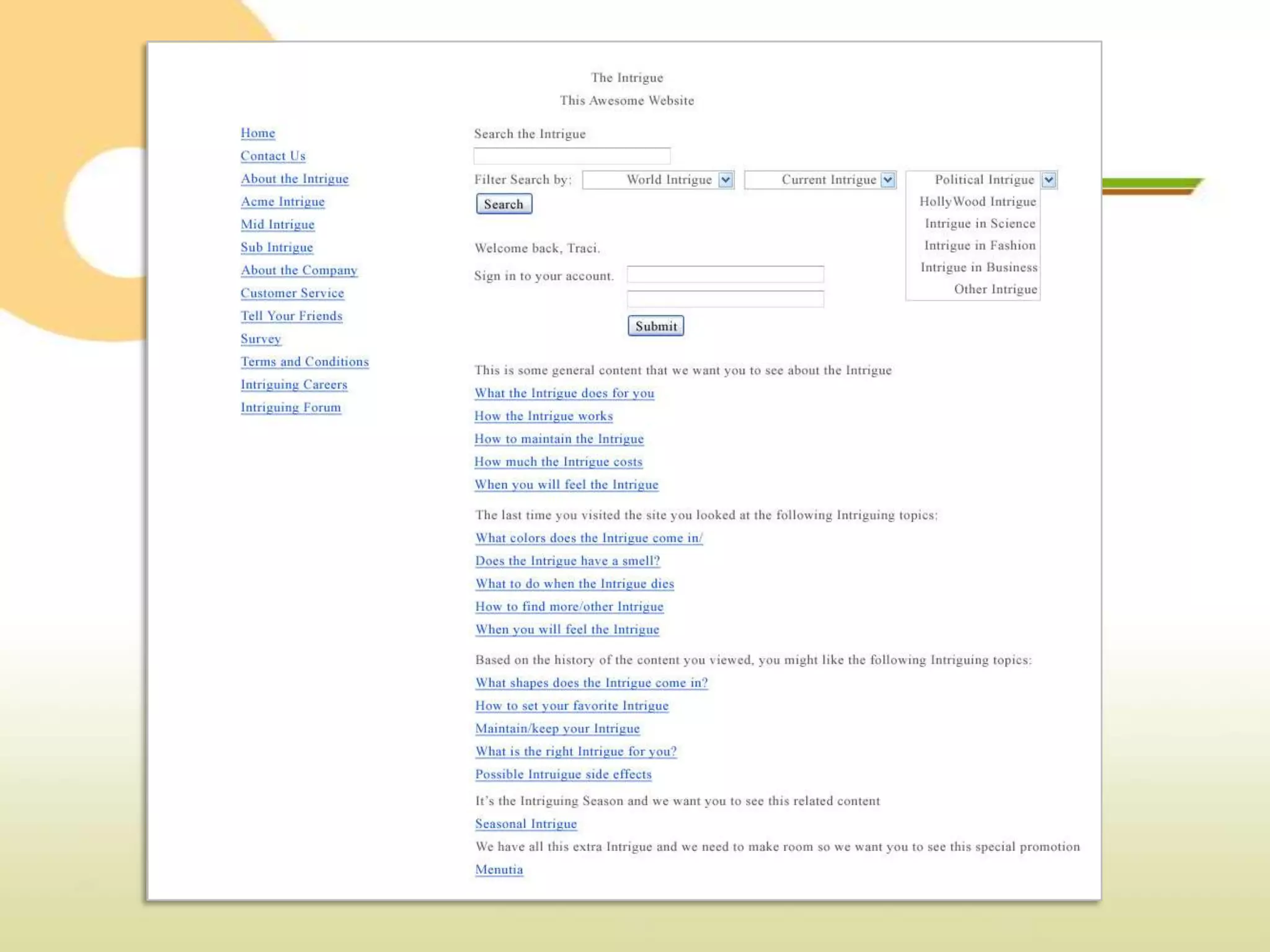
Location, Location, Lo…. Organization!
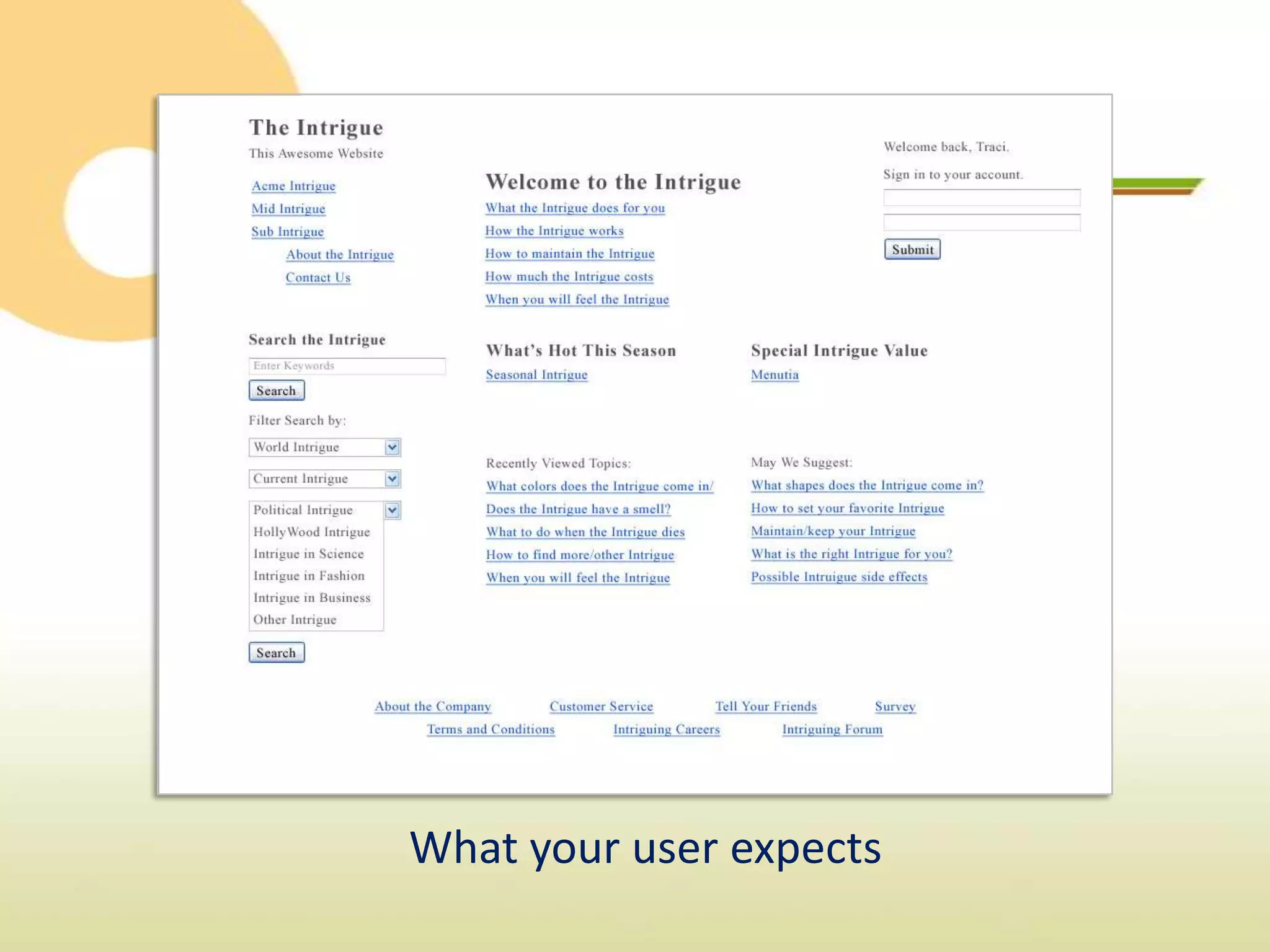
What your user expects
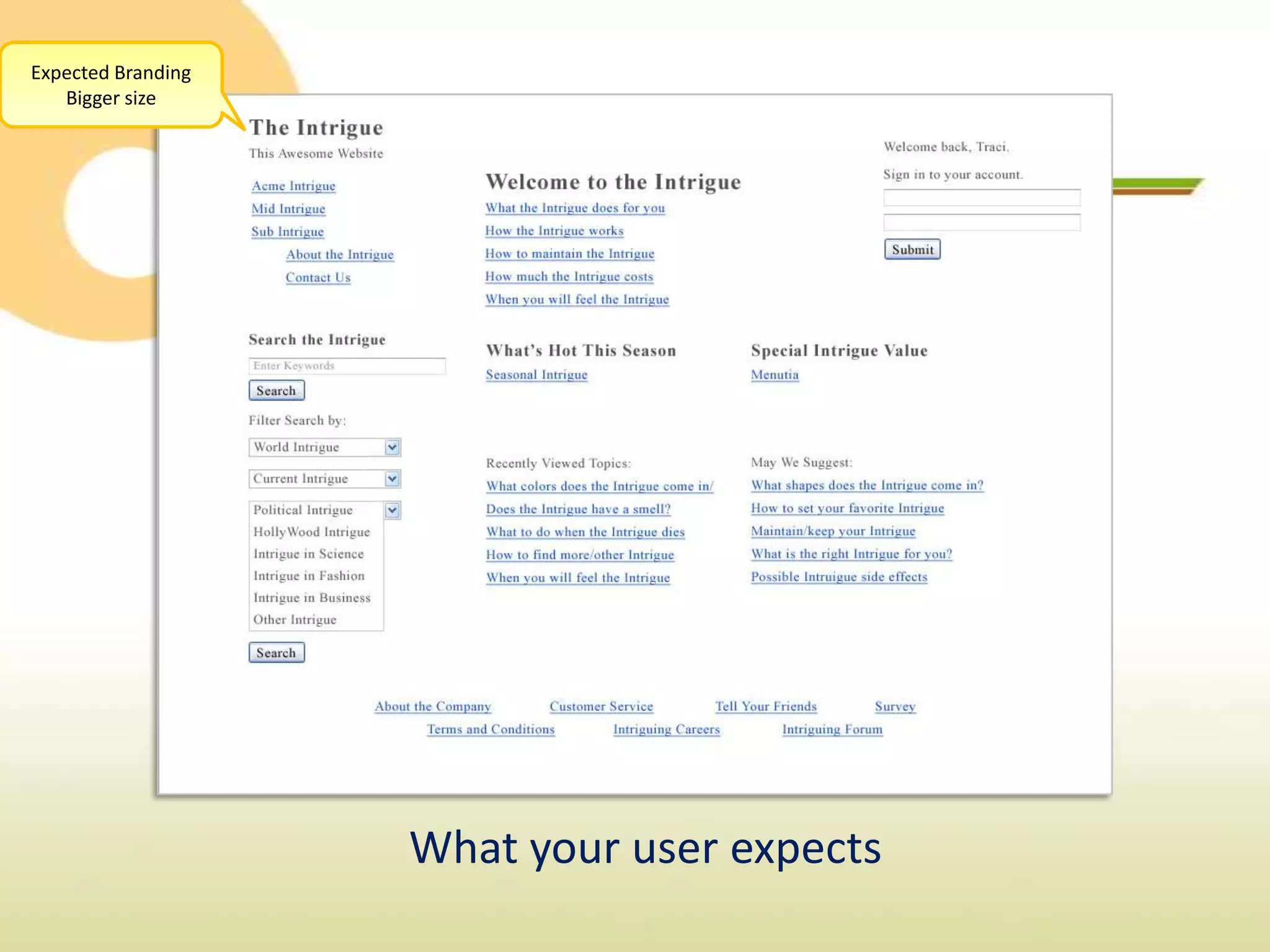
Expected Branding
   Bigger size


                    What your user expects
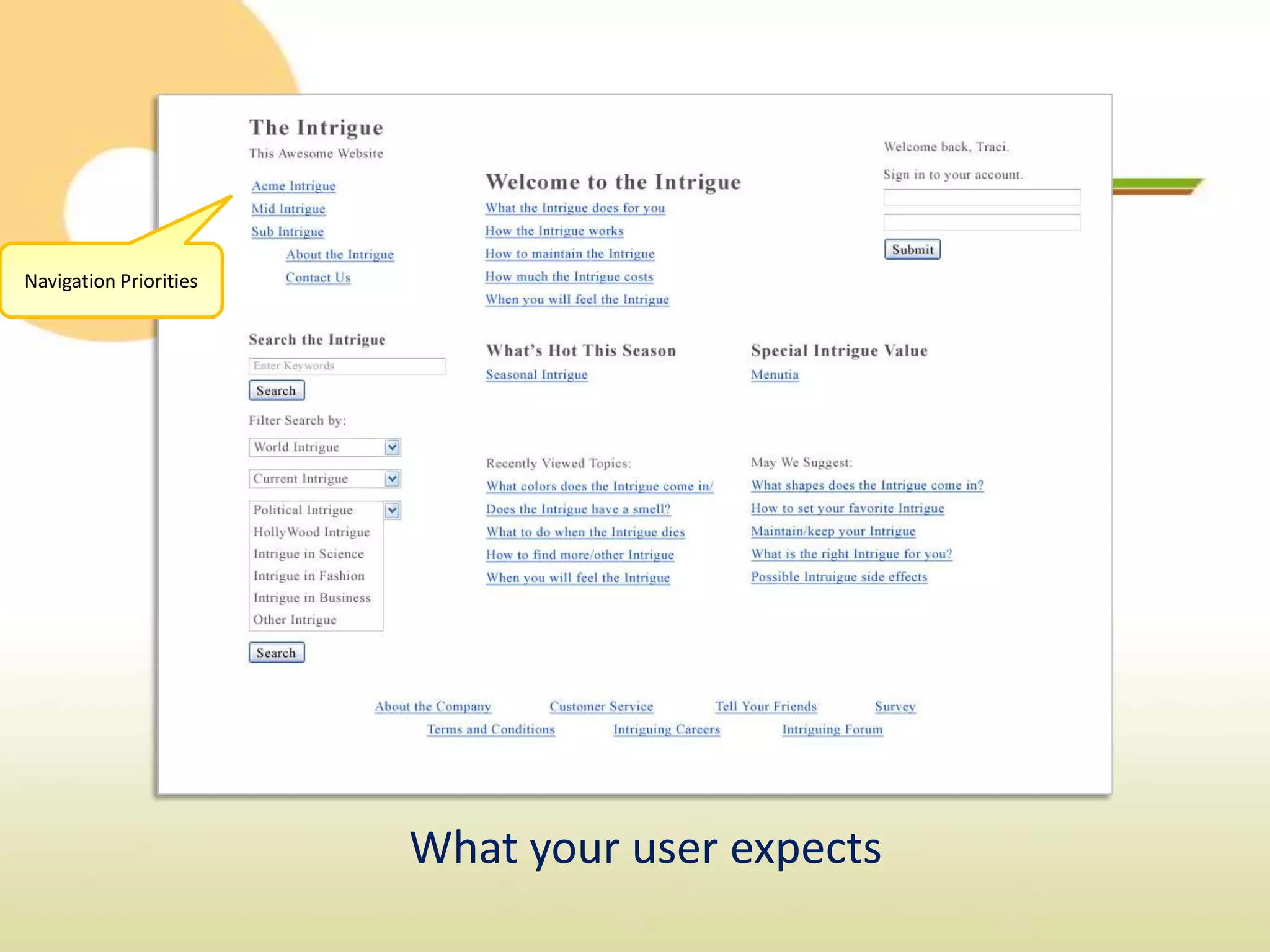
Navigation Priorities


                        What your user expects
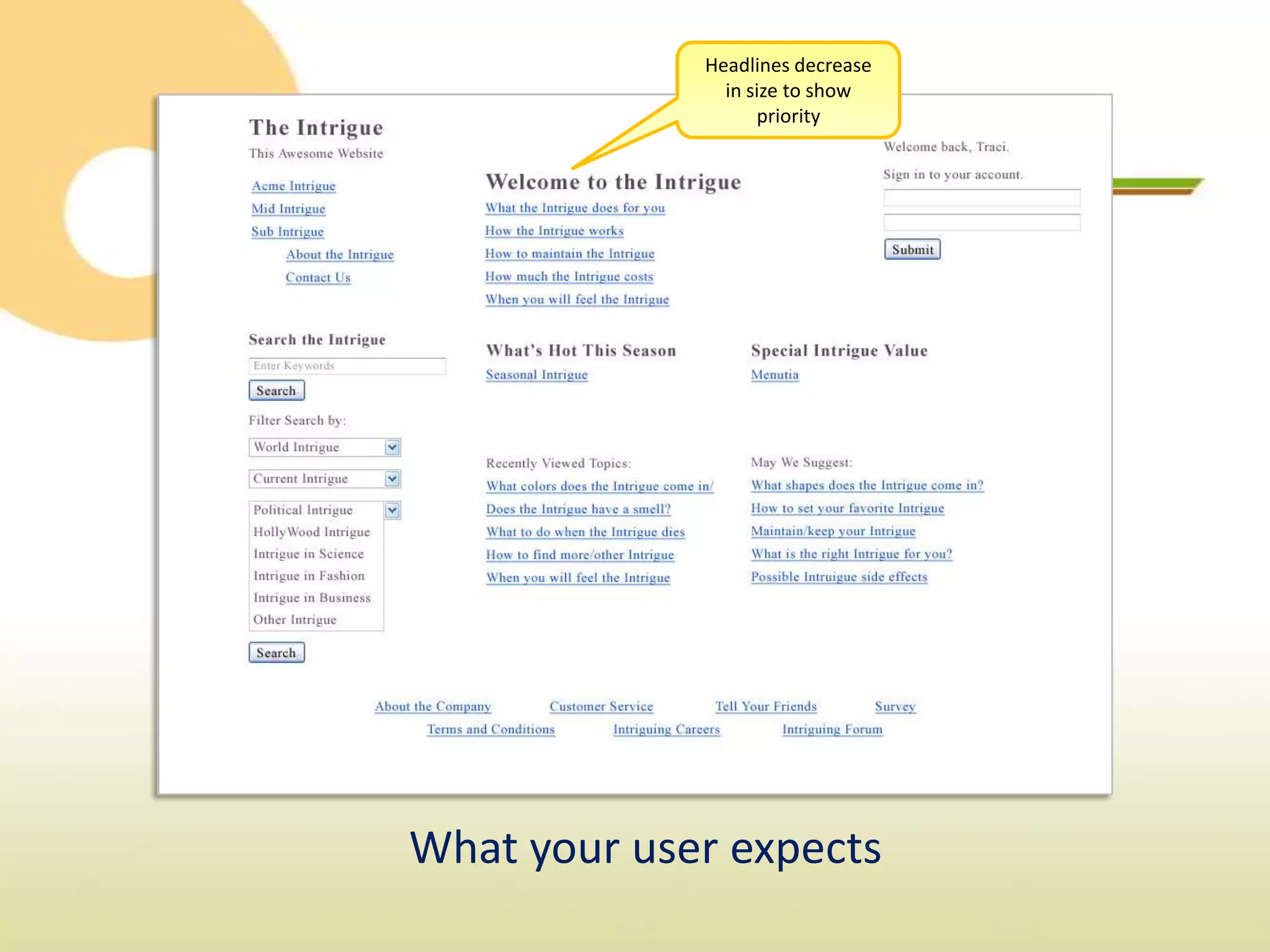
Headlines decrease
               in size to show
                   priority


What your user expects
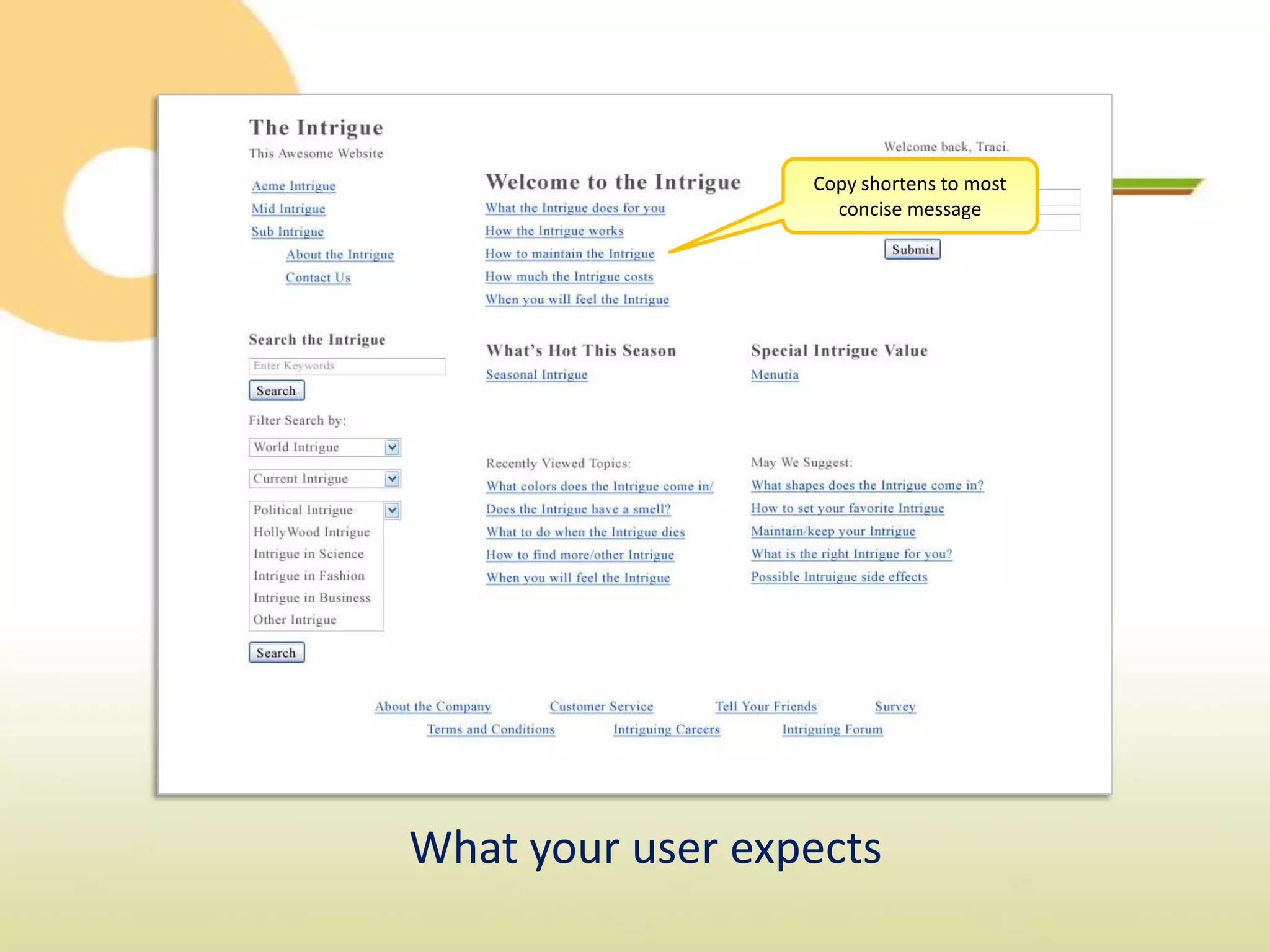
Copy shortens to most
                    concise message


What your user expects
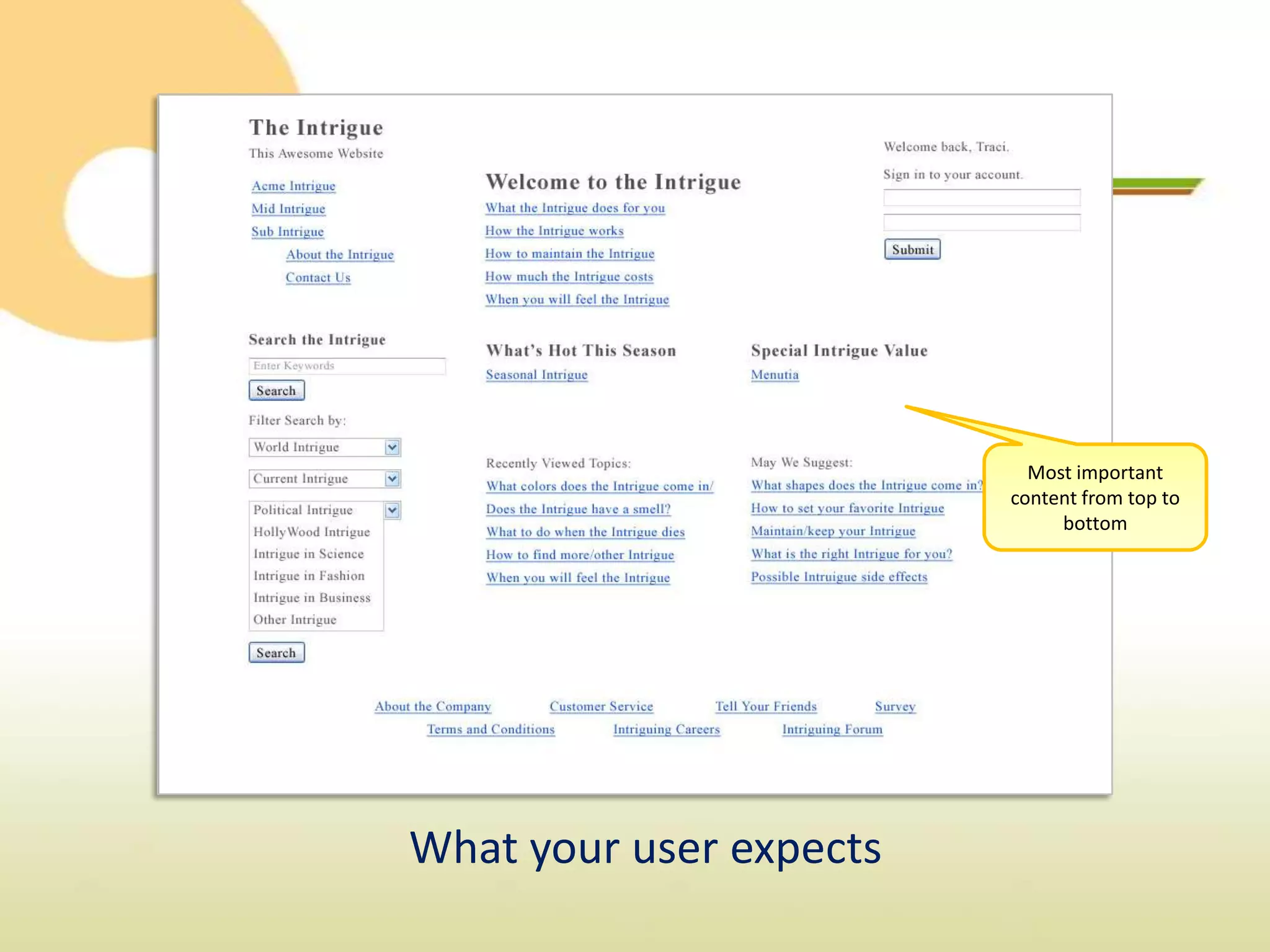
Most important
                         content from top to
                              bottom


What your user expects
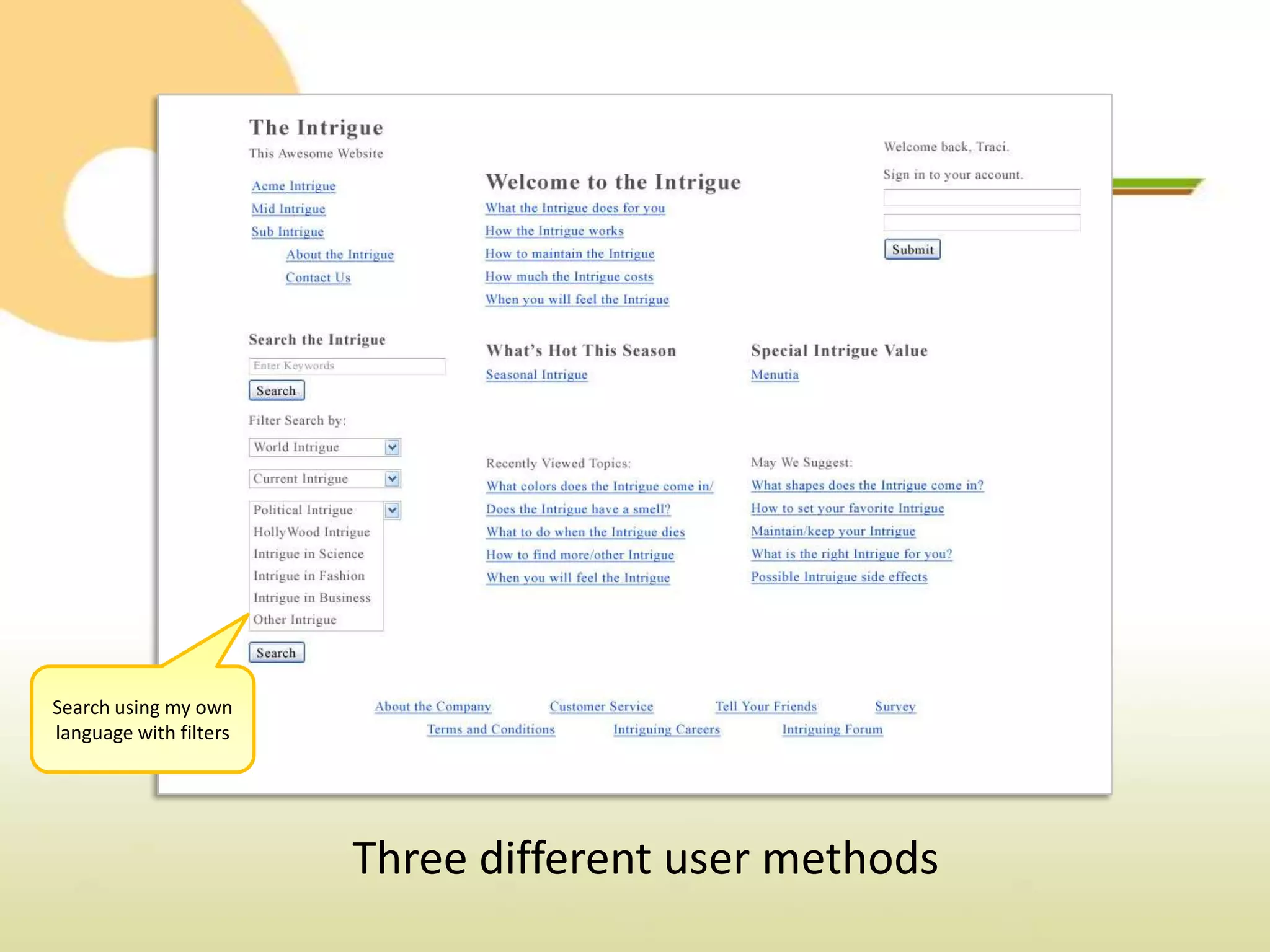
Search using my own
language with filters


                        Three different user methods
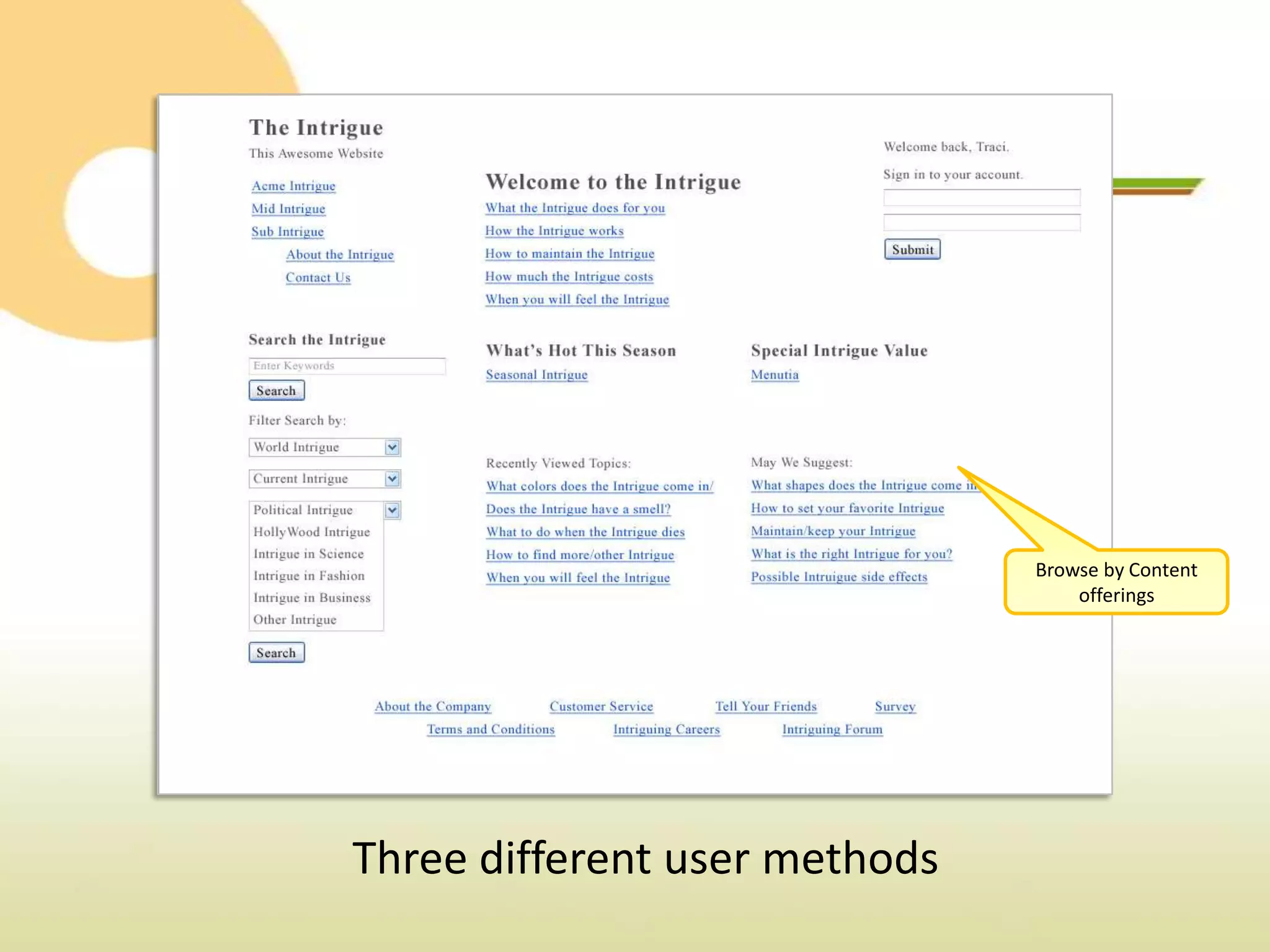
Browse by Content
                                   offerings


Three different user methods
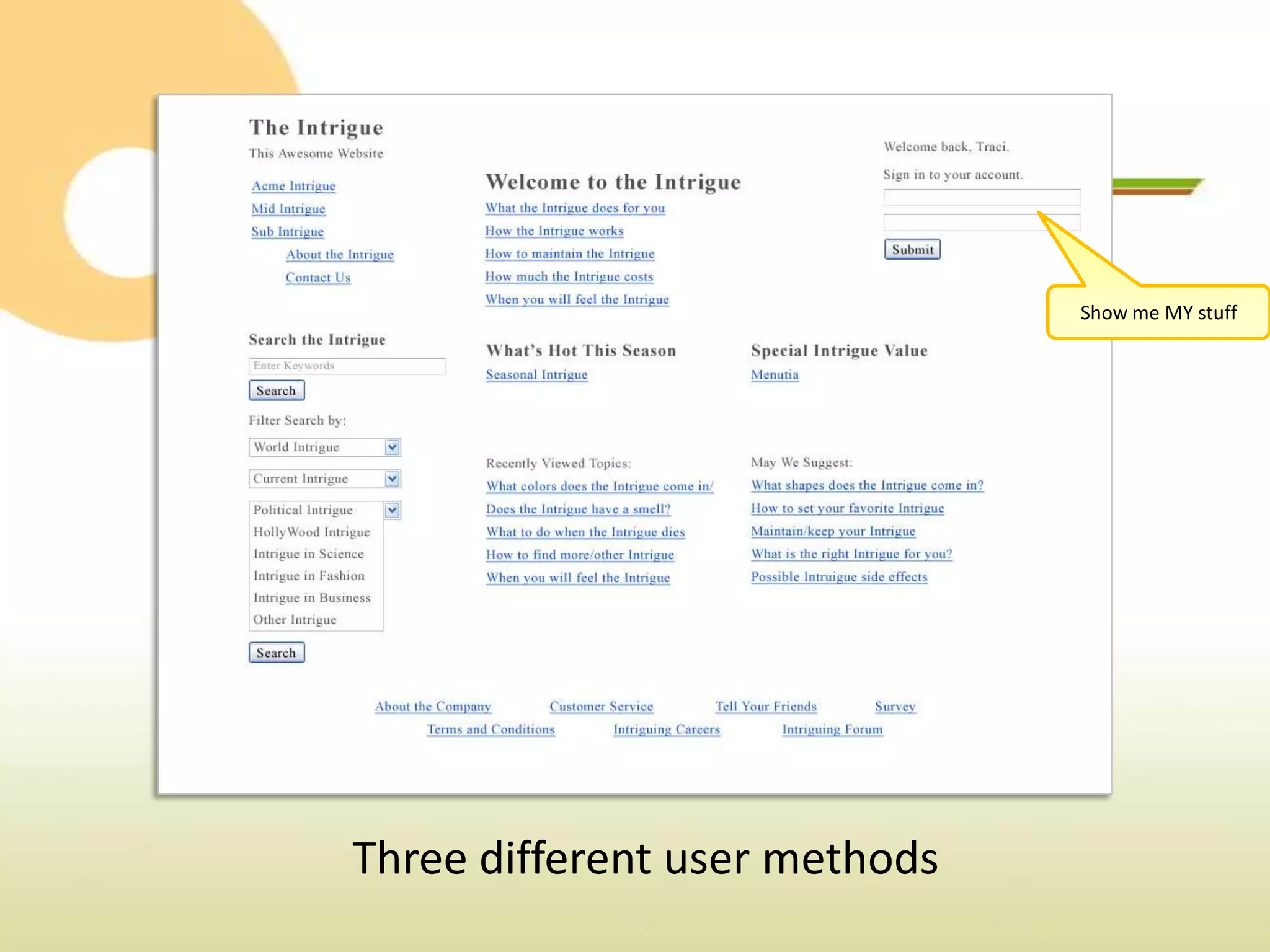
Show me MY stuff


Three different user methods
Know the Rules


Location, Location, Lo…. Organization!
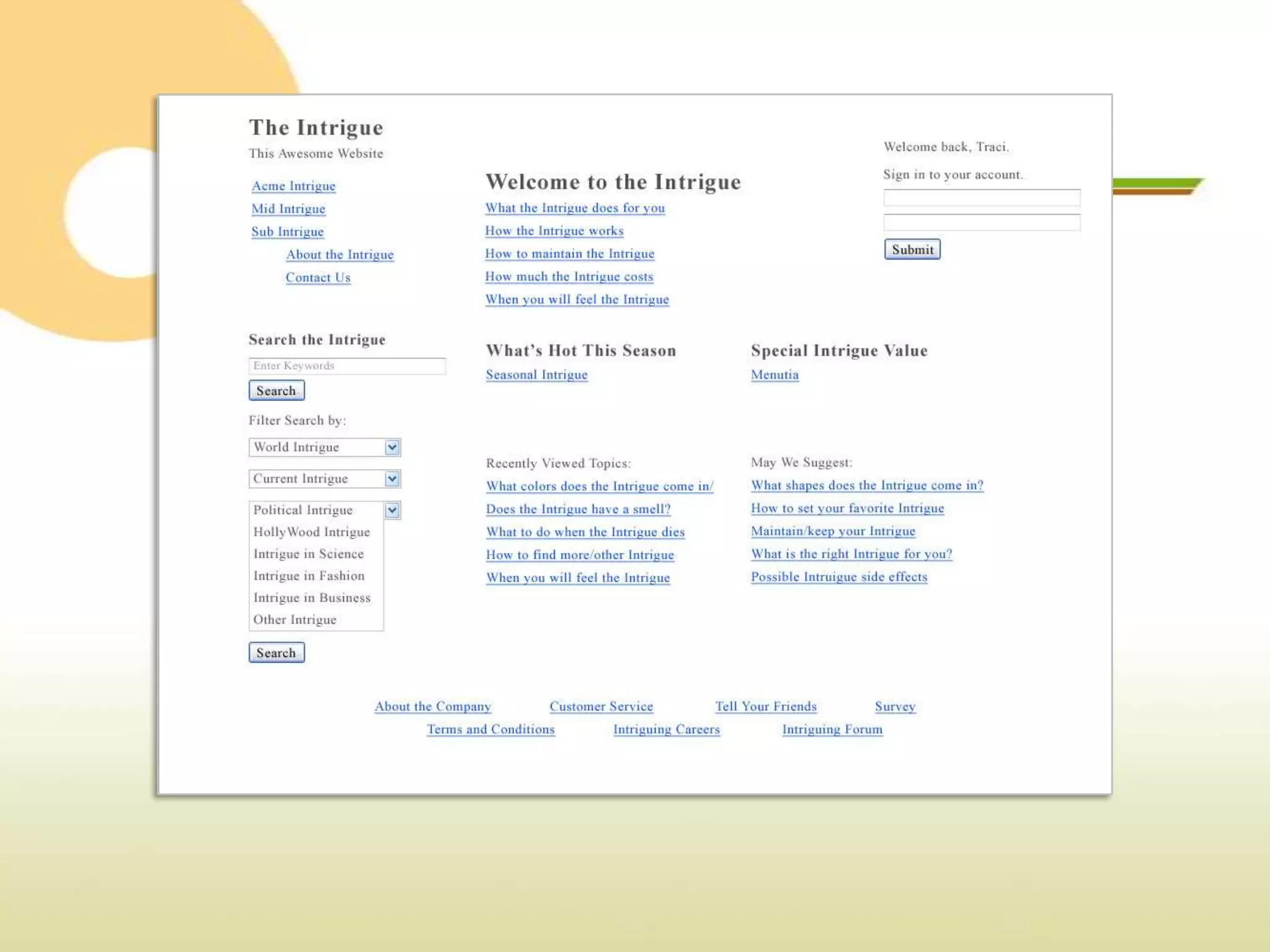
   Limit your fonts, not your voice.
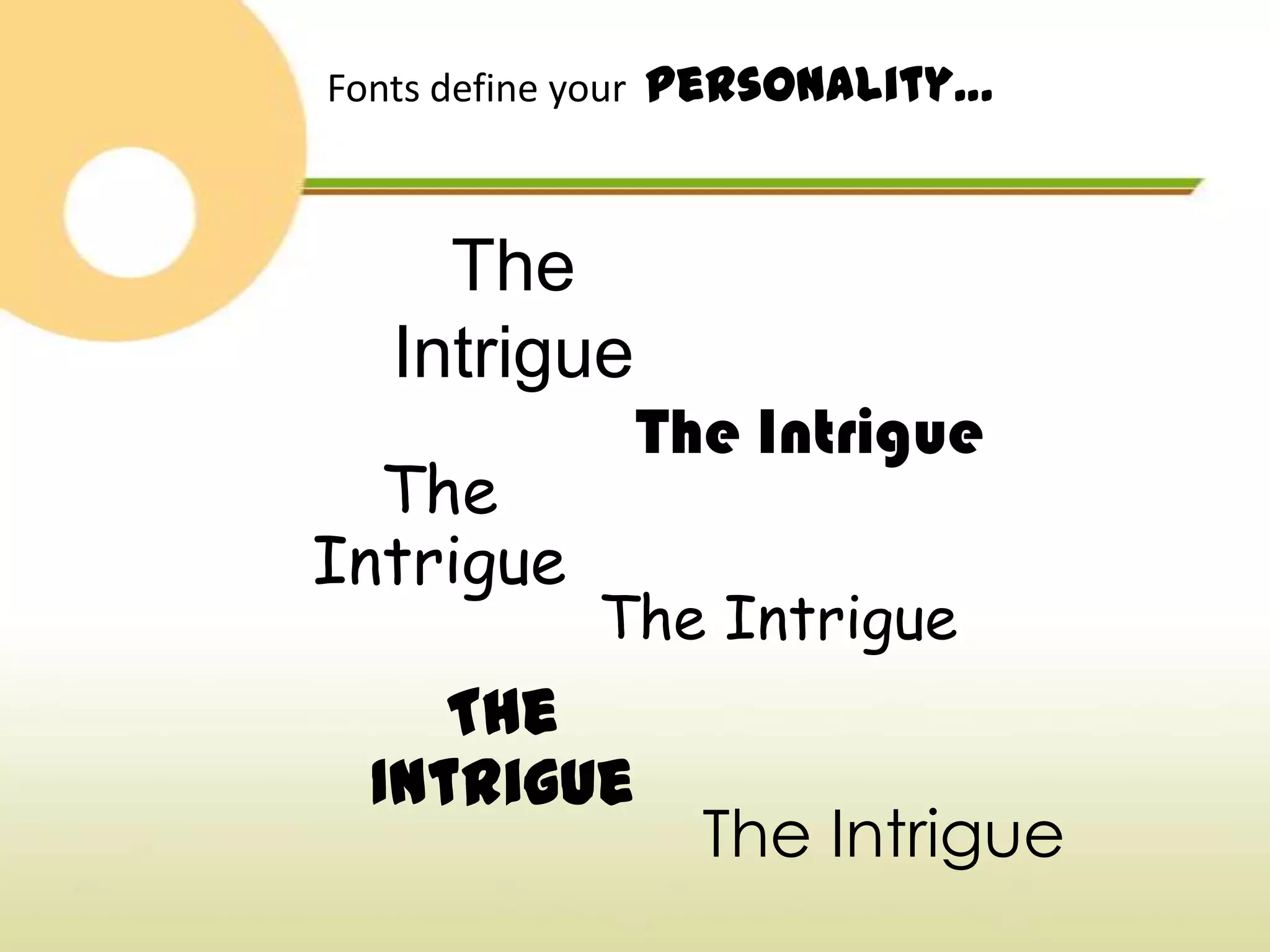
Fonts define your personality…


    The
  Intrigue
             The Intrigue
  The
Intrigue
            The Intrigue
    The
 Intrigue
                The Intrigue
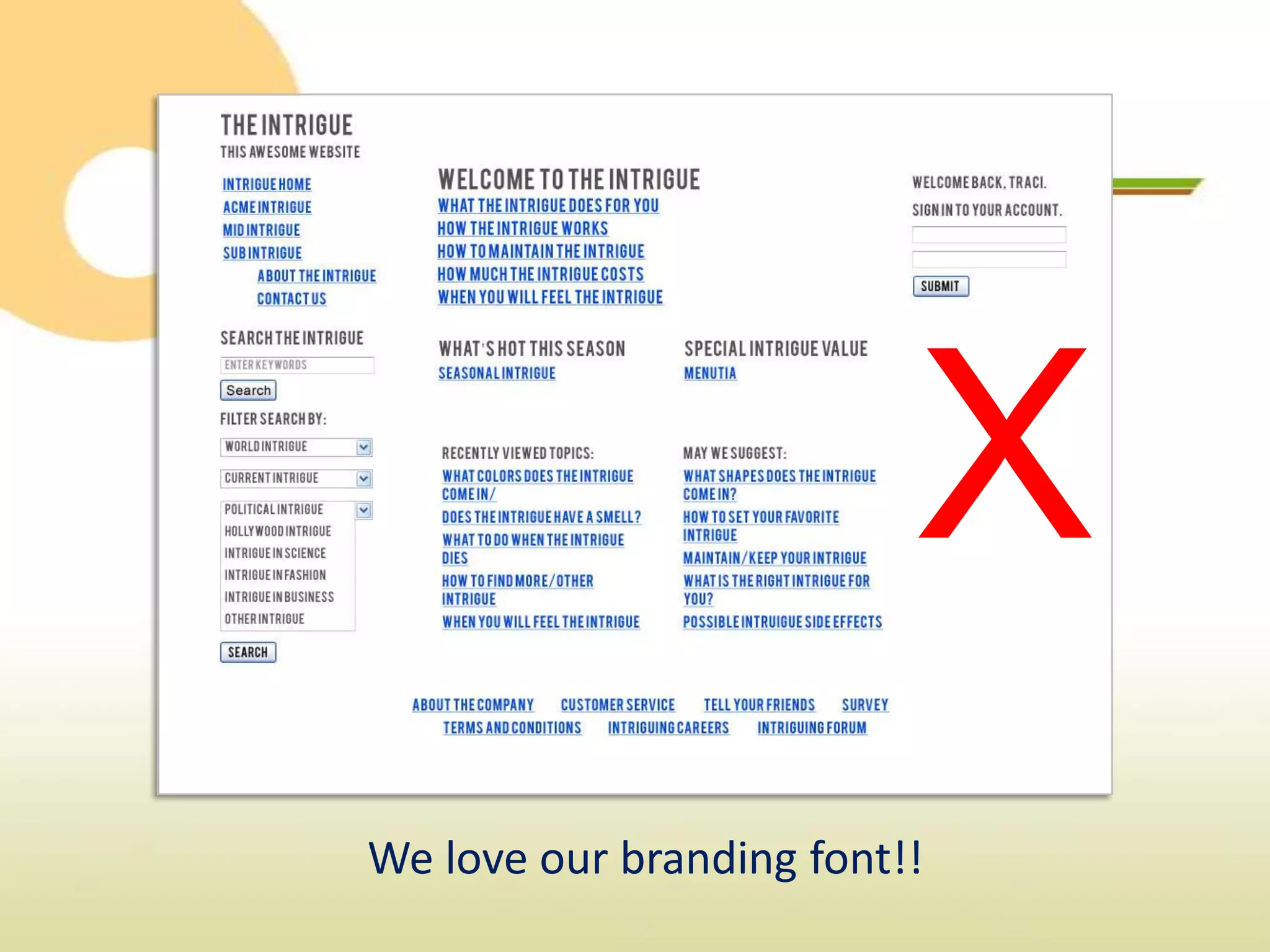
X
We love our branding font!!
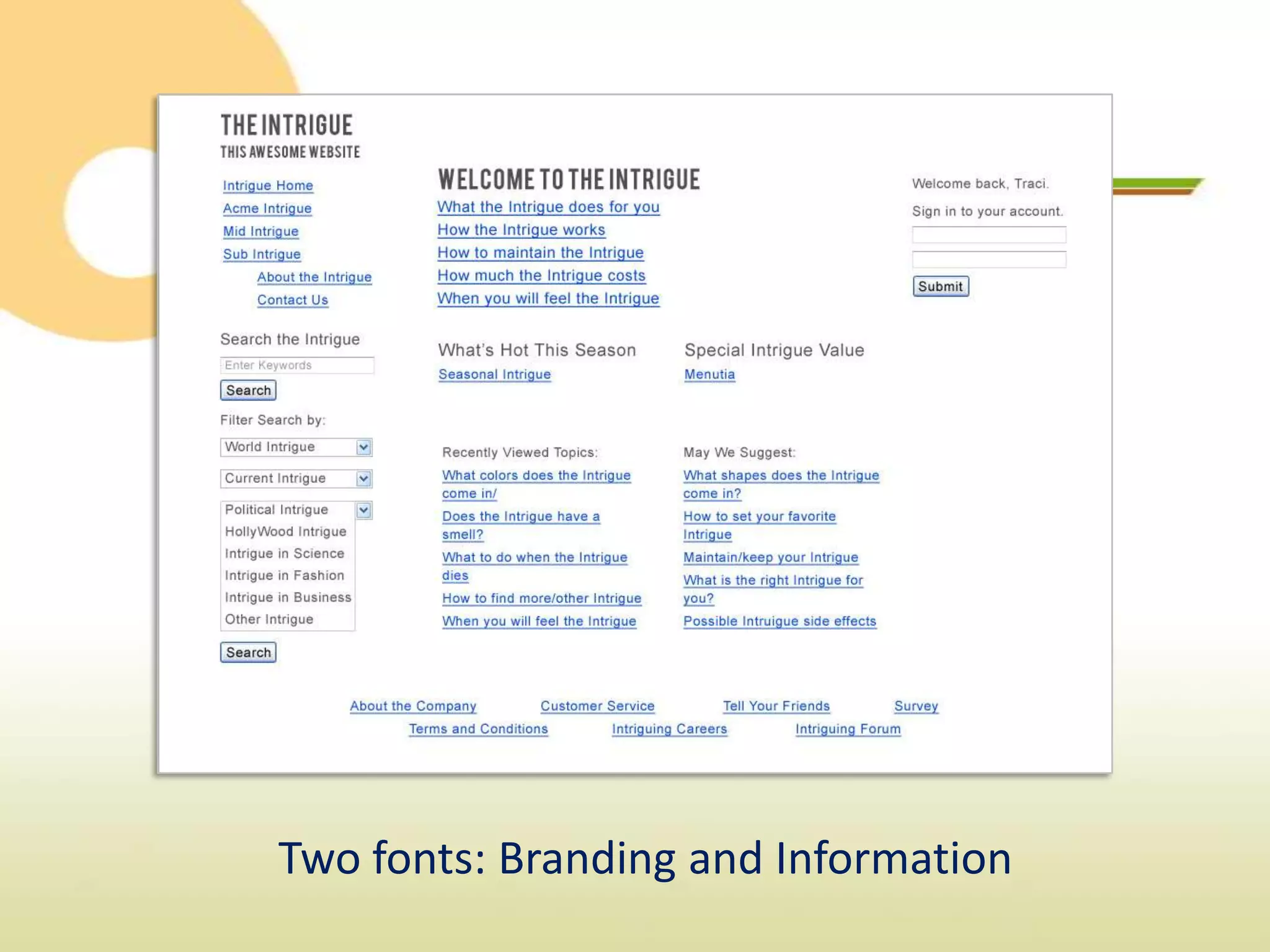
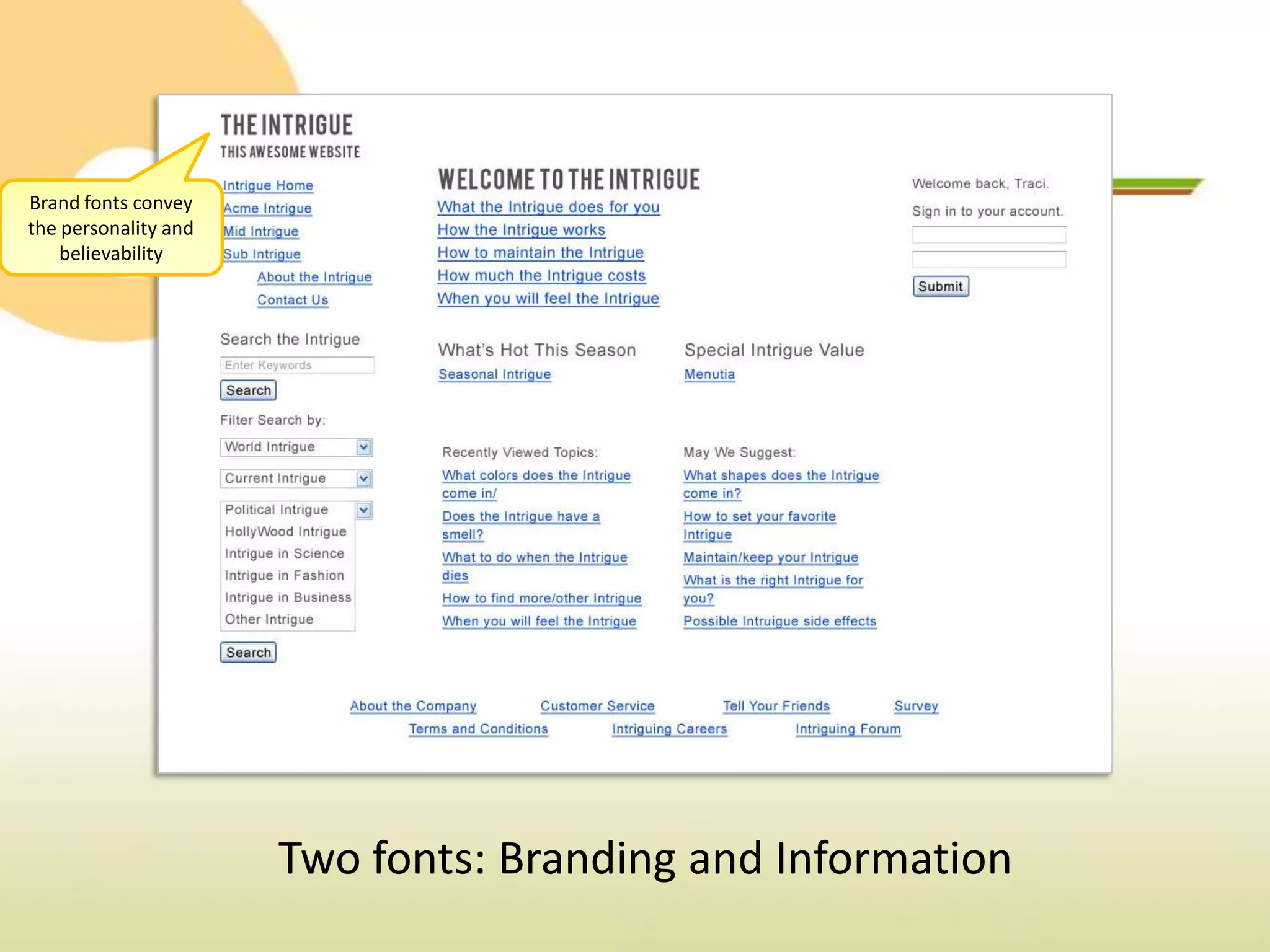
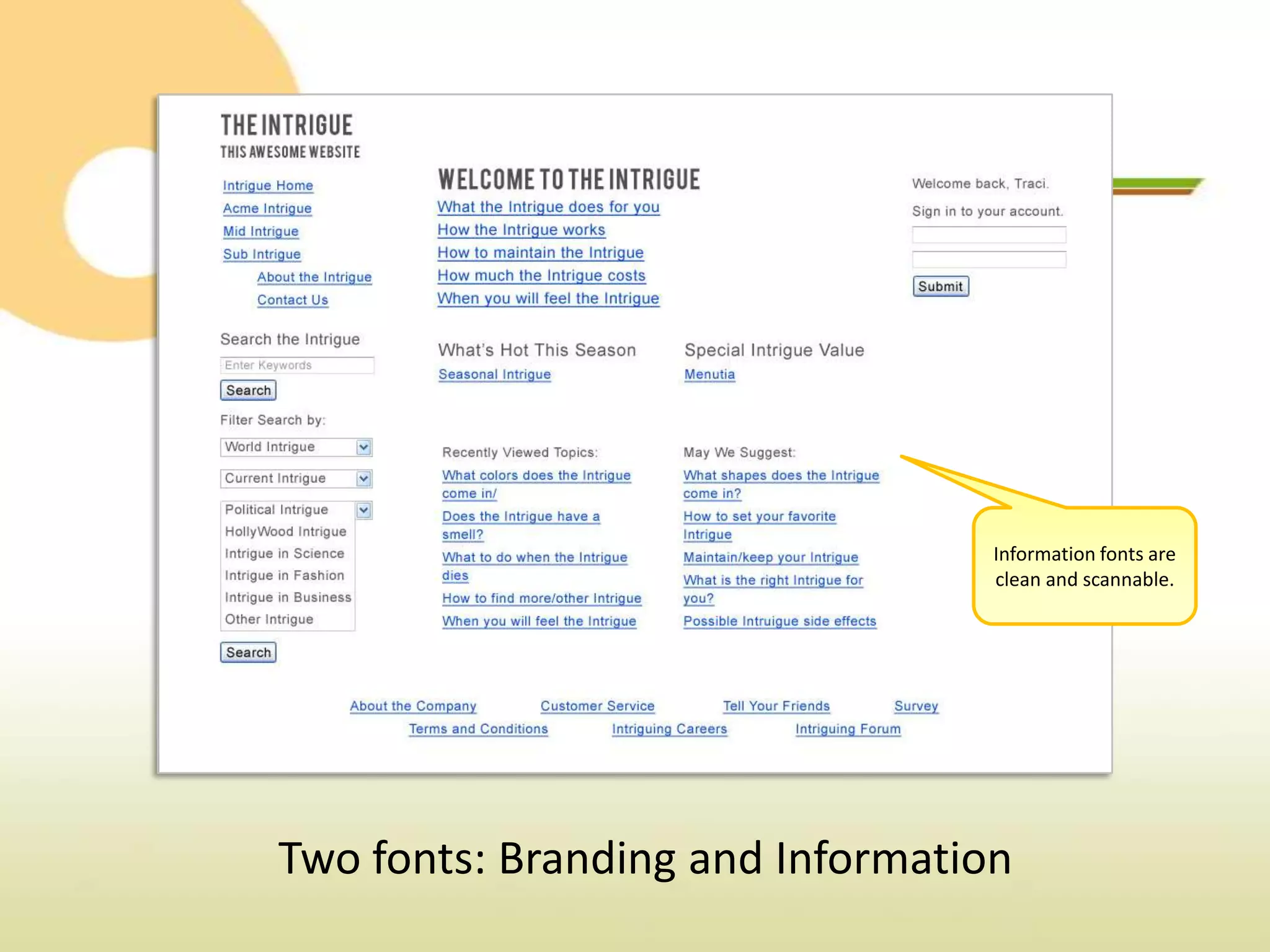
Two fonts: Branding and Information
Brand fonts convey
the personality and
    believability


                      Two fonts: Branding and Information
Branding fonts lend
                           priority… don’t
                           overuse them.


Two fonts: Branding and Information
Information fonts are
                                  clean and scannable.


Two fonts: Branding and Information
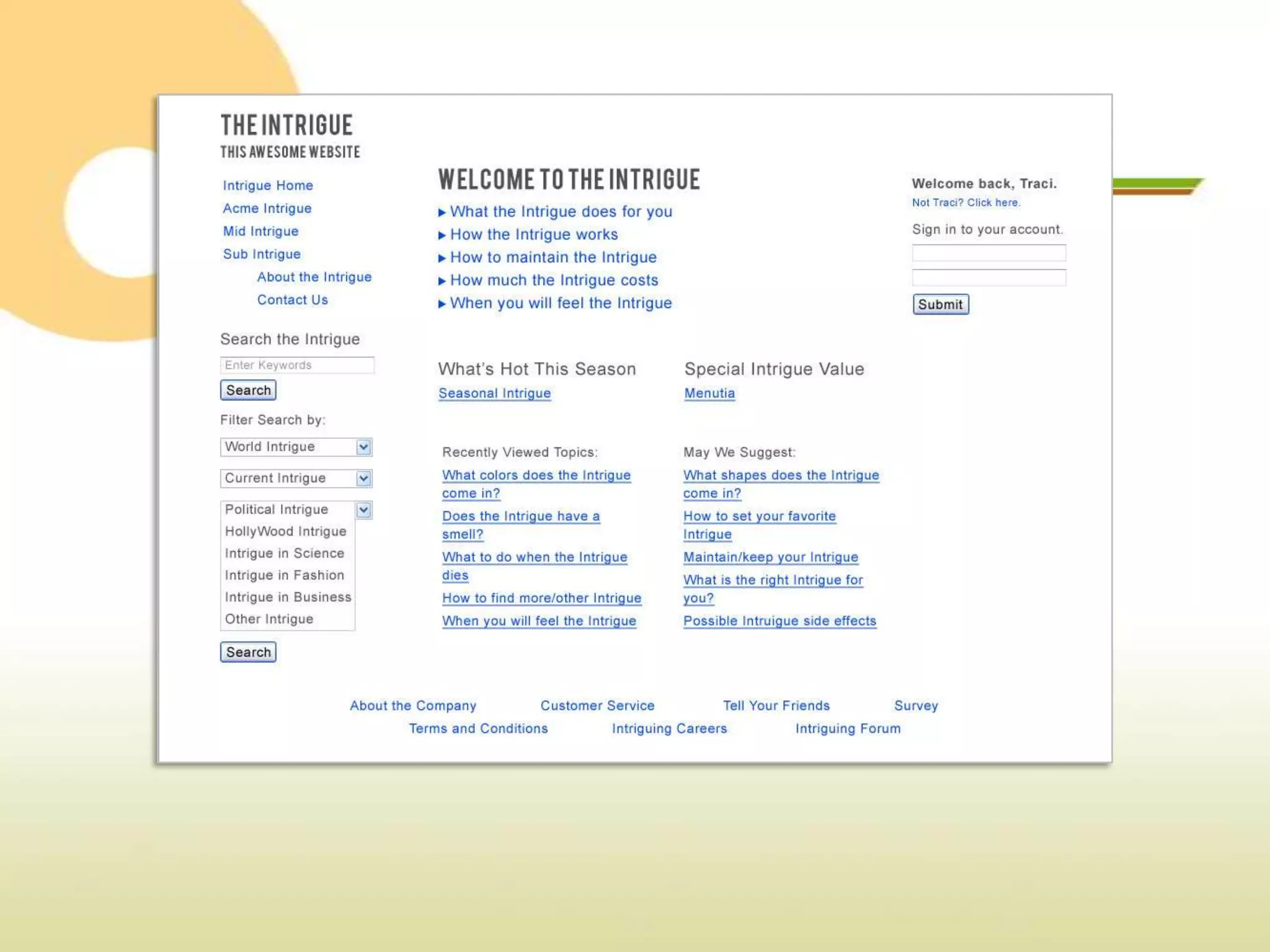
Use text decoration
                                 to show priority. I.E.
                                   Arrows for high,
                                  underlines for low


Two fonts: Branding and Information
Know the Rules


 Location, Location, Lo…. Organization!
    Limit your fonts, not your voice.
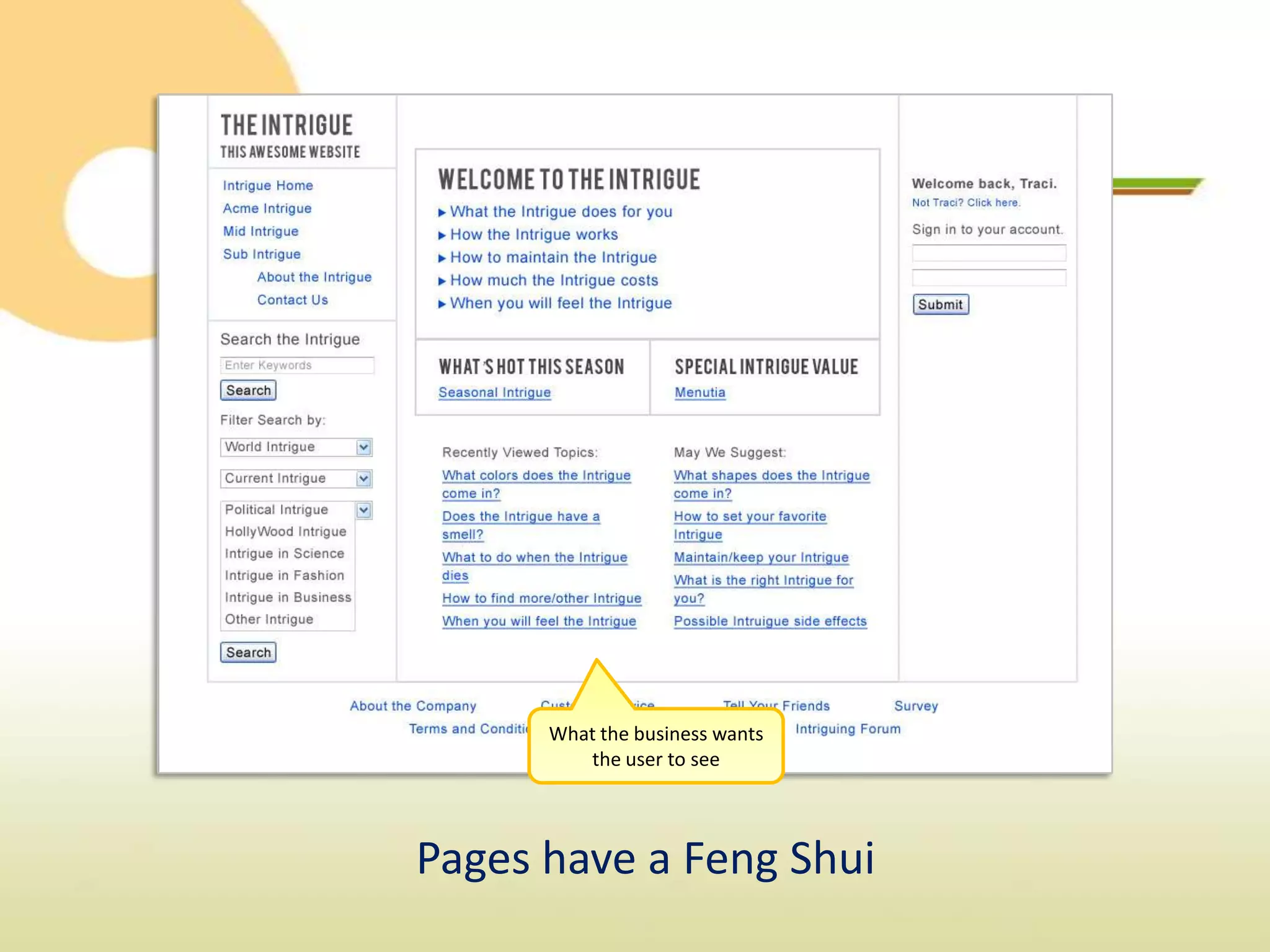
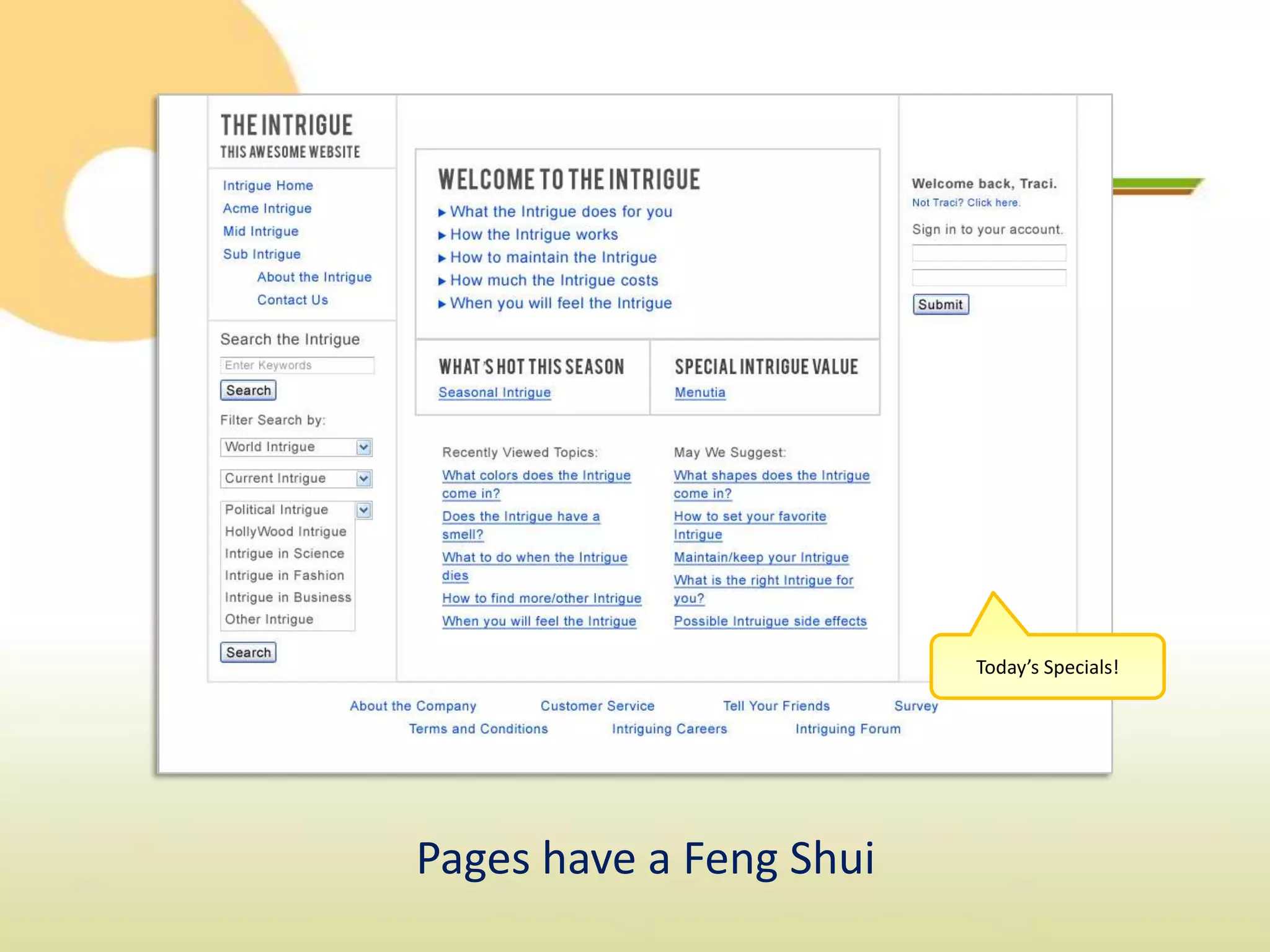
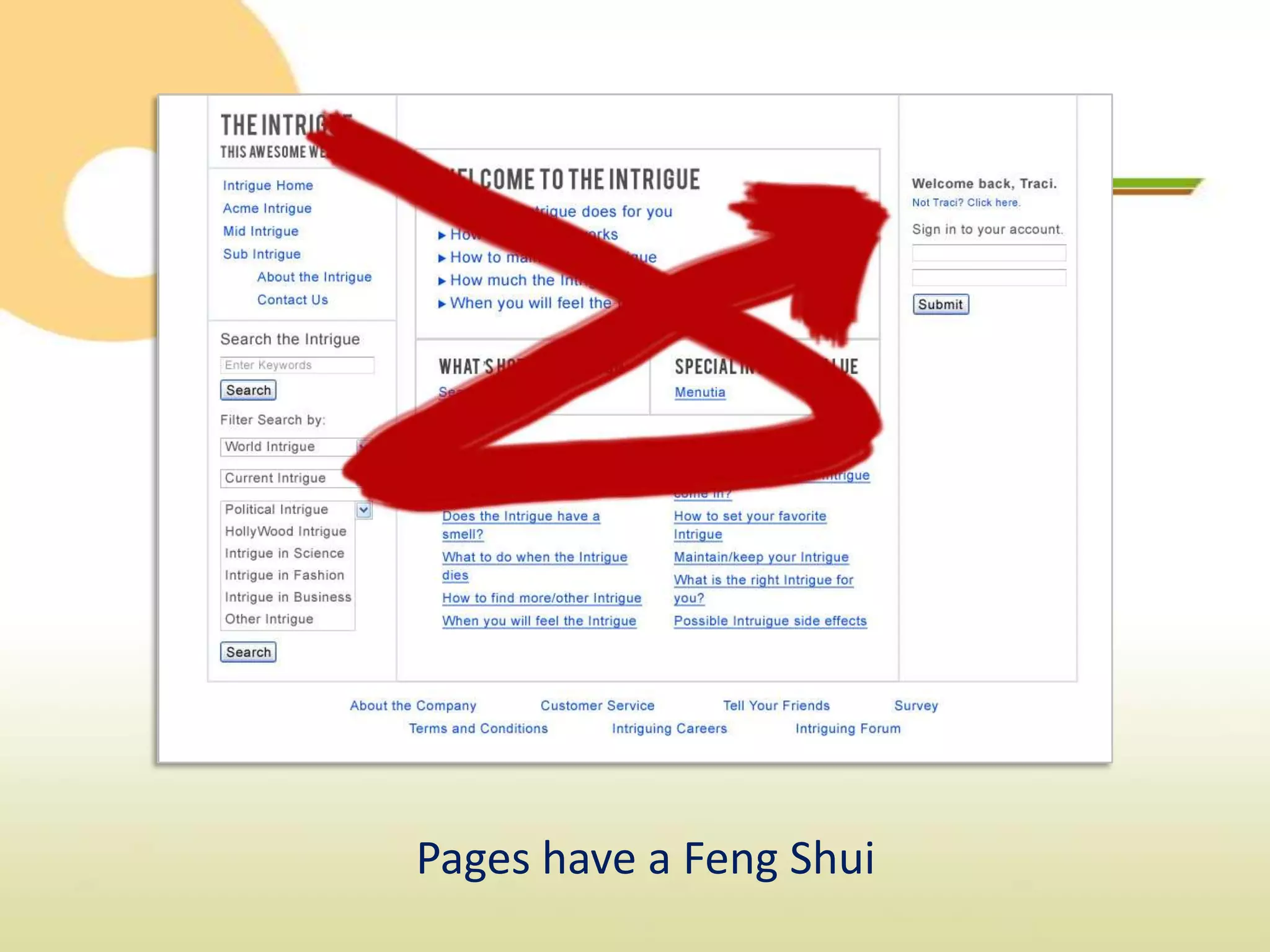
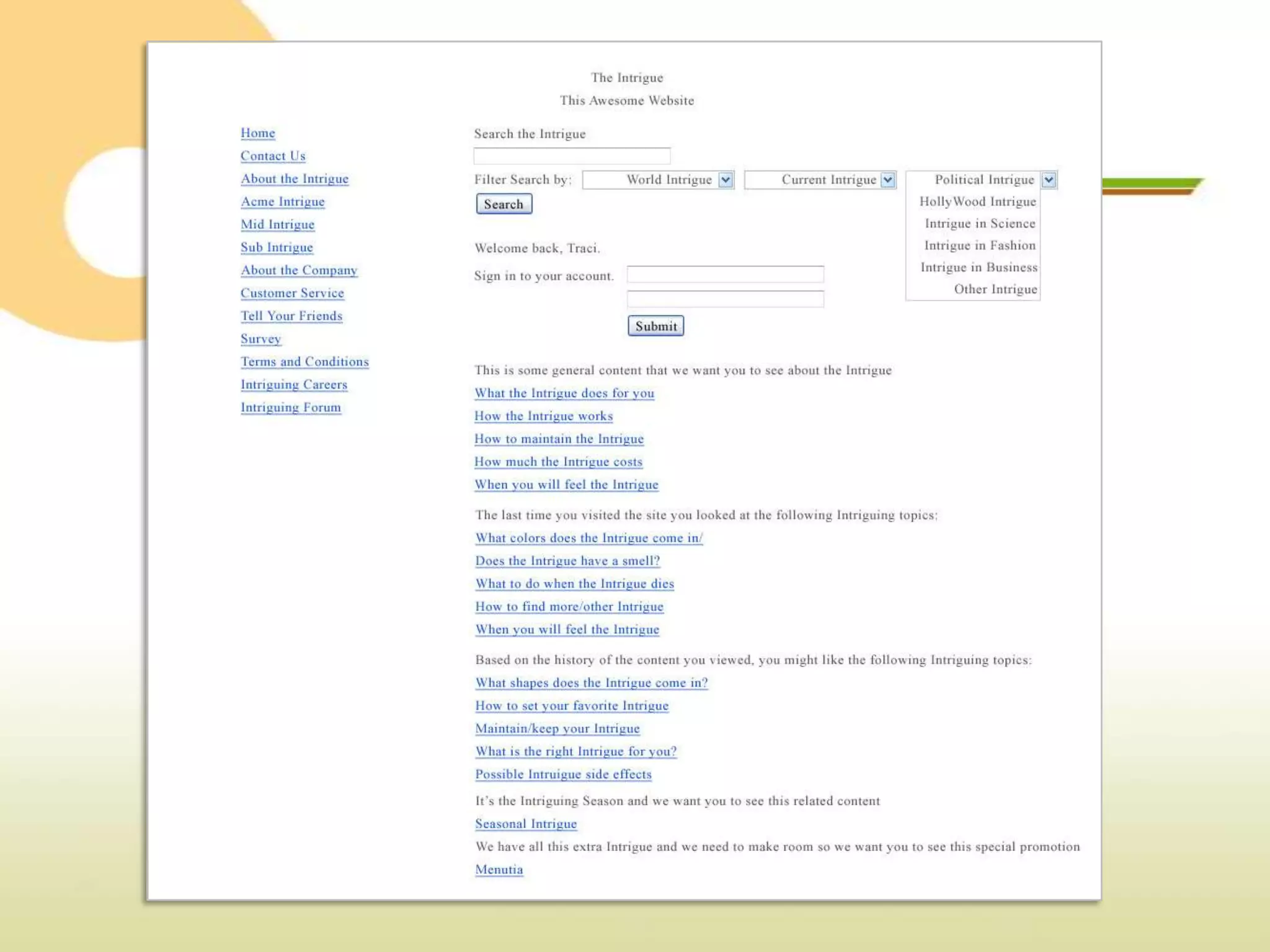
You need to see the lines to stay in them.
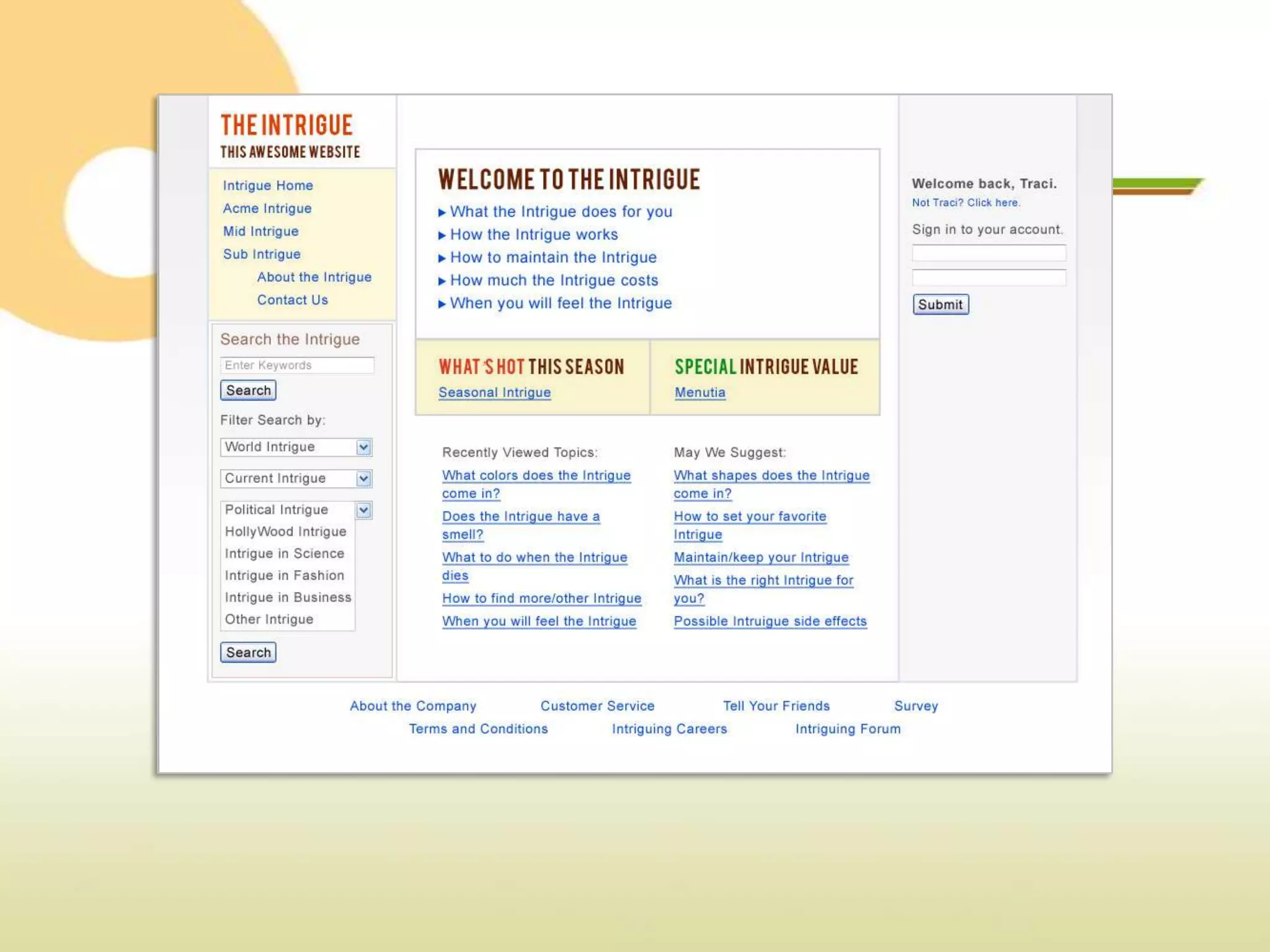
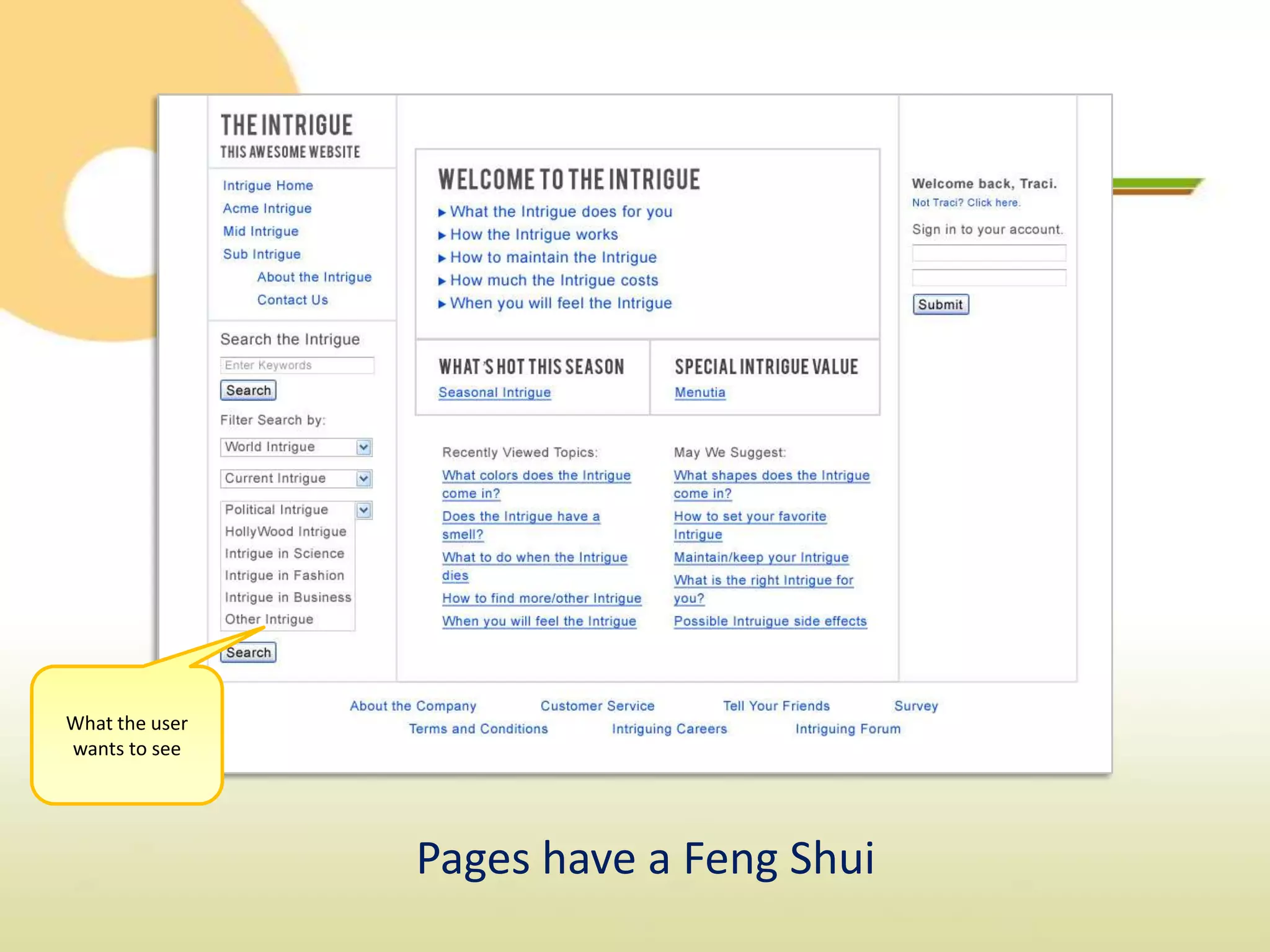
What the user
wants to see


                Pages have a Feng Shui
What the business wants
         the user to see


Pages have a Feng Shui
Today’s Specials!


Pages have a Feng Shui
Know the Rules


 Location, Location, Lo…. Organization!
    Limit your fonts, not your voice.
You need to see the lines to stay in them.
             Colors count.
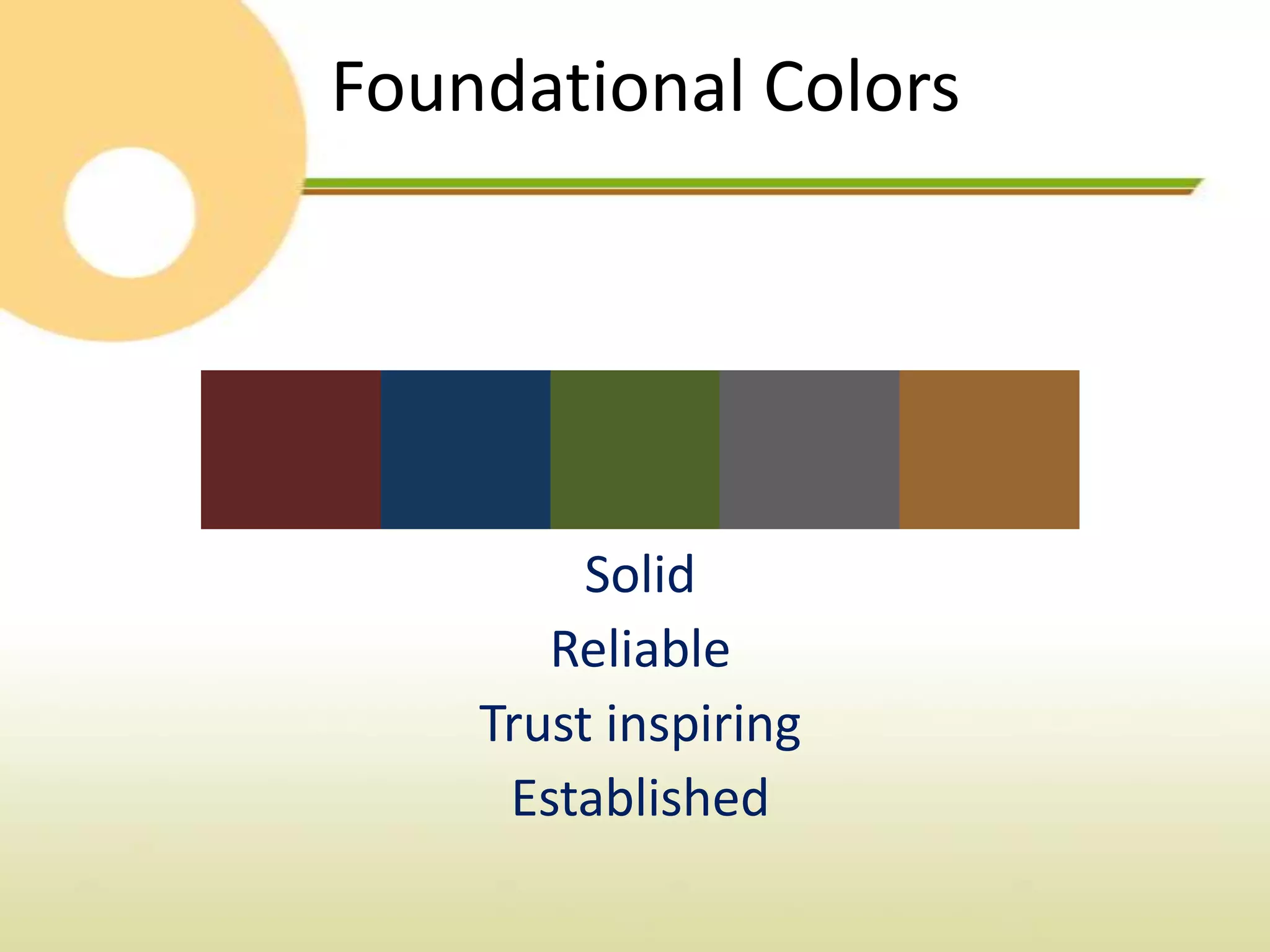
Foundational Colors


         Solid
       Reliable
    Trust inspiring
     Established
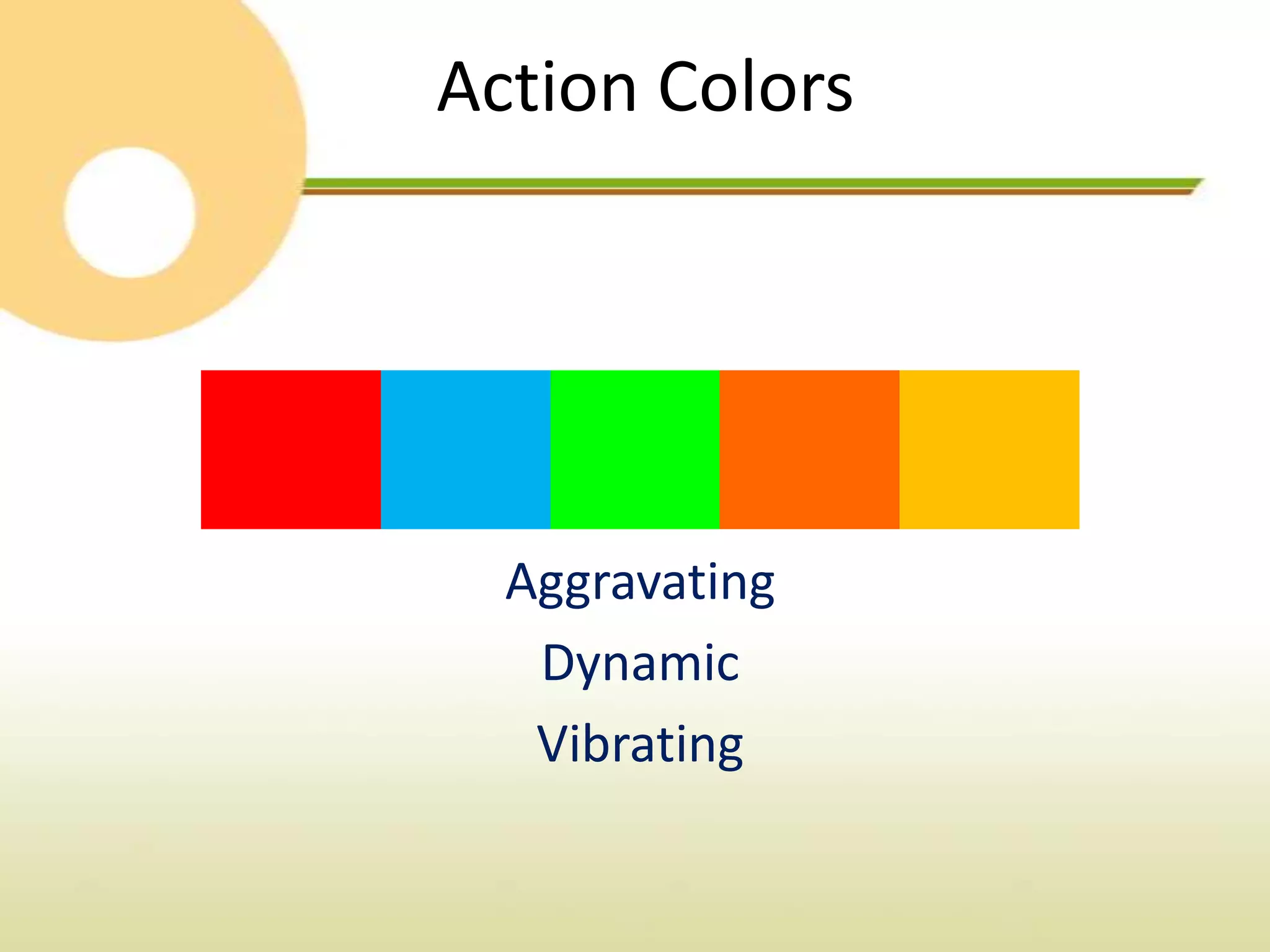
Action Colors


  Aggravating
   Dynamic
   Vibrating
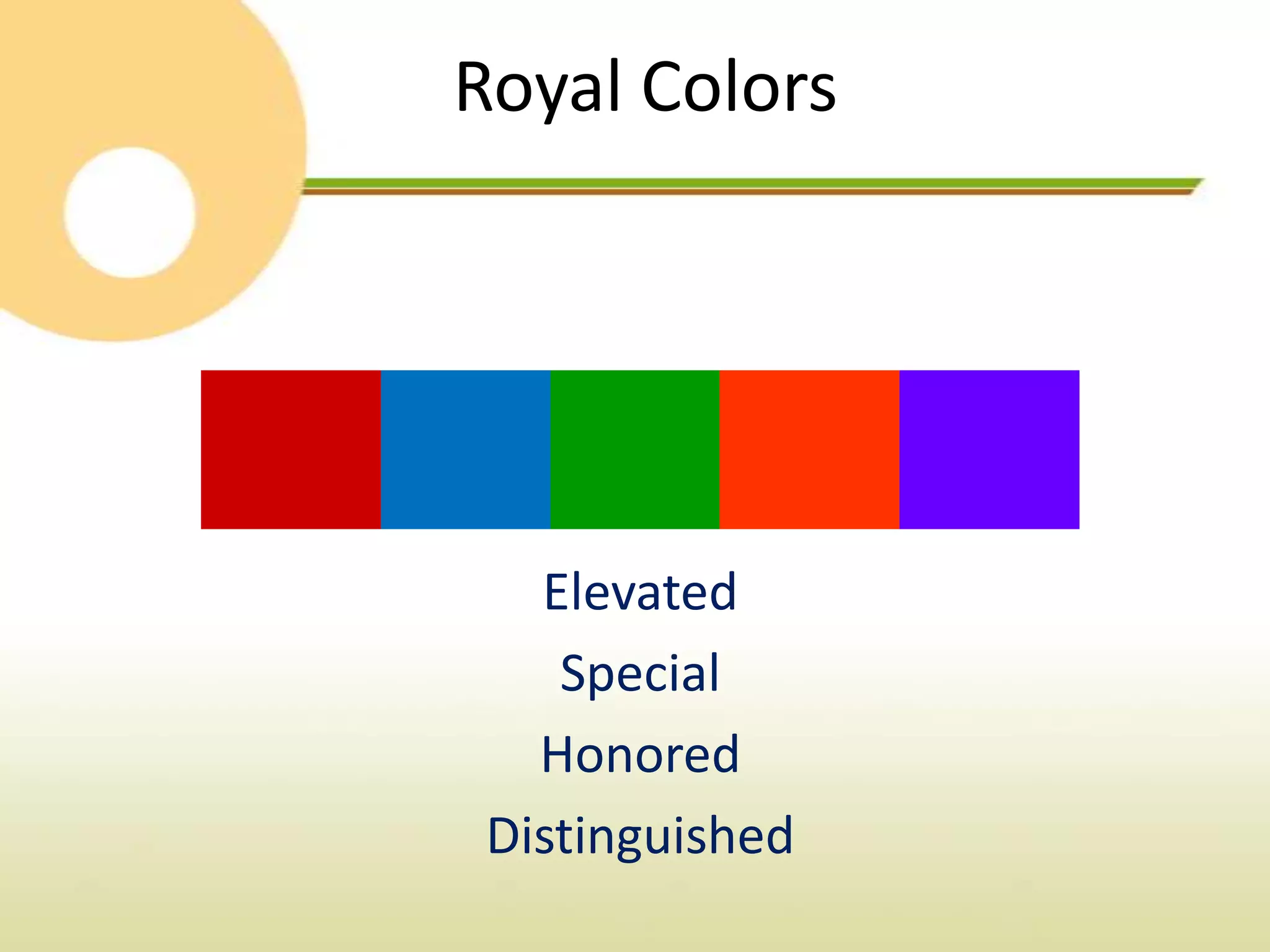
Royal Colors


   Elevated
    Special
   Honored
 Distinguished
Hot Pink


Women’s shopping
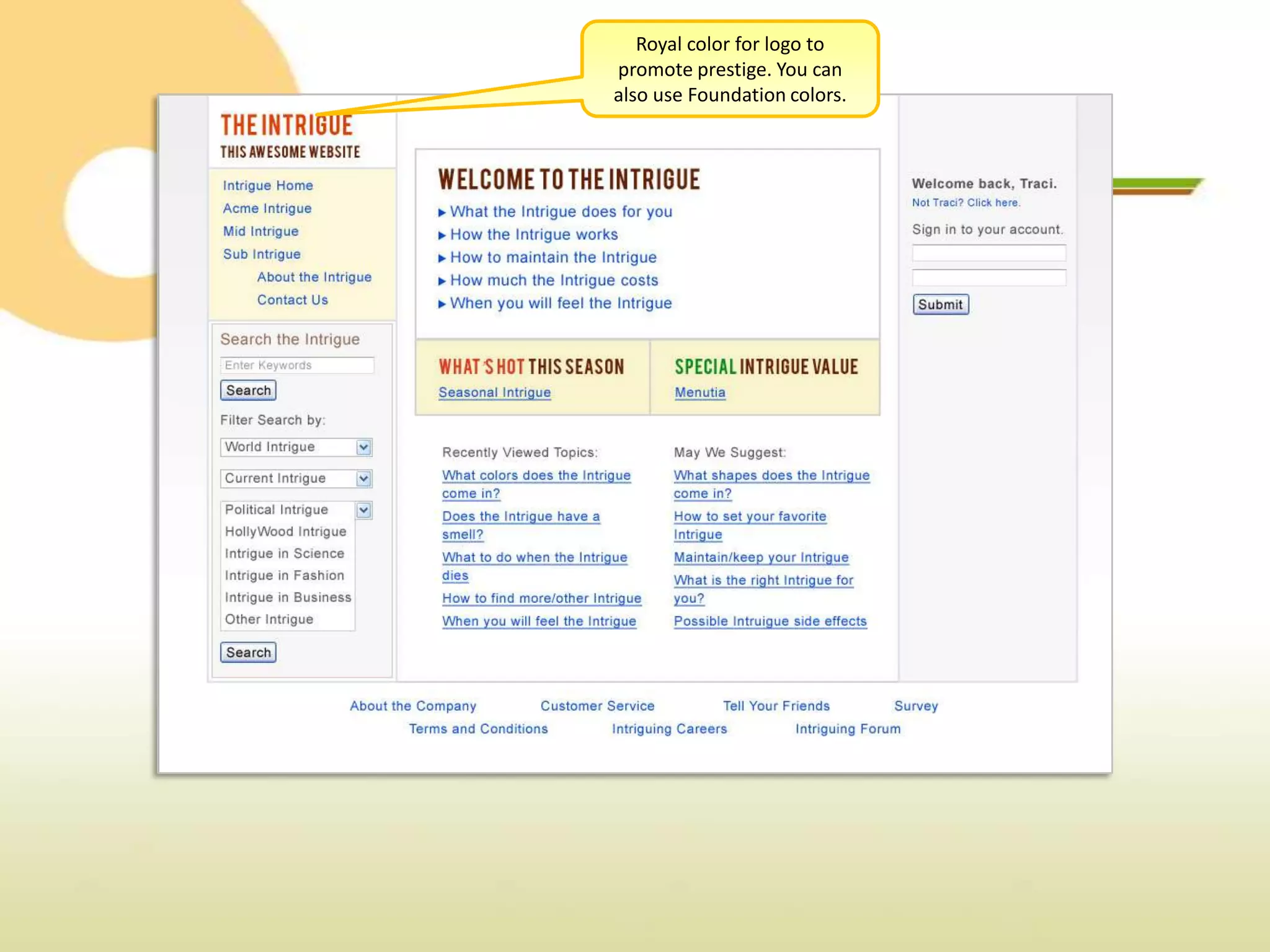
Royal color for logo to
promote prestige. You can
also use Foundation colors.
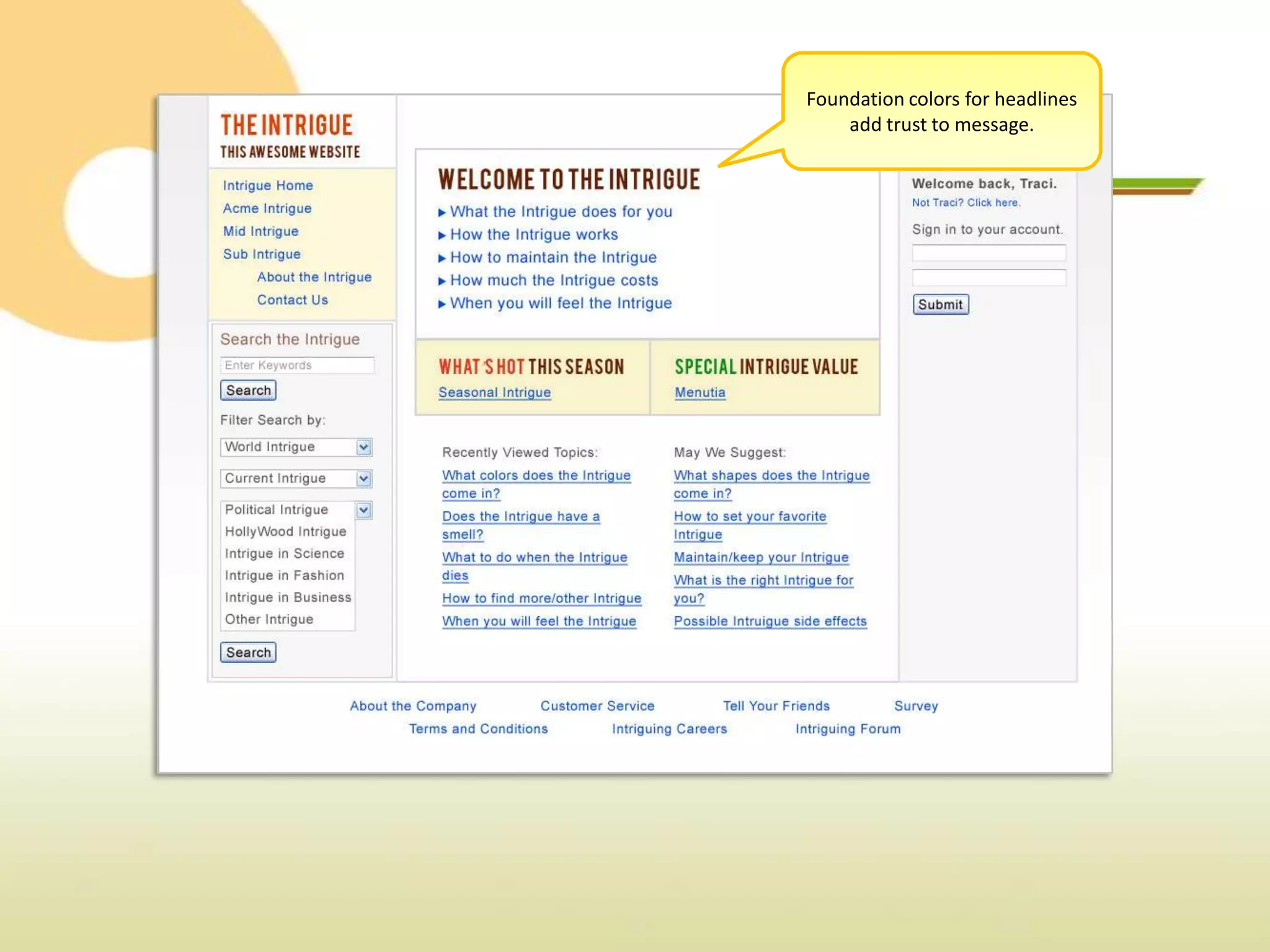
Foundation colors for headlines
    add trust to message.
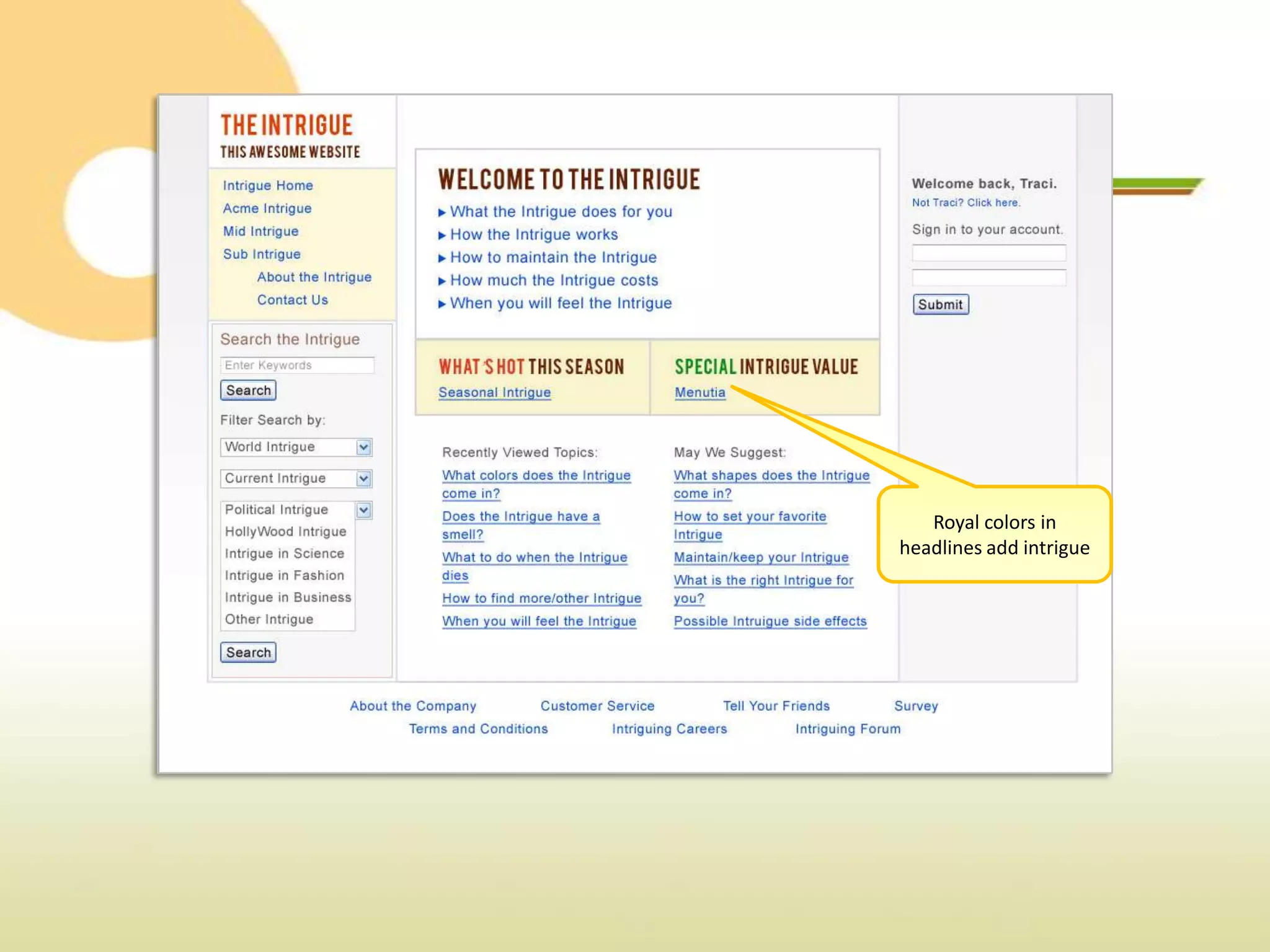
Royal colors in
headlines add intrigue
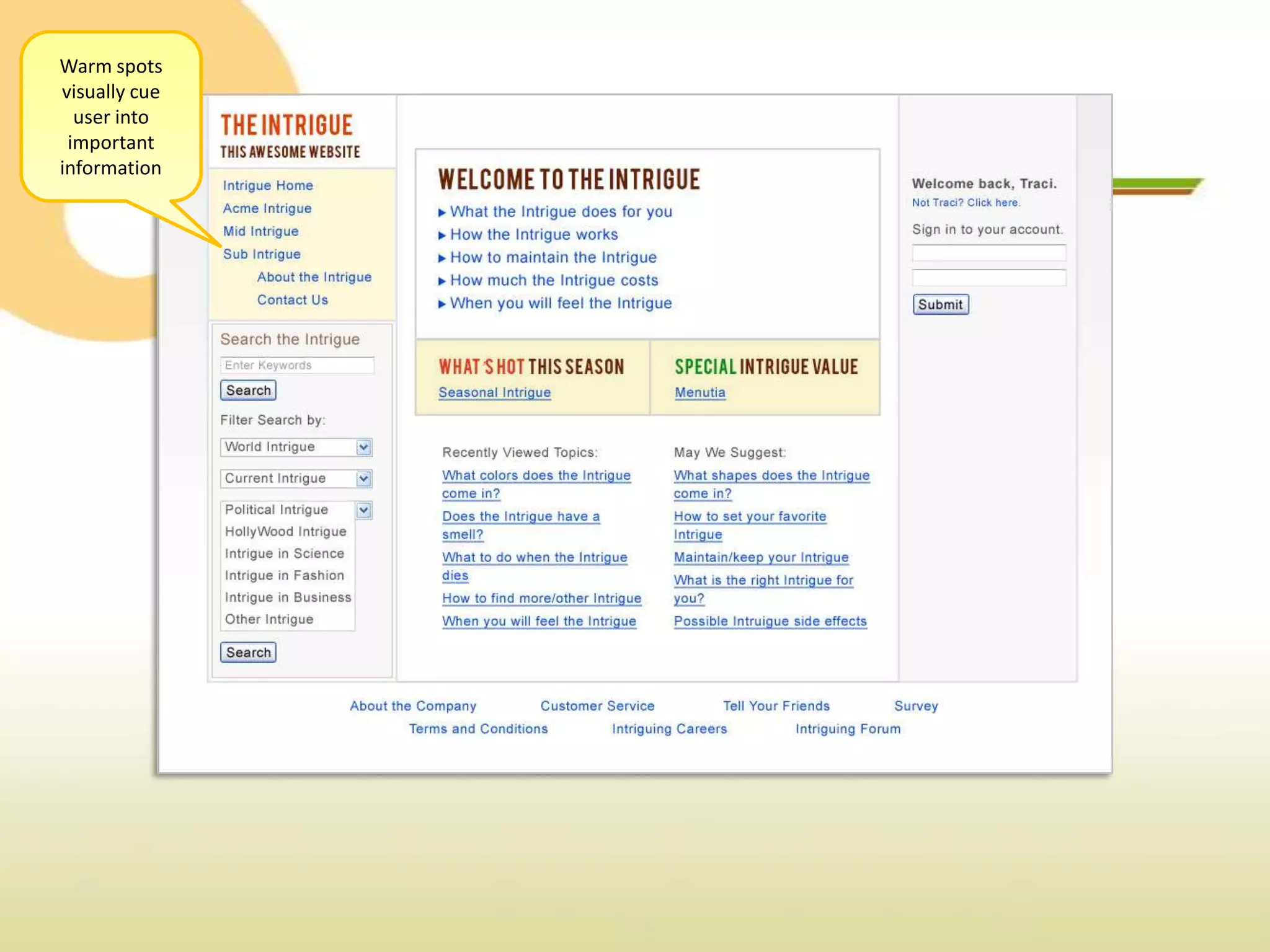
Warm spots
visually cue
  user into
 important
information
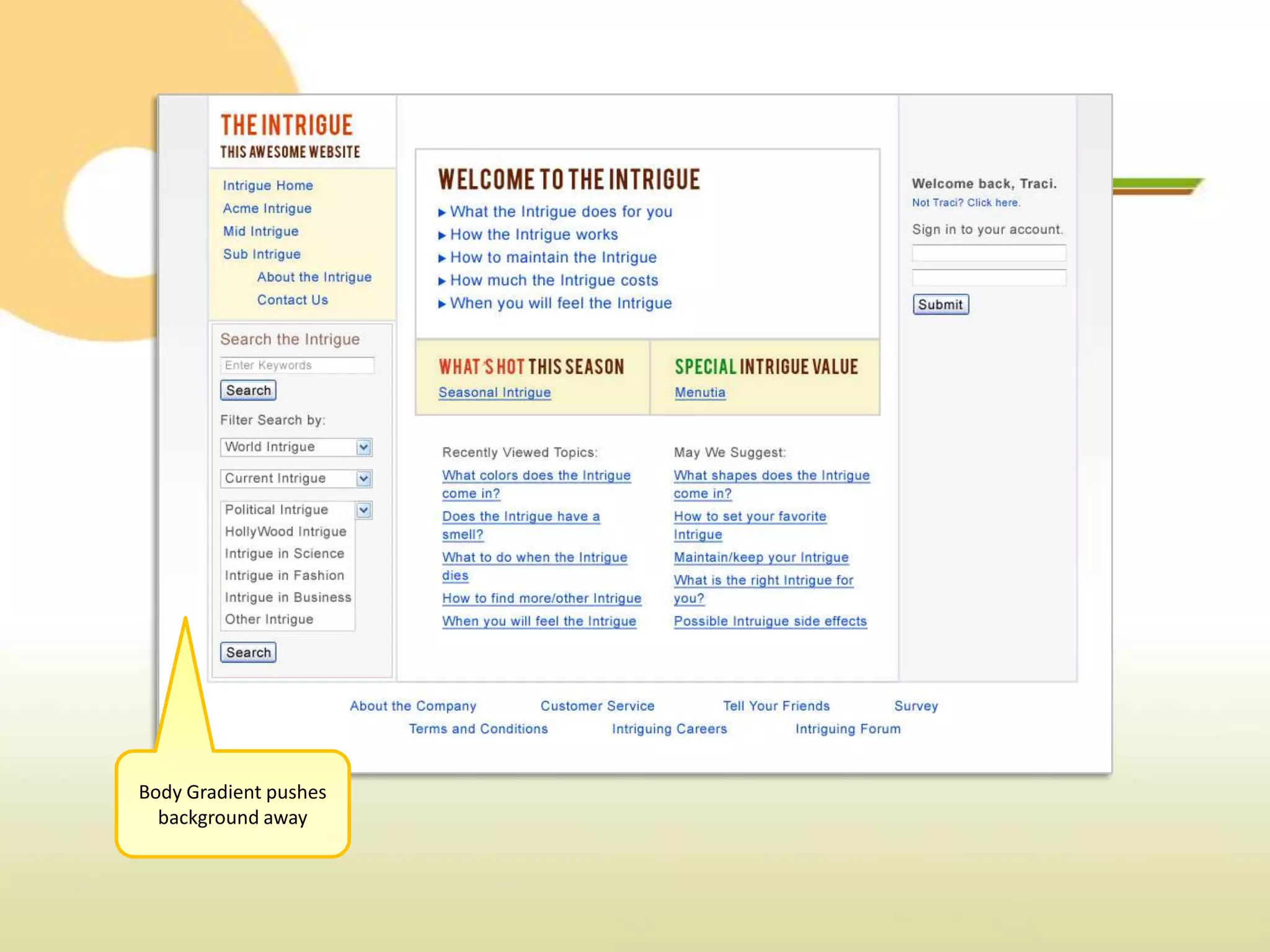
Body Gradient pushes
  background away
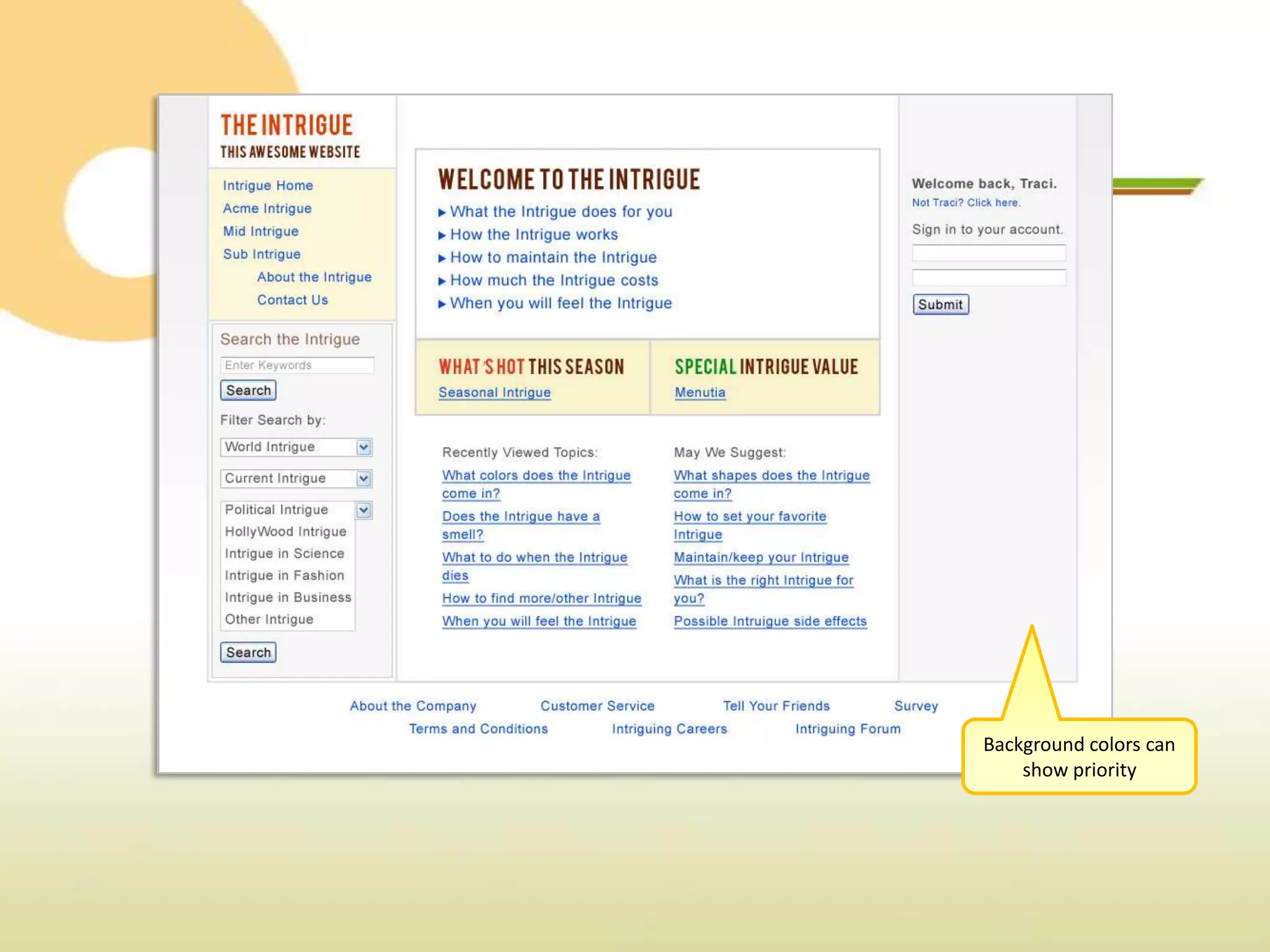
Background colors can
    show priority
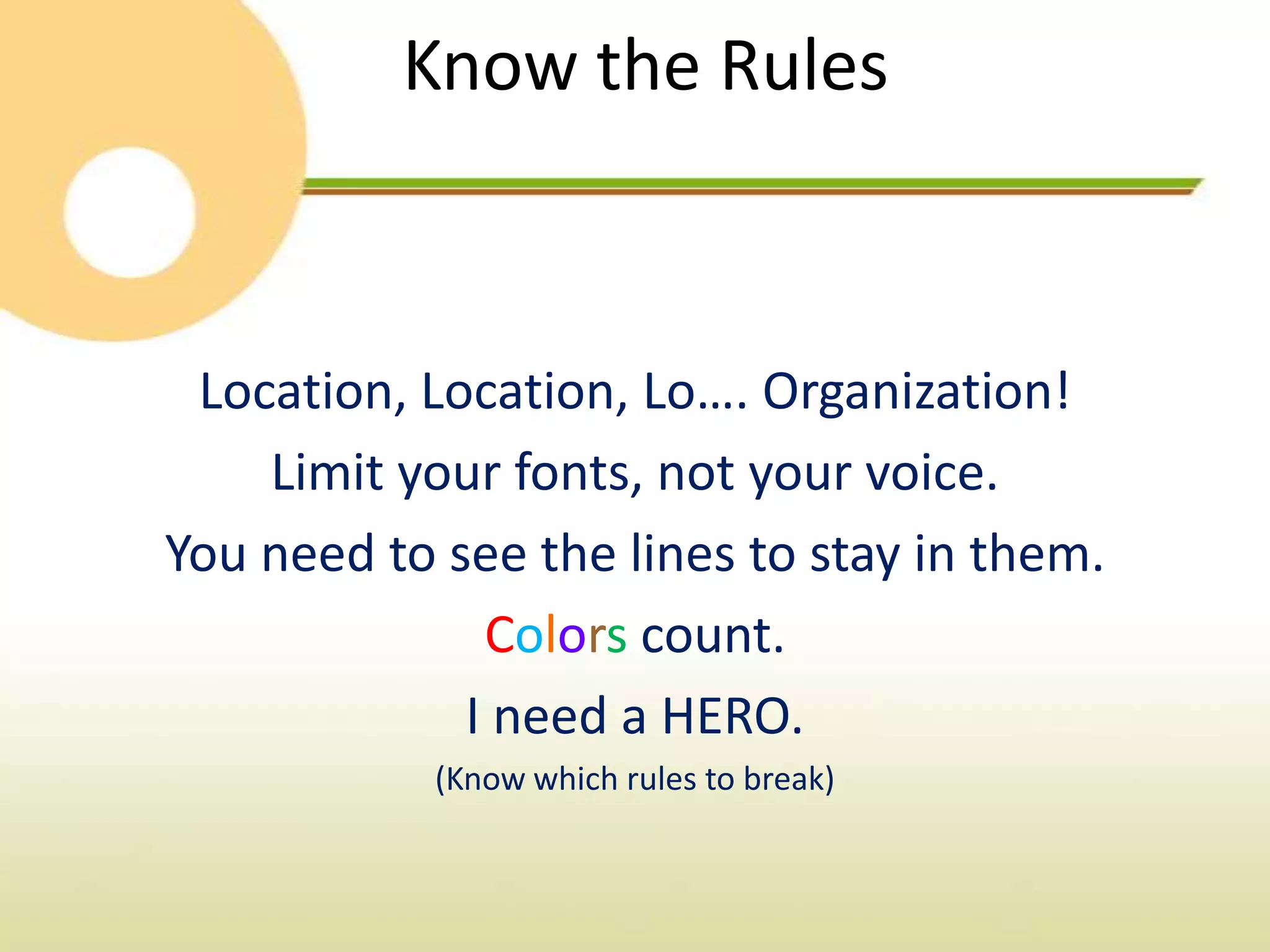
Know the Rules


 Location, Location, Lo…. Organization!
    Limit your fonts, not your voice.
You need to see the lines to stay in them.
              Colors count.
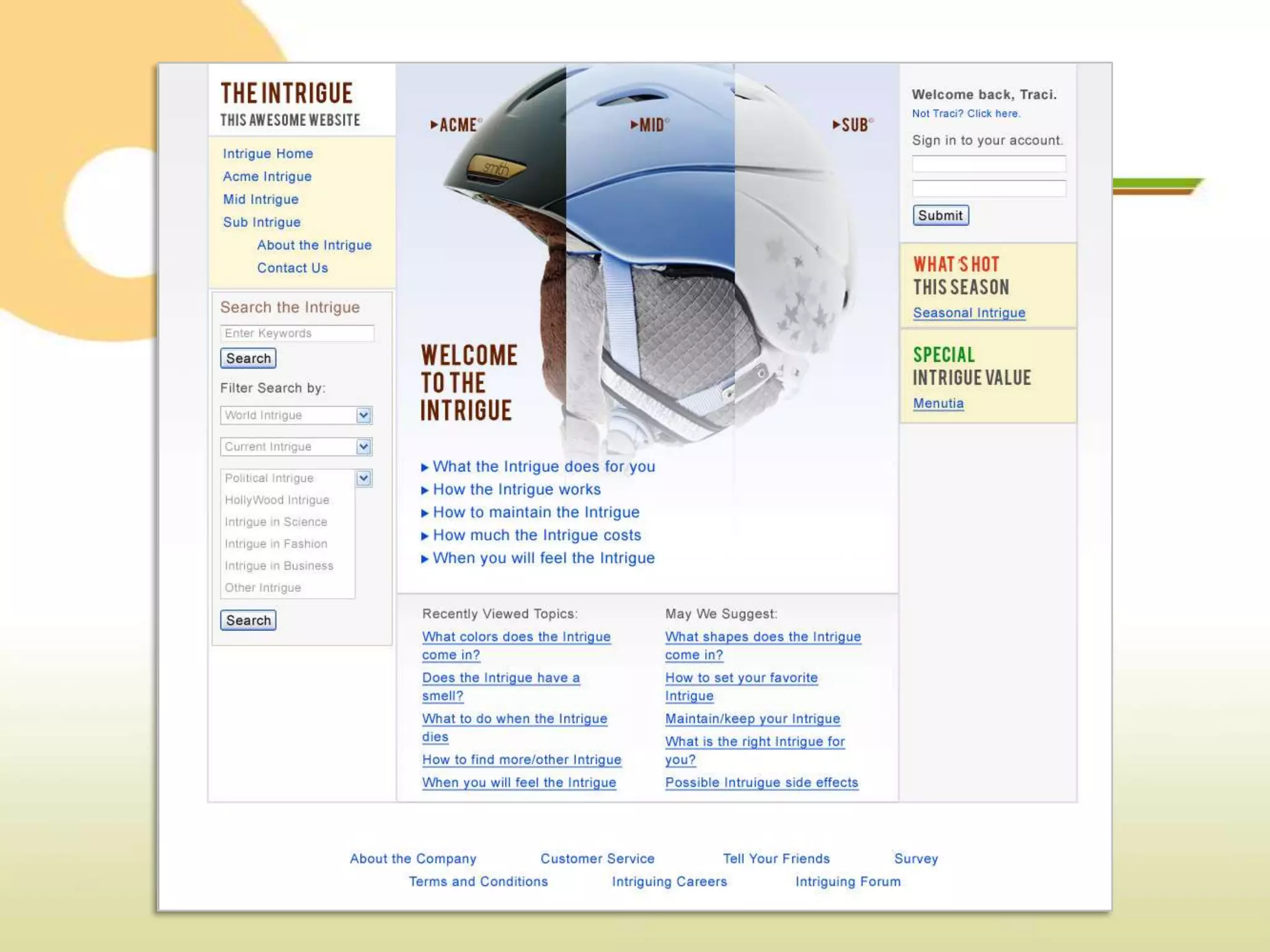
             I need a HERO.
            (Know which rules to break)
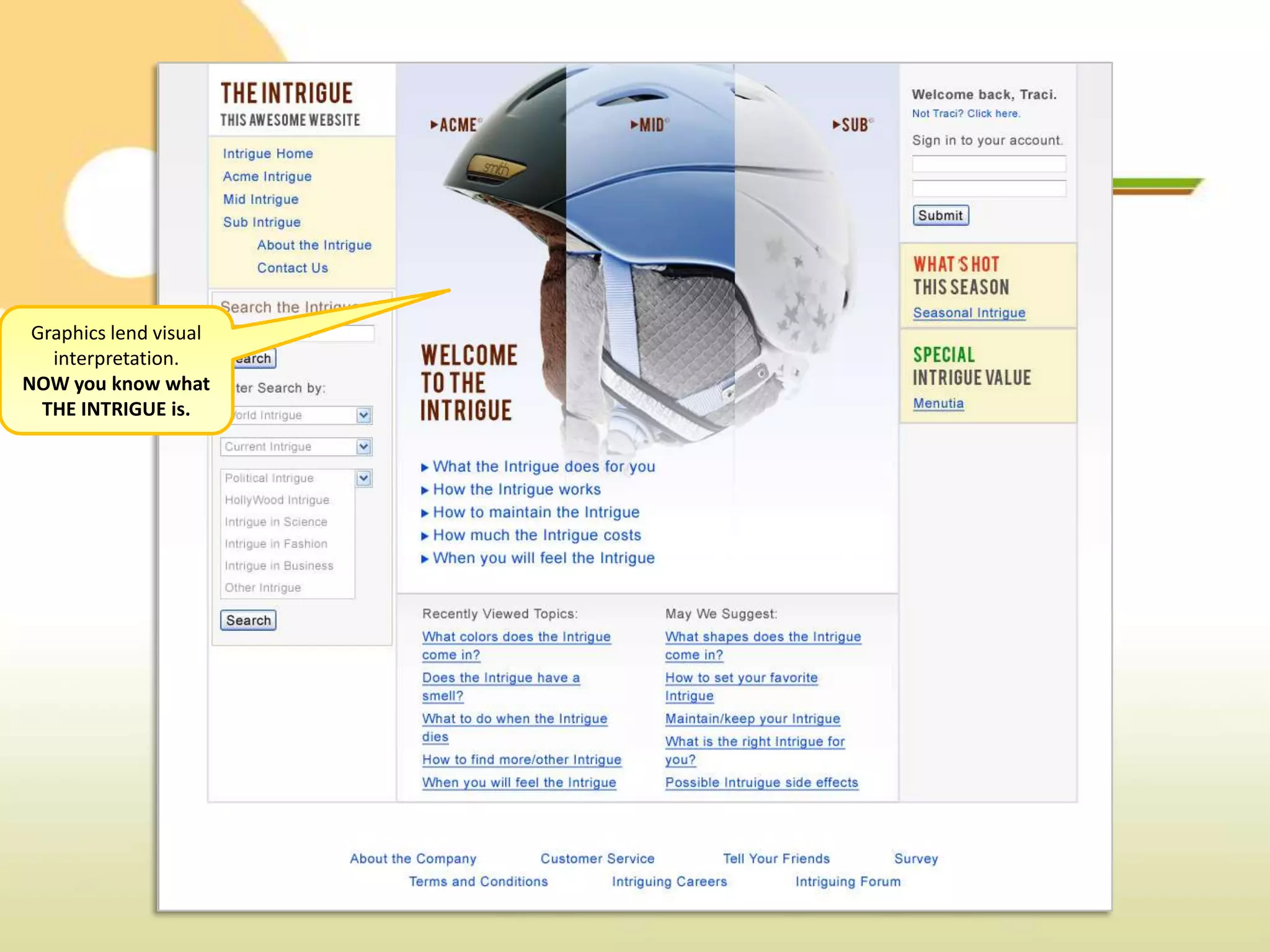
Graphics lend visual
   interpretation.
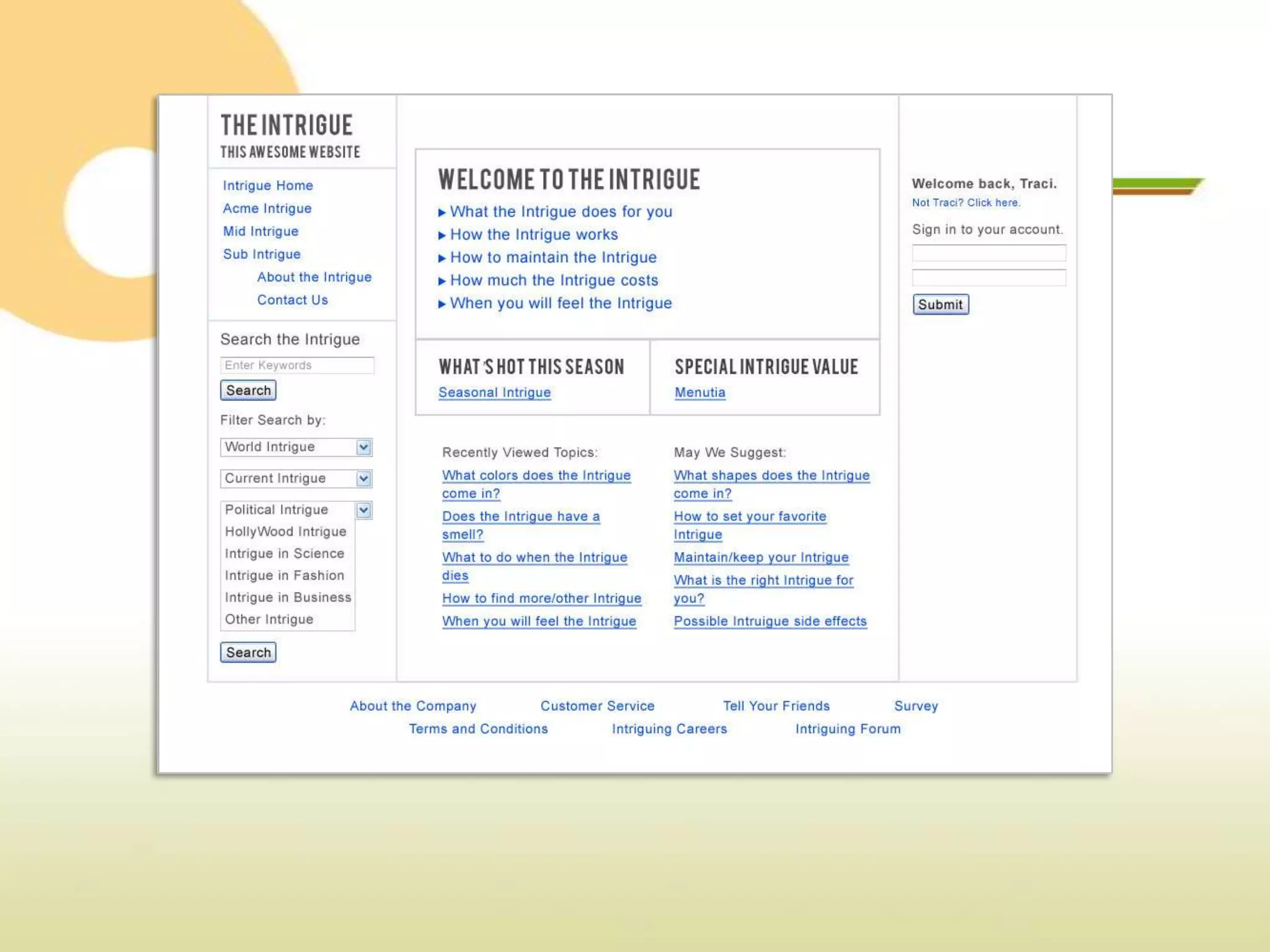
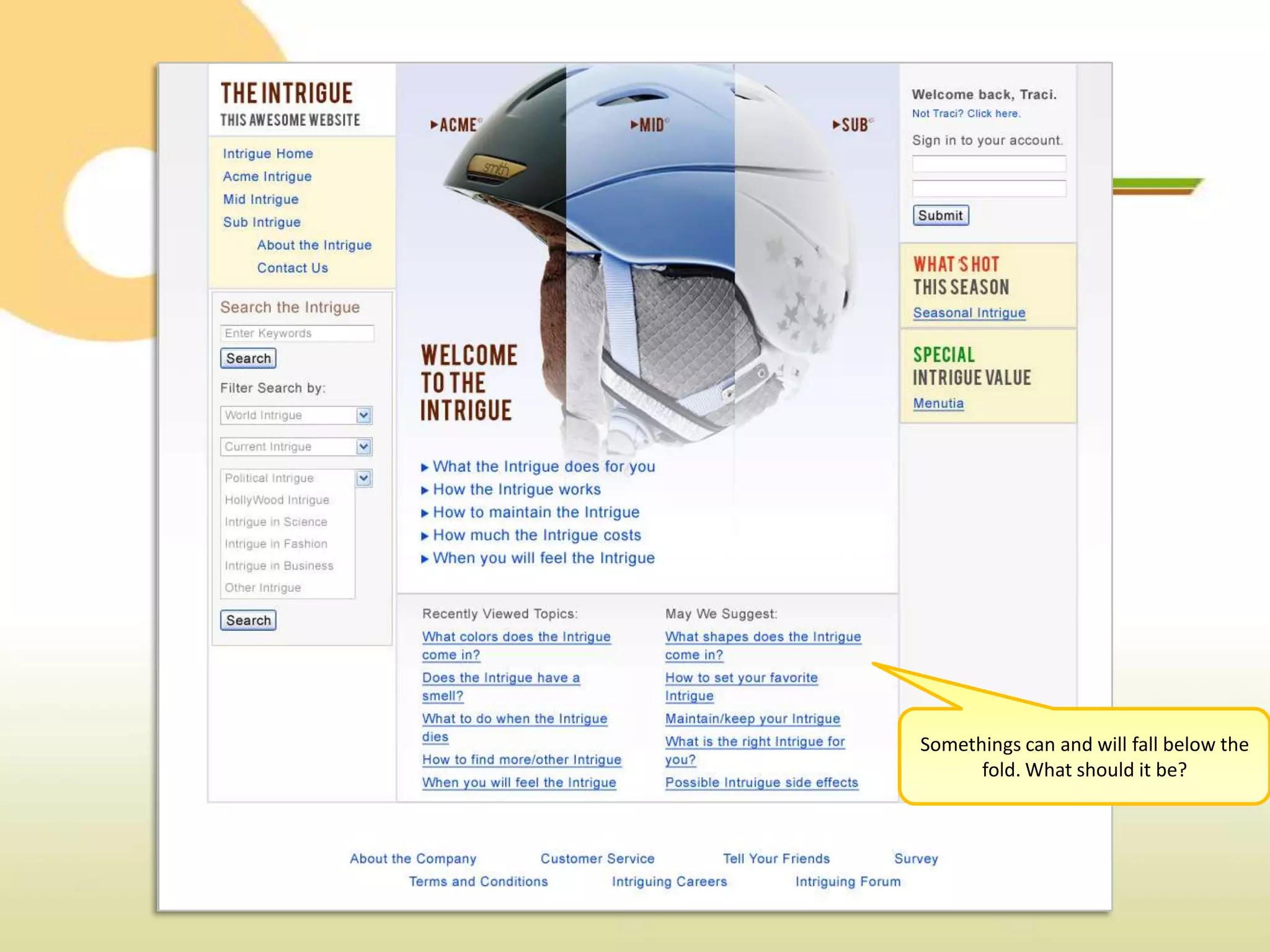
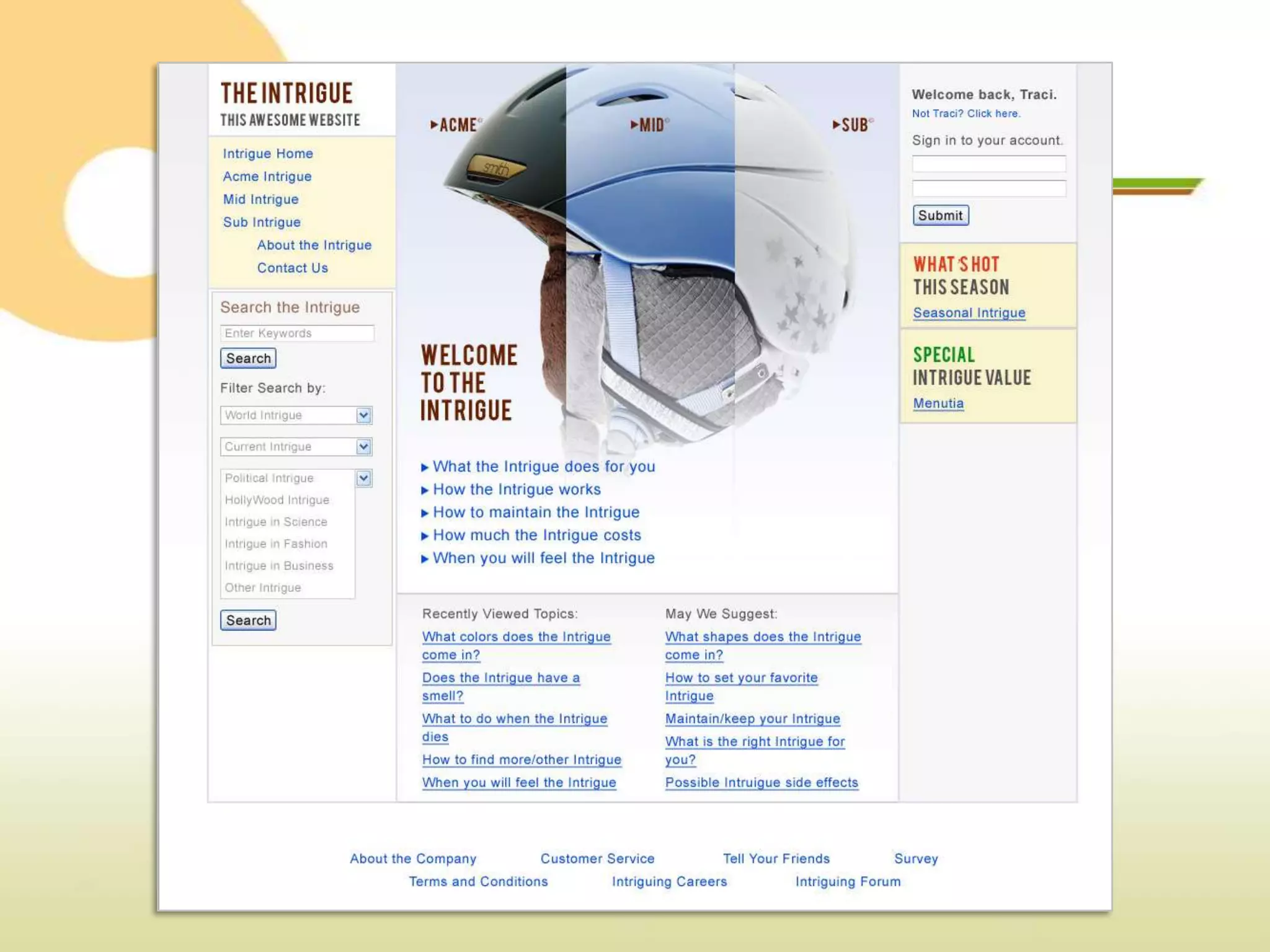
NOW you know what
  THE INTRIGUE is.
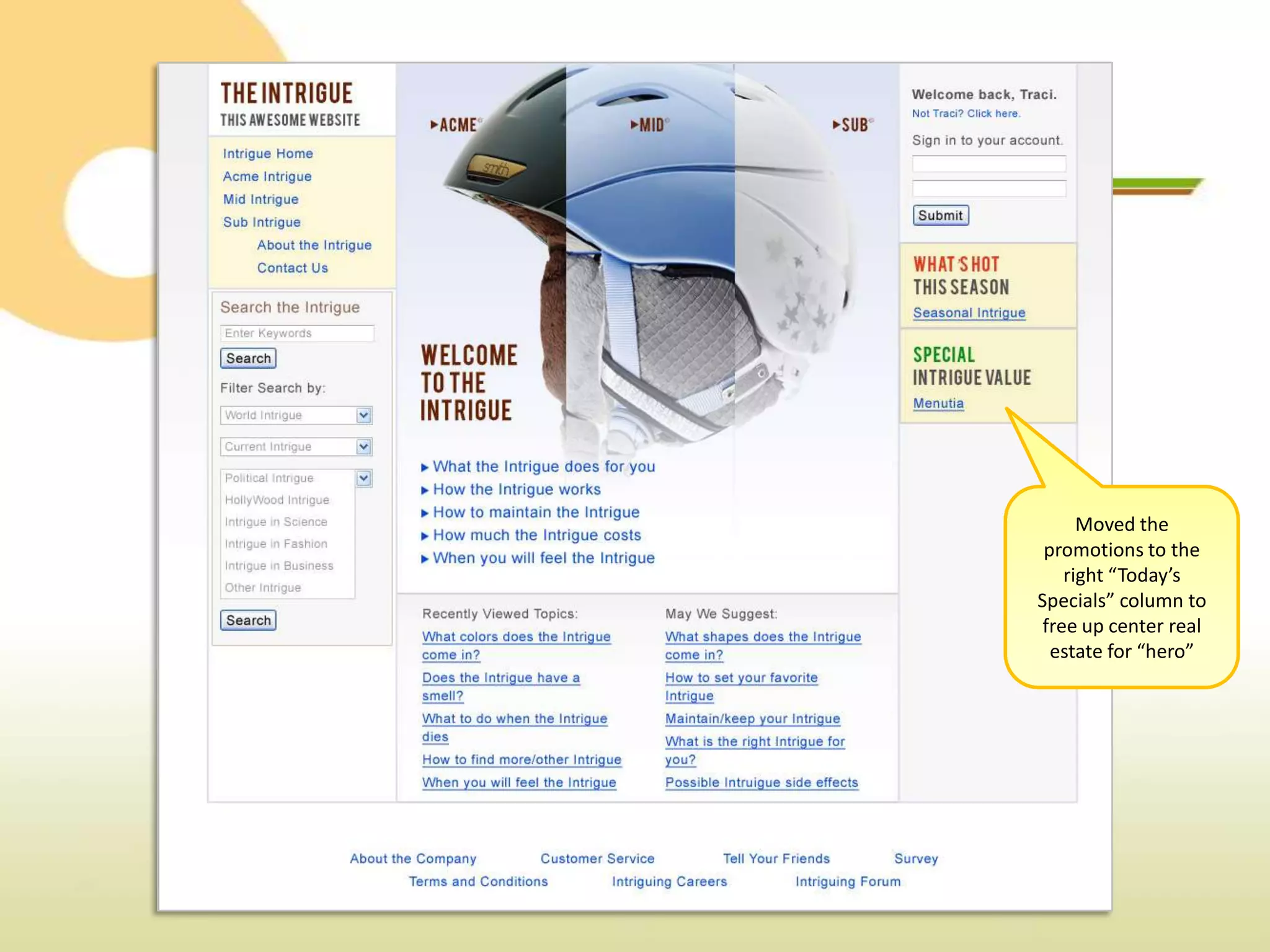
Moved the
 promotions to the
    right “Today’s
Specials” column to
 free up center real
  estate for “hero”
Somethings can and will fall below the
      fold. What should it be?
Smart Design For Small Business

Smart Design For Small Business