What is Multimedia?
The word Multimedia is a
formation of two words multi and
media. Where multi can be
associated with “many” and media
can be known as videos, images,
graphics, sound, drawing and
animations.
Multimedia is an essential avenue to
transform unique adaptations of a
literary genre, thus, making learning
outputs interesting and productive. To
have a creative adaptation of literary
genres, the following concepts have to
take into considerations.
A multimedia is any electronic
application used to teach lessons or to
further educate learners on a
particular topic. It is a presentation of
material that uses both words and
pictures in a combination of text, voice,
picture or video.
Multimedia and its Concepts
Using interactive digital tools to tell a
story is called digital storytelling and
often uses a combination of multimedia
venues to complete the task. The use of
multimedia allows educational ideas and
materials to be presented in a more
artistic, inspired and engaging way.
Multimedia and its Concepts
Categories of Multimedia
Linear Multimedia:
It is also called Non-interactive multimedia. In the
case of linear multimedia, the end-user cannot control the
content of the application. It has literally no interactivity of
any kind. Some multimedia projects like movies in which
material is thrown in a linear fashion from beginning to
end. A linear multimedia application lacks all the features
with the help of which, a user can interact with the
application such as the ability to choose different options,
click on icons, control the flow of the media, or change the
pace at which the media is displayed. Linear multimedia
works very well for providing information to a large group
of people such as at training sessions, seminars,
workplace meetings, etc.
Categories of Multimedia
Non-Linear Multimedia:
In Non-Linear multimedia, the end-user is
allowed the navigational control to rove through
multimedia content at his own desire. The user
can control the access of the application. Non-
linear offers user interactivity to control the
movement of data. For example computer games,
websites, self-paced computer-based training
packages, etc.
Uses of Multimedia and its Formats
There are many uses of multimedia
for a deeper understanding of a lesson.
Audiobooks are ideal for second-
language learners. Song files and music
videos can be used to compare social
norms in different eras. Multimedia can
offer students a better understanding of
the lesson.
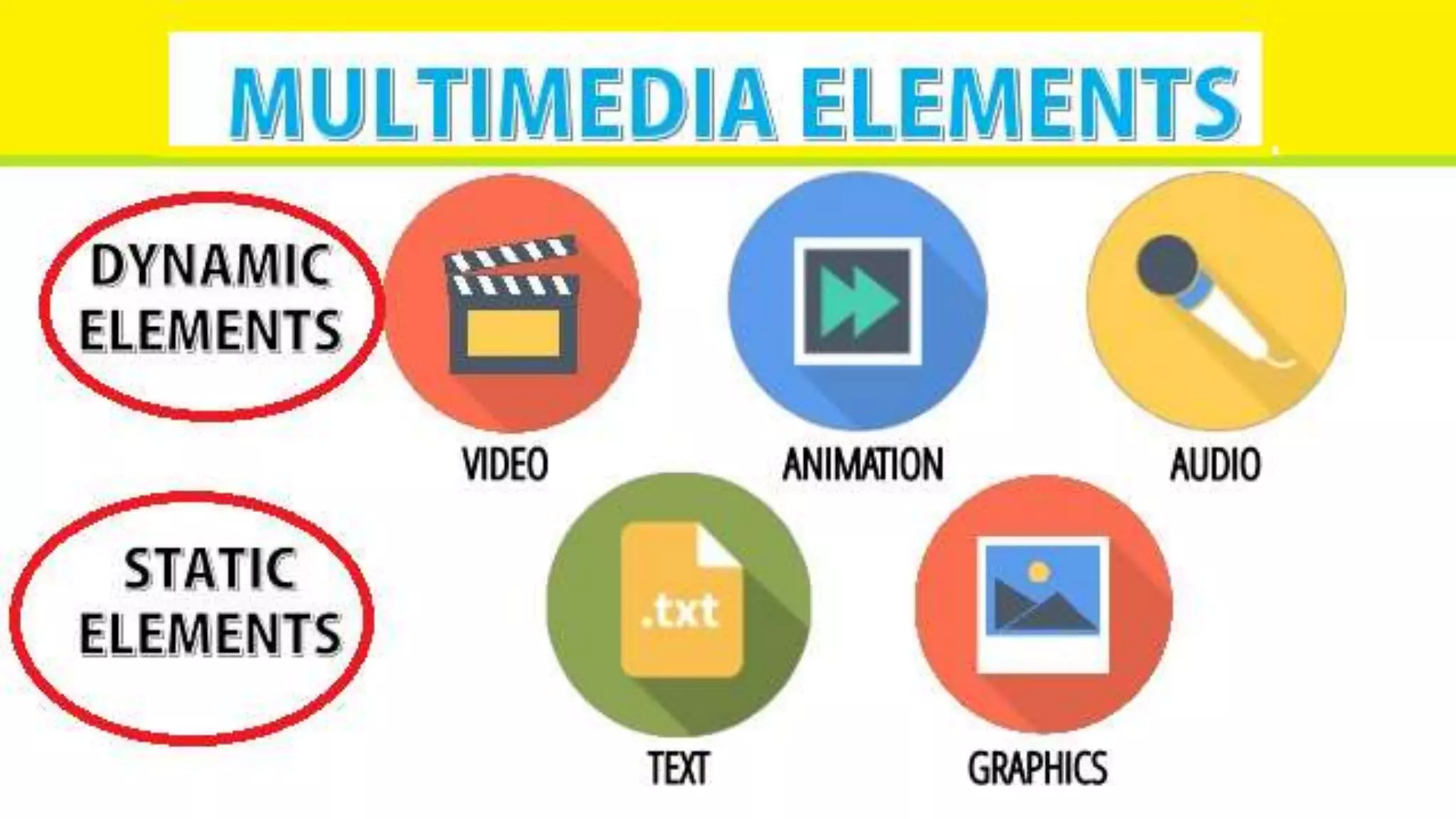
The multimedia formats from various media
includes:
text and graphics for slideshows, presentations
diagrams and infographics
Audio has podcasts and recordings
Screen captures, lecture captures and
animation are examples of video components of
multimedia
Other multimedia components include blogs,
vlogs, webinars and other interactive content.
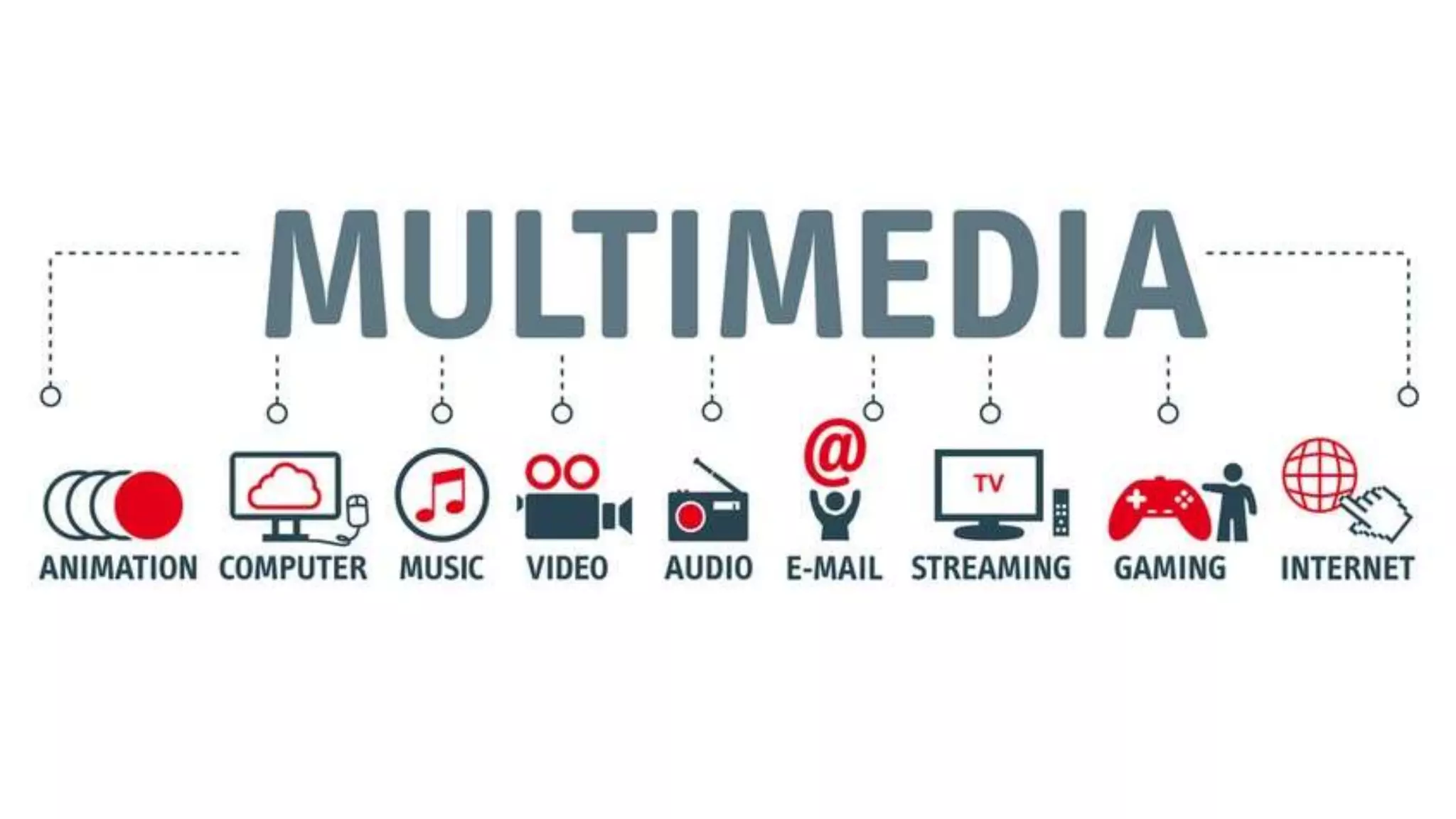
Multimedia applications include the
interaction of different media types like
animation, video, text and sound. It has
become a part of our lives as soon as we
entered the digital age. Before the modern
technology, there are tools helping us
appreciate some of the types of multimedia
such as videos on television. There are
various components of multimedia such as:
1. Videos
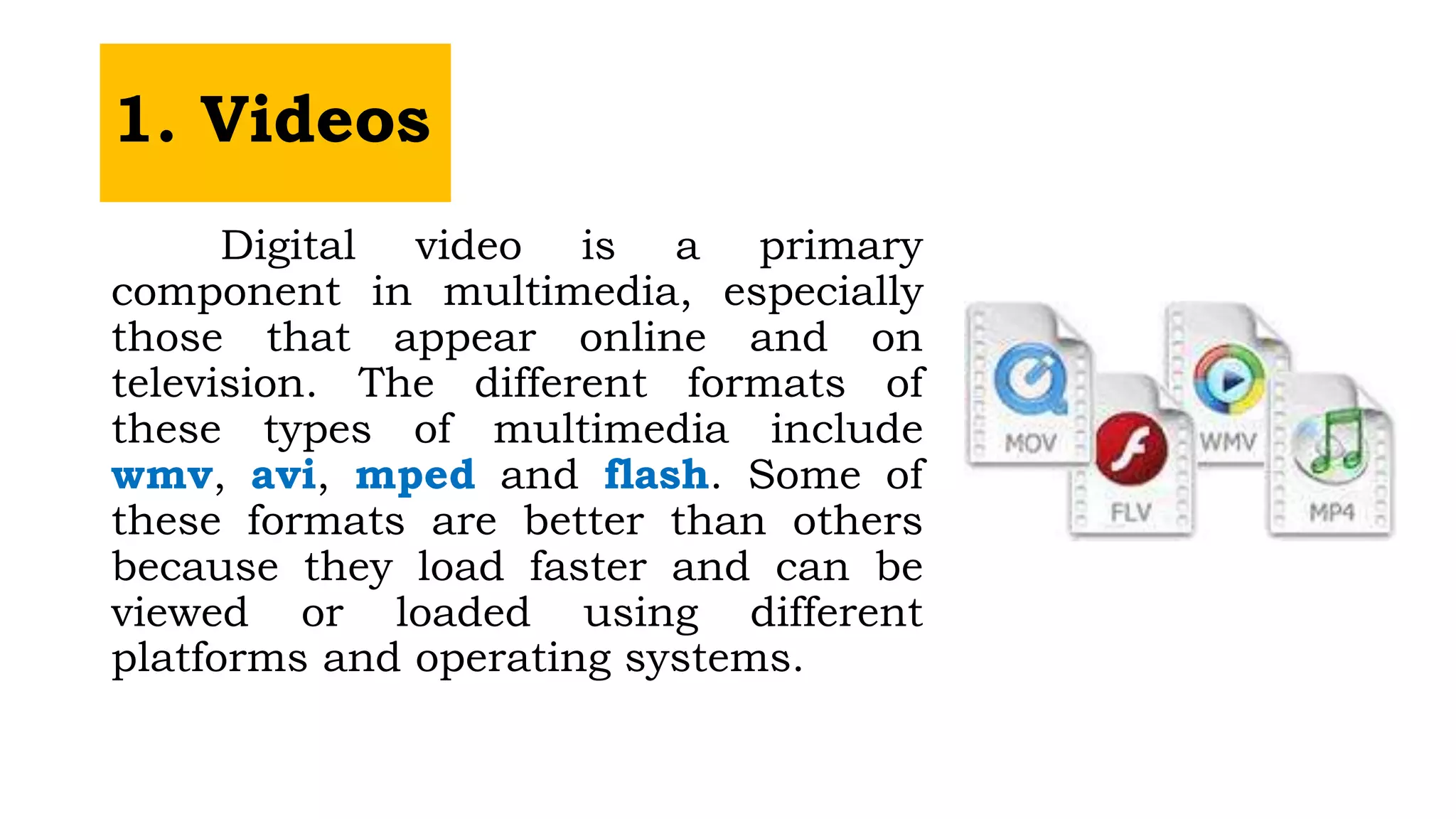
Digital video is a primary
component in multimedia, especially
those that appear online and on
television. The different formats of
these types of multimedia include
wmv, avi, mped and flash. Some of
these formats are better than others
because they load faster and can be
viewed or loaded using different
platforms and operating systems.
2. Animation
Animation is a form of art
for most people, especially
those that are in the business
of producing animated movies.
Right now, animation has
become interactive, allowing
users to directly affect the
outcome of animated
components and events. Flash
is the most common platform
for animation, and using this
component, the interactivity of
animation is enhanced.
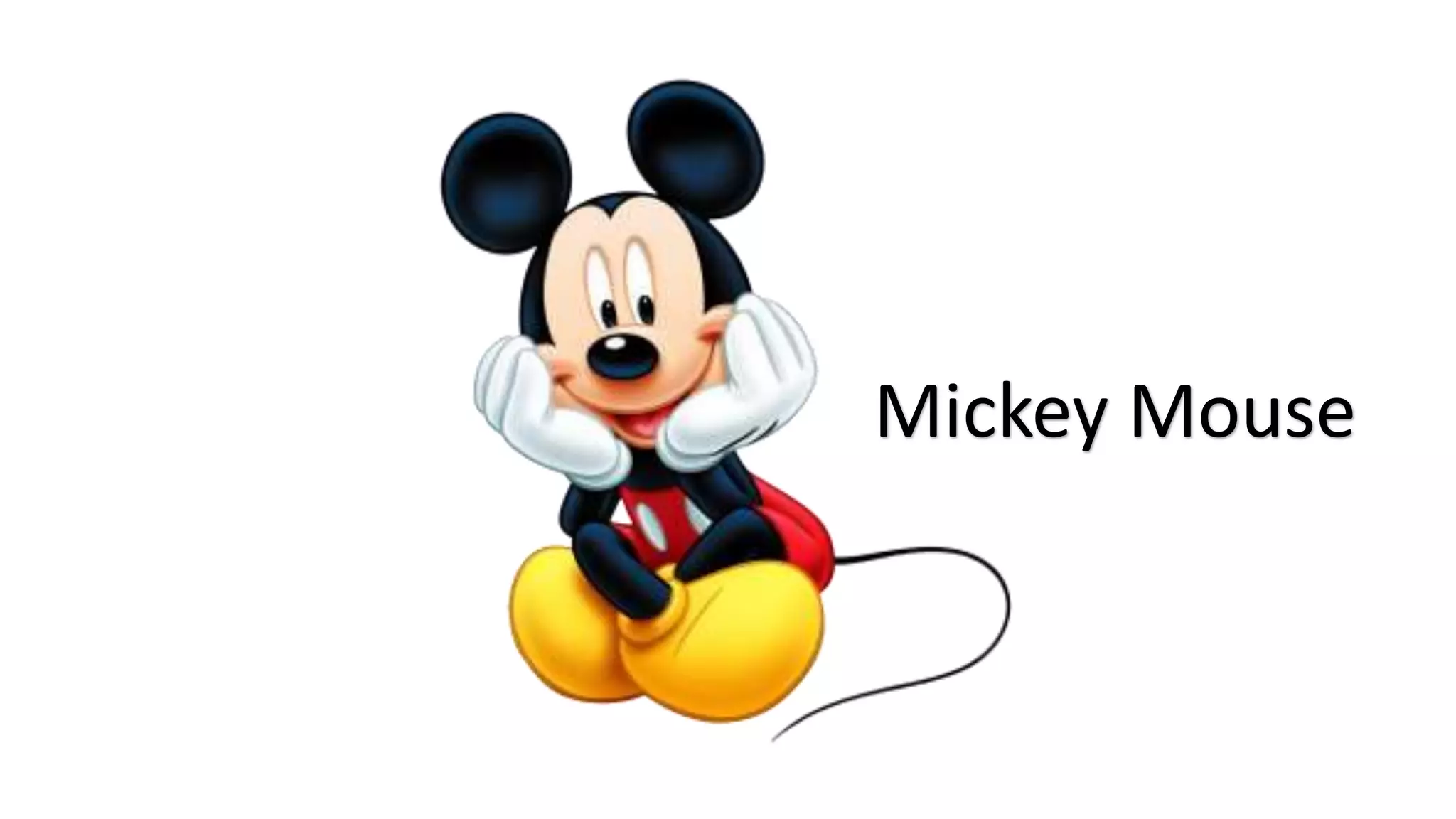
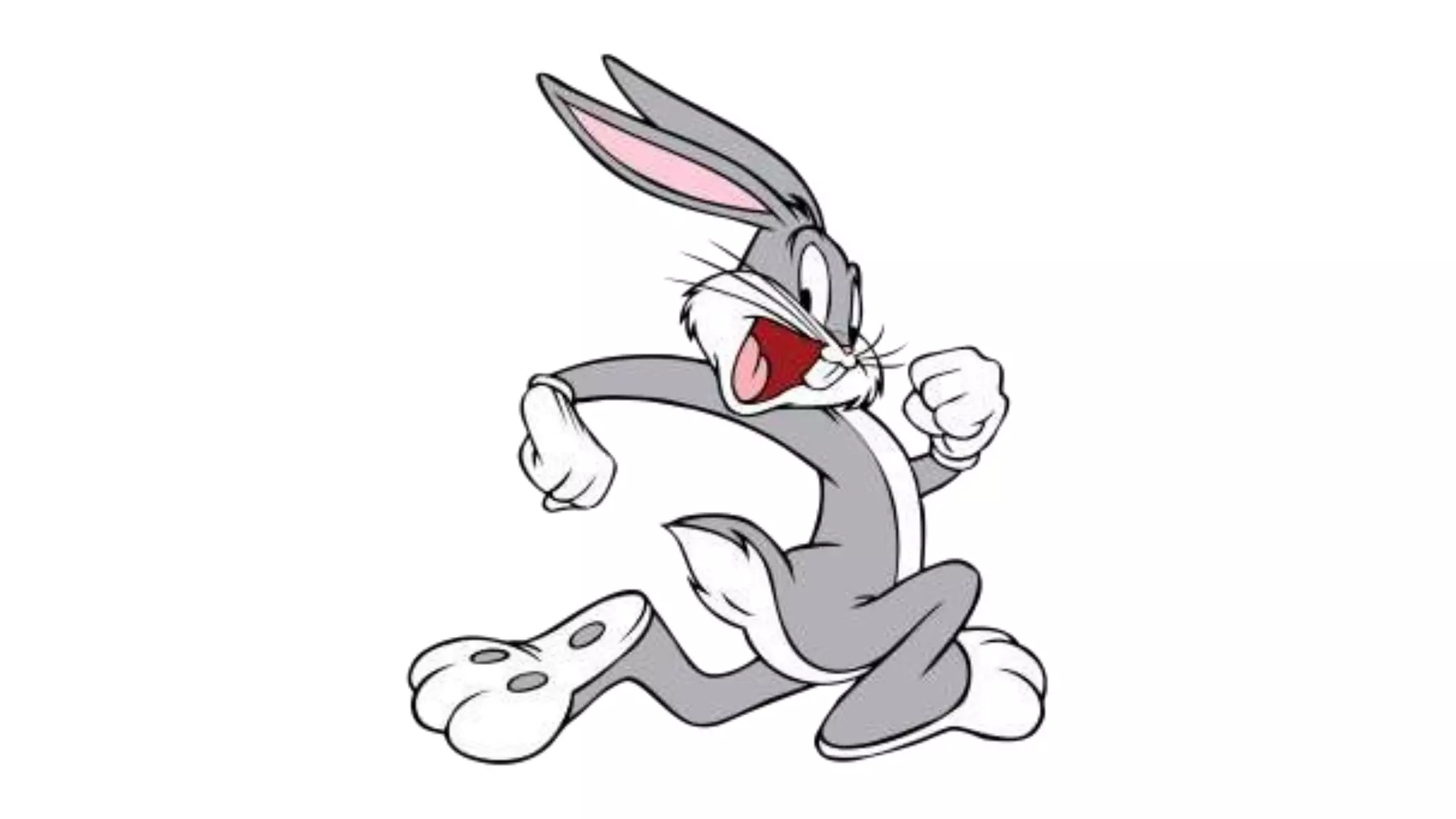
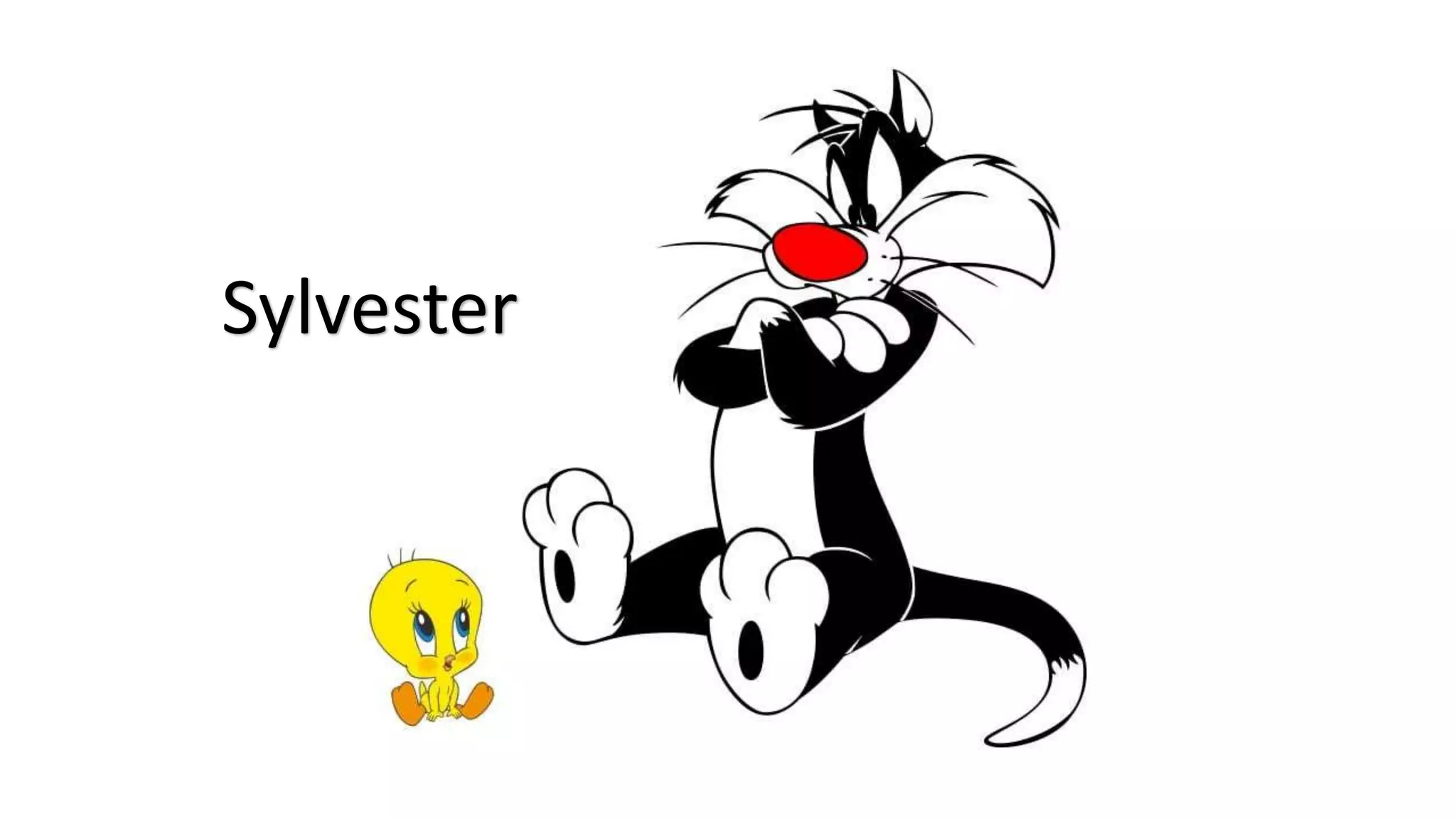
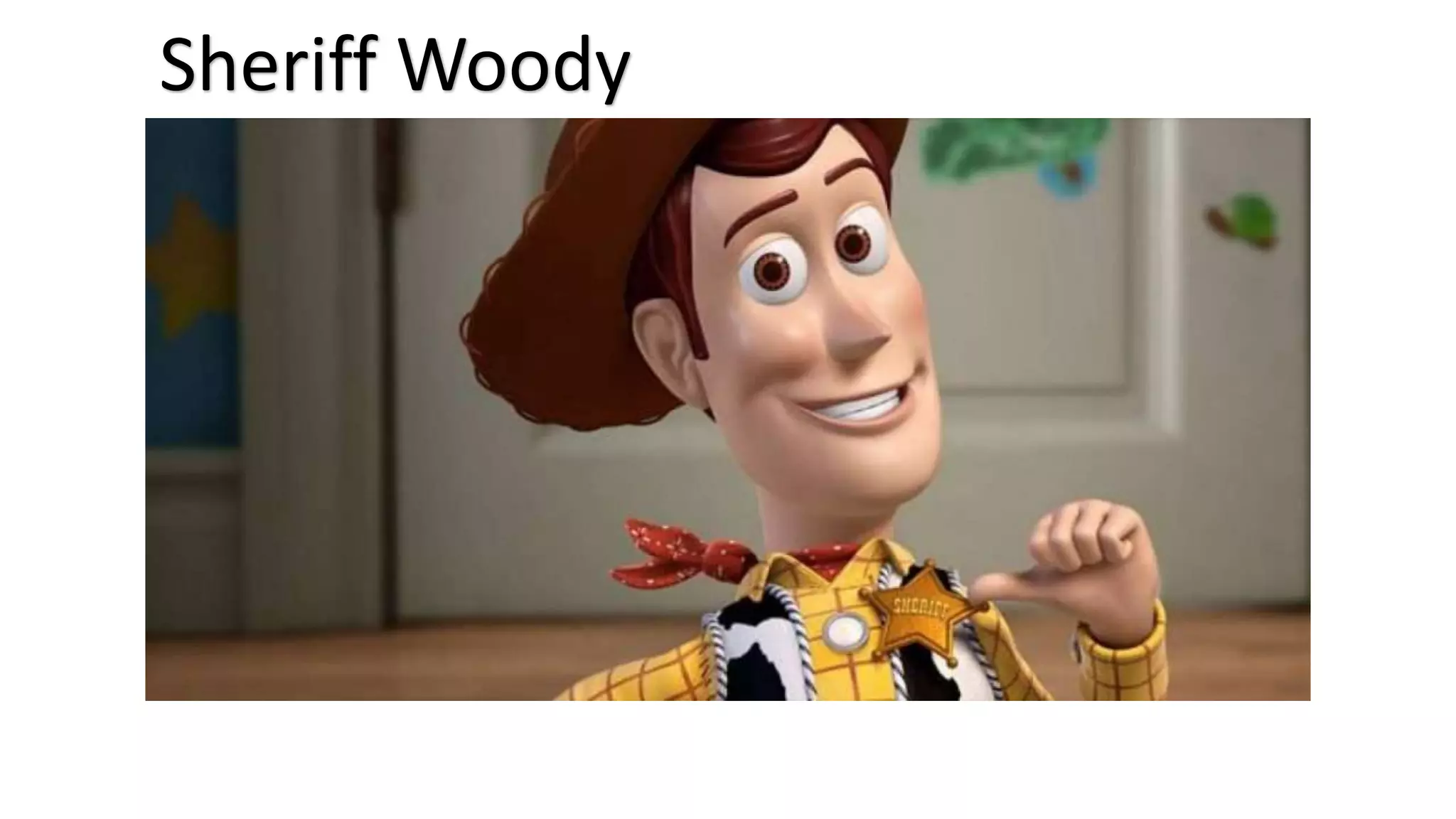
Animation refers to moving graphics
images. It is especially useful for illustrating
concepts that involve movement.
Mickey Mouse
Scooby Doo
Sylvester
Sheriff Woody
3. Text
Text has always been and will
always been the most common among
the types of multimedia components
in different applications. Text in
combination with other media
components can make any application
more user-friendly. By using text,
interactivity is increased. Text
elements are particularly important
for accessibility purposes. Users of an
application need to input text for the
system to identify them. Text is also
used to create a digital signature,
such as in passwords.
4. Images
Digital image files are
needed to create videos and
animation. A user would sooner
go to a website filled with
colourful photographs than one
that contains only text
elements. Familiar image
formats include jpeg and png.
These formats permit editing.
Images are created by graphic
designers using various
software.
5. Audio
Voiceovers comprise a
tremendous number of
the types of multimedia
components. Audio files
include background
music and special effects.
Any audio in an
application is designed to
improve a user’s
experience.
Characteristic of a Multimedia
Multimedia can be used in the presentations, making
them more fun and interesting.
A multimedia presentation has various viewing options
such as projector or a media player and the like.
You can also download the multimedia presentation or
play it live.
The technology of multimedia can also be used to
make the information be conveyed more easily to the
user.
Multimedia technology has improved the learning
experience by combining various forms of media
together.
D. Benefits of Using Multimedia
Digital storytelling allows students to improve their
knowledge about a specific subject and increases skills
such as writing, researching and reading.
Using multimedia improve a learner’s overall academic
performance. In particular, multimedia in the classroom
is used for self-directed learning or SDL.
Students manage their time and assess what needs to
be included in their learning activities. This style of
learning is used mostly with older students who already
know how to manipulate many of the multimedia venues
available to them.
MULTIMEDIA.pptx

MULTIMEDIA.pptx

  • 2.
    What is Multimedia? Theword Multimedia is a formation of two words multi and media. Where multi can be associated with “many” and media can be known as videos, images, graphics, sound, drawing and animations.
  • 3.
    Multimedia is anessential avenue to transform unique adaptations of a literary genre, thus, making learning outputs interesting and productive. To have a creative adaptation of literary genres, the following concepts have to take into considerations.
  • 4.
    A multimedia isany electronic application used to teach lessons or to further educate learners on a particular topic. It is a presentation of material that uses both words and pictures in a combination of text, voice, picture or video. Multimedia and its Concepts
  • 7.
    Using interactive digitaltools to tell a story is called digital storytelling and often uses a combination of multimedia venues to complete the task. The use of multimedia allows educational ideas and materials to be presented in a more artistic, inspired and engaging way. Multimedia and its Concepts
  • 8.
    Categories of Multimedia LinearMultimedia: It is also called Non-interactive multimedia. In the case of linear multimedia, the end-user cannot control the content of the application. It has literally no interactivity of any kind. Some multimedia projects like movies in which material is thrown in a linear fashion from beginning to end. A linear multimedia application lacks all the features with the help of which, a user can interact with the application such as the ability to choose different options, click on icons, control the flow of the media, or change the pace at which the media is displayed. Linear multimedia works very well for providing information to a large group of people such as at training sessions, seminars, workplace meetings, etc.
  • 9.
    Categories of Multimedia Non-LinearMultimedia: In Non-Linear multimedia, the end-user is allowed the navigational control to rove through multimedia content at his own desire. The user can control the access of the application. Non- linear offers user interactivity to control the movement of data. For example computer games, websites, self-paced computer-based training packages, etc.
  • 10.
    Uses of Multimediaand its Formats There are many uses of multimedia for a deeper understanding of a lesson. Audiobooks are ideal for second- language learners. Song files and music videos can be used to compare social norms in different eras. Multimedia can offer students a better understanding of the lesson.
  • 11.
    The multimedia formatsfrom various media includes: text and graphics for slideshows, presentations diagrams and infographics Audio has podcasts and recordings Screen captures, lecture captures and animation are examples of video components of multimedia Other multimedia components include blogs, vlogs, webinars and other interactive content.
  • 12.
    Multimedia applications includethe interaction of different media types like animation, video, text and sound. It has become a part of our lives as soon as we entered the digital age. Before the modern technology, there are tools helping us appreciate some of the types of multimedia such as videos on television. There are various components of multimedia such as:
  • 14.
    1. Videos Digital videois a primary component in multimedia, especially those that appear online and on television. The different formats of these types of multimedia include wmv, avi, mped and flash. Some of these formats are better than others because they load faster and can be viewed or loaded using different platforms and operating systems.
  • 16.
    2. Animation Animation isa form of art for most people, especially those that are in the business of producing animated movies. Right now, animation has become interactive, allowing users to directly affect the outcome of animated components and events. Flash is the most common platform for animation, and using this component, the interactivity of animation is enhanced. Animation refers to moving graphics images. It is especially useful for illustrating concepts that involve movement.
  • 17.
  • 19.
  • 20.
  • 21.
  • 22.
    3. Text Text hasalways been and will always been the most common among the types of multimedia components in different applications. Text in combination with other media components can make any application more user-friendly. By using text, interactivity is increased. Text elements are particularly important for accessibility purposes. Users of an application need to input text for the system to identify them. Text is also used to create a digital signature, such as in passwords.
  • 23.
    4. Images Digital imagefiles are needed to create videos and animation. A user would sooner go to a website filled with colourful photographs than one that contains only text elements. Familiar image formats include jpeg and png. These formats permit editing. Images are created by graphic designers using various software.
  • 24.
    5. Audio Voiceovers comprisea tremendous number of the types of multimedia components. Audio files include background music and special effects. Any audio in an application is designed to improve a user’s experience.
  • 25.
    Characteristic of aMultimedia Multimedia can be used in the presentations, making them more fun and interesting. A multimedia presentation has various viewing options such as projector or a media player and the like. You can also download the multimedia presentation or play it live. The technology of multimedia can also be used to make the information be conveyed more easily to the user. Multimedia technology has improved the learning experience by combining various forms of media together.
  • 26.
    D. Benefits ofUsing Multimedia Digital storytelling allows students to improve their knowledge about a specific subject and increases skills such as writing, researching and reading. Using multimedia improve a learner’s overall academic performance. In particular, multimedia in the classroom is used for self-directed learning or SDL. Students manage their time and assess what needs to be included in their learning activities. This style of learning is used mostly with older students who already know how to manipulate many of the multimedia venues available to them.