Annotating designs for accessibility
ID24 2021
Sarah Pulis
Director, Accessibility Services
sarahtp
Claire Webber
Digital Accessibility Consultant
ClaireLWebber
Overview Accessible design
What are annotations?
Annotation examples
So, what next?
Accessible
Design
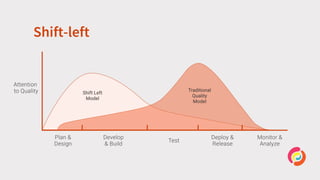
Shift-left
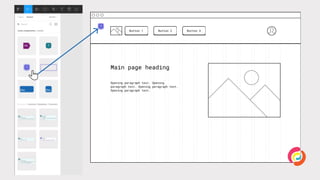
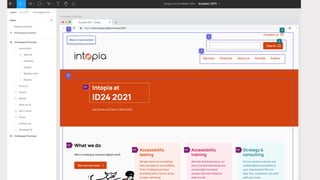
Annotations
Consistent
documentation
Common
understanding
Easy to
act upon
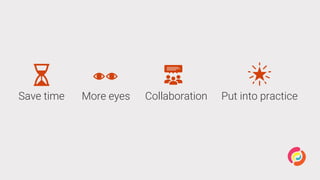
Save time More eyes Collaboration Put into practice
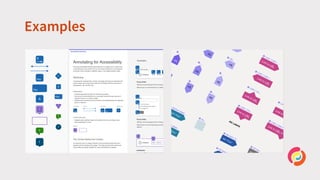
Examples
Using
annotations
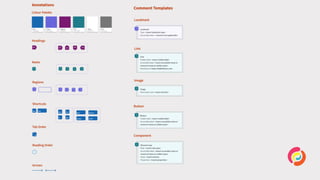
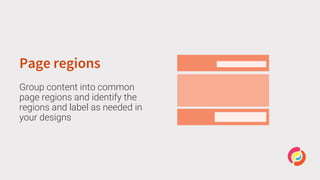
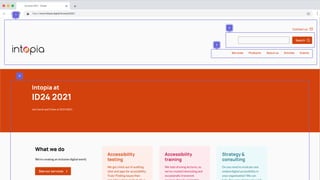
Page regions
Group content into common
page regions and identify the
regions and label as needed in
your designs
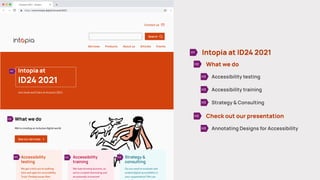
Headings
Organise content using
correctly structured headings
and identify headings and their
level in your designs
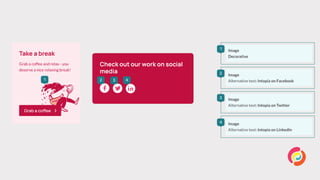
Informative images
Identify informative images and
provide a text alternative that
conveys the meaning or content
in your designs
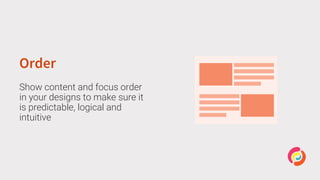
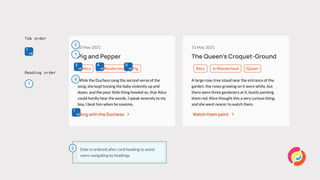
Order
Show content and focus order
in your designs to make sure it
is predictable, logical and
intuitive
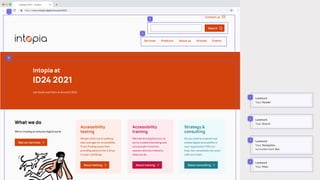
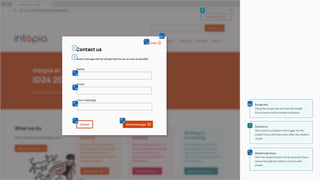
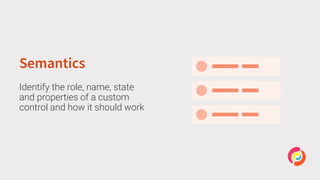
Semantics
Identify the role, name, state
and properties of a custom
control and how it should work
Design systems
Scale Consistency Less effort Be accessible
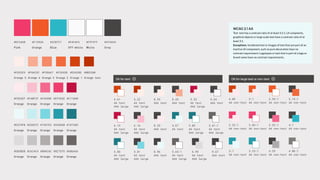
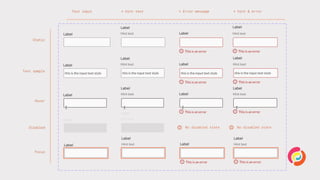
Colour
Use colours that contrast well
for all important information
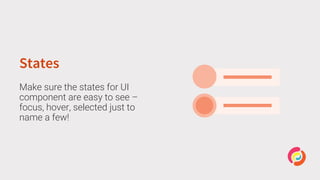
States
Make sure the states for UI
component are easy to see –
focus, hover, selected just to
name a few!
So, what’s
next?
Have a go Start small Lead the way
What’s next for
us?
Let’s chat
Sarah Pulis
Director, Accessibility Services
@sarahtp
sarah@intopia.digital
Claire Webber
Digital Accessibility Consultant
@ClaireLWebber
claire.webber@intopia.digital
@Intopia Intopia intopia.digital hello@intopia.digital
Resources
• Accessibility Toolkit from Jack Nicolai
• Accessibility Bluelines by Jeremy Elder
• A11y Annotation Kit by Indeed (Figma)
• Auditing Design Systems for Accessibility By Anna Cook

Annotating designs for accessibility