Getting Down and
Dirty with Accessibility
and Usability
                  Karen Mardahl
                 2 October 2012
                      #TCUK12
Today’s workshop
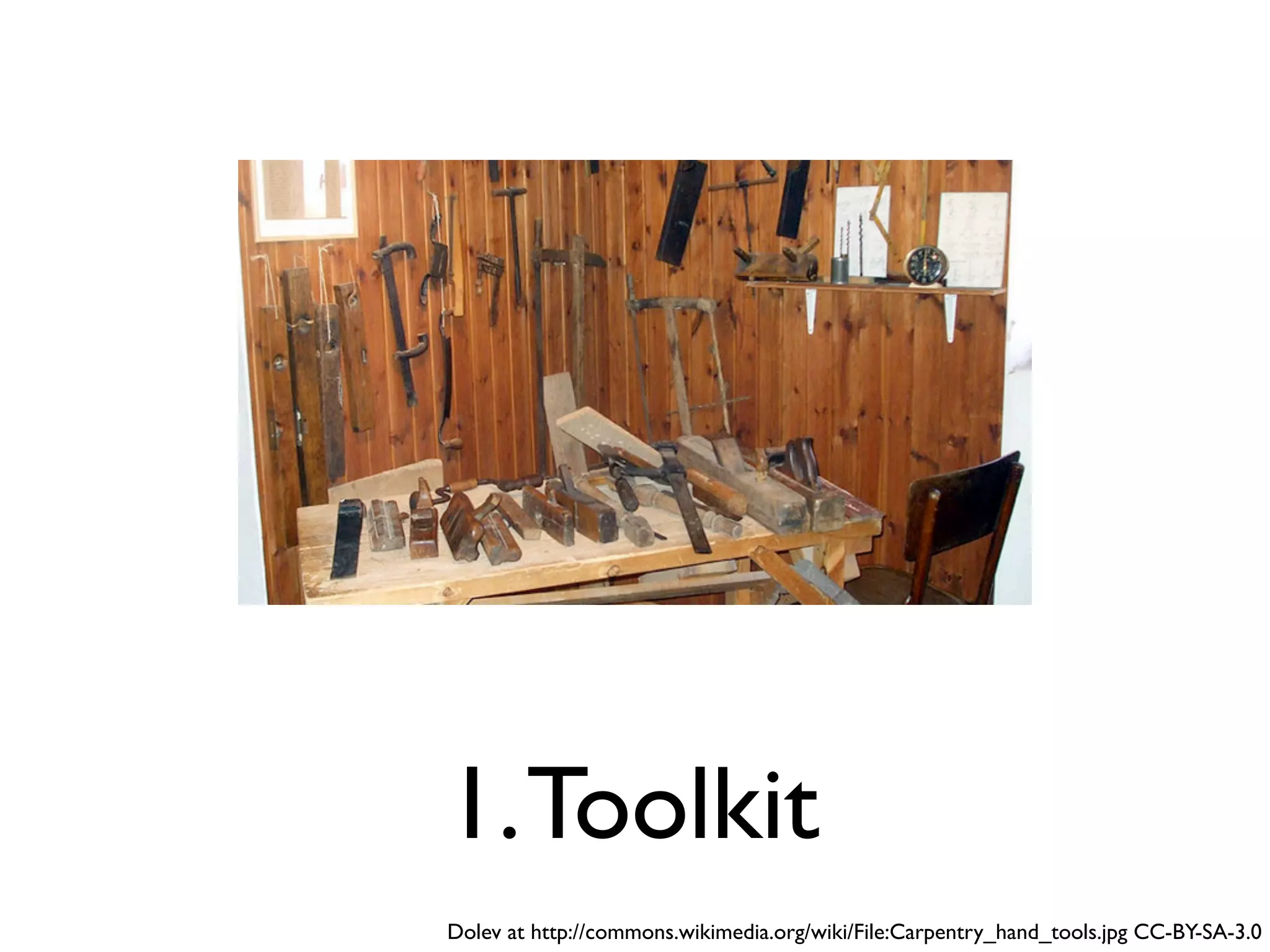
1. Toolkit
Dolev at http://commons.wikimedia.org/wiki/File:Carpentry_hand_tools.jpg CC-BY-SA-3.0
2. Application
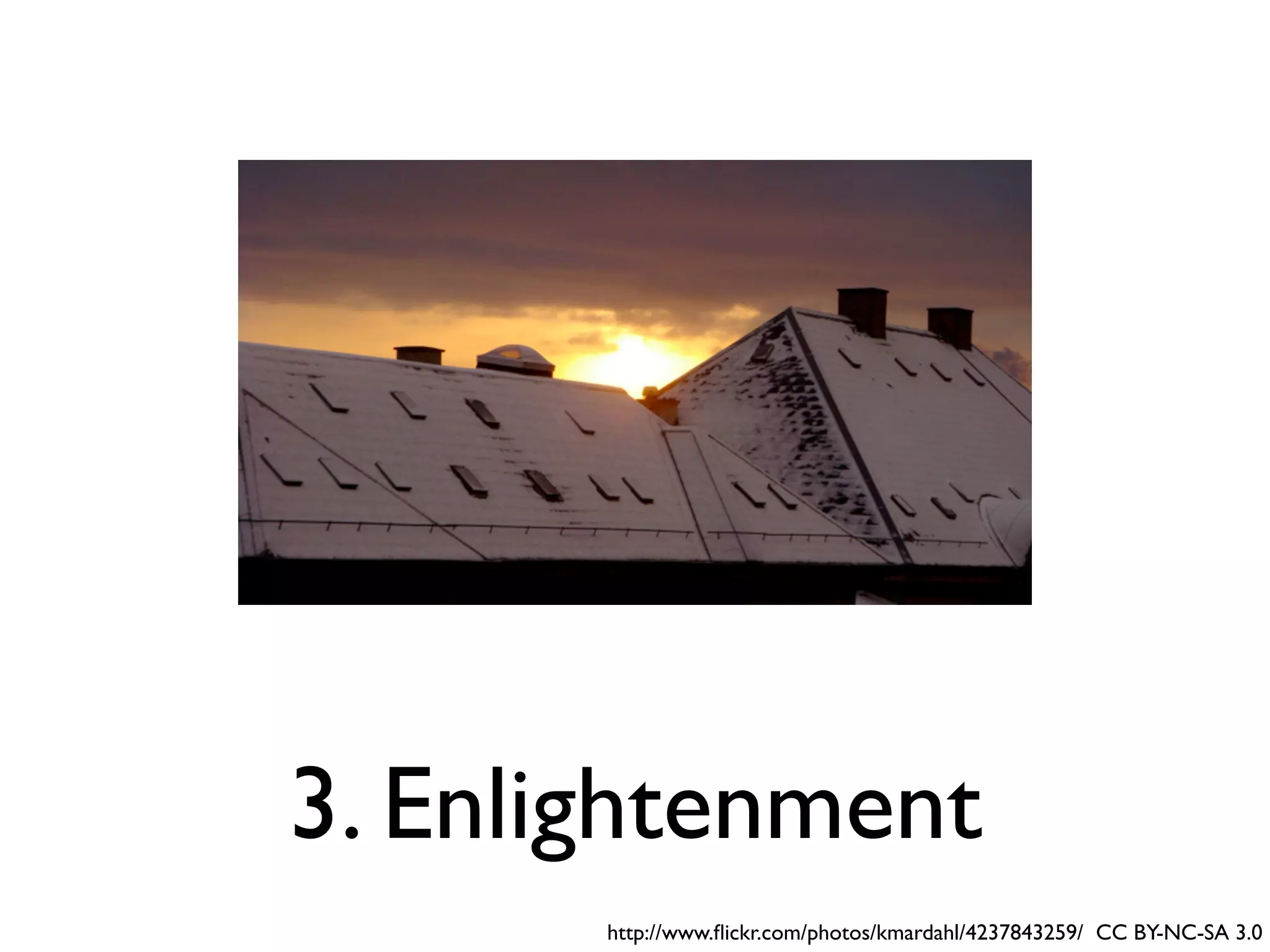
3. Enlightenment
       http://www.flickr.com/photos/kmardahl/4237843259/ CC BY-NC-SA 3.0
BAD Demo


• The Before-and-After Demo
  http://www.w3.org/WAI/demos/bad/
Good examples of
   accessible websites

• http://terrillthompson.com/blog/229
• http://www.accessiweb.org/index.php/
  galerie.html
<alt>

• http://dev.w3.org/html5/alt-techniques/
• http://webaim.org/techniques/alttext/
• http://www.joedolson.com/articles/2012/06/
  the-case-missing-alt-attribute/
• Remember <alt=””>
<title>


• http://www.paciellogroup.com/blog/
  2010/11/using-the-html-title-attribute/
<longdesc>

• Just do it, but...
• http://webaim.org/techniques/images/
  longdesc
• Tables...
Headings and Structure
• Logical!
• Skip to main content links (blind &
  keyboard users)
• Sequence and patterns (non-linear
  navigation - reading order)
• Style guides (for consistency)
• ARIA
Lists:
   <ol>
   <ul>
    <li>
& CSS styling
Keyboard-only access

• Do it with a keyboard
• http://webaim.org/techniques/keyboard/
• <tabindex>
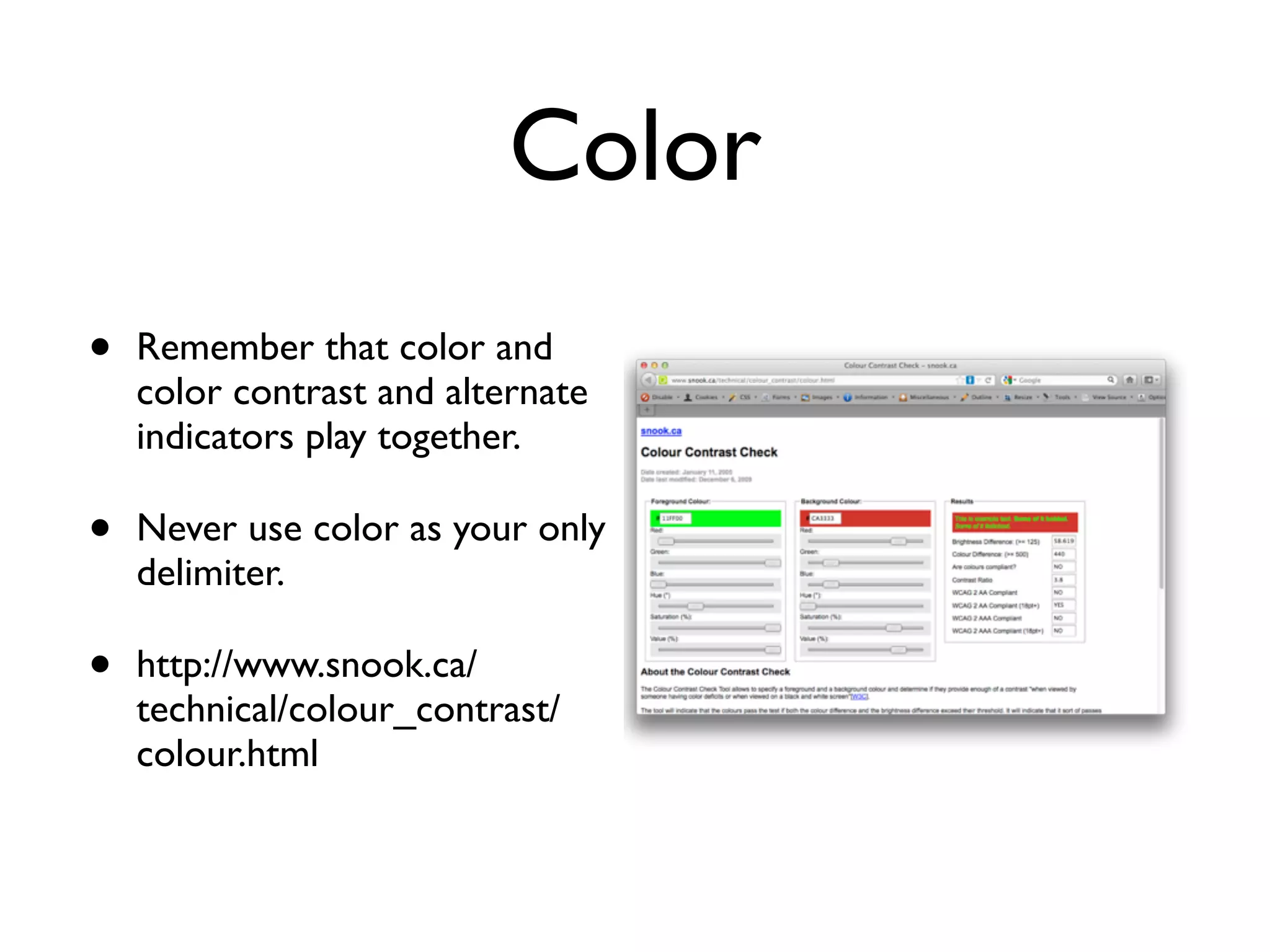
Color
•   Remember that color and
    color contrast and alternate
    indicators play together.

•   Never use color as your only
    delimiter.

•   http://www.snook.ca/
    technical/colour_contrast/
    colour.html
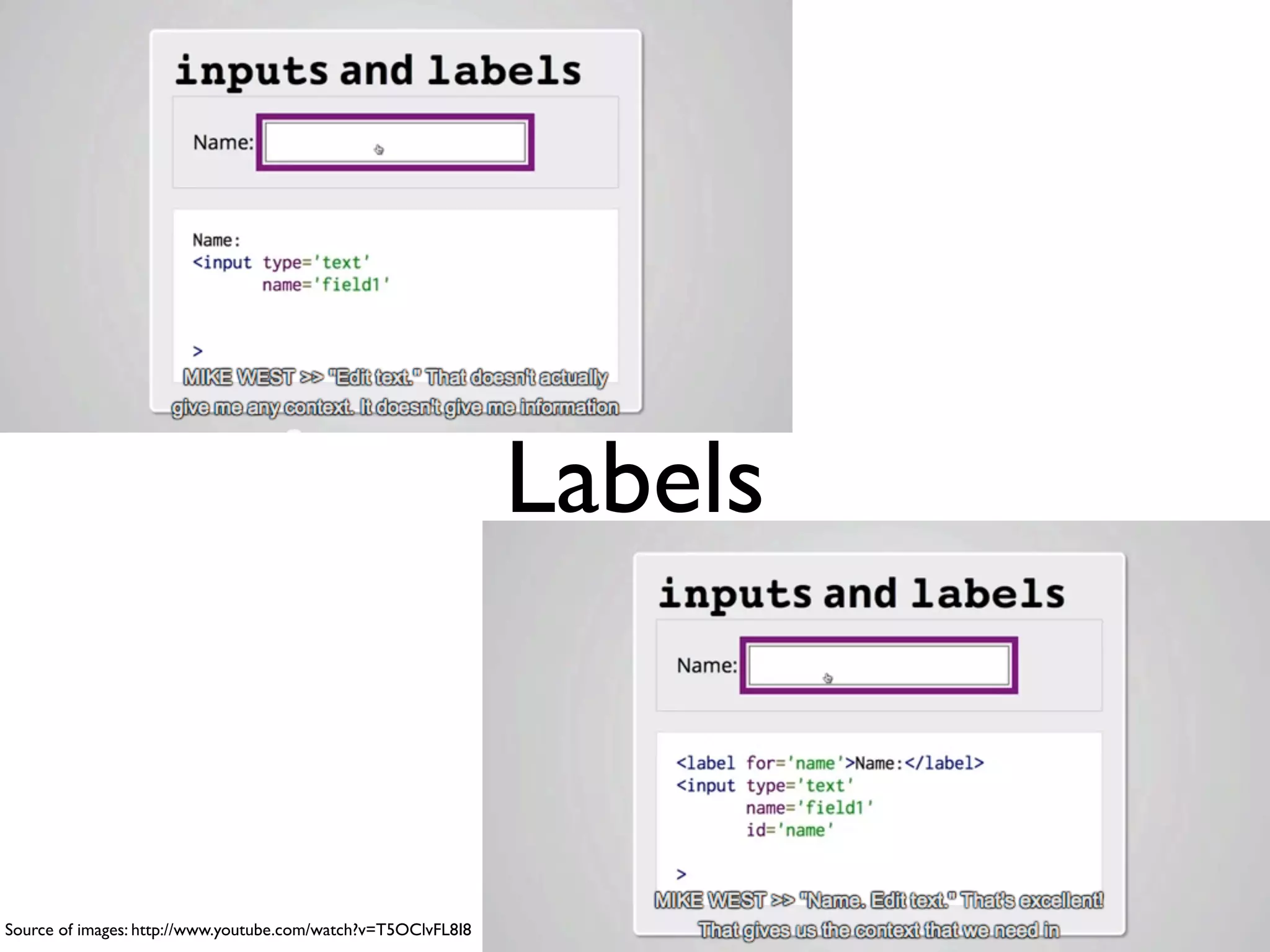
Labels


Source of images: http://www.youtube.com/watch?v=T5OClvFL8I8
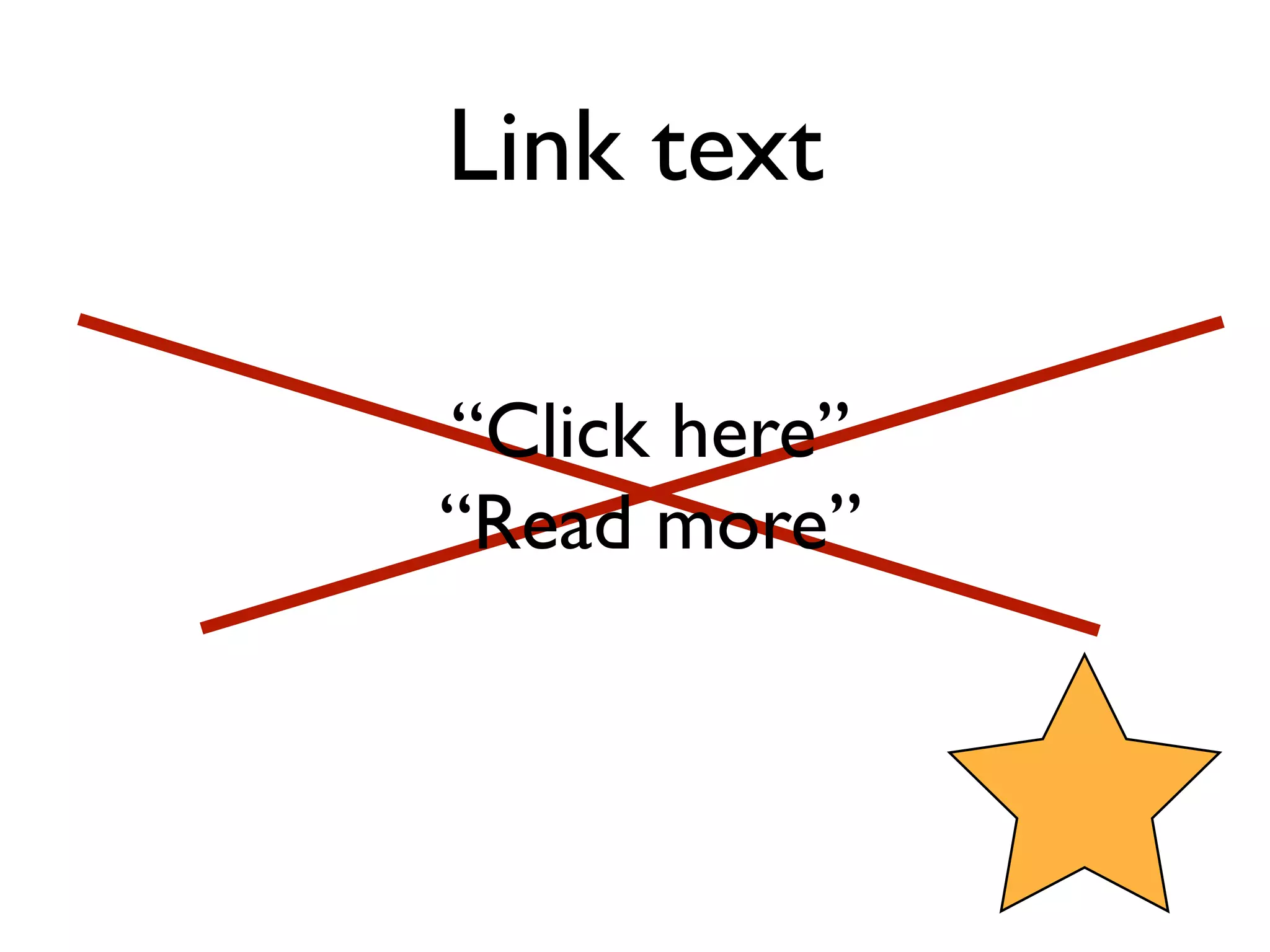
Link text

“Click here”
“Read more”
Plain Language
• http://www.designtoread.com/
• US: Center for Plain Language
  http://centerforplainlanguage.org/
• US: Plain Language in the Federal
  government http://www.plainlanguage.gov/
  http://www.plainlanguage.gov/howto/
  quickreference/checklist.cfm
• UK: Plain Language Commission
  http://www.clearest.co.uk/
“How to Write
Clearly” in 23 languages
•   http://ec.europa.eu/ipg/
    index_en.htm – leads to info
    about accessibility

•   http://ec.europa.eu/translation/
    index_en.htm – go to the link
    for “How to write clearly”. It
    takes you to the EU bookshop

•   http://bookshop.europa.eu/is-bin/
    INTERSHOP.enfinity/WFS/EU-
    Bookshop-Site/en_GB/-/EUR/
    ViewPublication-Start?
    PublicationKey=HC3010536
Text Size

• http://www.smashingmagazine.com/
  2011/10/07/16-pixels-body-copy-anything-
  less-costly-mistake/
• http://www.zeldman.com/
Tables
• http://webaim.org/techniques/tables/
• Screen readers read tables from left to
  right, from row to row.
• <summary>, <th>, <scope>
• How-to: http://dev.opera.com/articles/view/
  creating-accessible-data-tables/  &  http://
  isolani.co.uk/articles/structuredTables.html 
  (with a football pools example!)
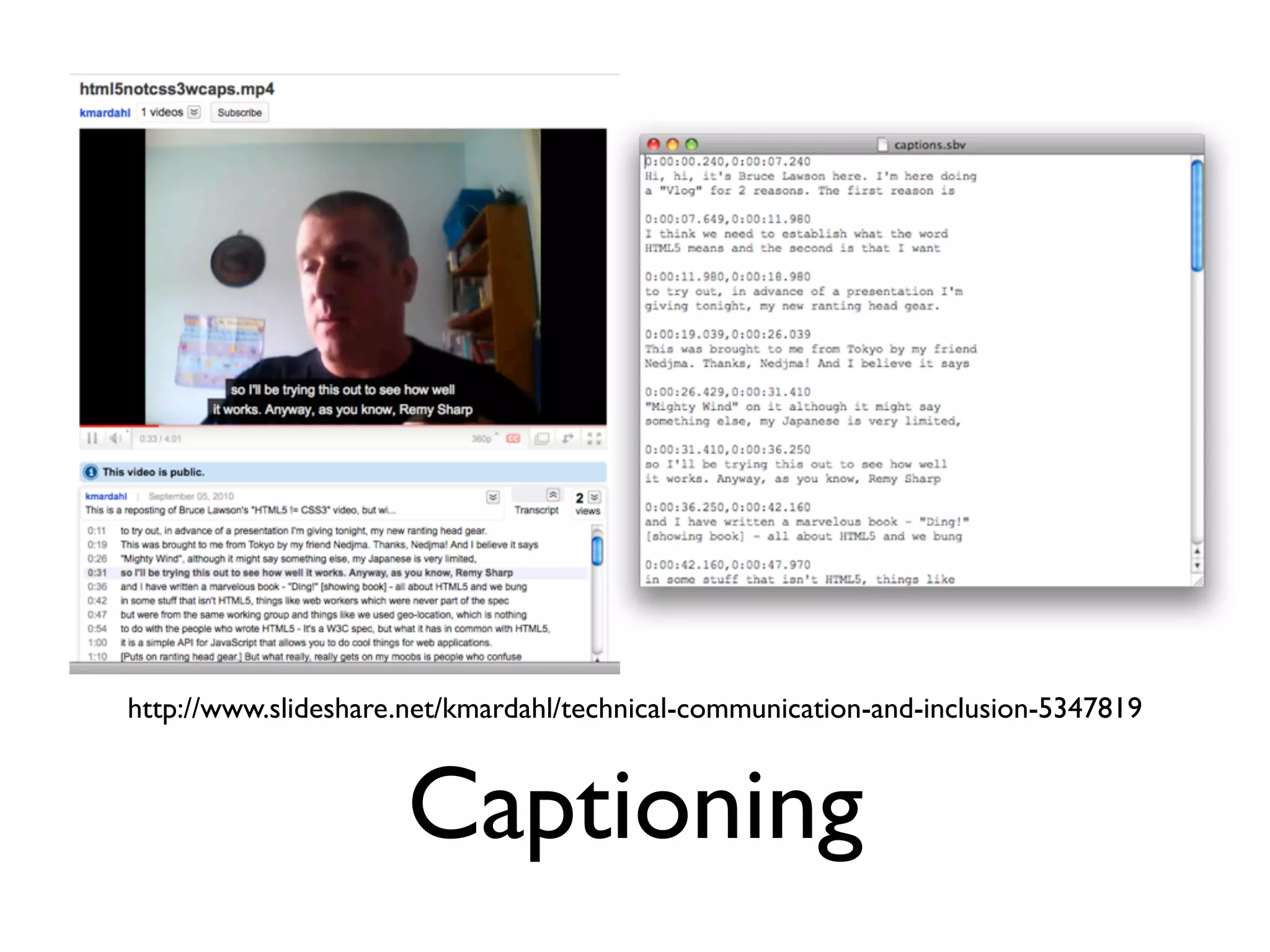
http://www.slideshare.net/kmardahl/technical-communication-and-inclusion-5347819


                      Captioning
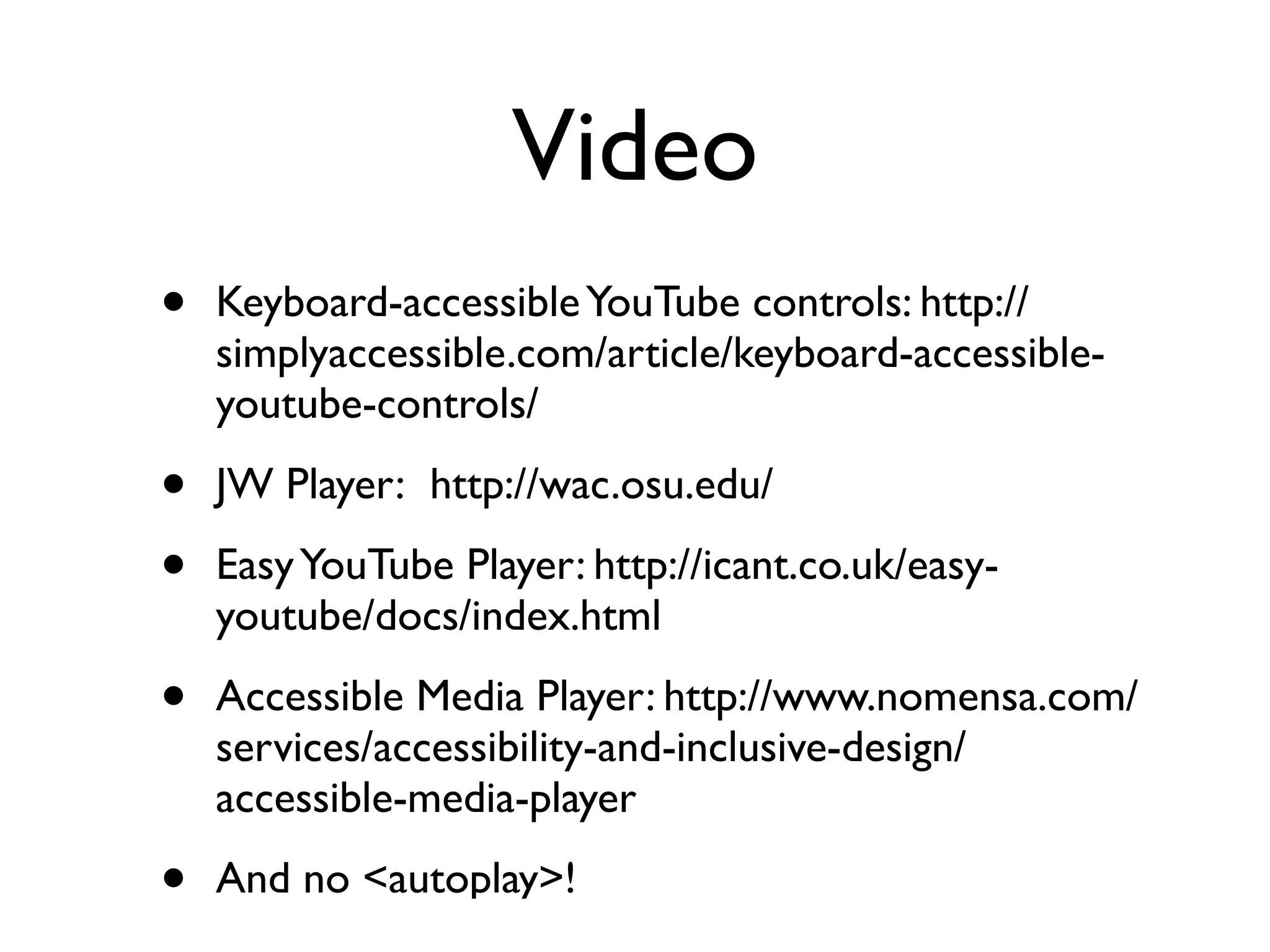
Video
•   Keyboard-accessible YouTube controls: http://
    simplyaccessible.com/article/keyboard-accessible-
    youtube-controls/

•   JW Player:  http://wac.osu.edu/

•   Easy YouTube Player: http://icant.co.uk/easy-
    youtube/docs/index.html

•   Accessible Media Player: http://www.nomensa.com/
    services/accessibility-and-inclusive-design/
    accessible-media-player

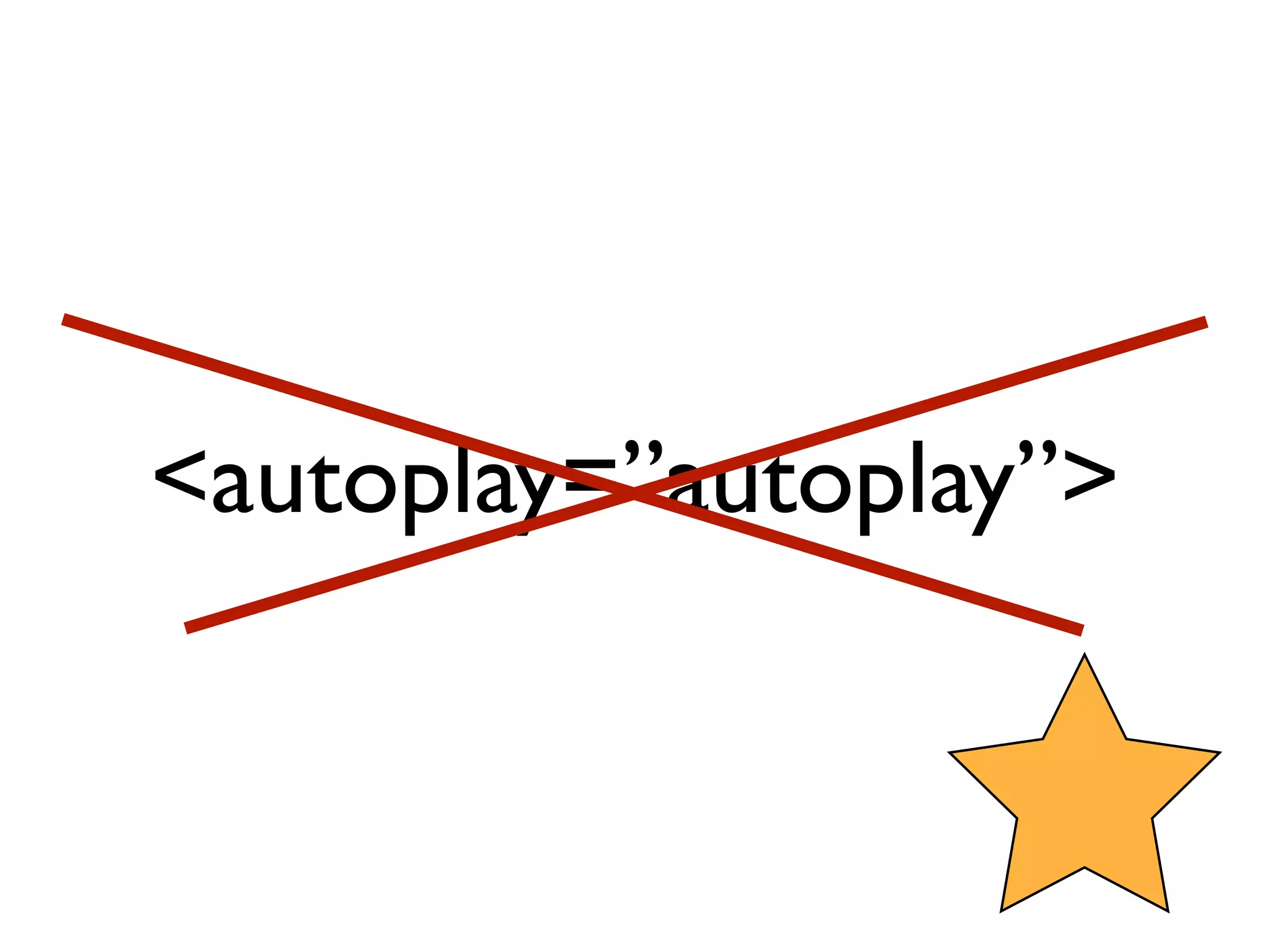
•   And no <autoplay>!
<autoplay=”autoplay”>
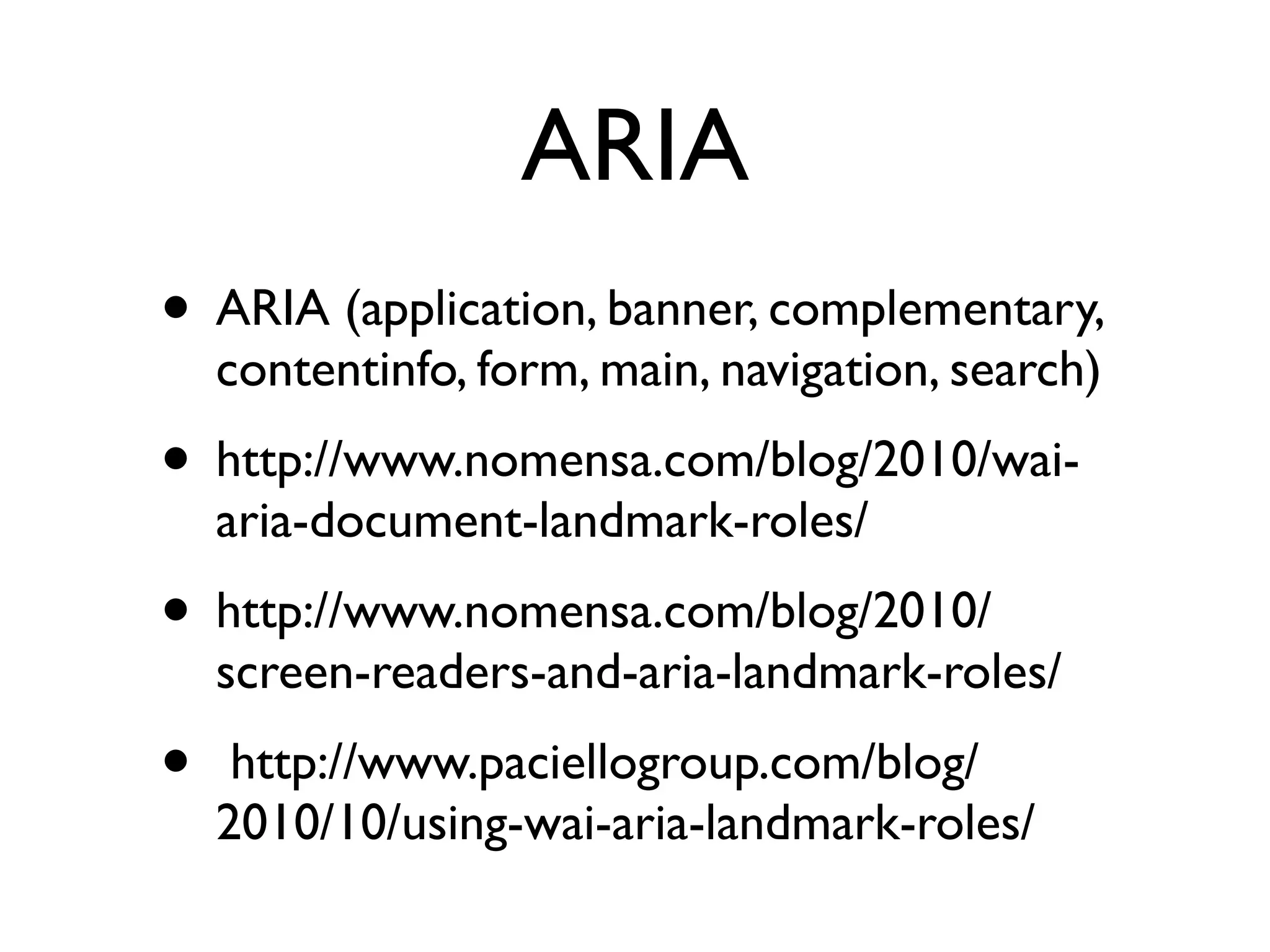
ARIA
• ARIA (application, banner, complementary,
    contentinfo, form, main, navigation, search)
• http://www.nomensa.com/blog/2010/wai-
    aria-document-landmark-roles/
• http://www.nomensa.com/blog/2010/
    screen-readers-and-aria-landmark-roles/
•    http://www.paciellogroup.com/blog/
    2010/10/using-wai-aria-landmark-roles/
Testing and Evaluation
•   WAVE http://wave.webaim.org/

•   Color Contrast and more https://addons.mozilla.org/da/firefox/addon/juicy-
    studio-accessibility-too/

•   Fireeyes http://www.deque.com/products/worldspace-fireeyes/download-
    worldspace-fireeyes

•   Functional Accessibility Evaluator http://fae.cita.uiuc.edu/about/

•   Web Developer Extension http://chrispederick.com/work/web-developer/

•   Web Accessibility Toolbar for IE http://www.paciellogroup.com/resources/
    wat-ie-about.html

•   W3C WAI Tool List http://www.w3.org/WAI/RC/tools/complete
Screen reader testing

• Learn: http://www.iheni.com/screen-reader-
  testing/
• Plan: http://www.spotlessinteractive.com/
  articles/accessibility/screen-reader-test-
  plan.php
• More at http://webaxe.blogspot.dk/2011/04/
  learning-how-to-use-and-test-with.html
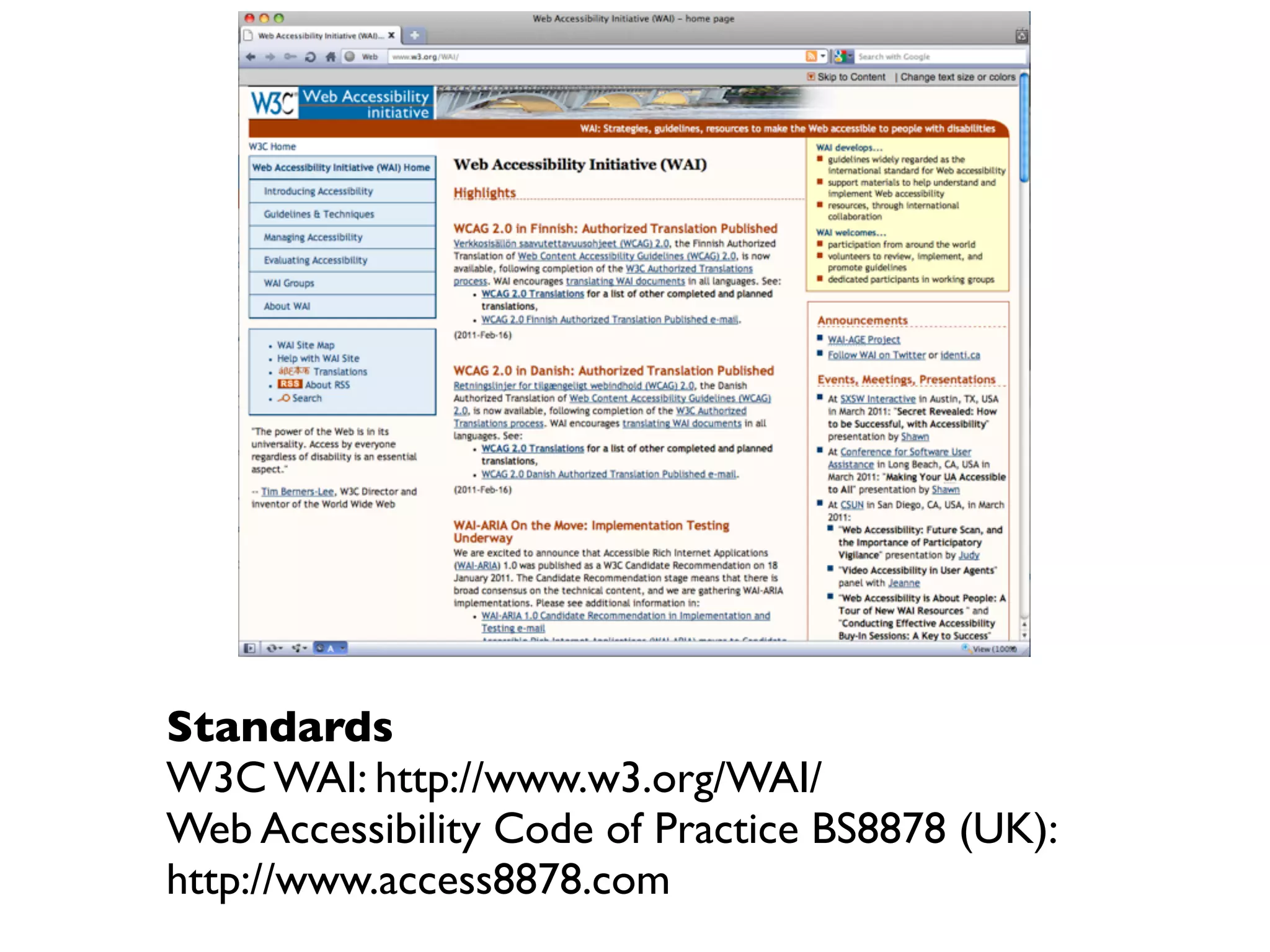
Standards
W3C WAI: http://www.w3.org/WAI/
Web Accessibility Code of Practice BS8878 (UK):
http://www.access8878.com
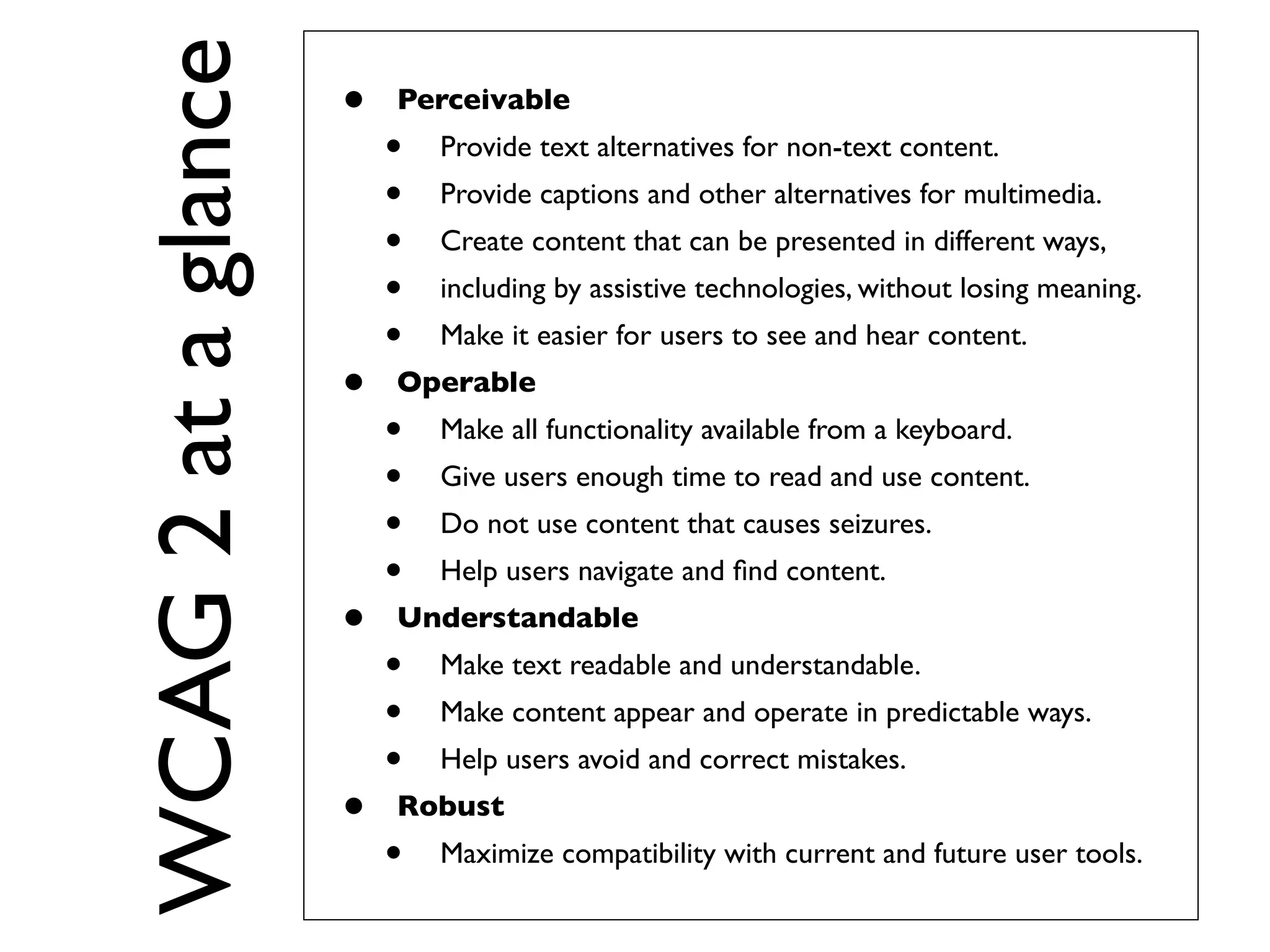
WCAG 2 at a glance
                     •   Perceivable
                         •   Provide text alternatives for non-text content.
                         •   Provide captions and other alternatives for multimedia.
                         •   Create content that can be presented in different ways,
                         •   including by assistive technologies, without losing meaning.
                         •   Make it easier for users to see and hear content.
                     •   Operable
                         •   Make all functionality available from a keyboard.
                         •   Give users enough time to read and use content.
                         •   Do not use content that causes seizures.
                         •   Help users navigate and find content.
                     •   Understandable
                         •   Make text readable and understandable.
                         •   Make content appear and operate in predictable ways.
                         •   Help users avoid and correct mistakes.
                     •   Robust
                         •   Maximize compatibility with current and future user tools.
WCAG 2.0
• Understanding WCAG 2.0: A guide to
  understanding and implementing Web
  Content Accessibility Guidelines 2.0
  http://www.w3.org/TR/UNDERSTANDING-
  WCAG20/
• How to Meet WCAG 2.0: A customizable
  quick reference to Web Content
  Accessibility Guidelines 2.0 requirements
  (success criteria) and techniques.
  http://www.w3.org/WAI/WCAG20/quickref/
Learn-more resources
•   What is a screen reader? Article from 2005 so
    some product details are outdated. Read it for
    what it is and how it works. 
    http://www.nomensa.com/blog/2005/what-is-a-
    screen-reader/

•   Just Ask: Integrating Accessibility Throughout
    Design: http://www.uiaccess.com/accessucd/
    (+ print)

•   Sign up for the discussion list at WebAIM
    http://webaim.org/community/
Learn-more resources
•   Opera Web Standards Curriculum in association with
    Yahoo! Developer Network:
    http://www.opera.com/company/education/curriculum/

•   Web Standards Project's InterACT (site/book) http://
    interact.webstandards.org/

•   U of MN Newsletter: Typography, information architecture,
    usability, accessibility, maintained by @laura_carlson
    http://www.d.umn.edu/itss/training/online/webdesign/
    webdev_listserv.html

•   Accessibility for Web Writers series at
    http://www.4syllables.com.au/2010/09/accessibility-web-
    writers-part-1/
10 Principles
• Be equitable                                • Be preventative
• Be flexible                                  • Be tolerant
• Be simple and                               • Be effortless
     intuitive
                                              • Be accommodating
• Be perceptible                              • Be consistent
• Be informative
http://www.sandiwassmer.co.uk/resources/the-ten-principles-of-inclusive-web-design/
When universal design
processes fail to include,
consult with, and listen to the
people we are actually
designing for, we also fail to
design effectively.
                    – Lisa Herrod
         http://scenariogirl.com/inclusive-design/the-social-model-of-disability
http://www.flickr.com/photos/ottoman42/5026107/
Thank you for listening!
     Questions?

@kmdk / @stcaccess
http://www.mardahl.dk
http://about.me/kmdk
EXTRA
Mobile

• Opera Mobile Emulator
  http://www.opera.com/developer/tools/
  mobile
• http://ready.mobi/ (older models)
User diversity

• Test with real people!
• http://www.uiaccess.com/accessucd/
  involve.html
• http://alistairduggin.co.uk/blog/using-
  personas-to-teach-accessibility/
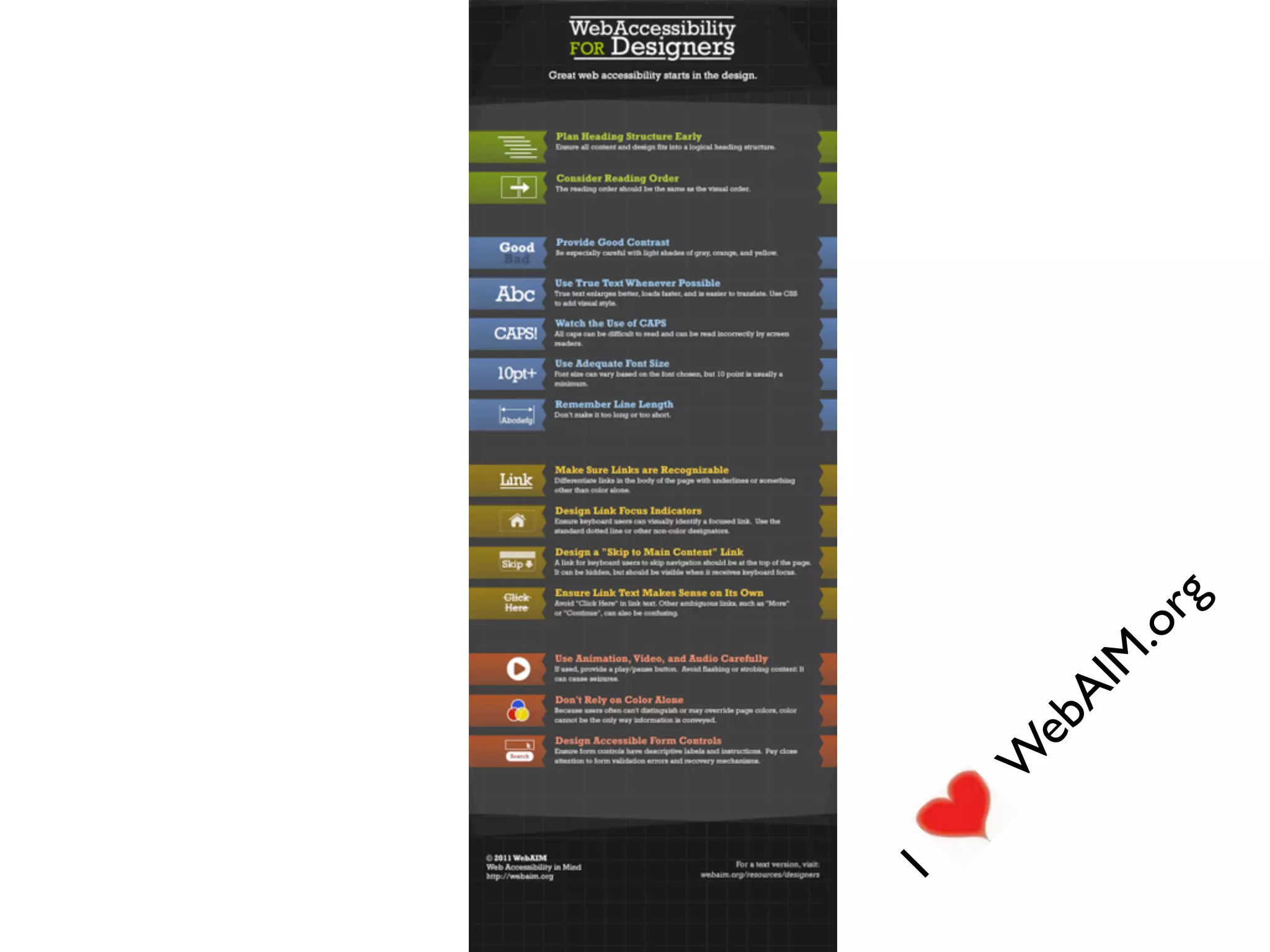
I
    W
     eb
       AI
          M
           .o
             rg
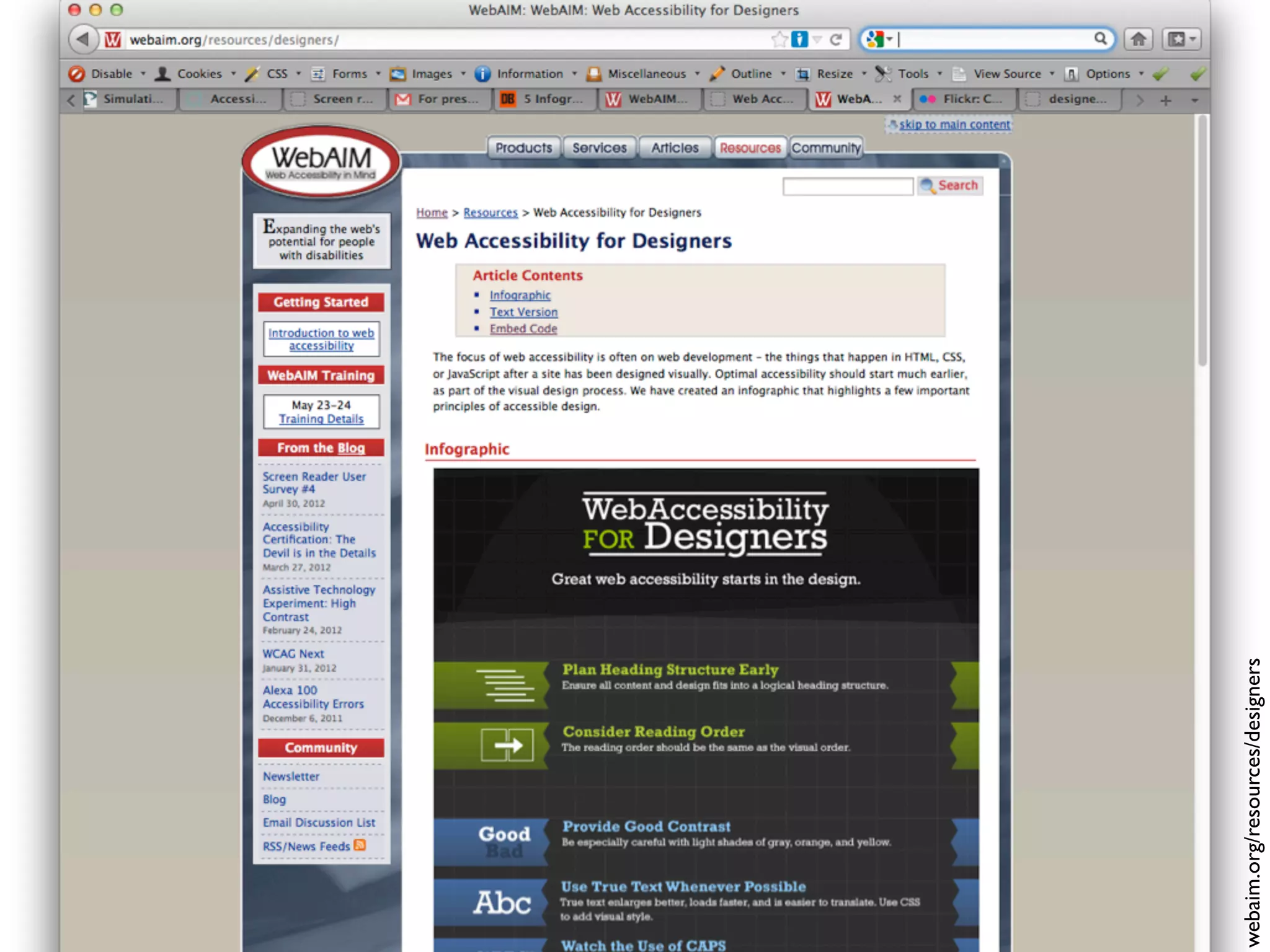
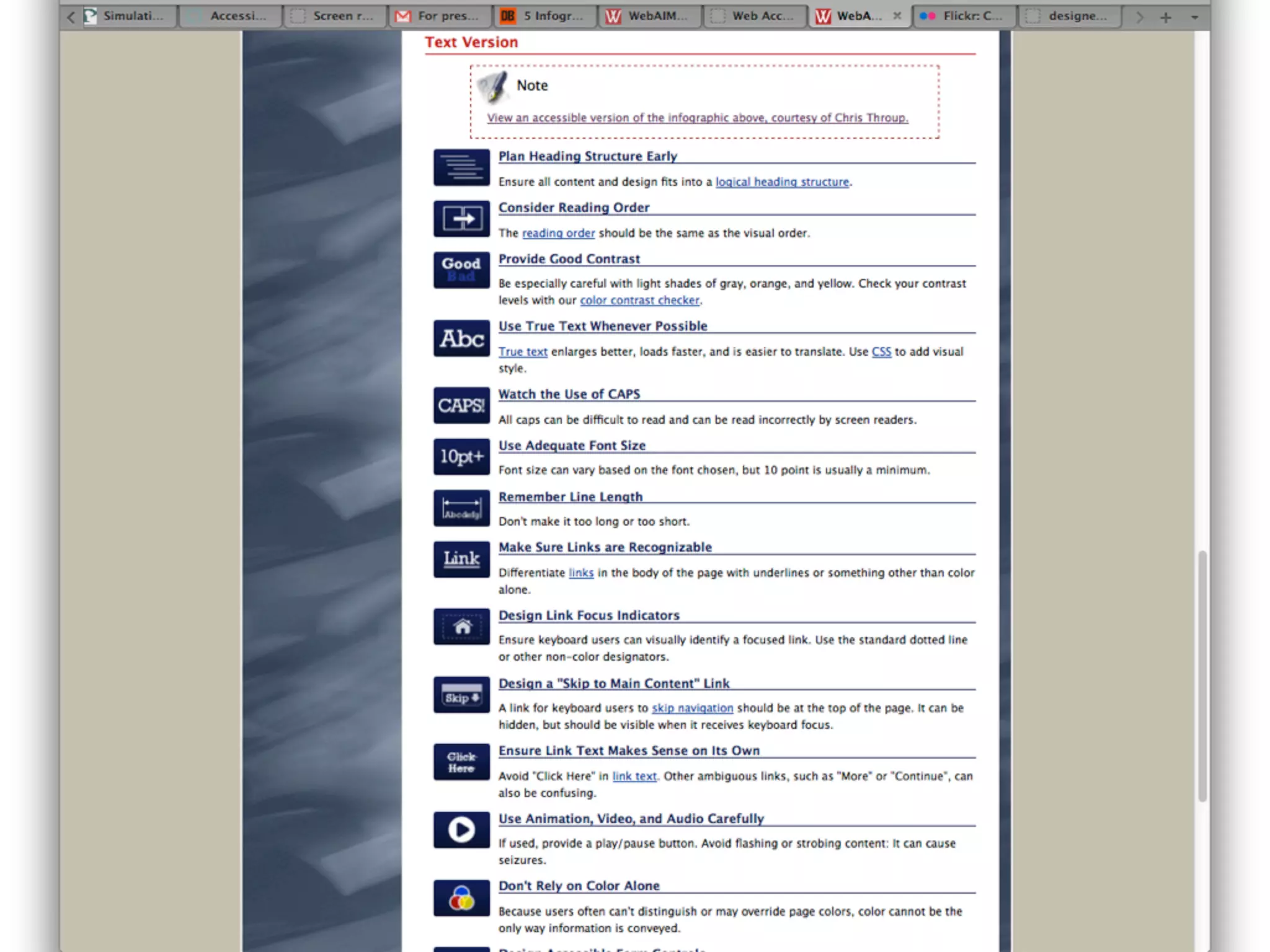
webaim.org/resources/designers
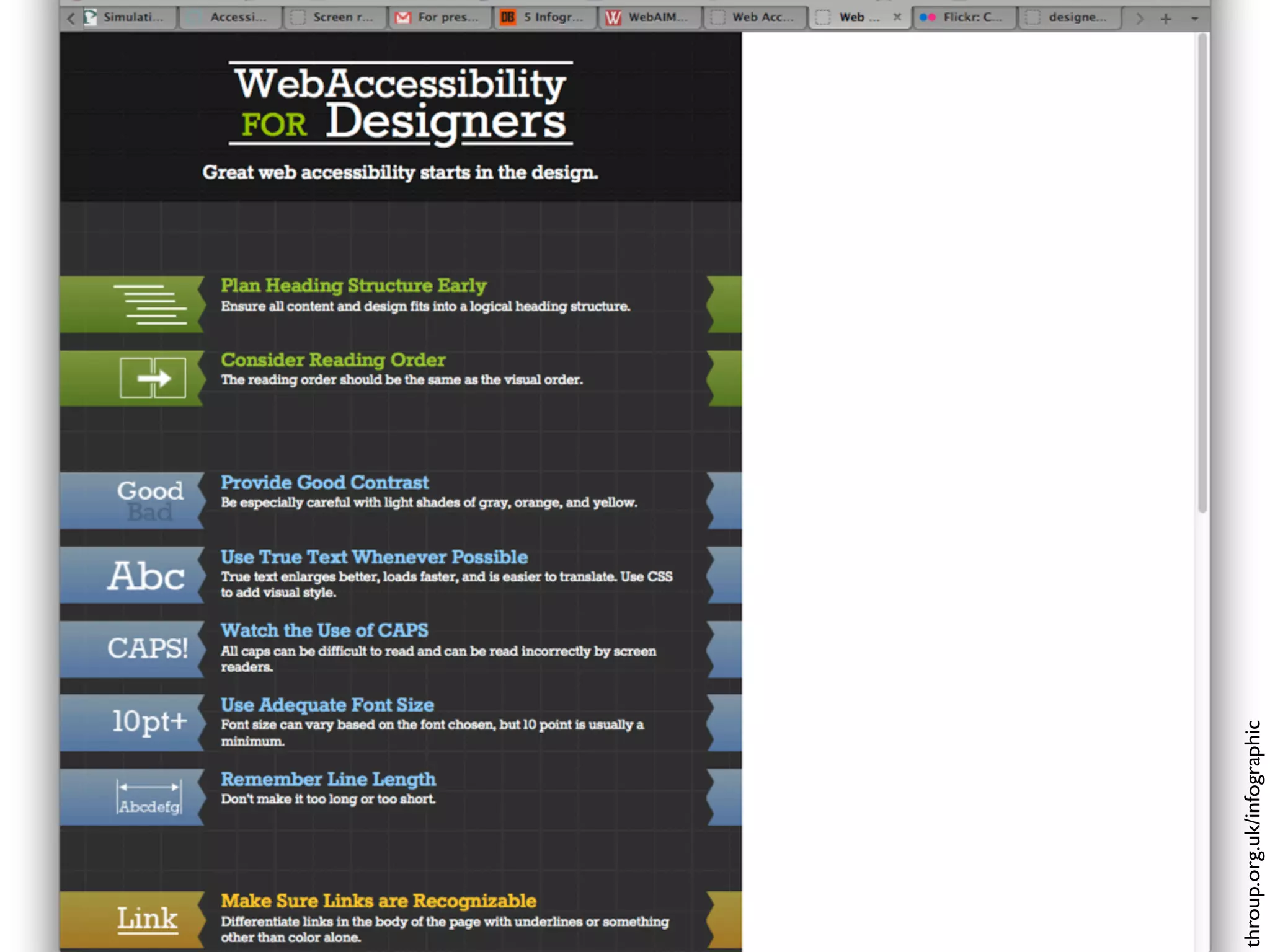
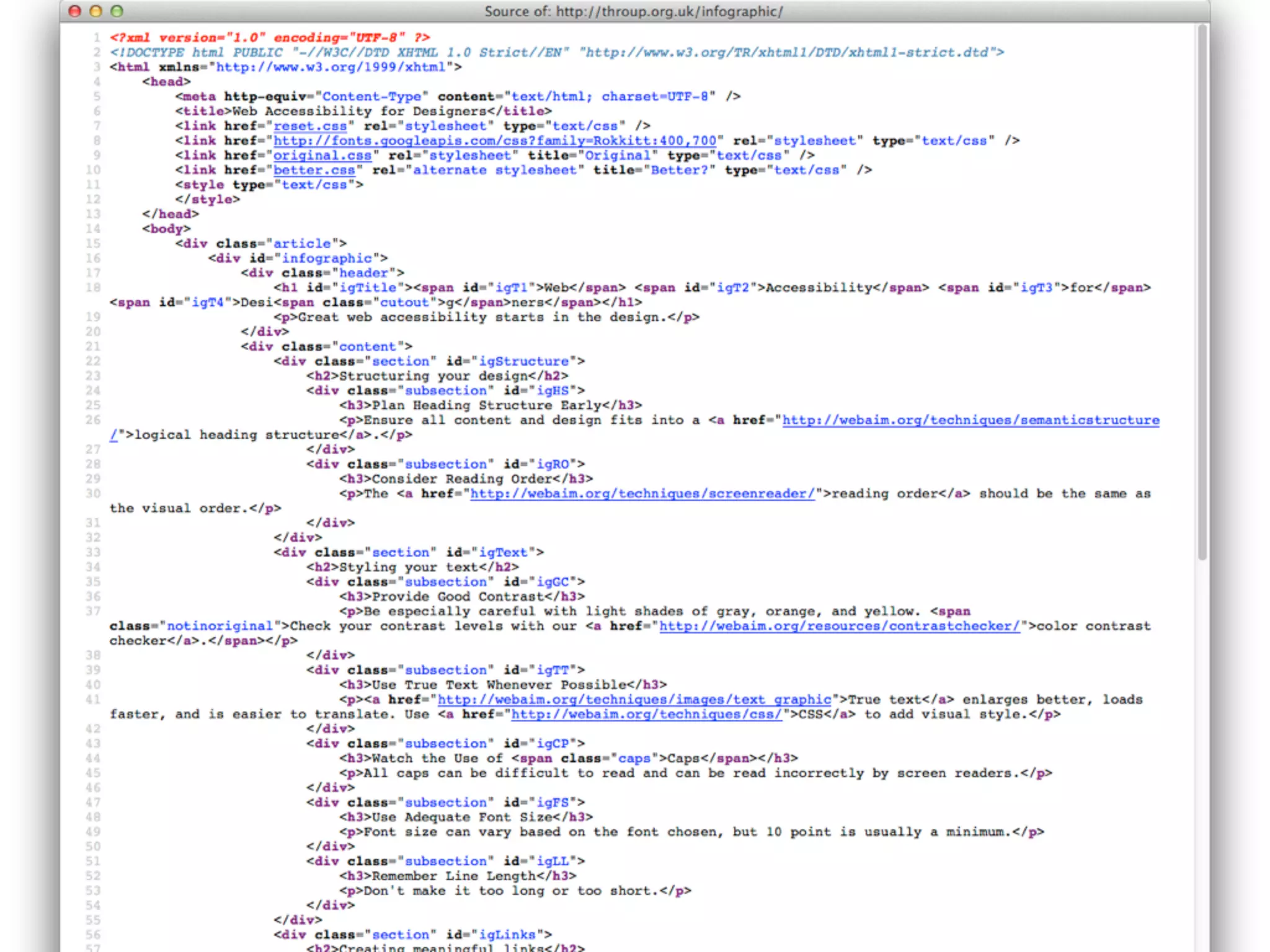
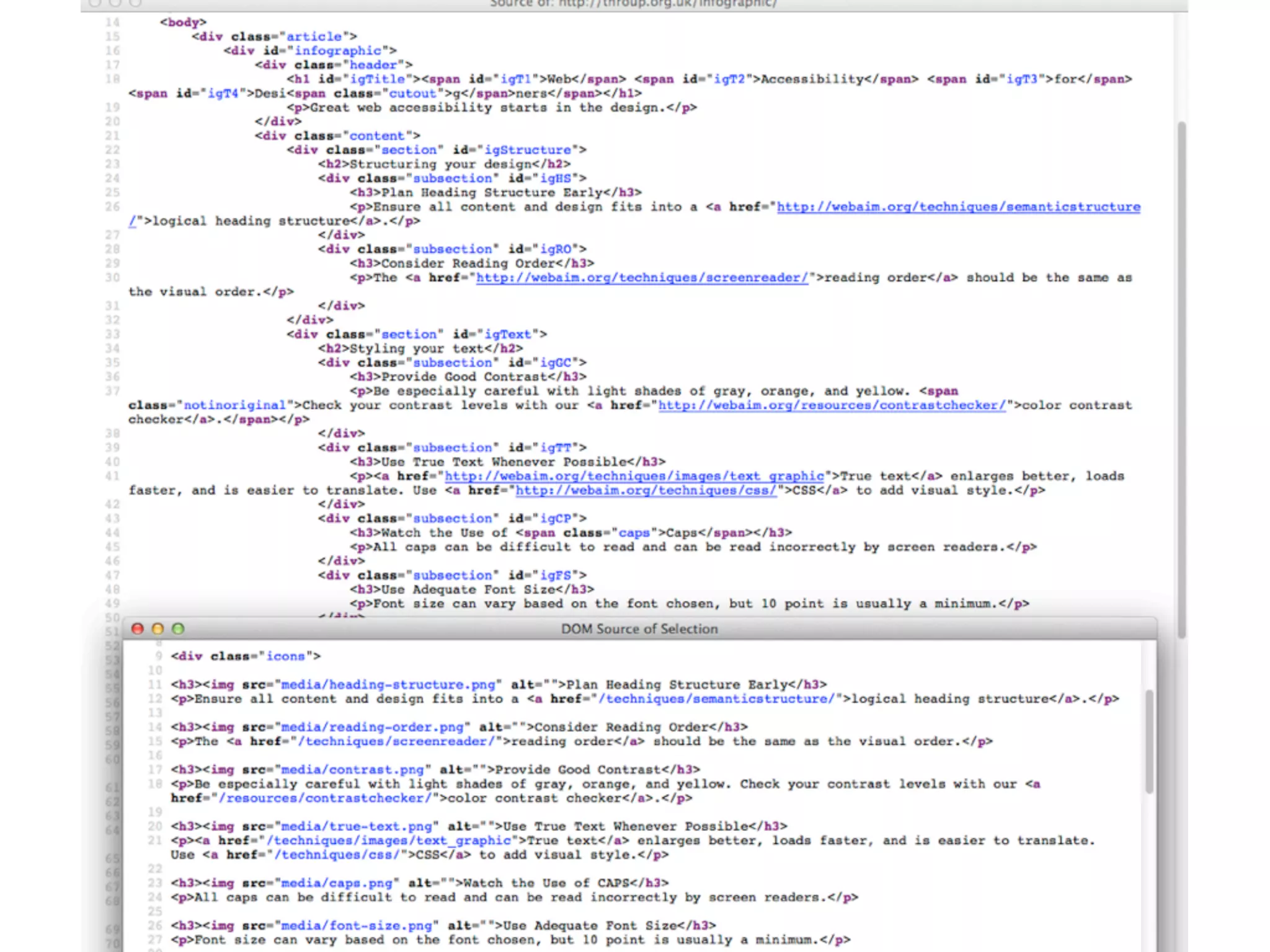
throup.org.uk/infographic
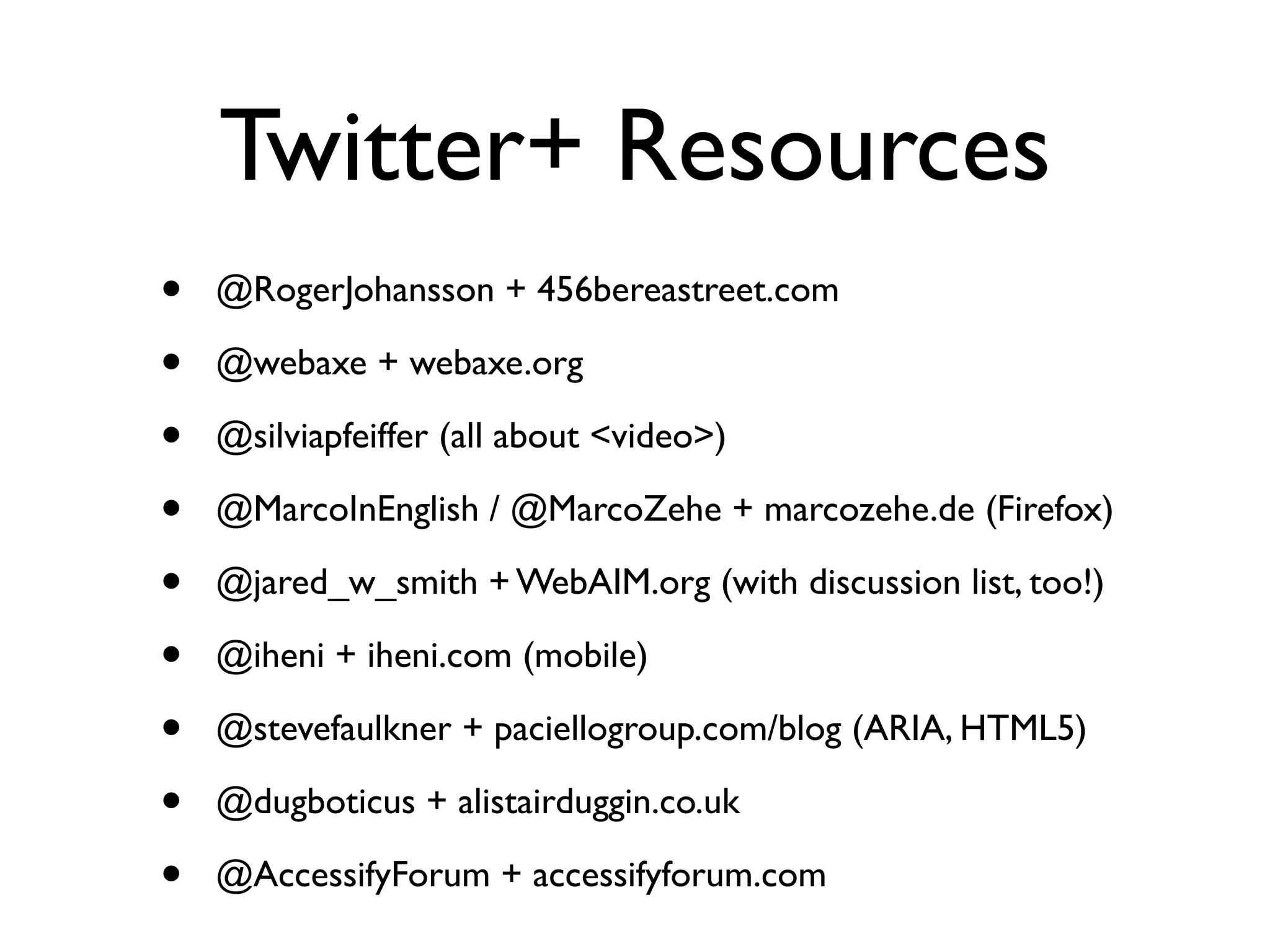
Twitter+ Resources
•   @RogerJohansson + 456bereastreet.com

•   @webaxe + webaxe.org

•   @silviapfeiffer (all about <video>)

•   @MarcoInEnglish / @MarcoZehe + marcozehe.de (Firefox)

•   @jared_w_smith + WebAIM.org (with discussion list, too!)

•   @iheni + iheni.com (mobile)

•   @stevefaulkner + paciellogroup.com/blog (ARIA, HTML5)

•   @dugboticus + alistairduggin.co.uk

•   @AccessifyForum + accessifyforum.com
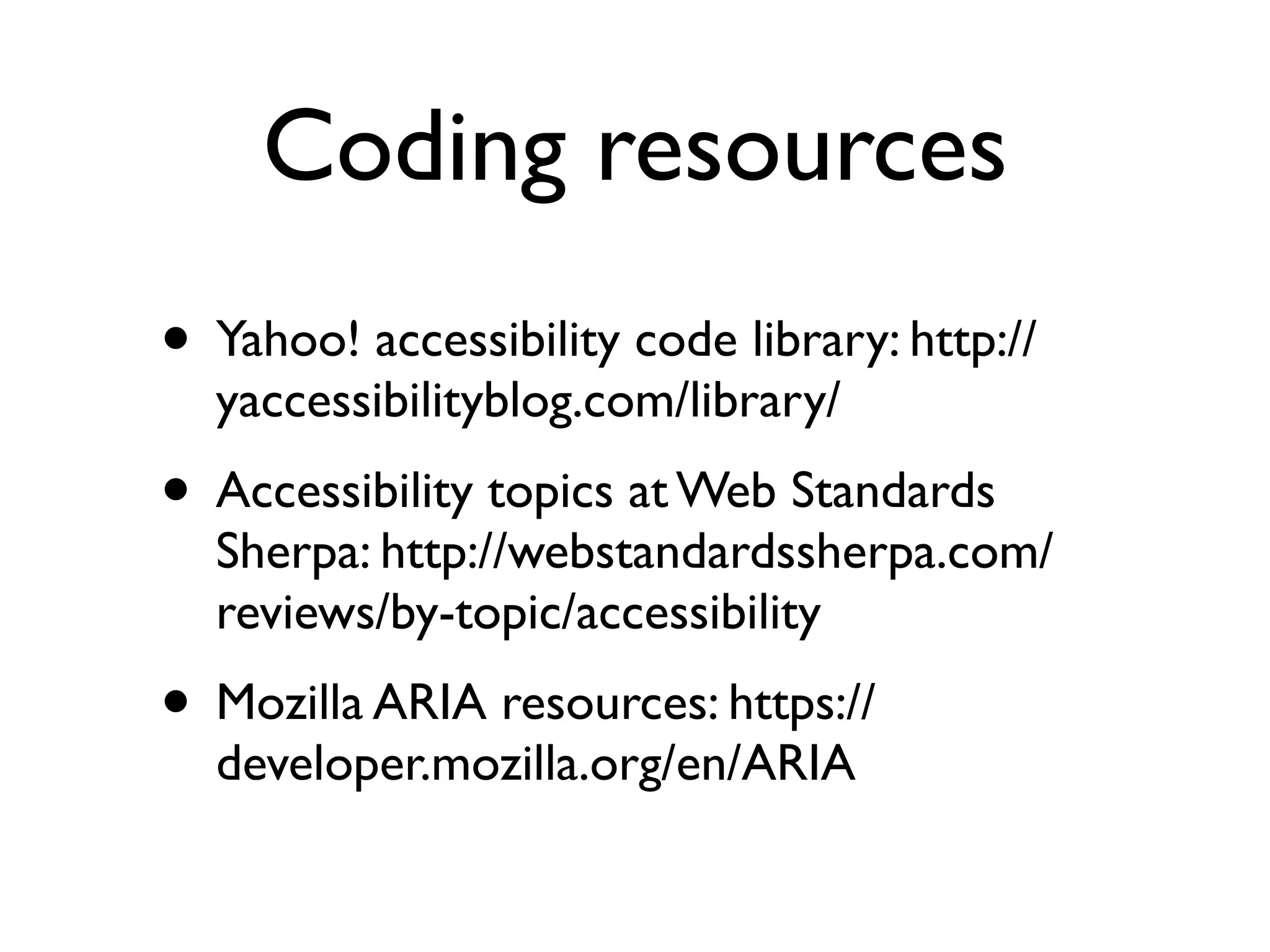
Coding resources
• Yahoo! accessibility code library: http://
  yaccessibilityblog.com/library/
• Accessibility topics at Web Standards
  Sherpa: http://webstandardssherpa.com/
  reviews/by-topic/accessibility
• Mozilla ARIA resources: https://
  developer.mozilla.org/en/ARIA

Getting Down and Dirty with Accessibility and Usability workshop at TCUK12

  • 1.
    Getting Down and Dirtywith Accessibility and Usability Karen Mardahl 2 October 2012 #TCUK12
  • 2.
  • 3.
    1. Toolkit Dolev athttp://commons.wikimedia.org/wiki/File:Carpentry_hand_tools.jpg CC-BY-SA-3.0
  • 4.
  • 5.
    3. Enlightenment http://www.flickr.com/photos/kmardahl/4237843259/ CC BY-NC-SA 3.0
  • 6.
    BAD Demo • TheBefore-and-After Demo http://www.w3.org/WAI/demos/bad/
  • 7.
    Good examples of accessible websites • http://terrillthompson.com/blog/229 • http://www.accessiweb.org/index.php/ galerie.html
  • 8.
    <alt> • http://dev.w3.org/html5/alt-techniques/ • http://webaim.org/techniques/alttext/ •http://www.joedolson.com/articles/2012/06/ the-case-missing-alt-attribute/ • Remember <alt=””>
  • 9.
    <title> • http://www.paciellogroup.com/blog/ 2010/11/using-the-html-title-attribute/
  • 10.
    <longdesc> • Just doit, but... • http://webaim.org/techniques/images/ longdesc • Tables...
  • 11.
    Headings and Structure •Logical! • Skip to main content links (blind & keyboard users) • Sequence and patterns (non-linear navigation - reading order) • Style guides (for consistency) • ARIA
  • 12.
    Lists: <ol> <ul> <li> & CSS styling
  • 13.
    Keyboard-only access • Doit with a keyboard • http://webaim.org/techniques/keyboard/ • <tabindex>
  • 14.
    Color • Remember that color and color contrast and alternate indicators play together. • Never use color as your only delimiter. • http://www.snook.ca/ technical/colour_contrast/ colour.html
  • 15.
    Labels Source of images:http://www.youtube.com/watch?v=T5OClvFL8I8
  • 16.
  • 17.
    Plain Language • http://www.designtoread.com/ •US: Center for Plain Language http://centerforplainlanguage.org/ • US: Plain Language in the Federal government http://www.plainlanguage.gov/ http://www.plainlanguage.gov/howto/ quickreference/checklist.cfm • UK: Plain Language Commission http://www.clearest.co.uk/
  • 18.
    “How to Write Clearly”in 23 languages • http://ec.europa.eu/ipg/ index_en.htm – leads to info about accessibility • http://ec.europa.eu/translation/ index_en.htm – go to the link for “How to write clearly”. It takes you to the EU bookshop • http://bookshop.europa.eu/is-bin/ INTERSHOP.enfinity/WFS/EU- Bookshop-Site/en_GB/-/EUR/ ViewPublication-Start? PublicationKey=HC3010536
  • 19.
    Text Size • http://www.smashingmagazine.com/ 2011/10/07/16-pixels-body-copy-anything- less-costly-mistake/ • http://www.zeldman.com/
  • 20.
    Tables • http://webaim.org/techniques/tables/ • Screenreaders read tables from left to right, from row to row. • <summary>, <th>, <scope> • How-to: http://dev.opera.com/articles/view/ creating-accessible-data-tables/  &  http:// isolani.co.uk/articles/structuredTables.html  (with a football pools example!)
  • 21.
  • 22.
    Video • Keyboard-accessible YouTube controls: http:// simplyaccessible.com/article/keyboard-accessible- youtube-controls/ • JW Player:  http://wac.osu.edu/ • Easy YouTube Player: http://icant.co.uk/easy- youtube/docs/index.html • Accessible Media Player: http://www.nomensa.com/ services/accessibility-and-inclusive-design/ accessible-media-player • And no <autoplay>!
  • 23.
  • 24.
    ARIA • ARIA (application,banner, complementary, contentinfo, form, main, navigation, search) • http://www.nomensa.com/blog/2010/wai- aria-document-landmark-roles/ • http://www.nomensa.com/blog/2010/ screen-readers-and-aria-landmark-roles/ • http://www.paciellogroup.com/blog/ 2010/10/using-wai-aria-landmark-roles/
  • 25.
    Testing and Evaluation • WAVE http://wave.webaim.org/ • Color Contrast and more https://addons.mozilla.org/da/firefox/addon/juicy- studio-accessibility-too/ • Fireeyes http://www.deque.com/products/worldspace-fireeyes/download- worldspace-fireeyes • Functional Accessibility Evaluator http://fae.cita.uiuc.edu/about/ • Web Developer Extension http://chrispederick.com/work/web-developer/ • Web Accessibility Toolbar for IE http://www.paciellogroup.com/resources/ wat-ie-about.html • W3C WAI Tool List http://www.w3.org/WAI/RC/tools/complete
  • 26.
    Screen reader testing •Learn: http://www.iheni.com/screen-reader- testing/ • Plan: http://www.spotlessinteractive.com/ articles/accessibility/screen-reader-test- plan.php • More at http://webaxe.blogspot.dk/2011/04/ learning-how-to-use-and-test-with.html
  • 27.
    Standards W3C WAI: http://www.w3.org/WAI/ WebAccessibility Code of Practice BS8878 (UK): http://www.access8878.com
  • 28.
    WCAG 2 ata glance • Perceivable • Provide text alternatives for non-text content. • Provide captions and other alternatives for multimedia. • Create content that can be presented in different ways, • including by assistive technologies, without losing meaning. • Make it easier for users to see and hear content. • Operable • Make all functionality available from a keyboard. • Give users enough time to read and use content. • Do not use content that causes seizures. • Help users navigate and find content. • Understandable • Make text readable and understandable. • Make content appear and operate in predictable ways. • Help users avoid and correct mistakes. • Robust • Maximize compatibility with current and future user tools.
  • 29.
    WCAG 2.0 • UnderstandingWCAG 2.0: A guide to understanding and implementing Web Content Accessibility Guidelines 2.0 http://www.w3.org/TR/UNDERSTANDING- WCAG20/ • How to Meet WCAG 2.0: A customizable quick reference to Web Content Accessibility Guidelines 2.0 requirements (success criteria) and techniques. http://www.w3.org/WAI/WCAG20/quickref/
  • 30.
    Learn-more resources • What is a screen reader? Article from 2005 so some product details are outdated. Read it for what it is and how it works.  http://www.nomensa.com/blog/2005/what-is-a- screen-reader/ • Just Ask: Integrating Accessibility Throughout Design: http://www.uiaccess.com/accessucd/ (+ print) • Sign up for the discussion list at WebAIM http://webaim.org/community/
  • 31.
    Learn-more resources • Opera Web Standards Curriculum in association with Yahoo! Developer Network: http://www.opera.com/company/education/curriculum/ • Web Standards Project's InterACT (site/book) http:// interact.webstandards.org/ • U of MN Newsletter: Typography, information architecture, usability, accessibility, maintained by @laura_carlson http://www.d.umn.edu/itss/training/online/webdesign/ webdev_listserv.html • Accessibility for Web Writers series at http://www.4syllables.com.au/2010/09/accessibility-web- writers-part-1/
  • 32.
    10 Principles • Beequitable • Be preventative • Be flexible • Be tolerant • Be simple and • Be effortless intuitive • Be accommodating • Be perceptible • Be consistent • Be informative http://www.sandiwassmer.co.uk/resources/the-ten-principles-of-inclusive-web-design/
  • 33.
    When universal design processesfail to include, consult with, and listen to the people we are actually designing for, we also fail to design effectively. – Lisa Herrod http://scenariogirl.com/inclusive-design/the-social-model-of-disability
  • 34.
  • 35.
    Thank you forlistening! Questions? @kmdk / @stcaccess http://www.mardahl.dk http://about.me/kmdk
  • 36.
  • 37.
    Mobile • Opera MobileEmulator http://www.opera.com/developer/tools/ mobile • http://ready.mobi/ (older models)
  • 38.
    User diversity • Testwith real people! • http://www.uiaccess.com/accessucd/ involve.html • http://alistairduggin.co.uk/blog/using- personas-to-teach-accessibility/
  • 39.
    I W eb AI M .o rg
  • 40.
  • 42.
  • 45.
    Twitter+ Resources • @RogerJohansson + 456bereastreet.com • @webaxe + webaxe.org • @silviapfeiffer (all about <video>) • @MarcoInEnglish / @MarcoZehe + marcozehe.de (Firefox) • @jared_w_smith + WebAIM.org (with discussion list, too!) • @iheni + iheni.com (mobile) • @stevefaulkner + paciellogroup.com/blog (ARIA, HTML5) • @dugboticus + alistairduggin.co.uk • @AccessifyForum + accessifyforum.com
  • 46.
    Coding resources • Yahoo!accessibility code library: http:// yaccessibilityblog.com/library/ • Accessibility topics at Web Standards Sherpa: http://webstandardssherpa.com/ reviews/by-topic/accessibility • Mozilla ARIA resources: https:// developer.mozilla.org/en/ARIA