Building a better,
accessible web
About Me
Matt Stow
@stowball
Senior UX Engineer at TOTVS Labs
“We should be able to access the web
… regardless of the software we use,
the computer we have, the language
we speak … and regardless of our
sensory or interaction modes”
w3.org/standards/
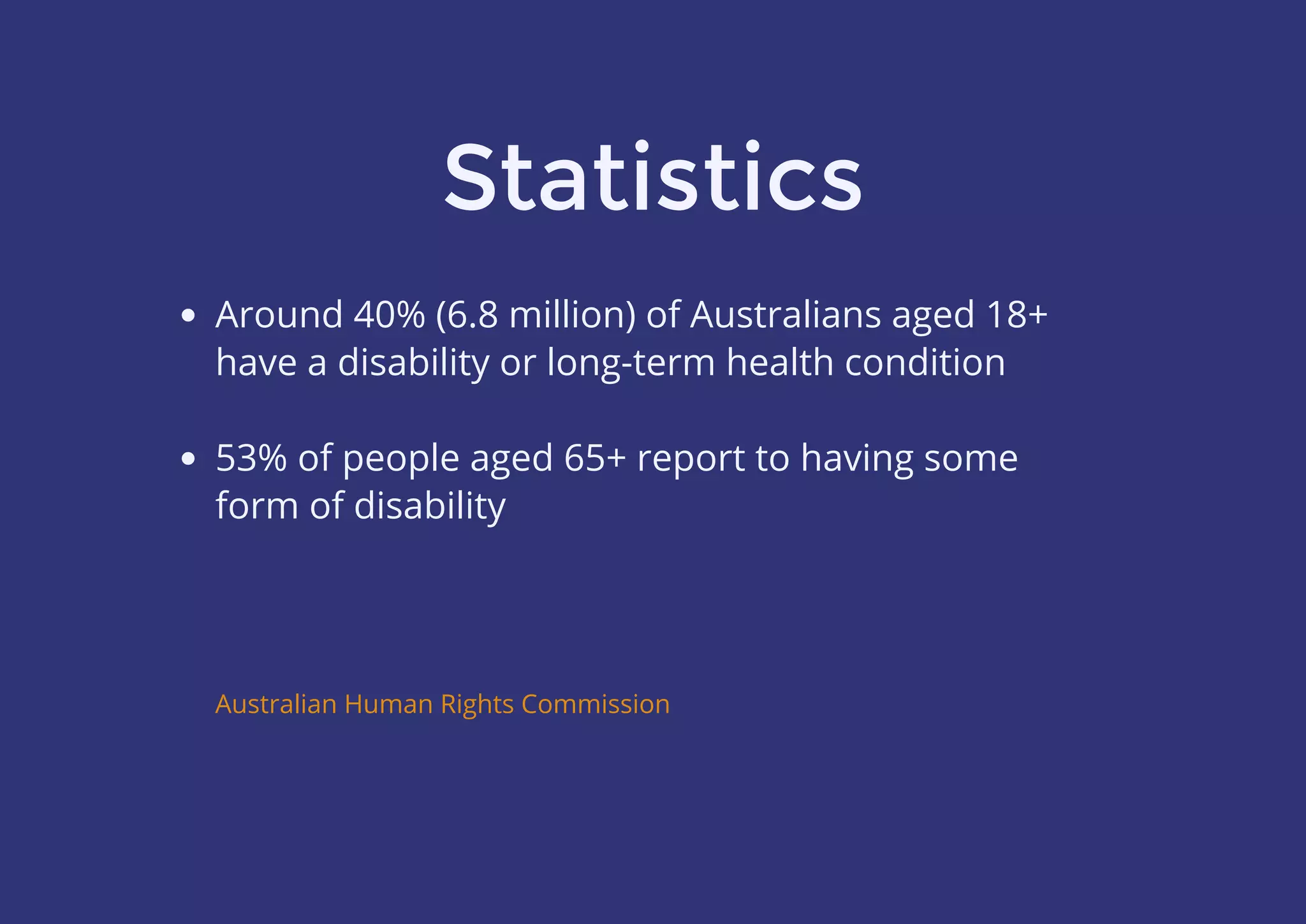
Statistics
Around 40% (6.8 million) of Australians aged 18+
have a disability or long-term health condition
 
53% of people aged 65+ report to having some
form of disability
Australian Human Rights Commission
“‘People with disability’ is the only minority
group that anyone can join at any time”
Australian Network on Disability
#PlotTwist
Equal Access is Required by Law
“…websites whose development commences after July 1 2010
should comply with WCAG 2.0 to a minimum of AA-Level…”
Section 2.2 of the Disability Discrimination Act
Section 4.2 of the Disability Discrimination Act
Types of disabilities
Hearing impairments
 
Cognitive & learning disabilities
 
Mobility & physical impairments
 
Vision disabilities
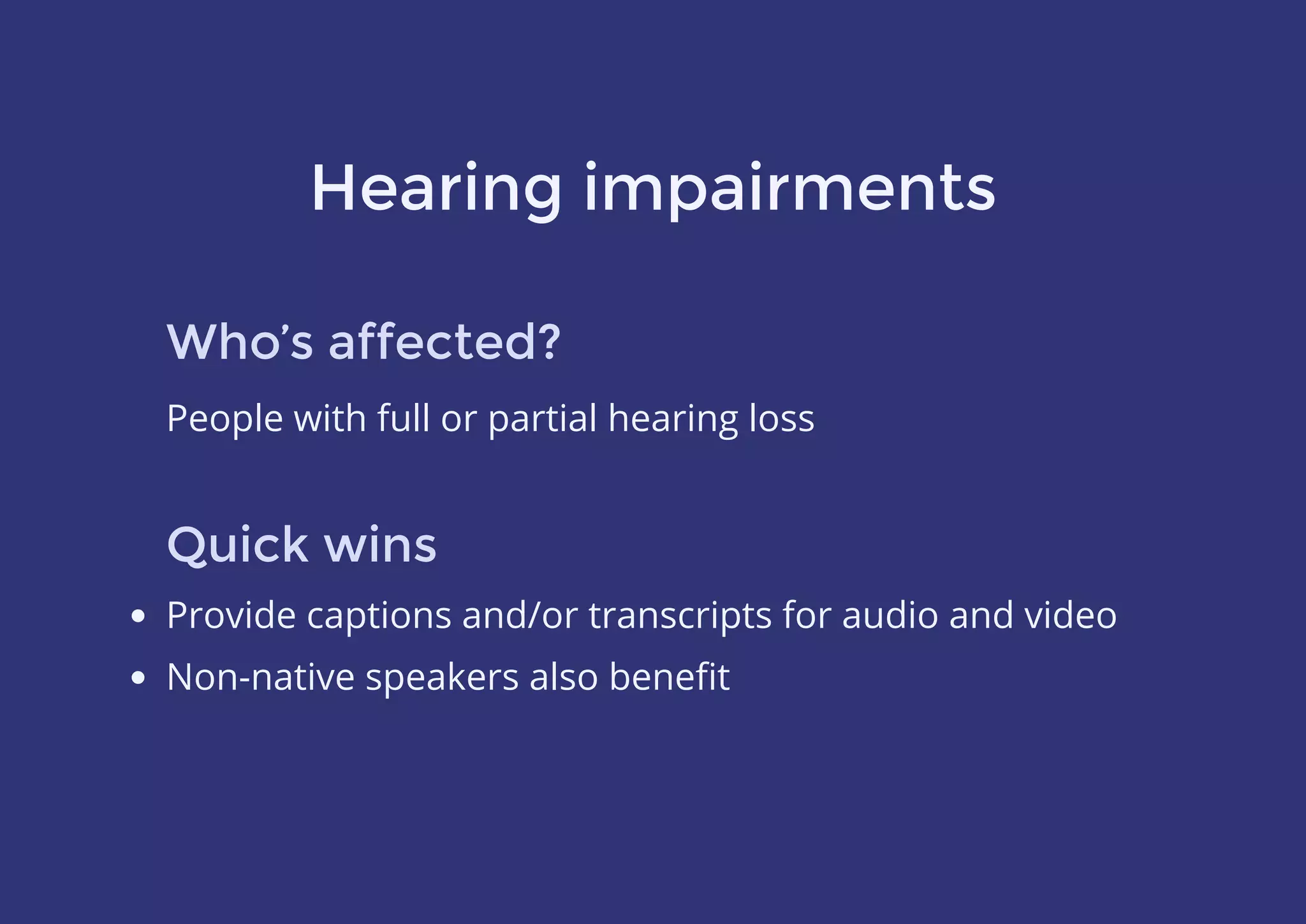
Hearing impairments
Who’s affected?
People with full or partial hearing loss
Quick wins
Provide captions and/or transcripts for audio and video
Non-native speakers also benefit
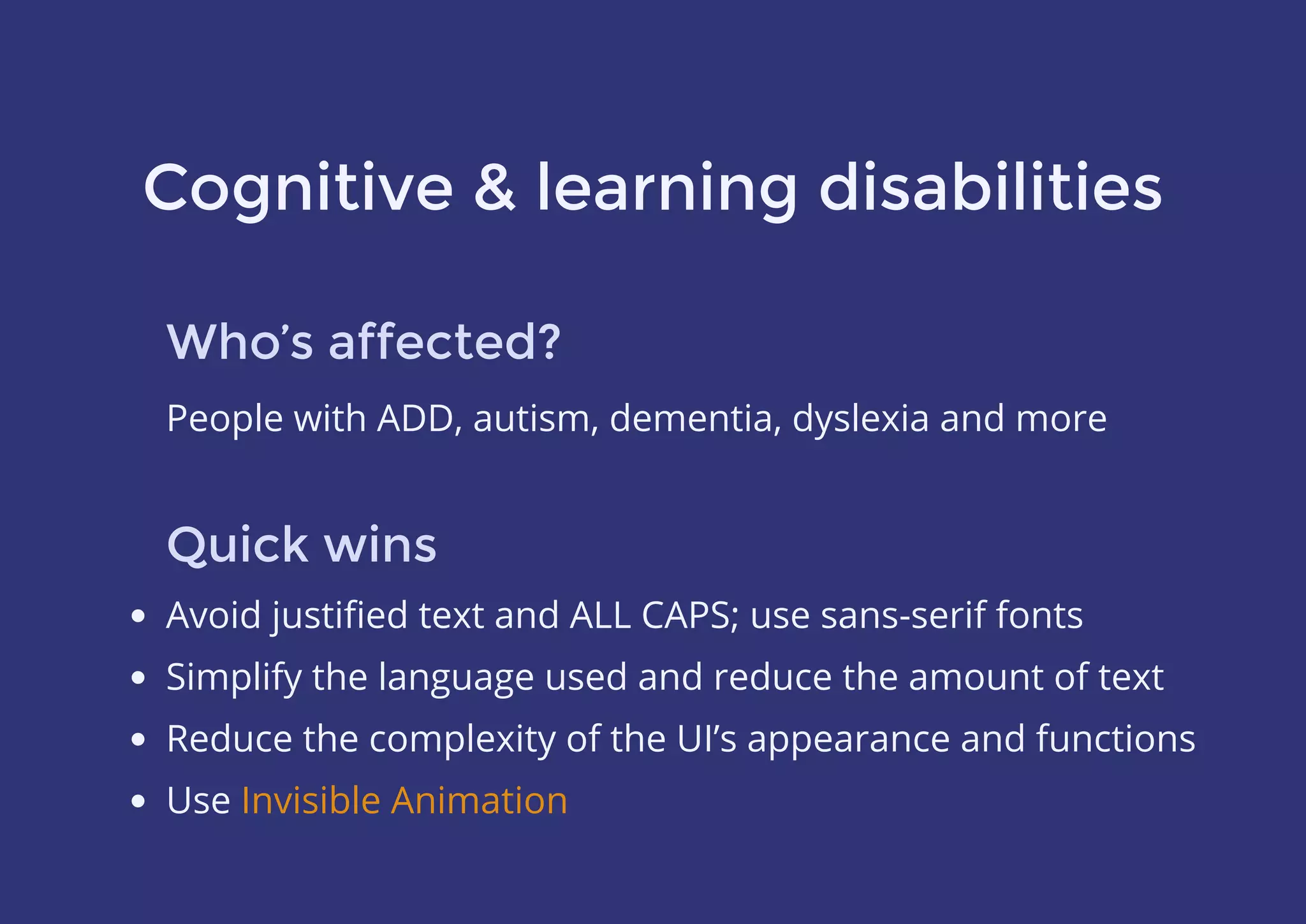
Cognitive & learning disabilities
Who’s affected?
People with ADD, autism, dementia, dyslexia and more
Quick wins
Avoid justified text and ALL CAPS; use sans-serif fonts
Simplify the language used and reduce the amount of text
Reduce the complexity of the UI’s appearance and functions
Use Invisible Animation
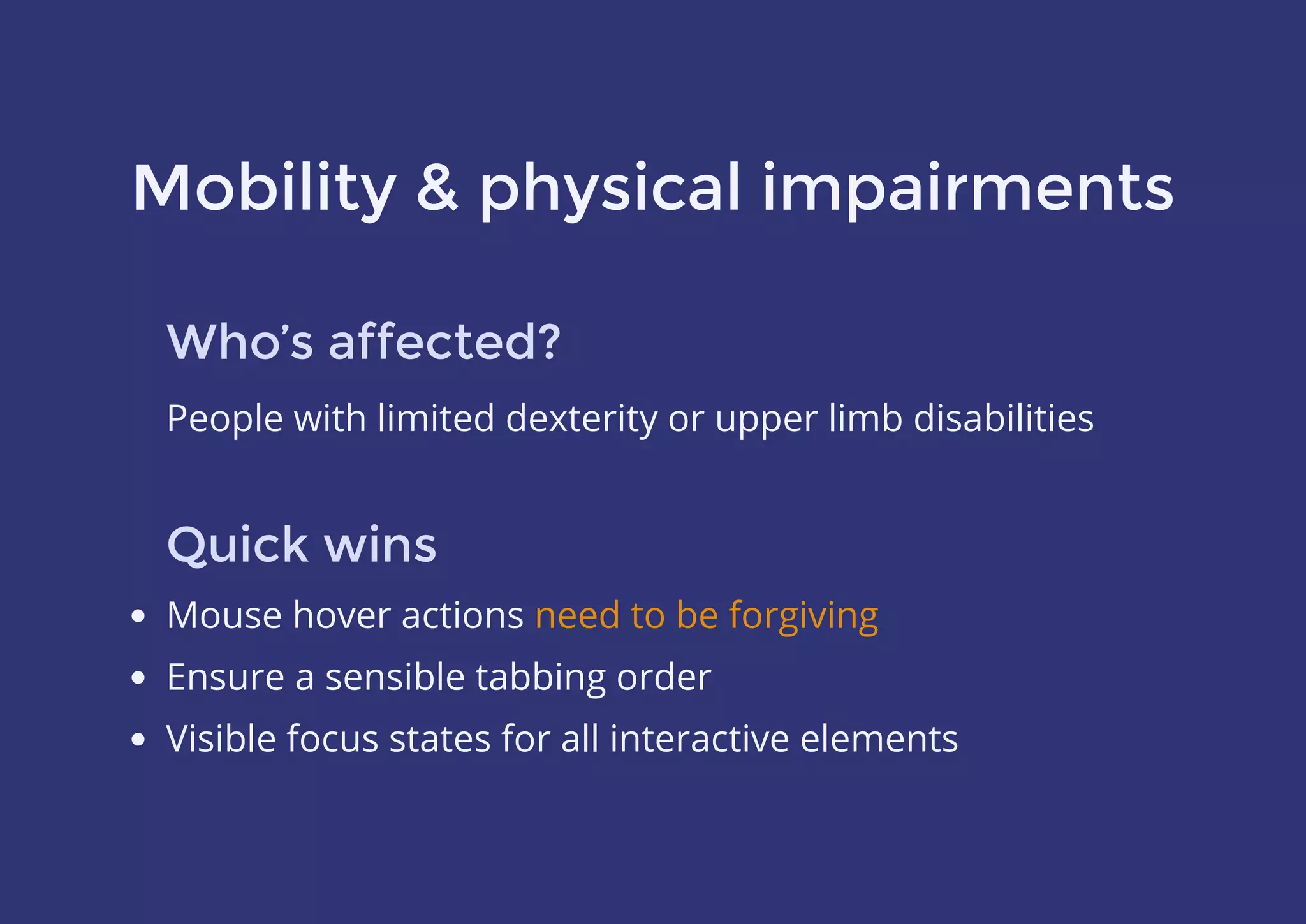
Mobility & physical impairments
Who’s affected?
People with limited dexterity or upper limb disabilities
Quick wins
Mouse hover actions
Ensure a sensible tabbing order
Visible focus states for all interactive elements
need to be forgiving
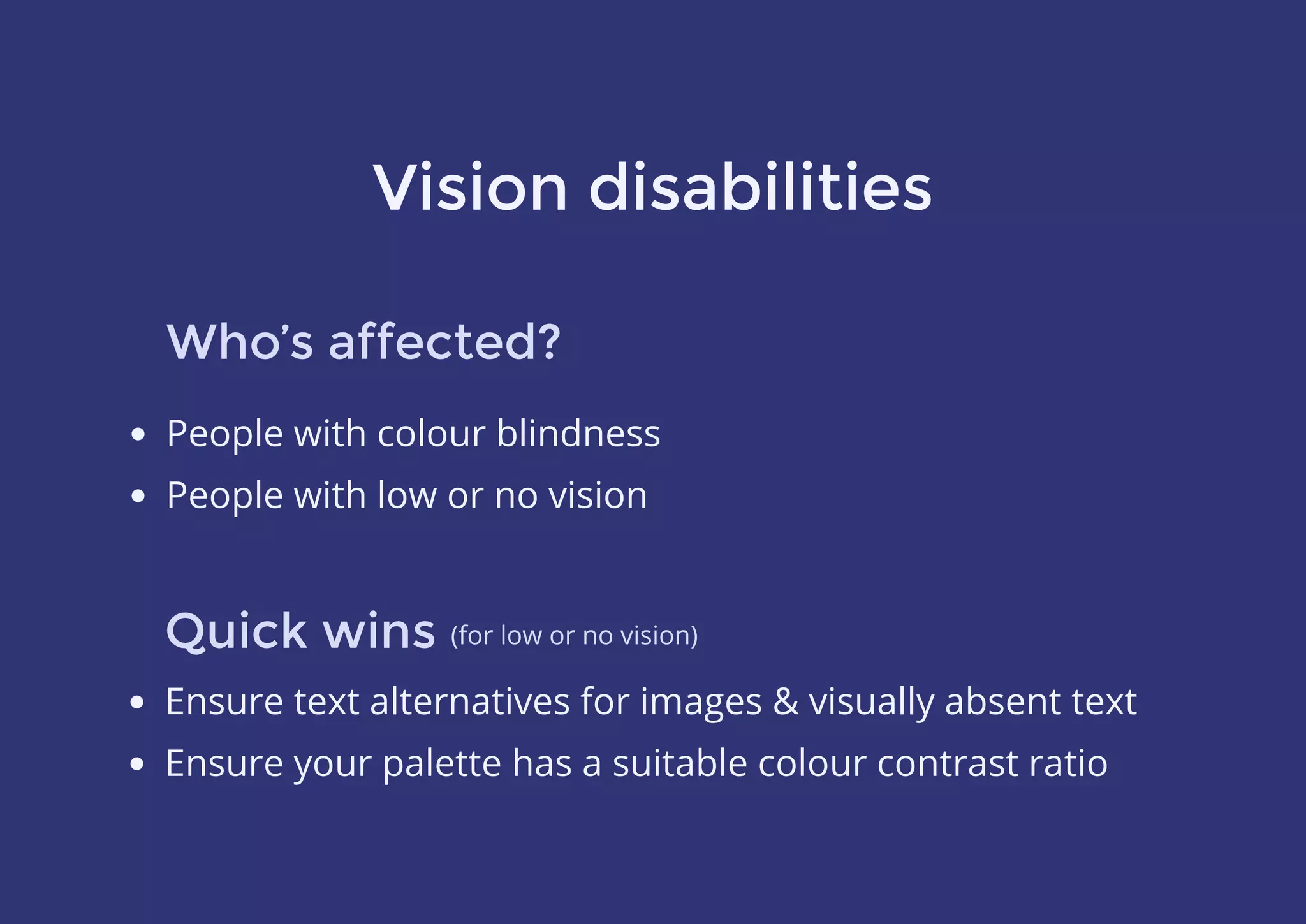
Vision disabilities
Who’s affected?
Quick wins
People with colour blindness
People with low or no vision
Ensure text alternatives for images & visually absent text
Ensure your palette has a suitable colour contrast ratio
(for low or no vision)
Colour blindness
Deuteranopia (red-green)
Protanopia (another red-green)
Tritanopia (blue-yellow)
Up to 10% of the population may be affected
You can’t rely on colour alone
to convey information
(red-green)
(another red-green)
(blue-yellow)
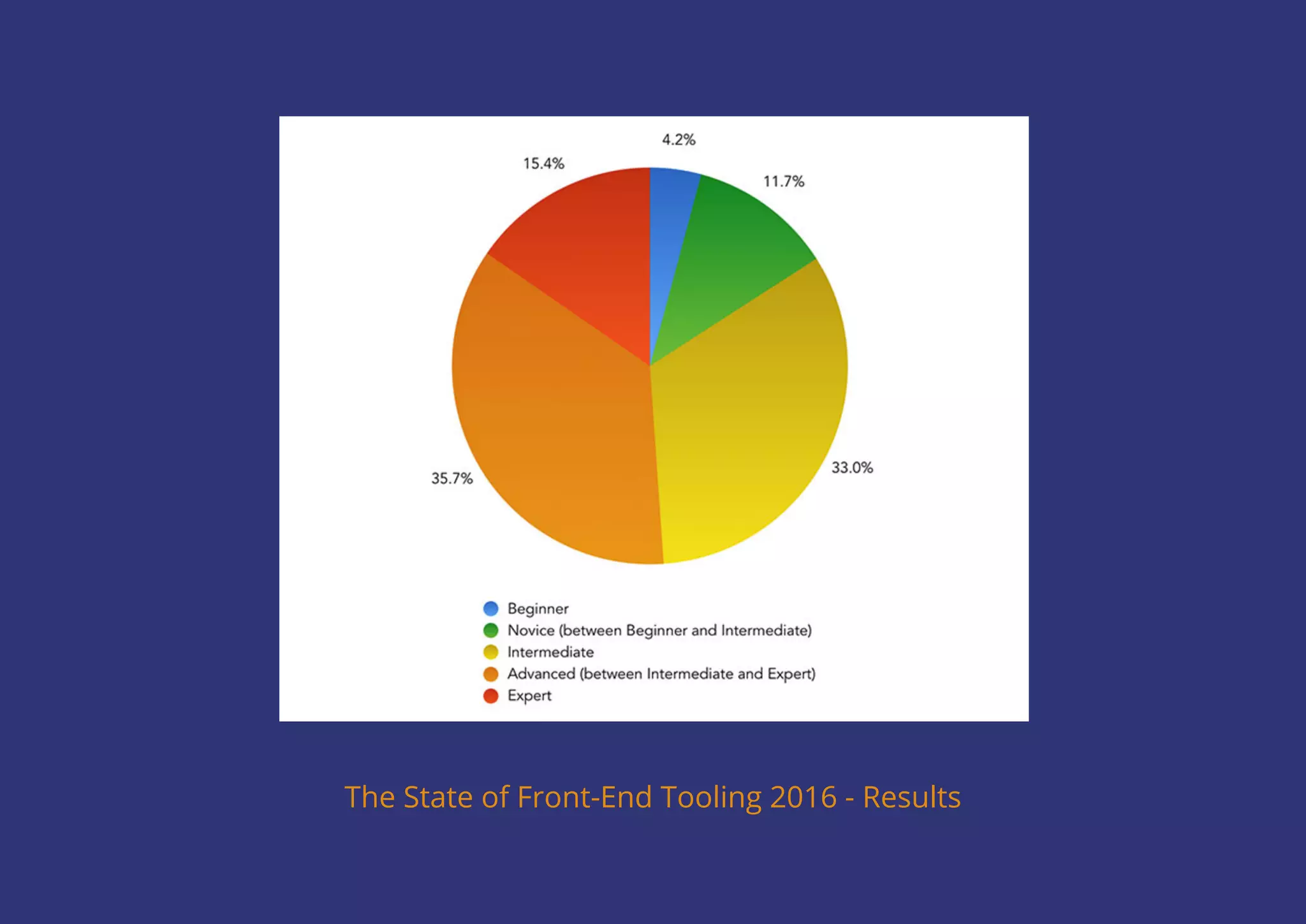
The State of Front-End Tooling 2016 - Results
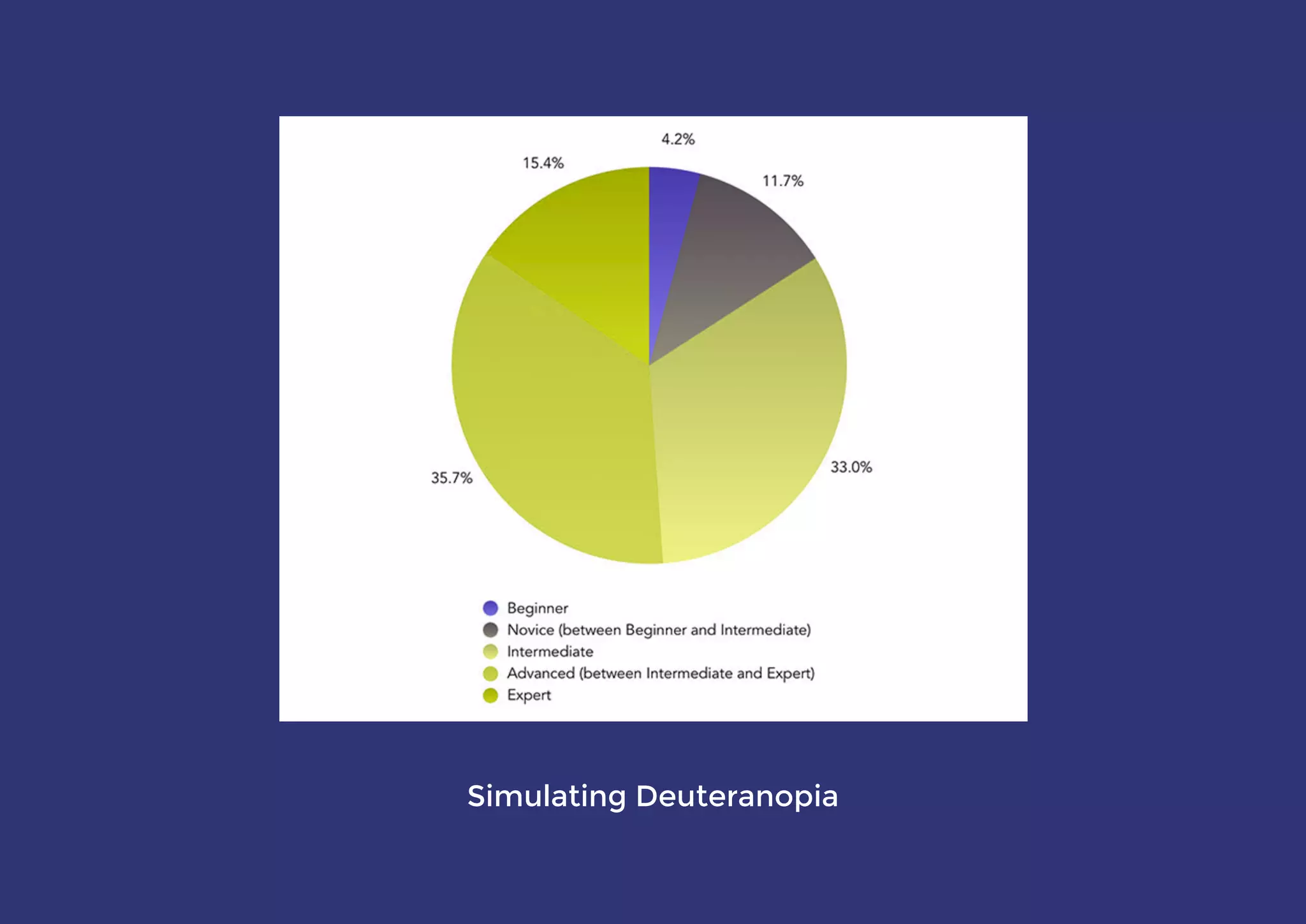
Simulating Deuteranopia
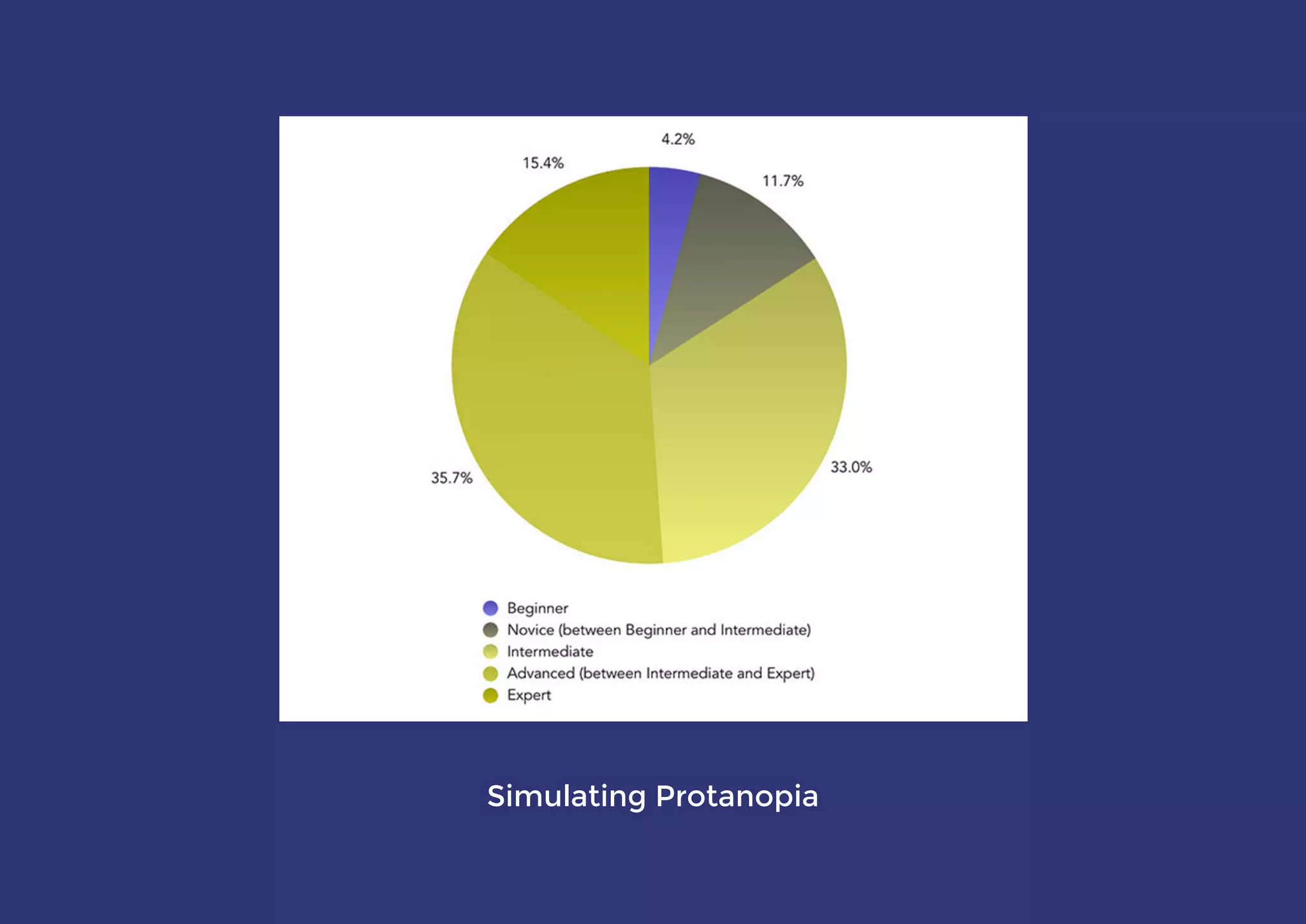
Simulating Protanopia
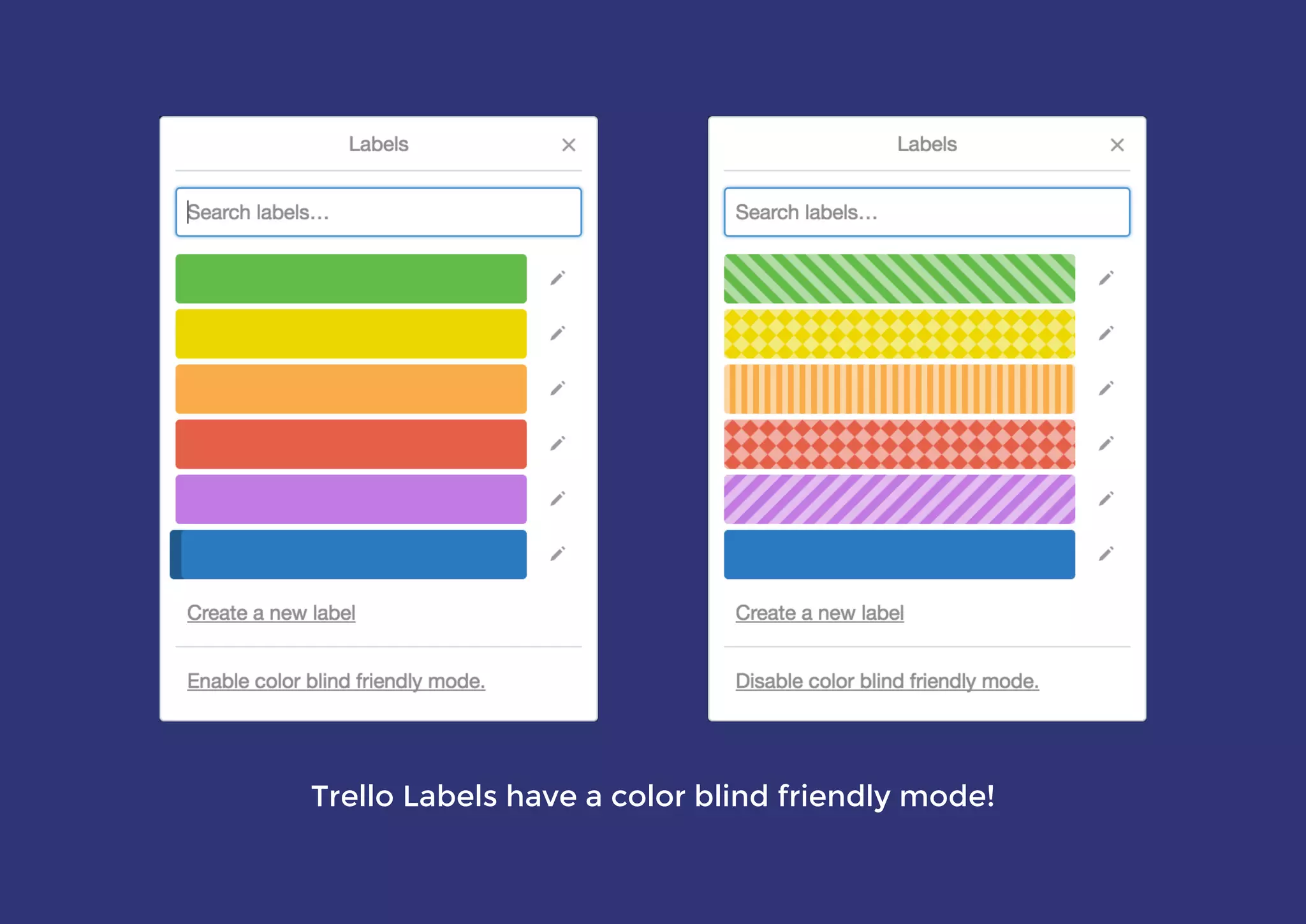
Trello Labels have a color blind friendly mode!
Simulating colour blindness
Photoshop’s Proof Setup
 cross-platform app
Chrome extension
Sass mixin
Color Oracle
NoCoffee Vision Simulator
AcceCSS
All have slightly different features and results,
and are useful at different times in the process
Colour contrast ratio
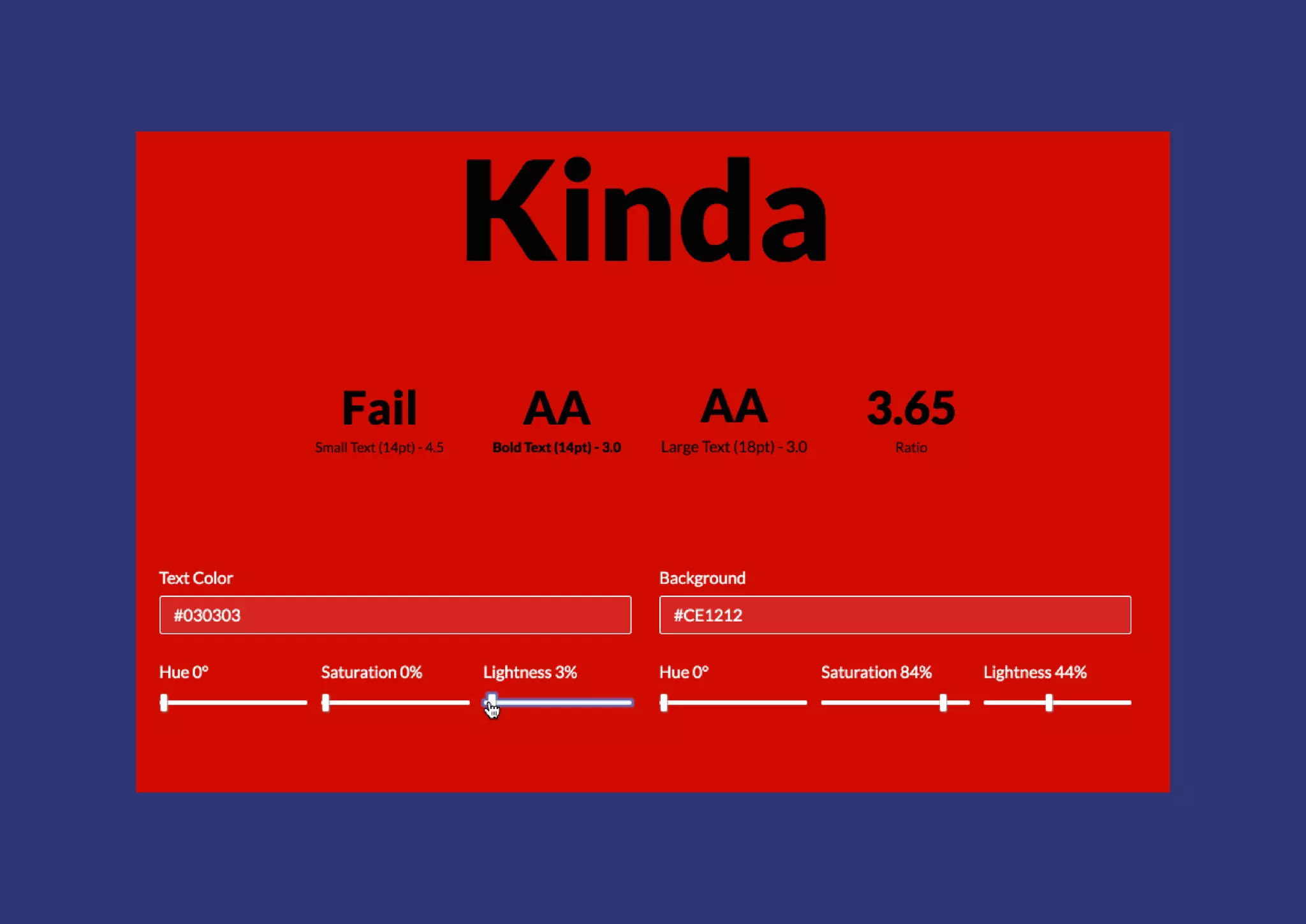
Text ratio needs to be 3 – 4.5:1 depending on size
But don't make the ratio too high!
Test with aremycolorsaccessible.com
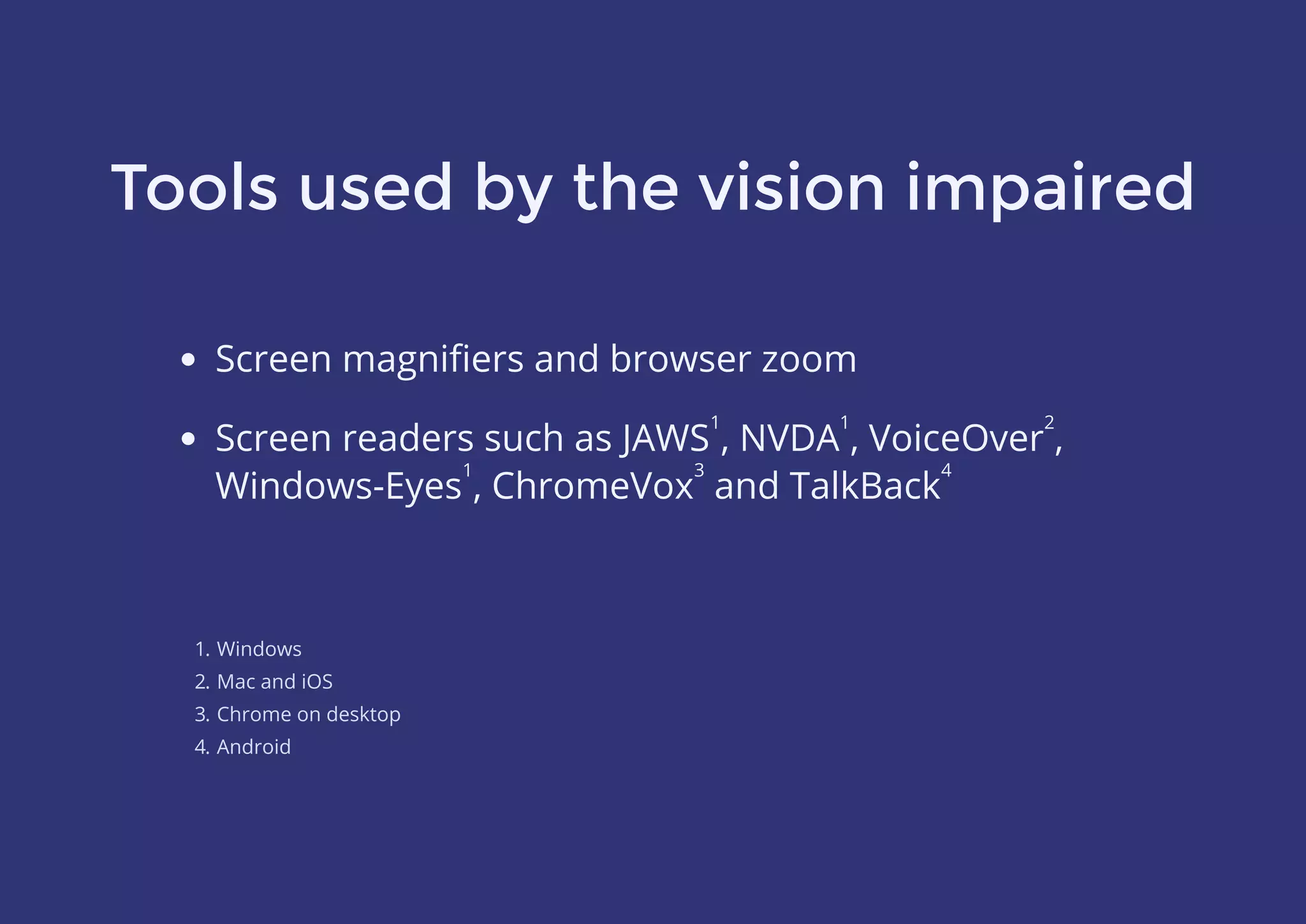
Tools used by the vision impaired
Screen magnifiers and browser zoom
1. Windows
2. Mac and iOS
3. Chrome on desktop
4. Android
Screen readers such as JAWS , NVDA , VoiceOver ,
Windows-Eyes , ChromeVox and TalkBack
1 1 2
1 3 4
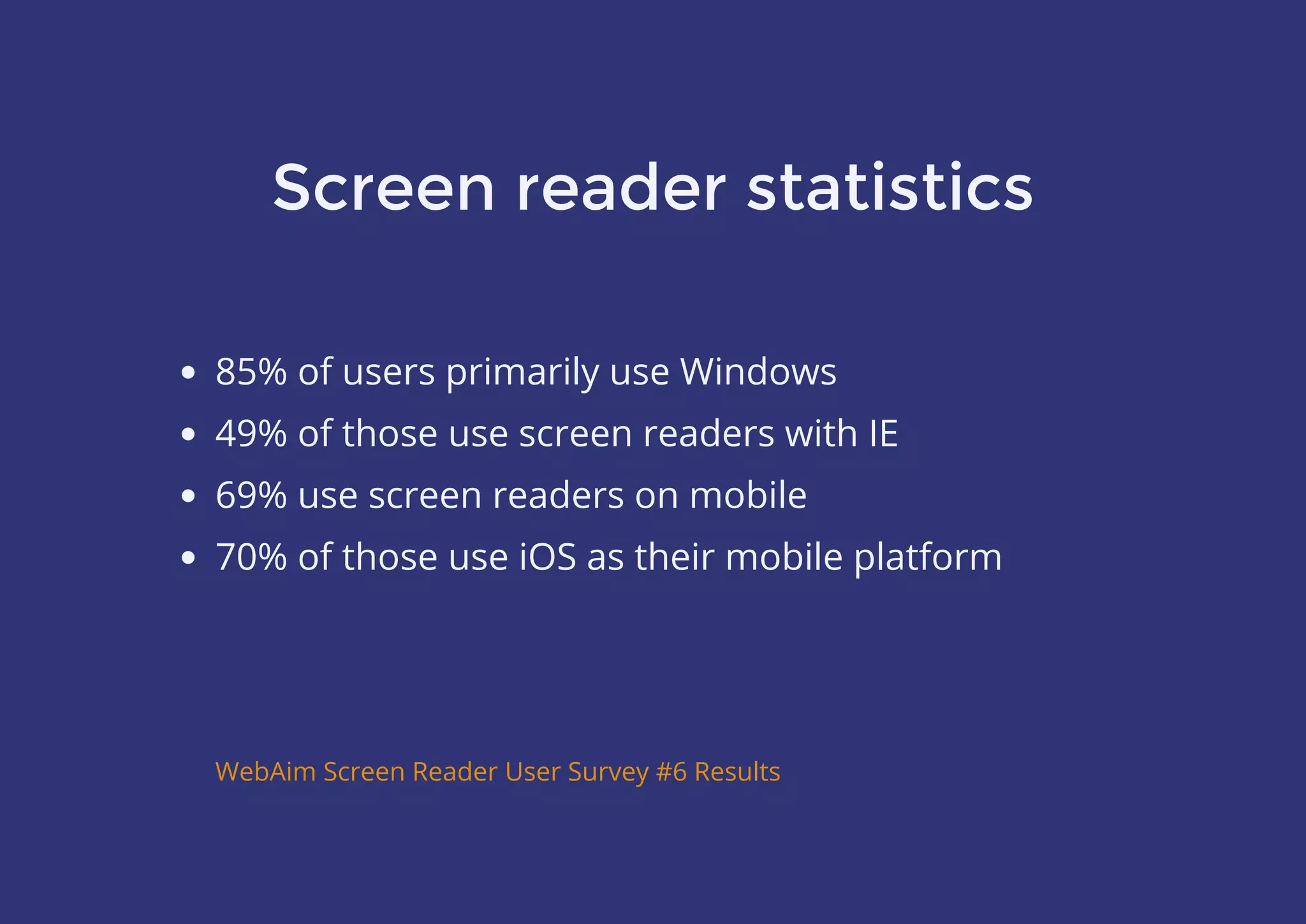
Screen reader statistics
85% of users primarily use Windows
49% of those use screen readers with IE
69% use screen readers on mobile
70% of those use iOS as their mobile platform
WebAim Screen Reader User Survey #6 Results
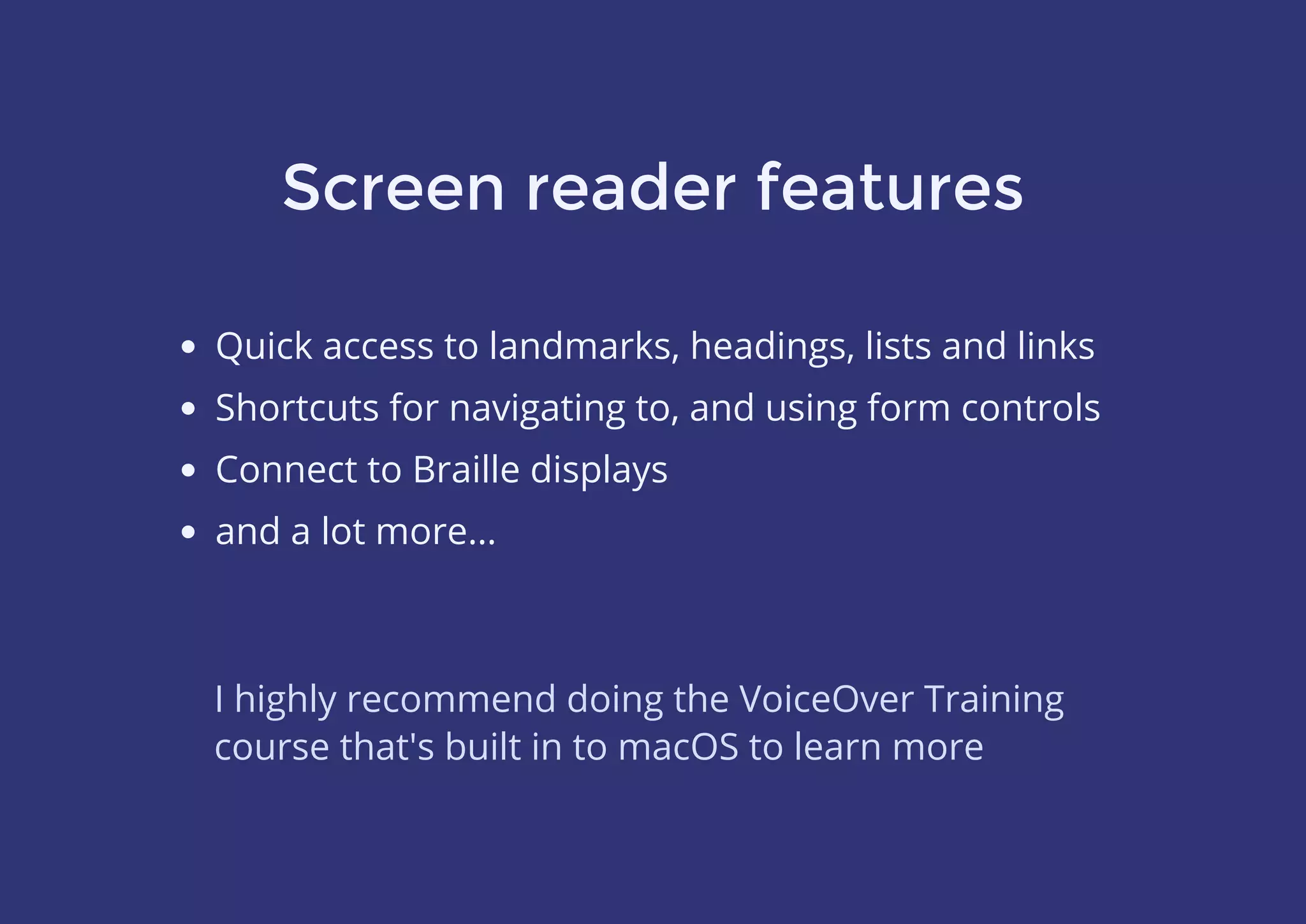
Screen reader features
Quick access to landmarks, headings, lists and links
Shortcuts for navigating to, and using form controls
Connect to Braille displays
and a lot more…
I highly recommend doing the VoiceOver Training
course that's built in to macOS to learn more
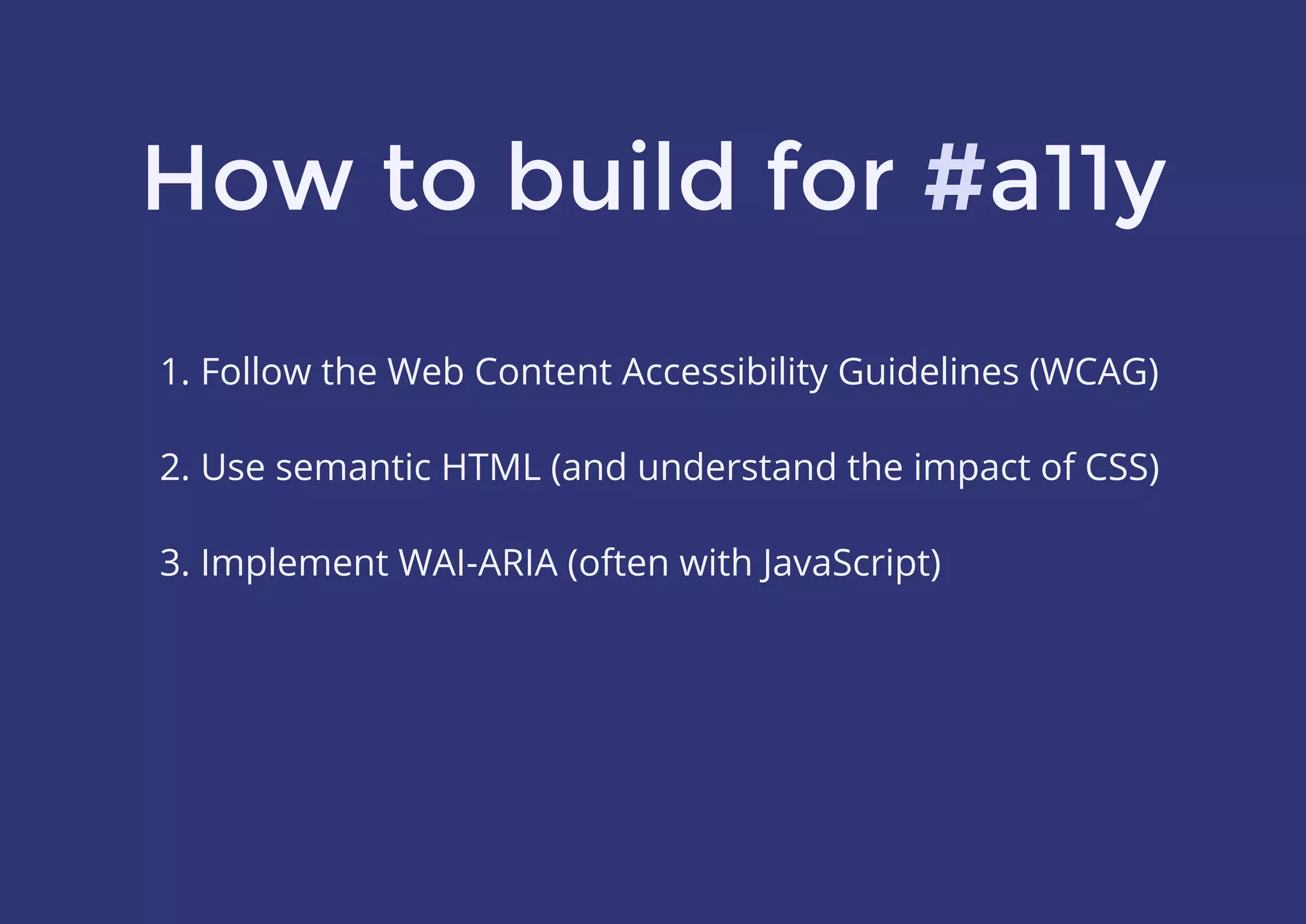
How to build for #a11y
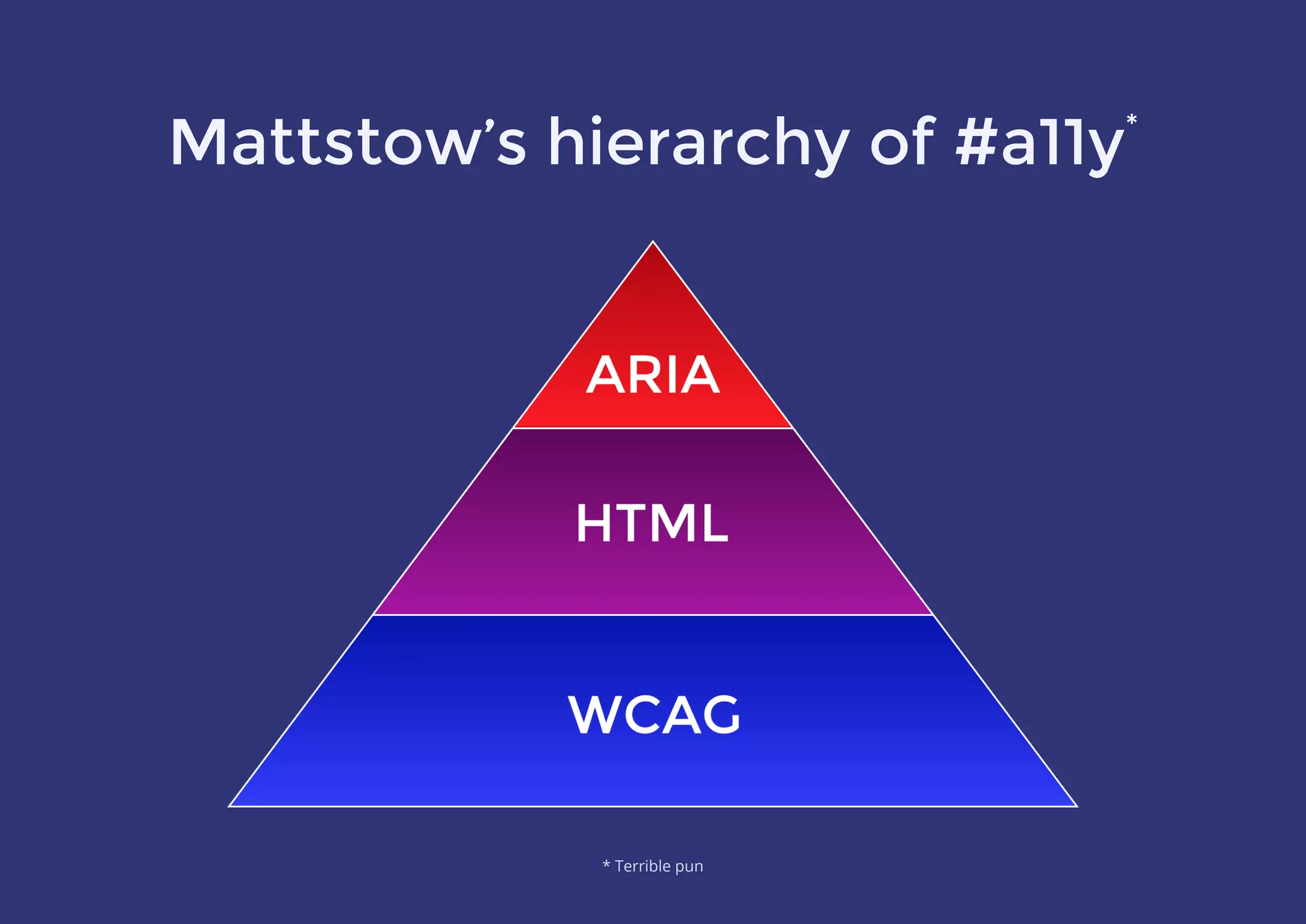
1. Follow the Web Content Accessibility Guidelines (WCAG)
 
2. Use semantic HTML (and understand the impact of CSS)
 
3. Implement WAI-ARIA (often with JavaScript)
#
Mattstow’s hierarchy of #a11y*
* Terrible pun
What is WCAG 2.0?
A W3C standard which recommends how to make web
content more accessible to people with disabilities
It's generic, so doesn‘t dictate technology choices
Divided in to 12 major guidelines across 4 core principles
Each sub-guideline has a conformance rating from A–AAA
WCAG at a glance
Principle 1: Perceivable
Provide text alternatives for non-text content
Provide captions/alternatives for multimedia
w3.org/WAI/WCAG20/quickref/?showtechniques=311,313#principle1
Create content that can be presented in different ways
without losing meaning
Make it easier for users to see and hear content
WCAG at a glance
Principle 2: Operable
Make all functionality available from a keyboard
Give users enough time to read and use content
Do not use content that causes seizures
Help users navigate and find content
w3.org/WAI/WCAG20/quickref/?showtechniques=311,313#principle2
WCAG at a glance
Principle 3: Understandable
Make text readable and understandable
Make content appear and operate in predictable ways
Help users avoid and correct mistakes
w3.org/WAI/WCAG20/quickref/?showtechniques=311,313#principle3
WCAG at a glance
Principle 4: Robust
Maximise compatibility with current and future user agents
w3.org/WAI/WCAG20/quickref/?showtechniques=311,313#principle4
Use semantic HTML
Add a valid `lang` attribute to <html>
Don‘t disable zooming
Use appropriate HTML5 elements
Don‘t skip heading levels
Use native browser controls where possible
Only <a> and <button> should be “clickable”
All form elements must be labelled
Placeholders aren‘t labels
Understand the impact of CSS
Test without CSS to ensure a logical source order
Minimum of 14px font size for body content
Pseudo content is read out, so it has to be meaningful
OK to use a utility class to hide content
Don‘t remove `:focus` outlines – or provide alternatives
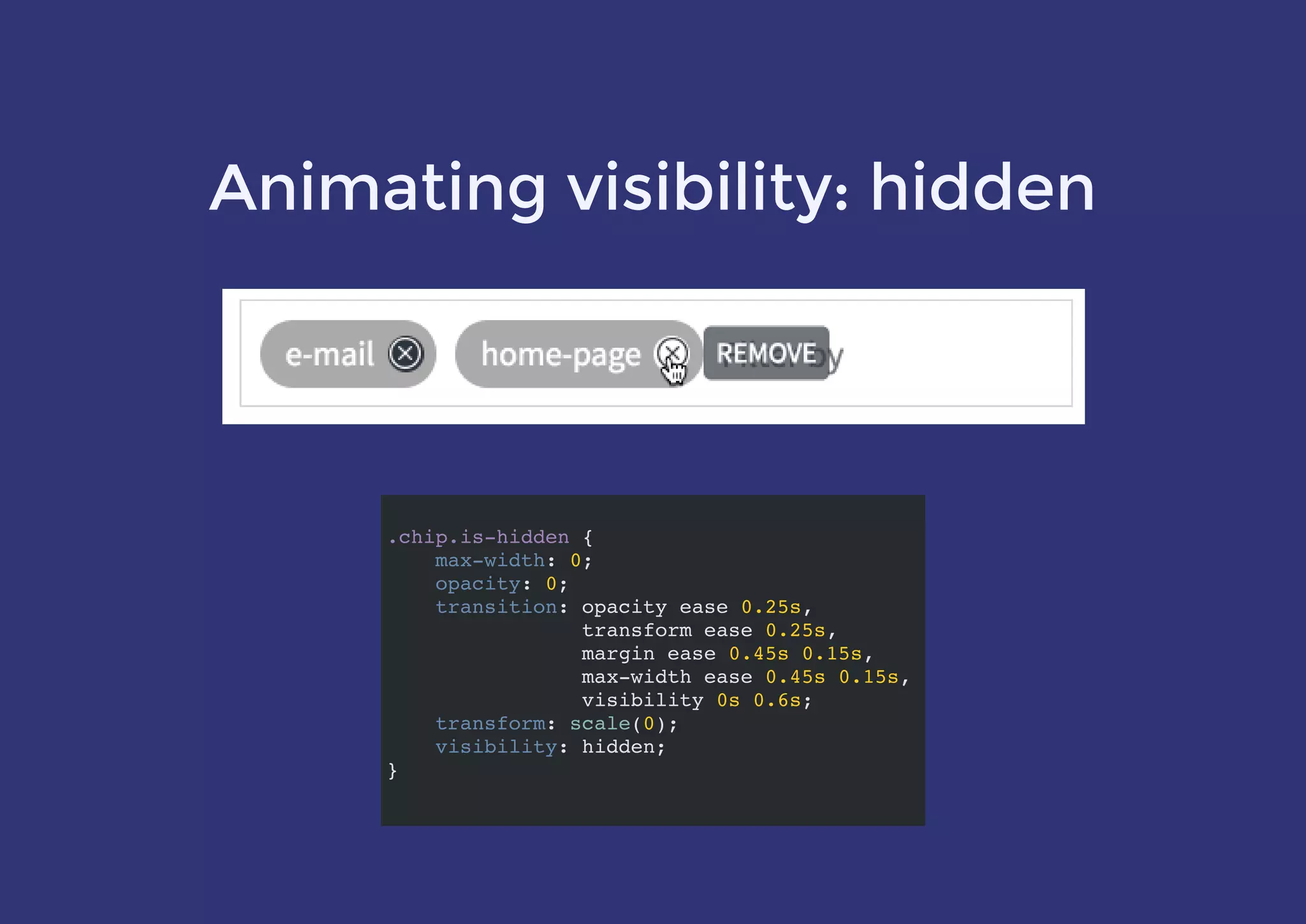
`visibility: hidden` hides from ATs but is animatable!
.visually-hidden
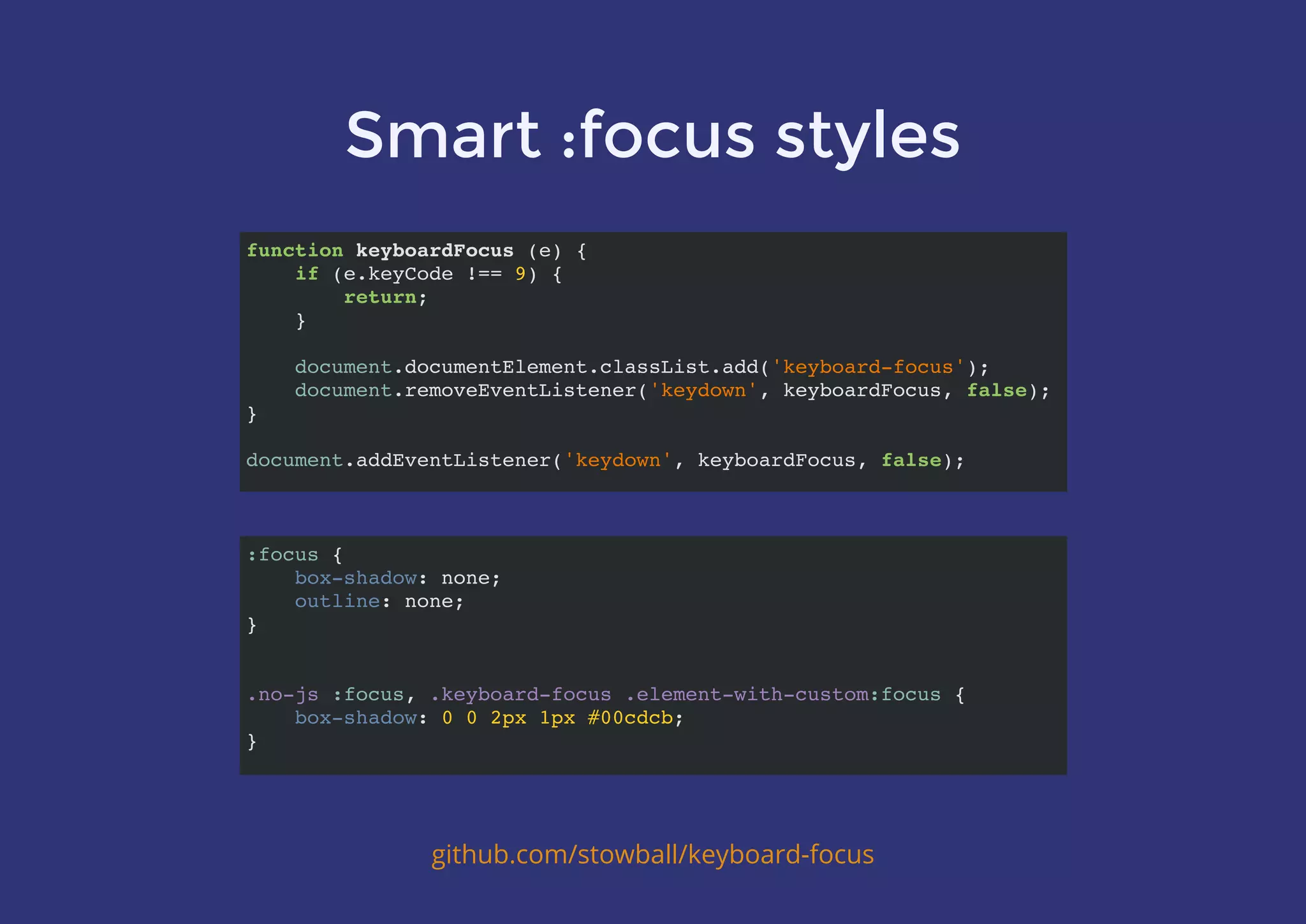
Smart :focus styles
github.com/stowball/keyboard-focus
function keyboardFocus (e) {
if (e.keyCode !== 9) {
return;
}
document.documentElement.classList.add('keyboard-focus');
document.removeEventListener('keydown', keyboardFocus, false);
}
document.addEventListener('keydown', keyboardFocus, false);
:focus {
box-shadow: none;
outline: none;
}
.no-js :focus, .keyboard-focus .element-with-custom:focus {
box-shadow: 0 0 2px 1px #00cdcb;
}
Animating visibility: hidden
.chip.is-hidden {
max-width: 0;
opacity: 0;
transition: opacity ease 0.25s,
transform ease 0.25s,
margin ease 0.45s 0.15s,
max-width ease 0.45s 0.15s,
visibility 0s 0.6s;
transform: scale(0);
visibility: hidden;
}
What is WAI-ARIA?
A spec on how to increase the accessibility of
Rich Internet Applications
Uses role attributes to describe the type of element
Uses property attributes to describe relationships,
functions and UI states
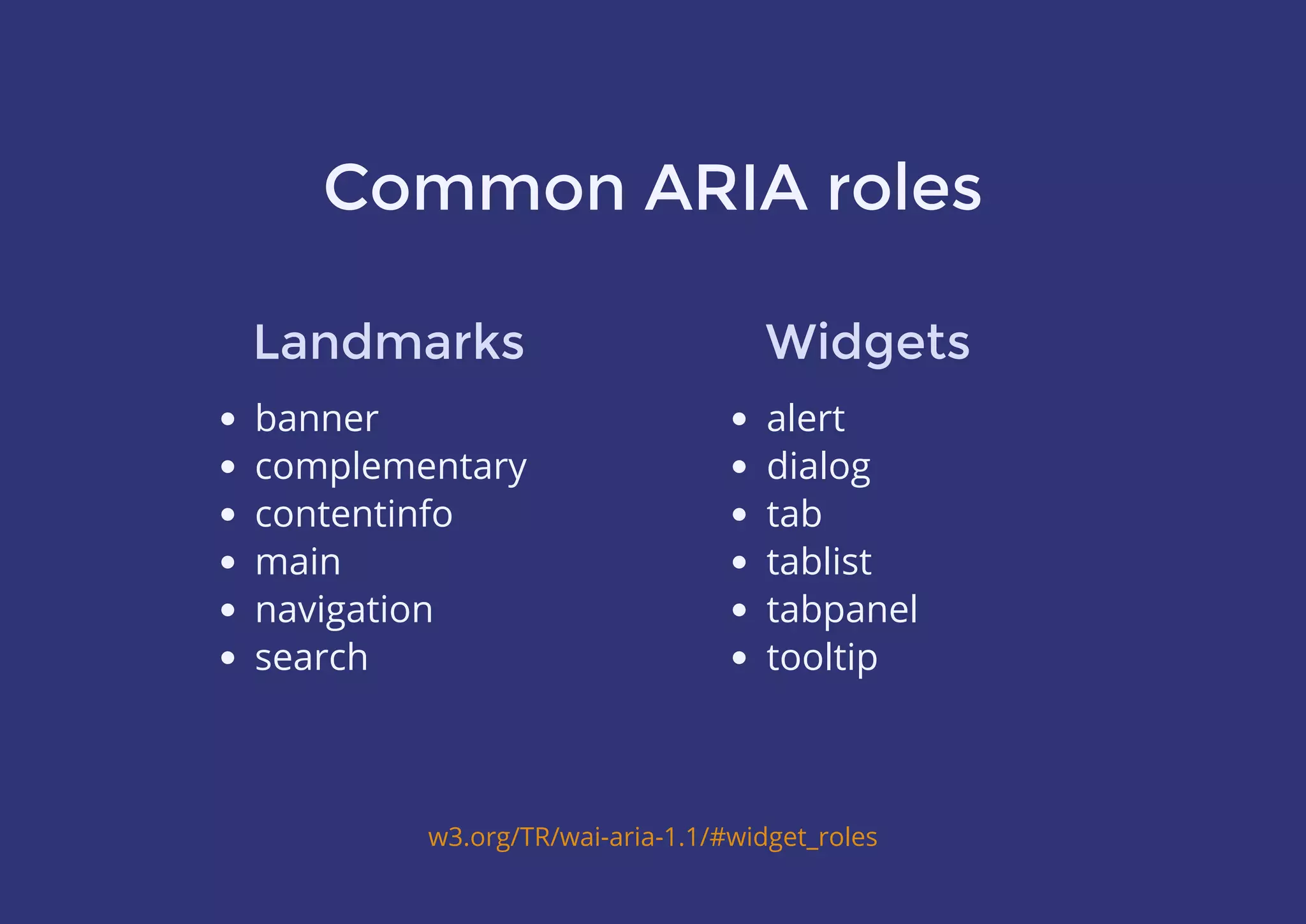
Common ARIA roles
banner
complementary
contentinfo
main
navigation
search
w3.org/TR/wai-aria-1.1/#widget_roles
Landmarks
alert
dialog
tab
tablist
tabpanel
tooltip
Widgets
Common ARIA properties
aria-current (state)
aria-expanded (state)
aria-haspopup
aria-hidden (state)
aria-invalid (state)
aria-label
aria-pressed (state)
aria-selected (state)
w3.org/TR/wai-aria-1.1/#global_states
Widgets
aria-atomic
aria-controls
aria-labelledby
aria-live
aria-owns
Others
Useful examples!
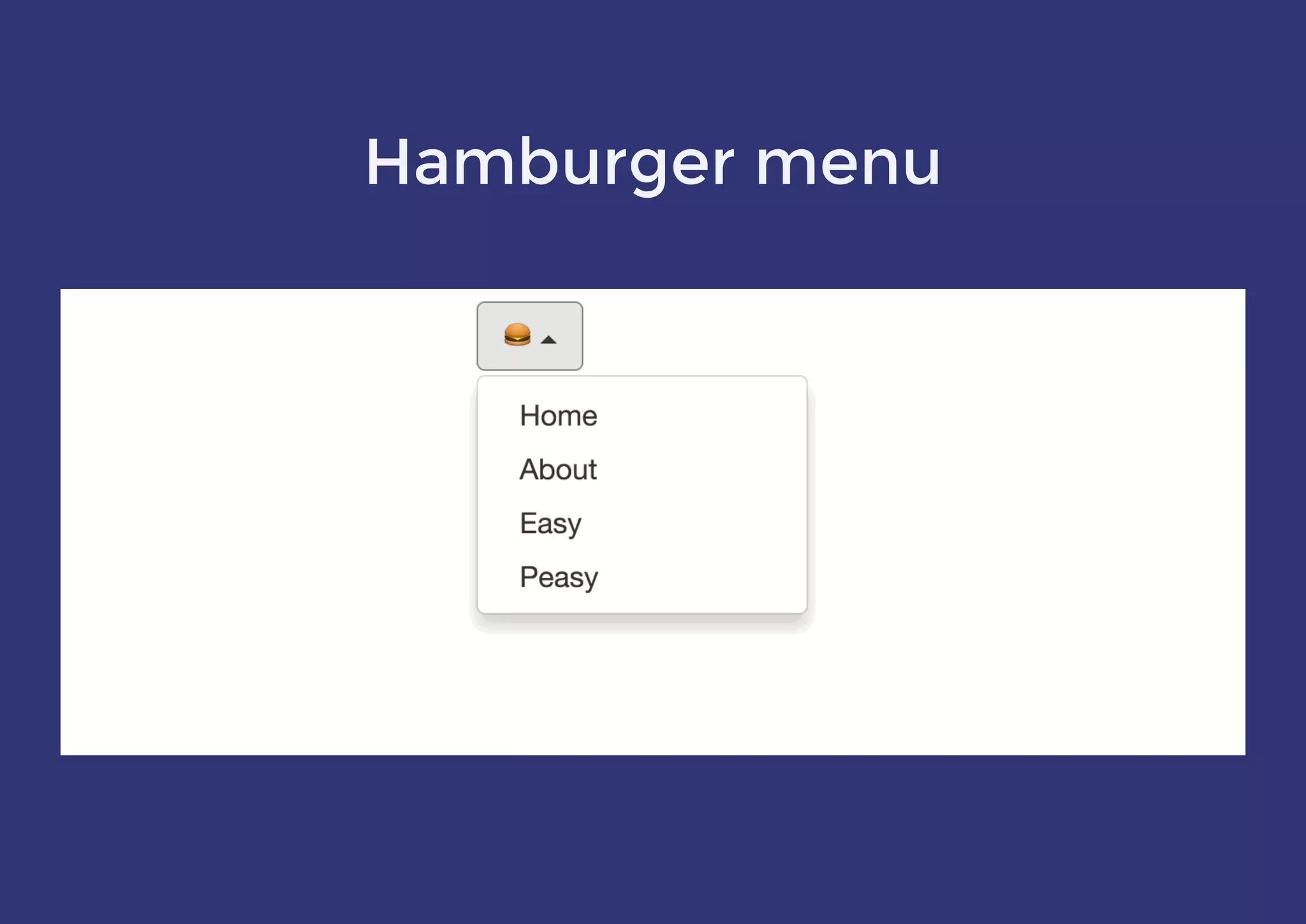
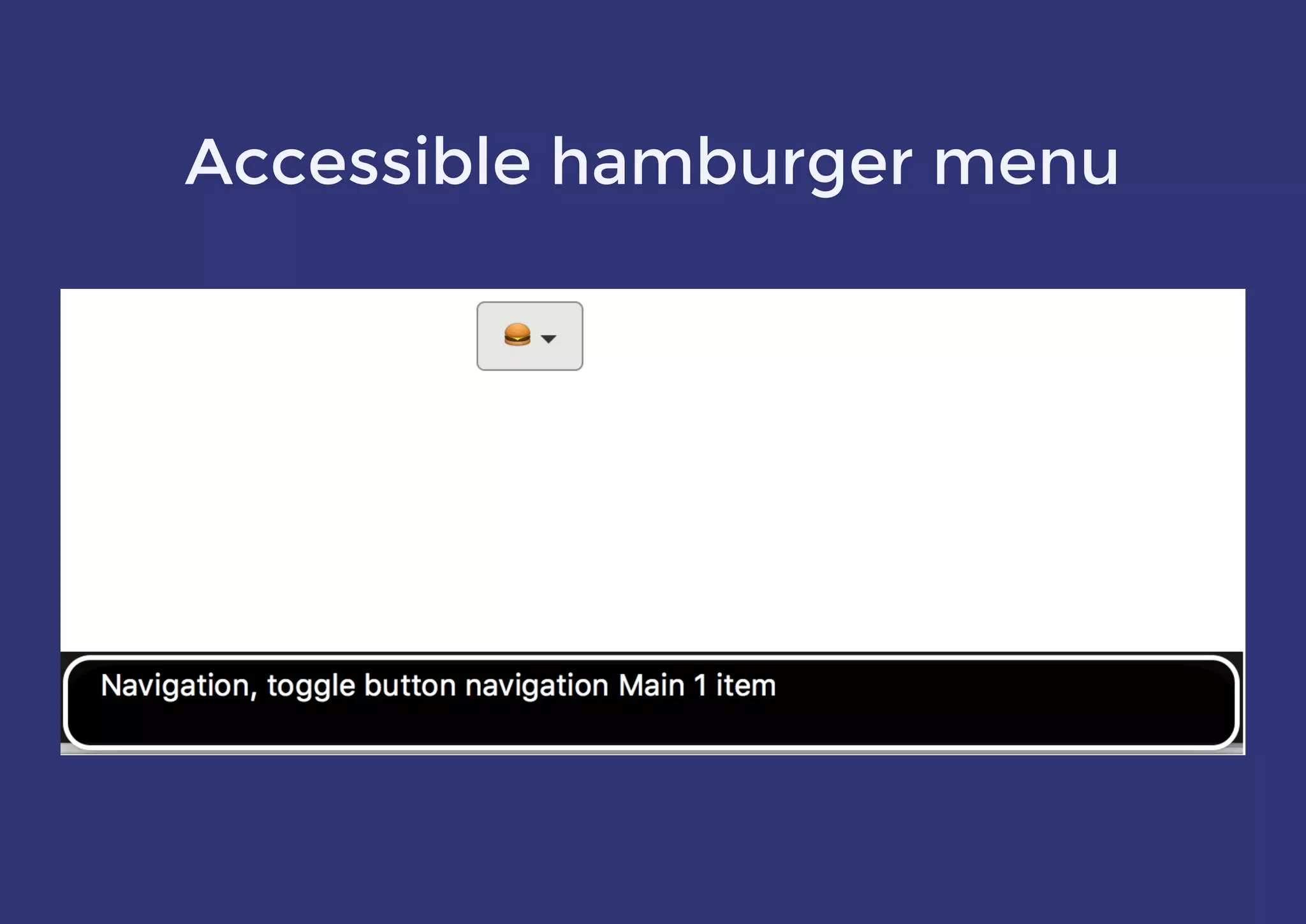
Hamburger menu
<nav role="navigation" aria-label="Main">
<button aria-label="Navigation" aria-controls="menu"
aria-haspopup="true" aria-expanded="false" aria-pressed="false"
> </button>
<ul id="menu">
<li><a href="#">Home</a></li>
<li><a href="#">About</a></li>
</ul>
</nav>
var $button = $('button');
var isMenuOpen = false;
$
$button.on('click', function () {
isMenuOpen = !isMenuOpen;
$button.attr('aria-expanded', isMenuOpen);
$button.attr('aria-pressed', isMenuOpen);
});
button[aria-pressed="true"] {
/* change caret indicator */
}
button[aria-expanded="true"] + #menu {
/* show menu */
}
var $button = $('button');
var isMenuOpen = false;
Accessible hamburger menu
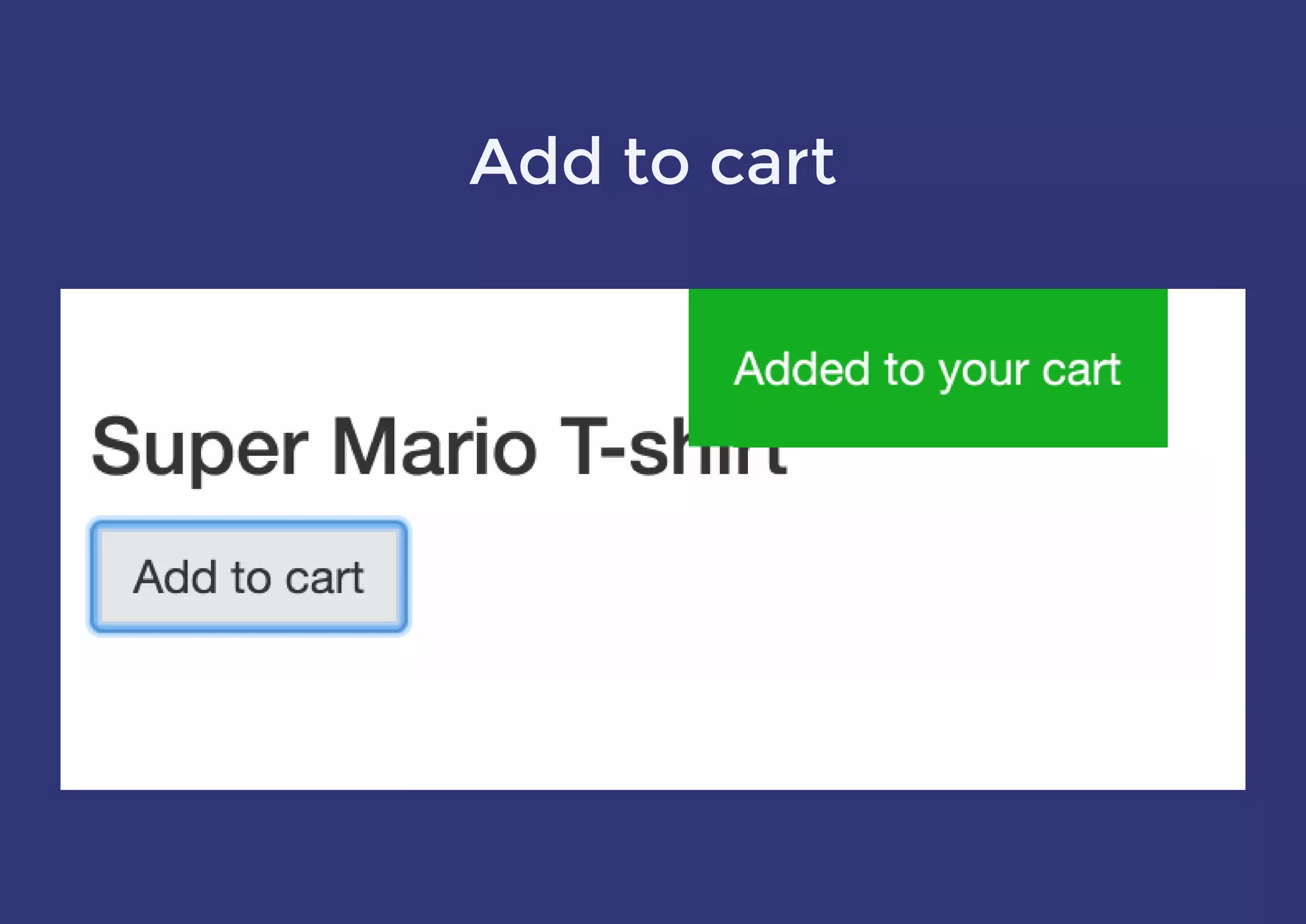
Add to cart
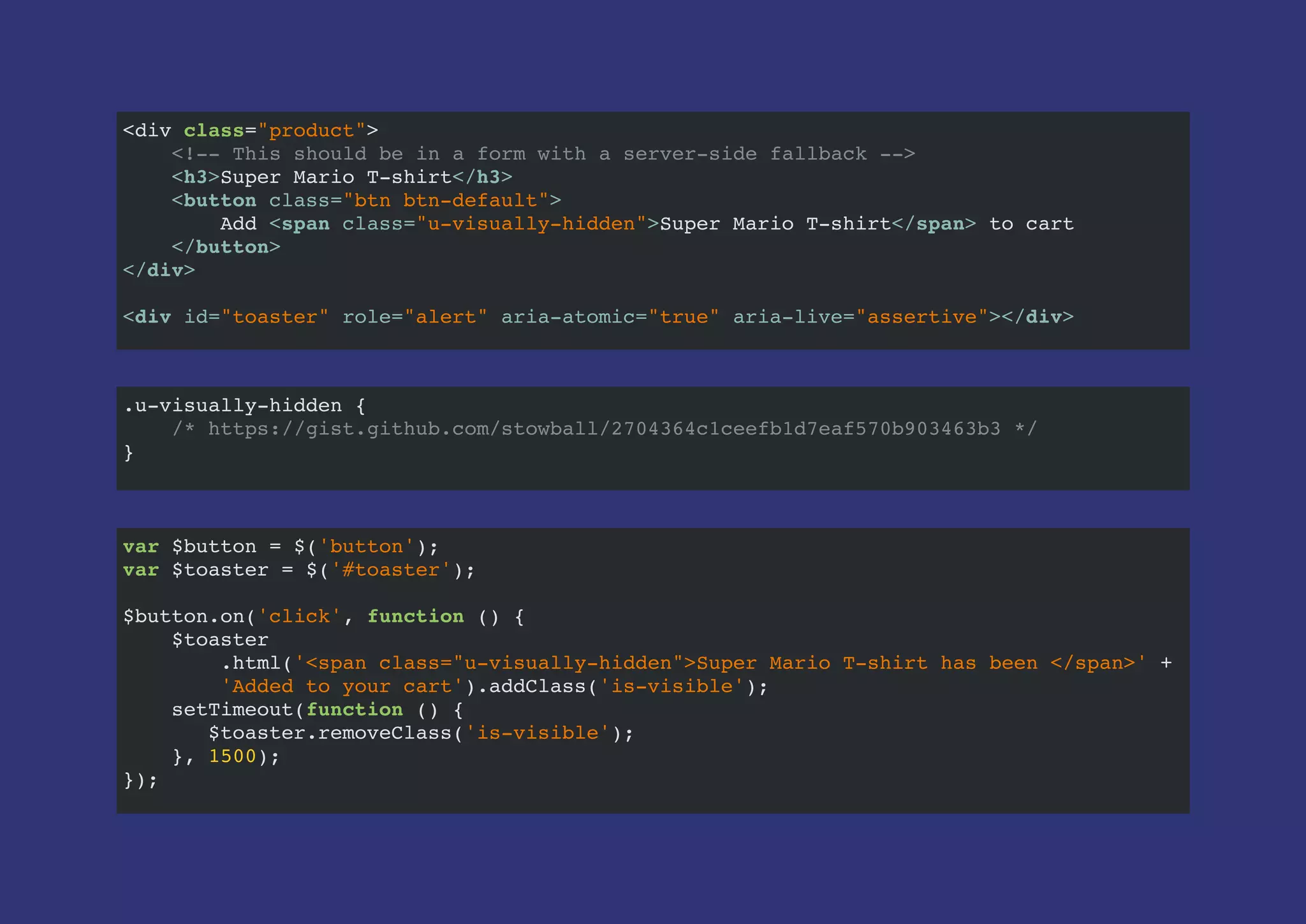
<div class="product">
<!-- This should be in a form with a server-side fallback -->
<h3>Super Mario T-shirt</h3>
<button class="btn btn-default">
Add <span class="u-visually-hidden">Super Mario T-shirt</span> to cart
</button>
</div>
<div id="toaster" role="alert" aria-atomic="true" aria-live="assertive"></div>
var $button = $('button');
var $toaster = $('#toaster');
$button.on('click', function () {
$toaster
.html('<span class="u-visually-hidden">Super Mario T-shirt has been </span>' +
'Added to your cart').addClass('is-visible');
setTimeout(function () {
$toaster.removeClass('is-visible');
}, 1500);
});
.u-visually-hidden {
/* https://gist.github.com/stowball/2704364c1ceefb1d7eaf570b903463b3 */
}
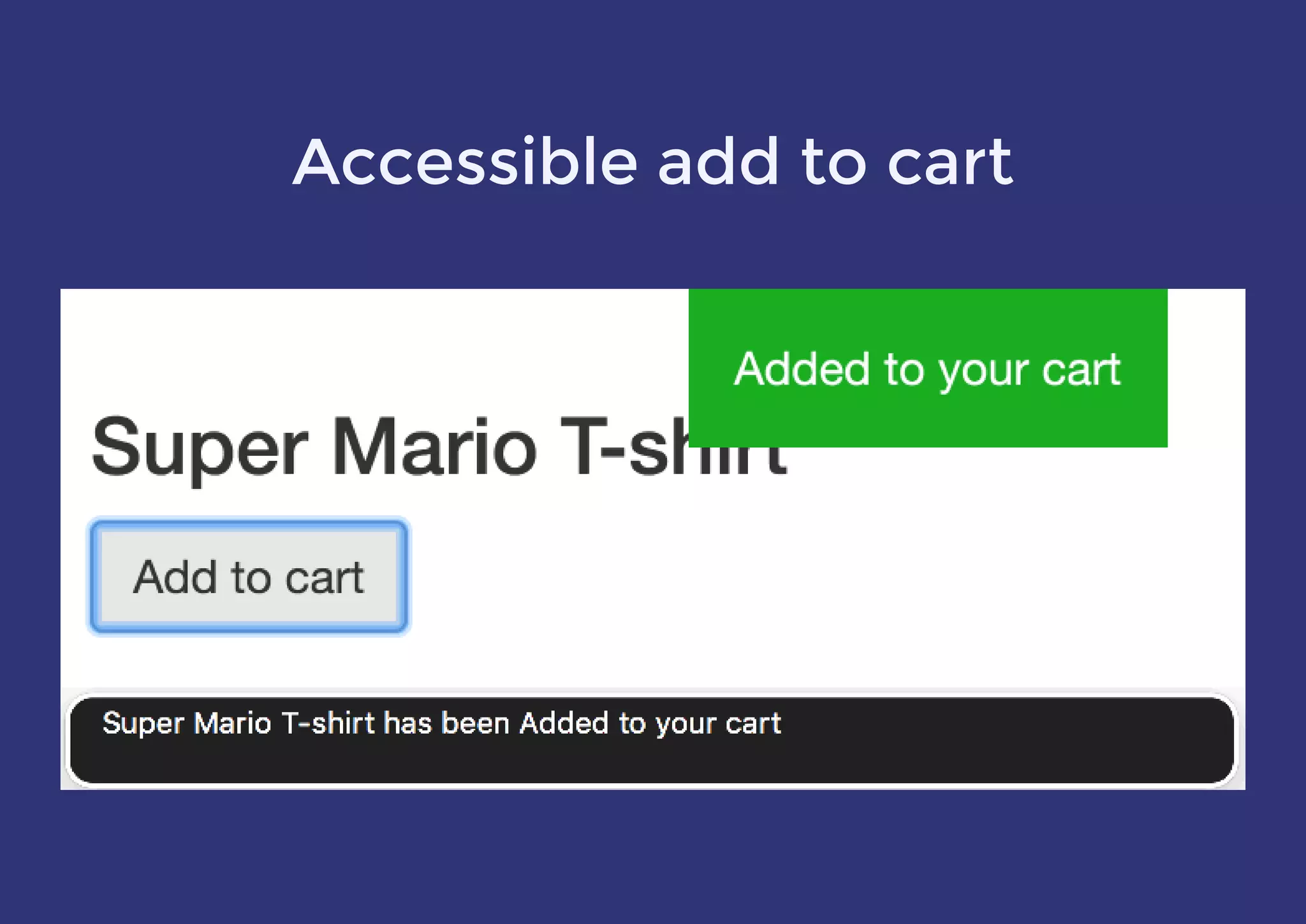
Accessible add to cart
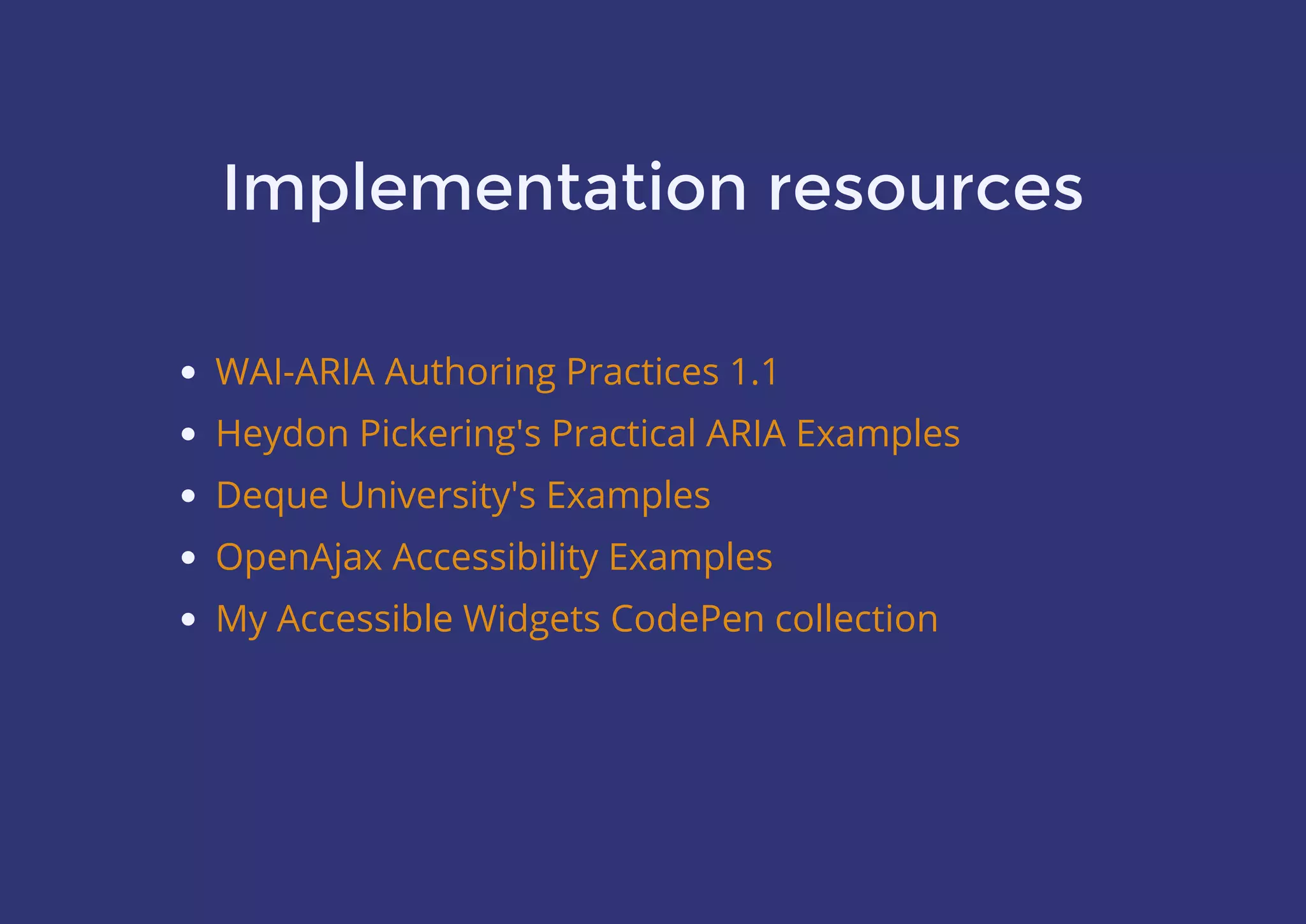
Implementation resources
WAI-ARIA Authoring Practices 1.1
Heydon Pickering's Practical ARIA Examples
Deque University's Examples
OpenAjax Accessibility Examples
My Accessible Widgets CodePen collection
Inclusive design
benefits everyone
Practice makes perfect
Thank you!
@stowball
 
 
slides.com/stowball/accessible-web

Building a better, accessible web

  • 1.
  • 2.
    About Me Matt Stow @stowball SeniorUX Engineer at TOTVS Labs
  • 3.
    “We should beable to access the web … regardless of the software we use, the computer we have, the language we speak … and regardless of our sensory or interaction modes” w3.org/standards/
  • 7.
    Statistics Around 40% (6.8million) of Australians aged 18+ have a disability or long-term health condition   53% of people aged 65+ report to having some form of disability Australian Human Rights Commission
  • 8.
    “‘People with disability’is the only minority group that anyone can join at any time” Australian Network on Disability
  • 9.
    #PlotTwist Equal Access is Requiredby Law “…websites whose development commences after July 1 2010 should comply with WCAG 2.0 to a minimum of AA-Level…” Section 2.2 of the Disability Discrimination Act Section 4.2 of the Disability Discrimination Act
  • 10.
    Types of disabilities Hearingimpairments   Cognitive & learning disabilities   Mobility & physical impairments   Vision disabilities
  • 11.
    Hearing impairments Who’s affected? Peoplewith full or partial hearing loss Quick wins Provide captions and/or transcripts for audio and video Non-native speakers also benefit
  • 12.
    Cognitive & learningdisabilities Who’s affected? People with ADD, autism, dementia, dyslexia and more Quick wins Avoid justified text and ALL CAPS; use sans-serif fonts Simplify the language used and reduce the amount of text Reduce the complexity of the UI’s appearance and functions Use Invisible Animation
  • 13.
    Mobility & physicalimpairments Who’s affected? People with limited dexterity or upper limb disabilities Quick wins Mouse hover actions Ensure a sensible tabbing order Visible focus states for all interactive elements need to be forgiving
  • 14.
    Vision disabilities Who’s affected? Quickwins People with colour blindness People with low or no vision Ensure text alternatives for images & visually absent text Ensure your palette has a suitable colour contrast ratio (for low or no vision)
  • 15.
    Colour blindness Deuteranopia (red-green) Protanopia(another red-green) Tritanopia (blue-yellow) Up to 10% of the population may be affected You can’t rely on colour alone to convey information (red-green) (another red-green) (blue-yellow)
  • 16.
    The State ofFront-End Tooling 2016 - Results
  • 17.
  • 18.
  • 19.
    Trello Labels havea color blind friendly mode!
  • 20.
    Simulating colour blindness Photoshop’sProof Setup  cross-platform app Chrome extension Sass mixin Color Oracle NoCoffee Vision Simulator AcceCSS All have slightly different features and results, and are useful at different times in the process
  • 21.
    Colour contrast ratio Textratio needs to be 3 – 4.5:1 depending on size But don't make the ratio too high! Test with aremycolorsaccessible.com
  • 23.
    Tools used bythe vision impaired Screen magnifiers and browser zoom 1. Windows 2. Mac and iOS 3. Chrome on desktop 4. Android Screen readers such as JAWS , NVDA , VoiceOver , Windows-Eyes , ChromeVox and TalkBack 1 1 2 1 3 4
  • 24.
    Screen reader statistics 85%of users primarily use Windows 49% of those use screen readers with IE 69% use screen readers on mobile 70% of those use iOS as their mobile platform WebAim Screen Reader User Survey #6 Results
  • 25.
    Screen reader features Quickaccess to landmarks, headings, lists and links Shortcuts for navigating to, and using form controls Connect to Braille displays and a lot more… I highly recommend doing the VoiceOver Training course that's built in to macOS to learn more
  • 26.
    How to buildfor #a11y 1. Follow the Web Content Accessibility Guidelines (WCAG)   2. Use semantic HTML (and understand the impact of CSS)   3. Implement WAI-ARIA (often with JavaScript) #
  • 27.
    Mattstow’s hierarchy of#a11y* * Terrible pun
  • 28.
    What is WCAG2.0? A W3C standard which recommends how to make web content more accessible to people with disabilities It's generic, so doesn‘t dictate technology choices Divided in to 12 major guidelines across 4 core principles Each sub-guideline has a conformance rating from A–AAA
  • 29.
    WCAG at aglance Principle 1: Perceivable Provide text alternatives for non-text content Provide captions/alternatives for multimedia w3.org/WAI/WCAG20/quickref/?showtechniques=311,313#principle1 Create content that can be presented in different ways without losing meaning Make it easier for users to see and hear content
  • 30.
    WCAG at aglance Principle 2: Operable Make all functionality available from a keyboard Give users enough time to read and use content Do not use content that causes seizures Help users navigate and find content w3.org/WAI/WCAG20/quickref/?showtechniques=311,313#principle2
  • 31.
    WCAG at aglance Principle 3: Understandable Make text readable and understandable Make content appear and operate in predictable ways Help users avoid and correct mistakes w3.org/WAI/WCAG20/quickref/?showtechniques=311,313#principle3
  • 32.
    WCAG at aglance Principle 4: Robust Maximise compatibility with current and future user agents w3.org/WAI/WCAG20/quickref/?showtechniques=311,313#principle4
  • 33.
    Use semantic HTML Adda valid `lang` attribute to <html> Don‘t disable zooming Use appropriate HTML5 elements Don‘t skip heading levels Use native browser controls where possible Only <a> and <button> should be “clickable” All form elements must be labelled Placeholders aren‘t labels
  • 34.
    Understand the impactof CSS Test without CSS to ensure a logical source order Minimum of 14px font size for body content Pseudo content is read out, so it has to be meaningful OK to use a utility class to hide content Don‘t remove `:focus` outlines – or provide alternatives `visibility: hidden` hides from ATs but is animatable! .visually-hidden
  • 35.
    Smart :focus styles github.com/stowball/keyboard-focus functionkeyboardFocus (e) { if (e.keyCode !== 9) { return; } document.documentElement.classList.add('keyboard-focus'); document.removeEventListener('keydown', keyboardFocus, false); } document.addEventListener('keydown', keyboardFocus, false); :focus { box-shadow: none; outline: none; } .no-js :focus, .keyboard-focus .element-with-custom:focus { box-shadow: 0 0 2px 1px #00cdcb; }
  • 36.
    Animating visibility: hidden .chip.is-hidden{ max-width: 0; opacity: 0; transition: opacity ease 0.25s, transform ease 0.25s, margin ease 0.45s 0.15s, max-width ease 0.45s 0.15s, visibility 0s 0.6s; transform: scale(0); visibility: hidden; }
  • 37.
    What is WAI-ARIA? Aspec on how to increase the accessibility of Rich Internet Applications Uses role attributes to describe the type of element Uses property attributes to describe relationships, functions and UI states
  • 38.
  • 39.
    Common ARIA properties aria-current(state) aria-expanded (state) aria-haspopup aria-hidden (state) aria-invalid (state) aria-label aria-pressed (state) aria-selected (state) w3.org/TR/wai-aria-1.1/#global_states Widgets aria-atomic aria-controls aria-labelledby aria-live aria-owns Others
  • 40.
  • 41.
  • 42.
    <nav role="navigation" aria-label="Main"> <buttonaria-label="Navigation" aria-controls="menu" aria-haspopup="true" aria-expanded="false" aria-pressed="false" > </button> <ul id="menu"> <li><a href="#">Home</a></li> <li><a href="#">About</a></li> </ul> </nav> var $button = $('button'); var isMenuOpen = false; $ $button.on('click', function () { isMenuOpen = !isMenuOpen; $button.attr('aria-expanded', isMenuOpen); $button.attr('aria-pressed', isMenuOpen); }); button[aria-pressed="true"] { /* change caret indicator */ } button[aria-expanded="true"] + #menu { /* show menu */ } var $button = $('button'); var isMenuOpen = false;
  • 43.
  • 44.
  • 45.
    <div class="product"> <!-- Thisshould be in a form with a server-side fallback --> <h3>Super Mario T-shirt</h3> <button class="btn btn-default"> Add <span class="u-visually-hidden">Super Mario T-shirt</span> to cart </button> </div> <div id="toaster" role="alert" aria-atomic="true" aria-live="assertive"></div> var $button = $('button'); var $toaster = $('#toaster'); $button.on('click', function () { $toaster .html('<span class="u-visually-hidden">Super Mario T-shirt has been </span>' + 'Added to your cart').addClass('is-visible'); setTimeout(function () { $toaster.removeClass('is-visible'); }, 1500); }); .u-visually-hidden { /* https://gist.github.com/stowball/2704364c1ceefb1d7eaf570b903463b3 */ }
  • 46.
  • 47.
    Implementation resources WAI-ARIA Authoring Practices1.1 Heydon Pickering's Practical ARIA Examples Deque University's Examples OpenAjax Accessibility Examples My Accessible Widgets CodePen collection
  • 48.
  • 49.
  • 50.