What is it and why should I care?
Web Accessibility &
Inclusive Design
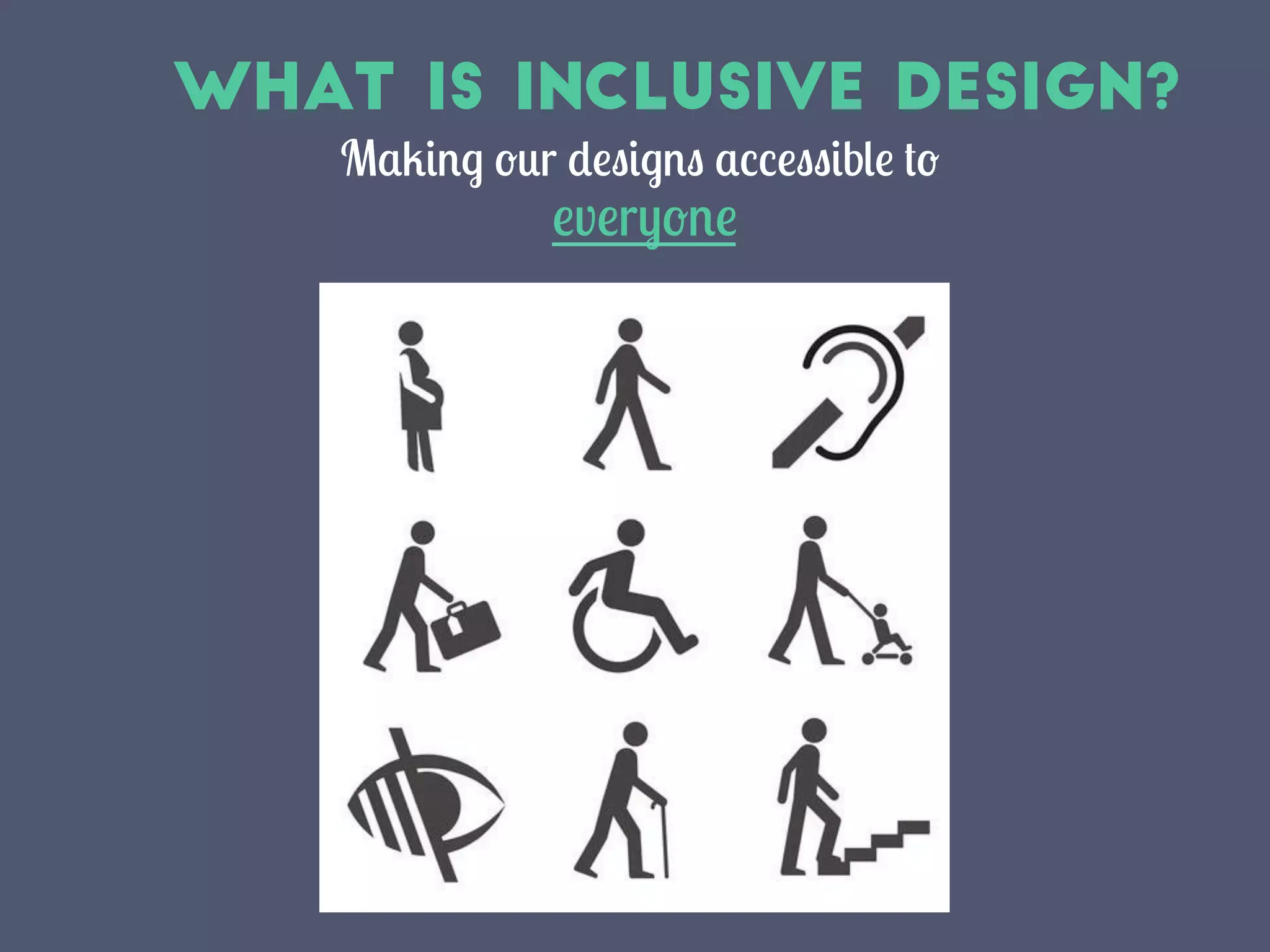
What Is Inclusive Design?
Making our designs accessible to
everyone	
  
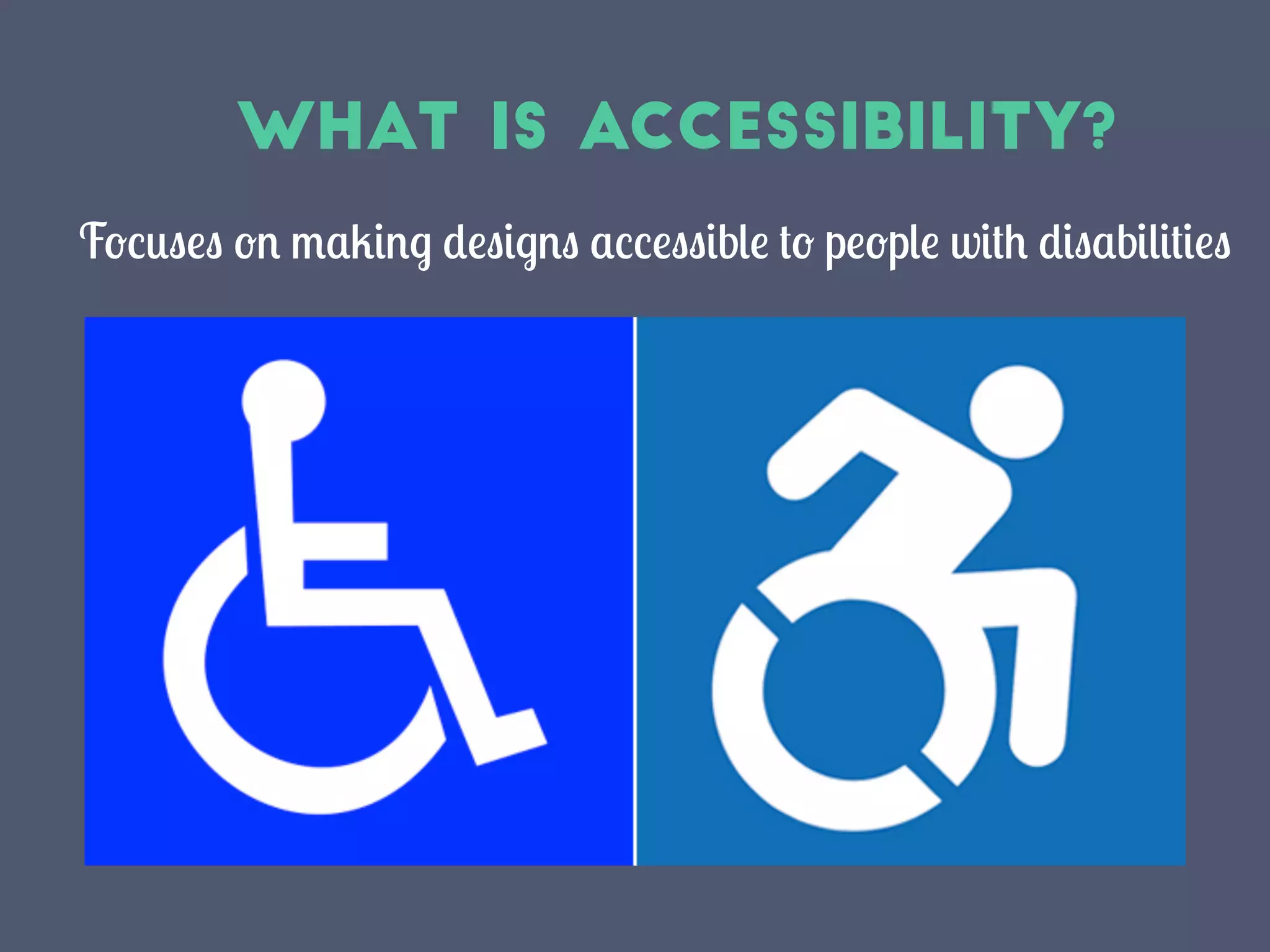
What Is Accessibility?
Focuses on making designs accessible to people with disabilities
Perceivable
Operable
Understandable
Robust
Perceivable
Interface forms, controls, and
navigation are operable
Operable
Web content is made available to
the senses – sight, hearing and/or
touch
Understandable
Content and interface are
understandable
Robust
Content can be used reliably by a
wide variety of user agents,
including assistive technologies
-Tim Berners-Lee
The power of the Web is in its universality.
Access by everyone regardless of disability
is an essential aspect.
Changing our mindset
Stop thinking of accessibility as being for “others”
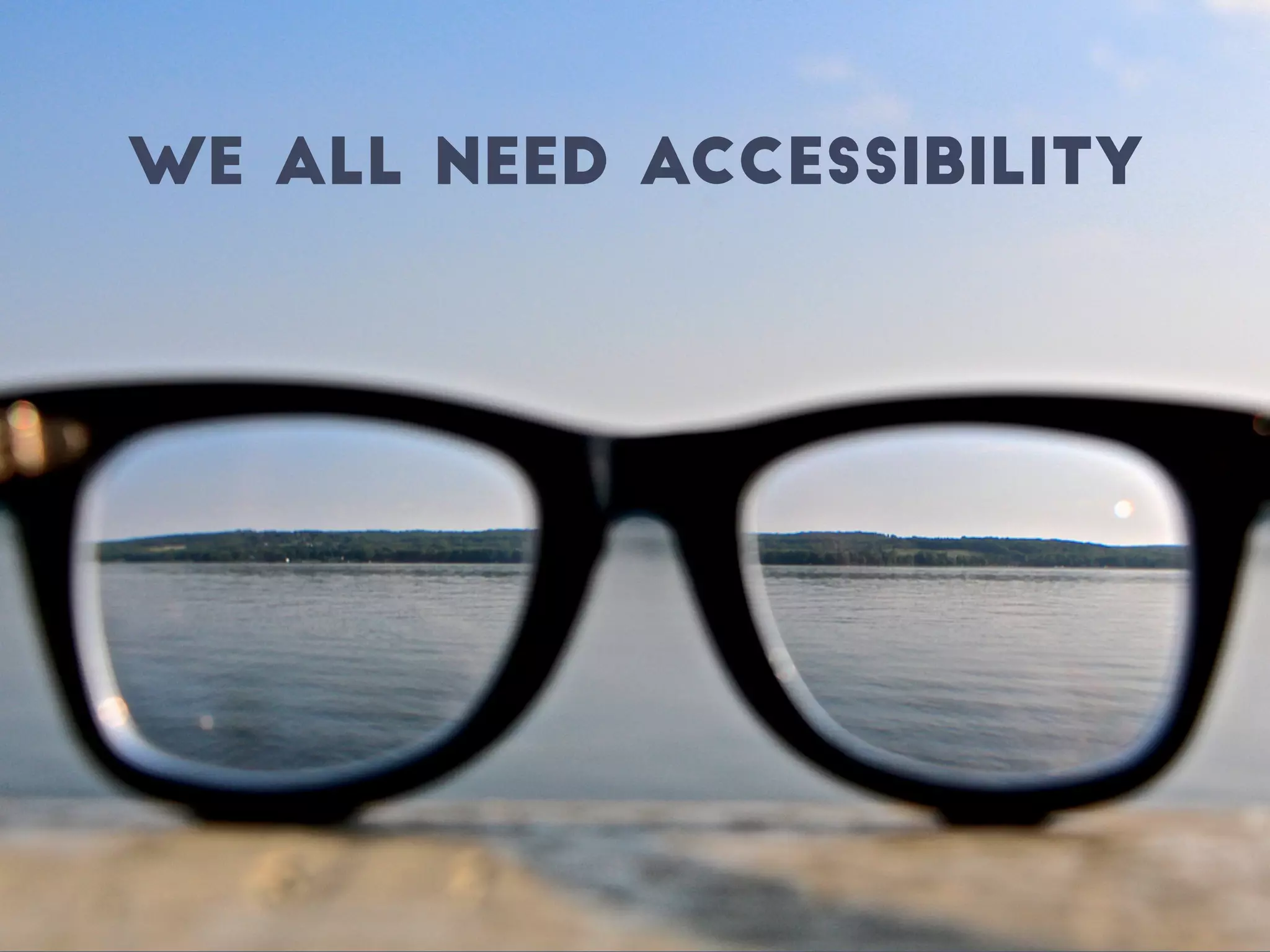
We All need Accessibility
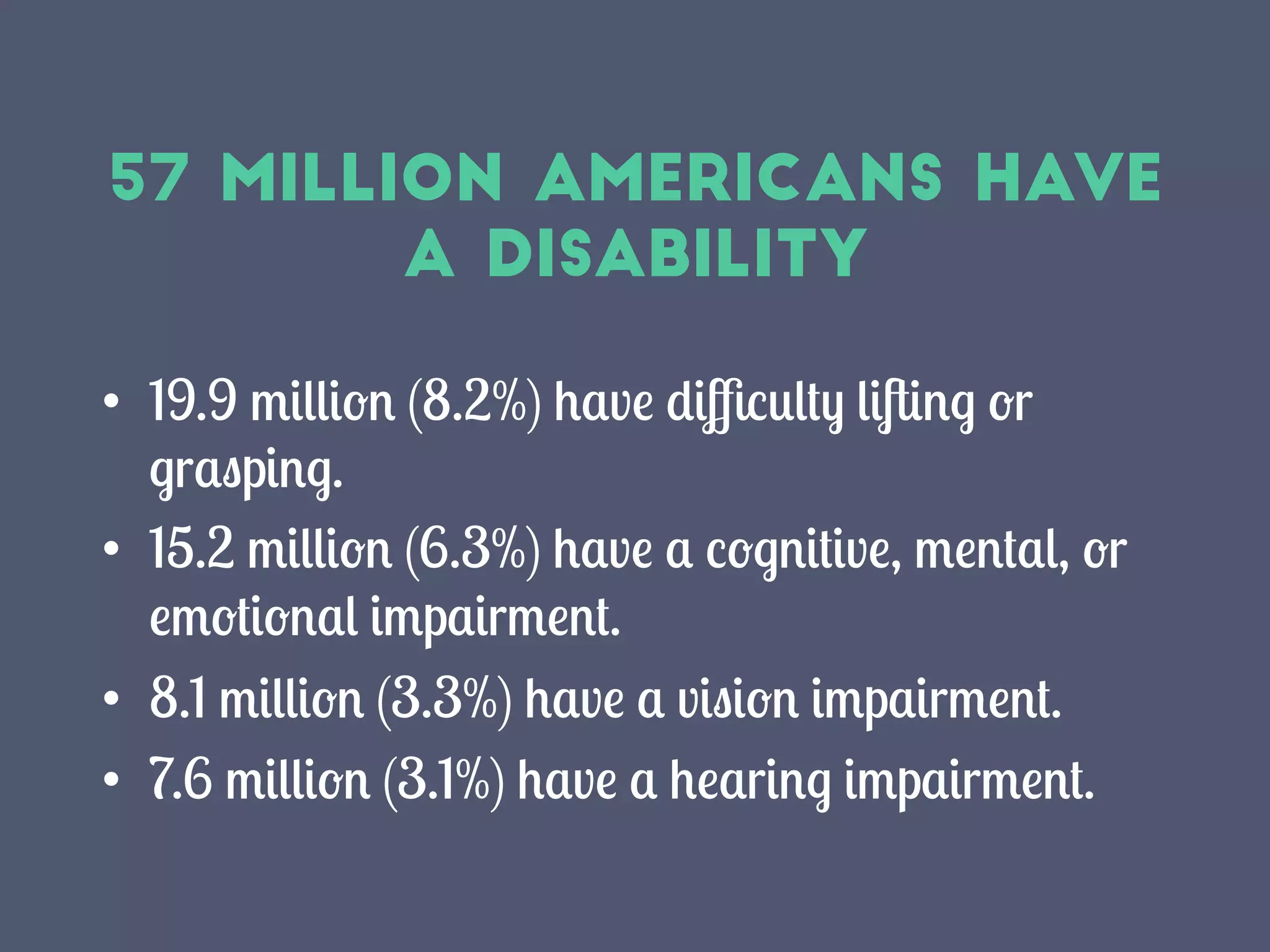
57 million Americans have
a disability
•  19.9 million (8.2%) have difficulty lifting or
grasping.
•  15.2 million (6.3%) have a cognitive, mental, or
emotional impairment.
•  8.1 million (3.3%) have a vision impairment.
•  7.6 million (3.1%) have a hearing impairment.
Web Access is a
Basic Human Right
Accessibility supports social inclusion for people
with disabilities as well as older people, people in
rural areas, and people in developing countries.
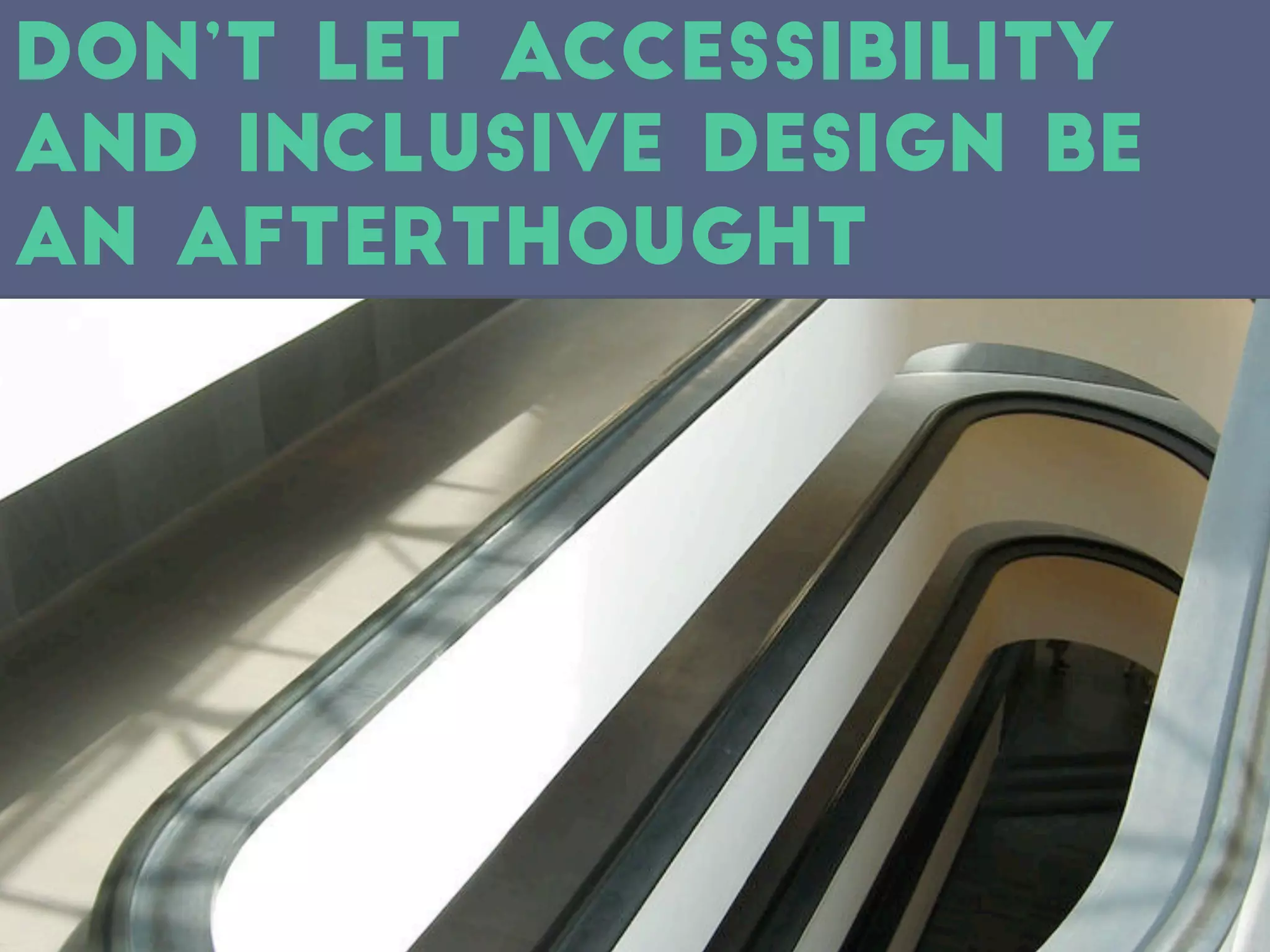
Don’t Let accessibility
and Inclusive Design be
an afterthought
Accessible design from day 1
1. Incorporate accessibility into the design
process from the beginning
2. Write code with accessibility in mind
3. Write tests with accessibility in mind
“But we aren’t required to
make it accessiblE...”
Accessible Design Benefits
everyone
•  Overlap with other design best practices
•  Better search results
•  Reduced maintenance cost
•  Increased audience reach
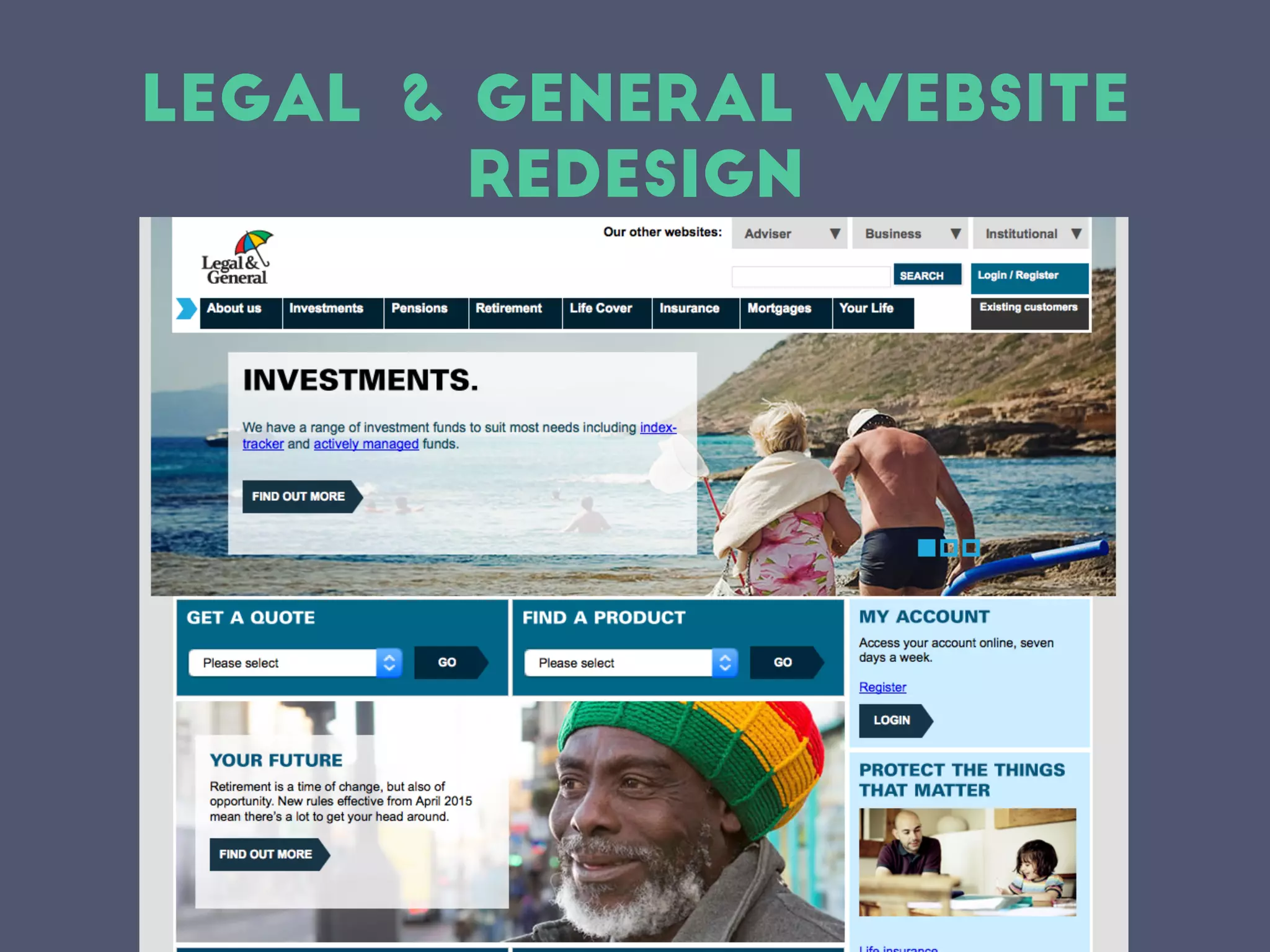
Legal & General Website
Redesign
Legal & General Website
Redesign
•  50% increase in search engine traffic
•  95% increase in requests for quotes
•  300% increase in take up for some products
•  Conversion rates doubled for the most important
revenue generators
•  450% increase in earnings in the five days
following the launch of the redesigned website
•  Longer term 135% increase in completed
applications
Designing for accessibility
improves overall design
Where to
Start?
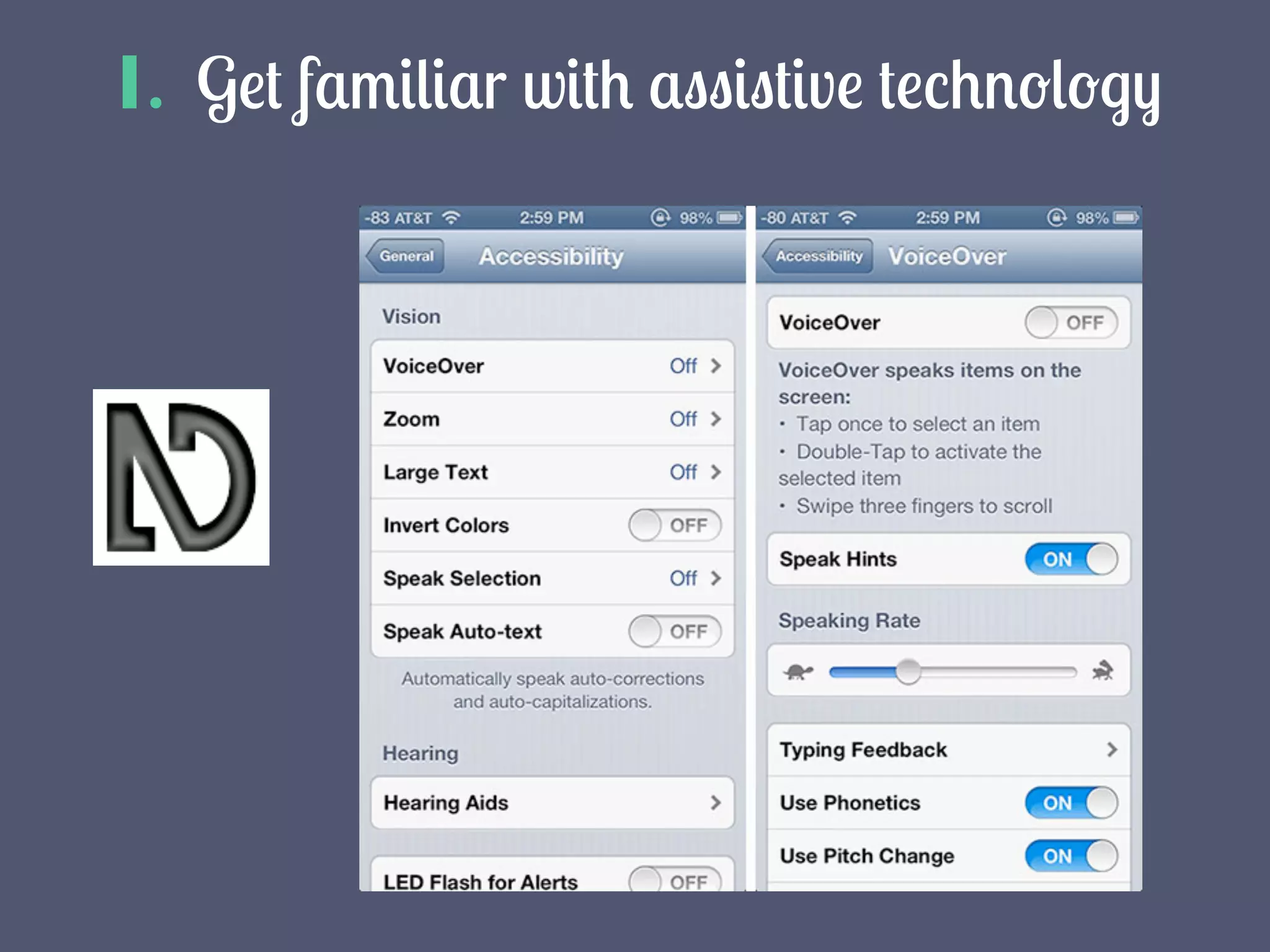
1. Get familiar with assistive technology
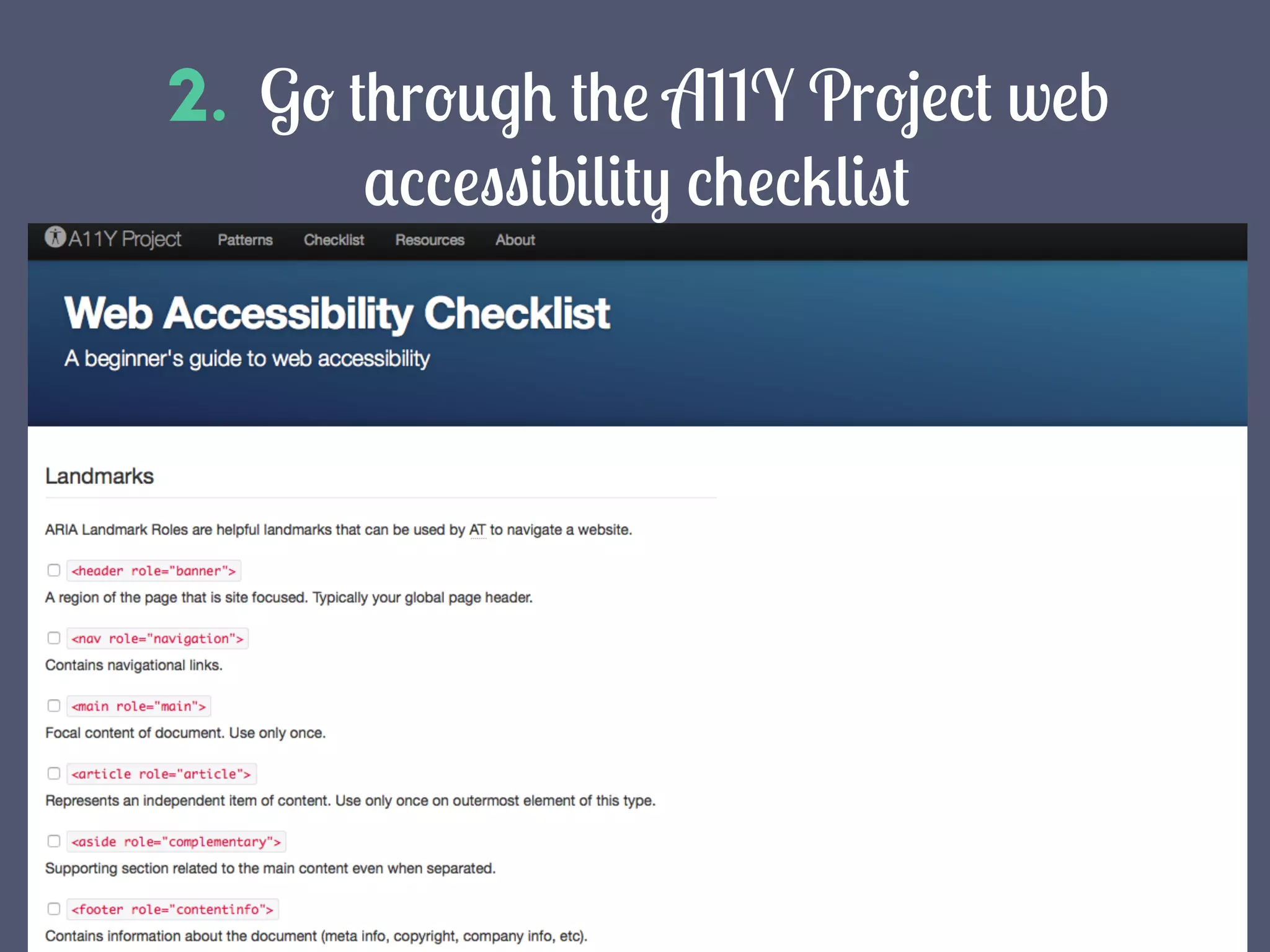
2. Go through the A11Y Project web
accessibility checklist
3. Test your code for 508 compliance
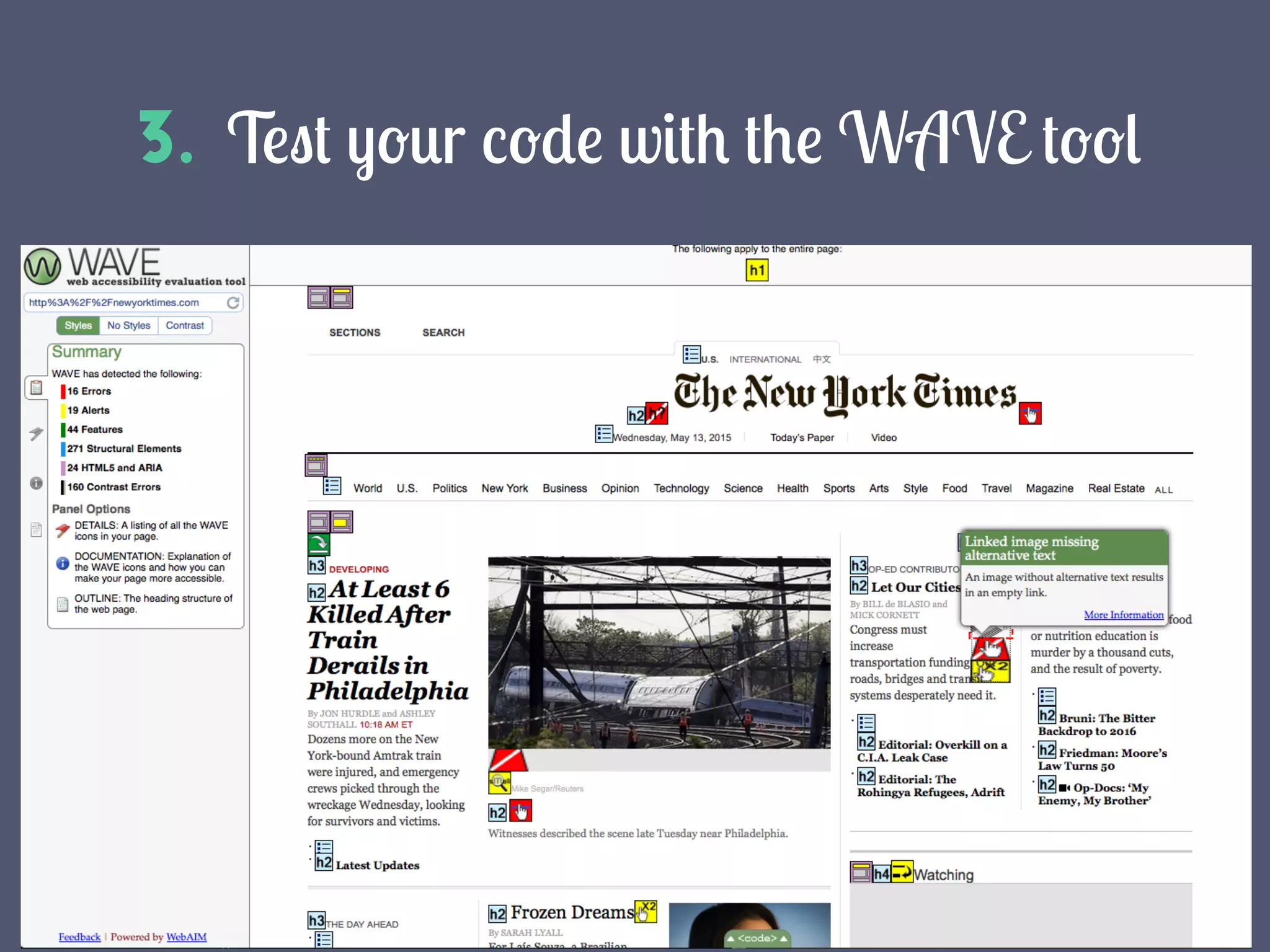
4. Test your code with the WAVE tool
Resources
•  http://www.w3.org/
•  http://webaim.org/articles/pour/
•  http://webaim.org/standards/wcag/checklist
•  http://community.nvda-project.org/
•  http://www.w3.org/WAI/ER/tools/
•  http://a11yproject.com/checklist.html
•  http://www.508checker.com/
•  http://wave.webaim.org/
•  http://webaim.org/standards/508/checklist
More to Come
Next up: Web development accessibility basics
sources
•  http://www.pbs.org/newshour/bb/art-exhibit-lets-vision-impaired-visitors-touch-
masterpieces-madrid-museum/
•  http://www.w3.org/WAI/users/Overview.html
•  http://photos4.meetupstatic.com/photos/event/5/e/0/8/highres_170544072.jpeg
•  http://www.accessibleicon.org/
•  https://flic.kr/p/rhY9gQ - Nicola, “Chemex”. CC Attribution 2.0 Generic
•  http://webaim.org/standards/wcag/checklist
•  https://flic.kr/p/exFqxs - Chad Cooper, “Lake View”. CC Attribution 2.0 Generic
•  http://www.interactiveaccessibility.com/accessibility-statistics
•  http://www.w3.org/standards/webdesign/accessibility#examples
•  http://www.w3.org/WAI/bcase/Overview
•  http://www.legalandgeneral.com/
•  http://isolani.co.uk/presentations/wsg/
•  http://www.w3.org/WAI/bcase/legal-and-general-case-study
•  https://getflywheel.com/layout/design-web-accessibility-beginning/
•  http://www.whistleout.com.au/MobilePhones/News/phones-for-the-blind-apple-
voiceover
•  http://www.pixeldiva.co.uk/blog/shares/expand-the-awesome-design-for-a-wider-
audience

Accessibility and inclusive design