@RavenAlly
Inclusive front-end
development with
WCAG 2.1
Allison Ravenhall
@RavenAlly
Digital Accessibility
Sensei@Intopia
@RavenAlly
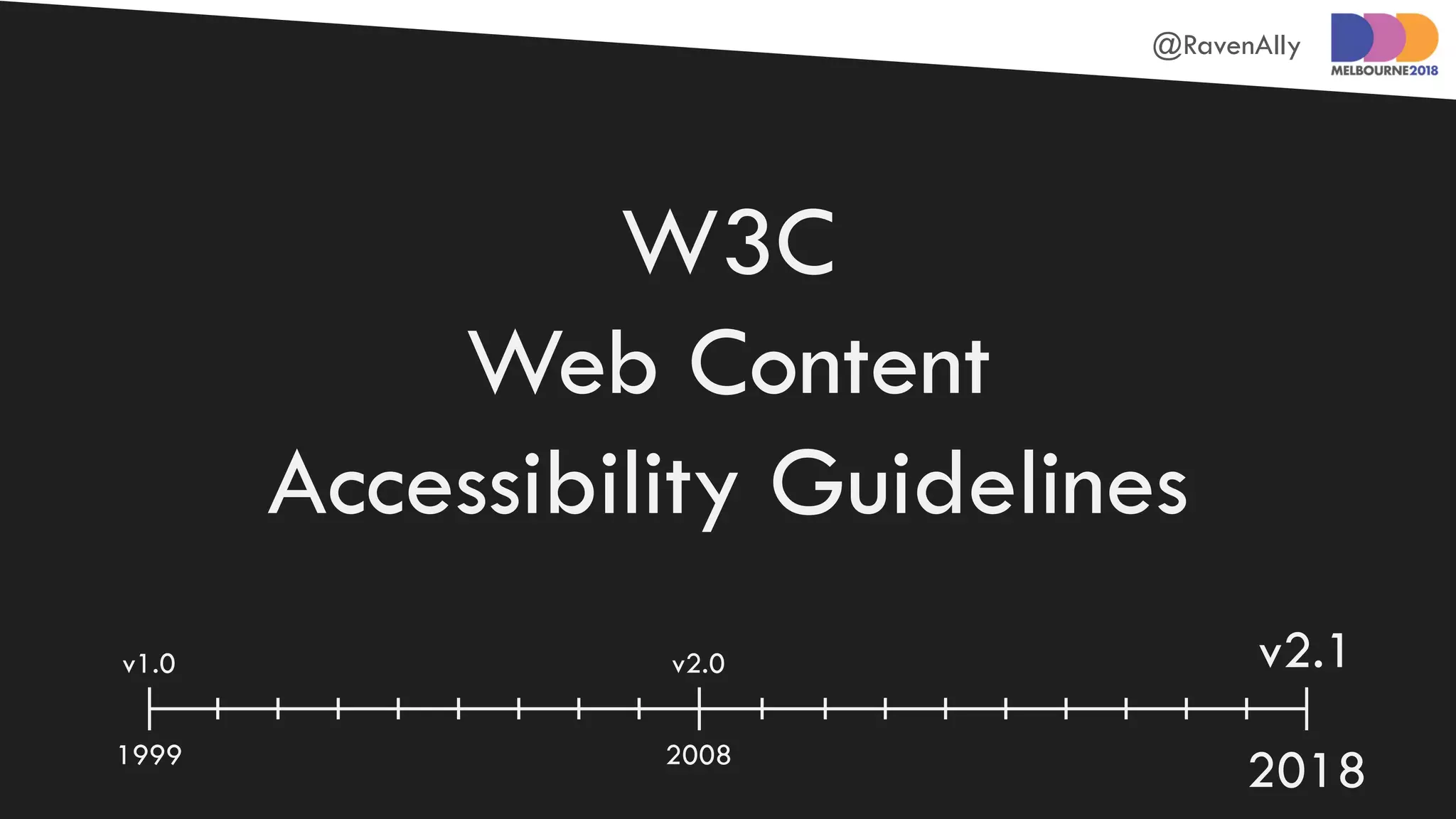
W3C
Web Content
Accessibility Guidelines
1999 2008
2018
v1.0 v2.0 v2.1
@RavenAlly
WCAG 2.1 =
WCAG 2.0 + new stuff
@RavenAlly
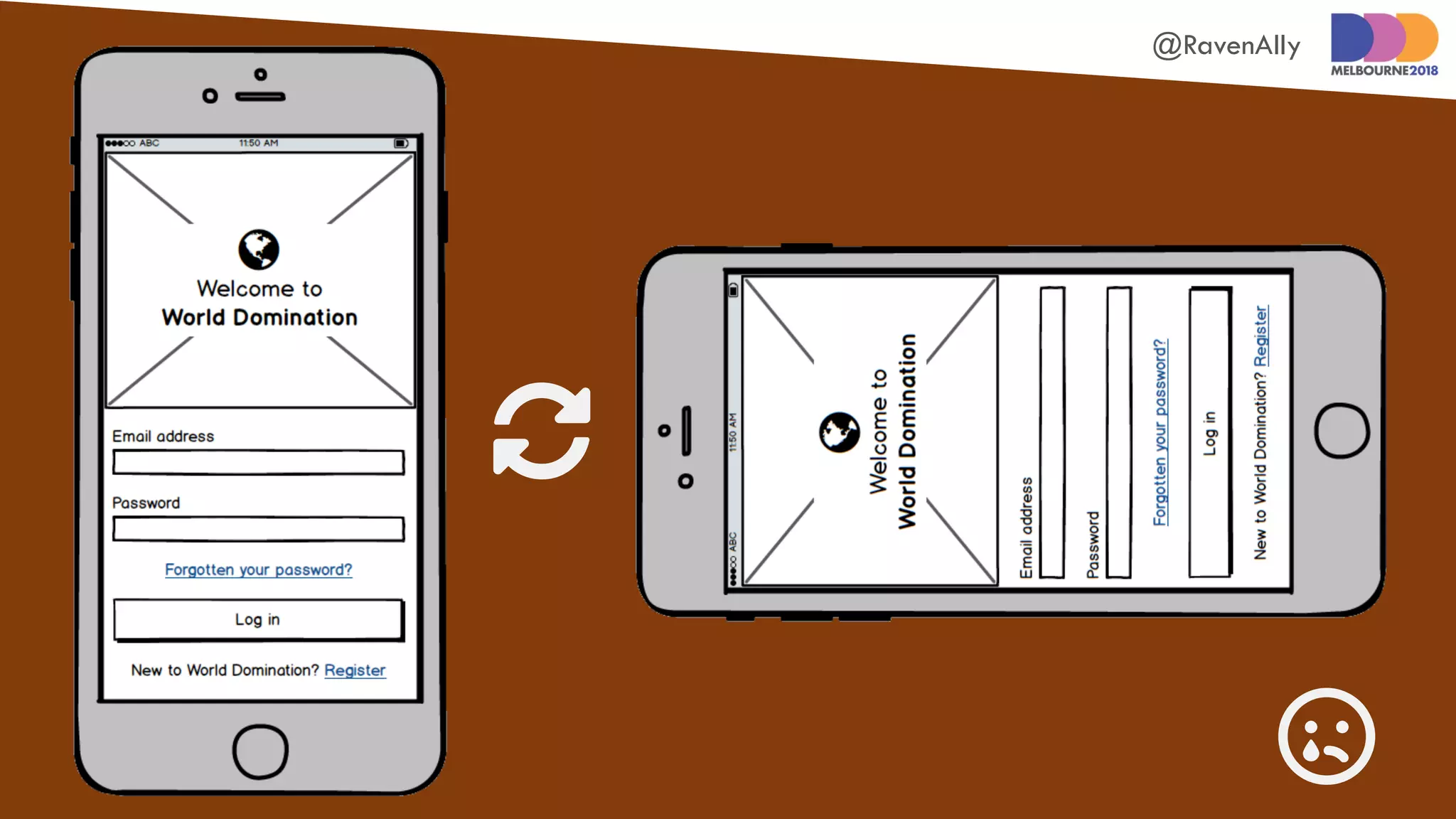
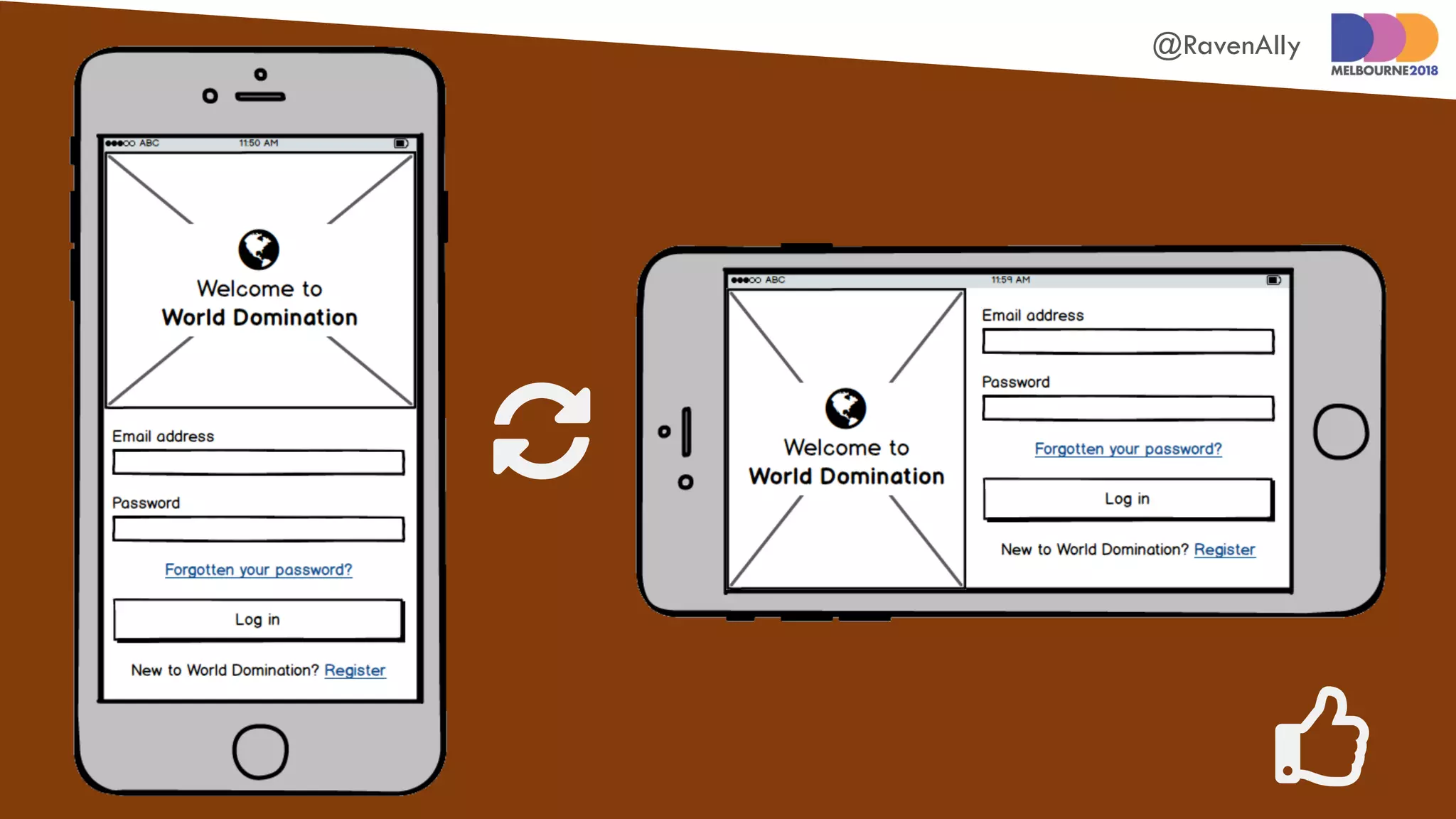
Don’tmake
usersread
likethis*
@RavenAlly


@RavenAlly


@RavenAlly
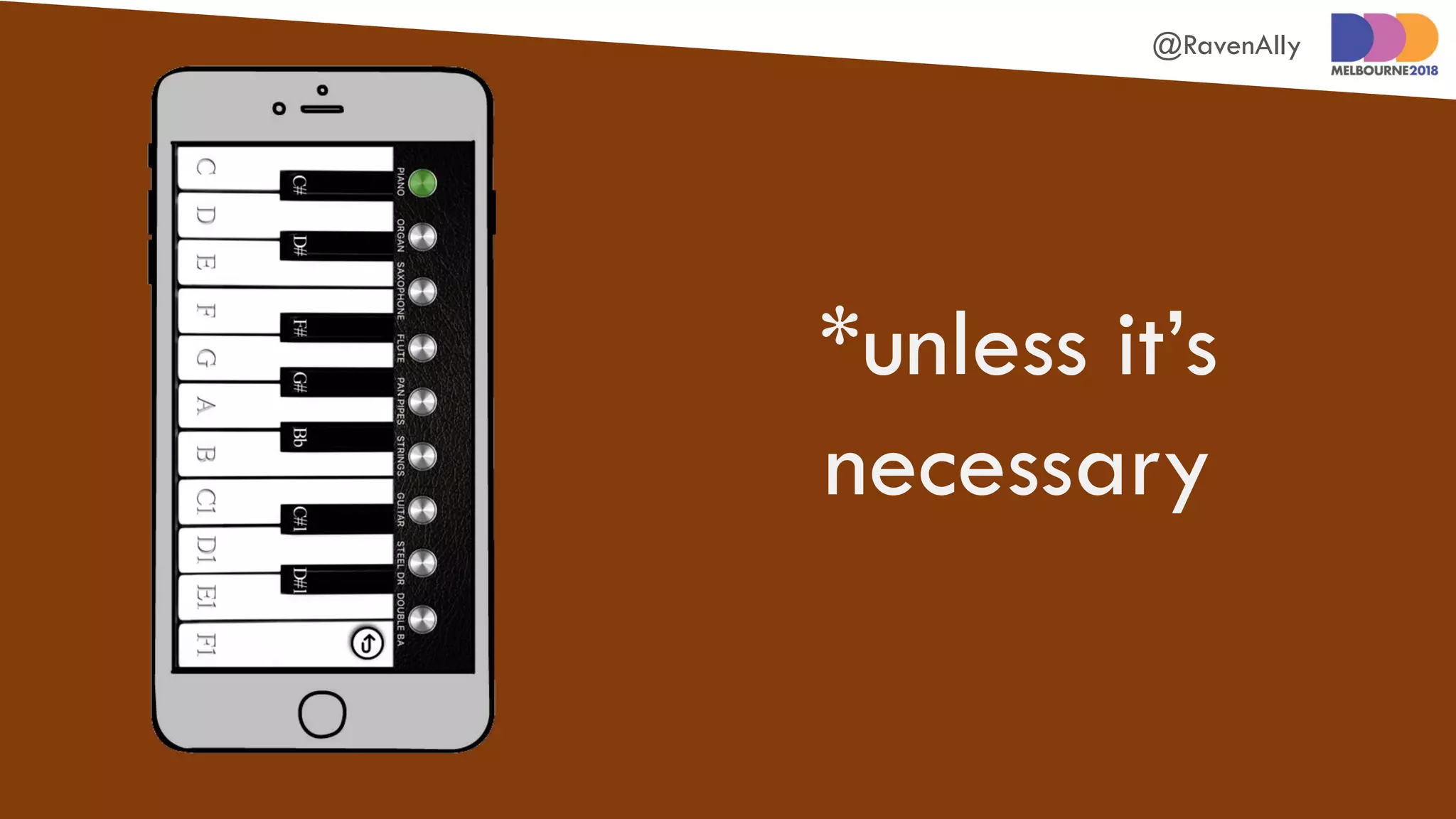
*unless it’s
necessary
@RavenAlly
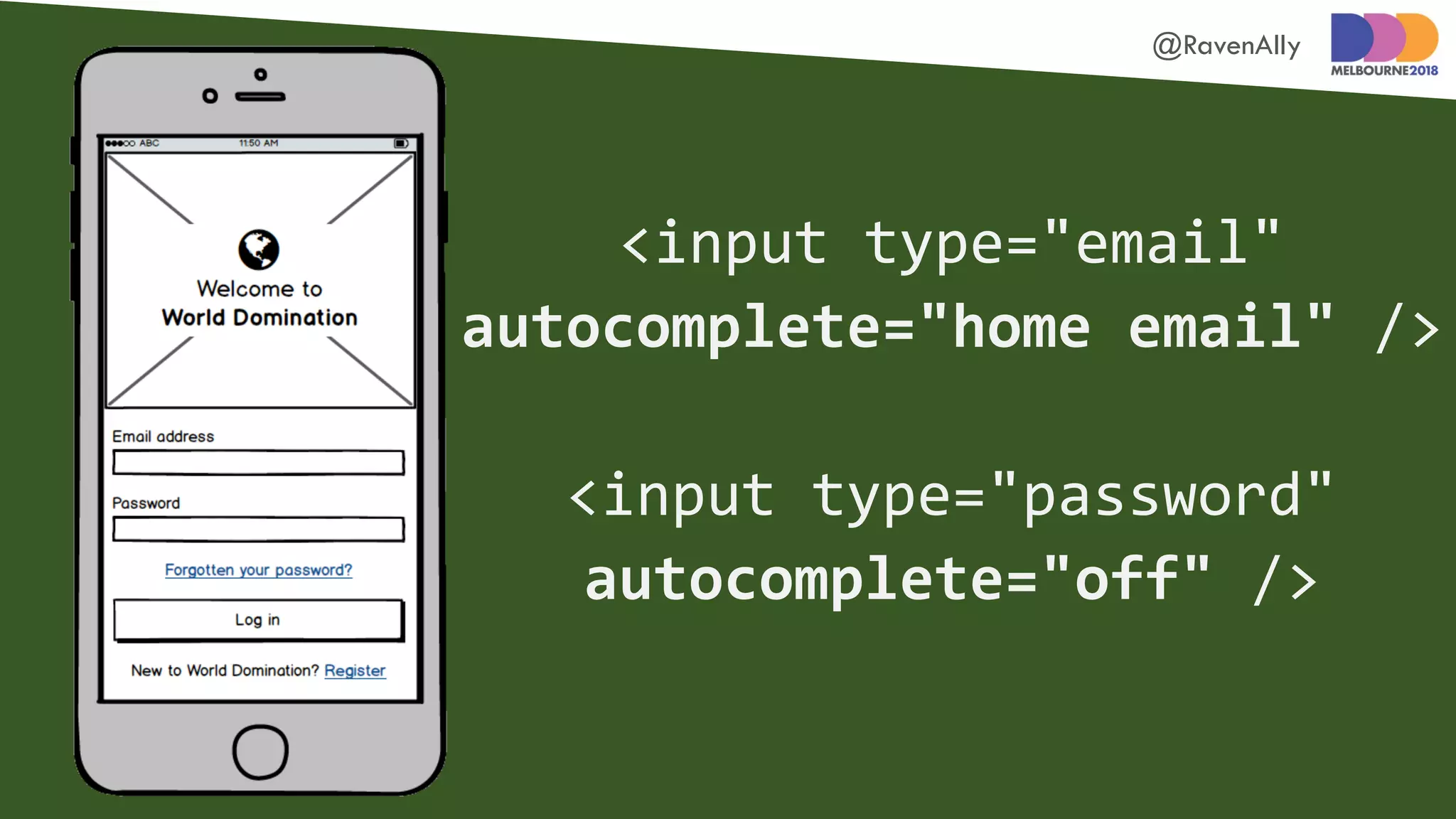
Add metadata to forms
to enable autofill
@RavenAlly
<input type="email"
autocomplete="home email" />
<input type="password"
autocomplete="off" />
@RavenAlly
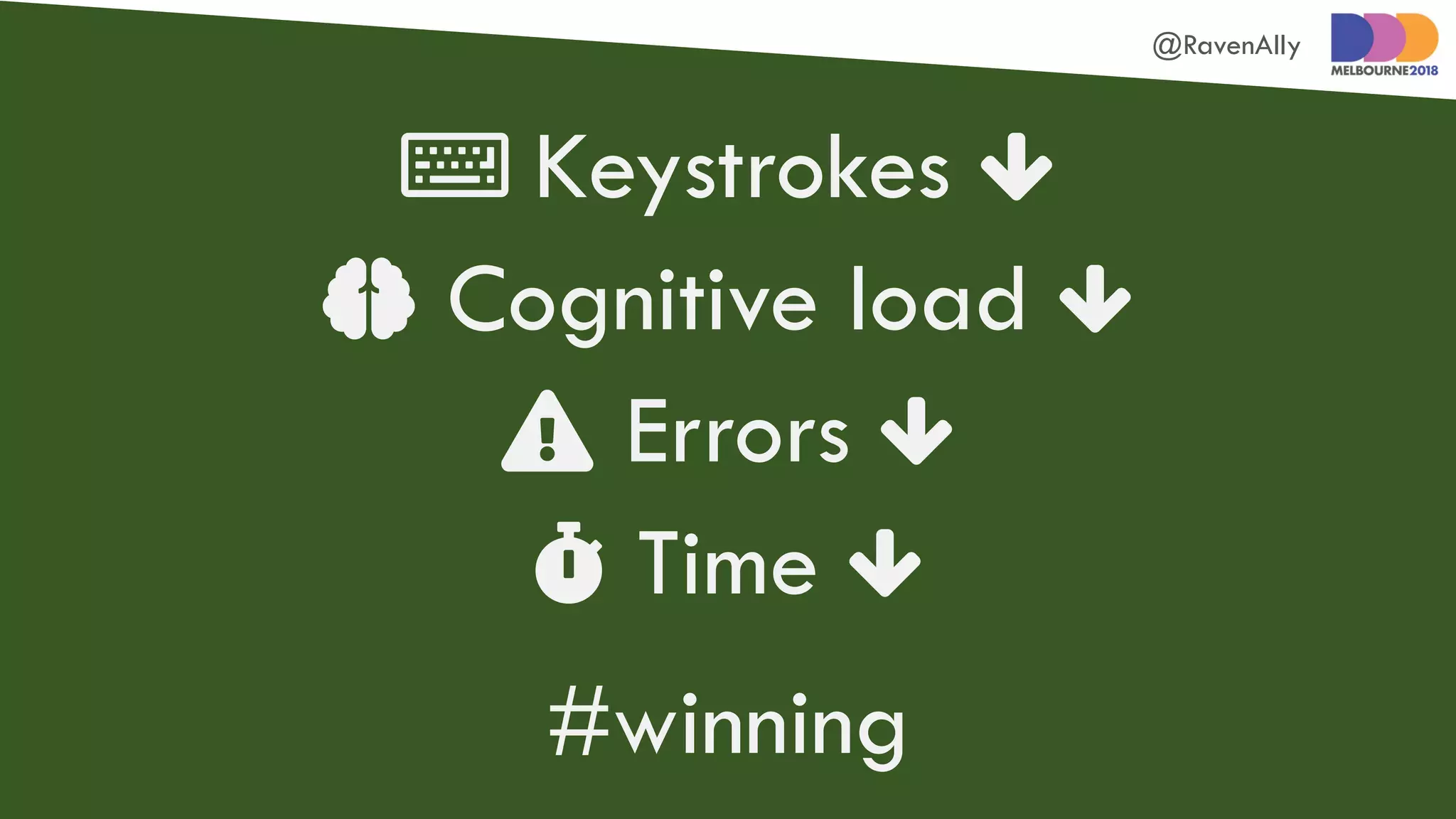
 Keystrokes 
 Cognitive load 
 Errors 
 Time 
#winning
@RavenAlly
Build responsive sites
@RavenAlly
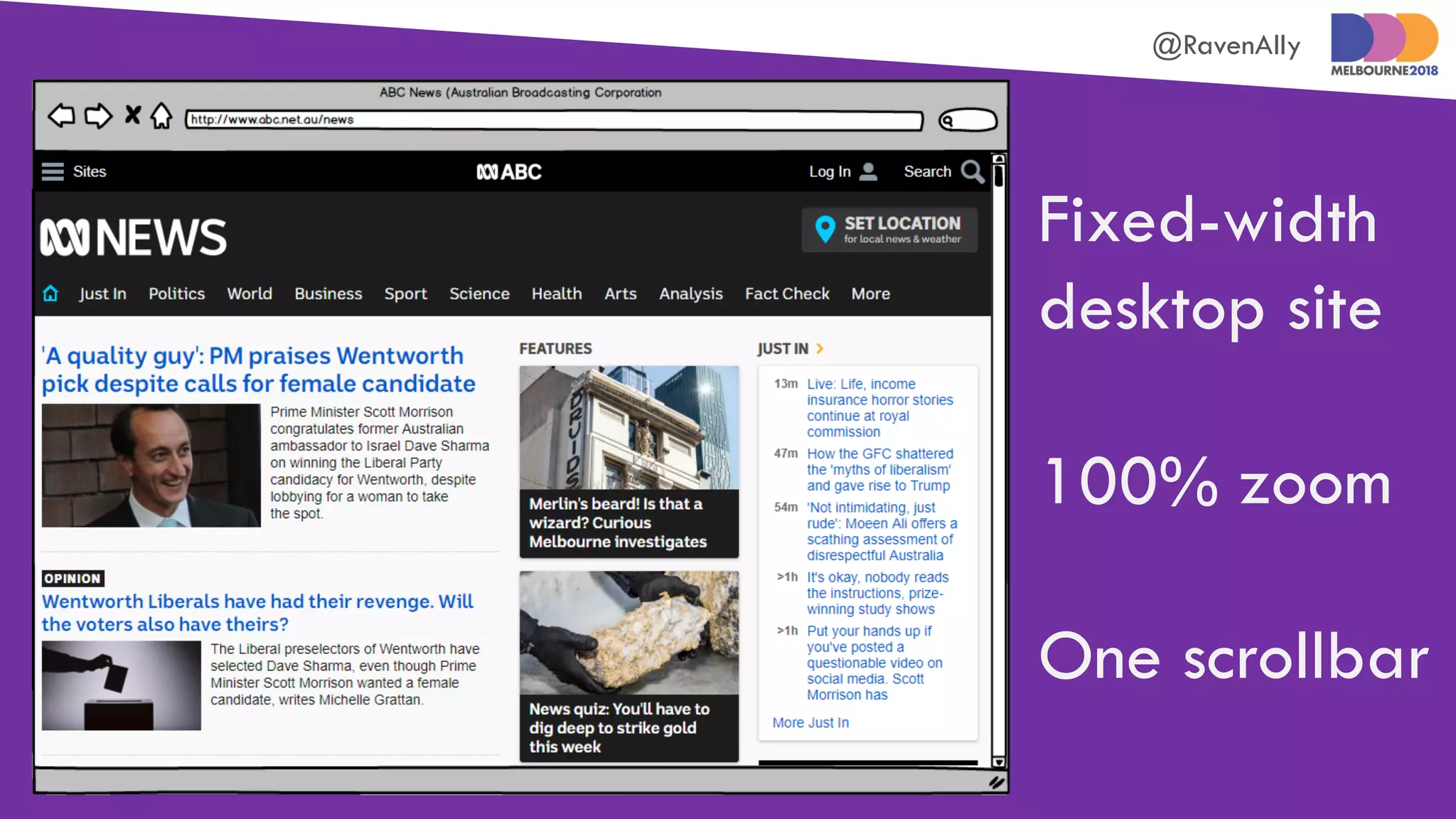
Fixed-width
desktop site
100% zoom
One scrollbar
@RavenAlly
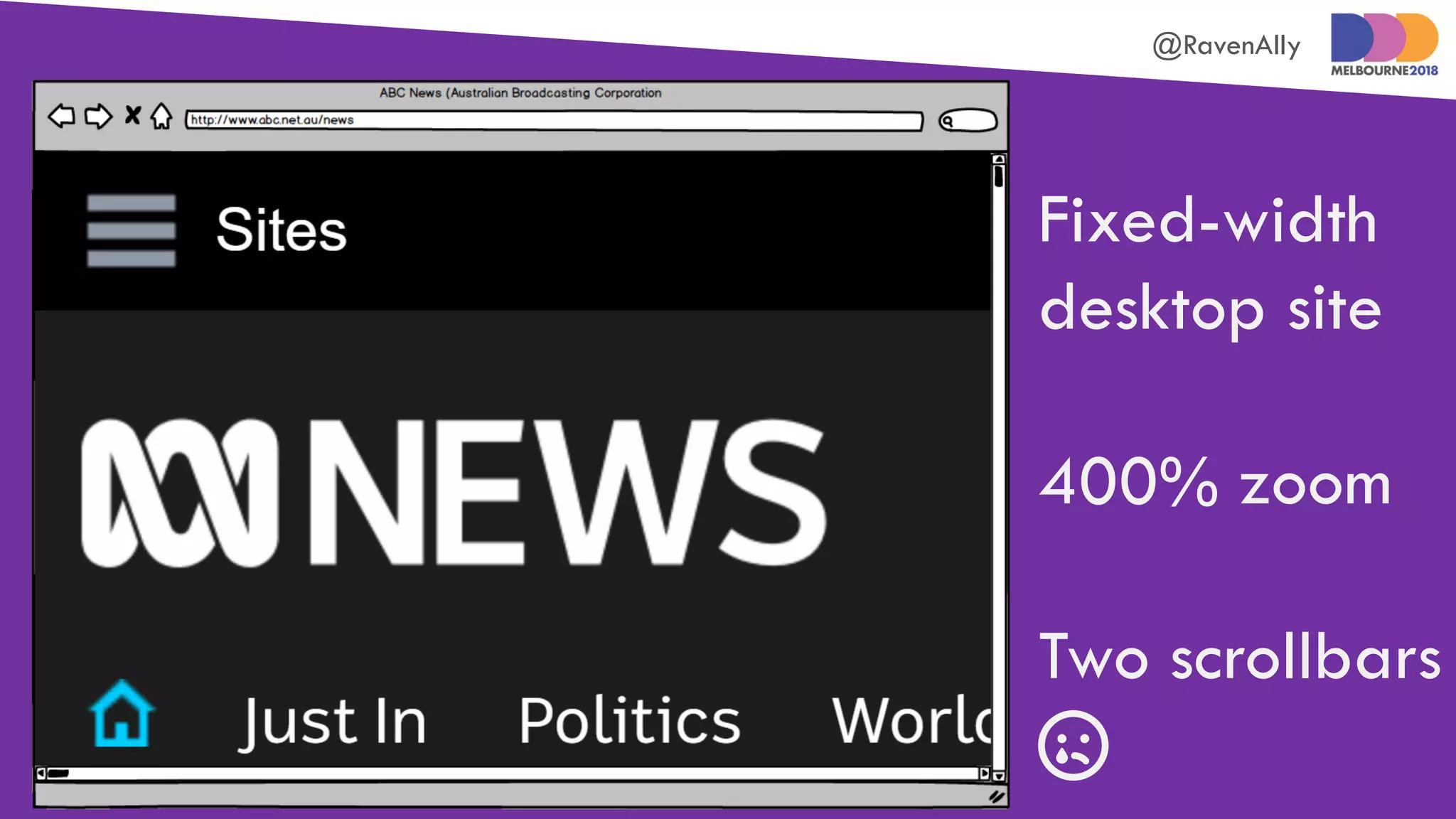
Fixed-width
desktop site
400% zoom
Two scrollbars

@RavenAlly
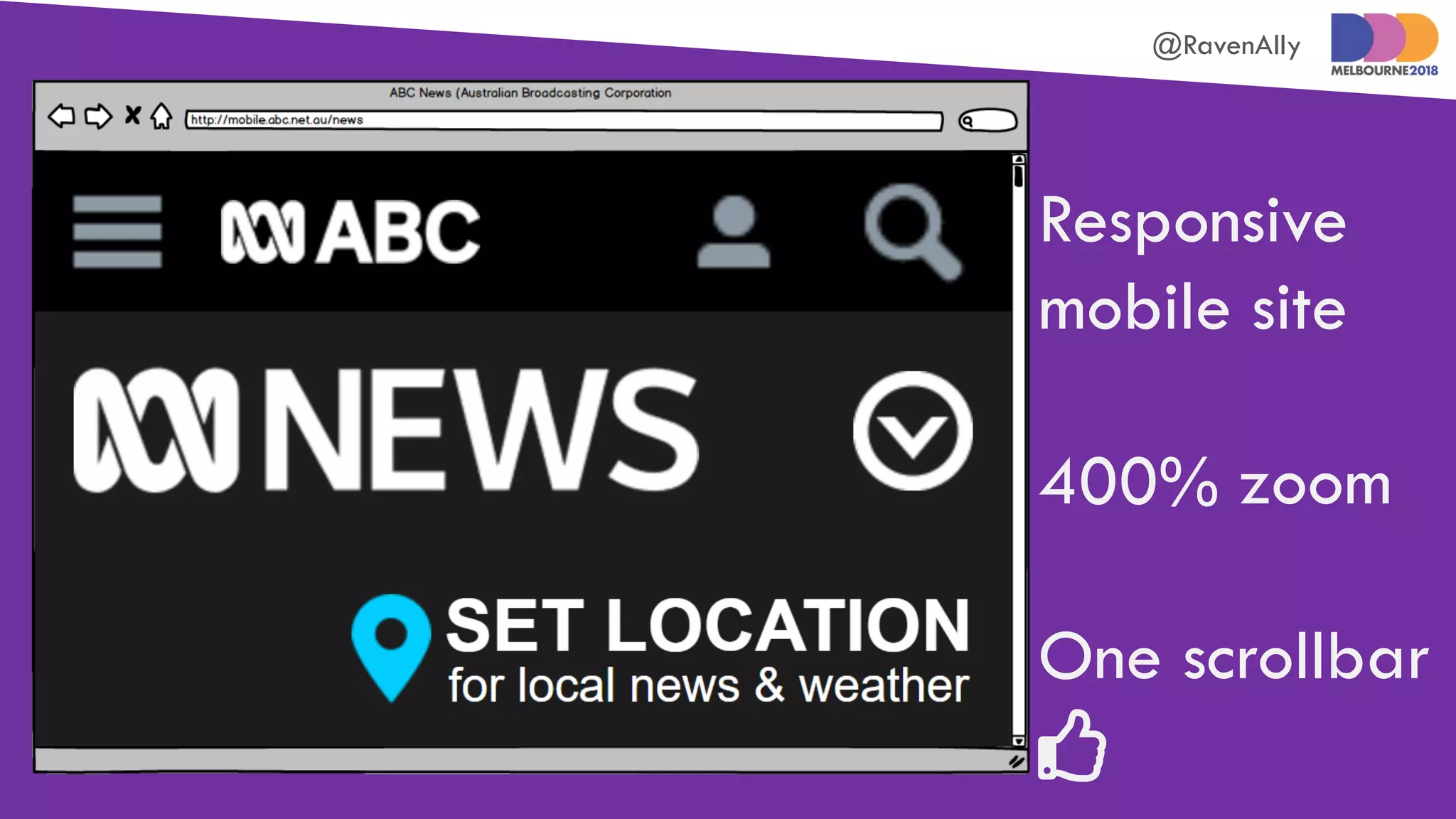
Responsive
mobile site
400% zoom
One scrollbar

@RavenAlly
Make graphics
and UI elements
really pop
@RavenAlly
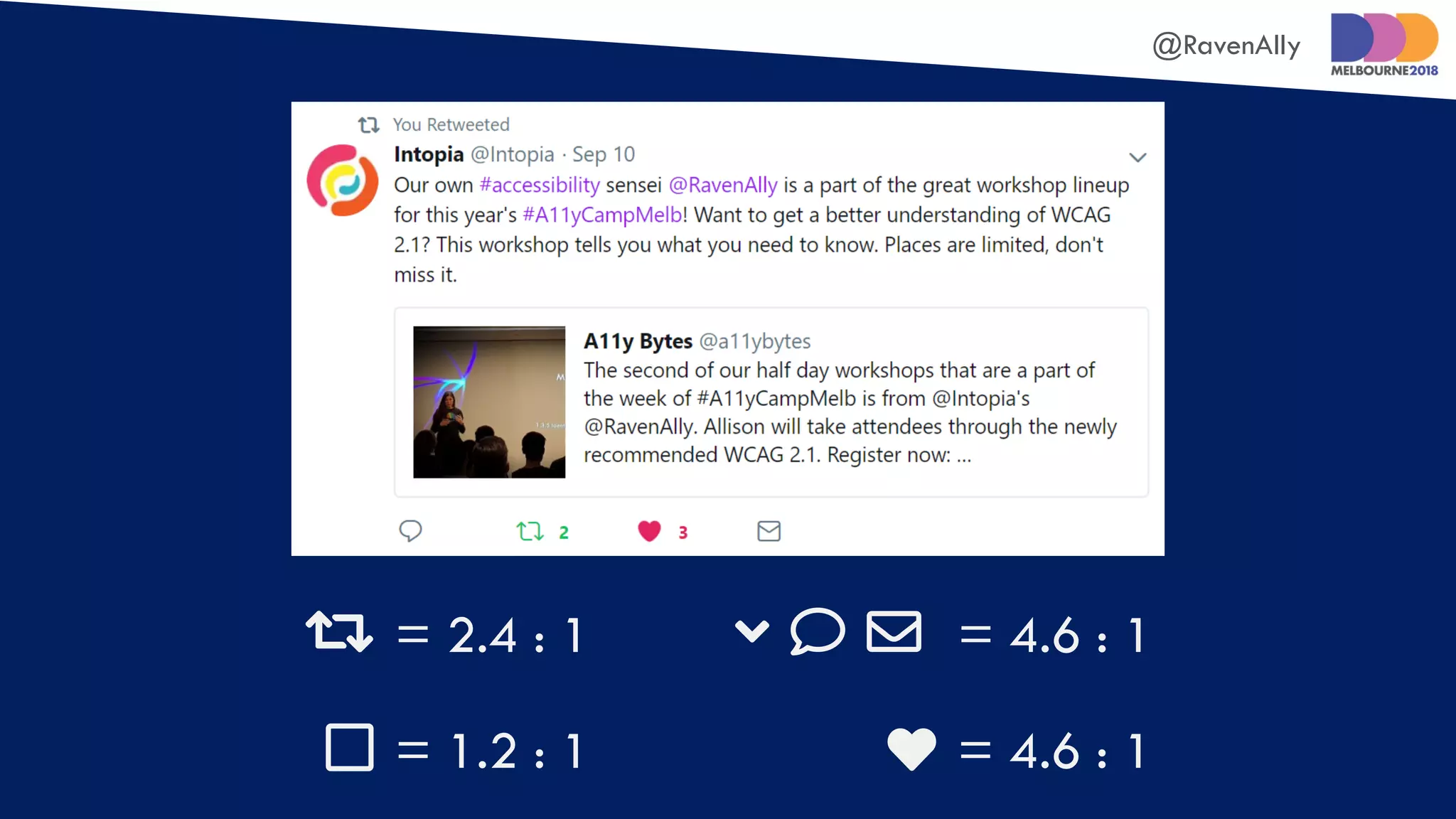
 = 2.4 : 1
 = 4.6 : 1
   = 4.6 : 1
 = 1.2 : 1
@RavenAlly
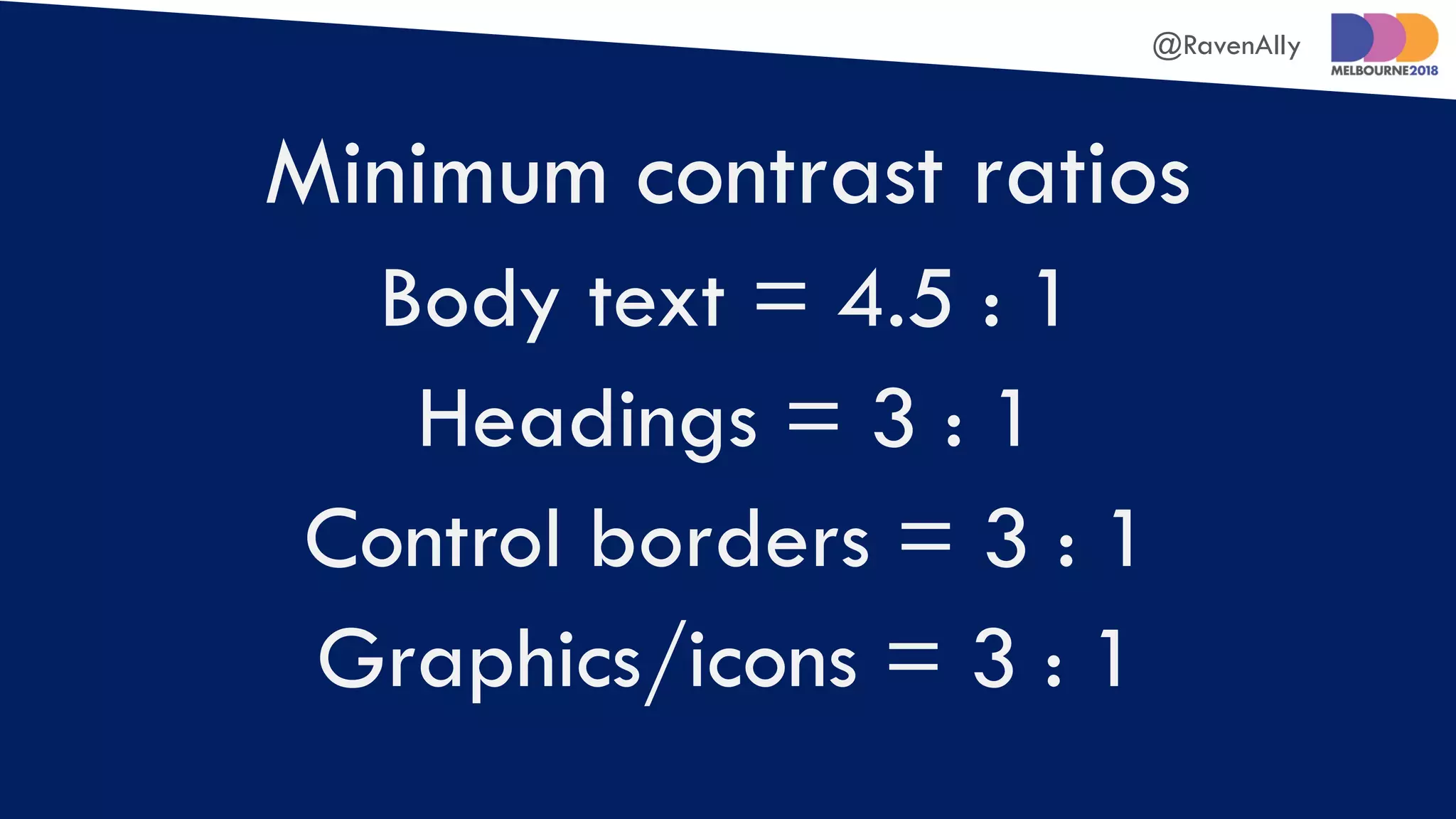
Minimum contrast ratios
Body text = 4.5 : 1
Headings = 3 : 1
Control borders = 3 : 1
Graphics/icons = 3 : 1
@RavenAlly
Text shouldn’t truncate,
overlap, or overrun when
users increase spacing
@RavenAlly
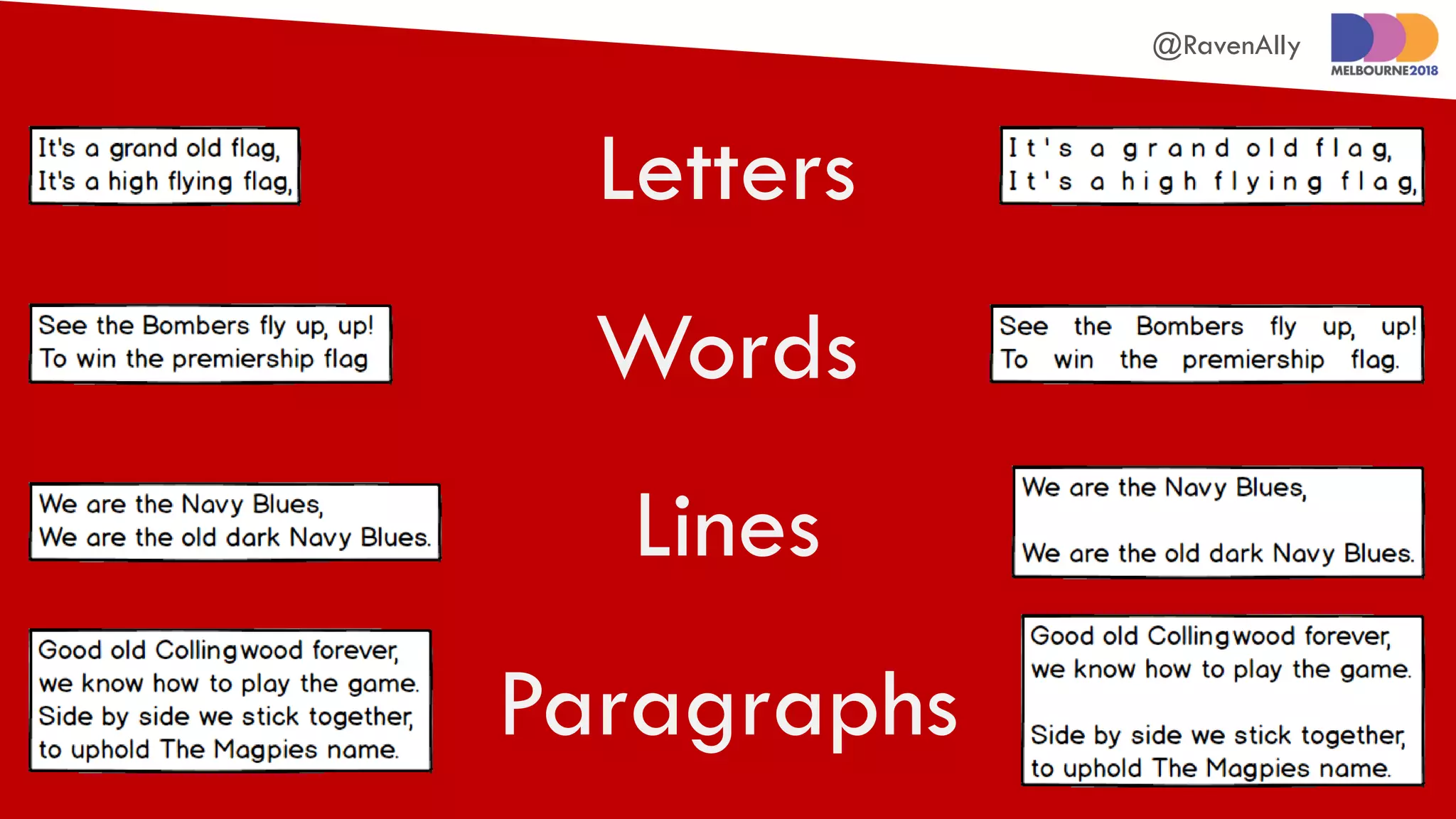
Paragraphs
Letters
Words
Lines
@RavenAlly
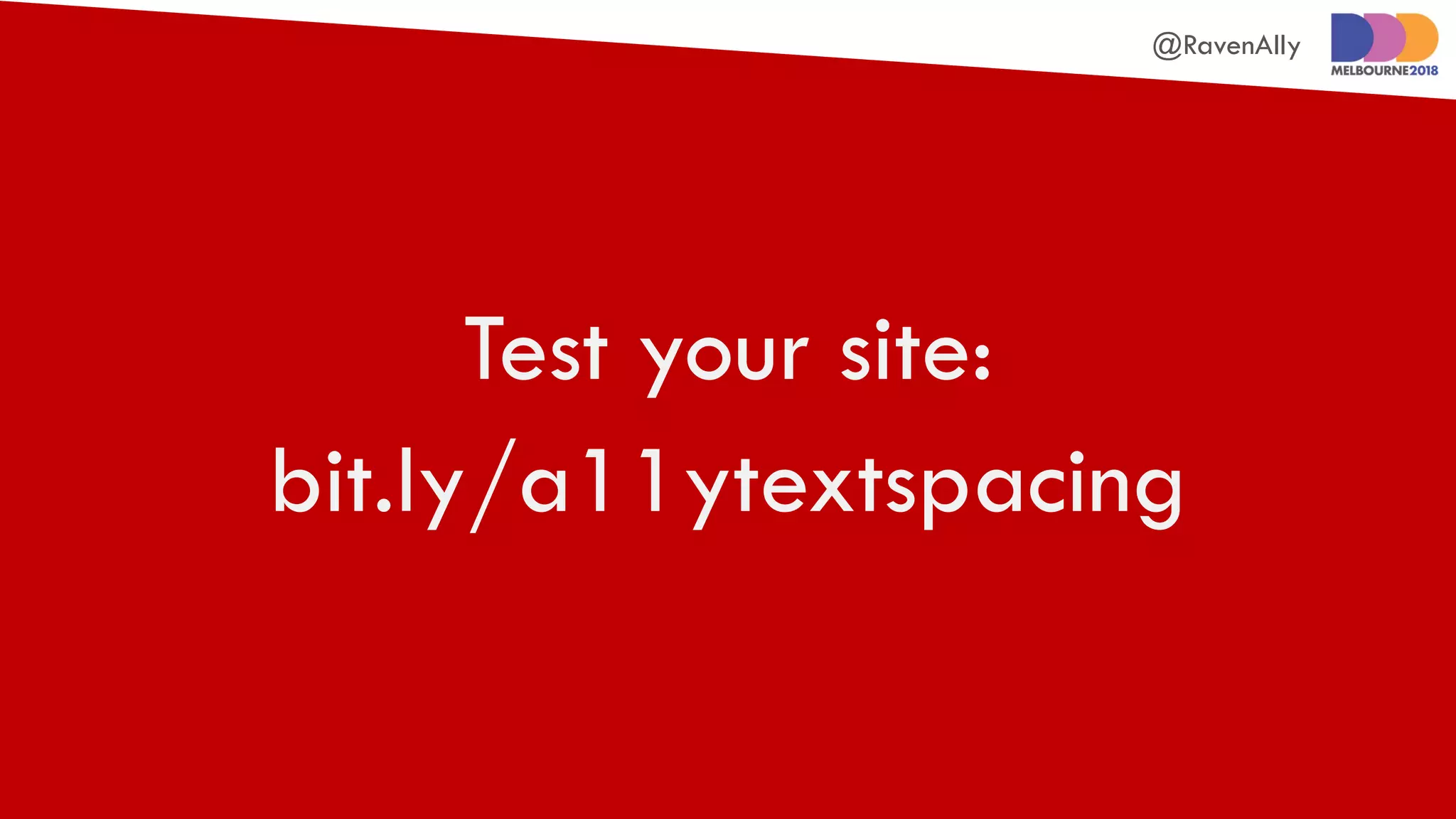
Test your site:
bit.ly/a11ytextspacing
@RavenAlly
Make tooltips
and submenus
more usable
@RavenAlly
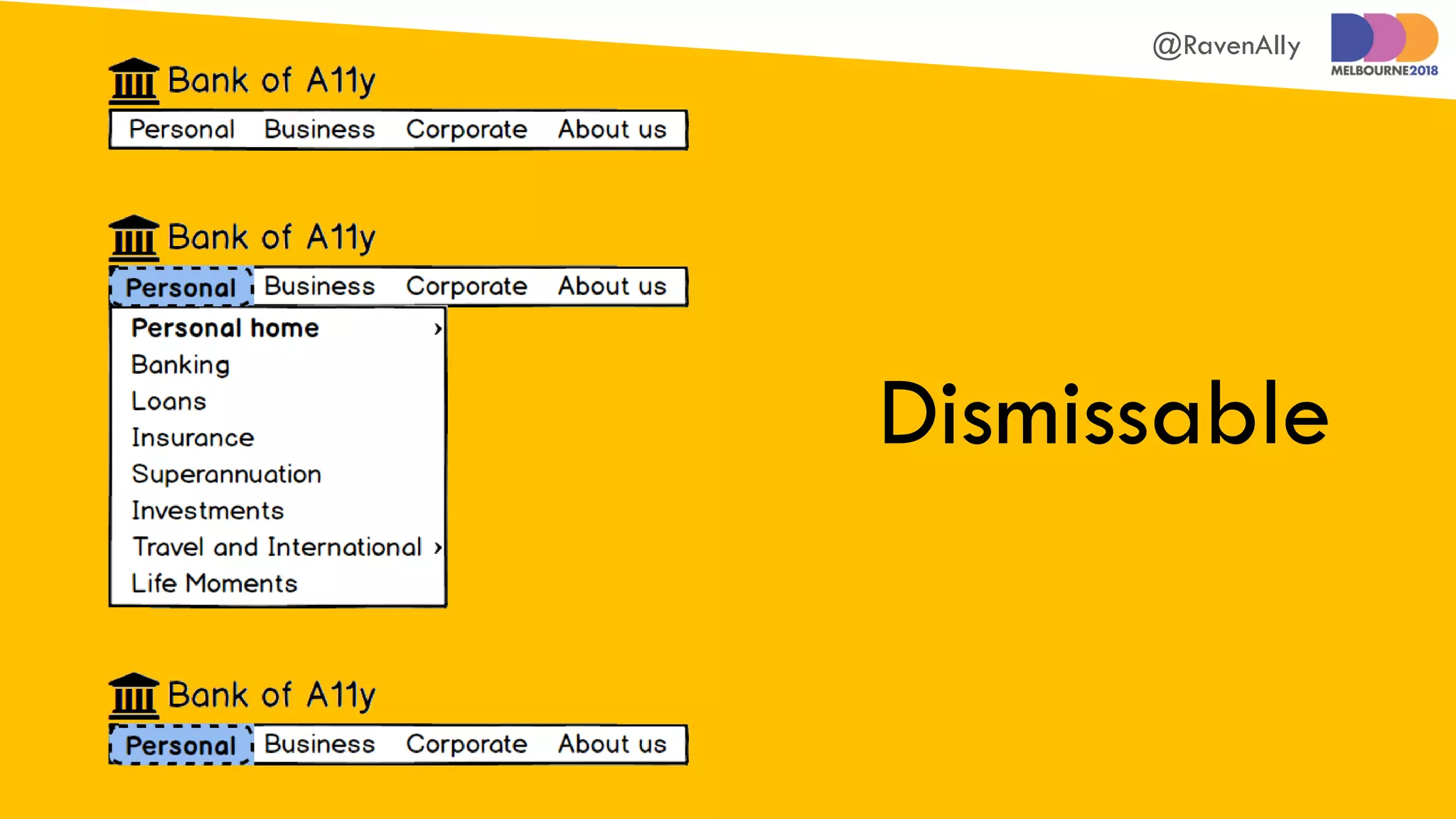
Dismissable
@RavenAlly
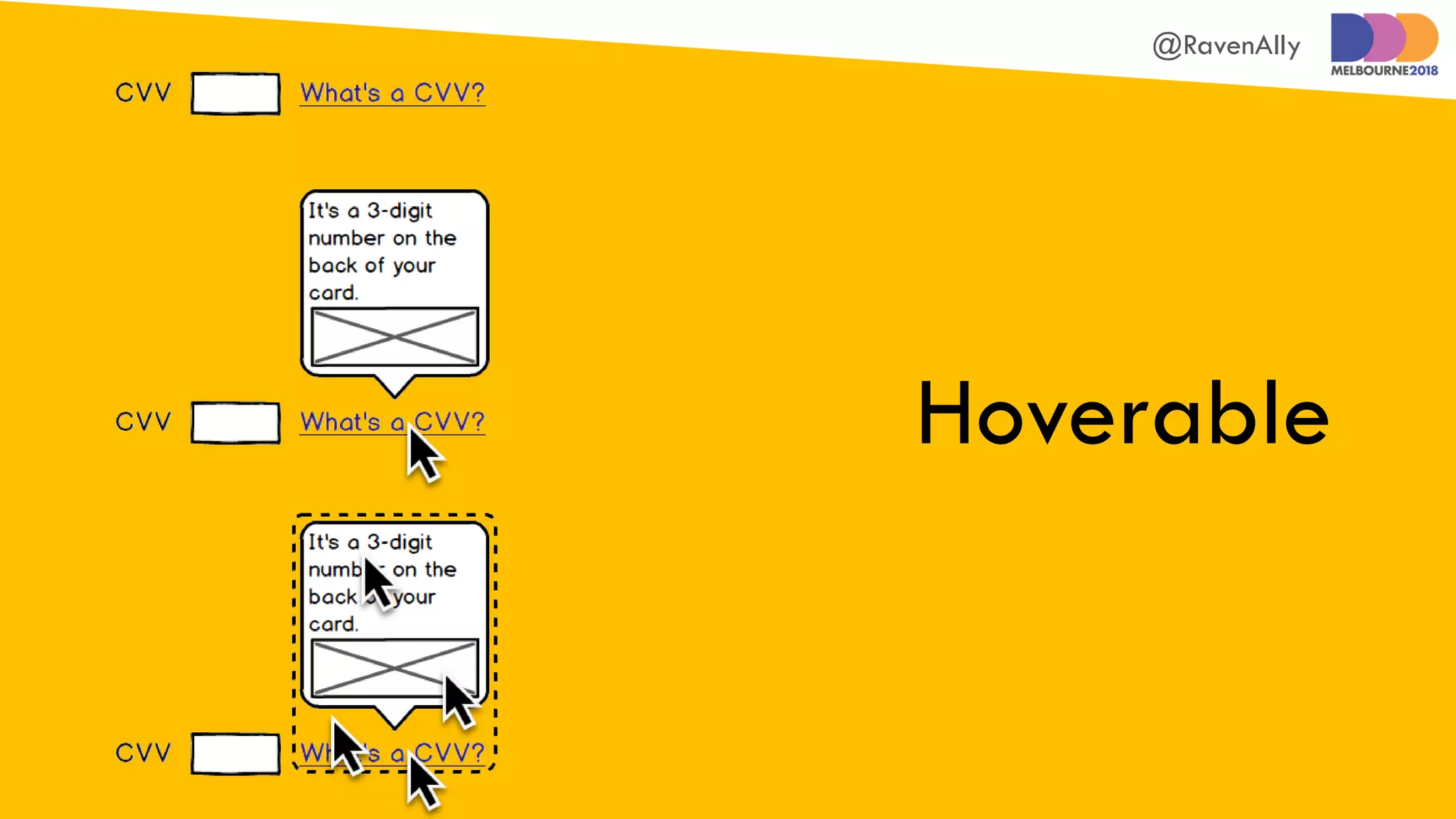
Hoverable
@RavenAlly
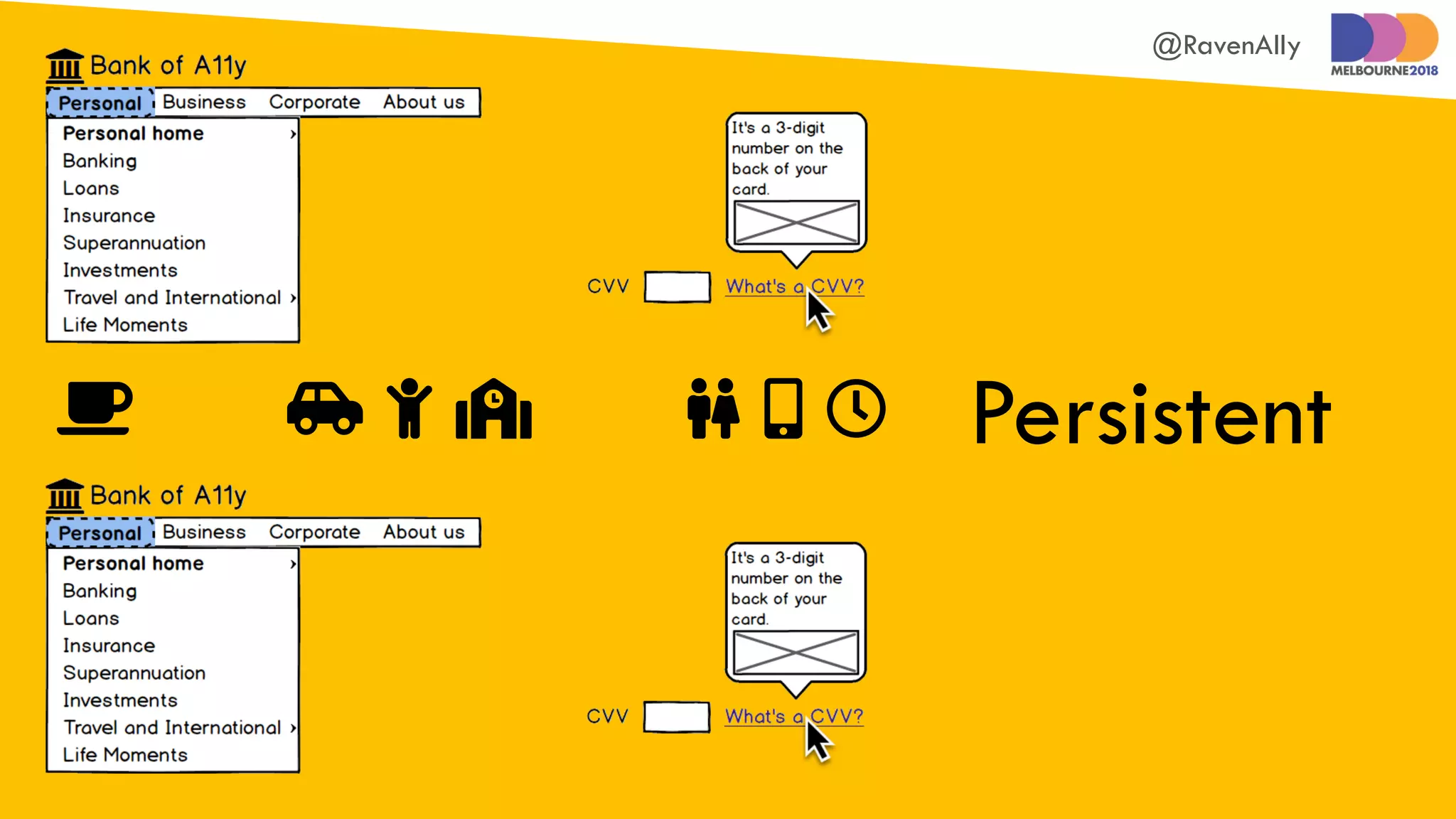
Persistent      
@RavenAlly
Prevent keyboard shortcut
clashes with screen readers
@RavenAlly
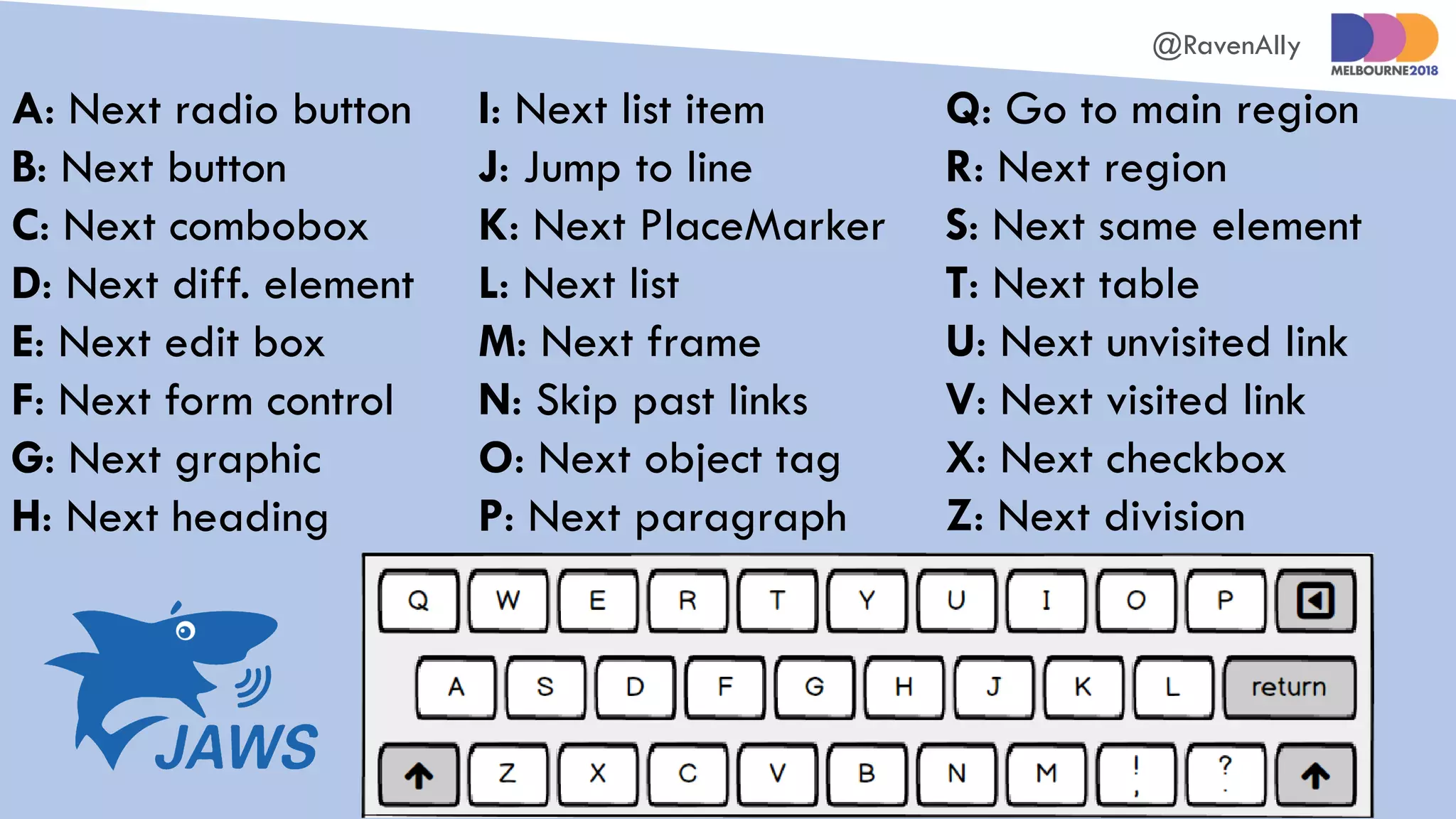
A: Next radio button
B: Next button
C: Next combobox
D: Next diff. element
E: Next edit box
F: Next form control
G: Next graphic
H: Next heading
I: Next list item
J: Jump to line
K: Next PlaceMarker
L: Next list
M: Next frame
N: Skip past links
O: Next object tag
P: Next paragraph
Q: Go to main region
R: Next region
S: Next same element
T: Next table
U: Next unvisited link
V: Next visited link
X: Next checkbox
Z: Next division
@RavenAlly
Define simple
pointer gestures
@RavenAlly
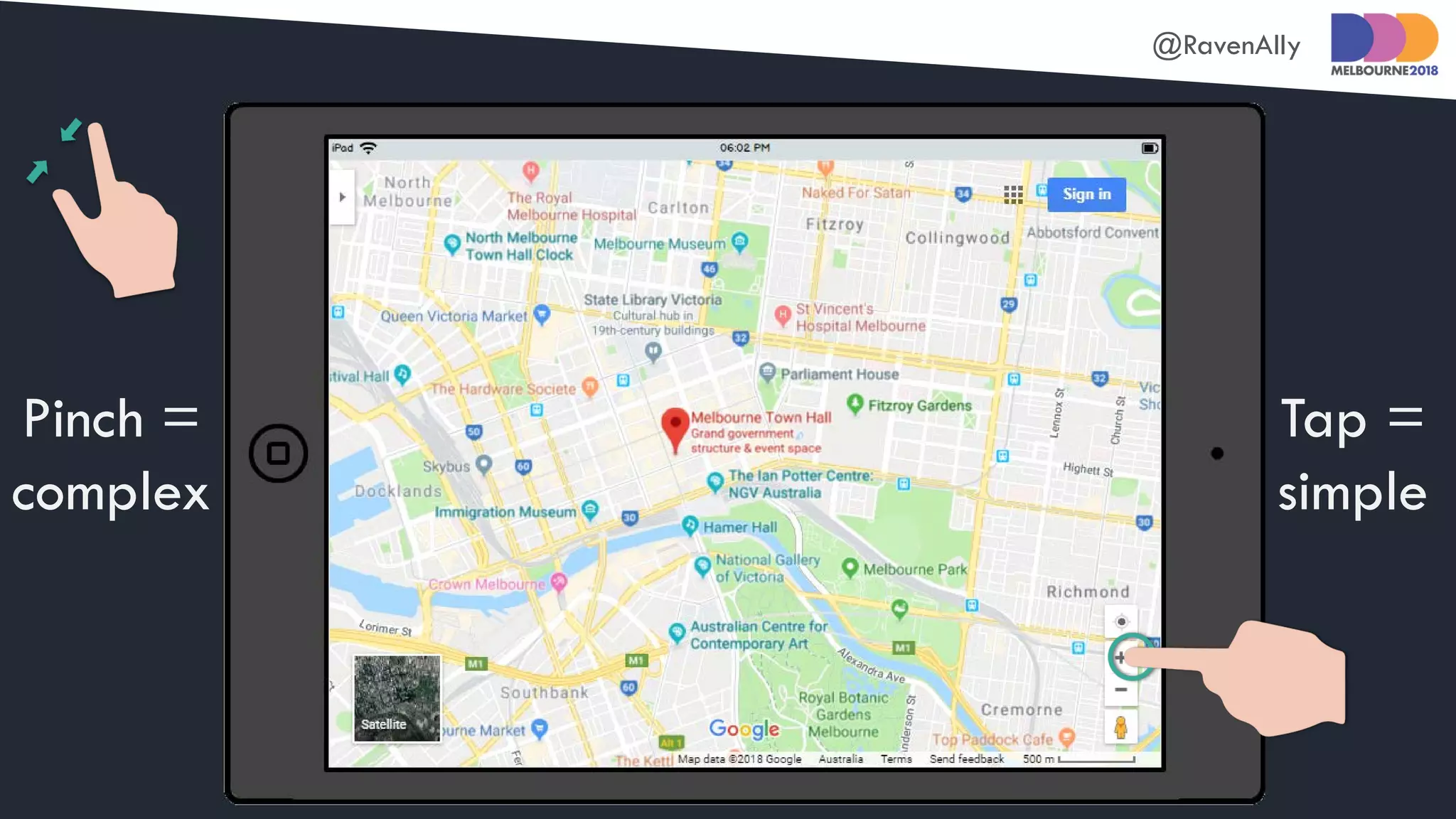
Pinch =
complex
Tap =
simple
@RavenAlly
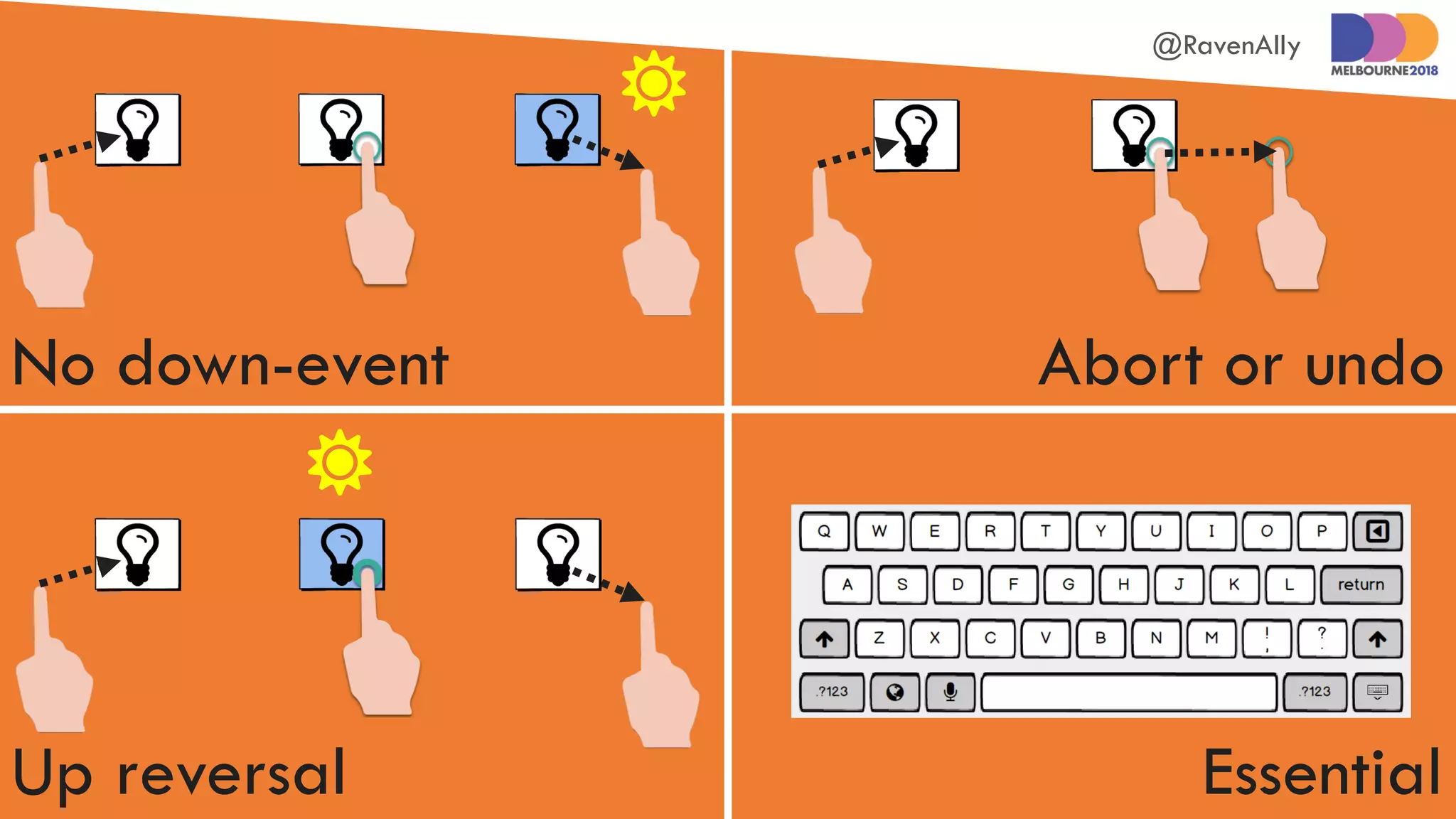
Enable users to cancel
pointer gestures
@RavenAlly
No down-event Abort or undo
Up reversal Essential


@RavenAlly
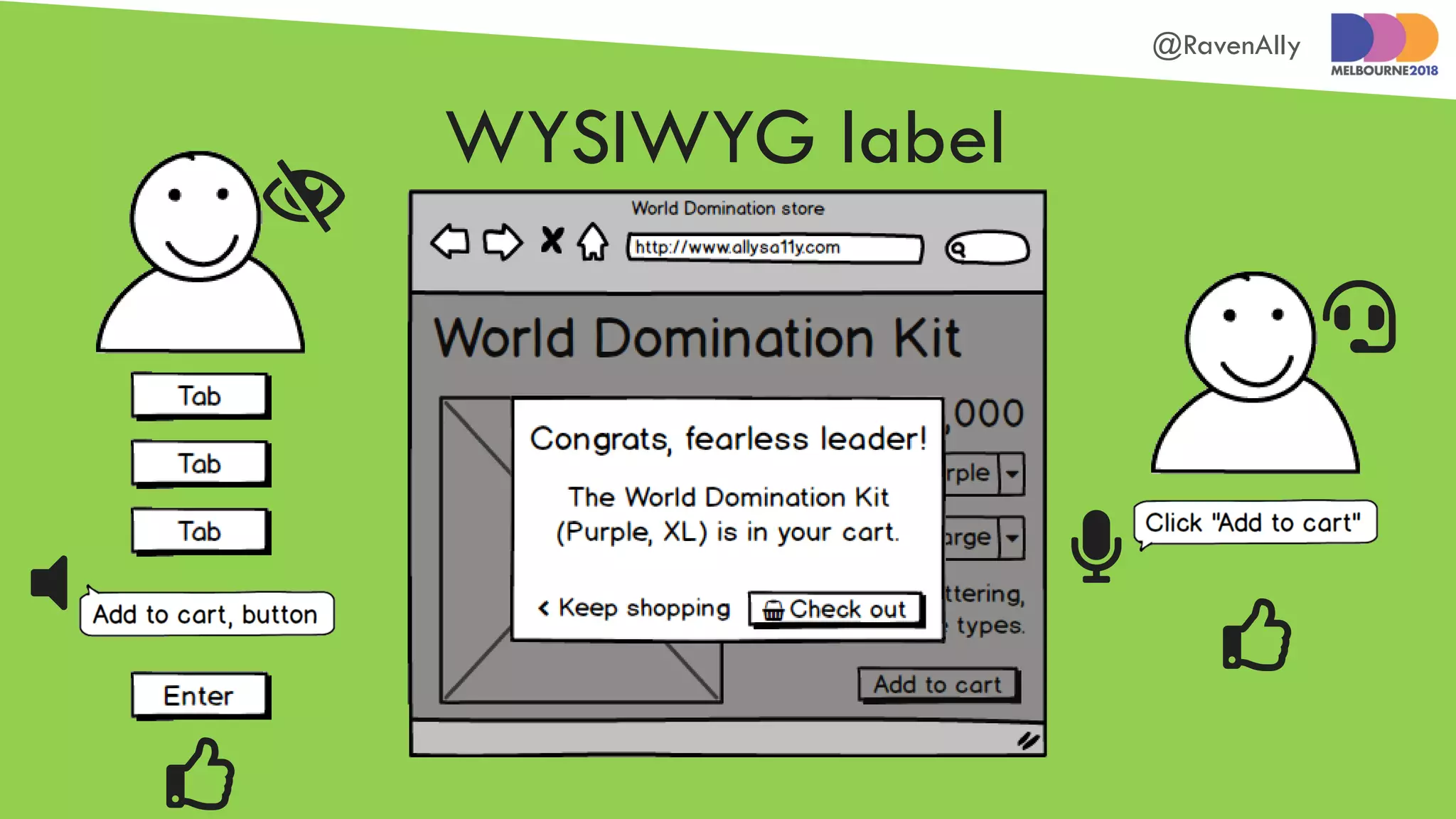
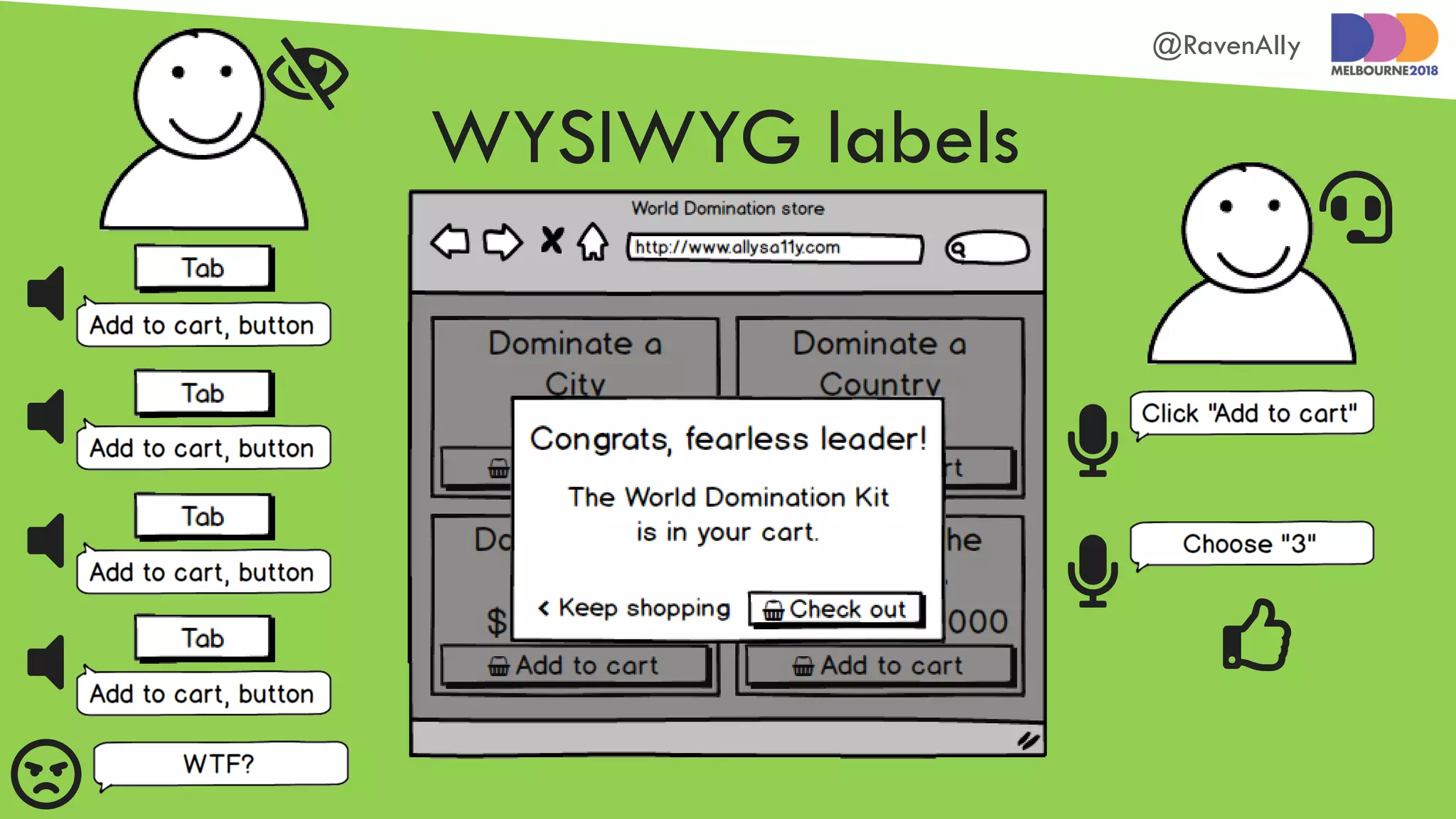
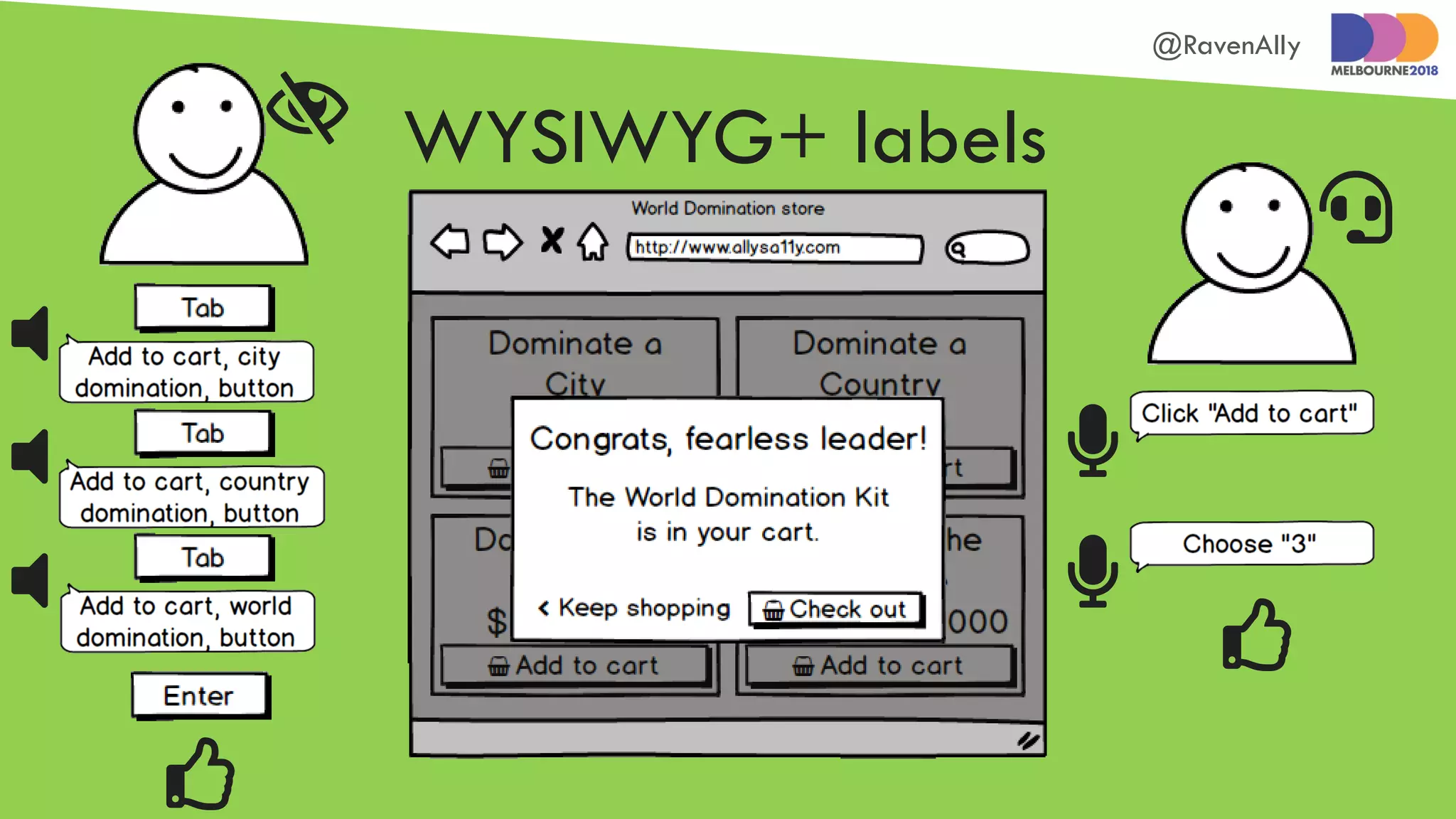
Use on-screen content
for element labels
@RavenAlly
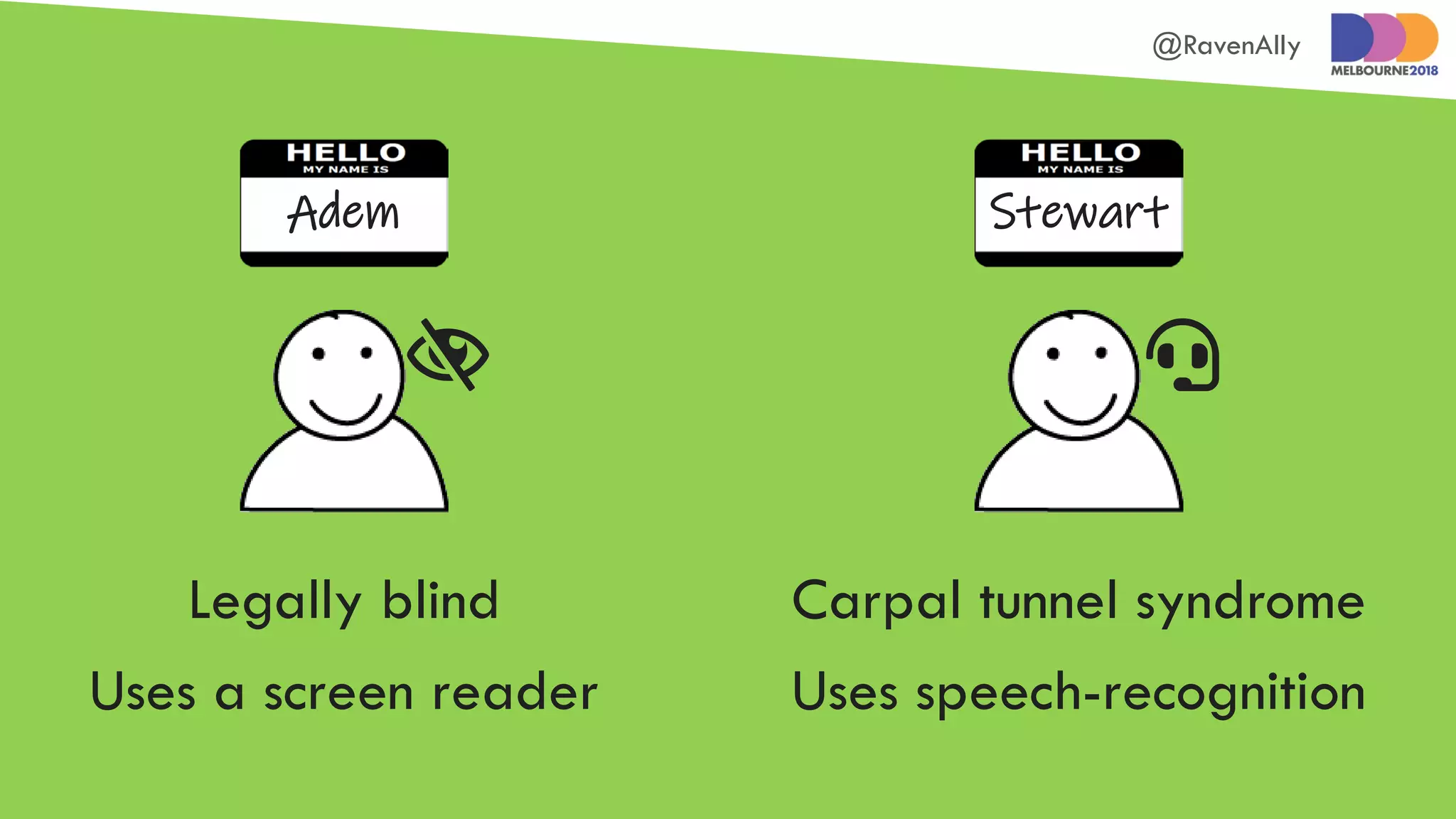
StewartAdem
Carpal tunnel syndrome
Uses speech-recognition
Legally blind
Uses a screen reader
 
@RavenAlly


 


WYSIWYG label
@RavenAlly










WYSIWYG labels
@RavenAlly









 
Custom labels
@RavenAlly





WYSIWYG+ labels




@RavenAlly
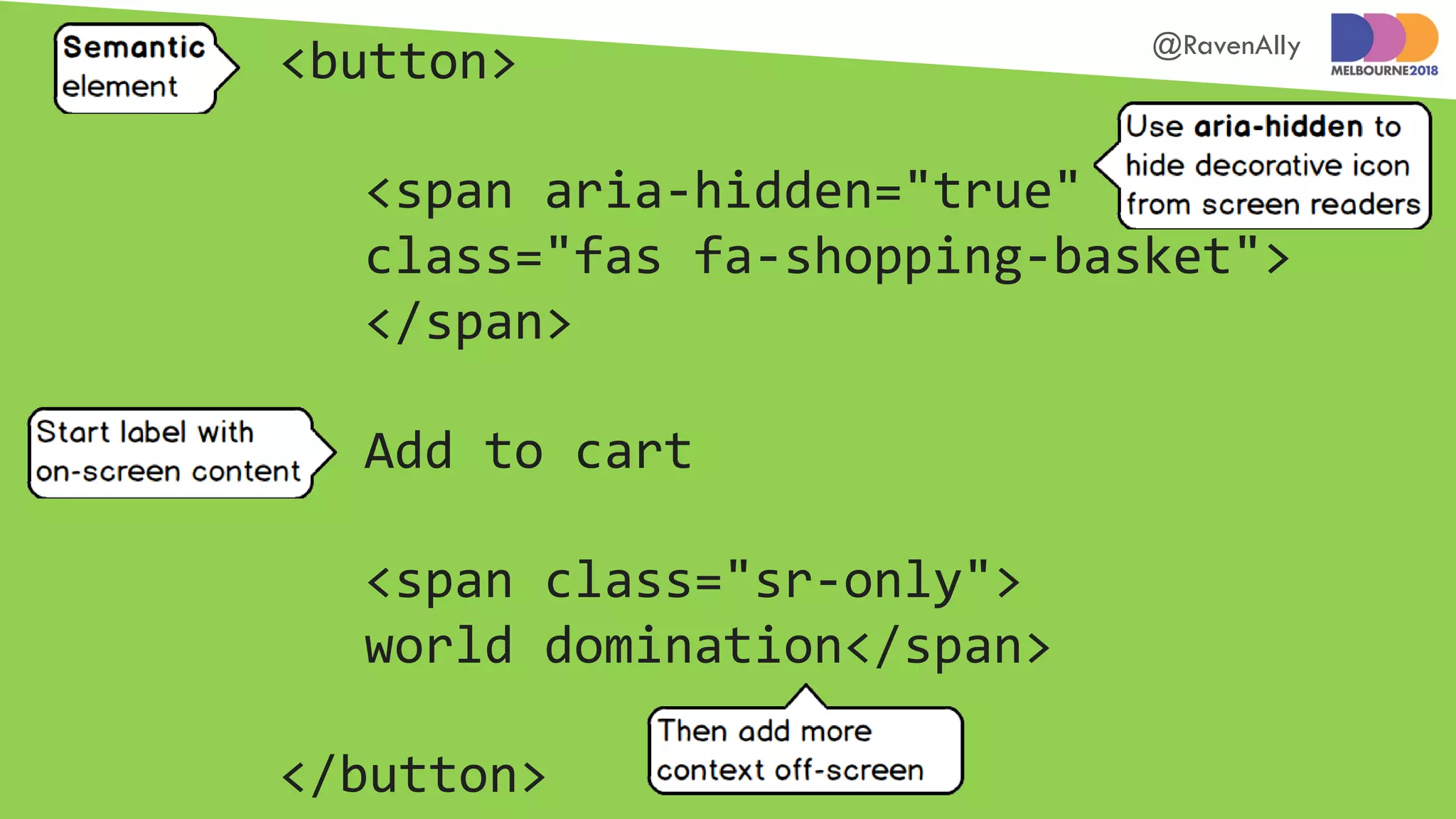
<button>
<span aria-hidden="true"
class="fas fa-shopping-basket">
</span>
Add to cart
<span class="sr-only">
world domination</span>
</button>
@RavenAlly
Provide alternatives
to motion functions
@RavenAlly
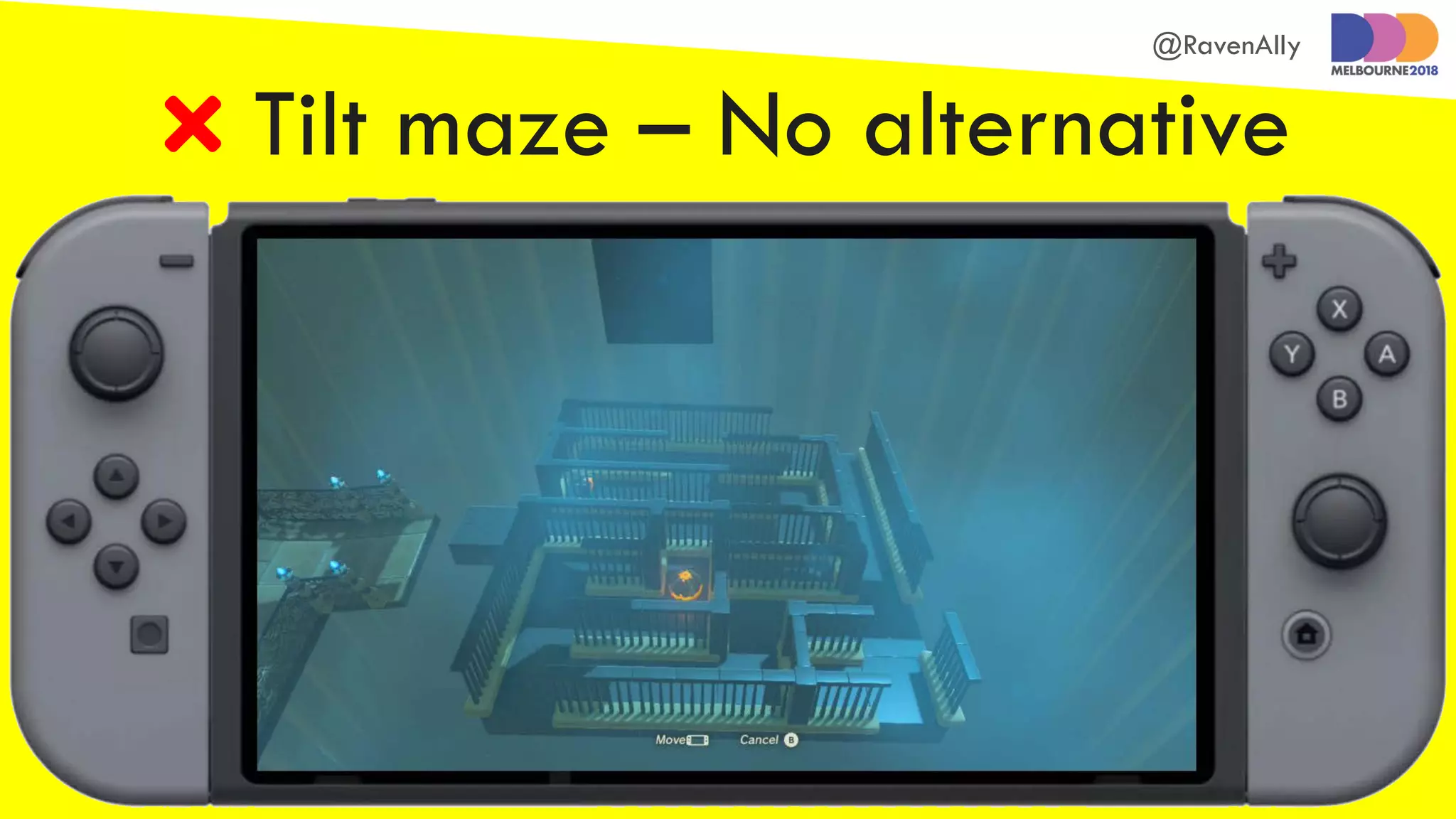
 Tilt maze – No alternative
@RavenAlly
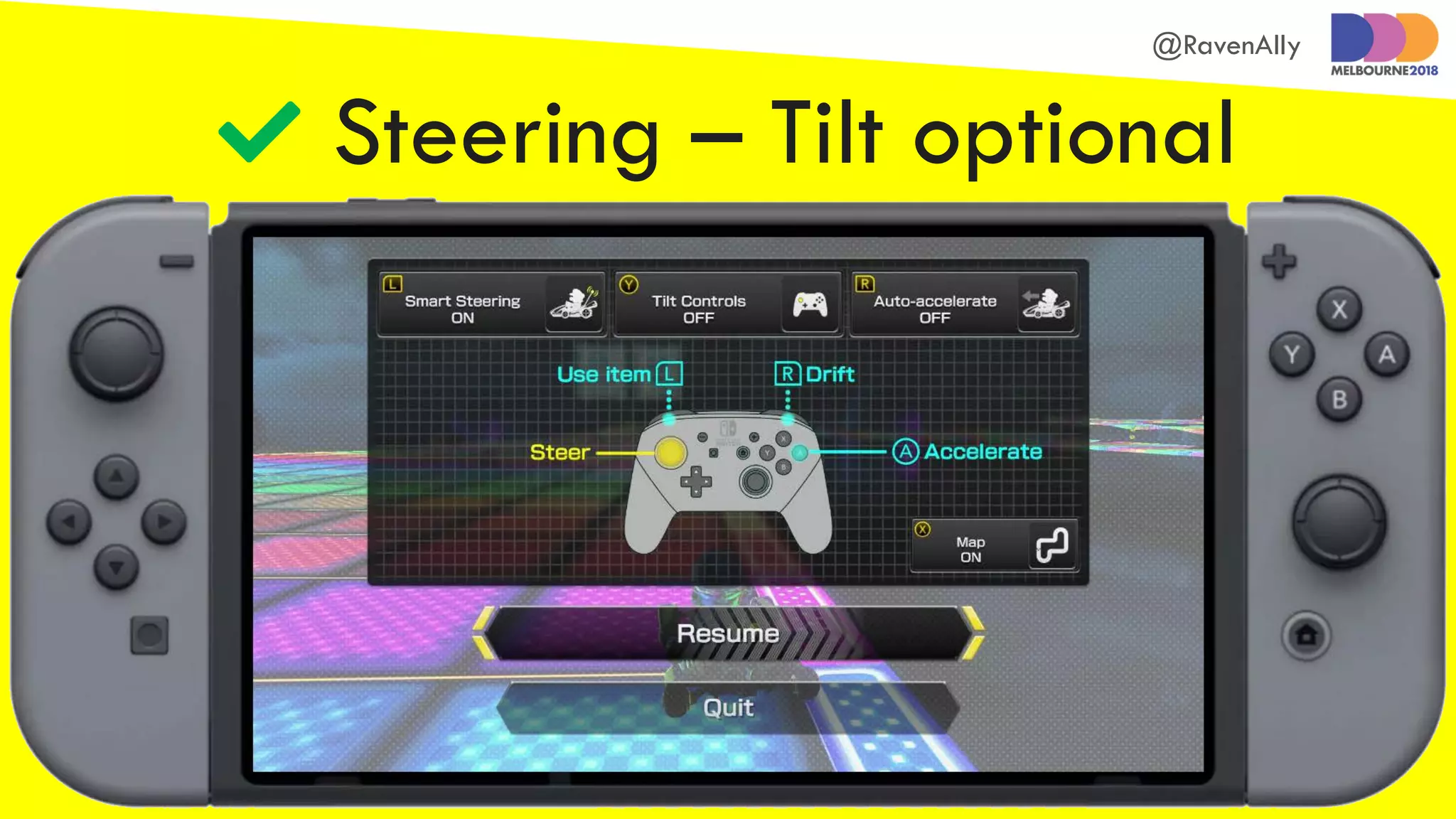
 Steering – Tilt optional
@RavenAlly
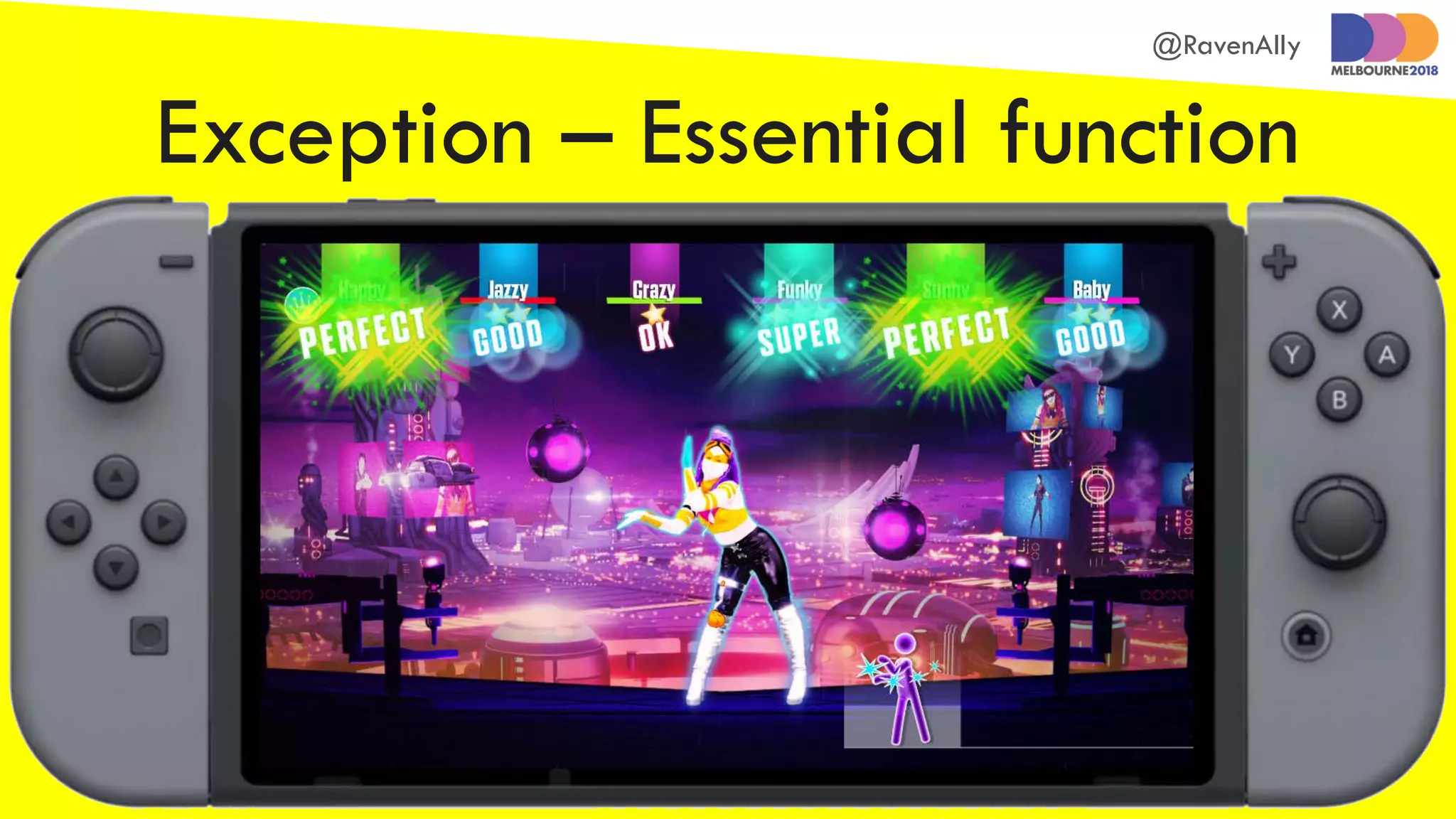
Exception – Essential function
@RavenAlly
Mark up status
messages
@RavenAlly
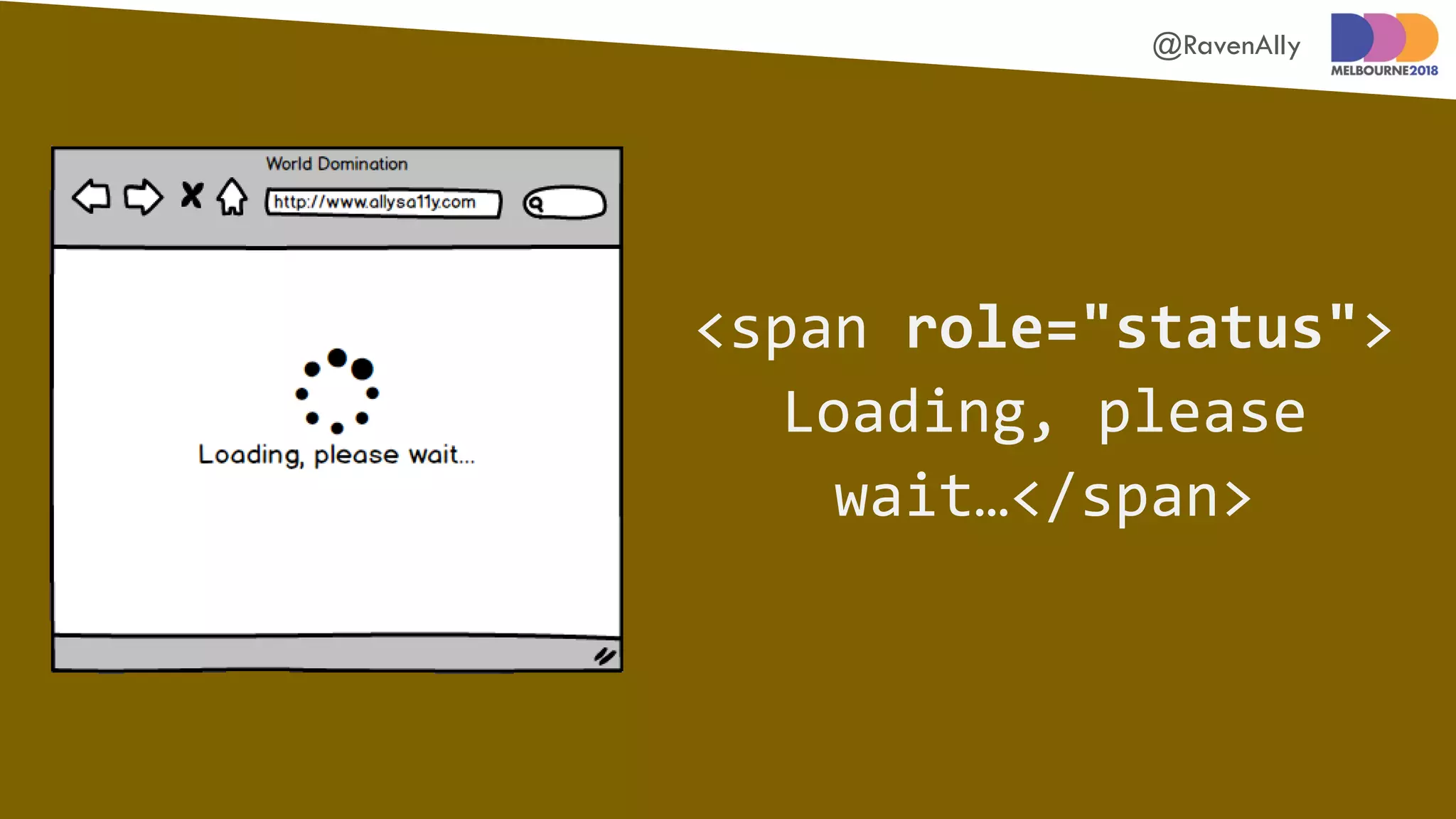
<span role="status">
Loading, please
wait…</span>
@RavenAlly
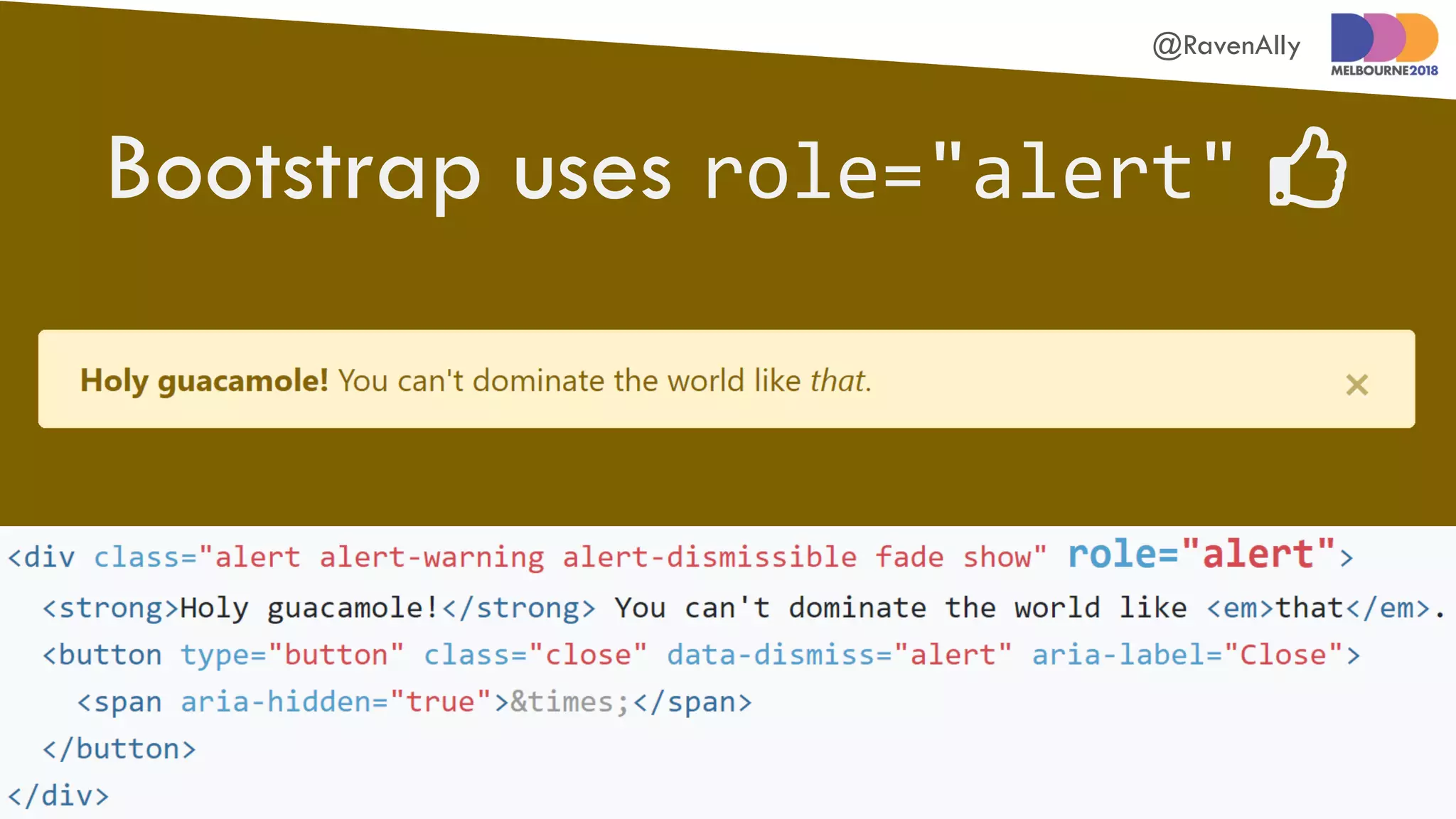
Bootstrap uses role="alert" 
@RavenAlly
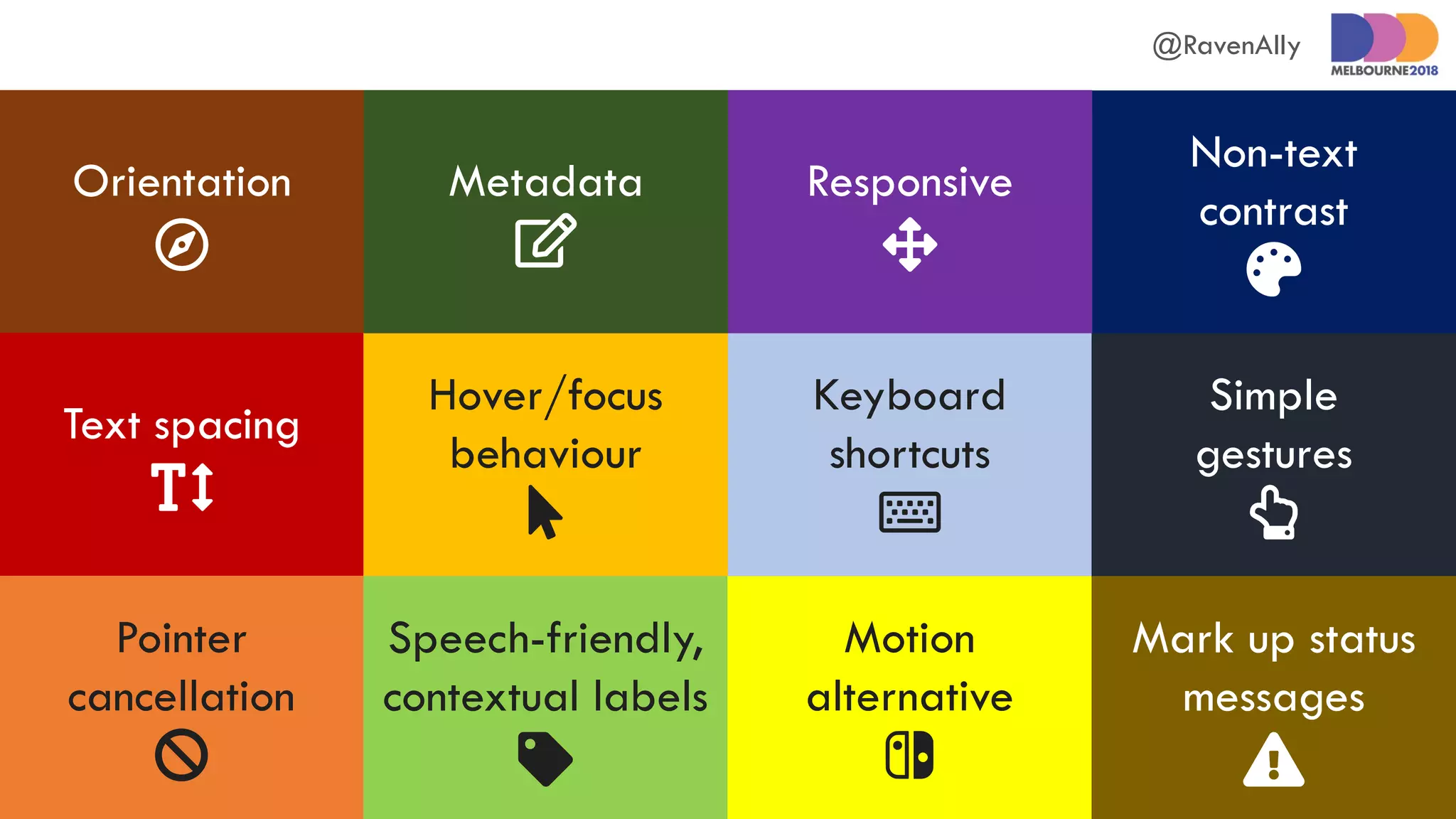
Orientation

Text spacing

Pointer
cancellation

Speech-friendly,
contextual labels

Motion
alternative

Hover/focus
behaviour

Keyboard
shortcuts

Mark up status
messages

Simple
gestures

Non-text
contrast

Responsive

Metadata

@RavenAlly
Allison Ravenhall
@RavenAlly
Digital Accessibility
Sensei@Intopia
WCAG 2.1: https://www.w3.org/TR/WCAG21/
Get accessible!

Inclusive front-end development with WCAG 2.1