



Building an Effective BYOD
Educational Technology Plan

           Sam Gliksman

      samgliksman@gmail.com
       Twitter: @samgliksman
    http://ipadEducators.ning.com
Sam Gliksman
 Director of Educational Technology
 Consultant and speaker
 Working with 1:1 and BYOD programs
 Founder of iPads in Education website
  http://iPadEducators.ning.com
 Twitter: @samgliksman
 Email: samgliksman@gmail.com
what?
how?
 why?
Today’s Objectives

 Define the characteristics of a 21st
  century learning environment

 Develop a strategy for an
  effective and sustainable
  educational technology plan
What are our educational goals?
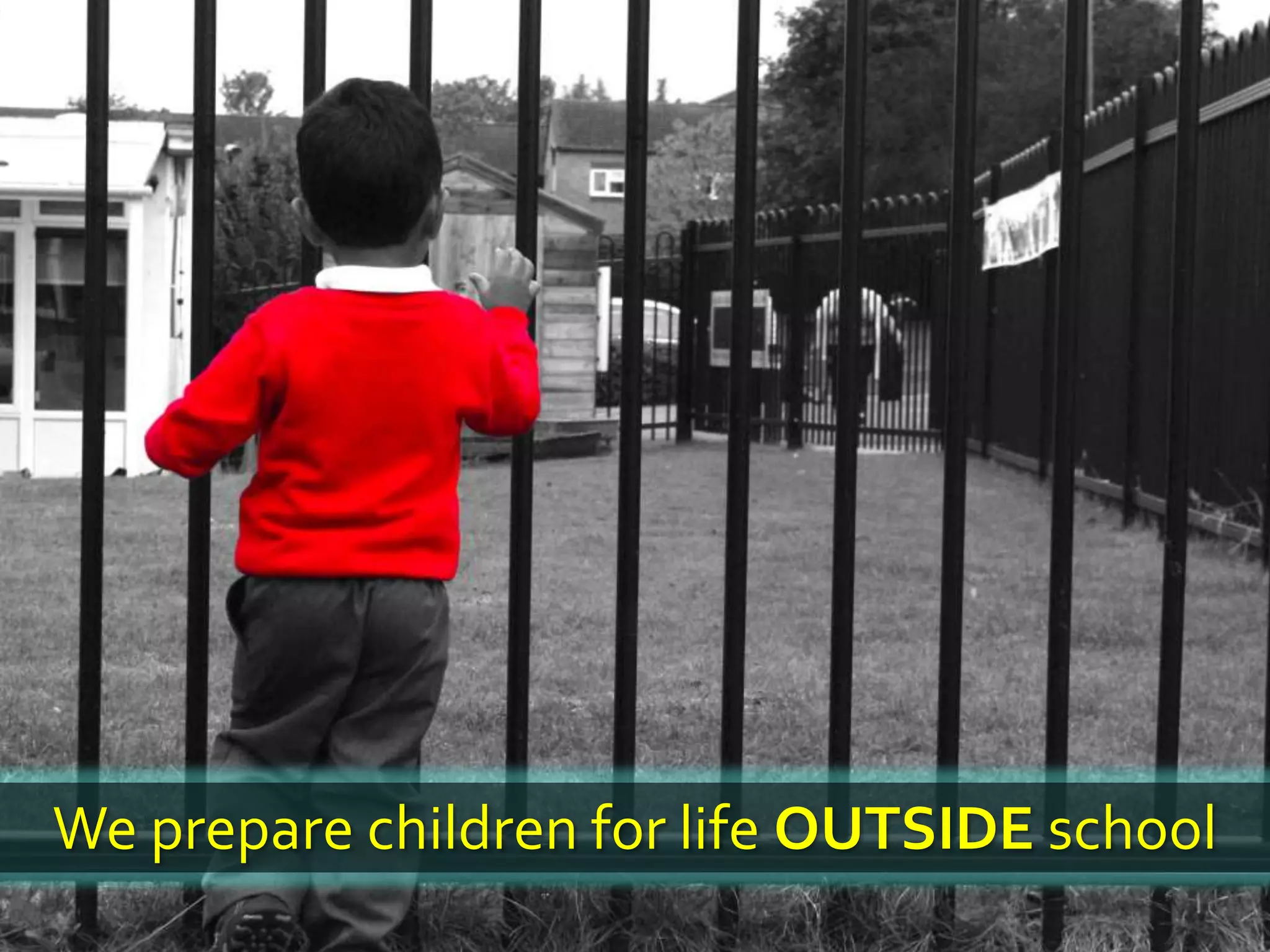
We prepare children for life OUTSIDE school
We live in a time of
EXPONENTIAL CHANGE
Computing power
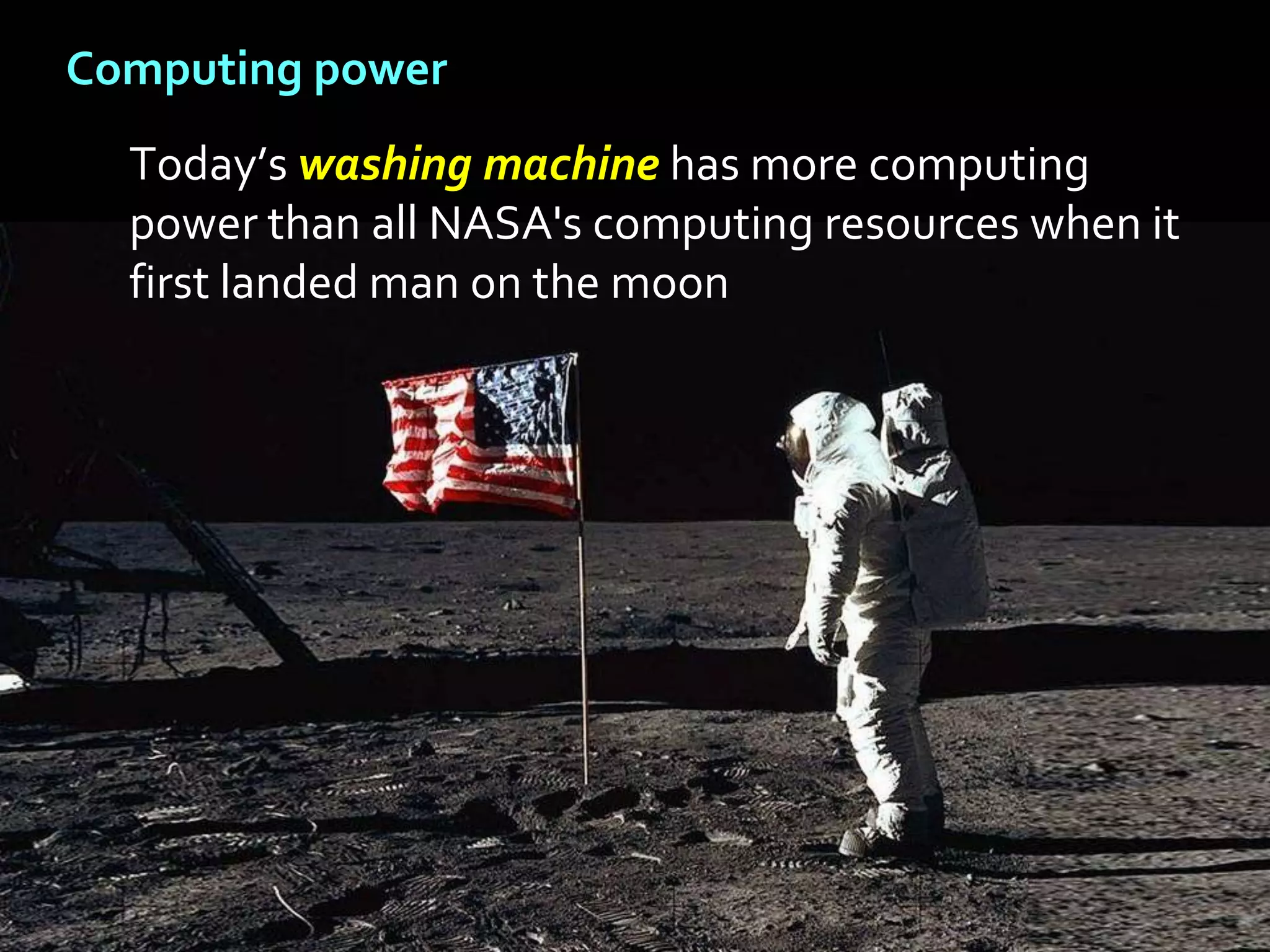
  Today’s washing machine has more computing
  power than all NASA's computing resources when it
  first landed man on the moon
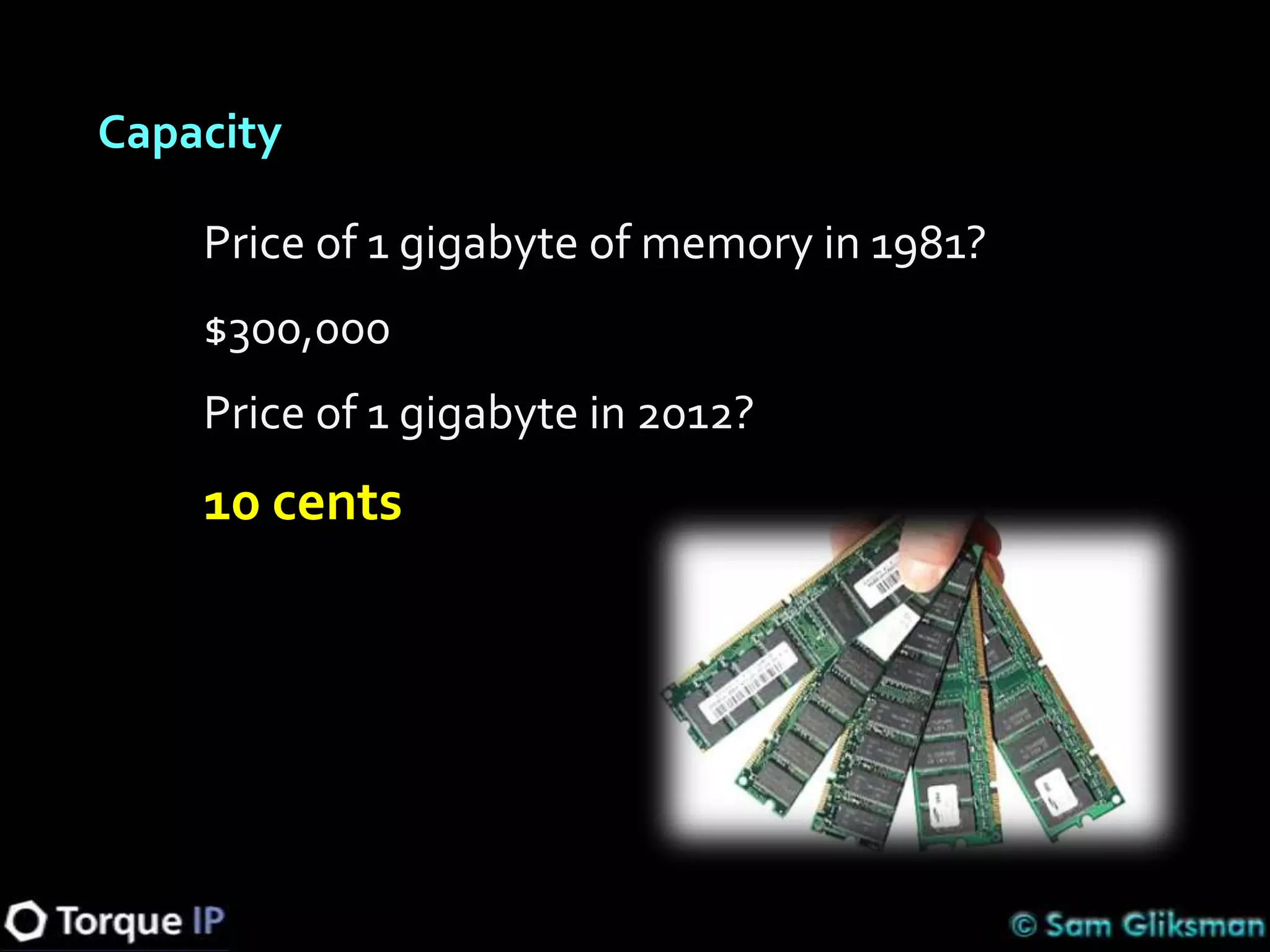
Capacity

    Price of 1 gigabyte of memory in 1981?
    $300,000
    Price of 1 gigabyte in 2012?
    10 cents
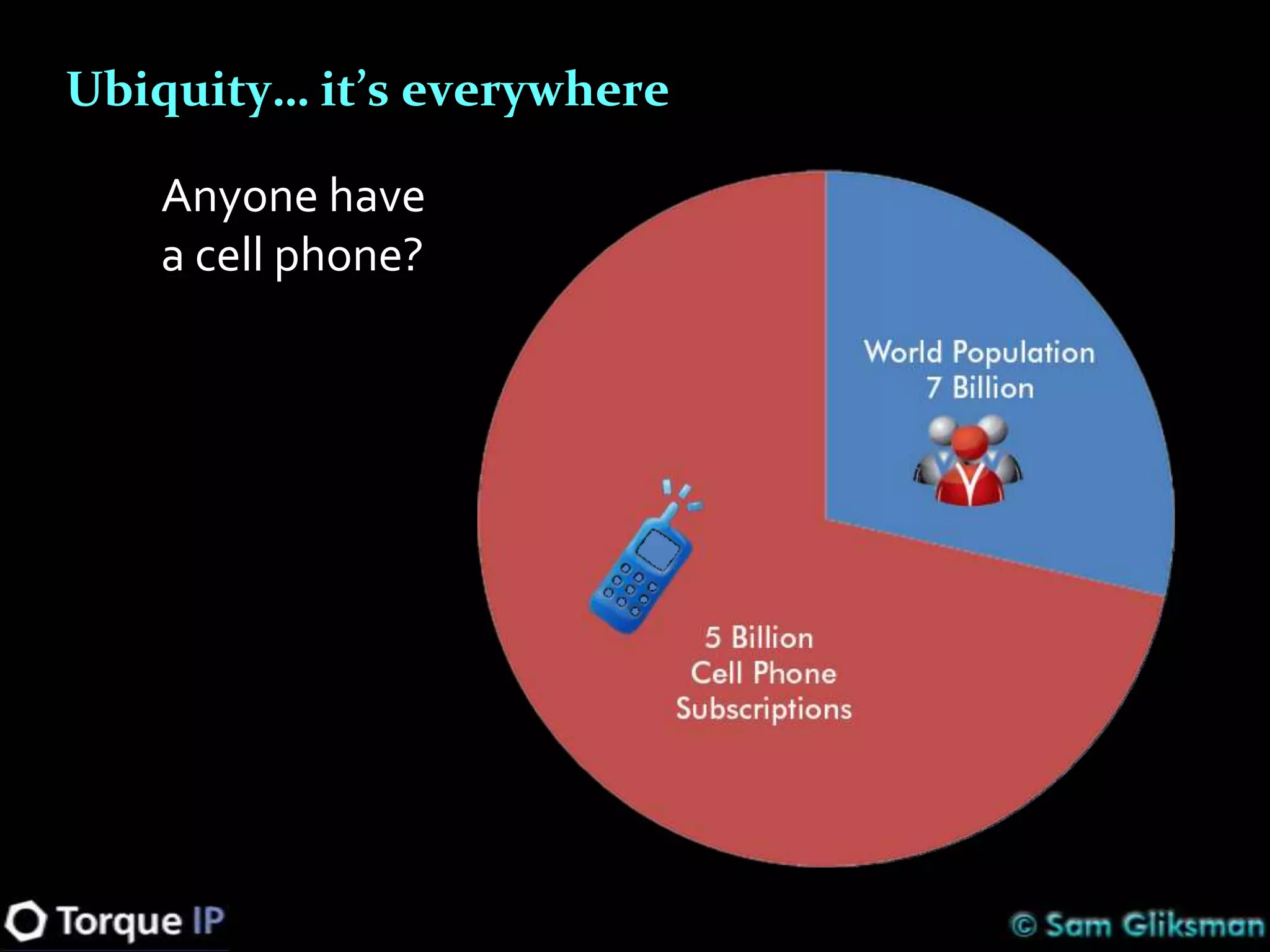
Ubiquity… it’s everywhere

   Anyone have
   a cell phone?
Ubiquity… it’s everywhere


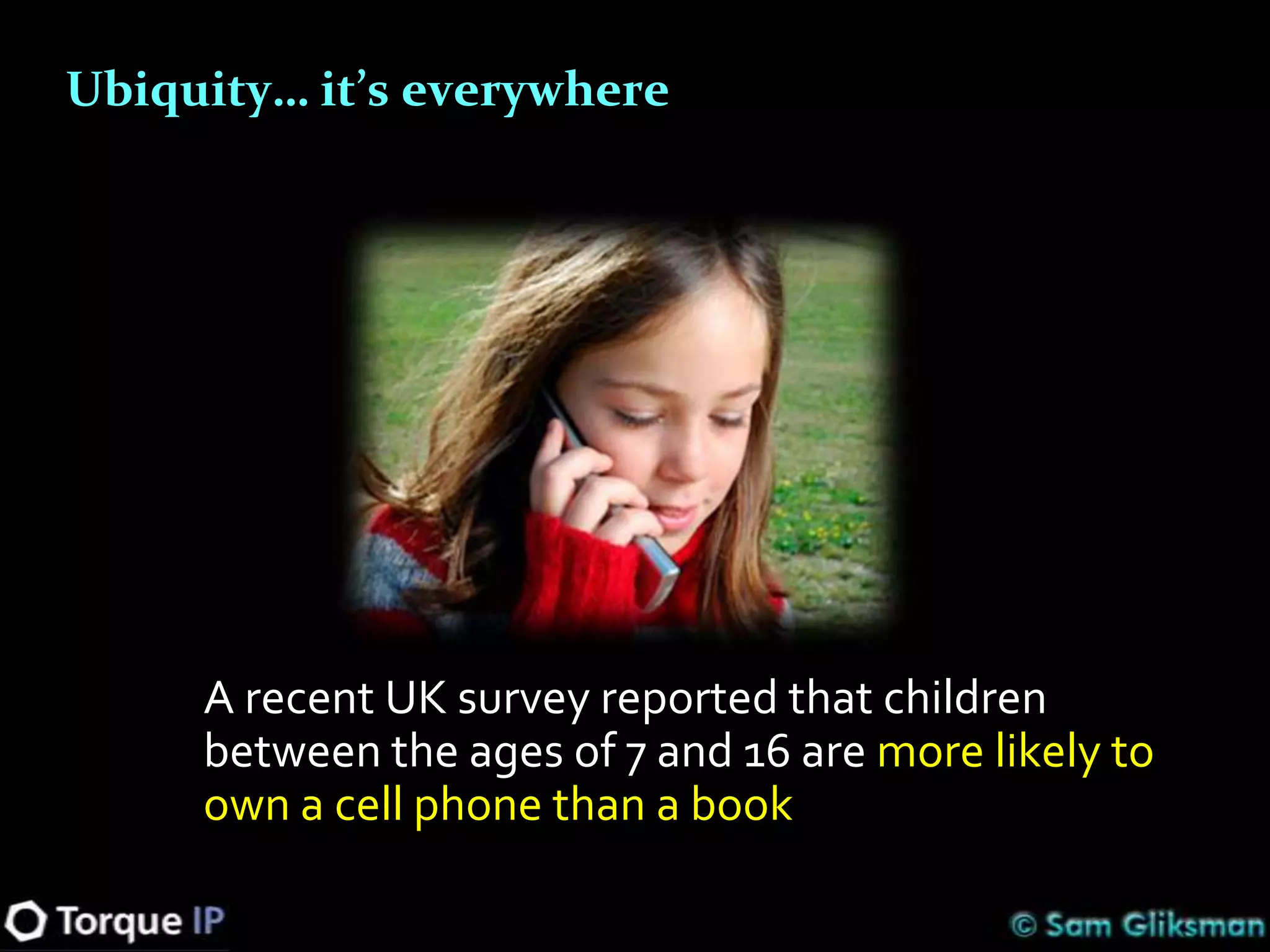
     A recent UK survey reported that children
     between the ages of 7 and 16 are more likely to
     own a cell phone than a book
Connected – Social Networking

  Facebook didn’t exist prior to 2004…

  Today 1 out of every 8 people on the planet
  has a Facebook page
If context is important…

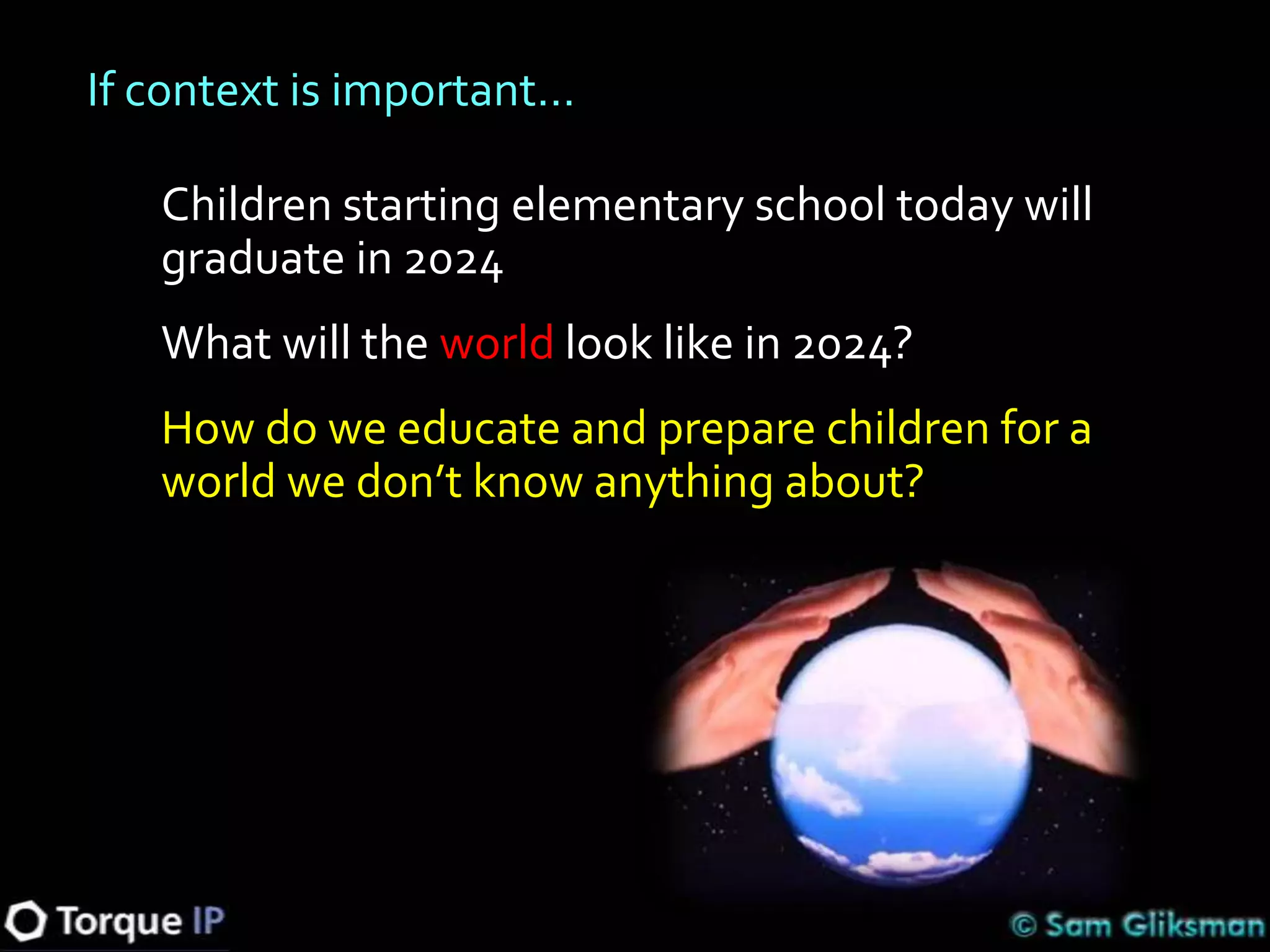
   Children starting elementary school today will
   graduate in 2024
   What will the world look like in 2024?
   How do we educate and prepare children for a
   world we don’t know anything about?
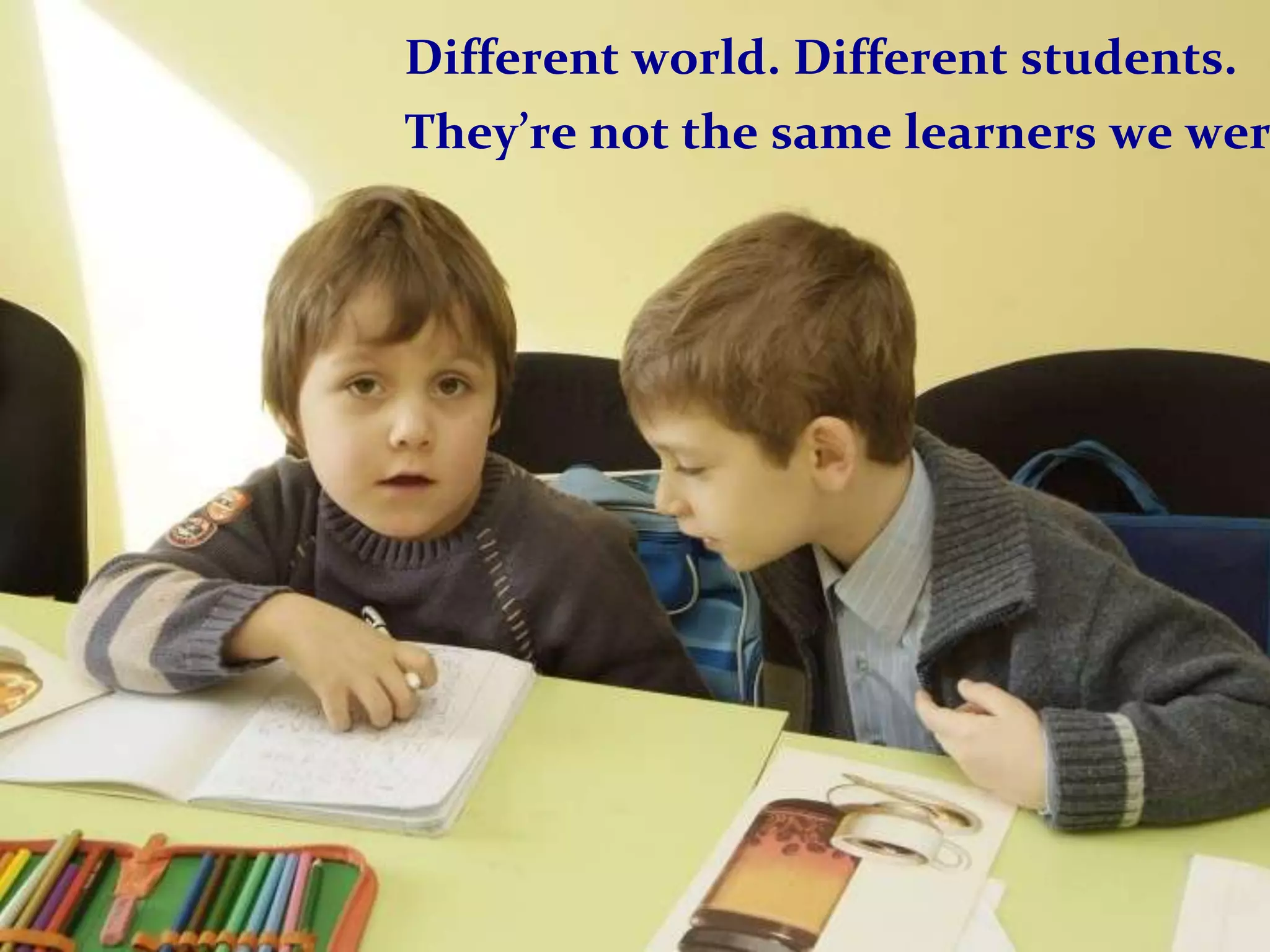
Different world. Different students.
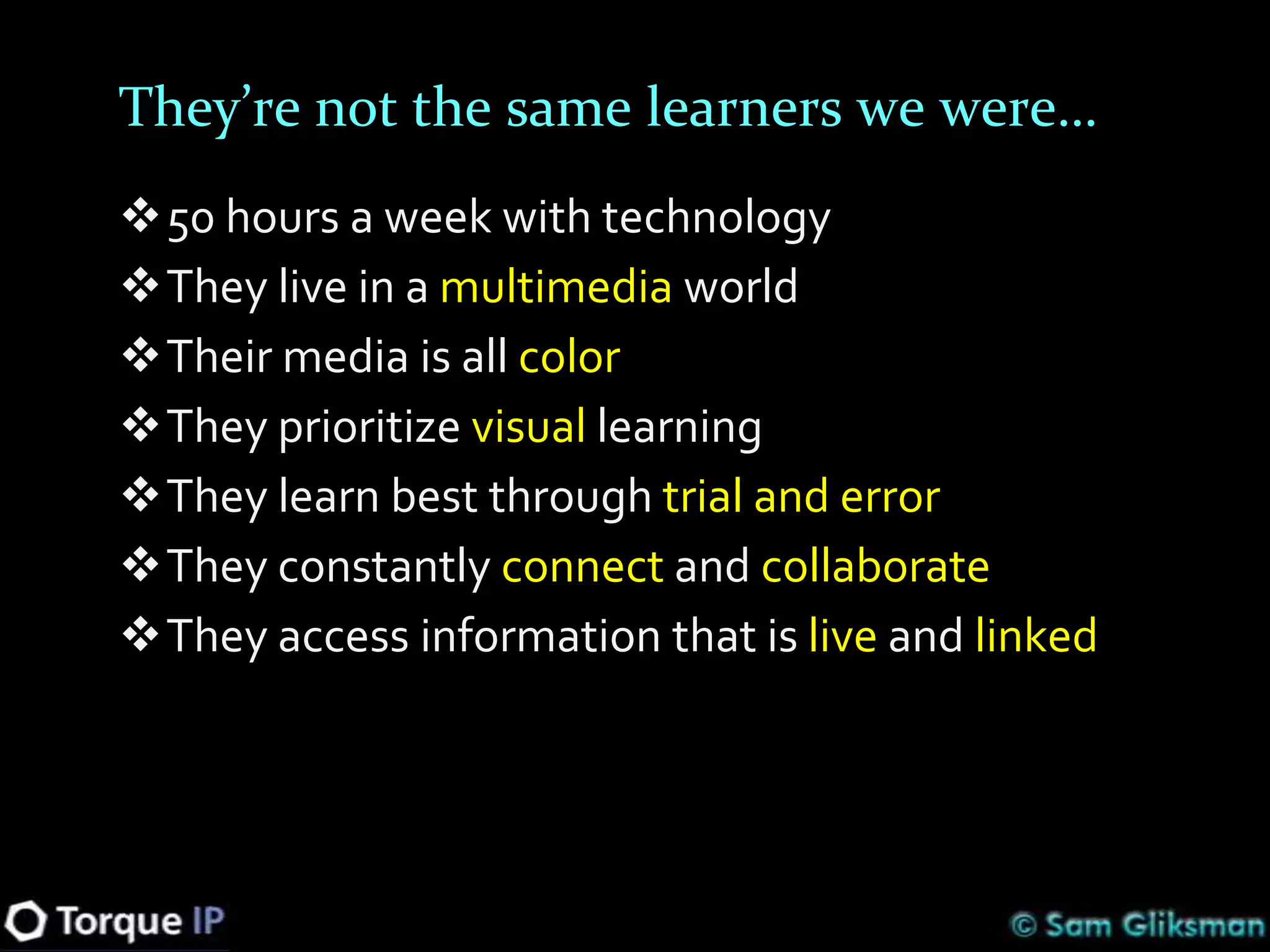
They’re not the same learners we wer
They’re not the same learners we were…
50 hours a week with technology
They live in a multimedia world
Their media is all color
They prioritize visual learning
They learn best through trial and error
They constantly connect and collaborate
They access information that is live and linked
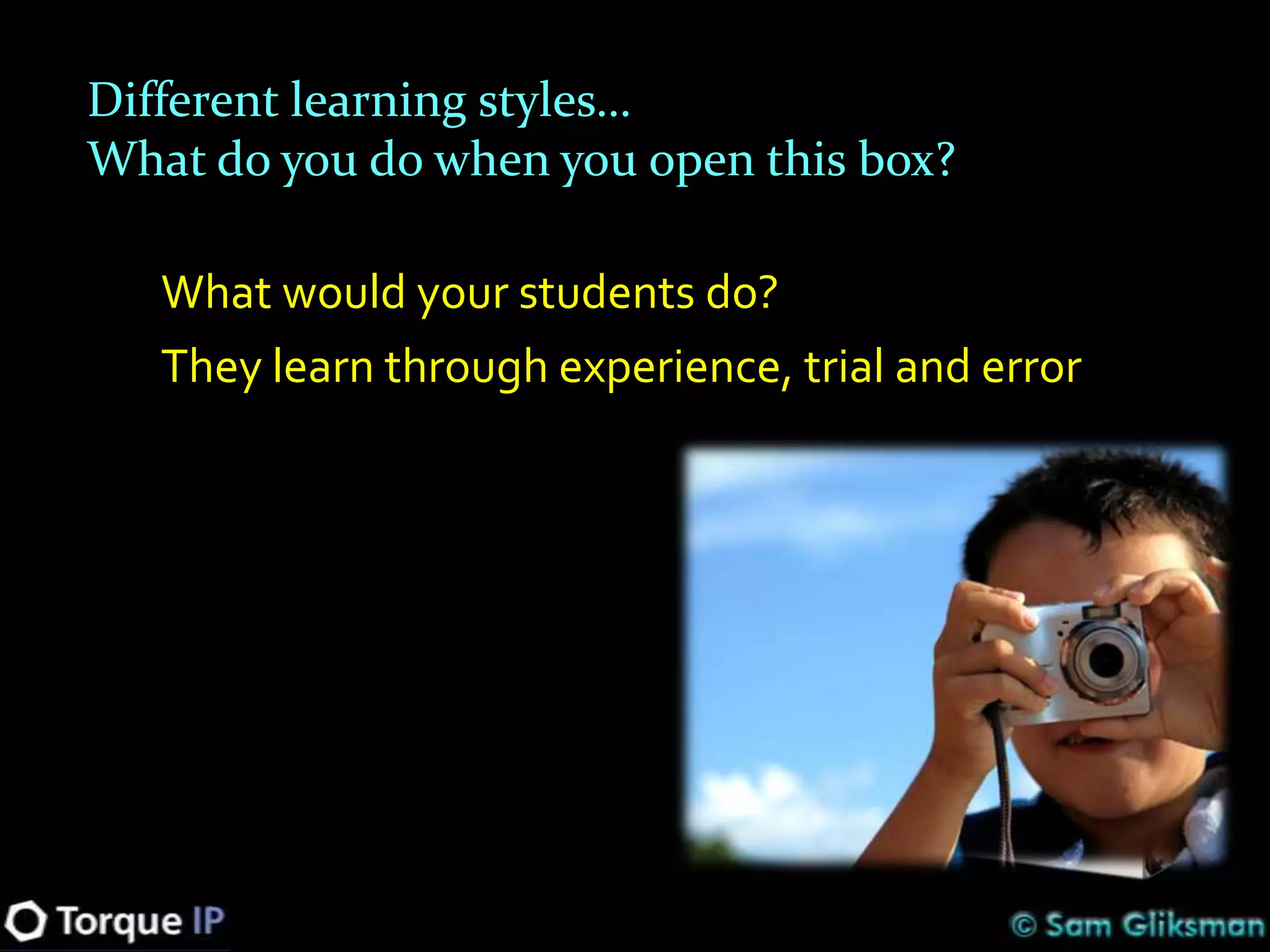
Different learning styles…
What do you do when you open this box?

   What would your students do?
   They learn through experience, trial and error
Building Your Educational Technology Plan
1. Clarify your educational vision
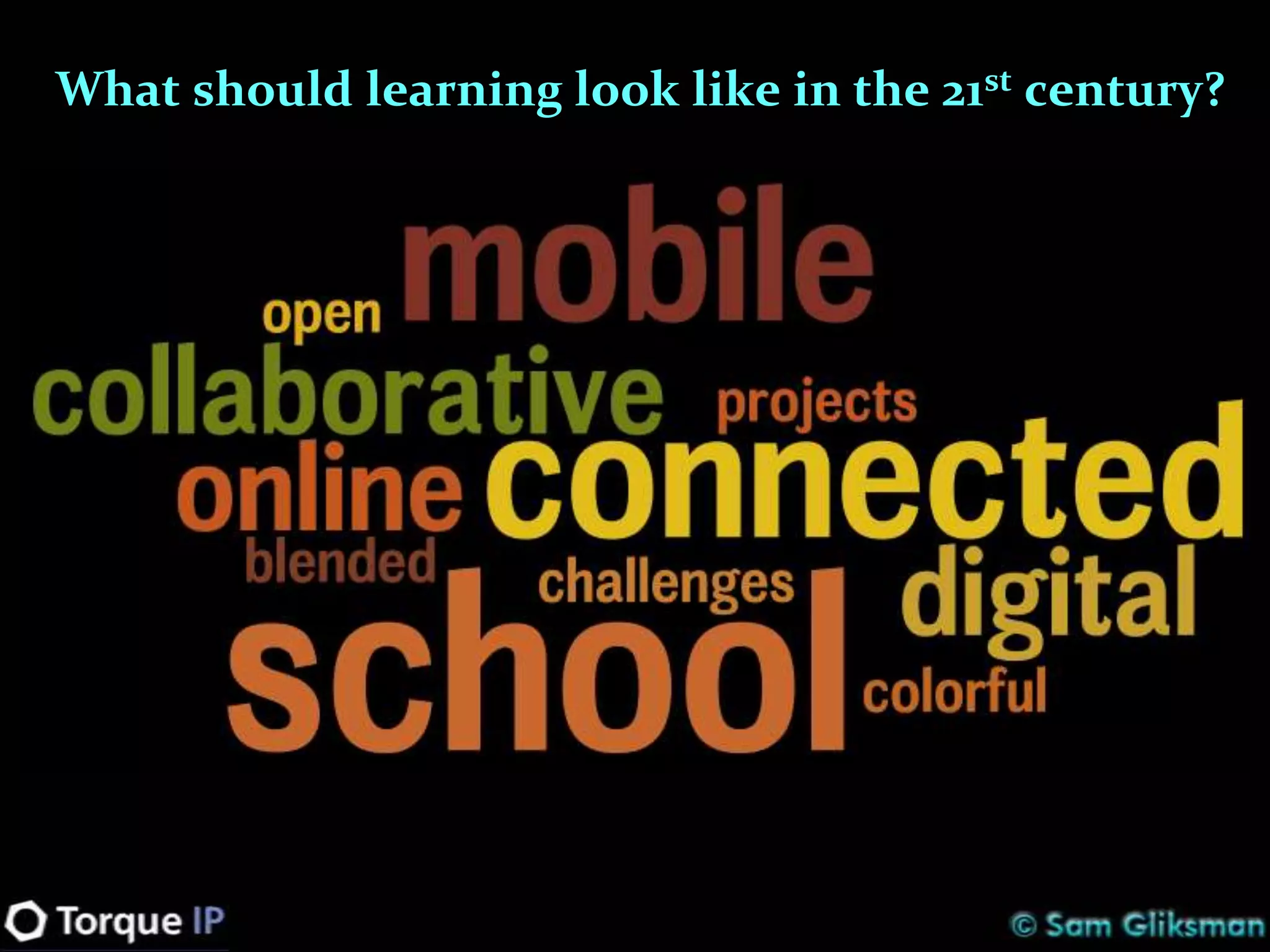
What should learning look like in the 21st century?
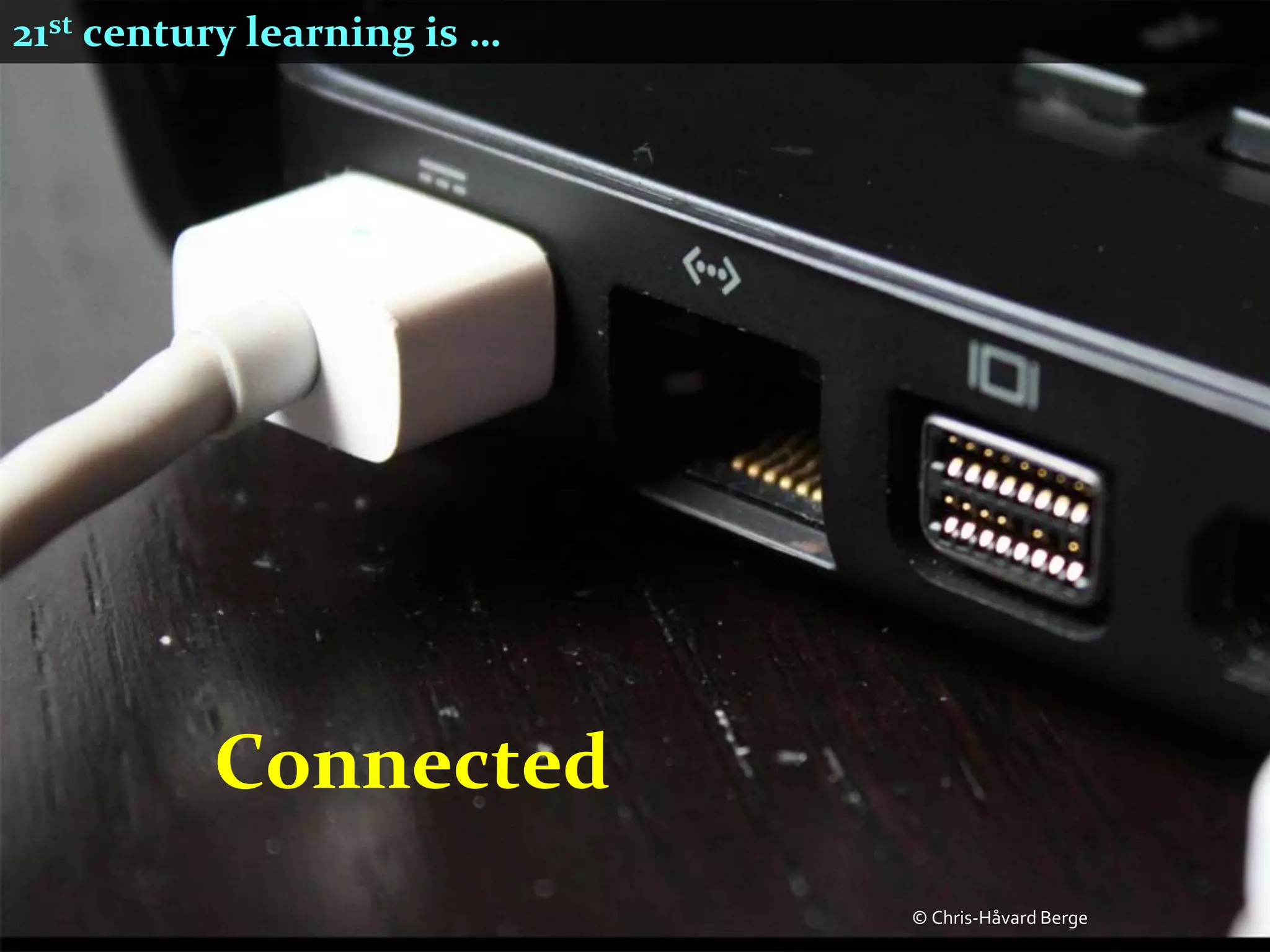
21st century learning is …


          Connected
                             © Chris-Håvard Berge
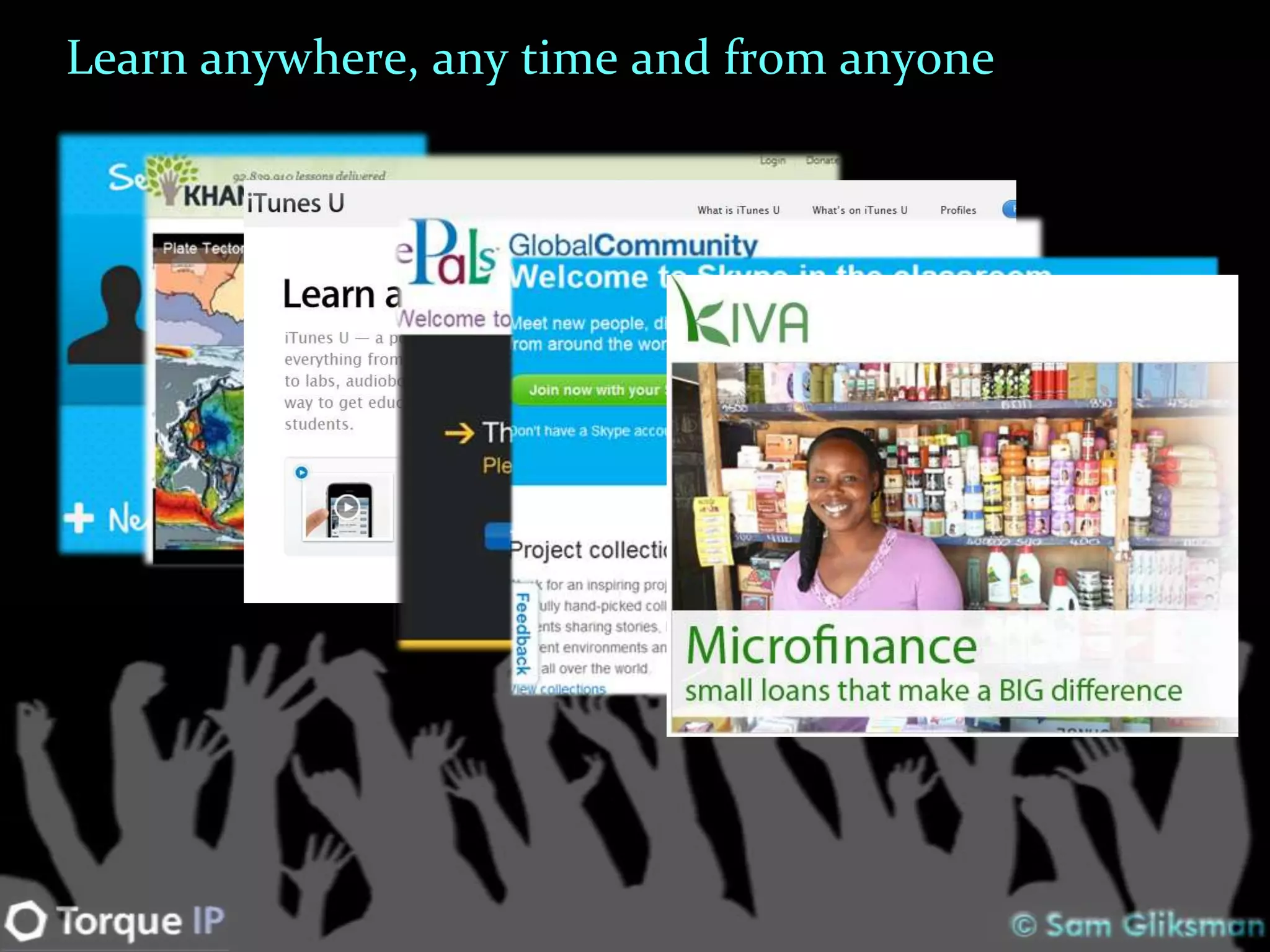
Learn anywhere, any time and from anyone
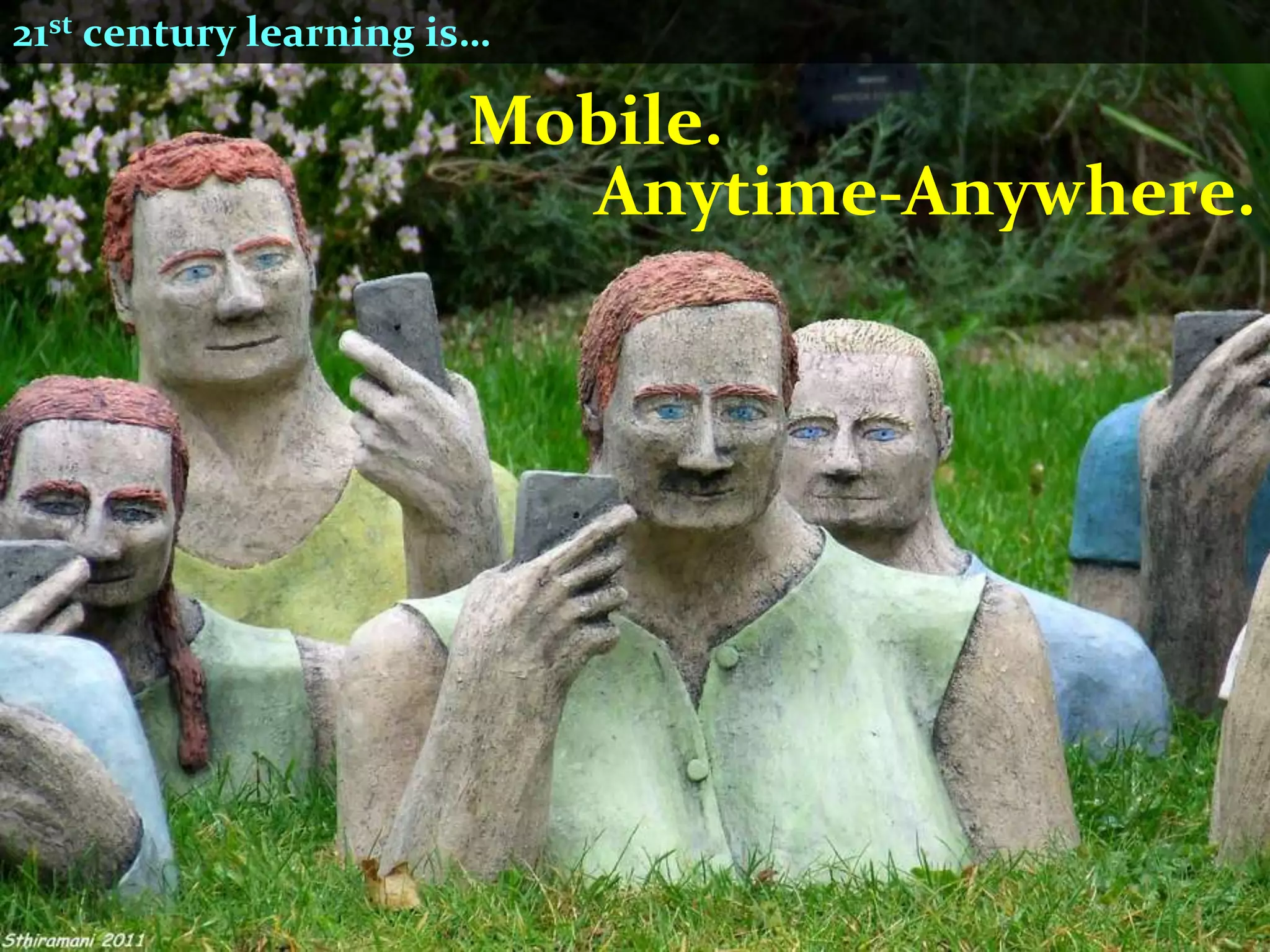
21st century learning is…

                       Mobile.
                         Anytime-Anywhere.
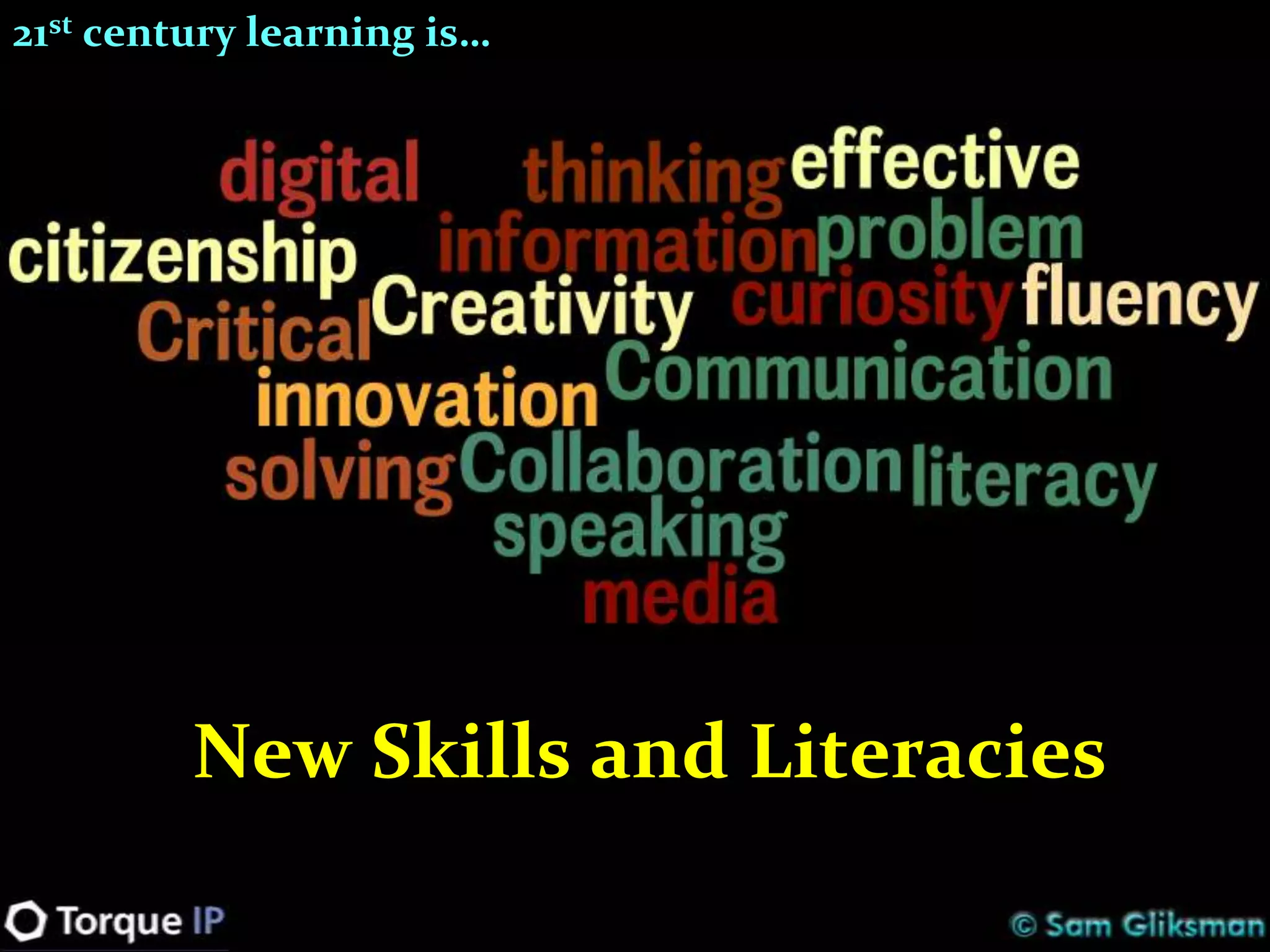
21st century learning is…


         New Skills and Literacies
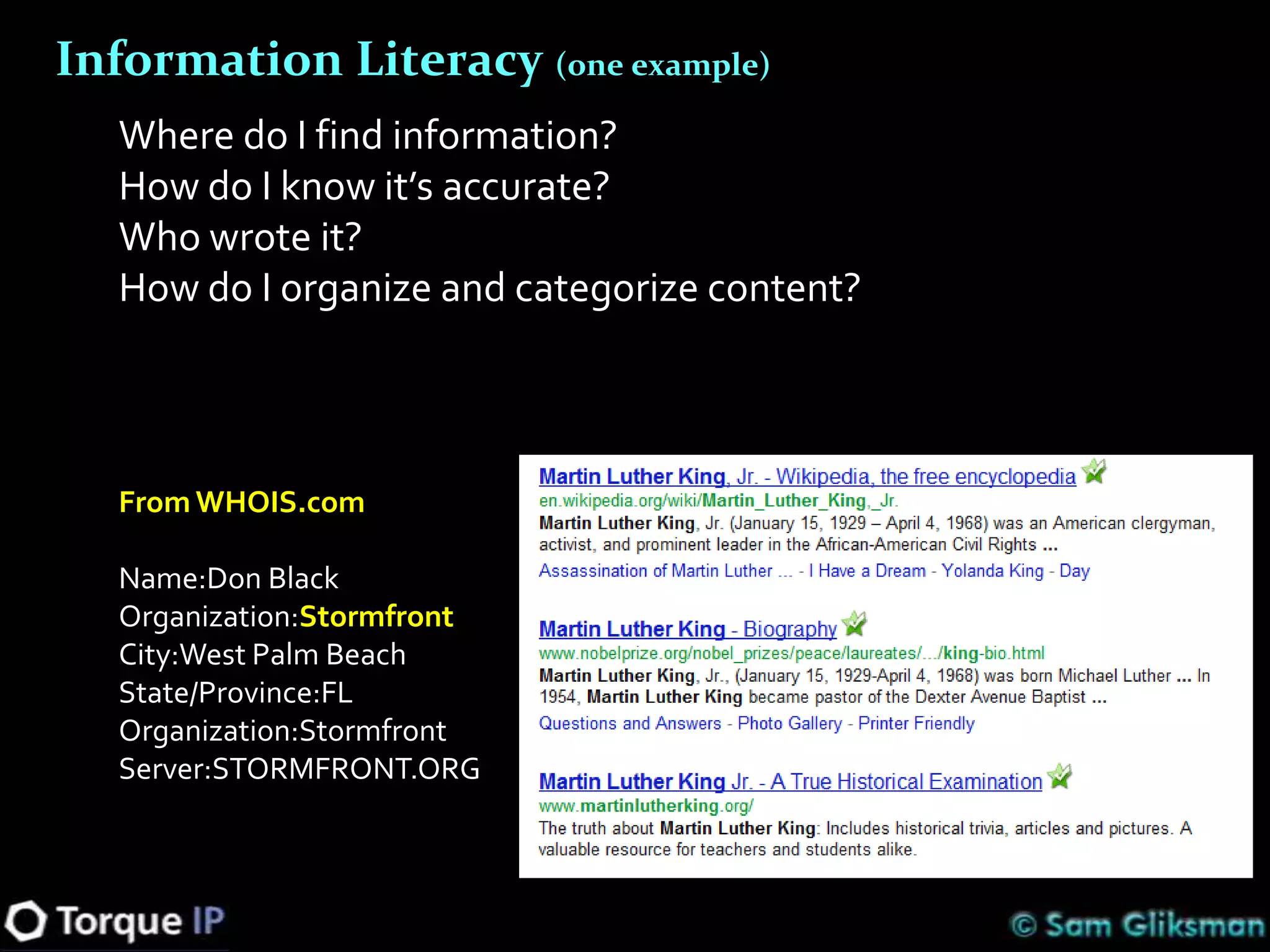
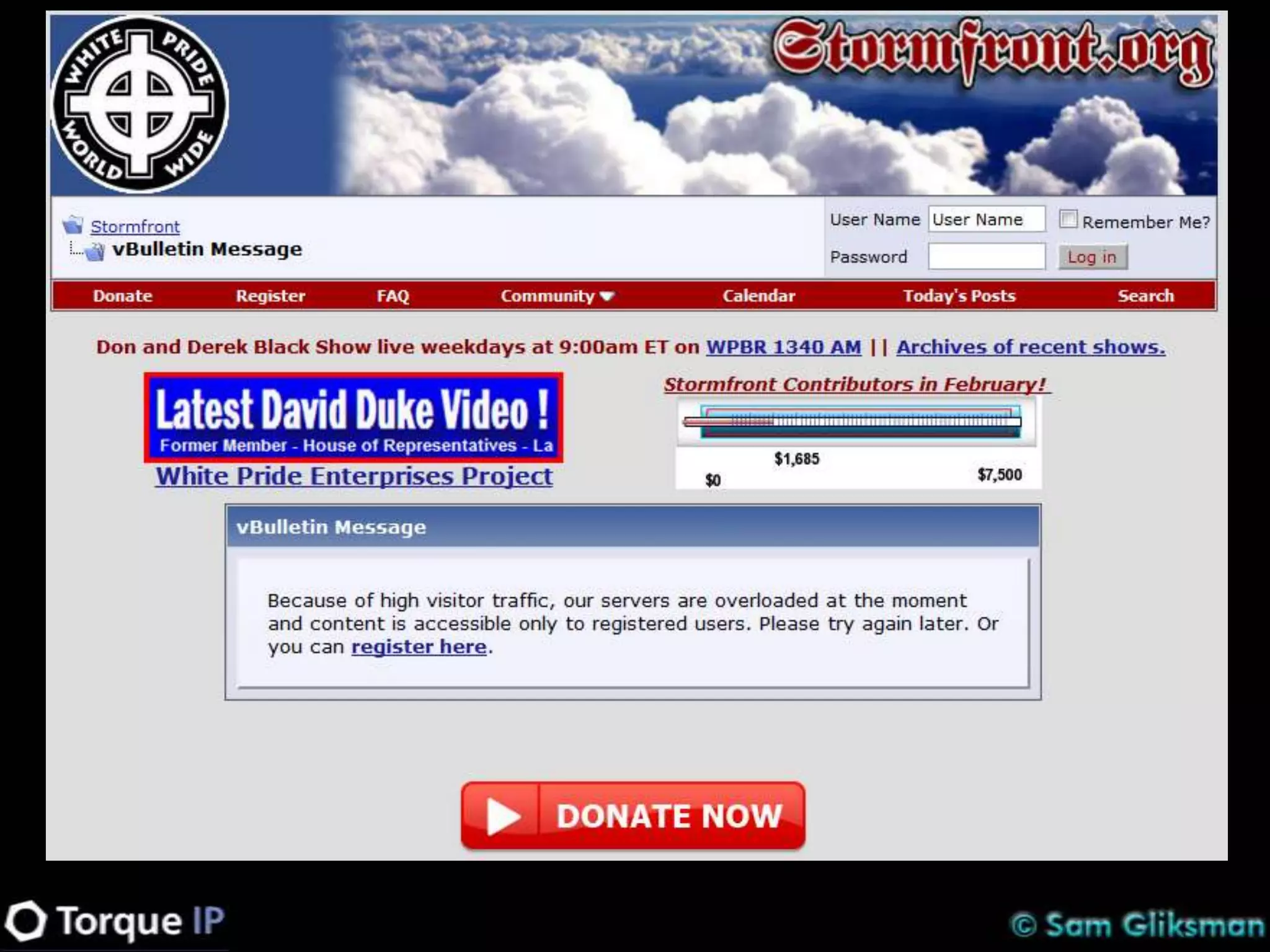
Information Literacy (one example)
   Where do I find information?
   How do I know it’s accurate?
   Who wrote it?
   How do I organize and categorize content?


   From WHOIS.com

   Name:Don Black
   Organization:Stormfront
   City:West Palm Beach
   State/Province:FL
   Organization:Stormfront
   Server:STORMFRONT.ORG
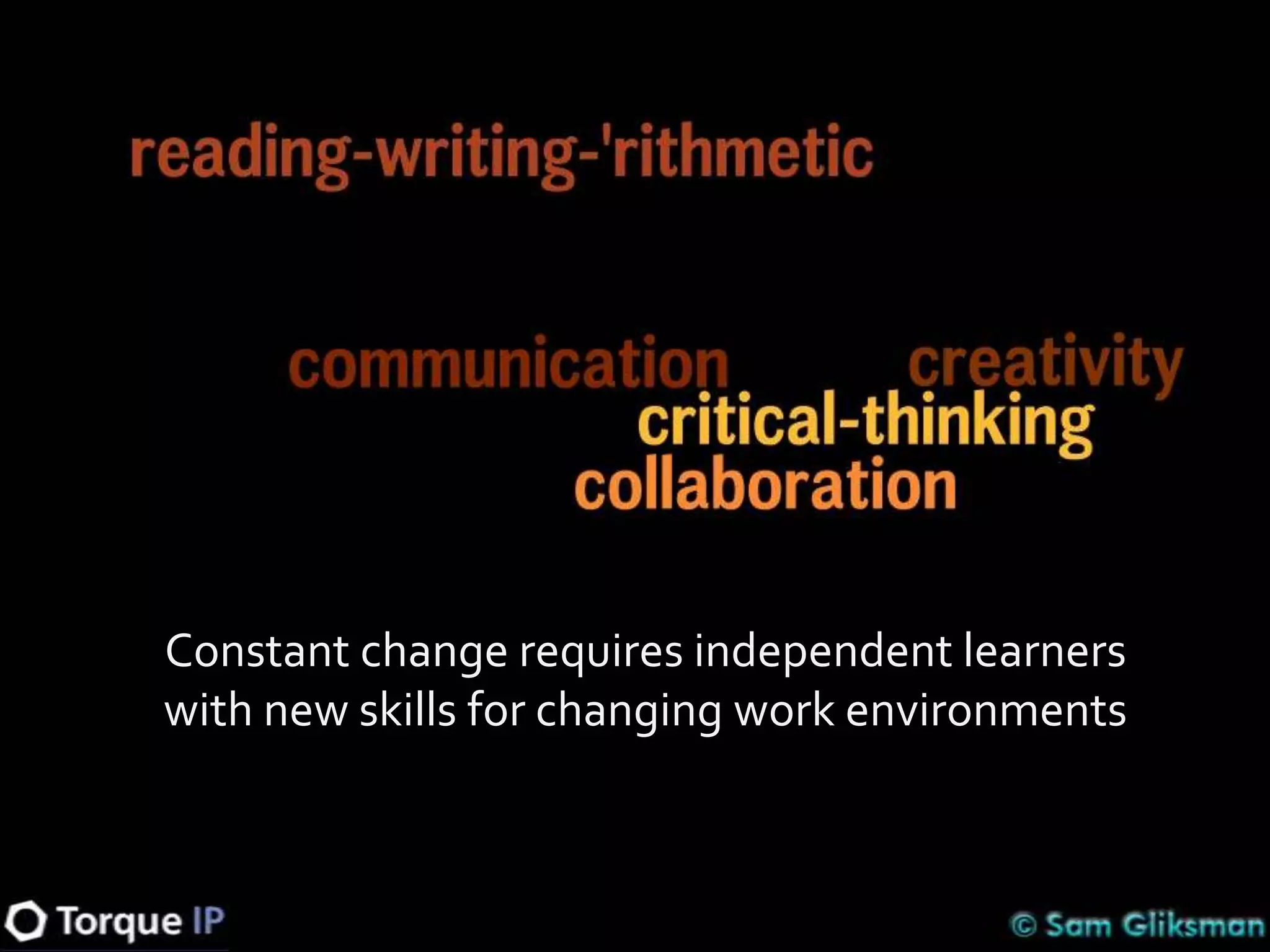
Constant change requires independent learners
with new skills for changing work environments
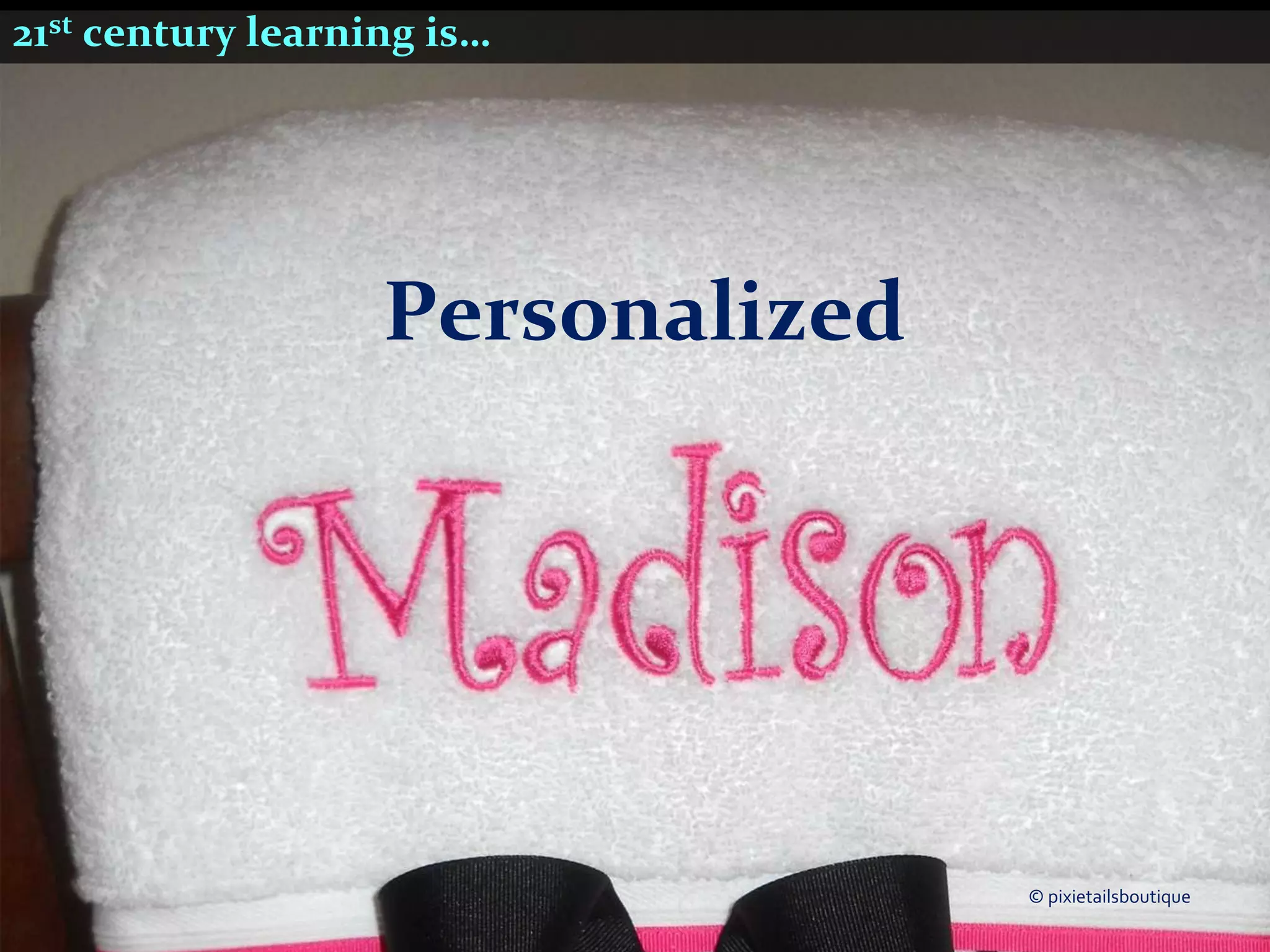
21st century learning is…


                   Personalized


                                  © pixietailsboutique
21st century learning is…


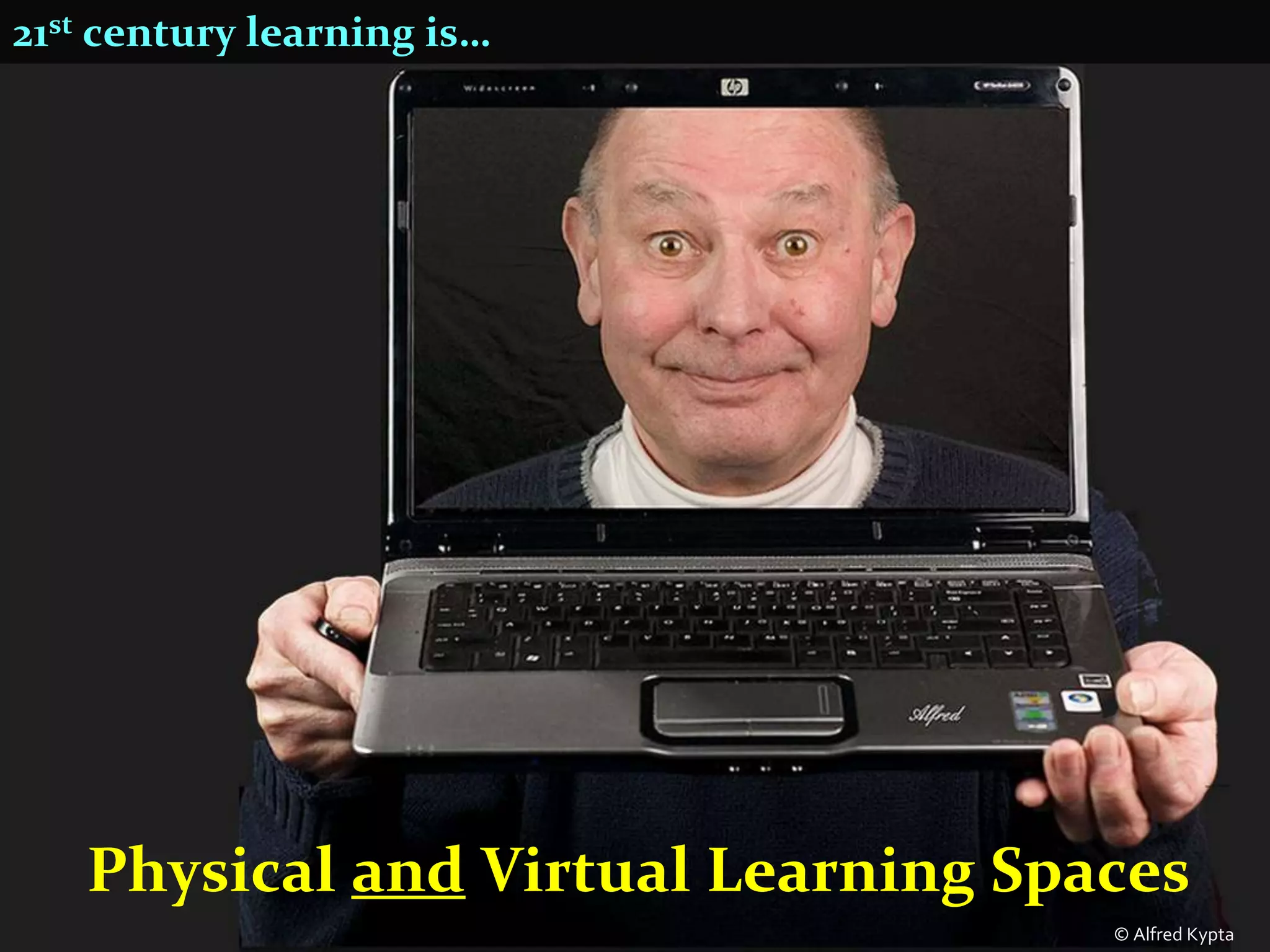
   Physical and Virtual Learning Spaces
                                    © Alfred Kypta
21st century learning is…


       Student-centered; experiential
21st century learning is…

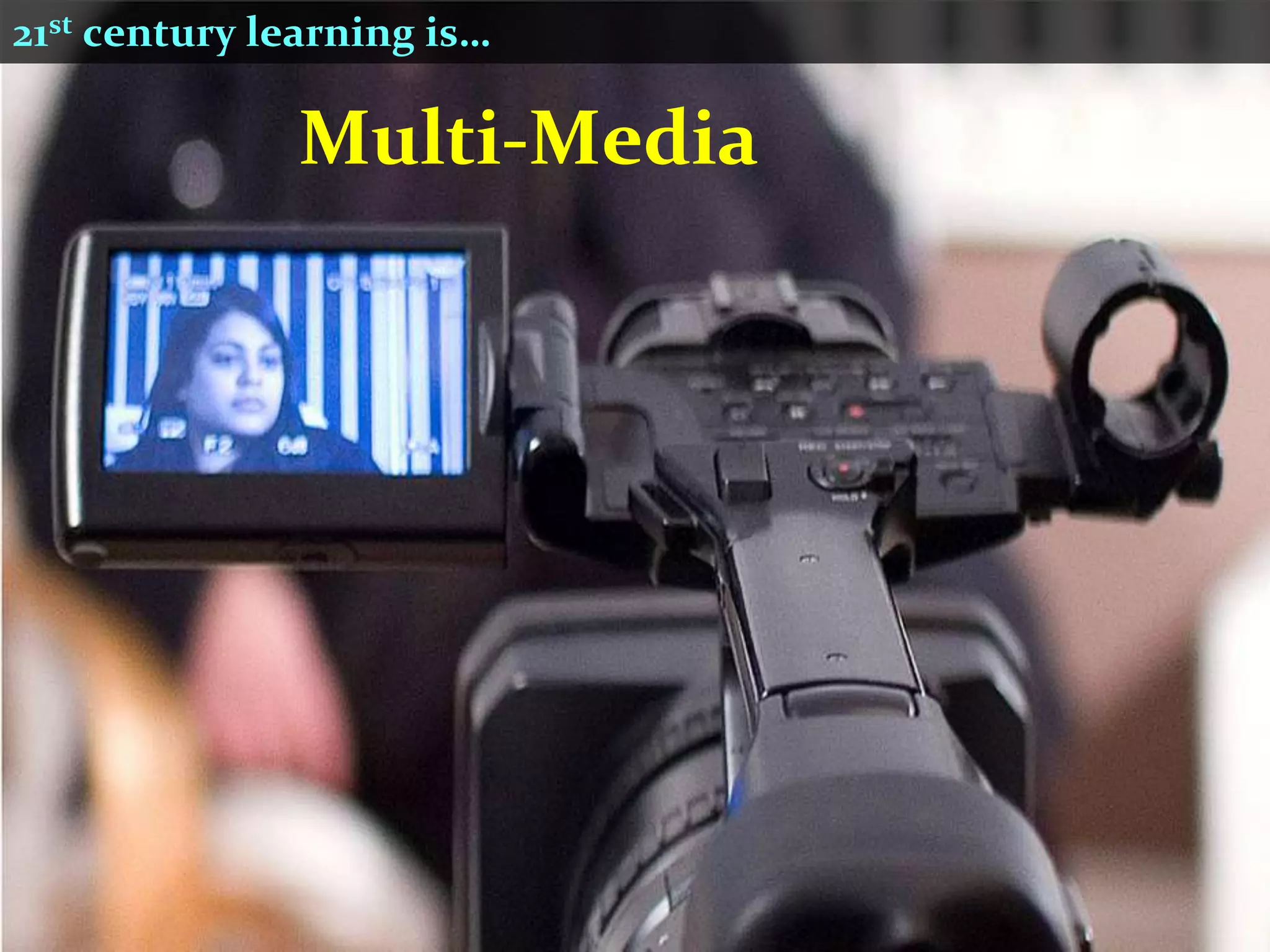
              Multi-Media
21st century learning is…


                            © SuttonHoo
Building Your Educational Technology Plan

1. Clarify your vision
2. Select effective technology access model
3 Technology access models
1. Computer Lab or Mobile Cart
 Limited access
 Desktop, laptop, netbook, iPad
 Usually requires booking
 Shared equipment
 School financed
 School maintained
 School controlled
Can you afford to keep up…?


It took 22 years to sell 55 million Macs
It took 5 years to sell 55 million iPods
Less than 2 years to sell 55 million iPads
How long will your equipment be relevant?
3 Technology access models

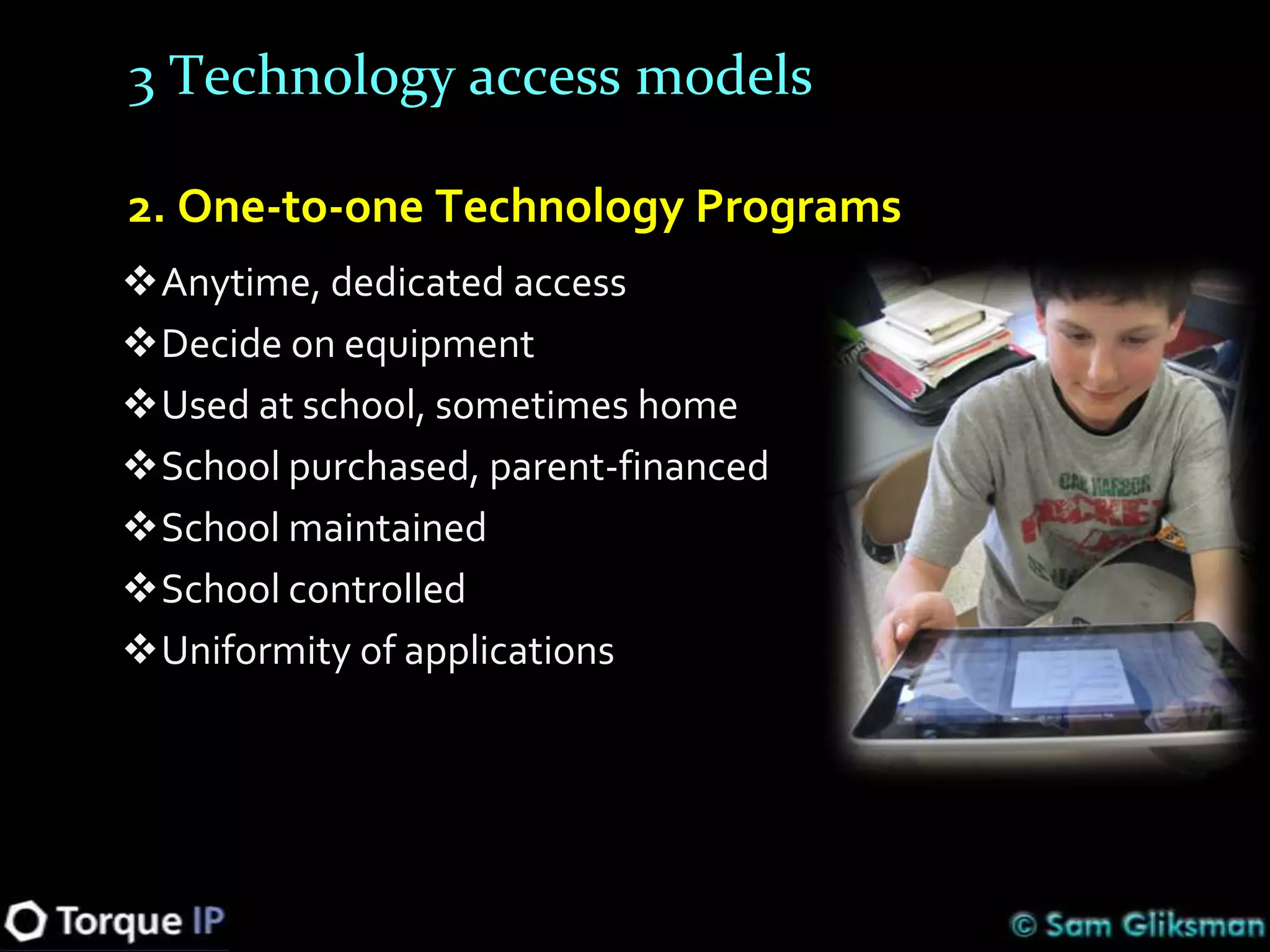
2. One-to-one Technology Programs
Anytime, dedicated access
Decide on equipment
Used at school, sometimes home
School purchased, parent-financed
School maintained
School controlled
Uniformity of applications
3 Technology access models

3. Bring Your Own Device (BYOD)
Anytime-anywhere, any device
Minimum standards
Parent financed
Personalized
Already common in higher education and business (72%)

Need to determine if it works for your school
Requires extensive planning, infrastructure investment
 and training
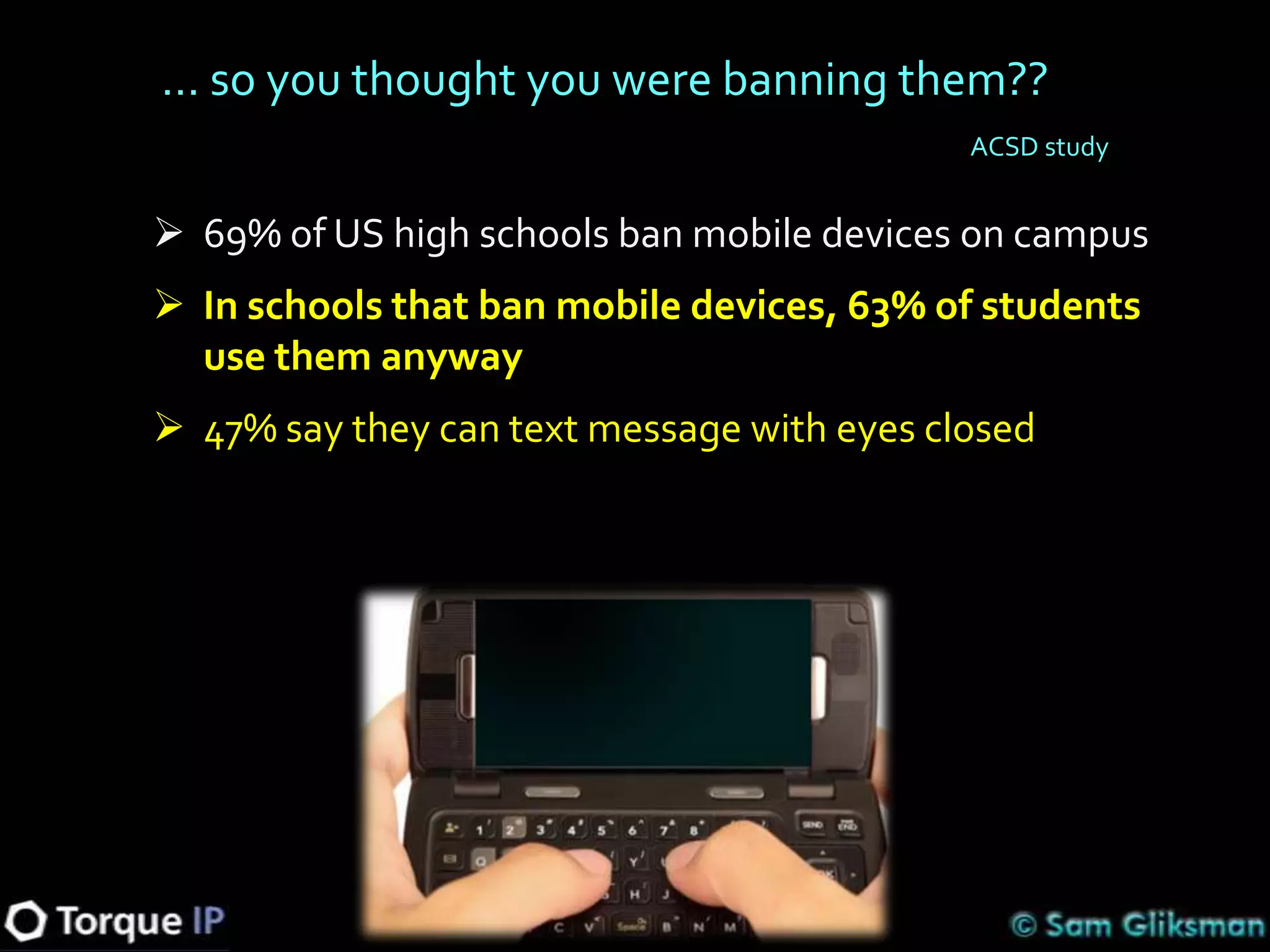
… so you thought you were banning them??
                                            ACSD study


 69% of US high schools ban mobile devices on campus
 In schools that ban mobile devices, 63% of students
  use them anyway
 47% say they can text message with eyes closed
… Yes, but how many have a “device”?

 5 billion cell phone plans in 2010 worldwide,
  over 30% are smartphones in USA
 About 40 percent of younger teens (12-17) in
  the USA have smartphones
 11% of the US population have a tablet
  computer – and that number is skyrocketing
Will the parents support it?

 67% of parents would purchase mobile devices for
  their children to use in school
 66% support use of online textbooks
 Essential to get buy-in from entire community –
  including teachers and parents
 Communicate…develop and deliver clear
  “Responsible Use” policies detailing usage policies
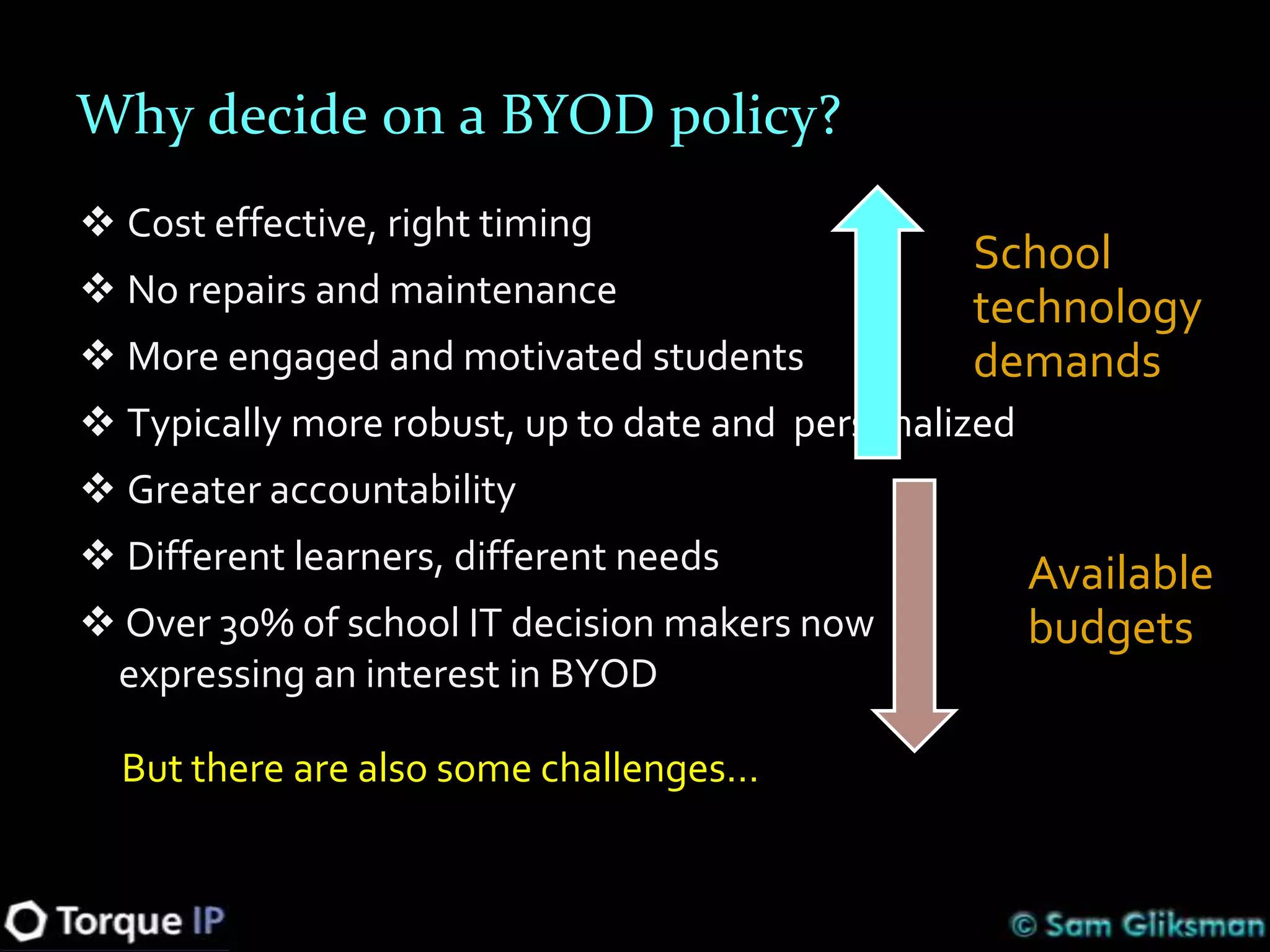
Why decide on a BYOD policy?
 Cost effective, right timing
                                                 School
 No repairs and maintenance                     technology
 More engaged and motivated students            demands
 Typically more robust, up to date and personalized
 Greater accountability
 Different learners, different needs                  Available
 Over 30% of school IT decision makers now            budgets
 expressing an interest in BYOD

  But there are also some challenges…
Control is expensive and requires that you own the devices
Old model: Controlled, filtered and exclusive environments
BYOD model: Uncontrolled and less filtered environments
What about security?
Create a separate, segmented network for students that only
 allows access to the Internet. No internal network access.
 Do I know you? Only allow access to authenticated users
Digital Divide


                  Know your population
                  Poll anonymously
                  Use savings to buy equipment
                  Share devices as needed
                  Access at home?
                  Devices dropping in price
Platform independent tools
Web based apps work on most platforms and can
 accommodate common software needs … and more
Create online space for sharing and collaboration – that
 works on all devices including iOS
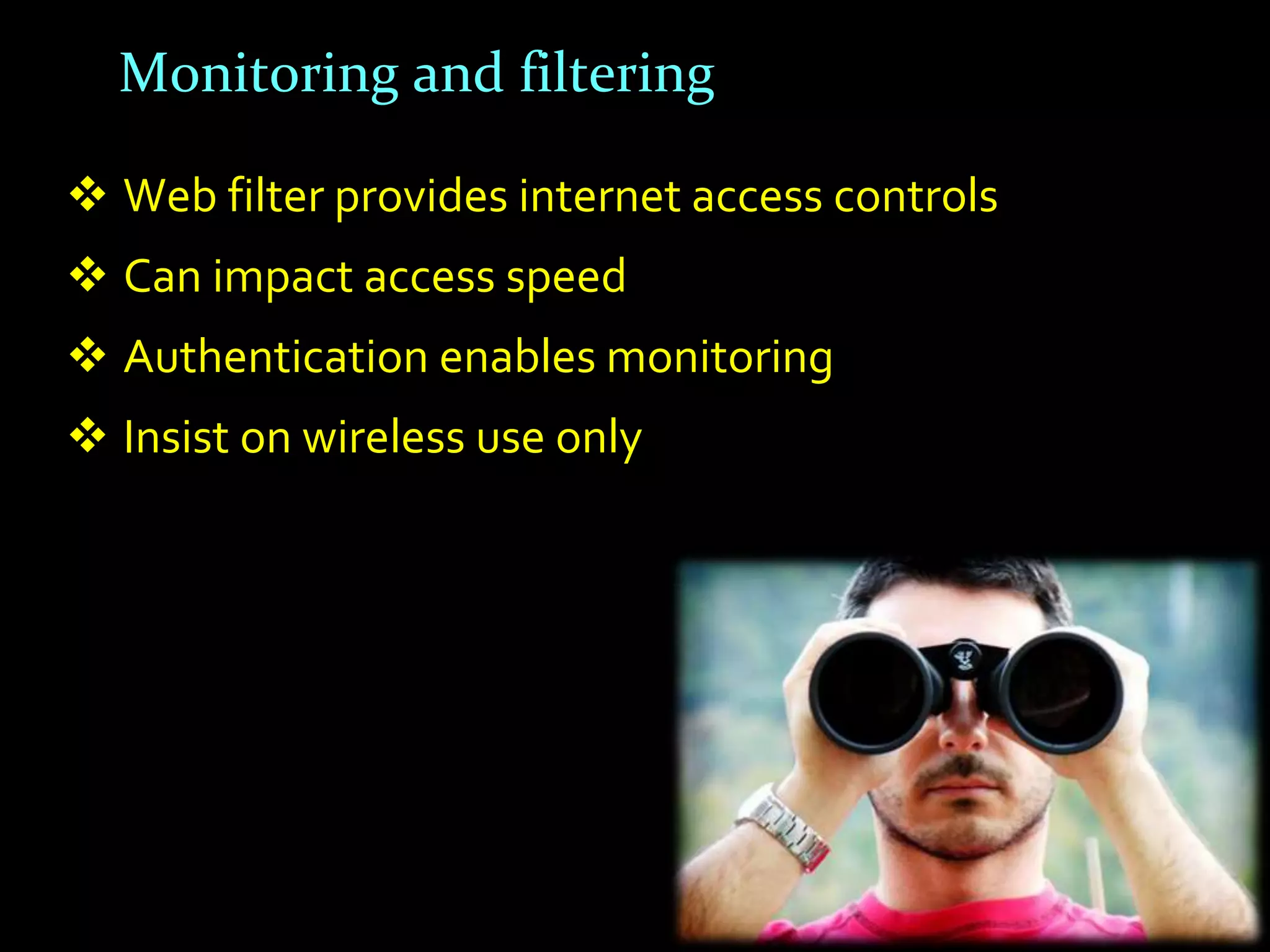
Monitoring and filtering

 Web filter provides internet access controls
 Can impact access speed
 Authentication enables monitoring
 Insist on wireless use only
“Responsible Use” policy

 Where can devices be used and when?
 Rules for taking home
 Browsing “do and don’ts”
 Social networking policies
 Messaging policies
 Privacy and safety policies
 Wireless network only
 Authentication requirements
Planning your BYOD budget
Wireless infrastructure - with capacity for growth
Wiring and switches
Purchasing (or leasing) school owned devices
Ongoing faculty training
Network and traffic management tools
Content filter
Utilize common features
 Most have apps and audio, many have video
 Classroom polling and quick tests
 Podcasting, radio broadcasts
 Attach probes for measuring data
 Digital storytelling
 Email and share any media using Posterous
 QR codes – quests, book reviews and more
 Language learning – speaking and reading
 Creating movies
 Use on field trips – photos, audio, data
 Data organization tools (eg. Diigo)


  Posterous example – sharing media
Building Your Educational Technology Plan

1. Clarify your vision
2. Select appropriate technology access model
3. Invest in wireless infrastructure
Wireless connectivity
 Essential… robust and reliable
 Planning bandwidth needs is critical to success
 Elements to consider:
    What connection comes in to campus?
    How well is it distributed within campus?
 Allow for growth
   As they use more multimedia, you need more download
   Creating and publishing will need larger upload speeds
Building Your Educational Technology Plan

1.   Clarify your educational vision
2.   Decide on student technology model
3.   Invest in wireless infrastructure
4.   Create a virtual learning environment
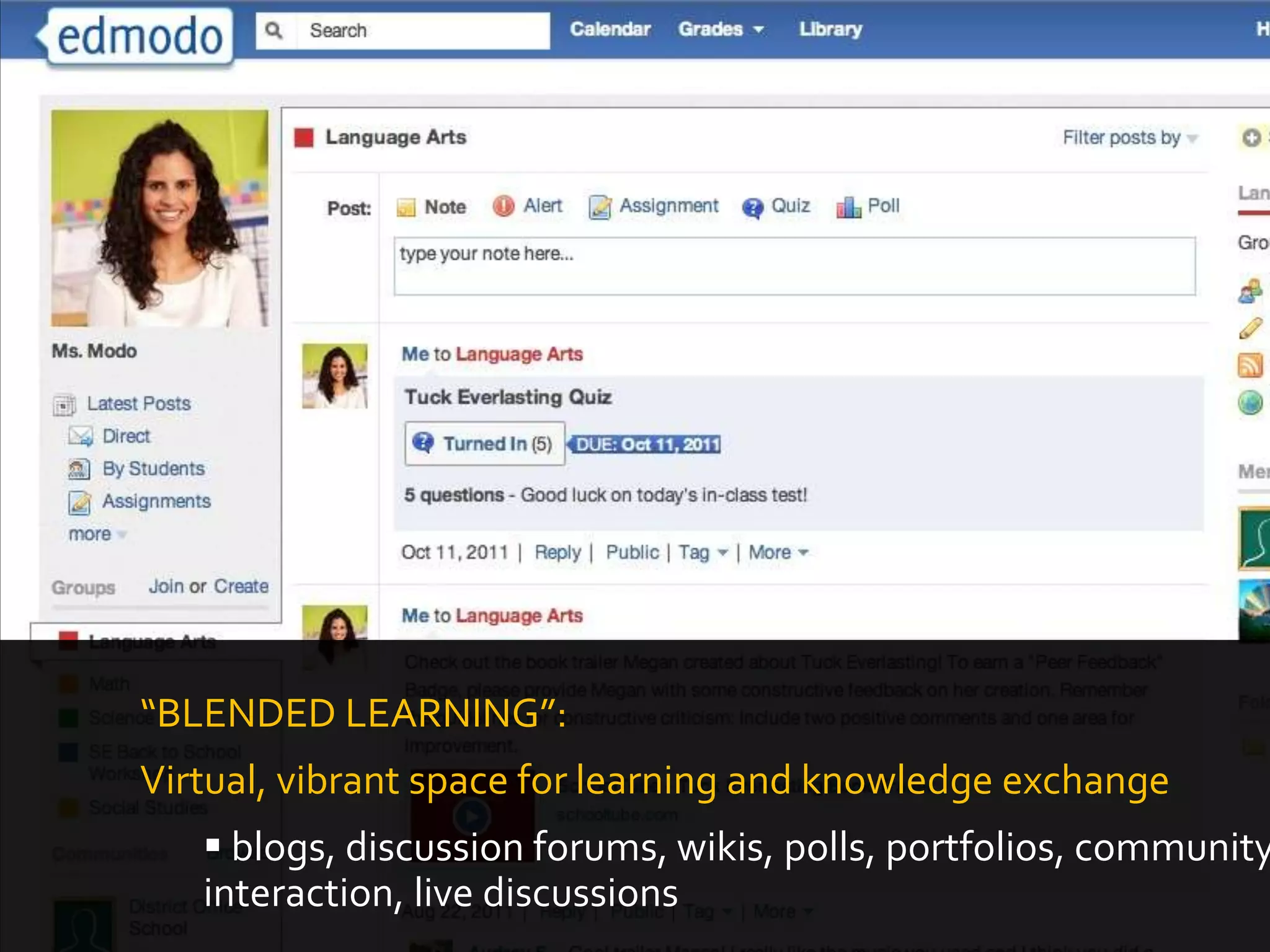
“BLENDED LEARNING”:
Virtual, vibrant space for learning and knowledge exchange
    blogs, discussion forums, wikis, polls, portfolios, community
   interaction, live discussions
Building Your Educational Technology Plan

1.   Clarify your educational vision
2.   Decide on student technology model
3.   Invest in wireless infrastructure
4.   Create a virtual learning environment
5.   Minimize investment in the 3 S’s
Minimize Investment in 3 S’s: Servers, Storage & Software

   Incidentals:
   • Depreciating value
   • Battery backup
   • Data backup
   • Air conditioning
   • Physical security
   • Software security
   • Repair and downtime
   • Network consultant
   • Software upgrades
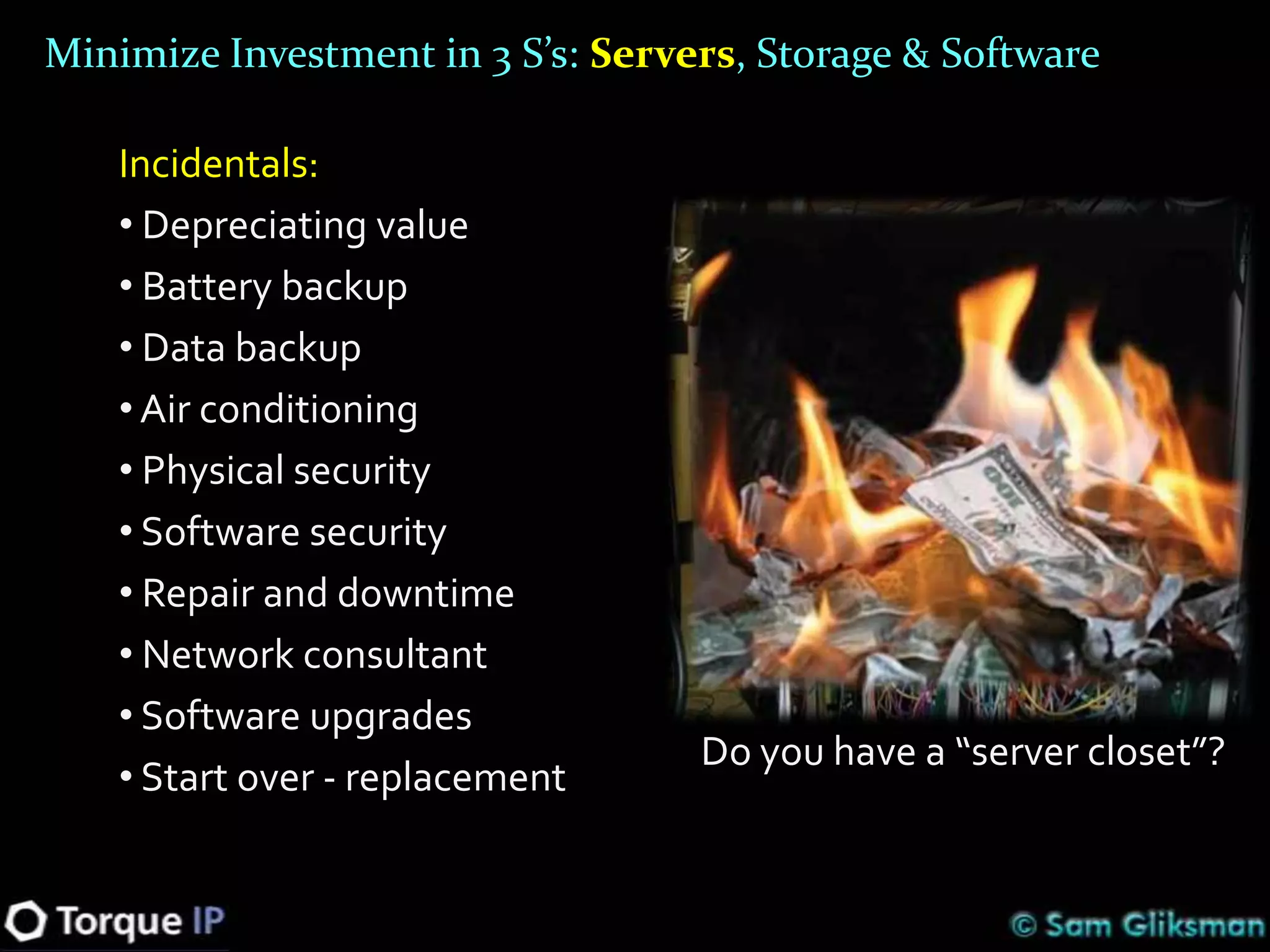
                                   Do you have a “server closet”?
   • Start over - replacement
Minimize Investment in 3 S’s – Servers, Storage & Software

Cloud computing:
 supports BYOD or any other tech. program
 reduces hardware, software and IT costs dramatically
 adds significant functionality
Minimize Investment in 3 S’s – Servers, Storage & Software
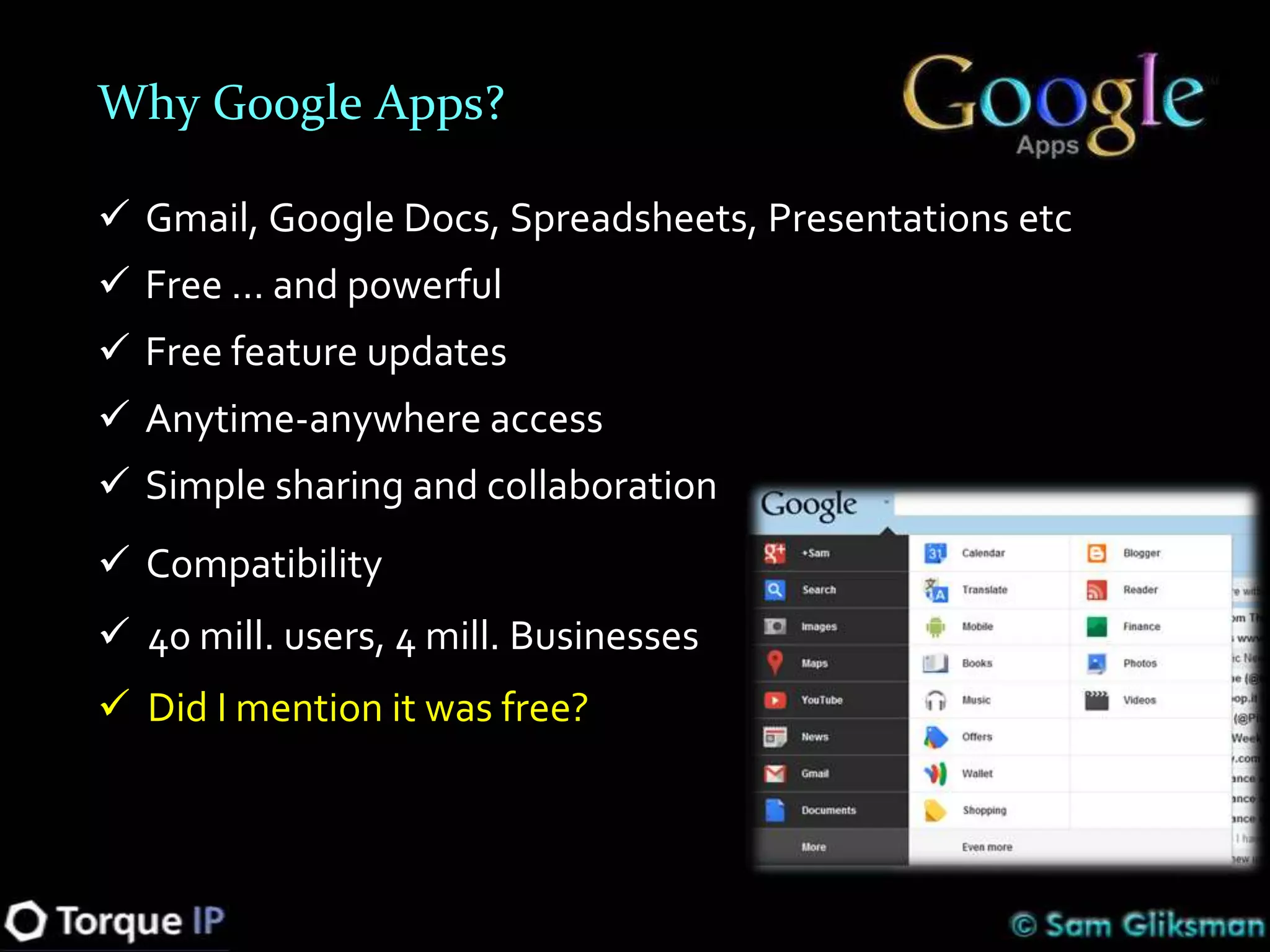
Why Google Apps?

 Gmail, Google Docs, Spreadsheets, Presentations etc
 Free … and powerful
 Free feature updates
 Anytime-anywhere access
 Simple sharing and collaboration
 Compatibility
 40 mill. users, 4 mill. Businesses
 Did I mention it was free?
Building Your Educational Technology Plan

1.   Clarify your educational vision
2.   Decide on student technology model
3.   Invest in wireless infrastructure
4.   Create a virtual learning environment
5.   Minimize investment in the 3 S’s
6.   Importance of teacher training
The need for training…
Select and train your 15%...
Culture change is most effective swelling from
the bottom up
Send your change agents to conferences
Success is contagious. Have teachers
demonstrate and train from within
Allocate time to have workshops at school
Culture change never happens at a single event
- it requires an ongoing commitment
It’s not about the device… it’s what you do with it
Remember that today’s technical innovation…
            quickly becomes tomorrow’s party joke
"If we teach today
as we taught yesterday,
we rob our children of
       tomorrow"

      - John Dewey
Sam Gliksman
Email: samgliksman@gmail.com
Twitter: @samgliksman

iPads in Education community site
http://iPadEducators.ning.com

Building an Effective School BYOD Plan

  • 1.
    Building an EffectiveBYOD Educational Technology Plan Sam Gliksman samgliksman@gmail.com Twitter: @samgliksman http://ipadEducators.ning.com
  • 2.
    Sam Gliksman  Directorof Educational Technology  Consultant and speaker  Working with 1:1 and BYOD programs  Founder of iPads in Education website http://iPadEducators.ning.com  Twitter: @samgliksman  Email: samgliksman@gmail.com
  • 3.
  • 4.
    Today’s Objectives  Definethe characteristics of a 21st century learning environment  Develop a strategy for an effective and sustainable educational technology plan
  • 5.
    What are oureducational goals?
  • 6.
    We prepare childrenfor life OUTSIDE school
  • 7.
    We live ina time of EXPONENTIAL CHANGE
  • 8.
    Computing power Today’s washing machine has more computing power than all NASA's computing resources when it first landed man on the moon
  • 9.
    Capacity Price of 1 gigabyte of memory in 1981? $300,000 Price of 1 gigabyte in 2012? 10 cents
  • 10.
    Ubiquity… it’s everywhere Anyone have a cell phone?
  • 11.
    Ubiquity… it’s everywhere A recent UK survey reported that children between the ages of 7 and 16 are more likely to own a cell phone than a book
  • 12.
    Connected – SocialNetworking Facebook didn’t exist prior to 2004… Today 1 out of every 8 people on the planet has a Facebook page
  • 13.
    If context isimportant… Children starting elementary school today will graduate in 2024 What will the world look like in 2024? How do we educate and prepare children for a world we don’t know anything about?
  • 15.
    Different world. Differentstudents. They’re not the same learners we wer
  • 16.
    They’re not thesame learners we were… 50 hours a week with technology They live in a multimedia world Their media is all color They prioritize visual learning They learn best through trial and error They constantly connect and collaborate They access information that is live and linked
  • 17.
    Different learning styles… Whatdo you do when you open this box? What would your students do? They learn through experience, trial and error
  • 18.
    Building Your EducationalTechnology Plan 1. Clarify your educational vision
  • 19.
    What should learninglook like in the 21st century?
  • 20.
    21st century learningis … Connected © Chris-Håvard Berge
  • 21.
    Learn anywhere, anytime and from anyone
  • 22.
    21st century learningis… Mobile. Anytime-Anywhere.
  • 23.
    21st century learningis… New Skills and Literacies
  • 24.
    Information Literacy (oneexample) Where do I find information? How do I know it’s accurate? Who wrote it? How do I organize and categorize content? From WHOIS.com Name:Don Black Organization:Stormfront City:West Palm Beach State/Province:FL Organization:Stormfront Server:STORMFRONT.ORG
  • 26.
    Constant change requiresindependent learners with new skills for changing work environments
  • 27.
    21st century learningis… Personalized © pixietailsboutique
  • 28.
    21st century learningis… Physical and Virtual Learning Spaces © Alfred Kypta
  • 29.
    21st century learningis… Student-centered; experiential
  • 30.
    21st century learningis… Multi-Media
  • 31.
    21st century learningis… © SuttonHoo
  • 32.
    Building Your EducationalTechnology Plan 1. Clarify your vision 2. Select effective technology access model
  • 33.
    3 Technology accessmodels 1. Computer Lab or Mobile Cart Limited access Desktop, laptop, netbook, iPad Usually requires booking Shared equipment School financed School maintained School controlled
  • 34.
    Can you affordto keep up…? It took 22 years to sell 55 million Macs It took 5 years to sell 55 million iPods Less than 2 years to sell 55 million iPads How long will your equipment be relevant?
  • 35.
    3 Technology accessmodels 2. One-to-one Technology Programs Anytime, dedicated access Decide on equipment Used at school, sometimes home School purchased, parent-financed School maintained School controlled Uniformity of applications
  • 36.
    3 Technology accessmodels 3. Bring Your Own Device (BYOD) Anytime-anywhere, any device Minimum standards Parent financed Personalized Already common in higher education and business (72%) Need to determine if it works for your school Requires extensive planning, infrastructure investment and training
  • 37.
    … so youthought you were banning them?? ACSD study  69% of US high schools ban mobile devices on campus  In schools that ban mobile devices, 63% of students use them anyway  47% say they can text message with eyes closed
  • 38.
    … Yes, buthow many have a “device”?  5 billion cell phone plans in 2010 worldwide, over 30% are smartphones in USA  About 40 percent of younger teens (12-17) in the USA have smartphones  11% of the US population have a tablet computer – and that number is skyrocketing
  • 39.
    Will the parentssupport it?  67% of parents would purchase mobile devices for their children to use in school  66% support use of online textbooks  Essential to get buy-in from entire community – including teachers and parents  Communicate…develop and deliver clear “Responsible Use” policies detailing usage policies
  • 40.
    Why decide ona BYOD policy?  Cost effective, right timing School  No repairs and maintenance technology  More engaged and motivated students demands  Typically more robust, up to date and personalized  Greater accountability  Different learners, different needs Available  Over 30% of school IT decision makers now budgets expressing an interest in BYOD But there are also some challenges…
  • 41.
    Control is expensiveand requires that you own the devices Old model: Controlled, filtered and exclusive environments BYOD model: Uncontrolled and less filtered environments
  • 42.
    What about security? Createa separate, segmented network for students that only allows access to the Internet. No internal network access.  Do I know you? Only allow access to authenticated users
  • 43.
    Digital Divide  Know your population  Poll anonymously  Use savings to buy equipment  Share devices as needed  Access at home?  Devices dropping in price
  • 44.
    Platform independent tools Webbased apps work on most platforms and can accommodate common software needs … and more Create online space for sharing and collaboration – that works on all devices including iOS
  • 45.
    Monitoring and filtering Web filter provides internet access controls  Can impact access speed  Authentication enables monitoring  Insist on wireless use only
  • 46.
    “Responsible Use” policy Where can devices be used and when?  Rules for taking home  Browsing “do and don’ts”  Social networking policies  Messaging policies  Privacy and safety policies  Wireless network only  Authentication requirements
  • 47.
    Planning your BYODbudget Wireless infrastructure - with capacity for growth Wiring and switches Purchasing (or leasing) school owned devices Ongoing faculty training Network and traffic management tools Content filter
  • 48.
    Utilize common features Most have apps and audio, many have video  Classroom polling and quick tests  Podcasting, radio broadcasts  Attach probes for measuring data  Digital storytelling  Email and share any media using Posterous  QR codes – quests, book reviews and more  Language learning – speaking and reading  Creating movies  Use on field trips – photos, audio, data  Data organization tools (eg. Diigo) Posterous example – sharing media
  • 49.
    Building Your EducationalTechnology Plan 1. Clarify your vision 2. Select appropriate technology access model 3. Invest in wireless infrastructure
  • 50.
    Wireless connectivity  Essential…robust and reliable  Planning bandwidth needs is critical to success  Elements to consider:  What connection comes in to campus?  How well is it distributed within campus?  Allow for growth As they use more multimedia, you need more download Creating and publishing will need larger upload speeds
  • 51.
    Building Your EducationalTechnology Plan 1. Clarify your educational vision 2. Decide on student technology model 3. Invest in wireless infrastructure 4. Create a virtual learning environment
  • 52.
    “BLENDED LEARNING”: Virtual, vibrantspace for learning and knowledge exchange  blogs, discussion forums, wikis, polls, portfolios, community interaction, live discussions
  • 53.
    Building Your EducationalTechnology Plan 1. Clarify your educational vision 2. Decide on student technology model 3. Invest in wireless infrastructure 4. Create a virtual learning environment 5. Minimize investment in the 3 S’s
  • 54.
    Minimize Investment in3 S’s: Servers, Storage & Software Incidentals: • Depreciating value • Battery backup • Data backup • Air conditioning • Physical security • Software security • Repair and downtime • Network consultant • Software upgrades Do you have a “server closet”? • Start over - replacement
  • 55.
    Minimize Investment in3 S’s – Servers, Storage & Software Cloud computing:  supports BYOD or any other tech. program  reduces hardware, software and IT costs dramatically  adds significant functionality
  • 56.
    Minimize Investment in3 S’s – Servers, Storage & Software
  • 57.
    Why Google Apps? Gmail, Google Docs, Spreadsheets, Presentations etc  Free … and powerful  Free feature updates  Anytime-anywhere access  Simple sharing and collaboration  Compatibility  40 mill. users, 4 mill. Businesses  Did I mention it was free?
  • 58.
    Building Your EducationalTechnology Plan 1. Clarify your educational vision 2. Decide on student technology model 3. Invest in wireless infrastructure 4. Create a virtual learning environment 5. Minimize investment in the 3 S’s 6. Importance of teacher training
  • 59.
    The need fortraining…
  • 60.
    Select and trainyour 15%...
  • 61.
    Culture change ismost effective swelling from the bottom up Send your change agents to conferences Success is contagious. Have teachers demonstrate and train from within Allocate time to have workshops at school Culture change never happens at a single event - it requires an ongoing commitment
  • 62.
    It’s not aboutthe device… it’s what you do with it Remember that today’s technical innovation… quickly becomes tomorrow’s party joke
  • 63.
    "If we teachtoday as we taught yesterday, we rob our children of tomorrow" - John Dewey
  • 64.
    Sam Gliksman Email: samgliksman@gmail.com Twitter:@samgliksman iPads in Education community site http://iPadEducators.ning.com

Editor's Notes

  • #29 27 minutes hereLearning not confined to classroomsTechnology is being used to give learners 24/7 access to learningWe’ll see in a little bit how important this is to a BYOD environment
  • #30 Different learning model – whiteboards or laptops?Uses technology to explore, research and createContrast to using technology for frontal teaching – where schools tend to focus their budgetsStresses:Higher order thinking skills, Researching and exploring Hands on, real-world interaction, Engaging and meaningful
  • #57 Development of cloud based storage and services is changing computingEverything is moving to a software service model – available on the web as needed. Either free or pay as you go.Offers additional functionality such as sharing, collaboration, editing and anywhere access.