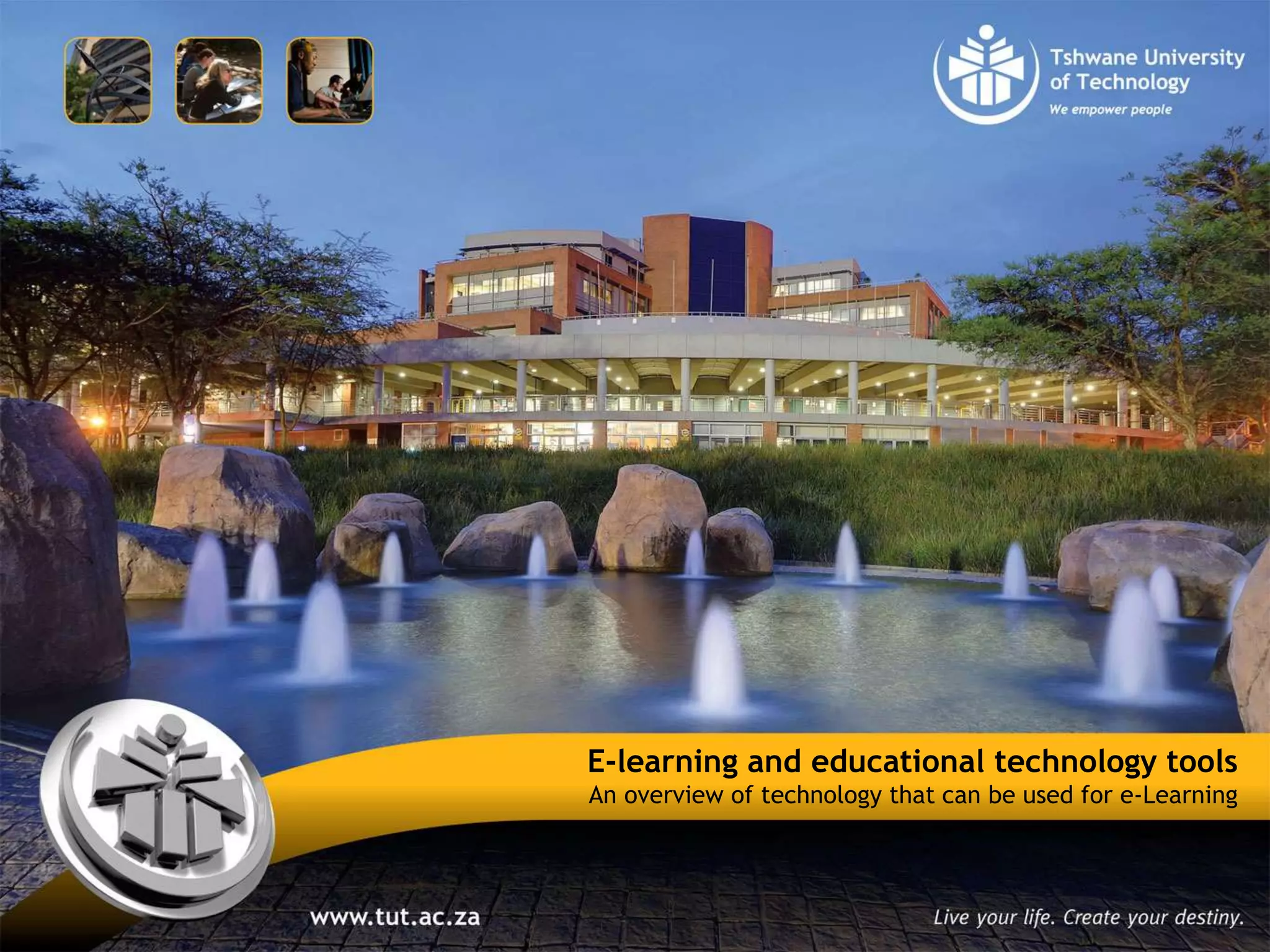

E-learning and educational technology tools
An overview of technology that can be used for e-Learning
Contents
Introduction
On-line vs On-campus
Mobile phones
Tablet computers
Web 2.0
Mobile technology
E-Assessment technology
E-learning and educational technology tools
It’s not about the use of technology per sae, but about the appropriate
use of technology
Technology Doesn't Teach, Teachers Teach
New technology in practice is powerful, especially when used by
effectively trained teachers.
E-learning and educational technology tools
It’s not about the use of technology per sae, but about the appropriate
use of technology
Blended use of teaching with technology – traditional and …
The flipped classroom
http://www.knewton.com/flipped-
classroom/?goback=%2Egde_2811_member_214928544
E-learning and educational technology tools
On-line vs On-campus
The greatest advantage that internet technology brings to the field of education is that it makes it
extremely convenient and accessible
The main advantage offered by an online course is the flexibility of scheduling and the wide range
of choices
The benefits and positive points from the traditional method of classroom learning should be
incorporated into online learning
E-learning and educational technology tools
3 Reasons To Start Using Mobile phones In Your Class
As a Language Resource
dictionary apps
must be free to download and consistently useful
Demonstrating Knowledge
A quick conversation recording
Example: Do you get what we have been learning today? > Demonstrate: recording a quick clip > send to
lecturer
Class Discussion Tool
participate in in-class discussion/polls
E-learning and educational technology tools
Things lecturers should be able to do with a tablet computer (typical
tasks)
Sync — and know what you can sync and what you can’t (sync to your computer and the Cloud)
Check email. And this probably means social media messages, too
Organize Apps. Organizing them can be done by class, content area, task, function, grade level,
students, etc. (Example)
E-learning and educational technology tools
Things lecturers should be able to do with a tablet computer (typical
tasks)
Use calendar reminders. A calendar can be your best friend, and using reminders – not just for
major dates, but project due-dates, meetings, etc.
Take a screenshot: Press the Power + Home button
Videoconferencing! Skype, or Google+ Hangouts, GoToMeeting, Connect, Lync, Collaborate
Find and play great podcasts
E-learning and educational technology tools
Things lecturers should be able to do with a tablet computer (typical
tasks)
Backup to the Cloud
Use visual apps: Apps are becoming more integrated, more powerful, and more powerful.
Instagram, tumblr, and pinterest are at the top of the heap, but nothing stays the same.
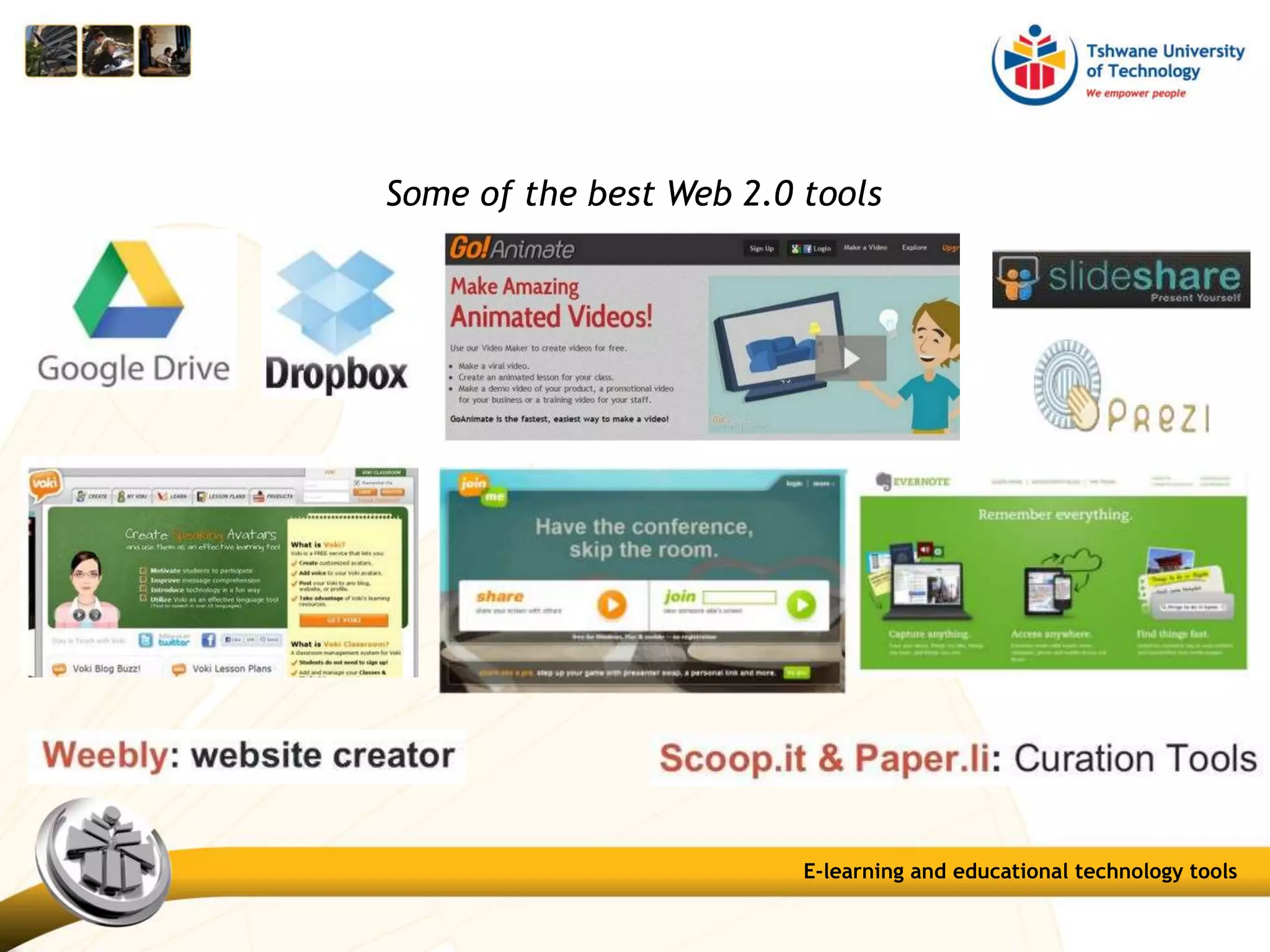
Share large files: Use Dropbox, Skydrive, Google Drive, etc.
Open various files: Whether a .docx file or a pdf, an mpg or an mp3, you’ll likely need to view it on
your iPad at some point or another. Most of these files have built-in associations, so no special
knowledge is necessary other than to press what you want open
.
E-learning and educational technology tools
Some of the best Web 2.0 tools
E-learning and educational technology tools
E-Assessment technology
E-learning and educational technology tools
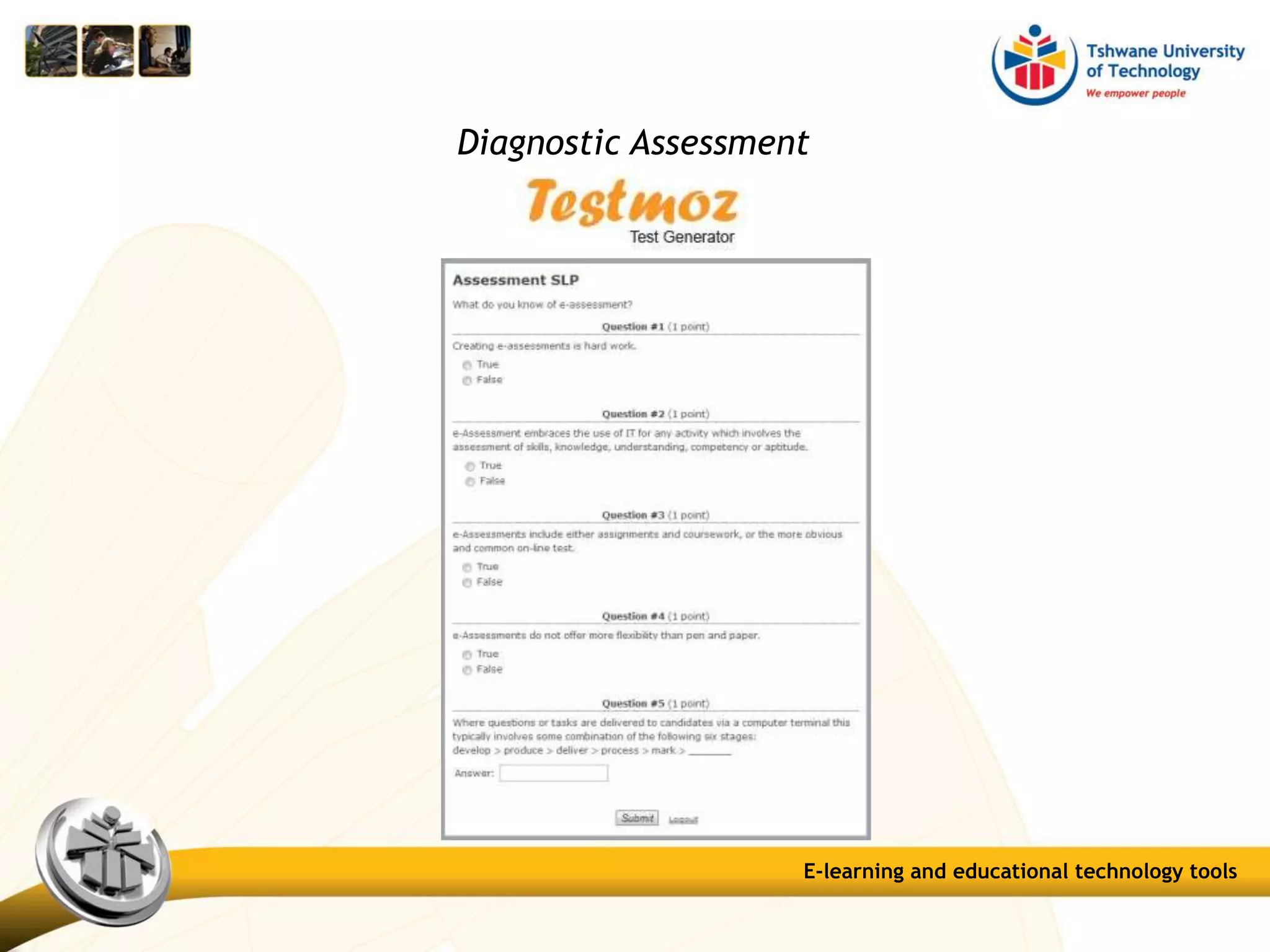
Diagnostic Assessment
E-learning and educational technology tools
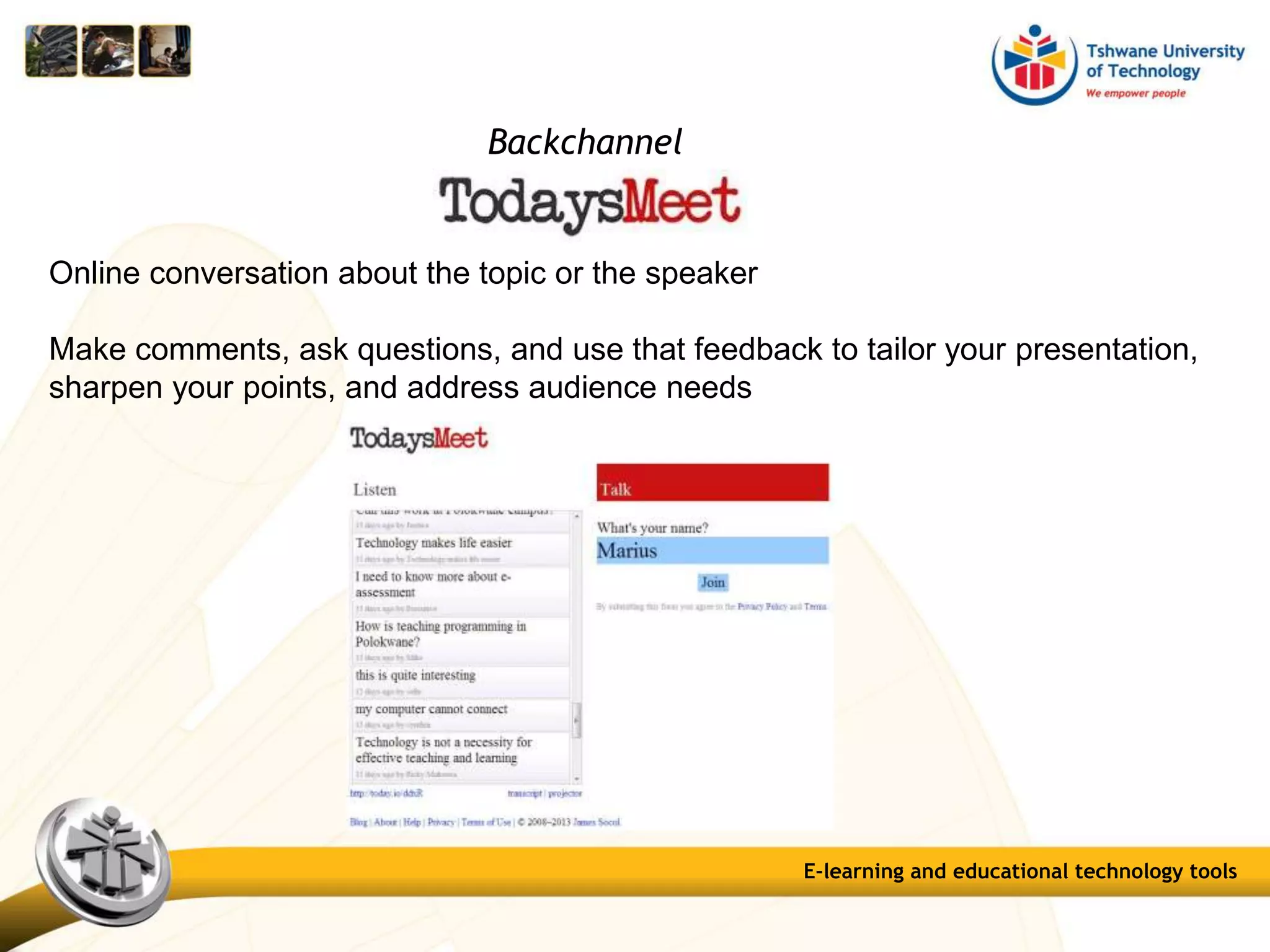
Backchannel
Online conversation about the topic or the speaker
Make comments, ask questions, and use that feedback to tailor your presentation,
sharpen your points, and address audience needs
Question Pools: create question banks
Tests: 17 question types
Surveys: 17 question types
Assignments: normal assignments
SafeAssignment
Turnitin Assignment
Self and peer assessments
E-learning and educational technology tools
Reflection tools:
Blogs: a collaborative tool for reflection about the course or discuss and
analyse course-related materials. Blog posts can be graded
Journals: a self-reflective tool about the course or discuss and analyse
course-related materials; private between student and lecturer. Entries
can be graded
Discussion Boards: topics and threads can be graded; students can also
rate posts
E-learning and educational technology tools
Collaboration tool:
Wiki: simple online database, collaborative collection of information.
Can also be used to record information and serve as a repository for
course information and knowledge; student contributions can be graded
E-learning and educational technology tools
A tool for creating and managing exams that can be printed to paper or published
directly to myTUTor. Exams can be created offline using a familiar Windows
environment.
E-learning and educational technology tools
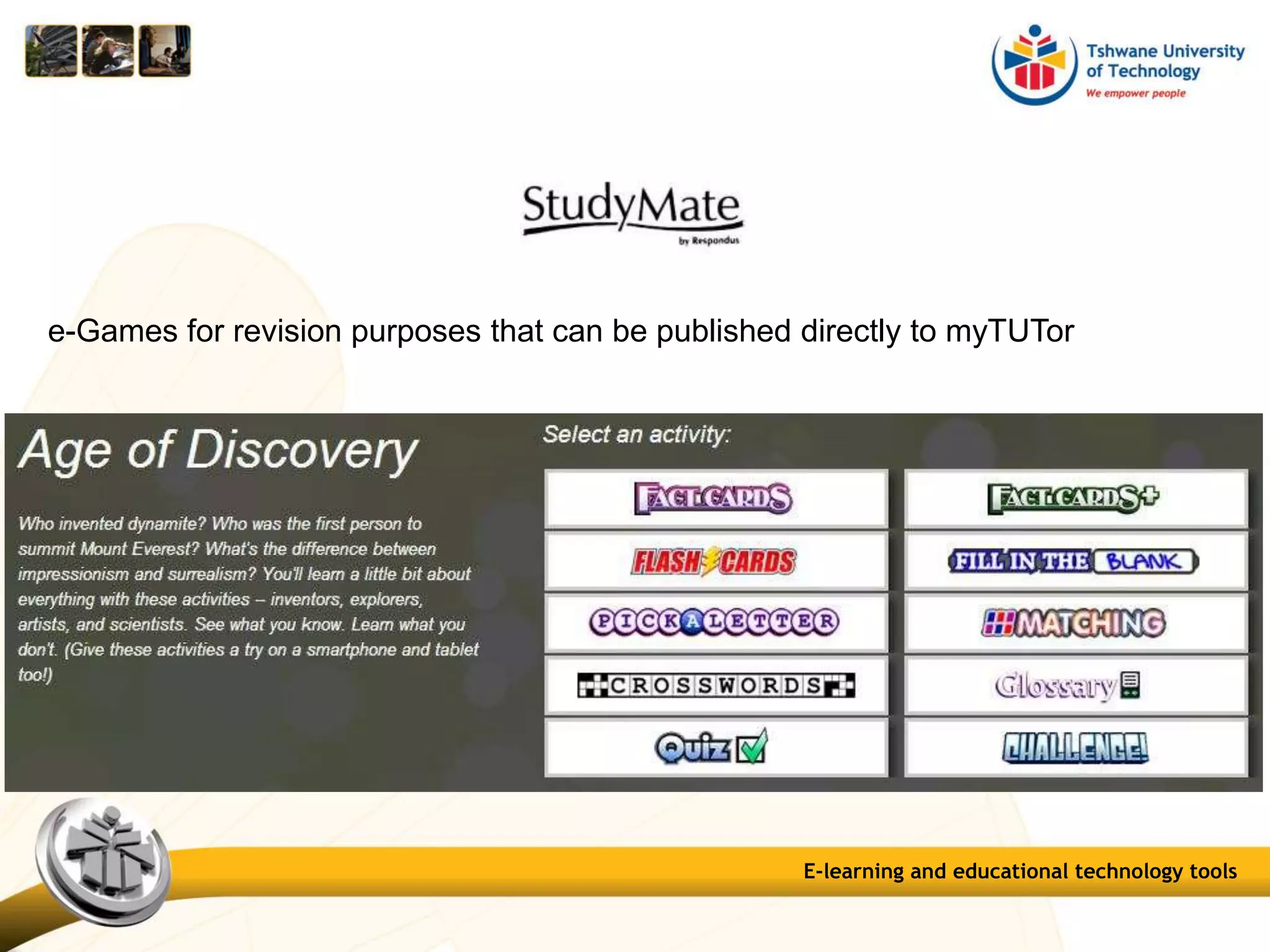
e-Games for revision purposes that can be published directly to myTUTor
E-learning and educational technology tools
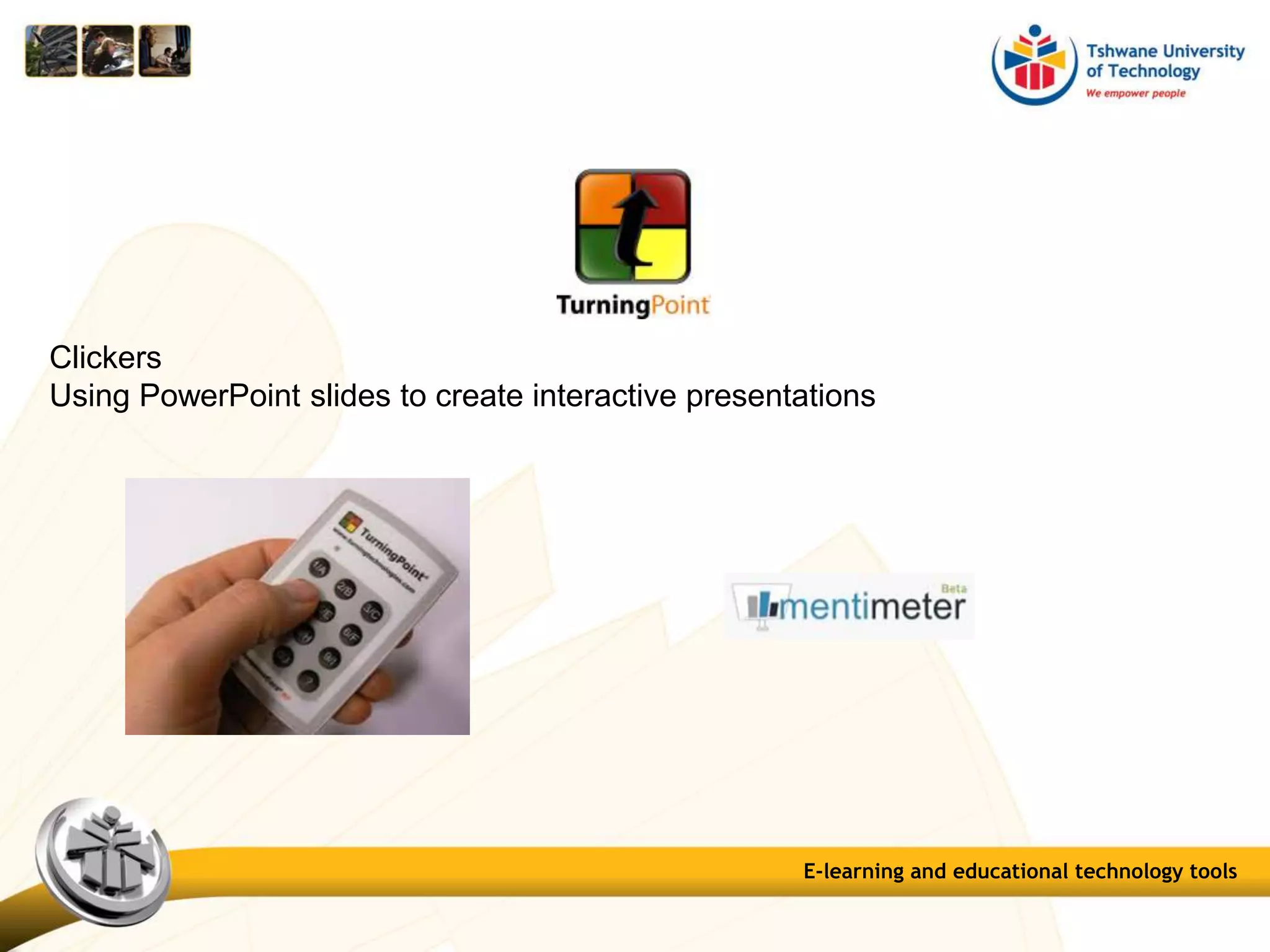
Clickers
Using PowerPoint slides to create interactive presentations
E-learning and educational technology tools
Create course content in HTML format.
Can be linked to myTUTor
Create activities and quizzes using 7 question types.
E-learning and educational technology tools
Other programs and web-based applications
• Onscreen Marking (UNISA)
Demo
E-learning and educational technology tools
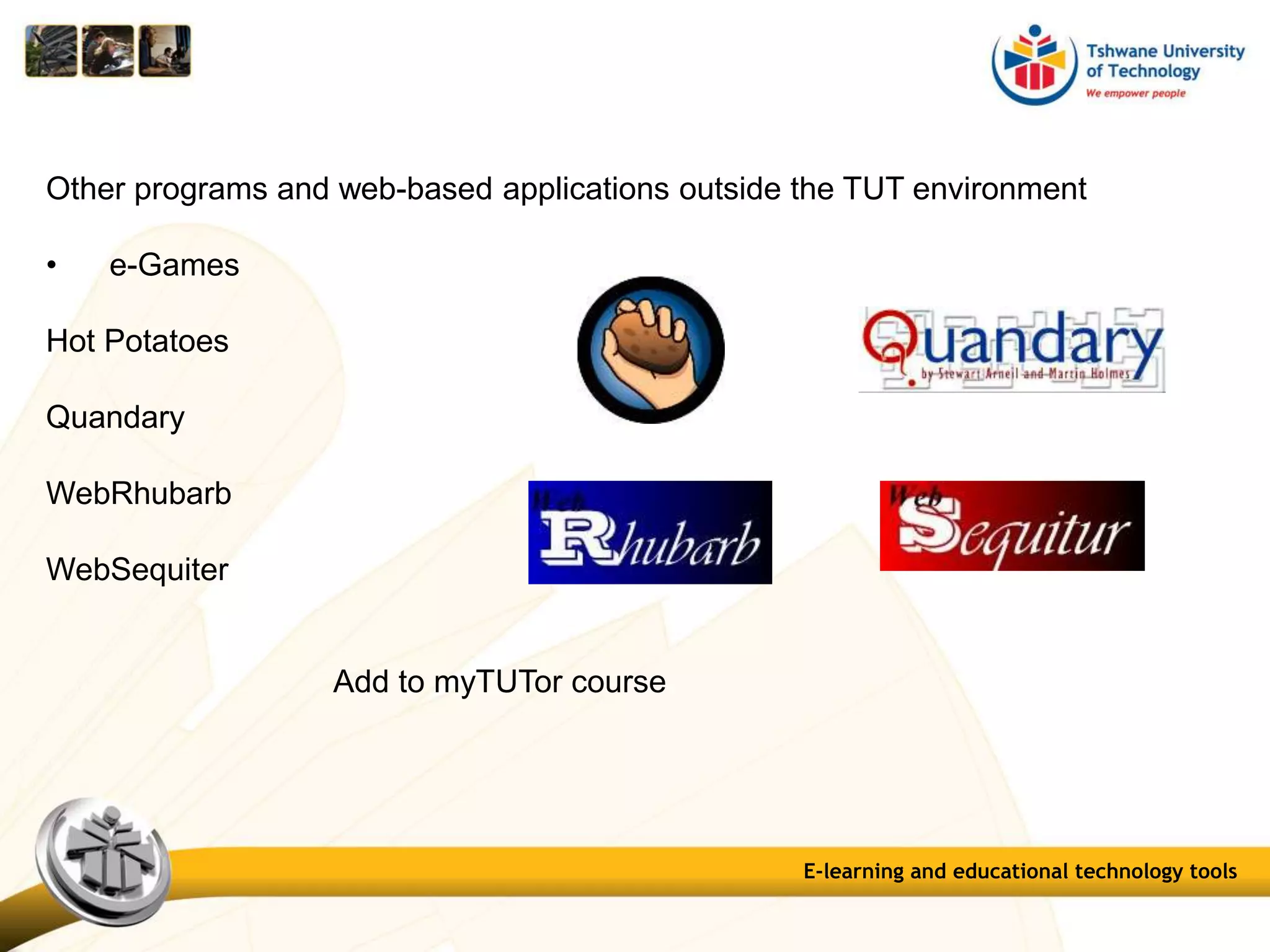
Other programs and web-based applications outside the TUT environment
• e-Games
Hot Potatoes
Quandary
WebRhubarb
WebSequiter
Add to myTUTor course
E-learning and educational technology tools
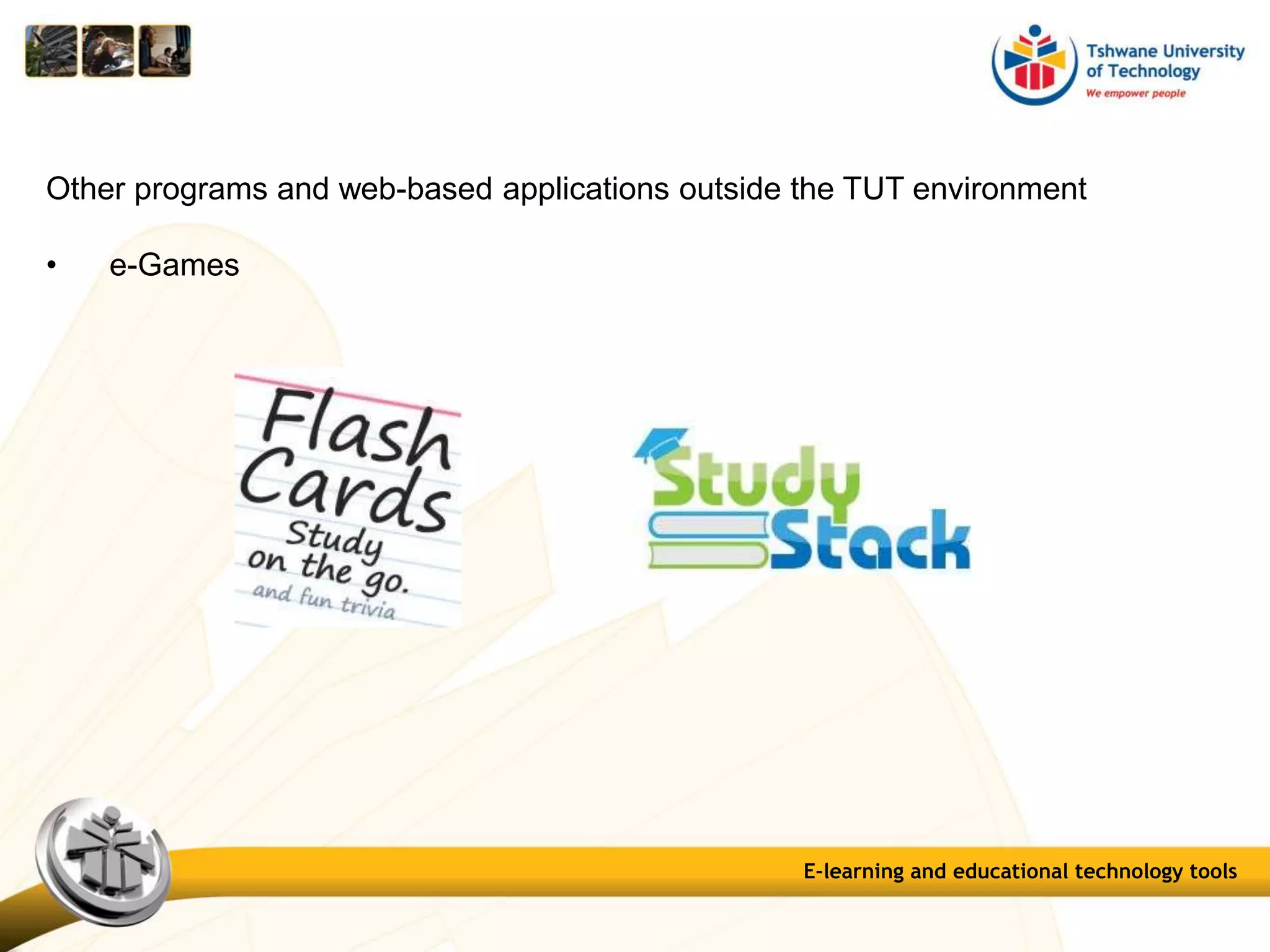
Other programs and web-based applications outside the TUT environment
• e-Games
E-learning and educational technology tools
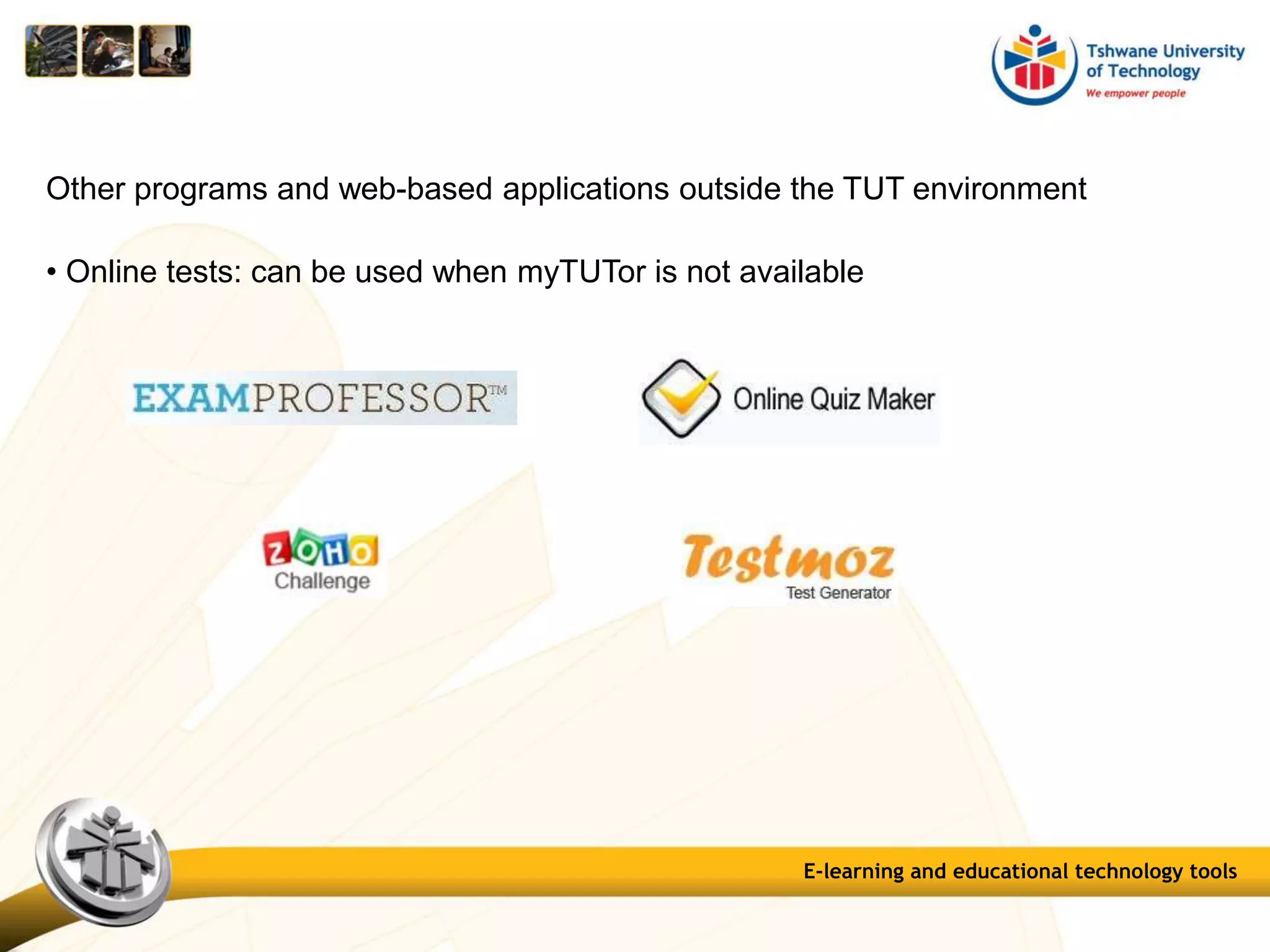
• Online tests: can be used when myTUTor is not available
Other programs and web-based applications outside the TUT environment
E-learning and educational technology tools
Other programs and web-based applications outside the TUT environment
• Surveys
E-learning and educational technology tools
Other programs and web-based applications outside the TUT environment
• Other
E-learning and educational technology tools
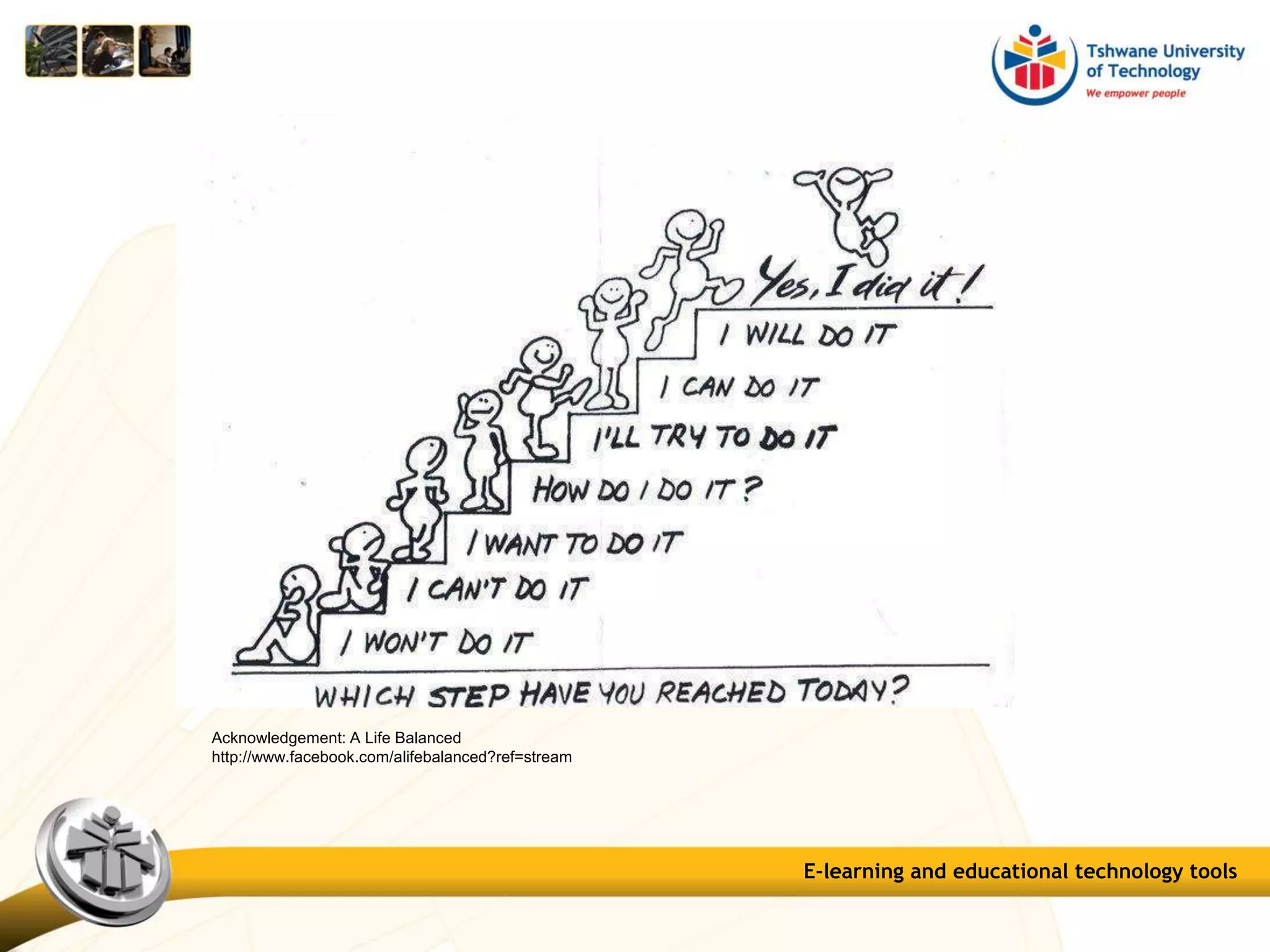
Acknowledgement: A Life Balanced
http://www.facebook.com/alifebalanced?ref=stream
E-learning and educational technology tools
Marius Pienaar Instructional Designer
PienaarM1@tut.ac.za
012-382-0735
086-274-1951 / 086-603-4392
Mobile 072-210-9749
marius.pienaar4
E-learning and educational technology tools: an overview

E-learning and educational technology tools: an overview

  • 1.
    E-learning and educationaltechnology tools An overview of technology that can be used for e-Learning
  • 2.
    An overview oftechnology that can be used for e-Learning Contents Introduction On-line vs On-campus Mobile phones Tablet computers Web 2.0 Mobile technology E-Assessment technology E-learning and educational technology tools
  • 3.
    It’s not aboutthe use of technology per sae, but about the appropriate use of technology Technology Doesn't Teach, Teachers Teach New technology in practice is powerful, especially when used by effectively trained teachers. E-learning and educational technology tools
  • 4.
    It’s not aboutthe use of technology per sae, but about the appropriate use of technology Blended use of teaching with technology – traditional and … The flipped classroom http://www.knewton.com/flipped- classroom/?goback=%2Egde_2811_member_214928544 E-learning and educational technology tools
  • 5.
    On-line vs On-campus Thegreatest advantage that internet technology brings to the field of education is that it makes it extremely convenient and accessible The main advantage offered by an online course is the flexibility of scheduling and the wide range of choices The benefits and positive points from the traditional method of classroom learning should be incorporated into online learning E-learning and educational technology tools
  • 6.
    3 Reasons ToStart Using Mobile phones In Your Class As a Language Resource dictionary apps must be free to download and consistently useful Demonstrating Knowledge A quick conversation recording Example: Do you get what we have been learning today? > Demonstrate: recording a quick clip > send to lecturer Class Discussion Tool participate in in-class discussion/polls E-learning and educational technology tools
  • 7.
    Things lecturers shouldbe able to do with a tablet computer (typical tasks) Sync — and know what you can sync and what you can’t (sync to your computer and the Cloud) Check email. And this probably means social media messages, too Organize Apps. Organizing them can be done by class, content area, task, function, grade level, students, etc. (Example) E-learning and educational technology tools
  • 8.
    Things lecturers shouldbe able to do with a tablet computer (typical tasks) Use calendar reminders. A calendar can be your best friend, and using reminders – not just for major dates, but project due-dates, meetings, etc. Take a screenshot: Press the Power + Home button Videoconferencing! Skype, or Google+ Hangouts, GoToMeeting, Connect, Lync, Collaborate Find and play great podcasts E-learning and educational technology tools
  • 9.
    Things lecturers shouldbe able to do with a tablet computer (typical tasks) Backup to the Cloud Use visual apps: Apps are becoming more integrated, more powerful, and more powerful. Instagram, tumblr, and pinterest are at the top of the heap, but nothing stays the same. Share large files: Use Dropbox, Skydrive, Google Drive, etc. Open various files: Whether a .docx file or a pdf, an mpg or an mp3, you’ll likely need to view it on your iPad at some point or another. Most of these files have built-in associations, so no special knowledge is necessary other than to press what you want open . E-learning and educational technology tools
  • 10.
    Some of thebest Web 2.0 tools E-learning and educational technology tools
  • 11.
    E-Assessment technology E-learning andeducational technology tools
  • 12.
    Diagnostic Assessment E-learning andeducational technology tools
  • 13.
    E-learning and educationaltechnology tools Backchannel Online conversation about the topic or the speaker Make comments, ask questions, and use that feedback to tailor your presentation, sharpen your points, and address audience needs
  • 14.
    Question Pools: createquestion banks Tests: 17 question types Surveys: 17 question types Assignments: normal assignments SafeAssignment Turnitin Assignment Self and peer assessments E-learning and educational technology tools
  • 15.
    Reflection tools: Blogs: acollaborative tool for reflection about the course or discuss and analyse course-related materials. Blog posts can be graded Journals: a self-reflective tool about the course or discuss and analyse course-related materials; private between student and lecturer. Entries can be graded Discussion Boards: topics and threads can be graded; students can also rate posts E-learning and educational technology tools
  • 16.
    Collaboration tool: Wiki: simpleonline database, collaborative collection of information. Can also be used to record information and serve as a repository for course information and knowledge; student contributions can be graded E-learning and educational technology tools
  • 17.
    E-learning and educationaltechnology tools A tool for creating and managing exams that can be printed to paper or published directly to myTUTor. Exams can be created offline using a familiar Windows environment.
  • 18.
    E-learning and educationaltechnology tools e-Games for revision purposes that can be published directly to myTUTor
  • 19.
    E-learning and educationaltechnology tools Clickers Using PowerPoint slides to create interactive presentations
  • 20.
    E-learning and educationaltechnology tools Create course content in HTML format. Can be linked to myTUTor Create activities and quizzes using 7 question types.
  • 21.
    E-learning and educationaltechnology tools Other programs and web-based applications • Onscreen Marking (UNISA) Demo
  • 22.
    E-learning and educationaltechnology tools Other programs and web-based applications outside the TUT environment • e-Games Hot Potatoes Quandary WebRhubarb WebSequiter Add to myTUTor course
  • 23.
    E-learning and educationaltechnology tools Other programs and web-based applications outside the TUT environment • e-Games
  • 24.
    E-learning and educationaltechnology tools • Online tests: can be used when myTUTor is not available Other programs and web-based applications outside the TUT environment
  • 25.
    E-learning and educationaltechnology tools Other programs and web-based applications outside the TUT environment • Surveys
  • 26.
    E-learning and educationaltechnology tools Other programs and web-based applications outside the TUT environment • Other
  • 27.
    E-learning and educationaltechnology tools Acknowledgement: A Life Balanced http://www.facebook.com/alifebalanced?ref=stream
  • 28.
    E-learning and educationaltechnology tools Marius Pienaar Instructional Designer PienaarM1@tut.ac.za 012-382-0735 086-274-1951 / 086-603-4392 Mobile 072-210-9749 marius.pienaar4